Customer Ratings & Reviews
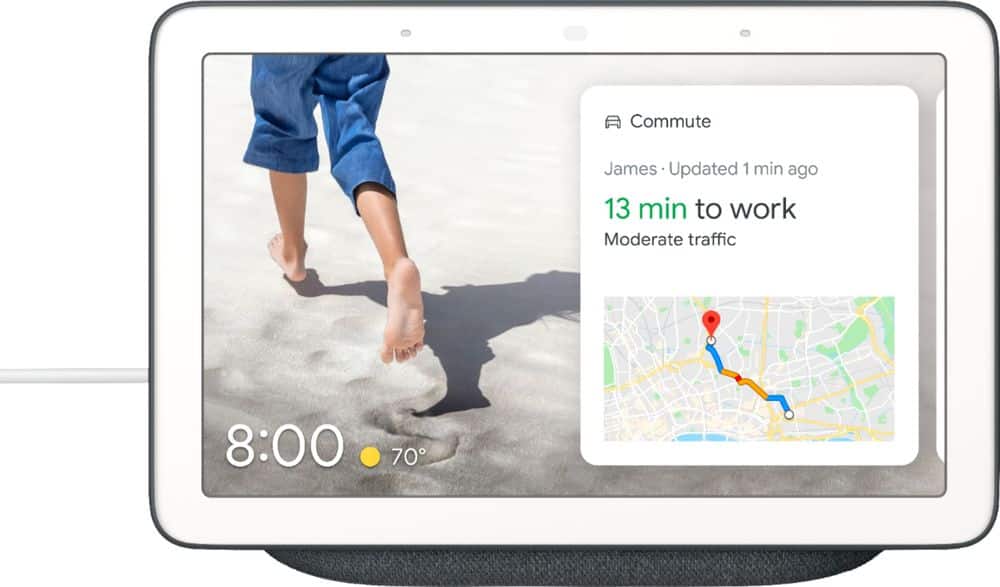
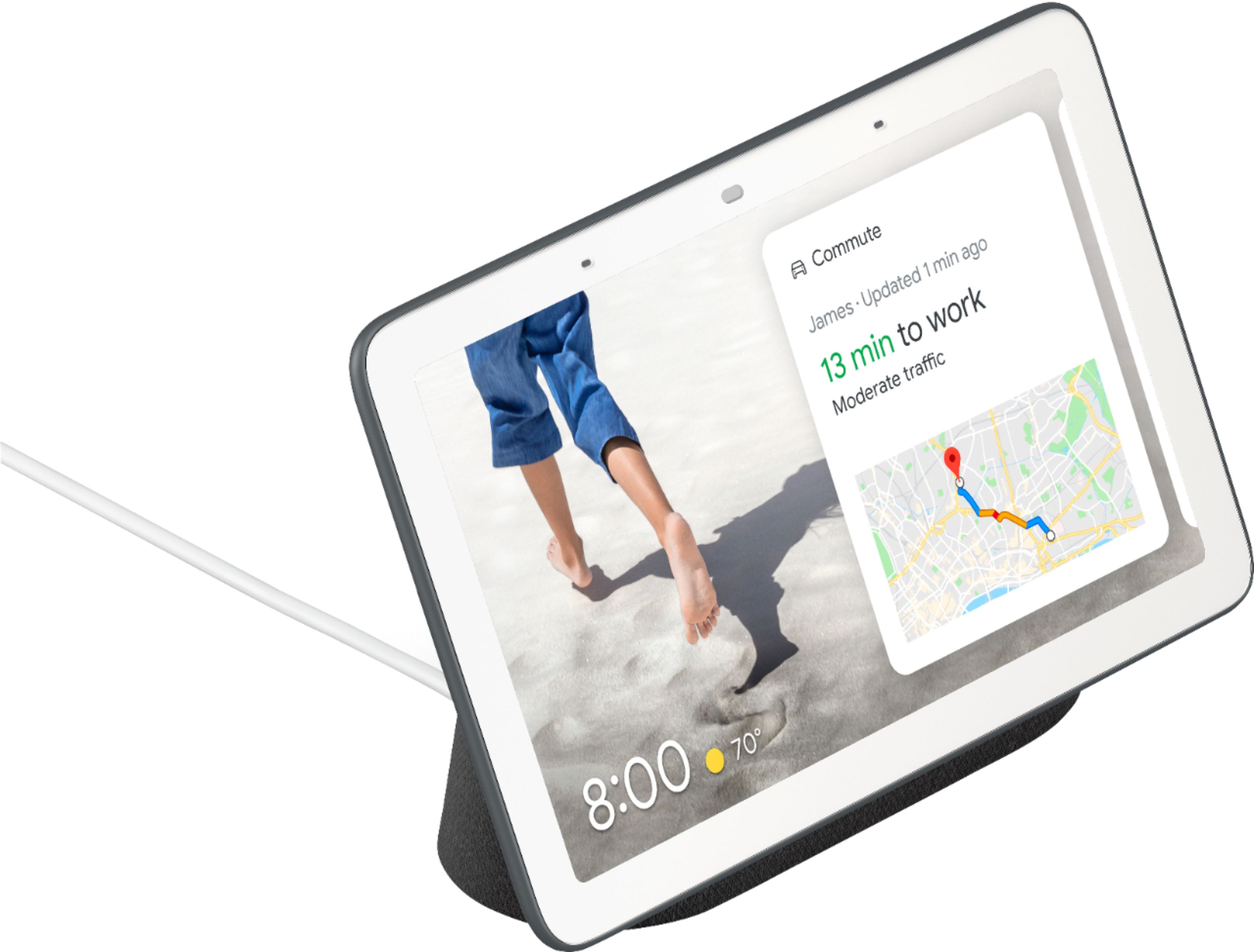
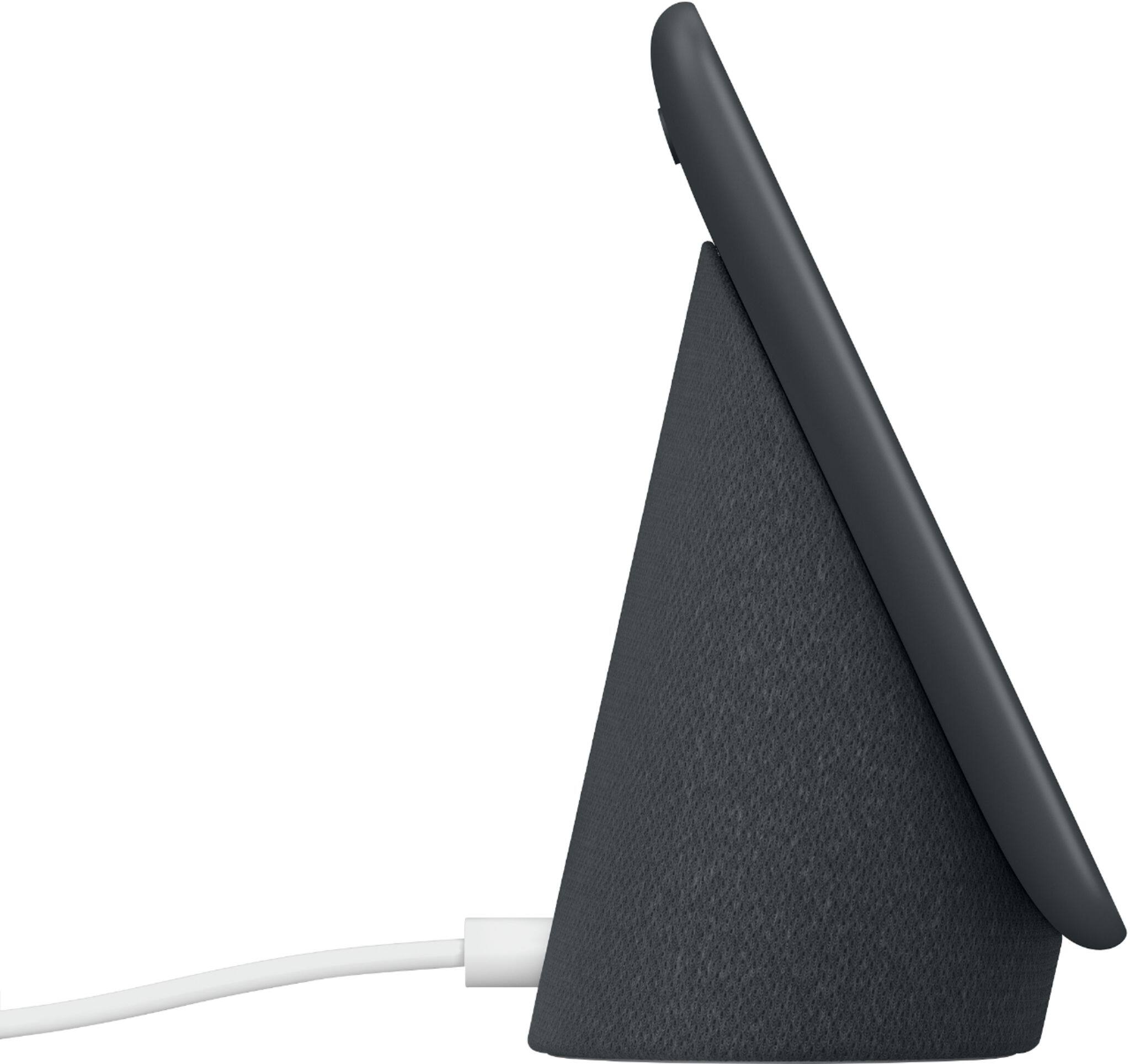
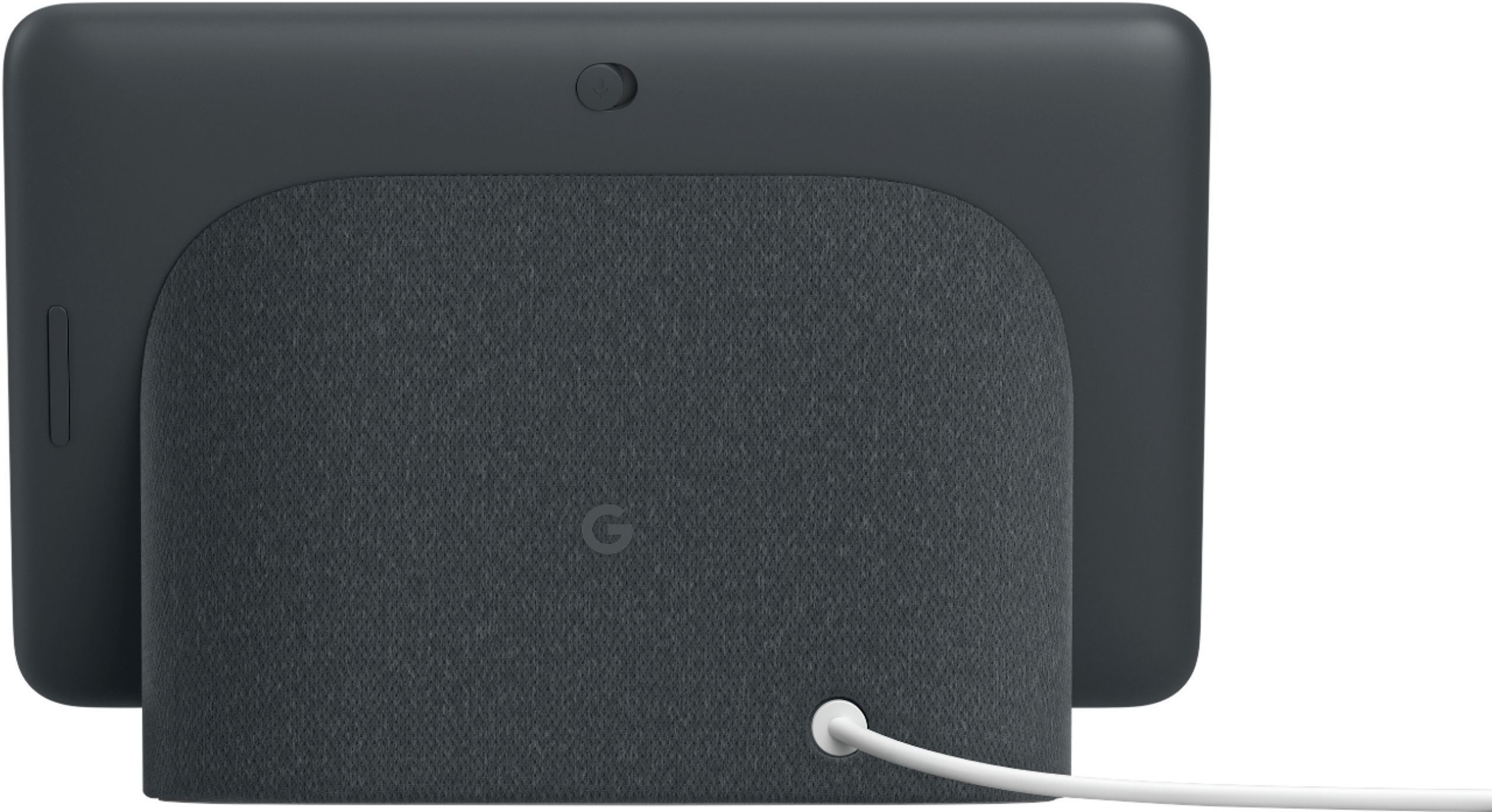




- Model:
- GA00515-US
- SKU:
- 6290306
Rating by feature
- Value
Rating 4.6 out of 5 stars
- Quality
Rating 4.8 out of 5 stars
- Ease of Use
Rating 4.7 out of 5 stars
Customers are saying
Customers are positive about the Nest Hub Smart Display's ease of use, screen size, sound quality, and Google Assistant functionality. Many appreciate its compatibility with other smart home devices. However, customers are negative about the lack of a camera and some have reported connectivity issues. A few also find the price to be too high.
This summary was generated by AI based on customer reviews.
I don't know how to answer that, but I am always..
||Posted .This reviewer received promo considerations or sweepstakes entry for writing a review.Good for setting alarm and asking weather, but seriously..hey google who won the Celtics game last night? I don't know how to answer that, but I am always learning. What is traffic like? Does not seem to be learning much. Hope that it improves.
No, I would not recommend this to a friendLove It sometimes Hate it sometimes
||Posted . Owned for 7 months when reviewed.This reviewer received promo considerations or sweepstakes entry for writing a review.It expects you to look at the display after you ask it something. Annoying when you are asking from across the room sometimes. If I needed to be in front of a screen, I could have just used a smart phone.
No, I would not recommend this to a friendEhh
||Posted . Owned for 5 months when reviewed.This reviewer received promo considerations or sweepstakes entry for writing a review.Looking for a good smart display, its a bit too early and expectations are not met. Its like a digital photo frame with options. Cant do much and the screen is small. Great ideas, but very limited functionality.
No, I would not recommend this to a friendBrand response from Nest Support
Posted .Hi THE1,
Thank you for taking the time to leave us a review. We're sorry to know that Nest Hub didn't quite meet your expectations. We're always working to improve your experience with our products and services.
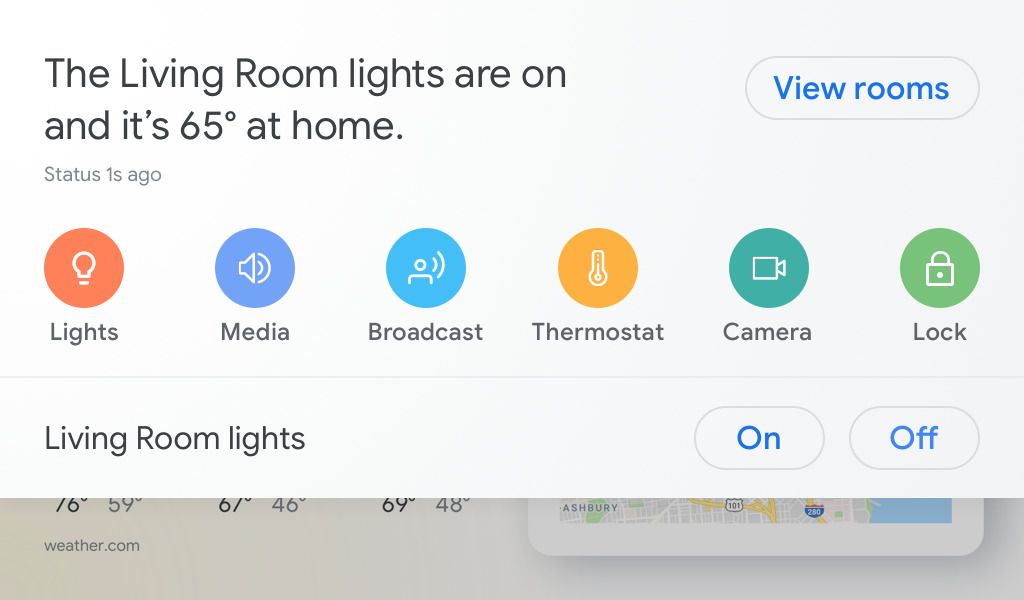
Aside from using Nest Hub as your digital photo frame, the screen display gives you visual help in any room at home. If you have linked supported home automation devices, you'll get to see and control your devices in one view. Just swipe down to monitor cameras, control the lights, control the TV, lock the door etc. You can also get answers on the weather, recipes, local businesses, sports, watch helpful videos from YouTube, Netflix and many more. Google Assistant on Nest Hub makes the device more interactive and lets you have a two-way conversation with Google so you can quickly find information and get things done.
If you're willing, you can visit the Google Nest Help page to learn more features or contact our support team for further assistance here: https://support.google.com/googlenest/contactflow
Good enough
||Posted . Owned for 2 weeks when reviewed.This reviewer received promo considerations or sweepstakes entry for writing a review.At first it’s amazing but as you start using it you notice some glitches and that gets tiring and you notice the restarts and that gets tiring I don’t believe there are many other options so this is good enough for now
I would recommend this to a friendNice for a kitchen companion.
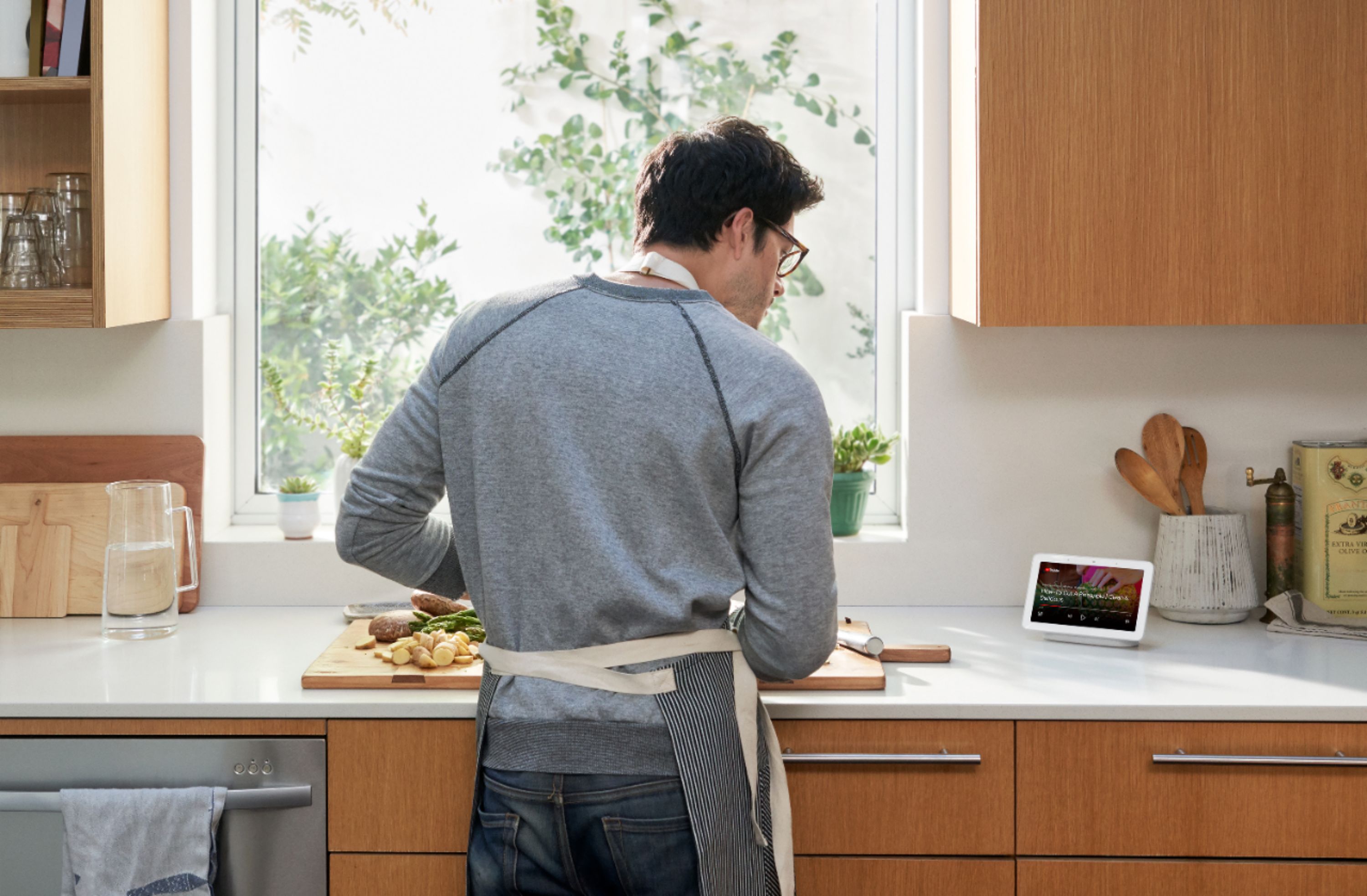
||Posted . Owned for 3 weeks when reviewed.This reviewer received promo considerations or sweepstakes entry for writing a review.Was and am not a real big fan of giving Google control of everything. In and of itself it’s a cool countertop component for pics, weather, news or whatever while I am in the kitchen. Nice product.
I would recommend this to a friendWorks OK
||Posted .This reviewer received promo considerations or sweepstakes entry for writing a review.Purchased system with the Nest doorbell. The hub does not always recognize what the user us asking. It can be very glitchy. Pandora use through the hub is terrible. Will not contact to my pandora account when asked to play a song.
I would recommend this to a friend- Pros mentioned:Screen size, Sound quality

Your own assistant, on demand, at any time
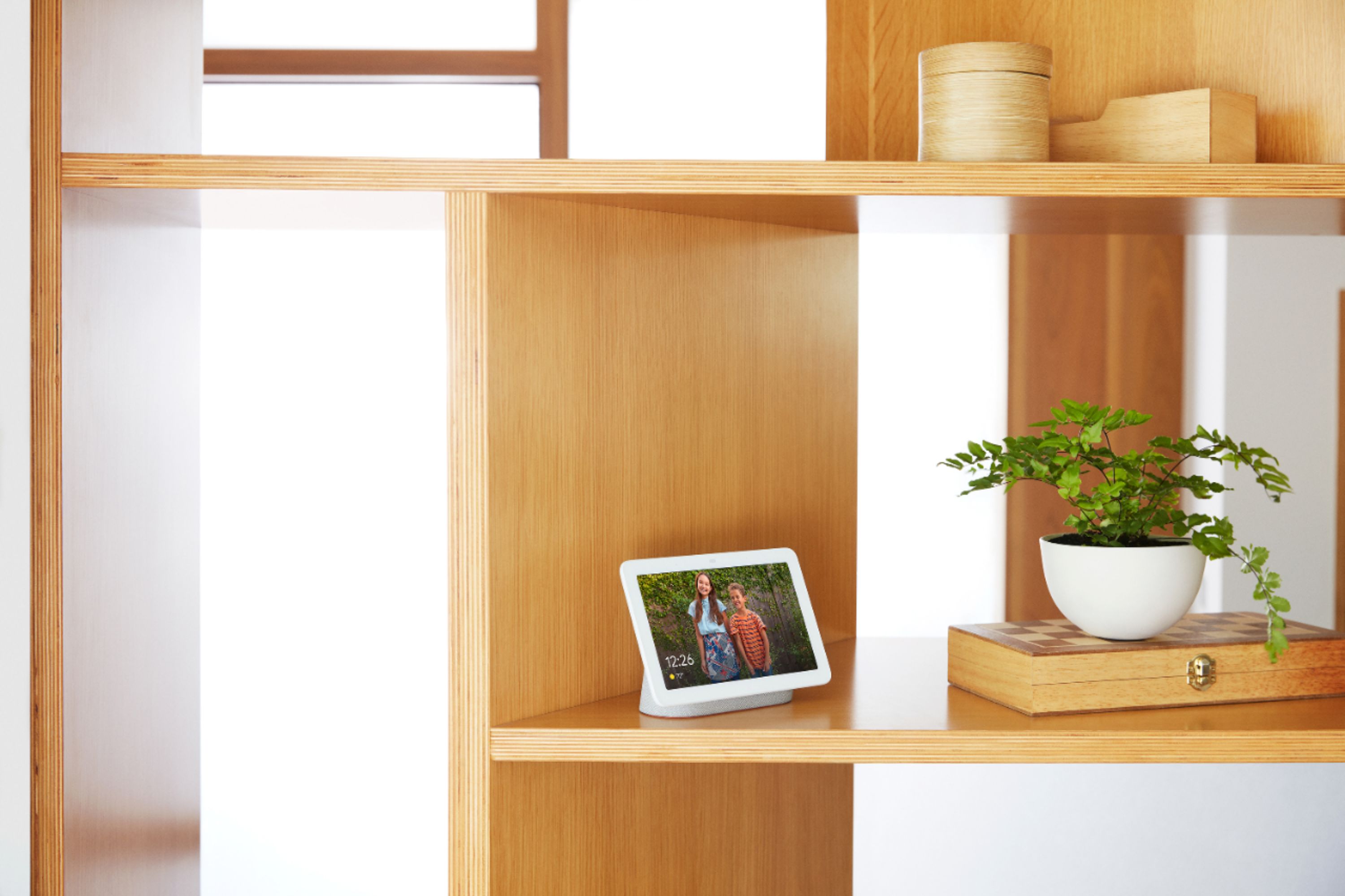
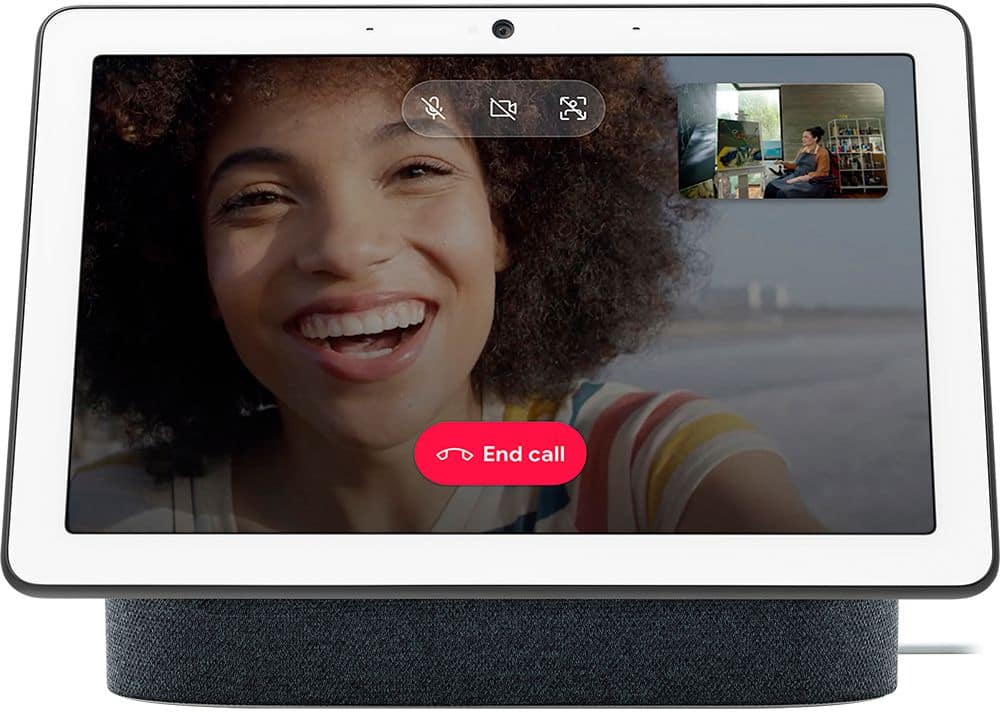
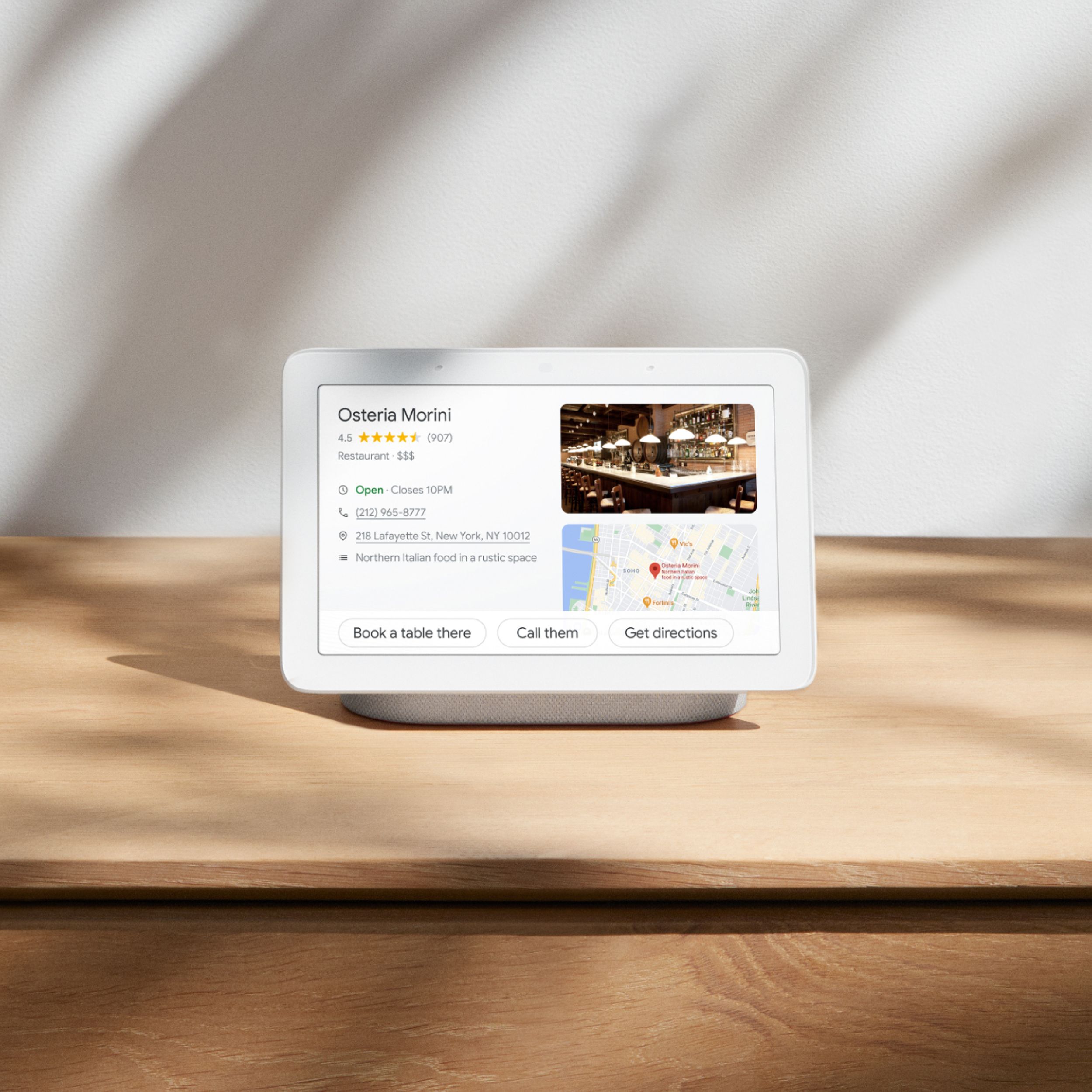
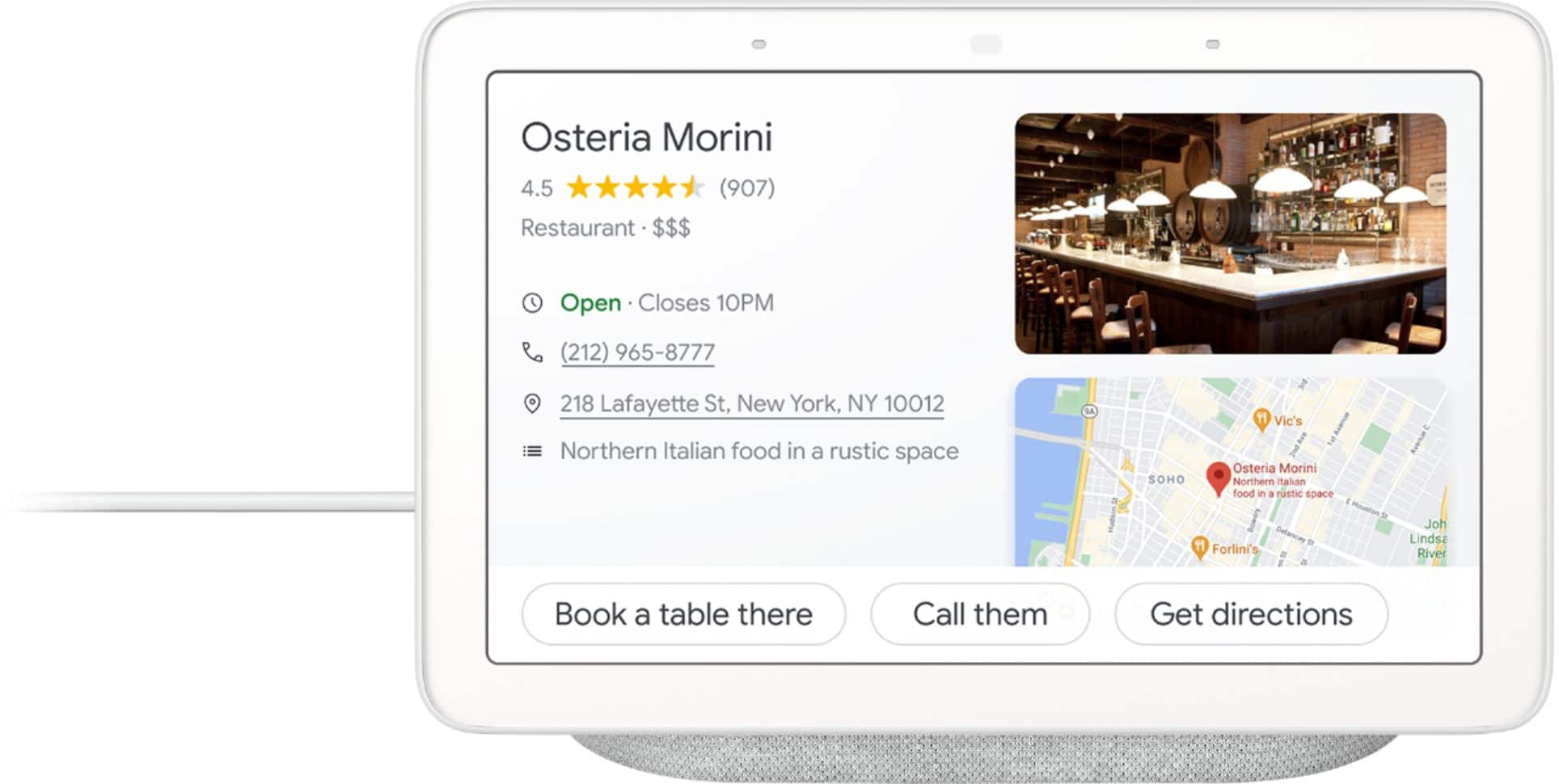
|Posted .This reviewer received promo considerations or sweepstakes entry for writing a review.The Google Home Hub is your personal assistant, available at any time during the day and night, for all your various needs (as long as it has an active connection to the internet!) The Google Home Hub functions like the various other Google Home products, but provides a few additional features to make using the Google Home Hub more beneficial for its end users. The Google Home Hub is a step up from their previous Google Home products as this model includes a 7" touchscreen display. The display can be used for a myriad of usages from viewing videos from YouTube to seeing your requested search results on screen. But beyond the screen and the added sensors to controls the screen, this unit still functions like a Google Home device. You have the ability to control various smart devices in your home such as smart lights, cameras, TVs, and many other smart devices. I'm currently going through the process of upgrading my home to access more devices via my Google Home Hub or my regular Google Home. Once the smart device(s) have been configured to work with my Google Home devices, controlling them are super easy. I can issues commands to turn these devices on/off, set their brightness, and change their colors. I can even control these devices using the Google Home app on my Android smartphone. The Google Home Hub can also provide answers for any moment by providing visual, immersive answers from Google and it can also provide answers in the form of videos from YouTube. Play your favorite songs and music videos on a crystal-clear speaker. You can also link your Spotify and Pandora account to listen to your music/playlists from those applications. WIth the onboard display, you can configure your Google Home Hub to display your photos, whether they are beloved memories or more recent photos from your gallery. You can even make hands-free calls right from your Google Home Hub. All you have to do is tell your Google Home Hub who to call (whether a contact or a business) and your Hub will take care of it for you. Overall, the Google Home Hub is an amazing assistant that is always available to answer any of your questions, whatever the subject may be. Play your favorites songs, videos, and display your photos on demand.
I would recommend this to a friend Ok not great
||Posted . Owned for 1 month when reviewed.This reviewer received promo considerations or sweepstakes entry for writing a review.It doesn’t hear all of my request. Times out frequently and you can’t put apps on the device. One positive is it does leave your recipes on the screen for an extended period of time.
No, I would not recommend this to a friendBrand response from Nest Support
Posted .Hi PACK,
Thank you for your feedback. We're sorry to hear that your expectations fell short while using your Nest Hub. Nest Hub should trigger and listen to your voice command after it hears the hotwords ""OK Google"", or ""Hey Google"". There are different factors that may affect the Nest Hub voice recognition. We recommend checking the below things to get the best experience:
- Make sure nothing is covering the two forward-facing microphone.
- Check if Nest Hub is powered on correctly.
- Be within 3 to 5 feet of the Nest Hub device when saying the hot word.
- Ensure there is no excessive background noise.
If you haven't done so, you can restart your Nest Hub and Wi-Fi router by unplugging the power cords from the devices. Leave them unplugged for at least a minute before plugging them back in. This will help re-establish the connection.
If the issue persists, you can perform a factory data reset on your Nest Hub, then set up again. Press and hold both volume buttons for about 10 seconds at the back of Nest Hub. The Google Assistant will play a sound to confirm that the factory reset started.
While Nest Hub does not have the capability to install apps, there are third-party created apps for the Google Assistant that you can link and interact with on the Nest Hub device. You can get things done and have some fun including games & trivia, social, lifestyle, education & reference, health & fitness, news, and more. You can find more information here: https://assistant.google.com/
Our support team would be glad to help you troubleshoot any issues with it. If you're willing, you can reach out to us here: https://support.google.com/googlenest/contactflow
Ok product
||Posted . Owned for 3 weeks when reviewed.This reviewer received promo considerations or sweepstakes entry for writing a review.This doesnt works as good it could. I was hoping I could have it automatically show me surveillance from all 3 nest cameras automatically. Hopefully google offers an update in the future.
I would recommend this to a friend- Pros mentioned:Ease of use, Screen size
Love the added screen, great starter device
|Posted .This reviewer received promo considerations or sweepstakes entry for writing a review.Let me start off by saying, currently in our house we have a Google home mini (which was in my room),and the original Google home , sitting up in our living room. We have it set up to control our lights , with the use of Insignia smart plugs upstairs, and I use the iHome smart plugs for my TV and another outlet in my room. These have all paired quick and painless for those versions of Google Home, and worked just as painless as with the Home Hub, I am not going to get into technical specifics here, as most people who read reviews don't really care about the specific size of the screen down to the millimeter, or the pixel density and so on. If you are familiar with Google Home, or smart assistants in the first place, you know they are capable of pretty much almost anything (within reason lol). If not, I would HIGHLY recommend this as a start. It is easy to set up, easy to use, and with the added screen, you now have a something visual as well, instead of just audio. Just ask it for a recipe, and it will speak it to you, as well as display it on the screen. Ask it to play a certain YouTube video and bam, there is it. There are 2 things that I do not like about it, which is why I gave it a 4/5 stars. The first is, compared to the original Google Home, the speaker just sounds weak. Granted it is much better then the mini, it is still not as good as the first home. I assume Google did this so that those who are audiophiles, will be pushed towards the Google Home Max, which makes sense from a business standpoint, but considering it is the 4th entry into the stand alone assistant devices by Google, I would have hoped they would have made the speaker as good as, if not better, then the first one Second, and for some reason, be it I can not find the setting to enable it, or Google just forgot about it, this device does NOT allow the "continued conversation" feature. What this does is, once you activate it, it stays listening for I think 8 seconds, so you can continue to ask it things without having to constantly say "Hey Google" or "Ok Google". It works on all the other devices, but not this one /headscratch Anyway, as one would expect, this device is tied into the Google way of doing things, all you need it a Google account, and a WiFi connection and away ya go! Want to hear music, just ask (Google Play Music has been my choice since 2016). Want to watch a video on YouTube, just ask. Want to know the population of Berlin etc, just ask! Hopefully Google will fix issue #2, since the first is a hardware deal, but until then, I will STILL recommend this as an entry level device to those who are on the fence. My brother has the other assistant from Amazon (which I actually do NOT like at all), and the offering from Apple is just too expensive, and runs Siri, which in my opinion, is at the bottom of the barrel, in the great war of virtual assistants.
I would recommend this to a friend Nice but needs more work
||Posted .This reviewer received promo considerations or sweepstakes entry for writing a review.Works well but voice recognition needs more work. We always say hey Google but it never does exactly what we ask unless we are next to it. Defeats the purpose of getting it.
I would recommend this to a friendBrand response from Nest Support
Posted .Hi SmokeyBear,
Thanks for your feedback. We're sorry to hear that Google Nest Hub didn't meet your expectations.
You can always retrain your Nest Hub to better recognize your voice, and adjusting the Hotword sensitivity may be helpful with the issue. You may follow the steps on these Google Nest Help Page articles:
- Check which devices are using Voice Match: https://support.google.com/googlenest/answer/7588195
- Adjust how sensitive Google Assistant is to “Hey Google: https://support.google.com/assistant/answer/9712065
If you still need further help with this, you can reach our support team and we'll do our best to help you out here: https://support.google.com/googlenest/gethelp
Everything was good until
||Posted .This reviewer received promo considerations or sweepstakes entry for writing a review.Everything was working well, but then certain features would not work after a day or two. I tried to troubleshoot by resetting things, but nothing. I would give it more stars, but that started to get to me.
I would recommend this to a friendChose the other one
||Posted .This reviewer received promo considerations or sweepstakes entry for writing a review.Sends data out to servers even after you opt out of statistic sharing. While Googl does have the better voice interaction of its competitor... it has the worse UI of the group.
No, I would not recommend this to a friendnot for me
||Posted . Owned for 8 months when reviewed.This reviewer received promo considerations or sweepstakes entry for writing a review.Set up was a bit of a hassle to connect with our smart devices. Bought two of them and after about 2 months, they are unplugged collecting dust somewhere in the house
No, I would not recommend this to a friendBrand response from Nest Support
Posted .Hi mrsb, thanks for sharing your feedback with us. We're sorry to hear that you had issues with the setup process of your Nest Hub and smart devices. This is not the type of experience we want you to have and we want to help.
We hope you will give your Nest Hub devices another try. You may refer to this help article for more info on how to set up and connect your smart devices to your Nest Hub: https://support.google.com/googlenest/answer/9893532
You can also contact us anytime if you have any questions or need help with your devices and we'll be more than happy to assist. Please reach out to our support team here: https://support.google.com/googlenest/gethelp
Google Hub Falling short
||Posted .This reviewer received promo considerations or sweepstakes entry for writing a review.I really like Google devices, but this was a bust for me. I was advised by more than one associate that the Google Hub connected to the Ring Doorbell. It does not!! It was my main reason for this purchase.
No, I would not recommend this to a frienda confusing box
||Posted .This reviewer received promo considerations or sweepstakes entry for writing a review.it is not clear how to connect smart home devices. setting up some basics such as home screen requires an internet search. how to adjust screen brightness lowest setting (at night) is still a mystery
No, I would not recommend this to a friendOccasionally useful
||Posted . Owned for 1 month when reviewed.This reviewer received promo considerations or sweepstakes entry for writing a review.When it works correctly it is amazing, however it often does not. Has trouble executing commands even if it has performed the action before without issue. Would not recommend until software update.
No, I would not recommend this to a friendOnce you learn its limitations, its fine
||Posted . Owned for 3 weeks when reviewed.This reviewer received promo considerations or sweepstakes entry for writing a review.This is not the Computer from Star Trek. It will not answer most of your questions or complete most requests. But once you learn what its limits are, this is a fine talking digital picture frame.
No, I would not recommend this to a friendDecent Start
||Posted .This reviewer received promo considerations or sweepstakes entry for writing a review.So far after a day, I’m liking it. If you are going to buy a digital picture frame buy this. I wish it intergrated more with video beyond YouTube. Speaker is decent but you aren’t going to rock out to it.
I would recommend this to a friendclunky os, but nice to have
||Posted . Owned for 3 weeks when reviewed.This reviewer received promo considerations or sweepstakes entry for writing a review.It’s ok, but the screen interface is too reliant on Google assistant. Apps like YouTube become way more difficult to use when you’re trying to open something specific.
No, I would not recommend this to a friend