Customer Ratings & Reviews




- Model:
- GA00515-US
- SKU:
- 6290306
Rating by feature
- Value
Rating 4.6 out of 5 stars
- Quality
Rating 4.8 out of 5 stars
- Ease of Use
Rating 4.7 out of 5 stars
Customers are saying
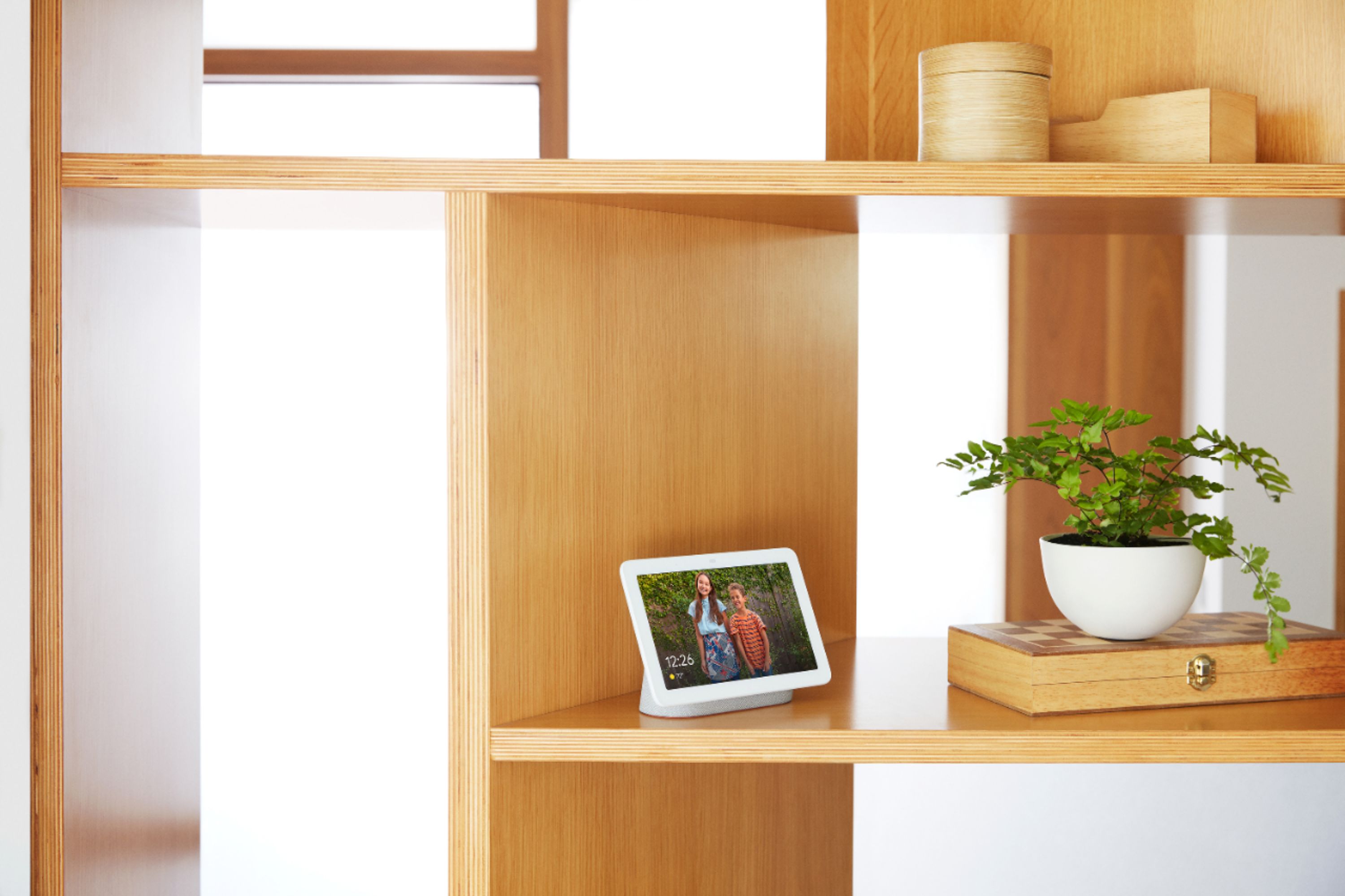
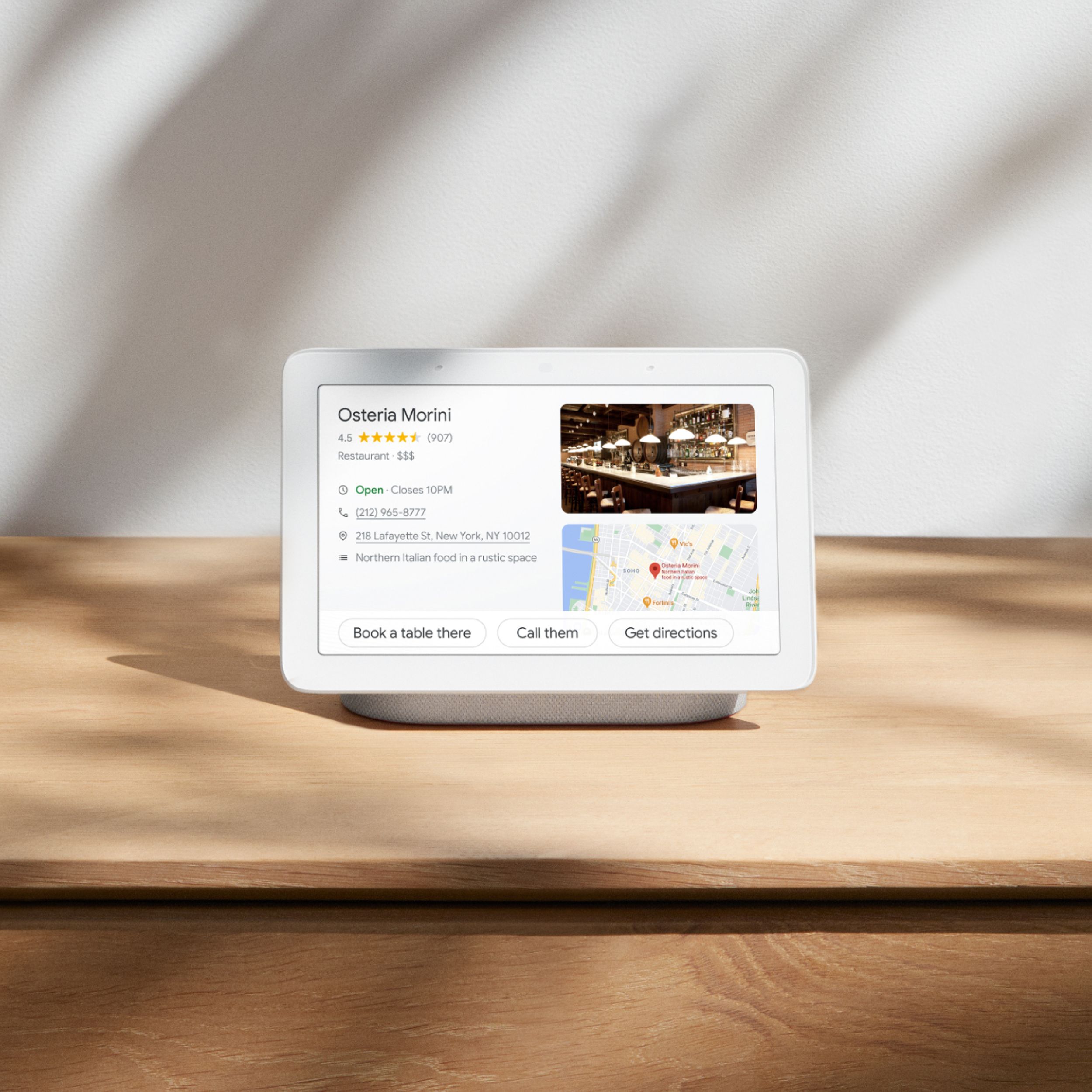
Customers are positive about the Nest Hub Smart Display's ease of use, screen size, sound quality, and Google Assistant functionality. Many appreciate its compatibility with other smart home devices. However, customers are negative about the lack of a camera and some have reported connectivity issues. A few also find the price to be too high.
This summary was generated by AI based on customer reviews.
Not good for touch screen features
||Posted . Owned for 1 year when reviewed.This reviewer received promo considerations or sweepstakes entry for writing a review.Average sound, the UI is laggy, would not recommend as anything more than basic assistant usage and photo frame.
No, I would not recommend this to a friendBrand response from Nest Support
Posted .Hi there inthecloud, thanks for sharing your feedback with our support team. We're sorry to hear that the sound quality and interface of Nest Hub didn't quite meet your expectations.
We understand that each person will have their own preference when it comes to sound quality. To improve your audio experience, we recommend adjusting the treble and bass settings by following the steps below:
- Make sure your mobile device or tablet is connected to the same Wi-Fi or linked to the same account as your Nest Hub.
- Open the Google Home app.
- Tap the device you want to adjust > and then Settings > and then Audio and then Equalizer.
- Adjust Bass and Treble level.
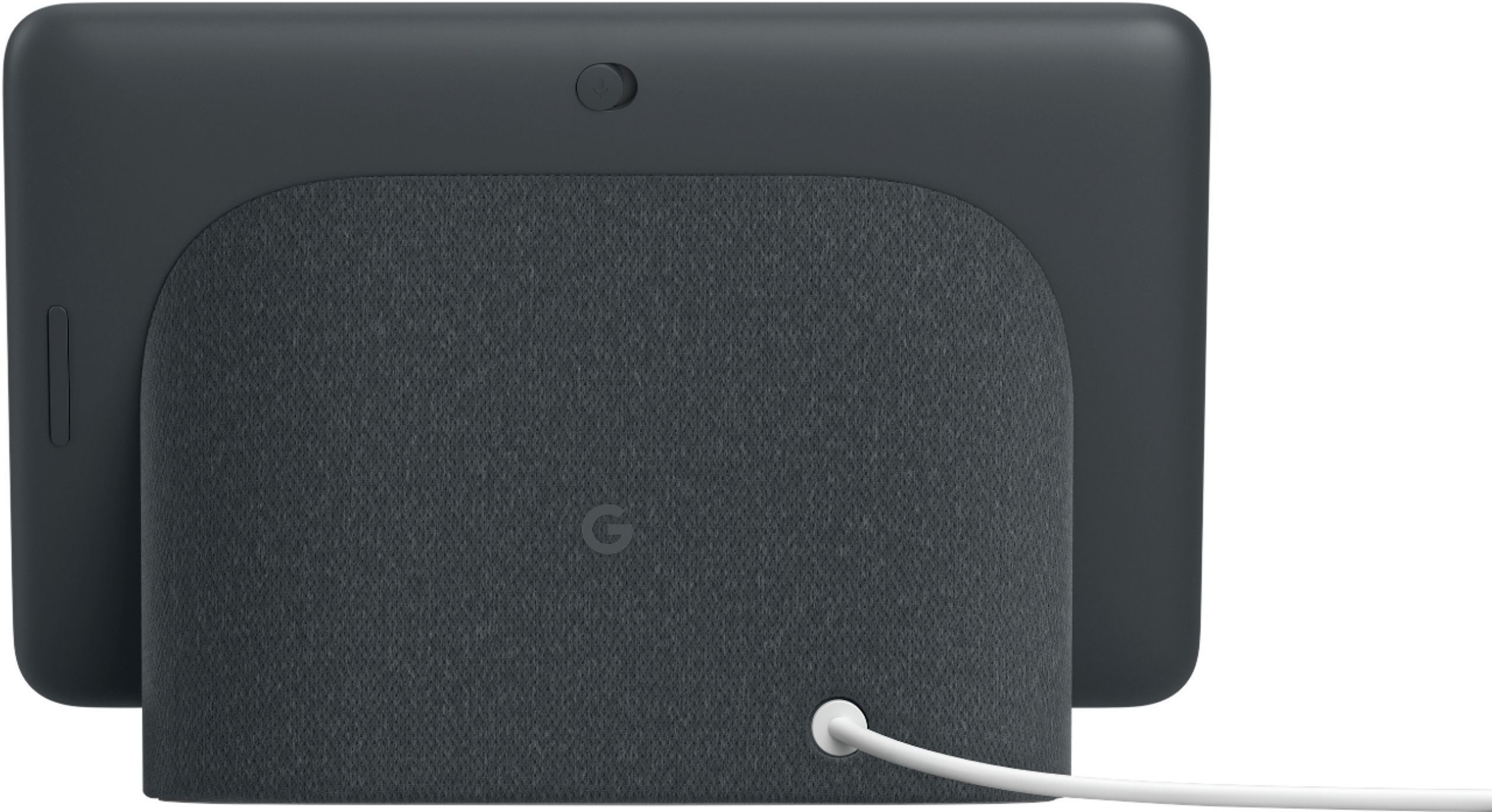
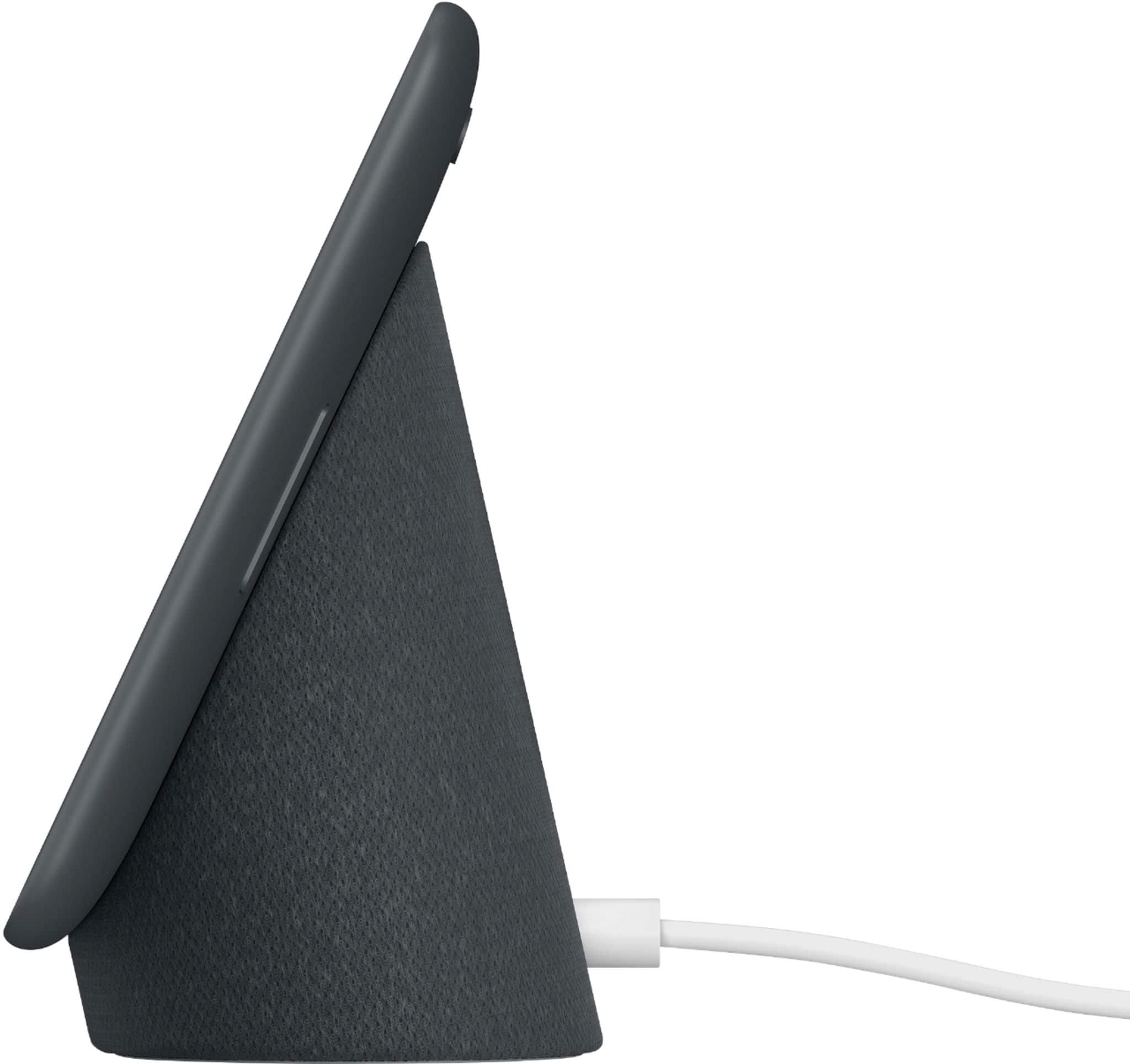
Resetting Nest Hub may be helpful with the laggy interface. A factory reset will reset your Nest Hub to its default factory settings. To reset, check on the back of Nest Hub, press and hold both volume buttons together for about 10 seconds. Your Nest Hub will let you know that it's resetting.
If you still experience the same issue even after resetting Nest Hub, we recommend reaching out to our support team for further troubleshooting and isolation. You may contact us here: https://support.google.com/googlenest/gethelp
- Pros mentioned:Ease of useCons mentioned:Camera

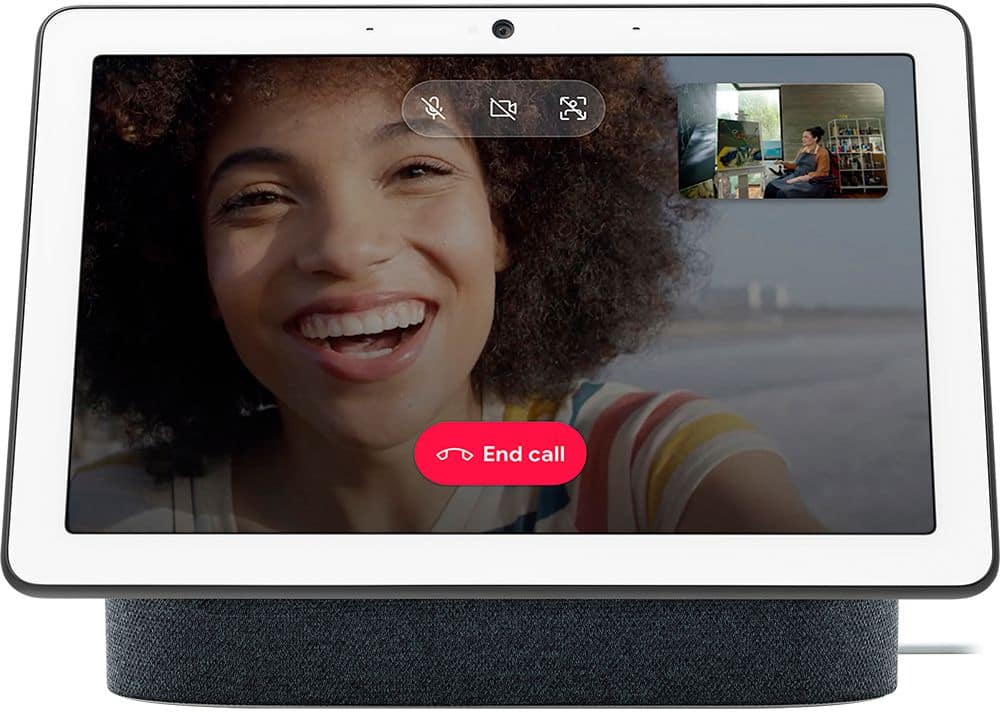
Finally, a smart display without a camera!
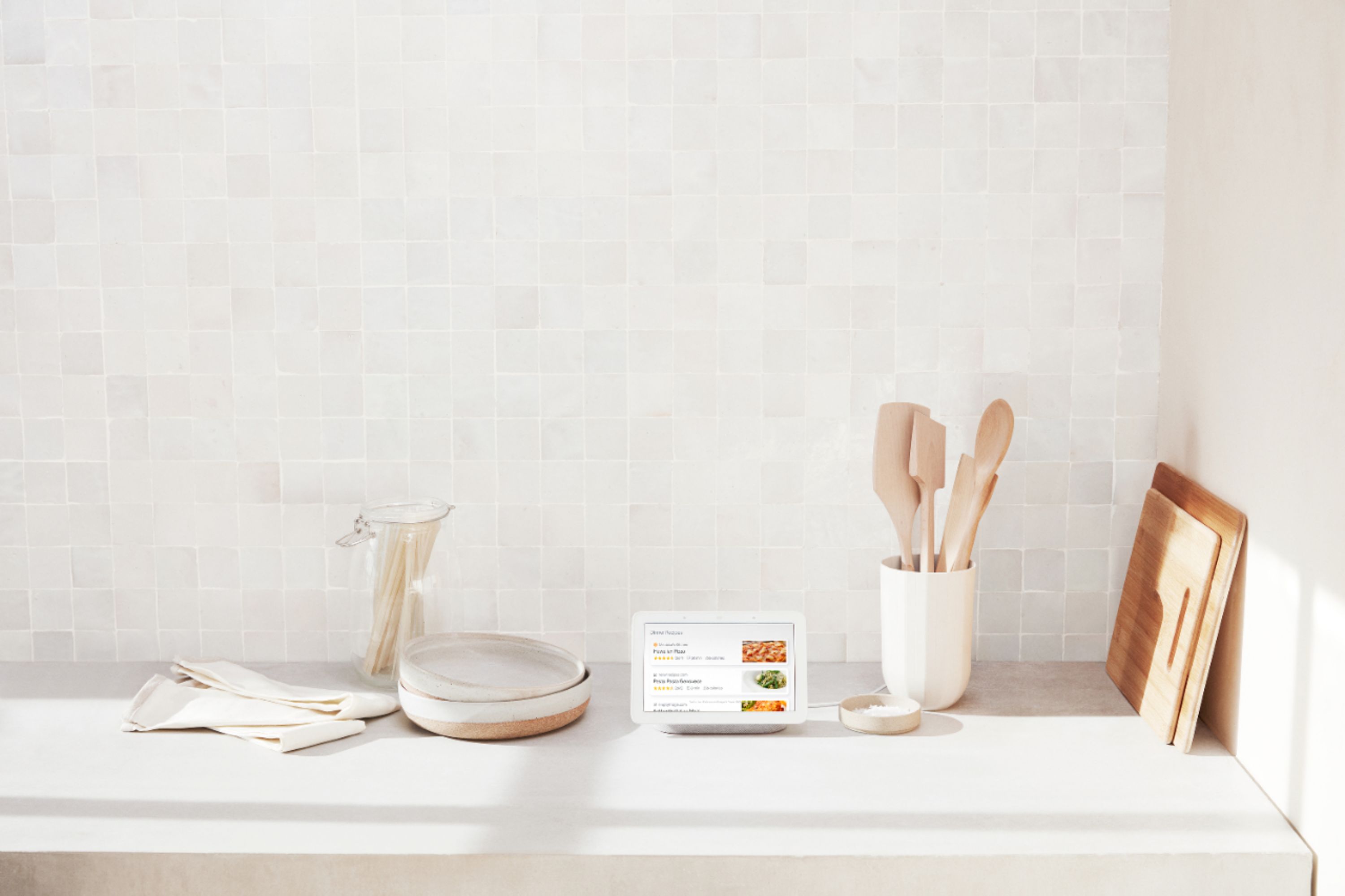
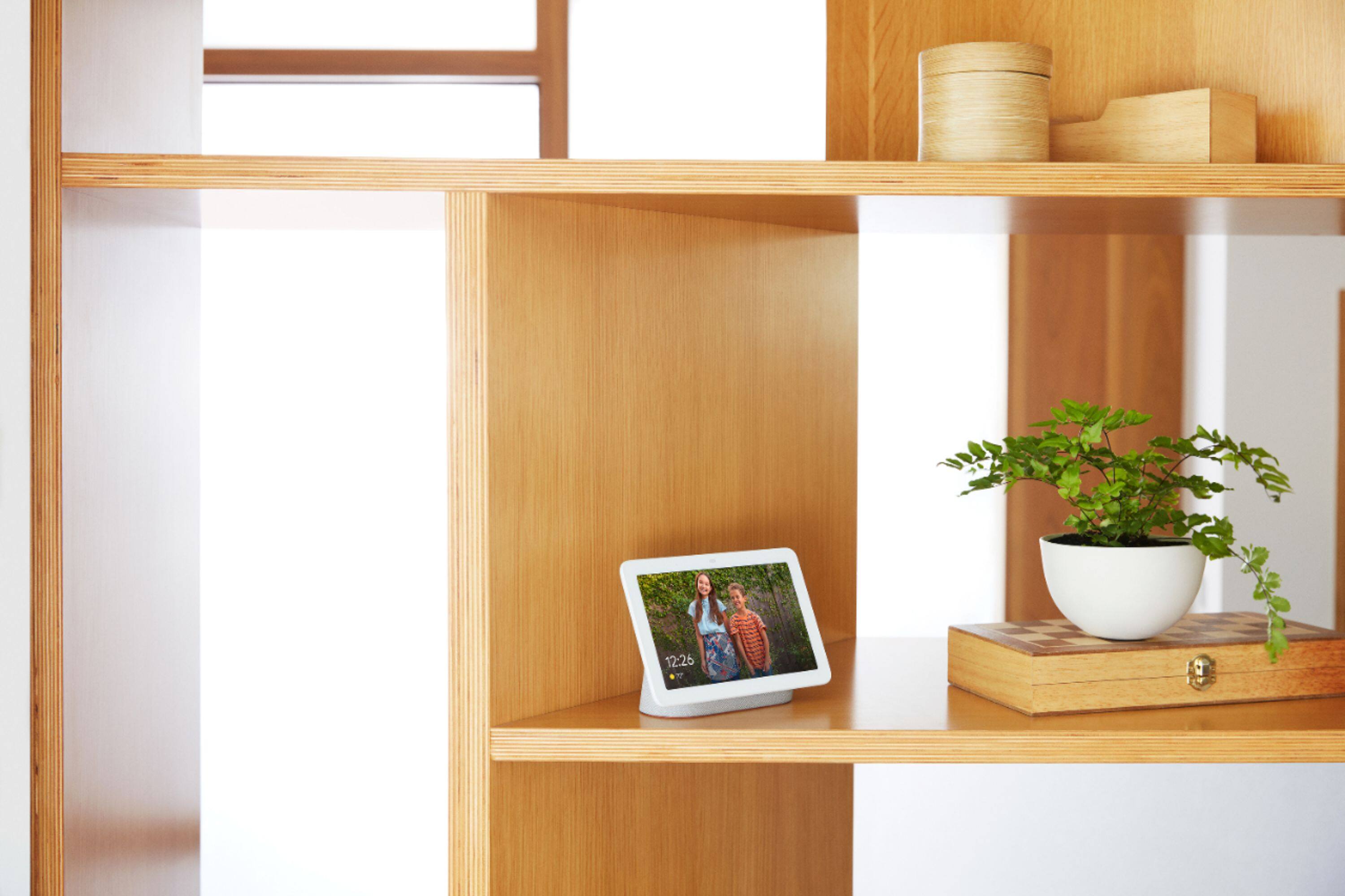
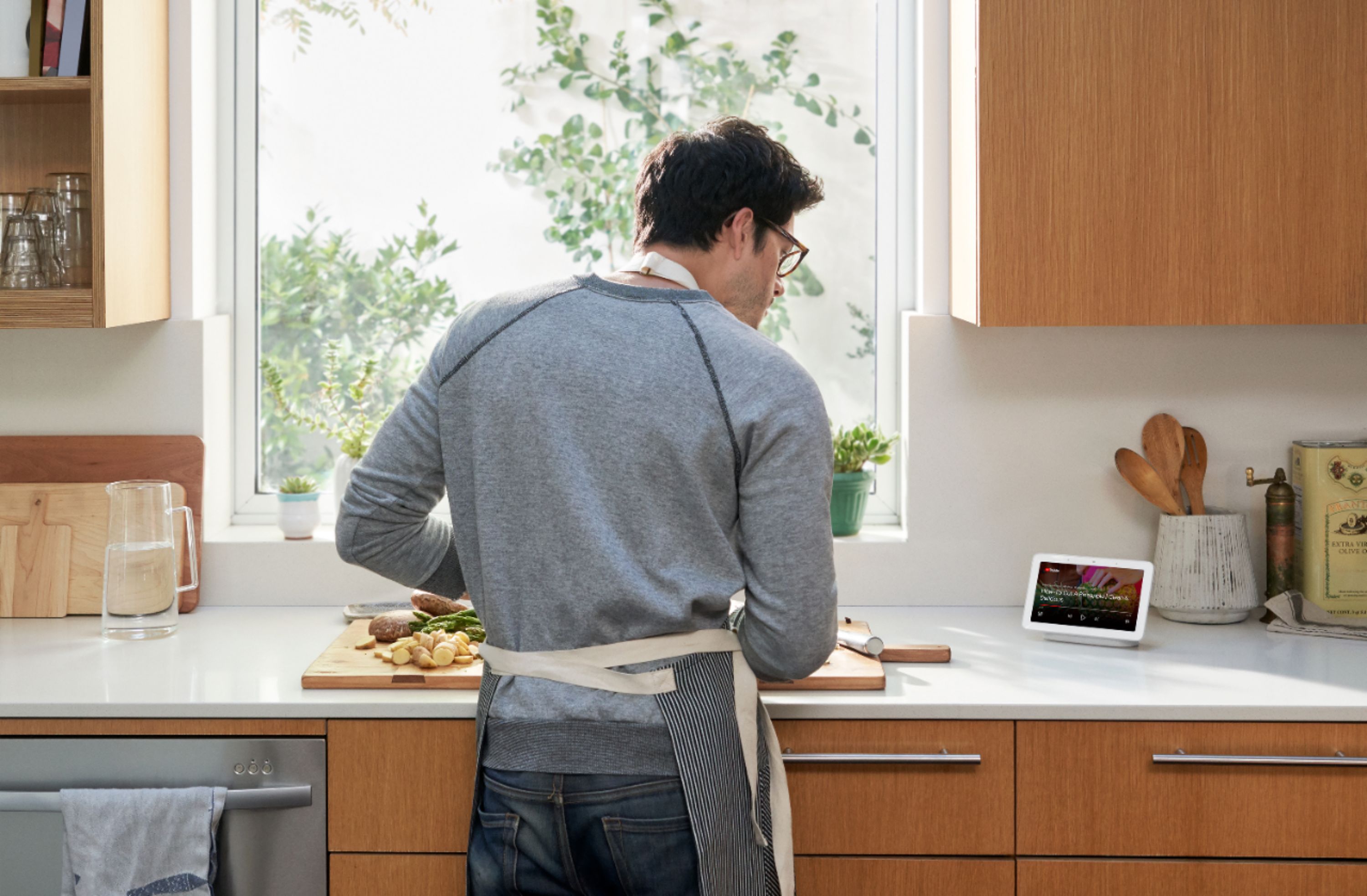
|Posted .This reviewer received promo considerations or sweepstakes entry for writing a review.So this is a Smart Display. Think a Google Home Speaker that also has a screen, that is what this is. Maybe they will make a slightly bigger version with a better screen and a camera, but there is definitely a need for this first version. This replaced a old clunky android based smart display in the kitchen. The old one was useable, but clunky and not in any way intuitive. The Google Home Hub is very intuitive, not at all clunky in operation, and very smooth in its functions. This is also a good option for the bedroom or bathroom, precisely because it DOES NOT have a camera. This is the best device if you have a smart home, swipe down to access all your smart devices in an easy to use touch display. You can of course control your lights and gizmos by voice just as if you were using google assistant from say, your phone or other smart speaker. Best use case for the kitchen. Say, "Hey Google, give me a recipe for whatever" and find one you like. You can go through the recipe and steps. While you are doing a long step, like cooking, or baking, you can watch youtube or listen to music, but then when its time for the next step, just say, "hey google, back to the recipe". This works very well and everybody I had try this got it to work, even if a few of them had to try a few variations of phrases to get it to work, and those two were definitely not veterans of using smart speakers/digital assistants. Its default, not being used mode is as a picture display, ours is set to show the current profile and their selected friends in the slideshow. This works well, and when you take a new picture and it synchs to google drive, it did show up automatically as it should. The ambient light sensor will change the brightness of the pictures to match the room, so no more blazing bright picture frames in the middle of the night when in the kitchen or wherever the google home hub is. All in all this will definitely have a place somewhere in my home for a long time, particularly because it bucks the trend and doesn't have a camera. I wish it worked with Arlo cameras and devices, but alas at launch it only works with the Nest Hello Video Doorbell which I don't have and never will get.
I would recommend this to a friend Ok not as good as I expected
||Posted .This reviewer received promo considerations or sweepstakes entry for writing a review.Home hub is ok, not as good as Imexpected. Clock is not visible in dark room, at least not easily seen. Limited functionality, hope future updates add functionality .
No, I would not recommend this to a friend- Cons mentioned:Connectivity
Not so great. Traded up for alexa
||Posted . Owned for 6 months when reviewed.This reviewer received promo considerations or sweepstakes entry for writing a review.Does not connect easily and even my computer geek couldn’t get it to work properly. Bought an Alexa and so much better
I would recommend this to a friend it was free
||Posted . Owned for 11 months when reviewed.This reviewer received promo considerations or sweepstakes entry for writing a review.got this for free with another purchase and glad I did. I just dont seem to ever use it. 3 times per month tops.
No, I would not recommend this to a friendIt sometimes does not respond easily
||Posted . Owned for 8 months when reviewed.This reviewer received promo considerations or sweepstakes entry for writing a review.I like the google nest hub. It is a good product with potential, but it would have been better if it heard your voice easily and was more intuitive to use.
I would recommend this to a friendBasically it’s a speaker
||Posted .This reviewer received promo considerations or sweepstakes entry for writing a review.Really underwhelmed. The google home hub could not do anything out of the box that was beneficial. We chose to go the Alexa route since it could actually do things. Everything I asked google the response was the same “I’m sorry I cannot do that yet”. Even simple searches were beyond googles grasp which is odd I mean it it google. Maybe if you spent a ton of time setting it up it might be worth it. Basically it’s just a speaker, too bad though, we couldn’t even get music to play on it.
No, I would not recommend this to a friendJust not reliable enough!
||Posted . Owned for 3 months when reviewed.This reviewer received promo considerations or sweepstakes entry for writing a review.This is my second smart hub with Google Assistant. This smart hub has more bugs than the first model I purchased. I had to perform too many google searches to try to resolve issues with this display. It seems every time it gets an update it stops working. I use this as my primary clock for the room it is in. Its just not reliable enough for that task without you tweaking it. When it works it works like you would expect it to.
No, I would not recommend this to a friendIt’s okay
||Posted . Owned for 6 months when reviewed.This reviewer received promo considerations or sweepstakes entry for writing a review.Hard time recognizing who is talking. I try to get my work commute in the mornings and many times it says I have to set up voice recognition-which I have
No, I would not recommend this to a friendgreat picture quality
||Posted .This reviewer received promo considerations or sweepstakes entry for writing a review.not sure I really needed this ... seems like duplication to everything else I have ... does it work and does it work will... yes very
I would recommend this to a friend- Pros mentioned:Screen sizeCons mentioned:Camera
Stylish with Helpful Features, Okay Sound, No Came
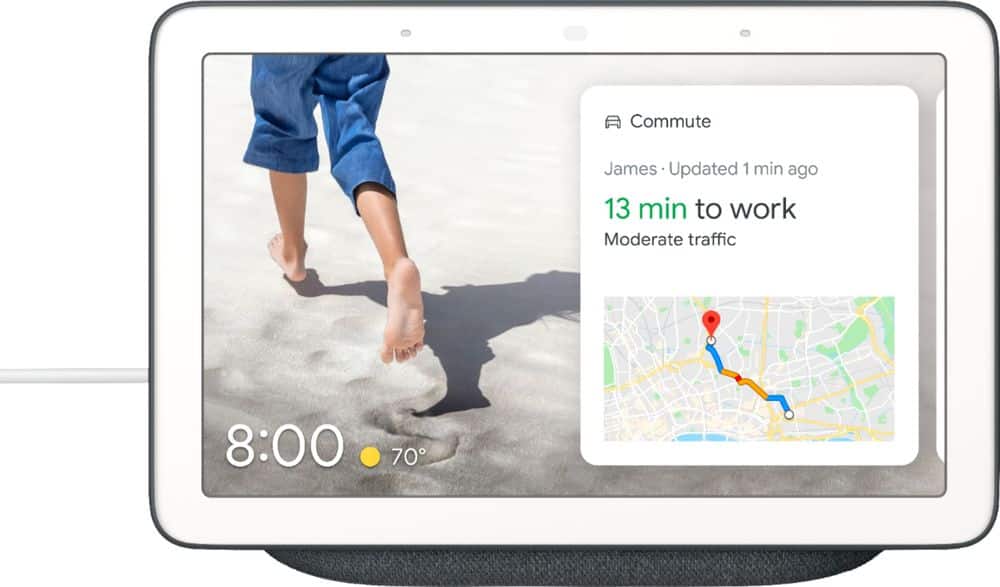
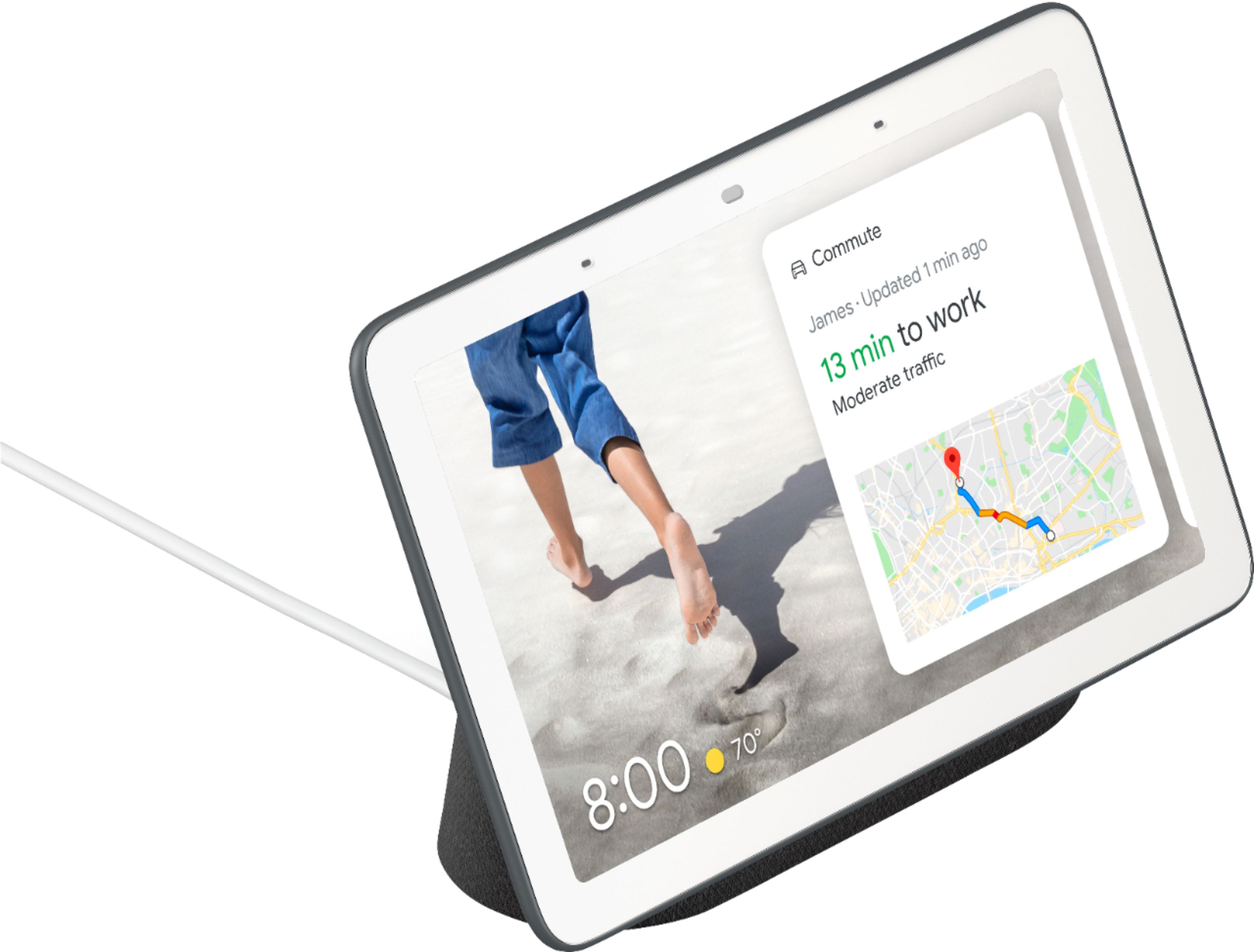
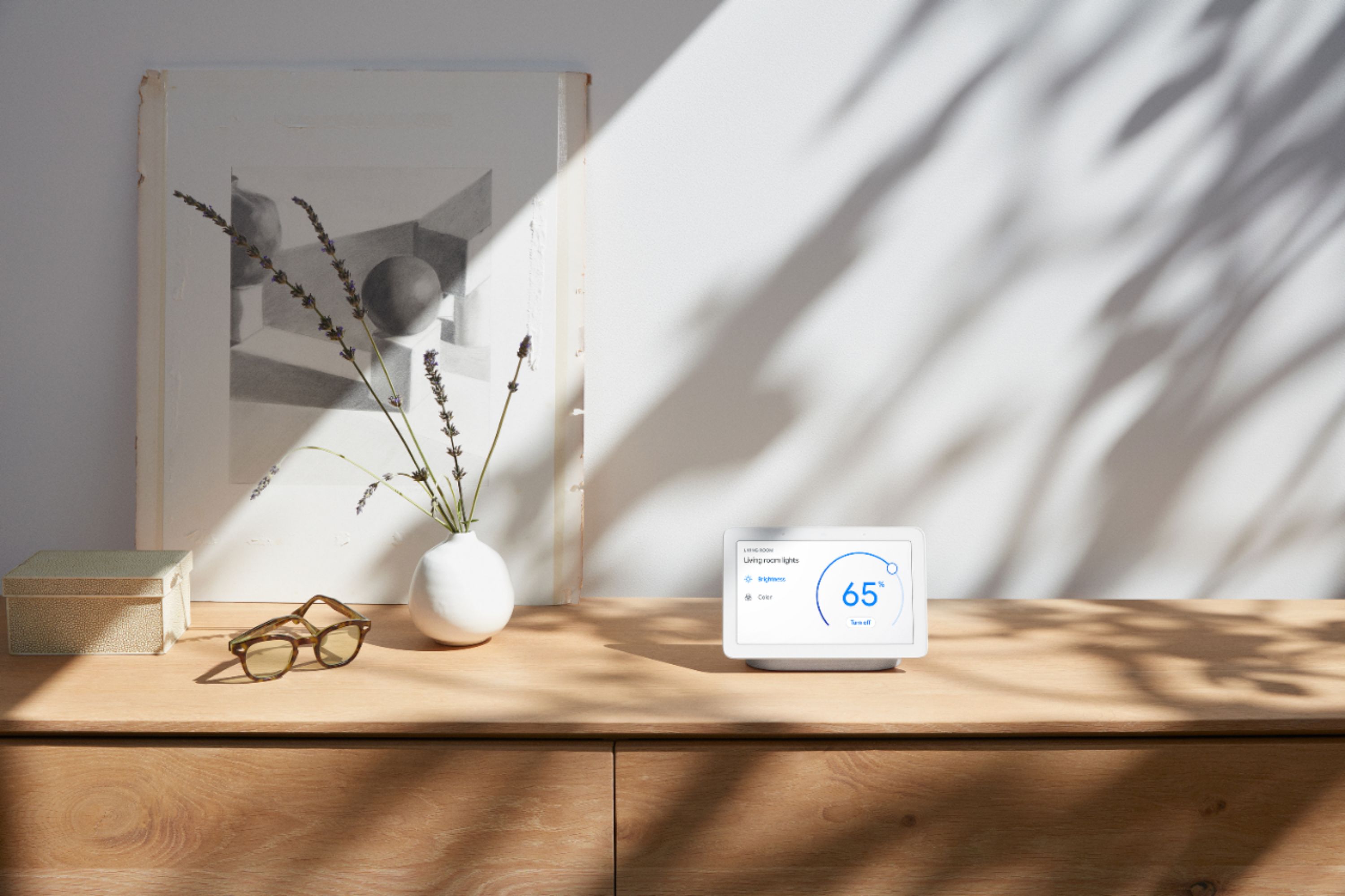
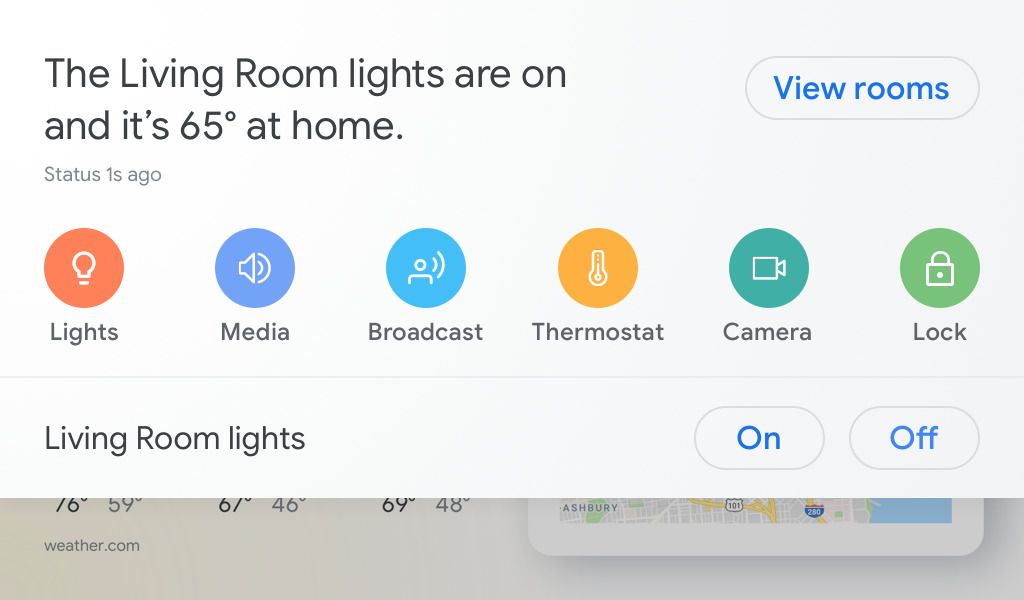
|Posted .This reviewer received promo considerations or sweepstakes entry for writing a review.The Google Home Hub is a small tablet with a touch screen and speaker that allows users to interact with Google, via the Google Assistant, in a more interactive manner than audio alone. Overall, it’s a helpful addition to the Google Home lineup, but has a few things that I wish were better or different. Before I got the Google Home Hub, I was using Google Assistant on my smartphone and with a Google Home speaker. So, I was already in the habit of checking things like weather, traffic conditions, reminders/calendar appointments, and kitchen conversions (how many milliliters are in a tablespoon, anyway?) using my voice. Adding a screen certainly enriched the experience. Now, without having to find and pick up my phone, I can look at the Home Hub screen and see a graphic representation of the weather forecast, touch to swipe through my calendar, and view full recipes complete with pictures/video from the web. I can also cast music and podcast apps from my smartphone to the Home Hub, as well as some, but not all video apps (YouTube and Hulu work, no Netflix support yet, though). Being able to control my home automation products (Nest thermostat, smart lighting) from the touch screen is also very useful. When I’m not actively using the Google Home Hub, it serves as a digital photo frame, pulling images from my Google Photos account and displaying them (I choose which albums or people to show). That’s a nice touch if you’re placing it somewhere that gets a lot of traffic. There are light and motion sensors, which tell the screen to go into a mostly-standby mode when the lights are out and nobody is around. The speaker is a nice touch, and if you have multiple Google Home devices, you can set up a group and multicast your music to all of them at once. Unfortunately, the audio quality on The Google Home Hub is just okay, nothing great. Also, I’m a bit undecided about Google’s decision to not include a camera. From a privacy perspective, it’s great. I’ll never need to worry about where my image is being sent. But Google has video calling in its product lineup, and even allows Home Hub users to participate in video calls, but only one-way: you’ll be able to see the other person, but they won’t see you. I’d have preferred it if a camera with a cover. That way, I could video chat conveniently and still be able cover it if I was worried about privacy. Overall, the Google Home Hub has been a helpful addition to our kitchen counter. It’s not perfect, but I use it multiple times a day in ways that do make my life easier.
I would recommend this to a friend Not Amazon
||Posted .This reviewer received promo considerations or sweepstakes entry for writing a review.After years with the Amazon product, I decided to try the Google product. Just wasn't comparable.Wouldn't work with some of my Home units. So I returned it.
No, I would not recommend this to a friendDisappointed
||Posted .This reviewer received promo considerations or sweepstakes entry for writing a review.Having trouble using the photo feature. It worked for a day but now has stopped working. It was the main reason I bought it. I dont know where to go for help.
No, I would not recommend this to a friendBarely worth it
||Posted .This reviewer received promo considerations or sweepstakes entry for writing a review.I find this useful, but I would feel different if I had to pay full price. This responds from 30ft away, even when I'm inches from my regular home device.
No, I would not recommend this to a friendtook it back
||Posted .This reviewer received promo considerations or sweepstakes entry for writing a review.I have the google home and minis throughout my house. Thought I'd want to add this but decided with iPad + home + minis it wasn't needed. Going to return.
No, I would not recommend this to a friendHit/Miss on some commands
||Posted . Owned for 1 month when reviewed.This reviewer received promo considerations or sweepstakes entry for writing a review.Doesn’t understand contextual commands e.g. play first video after searching a video on YouTube. There are similar shortcomings.
No, I would not recommend this to a friendEase of use
||Posted . Owned for less than 1 week when reviewed.This reviewer received promo considerations or sweepstakes entry for writing a review.Not so easy to set up. Bought for a family member and they had a hard time using as a photo display. Once setup worked nicely.
I would recommend this to a friendJust ok..
||Posted . Owned for 1 month when reviewed.This reviewer received promo considerations or sweepstakes entry for writing a review.Just installed with my Nest Hello doorbell. Not sure I would actually purchase this but it was free. Jury is out until we can use it more.
No, I would not recommend this to a friendOK BUT NOT GREAT
||Posted . Owned for 1 year when reviewed.This reviewer received promo considerations or sweepstakes entry for writing a review.At first I loved it, but Alexa 8 is GREAT! She does not answer And provide the info I get from Alexa.
No, I would not recommend this to a friendsmall screen but good results
||Posted .This reviewer received promo considerations or sweepstakes entry for writing a review.It works as advertised. Nice to have a Google Assistant that I can also play videos on. Reasonable value @ $99 -- wouldn't pay more than that for it.
I would recommend this to a friend