Customer Ratings & Reviews




- Model:
- GA00515-US
- SKU:
- 6290306
Rating by feature
- Value
Rating 4.6 out of 5 stars
- Quality
Rating 4.8 out of 5 stars
- Ease of Use
Rating 4.7 out of 5 stars
Customers are saying
Customers are positive about the Nest Hub Smart Display's ease of use, screen size, sound quality, and Google Assistant functionality. Many appreciate its compatibility with other smart home devices. However, customers are negative about the lack of a camera and some have reported connectivity issues. A few also find the price to be too high.
This summary was generated by AI based on customer reviews.
Google Assistant
||Posted . Owned for 1 month when reviewed.This reviewer received promo considerations or sweepstakes entry for writing a review.Google Assistaant works great, Nest hub, not so much.
No, I would not recommend this to a friendSave your money
||Posted .This reviewer received promo considerations or sweepstakes entry for writing a review.Horrible device horrible support from Google. Stay away from Google product . Waste time with 3rd tier support have it escalate to 2nd just to find out they are aware of issues and engineering is working to fix issues. Sending it back.
No, I would not recommend this to a friendDoesn't function as I expected
||Posted .This reviewer received promo considerations or sweepstakes entry for writing a review.well, its definitely not as useful as most people think. The photo frame feature is great but google photo isn't as smart, I get tons of bursts and duplicates. Sound qualify really low, comparable to the google mini.
No, I would not recommend this to a friendDOES NOT WORK WITH RING!
||Posted . Owned for 4 months when reviewed.This reviewer received promo considerations or sweepstakes entry for writing a review.The reason I got this was to be able to see all my cameras including my Ring front door. This product is NOT compatible with Ring and is falsely advertised on Best Buy.
No, I would not recommend this to a friendBrand response from Nest Support
Posted .Hi Hahmed, thanks for your feedback. We're sorry that Nest Hub didn't meet your expectations. Currently, you cannot view a Ring camera stream or recorded videos on your Nest Hub, but it works in a limited capacity with Ring cameras. You can perform the following functions through voice control:
- Start a 30-second recording.
- Receive the most recent notification from the camera.
- Check the health of the camera.
You can check this link for more info on how to use Ring with your Nest Hub: https://assistant.google.com/services/a/uid/000000e4ac17fd8b
If you have any questions or need further assistance, you can always reach out to our team, and we'd be more than happy to help. Here's the link: https://support.google.com/googlenest/gethelp
Good but I was expecting more from it
||Posted . Owned for 1 month when reviewed.This reviewer received promo considerations or sweepstakes entry for writing a review.It will not sync with my ring door bell as advertised so I can not see who’s at my front door and that was the whole purpose of buying this device
I would recommend this to a friendBrand response from Nest Support
Posted .We appreciate your feedback and we're sorry that Nest Hub didn't work with your desired setup. Ring devices currently has limited support on Nest Hub. You can ask Google Assistant to start new recording, find out when your doorbell rang the last time, or get a helath report on your devices. However, you can't stream your Ring doorbell on your Nest Hub. You can find more details in this link : https://assistant.google.com/services/a/uid/000000e4ac17fd8b
Cheap product
||Posted . Owned for 1 year when reviewed.This reviewer received promo considerations or sweepstakes entry for writing a review.It’s been a little over a year and this just stopped working. It’s not made to last and an unfortunate waste of time and money.
No, I would not recommend this to a friendBrand response from Nest Support
Posted .Hi Hills,
Thanks for taking the time to leave a feedback for Nest Hub. We're truly sorry to know that it stopped working after a while. This is surely not the kind of experience we would want you to have with our product and would love to help improve your experience.
If you're willing, please reach out to us to have a closer look at the issue here: https://support.google.com/googlenest/contactflow
- Pros mentioned:Screen size

Can't be used as a bedside clock
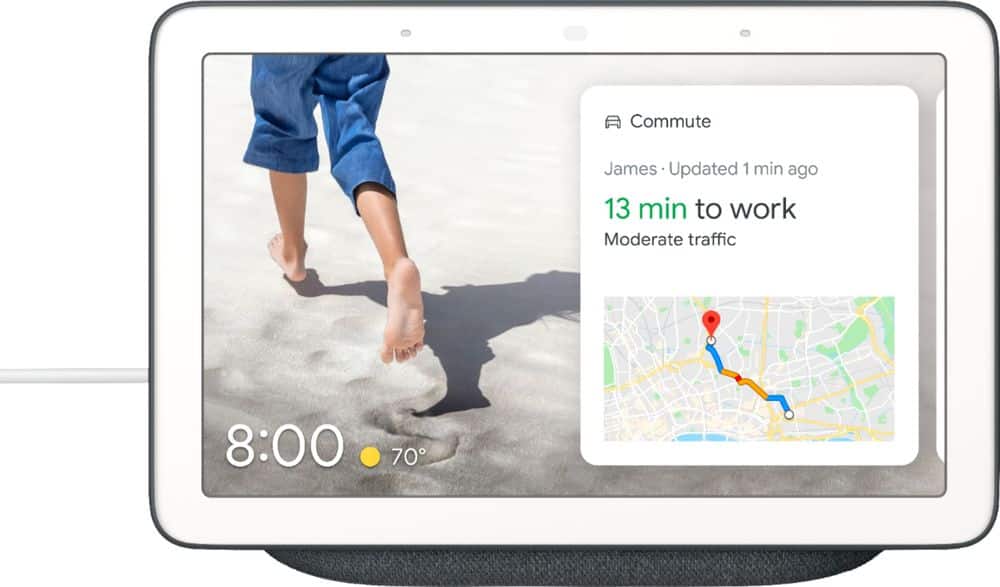
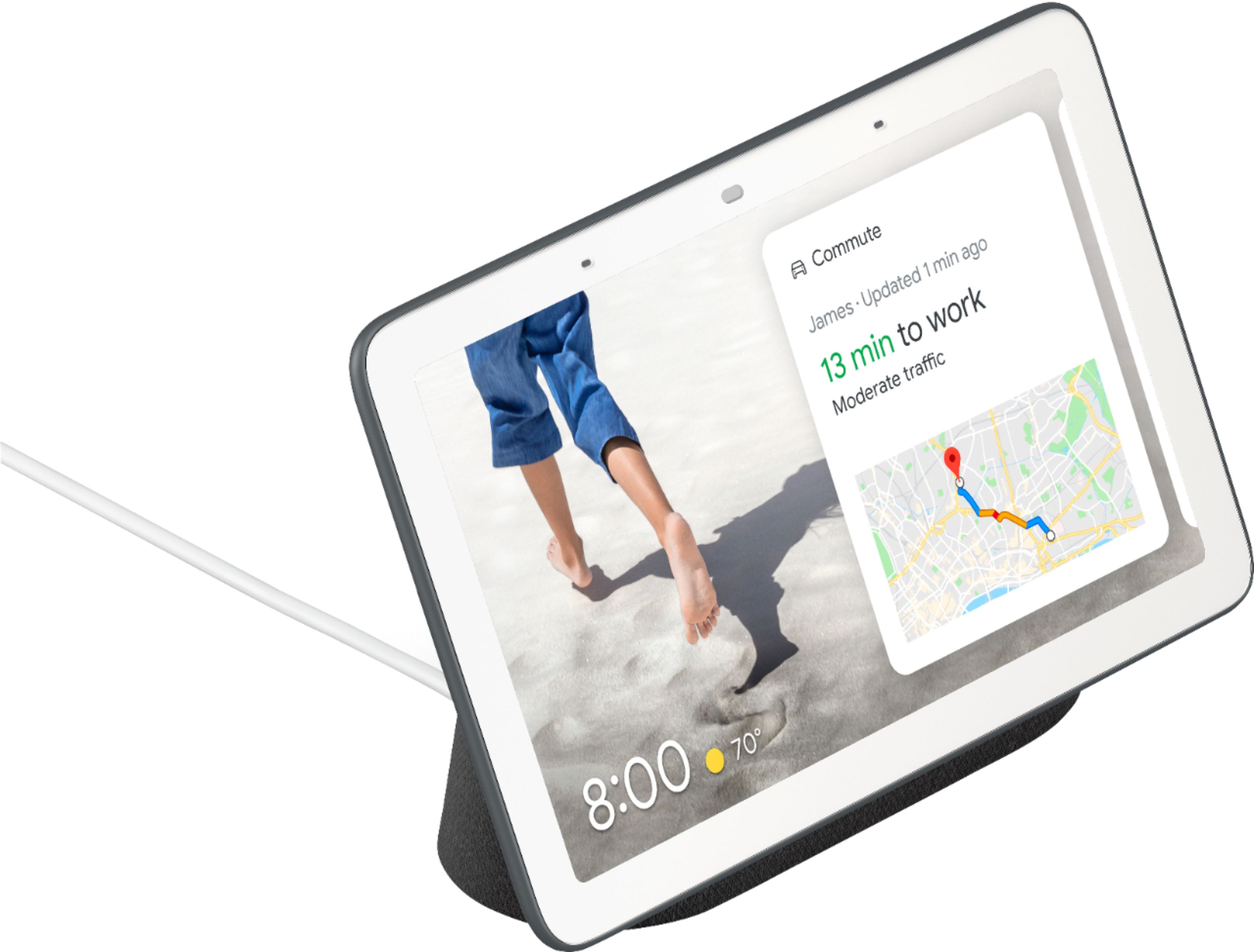
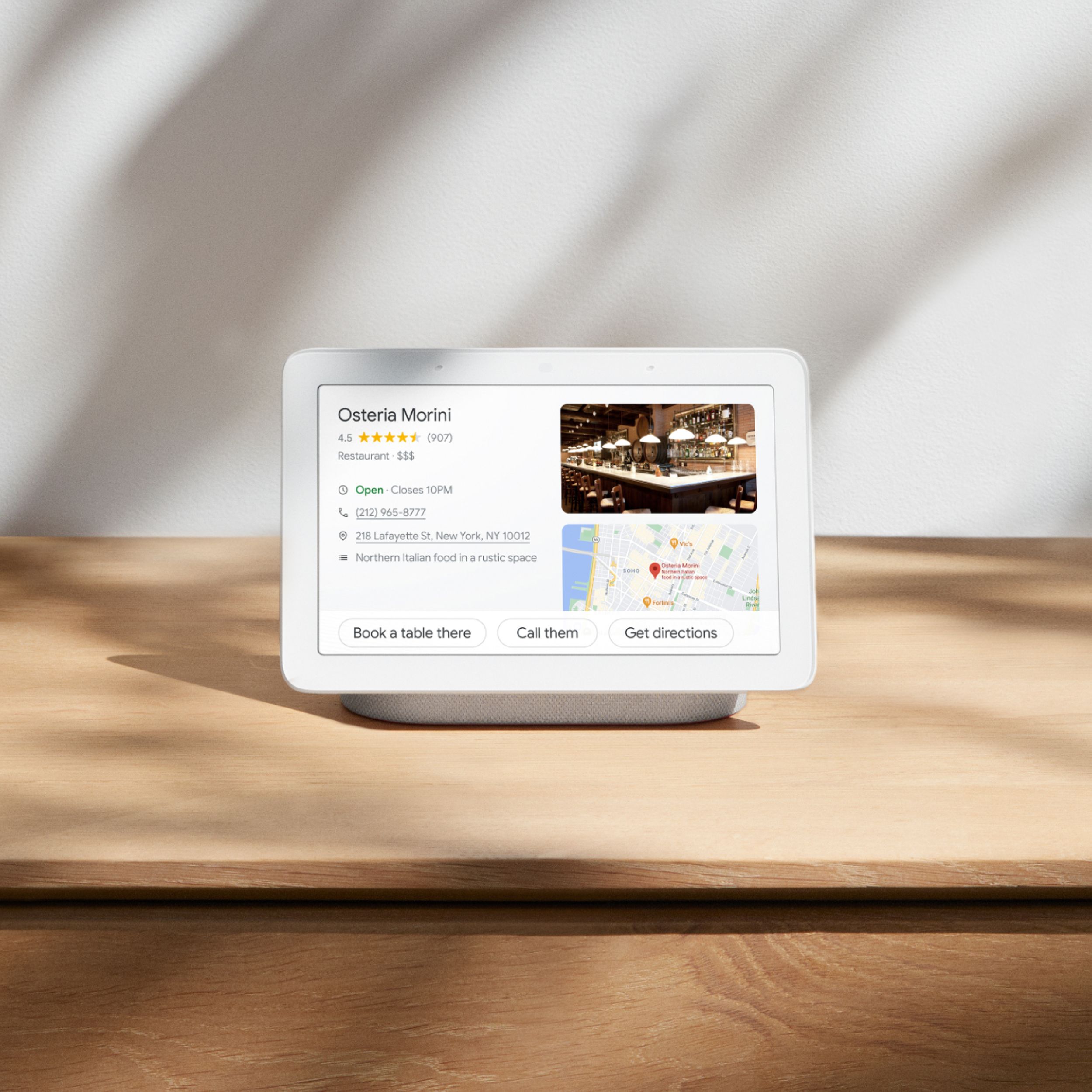
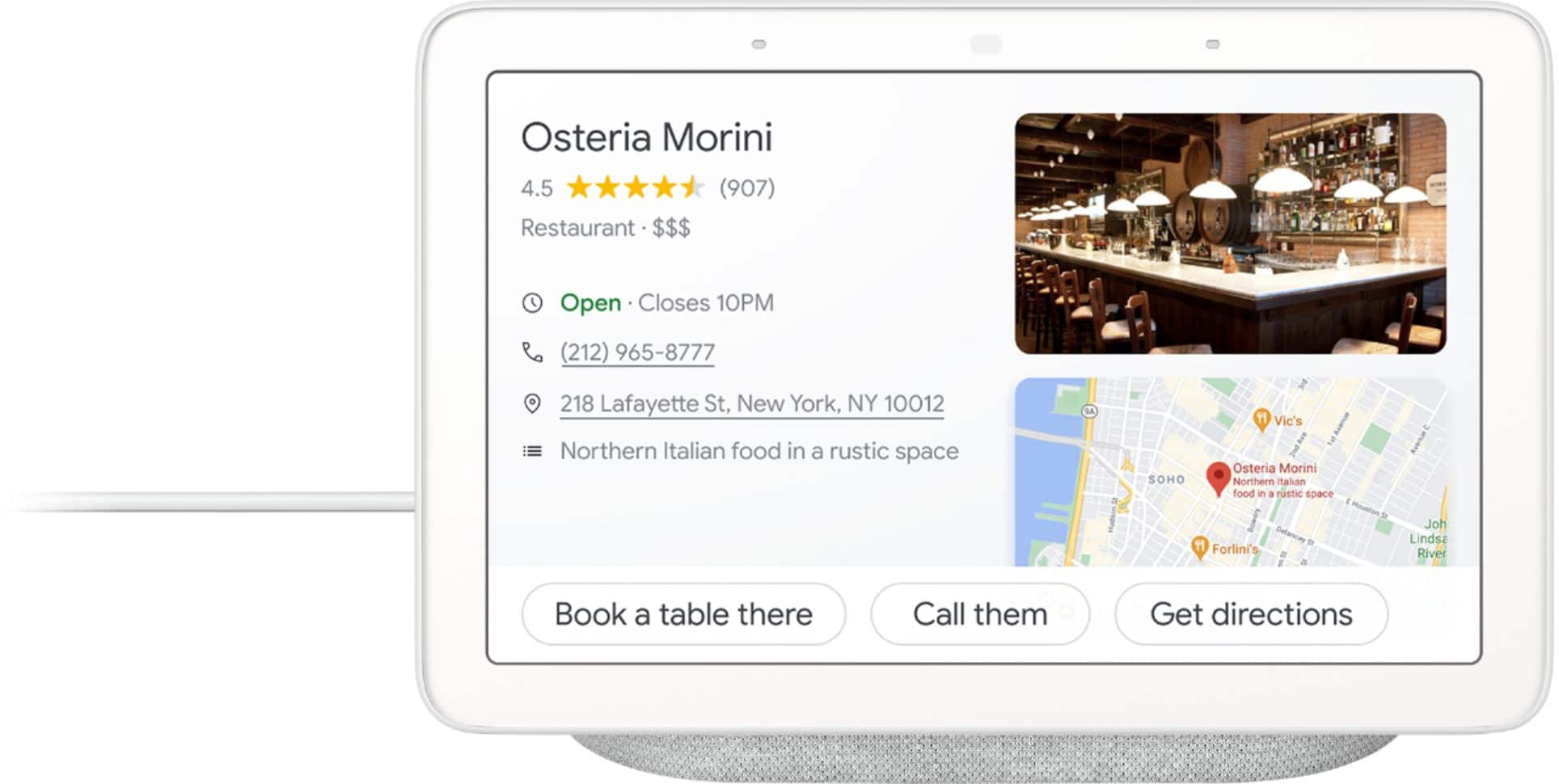
|Posted .This reviewer received promo considerations or sweepstakes entry for writing a review.I love my Google Voice assistants. I have 3 in various rooms and wanted to use this Google Home Hub next to my bed since it has very large numerals and I could see it without eyeglasses with no problem. We'll get back to my problem in a minute. The Google Home Hub is slightly larger than a cell phone and has a beautifully clear touch screen. You are able to ask it the same kind of questions you can on the other Google assistants but now it will show you a visualization on the screen. If you ask about a celebrity, it will show you a photo and give you some info on the person. It will show you a few buttons that you can select photos, video, more info, etc. I tried adding objects to my shopping list and for some reason it couldn't hear me. It heard me ask to add to my shopping list and it showed the words as I said them and then had me repeat it 2 more times before saying it can't hear me because there may be too much noise in the background (the room was absolutely silent). The screen will display by Arlo cameras outside my house but not my Ring Video Doorbell. It will show me that my door is locked (Nest x Yale Lock). It displays Youtube videos that you ask for by name or it will suggest videos for you. You can't access other websites as it's not really a browser. It will show you the weather and traffic conditions to work along with a map and buttons to select driving, walking, transit, etc. If you use the Home Hub in the kitchen, you can have it show you a recipe, list the ingredients, walk you through the preparation and even set a timer for you. My main problem I find with the device is that it has an always on ambient mode. I don't know about you but when I sleep, it's dark in the room. If I get up in the middle of the night, I would like to turn to the clock and see the time. Well, that can't happen now since the darker the room is, the darker the screen is. The screen is almost totally off when I wake up in the middle of the night and want to see how much more time I have before getting up for work. I've gone through all the settings and searched online for a solution but it seems that Google thinks the ambient light sensor is a feature. There should be a way to adjust the ambient sensor but apparently the developers of the device sleep with the lights on and never realized that the clock gets too dark to see. This could be changed with a software update I'm sure and I suggested that to Google in the feedback section of the app. Of course I could always use my iPhone, iPad or computer to get this information but it's nice to have an always on device next to your bed if you dreamed of something and wanted to get information on it right away.
I would recommend this to a friend - Pros mentioned:Screen size
Great Performance and Looks, Connection Issues
|Posted .This reviewer received promo considerations or sweepstakes entry for writing a review.The Google Home Hub was the obvious next step in Google's line of "Home" devices. I own one of the original Home speakers, and use it quite often so I was excited to get the Home Hub, and for the most part, the experience hasn't disappointed. The touchscreen interface improves the experience in a way that's not only logical but incredibly easy to use. Google has done a great job marrying the existing voice navigation (which already worked very well) with the touchscreen, allowing you to traverse results of whatever search query you've executed. This really is the logical next step, and overall, Google has executed this very well. One area that could be improved upon is how the Hub handles podcasts; asking to see a list of a podcast doesn't work currently, and you can only play the most recent episode. Hopefully Google improves this in the future. One of the best aspects of the Home Hub is how great the display looks. The specs aren't anything special on paper, but the screen is pleasing to the eye in a way that most tablets are not. At times, it more or less looks like a picture in a frame instead of a screen, and it's always at a brightness level that ensure that it blends into the background. The speaker on the Home Hub is nothing special. It more or less sounds about on par with the original Google Home, which is to say, it's mediocre but gets the job done. Google could've decided to do more here, but I appreciate the fact that they've made a trade off to keep the price at a friendly level. The one issue I've had, keeping me from giving this a 5 star review, is that I've had continual connection issues. Once or twice per day, the unit seems to lose connection to my network, showing the "Setup" screen as seen in my attached picture. This is fixed by unplugging the unit and plugging it back in. But it's a fairly major annoyance to need to keep resetting the device. Assuming my unit doesn't have a hardware defect, I'd imagine this will get fixed. Overall, this is a great device that not only works incredibly well, but also looks great and fits in with the environment around it. Google has made a few decisions here (exclusion of a camera, modest speakers) that make sense for the price point that this device sits at. Assuming they fix the aforementioned connection issues I'm seeing, this is a 5 star device.
I would recommend this to a friend not good for mutual video call.
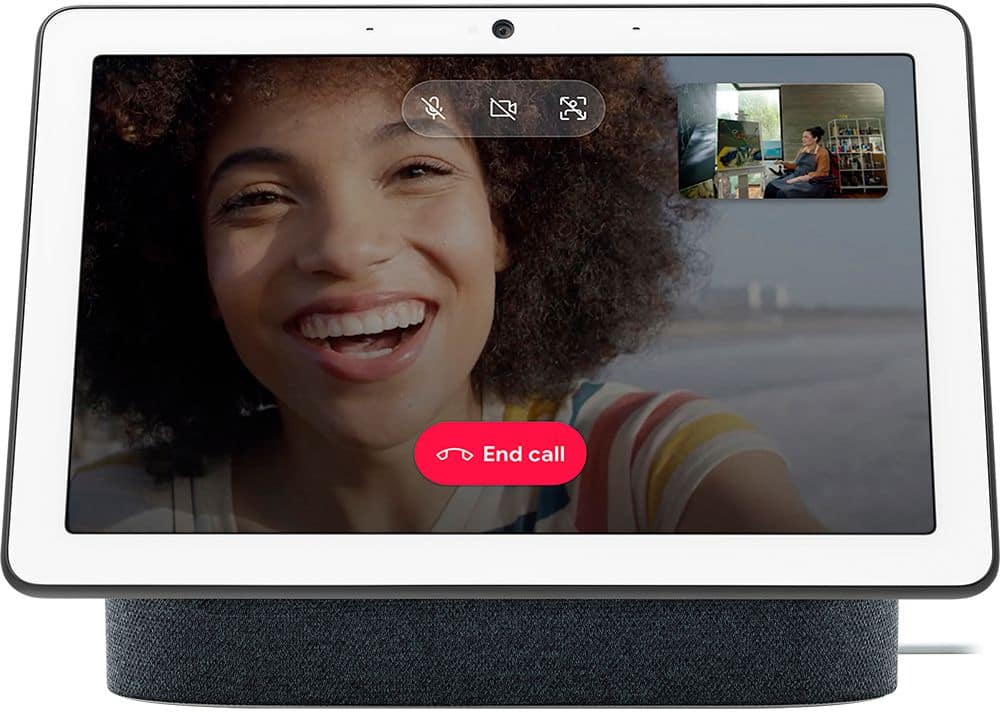
||Posted .This reviewer received promo considerations or sweepstakes entry for writing a review.it is misleading when they say you can do video calling. one expects it to be like face-time, and both parties cannot look at each other.
No, I would not recommend this to a friendNot for me
||Posted . Owned for 1 month when reviewed.This reviewer received promo considerations or sweepstakes entry for writing a review.I returned the device, it was compatible with other apps. The setup was difficult and did not offer apps that were useful for my daily needs.
No, I would not recommend this to a friendDon't buy
||Posted . Owned for 10 months when reviewed.This reviewer received promo considerations or sweepstakes entry for writing a review.Better off buying a cheap Samsung tablet. The nest hub doesn't have any apps and the only way to set up this product is using voice commands.
No, I would not recommend this to a friendBrand response from Nest Support
Posted .Hi 1995,
Thanks for sharing your feedback with us. We're sorry to hear that Google Nest Hub didn't meet your expectations.
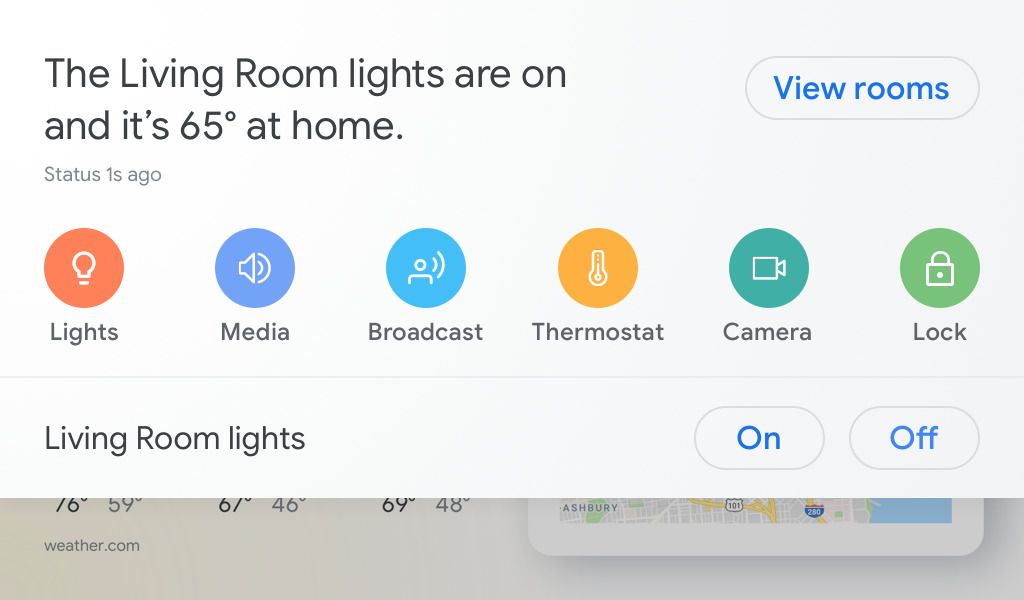
Google Nest Hub is designed to be home assistant supported by Google Assistant. There are third party apps for Google Assistant that you can link and interact with on Google Nest Hub. It works with 10,000+ smart devices from 1000+ popular brands. You can monitor cameras, dim the lights, control the TV, lock the door, and more from a single dashboard. You can take a look at the following link for more information: https://assistant.google.com/
You can have visual answers on the weather, recipes, local businesses, sports, and more. You can also watch helpful videos from YouTube. Using routines, you can get a personalized, visual overview of your schedule, commute, reminders, and more.
We always update our products and service to improve your experience with them, and your feedback goes a long way in the process.
Return and pickup the Echo Show 8
||Posted . Owned for 1 week when reviewed.This reviewer received promo considerations or sweepstakes entry for writing a review.Compare this to Echo Show, the Nest Hub has to talk to google in order to display what you are looking for. Not very easy to use.
No, I would not recommend this to a friend3372472439
||Posted .This reviewer received promo considerations or sweepstakes entry for writing a review.I'm upset because I cannot get my Google Home Hub to make calls even though I downloaded everything I was advised to. Other than that, everything is okay.
I would recommend this to a friendPerfect for the Kitchen
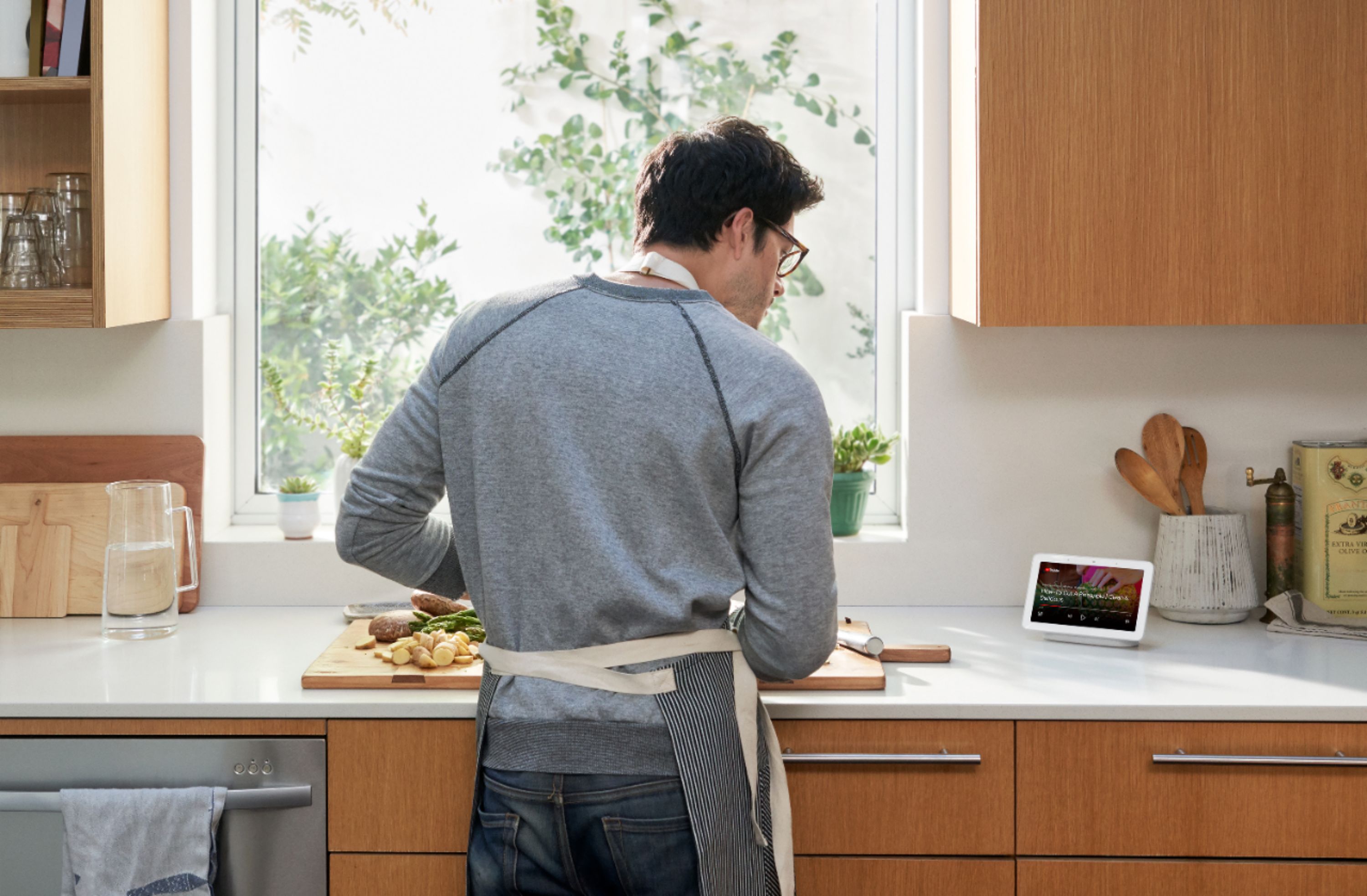
|Posted .This reviewer received promo considerations or sweepstakes entry for writing a review.I’m enjoying my new Google Home Hub. I already have an Insignia Bluetooth speaker with Google Assistant and thought the idea of a Google device with a screen would be useful. I was right and for more reasons than I had thought. It connected easily to my Wi-Fi with the Google Home app which I had on my phone from my other Google device. You use the app to configure your hub. If you also already have a Google Assistant, you know what it can do. Ask and it will tell you your local weather, the capital of South Dakota or the height of Mt. Everest for example. The screen makes it so much better. I suggested using it in the kitchen because it’s great for getting recipes. Give it a request and the recipe is there on its bright screen. It’ll stay there, and you can find the ingredients and go down the instructions. It will wait for you, no hurry. It’ll play YouTube videos of course too. I like the way it easily integrates with Google Photos at photos.google.com. At that website you can easily create a photo album with your favorite pictures, then on the Google Home App select that album and bingo, all your photos appear on your Google Home Hub with the interval that you can select. It’s like those old digital photo picture frames but you don’t need digital storage media attached to the device to see them, they’re in the cloud. If you have more than one Hub, you can have each one display the same pictures or select a different album for each. Each picture is displayed with the time and the local outside temperature. If you’re a subscriber to play.google.com/music it’s really cool. You can just ask the Hub to play any song you can think of, or an entire album. I asked it to play the Tapestry album by Carole King and it played it all the way through. Just talk to it as you’re cooking to hear whatever you are in the mood for. It’s called a “hub” because it’s the center of your digital home. You can ask it to change the house temperature if you have a Nest thermostat (I didn’t tell my wife it had that feature) or raise or lower the lights or change their colors if those smart devices are included in your home. As an old guy, I can tell you this reminds me of the ‘future’ in the old 20th century sci fi stories, and it’s here now. It also does NOT have a camera, as the Amazon Echo devices do. I think it’s an advantage as privacy concerns are everywhere now. You can feel comfortable having the device in your bedroom for example. If you want to talk and see the kids, you’ve got plenty of other devices to do that I’m sure. So for the price, I think you’ll find it a nice addition to a kitchen, den, or bedroom. It’s compact, the sound is decent, although not great, and has much flexibility, with Google adding new features all the time.
I would recommend this to a friendBuggy with Issues
||Posted .This reviewer received promo considerations or sweepstakes entry for writing a review.Bought this thinking it would be a good home hub. The system ended up resetting every couple hours. Some research yielded that it is a common issue
No, I would not recommend this to a friendNo cigar
||Posted . Owned for 2 months when reviewed.This reviewer received promo considerations or sweepstakes entry for writing a review.Very disappointed with this product. It does not have a camera with weak audio. Not compatible with RING products.
No, I would not recommend this to a friendDIDN'T WORK!
||Posted . Owned for 3 weeks when reviewed.This reviewer received promo considerations or sweepstakes entry for writing a review.quit working immediately after installer left. Demo installer gave impressive but insufficient. No instructions anywhere,
No, I would not recommend this to a friend- Pros mentioned:Ease of use
Google Assistant just got smarter
|Posted .This reviewer received promo considerations or sweepstakes entry for writing a review.This would be a good addition to any smart home. Or a great starting point. It's an affordable google assistant with a 7" touchscreen. I have mine in the kitchen. And use it if for a control hub for my smart home. It's very handy to WATCH recipes when cooking and the google assistant helps me with convergence of measurements. You can also link Google Play music,YouTube Music,Pandora and Spotify to play your favorite tunes. You can pick one as your default and google will search there first when asked to play a song. I did take 1 star away for sound quality. The sound is lacking bass. It sounds almost the same as a google mini. But you can tell it where to play your music at. All in all I'm happy with this addition to my smart home.
I would recommend this to a friend pooly treated
||Posted .This reviewer received promo considerations or sweepstakes entry for writing a review.I was treated very poorly by some of the staff and the information that i received was incorrect
No, I would not recommend this to a friendIt’s not worth it
||Posted . Owned for 3 weeks when reviewed.This reviewer received promo considerations or sweepstakes entry for writing a review.It’s very bad just saying to me it’s bad never got done with setup never got done with anything just so bad
No, I would not recommend this to a friendBrand response from Nest Support
Posted .Hi Zack,
Thanks for sharing your feedback with us. We're sorry to hear the setup with Nest Hub didn't work out.
We recommend making sure that you have all the requirements for the setup. You can take a look at them here and follow the setup instructions: https://support.google.com/googlenest/answer/7029485
If you'd like further assistance, we're always here to help. You can reach us here: https://support.google.com/googlenest/contactflow