Customer Ratings & Reviews




- Model:
- GA00515-US
- SKU:
- 6290306
Rating by feature
- Value
Rating 4.6 out of 5 stars
- Quality
Rating 4.8 out of 5 stars
- Ease of Use
Rating 4.7 out of 5 stars
Customers are saying
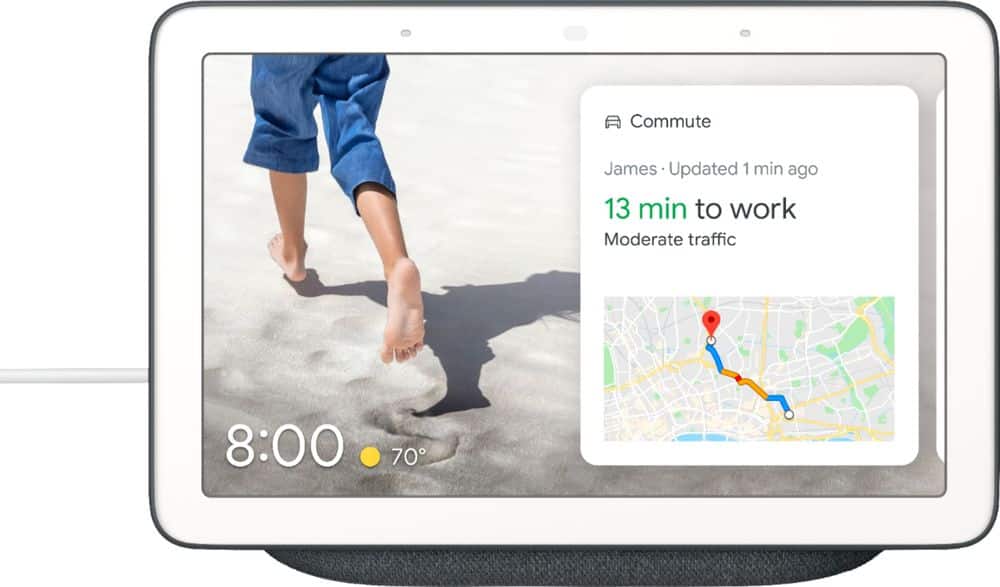
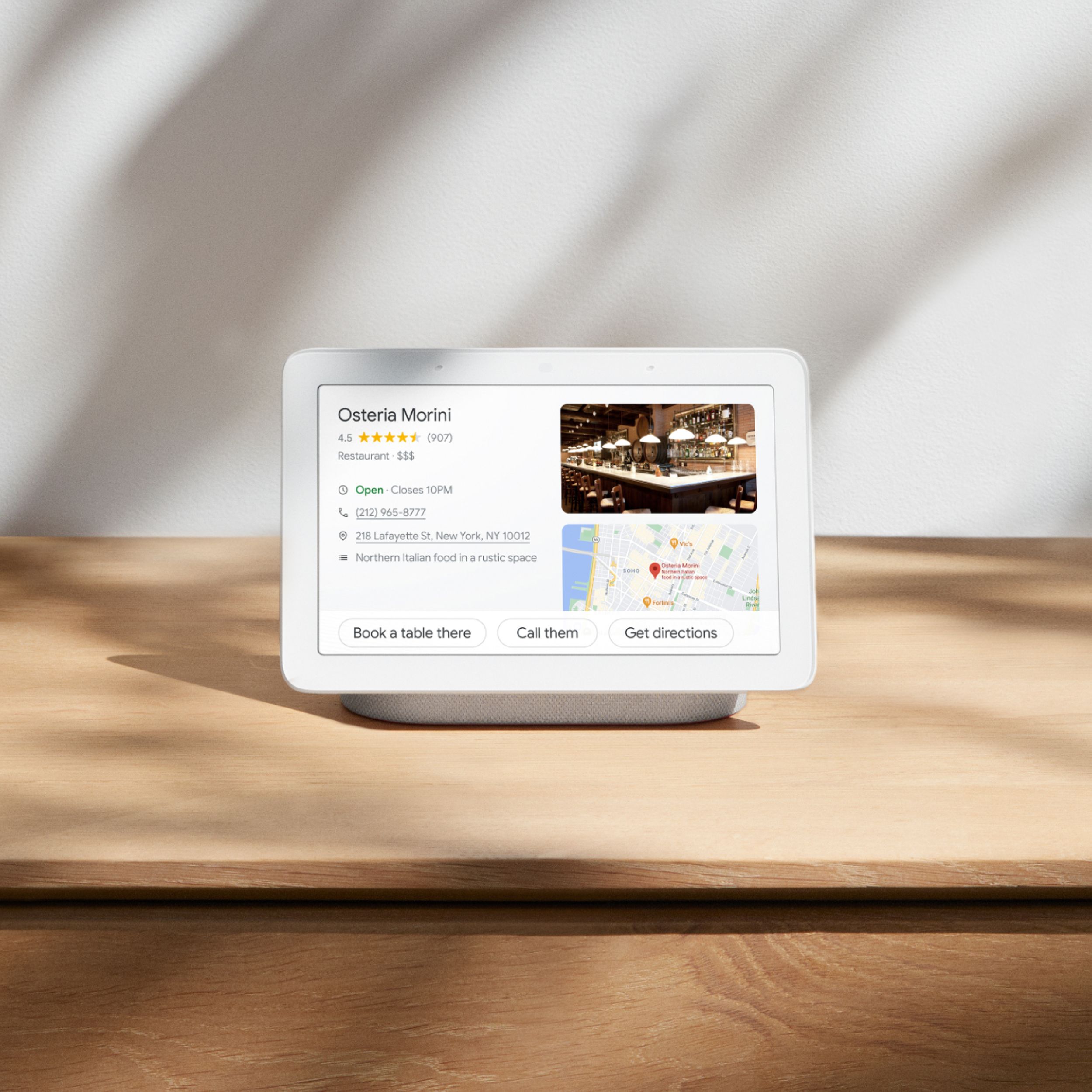
Customers are positive about the Nest Hub Smart Display's ease of use, screen size, sound quality, and Google Assistant functionality. Many appreciate its compatibility with other smart home devices. However, customers are negative about the lack of a camera and some have reported connectivity issues. A few also find the price to be too high.
This summary was generated by AI based on customer reviews.
- Pros mentioned:Ease of use, Sound quality
Works great with Nest and as a Kitchen accessory
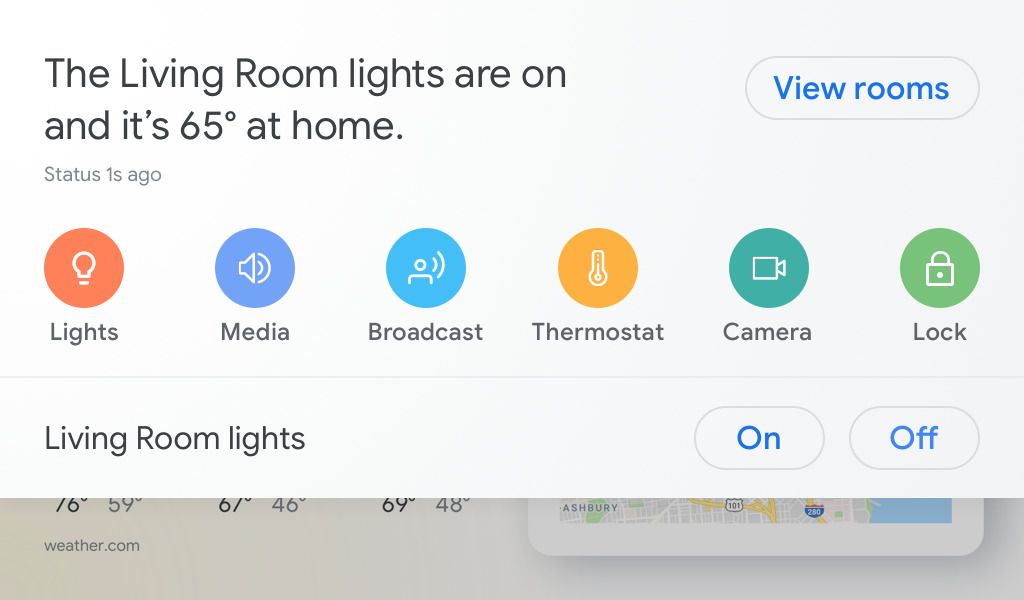
Posted .This reviewer received promo considerations or sweepstakes entry for writing a review.I bought this to make my nest doorbell more useful as well as to display some helpful info and use this as a kitchen accessory. As a tip, make sure to enable "Nest" program and sync it with Google Home, then you can say "Hey, Google, show me the front door" and it will immediately switch to that view. Very convenient, I (or most importantly kids) don't have to look for my phone or try to reach a peephole to see who's at the door. I also use it to play Pandora, radio, set timers/alarms, view forecast, view my schedule and traffic info and there is plenty more this thing does. For $99 on sale, this is an awesome tool! Highly recommended, great value.
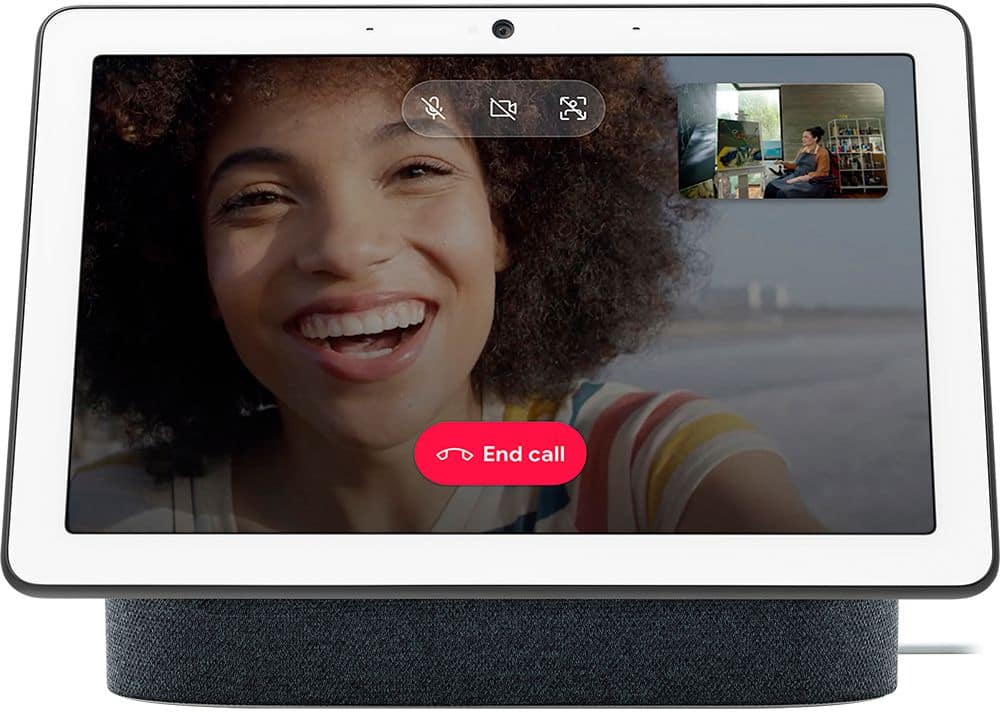
I would recommend this to a friend - Cons mentioned:Camera
Perfect
Posted .This reviewer received promo considerations or sweepstakes entry for writing a review.This device is everything I wanted it to be. I purchased the Echo Show when it first came out and returned it because it was a disappointment. Two main issues with that device—the always-on camera that you really don’t want on your nightstand—sure, it’s supposed to be secure, but how many things have been hacked that were supposed to be secure? The other issue is that even at its dimmest, the Echo Show lit up half my bedroom. The Google Home Hub solves both of those problems. No camera, so no privacy concerns (I don’t really need yet another device to video message) and it’s perfectly lit at night—just enough to see the time, but not enough to project light into the room. It also operates flawlessly controlling my smart devices. If I had any nitpicks, it would be that the setup is not always intuitive. You have to filter through several levels of menus, But otherwise, it’s perfection.
I would recommend this to a friend 
Best Video hub!!
|Posted .This reviewer received promo considerations or sweepstakes entry for writing a review.Got this to compare with my Alexa Show. Setup was very simple, unbox and plug in. Download the google home app. And log in with google account(already had this with GMAIL). The setup asked a few questions and I was up a running. It did take some time to find all my SMART products and log in. As I have the gambit of devices such as Harmony remote, thermostats, lights, ARLO, RING, etc etc. Once setup it operated well. Voice control captured me without issue. Even with my country accent!! lol I really like the display over the Alexa. It is not obtrusive in that is looks like a printed picture rather than a LCD monitor/display. I really like this function. As its not "in your face" but rather blends in and becomes unnoticed till you want it to do something. I mostly use it a video screen for my cameras and for weather/news updates each morning. It does seem to work well and I have no complaints. Would recommend this over the ALexa Show if comparing the 2. I haven't noticed any issues with having them both running! They operate well together. Music quality is the only items I would put the Alexa Show ahead of this item. So if music is your primary purpose I would recommend Alexa. Good buy and good price!!
I would recommend this to a friendNice addition to my google home family of products
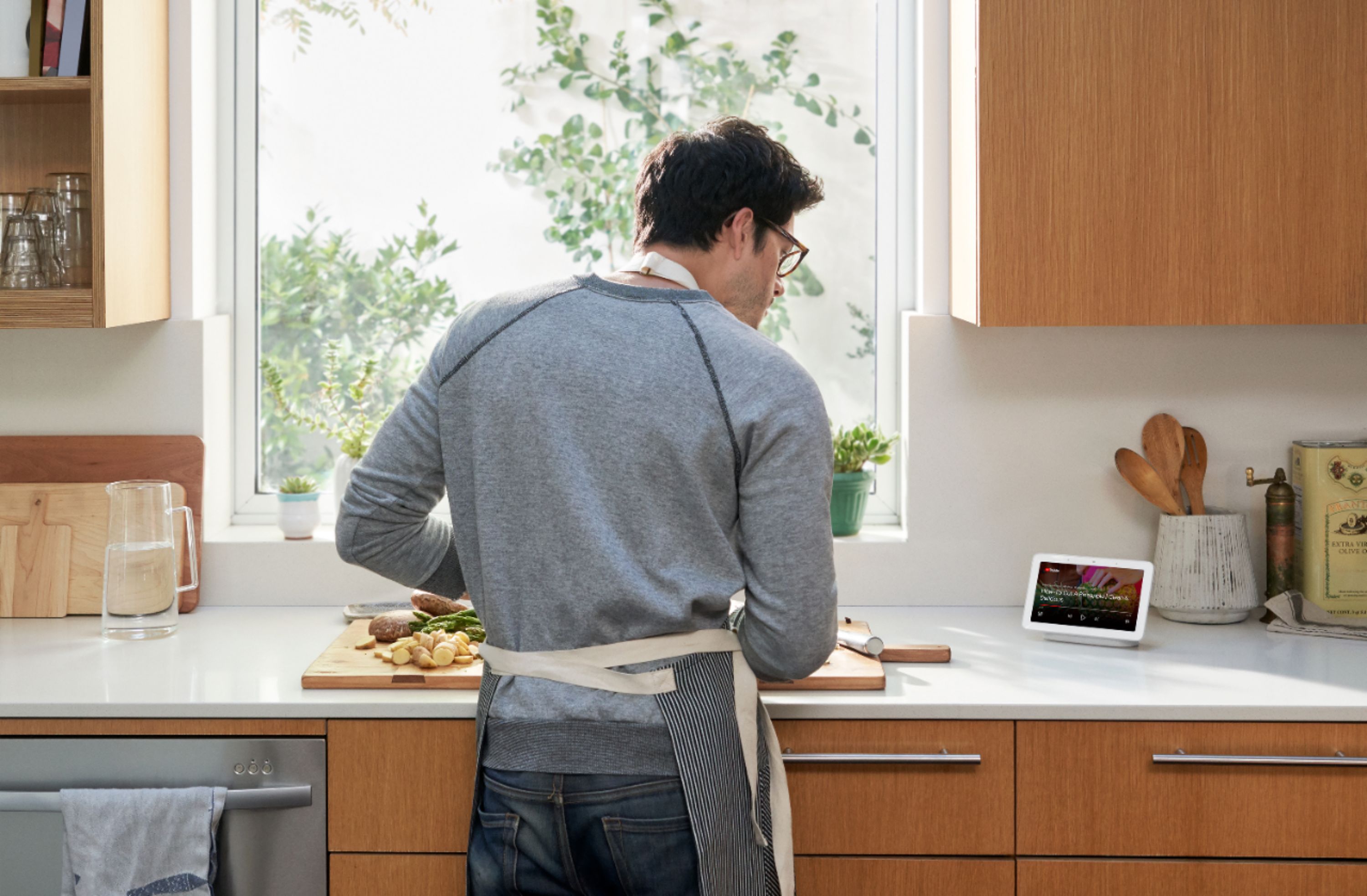
|Posted .This reviewer received promo considerations or sweepstakes entry for writing a review.I already have a couple of home mini's I use along with Insignia alarm clocks in the bedrooms. I also have light bulbs, a humidifier and wall plug-ins all google assisted. I wanted this display for the kitchen after watching the commercials and reading about it, it just made since for me. Setup is just as simple as every other google product, download the google home app, if you already have the app just open and follow the prompts to install. When its connected it's ready and waiting for your voice commands to put it to work I started out with weather reports from various cities and YouTube videos just messing around with it. I have it displaying all my pictures from phone on it when it's in standby mode. You can pick and choose which pictures you want to display or you can just display a clock or scenes that are preinstalled. When the lights dem or lights out at the house the display adjusts to the brightness in the room automatically which is nice. I have been using it a lot for cooking recipes on YouTube which is really nice to use step by step instructions and go back a step if you missed something. If your doing some crafting in the kitchen and you need help just say the words and the display will take you to a video for learning whatever your heart desires. I use it to make calls and have not had any issues with people not hearing me or me hearing them. I wish it had a camera for video calls, I can duo video call someone and I can see them on the display but they can't see me. I gave it 4 stars because it needs a camera, the video is 1080p not 4K, no onboard keyboard, if the volume is loud it has a hard time hearing me and it does not have a rechargeable battery so you lose a plug-in if you use it in the kitchen like I do.
I would recommend this to a friend- Pros mentioned:Sound quality
Nice Upgrade
|Posted .This reviewer received promo considerations or sweepstakes entry for writing a review.I had the Google Speaker for a little over a year and upgraded to the Google Hub with a screen display. This is nice because you can watch YouTube look and your photos from your phone on it. It will put a slide show together if you were on a trip just say hey Google show me my pictures of Las Vegas and it will pull them in a slide show. It will also show you weather, Movie times, Sport team scores with little sound effects. It will connect to your bluethooth on you tablet or laptop. It wont connect to some of your stuff. I did find that when i do ask it some questions it can't answer them like what was the election result it just tells me it cant tell me that right now. On the display it will show you who is talking as long as everyone has connected to it. So if you ask it to play pandora it will ply from your list and if someone else ask it will play from there list. That is cool me and my wife like different music so you can see who's is playing. I have seen that when i do ask it to play something it will reboot it's self and then i have to ask it to play again then it will. I don't know whats going on with that but you can report a problem to google about it and it will tell you that they will look into it. The screen is very nice and the speaker has a great sound. Is it worth it i would say yes we do like it.
I would recommend this to a friend Good for short distances, not far like Google Home
|Posted .This reviewer received promo considerations or sweepstakes entry for writing a review.The Google Home Hub is great only if you're using it nearby, like at your desk or at the kitchen counter with you nearby it. I keep empasizing nearby because although you can be quick to assume it behaves just like the Google Home and Home mini, just with a display, that's not exactly true. For example: on Saturday I wanted to know what time the post office closes. The Google Home Hub answers "There are a few United States Postal Service locations. Here are their business hours for today." The business hours were shown on the display instead of being read to me. I was in a rush and in the other side of the room so there was no way I could read it or touch the screen to select a location. Ask the same question with my Home or Home mini and it will say out the address and the hours, which was what I had wanted. What's frustrating is that I was far away from my Home Hub and yet the microphone picked up my voice. Normally that's great, bit not when it wants you to look at the screen and you're nowhere near it. What's worse is that it intercepted the question I was trying to ask my Google Home mini, which was also nearby. Fortunately, home control voice activation works just like it does with its speaker counterparts. It is more robust if you're nearby the Home Hub because on the display you will see more options related to the device. It's like having the device's app on your Home Hub. For my LIFX lights I can adjust the brightness and color via the display. The ambient display works well in the daytime but unfortunately is TERRIBLE at night if you want to use it as a nightstand display. The default settings are just TOO DARK. It's hard to read anything. You can adjust the brightness but only when it's not in ambient display mode (sleep mode). So when it goes into sleep mode and you have it set to show the clock you can NOT manually configure the brightness. I called Google and they said there was no way to turn off the ambient sensor. Setting the ambient settings to it's brightest still doesn't make the clock bright enough to see in the dark. I can see it when I focus my eyes like Magic Eye butan is that inconvenient and unnecessary. You can chromecast videos to the Home Hub like a Chromecast display BUT it's not a true Chromecast display. Some apps work, some don't. Some website streaming videos work, some don't. It's basically trial and error. What is cool is that you don't need a phone or computer to play YouTube videos on it. You can just ask for it to play something and it will do its best. So again, like with the ambient sensor, you're kind of left to the Home Hub to hope it pulls the video you're asking for. You can't pair a Bluetooth keyboard to search, nor is there an on-screen keyboard. I wasn't impressed with Google customer service when I called them also. They just kept telling me that it's still a new device and that they're listening to feedback. What are we beta testers? Although the Home Hub wants to behave like a tablet, it still doesn't support shared Google calendars or 3rd party calendars outside of Google calendar. So I can't view the Knicks schedule calendar that I have in my Google calendar because it's not my personal calendar. Very lame. So although it would make a great digital desktop calendar it can't even do that completely right. It serves as a nice digital photo frame but it has no internal storage so you need to upload them to Google Photos. Even then, you can't select which photos you want, it randomly selects 5 (if you create a new album and limit it to five pics or less you can somewhat control what you see). You can't have it show just one picture though. I called Google's customer support and they said it couldn't be done. I needed more than one picture in an album for it to be used on the Home Hub. What? For $150, with all its annoying quirks, I personally think it's price $50 too much. Wait for the Black Friday sale. Otherwise, I would pass on this.
No, I would not recommend this to a friendUseful, but somewhat disappointing
|Posted .This reviewer received promo considerations or sweepstakes entry for writing a review.Unlike some of Google's other products, the Google Home hub doesn't really seem like it's setting a decent standard, feeling dangerously close to the wrong side of the toy/home appliance scale. [ The software ] The on-screen swipe-down access to devices and services linked to Google Home is by far the feature highlight of this device, and the one feature that can elevate this device beyond toy status. For those wanting convenient control over a 'smart' home, this makes the Google Home Hub worth having. Unfortunately, this doesn't always work as well as I'd expect, but I don't know which party is to blame for this. For example, when viewing my live security camera feed from the hub, I get a 10 to 12 second delay in the feed, compared to about one second when viewing from an app on my phone, or from the hosted web service. While it it also didn't provide access to several of the camera's native features, I’m not blaming Google for this. Unfortunately, the built-in software came with many quirks that annoy me. The asymmetric navigation feels very odd. Navigating 'back' is done by swiping from the left edge of the screen towards the right, but navigating 'forward' is done by tapping on the screen. I really don't care for this design. The Google Assistant is very basic, and doesn't have integration with a basic web browser. While on an Android phone or tablet, if you ask the Google Assistant for information it can't natively display, it will generally offer to show you a web page or web search result, or open a relevant app. But on the hub, when a non-basic query is handled, it'll sometimes make an anemic attempt at providing a minimalistic/partial display, or sometimes offer to show you information on another device. This is quite unfortunate, because a web rendering engine would have opened up the possibilities for this device by a wide margin. One feature in particular is implemented in such a poor way as to be nearly laughable. The 'shopping list' feature, instead of using a named list in Google Keep, where I'm actually likely to use and see it, instead uses a proprietary listing that's much less convenient to access and use. The full-screen time display seems to be bugged in that it won't honor the currently selected display brightness, instead defaulting to the Ambient EQ settings when this mode isn't otherwise active. In general, the quality of the software design and implementation falls short of what I've come to expect from Google. [ The hardware ] The sound quality of the speaker is rather sub-standard, comparing poorly to another Google Assistant enabled speaker I own. When playing music, the dull and muffled sound seemed particularly shoddy. The microphone works quite well, picking up my voice regardless of where I am in the room, even with a decent amount of background/competing noise. But as is typical of Google Assistant-enabled devices, it still picks up nearly every mention of 'Hello Google' on TV or from other sources, and competes or joins my other devices in responding to my queries. It seems like Google would have caught on by now and allowed users to name their devices, so that responses are only given to queries addressing these specific names. The display is vibrant, and the Ambient EQ feature is a nice option. The default EQ settings looked like garbage, in my opinion, but it was configurable to a reasonable state using the Google Home app (thought it would be nice to be able to adjust these settings from the hub itself). It's unfortunate that the tilt of the display can't be adjusted but this seems to be the current standard among display-bearing dedicated Google Assistants. Noticeably missing is a camera, which can be found in competing products. It's a shame, because it feels like this product should offer at least a little more than it does, at this price point.
I would recommend this to a friendAnother winner for Google Home
|Posted .This reviewer received promo considerations or sweepstakes entry for writing a review.I had been a big fan of Alexa products, since Google was taking their time in developing their Home product and its interactions with smart devices, but that is over now.. This little device, along with many other Google home products, have definitely moved past Alexa/Amazon as far as accuracy, and relevant information available...Got tired of Alexa never understanding my question, or being able to answer anything, but, thats not the case with Google Home products; plus,. they have added a TON of mfgs to their smart home products, so, if you are tired of Alexa being less than it should be at this point, you owe it to yourself to try this product, and other Google Home items..you wont be disappointed!
I would recommend this to a friendSuper handy
|Posted .This reviewer received promo considerations or sweepstakes entry for writing a review.This thing is super handy. We have one in the kitchen. We can find out what the weather is, or pull up a recipe by invoking the "Hey Google" command. The speakers are actually pretty decent, so having Google play some music while everything is cooking is a big plus. I also like the voice match feature. The Hub recognizes individual voices and can bring up each person's calendar, time to work, and reminders. It also makes controlling our Nest doorbell easy from the touchscreen or by voice. Is this a must-have kind of device? Maybe not. But after a week using it, we've found the information we get from it to be very helpful and convenient.
I would recommend this to a friend- Pros mentioned:Ease of use, Sound quality
Excellent Smart Display
Posted .This reviewer received promo considerations or sweepstakes entry for writing a review.This thing is a godsend. You have everything you need at the reach of your voice. The speakers are quite loud so naturally you hear everything quite clearly. I'm a big fan of Google products in general and this is no exception. I have it in my nightstand so whenever I wake up I say "good morning" and my Home Hub starts the lights, tells me about my schedule, weather, commute and relevant news. All while I'm still in bed. You can also broadcast a message to other smart devices. I recommend it!
I would recommend this to a friend Great addition to our Google home
|Posted .This reviewer received promo considerations or sweepstakes entry for writing a review.Love this addition to our Google filled home. It took a bit to get it tied together with the other Google speakers. The only other issue I have is sometimes it doesn't want to play music on the home group. I'm sure it's a bug that will work itself out. My favorite feature is it linked to my nest doorbell and as soon as the button is pusshed the green shows who's at the door. The audio is nice and crisp plus you can crank up the volume. I'm thinking of getting more of these to put throughout the house. A wall mountable bathroom version would be fantastic!
I would recommend this to a friend- Pros mentioned:Ease of useCons mentioned:Camera
Great Product!
Posted .This reviewer received promo considerations or sweepstakes entry for writing a review.I have quite a few of the Google Home products and couldn't wait to try the Google Home Hub. It did not disappoint. I like that it does not have a camera as I have it in my bedroom and want the privacy. It blends in well with my room and I love how it switches from showing my pictures that I have to dimming when it's time for bed. The set up was so easy and it's very easy to use! My mom has liked mine so much she purchased one for herself!
I would recommend this to a friend - Pros mentioned:Screen size, Sound quality
a really great addition to the smart home lineup
Posted .This reviewer received promo considerations or sweepstakes entry for writing a review.we already know the power of the google assistant, but the screen is what sets them far above the mini and the standard home. its not much as a video player (you can cast your youtube app to the screen), but it sounds pretty good. the sound fills a medium sized bedroom pretty decently. not ideal for blaring music, but calmer music to relax to will be perfect. ive never used alexa, so i cant compare, but to each his/her own.
I would recommend this to a friend - Pros mentioned:Screen sizeCons mentioned:Camera
Does exactly what I want it to do.
Posted .This reviewer received promo considerations or sweepstakes entry for writing a review.Small and unobtrusive but large enough to be entirely useful. My wife loves the fact it has no built in camera or else it would have a piece of duct-tape placed over the lens anyway. Getting Google Assistant set up properly on it with two home users was a little challenging but in the end everything works great. Great integration with my TP Ling smart plugs and my Nest Hello doorbell. Highly recommend.
I would recommend this to a friend - Pros mentioned:Ease of use
Great device but no battery backup
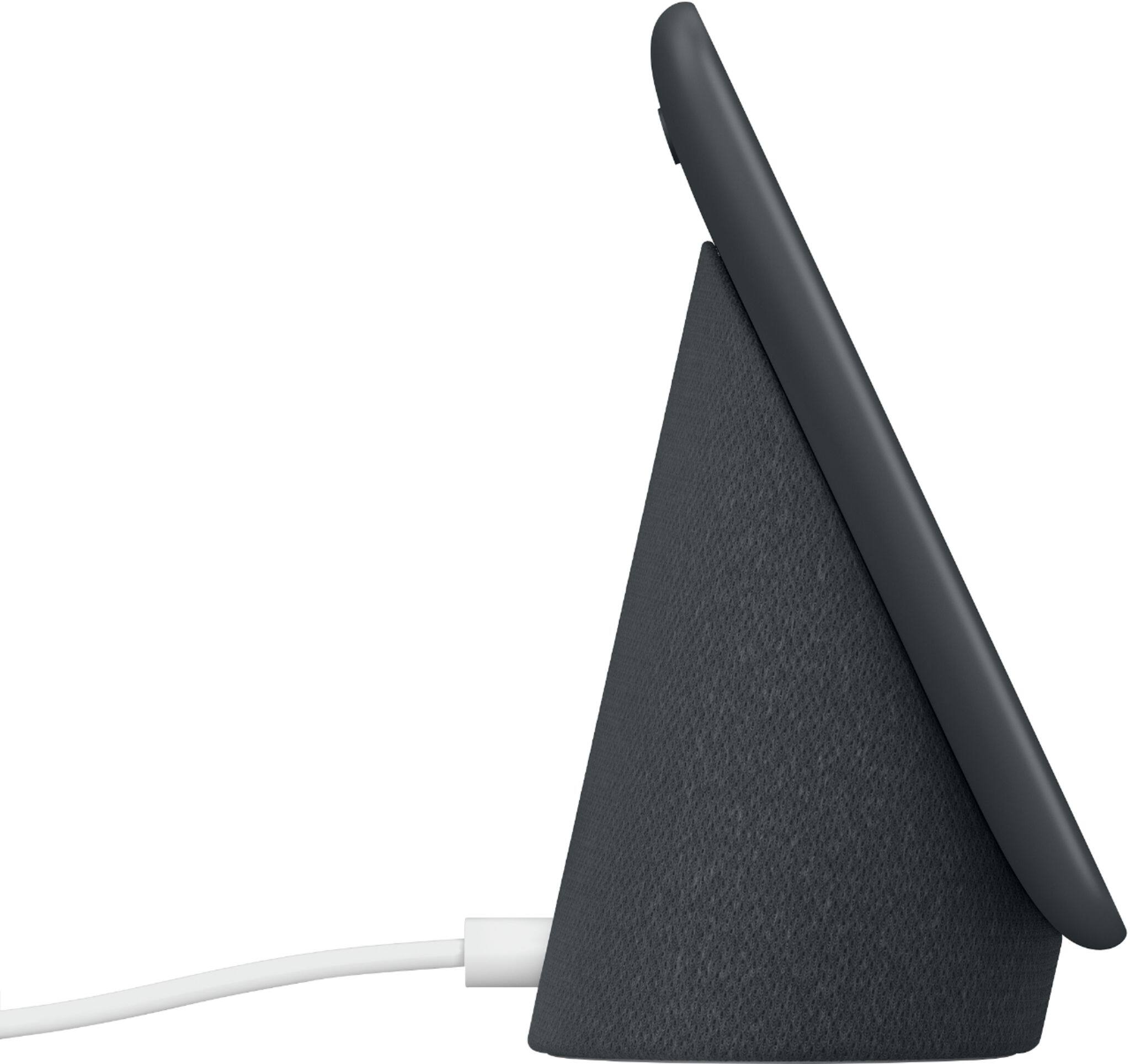
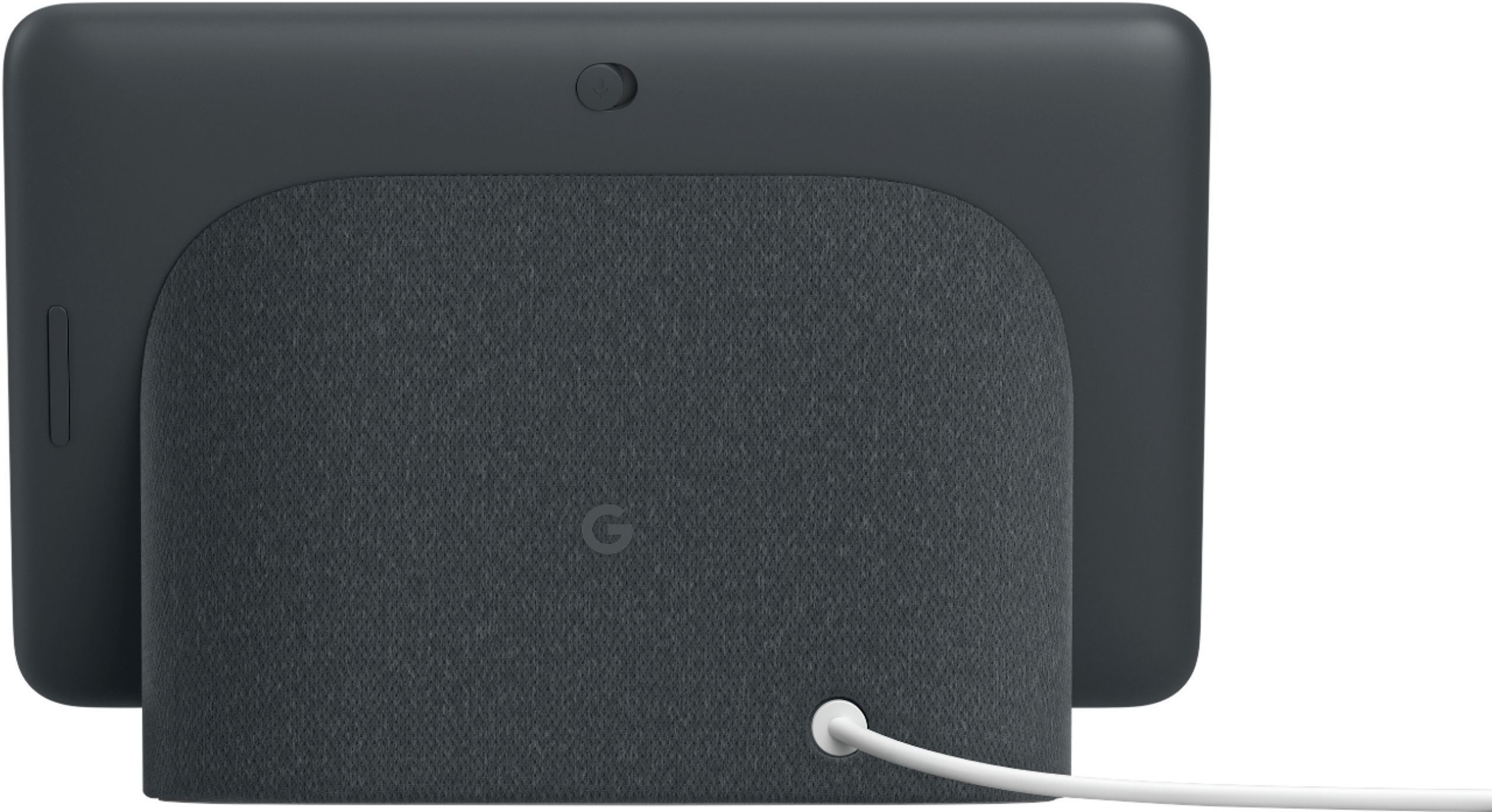
Posted .This reviewer received promo considerations or sweepstakes entry for writing a review.Easy to use. It's compatible not only with our Google devices such as the Nest Doorbell and thermostats, but other devices like our Arlo home security cameras. The biggest flaw, however, is there's no battery in this device. Despite its tablet-like appearance, it must be plugged in to work. I don't understand why they did this, but that eliminates the convenience of taking it with you from one part of your house to another like you would a tablet. I hope they change this in a future model.
I would recommend this to a friend - Pros mentioned:Google assistant, Screen size
Been using it for years
Posted .This reviewer received promo considerations or sweepstakes entry for writing a review.I have owned this for over 3 years now and it still works great to play you tube or spotify or read me a recipe in the kitchen. It's small and tucks away nicely when you don't need to view the screen but still want the assistant.
I would recommend this to a friend - Pros mentioned:Screen size
Great Smart Home HUb
Posted .This reviewer received promo considerations or sweepstakes entry for writing a review.I bought this to go along with our other Google Home and Alexa devices because I like the Home Hub's smart home controls being in one clean easy to use interface. The Echo Show added this feature too, but it is a clunkier design and doesn't allow you to select light bulb colors at all. Overall I like the approach Google took user interface for home controls are much better. The display is fantastic and the photos actually look like pictures in a frame. I'm beyond satisfied with the purchase. I only wish Google would have added a camera, and just used a physical shutter button for the folks that are skittish about cameras.
I would recommend this to a friend - Pros mentioned:Screen size
NICE ==> But!!!
Posted .This reviewer received promo considerations or sweepstakes entry for writing a review.I gave this item a Five Star Rating, but only because my Displeasure with the unit has nothing to do with its Quality & Function. We purchased a Google Home (Speaker Only) when they first came out and think it is AMAZING. When the Google Nest Hub came out with the Screen, we thought Newer and More Expensive was better, but then became Disappointed. The Speaker would Answer All of our Questions. The Nest Hub will answer Some of our questions, but for other questions, you have to go LOOK at the SCREEN. This became unpleasant and inconvenient. If we have to go look at the Screen, we might as well use our Cell or Computer. Nice Unit ==> If you are Two Feet Away.
No, I would not recommend this to a friend Great for Google
Posted .This reviewer received promo considerations or sweepstakes entry for writing a review.Worked well with android devices but I recently switched to the Apple Eco System. If you heavily rely on google for calendar, streaming, emails, and home tech this is a great one to boost your lifestyle.
I would recommend this to a friend- Pros mentioned:Screen size
Amazing device.
Posted .This reviewer received promo considerations or sweepstakes entry for writing a review.We really love this device. We've setup a family photo album with google photos with over 20,000 pictures and it's really fun to see them play. The light sensor is very good and the photos look literally like a real picture frame. That glossy screen really makes them pop and the quality of the screen is very very good. We can only hope they release a larger version in the near future because this is a must buy for any desk or end table.
I would recommend this to a friend