Customer Ratings & Reviews




- Model:
- GA00515-US
- SKU:
- 6290306
Rating by feature
- Value
Rating 4.6 out of 5 stars
- Quality
Rating 4.8 out of 5 stars
- Ease of Use
Rating 4.7 out of 5 stars
Customers are saying
Customers are positive about the Nest Hub Smart Display's ease of use, screen size, sound quality, and Google Assistant functionality. Many appreciate its compatibility with other smart home devices. However, customers are negative about the lack of a camera and some have reported connectivity issues. A few also find the price to be too high.
This summary was generated by AI based on customer reviews.
just use tablet
Posted .This reviewer received promo considerations or sweepstakes entry for writing a review.Not really useful for me, another intrusive device to snoop for Google and not meant to be portable. A tablet would be much better. Build and functionality seems good if you are ok with snooping
No, I would not recommend this to a friendOK but there are better options
Posted .This reviewer received promo considerations or sweepstakes entry for writing a review.Bought the Home Hub, and am returning it. Ultimately, I was not impressed by the device. It keeps disappearing from my Home app on my phone, only solution is to do a factory reset and setup all over again. Totally disappointed in the severe lack of options for the ambient screen. I have an old Sony Dash, updated with Chumby software, that offers FAR MORE options for clock, weather, etc., than the Home Hub. My Samsung Gear watch offers more clock options! Most frustrating, there are claims that the Home Hub is compatible with iHeartRadio, yet NOWHERE can I see any way to link my iHeartRadio to Home Hub. I'll spend the extra money to go with Amazon's Echo, which I know works properly.
No, I would not recommend this to a friend:-/
Posted .This reviewer received promo considerations or sweepstakes entry for writing a review.Could definitely be better! I specified recipes all the way down to the store I want the recipe to come from (Allrecipes, William Sonoma, etc), it will not go there! Then when you find one you'd like to follow, it tells you to let it know when you're ready for the next step but it won't pick up where it left off. No Safari or chrome to use. For me, it's a waste. I don't have the time nor the patience when I'm trying to get dinner ready. It's turned into an expensive digital photo frame, and it will play your Pandora stations.
No, I would not recommend this to a friendGreat Until Warranty Is Up
Posted .This reviewer received promo considerations or sweepstakes entry for writing a review.This became a brick, likely after an update from Google. Happened to many others, there is no resolution.
No, I would not recommend this to a friendOKAY FOR HOME USE
Posted .This reviewer received promo considerations or sweepstakes entry for writing a review.DO NOT EVEN THINK ON CONNECTING TO WORK WIFI, ANYONE THAT HAS ANDROID PHONE AND GOOGLE HOME DOWNLOADED CAN CONTROL YOUR SPEAKER DISPLAY.
No, I would not recommend this to a friendExcellent Device, Some Longevity Issues
Posted .This reviewer received promo considerations or sweepstakes entry for writing a review.Good device, however, they tend to brick without warning so I am now on my second one.
I would recommend this to a friendWorks good
Posted .This reviewer received promo considerations or sweepstakes entry for writing a review.This worked ok I was happy with it, I would sure recommended it
I would recommend this to a friendNo Other Languages at this time
Posted .This reviewer received promo considerations or sweepstakes entry for writing a review.I bought this based on the reviews I read online, thinking that it's better than Alexa Echo Show since it's bilingual Whoever raved about it is a liar! Found out that they have some technical glitch that it cannot handle that. I tested and it seems to understand Spanish questions but still answers in English, and as for Japanese, it does not understand at all. Tech support is aware of this issue and they said they are still investigating it. I hope they resolve this soon otherwise, I am going to return the product! Another little glitch is that when question is asked, my other Google device reacts to it too. It's not because I asked too loud that the other one can hear. It seems to go to cloud and stream down to both devices. By the way this my other device is totally bilingual. So my rating for now is based on the language issue. Once it's resolved, I might revise the rating.
No, I would not recommend this to a friendTotally useless for me
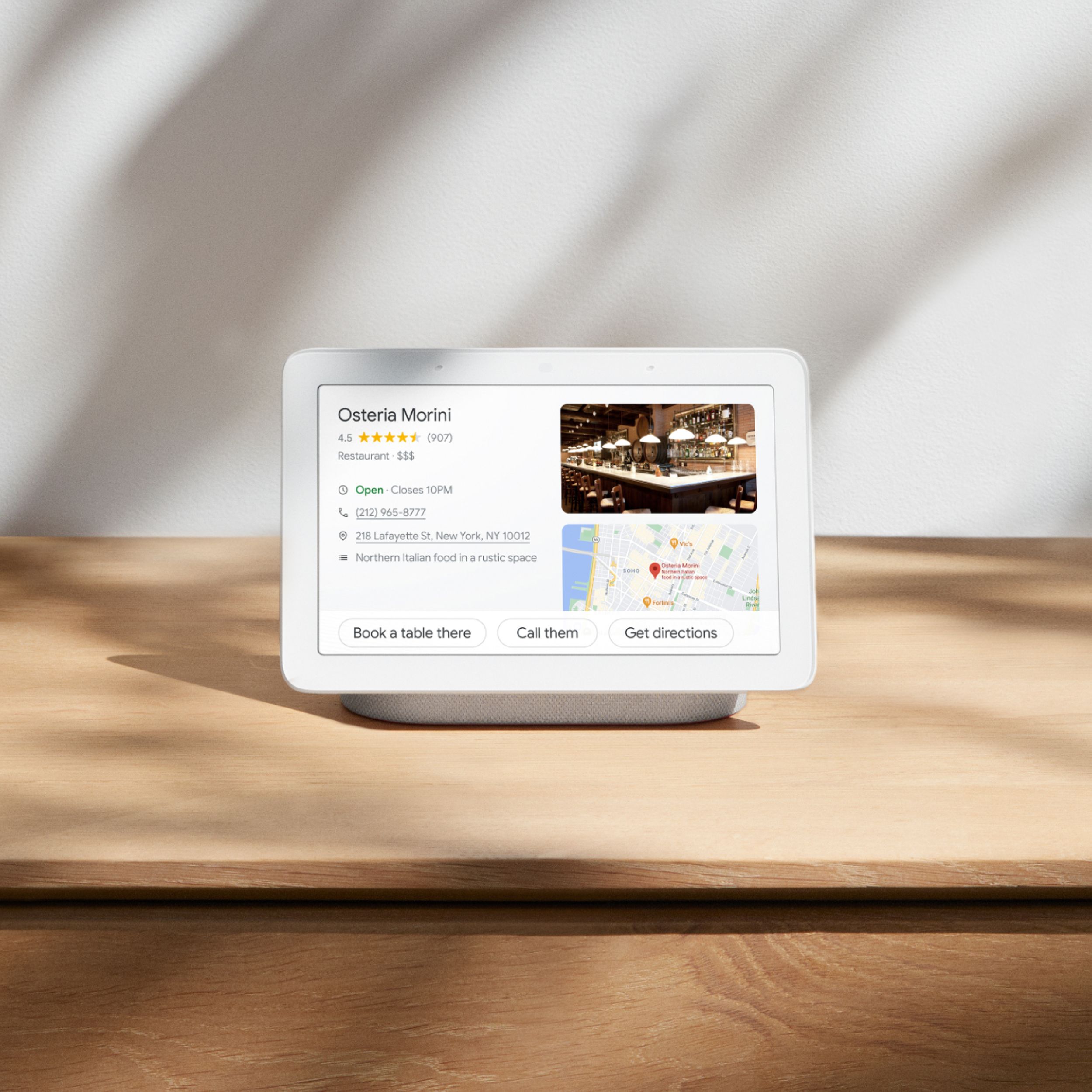
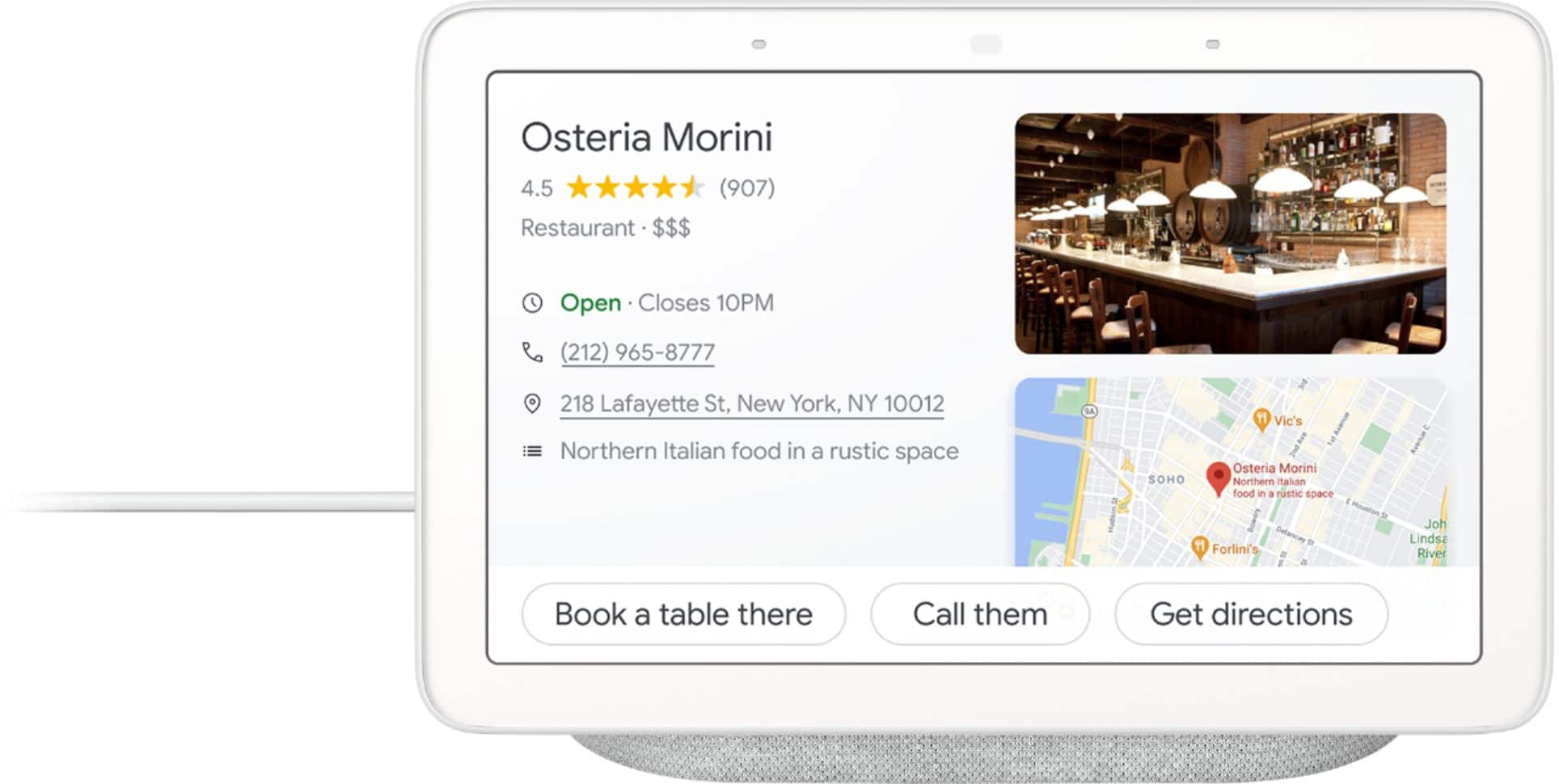
Posted .This reviewer received promo considerations or sweepstakes entry for writing a review.This is a glorified photo display. If you look at the picture on the box you would think that you could display some useful content, but NOOOO. I called Google support after going through all of the setup options to get the same display as what's shown on the box and after an hour, they said they couldn't do it. As a picture frame you can display the time in a small font in the lower left corner and the temperature in an even smaller (unreadable) font right next to it. Other than that, you can put it in clock mode where it's an overpriced digital clock.. The rest of the functionality is really no different that a regular Google home device. This thing is a dog that doesn't hunt.
No, I would not recommend this to a friend"I don't know how to help with that"
Posted .This reviewer received promo considerations or sweepstakes entry for writing a review.The Google Home Hub had easily the most painful setup process of any "smart home" device I have tried - requiring several restarts to even get the device to appear on the app. The assistant somehow feels dumbed-down compared to the mobile version. It all too often responds to basic commands like "search for blank", or "what is blank" with the phrase: "I don't know how to help with that". On top of that, it would often be triggered at random times by movies or idle conversation. At the end of the day, I found myself pulling out my phone to use google assistant, even when the hub was right in front of me.
No, I would not recommend this to a friendGet a amazon device instead.
Posted .This reviewer received promo considerations or sweepstakes entry for writing a review.It stutters when casting video/audio from the pc. Also, I will need to issue it a command multiple times for it to work. Especially starting a timer right after another ends.
No, I would not recommend this to a friendBrand response from Nest Support
Posted .Hi patt,
Thanks for letting us know of the stutter issues when casting with your Nest Hub.
We recommend trying out some troubleshooting steps below that may help resolve the issue:
- Unlink and relink your Google Account from Google Home.
- Reboot the Google Home.
- Reboot the router.
- Recreate and test the issue with another smartphone or tablet device.
- Attempt to play music from another supported app.
- Move the Google Home to a different location closer to the router and test.
If you will still encounter the issue after trying out the steps we provided, we recommend reaching out to our support team. We may need to figure out what may be causing the issue and work on improving your experience if you can contact us here: https://support.google.com/googlenest/gethelp
Do not buy if you value your time and sanity
Posted .This reviewer received promo considerations or sweepstakes entry for writing a review.I utterly despise my Google Home. If the wifi goes out, it doesn't work. If the power goes out, it doesn't work. If you look at it wrong, it doesn't work. It seems that my entire Google (NEst) Home system works about 50% of the time. This means that 50% of the time my alarm doesn't go off in the morning, 50% of the time I can't turn my lights off at night, and 50% of the time I can't turn my lights on when I need them on. 50% of the time is simply not good enough.
No, I would not recommend this to a friendBrand response from Nest Support
Posted .Hi TX1Wolf, thanks for sharing your experience with us. We know how frustrating this can be, but we're here to help. Connectivity issues between your Nest Hub and your Wi-Fi network can be caused by several things. We recommend performing these checks, and see if this would help:
- Check if your network is congested. You can remove some of your connected devices so that it can free up some bandwidth.
- If you have a dual band router, try setting up your Nest Hub on either the 2.4GHz or 5GHz bands and see which band is more stable. Make sure that the set up device is on the same network as the Nest Hub Max.
- Check your network type. You might be connected to a Wi-Fi network that is shared or has special access restrictions like Captive Portals that require visiting a landing page to use the internet.
- Check your router settings. Settings like AP isolation must be turned off for your Nest Hub to connect properly. You can contact your Internet Service Provider for assistance in turning off this setting.
If you will allow us, we'd like to learn more about what's happening with your Nest Hub. Please reach out to our support team and we'll do our best to help here: https://support.google.com/googlenest/gethelp
Can't be used as a bedside clock
Posted .This reviewer received promo considerations or sweepstakes entry for writing a review.You can not use the google home hub as a clock in the bedroom as you do not see the clock when it is dark in the room and there is no possibility to adjust this.
No, I would not recommend this to a friendHey Google Spouts Socialist Propaganda
Posted .This reviewer received promo considerations or sweepstakes entry for writing a review."Hey Google" responded to Good Morning by lecturing me on wearing my Covid Mask anytime I go outside. Pichai is evidently so arrogant that he feels it appropriate to use Nest Hub as a tool to indoctrinate the public into socialism. I really don't need want to hear that crap. Back to the store with this thing.
No, I would not recommend this to a friendPoor display to stream Arlo
Posted .This reviewer received promo considerations or sweepstakes entry for writing a review.I bought this specifically to stream an Arlo camera and it rarely ever works. Meanwhile, the camera streams fine on other devices. I think Google's integration with Arlo is lacking.
No, I would not recommend this to a friendWorst device not providing a small IMP feature
Posted .This reviewer received promo considerations or sweepstakes entry for writing a review.I hate google home. Dam it!! it does not provide auto play turn off feature. which is really annoying a lot. This much expensive device and for this feature need to buy subscription. it's not good at all.
No, I would not recommend this to a friendnot buy christmas
Posted .This reviewer received promo considerations or sweepstakes entry for writing a review.do not buy anything online from best buy. Yes, they give you a delivery date. After you order, delivery is delayed. They don't want to you to get item for sale price.
No, I would not recommend this to a friendDoesn't Work With G Suite
Posted .This reviewer received promo considerations or sweepstakes entry for writing a review.G Suite is a Google product, BUT the Hub can't work with it to do any of it's most useful tasks, like read the calendar, add events, or check emails.
No, I would not recommend this to a friendBought for the photos to display and the calendar
Posted .This reviewer received promo considerations or sweepstakes entry for writing a review.was not able to get my google photos to show on the display in a slideshow, on the phone with google 2 hours and got no where, returned right away
No, I would not recommend this to a friendHorrendous
Posted .This reviewer received promo considerations or sweepstakes entry for writing a review.Absolute garbage. Waste of money. Buy the Apple whatever. Garbage.
No, I would not recommend this to a friend