Customer Ratings & Reviews




- Model:
- RB-YRD540-WV-619
- SKU:
- 6195408
Rating by feature
- Value
Rating 4.3 out of 5 stars
- Quality
Rating 4.7 out of 5 stars
- Ease of Use
Rating 4.6 out of 5 stars
Customers are saying
Customers recognize the Smart Lock Wi-Fi Replacement Deadbolt as user-friendly, easy to install, and a secure option for home security. The app integration, quality build, responsive keypad, good battery life, compatibility with smart home systems, and appealing design are also appreciated. However, some customers have reported connectivity issues and limitations with voice control functionality.
This summary was generated by AI based on customer reviews.
- Cons mentioned:Connectivity
Worked - then didn’t
||Posted . Owned for 6 months when reviewed.This reviewer received promo considerations or sweepstakes entry for writing a review.This product worked flawlessly for about 6 months. Then nothing but issues. Tried everything on their support site and google. Will no longer connect at all. It started by locking me out of my app and wouldn’t take the master password. Reset and it worked for about 24 hours then offline and no master password again. Ever since it has not been able to connect. Extremely dissapointed.
No, I would not recommend this to a friendBrand response from Nest Support
Posted .We're sorry to hear you're encountering these issues with the Nest x Yale Lock, and in this case we recommend reaching out to our support team so that we can offer further assistance.
nest.com/help
Not a Good lock
||Posted . Owned for 1 year when reviewed.This reviewer received promo considerations or sweepstakes entry for writing a review.This lock is garbage. After 5-6 months of ownership, I had to work with Yale to have it exchanged under the manufacturer's warranty. That was a nightmare. The new unit arrived and it is constantly offline from the network. I have tried removing the lock from my Nest account and adding it back and the problem has not gotten better. I have gone outside at times without my phone and have gotten locked out because the keypad is offline. I have Fiber internet service and none of my other devices give me consistent trouble like this item. I wanted this because I like the idea, concept and look. I am out of almost $300 dollars and will need a replace this look after just 2 years of poor service. I do not recommend this lock. I purchased the lock in 2019, so the newer units might be better but I am down with the Nest Yale lock.
No, I would not recommend this to a friendBrand response from Nest Support
Posted .Hi AtlantaDLC, thanks for posting your feedback about the Nest x Yale Lock, and we;re sorry to learn it’s a disappointment for you. We can imagine how difficult this has been, and this is not the kind of user experience we intended to share with you.
Your Google Nest × Yale connects to the internet through a Google Nest Connect or Google Nest Guard in your home. It does not directly connect to Wi-Fi. If your lock is offline, there are still some ways you can lock and unlock your door. Even if your lock is offline, most passcodes will still work. So will the thumb turn inside your home. Since your lock gets its internet connection from your Connect or Guard, first check if the connecting product is offline. You may visit this link for more information: https://support.google.com/googlenest/answer/9235363
If your Nest Connect or Guard is online but not the lock, you can try the following steps that might help:
- Check your app version. Make sure you have the latest version of the Google Home app or Nest app to get the latest features and bug fixes.
- Try to restart your lock. Take off the battery cover and remove the batteries from your lock. If you received a low battery alert, use a fresh set of standard AA batteries. Don’t use rechargeable batteries with your lock.
- Check for the sources of interference like thick walls, furniture, appliances, and other electronics.
- If none of the troubleshooting steps helped, you may need to factory reset your lock. Follow the steps in this article:: https://support.google.com/googlenest/answer/9218474
If the issue persists, our dedicated team can guide you with further troubleshooting and investigation. You can visit us anytime here and we’ll do our best to help: https://support.google.com/googlenest/gethelp
- Pros mentioned:Security
Awesome lock
||Posted .This reviewer received promo considerations or sweepstakes entry for writing a review.It gives my family great sense of security!! It’s the most amazing lock out there ever !!
I would recommend this to a friend - Pros mentioned:Ease of use
Great Product and App
||Posted .This reviewer received promo considerations or sweepstakes entry for writing a review.Love this smart lock device, work well with Nest echo systems and an app is easy to use.
I would recommend this to a friend Ok
||Posted . Owned for more than 2 years when reviewed.This reviewer received promo considerations or sweepstakes entry for writing a review.The lock works good and all the mechanisms in it but your door needs to be perfectly loose and not be a tight anywhere on the door.
No, I would not recommend this to a friend- Pros mentioned:Ease of use
Easy to install and setup
||Posted .This reviewer received promo considerations or sweepstakes entry for writing a review.It was easy to install and even easier to setup. I would highly recommend this product.
I would recommend this to a friend - Cons mentioned:Connectivity
Worst keyless entry ever
||Posted . Owned for 3 weeks when reviewed.This reviewer received promo considerations or sweepstakes entry for writing a review.Worst money ever spent . Changed wifi from Centurylink to Verizon and door wouldn’t reconnect to wifi even with geek squad assistance . Had the lock for 5 months and had to turn around a purchase new one . I do recommend the Eufy instead and it’s much cheaper .
No, I would not recommend this to a friendBrand response from Nest Support
Posted .Hi Diane, thanks for giving us time to share your feedback about the Nest x Yale Lock, and we’re sorry to hear your difficult experience with reconnecting it to your new Wi-Fi.
Your lock doesn’t connect directly to Wi-Fi. Instead, it uses a Google Nest Connect or Google Nest Guard for its internet connection. So you’ll only need to update the Wi-Fi information on your Connect to get your lock back online. The simplest fix for most Nest products is to update your home network so that the network name (SSID) and password are the same as before. This will usually work even if you’ve purchased a new Wi-Fi router as long as the manufacturer settings are the same.
If this doesn’t work, or you want to keep your new network name or password, you’ll need to update the Wi-Fi details on your Nest Connects. Here’s how:
- Bring your phone or tablet to the same room as your Nest Connect.
- On the app home screen, tap Settings (Nest settings icon).
- Tap Nest Connect. You may need to scroll down to see this option.
- Tap the Connect you want to change.
- Tap Wi-Fi Connection, then tap Start.
If you need further assistance, you’ll find us always ready to help you here: https://support.google.com/googlenest/gethelp
- Cons mentioned:Connectivity
Wait out
||Posted .This reviewer received promo considerations or sweepstakes entry for writing a review.Bought my from Best Buy on Sunday and installed it, it took me 3 attempts to connect to nest. On Monday, my nest app said it was off line. Few hours later I got home and try to reconnect it with no results. The lock keep said can’t connect to nest connect. Pack it up and return the crap. Waste my 2 hrs plus to try to get it reconnect. I think it too new. Wait for few more months for a second version.
No, I would not recommend this to a friend Very Hard to Install
||Posted .This reviewer received promo considerations or sweepstakes entry for writing a review.Warning. This lockset is packaged in a way that leads you to think it will be easy. It’s not. Nest has obviously copied Apple in their “let’s get started” teaser once you open the box. Apparently none of the supposedly simple instructions apply with this lockset. Even the most basic of things- setting up the Nest hub does not work per their instructions. They specifically tell you the steps to take, which don’t even apply to the device you have. You just have to figure it out for yourself. For instance, they tell you to scan a QR code to link the nest hub to your app, but they don’t bother to tell you where the effing QR code is located. Is it in the manual(s), on the box...? That took a while to find. Stupid. And that was the easiest part. The instructions assume you just know a lot about locksets, and leave quite a bit out. I measured my door per their measurements. Even so, nothing aligns correctly. So, here I am, with this lockset that I cannot attach to my door, with my old lockset removed. Lovely. Going back to Best Buy in the morning for a refund. By the way- the very first thing my contractor said was, “...those electronic WiFi locks eat through expensive batteries all the time, and it sucks when you get home and you can’t unlock the front door due to a dead battery.” Another almost good idea. Don’t install this yourself. Pay for installation, or better yet, get a decent lock and an alarm system.
No, I would not recommend this to a friendNot reliable
||Posted . Owned for 1 month when reviewed.This reviewer received promo considerations or sweepstakes entry for writing a review.It wouldn’t work all the time, not reliable enough for me to want to spend this kind of money, & not be able to get inside the house.
No, I would not recommend this to a friend- Pros mentioned:Ease of use
Awesome and easy to Install
||Posted .This reviewer received promo considerations or sweepstakes entry for writing a review.Quick to hook up to network and easy to install when replacing existing lock.
I would recommend this to a friend - Pros mentioned:Ease of use
Easy smart lock
||Posted .This reviewer received promo considerations or sweepstakes entry for writing a review.Lovely look and easy to handle and can access through my phone from anywhere
I would recommend this to a friend - Pros mentioned:Ease of use
Easy
||Posted .This reviewer received promo considerations or sweepstakes entry for writing a review.Easy to use like how you can change password on your phone for others to use
I would recommend this to a friend - Pros mentioned:Ease of use
Great Nest lock
||Posted .This reviewer received promo considerations or sweepstakes entry for writing a review.went with nest products for my smart home and the nest door lock is awesome
I would recommend this to a friend Great lock, doesn't work with Airbnb
||Posted . Owned for 1 month when reviewed.This reviewer received promo considerations or sweepstakes entry for writing a review.This is a great lock, however don't expect it to work with Airbnb, it will not automate codes to guests. If I had known that I would not have purchased it.
No, I would not recommend this to a friendBrand response from Google Team
Posted .Hello there, thank you for sharing your experience with your Nest x Yale Smart Lock. For information about active guest passcodes, please refer to this article:
https://support.google.com/googlenest/answer/9207205?hl=en-SG&co=GENIE.Platform%3DiOS&sjid=7970272558198349346-NC#zippy=%2Chow-to-set-a-schedule%2Cwho-can-change-a-passcode%2Cimportant-things-to-know-when-creating-passwords
- Cons mentioned:Connectivity
Not so good
||Posted .This reviewer received promo considerations or sweepstakes entry for writing a review.Always show errors. My internet is strong but can't open the door. It is over 30 days so I can't return it.
No, I would not recommend this to a friendBrand response from Nest Support
Posted .We're sorry to hear about these connection issues you've experienced with your Nest x Yale lock. We'd suggest reaching out to our live support to troubleshoot this issue and get it resolved.
Nest.com/help
- Pros mentioned:Ease of use
Amazing!
||Posted .This reviewer received promo considerations or sweepstakes entry for writing a review.This is very easy to install and works great! Nice addition to any home.
I would recommend this to a friend - Pros mentioned:Ease of use
Lock-it/unlock-it
||Posted .This reviewer received promo considerations or sweepstakes entry for writing a review.This is the coolest thing ever, let my family in, guests, and the maid
I would recommend this to a friend - Pros mentioned:Installation

Who knew a door lock could be so awesome!
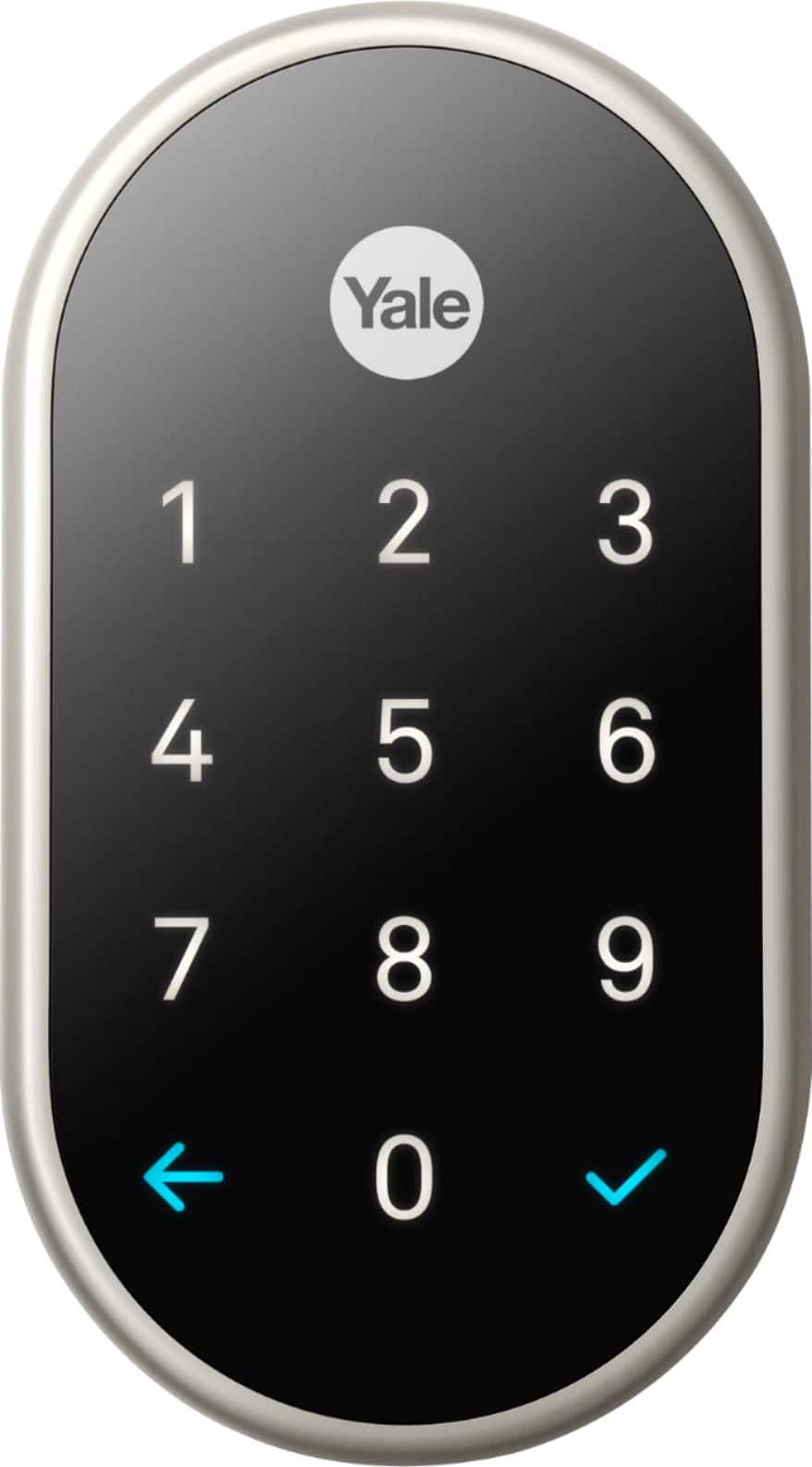
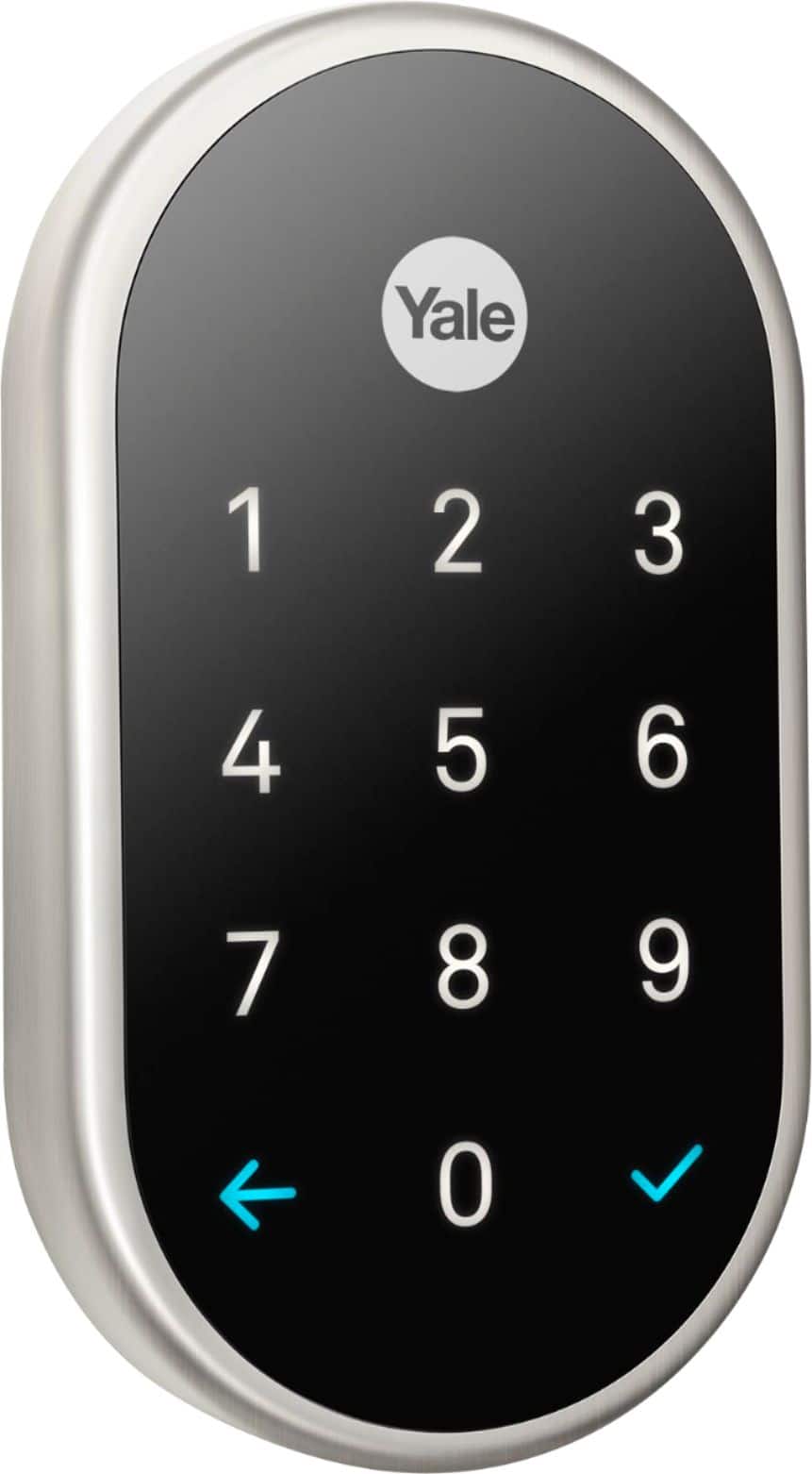
|Posted .This reviewer received promo considerations or sweepstakes entry for writing a review.I will start out by saying I live in a house with 3 teenagers. It is a constant struggle to get them to lock the door, and to use their key to unlock the door instead of just ringing the doorbell and expecting someone to let them in. So, when I discovered this lock, I jumped at the chance to get it. I have to say, it has solved all of my problems! Right out of the box you can feel that this is a very solid and heavy duty lock just by the sheer weight of it. Its definitely not a toy! The installation instructions were very easy to follow and it was also very easy to connect it to my Nest app (that I already had for my Nest Thermostat) I would say that within 15 minutes of opening the box I had the lock installed and connected to the app. Functionality wise, this thing is just plain cool. You touch the logo on the keypad, it lights up, you enter your 4-8 digit code, press the little check mark and the door unlocks. Here's the really awesome part. The door automatically locks itself (if you want it to) I have it set up so that after 5 minutes of the door being unlocked it will automatically lock itself. This is a godsend for me, I never have to worry if one of the kids left the door unlocked again! Plus, even if I am away from home, I can always look on my app and see if the door is locked or not. Its also cool that we can set up individual codes for each member of the house, and that it keeps a log of who is coming and going based on those codes. Helps us keep tabs on who is coming and going. I was a little bit concerned that there is no actual key hole for backup in case the batteries were to die in the lock. But there is a 9 volt connector under the lock on the outside so you can plug in a battery if the batteries on the inside do die. I am also curious to see just how long the batteries will last. It says a year, but I highly doubt they will last that long in this busy household. Overall, I am VERY satisfied with this lock, I would highly recommend it to anyone!
I would recommend this to a friend Too Sensitive /Defects easily
||Posted . Owned for 3 months when reviewed.This reviewer received promo considerations or sweepstakes entry for writing a review.I had to return this one because it was giving to many issues. Too sensitive.
No, I would not recommend this to a friendBrand response from Nest Support
Posted .Hi Hello, thanks for posting your feedback. We’re sorry to hear that you’re having multiple issues with Nest x Yale Lock.
We hear you, and we’d like to help you the best way possible. If you’re willing, we’d like to know more about what happened so we can provide you with some troubleshooting steps that may help improve the performance of your device. Please contact our support specialist and let us assist you further with your Nest x Yale Lock. You can reach us on our Google Help page here: https://support.google.com/googlenest/gethelp