Customer Ratings & Reviews
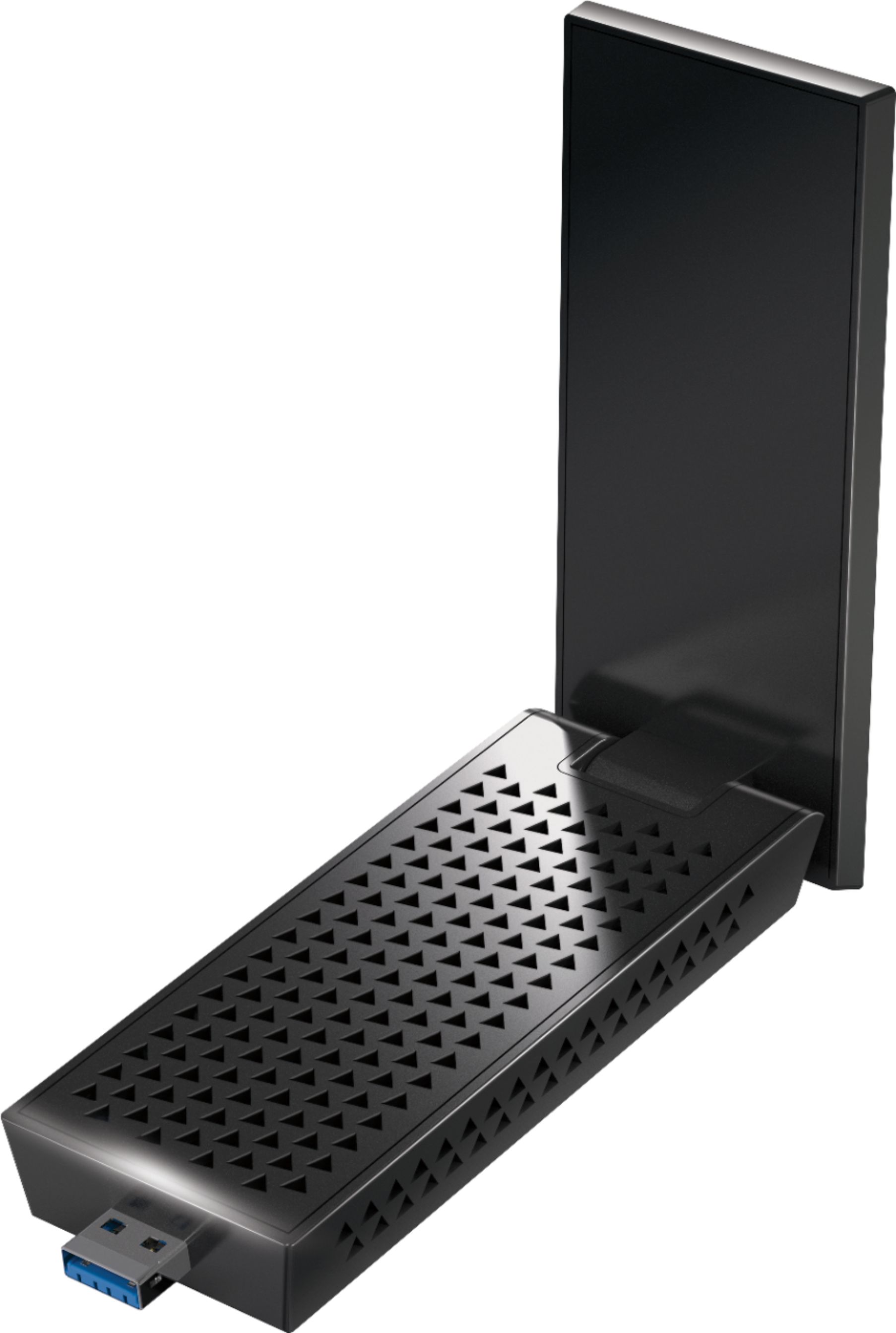
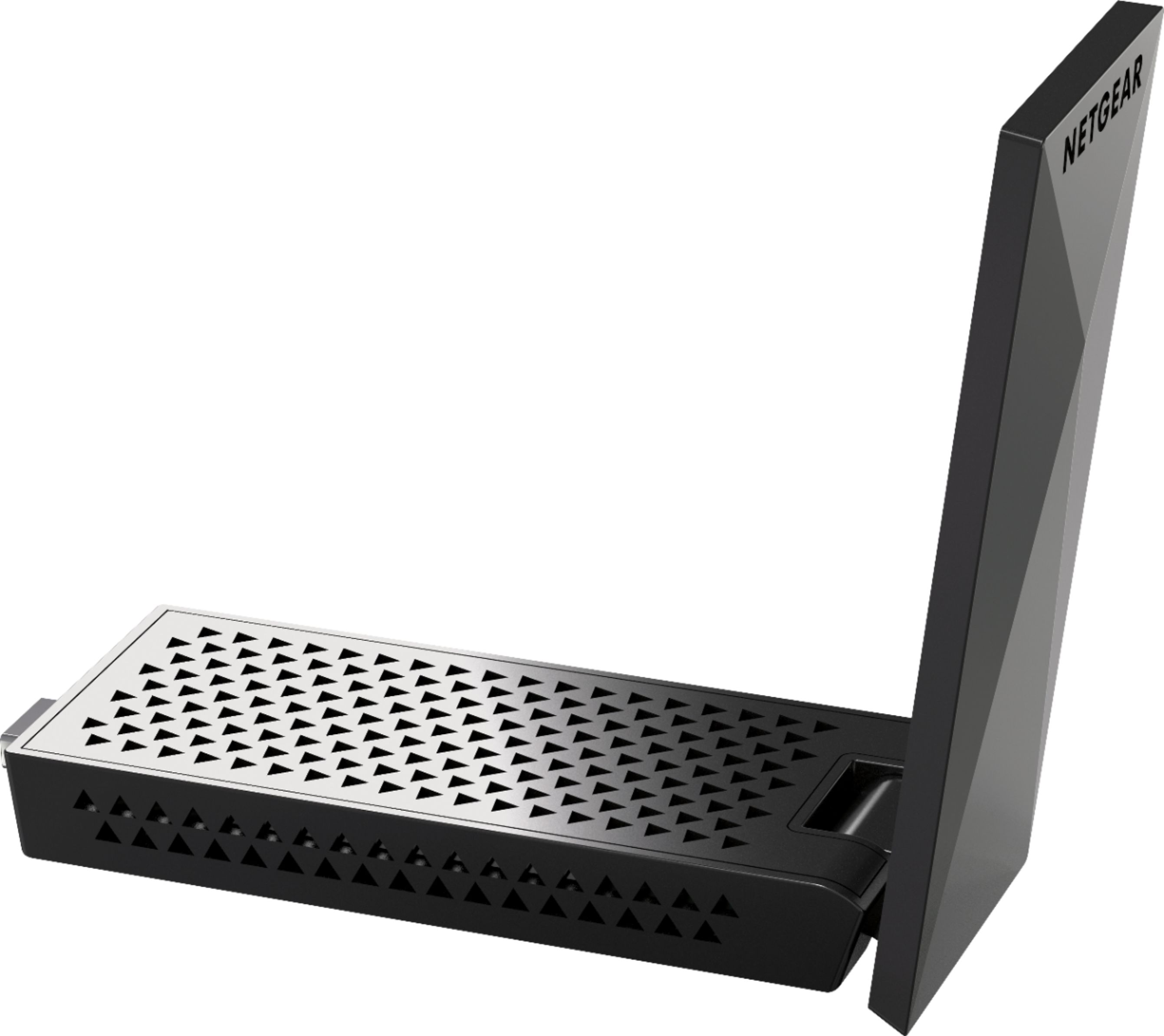
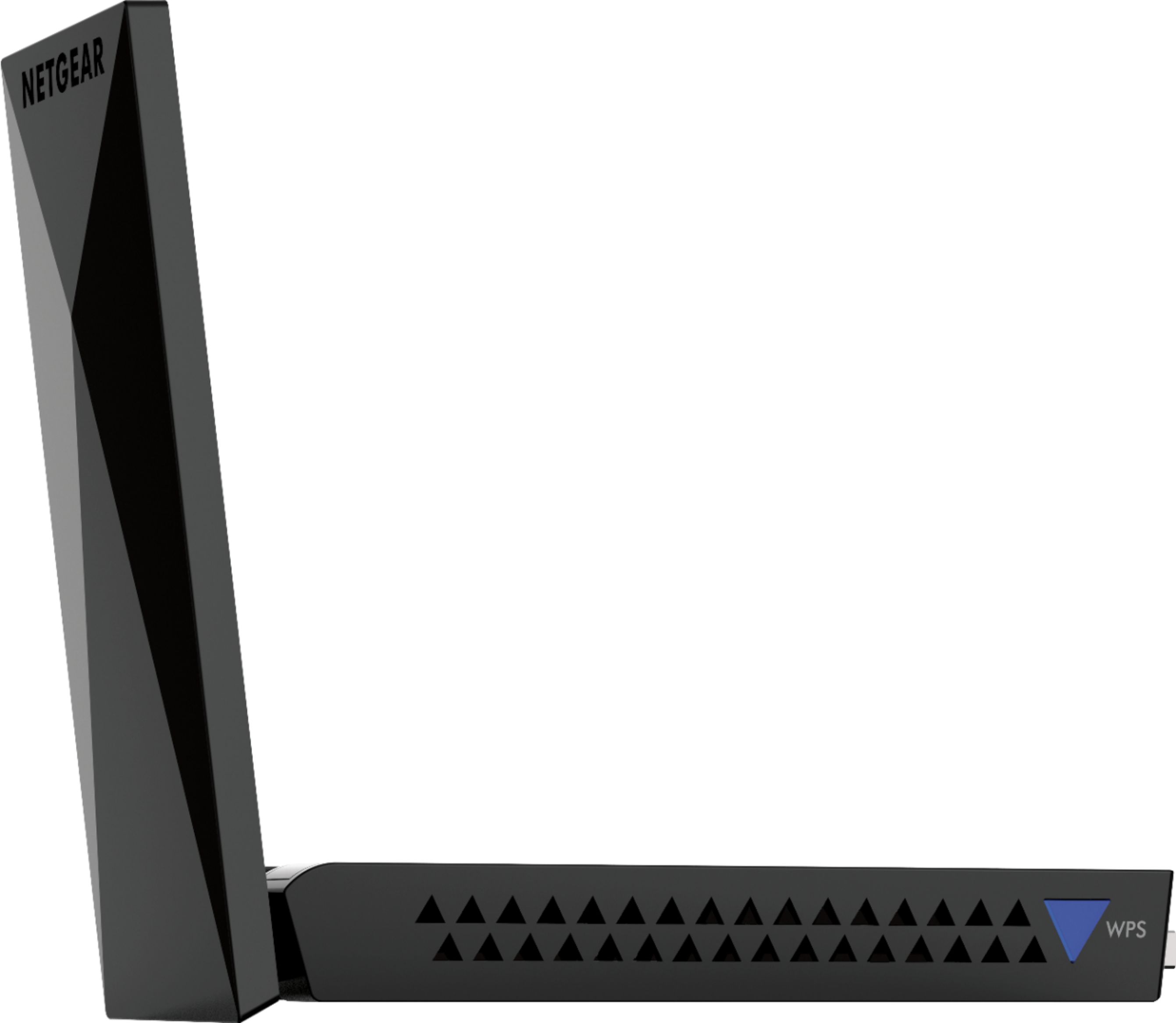
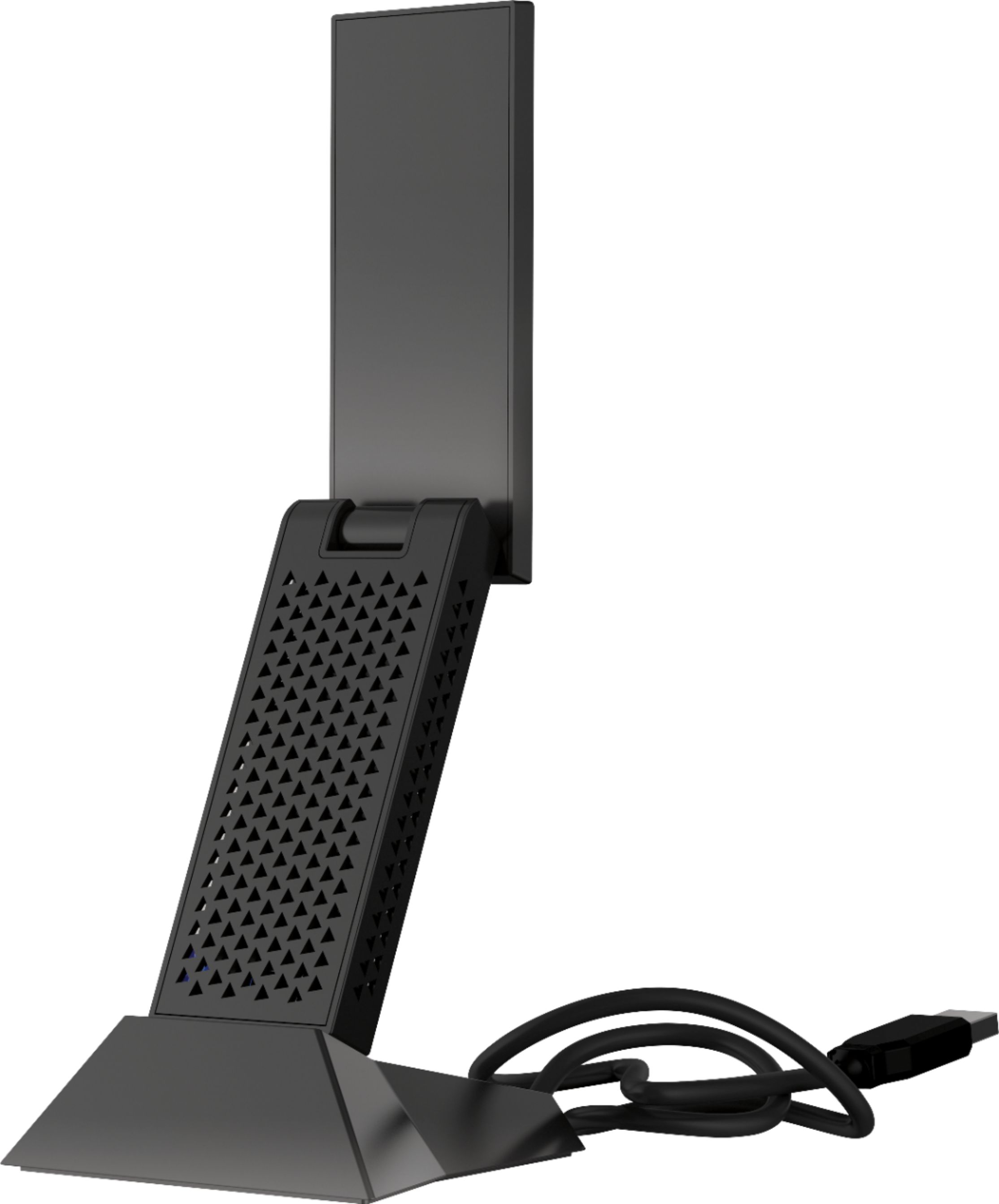

- Model:
- A7000-10000S
- |
- SKU:
- 6059000
Customer reviews
Rating 4.5 out of 5 stars with 2384 reviews
(2,384 customer reviews)Rating by feature
- Value4.3
Rating 4.3 out of 5 stars
- Quality4.5
Rating 4.5 out of 5 stars
- Ease of Use4.5
Rating 4.5 out of 5 stars
Customers are saying
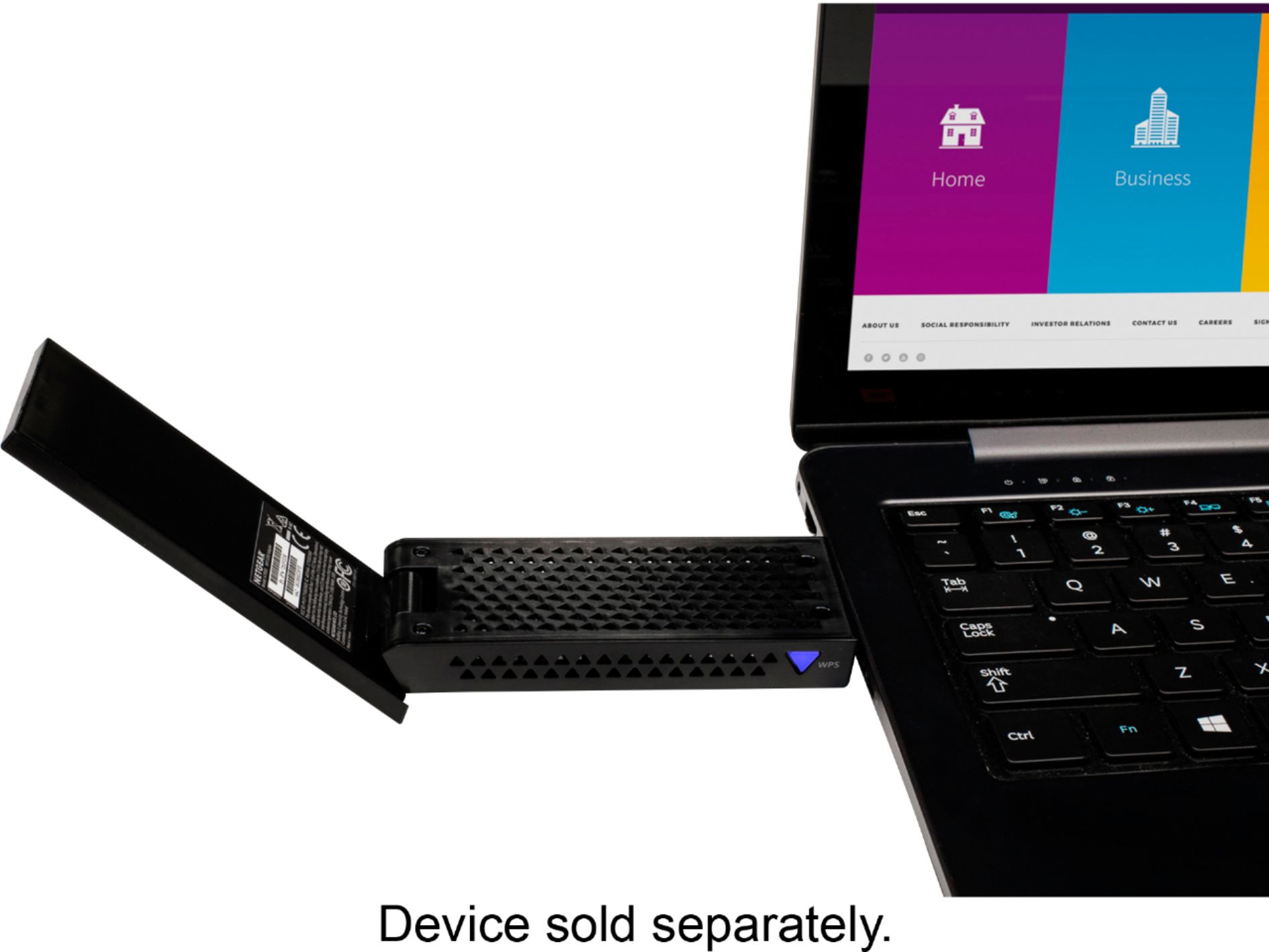
Customers are satisfied with the Nighthawk AC1900 Dual-Band WiFi USB 3.0 Adapter's ease of use, strong WiFi signal, and performance. Many appreciate its extended range and relatively easy setup process. However, some customers experienced connection issues and found the adapter to be somewhat large and expensive. A few also noted that the software could be improved.
This summary was generated by AI based on customer reviews.
- Pros mentioned:Ease of use, WifiCons mentioned:Size
Rated 4 out of 5 stars
it work good
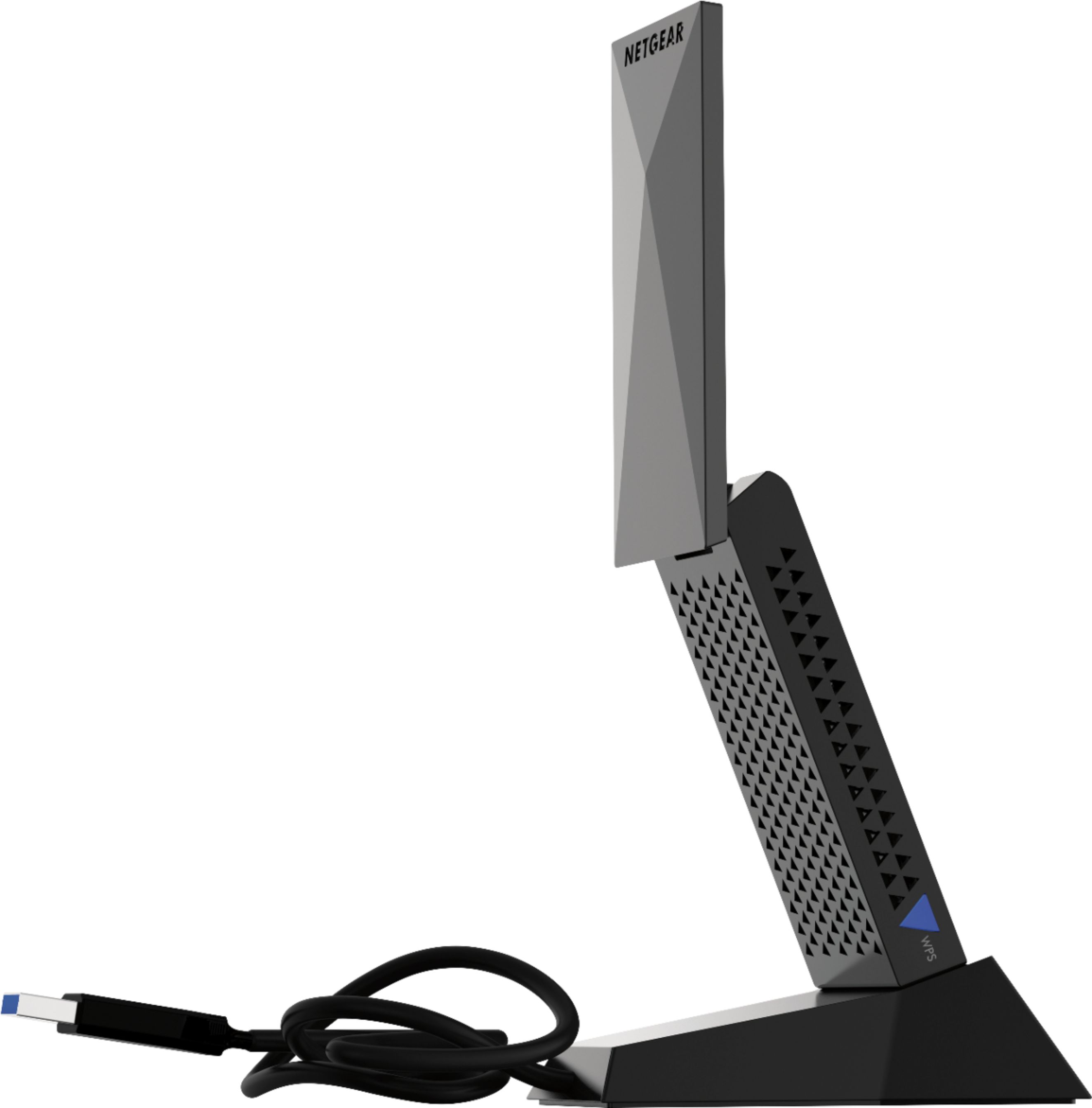
Posted .This reviewer received promo considerations or sweepstakes entry for writing a review.the good, -didnt have to put in much effort to install it -work good with no disconnections so far -comes with a base, so you dont need to put it directly on your computer the bad, -it 3x the size of my old belkin adapter -someone smart thought it was a good idea to put a magnet on the base of this thing but as long as you keep it away from your computer it should be find
I would recommend this to a friend - Pros mentioned:SpeedCons mentioned:Size
Rated 5 out of 5 stars
Great performance at a decent price.
Posted .This reviewer received promo considerations or sweepstakes entry for writing a review.Yes it is big (it looks like an old-school flip phone) but based on the performance alone, it's worth every penny. I have Gigabit service at home and wired connection I'm constantly clocking 850-900mbps. I came across a big problem when we moved and what would become my media room/office, did not have a terminal for our cable provider to connect the modem to. I don't want to make any modifications to the house since it is a lease so I first tried the Netgear Ethernet adapter that plugs to the power outlet. Everyone I spoke to said it would work just fine and it sort of did, except that the fastest speed I was able to clock was only 8mbps. That's a far cry from the advertised 1.2gbps capacity that they advertised. That all brings me to this. I searched for a more than capable wireless adapter and since it would just sit stationary on my desk, I didn't mind the size of this one at all. I'm constantly clocking in at 390-465mbps which is more than adequate. Other than hard-wiring to the router, I can't think of a better solution than this device. Make sure you follow the instructions when installing the drivers.
I would recommend this to a friend Rated 2 out of 5 stars
Didnt work
||Posted . Owned for 1 month when reviewed.This reviewer received promo considerations or sweepstakes entry for writing a review.Wasnt able to get it working correctly, Dont know if it had anything to do with my os being windows 11 or not.
No, I would not recommend this to a friend- Cons mentioned:Connection
Rated 1 out of 5 stars
unstable connection
||Posted . Owned for 1 month when reviewed.This reviewer received promo considerations or sweepstakes entry for writing a review.unstable connection, drivers on cd only, poor quality install
No, I would not recommend this to a friend - Cons mentioned:Connection
Rated 1 out of 5 stars
Wouldn’t work
||Posted . Owned for 1 week when reviewed.This reviewer received promo considerations or sweepstakes entry for writing a review.Wouldn’t even connect to my hotspot. Or my internet
No, I would not recommend this to a friend - Pros mentioned:Ease of use
Rated 5 out of 5 stars
Does what it says
Posted .This reviewer received promo considerations or sweepstakes entry for writing a review.Easy set up. Love the dock but sadly can't use it as I have a desk with built in electronics and the stand uses some pretty powerful magnets. My wifi antenna had broken and I bought this to replace it, not realizing I would need Internet access to download the driver needed to use this product. Obviously, just a quick Ethernet cable connection made it easy. But definitely something to consider, depending on where your computer is in relation to your router.
I would recommend this to a friend - Pros mentioned:Signal strength
Rated 3 out of 5 stars
Erratic 5G Performance & Unorthodox Design
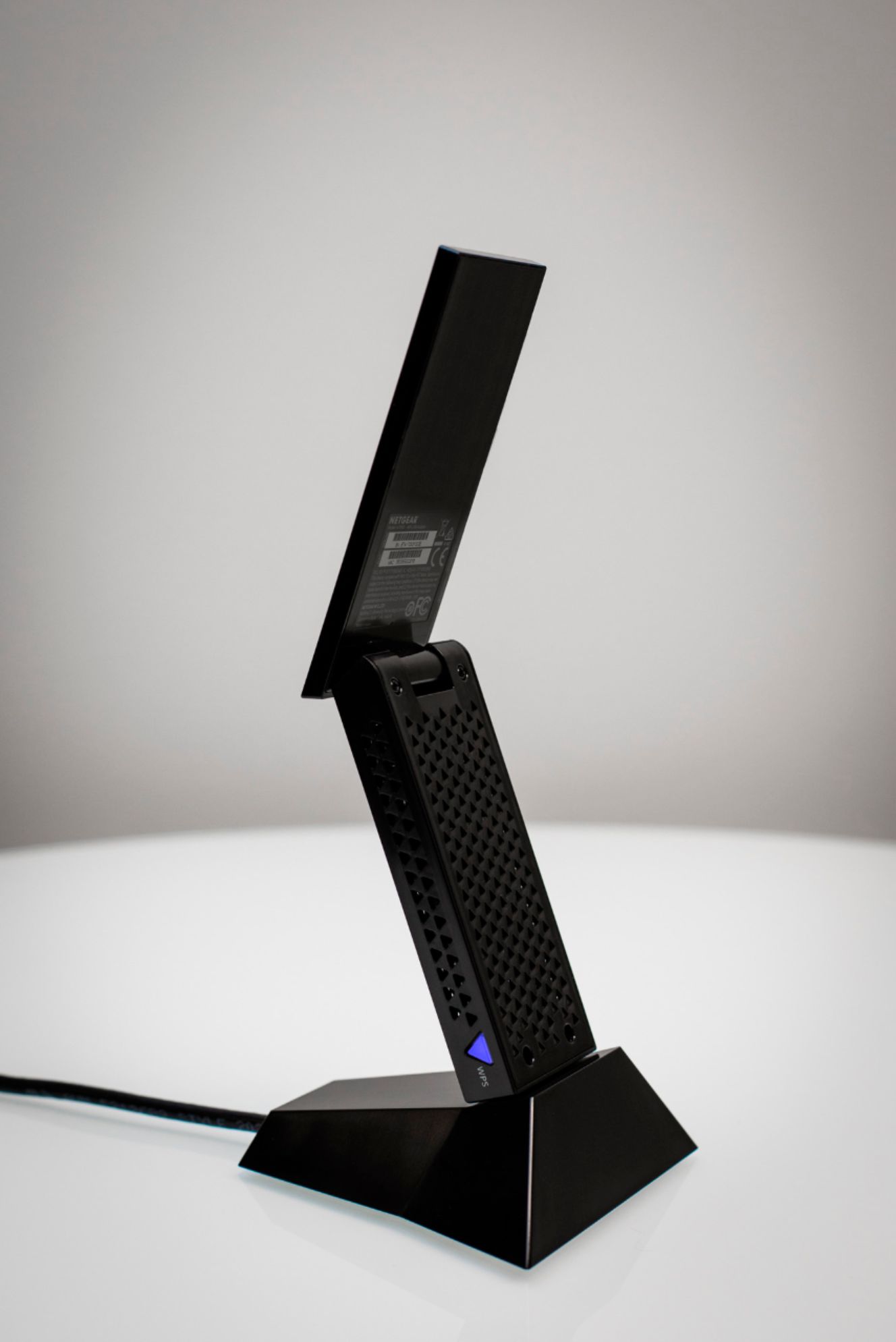
Posted .This reviewer received promo considerations or sweepstakes entry for writing a review.Netgear A7000 Wi-Fi connected to Netgear R7000P router: A7000 shuts down when connected to 5G Wi-Fi under heavy load. A7000 does not appear to exhibit similar behavior under 2.4G Wi-Fi. I believe this to be a result of thermal load as adapter is extremely HOT to the touch when event occurs. When this occurs, WPS (blue light) is inactive and adapter must be physically disconnected from magnetic cradle and reconnected to re-enable adapter. In other words, the adapter completely shuts down when the chipset reaches a certain thermal threshold. I wish I had a thermal probe as I could share idle temperature verses temperature at shut down. Moving on to the magnetic cradle: Although, the magnetic cradle appears to be an innovative concept, it must be one of the most fatuous implementations I have seen in a long time. The disclaimer that USB memory sticks, external hard drives, cellular phones, credit cards, etc., must be protected from the “strong” magnetic cradle is impractical. First, the cable is too short to adequately distance the device from everything else. The next option is to pull everything off the desk. The problem that most users will experience is it is our natural predisposition to drop our wallets, cellular phone, memory stick, etc., on our desks. I do not want to worry about this constantly. As a result, I carefully removed the thin rubber (layer) from the base and removed the three star-head screws. Therein, there are two dense dime-sized magnets accompanied by six strips of metal shims (3 each side if memory serves). I removed the magnets and fashioned paper shims to compensate for the vacancy of the magnets. Closed it up and it looks good as new. In addition, the weight is still appropriate to sustain the extended adapter. It is an interesting device but thermal shutdowns under heavy load connected to 5G is a significant issue. Design is a head-scratcher considering the list of electronic devices one must safeguard from the cradle. In addition, simply connecting the adapter to an available 3.1 USB connector may be impossible or impractical due to the dimension of the device and preferred signal strength. Although, I understand that most modern electronics, like our smartphones, are not going to be adversely affected by small magnets, I do not want to be the one whom tests the aforementioned devices to determine which devices are damaged, which devices lost data and which devices are unaffected. Notwithstanding, I recommend this product with caution.
I would recommend this to a friend Rated 2 out of 5 stars
Netgear
||Posted .This reviewer received promo considerations or sweepstakes entry for writing a review.Its really bad i am really mad its trash i get laggy spikes on it
No, I would not recommend this to a friend- Pros mentioned:SpeedCons mentioned:Size
Rated 5 out of 5 stars
It's Huuuuuuge!
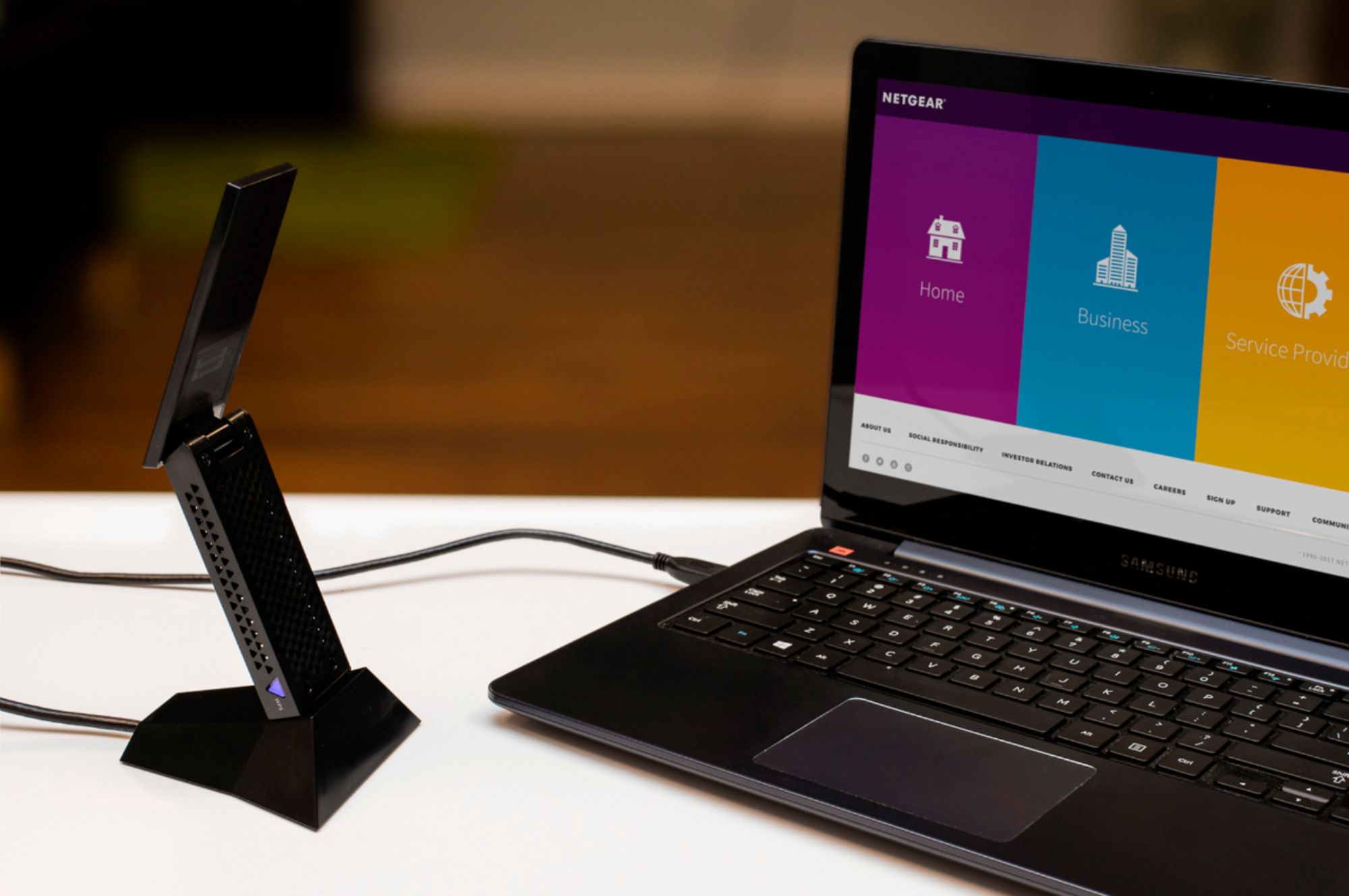
Posted .This reviewer received promo considerations or sweepstakes entry for writing a review.This adapter really delivers results. There is a big difference between the results provided by the internal AC adapter installed in my laptop and the AC 1900. By using speedtest.net, the results are about 2 times greater. I had been receiving 75 mbps and now recevie 180 to 210 mbps. The Router, a Netgear X10, is on the second floor and we use our laptops on the first floor. Using the beamforming and MIMO technology on both, makes a big difference. The size is bigger than anything that I anticipated. You have to use the mounting station because it is not practical to plug this puppy into the side of your laptop. Keep that in mind. But, it does perform better than expected.
I would recommend this to a friend - Pros mentioned:SpeedCons mentioned:Size
Rated 4 out of 5 stars
Better than Ourlink 600mbps Wifi Adapter
Posted .This reviewer received promo considerations or sweepstakes entry for writing a review.i had an ourlink 600mbps wifi adapter sold by glamhobby but it was absolutely terrible always got dropped and super slow speeds only getting 5-20mbps download but once i switched to this i was getting 60 from across the house and it also allowed me to connect to my neighbors down the street. though i will say it is big without antenna its roughly 6 inches long but with its a good 10 inches also the desktop dock does not slow down speeds at all and it allows it to reach further if your pc is under your desk. would recommend the only reason i gave 4 stars is because of size. otherwise its a solid 5.
I would recommend this to a friend Rated 1 out of 5 stars
Trash
||Posted . Owned for 2 weeks when reviewed.This reviewer received promo considerations or sweepstakes entry for writing a review.It doesn’t work if your computer is not hooked to wifi, i tried indtalling in on my other computer used a usb stick and transferred the files lm the computer that dont have wifi and still didnt work
No, I would not recommend this to a friendRated 1 out of 5 stars
Not worth it
||Posted . Owned for 1 month when reviewed.This reviewer received promo considerations or sweepstakes entry for writing a review.The device does work as a Bluetooth adapter, but the internet speed is not as advertised. The device had high speeds initially when you test it but after a 2nd or 3rd speed test, the number plummet.
No, I would not recommend this to a friendRated 1 out of 5 stars
Awful
||Posted . Owned for 1 month when reviewed.This reviewer received promo considerations or sweepstakes entry for writing a review.Worst product on the market not to mention the high mark up. It gives out more blue screen death pc restarts than it does actually working. Products a joke
No, I would not recommend this to a friendRated 1 out of 5 stars
incompatible with MacOS Monterey
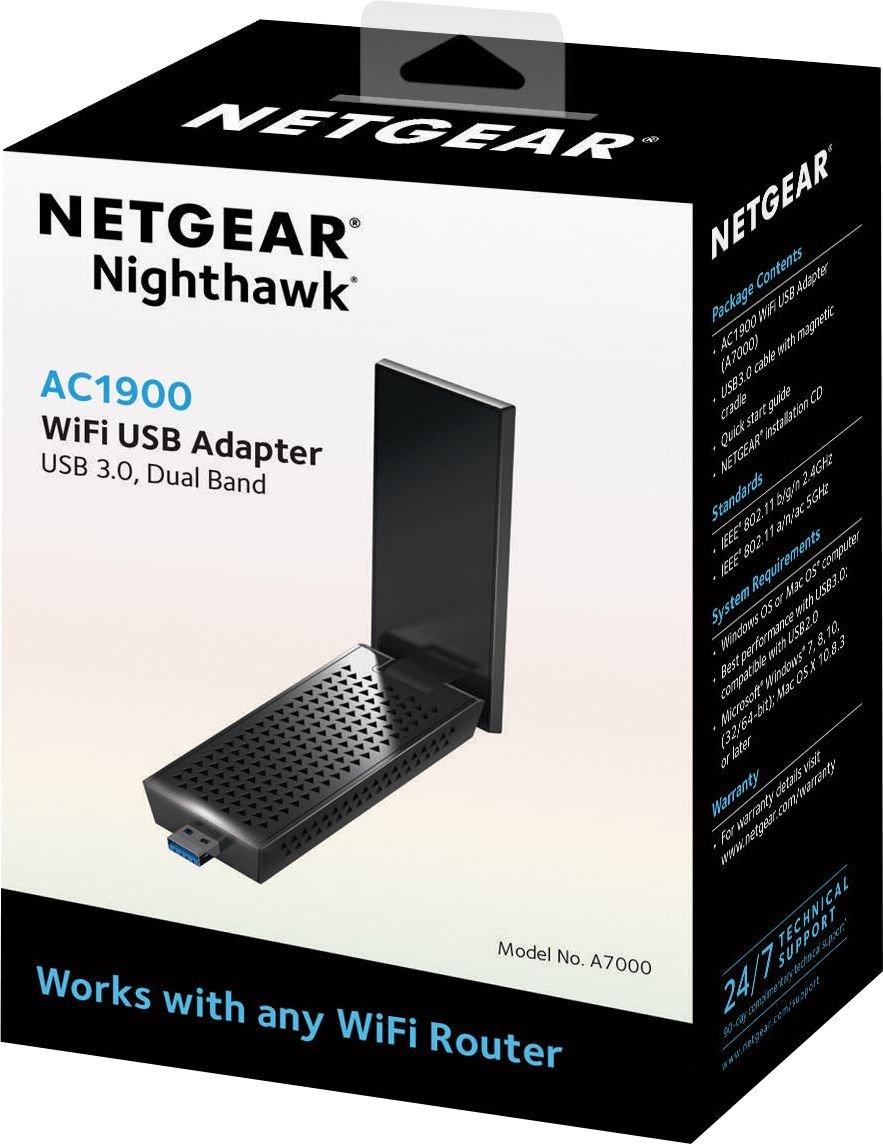
||Posted .This reviewer received promo considerations or sweepstakes entry for writing a review.This product is incompatible with MacOS Monterey despite saying on the box compatible with MacOS X 10.8.3. Failing to update drivers causes a useless product
No, I would not recommend this to a friend- Pros mentioned:Wifi
Rated 5 out of 5 stars
Great Wi-Fi Adapter
Posted .This reviewer received promo considerations or sweepstakes entry for writing a review.No issues with connectivity or range. Setup was extremely easy. Always had good luck with Netgear products.
I would recommend this to a friend - Pros mentioned:Signal strength, Speed
Rated 5 out of 5 stars
Great wifi adapter has MU-MIMO and beamforming
Posted .This reviewer received promo considerations or sweepstakes entry for writing a review.I have the adapter connected to my 2009 Macpro and I get a constant 1300mbps connection. I have a new Netgear RAX80 802.11ax 5G router and it is the most stable network connection i have ever had. Wish they had a 802.11ax one, at the time but this will do until netgear releases a new one, or i upgrade to a new Mac Pro with 902.11ax built in. This works fantastic in my neighborhood or 103 WIFI routers, very crowed network but works great.
I would recommend this to a friend Rated 4 out of 5 stars
Great Product - Not the best for impatient people
Posted .This reviewer received promo considerations or sweepstakes entry for writing a review.I would like to start by stating, I haven't ever used Wi-Fi before and coming from a PC gamer, never thought I would. To start off with the software it comes with is definitely outdated and with a little finesse and PC awareness their is a way around it to just have the driver and use Windows built in networking system. For the first few hours I had trouble getting my 5G network to stick, only later to realize that I needed to be plugged into a USB 3.0 Port for it to work correctly. After connecting to the correct port I had no problems what so ever. I would easily recommend to a friend. I must say to the people having problems, make sure - A - Your connected to a USB 3.0 Port B - Check your internet speeds prior, preferably with an ethernet cord. C - If you want stand alone drivers, google is your friend. D- If your having disconnect issues, make sure windows isn't controlling your power to the device, to check this go to "Device Manager" and right click on "NETGEAR A7000 WiFi USB3.0 Adapter" and go to the "Power Management" tab and uncheck "Allow this computer to turn off this device to save power" There's a couple other things you can do if you still have disconnect problems but at least for me that one worked perfectly. If that doesnt resolve your issues you can also turn off USB suspend in your power options settings.
I would recommend this to a friend- Pros mentioned:SpeedCons mentioned:Size
Rated 4 out of 5 stars
NETGEAR - Nighthawk AC1900
Posted .This reviewer received promo considerations or sweepstakes entry for writing a review.My wifi adapter started having problems after a Windows 10 software update...the internet connection kept dropping. This actually works great and is fast, but it's HUGE; it blocks additional ports. As such, I'm returning it for a smaller one that hopefully works just as well. If you are plugging it into the back of a desktop, no big deal. For a laptop its way too big.
No, I would not recommend this to a friend Rated 1 out of 5 stars
Lost Package
||Posted .This reviewer received promo considerations or sweepstakes entry for writing a review.They emailed me that my order is in front of my door and when i look at it its not here
No, I would not recommend this to a friend- Pros mentioned:Speed
Rated 5 out of 5 stars
Worth every penny
Posted .This reviewer received promo considerations or sweepstakes entry for writing a review.My Netgear Nighthawk AC3200 Router sits on the main floor at one end of my house. My office is in the basement at the other end of the house. I have an older laptop that could only do 2.4GHz, 802.11g protocol. I bought this companion Netgear USB adapter. I went from 18Mbps to 88Mbps and I'm sure it can do more, that's just the limit of my current ISP. This is a rock solid network adapter. If you have a router that does 802.11n or ac with a 5GHz radio, then this is a excellent upgrade for an older laptop/desktop. I'll be switching to 1 gigabit fiber optic soon. Can't wait to see what speed I get.
I would recommend this to a friend