Customer Ratings & Reviews
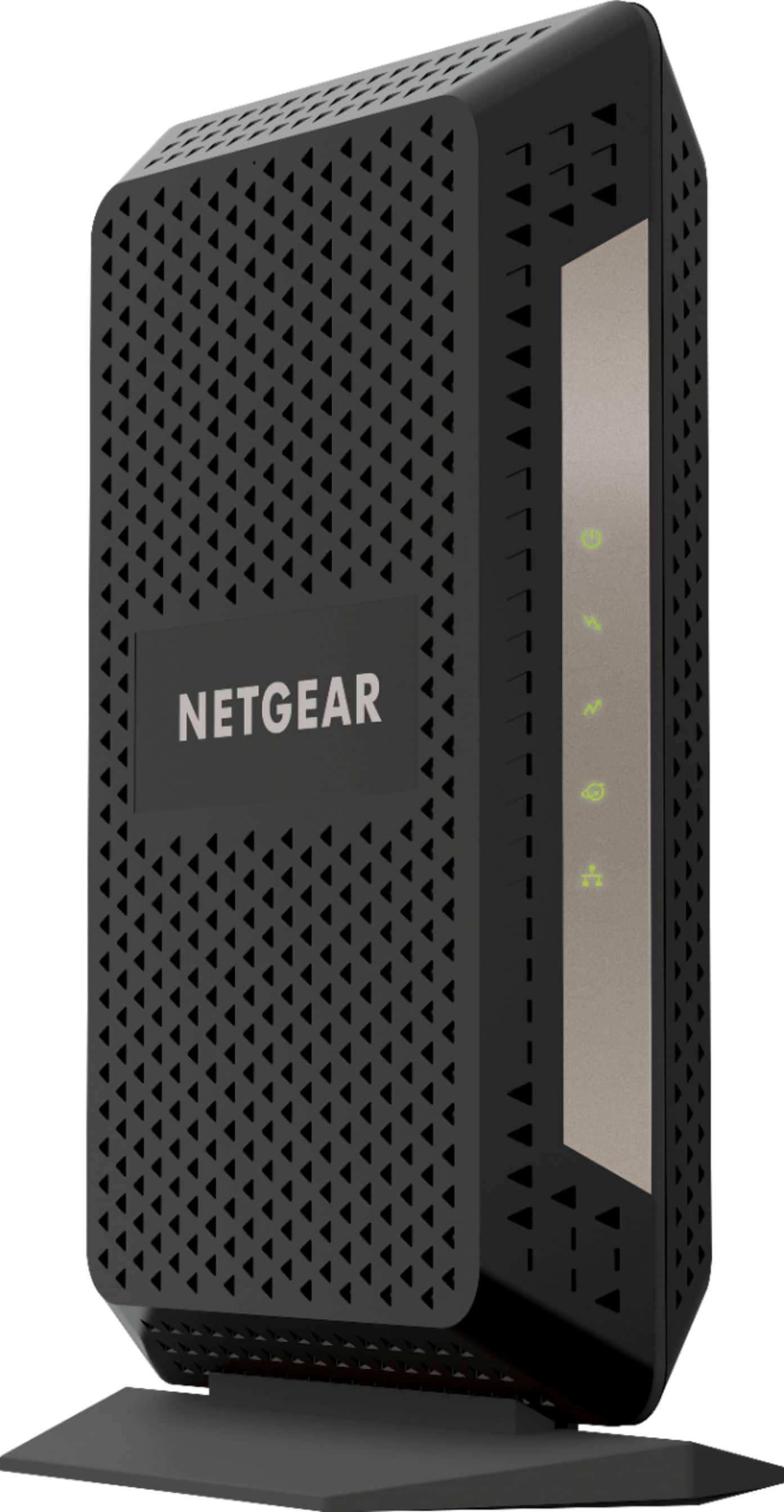
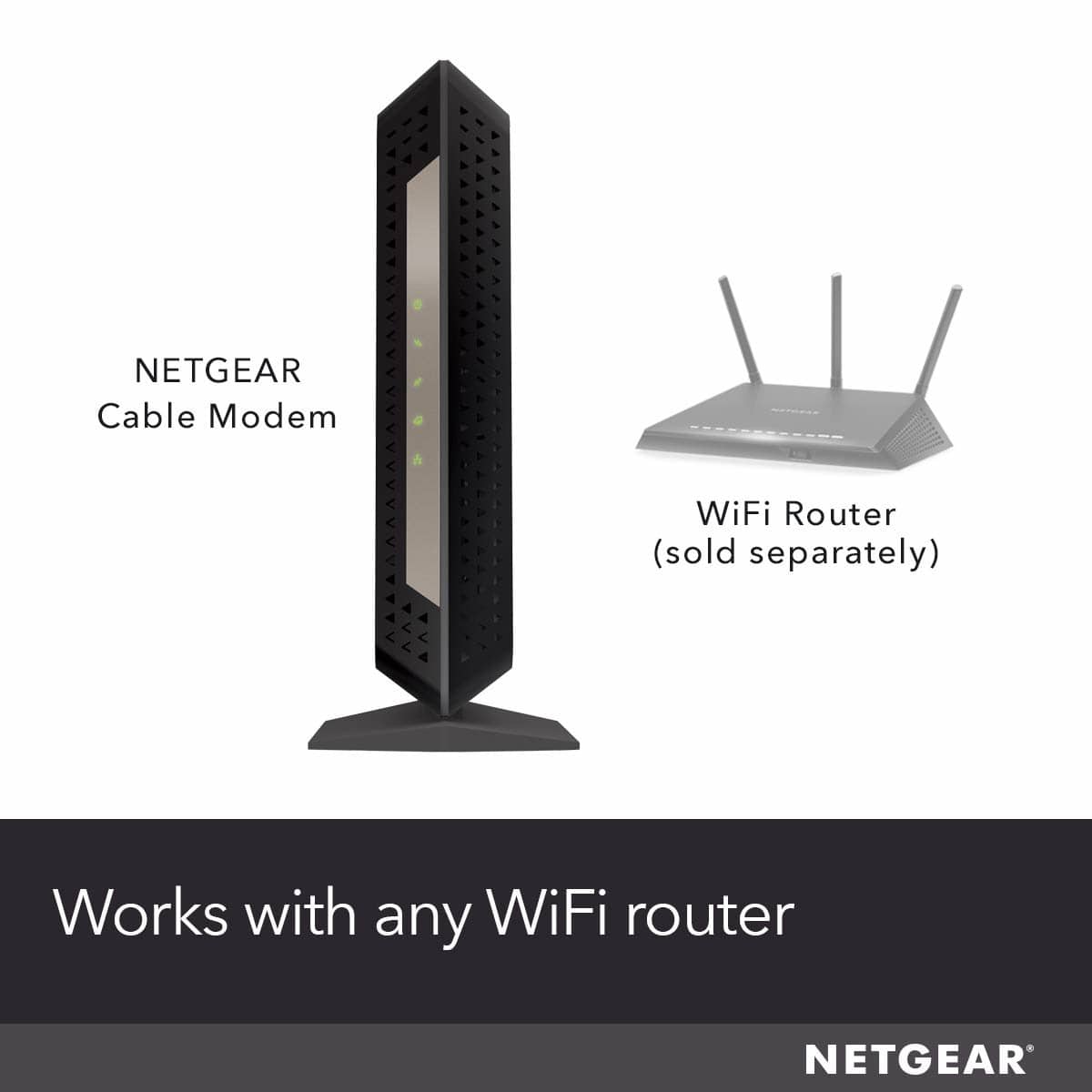
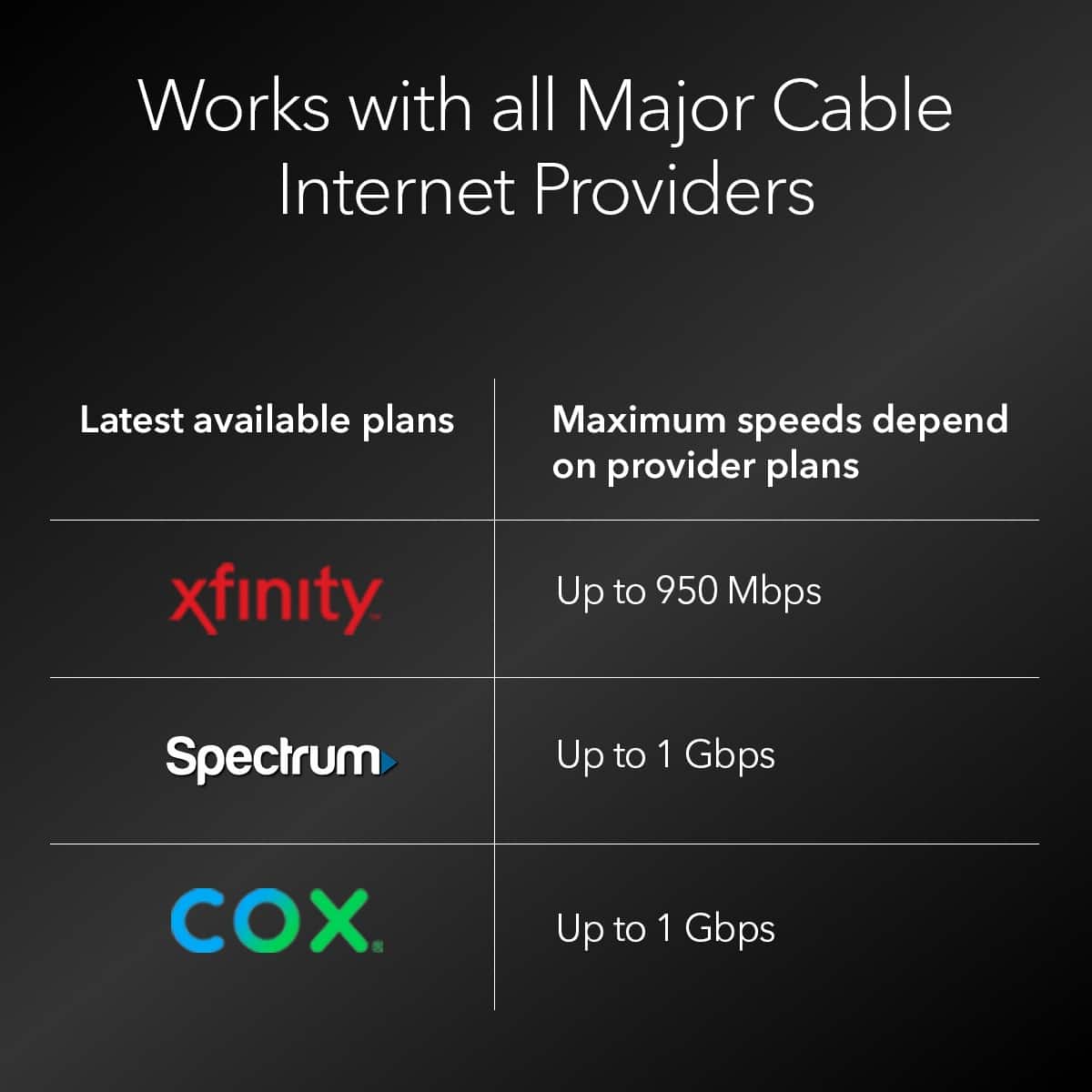
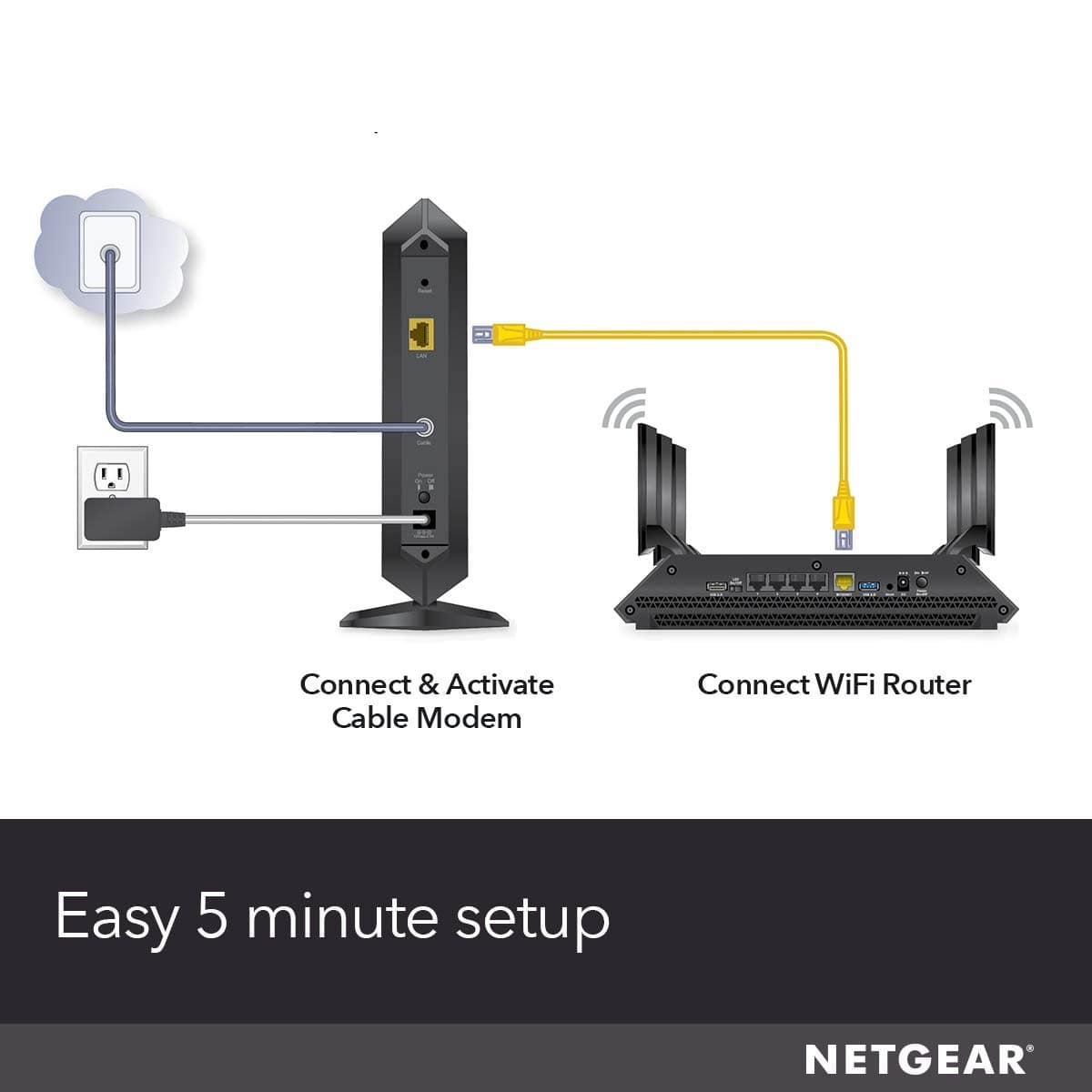


- Model:
- CM1000-100NAS
- |
- SKU:
- 5712202
Customer reviews
Rating 4.7 out of 5 stars with 4281 reviews
(4,281 customer reviews)Rating by feature
- Connection Quality4.7
Rating 4.7 out of 5 stars
- Performance4.7
Rating 4.7 out of 5 stars
- Setup4.7
Rating 4.7 out of 5 stars
Customers are saying
Customers are positive about the product's impressive speed, strong performance, and overall ease of use, including its simple setup and seamless connection. They also appreciate its compatibility, DOCSIS 3.1 support, and affordable price, noting that it operates without lag and stays cool. However, customers are negative about the limited number of ethernet ports and, for some, the signal strength.
This summary was generated by AI based on customer reviews.
Rated 5 out of 5 stars
The Nvidia Shield is tops!
||Posted .This reviewer received promo considerations or sweepstakes entry for writing a review.I am just getting started in the brave new world of Internet TV. I have been studying all the options. The Nvidia Shield is the best! The Amazon Fire TV is great also but the Shield is the way to go and Best Buy has some really good deals. I also purchased the optional stand, a bit pricey but very high quality and design.
I would recommend this to a friendRated 4 out of 5 stars
Works as you would expect
||Posted . Owned for 3 weeks when reviewed.This reviewer received promo considerations or sweepstakes entry for writing a review.Somewhat of a hassle to setup and get the unit recognized, but after that it has been working as advertised.
I would recommend this to a friendRated 5 out of 5 stars
Great value!
||Posted . Owned for less than 1 week when reviewed.This reviewer received promo considerations or sweepstakes entry for writing a review.Made a great difference on the network and brought my speeds up
I would recommend this to a friendRated 5 out of 5 stars
Netgear is the best hands down!!!
||Posted . Owned for 2 months when reviewed.This reviewer received promo considerations or sweepstakes entry for writing a review.Netgear A1 as always!!!!!!!!!!!!!!!!!!!!!!!!!!!!!!
I would recommend this to a friendRated 4 out of 5 stars
When you want new
||Posted .This reviewer received promo considerations or sweepstakes entry for writing a review.NETGEAR - 32 x 8 DOCSIS 3.1 Cable Modem is a nice and compact router. It’s the newest router out so new my Comcast Xfinity installation guy didn’t even know how to set it up.
I would recommend this to a friend- Pros mentioned:Performance
Rated 4 out of 5 stars
Not bad
||Posted .This reviewer received promo considerations or sweepstakes entry for writing a review.Pretty solid. Need more time with it. Seems to be a bit inconsistent
I would recommend this to a friend Rated 1 out of 5 stars
Two RMAs later
||Posted . Owned for 6 months when reviewed.This reviewer received promo considerations or sweepstakes entry for writing a review.Great when it worked. I’ve now had to replace this modem twice through netgear. It experiences some type of hardware/firmware failure and blinks non stop amber lights. I’m finally caving and purchasing an Arris SBG8300. I typically utilize 1-2TBs a month and I’m not sure if this netgear just couldn’t take it. It’s not related to a surge either as I have the device on an Apc Ups 850v with two other routing devices that never have issues.
No, I would not recommend this to a friendBrand response from Netgear Support
Posted .Hi BillC,
Thank you for your review. If you need further assistance, please log in to MyNETGEAR and click support for additional resources or to contact one of our support experts. They will be happy to help.
Thank you.
Rated 1 out of 5 stars
Netgear CM1000v2 Cable modem is complete garbage
||Posted . Owned for 1 year when reviewed.This reviewer received promo considerations or sweepstakes entry for writing a review.Absolute garbage - after 11 months one day lost internet service, rebooted everything and slow speeds. Check with Optimum, the box was getting full speed, the issue was with the modem. Did a factory reset, didn’t fix. Called support, unless it’s a hardware issue, they won’t touch it after the 90 day period.
No, I would not recommend this to a friend- Pros mentioned:Compatibility, Ease of use, Performance
Rated 5 out of 5 stars
Great modem
||Posted .This reviewer received promo considerations or sweepstakes entry for writing a review.I purchased this modem because there are only three 3.1 docis modems that Best Buy carries. I tried another brand modem and it would not accept my router. I'm glad I purchased this modem it was easy to get activated from Xfinity and it had no problem accepting my router. I now am downloading about 968 mbps which is close to my 1 gig maximum. This modem performs the way it is supposed to and I am very satisfied with my purchase and would recommend this to anyone needing a docis 3.1 modem. Don't forget to purchase the Geek Squad Protection Plan.
I would recommend this to a friend - Pros mentioned:Ease of use, Performance, Setup
Rated 5 out of 5 stars
Nighthawk cable modem
||Posted . Owned for 2 weeks when reviewed.This reviewer received promo considerations or sweepstakes entry for writing a review.Easy to set up with Comcast and works grat like all Netgear equipment.
I would recommend this to a friend - Pros mentioned:Performance, Setup, Speed
Rated 5 out of 5 stars
High quality modem that will last years!
||Posted . Owned for 7 months when reviewed.This reviewer received promo considerations or sweepstakes entry for writing a review.With the covid lockdown's and the kids plus myself all being home we needed to upgrade our internet service to handle the constant load. This upgraded cable modem has been working great especially paired with an upgraded router. It was super easy to set up since its just a modem. But unlike old modems in the past where I felt like I had to reset once a month, this has been working perfect since April 2020 without issue. Plus I believe its pretty future proof for the next couple of years as internet service improves in my area.
I would recommend this to a friend - Pros mentioned:Ease of use, Speed
Rated 5 out of 5 stars
High-Speed Internet Bliss with NETGEAR Nighthawk D
||Posted . Owned for 2 months when reviewed.This reviewer received promo considerations or sweepstakes entry for writing a review.I recently upgraded to the NETGEAR Nighthawk DOCSIS 3.1 Cable Modem for use with the Eeros mesh system, and it has transformed my internet experience. The installation was a breeze, thanks to the user-friendly setup instructions. This modem not only supports lightning-fast speeds but also provides a reliable and stable connection. Streaming 4K content, online gaming, and video conferencing are now seamless without any lag or buffering issues. The technology ensures future-proofing, making it a smart investment for long-term high-speed internet needs. The sleek design is another plus, and the modem doesn't take up much space. The LED indicators offer a quick glance at the modem's status, adding to the overall convenience. In conclusion, the NETGEAR Nighthawk DOCSIS 3.1 Cable Modem is a fantastic choice for those looking to upgrade their internet setup. It's a reliable, high-performance modem that delivers on its promises. I highly recommend it to anyone seeking a top-tier cable modem for a superior internet experience.
I would recommend this to a friend - Pros mentioned:Compatibility, Performance, Setup
Rated 5 out of 5 stars
Huge increase in performance from last modem
||Posted . Owned for 3 weeks when reviewed.This reviewer received promo considerations or sweepstakes entry for writing a review.Easy setup through xfinity website. No interaction with a person required as long as you know your login or you can use a text code with mobile # on your profile. Doubled the speed of downloads without any change to plan. I was using an Arris surfboard model SB6141. Paired up with Netgear Nighthawk AC1900 DST Router. PS4 wireless, Netflix, Youtube run perfectly smooth. I have about 10 devices connected at any given time. Definitely worth the investment as long as it lasts. It has been installed for just over 3 weeks.
I would recommend this to a friend - Pros mentioned:Speed
Rated 5 out of 5 stars
5.0 out of 5 starsHow to get the MOST speed from
||Posted .This reviewer received promo considerations or sweepstakes entry for writing a review.I don't do reviews often, but I want to help my geek friends save days of research and frustration that I went through to finally get the absolute most speed out of my Gigabit internet. There are some golden nuggets here that you need to know. When I first upgraded to the new gigabit here in Denver (from Xfinity), it was using their new Cable Modem/Router device (XB6-A), and I was only getting 500 Mbps download speed. It was also lagging in our house when several people were gaming, and others were downloading, or even accessing intensive web-pages. (lagging = pings were going up). Since upgrading to this Netgear CM1000, upgrading my cabling, and factory resetting my router, I'm now getting the most download throughput (~941 Mbps) and the lowest pings I've EVER seen! The connection is rock solid throughout the house. SHORT ANSWER: Get this Netgear CM, upgrade your ethernet cables to Cat 6 (or Cat 5E for short distances) and then Factory Reset your router to get the most speed. You still may need a new router to reach gigabit speeds. I'm getting the most download throughput (~941 Mbps) and the lowest pings I've EVER seen! I did lots of tests comparing this cable modem to the XB6-A that Xfinity provided. Here are some big things I learned: 1) Make sure your ethernet cables going from the cable modem to the router and from the router to your PC are CAT6 or at least CAT5E (for short distances). 2) Upgrading to this Netgear CM1000 Cable Modem LOWERED my ping/latency compared to the XB6-A that Xfinity provided. I just got a 5 MS Ping to the google server here in Denver! UNHEARD OF. Most of the time it's around 8-9ms with this new cable modem. I was getting 11-14 w/ the Xfinity modem. If you're a gamer, a lower ping matters! 3) The Xfinity XB6-A modem/router combo doesn't work too well when you have your own router also connected to it. Xfinity recommends you only use their device and disconnect your router. 4) Around 941 Mbps is the max download speed that modern gigabit routers/switches can do right now so don't be worried if you can't get above that. 5) Many routers can't handle gigabit download speeds, especially if you've enabled any of the features like QoS, Traffic Meter, Keyword block, etc. My Netgear Nighthawk (R7000) was only getting 400-500 Mbps (using speedtest) because I had enabled some of these features. Even when I disabled these features, the speed was still low. Doing a FACTORY reset fixed it, and now I'm getting 937 - 943 Mbps download speed!!! The reason these routers slow down when you enable extra features is that it disables CTF (cut through forwarding) and the router no longer uses it's faster processor. Some of the newer routers can still maintain max download speeds of 941 Mbps while also allowing you to use QoS and other features. 6) There's a great website called Small Net Builder that compared routers to see which could reach 941 Mbps download speed. I recommend you check that out if you need a new router. Keep in mind that this Netgear CM1000 is JUST a cable modem. It's not a router. So if you only have one device you want to wire into it, you're fine, but if you're going to have more devices, and wireless, then you'll need a router too. The Xfinity provided XB6-A is both a cable modem and a wireless router in one. I think it has some flaws that need to be worked out but appears to be a beefy piece of hardware. You can save yourself the $10/month rental by getting this Netgear CM1000. P.S. I do plan to upgrade my router so that I can still get 941 Mbps download speed while enabling QoS. With QoS, it will set aside a portion of your bandwidth (say 20%) for high priority traffic like gaming that needs low latency, and then it will limit all other connections (like large downloads) to the other 80% the connection. Keep in mind; if you enable this and run a speed test, it will appear lower just because it's now reserving part of your bandwidth for other devices/traffic in your home.
I would recommend this to a friend - Pros mentioned:Performance
Rated 5 out of 5 stars
Perfect no problems
Posted .This reviewer received promo considerations or sweepstakes entry for writing a review.Purchased Wednesday Jan. 04, 2017 at BestBuy online, received delivered to my door Friday Jan.06,2017. Less than 5 minutes to hookup and activate with Comcast working excellent no problems. Anyone complaining they can not activate with Comcast you have to call customer service and give them the mac address of your modem for them to activate it is standard procedure with all new modems activation. Like I said 1 phone call to Comcast give them mac address less than 5 minutes up and running. I especially like the power on off button on back of unit. This modem better than expected if you view the logs and status specs after setting up modem. I also have the Nighthawk X10 router paired with this modem.
I would recommend this to a friend - Pros mentioned:Ease of use, Performance
Rated 5 out of 5 stars
Works great with Comcast!
||Posted .This reviewer received promo considerations or sweepstakes entry for writing a review.This cable modem was very easy to set up and works great! I have Comcast internet and got tired of paying the rental fees for their modem. I got Ooma for my home and purchased this as my cable modem since I no longer needed a voice modem. They both work great. I have the 200 Mbps service with Comcast. With their rental modem, I would only get ~80 Mbps max. I got 200 Mbps speeds as soon as I plugged this one in. I bough this with the DOCSIS 3.1, vs the 3.0, as I think it will stay relevant longer. I Highly recommend it!
I would recommend this to a friend - Pros mentioned:Setup, SpeedCons mentioned:Ethernet ports
Rated 5 out of 5 stars
Its the best modem i have ever used super reliable
||Posted . Owned for 2 months when reviewed.This reviewer received promo considerations or sweepstakes entry for writing a review.My old modem used to give me a lot of issues using Comcast's Gigabit Internet, despite being DOCSIS 3.1 compliant. This modem has been a great replacement for my old modem. Speeds are right where they should be, and the installation was quick and easy. With my old modem, I had to spend hours just trying to get in contact with a real human at Comcast to "activate" the modem - with this one, all you do is follow the included instructions, which will guide you to an online portal. The less time I spend talking to Comcast support, the better :) My local Best Buy was incredibly quick to fulfill the order and there was excellent customer service, especially considering the current limitations due to COVID-19.
I would recommend this to a friend - Pros mentioned:Compatibility, Ease of use, Performance
Rated 5 out of 5 stars
Nighthawk DOCSIS 3.1 Cable Modem Excellent Choice
||Posted . Owned for 4 months when reviewed.This reviewer received promo considerations or sweepstakes entry for writing a review.I purchased the Nighthawk DOCSIS 3.1 4 months ago to replace an older cable modem. Netgear provided excellent, complete specifications which allowed me to know the new modem would be compatible with my ISP. I do recommend reading your ISP's specs for your current downstream data speed to ensure any replacement cable modem will work. Many ISPs will provide a list of compatible cable modems. The cable modem was easy to set up. My ISP quickly replaced the old modem with the new Netgear on their network. The Netgear modem has performed flawlessly since installation.
I would recommend this to a friend - Pros mentioned:Compatibility, Ease of use, Speed
Rated 5 out of 5 stars
Excellent router for your internet/cable needs.
||Posted . Owned for 1 month when reviewed.This reviewer received promo considerations or sweepstakes entry for writing a review.This router is a great option for those who want an upgrade from the 3.0. This is simple. A modem for internet and cable and doesn't have a phone line so if you don't have a house phone or fax (like most of us in 2021) it'll meet all your needs. It's very easy to set-up and will work with most internet SPs. Comcast/Xfinity is what I use it with and it's one that is recommended by them (if you're not getting their in house router/modem). Netgear is a trusted brand for such needs and this meets my expectations with them. This version is V2 of this item, so if it gets confusing as to what is compatible, know it's V2 though it doesn't state it anywhere but the box I believe.
I would recommend this to a friend - Pros mentioned:Performance, Speed
Rated 5 out of 5 stars
Pretty solid performance for me...
||Posted .This reviewer received promo considerations or sweepstakes entry for writing a review.I've had this for about a month. It has kept connection and has not required rebooting. I'm on the 150mb plan and consistently get speeds of 170. This modem is very expensive but seems to work reliably. One important note.... according to the Comcast representative I spoke to, in order to upgrade the gigabit service you must rent a Comcast modem. He stated that the system would not even let him put in the order for gigabit service unless their rented modem was on the order. He said it was required for "compatibility" reasons. That is very, very disappointing. Point is at least for now I would not recommend buying this if the objective is to subscribe to gigabit service... you definitely want to check with your ISP first
I would recommend this to a friend