Customer Ratings & Reviews
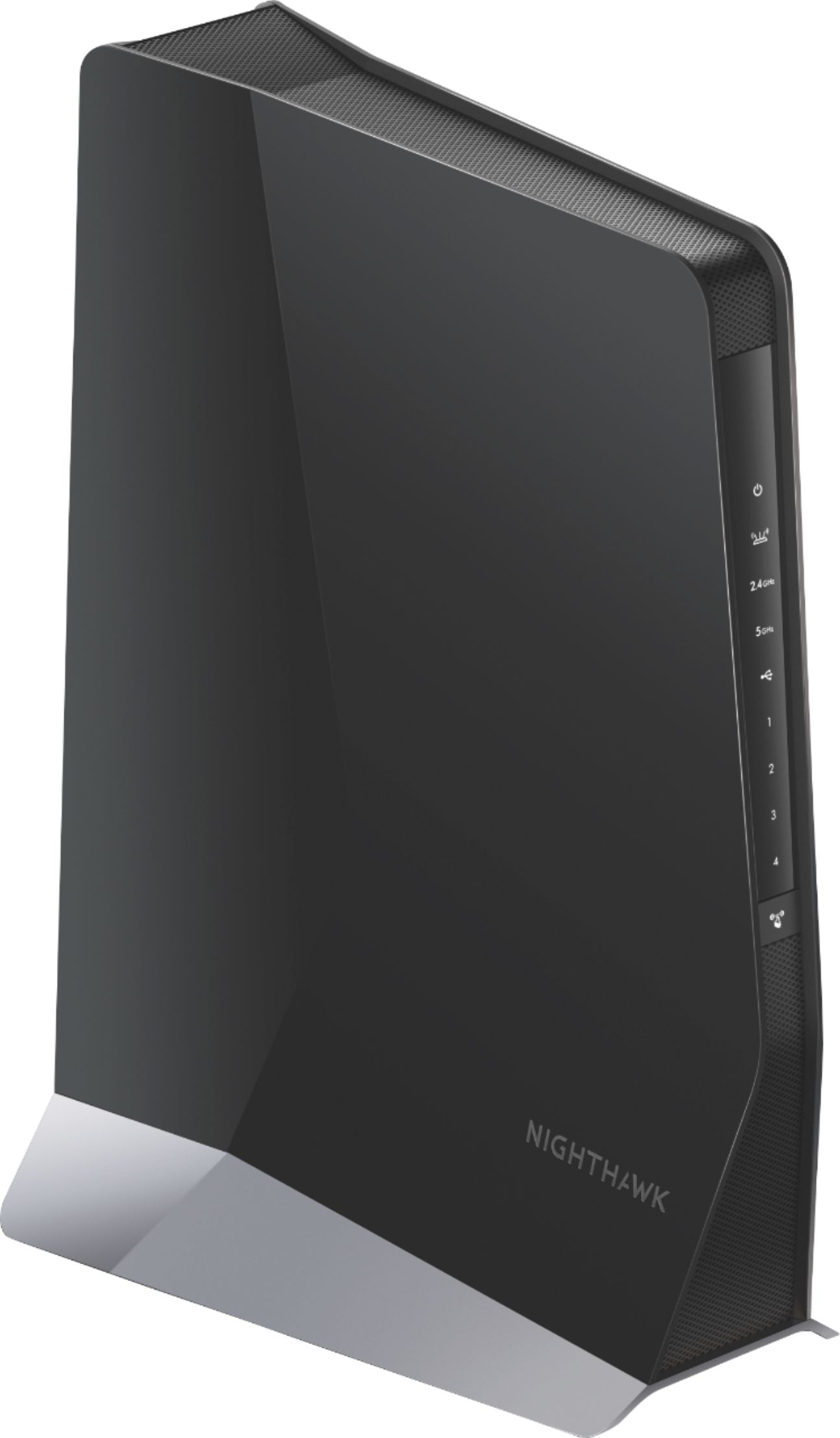
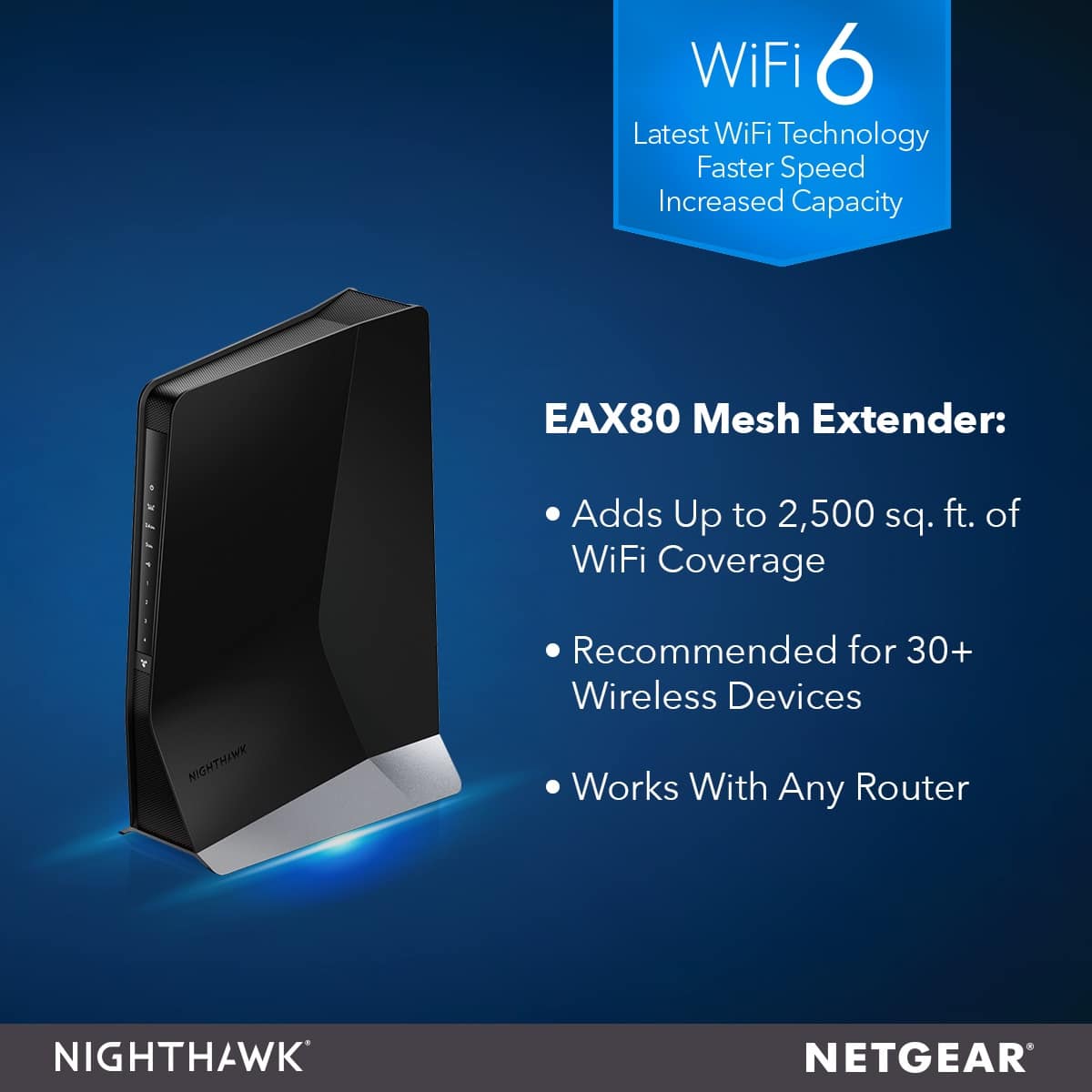
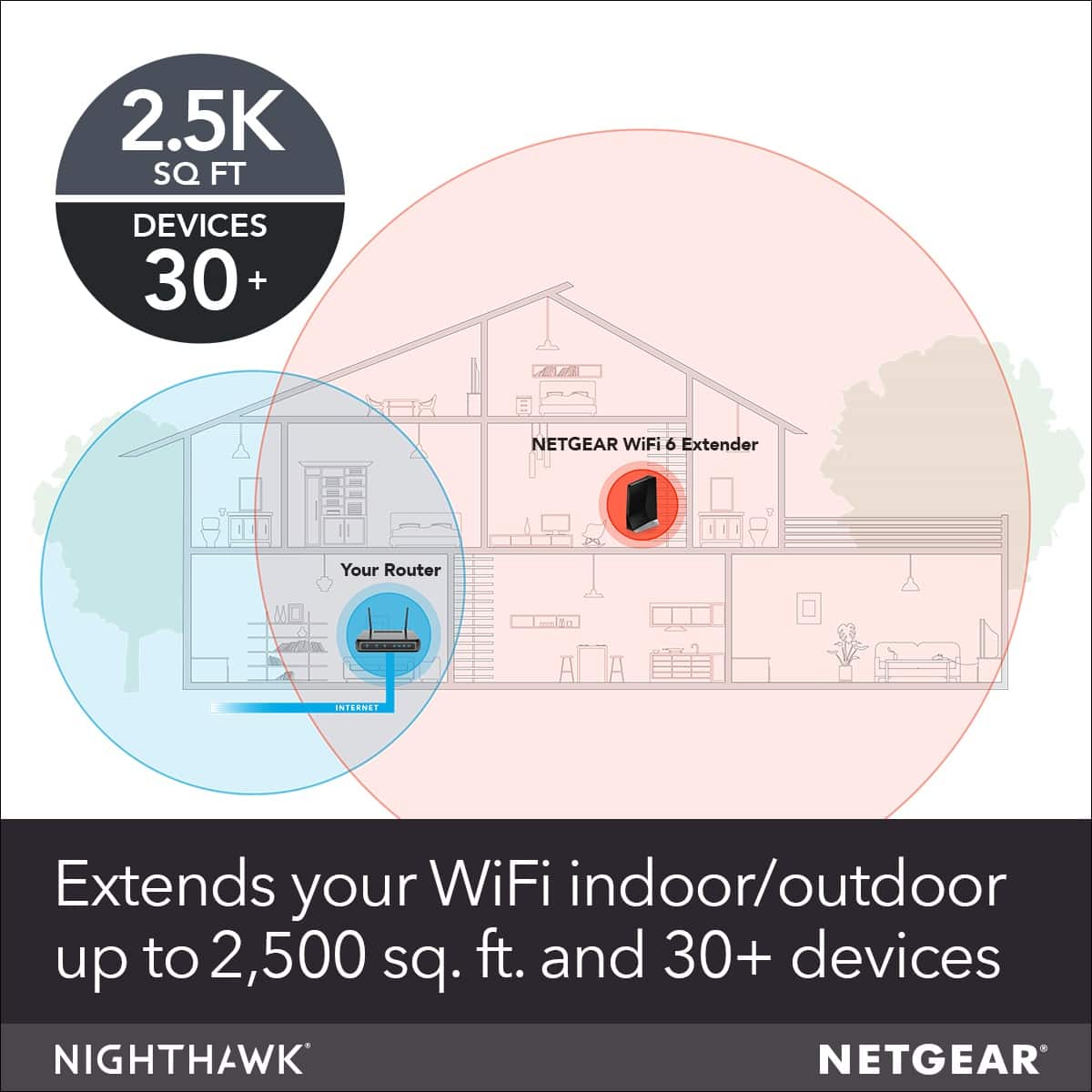
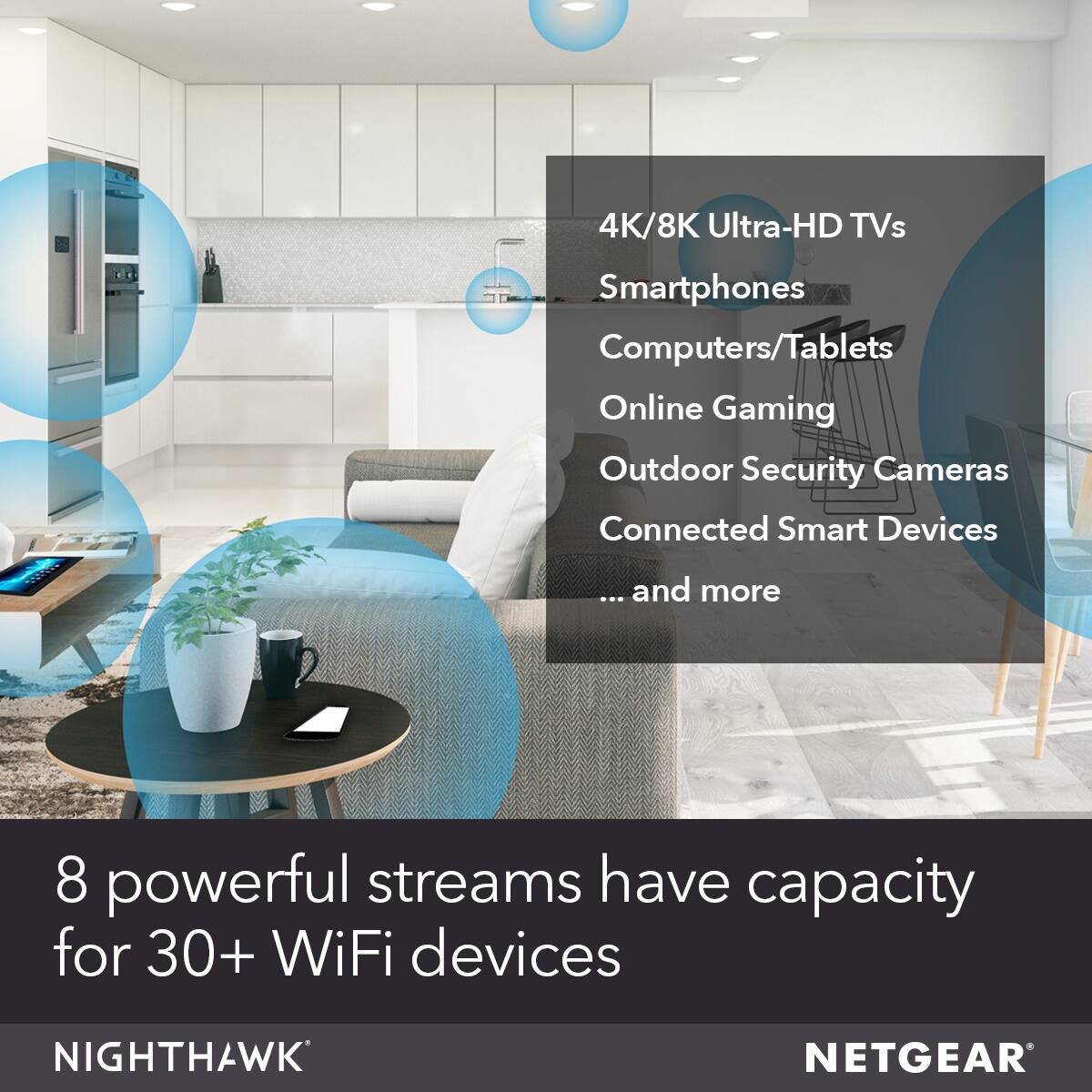
- Model:
- EAX80-100NAS
- |
- SKU:
- 6359409
Customer reviews
Rating 4.1 out of 5 stars with 393 reviews
(393 customer reviews)Rating by feature
- Setup4.5
Rating 4.5 out of 5 stars
- Range4.4
Rating 4.4 out of 5 stars
- Signal Strength4.4
Rating 4.4 out of 5 stars
Customers are saying
Customers regard the Nighthawk EAX80 AX6000 WiFi extender as having excellent range and ease of use, with many praising its simple setup and ability to extend WiFi 6 networks. However, some users experienced connection issues and inconsistent performance, leading to negative feedback. The accompanying app also received criticism for its functionality. While many found the extender improved their WiFi coverage, concerns were raised about the value for the price.
This summary was generated by AI based on customer reviews.
Rated 1 out of 5 stars
Nighthawk is a Buzzard
||Posted . Owned for 3 weeks when reviewed.This reviewer received promo considerations or sweepstakes entry for writing a review.So far, we've not been able to successfully hook this up. We had it near our wifi hub and instead of working to extend our wifi, it blocked our wireless television from working. This hasn't been what I'd hoped.
No, I would not recommend this to a friendBrand response from Netgear Support
Posted .Hi MadMollyB,
Thank you for your review, we appreciate your feedback and we want you to know that your experience is important to us. We are sorry to hear that you had a difficult experience with your product. This troubleshooting resource should help you: https://kb.netgear.com/25731/Troubleshooting-NETGEAR-WiFi-Range-Extenders?language=en_US.
If you need further assistance, you can visit https://my.netgear.com/support/contact.aspx to register your product, get help, access the latest downloads and user manuals, and join our community. We recommend that you use only official NETGEAR support resources.
Thank you,
NETGEAR Team
Rated 1 out of 5 stars
Did not work well for me
||Posted . Owned for 7 months when reviewed.This reviewer received promo considerations or sweepstakes entry for writing a review.In order to get it to connect, I had to put it closer to the wifi modem than I needed in order to get a strong, fast signal, so it either did not connect with a fast speed or it didn't project signal far.
No, I would not recommend this to a friendRated 1 out of 5 stars
Not worth it
||Posted . Owned for 2 weeks when reviewed.This reviewer received promo considerations or sweepstakes entry for writing a review.DO NOT BUY!!!! I have gigabit internet through comcast and this made my internet speeds worse!!!
No, I would not recommend this to a friendBrand response from Netgear Support
Posted .Hi Tommy,
Thank you for your review, we appreciate your feedback and we want you to know that your experience is important to us. We are sorry to hear that you had a difficult experience with your product. This resource should help you: https://kb.netgear.com/25731/Troubleshooting-NETGEAR-WiFi-Range-Extenders?language=en_US.
If you need further assistance, you can contact NETGEAR Support by going to: https://my.netgear.com/support/contact.aspx and follow the onscreen instructions. Once you’ve registered your product you will be given the options of contacting Support through Phone, Chat, or email.
Regards,
NETGEAR Team
- Pros mentioned:Range, Setup, Speed
Rated 5 out of 5 stars
Great extender and even better speed!
Posted .This reviewer received promo considerations or sweepstakes entry for writing a review.First off, I will admit this is a newer technology standard so there's always some skepticism to be had for early adoption. That said, I was pleased to find that the NETGEAR - Nighthawk AX6000 AX8 Dual-Band Wi-Fi 6 Range Extender exceeded my expectations. Setup and install was a breeze. I used the Netgear app to get the device up and running in minutes. I had another Wi-Fi 6 device to pair it with and the wireless speed was outrageously good. With my gigabit internet, I was able to get almost 800 megs download which is insanely good for an extender. The best speeds I've ever been able to get on an extender to date. I put the extender in between my bedroom and the source internet and it worked perfectly. I did a few tests and for me, the positioning tended to be better if it's a bit closer to the router source. I still get full bars and the speeds are definitely better with the extender. It's incredible how far technology has come with Wi-Fi 6. I received the NETGEAR - Nighthawk AX6000 AX8 Dual-Band Wi-Fi 6 Range Extender as a part of the Netgear First Look Review Program. This is my unbiased review of the device.
I would recommend this to a friend Rated 1 out of 5 stars
Wifi Every time to reset .
||Posted . Owned for 1 month when reviewed.This reviewer received promo considerations or sweepstakes entry for writing a review.Looking good …but for longtime we need to get help and most times we need to reset it .
No, I would not recommend this to a friendBrand response from Netgear Support
Posted .Hi JohnL,
Thank you for your review, we appreciate your feedback and we want you to know that your experience is important to us. We are sorry to hear that you had a difficult experience with your product. This troubleshooting resource should help you: https://kb.netgear.com/25731/Troubleshooting-NETGEAR-WiFi-Range-Extenders?language=en_US.
If you need further assistance, you can visit https://my.netgear.com/support/contact.aspx to register your product, get help, access the latest downloads and user manuals, and join our community. We recommend that you use only official NETGEAR support resources.
Thank you,
NETGEAR Team
Rated 1 out of 5 stars
Horrible
||Posted . Owned for 6 months when reviewed.This reviewer received promo considerations or sweepstakes entry for writing a review.Been using Netgear networking equipment for years now and this just does not hold up their usual quality. This was returned.
No, I would not recommend this to a friendRated 1 out of 5 stars
Lousy
||Posted . Owned for 1 month when reviewed.This reviewer received promo considerations or sweepstakes entry for writing a review.Move along, These are not the droids you’re looking for. Huge disappointment on the 2.4 GHz band. Search online and you will find countless complaints about the issue.
No, I would not recommend this to a friendRated 1 out of 5 stars
Do not buy - get mesh wifi
||Posted . Owned for 4 months when reviewed.This reviewer received promo considerations or sweepstakes entry for writing a review.Not worth it at all - buy a mesh wifi setup. Never spending money on NetGear products again.
No, I would not recommend this to a friendBrand response from Netgear Support
Posted .Hi Br70,
Thank you for your review, we appreciate your feedback and we want you to know that your experience is important to us. We're sorry to hear that you had problems with your EAX80 and have already returned it. When experiencing any trouble with your device, we recommend checking out this resource: https://kb.netgear.com/25731/Troubleshooting-NETGEAR-WiFi-Range-Extenders?language=en_US.
If you decide to repurchase the EAX80 or any other NETGEAR product and have any issues, NETGEAR Support will be happy to help you. You can contact NETGEAR Support by going to: https://my.netgear.com/support/contact.aspx and follow the onscreen instructions. Once you’ve registered your product you will be given the options of contacting Support through Phone, Chat, or email.
Regards,
NETGEAR Team
Rated 1 out of 5 stars
No Noticeable difference
||Posted . Owned for 1 week when reviewed.This reviewer received promo considerations or sweepstakes entry for writing a review.It was not a simple setup. Once installed, we have not noticed a difference in our internet speed or coverage area.
No, I would not recommend this to a friend- Pros mentioned:Setup, Speed
Rated 5 out of 5 stars
Great Extender
Posted .This reviewer received promo considerations or sweepstakes entry for writing a review.I have this extender now for about 3 weeks and it is a difference maker in terms of coverage and speed. Set-Up It took me less than 10 minutes to set the device up and connect with my router. Once I had the app downloaded in my phone and followed the steps, it was seamless Performance Performance is awesome. I tested the speed in all corners of my house including back yard and front yard the results were phenomenal. Inside house Download average speed = 268 Mbps Upload average speed = 230 Mbps Outside house (backyard) Download average speed = 173 Mbps Upload average speed = 112 Mbps Coverage Not only speed is great, coverage is also very good. My living space is ~3000 Sq ft and I get coverage on all corners of the house My lot is 110 x 80 and I also get full coverage on my backyard with this extender Overall - I'm very happy with this extender and made a huge difference in speed and coverage I received this product as part of NETGEAR's First Look Review Program
I would recommend this to a friend Rated 1 out of 5 stars
WiFi
||Posted . Owned for 6 months when reviewed.This reviewer received promo considerations or sweepstakes entry for writing a review.Didn’t see any improvement, was very disappointed.
No, I would not recommend this to a friendBrand response from Netgear Support
Posted .Hi 82inch,
We appreciate your feedback and we want you to know that your experience is important to us. We are sorry to hear that you had a difficult experience with your product. This resource should help you: https://kb.netgear.com/1110/How-do-I-troubleshoot-my-wireless-network.
Wireless routers, access points, and adapters send and receive radio wave signals through antennas. To optimize your wireless range, we suggest checking this resource: https://kb.netgear.com/1114/Improving-wireless-range-Overview.
If you need further assistance, you can visit http://support.netgear.com to register your product, get help, access the latest downloads and user manuals, and join our community. We recommend that you use only official NETGEAR support resources.
Thank you,
NETGEAR Team
Rated 2 out of 5 stars
Bad performants
||Posted .This reviewer received promo considerations or sweepstakes entry for writing a review.This extender works but slows everything down... Didn't check the range but if the range performants is anything like the speed performance, subtract 60 percent from all... I returned it to BestBuy... Love Bestbuy...
No, I would not recommend this to a friendRated 1 out of 5 stars
Horrible. Returned. Flaky.
||Posted .This reviewer received promo considerations or sweepstakes entry for writing a review.Loses 5ghz network. Won't switch between router and extender.
No, I would not recommend this to a friend- Pros mentioned:Setup
Rated 5 out of 5 stars
Lol this device is magical
Posted .This reviewer received promo considerations or sweepstakes entry for writing a review.So I’m usually VERY leary of devices claiming to be "extenders". Historically extenders were devices that were just that – an extender. They’d make a connection to your existing Wi-Fi network and you’d get an extra SSID that usually looked something like this: Your_WiFi_EXT_5G Gross right? Fast forward – to now (and the past few years) we now have “mesh” Wi-Fi systems and roaming(yay!). Now you’ll buy a router that includes few mesh “points” and place them at different points around your house – one network, one SSID with the same solid Wi-Fi all around. Now the thing I found most intriguing about this is that it claims to be able to do that with your existing Wi-Fi router. Turn your existing router into a Wi-Fi mesh network and have it behave the same as the Orbi mesh system or similar. So I set it up just like that. My current network is a full stack Ubiquiti network. I do have a RAX200 router which would have provided a more “native” integration but I wanted to see if it really could mesh with another vendor using my existing access point (UAP-AC-PRO). When setting up the AX6000 I used the app and the setup process was pretty painless. It connects your phone to the AX6000 – asks you about your existing wi-fi network (SSID name and password) and to setup the administrative password and “forgot your password questions”. The setup continues, next, and I can’t stress the importance of this step enough – if it says there is a firmware update, UPDATE THE FIRMWARE. This will ensure you have smoothest experience. Once complete the AX6000 will reboot and then your network is now “meshed” and extended. Over all experience for the setup was really easy, smooth and seamless. I felt the app(iOS) took a while to do each step (not sure why) so you’ll need to be patient but it will work. The only hiccup I ran into is that it wouldn’t accept the administrative password I set during the setup process – I unplugged the AX6000 and plugged it back in and then all was well. Performance wise this thing blows me away. It’s powerful and has a strong wifi signal and equally good receiving antenna for your existing Wi-Fi I tested a few metrics mainly using “speedtest.net”. The speed tests were performed using an iPhone XS and Macbook Pro. My garage is a trouble spot for Wi-Fi in my house so for testing purposes, I placed the AX6000 in the middle of my garage roughly 25 feet away and through three insulated sheetrock walls. Performing Speedtests I now got full speed with my Macbook Pro and iPhone – which I was genuinely surprised with given the slower speeds I experienced when just connected off my main access point in previous Speedtests. I believe the AX6000 has a dedicated “backhaul” radio for the connection to your existing Wi-Fi. Wi-Fi routers have what are called radios in them that will transmit and receive the signal to your devices – or in simpler terms, the radio talks to your devices (iPad, Roku, Laptop etc). When a device such as this has a dedicated backhaul radio it will not to share the capacity of the other radios used to talk to your other devices thus not degrading their experience. I think this must have a really well-designed radio and antenna system which is why I was able to get full speed on my internet connection with the extender placed so far from my main access point. Extremely impressive. Roaming and hand-off. Simply put they are Wi-Fi technologies used to allow you to ROAM from one mesh point to another and then your device will HANDED off to that next closest mesh point. If this is done well your device will stay connected and the “handoff” will be a seamless experience. Something I was really curious to see is how well this works considering the devices in my tests were from different manufacturers, and what totally surprised me is that it was buttery smooth. No disconnects, no blips, nada. I was able to stream Netflix and walk between each access point without a single hiccup. As an added bonus my Ring Doorbell Pro and Nest Cam Outdoor now have a more solid connection and video streams load faster and are more reliable. Lol this device is magical. While one of the biggest selling points of this device is that it supports Wi-Fi 6 I currently don’t have any Wi-Fi 6 devices(yet) so I can’t really comment on that yet. But for non Wi-Fi 6 devices this thing is solid and I can wholeheartedly recommend it. Even if you weren’t buying this for its Wi-Fi 6 capabilities, its ability to turn a standard Wi-Fi router to a mesh one is totally worth it just by itself. Netgear sent me this as part of a test and review program – and I can honestly say this device is solid, especially if you need one that is Wi-Fi 6.
I would recommend this to a friend - Pros mentioned:Ease of use, Speed
Rated 4 out of 5 stars
WiFi Extender
Posted .This reviewer received promo considerations or sweepstakes entry for writing a review.Provides good coverage. Setup was easy. Helps increase speed throughout.
I would recommend this to a friend - Pros mentioned:Range
Rated 4 out of 5 stars
Works Great! Could use more features
Posted .This reviewer received promo considerations or sweepstakes entry for writing a review.Installation of this Range Extender is as simple as it gets. Open the Nighthawk App, let it find the extender, and step through the wizard. Couldn't get any easier. Once setup I was able to move the extender into a detached metal building and still get a link of up to 500MB. No trouble at all with performance. The only downside I have found is that the only SSIDs that are "extended" are the single 5GHz and 2.4GHZ SSIDs that the extender connects to. It would be awesome if this extender would also broadcast the other SSIDs I have setup, ie Guest Networks. Other than not broadcasting all of my SSIDs, this unit has performed well. If you have a large or multistory home, this would be greatly beneficial. I did receive this extender as part of the Netgear First Look program in exchange for an unbiased review.
I would recommend this to a friend Rated 1 out of 5 stars
Product not helpful
||Posted . Owned for 3 weeks when reviewed.This reviewer received promo considerations or sweepstakes entry for writing a review.Does not work very well. Doesn’t boost the signal.
No, I would not recommend this to a friendBrand response from Netgear Support
Posted .Hi Mark,
Thank you for your review, we appreciate your feedback and we want you to know that your experience is important to us. We are sorry to hear that you had a difficult experience with your product. This resource should help you: https://kb.netgear.com/25731/Troubleshooting-NETGEAR-WiFi-Range-Extenders?language=en_US.
If you need further assistance, you can visit https://my.netgear.com/support/contact.aspx to register your product, get help, access the latest downloads and user manuals, and join our community. We recommend that you use only official NETGEAR support resources.
Thank you,
NETGEAR Team
Rated 4 out of 5 stars
Great extender for complete Wi-Fi 6 coverage
Posted .This reviewer received promo considerations or sweepstakes entry for writing a review.Works fantastic as a way to create mesh network without compromising on the main router. This extender has a completely smooth, unnoticeable hand-off between the main router and extender. While a already had pretty great coverage with my AX11000 router, this extends things out even further and gives me 100% signal strength in the far corners of my backyard and in the garage! The 4 ethernet ports in the back also provide a great way of "upgrading" older equipment with slower wifi capabilities (if they have an ethernet jack as well) like wireless G. Setup was super easy with the Nighthawk app. It was just a matter of plugging it in/powering it on, connecting to its own network, then following the step-by-step while it set itself up with a single SSID and Smart Connect, no web interface required as stated by a previous reviewer (assuming you have it set up on your router already). The app is also great for seeing what devices are connected through the extender and what their data rate is at the time. The price may be a bit steep for an extender, but its tough to beat one with this huge range, WiFi 6, 4 gigabit ports, and simple setup. I received this product as a part of NETGEAR's First Look Review Program.
I would recommend this to a friend- Pros mentioned:Speed
Rated 5 out of 5 stars
Works great with Nighthawk RAX120 router!!!
Posted .This reviewer received promo considerations or sweepstakes entry for writing a review.Pairs great with the Netgear Nighthawk RAX120 router, considering they are both dual band. I now get blazing speed throughout my entire house. I would recommend using the web UI for setting up the AX8 extender, since the Nighthawk app setup process initially bottlenecked my 5 GHz band. The "Smart Setup" feature in the web UI removed the bottleneck. Setup of the AX8 extender took a little longer than the RAX120 router, but it was definitely worth it in the end. I now have an amazing wifi network!!!
I would recommend this to a friend - Pros mentioned:Ease of use, Range
Rated 3 out of 5 stars
Does the job
Posted .This reviewer received promo considerations or sweepstakes entry for writing a review.Does the job well enough. Extends the range to my downstairs home office but it isn't perfect. Easy setup.
I would recommend this to a friend