Customer Ratings & Reviews
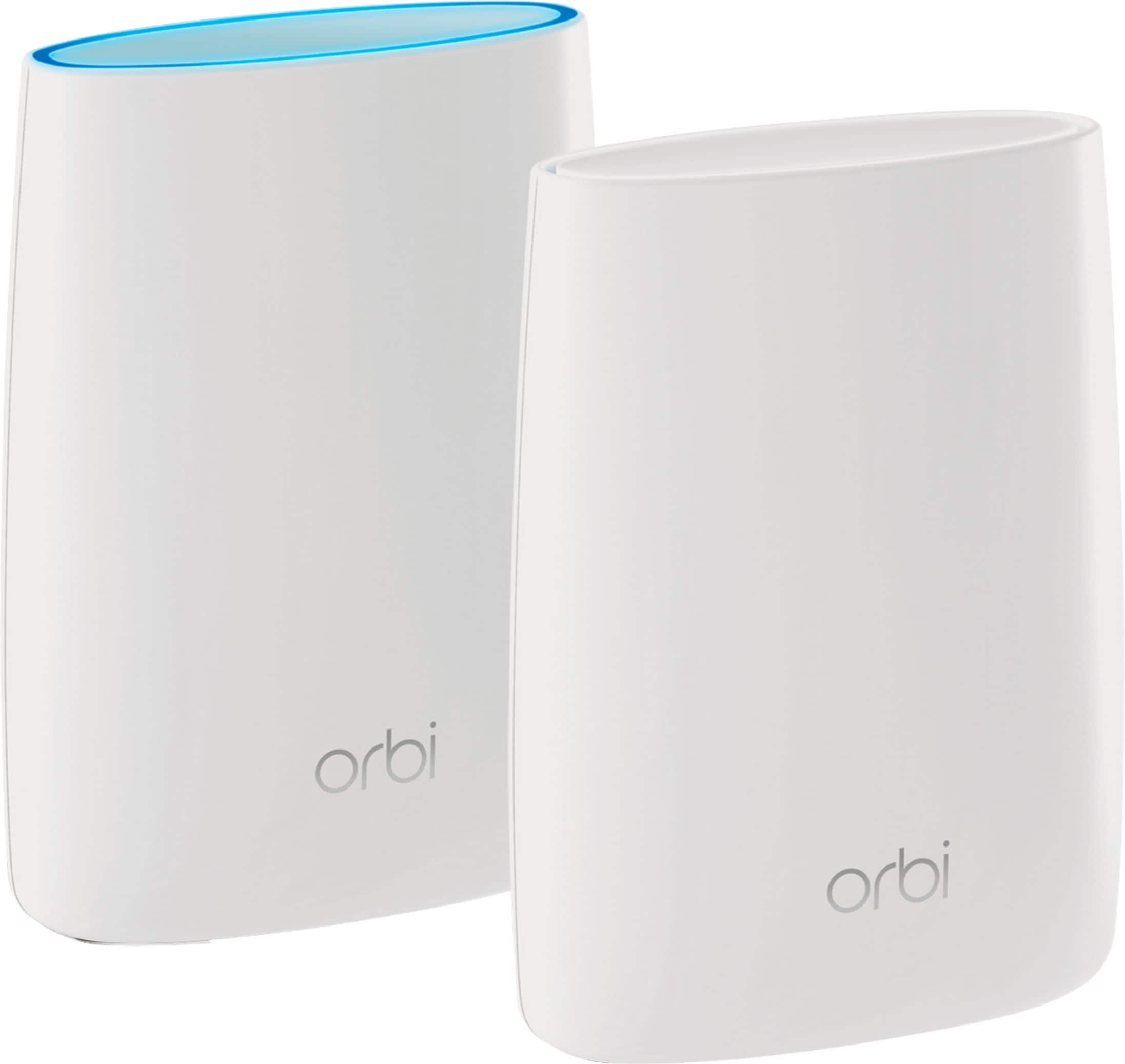
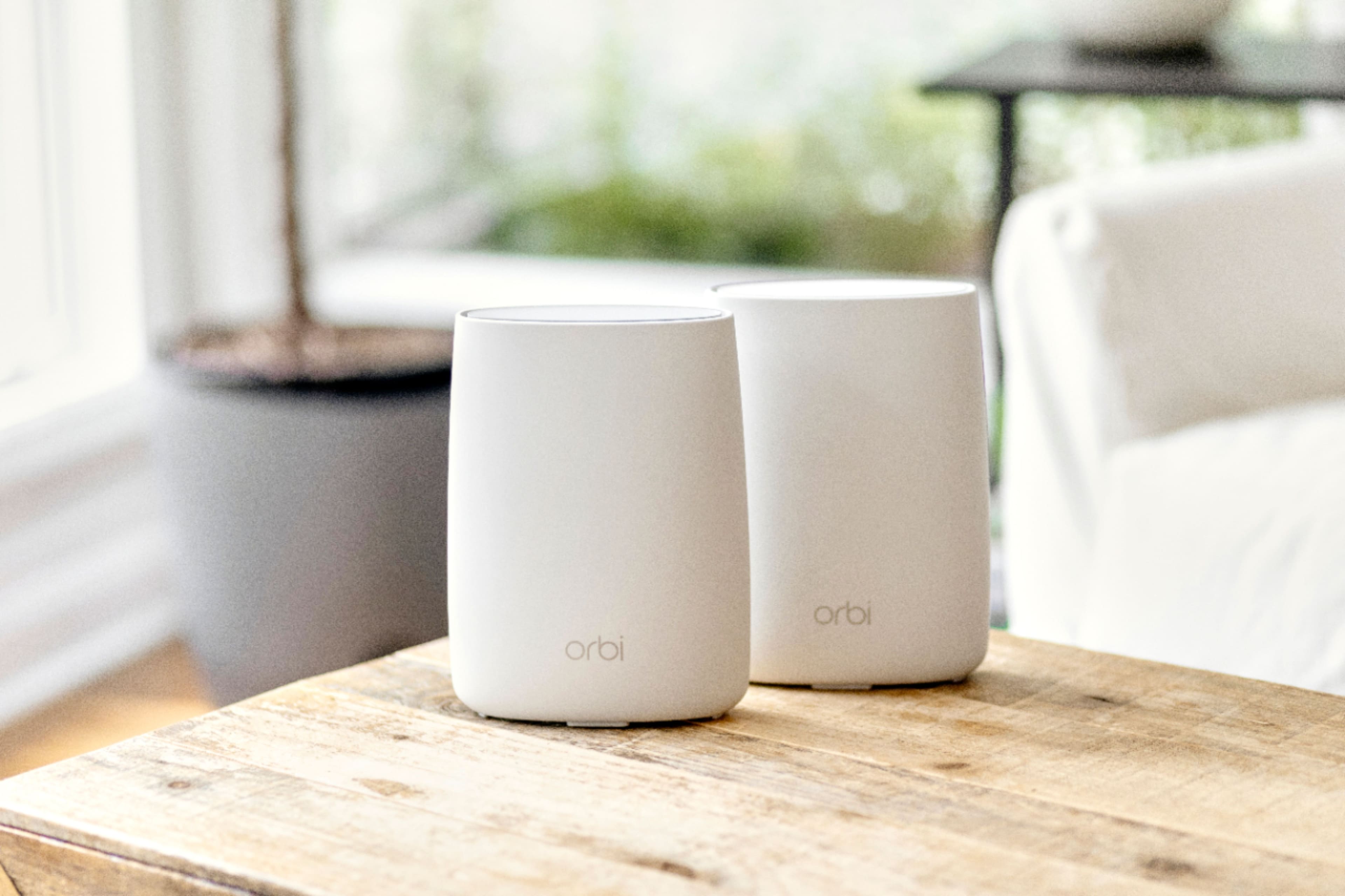
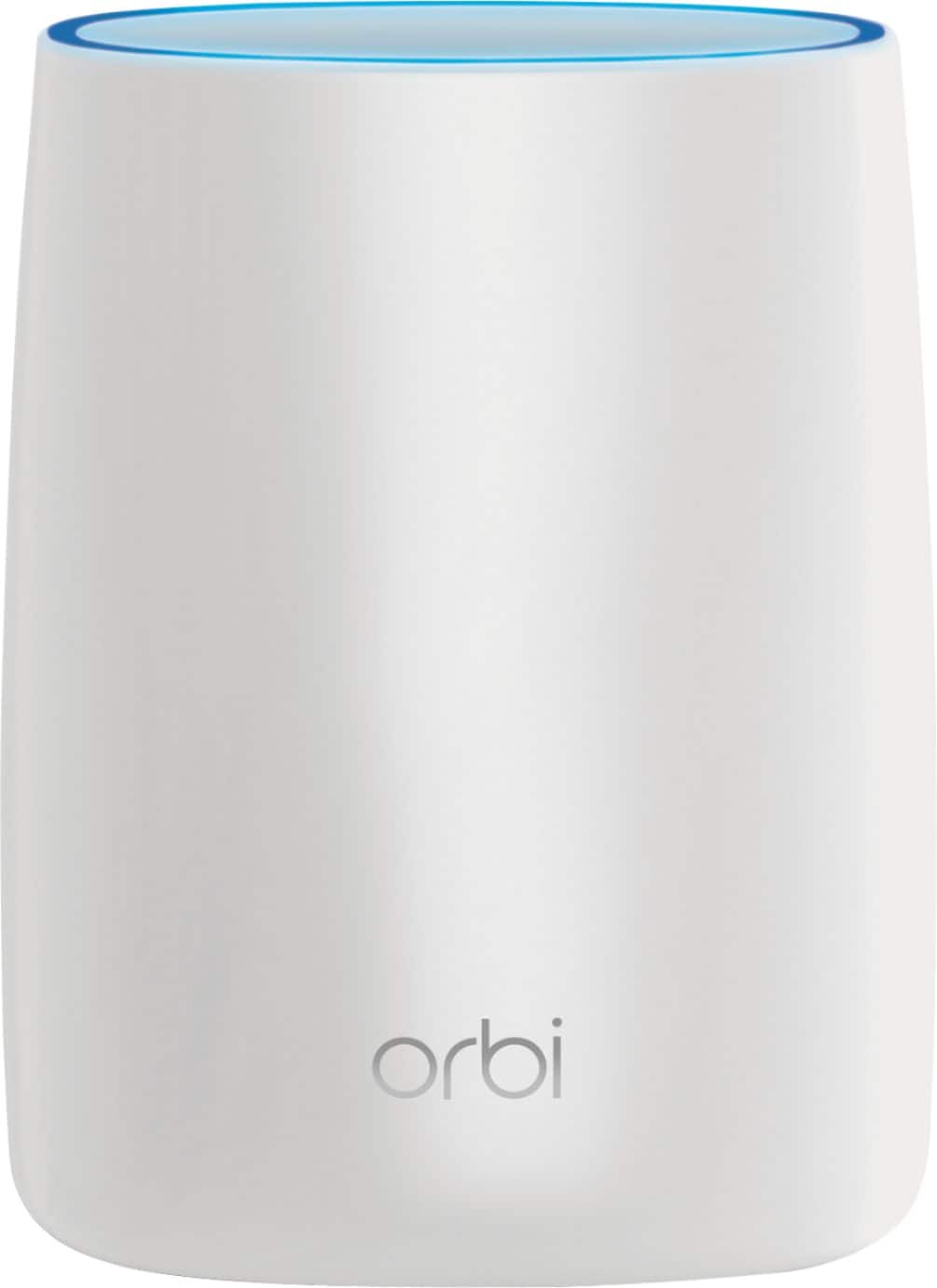
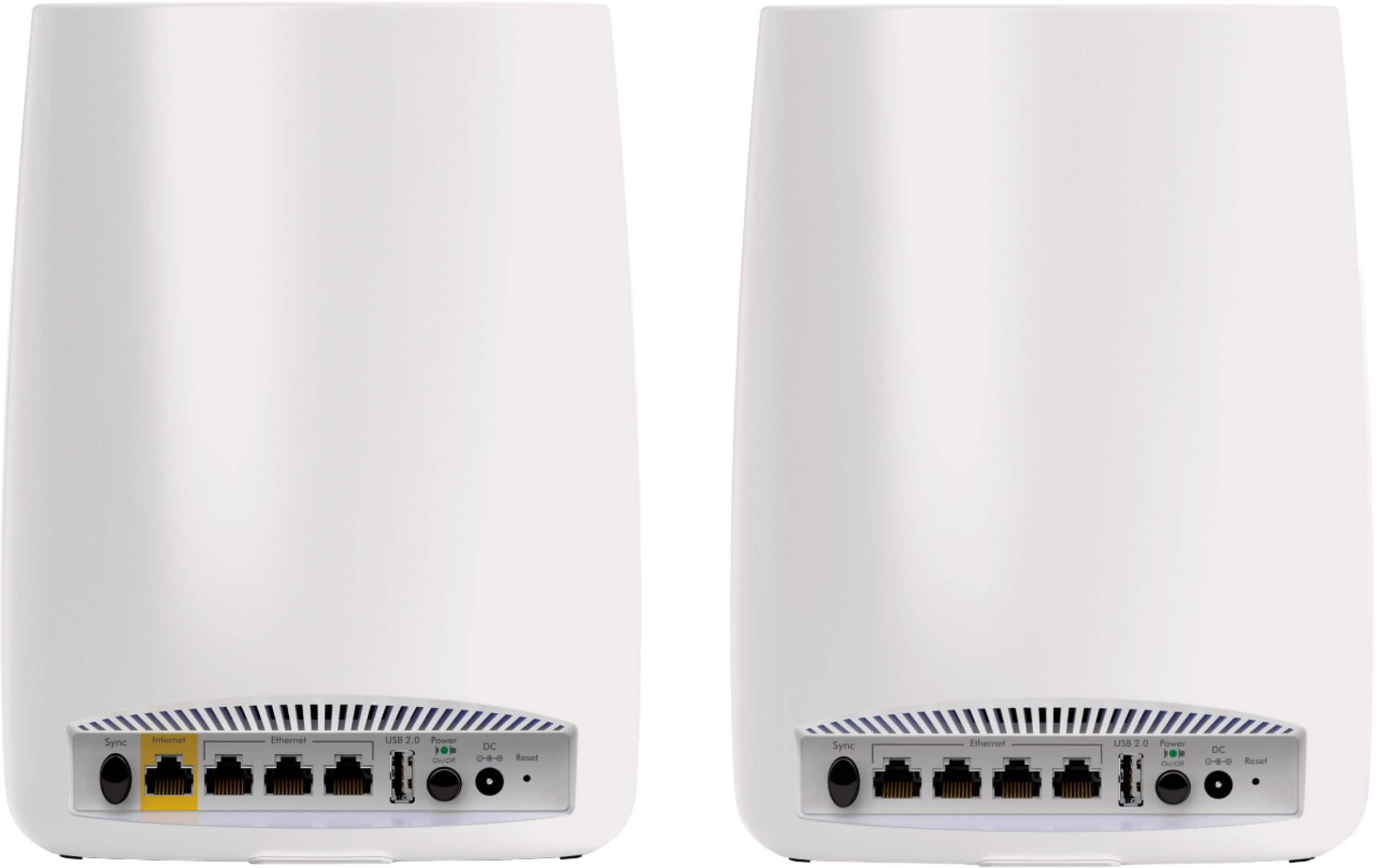







- Model:
- RBK50-100NAS
- SKU:
- 5577333
Rating by feature
- Setup
Rating 4.5 out of 5 stars
- Range
Rating 4.6 out of 5 stars
- Signal Strength
Rating 4.6 out of 5 stars
Customers are saying
Customers love the Orbi AC3000 Tri-Band Mesh Wi-Fi System's extensive coverage, ease of use, and strong signal. Many appreciate the straightforward setup and reliable connection it provides, resulting in excellent performance. However, some find the system's price and size to be drawbacks. The product's range is also frequently praised.
This summary was generated by AI based on customer reviews.
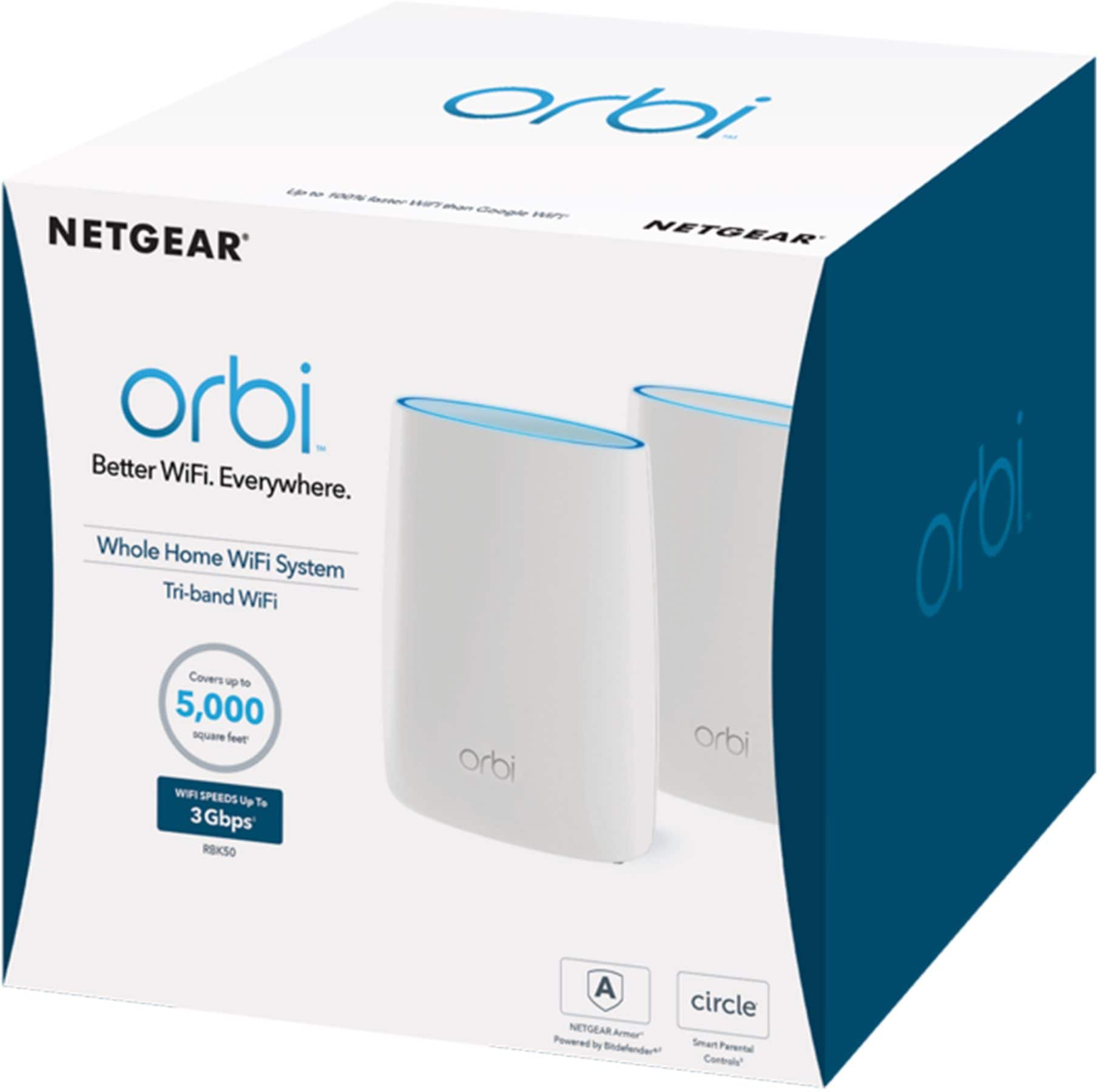
Great option for large house
||Posted .This reviewer received promo considerations or sweepstakes entry for writing a review.Orbi provides solid high speed wifi Service in my larger home
I would recommend this to a friendVery difficult to set up.
||Posted . Owned for 3 weeks when reviewed.This reviewer received promo considerations or sweepstakes entry for writing a review.I’m an very tech savvy but this was the hardest Wi-Fi system to set up. I finally had gave up and set my old system back up until I have the time to actually call in for help.
I would recommend this to a friendProduct works well. Waiting for additional featur
||Posted .This reviewer received promo considerations or sweepstakes entry for writing a review.Looking for more features but what it does have works well
I would recommend this to a friendbreaks in connection
||Posted .This reviewer received promo considerations or sweepstakes entry for writing a review.the signal sometimes is interrupted on the satellite modem.
I would recommend this to a friendGreat
||Posted .This reviewer received promo considerations or sweepstakes entry for writing a review.Great product, really recommend it. And it's small.
I would recommend this to a friendLess Problems
||Posted .This reviewer received promo considerations or sweepstakes entry for writing a review.So far I haven't had as many problems as my Netgear
I would recommend this to a friendDoes not work as described
||Posted . Owned for 1 month when reviewed.This reviewer received promo considerations or sweepstakes entry for writing a review.We have tried the Best Buy Geek Squad recommended wifi extender devices and have had very little success at improving our internet. This is a very expensive item to not work as described. The product description states it will cover 5,000 square feet but it barely cover 1,500 of our home and the other side of the home receives no signal to a low intermittent signal. We are extremely frustrated by this experience. Spectrum internet is our service provider and is equally frustrating.
No, I would not recommend this to a friendBrand response from Netgear Support
Posted .Hi SCM88,
Thank you for your review, we appreciate your feedback and we want you to know that your experience is important to us. We are sorry to hear that you had a difficult experience with your product. This resource should help you: https://kb.netgear.com/1110/How-do-I-troubleshoot-my-wireless-network.
Wireless routers, access points, and adapters send and receive radio wave signals through antennas. To optimize your wireless range, we suggest checking this resource: https://kb.netgear.com/1114/Improving-wireless-range-Overview.
If you need further assistance, you can contact NETGEAR Support by going to: https://my.netgear.com/support/contact.aspx and follow the onscreen instructions. Once you’ve registered your product you will be given the options of contacting Support through Phone, Chat, or email.
Regards,
NETGEAR Team
Great signal
||Posted .This reviewer received promo considerations or sweepstakes entry for writing a review.Great signal for a three story home. Glad we purchased it
I would recommend this to a friendEasy setup
||Posted .This reviewer received promo considerations or sweepstakes entry for writing a review.We are able to enjoy movies without buffering issues.
I would recommend this to a friendworks 80% of the time.
||Posted .This reviewer received promo considerations or sweepstakes entry for writing a review.For the price I thought it would work 100% of the time.
I would recommend this to a friendGreat, at first
||Posted .This reviewer received promo considerations or sweepstakes entry for writing a review.Worked well for about a month. BEWARE, there is an issue with this systems firmware and the latest Android updates. Do a search on Orbi and Android issues. It will fill a library. Here's the issue. Turn on an Android device or connect to the WiFi - THE ROUTER REBOOTS! That is correct, a client device seems to cause a router to reboot. How is that allowed? Does that sound secure to you? Apparently this started with Netgear's firmware and Android patches. You know what Netgear? I don't have time for your blame games. Unfortunately I am too late to return it. I left Netgear 4 years ago because of their lousy firmware breaking routers every other version. It appears they haven't changed. I wish I could give it 0 stars. That's twice you've fooled me. I will probably go back to EERO, it was pricey but at least it worked.
No, I would not recommend this to a friendGreat
||Posted .This reviewer received promo considerations or sweepstakes entry for writing a review.This product is great for apartments and houses as well
I would recommend this to a friendA Little Disappointed...
||Posted .This reviewer received promo considerations or sweepstakes entry for writing a review.My system keeps cutting out and range disappointing
I would recommend this to a friendVery good
||Posted .This reviewer received promo considerations or sweepstakes entry for writing a review.Excellent. Excellent. Excellemt. Excellent. Excellent
I would recommend this to a friendWifi
||Posted .This reviewer received promo considerations or sweepstakes entry for writing a review.Great product works great with a lot of equipment.
I would recommend this to a friendToo expensive
||Posted .This reviewer received promo considerations or sweepstakes entry for writing a review.Sent husband to buy.....such a mistake he spent a little over $300.....OMG. He already had it set up when I got home but I should of unhooked and took back. My sister has a much less expensive one that works fine. At times I still can't get connected
No, I would not recommend this to a friend- Pros mentioned:Range, Speed

Fast, reliable, and just flat-out works!
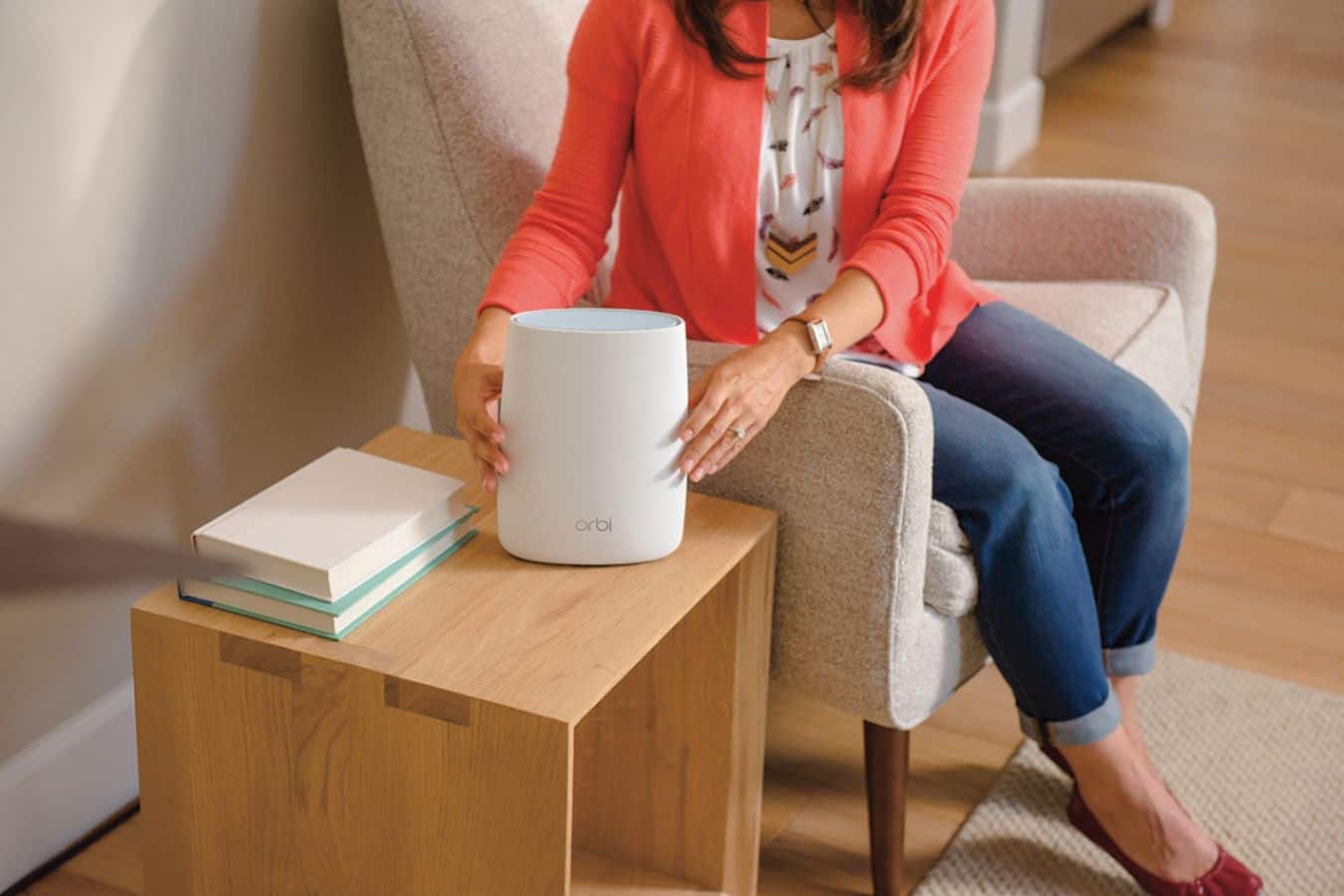
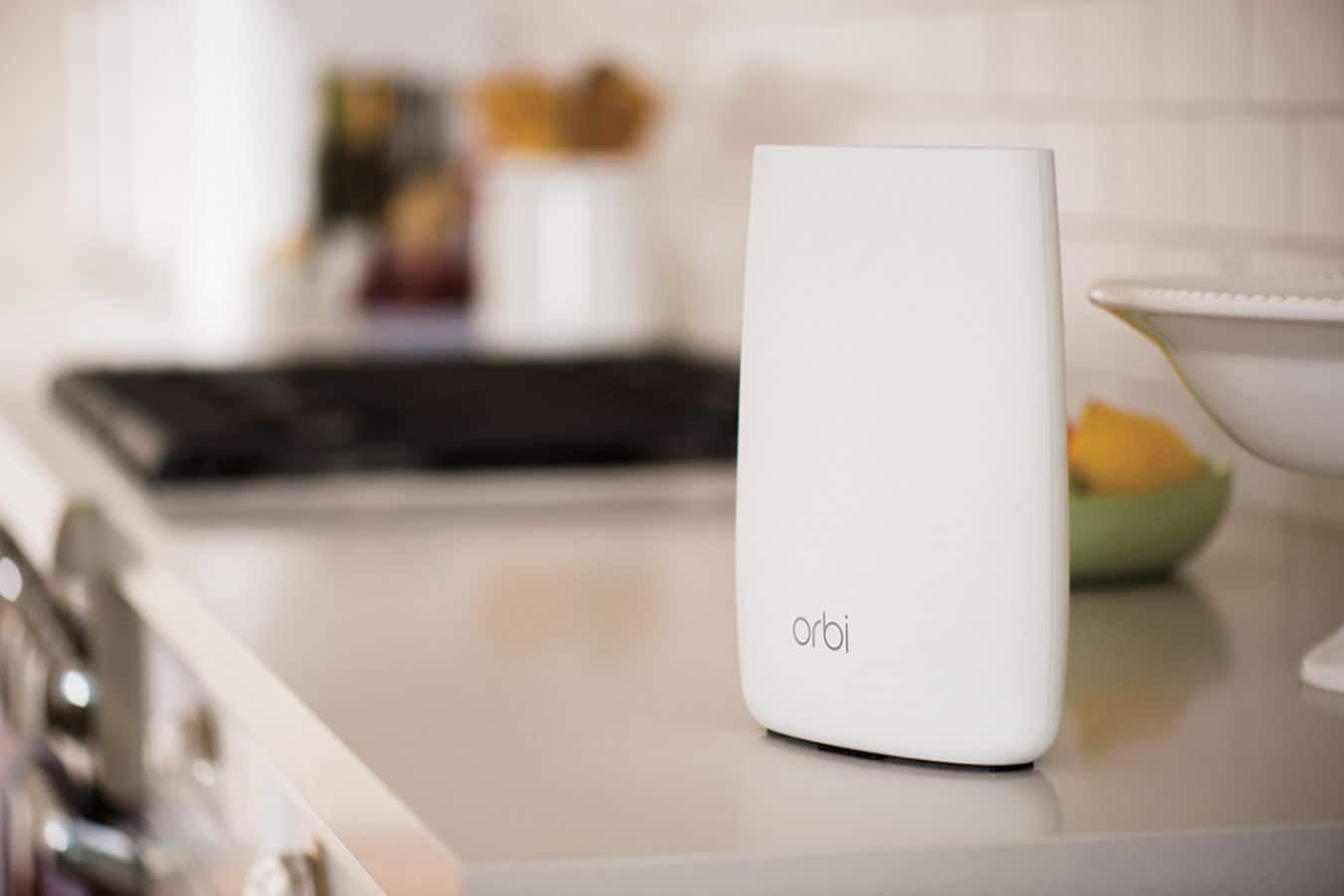
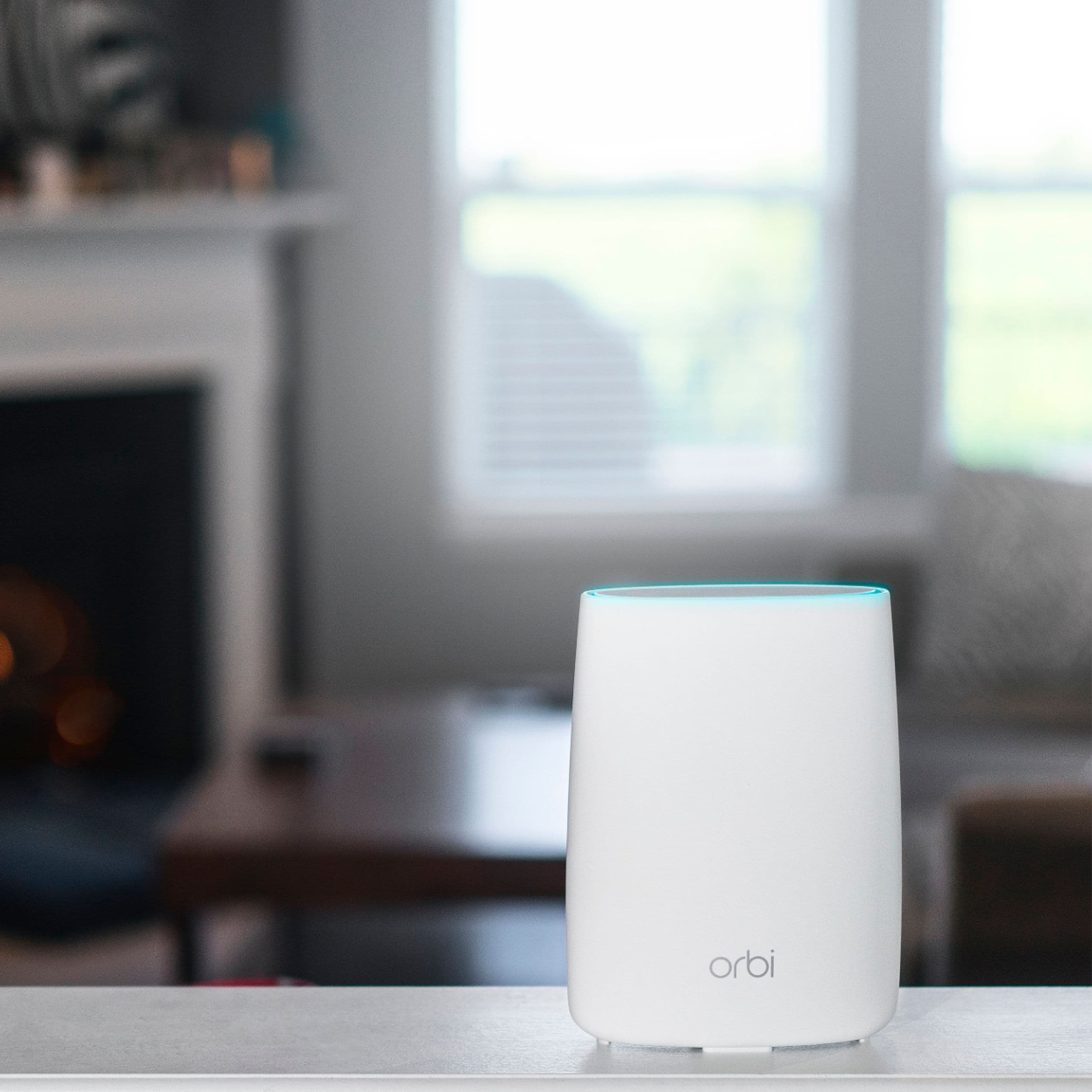
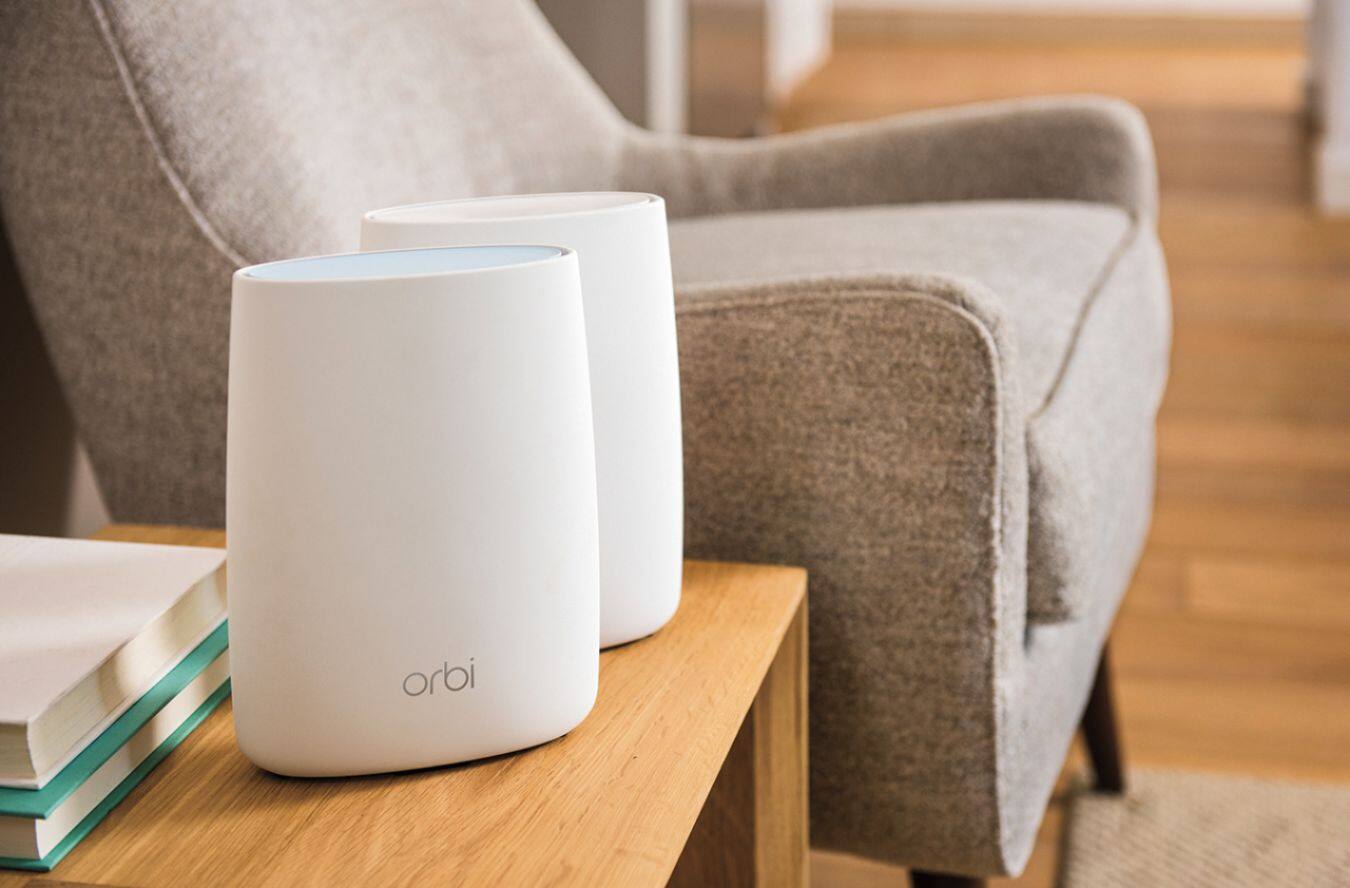
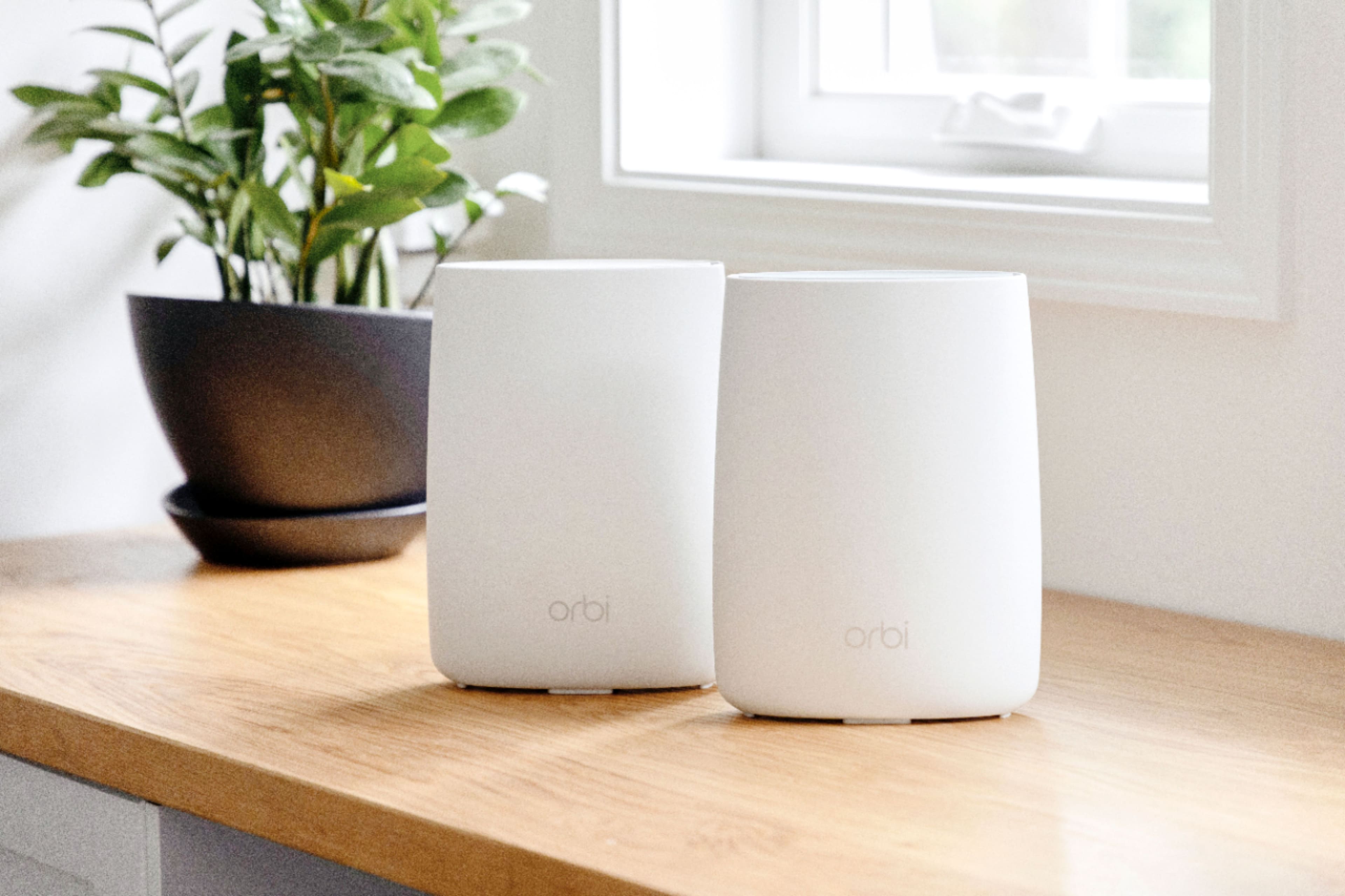
|Posted .This reviewer received promo considerations or sweepstakes entry for writing a review.The Orbi is a great product, it has a nice unassuming look compared to the jutting (spider) antenna design employed by a lot of routers in it's class, and the only lights - the green power indicator and the status lights are positioned in a way that doesn't cause unnecessary light pollution. This Orbi Wireless system, at it's best just disappears into the background and does it's job well, which is ultimately what you want your network equipment to do. That's not to say it's all smooth sailing in Orbi land though. Despite the quick start guide, a small foldout brochure with 3 steps and diagram of the router and satellite's hardware claiming I could setup the router with my phone, unfortunately, I was unable to do so. This is actually my first router in the last 4 years I've had to setup using a wired connection to my laptop instead of just whipping out my phone and being on my way in a matter of minutes. This is most likely due to a combination of the routers software (it immediately prompted an update which was available upon completion, but more on that later) and the fact that I didn't use the genie app to set up the router. Why not, you ask? The documentation never mentions this as an option despite saying you can setup the router with a mobile device. This led to the frustrating experience of repeatedly trying to get the login website to login in on my phone but getting JavaScript errors. In all, it took over an hour for me to setup the router using the quick start guide. Granted all of that time was not spent trying to log into the website. No, the very thing I praised the router for, the lack of lights, came to bite me in this aspect. When all is well and set-up, the ring lights in the Orbi aren't even active, but during setup you want blue. Magenta and amber would mean the connection between the routers is poor. Initially I tried to follow the illustrations and take the satellite to another room, which happened to be 2 rooms away, and wait for the connection. The satellite unfortunately blinked magenta, which I thought meant it was too far, even though my old router and extender combo - a Linksys 5400 and Belkin n900 range extender - easily saw each other from the same distance. But then I noticed the guide said it was supposed to be solid magenta if the connection wasn't good. Checking back it says it MIGHT blink for UP TO 1 minute. Ten minutes later it was still blinking. I unplugged and tried again a couple times with no change. I tried moving the router around the room. No dice. Tried the kitchen, which is the room right next to the main router, same deal. Then I put the satellite in the same room as the router and nearly blew a gasket when the satellite still blinked magenta 3 feet from the router, which had been blinking blue the whole time like it should be, but then they finally connected. At this time I began to try and access the website, essentially giving up on trying to set the router up with my phone because the Orbi login website refused to load in chrome on my phone until after I got the router setup. I had to hard wire my laptop in to complete the initial setup. Then the update prompt occurred, I'm thinking I'm home free, but after the router resets to apply the update the main router blinks magenta for over 10 minutes which seems like forever to me. I begin to search online as to how long this should take, but I find no documentation. Finally as I'm about to give up in defeat and go back to my old setup the router restarts and I'm good. I set the satellite up where I wanted initially and let it be as I had other things to do that day. Later that night I get home to start speed tests. I'm saddened to find our that I can't top 45 mbs. I have a 200 mbs package from my provider and both my old Asus 2300 and the Linksys would give me Max speeds in Wi-Fi. I had even invested in my own speedy modem and was confident it wasn't my provider but I ran some tests via Ethernet and I got max speed. So I decided to contact NETGEAR support. A few days of phone tag, and back and forth communication, network monitoring, changing channels, etc., finally gets everything straight. I'm now getting Max speeds on Wi-Fi on all my devices and I'm finally reaping all the benefits of the Orbi. When the system works it's awesome. The range is so much better. The convenience of not having to manually switch from 2g to 5g networks, or the extender is something I always thought would be nice and its importance cannot be understated. Now having used it I can't believe this isn't how it always was. It would now be unthinkable for me to go back to my older setup. I know NETGEAR will get the kinks in setup smoothed out and their support team is top notch and quick to respond. Despite all the headaches I had to go through to get it working just right, I can say without a doubt this is the system you want to get if you currently have a problem with range and speeds in your home or business. If you want a network that's fast, reliable, and just flat-out works, this is the one to get.
I would recommend this to a friend Works great!
||Posted .This reviewer received promo considerations or sweepstakes entry for writing a review.Works great! Much better internet connection now!!
I would recommend this to a friend- Pros mentioned:Ease of use
Overall Concept is awesome, but is it connected?
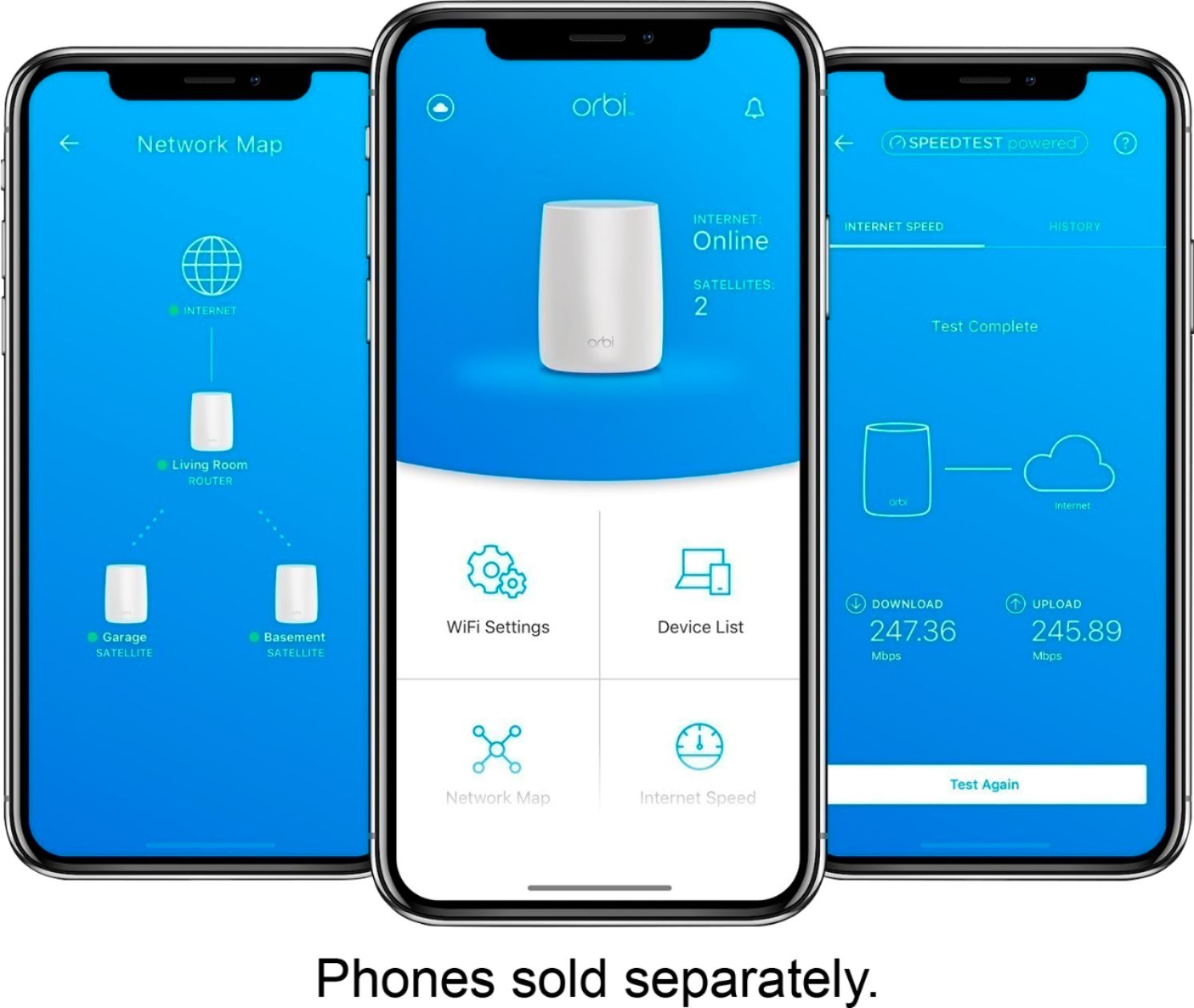
||Posted .This reviewer received promo considerations or sweepstakes entry for writing a review.Overall i purchased this Orbi router, the set up was pretty good and easy, and the app makes it easy to set up. Was DEEPLY disappointed when the lights and indicators. When you get the bridges connected, and even the main hub (blue one), there are no lights what so ever. Constantly, the bridges would go out, and you didn't know if it was connected or not. All Netgear had to do was put just a few lights on top or somewhere to tell you the bridge is connected, or what is going on traffic wise. Overall not a happy customer, returned promptly. Not recommend!
No, I would not recommend this to a friend Horrible Experience
||Posted .This reviewer received promo considerations or sweepstakes entry for writing a review.3 months. That's all it took. 3 months before I finally realized, after searching through forums, that Netgear knows about this product randomly dropping it's internet connection requiring you to restart not just your router, but also your cable modem. It's a known issue that they still haven't fixed. It's inconvenient when you cut the cord and are streaming House of Cards at midnight and your internet drops for no reason in your 2 story home with the master router and cable modem in the basement.
No, I would not recommend this to a friend