Customer Ratings & Reviews
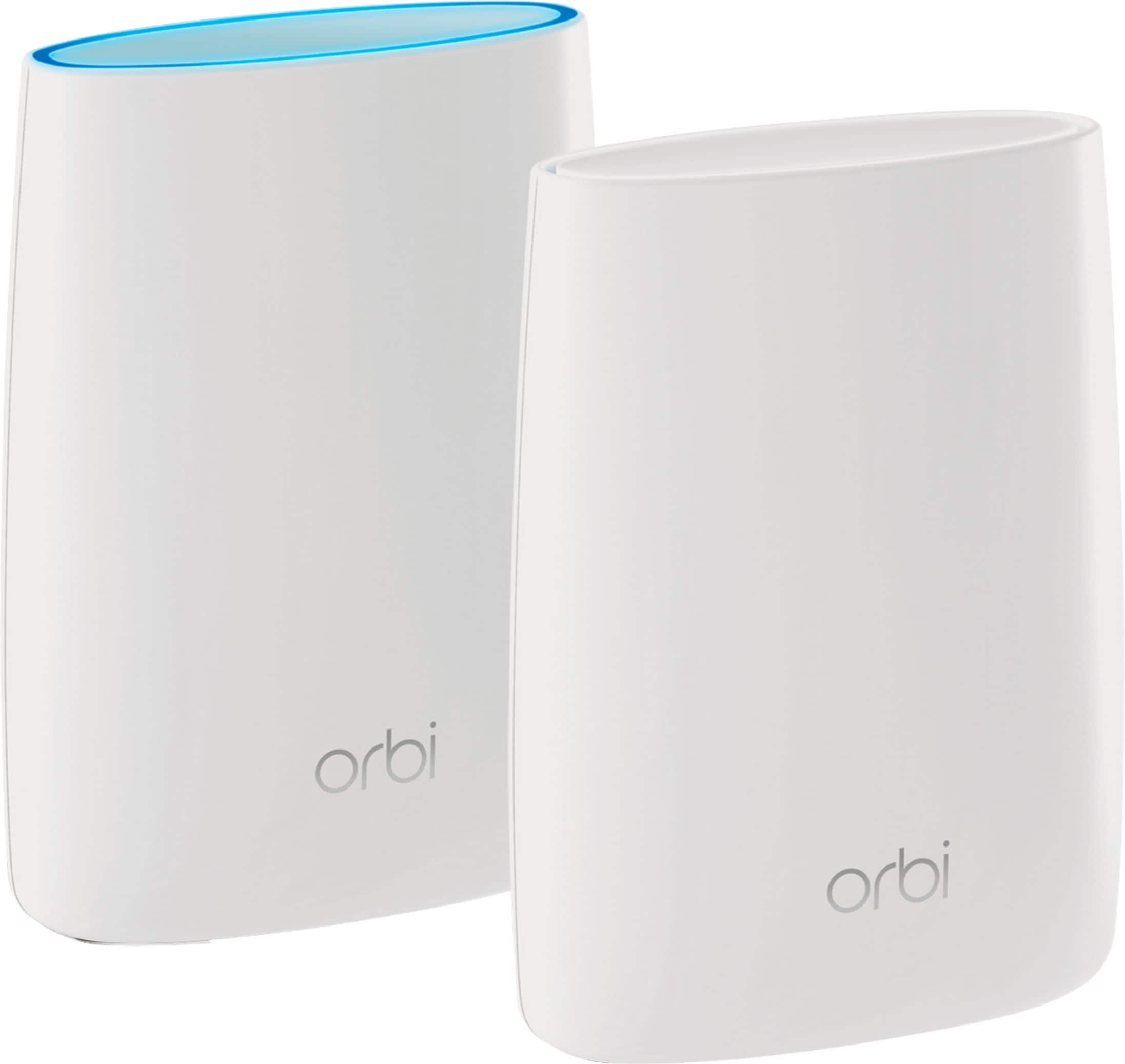
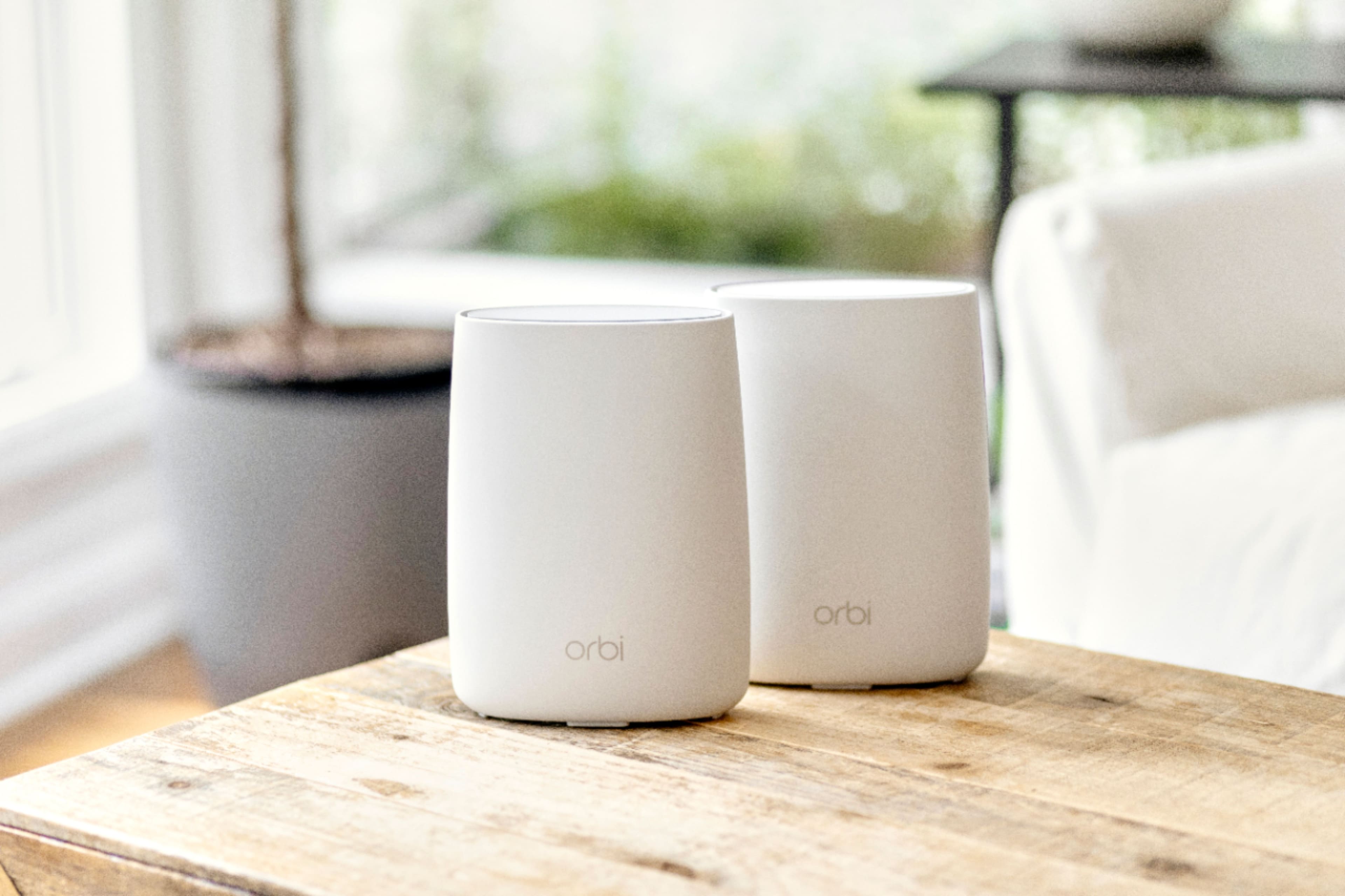
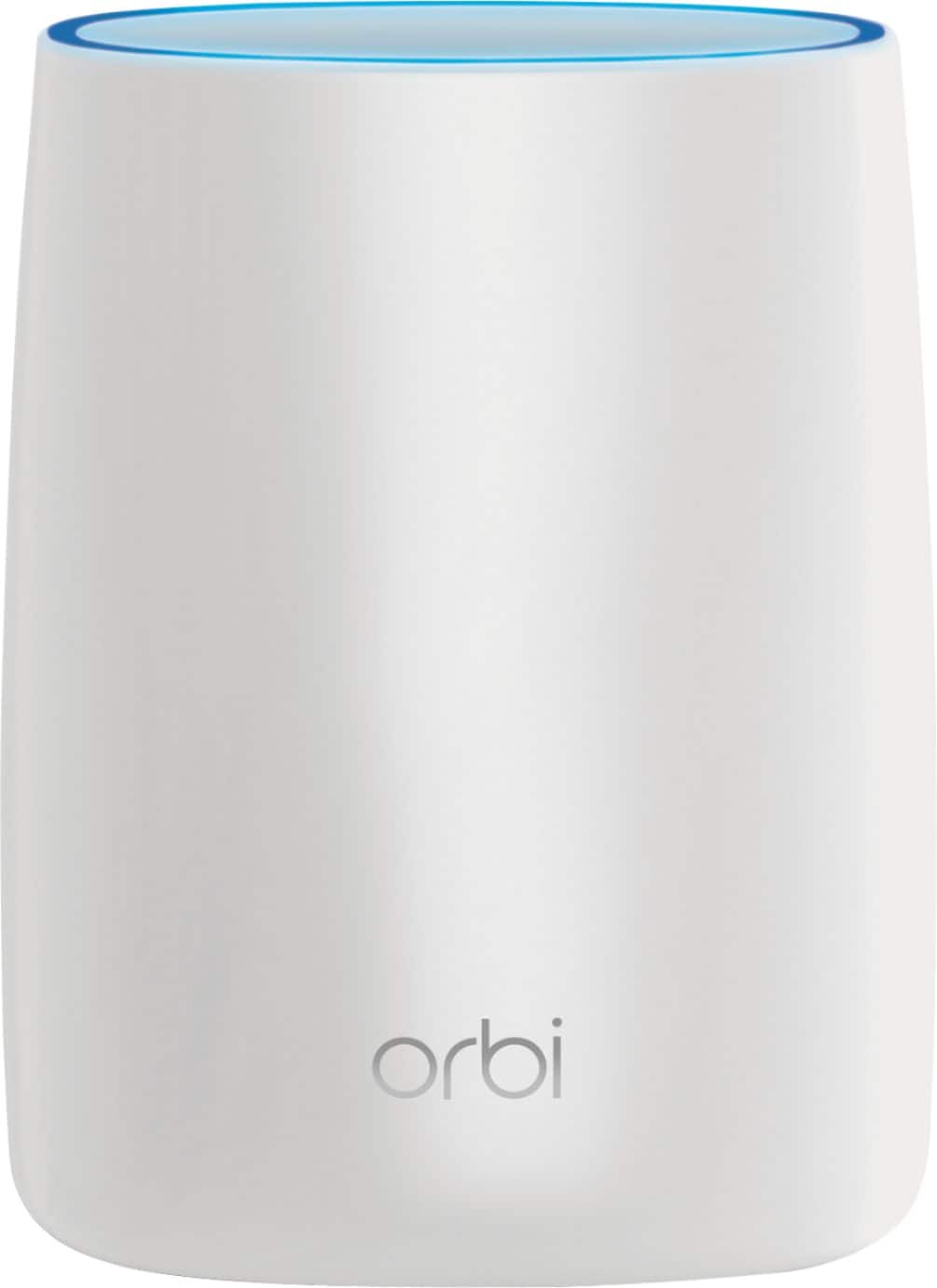
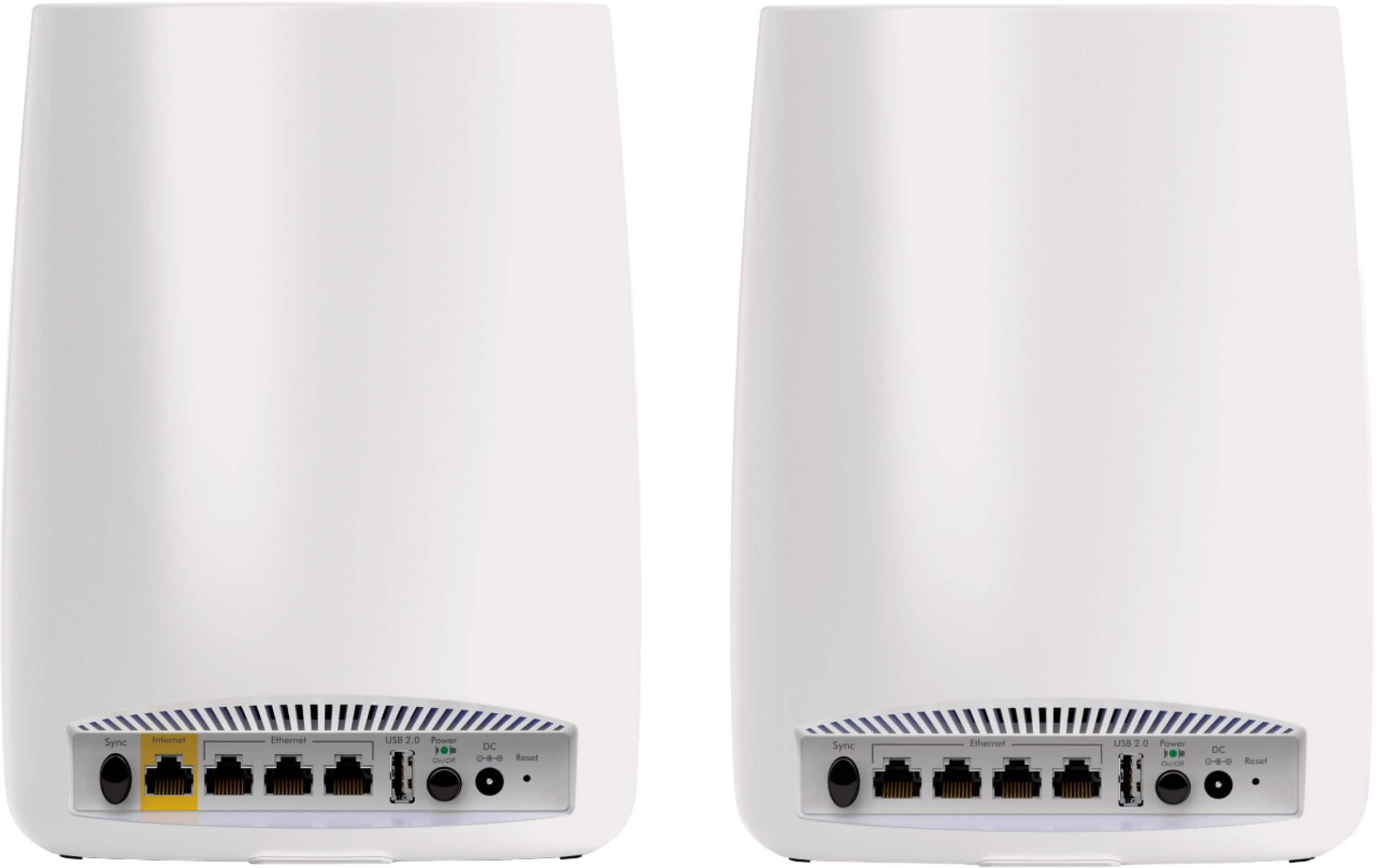







- Model:
- RBK50-100NAS
- SKU:
- 5577333
Rating by feature
- Setup
Rating 4.5 out of 5 stars
- Range
Rating 4.6 out of 5 stars
- Signal Strength
Rating 4.6 out of 5 stars
Customers are saying
Customers love the Orbi AC3000 Tri-Band Mesh Wi-Fi System's extensive coverage, ease of use, and strong signal. Many appreciate the straightforward setup and reliable connection it provides, resulting in excellent performance. However, some find the system's price and size to be drawbacks. The product's range is also frequently praised.
This summary was generated by AI based on customer reviews.
Ok for the price
||Posted . Owned for 3 weeks when reviewed.This reviewer received promo considerations or sweepstakes entry for writing a review.Easy to hook up and get started but unexpectedly loses signal so is unreliable to some degree. Just in my estimation, we have lost Signal about 20% of the Time when the main router was still at 100%.
No, I would not recommend this to a friendGuess it's alright.
||Posted .This reviewer received promo considerations or sweepstakes entry for writing a review.Not as easy to hook up as I thought it would be. Was told I could change the password, (as I wanted to use the one we had on all our electronics), but wasn't able to do that. We opt to change password all of them to what was assigned to us.
I would recommend this to a friendDoes not work as advertised by Netgear!
||Posted .This reviewer received promo considerations or sweepstakes entry for writing a review.So I purchased the Netgear Orbi RBK50 on the 24th of February. Brought it home. plugged it in and set it up with little issues. Tonight I read through the included instructions and attempted to connect the Router to the satellite through a network connection as shown in the enclosed instructions. It crashed the entire system! So I unplugged the network connection and left a DVD player and a Roku plugged into the network ports. Oops, those don't work either! The satellite won't start properly and will not allow connected wireless devices to get on the Internet. I got on a Netgear support chat with Rachel and spent about 20 minutes describing the issue and the steps I had taken. Come to find out the latest firmware update does not include the wired back haul feature using a network connection. Her suggestion was to install and older version of the firmware. Then she disconnected the session. My suggestion is to stay away from Netgear.
No, I would not recommend this to a friend- Pros mentioned:Speed
Poor Wi-Fi
||Posted .This reviewer received promo considerations or sweepstakes entry for writing a review.I got the orbi for the tri bands and better wifi speed over my old R7000, but the first night getting this the internet was turned off by the Wi-Fi so I called my internet provider and they said it's all good call netgear for support took 3 hrs to get it back on. I have never had to call support with my older routers or have had the internet stop working . The speed is 20 mbps faster then my R7000, also if you have Wi-Fi extenders the orbi will not pair with them you have to pay 100 or more for a orbi satellite. Will be returning this.
No, I would not recommend this to a friend - Pros mentioned:Ease of use
Not easy to set up
||Posted .This reviewer received promo considerations or sweepstakes entry for writing a review.I was told you just need to plug in and it works. The products own directions suggest that. When i called customer service suddenly i needed to log in to a website to set up.
No, I would not recommend this to a friend Complex, traded for a standard router
||Posted .This reviewer received promo considerations or sweepstakes entry for writing a review.I found the mesh network concept interesting but it is also a bit complicated to set up and keep running. After trying it out I decided to turn it in for 2 standard routers. If you’re tech savvy maybe you’ll have better results.
No, I would not recommend this to a friendnot as good as i hoped
||Posted .This reviewer received promo considerations or sweepstakes entry for writing a review.I thought I would get faster, extended range wifi with less buffering. that did not happen. I have slow dsl, because of where I live. The orbi might make things better if I had fast service, but with the speed I have it's not worth 500 dollars.
No, I would not recommend this to a friendResearch, serveral MUCH better products outside bb
||Posted . Owned for more than 2 years when reviewed.This reviewer received promo considerations or sweepstakes entry for writing a review.Honestly when I took it home, the set up didn't seem straight forward as it should have been, the lack of control of the routers behavior led me to return the product shortly after
No, I would not recommend this to a friendBrand response from Netgear Support
Posted .Hi N0n3,
The Orbi App makes the installation easy using your smart phone. We are sorry to hear that you had a difficult time with the install and returned your Orbi. If you need further assistance, please email us at [email protected] for additional resources or to contact one of our support experts. We will be happy to help.
Thank you.
WHEN Orbi works...
||Posted .This reviewer received promo considerations or sweepstakes entry for writing a review....it works well. But don't expect it to keep working if you change firmware, or add a new satellite, say a RBW30 wall plug satellite. I am deep into a support case just a few weeks into ownership. Hope they resolve the issues...
No, I would not recommend this to a friendNetgear Orbi AC3000
||Posted . Owned for 7 months when reviewed.This reviewer received promo considerations or sweepstakes entry for writing a review.This product was advertised to be an exceptional product. The range was sporadic and spotty. Worked with tech support a number of time but could not resolve the issue.
I would recommend this to a friendMy first netgear product that I hate
||Posted . Owned for 1 week when reviewed.This reviewer received promo considerations or sweepstakes entry for writing a review.I have had the worst time trying to get this router to work correctly. I have a 1500 sq ft house with three bedrooms. This product claims to be able to handle this easily with fast speeds. The speeds on this router randomly drop substantially anywhere I go in the house. Streaming tv freezes, printer won’t detect network, and phone calls over WiFi drop. My single netgear ac1900 handles more of the house better than this satellite mesh ac3000. I have read most other negative posts along with netgear responding with recommendations of changing settings. I’ve done this. I’ve moved the satellite to different locations and adjusted setting, but to no avail. I have had only netgear routers for over a decade now. I consider myself a loyal fan, but this did not go well. Especially for the price. We are a family of four, with one gaming system and two devices streaming tv at one time max.
No, I would not recommend this to a friendKeeps on disconnecting
||Posted . Owned for 6 months when reviewed.This reviewer received promo considerations or sweepstakes entry for writing a review.I bought this as my 3 kids are distance learning and our router was just not cutting it. In the beginning it worked great. They were all able to be on calls at the same times. Slowly we started having more and more issues. The satellite is constantly turning purple and losing connection. While it doesn't affect two of my kids, it affects one and is constantly kicking her off of meets. I've tried moving the satellite several times to different locations in the house and it continues to lose connection.
No, I would not recommend this to a friendBrand response from Netgear Support
Posted .Hi HKinCT,
Thank you for your review on your Orbi. We would like to look into why one of your satellites is not staying connected. You can try to reset and set up your Orbi again: https://kb.netgear.com/000061613/I-m-having-trouble-installing-my-Orbi-WiFi-System-what-do-I-do
Please let us know if this resolved your issue by updating your review. If you need further assistance, please email us at NetgearTeam@netgear.com for additional resources or to contact one of our support experts. We will be happy to help.
Thank you.
Great when it works
||Posted .This reviewer received promo considerations or sweepstakes entry for writing a review.The system is great when it works, but I have to reboot it often. Rebooting is a complicated process of unplugging everything in the right order, and since the satellite is on a different floor, it is a cumbersome process.
No, I would not recommend this to a friendNot Impressed
||Posted . Owned for more than 2 years when reviewed.This reviewer received promo considerations or sweepstakes entry for writing a review.Not the easiest to setup and the satellite will indicate a good connection (blue LED) only to drop off the network minutes later. It would reconnect if I turned it off and back on, but I can't do that every hour. I spent several frustrating hours on the phone with Netgear's tech support, who continually proclaimed the problem solved (of course the solutions all required unplugging it and plugging it back in, so yes, it worked for a few minutes), only to have the satellite drop off almost as soon as they got off the phone. I returned it.
No, I would not recommend this to a friendJust ok
||Posted .This reviewer received promo considerations or sweepstakes entry for writing a review.I expected way more that I got from this product. Still have internet issues, almost as if the product hasn’t done anything to help. I thought for how expensive it is, it’d be very good at what it is supposed to do.
No, I would not recommend this to a friend- Pros mentioned:Setup, Speed

really good but not perfect in my opinion
|Posted .This reviewer received promo considerations or sweepstakes entry for writing a review.As is normally the case in life - the Netgear Orbi RBK50 has its positives and negatives. Not to give to lengthy a review I will try to highlight the positive/negative points below as I perceive them to be as well as the results of my before/after speed test(s); The positives; 1) Pretty easy to setup setup 2) Blazingly fast 3) Nice touch having USB and multiple ethernet ports on the satellite extender, giving even more options. 4) Netgear "genie" software is nice and can be used on PC or smartphones to check or set options. Although the multiple options can be a tad confusing. The negatives; 1) At the stated $399 retail price it should have USB 3.0 not 2.0 connections 2) Does not support Netgears "readyshare". Instructions states that USB only recognizes true NAS sytems - so you cant just plug in a USB drive and have internet access. It can be used for "universal" printing but I did not try this option as my printer is already setup for remote access. 3) Does have "my media" option but if I understand this option correctly you could only share information to devices connected to the network and not remotely - say if traveling. So I did not try this option. 3) Does not support "guest" signin option. However I did receive an email from Netgear stating that this would be coming by the end of 2016, but I can only review what is available now. I have COX Ultimate Internet service which in my area states 300mbps download and 30 mbps upload. My modem is an ARRIS 6190 and of course my router now is Netgear Orbis RBK50, but it replaced a Belkin F5D8233-4 router which is what I used for the before speed tests. I also have a Netgear unmonitored ethernet switcher model GS108 with 8 ports. I did try my desktop connected directly to router and thru the switcher and the speed difference was negliable. All of my devices have 10/100 network adapters and/or N wireless adapters - except for my LG4 smartphone which supports AC. As to the speed of my connections I did a before and after check using speedtest.net in my living room. The satellite is approximately 50 feet from the base and the signal has to go thru 4 interior walls. I was 15 feet from satellite for after tests. 1) laptop. Before 16.46 mbps download and 13.68 upload. After 46.69 mbps download and 23.00 upload. 2) desktop in living room using wireless connection (between 2 speakers so wireless is shielded). before 2.57 download and 3.26 upload. After 16.97 download and 23.00 upload 3) desktop in living room hardwired to satellite using ethernet connection. No before speeds as did not have satellite. Speeds are 170 mbps download and 23.35 upload. 4) LG G4 phone (has AC capabilities) in living room using wireless. Before 24 mbps. After average of 190 mbps with spikes up to 351. 5) My desktop connected using ethernet connection to router base. Before 45.96 mbps download and 22.53 upload. After 190 mbps download and 22.93 upload.. End thought is that this is definitely an upgrade from N. But if you mostly connect using wireless and currently have only N you probably should consider investing in a AC wireless adapter upgrade for your device(s) to get full value and speed. Overall I am happy with the Orbi but as I stated its not perfect...
I would recommend this to a friend Hunk of junk
||Posted .This reviewer received promo considerations or sweepstakes entry for writing a review.1 star is overrating this hunk of junk. My hubby bought this for Christmas (2017). I wanted a router that would cover the whole house, read lots of reviews who claimed it was wonderful. I will never again buy anything without looking specifically at the 1 star ratings. Save your money, I would think Best Buy wouldn’t even carry this hunk of junk. Like everyone else has said, this thing will not hold a connection so you are constantly resetting every bit of your equipment. I spend more time resetting this thing to get the internet to work than is acceptable. I am resetting this thing a minimum of every other day. Some days, I am resetting it several times a day. I had an old netgear router that was a complete cheaply. I never had any trouble with it, it just didn’t cover my larger house. For this kind of money.....it should work!!!!!
No, I would not recommend this to a friendgood router but tough to set up
||Posted .This reviewer received promo considerations or sweepstakes entry for writing a review.I had a hard time getting many of my devices to pair to the satellite. I had to move them to the area closer to the main router and pair them to that then move them back and they worked with the router
I would recommend this to a friend- Pros mentioned:Coverage, Setup
Excellent option for spoty networks !
Posted .This reviewer received promo considerations or sweepstakes entry for writing a review.My personal experiences with the Netgear Orbi AC3000! I consider myself pretty much a tech savvy person. I currently own a Netgear X8 cable router (which is a pretty awesome router by the way). My Netgear X8 just wouldn’t clear the distance I needed. My house around 3500 sq. ft., 2 floors was not getting the coverage that satisfied my family. Weird, but my main cable is located in the master bedroom on the second floor, leaving the kiddos bedroom with poor signal, and signal wasn’t particularly strong in the kitchen and in the garage. That’s when Orbi came into place! Purchased Orbi AC3000, components, 1 AC router and 1 satellite. Connected the Orbi router to the Comcast modem (make sure you power down your main providers modem first). Plugged in the power chord for the Orbi router, then connected the Ethernet cable to the back of the Orbi then to the providers modem. Powered the providers modem back up, downloaded the Netgear Orbi application and everything else was a piece of cake. Now here are some of the results, from the Orbi applications, my downloads are somewhere in the range of 500 to 555 Mbps, uploads around 50 Mbps. Once the router is set up through the Application, move onto the satellite, I plugged the Orbi satellite up in the kitchen which is located on the bottom floor near the garage, while the Orbi router is upstairs in the master bedroom. Installation went smooth, and now I have range in the front yard, the back yard, the garage and in the driveway. This system is amazing! The set up looks great and works great! There’s not much to it, plug and play, and if you need to install updates, log onto your Orbi Wi-Fi line and then go to the website, orbilogin and make whatever tweaks you need. I’m also used to having the option of the guest Wi-Fi, and choosing between two 5G ssids, and one 2.4G ssid, but those options are absent from the settings in the user interface. The system is of good quality and is pretty reliable, I now have coverage over the entire house. I think the best thing about the system is the fact if you come up short and have weak signal, you can always add another satellite and achieve those speeds we all dream about. I have around 25 devices connected to the internet, from thermostats to doorbells, 2 PS4 Pros, 5 smart TV’s, alarm system, 5 iPads, 5 iPhones, and 2 Samsung tablets. Windows desktop, 2 MacBook pros, and an iMac, Nintendo Switch, and I notice zero lag from either device, even when the kids are gaming, the baby watching YouTube, and I’m surfing the web looking at new projects. My speeds are pretty consistent moving around the house. I used the android application on one of the tablets, to get a visual pictures of my internet infrastructure and I can clearly see where the 2 5g signals from the Orbi are towering over the cable modem from the Comcast Company and my personal X8. Wanted to also mention I’m subscribed to Comcast Gigabit internet package. So if your suffering from weak or dead spots in areas of the house, or you can’t receive a strong enough signal to operate the Grill while streaming Apple Music and YouTube, The Netgear Orbi should be really taken into consideration. Way to go Netgear !
I would recommend this to a friend Orbi satellite
||Posted . Owned for 3 weeks when reviewed.This reviewer received promo considerations or sweepstakes entry for writing a review.Pretty disappointed with this product. We needed a connection upstairs and put our satellite up there. Out of 4 attempts, it worked only once. We are using ORBI as the primary router, and net gear router for our internet connection. This was accomplished as a bridge but it hasn’t worked very well.
No, I would not recommend this to a friend