Customer Ratings & Reviews
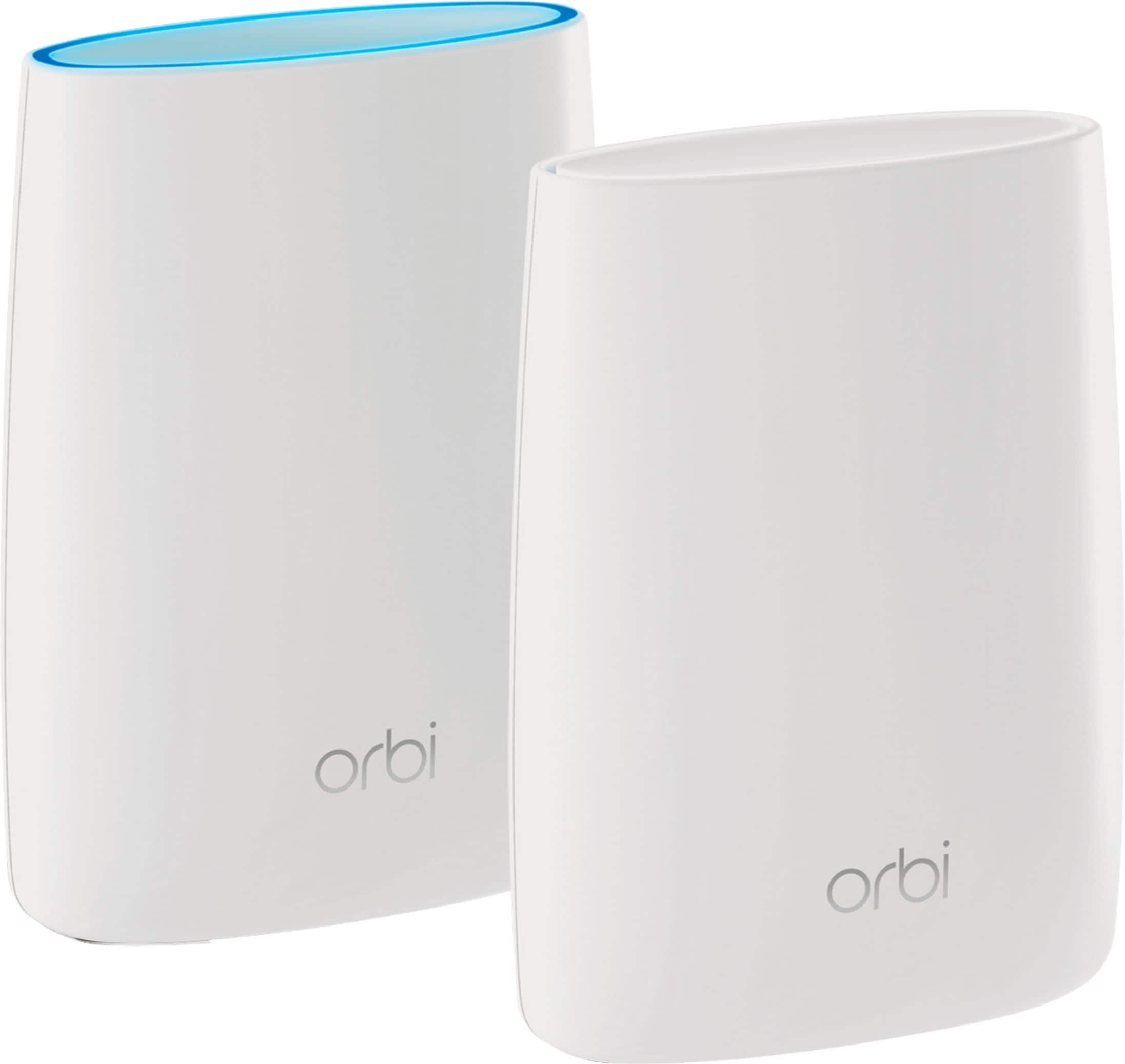
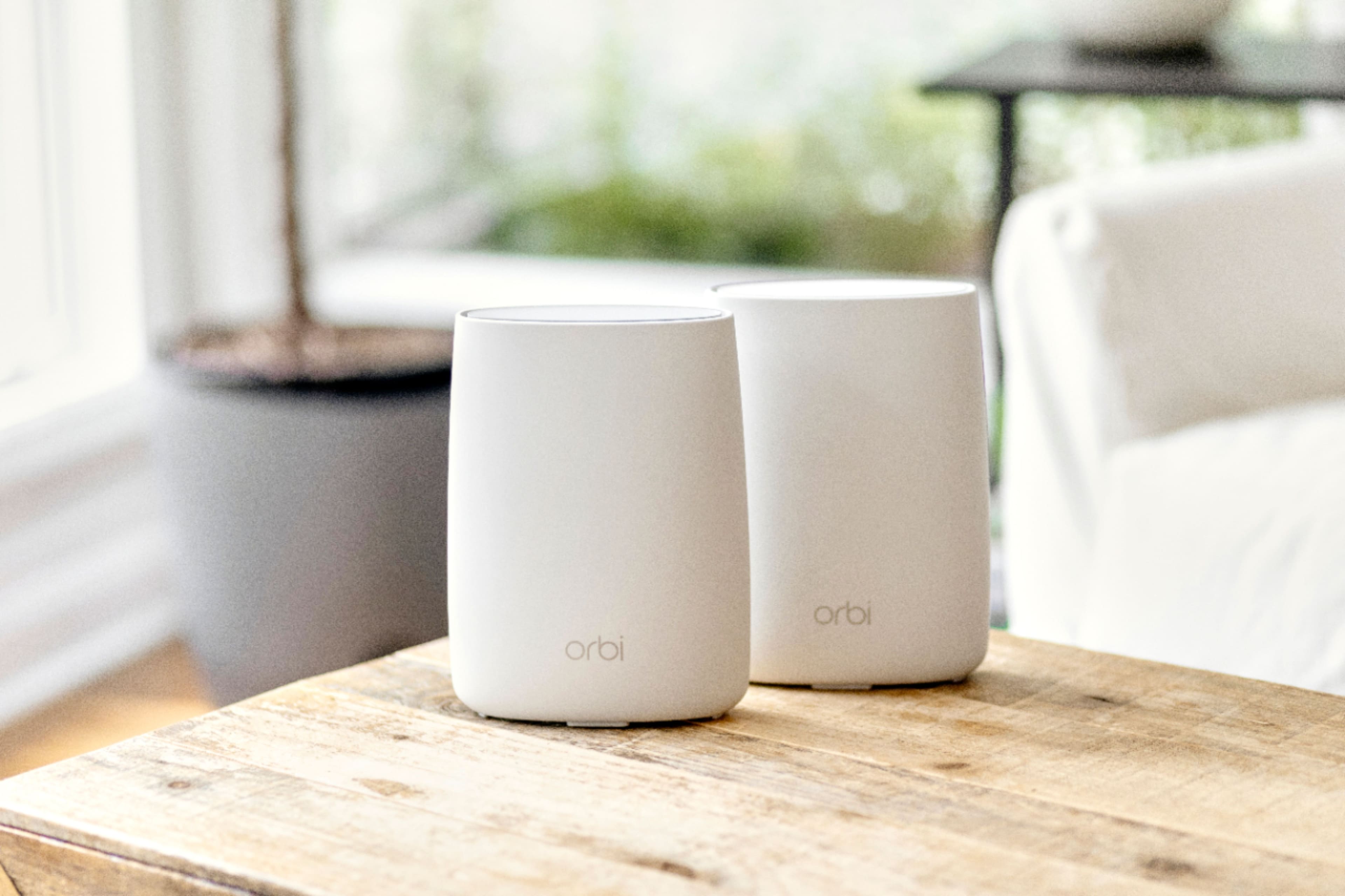
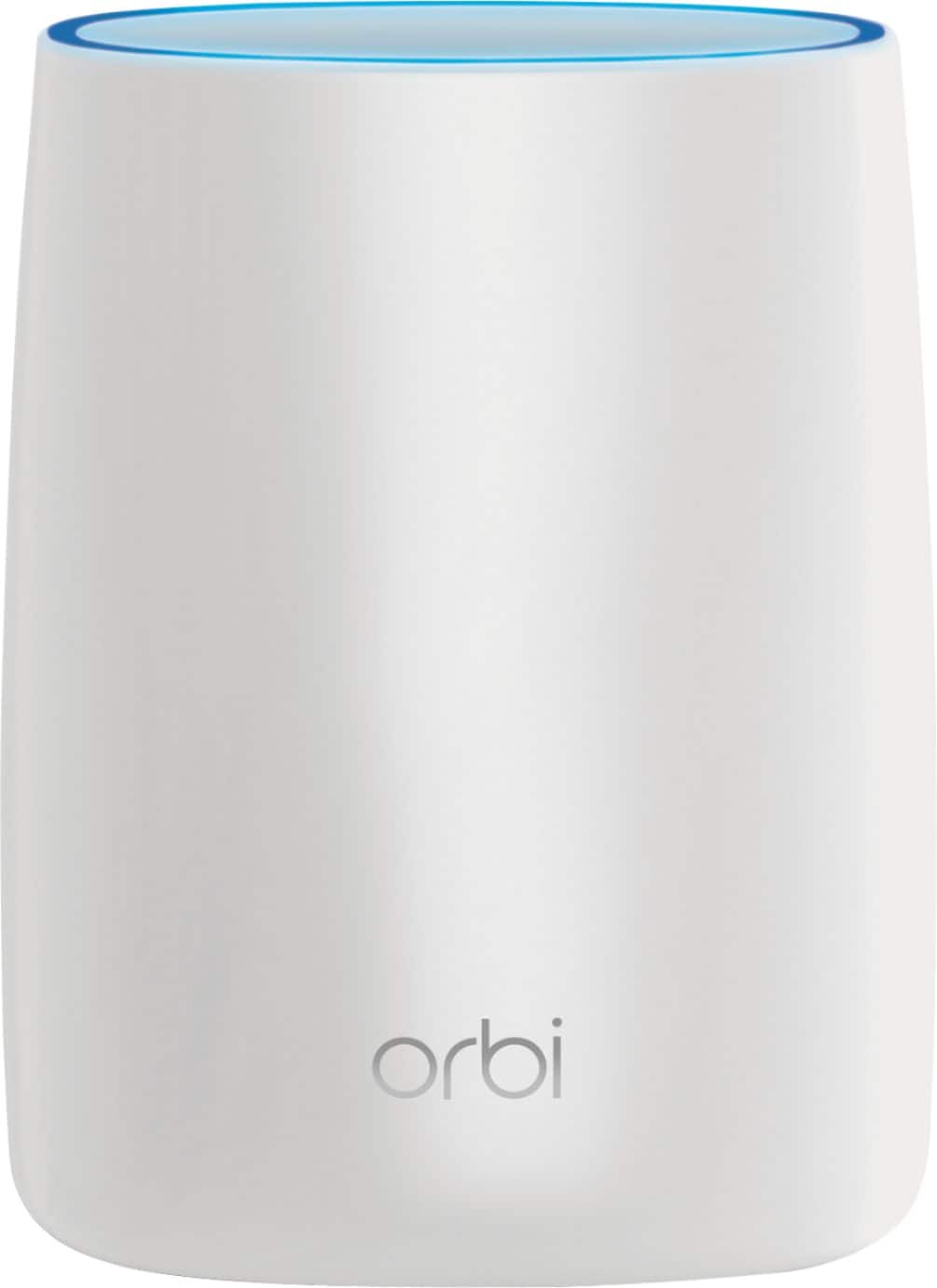







- Model:
- RBK50-100NAS
- SKU:
- 5577333
Rating by feature
- Setup
Rating 4.5 out of 5 stars
- Range
Rating 4.6 out of 5 stars
- Signal Strength
Rating 4.6 out of 5 stars
Customers are saying
Customers love the Orbi AC3000 Tri-Band Mesh Wi-Fi System's extensive coverage, ease of use, and strong signal. Many appreciate the straightforward setup and reliable connection it provides, resulting in excellent performance. However, some find the system's price and size to be drawbacks. The product's range is also frequently praised.
This summary was generated by AI based on customer reviews.
sounds great. still trying to get it to work
||Posted .This reviewer received promo considerations or sweepstakes entry for writing a review.It wasn't as easy as expect to set up. still working on it though and haven't given up. I might need to call someone to get it set up and working correctly.
I would recommend this to a friendSerious connectivity problems.
||Posted . Owned for 4 months when reviewed.This reviewer received promo considerations or sweepstakes entry for writing a review.Really poor experience with this product. We switched to an Arria modem and paired first with a Google nest WiFi system which never loose connection while we have it, unfortunately, parental controls were poor so we decided to go with this net gear orbi. It worked fine for a couple days and then we started having trouble loosing internet. We first thought it was an issue with our provider (Comcast), they tried troubleshooting remotely for about a month with out solving the issue so they sent a technician who checked my coaxial cable, signal strength and all that, made some adjustments, monitored my system and eventually tried a new coaxial cable into the house, the problem persisted and then contacted arria to check the modem and all is within normal parameters. In the meantime we have to reset the modem 2-4 times a day to get the orbi to work again. If I would have known how poor the performance was going to be I would have never bought this product.
No, I would not recommend this to a friendBrand response from Netgear Support
Posted .Hi Henry,
Your Orbi will not work properly if you have connectivity issues with your modem. The Orbi will show a magenta light if it loses connectivity to the internet. If the li9ghts are not changing we would like the opportunity to further troubleshoot your Orbi. If you need further assistance, you can visit http://support.netgear.com to register your product, get help, access the latest downloads and user manuals, and join our community. We recommend that you use only official NETGEAR support resources.
Thank you.
NETGEAR Team
Not what I expected
||Posted .This reviewer received promo considerations or sweepstakes entry for writing a review.First mesh system I bought and signal dropped often. Had it on FiOS was pretty easy to set up but signal dropping isn't what I wanted.
No, I would not recommend this to a friendAvoid avoid avoid
||Posted . Owned for 11 months when reviewed.This reviewer received promo considerations or sweepstakes entry for writing a review.Bought to replace Nighthawk R7000 router (loved it). RBR50 randomly decided to brick itself after less than two years, no longer broadcasting a signal or allowing access to LAN ports. Netgear wants almost $200 to diagnose. Better off putting that money into a new router from a company with better customer service. Do not recommend.
No, I would not recommend this to a friendWeakened After 2 Years
||Posted . Owned for more than 2 years when reviewed.This reviewer received promo considerations or sweepstakes entry for writing a review.At first, the mesh network worked great. The extent of mesh network started to weaken after a year and a half.
I would recommend this to a friend- Pros mentioned:Coverage, Ease of use

No More Dead Spots
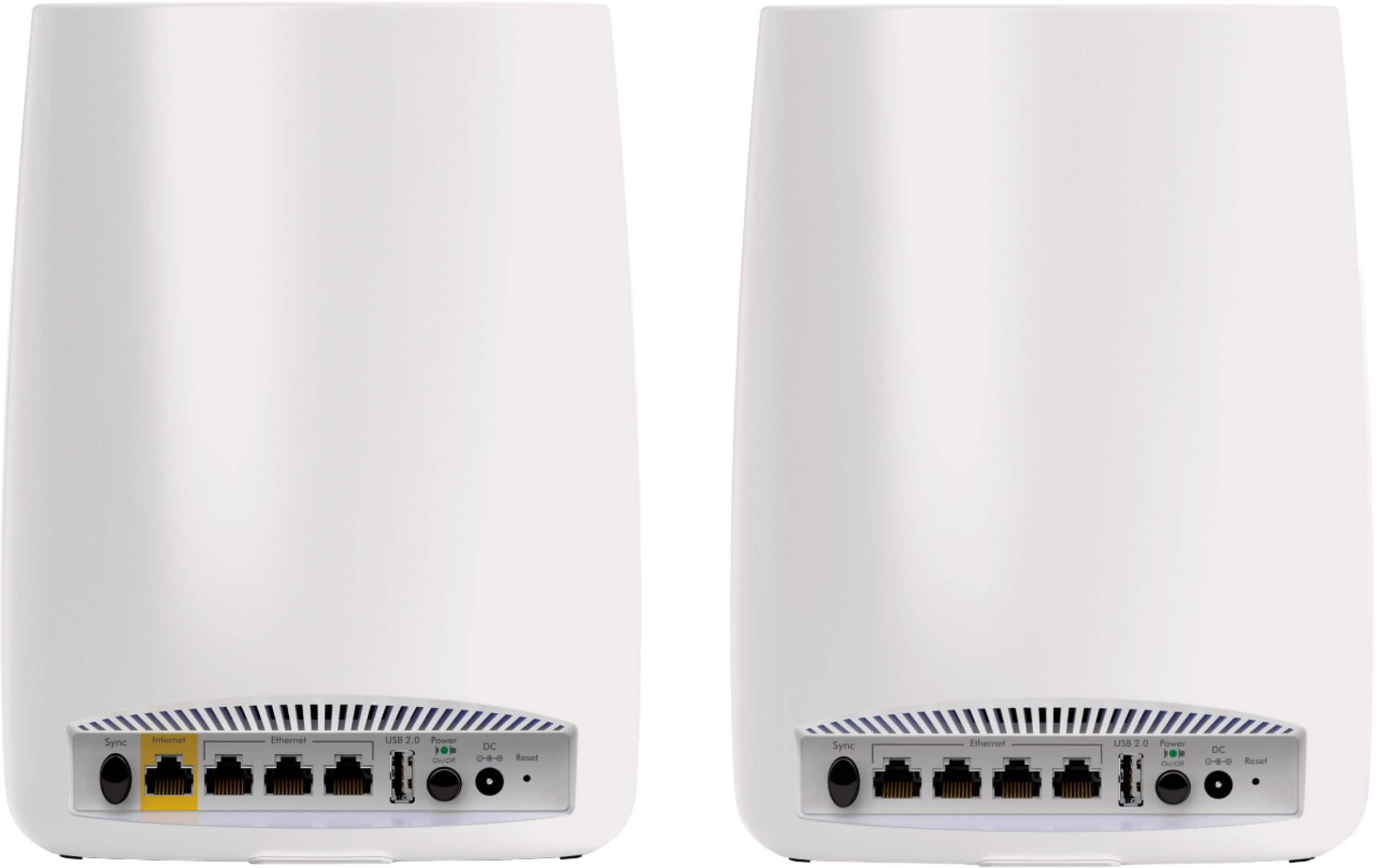
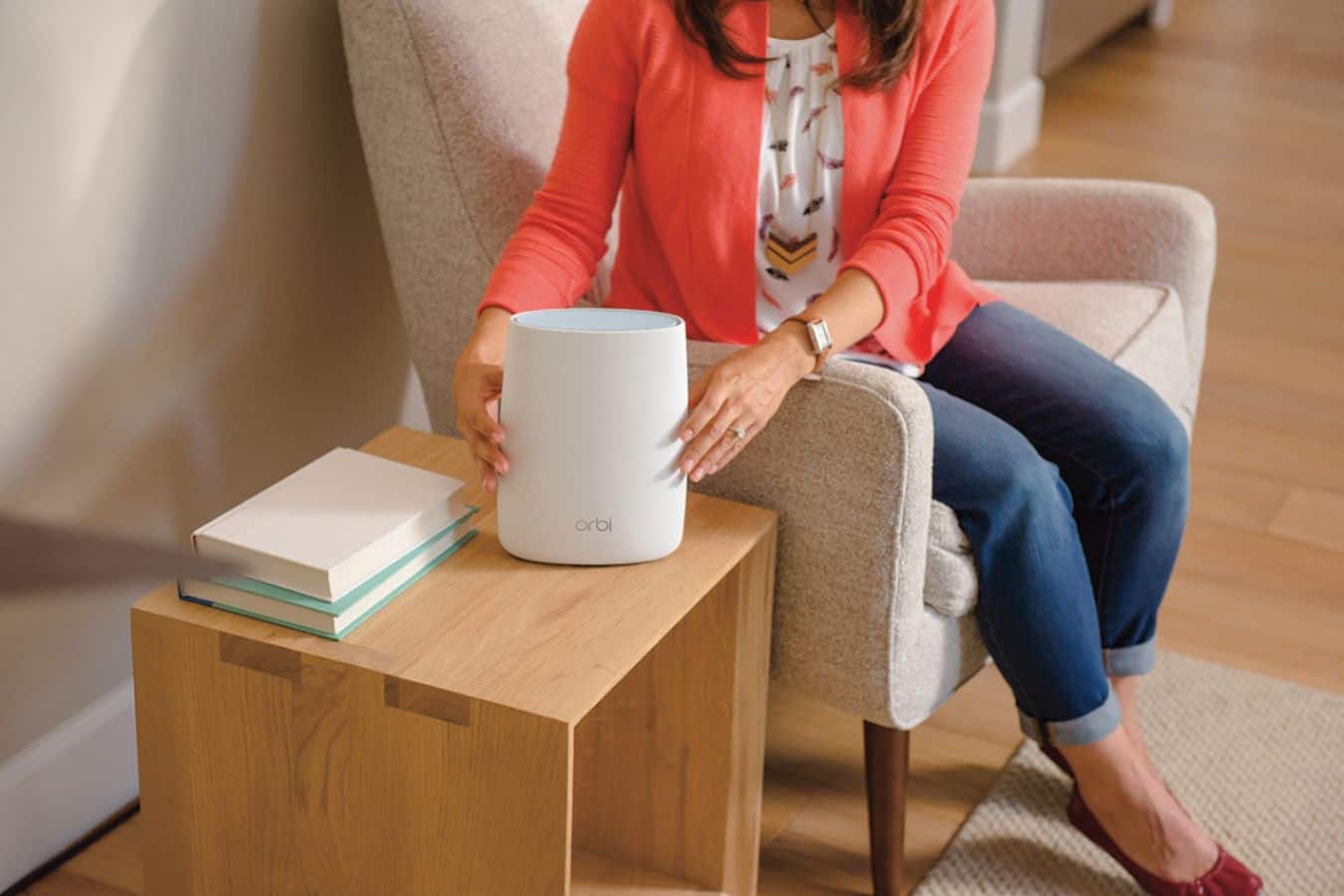
|Posted .This reviewer received promo considerations or sweepstakes entry for writing a review.I love this setup. The short review is that it's easy to setup and extends your network seamlessly to cover dead spots. The background for my longer story: I previously had a router and range extender. I've never liked range extenders. I have used them and have had ones that work well, but I just don't like that it creates a second network that overlaps with a different name (Spare me if you're going to say that you can rename it. I never had one hand me off seamlessly back to the router. It's my experience.) We recently moved and I was about to setup the range extender because when I walk downstairs and into the garage, I drop off the WiFi. If you walk out of the garage, you connect back to the WiFi, presumably from the window in the room above it. Which is fine if you're leaving, but when you just walk into the garage and back it can interrupt your data if you're doing something or downloading. We're on an end unit coach home that is a long rectangle, so our garage is downstairs and the living area all upstairs. That creates this issue because the router is towards the end of the house away from the garage. When I saw the Orbi and read that it uses a "Satellite" to basically extend your network seamlessly using the same name, I loved the idea. Setup was super simple. Follow the directions. I plugged in the router, plugged in the satellite and it did it's thing to connect, plugged in my laptop to the router and went to the website it gave and followed the steps. I'd guess that it took 10 minutes at most. I tried from my phone at first, but it wouldn't let me connect to the site. I don't know if it was my phone, but this is the second Netgear Router that I couldn't do the setup from the browser on my phone. Not a deal-killer for me, but just a heads up to have a computer handy to connect if you have problems. The most important part, now there are no dead zones. I placed the satellite on a chest at the top of the stairs, which leads down to the door out to the garage. Dead zones eliminated with the bonus of full strength WiFi throughout the house. This concept is a great one and the execution works perfectly for me. Two things that I would like but that I don't think detract from the system. The first is that I hope in the future they can add at least one more LAN port to the back of the router. There are only 3, which I have filled. So all is well now, but if I get anything that needs a wired connection, I'm out of luck. The second is for a longer cord on the plug and to switch the plug from the short side of the power adapter to the wider side. It stick out of the wall very far. I'd like a longer power cord so that I could place it higher, like on top of an Armoire or Dining Cabinet. Not everyone is going to like the Orbi sitting out in plain site. Overall, it works great and is easy to setup. I would highly recommend it.
I would recommend this to a friend Good router
||Posted .This reviewer received promo considerations or sweepstakes entry for writing a review.Still has tendency to go out from time to time and have received magenta ring around router. Not sure why. Reset and seems to be working ok now.
No, I would not recommend this to a friendBad Orbi app for an excellent mesh router.
||Posted . Owned for 7 months when reviewed.This reviewer received promo considerations or sweepstakes entry for writing a review.The router is excellent but Orbi app has very slow response. This app needs to be improved a lot.
I would recommend this to a friendBrand response from Netgear Support
Posted .Hi Girish,
Thank you for the feedback on your Orbi App. If you need further assistance, please email us at NetgearTeam@netgear.com for additional resources or to contact one of our support experts. We will be happy to help.
Thank you.
- Pros mentioned:Setup
Decent WiFi mesh system
|Posted .This reviewer received promo considerations or sweepstakes entry for writing a review.My experience with the Orbi system was something of a mixed bag. When it works, it works very well. But it can occasionally be trying. First, I'd like to cover what the Orbi does well. It looks good. Both units blend well into the background, only drawing attention to themselves when they need to. It features plenty of wired ports on the satellite, something a lot of mesh WiFi systems lack and a huge help if you've got any smart home devices or streaming boxes that you want on a wired line but can't put near the router. It also backs that up with performance - network speeds are quite good both on wired and wireless mode. And it's generally pretty user friendly for novices, with a guided setup process that'll get you through the setup in less than an hour. Unfortunately, there are downsides too. The soft touch finish on these things really doesn't age well. I don't know if it's sun exposure or heat from the electronics, but after a few months both towers had gotten a bit sticky and turned into dust repositories. Cleaning them is possible, but it's hard to ever get them looking as good as they came out of the box. I also found that the connection between the two satellites would occasionally drop out for no reason after long periods of uptime, requiring a reboot. This was never a huge problem and can be easily addressed with regular reboots to clear out local memory, but it's definitely an annoyance.
No, I would not recommend this to a friend Decent Router, but satellite doesn't work great
||Posted .This reviewer received promo considerations or sweepstakes entry for writing a review.The router is decent, however the satellite unit doesn't provide good connectivity. My wifi signal is strong, however when connected to the satellite unit I frequently loose my internet connection. The system works better with the satellite turned off. I have checked the setup and it shows to have a good connection between the primary router and the satellite.
No, I would not recommend this to a friend- Pros mentioned:Setup
Crappy product
||Posted .This reviewer received promo considerations or sweepstakes entry for writing a review.Upgraded to this device from Apple Airport Extreme to cover 3500 sq ft. Device is easy to setup but coverage is bad. The minute I step out, connectivity fails even when I am on the deck. Not worth it. My old router did a better job. Customer service sucks. Was on the phone for over 4 hrs with no resolution. I am not STUCK WITH A LEMON.
No, I would not recommend this to a friend Gave it one star because none is not an option
||Posted .This reviewer received promo considerations or sweepstakes entry for writing a review.Hello all, I REALLY wanted this product to work, but unfortunately it doesn't. I have had this since January 2018 and have been struggling with it since. I too have read all the reviews on this product on how great it is and how all of the functions and features are going to revolutionize home wireless. All of that is poo-poo. There is not a single function or feature that you gain with this product as opposed to going with a traditional router. And for $400, you can do A LOT better. If you do a little homework yourself, go onto the Orbi forum and see what actual customers are saying about this product. Disconnects, features that don't work, firmware that introduces more bugs than it fixes, etc. My $50 router out performs the netgear orbi. https://community.netgear.com/t5/Orbi/bd-p/Orbi Maybe someday the orbi will get a firmware upgrade that might have features and functionality, but right now, the orbi is all Marketing hopes and dreams, not functional reality. What a pile of junk.
No, I would not recommend this to a friendIt works and is nice to have a satellite unit.
||Posted .This reviewer received promo considerations or sweepstakes entry for writing a review.My system seems to be operating more slowly than previously when I had two wifi units in my network. Probably need to get the Geek Squad back.
I would recommend this to a friendI'm not sure if I actually needed these...
||Posted . Owned for 1.5 years when reviewed.This reviewer received promo considerations or sweepstakes entry for writing a review.Someone came in and set it up for us, I honestly can't tell if it did anything to increase our wifi speed...
I would recommend this to a friendKinda worked.
||Posted .This reviewer received promo considerations or sweepstakes entry for writing a review.Felt they were a little gimmicky, with phone app to set up. Only trying to cover an area about 4000 sq ft. Didn't always work.
No, I would not recommend this to a friendNope
||Posted . Owned for 11 months when reviewed.This reviewer received promo considerations or sweepstakes entry for writing a review.For my they are not there. They don’t work like the say so I change my mind y buy another one.
No, I would not recommend this to a friendBrand response from Netgear Support
Posted .Hi Jesill,
Thank you for your review. We understand that you have been having a difficult time with the product lately and we would like to look into some of the support opportunities that we have available. Your product comes with a one-year warranty and 90 days of complimentary tech support. If you need further assistance, you can visit Netgear. com/support to register your product, get help, access the latest downloads and user manuals, and join our community. We recommend that you use only official NETGEAR support resources.
Thank you.
Not what we expected
||Posted . Owned for 1 year when reviewed.This reviewer received promo considerations or sweepstakes entry for writing a review.The Orbi did not work well with the other hardware we purchased. We eventually replaced it.
No, I would not recommend this to a friendBrand response from Netgear Support
Posted .Hi Taylor,
Thank you for your review. We appreciate your feedback and we want you to know that your experience is important to us. We are sorry to hear that you had a difficult first experience with this product and returned it. If you need further assistance, you can visit Netgear. com/support to register your product, get help, access the latest downloads and user manuals, and join our community. We recommend that you use only official NETGEAR support resources.
Thank you
Waste of Money
||Posted . Owned for 1 month when reviewed.This reviewer received promo considerations or sweepstakes entry for writing a review.So far not happy with it. My wife even less so. Keeps dropping the internet and I keep have to set it up as new. Bought it at the suggestion of the sales person, my wife and I both work out of home and we thought this would make our WiFi more stable. Joke was on us. Paid quite a bit, and I might as well have thrown the money in the trash.
No, I would not recommend this to a friendBrand response from Netgear Support
Posted .Hi Dean,
We appreciate your feedback and we want you to know that your experience is important to us. We are sorry to hear that you had a difficult experience with your Orbi. This resource should help you "https://kb.netgear.com/1110/How-do-I-troubleshoot-my-wireless-network”
Please let us know if this resolved your issue by updating your review. If you need further assistance, please email us at [email protected] for additional resources or to contact one of our support experts. We will be happy to help.
Thank you.
Needs improvement
||Posted . Owned for 2 weeks when reviewed.This reviewer received promo considerations or sweepstakes entry for writing a review.Needs separate router for my 2.4 devices to work..
I would recommend this to a friend- Pros mentioned:Ease of use, Speed
Get more of the broadband you're paying for
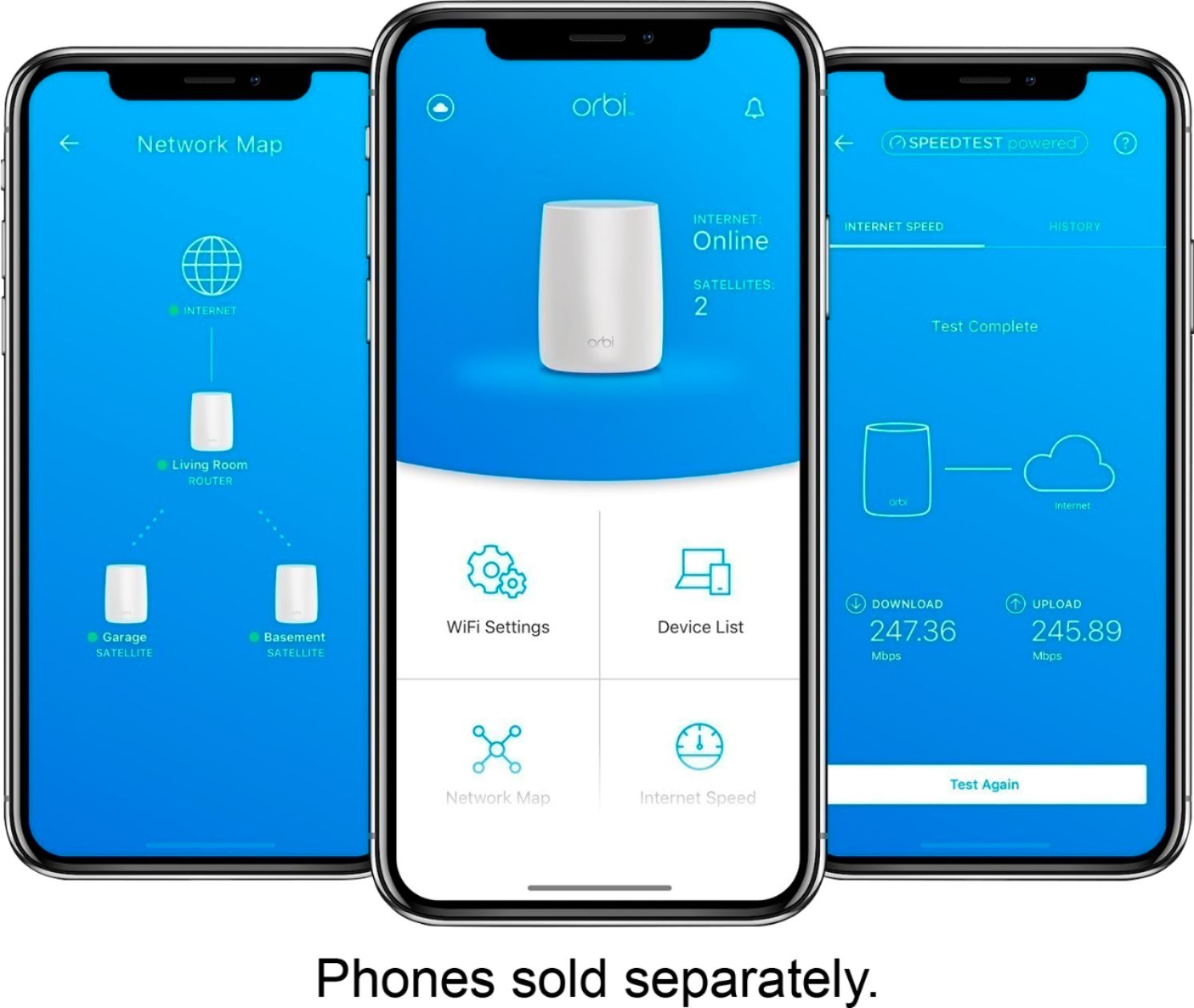
Posted .This reviewer received promo considerations or sweepstakes entry for writing a review.NOTE: This review was originally posted on another well-known shopping site on the web in December 2016, shortly after my purchase. When my “Belkin AC 1800 DB Wi-Fi Dual-Band AC+ Gigabit Router (F9K1118)” purchased on Amazon in 2013 eventually was determined to be the bottleneck that was letting me consistently use only about 40 Mbps (27%) of the Cox broadband (150 Mbps download & 10 Mbps upload) that I was purchasing each month, this was the new WiFi solution that I opted to try. I was definitely not disappointed in doing so! The download speeds throughout my house are now consistently in the 110-150 Mbps range with some fluctuation that occasionally also has yielded more than the 150 Mbps that I am supposed to get. I have 170-180 Mbps coming out of my cable modem (ARRIS SURFboard SB6141 DOCSIS 3.0 Cable Modem - Retail Packaging – White) via Ethernet. This Orbi system simultaneously handles my desktop PC, Vonage VOIP telephone, two (2) Dropcam Pros (on 24/7), two (2) Amazon Echos, one (1) tablet, one (1) laptop PC, one (1) Canon all-in-one printer and one (1) Roku 4 streaming device without any problems or degradation in bandwidth. The only device that I own which occasionally has exhibited rather large fluctuations in WiFi download speed is my brand new Moto Z Play smartphone (from 40 Mbps to about 120 Mbps). I am certain that this is phone-related since no other device on my network has this problem, but don't know what the underlying cause of this may be. The overall setup process of this still somewhat pricey router and satellite system which arrives nicely and impressively packaged is simple and quick: 1) connection of the router to modem and power, 2) proper placement of the plugged in satellite, 3) noting of appropriate color changes emitted by each device and acting accordingly. This is accompanied by administrator account setup with proper login & entry of information at the Netgear web portal (orbilogin). If you’ve setup a router before, none of this should be overwhelming. This should take no more than 15 minutes and quick setup instructions are included. There was one problem during the setup process with the firmware for the satellite not being available for automatic download and installation through orbilogin. This had to be downloaded from the Netgear support website and installed manually. If this proves to be problem, give Netgear a call and they’ll walk you through the process. Also, note that the initial blue illumination of the satellite indicating a good connection to the router will stay on significantly longer than the 10 seconds incorrectly mentioned in the included Quick Setup Guide; it’s more like a few minutes until it finally shuts off on its own. This and other potentially useful information can be found in the 124-page User Manual (PDF file) which is available for download from the Netgear support website. A sporadic problem that I experienced with my Dropcam Pro cameras losing their WiFi connection 2-3 times daily for about 10 minutes at a time until reconnecting on their own was solved by simply rebooting the router through the orbilogin web portal. Since doing this, my WiFi has been rock-solid, never a dropped connection! An additional very nice benefit of this WiFi system is the fact that the satellite has four (4) available Ethernet ports. This now allows me to connect my Roku 4 streaming device to the Internet by means of a hardwired connection versus prior 5 GHz WiFi since my old router with its Ethernet ports was necessarily located in another room. The additional improvement in streaming is readily noticeable! There are competing mesh WiFi systems currently available (eero, Luma, AmpliFi HD & LR, Google WiFi with likely more to come), but as of the date of this review it is the Orbi system by Netgear that has been rated best by PC Magazine for throughput over distance and overall performance. You can consult the PC Magazine website for several detailed articles and pertinent tests on all of the aforementioned mesh WiFi systems. So far I can recommend this innovative mesh WiFi system without any reservations whatsoever. If you buy one, you’ll very likely also be duly impressed. UPDATE ON 01/04/2017 - New Mesh WiFi System (tri-band Linksys Velop) available on 01/15/2017 - Linksys (a Belkin company) has introduced a new competing mesh WiFi system that is comparably priced at CES in Las Vegas on 01/03/2017. A quick performance review by PC Magazine (see their website) on 01/03/2017 describes comparable overall performance to the Netgear Orbi system reviewed above. The Velop beats the Orbi in certain performance parameters and the Orbi proves superior to the Velop in others, essentially a tit for tat situation if you look at the numbers. PC Magazine has even gone so far as to not only rate the Linksys Velop as an Editor’s Choice, but also as the best mesh WiFi system that they have tested, supposedly even better than the Orbi. However, the latter assertion strongly depends on what you are looking for in a mesh WiFi system: 1) All two (2) or three (3) devices (depending on how many need to be purchased based on your square footage) of the Velop system are 100% identical with only two (2) Ethernet ports each and no USB ports at all. After creating the connection between the first Velop unit (node in Linksys jargon) and your modem for Internet access, only a single Ethernet port remains. If you also have a VOIP phone box or other device to connect, that’s it. No more wired connections are available. Obviously, this will not work for everyone! You can always get a switch, but why should you have to do so with such an expensive router? Both the Orbi router and satellite units offer far superior connectivity options with four (4) Ethernet ports as well as one (1) USB port available per device. 2) The Linksys Velop also provides the end user with much less control over the WiFi network which is ultimately set up. Only a smartphone app (no web portal at all!) is available to check and adjust a significantly limited number of settings and options overall. Personally, I welcome having smartphone app access to my network settings. However, I prefer that this be available in addition to web access, not in place of it. Exclusively having used Belkin routers since first getting broadband and WiFi in 2003, I must say that I have serious doubts about the timeliness with which the manufacturer will provide needed firmware updates for the aforementioned Velop mesh WiFi system. My “Belkin AC 1800 DB Wi-Fi Dual-Band AC+ Gigabit Router (F9K1118)” which was replaced by this Netgear Orbi system had not received a pertinent firmware update in three (3) years! This may have been one of the reasons for its poor throughput performance (see my review above) on my 150 Mbps connection. Belkin (and also Linksys?) hardware support after the sale appears to be spotty at best. Netgear Orbi just had its second successful firmware update today (01/04/2017) since I received it about fourteen days ago. UPDATE ON 09/30/2017 - Major firmware update (V2.0.0.74) now enables daisy chain connectivity between satellites - This WiFi system is still going strong after some 9 months of continuous use. The general trend has been one of ongoing improvement in performance with each of the many firmware upgrades (I have lost count how many!) that have successfully been installed since my initial purchase in December 2016. The most recent firmware update (V2.0.0.74) during this past week is directed at the complaint that the Netgear Orbi System does not use true mesh WiFi since each of the individual satellites used only can connect directly to the router. Well, additional satellite-to-satellite connectivity (a.k.a. daisy chain connectivity) has now been enabled and what was already a great performing system just got even better! UPDATE ON 09/24/2018 This Orbi WiFi system is still performing flawlessly after nearly 2 years of 24/7 use, never any problems whatsoever. And the firmware updates keep on coming like clockwork. This has definitely been a worthwhile purchase, as far as I am concerned!
I would recommend this to a friend