Customer Ratings & Reviews






- Model:
- RBK50-100NAS
- SKU:
- 5577333
Rating by feature
- Setup
Rating 4.5 out of 5 stars
- Range
Rating 4.6 out of 5 stars
- Signal Strength
Rating 4.6 out of 5 stars
Customers are saying
Customers love the Orbi AC3000 Tri-Band Mesh Wi-Fi System's extensive coverage, ease of use, and strong signal. Many appreciate the straightforward setup and reliable connection it provides, resulting in excellent performance. However, some find the system's price and size to be drawbacks. The product's range is also frequently praised.
This summary was generated by AI based on customer reviews.
Not a great performer
||Posted .This reviewer received promo considerations or sweepstakes entry for writing a review.Does not eliminate the wifi weak spots, or extend/improve wifi performance. For the kind of money this product costs, it should perform perfectly, not sporadically.
No, I would not recommend this to a friendSporatically disconnects
||Posted .This reviewer received promo considerations or sweepstakes entry for writing a review.This product has intermittent disconnects and totally shut down this morning and I had to reset our ID, username and password. I am going to return this.
No, I would not recommend this to a friendTerrible service
||Posted .This reviewer received promo considerations or sweepstakes entry for writing a review.Complicated to set up, not compatible with ISP. Awful service. Don’t recommend. Returned for different product that is working great
No, I would not recommend this to a friendHorrible
||Posted .This reviewer received promo considerations or sweepstakes entry for writing a review.This router is horible. Not Use a friendly. Did not connect to my DVR lost Connection. I Returned it got and Google router 100% better
No, I would not recommend this to a friendWouldn't recommend
||Posted . Owned for 7 months when reviewed.This reviewer received promo considerations or sweepstakes entry for writing a review.Continued connection problems. System shuts down and take days to reconnect.
No, I would not recommend this to a friendBrand response from Netgear Support
Posted .Hi icanundrstndit,
Thank you for your review, we appreciate your feedback and we want you to know that your experience is important to us. We are sorry to hear that you had a difficult experience with your product. These resources should help you with troubleshooting your device: https://kb.netgear.com/13266/How-can-I-troubleshoot-connection-issues?language=en_US, and also: https://kb.netgear.com/1110/How-do-I-troubleshoot-my-wireless-network.
If you need further assistance, you can visit https://my.netgear.com/support/contact.aspx to register your product, get help, access the latest downloads and user manuals, and join our community. We recommend that you use only official NETGEAR support resources.
Thank you,
NETGEAR Team
Wifi
||Posted .This reviewer received promo considerations or sweepstakes entry for writing a review.Returned to Best Buy. Did not work for us with router
No, I would not recommend this to a friend
WiFi done right w/ up to 4,000 sqft coverage
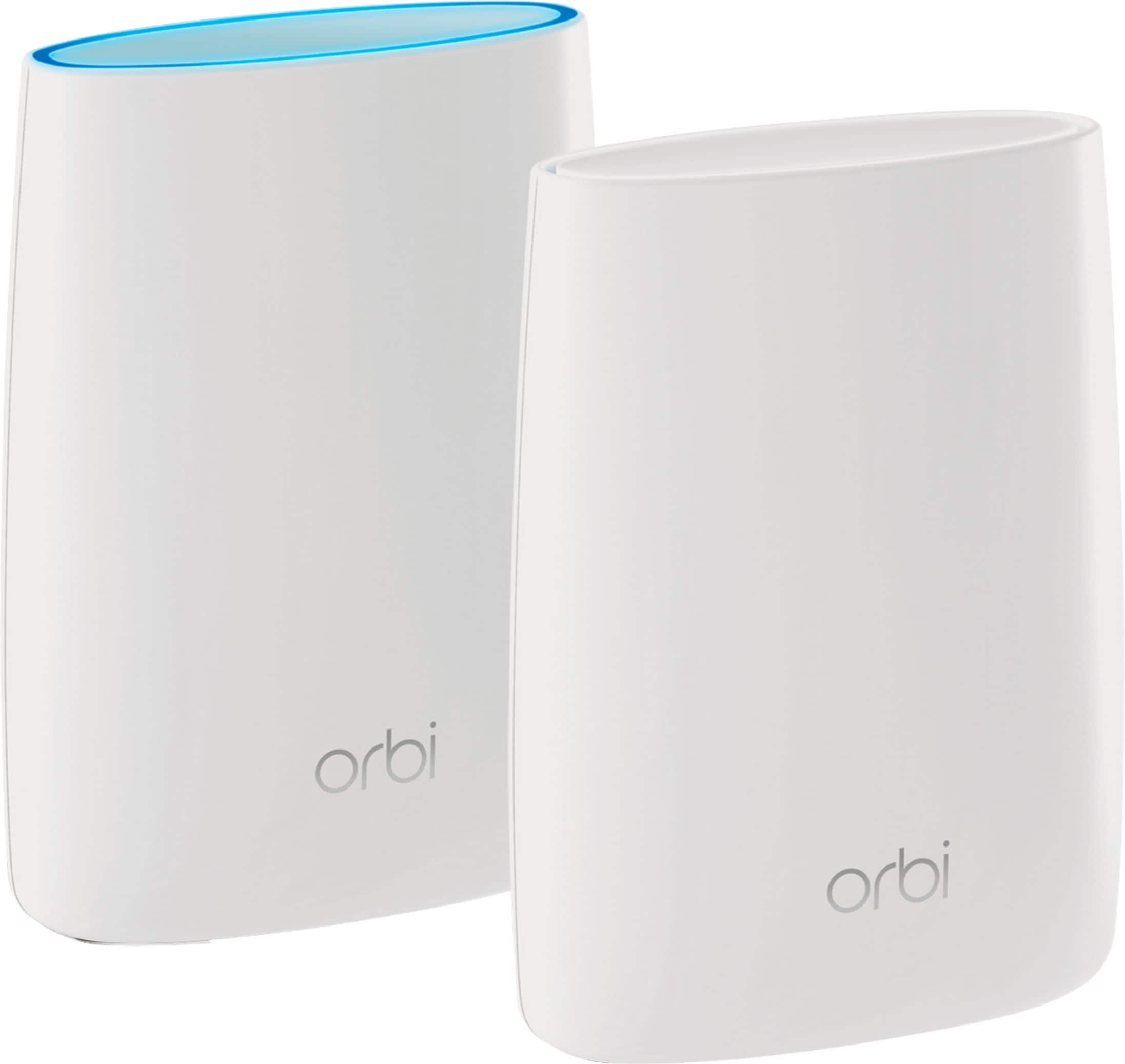
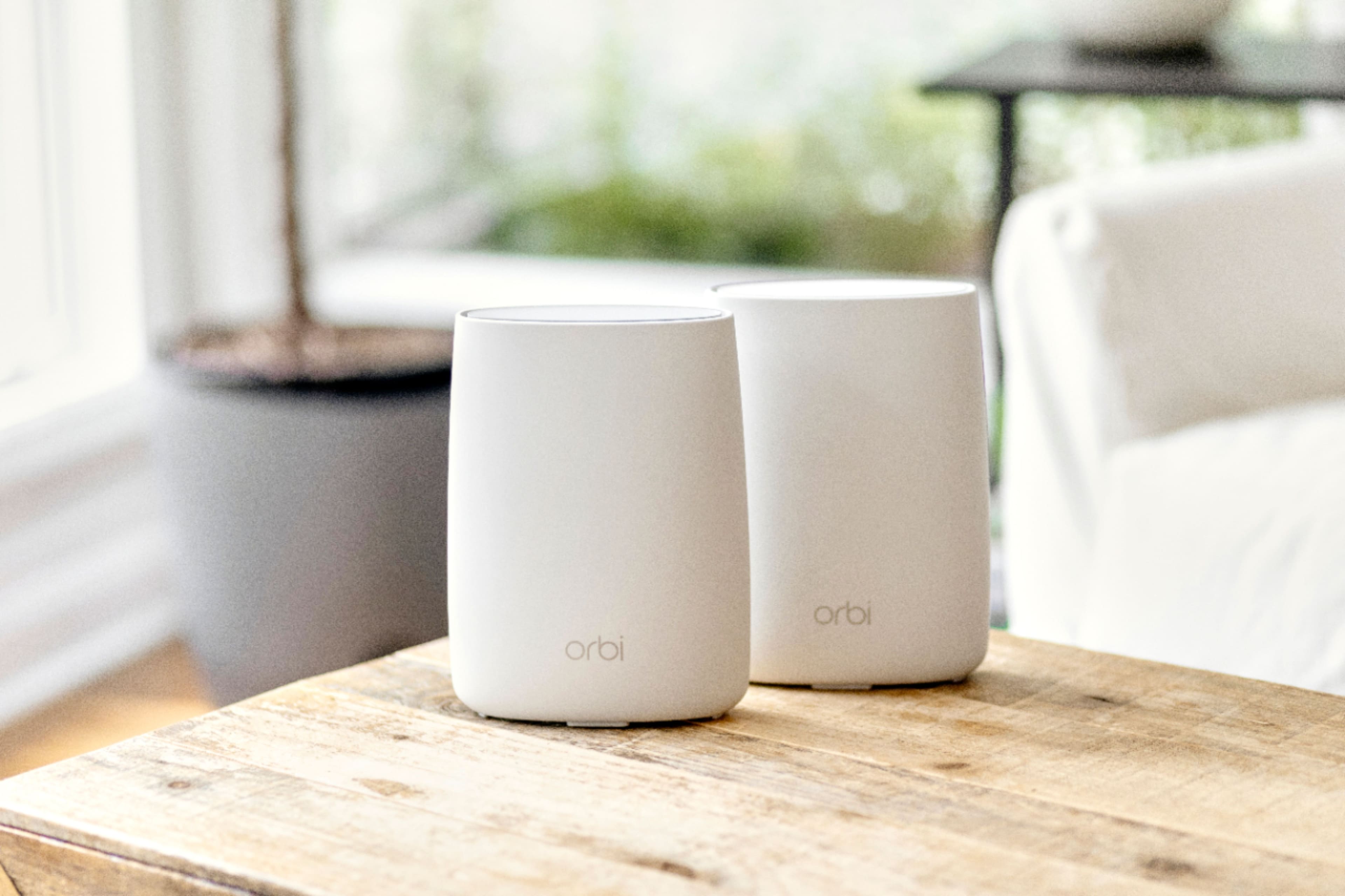
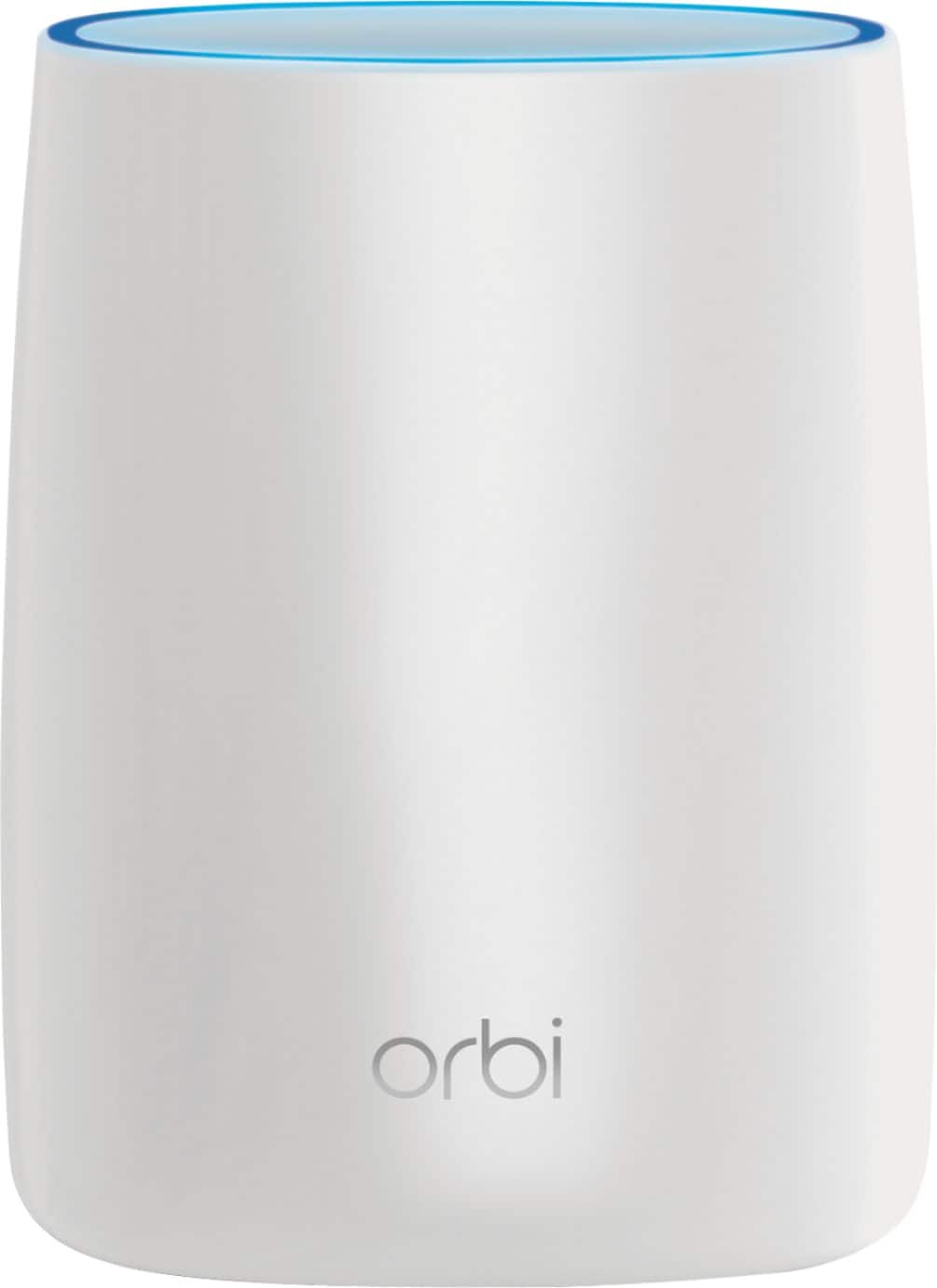
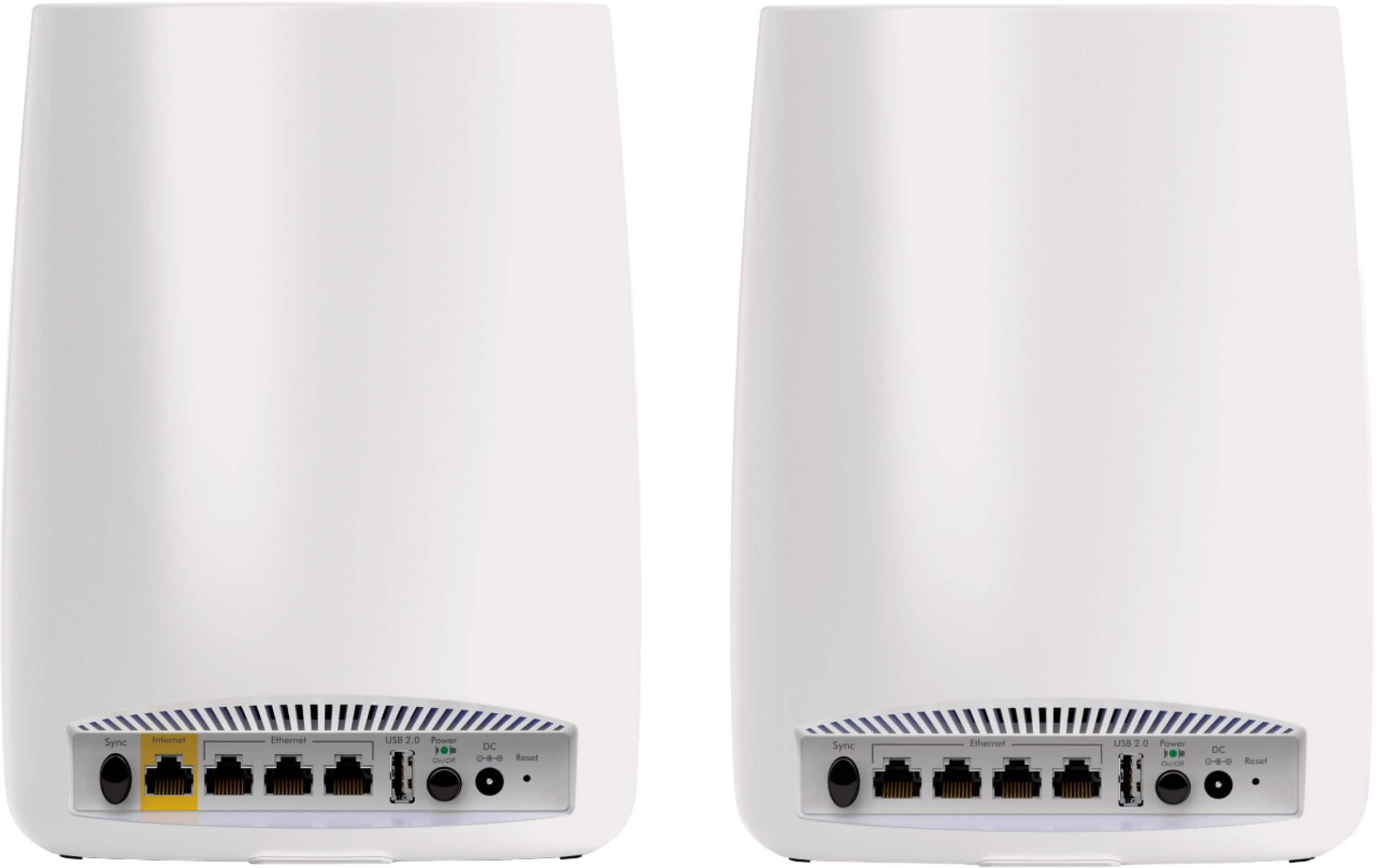
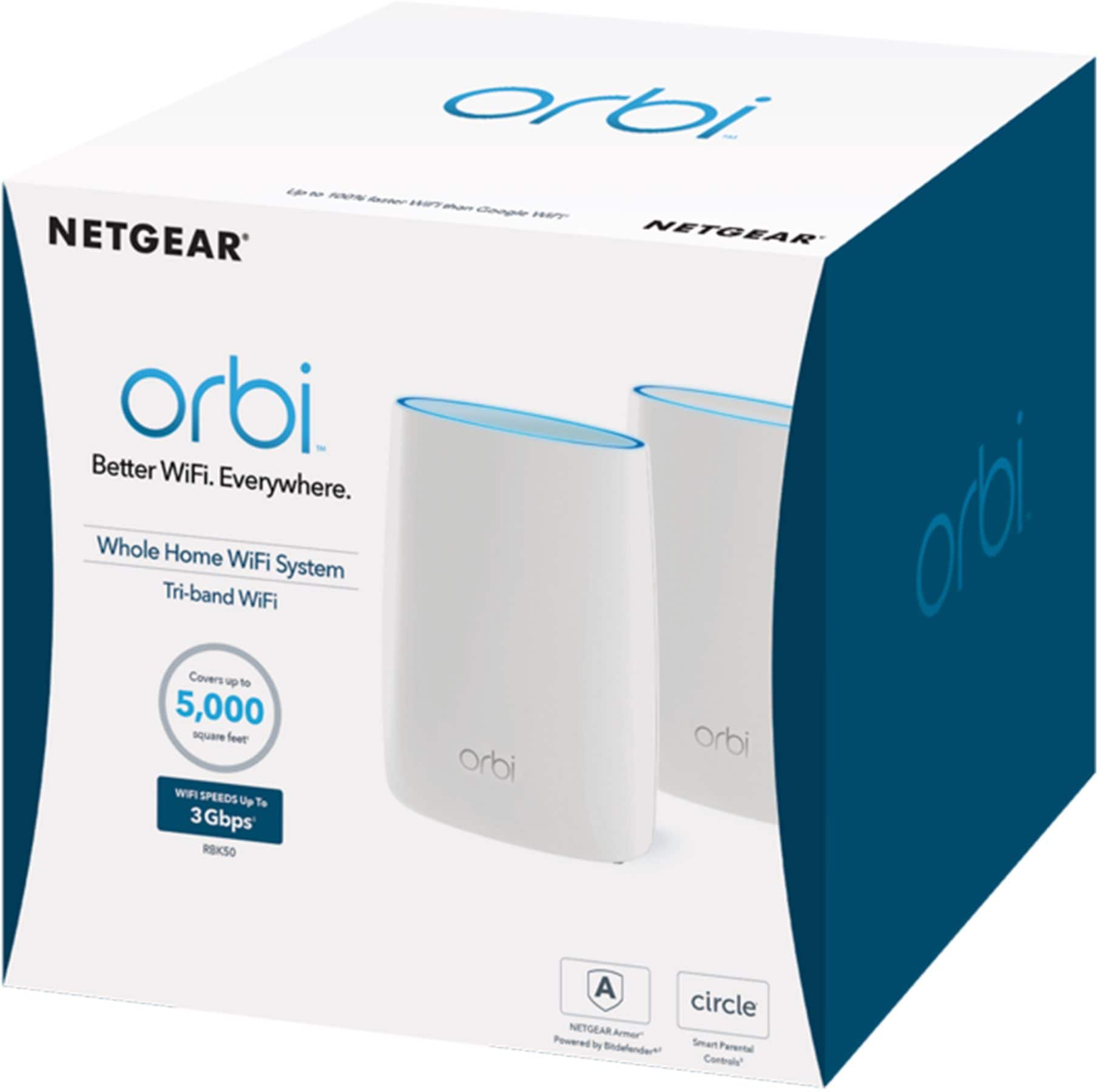
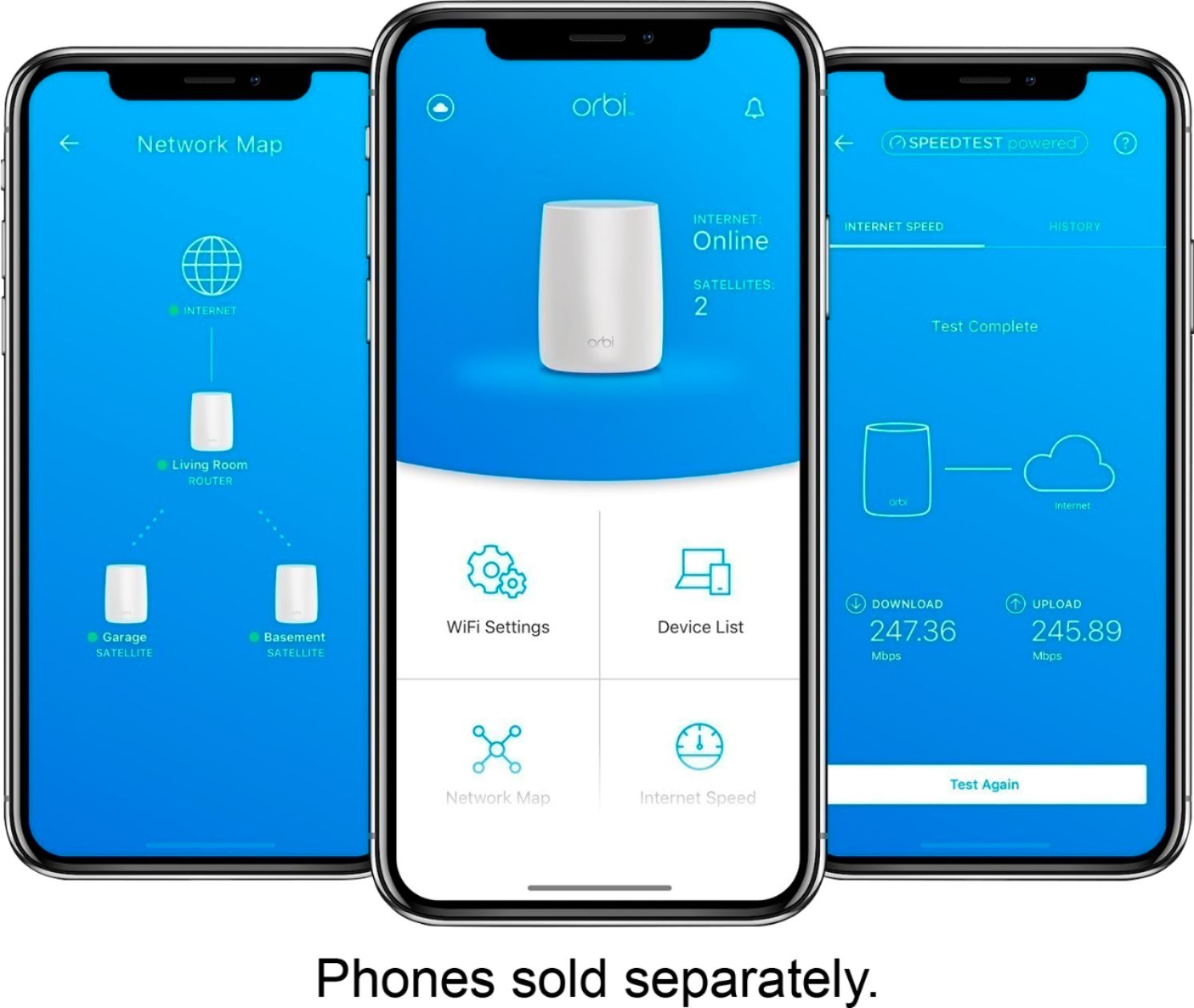
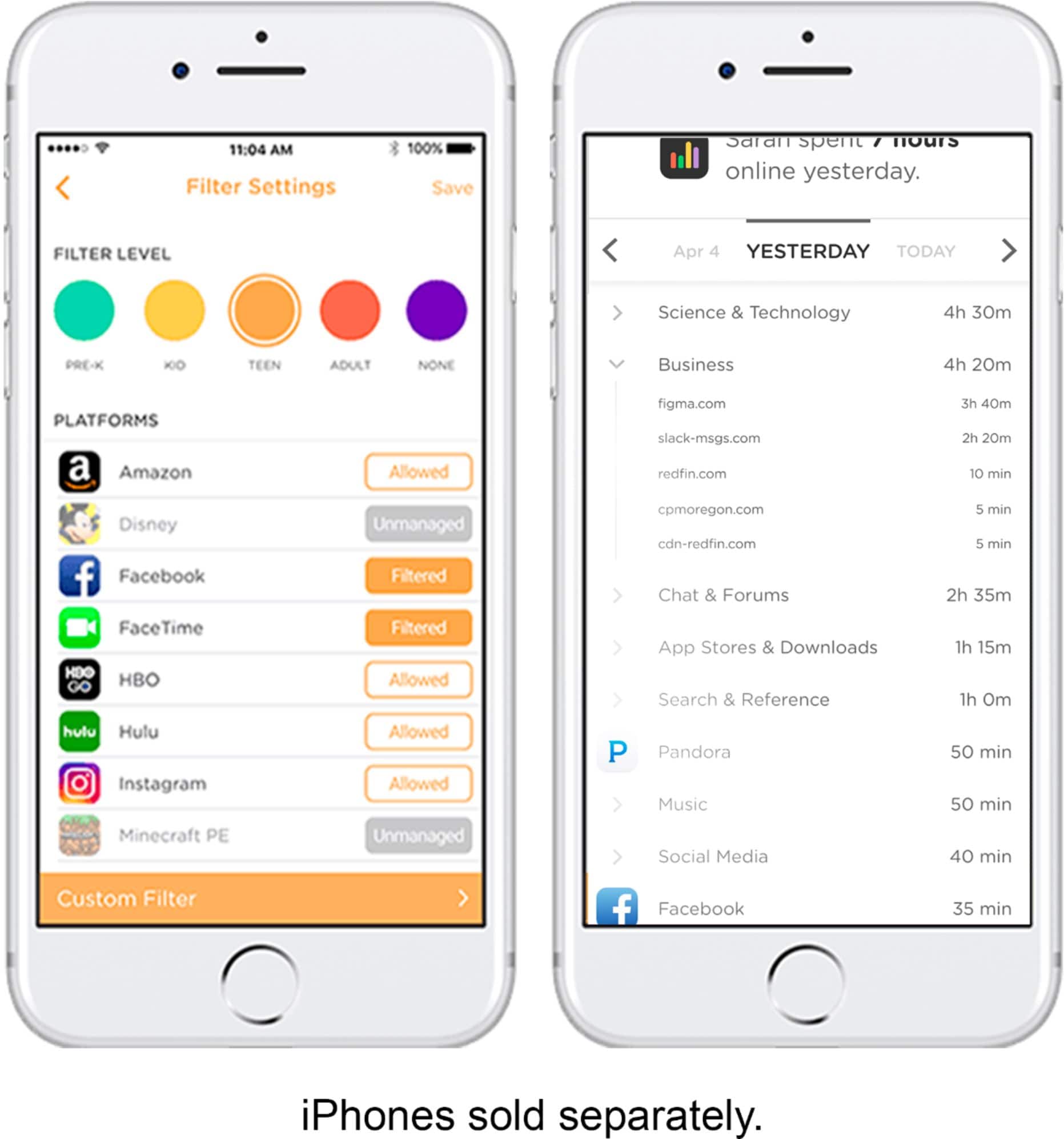
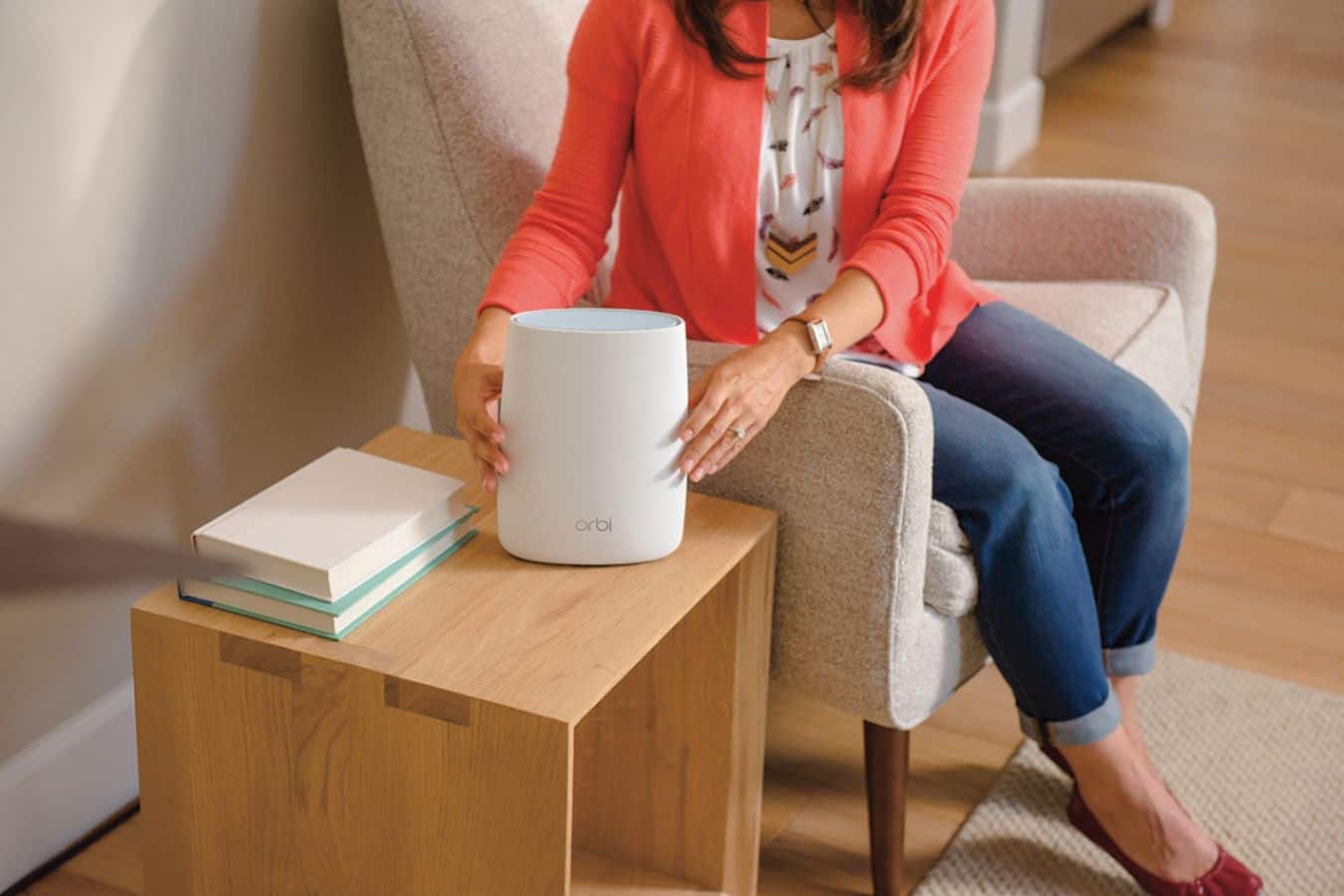
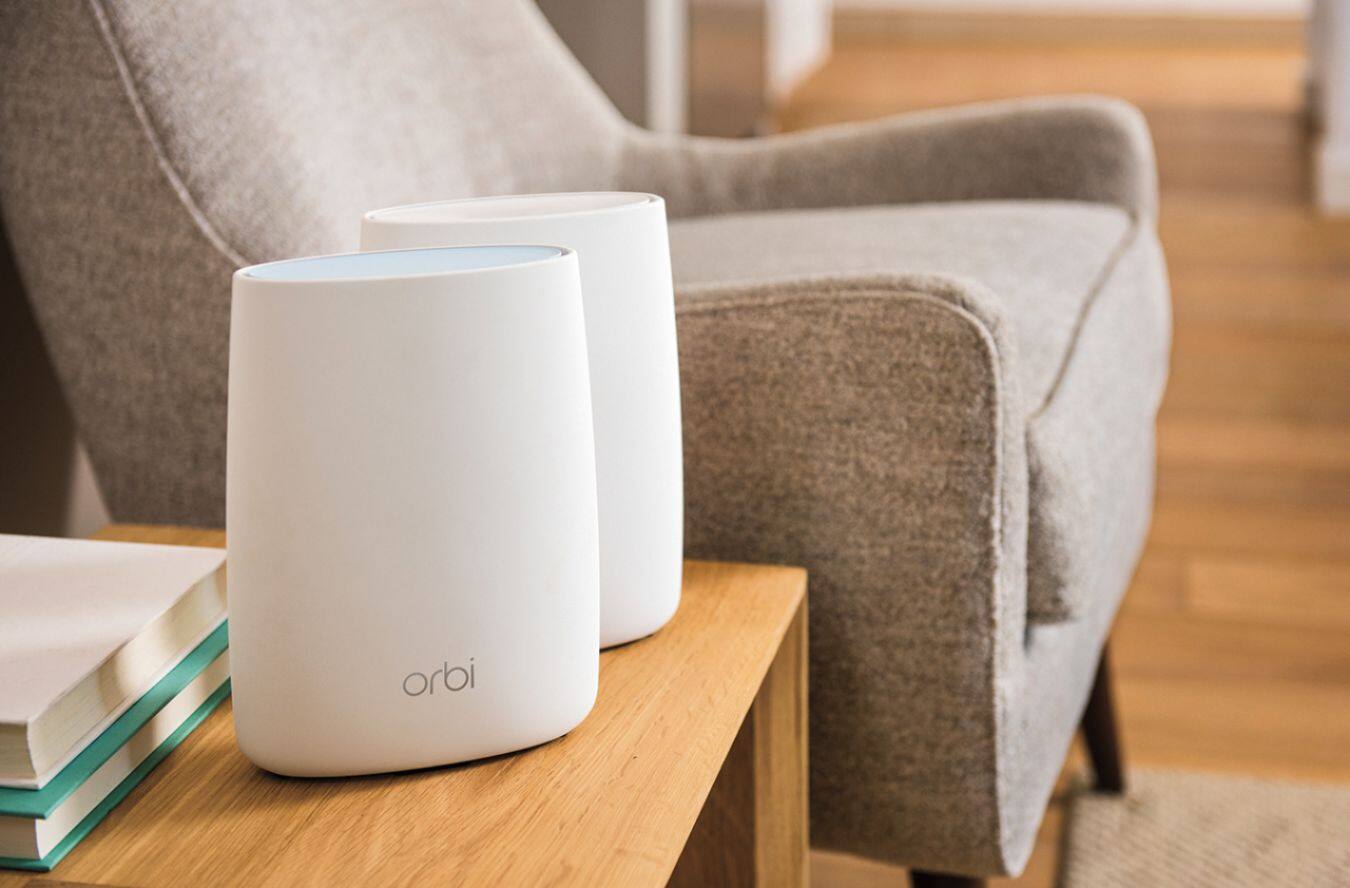
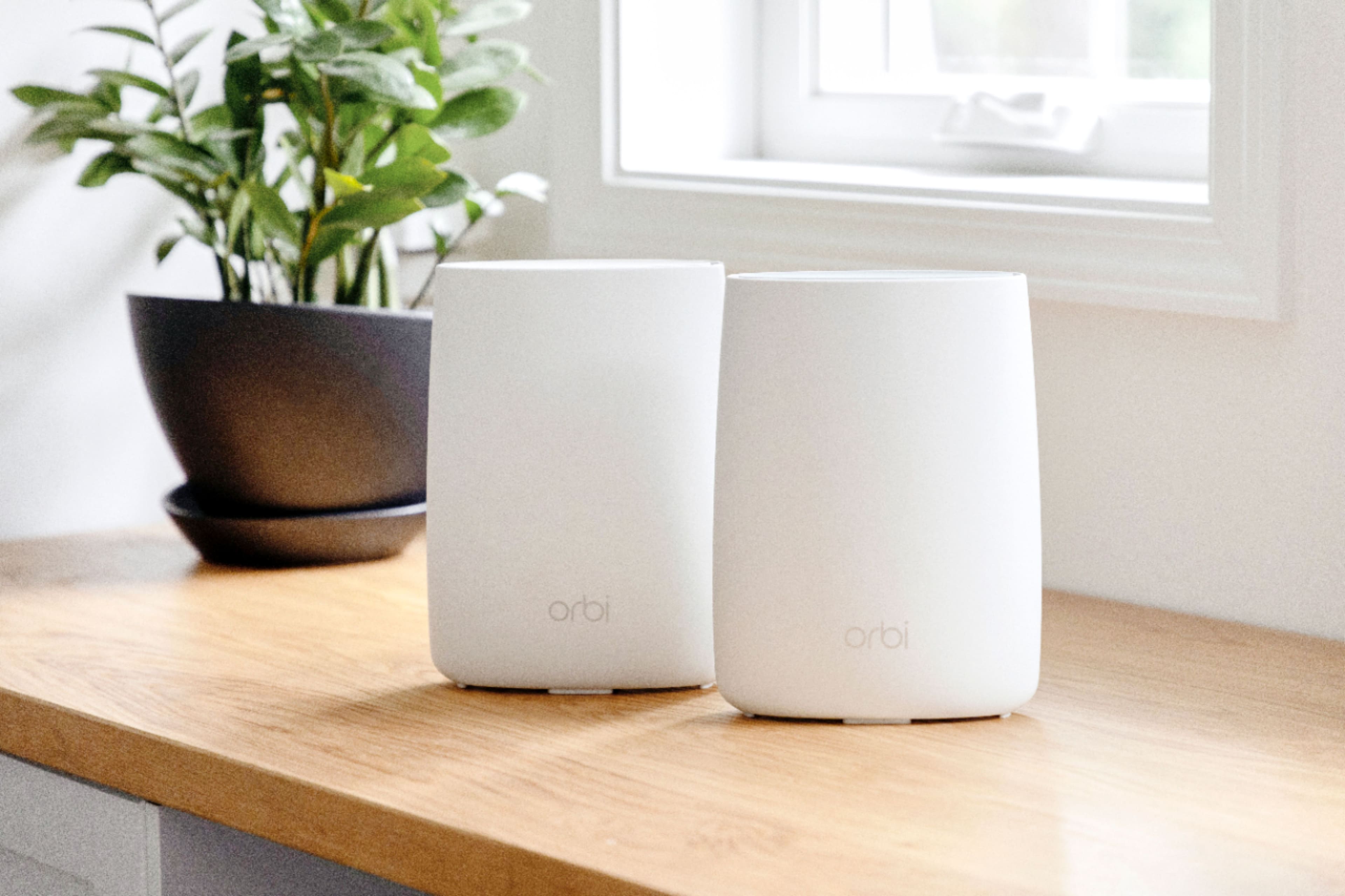
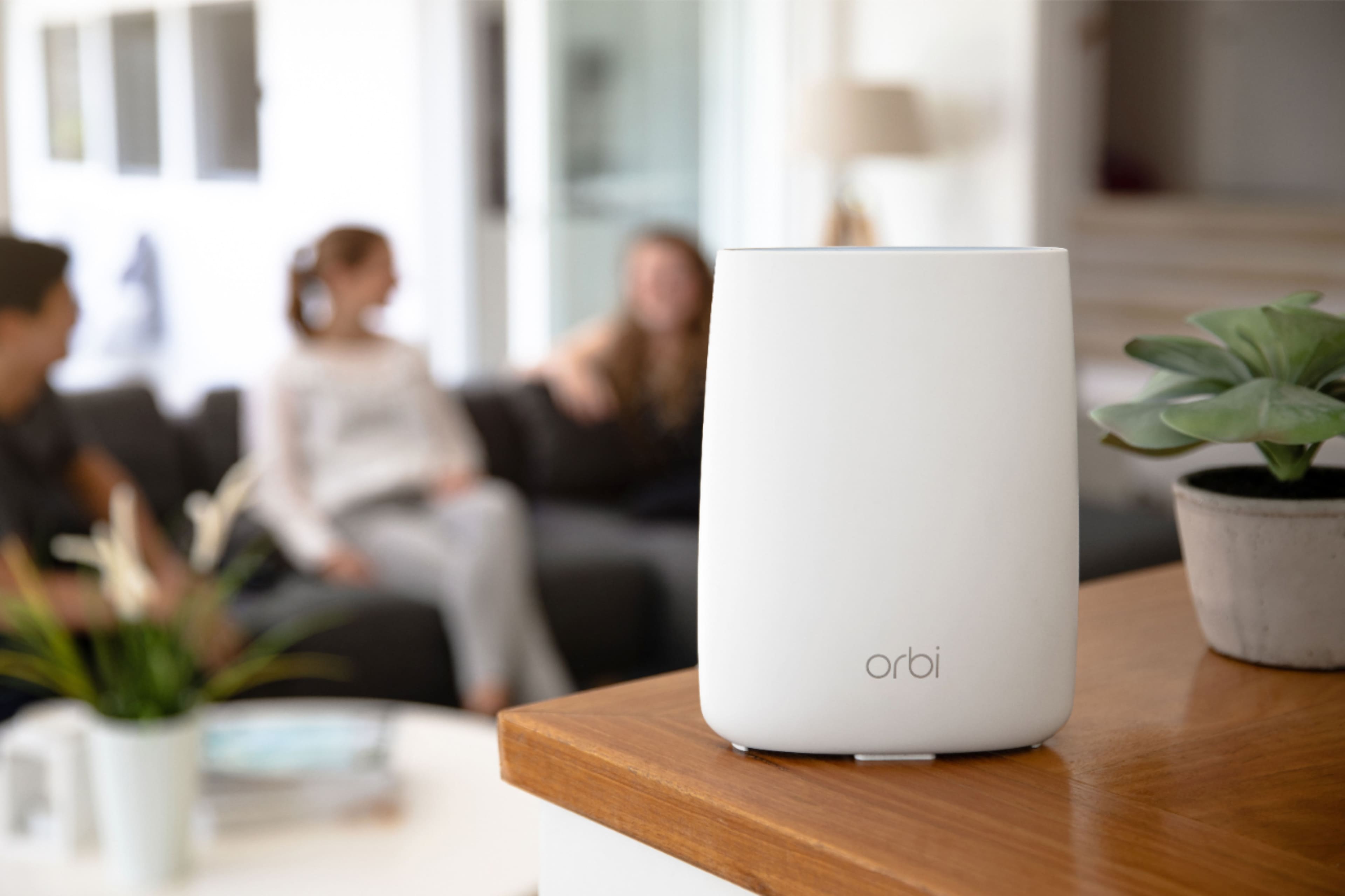
|Posted .This reviewer received promo considerations or sweepstakes entry for writing a review.First, I must say this is now my favorite WiFi setup and should be the backbone for all homes with more than 15 connected devices. My home has over 25 connected devices from cameras and door bells to tablets and phones to door locks, lights, and washer/dryer. The overall experience with Orbi has been the best ever and that is saying a lot for me. I have worked with many wireless routers in my day (IT background) and dealt with mesh networks which can be troublesome for many. The Orbi is the way to go! It is for that person who just wants to make a WiFi network in their home and is intimidated by the task to the IT/Tech nerd, like me, who cares about customization and performance. Here we go... Specs: What's in the Box? One (1) Orbi Router (RBR50) One (1) Orbi Satellite (RBS50) One (1) 2m Ethernet cable Two (2) 12V/3.5A power adapters Quick start guide Warranty and support information card Physical Specifications Dimensions: 6.67 x 2.36 x 8.99 in. (169.5 x 60 x 228.4mm) each Weight: 2.38lb (1.08kg) each Wireless Connectivity: • WiFi AC3000 - Band 1: 400Mbps @ 2.4GHz–256QAM - Band 2: 1733Mbps @ 5GHz–256QAM - Band 3: 867Mbps @ 5GHz–256QAM • Simultaneous Tri-Band WiFi - Tx/Rx 2x2 (2.4GHz) + 4x4 (5GHz) backhaul + 2x2 (5GHz) - IEEE® 802.11b/g/n 2.4GHz–256QAM support - IEEE® 802.11a/n/ac 5GHz–256QAM support Processor • Powerful Quad-Core 710MHz processor Memory • 4GB Flash and 512MB RAM Antenna • Six (6) high performance internal antennas with high powered amplifiers Beamforming • Explicit Beamforming for 2.4GHz & 5GHz bands Ports • Four (4) 10/100/1000Mbps Gigabit Ethernet ports - 1 WAN & 3 LAN for Router, 4 LAN for Satellite • One (1) 2.0 USB port each Light Switch • On/Off LED light switch Looks: The Orbi is the first router I have seen that doesn't look like a router or some piece of wireless equipment. It resembles something like an aroma diffuser or smart lamp. My only gripe is I wish it came in other colors, but who knows maybe that is in the works. It arrives in a well packaged box with easy to understand specs and details for setup. Setup: Setup is quick and easy to do and can be done on anything from a mobile device to the old fashioned hardwired method to a PC or laptop. I would say it exemplifies the words "Plug & Play". Basically, all you need to setup these devices is an internet browser and a wireless capable device. Once you open the box, you encounter one of the most aesthetically pleasing routers around. If this is your first rodeo, you can use the Quick Setup instructions. With your modem off, take the device labeled "router" (which has a port labeled "internet" surrounded by a yellow outline) and connect it like any other router to the modem. Power on your modem and once it is online turn on the router. It's that easy. Connect to the router's WiFi network using the credentials provided on the device like most other routers and you are connected with internet access. Too easy. Go to the router page and make any changes you'd like. The next step is where the magic happens... take the "satellite" device and plug it up near the router and let it connect or "sync" automatically to the network. Once it is connected unplug it and move it to another floor or part of your house where you want to boost wireless coverage. You can verify the satellite is connected by going to the router page and clicking on "connected devices". Here you can see the router and satellite list of connected devices. That is all. Now you have a professional level mesh network... simple right? **You want to connect to the router admin page and do the firmware update. I recommend doing this to keep things running smoothly.** Customization: If you are like me, you want to change your network name and password to make things more secure and identifiable out of the other tons of WiFi networks in your area. Login and start doing your thing. Orbi has included many of the functions from the "Nighthawk" line of their routers for those who are interested in performance tweaks like QOS, traffic prioritization, port forwarding/triggering, and DMZ. It also has logging as well as parental controls using Open DNS. You can also customize wireless connectivity schedules to keep those people off the internet when they should be sleeping ;). I won't bore you with more reading about these settings. If you are wanting more info on customization you are probably well versed in that arena so I don't need to explain. Just get one! Performance: The Orbi is a TriBand 802.11ac WiFi mesh system which means it is utilizing 2.4GHz and 5.0GHz frequencies. It has 2 bands in the 5.0GHz frequency range to go with the 2.4GHz band thus TriBand. It has 6 antennas in each device for maximum coverage up to 4,000 sqft. It can handle more devices since it has 2 "traffic controllers" directing traffic on the network rather than just one. So long to the days with 2 networks as it assigns the device to the band it will perform best. No more NetworkX2.4g and NetworkX5g to play with. It has beam forming, MIMO, and can support network speeds of up to 3 Gbps. It has 4GB flash memory and a half gig of RAM to perform at a high level. Auto detecting and auto sensing to simplify device connectivity and seamless roaming without looking connection like with range extenders. It supports all wireless standards at the time of this review with are Wireless-AC, Wireless-N, Wireless-G, Wireless-B, Wireless-A and is backwards compatible. It has USB for printer sharing or file sharing or to power a KEVO gateway like I do at my house. You can manage this system using the Netgear Genie app for those who want to manage this from a mobile device. This is just another plus. You can block devices and turn on access easily to get the kids off their devices and get their attention. Con: Lack of colors, no WiFi guest network (in the works), and for some the price.
I would recommend this to a friendNot Good!
||Posted . Owned for 3 months when reviewed.This reviewer received promo considerations or sweepstakes entry for writing a review.horrible wifi connection to every product in my home!
No, I would not recommend this to a friendBrand response from Netgear Support
Posted .Hi disappointed,
Thank you for your review, we appreciate your feedback and we want you to know that your experience is important to us. We are sorry to hear that you had a difficult experience with your product. This resource should help you: https://kb.netgear.com/1110/How-do-I-troubleshoot-my-wireless-network.
If you need further assistance, you can visit https://my.netgear.com/support/contact.aspx to register your product, get help, access the latest downloads and user manuals, and join our community. We recommend that you use only official NETGEAR support resources.
Thank you,
NETGEAR Team
Awesome
Posted .This reviewer received promo considerations or sweepstakes entry for writing a review.This has been so good so far. There have been no issues and has been a nice upgrade from my old one.
I would recommend this to a friend- Pros mentioned:Coverage, Speed
Fixed My Coverage and Speed Issues
Posted .This reviewer received promo considerations or sweepstakes entry for writing a review.I was having issues with range/speed with my Google Wifi routers in my home which is a ranch style and has a large footprint with essentially 3 different wings. My Google Wifi had two pucks and an OnHub as my three router mesh system. When I was in the same room as the main router I was getting ~300 Mbps which is in line with my plan. The problem was that the 2nd Google Wifi puck was in my office with an excellent connection (per Google app) to the main router and my speeds were consistently only ~100Mbps, which is only 1/3 of what I should be getting. I also got about 50Mbps in a bathroom 2 rooms away (15-20 feet). I had enough of slow speeds on my work computer and around my house so I tried the Orbi and couldn't be happier. Before I set up my Orbi I ran speed Google Wifi speed tests with Ookla and wrote down the results. I set up the Orbi and made sure everything that was connected to Google Wifi was connected to the new mesh setup. I ran the speed tests in all the same locations with the Orbi and was shocked by the results. Every room in my house now gets the full 300 Mbps that I pay for. I am getting 3x the speed in my office than I did with Google Wifi with the main router/satellite in the exact same spots. Not only that I am now getting ~150Mbps in my backyard where I didn't get any service with Google Wifi. I would recommend Orbi to anyone who wants great coverage and speed throughout your home. It outperforms the google wifi mesh with 3 routers even though Orbi only has two...and it's not even close.
I would recommend this to a friend Waste Of Money
||Posted . Owned for 3 weeks when reviewed.This reviewer received promo considerations or sweepstakes entry for writing a review.This product is a total waste of money and would be returned for a full refund including installation.
No, I would not recommend this to a friendOrbi WiFi Router with Satellite
|Posted .This reviewer received promo considerations or sweepstakes entry for writing a review.Netgear products are some of the easiest products to setup. Out of the box and setup it took about 10 including the router and satellite to update the firmware. Once this router was up and running it gave a very strong signal. I had an older netgear router which was very decent router but the signal barely went outside my house and if so it was sporadic. This Orbi signal is very powerful and it gave me a strong constant signal almost a house away from mine which was unexpected. I like to stream music when I cut the lawn which I never could before but with the Orbi it was no problem. I moved the satellite around my house including setting it just outside the back of my house, however when I did that it lost connection to the main router a few times but once I brought it back inside it worked fantastic. For the price it is definitely worth the price.
I would recommend this to a friendDid not work for me
||Posted . Owned for 10 months when reviewed.This reviewer received promo considerations or sweepstakes entry for writing a review.Did not work for me. Couldn’t even extend range the 150’ I needed. Would not recommend
No, I would not recommend this to a friendBrand response from Netgear Support
Posted .Hi 66coupe,
Thanks for your review of your product. We understand that you have been having a difficult time with the product lately and we would like to look into some of the support opportunities that we have available. Your product comes with a one-year warranty and 90 days of complimentary tech support. If you need further assistance, please log in to MyNETGEAR and click support for additional resources or to contact one of our support experts. They will be happy to help.
Thank you.
- Pros mentioned:Coverage, Setup, Speed
Wow -- finally a solution to spotty internet
Posted .This reviewer received promo considerations or sweepstakes entry for writing a review.I have tried many different and high end solutions to get high speed wireless internet throughout my house and nothing has worked until now. I bought the Orbi router and one satellite this afternoon and am very, very happy with the coverage and the internet speed we are seeing throughout the house. Setup was a breeze. I was concerned that I might need one additional satelite because my home is approximately 4500 square feet and there are a lot of walls and other potential obstructions, but the two units are providing great coverage. No complaints at all.
I would recommend this to a friend Didnt work with "easy-setup" app
||Posted . Owned for 3 weeks when reviewed.This reviewer received promo considerations or sweepstakes entry for writing a review.Exasperated. Product didnt work with "easy-setup" app. Hours wasted, returned product.
No, I would not recommend this to a friend- Pros mentioned:Coverage, Speed
Excellent WiFi router solution for the whole house
Posted .This reviewer received promo considerations or sweepstakes entry for writing a review.I was a bit hesitant to pay $370 for this product (two WiFi towers). However, the person who helped me seemed pretty knowledge so it got me interested enough to do some research while at the store. Before buying this product, my setup was a Time Machine + extra Airport express base (my house is 2 stories and ~4000ft^2), and I was having a hard time getting enough or consistent bandwidth around my house. It would be 200-250Mbps next to the router, ~50Mbps around the middle of the house (right next to the airport express base) and as little as ~2Mbps in some bedrooms. I thought I just needed to buy more WiFi repeaters, but every time you do this, you keep downgrading your max speed because as you know, each repeater needs to talk to each other and use valuable bandwidth in the process. I bought it thinking I'm going to at least try it and return it if not a par with my crazy high expectations. What a surprise!!! I did get 200-250Mbps next to the router... and after placing the satellite (second unit) in the middle of my house, I was getting 200-250Mbps next to the second unit!!! I couldn't believe my eyes. I tested it again and again with my laptop, phone, iPad, etc. Same thing. Amazing. I started to go into every room of my house and even though I was getting some degradation, I was still getting a healthy ~100Mbps at the corners of my house... those are the places where I was getting ~2Mbps before. Thus, mission accomplished! I found exactly was I was looking for. BLANKET WIFI for my whole house with just 2 units (base and satellite). Setup was a breeze... 5-10min at most... and this is because I was trying to get them in the right spot so that they blended in with the rest of my gear. I also managed to turn off my Time Machine and use it in bridge mode (ethernet cable from Orbi to Time Machine) so that my automatic backups still work as usual for my MacBooks. I even left my printer connected to Time Machine and it is working just fine. If you are feed up with inconsistent and/or low bandwidth throughout your house and you are paying for ethernet service 200Mbps or higher, you should definitely consider getting Orbi. Again, not the cheapest option... in fact, maybe one of the more expensive solutions out there... but sure performs as advertised. Amazing product by Netgear!!!
I would recommend this to a friend Orbi
||Posted .This reviewer received promo considerations or sweepstakes entry for writing a review.We ended up not needing it, didnt open it, so we returned it.
No, I would not recommend this to a friend- Pros mentioned:Speed
Not an easy set up
|Posted .This reviewer received promo considerations or sweepstakes entry for writing a review.I'll begin by saying that this is a great looking set up. The actual size of them are quite big so they are very visible where ever you place them. I was able to get good download and upload speeds from them. Now for the bad. The actual set up took approximately one hour. To begin, with I plugged everything in and once I connected to the main router I was taken to the routers admin page. I logged in and everything looked good. It walked me through the set up of the wireless extender and at the end it froze up. I reset it all and finally made it through the process. Once that was all complete, I tried to pull up a web page and had no internet connection. After trying numerous times powering the unit off and on I ended up just resetting everything and went through the whole process again and after that it worked great. I would recommend this set up and I will also state that the person installing the Orbi must have patience.
I would recommend this to a friend Get latest firmware and it makes it GREAT!
Posted .This reviewer received promo considerations or sweepstakes entry for writing a review.I initially LOATHED this mesh router... My RING and other 2.4GHZ devices couldn't properly connect to the correct band, Orbi would try and switch them between satellite and router base (for the uninitiated, there are 2 modules. One is the base station and one is a satellite, or repeater. The idea being if you are too far from the base and closer to satellite, you will connect to the satellite. In theory and in WORKING practice this is great because you don't have to switch wifi networks.) I tried everything to force certain devices to connect to a specific module and at a specific band (2.4) (another note, your devices are either 2.4 GHZ or 5.0 GHZ wifi. Most RING devices are 2.4 which means if you had a 5.0 only system your RING cannot connect (though most routers will have BOTH...these days) Just FYI. I even tried third party software and overly complicated 'hacks' to make the system work. Suddenly one day, NETGEAR released a new firmware and I have LOVED this system ever since. I have stupid fast speeds ANYWHERE and I don't get interrupted going from wifi from BASE to wifi on SATELLITE. Also the NETGEAR app on my phone notifies me ANYWHERE who/what is connecting to my wifi and I can opt to NOT ALLOW or even give it a name. I LOVE that about it... (Heh I even know when mother in law comes to visit because when she pulls in driveway her phone connects to network and my phone says "<Her name>'s phone just joined your network and is secure!" lol Anywho... I think that NOW I WOULD recommend this provided the first thing you do is get the latest firmware.
I would recommend this to a friendDo NOT BUY
||Posted . Owned for 2 weeks when reviewed.This reviewer received promo considerations or sweepstakes entry for writing a review.This is my second set working 45 days and it drops connection all the time and tons of bad reviews
No, I would not recommend this to a friend