Customer Ratings & Reviews







- Model:
- RBK50-100NAS
- SKU:
- 5577333
Rating by feature
- Setup
Rating 4.5 out of 5 stars
- Range
Rating 4.6 out of 5 stars
- Signal Strength
Rating 4.6 out of 5 stars
Customers are saying
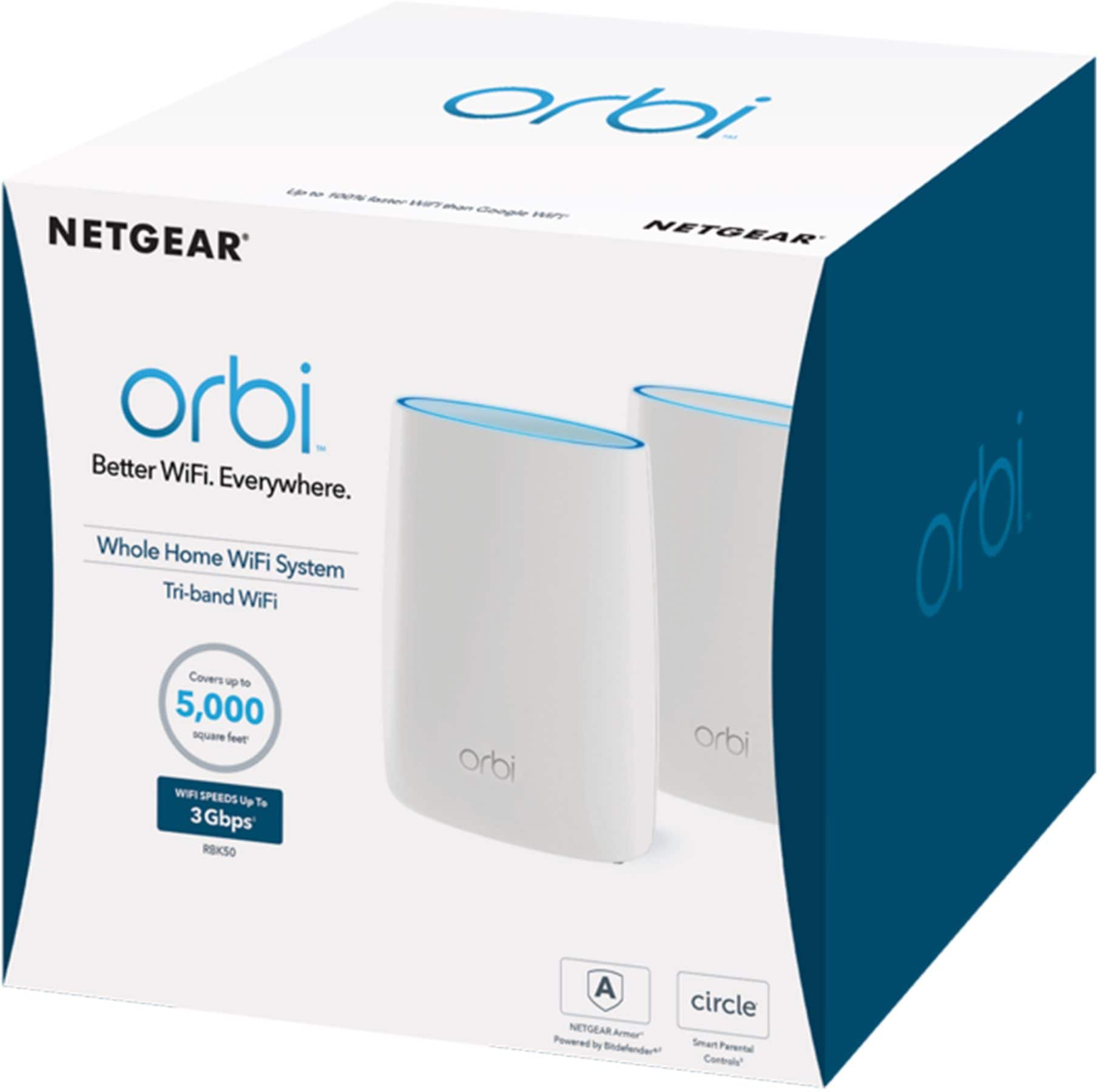
Customers love the Orbi AC3000 Tri-Band Mesh Wi-Fi System's extensive coverage, ease of use, and strong signal. Many appreciate the straightforward setup and reliable connection it provides, resulting in excellent performance. However, some find the system's price and size to be drawbacks. The product's range is also frequently praised.
This summary was generated by AI based on customer reviews.
- Pros mentioned:Speed
These ARE the droids you're looking for!
Posted .This reviewer received promo considerations or sweepstakes entry for writing a review.I cannot say enough about how great this product is! I went through three separate WiFi mesh systems in 3 days. First the Orbi AC2200 RBK23 (the one with 2 plug in satellites). Then the Velop AC6600 system. And now this. My house is 3800 sq ft, but oddly laid out. I have a 400mbps connection. In my bedroom furthest from the WiFi source (60 feet and up a flight of stairs across the house), I could not get a signal from my Altice One box wifi. Orbi RBK23 got me a max of 150 mbps with a daisy chain configuration that was automatically selected by the setup. Velop got me 90 mbps with 3 units. Considering it is about double the price of the RBK23, this was a disappointment. THIS unit. The RBK50 got me a signal WITHOUT the satellite in my bedroom which connected at 150 mbps. WITH the satellite, I'm able to get the same 300 mbps plus that I get sitting right on top of the router. HANDS down the winner. Side note: Altice does not allow you to turn off their WiFi signal. But, if you dig into the advanced settings of the Orbi you can set it up in AP mode. This prevents any Double NAT errors, (though to be honest, I wasn't having any). I was able to name my network the same name as my Altice WiFi's network, and created a seamless mesh. Netgear customer service told me that this was doable, but makes troubleshooting connection issues more difficult. So far so good. Blazingly fast, strong connection, and seamless.
I would recommend this to a friend Issues
||Posted .This reviewer received promo considerations or sweepstakes entry for writing a review.Wayyyy to difficult to set up, did not buy this. Stick with erro
I would recommend this to a friendConstantly have to reset it
||Posted .This reviewer received promo considerations or sweepstakes entry for writing a review.I thought it would do a lot more than it does when you don't have to reset it
No, I would not recommend this to a friend
It doesn't get much easier to setup a network
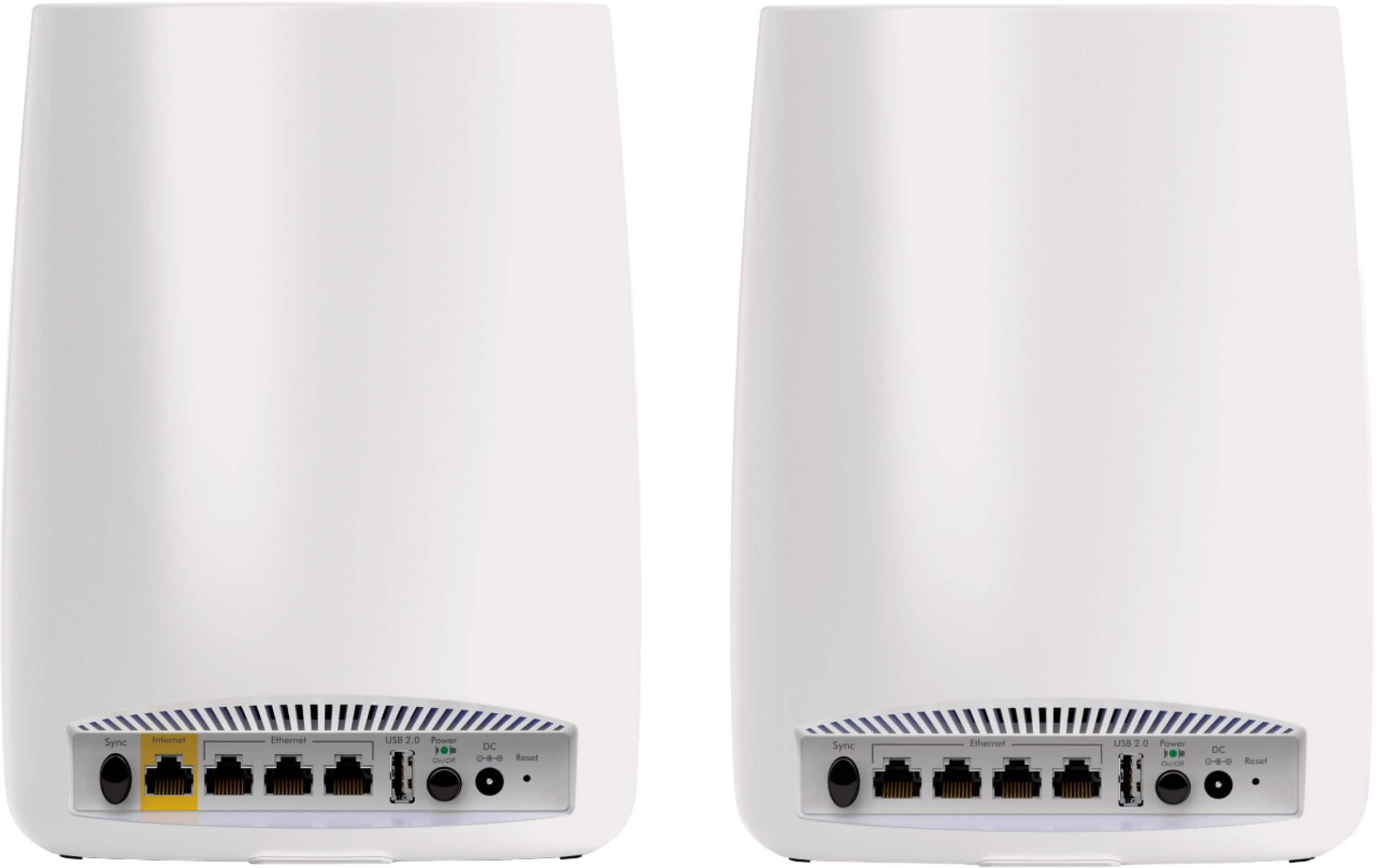
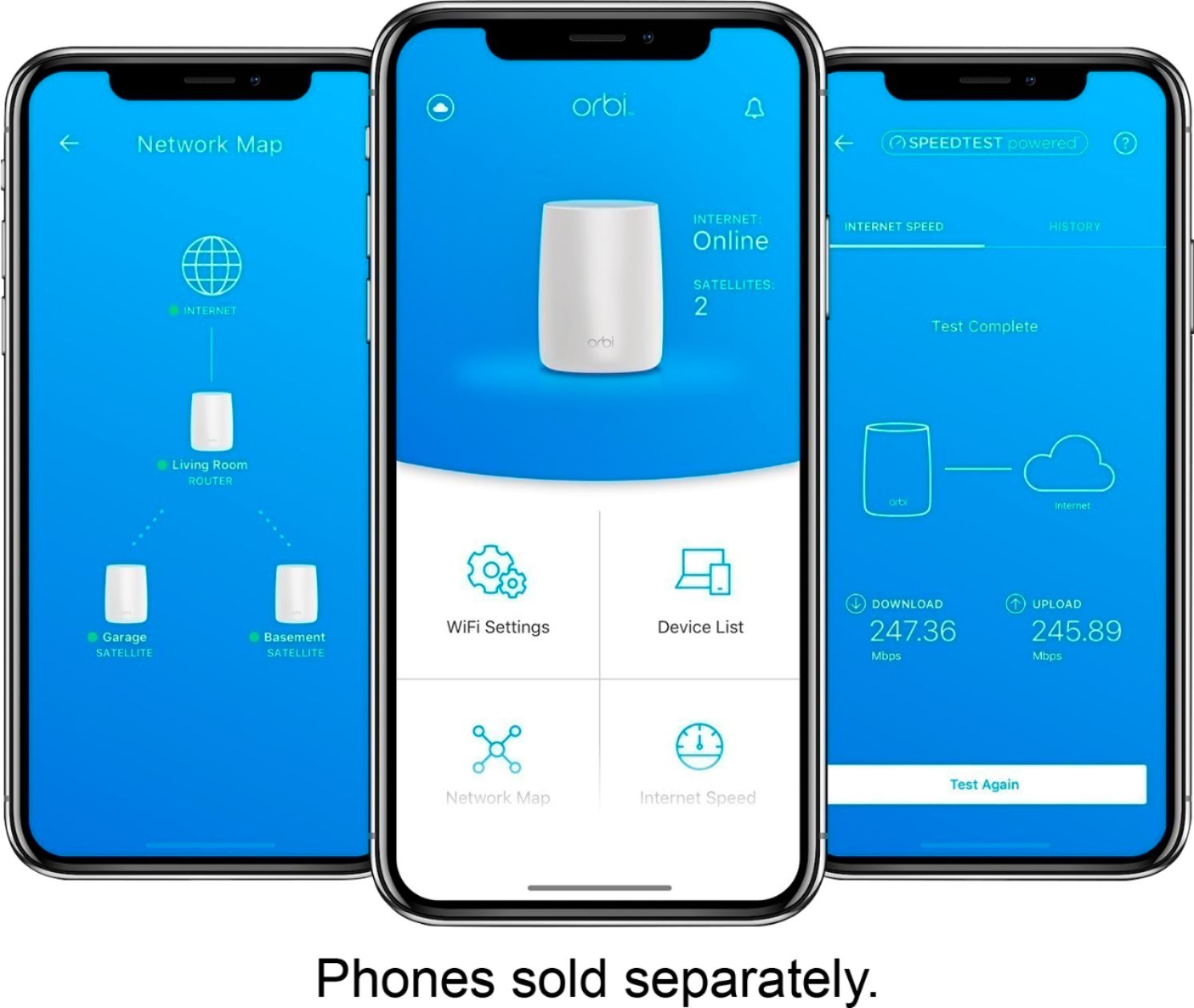
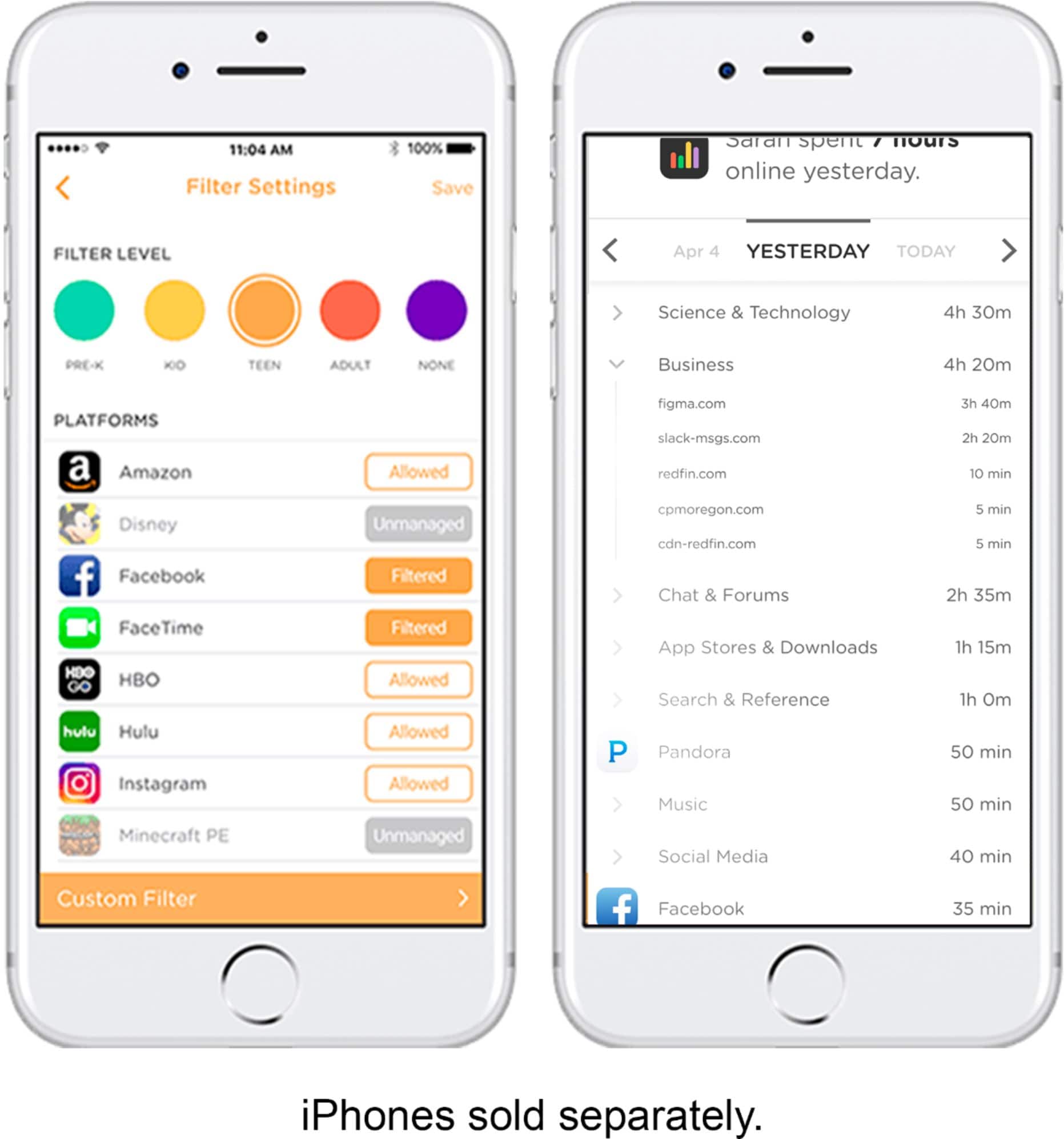
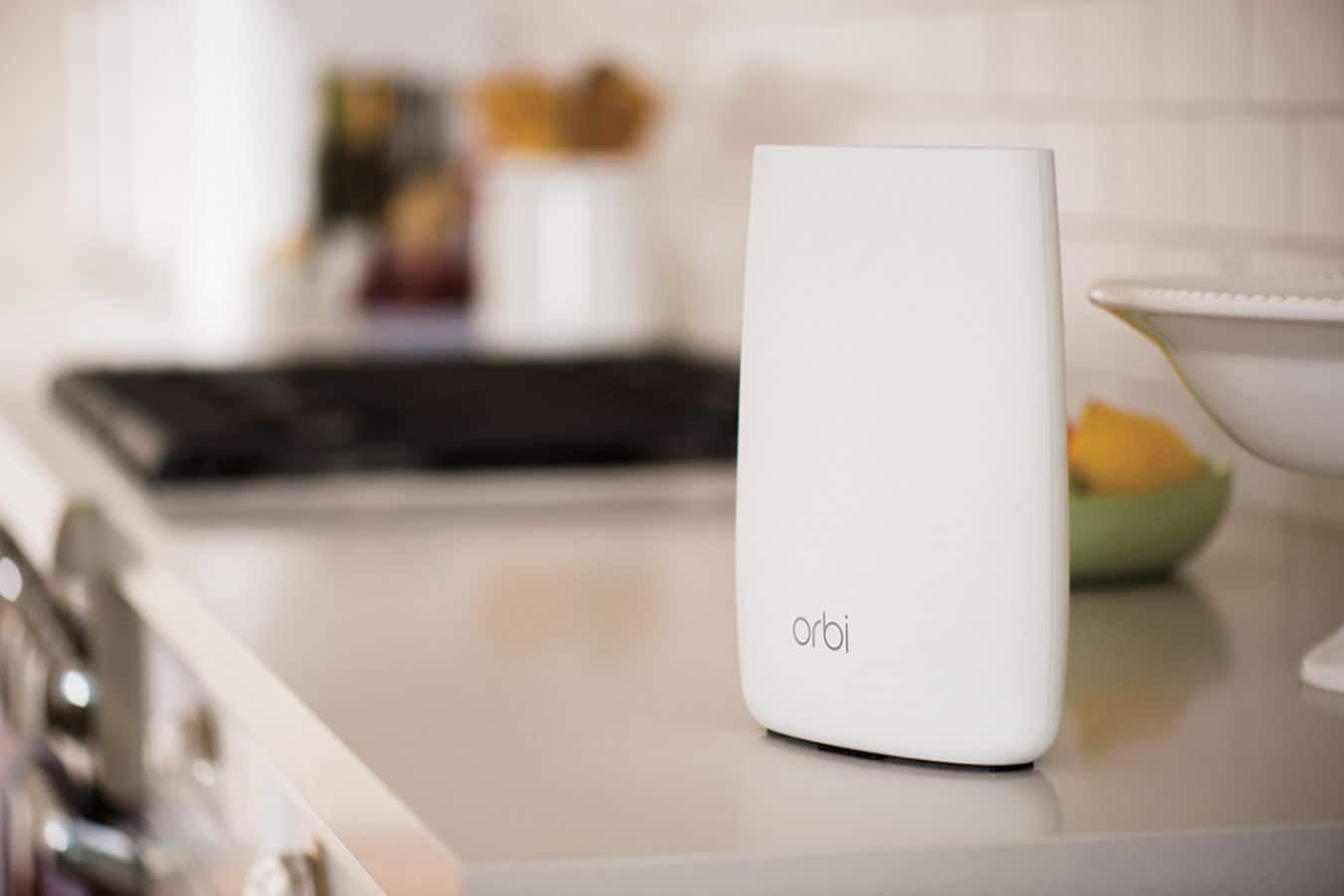
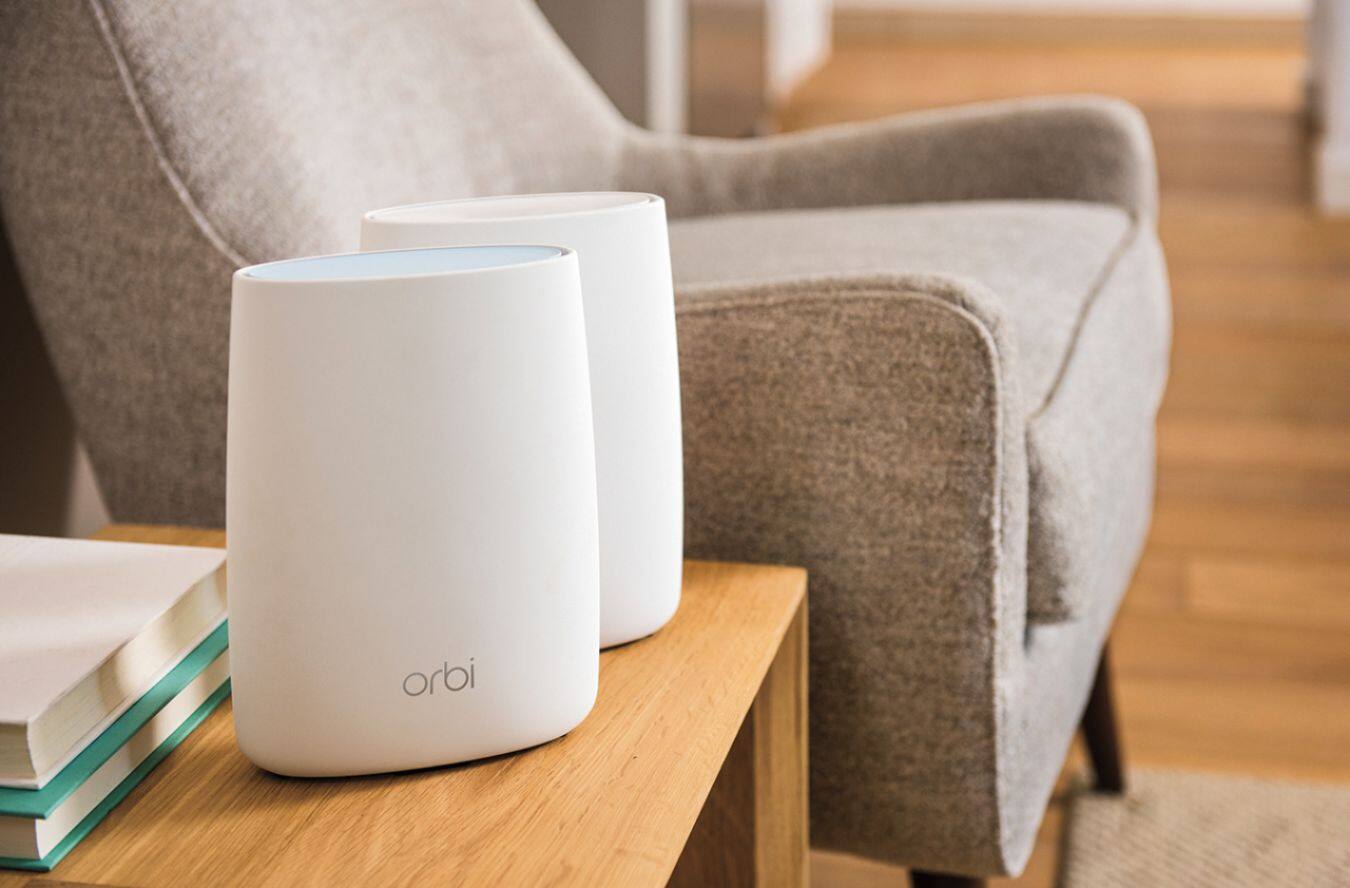
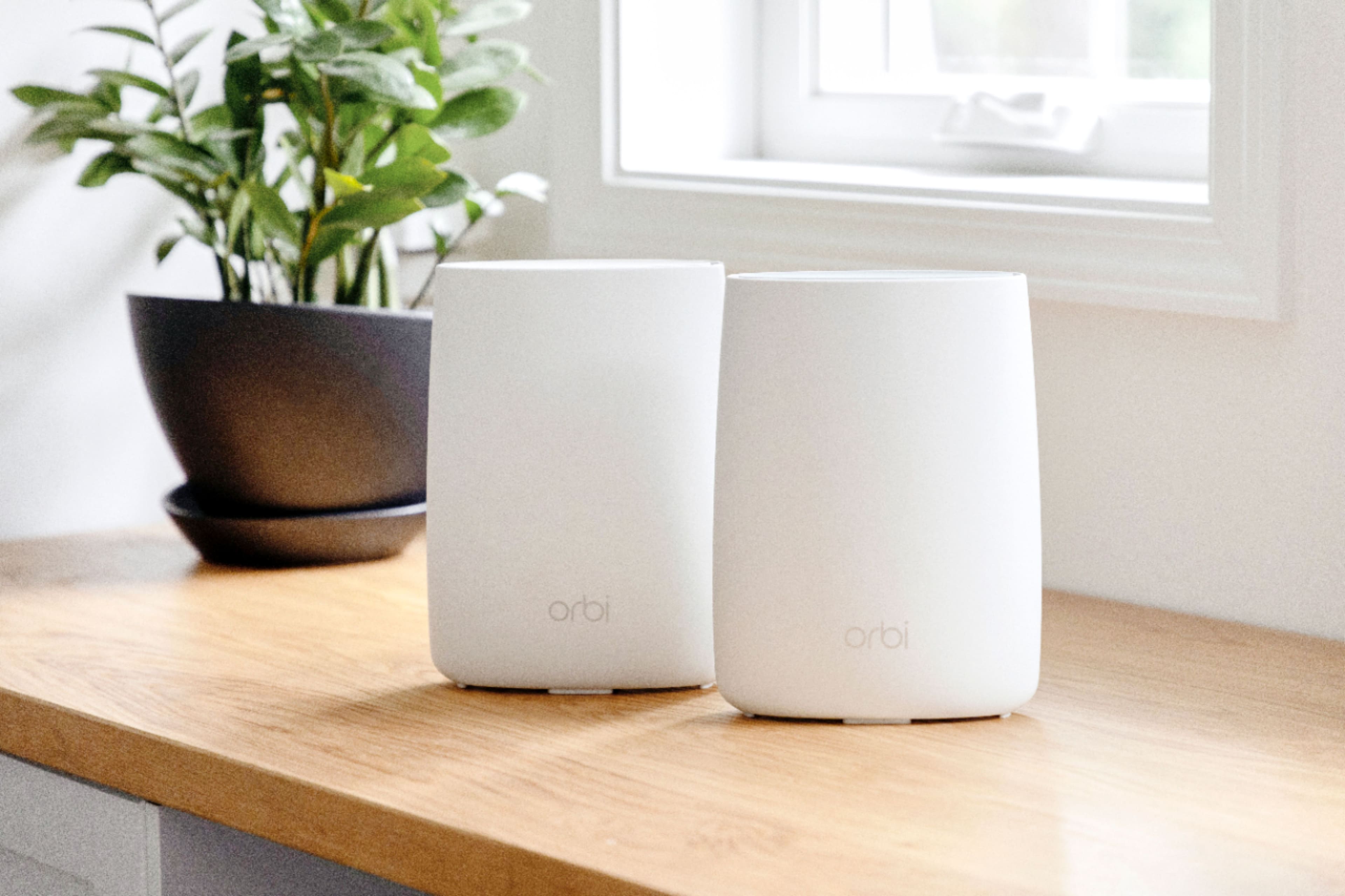
|Posted .This reviewer received promo considerations or sweepstakes entry for writing a review.NETGEAR Orbi Whole Home Tri-Band Wi-Fi SUMMARY: Actual end user here. I installed this in place of my older, existing network. Did you ever setup some new technology gear and break into a sweat because everything was going badly? Now imagine the exact opposite. I found myself laughing out loud. This new Netgear ORBI is that goofy easy to setup. I’m not a network guru. Sure, I’ve upgraded a few times, but once a year is not going to make me a network specialist. But the Orbi kit worked the first time, and rather well, at that. I’m a satisfied customer. What is it? The Orbi kit includes two modern-esque cylinders, each about the size of a quart milk carton, which are the master and satellite routers. These devices take the network service delivered to your home (required) and distribute it using Wi-Fi to every other location in you house. How do I setup my house? Unplug your old router (if you have one) from your provider’s cable/phone modem. Plug in the Orbi “main” Router to both power and the ethernet “out” from the ISP’s modem. The Orbi begins to blink and glow. Go plug in the Orbi Satellite somewhere else in the house. Feel free to connect up to 4 “hard-wired” devices in each router location, because the Orbi has a built-in 4-port ethernet switch. But wireless is the reason you want this device. BE PATIENT. I found the satellite didn’t do anything for more than a minute, maybe longer. Eventually it cycled through the colorful stages of connection as described in the helpful Start Guide. I then went to my computer and called up my web browser. Oddly, the browser had a mind of its own and brought me to the Orbi setup page where I created a password for admin and updated my information. Really. I had called up a Speediest, but my Mac recognized the Orbi on my network. After this, installation software offered to download Updates. Did I say this was goofy easy? This took a few minutes and continued onto registration. Performance? The speeds I got were measurably better than an already fairly fast router setup I had in place. I simply can’t test the highest available router speeds with a TWC 150Mb/s service limit that often varies by -20%. I can say this setup extracted the highest transport speeds I’ve ever measured. Coverage around the house showed a greater improvement, with video streaming accomplished by all my TVs and computers without hick-ups. I’ll need some more time to see consistency and reliability. So far, I can highly recommend this new Netgear Orbi WiFi gear. No sweat. [Advanced users, or those needing a more customized setup, are not ignored. You’ll want to read other reviews for critical analysis but here’s my take. The Orbi appears to have a comprehensive set of parameters to modify when I login to the router. There is a BASIC submenu for simple tests, setting parental controls, and viewing attached devices and changing wireless channels. Under an Advanced Menu there are advanced setup features, security variations, re-running the setup wizard and more than enough to get me in trouble. I’ll turn to others before I play here.]
I would recommend this to a friendNice Looks and Fast Networking
|Posted .This reviewer received promo considerations or sweepstakes entry for writing a review.Netgear - Orbi Wireless-AC3000 Tri-band Wi-fi System - White By far the most sculpted, decorator inspired and designed router I have owned, it works style wise in my modern design environment (office and living room). Very easy AND fast installation combined with easy to open packaging is a plus. As detailed on the box, by logging into http://orbilogin.com for instructions, setup was a breeze. Installation only took about 10 minutes, including a software update. I used the NETGEAR genie app to control my network (diagnose and repair issues, setup parental controls etc.). Great download speeds are being achieved with my Netgear Orbi Wireless-AC3000 Tri-Band Wi-Fi System (1 Orbi Router (RBR50) that covers up to 2,000 square feet and 1 Orbi Satellite (RBS50) that covers up to an additional 2,000 square feet) of space. The system is easily handling my internet providers maximum download speeds across multiple connections with no buffering. The three Wi-Fi bands (secure) combined with NETGEAR’s Smart Connect intelligence helps maximize the data transfer. The six built-in (hidden) antennas and the included Orbi Satellite help in achieving maximum range. It still needs guest access and I have been told that this feature will be available later this year. Great Wi-Fi system.
I would recommend this to a friendHorrible wifi coverage
||Posted . Owned for 2 months when reviewed.This reviewer received promo considerations or sweepstakes entry for writing a review.Took back they were horrible to use would never buy.
No, I would not recommend this to a friendDifficult to connect
||Posted .This reviewer received promo considerations or sweepstakes entry for writing a review.Unhappy with necessary call to Orbi-never conected
No, I would not recommend this to a friendTerrible
||Posted .This reviewer received promo considerations or sweepstakes entry for writing a review.Waste of you’re hard earned bones, both today and tomorrow
No, I would not recommend this to a friendExceeded my expectations.
|Posted .This reviewer received promo considerations or sweepstakes entry for writing a review.When you usually buy a premium router it tends to look either clunky, unaethestic, difficult to setup, or a combination of the three. Not with the Orbi from Netgear, however, as this product out to give conventional wireless routers (sans AirPort Extreme) a makeover: offering high performance and making it simple to get going while appreciating the somewhat oval design. You get two units, one being the main router that connects to your modem, and the other as an extender which you place in the area of your home that's lacking in signal strength. Because I live in a two bedroom apartment, I decided to try out the Orbi at a friend's two story, 2400 sq ft home. We placed the main unit downstairs in a home office and the extender upstairs on a table. Setup wasn't painful given how I deal with networking equipment all the time, but the average user may run into a few caveats until they realize they need to open up a web browser to configure the Orbi. Thankfully the Orbi glows specific colors whenever there are any issues to troubleshoot, and the included guide lets you know what each color indicates. He pays for Spectrum's 300Mbps Internet service and tests on a wired connection on his desktop connection averaged 340/22 during non-peak traffic. For the basis of this review, xx/xx is download/upload in Mbps. I connected my iPad to the 5 GHz network and ran a speedtest in the same room at his office and got 284/19. Pretty close to the advertised speeds he's paying for. An older smartphone he had lying around using only 2.4 GHz 802.11g wasn't so lucky, with speeds of 68/18. I highly suggest you ensure all of your devices are capable of using the less-crowded 5GHz spectrum and 802.11ac to take full advantage of the Orbi's potential. We ran the same tests upstairs with the extender being not too far from the bedroom, and speeds were nearly identical; 272/20 on the iPad using 5 GHZ 802.11ac and 71/16 on the older smartphone with 2.4 GHz 802.11g. The best thing I like about the Orbi is for $400 you are buying what is essentially a home networking system for large homes. There are other routers in this price range that don't include an extender while still offering similar specifications. With Orbi you can take the guessing work and hassle out of purchasing both a router and an extender separately, or even worse, having to go back to the store to purchase an extender because the router you just bought didn't cover your entire home. I give the Orbi two-thumbs up for those who live in rather large households and would to take full advantage of the Internet speed they are paying for.
I would recommend this to a friendPoor
||Posted .This reviewer received promo considerations or sweepstakes entry for writing a review.Would drop off line intermittently No range at all
No, I would not recommend this to a friend- Pros mentioned:Coverage, Setup
Works Great!
|Posted .This reviewer received promo considerations or sweepstakes entry for writing a review.The design is really sleek and the connection speeds I get are really good. I highly recommend this! The coverage is amazing and the set up is really simple.
I would recommend this to a friend - Pros mentioned:Coverage, Speed
Excellent as long as you do not have Dropcams
Posted .This reviewer received promo considerations or sweepstakes entry for writing a review.I am what you might call a router nut. I always am buying the latest and greatest to give me the most coverage and speed. I currently own an Asus AC-5300 router. This is the only "mesh" (technically not a mesh system) where your speeds you get from the router are not cut down from making the "hop" back to the router. I have a rather large house at 6,200 square feet and the 2 pack system covered every inch.I tried Eeero and Luma. Both reduced my 150Mbs connection to as low as 20Mbps. They were returned. I thought this was the perfect solution until I set them up. Everything was going fantastic until a few hours later when I started getting text that my Dropcam cameras were going off line. Yes, the were in full coverage areas. That was not the issue. In fact I have over 60 devices on my router including Smart home devices, Arlo cameras, iPads, Computers etc.... not one problem. So as I went to the Netgear forum for answers, It seems to be a known issue that you have to disable Implicit Beam Forming and that will fix the issue with the connections being drop from the Dropcam cameras ( I paid for the latest and greatest in technology. Why would I want to disable a high tech feature I paid for? )So what it really boils down to is that it is a firmware issue. I hear in November sometime there will be a big firmware release but who knows if this will include a fix or not for the Dropcam cameras. I will hold out as long as I can (back to using the ASUS 5300) but if it doesn't get fixed by the time my return policy is up, back they go to Best Buy. I fully recommend this product IF you do not have Dropcam cameras.
I would recommend this to a friend Great router
Posted .This reviewer received promo considerations or sweepstakes entry for writing a review.This router works very well and I would purchase again.
I would recommend this to a frienddrops connection too many times
||Posted .This reviewer received promo considerations or sweepstakes entry for writing a review.kept on dropping terrible to reset returned to store
No, I would not recommend this to a friendExcellent, easy to setup whole house system
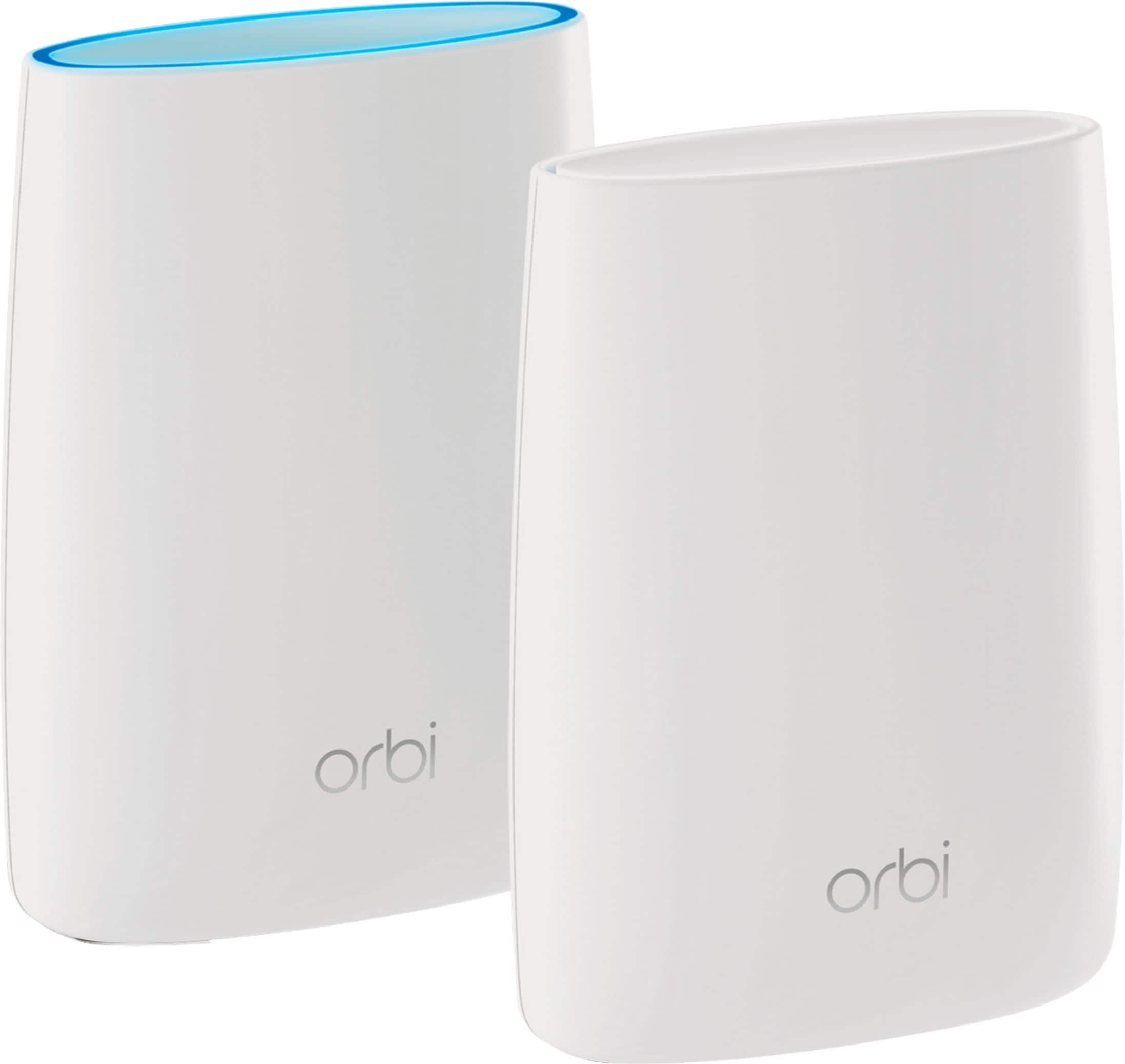
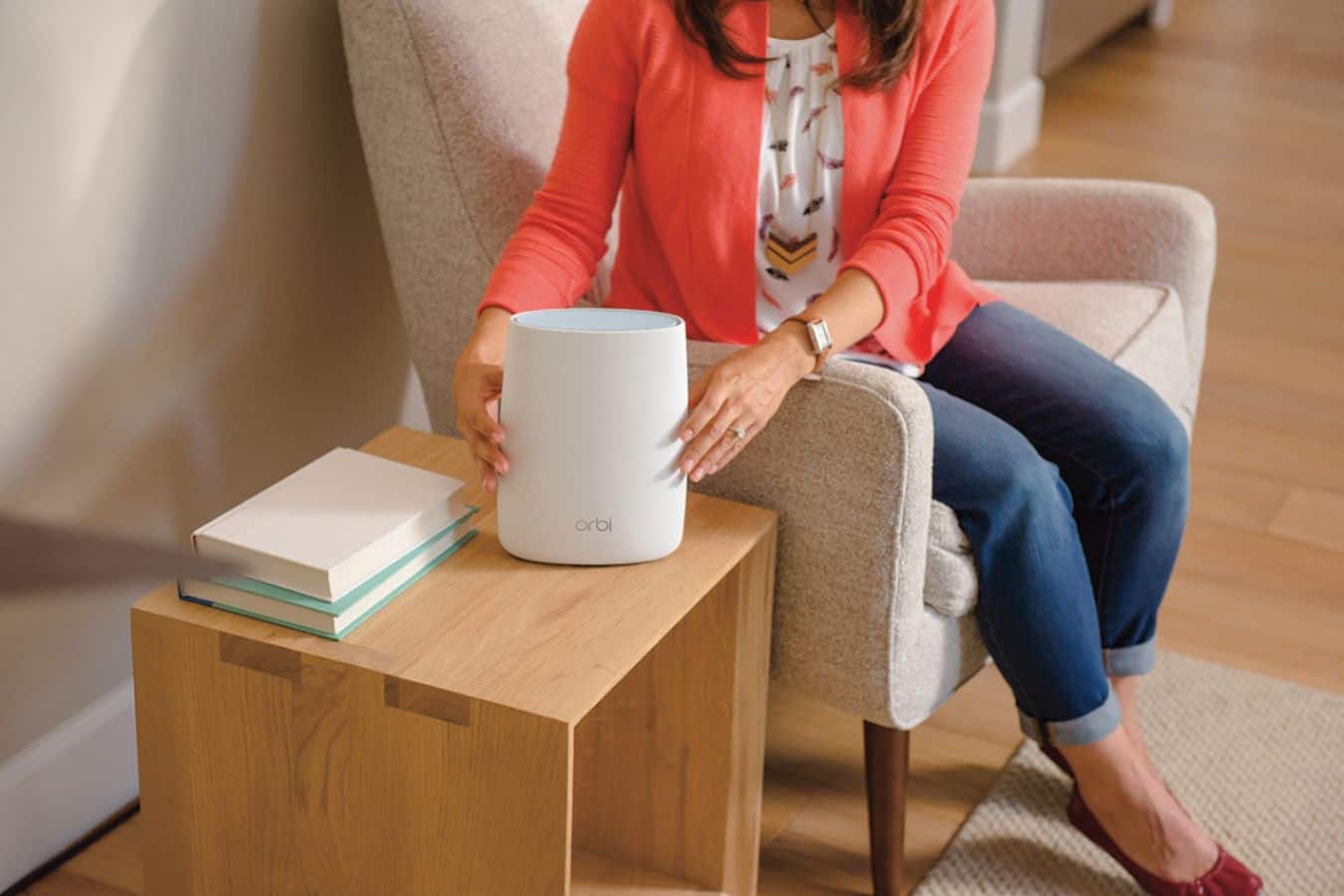
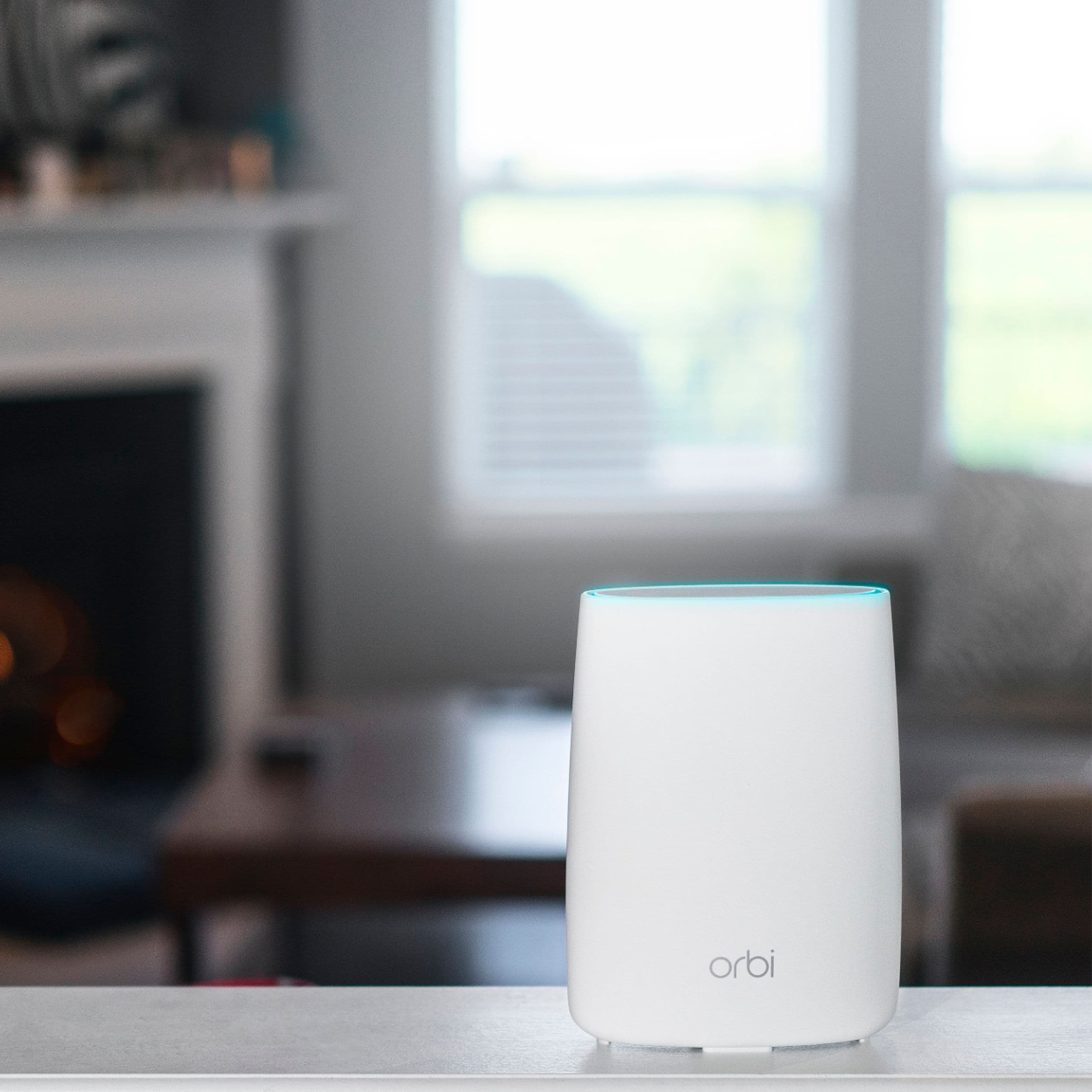
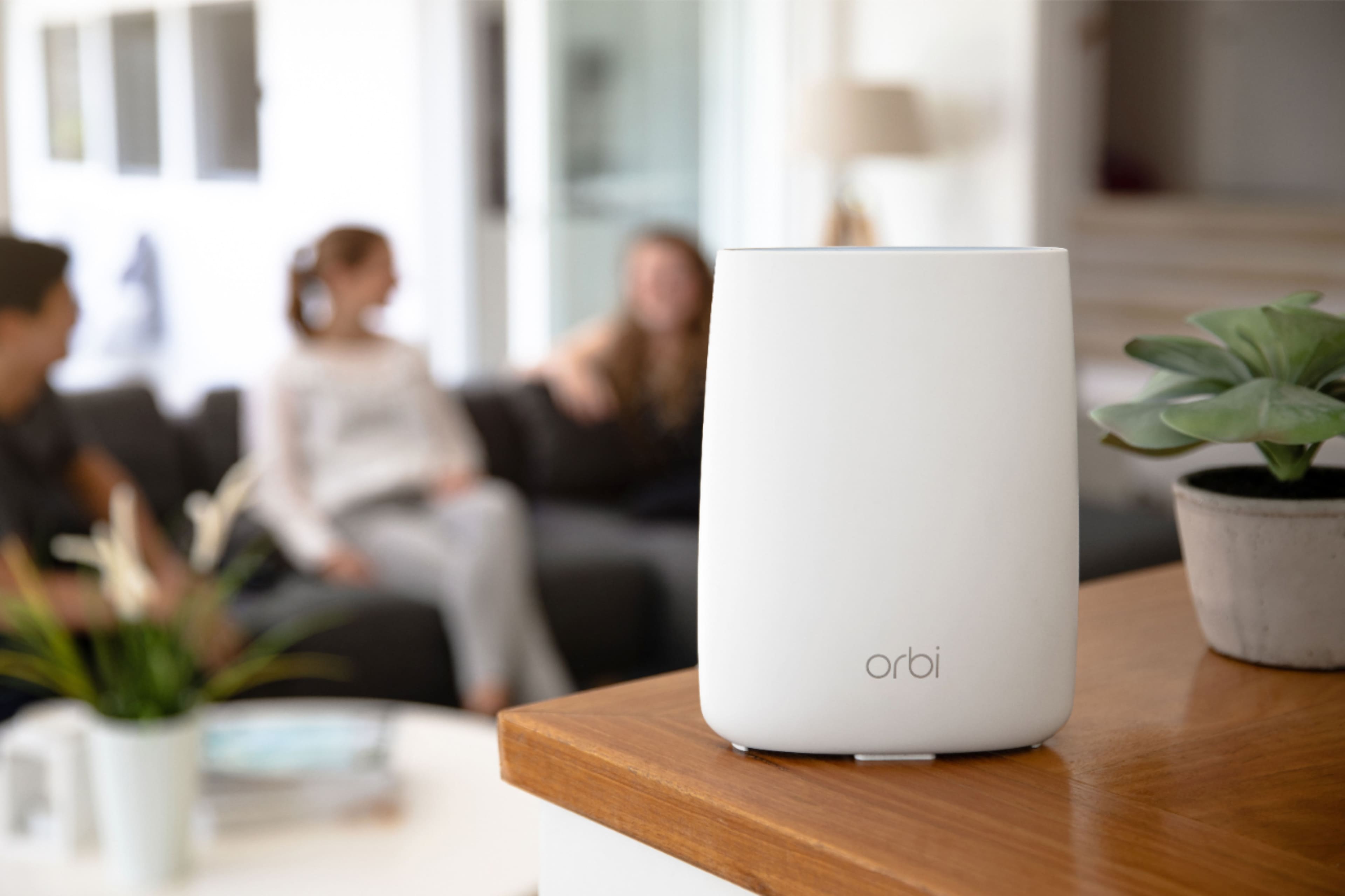
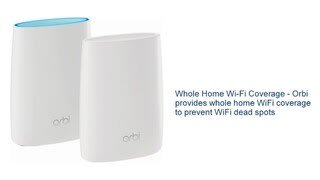
|Posted .This reviewer received promo considerations or sweepstakes entry for writing a review.This is not your typical whole house wifi system, first is the name "Orbi" instead of a couple of letters with some numbers to indicate the model, it has a name, which kinda tips you off that this is aimed at being an easy to use "friendly" device. The box and packaging are of high quality and once you get everything out you see simplicity is what Netgear is after. The base router and satellite look nothing like the usual black rectangle with lots of antennas on it, they are nice white oblong cylinders that are clearly marked so you know which is base and which isn't. First thing to do is plug in the base router, attach to your internet source (cable or other type of router) with an Ethernet cable and then find another place, preferably in the middle of your house for the satellite. Once each is plugged in the setup is VERY simple. The base has a ring on top that glows to indicate it is connecting and then the light goes out showing it's done. The satellite does the same thing and if there is an issue i.e. It's too far away from the base it will glow pink indicating you have an issue and need to move closer to the base. The cool thing about the satellite is that unlike other wifi extenders it has the same network name as the base so there is no need to switch networks to get the added range of the Orbi system. Once that's all done the rest of the setup is easy, by connecting to the Orbi via wifi and just visiting the setup web site indicated in the instructions. I was up and running in a matter of minutes. The only thing missing is a guest network but from what I understand that will be coming in an update shortly. As for performance, there is absolutely no degradation is speed when I am hooked up to the Orbi's wifi which for me is 150/150. With the placement of the satellite in the middle of my house and the base at the other end of my house my almost 4000 square foot house is fully covered with a very strong wifi signal. I have multiple devices hooked into Orbi including 4 Apple TV's and many other iPads etc and it handles all the traffic with no glitches. In closing, this is a very easy to setup and use whole house system that is in a new and unique looking package. The only downfall is the lack of a guest network but as mentioned that will be updated shortly. I would absolutely recommend this to the expert and novice alike.
I would recommend this to a friendexcellent one-stop solution for Wi-Fi
|Posted .This reviewer received promo considerations or sweepstakes entry for writing a review.I do not live in what would be considered an overly large space, but I still have some issues with my Wi-Fi coverage. Some spots go in and out, while others never seem to achieve the speeds they are supposed to. I have been curious about "mesh" options, over range extenders, and the Orbi looked to check all the boxes as an answer to my problems. The system includes one 'home' router and one 'satellite' unit, as well as an Ethernet wire, two power adapters and Quick Start Guide. I placed the 'home' unit in a central location, where my previous router was located, and the 'satellite' unit in a spot where I was having the most trouble with signal. With a limited set of pieces and everything clearly labeled it is a very straight-forward plug and play process. I like that both the 'home' and 'satellite' units have LED rings on the top of them that are color coded to help with pairing. It is a simple, but very effective solution. Once both units are plugged in and paired, you can customize the SSID and admin password to suit your needs. That is pretty much it, you are ready to go. In my case, as soon as I was up and running, I was seeing similar speeds with all my devices in my trouble-free zones, and i was also having zero connection issues, and improved speeds, in those spots where i was previously having issues. If I were to summarize, here are some of the pros and cons of the system: PROS: - excellent performance - it covers a large area, and can be combined with more units (in time) to cover even larger areas. - set-up was very easy - everything is well-constructed and "has a good feel to it." - settings are easy to access CONS: (most of these are me nitpicking) - cost. this is not a true con, as it is comparable to other solutions, if not cheaper and it does absolutely deliver. that said, it is not "cheap" - no guest network. again, this is not a true con, as Netgear has stated this is coming soon. - the units are not the easiest things to "hide." this, again, is not an issue for everyone, but it is something to consider. that is, where do you put them? In conclusion, I really like the Orbi. It is a one-stop solution that is both easy to set-up as well as use, it works well and it solved my range issues. WIn, win and win.
I would recommend this to a friendSo Far, So Good
|Posted .This reviewer received promo considerations or sweepstakes entry for writing a review.I have been using the Netgear Orbi for just under a week. I was previously using a Linksys EA9500 in my two story home. I have the Orbi router in an upstairs corner where the cable modem is situated and the the satellite in the basement along the wall in the center of the house. While on the main floor I see little to no improvement with WI-Fi (it has been very good with the Linksys), the basement is much improved. At the far opposite end of the basement from the router I was barely getting a reliable signal before, but with the Orbi I get a much stronger and more reliable connection. My throughput in the basement generally ran 40-60mbps, but with the Orbi I get upwards of 200mbps. The only real negative I have at this point with the Orbi system is that it does occasionally seem to lose connection for about 30 seconds, but then resumes operation. This has happened twice so far, but I suspect issues like that will iron themselves out with new firmware. At this point I will say the experience has been overall very positive one.
I would recommend this to a friend- Pros mentioned:Coverage, Setup
Best Router ever used
Posted .This reviewer received promo considerations or sweepstakes entry for writing a review.This is one of the best router I ever used, so simple to setup and it covers every corner of my house. No dead spots at all.
I would recommend this to a friend - Pros mentioned:Ease of use, Speed
The Orbi made a believer out of me
Posted .This reviewer received promo considerations or sweepstakes entry for writing a review.I had a Netgeqar AC1750 Model 6400 in my 2100 sq ft home which is a ranch and I had the router in the basement. While the reception in the basement was good, getting 40-45 mbps, but on the main floor, I was only getting up to 8mbps and quite often experienced buffering when streaming. I recently purchased a 4K screen and I was getting no where trying to watch 4k videos. So I did some reading and thought that upgrading to a NightHawk would do the trick but I would only get similar results. Then I decided to spend some intensive reading and after reading some reviews I decided to try the Netgear ORBI. All I can say is OMG, a world of difference!. I am getting consistent speeds between 50-55 mbps all through the house, upstairs and downstairs and no more buffering, even in 4K! Setup is pretty easy and I took a tip from a previous reviewer by renaming my router to my old router's name as well as using the same password. Now no issues for my wife, daughter, son-in-law, or granddaughter as they won't have to look for a new network. . I should mention that I have the satellite ORBI as well. Setup was a breeze.
I would recommend this to a friend - Pros mentioned:Setup, SpeedCons mentioned:Price
Finally a solution!
Posted .This reviewer received promo considerations or sweepstakes entry for writing a review.After struggling with spotty high speed wifi, this is the solution. Now I have 200mps plus everywhere. Easy to set up. Auto firmware upgrade during installation. The only negative would be price, but it is worth every penny. Got rid of bridge. Not required now! Makes all other solutions obsolete!
I would recommend this to a friend