Customer Ratings & Reviews
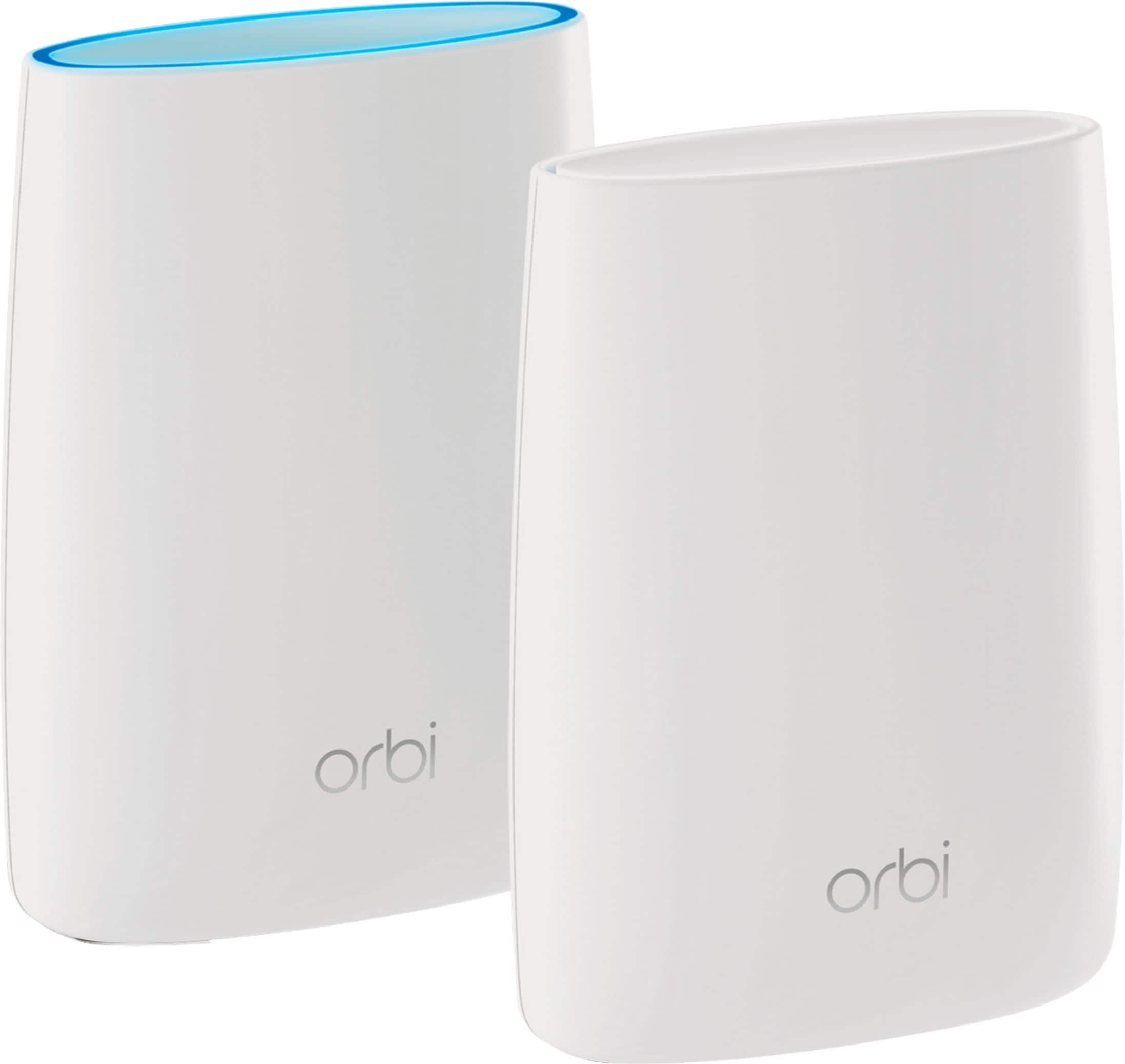
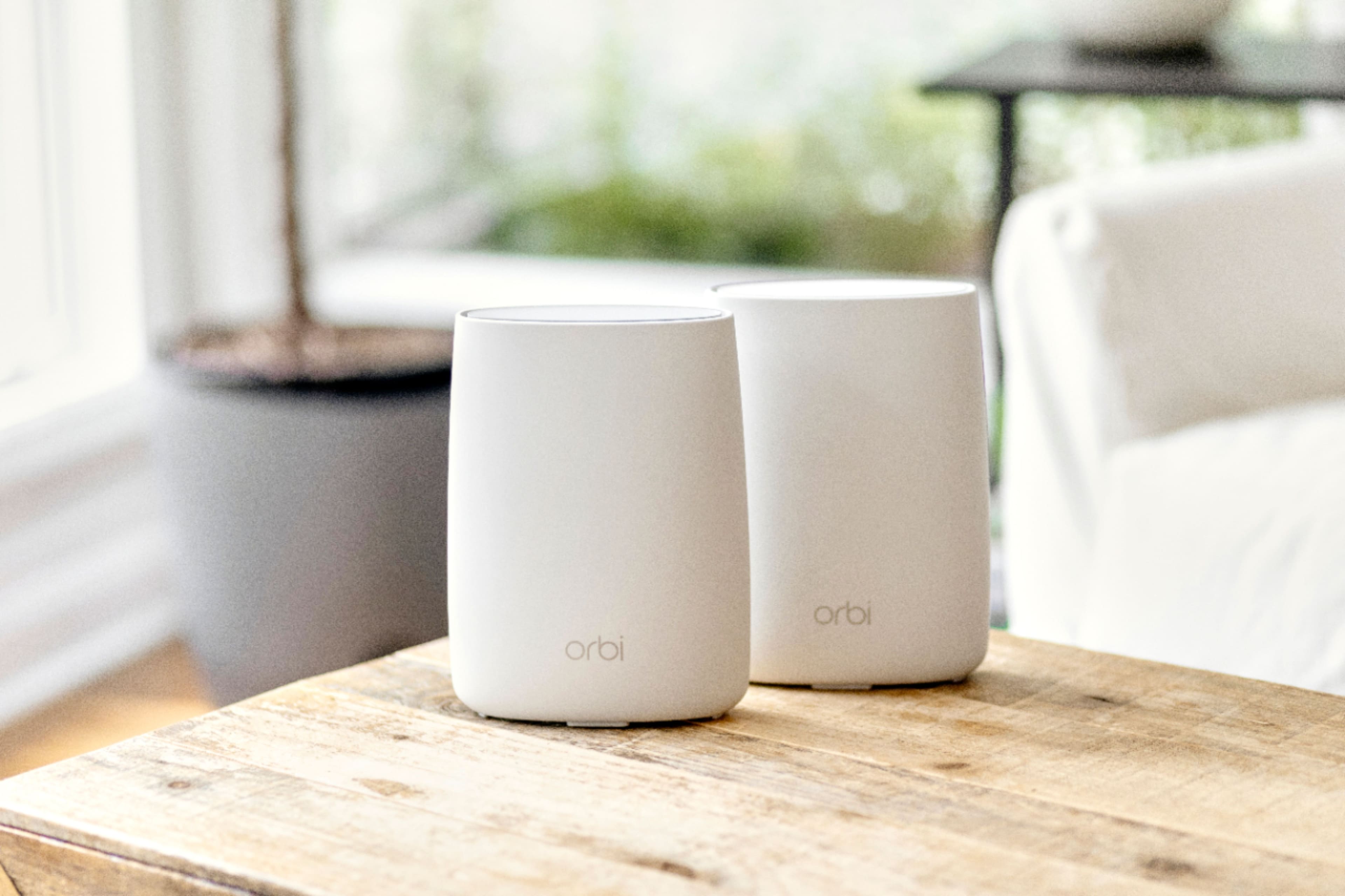
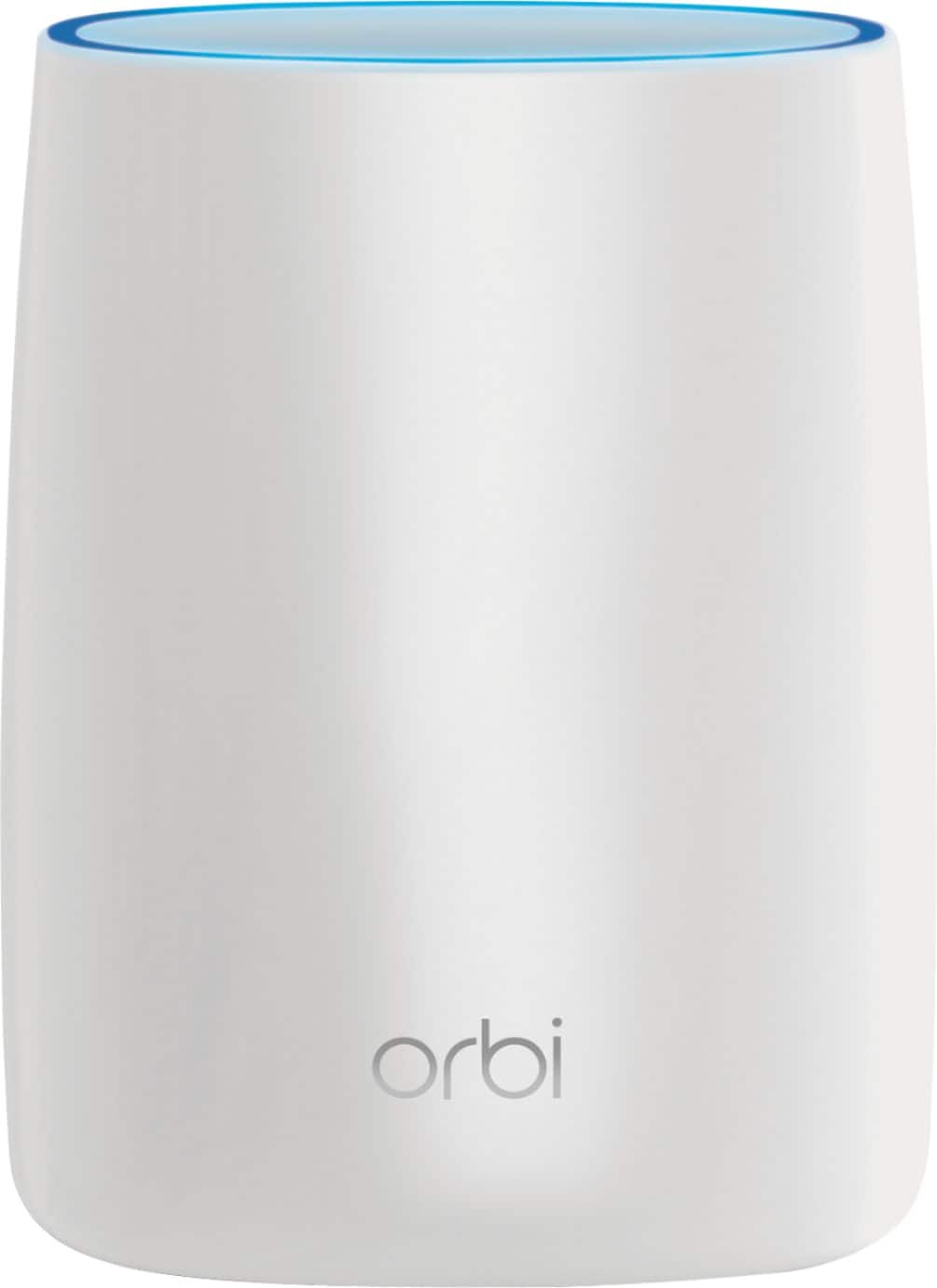







- Model:
- RBK50-100NAS
- SKU:
- 5577333
Rating by feature
- Setup
Rating 4.5 out of 5 stars
- Range
Rating 4.6 out of 5 stars
- Signal Strength
Rating 4.6 out of 5 stars
Customers are saying
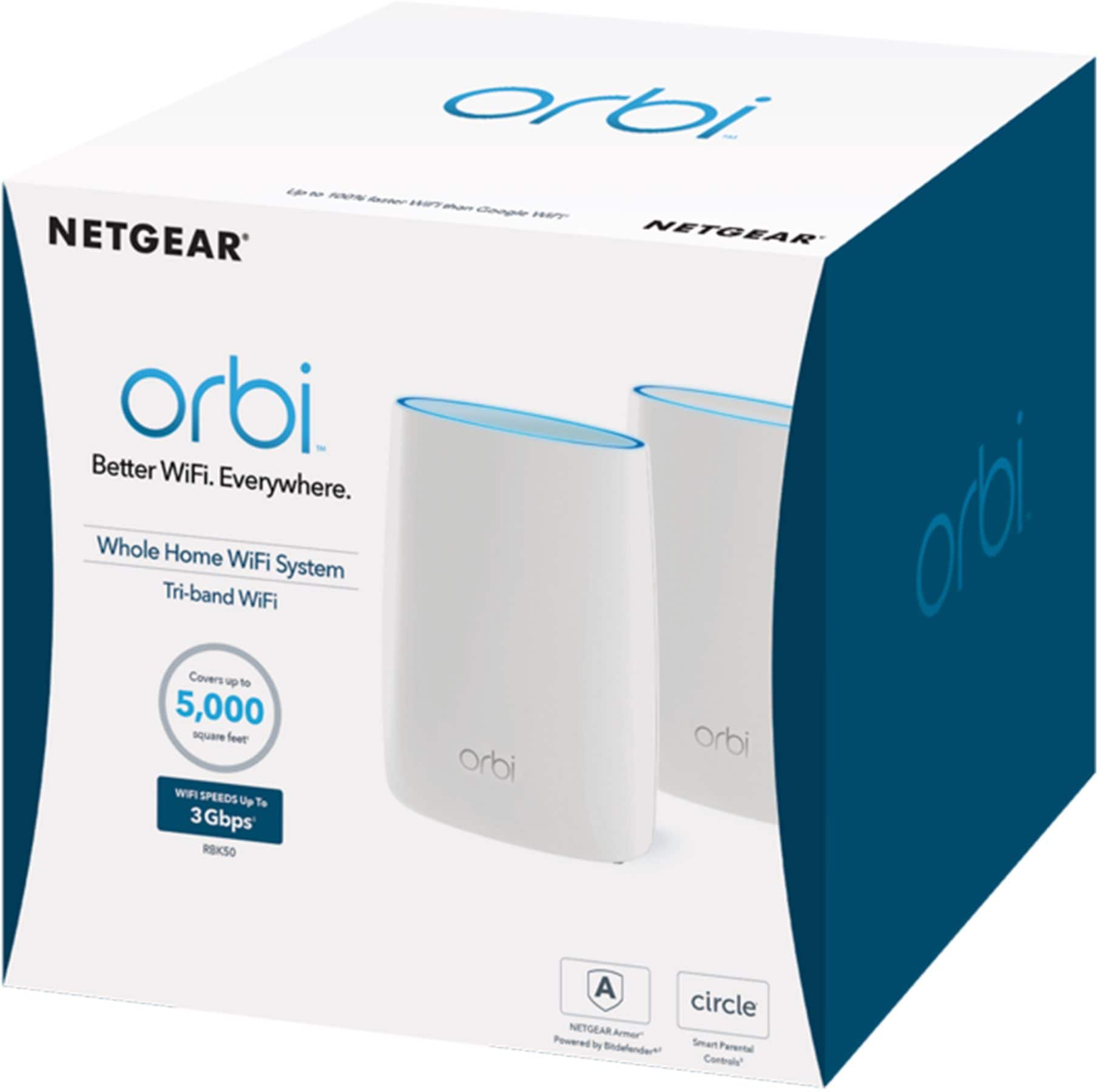
Customers love the Orbi AC3000 Tri-Band Mesh Wi-Fi System's extensive coverage, ease of use, and strong signal. Many appreciate the straightforward setup and reliable connection it provides, resulting in excellent performance. However, some find the system's price and size to be drawbacks. The product's range is also frequently praised.
This summary was generated by AI based on customer reviews.

"works," but astonishingly underperforming
|Posted .This reviewer received promo considerations or sweepstakes entry for writing a review.NETGEAR Orbi RBR50/RBS50 AC3000 Tri-band WiFi System (kit of 2) PREAMBLE: Unit was shipped to me in a Netgear shipping box, where the Netgear sealing tape had clearly been cut open and then resealed with generic clear packing tape. Inside the ornate turquoise product presentation package, the main RBR50 router/base unit was covered with black fingerprint smudges and white particulate dust similar to drywall dust. THANKFULLY, no loose particulates got inside the RBR50. No other fingerprints anywhere and no dust anywhere else inside the box. Were these things from poor factory product packaging or was the unit shipped to me returned by someone else, reconditioned by Netgear and then sent to me??? I will probably NEVER know the answer to that... These StarTrek-TNG looking units have a faux suede like texture all across their curved white plastic sidewalls, making them a magnet for fingerprints and other smudges. I always wear nitrile gloves when handling computer/IT equipment, so I know that none of the smudges/dust out-of-the-box on my RBR50 were from me. Thus far, the exterior of the RBR50 cleans up completely with a clean, water-wrung, damp microfiber cloth; but I am predicting, overtime, that the non-slip texture of the Orbi's sidewalls will become hard to keep pristine white. MAIN REVIEW: I was massively disappointed by several things, right out of the box. 1) No documentation other than a slim, fold out, idiot-oriented QuickStartGuide; no full manual, printed or on CDROM, inside the box. Penny-wise and pound-foolish, Netgear. I ALWAYS read the manual before I MANUALLY setup networking equipment. Over-simplifying the complexities of networking almost always sacrifices SECURITY and PRIVACY... 2) Short 6' cords on the supplied power adapters. A real problem when wanting to place these units atop 6' tall bookcases that don't have an integrated AC power outlet inside them. (Silly me, my bookcases only hold books, with no standing need for built-in AC power.) This is supposed to be a home-wide, unified SSID WiFi solution, yet optimal unit placement (as in higher up from the floor) requires running dedicated extension cords for these wimpy AC power supplies. 12' cords would be vastly more practical for "anywhere" unit placement. 3) No way to know what the radome layout of these units are, so I am left to guess about it. This information isn't even disclosed in the full User Manual (Sep 2016, 202-11675-01), as the words "antenna" and "radome" never appear even once in the user manual. I have a competing solution from a different maker, that I am A/B testing vs the Orbi, and I really like the ability to manually position the eight radomes on the competitor's unit, so that I may optimize the orientation of the radomes, even as the unit manages tri-band MU-MIMO beam forming on its own. Radio is radio and radome orientation still matters, especially in WiFi/EM/RF congested/dense urban settings. Even my Netgear Nighthawk AC1750 has three fully positionable external radomes. In my book, Orbi's "looking cool" sacrifices fullest radio functionality. The Orbi concept is most likely using WPS with a pre-established key for syncing between the RBR50 (router/base station)and the RBS50 (satellite). Hopefully, the pre-established WPS backhaul key isn't as STUPID as the default router configuration username and password, but who knows? If you use the router management webserver to generate a new backhaul key, different from whatever was set at the factory, you get a fine print warning that a new backhaul key might break the connection between the RBR50 and RBS50, but no information on how to recover backhaul connectivity with a new backhaul key. Under time pressure to submit a review, I did not play around with changing the backhaul key; but I will be changing it should I eventually decide to place the Orbi into full production use. Many many other annoyances that are a direct consequence of pitching the Orbi to WiFi-idiots: 0) For a unit shipped in Sep 2016, in an obviously pre-opened box, the firmware was not current. Astonishingly, once the Orbi has an Internet connection, should you manually initiate a firmware update via the management interface, closing the web browser while the Orbi is updating MIGHT CORRUPT THE FIRMWARE. There is no excuse for that. When competing products with AutoFirmwareUpdate enabled actually handle firmware updates, the ROUTER ALONE controls the process, NOT A WEB BROWSER. My firmware managed to update without corruption despite the router's web browser based management interface spuriously disconnecting from the Orbi, requiring a full login to reestablish connectivity with the management interface. Mysteriously, even though the RBS50 was not near enough to the RBR50 to establish a backhaul data connection, the RBS50 also updated it's firmware right after the RBR50 finished its own update. 2) If you use auto-magical mode for setup, you will have to hunt and peck through router management pages to find out the most basic information (router internal IP, submask, non-dynamic DNS IP, etc). This information is presented once, but you have to dig to find them. They are not presented on management pages where you might make manual changes, so you have no idea what you are changing from should you elect to make manual configuration changes. Current settings (and any default values) should be liberally redisplayed across ALL RELEVANT router management pages, not just presented once, buried on an information summary page. 3) No ambient WiFi survey. OK, so we let the Orbi dynamically choose the allegedly least congested 2.4GHz channel; but what about the 5GHz space? Competing tri-band products make some kind of effort to show you the level of WiFi congestion, across bands/channels, so that you can confirm the correctness of the channel choices being made. No WiFi survey available from the Orbi. 4) IPv6 is turned OFF by DEFAULT. How quaintly 20th century to do this. Why not default to IPv6 enabled in "DETECT" mode? I'm not even going to bother to list all of the other IPv6 "modes" in the Orbi, but nothing about IPv6 is mentioned in the pathetic QuickStartGuide brochure. Very retro. 5) No way to see/review the default SPI rules in force or even to confirm that SPI is working, without digging into router logs. 6) Setting up Parental Controls takes you out of the internal management console and over to netgear.com. Then you find out that you need a dynamic DNS account in order to set up Parental Controls. I personally don't use Parental Controls, but when I do go in to inspect Parental Controls settings, competing products don't pull this stunt on me. 7) No SSL certificate for the built-in router management console, so no way to make an https connection to it. (Competitors routinely fail on this account, too.) 8) In A/B testing with a competing AC5400 tri-band MU-MIMO solution, the Orbi clocks in with significantly slower speeds in the 2.4GHz and 5GHz bands, by 50%. This is when running in parallel (but not physically side-by-side) as well as when running with the AC5400 WiFi network unpowered. I suspect that the inability to optimize the arrangement of the Orbi's radomes is a very significant factor here. The actual spatial coverage of the Orbi is no better than the competing AC5400 solution, but also no worse. 9) NO GUEST WIFI NETWORKS. Netgear says Guest network is coming, but who knows when and how it will be implemented? Fully segregated? Manually designated limited bridging with the main network? Who knows? 10) Router management interface is very buggy over WiFi. Simply refreshing a management page can spuriously trigger a full login request. Not every time, but far too many times to the point of major annoyance. Logins via orbilogin.com and/or orbilogin.net are 50% more refused than when typing the RBR50's dotted IP address into the browser, instead. The internal management server needs a complete overhaul. The Orbi should also locally expose a shell interface over TLS. 11) No way to backup configuration settings to a file on Android. Login via WiFi on Android and the Settings [BACKUP] button saves nothing to the Android device. This then limits one's ability to restore Settings from an Android device, too. 12) I HATE WPS. It introduces unnecessary security risks into otherwise properly configured WiFi networks. As I rule, I DISABLE WPS on all of my production WiFi networks. I suspect that if I disable WPS on the RBR50, that will break backhaul connectivity with the RBS50. Netgear, I WANT TO USE AN AES PRE-SHARED KEY BETWEEN THE RBR50 AND RBS50 SO THAT I MAY THEN BE ABLE TO DISABLE WPS. THE ORBI IS THE ONLY WIRELESS DEVICE I HAVE THAT STUPIDLY REQUIRES WPS. 13) The functionality of the Netgear Genie app on Android is severely crippled; but, sometimes the Netgear Genie is the only way to login to the RBR50 when the RBR50 is spuriously refusing browser logins from the same Android device. Competitor's Android management apps are comparably crippled, too. CONCLUSION: At this point, even with FW 1.2.0.6, Orbi is not ready for my production use. The only thing I can use it for, as is, is as a fully subnetted "Guest" WiFi network. The management interface is not as useful to me as the one on the much older Netgear Nighthawk AC1750 and woefully underperforming in comparison with a competitor's AC5400 tri-band MU-MIMO offering. Orbi is a very unexpected batch of didappointments from Netgear. I can confirm "house-wide" coverage. I can't confirm "high performance" or seamless WiFi roaming between base and satellite. IF Netgear can fix the problems/issues reported above, that's when I will be able to recommend the Orbi to others.
No, I would not recommend this to a friendGreat next generation WIFI is finally here!
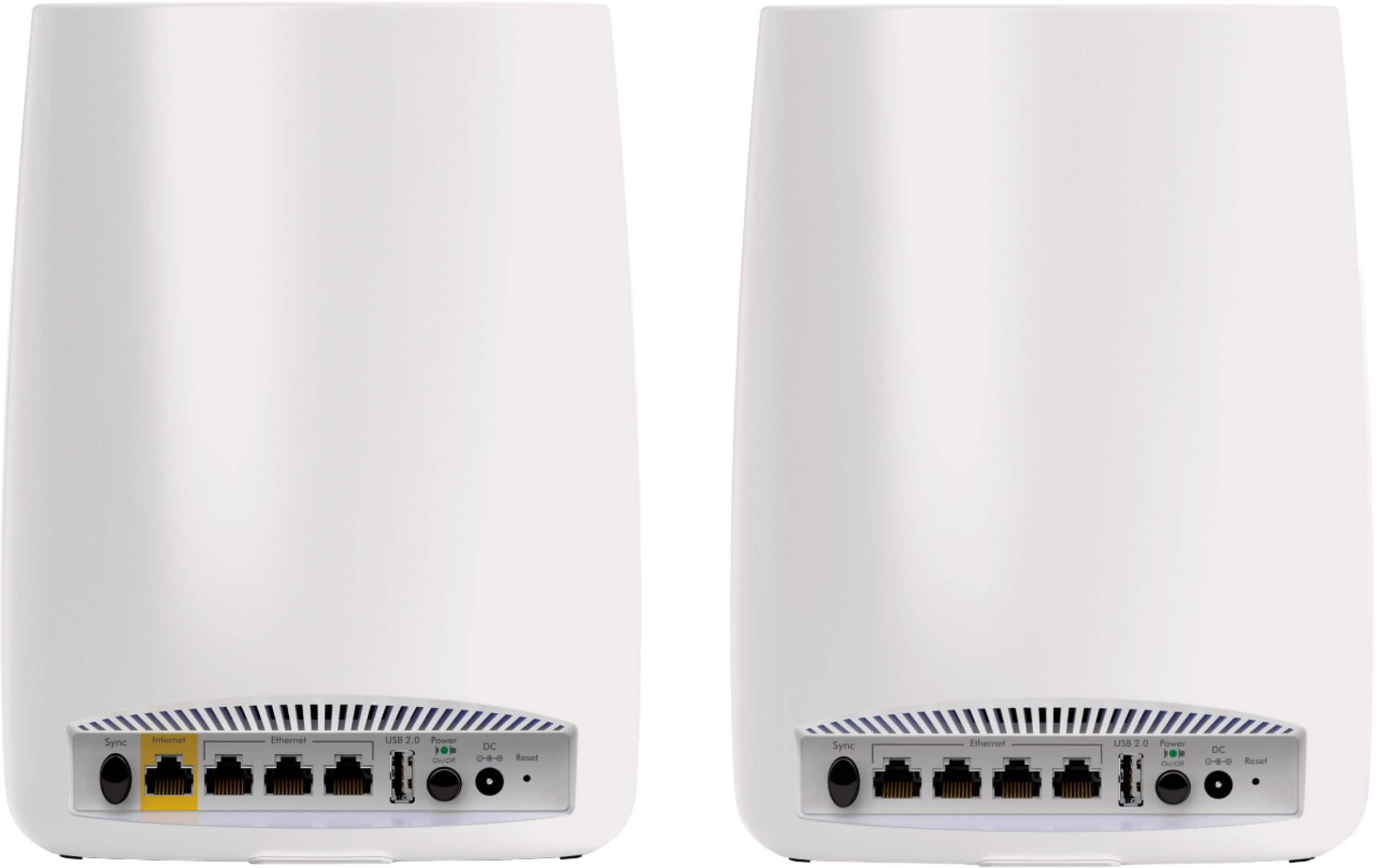
|Posted .This reviewer received promo considerations or sweepstakes entry for writing a review.Overall, this router is probably one of the best on the market in terms of coverage. The key is that the remote wireless box is NOT an extender - which is a good thing! The connection between the two is a special wireless connection that it creates so, it doesn't interfere with your regular A/B/G/N WiFi bands and you get a larger signal area. The pros are: Wireless Speed Wired Speed Coverage Size/Footprint Simple Configuration Ethernet Ports on Remote station Cons: Limited Ethernet Ports on the base station For my place, this setup is great and not great all at the same time. It's AWESOME because it has created the BEST and most solid WiFi network of any router I've ever tried in my house and I have one sit in the basement level and one on the 2nd floor level to give all floors all around strong 5ghz coverage. If you're looking for the best next gen WiFi that gives the best coverage - look no further! Where it's not so great is in terms of Wired Ethernet ports on the base station. There are only 3 on the base station and 4 on the 2nd box. For my setup, 3 ports is simply not enough and I had to get a separate Gigabit switch to connect all the rooms in my home from the panel where my networking equipment is. I would have honestly rather had 8 Gigabit ports on the base station and the option to have get remote stations that either do or don't have Ethernet ports as some may like to have them and others may not need them at all. Outside of that, this has been the BEST wireless router setup, and it definitely lives up to high speeds over wireless and a strong wireless network all around.
I would recommend this to a friend- Pros mentioned:Coverage
Wow, super impressed with how well Orbi works!
Posted .This reviewer received promo considerations or sweepstakes entry for writing a review.I had a Linksys EA9500 that I bought last year and was still having some coverage issues in my house in some areas. So I figured... what the heck - I'll try out Orbi and see if this fixes my problem and doesn't make anything worse. I bought Orbi and installed it a week ago and my experience has been incredible! I have amazing coverage all over my house now and I have a 6,000 sq foot house including the basement. The basement was a big problem area and isn't anymore. I've even considered adding another Satellite in the basement however, I'm getting good connection everywhere so not sure it's even needed. My Macbook Pro laptop is always connected to the satellite and never even a blip or disconnect or anything. I tried Range Extenders and had issues with the EA9500, while Orbi has been completely flawless for me and all my devices (22 wireless devices). So I highly recommend Orbi to anyone. I have a Linksys EA9500 for sale now also... :-)
I would recommend this to a friend - Pros mentioned:Ease of use
Solid WIFI 5 client performance
Posted .This reviewer received promo considerations or sweepstakes entry for writing a review.I bought the Orbi AC3000 after first purchasing and being very underwhelmed by the TP-Link Deco AX3000. I had them both set up in the same situations (not at the same time). I tried many test scenarios in different locations around my house close and far from the router and satellite(s). I have a 600Mbps internet plan from Xfinity. Both routers have the option to test the internet speed directly from the router without using a wifi device. In both cases they measured 600-700Mbps download. In all cases, I used the wireless link between router and satellites. I used a variety of WIFI clients: MacBookPro 2016, MacBookPro 2020, iPad Air 2018, iPhone11. All but one were WIFI 5 (802.11ac). Only one (iPhone 11) is a WIFI 6 (802.11ax) client. In all scenarios using WIFI 5 clients the Orbi AX3000 reached SpeedTest.net peak speeds much higher than the Deco. Within 2 meters of either the router or satellite the Deco never got more than 120Mbps download whereas the Orbi reached speeds of 500Mbps download. At distances of 5 meters through a couple wood and drywall walls the Deco speeds fell to 30-50Mbps but the Orbi fell only to 200-250Mbps. The problem was never signal strength. On the Macs I monitored the TX Rate, channel (always a 5GHz channel), channel bandwidth (always 80MHz), and number of spacial streams (usually 2 or 3), and both the Deco and the Orbi were able to maintain similar modulation coding schemes (MCS) in similar situations. The Orbi has a third 5GHz band that it uses for communication between the router and satellite; the Deco does not have this. That can explain why the Deco is slower but should only explain it being slower by a factor of 2x not the 4x I measured. Then I tried setting up the Deco without the satellites turned on expecting that it might then dedicate the whole throughput of its 5GHz link to clients. It did not make a difference in throughput. It still maxed out at 120Mbps. The only time the Deco beat the Orbi was when I tested with the iPhone 11 WIFI 6 client. Then the Deco to iPhone11 achieved speeds of 590Mbps (almost the max speed of my internet connection). The Deco is a WIFI 6 system. The Orbi is a WIFI 5 system. As of writing this on 7/31/2020 there are still very few WIFI 6 clients out there, and if your house is like mine you have a lot more WIFI 5 clients then WIFI 6 clients. Therefore, the Deco's WIFI 6 capability is not worth paying a hefty price in poor throughput on every other WIFI 5 client in my house. I'll wait a few more years to upgrade to a WIFI 6 mesh system. The only reason I knock off a star from the Orbi is ease of setup. It was a bit clunky, not difficult to figure out, just clunky. It requires rebooting the system a lot of times and each time takes 1-5 minutes. The Deco setup was actually much smoother. Both use a mobile app to administer the system. Neither system gives you a lot of control over the WiFi settings and both systems give a similar amount information about the clients connected to them. Before purchasing any of these I consulted DongKnowsTech and CNET and read a ton of reviews. I considered buying the more expensive WIFI 6 Orbi called the AX6000 or the AX4200 but decided against it right now because I have 17 WIFI 5 clients in my home and only 1 WIFI 6 client that could take advantage of those WIFI 6 speeds and QoS features. Not worth it for twice the price. They'll probably halve the price in a couple years. That would be the time to upgrade again.
I would recommend this to a friend - Pros mentioned:Ease of use, Speed
Super Fast, Super Easy
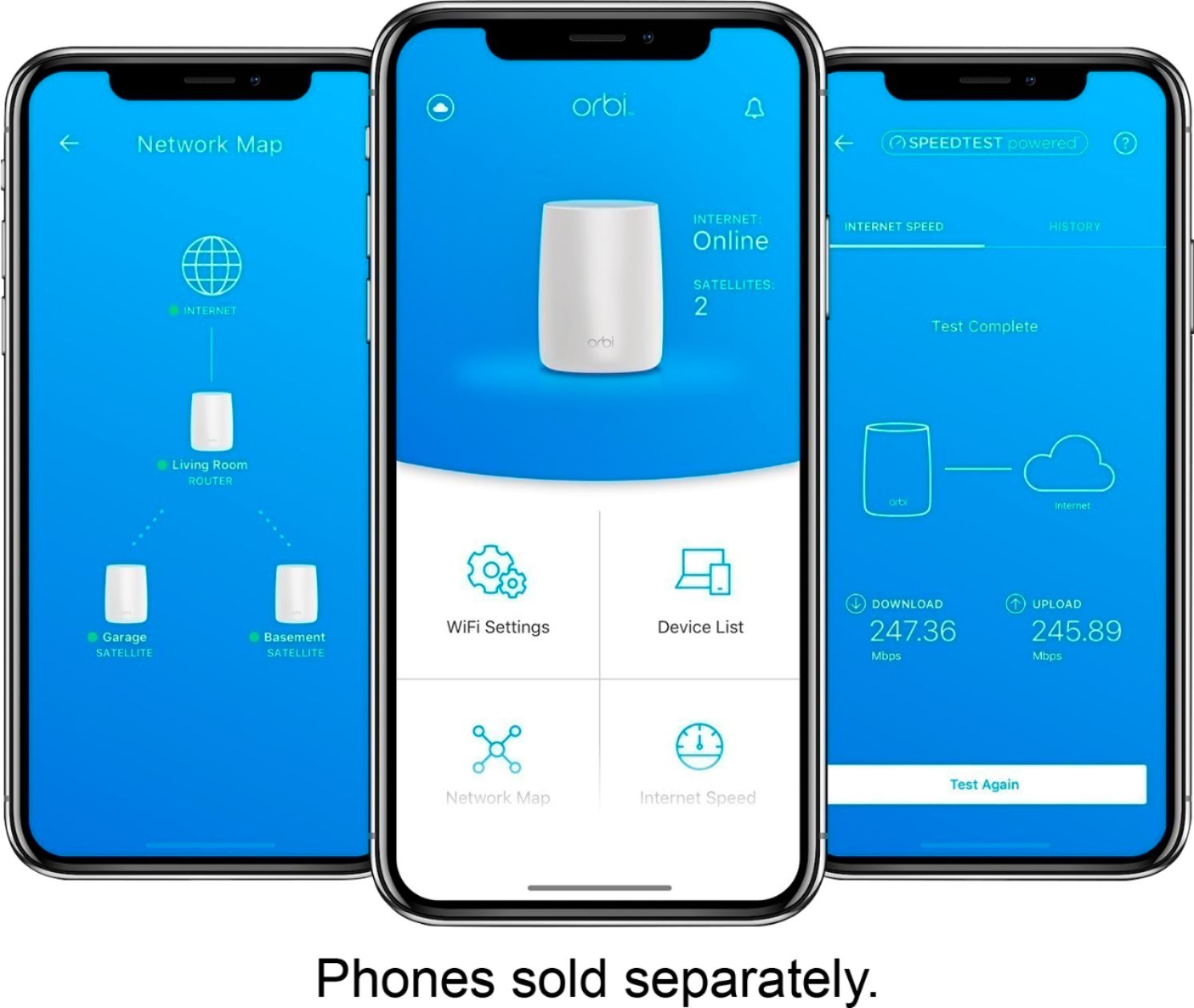
Posted .This reviewer received promo considerations or sweepstakes entry for writing a review.My Apple Time Capsule was finally ready to give out and I opted for the Orbi RBK50 after reading many reviews. Well, I picked it up today and it’s everything it’s said to be. Speedtest showed 175 mbps pretty much everywhere in the house, no dead spots, and super easy to install. The TC was down to about 90 mbps and worse in the rooms away from the router, even with the help of a couple of extenders. Did I say easy to install? Yes, I did! I dreaded the install and it ended up taking all of 35 minutes start to finish - including setting up a Netgear account and installing a new firmware update when the install was completed. Really, nothing to it. The mobile app was straightforward and guided me through every step with ease. I even set up a guest network via the app during that 35 minutes. Couldn’t be happier.
I would recommend this to a friend Stable and reliable wireless router
|Posted .This reviewer received promo considerations or sweepstakes entry for writing a review.Our household consists of more than 10 wireless devices including our SmartTV, PCs, Laptops, Tablets, Smartphones, and Printers, We often have friends and family over our house. And these days, everyone is on their devices at all times. It's nothing but frustration when some devices would simply drop out of the network especially when you have guests over. Even the expensive routers we've had couldn't handle the amount of traffic for wifi connection. After receiving this Tri-Band Wi-Fi System from Best Buy and going through the easy setup via the web browser. I am absolutely amazed that all of our devices maintained a connection and is able to transfer files at high speed on each of our devices. 300+ Mbps throughput. If you have a lot of interference in your household, or simply want something that can handle multiple devices, I highly recommend investing the money and get a superior product like this. Amazing technology indeed.
I would recommend this to a friendA Great Looking, Robust Router Sytem
|Posted .This reviewer received promo considerations or sweepstakes entry for writing a review.Installation of this unit was a breeze. This unit looks nothing like a typical router. I installed it on my existing mesh network. It works flawlessly as would be expected from Netgear. I could not log in to my router with the Netgear Genie, but that might be because I'm using it as an access point. It does lack a guest network, but I was informed that it is on the way in it's next update by end of year (2016).
I would recommend this to a friend- Pros mentioned:Setup, Speed
Improved speed overall, reaches my shop!
Posted .This reviewer received promo considerations or sweepstakes entry for writing a review.In my house I've constantly gotten around 130mbps in an all-Apple environment, a suitable speed but not the 150mbps + I was expecting. Bought and installed Orbi two unit system (router and satellite) and am now getting 200mbps +. But better than that is the difference in my shop, where I was previously getting only 5 to 9mbps using a Airport Express base station to extend my wifi network. I put the satellite Orbi out in my shop, which is about 70 feet from the router through only two walls, and now get close to 300mbps out there... so far I actually get better speeds from the satellite at 70 feet from the router than from the router itself. Weird, but problem solved! On top of all that, it was a snap to set up. Expensive? Yes, but it improved my general speeds AND gave my shop wifi a whole new lease on life. Would definitely buy again.
I would recommend this to a friend - Pros mentioned:Coverage, Speed
Easy to setup, great performance
Posted .This reviewer received promo considerations or sweepstakes entry for writing a review.I did lots of research when purchasing a new home router. Upgrading from a 14 year old draft spec N router; we were suffering from overloading. The Orbi has solved all our issues. This system was easy to setup, from the time I opened the box to getting it running took less than 30 minutes. Once setup I was able to customize all the settings on the wireless and wired networks to my preferences. This has all the throughput we need for all of our homes wireless clients. We are no longer dropping smarthome devices and needing to restart them to keep them online. The coverage is amazing and we have no dead spots that I can find. The speed is great as well. I would recommend this router to anyone. It offers all the needs of a tech savvy home, but the simplicity to setup by anyone without needing a degree in computer science.
I would recommend this to a friend - Pros mentioned:Speed
Consistent speeds in every room......love it
Posted .This reviewer received promo considerations or sweepstakes entry for writing a review.The wife and I moved into a house that was almost 3,000 sqft and the router that we had wasn't strong enough to stream videos using Netflix or Twitch in 1080p without buffering here and there. I pay for a 200 mbps download speed monthly and wanted that signal throughout the house consistently. I started browsing for new routers when I was informed to look into the new mesh routers. Did a few google searches and watched some YouTube videos and ran into the AmpliFi HD. Went out to Best Buy, bought one, took it home and plugged it in into my computer room downstairs. I had full house range and speeds, could even get internet out in the backyard.....BUT the speeds were not consistent. I could be in front of the router and the speeds would bounce from 160 mbps to 210 mbps. I would do speed tests upstairs in different rooms and would get results ranging from 148 to 35 mbps. I couldn't watch videos in 1080p/900p at 60 fps using the Twitch amp on my TV with this mesh router without it having to buffer all the time. I wasn't happy with those results so I returned the Amplifi HD for the Netgear Orbi and am I glad that I did. Whats great with the Netgear Orbi is that its a tri-band router which means that the router and the satellite will communicate with each other with no interference and that all of your devices with have the same speeds. I can go into any room upstairs and downstairs and maintain speeds above 200 mbps every single speed test I did. I can still get coverage out at my grill but the speed does drop off once you get outside but I was ok with that because my main concern was getting consistent speeds inside the house. I can watch people stream 1080p content at 60 fps on the Twitch and Netflix app for hours with no hiccups or buffering issues, something that I couldn't even do with the Amplifi HD mesh router. I can not express it enough on how amazing and simple this mesh router is. It was easy to hook up and get everything running within 10-15 minutes. If you are looking at getting a new router for your house that is at least 3,000 sqft or bigger, I would recommend the Netgear Orbi HANDS DOWN. I've had this router for about 2 weeks and its running strong and I haven't had any issues with it. I would diffidently buy another one and would recommend this mesh router to anyone in my family or friends.
I would recommend this to a friend - Pros mentioned:Setup, Speed
If you're having connection problems buy this!!
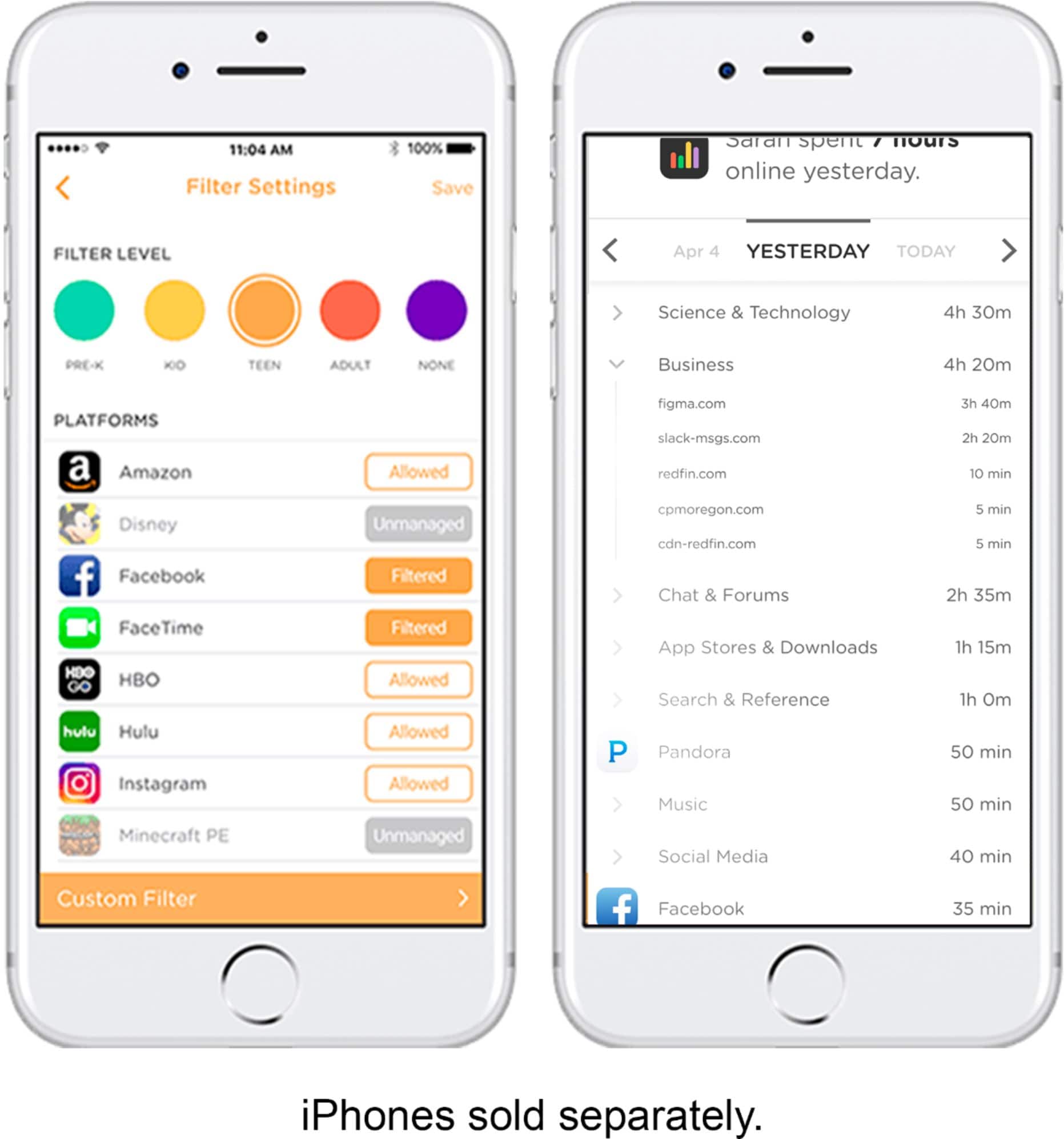
Posted .This reviewer received promo considerations or sweepstakes entry for writing a review.I normally do not write reviews, but I had to for this item. I have a 2500 sq ft house and have been having connection problems since the moment we moved in. I pay for 400 mb/s and was barely getting 100 mb/s and no connection in the farthest part of my house from my router. Since installing Orbi I am getting 420-480 mb/s in every part of my home. My husband has a workshop in the backyard and I am getting over 400 out there as well. The Orbi has solved all my connection issues I couldn't be more impressed. Extremely easy set up, it only took me about 20 min. I can even shut my kids wifi off at bed time just by using the app on my phone. I have only had this product for a day so I cannot speak about how it will work long term but I am loving it so far.
I would recommend this to a friend - Pros mentioned:Setup, Speed
Totally easy and worth its weight in gold
Posted .This reviewer received promo considerations or sweepstakes entry for writing a review.I'll admit that I was skeptical at first and nervous to even try to set this up. But after going on the Internet and reading a bunch of reviews about all the Wi-Fi home systems the Orbi came out on top on almost every review I read. I love it, our Internet speeds have doubled and the only regret I have is that I did not buy this sooner. I purchased the AC 3000 it came with one router and one satellite in my two-story house and it has Wi-Fi throughout the whole house. The AC 3000 says that I can handle up to a 5000 square-foot house. My house is a fraction of that size, 2600 sq ft and two stories but I just wanted to have all the Wi-Fi power that I could get a hold of. I truly love this and it was super duper easy to set up. A six minute video walks you through the whole thing. I'm sure if you get this you will love it as much as I do.
I would recommend this to a friend - Pros mentioned:Range
Great set up!
Posted .This reviewer received promo considerations or sweepstakes entry for writing a review.We live in a 3 story townhome that’s only about 1,360 square feet. We’ve been through three different routers that end up not covering the entire house and would drop connections with devices. Our router is on the 3rd floor in the master closet without any easy way to move everything to another location. After doing research I decided to give this Orbi system a try. It was super easy to set up and has worked great! No more dropped connections on anything and keeps a strong signal through out the entire house. We have multiple devices that stream video, gaming, two HD cameras on 24-7...and have had zero issues so far. We’ve had this system for about a month, I’d definitely recommend this system to anyone who has many devices in their home that are connected. You won’t be disappointed.
I would recommend this to a friend Cumbersome Setup But Decent Afterwards
|Posted .This reviewer received promo considerations or sweepstakes entry for writing a review.I was very excited to get this router by NETGEAR and test it out. As far as product quality and style I loved the design of the product. The setup however was another story. Physically connecting everything was a breeze, but wirelessly was where I ran into several issues. Once everything was connected my network had issues with connecting and syncing the router and satellite together. I walked from room to room checking to make sure the router hadn't went out on me as well as the satellite. After about 20 minutes and several tries of disconnecting my cable modem, router, and satellite I finally got a signal of connection. Then I had to update the firmware which after updating it I had to disconnect and reconnect everything again. So finally after about 30 minutes of fooling with this router I finally got a strong and consistent signal. It's been almost a week now and the connection is still consistent. I would recommend router since it has worked out ok. Was a little nervous at first but it's working fine now. An app to control the router/network would be an awesome addition and makes it easier to control everything instead of needing to login via a computer.
I would recommend this to a friend- Pros mentioned:Setup, Speed
Best I've Ever Owned
Posted .This reviewer received promo considerations or sweepstakes entry for writing a review.The Netgear Orbi Home Mesh Wifi System (RBK50) is the best I have EVER owned!! I have been around long enough to have owned many routers and modems to know that this one is great! I've even installed wifi systems for RV parks and this thing blows me away! I was using the phone company router with wifi and it was always messing up. I was constantly re-booting the modem to get things working again. The Orbi has solved that problem and more. The reception is so much better and the speed is excellent! Setup was a breeze. I used the app and all went well the very first time! I would recommend this modem if you are looking for something with a strong signal that puts out the speed your internet provider offers!
I would recommend this to a friend Handles like a champ!
|Posted .This reviewer received promo considerations or sweepstakes entry for writing a review.With a house full of teenagers and all of their gadgets that love to use our internet connection (video games, smartphones, tablets, laptops) it's easy to imagine how taxed our service often is. I was pleasantly surprised by how well this handled multiple gadgets going at the same time while also streaming Netflix from our family room tv.
I would recommend this to a friendGreat investment!
Posted .This reviewer received promo considerations or sweepstakes entry for writing a review.I was having issues with my Nest Thermostat connectivity but after buying this gem I no longer have issues and have better connections in more areas of my home!
I would recommend this to a frienddid I over spend? maybe but stoked!
Posted .This reviewer received promo considerations or sweepstakes entry for writing a review.Just sold my home & purchased a 2 story 1500 sqft condo, brought over my netgear modem & wifes apple airport extreme time capsule which is also a router. Splurged & bought a 65 LG Oled C7, we just stream / 4k content, no cable for us, few 3 iphones, 3 laptops, ipad, ps4 online gaming, son utubing / streaming, etc... Pay for 100mbps cox internet but on speedtest.net would only see 25mbps test results. A few months after owning the tv we started to have constant buffering & was time to upgrade. Cox came out & confirmed the apple airport is done! Went with: Arris Surfboard SB6190 32 / 8 Orbi ac3000 Trust me, last thing I wanted to do is overspend on something I dont understand or need but they said it was the baddest internet ferrari there is right now & well worth the extra $100 over a nighthawk x6.... I drank the koolaid! Speedtest results 119mbps dl 11 mbps ul Now I actually get what I pay for & then some! My concern is would I have gotten the same performance with the nighthawk 3200 x6 for my situation, possibly & saved $100? Ill never know!
I would recommend this to a friend- Pros mentioned:Setup
All my wifi dead spots are gone
Posted .This reviewer received promo considerations or sweepstakes entry for writing a review.For years I have spent hundreds of dollars on the latest and greatest wifi router but have always suffered from dead zones and poor wifi performance. My family constantly complained about wifi and I finally decided to make the leap to a mesh network and I am so glad that I did. I literally get full strength in every corner of my home (3,500 sqft - two levels) including the backyard and garage. Speed is blindlingly fast in all areas of our house and no more spinning widgets when watching streaming video. I did a lot of research before buying the Orbi. The other contenders were Google and Eero, but the biggest concern that I had with the other systems were a) performance, and b) cost. When I saw that people were having performance problems with the other devices I made the decision to go with the Orbi and I'm glad I did. Setup was relatively easy. We have a static IP address from our service provider (Frontier FIOS) so the automatic setup process failed. I tried setting it up from the phone app but found that using my computer and a browser was easier and faster. The browser based tool walked me through the steps to configure the router manually and once configured with our static IP address, subnet mask, gateway, and DNS server IP addresses it all worked perfectly! On top of all the great things about the Orbi -- I paid less thank I did for my last Asus RT-66 router that has never covered more than about 1,000 feet of our house.
I would recommend this to a friend - Pros mentioned:Speed
Very Impressed !!!! WOW !!!! Very Impressed !!!!
Posted .This reviewer received promo considerations or sweepstakes entry for writing a review.WOW !!! At first I must admit that I was leary about investing in such a big dollar amount for a router. It was very helpful to be able to read all the reviews both good and bad related to this product. So I took a chance and WOW I am so amazed at the performance and speed that I receive from this product. It truly makes the difference in me being able to have a good fast internet speed for my internet usage. While I was not a fan of the big and bunky design of the product, I greatly overlook it due to the performance that I receive. All things being said, YES, I would recommend this product and feel that you will not be disappointed.
I would recommend this to a friend