Customer Ratings & Reviews
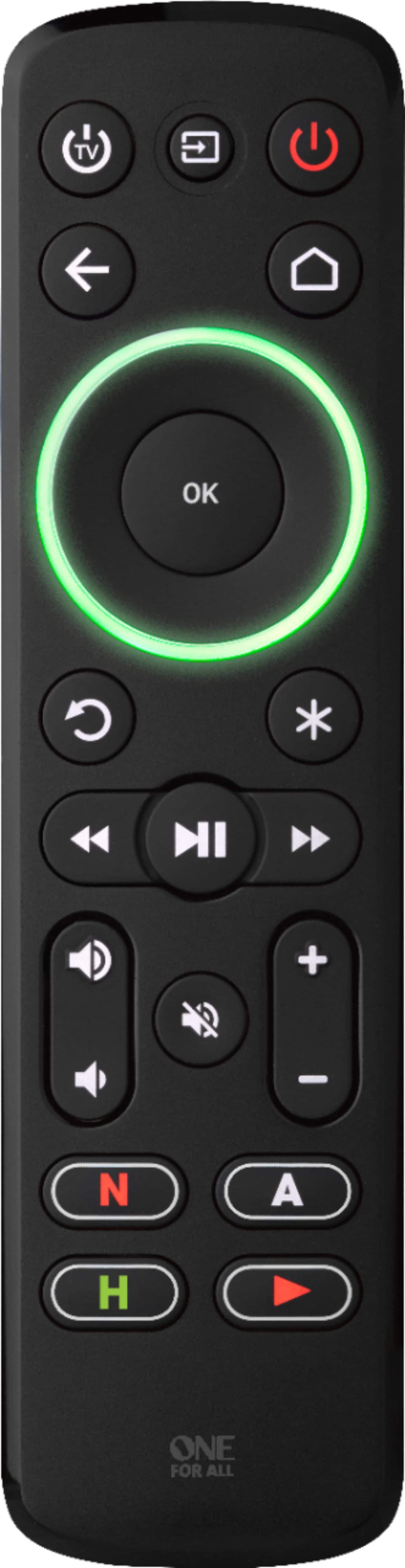
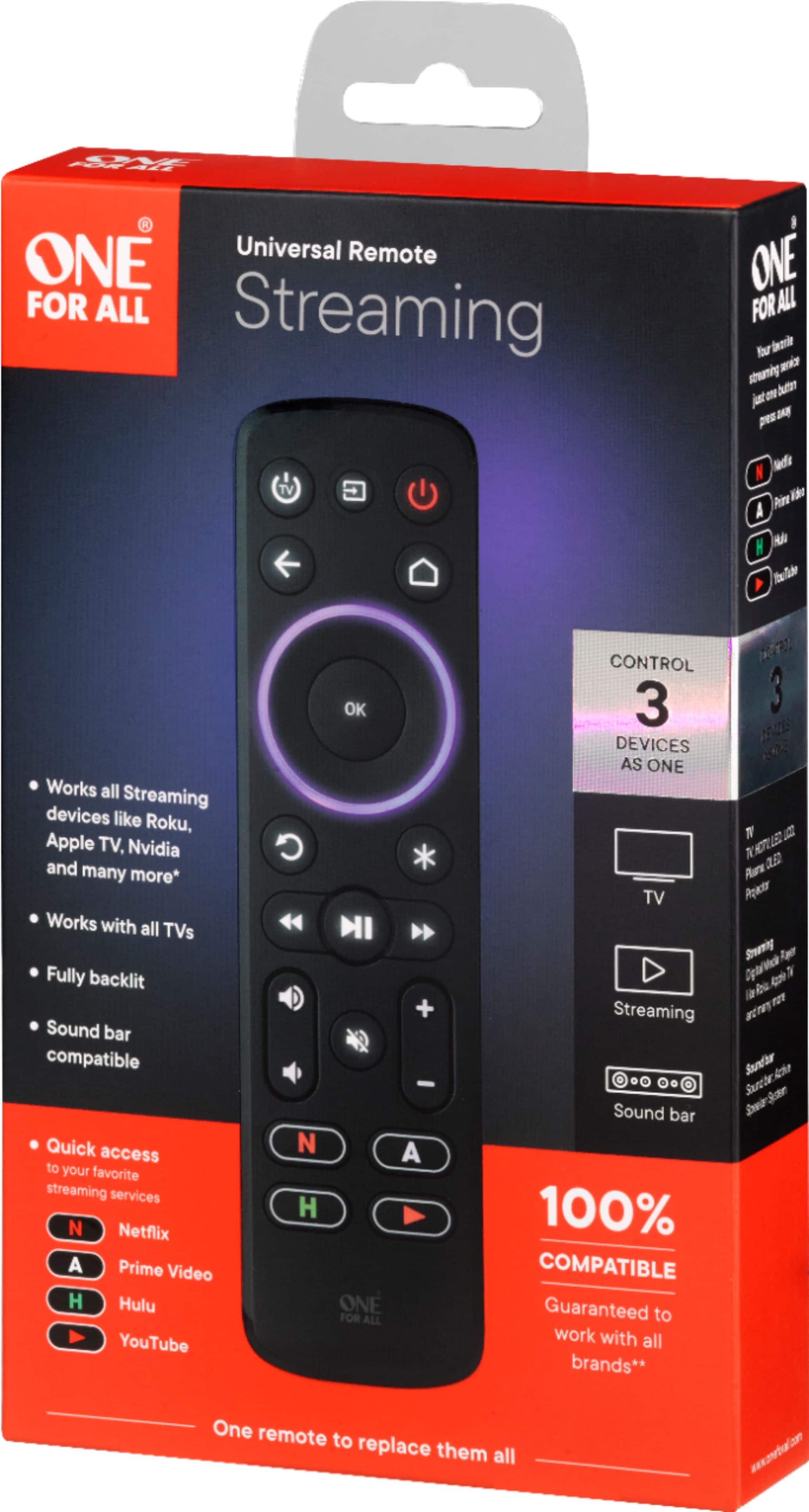
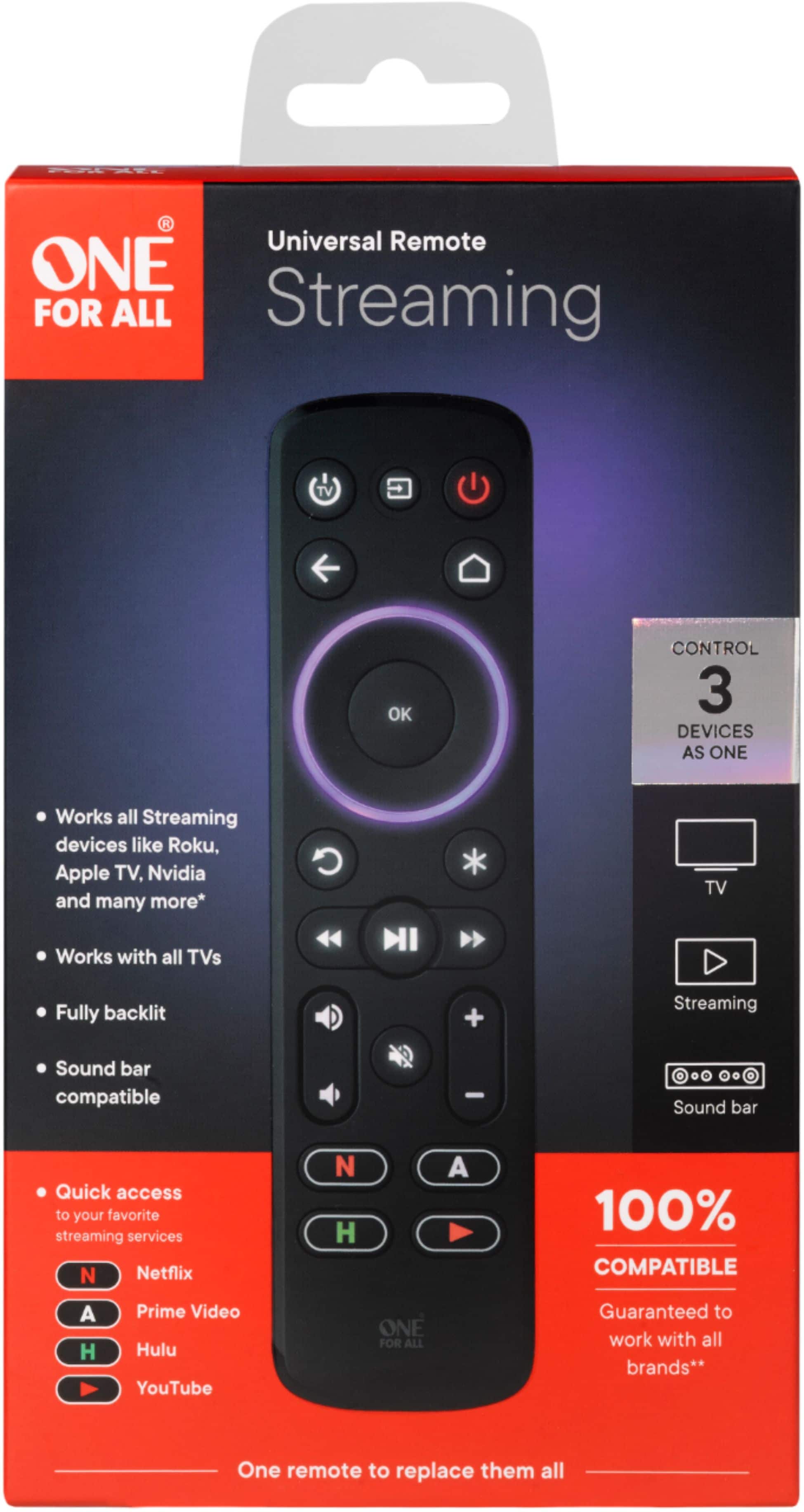
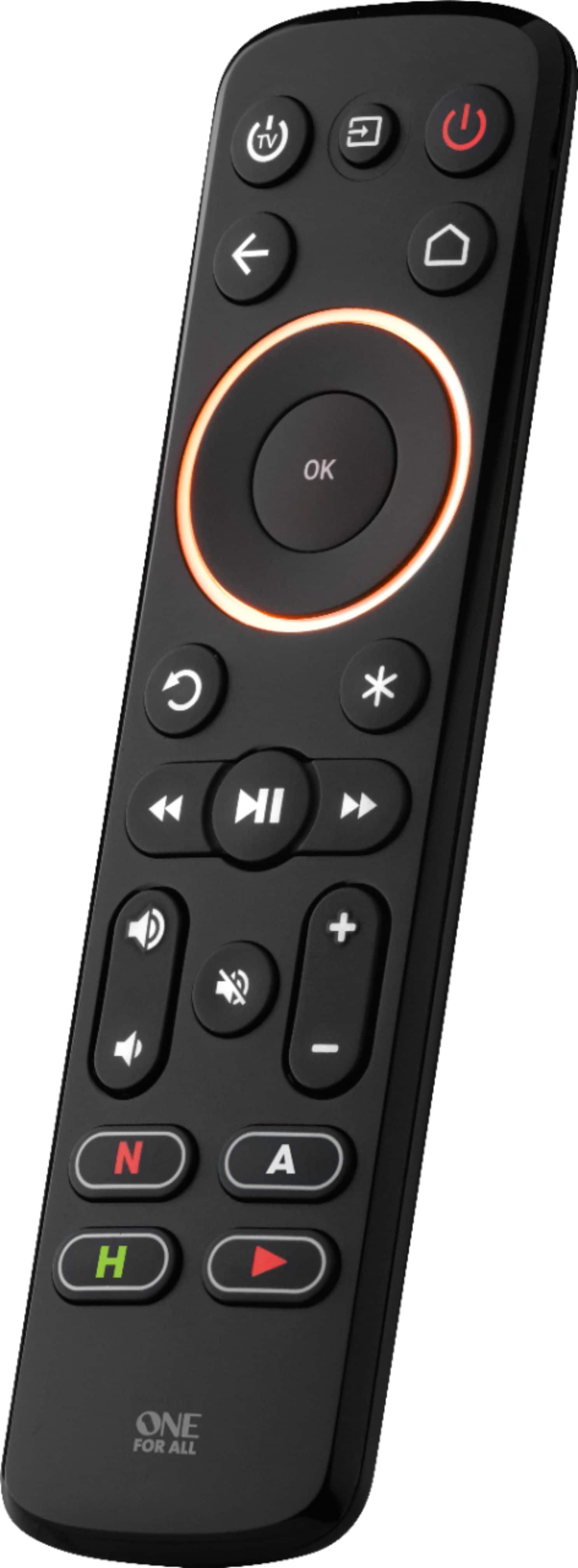
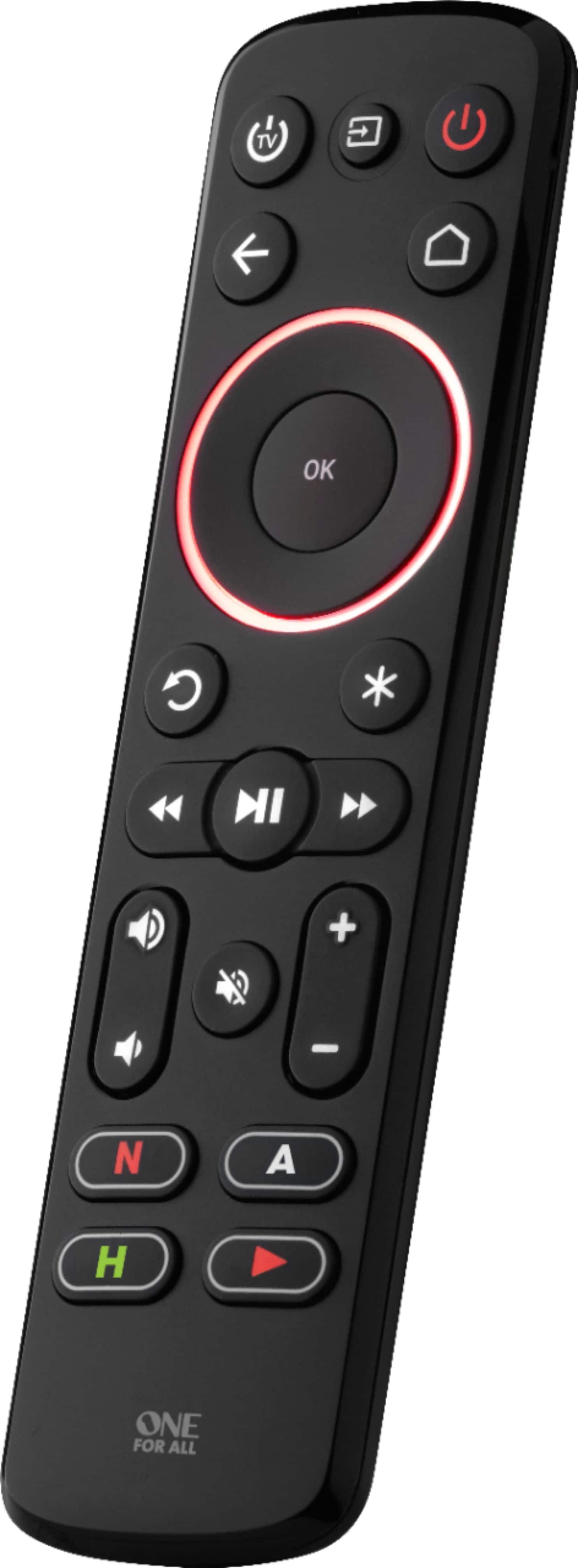
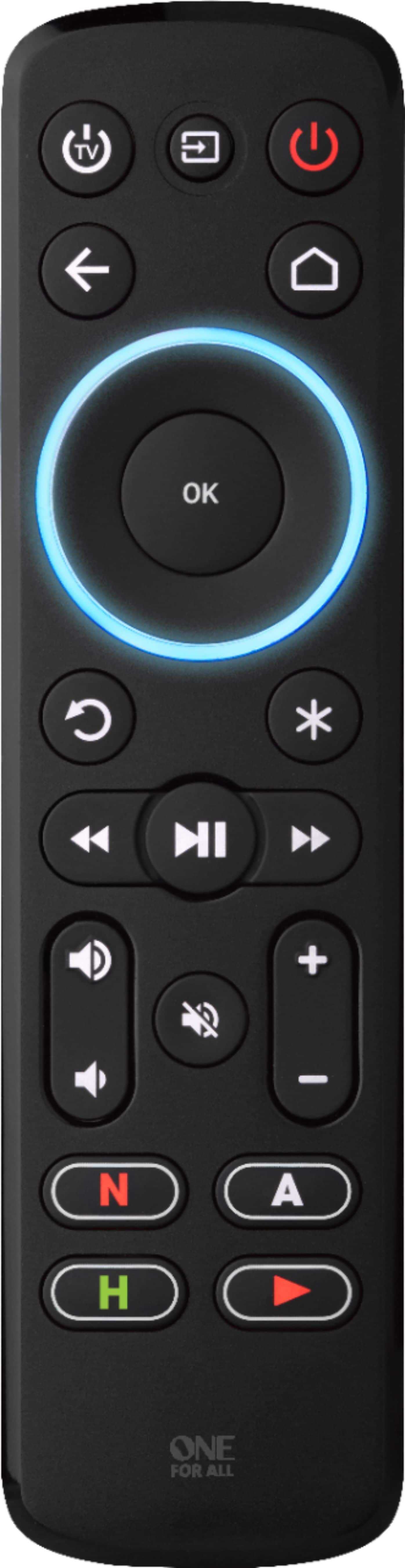
- Model:
- R117935A07-00001
- |
- SKU:
- 6337295
Customer reviews
Rating 3.8 out of 5 stars with 970 reviews
(970 customer reviews)Rating by feature
- Value4.1
Rating 4.1 out of 5 stars
- Quality4.2
Rating 4.2 out of 5 stars
- Ease of Use3.8
Rating 3.8 out of 5 stars
Customers are saying
Customers commend the Streamer Remote for its ease of use, overall performance, and intuitive setup. Many appreciate the added volume control, reasonable price, backlight, and well-thought-out design. However, some customers have reported compatibility issues, connectivity problems, and concerns about button functionality and battery life. Additionally, a few found the programming process to be somewhat unintuitive.
This summary was generated by AI based on customer reviews.
- Pros mentioned:Ease of use, Overall performance, Setup
Rated 4 out of 5 stars
Good easy to use remote
||Posted . Owned for 1 month when reviewed.This reviewer received promo considerations or sweepstakes entry for writing a review.It was pretty easy to set up. Turns on TV and apple box at same time. So far it’s working to control all the navigating on Apple device.
I would recommend this to a friend - Cons mentioned:Compatibility
Rated 4 out of 5 stars
Good, not great...but not bad either.
||Posted . Owned for 3 weeks when reviewed.This reviewer received promo considerations or sweepstakes entry for writing a review.Decent infrared remote. Some codes for certain manufacturers don't seem to have key repeat so keys have to be pressed repeatedly instead of being held down, which is a bit annoying. It also doesn't properly support some Samsung devices (like TVs from the last 5 years or so). You can power on and off, switch inputs, and control TV volume, but eARC volume control is spotty and many other buttons don't work. Older Samsung remotes can be used to train this remote, then it'll work since the newer TVs still receive infrared commands, but the new TV remotes can't train this remote because they don't use infrared. Those shortcomings aside, it is relatively flexible and has turned out to be a good-enough choice to use for basic TV + soundbar operation in combination with controlling KODI on a PC via FLIRC and EventGhost. For many advanced TV/audio amp/soundbar features, you will probably need the device's specific remote, so keep them handy. Overall it's a decent IR remote for the price.
I would recommend this to a friend - Cons mentioned:Battery life, Compatibility
Rated 3 out of 5 stars
DOES NOT WORK WITH ROKU STICK
||Posted . Owned for 1 week when reviewed.This reviewer received promo considerations or sweepstakes entry for writing a review.It is not clear on the website but this remote will not work with any Roku device that uses Bluetooth, such as a Roku stick. Additionally, I purchased this for our camper TV which has never had a remote. With this one, the only functions you can change on the TV is the volume, and power. Everything else you must program into the new remote by using the "learn" function. This is required to be done by using the old remote, so it can copy the IR signals..... I purchased a universal remote because I DID NOT HAVE AN OLD REMOTE. It seems a little assinine to require a working remote just to get it to change the channel. Also the remote requires FOUR AAA batteries. Four?! Thats a little much.
No, I would not recommend this to a friendBrand response from One For All
Posted .Dear Jesse, thank you for your review of our URC 7935. This remote is indeed only compatible with devices which are controlled via infrared. We are very sorry if this was not stated clear enough. Also, it is mainly purposed for the use of streaming devices in combination with TVs not as a TV replacement remote. We would be more than happy to help you find the right remote for your TV. Please, feel free to contact us via this link https://www.oneforall.com/en-us/webform or via Facebook messenger. Best regards, Your One For All team.
- Pros mentioned:PriceCons mentioned:Programming
Rated 4 out of 5 stars
Replace my Apple 4k controller
||Posted . Owned for 3 weeks when reviewed.This reviewer received promo considerations or sweepstakes entry for writing a review.This is way cheaper than Apple fancy controller. Programming took a while to learn all the buttons from original Apple controller. Instruction isn't clear but there are videos on youtube.
I would recommend this to a friend - Pros mentioned:Ease of useCons mentioned:Compatibility
Rated 3 out of 5 stars
Worked awesome, and then stopped. Perhaps operator
||Posted . Owned for 8 months when reviewed.This reviewer received promo considerations or sweepstakes entry for writing a review.I don’t know if it’s operator error or what, but we have bought two of these remotes. The first one we bought was a gift for my parents. They’d just bought an Apple TV and the remotes for Apple TV’s are infuriatingly sensitive and not-intuitive, especially for older generations. This remote, once paired, was exactly what my parents needed — bigger buttons, clicks, and intuitive buttons/features. The only caveat was the strange workaround for accessing certain apps that would appear on the AppleTV. All was great for them, then when we bought ourselves the latest AppleTV, we also bought this remote, too. Again, all was well for a few months and then suddenly it stopped working. It wasn’t a battery issue. We think it may have been either a TV software update (Toshiba) or an AppleTV update that stopped working with this remote. I got so frustrated trying to troubleshoot, I gave up and kind of adapted to using the awful AppleTV remote. I may give this another try when I have some time to kill, as I really liked it at first.
No, I would not recommend this to a friendBrand response from One For All
Posted .Hello Nadia77
Im sorry to hear about your issues with apple tv, I don't know why it would change in an update but in my experience with apple tv's they will lock them selves down and no longer accept inputs from Ir remotes if a apple tv remote is paired. Perhaps one got paired and then it stopped accepting IR? other than that im not sure why it would stop working if you want to take a look at it we would be happy to help at support 716-2573.
Monday to Friday: 10AM - 6.30 PM (EST)
BB One For All Support
- Pros mentioned:Overall performance, SetupCons mentioned:Compatibility
Rated 5 out of 5 stars
Nice design
||Posted . Owned for 1 month when reviewed.This reviewer received promo considerations or sweepstakes entry for writing a review.Have a Roku TV and the remote died. The Roku phone app remote is also a little unreliable (works great until it stops working and has to be reset). Picked this up to fill in the gaps when the app isn't working. Easy and reasonable intuitive setup. Would have been nice had Hitachi been a preset, but worked on the first try after inputting a Hitachi code. Not expensive, but does not feel cheap.
I would recommend this to a friend - Pros mentioned:Ease of use, Volume controlCons mentioned:Compatibility
Rated 3 out of 5 stars
Good except for one big thing
||Posted . Owned for 1 month when reviewed.This reviewer received promo considerations or sweepstakes entry for writing a review.Setup was pretty super easy with my Samsung TV and Roku, except that I found out after the fact that it doesn't work with Roku sticks, only the Ultra. Works fine with that, but I needed it for my Roku stick since I lost the remote. That's why I bought it. Also can't find a way to make it turn my Bose system on. It will control the volume well, but can't turn it on/off.
I would recommend this to a friendBrand response from One For All
Posted .Hello ibob
I do understand the frustration but unfortunately the Roku stick does not have IR and our remotes use IR. In Regards to the Bose system there is no power for it on the remote it can only control the volume.
BB one for all Support
- Pros mentioned:Ease of use, Price
Rated 5 out of 5 stars
Absolute Outstanding value! Highly recommended!
||Posted .This reviewer received promo considerations or sweepstakes entry for writing a review.I never write reviews but this remote is so terrific I just had to comment. I’ve tried two top of the line Harmony systems, a URC remote as well as others before. This blows the Harmony out of the water, works as well as the URC but for a fraction the cost (and much easier to setup and handle) and crushes everything near its price range. If you have a lot of functions you’re trying to handle (i.e. truly replace an AV receiver remote), then spend the money, get it professionally set-up and go with URC, Control 4, etc., but if you just want to control a couple of buttons on your AV receiver (volume, power, etc.) or have a sound bar or simple want to upgrade the cheap remote that comes with most TV’s or a Roku box, this little unit is a steal and works to perfection once you find the right code. Have some patience as this might require emailing One4All or looking on a message board (I have a TCL Roku TV, which required looking at the Best Best reviews and manufacturer responses, to find the correct code or button combo) but that’s the price of buying a $25 remote that hits way beyond its weight class. One a scale from 1 to 10, I ‘d give it an 11.
I would recommend this to a friend - Pros mentioned:Ease of useCons mentioned:Compatibility
Rated 4 out of 5 stars
Check compatibility
||Posted . Owned for 1 month when reviewed.This reviewer received promo considerations or sweepstakes entry for writing a review.Nice easy to use remote. Not compatible with Fire stick. Easy to use up. Durable. Buttons light up incase it is dark in the room.
I would recommend this to a friend - Pros mentioned:Ease of use, Setup
Rated 4 out of 5 stars
Decent Product, Limited
||Posted . Owned for less than 1 week when reviewed.This reviewer received promo considerations or sweepstakes entry for writing a review.This is a great remote if you don't like the Apple TV remote which is why we tried it. Very easy to set up and get the basic functions, but the one button/command I tried to "learn" to the remote, it did not work. It did not really alter the functionality, but curious as to why it did not work as learning is supposed to be possible.
I would recommend this to a friend Rated 3 out of 5 stars
Pros and Cons
||Posted . Owned for less than 1 week when reviewed.This reviewer received promo considerations or sweepstakes entry for writing a review.I bought two (2) for my devices in two different rooms in the house. I ended up keeping one and returning the other. This review is for the remote control that I am keeping. I hope the following pros and cons will somewhat help you make a decision if you should buy or not. Pros: (1) Good physical form factor and good button layout. The remote control feels good in its size when I hold it in my hand. The buttons are well positioned in my taste. (2) The printed manual for initial setup has good instructions overall (but can also improve as you will see below in the cons). (3) I like the backlit feature. Sometimes I watch TV in darkness and the backlit makes a big difference. (4) I had to call customer service twice for troubleshooting setup problems. Both representatives were polite and knowledgeable, and available to take my calls in no time. I was pleasantly surprised that I didn't have to wait when I called for support. (5) The manufacturer of my TV is Hannspree, a very obsolete brand over a decade old. Most remote controls don't support this brand, but this remote control has a code available. Nice! (6) Linking the remote control to Roku Premiere streaming device is a breeze. (7) Linking the remote control to Onkyo Stereo Receiver is barely OK experience and not great, even though the setup claims it should be easy, but it is not. I got to work eventually after having to take an unnecessary step. See my Cons below. This experience can improve. (8) I paid $15 when it was on sale at Best Buy, so the price was good. (9) This remote control has successfully helped me get rid of 3 old, individual remote controls. The one-for-all claim is valid! Cons: (1) The package does NOT come with batteries. You need to provide your own four (4) AAA batteries. A litte bit cheap practice by the manufacturer. (2) The battery cover in the back of the remote control is very hard to slide out to open it. You have to find the perfect spot somewhere in order to slide out the battery cover. Otherwise, it just won't slide out no matter how gentle or strong you try to push it out, if you don't find that perfect spot. This is not documented in the manual. (3) The connection to Onkyo Stereo Receiver is buggy! Onkyo is supposed to be available via the EZ setup. It did NOT work at all. It is also suppoed to be available via entering a specific code in the remote control. I entered the Code for Onkyo, and it worked EXCEPT for the power button. the Code would turn on the stereo receiver and would NOT TURN OFF the stereo receiver. I assure you that I am not lying here. It was beyond weird experience. I cannot understand how the code can possible just turn on a receiver and cannot turn it off. The Code is buggy. I got frustrated for several minutes and then lightning struck. What if I just use the "learning function" to learn the power button from my old Onkyo remote control to the new one? Huzzah! The learning function did solve the problem, after which I can turn OFF the Onkyo receiver just fine. But why do we have to go through the learning function when the manual clearly says Onkyo is supported via EZ Setup and via entering the Code, both of which do not work. I felt I was lucky and creative enough to use the learning function to solve this problem. (4) The Apps shortcut buttons (Netflix, Hulu, Amazon Prime, YouTube) CANNOT be reprogrammed, to the contrary of the manufacturer's claim. This is further confirmed by the two different customer service representatives when I called and spoke to them in two separate calls. Very disappointing! I don't use Netflix and Hulu, and was hoping I could reprogram the buttons to other Apps. I tried many times and called them twice to troubleshoot. The problem is never solved. While this is disappointing, it is not a deal breaker for me. They should stop advertising that the Apps buttons can be reprogrammed. It does not work. The Hulu button is the worst as it won't even start reprogramming no matter what you do to it. (5) This is very minor, but I wish there were more color choices, not just black. Other colors would make the remote control much easier to find or locate on your coffee table, sofa, or wherever. (6) I returned the second remote control for another room because it totally does NOT work with Roku built-in with TCL TV. It does NOT work even with the missing code in the Best Buy version. It does NOT work in a way that it will NOT save that code once you leave the remote control idle for a few hours. For example, you are done watching at night and then go to sleep. Next morning, the remote control will not turn on the TV and will not turn on the Roku bulit-in Streamer. You will have to go through the setup process each time. I ended up returning the remote control for my second room. Weird problem! Overall, the one I am keeping is good enough. I am happy it has replaced 3 old, individual remote controls.
I would recommend this to a friendBrand response from One For All
Posted .Hello WC2020
Thank you for the feedback it will help us improve our remote going forward, a few things to add as well 6. the remote should work with A tcl roku tv using the codes from the Walmart version. 4. Apps can be reprogrammed as real time macros however you can not change the direct shortcut without learning from a remote that has the shortcut. 3. There is no receiver power button on the remote so it should not control a receivers power.without doing what you did and learning the button.
BB One for all support
Rated 4 out of 5 stars
Great Universal Functionality
||Posted .This reviewer received promo considerations or sweepstakes entry for writing a review.Replaced Sony x950H remote (easily the worst remote ever) with a Sonos ARC for sound. Going in, you just need to realize that this remote is originally intended to turn a TV on/off and use a streaming device that is connected to the TV. Although I have a Roku connected via HDMI, I'm using the Sony Android TV because it works just as well. With that said, after you complete the "out of the box" setup, you just need to program each of the buttons on the OFA remote to what you want from the TV remote. After doing that, it works flawlessly. I did have to "delete" each of the functions and reprogram as I went, but all the controls transferred over. Only thing I couldn't get working was the Netflix, Hulu, Amazon and Youtube buttons. Couldn't get the macro function to work, nor would they program from the Sony remote. They must have fixed the battery cover issue because it was very easy to remove per the instructions. Overall, just what I wanted. Something much smaller, simpler and with backlighting.
I would recommend this to a friend- Pros mentioned:Ease of use
Rated 4 out of 5 stars
Simple and solid
||Posted . Owned for 2 weeks when reviewed.This reviewer received promo considerations or sweepstakes entry for writing a review.I have 4 of these remotes now because of how simple and reliable they are. I love that they are backlit (the main reason I bought my 1st one) but I'm also a fan of how easy they are to program. Solid choice for a basic universal remote if you don't care about programing activities and controlling smart home devices with your home theater remote.
I would recommend this to a friend - Pros mentioned:Overall performance
Rated 4 out of 5 stars
Streamer Remote
||Posted . Owned for less than 1 week when reviewed.This reviewer received promo considerations or sweepstakes entry for writing a review.Not as easy to navigate as I'd like but works fine for the intended purpose.
No, I would not recommend this to a friend - Cons mentioned:Button functionality, Compatibility
Rated 3 out of 5 stars
Not fully compatible with my Sharp/Roku TV
||Posted .This reviewer received promo considerations or sweepstakes entry for writing a review.I have nothing against this remote but, I also do not know how well it works. This is why I gave it 3 stars. After returning the 1st one and finding it's replacement also had same issue, I am certain it isn't compatible with my Sharp/Roku LC-55LBU711U TV. No matter which method I used to program it, the up button would never work. The learn feature gives LED feedback when the "teaching" remote button pressed. So, was sure the up button learned the command. Using my phone camera, could see the IR LEDs flashing a command......just not the correct one.
No, I would not recommend this to a friend - Pros mentioned:Ease of use
Rated 5 out of 5 stars
Worked with Roku Select Plus & older Bose Soundbar
||Posted . Owned for 5 months when reviewed.This reviewer received promo considerations or sweepstakes entry for writing a review.I just bought a Roku made Select Plus 4k tv but I have a 10+ year old Bose solo soundbar that still works great so I don't want to replace it, but come to find out the Bose isn't compatible with the Roku remote even though the optical cable is in place. This One-for-all remote was the perfect solution to turn on each device and use from 1 remote. Just a heads up though, in the One-for-all instructions the Roku made tv's arn't in there, and since the remote runs on RF frequency, the "Learning" aspect doesn't work. The work around I found is to enter the Insignia Roku TV code and that worked for my Roku Select Plus TV. Very happy now, both the old soundbar & the new Roku made tv work off this one remote!
I would recommend this to a friend - Pros mentioned:Ease of useCons mentioned:Programming
Rated 4 out of 5 stars
Excellent Remote, but a bit of a challenge to prog
||Posted . Owned for 3 weeks when reviewed.This reviewer received promo considerations or sweepstakes entry for writing a review.This remote replaces my Apple TV remote (which I despise) and also replaces my samsung TV remote. The functionality is terrific. The programming is a bit counter intuitive. I used a youtube demo to actually program it and that did the trick!
I would recommend this to a friend - Pros mentioned:Volume control
Rated 5 out of 5 stars
I'm really happy with it!
||Posted . Owned for less than 1 week when reviewed.This reviewer received promo considerations or sweepstakes entry for writing a review.Review for One for All Streamer Remote. My setup includes 2023 LG 77" TV, Yamaha receiver with 7.1 Klipsch speakers and Roku Ultra. This remote is perfect for my system. I can turn on/off both the TV and receiver with the two power buttons. I had to teach this remote the power signal using the Yamaha remote but it's an easy task. I can control the volume of the receiver. And, I can control my Roku. The only thing this remote doesn't have is the microphone. It would be really nice if it did, but that is a minor omission overall. I'm extremely happy with how this one remote has replaced the Yamaha and Roku remotes that I had to use before. I even reprogrammed the Netflix button to go to the DirecTV steaming app that I use. There are a lot of instructions included with this remote but if you take your time and follow them, this remote really works great. It seems to be well-built and a higher quality remote than some of the cheaper ones.
I would recommend this to a friend - Pros mentioned:Ease of use
Rated 5 out of 5 stars
Very good, but missing voice control
||Posted . Owned for 1 month when reviewed.This reviewer received promo considerations or sweepstakes entry for writing a review.Using this to replace Apple TV remote; with a Samsung TV (2017) & Samsung sound bar. Everything works perfectly (almost always). Compared to the Apple TV, it is simply easier to control everything, plus the size makes it easier to locate the device itself as well as the buttons. The only negative is there is no voice control. With that said, we tried it first with another Samsung TV in the house also with Apple TV, but with a Sono's sound bar that was group with other Sonos and we did not have the same positive results. Would say if you have a basic setup this remote should work great. If you have a home theater setup you might have issues. But, it still might be worth trying to replace an Apple TV remote if you are looking for something just a bit bigger, and easier overall control of both the AppleTV as well as the Television.
I would recommend this to a friend - Pros mentioned:Ease of use
Rated 5 out of 5 stars
Nifty
||Posted . Owned for 11 months when reviewed.This reviewer received promo considerations or sweepstakes entry for writing a review.A great solution if you're looking for something simple that will control your TV and a Roku. I lost the remote for a smaller TV that isn't hooked up to an antennae, so I didn't need a remote with number buttons. I strictly use this to power on the TV, control volume, and navigate the Roku, and it does that without issue. Supposedly it works with other streaming boxes and some sound bars too, but I haven't used it for that. The light-up ring is nice for night time viewing, which is mostly what this particular TV is being used for. I have recommended this to some friends, with the caveat that it doesn't have the number buttons for navigating through antennae channels quickly if that matters to them.
I would recommend this to a friend