Customer Ratings & Reviews
- Model:
- 579755
- SKU:
- 11083823
Rating by feature
- Value
Rating 3.8 out of 5 stars
- Quality
Rating 4.6 out of 5 stars
- Ease of Use
Rating 4.4 out of 5 stars
8k sync box
||Posted . Owned for 2 months when reviewed.This reviewer received promo considerations or sweepstakes entry for writing a review.Works better than the older version other one would go to a black screen out of nowhere at times
I would recommend this to a friendDecent
||Posted . Owned for 1 week when reviewed.This reviewer received promo considerations or sweepstakes entry for writing a review.It’s a decent product. Hasn’t messed up yet like the old version. Fingers crossed.
I would recommend this to a friendLOVE IT
||Posted . Owned for 2 weeks when reviewed.This reviewer received promo considerations or sweepstakes entry for writing a review.Makes my tv experience so much more amazing I really can’t not use this anymore it’s a must !!
I would recommend this to a friendGreat Upgrade
||Posted . Owned for 3 weeks when reviewed.This reviewer received promo considerations or sweepstakes entry for writing a review.A lot smoother than the old version, and it works perfect with my AppleTV
I would recommend this to a friendPhilips hue sync box 8k
||Posted . Owned for 1 week when reviewed.This reviewer received promo considerations or sweepstakes entry for writing a review.Easy setup changed from its sync box to 8k much better than the previous one.
I would recommend this to a friendIncluded hdmi cable is really buggy.
||Posted .This reviewer received promo considerations or sweepstakes entry for writing a review.The supplied hdmi cable was giving me issues constantly. The problem is they state it's certified but I would get errors with it all the time. It would kick me out of HBO, Amazon and Netflix saying that there was a problem with the hdmi. I have since changed the hdmi to one of my own and it seems to be working fine now. But poor of them to supply one that doesn't work correctly.
No, I would not recommend this to a friendGood
||Posted . Owned for 2 months when reviewed.This reviewer received promo considerations or sweepstakes entry for writing a review.Great product and easy installation and system integration.
I would recommend this to a friendGreat Upgrade
||Posted . Owned for 1 week when reviewed.This reviewer received promo considerations or sweepstakes entry for writing a review.Worth the upgrade from the standard box, especially with a gaming system.
I would recommend this to a friendOpen-box item was unable to be used
||Posted . Owned for 1 month when reviewed.This reviewer received promo considerations or sweepstakes entry for writing a review.I was unable to use this item due to phillips hue not being able to fully complete the reset / removal of prior user. Intried going through the process multiple times but it never worked. Ingave uo and returned the item.
No, I would not recommend this to a friendWorks great with PS5
||Posted . Owned for 3 weeks when reviewed.This reviewer received promo considerations or sweepstakes entry for writing a review.Works great with PS5. The lights add to the gaming experience.
I would recommend this to a friendJust like the previous Generation but Works!
||Posted . Owned for 1 week when reviewed.This reviewer received promo considerations or sweepstakes entry for writing a review.The Glitchs are gone and works great. Better than the govee system
I would recommend this to a friendAlmost obsolete
||Posted .This reviewer received promo considerations or sweepstakes entry for writing a review.This would be great if my TV didn't have the hue app built in.the app does the same job
No, I would not recommend this to a friendBeautiful but not stable switching
||Posted . Owned for 1 month when reviewed.This reviewer received promo considerations or sweepstakes entry for writing a review.I used it with lg g4 and Sony HT-A7000 soundbar, the switching lag is horrible it takes some time more than 10 seconds and need to restart all devices to work, beautiful but not stable
I would recommend this to a friendDesync issues
||Posted . Owned for 1 month when reviewed.This reviewer received promo considerations or sweepstakes entry for writing a review.It’s ok but not as stable as the 4k one. Desyncs often.
I would recommend this to a friend- Cons mentioned:Connectivity
Not ready for Release.
||Posted . Owned for less than 1 week when reviewed.This reviewer received promo considerations or sweepstakes entry for writing a review.Loses connection constantly, takes several tries to get it to connect to WiFi. Great when it works but only works for one day and then I have to spend hours on end to get it to work again.
No, I would not recommend this to a friend - Cons mentioned:Connectivity
Not brand new
||Posted . Owned for 2 weeks when reviewed.This reviewer received promo considerations or sweepstakes entry for writing a review.Arrived open box and doesn’t function. I’ve had the previous and am aware of the struggles. Chose to pass up on this one
No, I would not recommend this to a friend Scammed from Best Buy
||Posted . Owned for 1 month when reviewed.This reviewer received promo considerations or sweepstakes entry for writing a review.Bought this from the Atwater Village Best Buy and came home to see someone had opened and swapped the device inside. Tried to return it the next day and was accused of doing the swap? Wouldn't recommend buying form Best Buy.
No, I would not recommend this to a friendSay "good bye" to your soundbar...
||Posted . Owned for 1 month when reviewed.This reviewer received promo considerations or sweepstakes entry for writing a review.I have Lg G3 and Lg S90QY sound bar. Whatever I do, I can not get sound with HDMI. My all cables support HDMI 2.1 e-arc. If you say goodbay to your soundbar you can try.
No, I would not recommend this to a friend- Pros mentioned:HdmiCons mentioned:App

Immersive, Color-accurate Lighting Experience
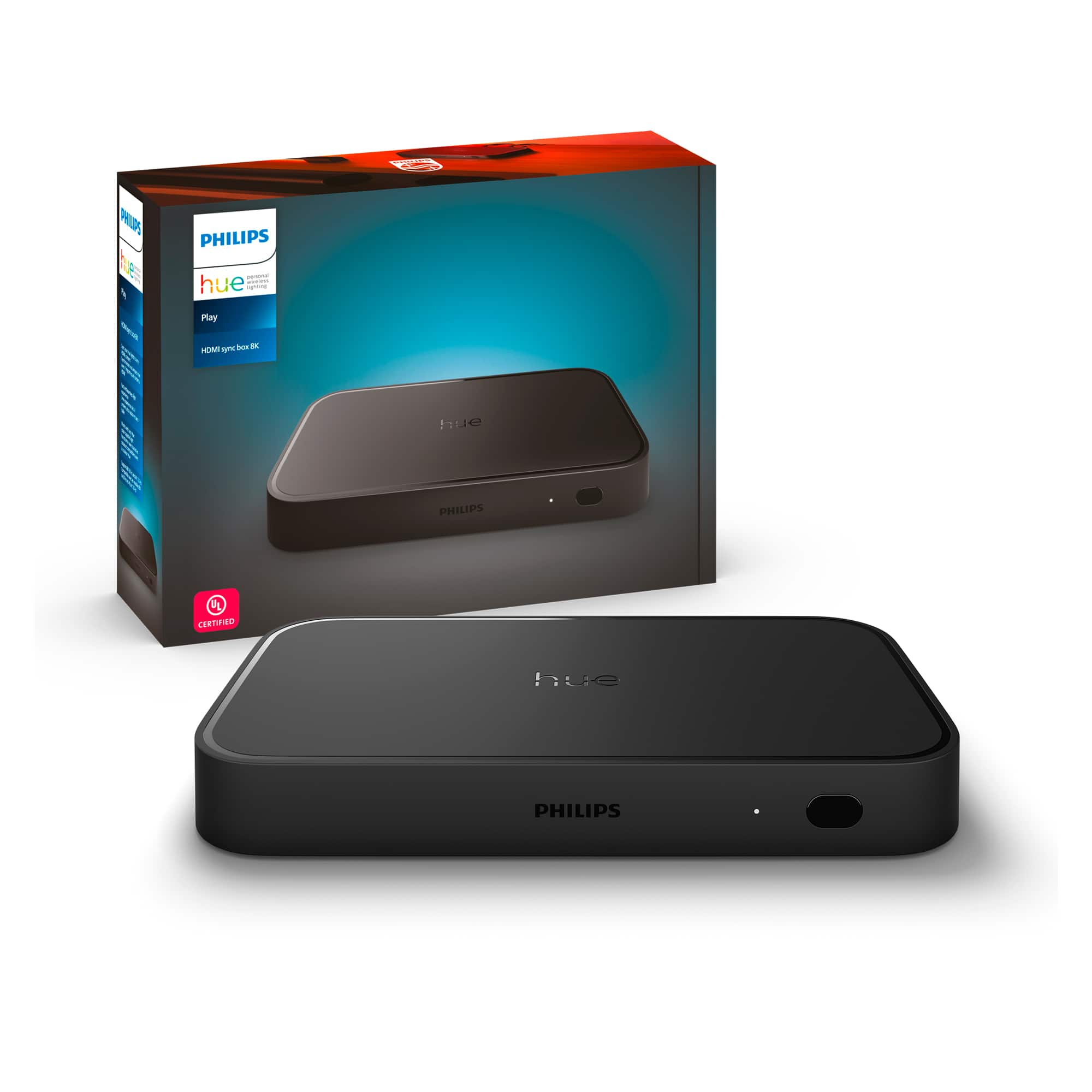
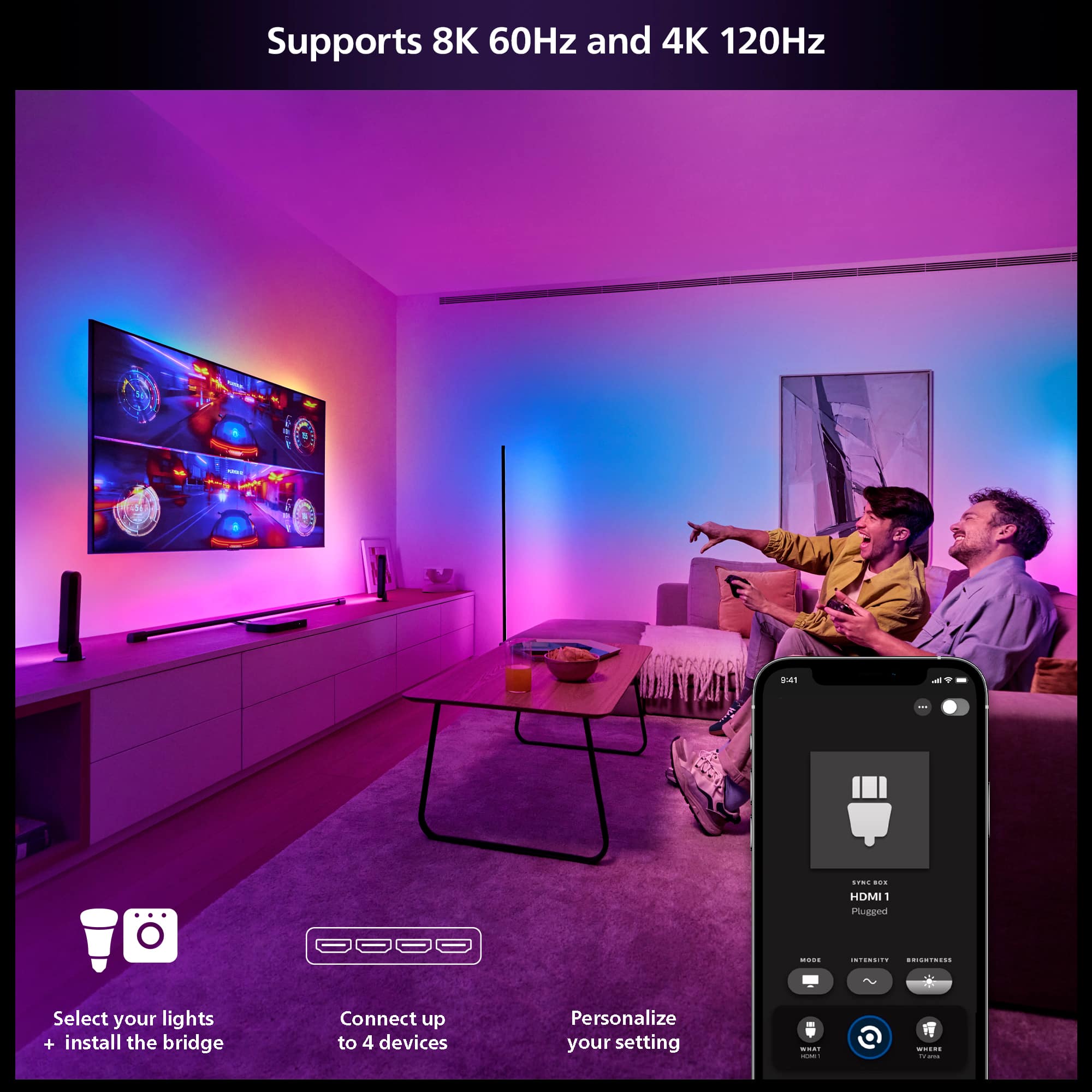
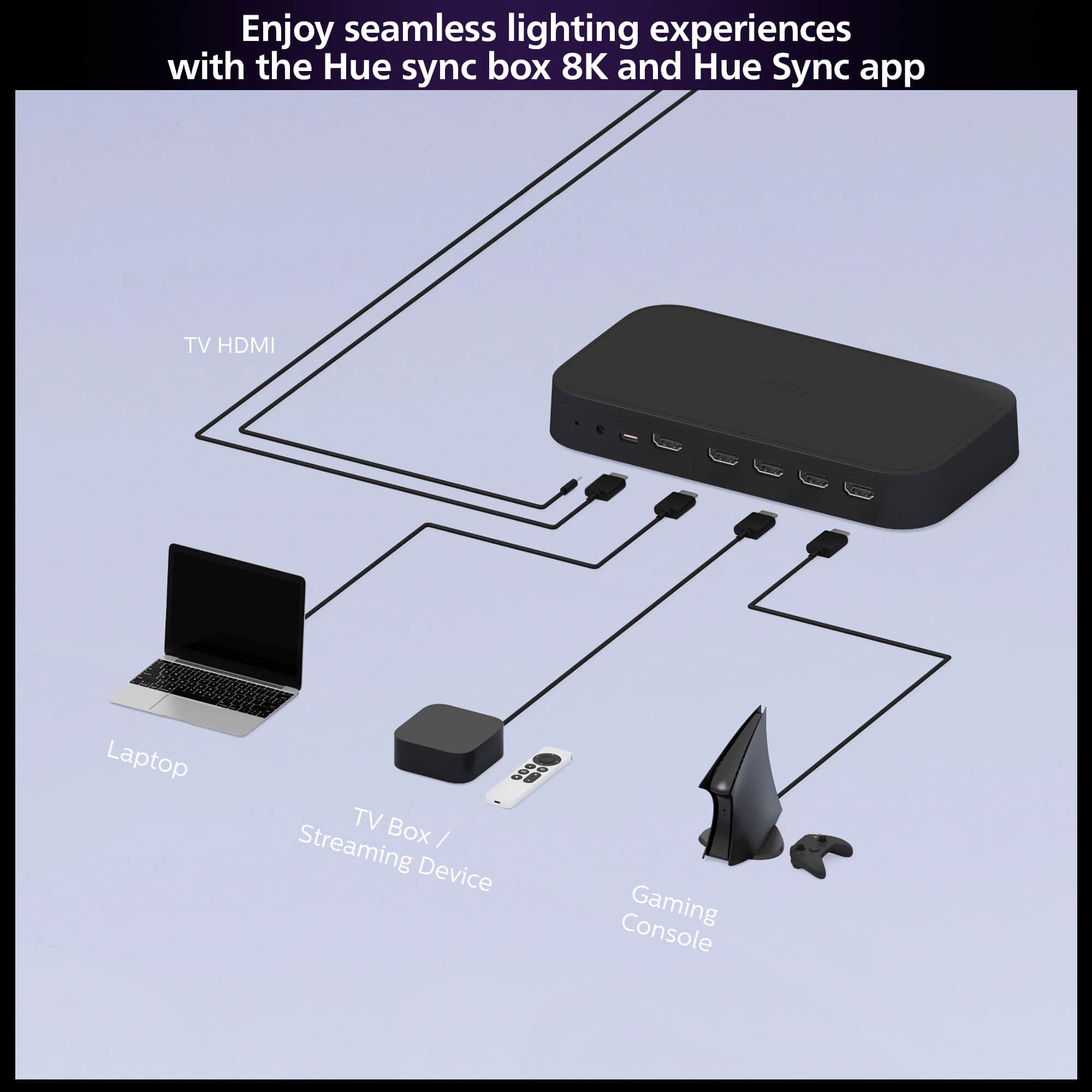
|Posted .This reviewer received promo considerations or sweepstakes entry for writing a review.I've been testing the Hue Play HDMI Sync Box for the last week. I already have a Hue bridge, recessed lights, and a non-gradient light strip for my TV. Overall, I enjoyed the immersive experience of the Sync Box and the color-accurate lighting experience it provides. However, the large powerbrick and Hue app integration could be beter. In the box was the Sync Box, an 8K-capable HDMI cable, and a hideously large power brick. Physical installation was fairly simple, but adding it to my network and getting the Hue app to add the Sync Box was not very seamless. I plugged my streaming stick into one of the 4 inputs and plugged the Sync Box output into my TV. Connecting it to my network required me to connect to the Sync Box wirelessly, then scan the QR code on the bottom of the Sync Box. It took roughly 3 tries before it finally connected. With that said, I would recommend ensuring the Sync Box setup is complete before concealing it behind your TV. With the Sync Box installed and connected to the Hue app, I subsequently had to set up the Areas. This is where I picked which lights I want to work with the Sync Box. I recommend setting up an area for just the backlight, and another area for the backlight and some room lights. Watching TV with just the backlight is the most comfortable for everyday viewing. The lights were extremely responsive to changes in the content being viewed. Within the Hue app, there are 4 levels of responsiveness. I liked the slowest one best. The colors it displayed were perfectly matched to the content I was watching, and I was happily immersed. As I mentioned earlier, I also created an area that used some of the room lights along with the backlight. This configuration is best used for specific viewing conditions because, it can be too immersive, meaning immersive to the point of annoyance. The Sync Box not only can sync with the colors displayed on the TV, but it can also sync with the sound. Meaning instead of matching the colors displayed, it will provide a light show that is synced to the music you are listening to. One thing I didn't like about the sync box was the fact that only one device can be used to control it. Meaning that since I set it up with my phone, I have to use my phone to control it. If I want to use my tablet or other device to control it. I would need to go through the entire setup process again. In short, the Hue app integration could be better. With all that said, I do like the sync box and I would reccomend it.
I would recommend this to a friend Awful
||Posted . Owned for 1 month when reviewed.This reviewer received promo considerations or sweepstakes entry for writing a review.Best buy did not send me the correct product, nor did they honor the purchase and correct the issue.
No, I would not recommend this to a friend