Customer Ratings & Reviews
- Model:
- 579755
- SKU:
- 11083823
Rating by feature
- Value
Rating 3.8 out of 5 stars
- Quality
Rating 4.6 out of 5 stars
- Ease of Use
Rating 4.4 out of 5 stars
- Pros mentioned:Refresh rate

Syncing Devices to Ambient Light
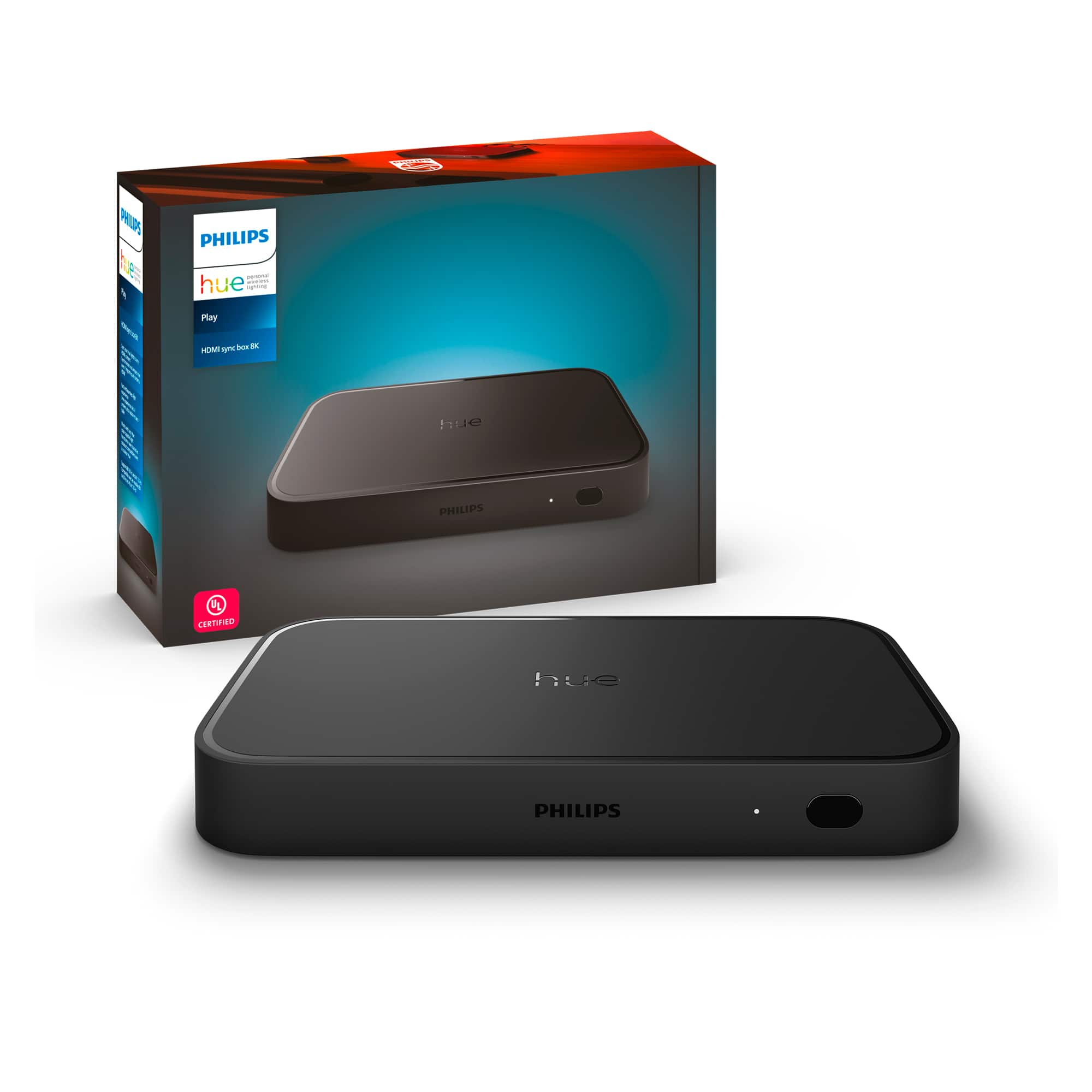
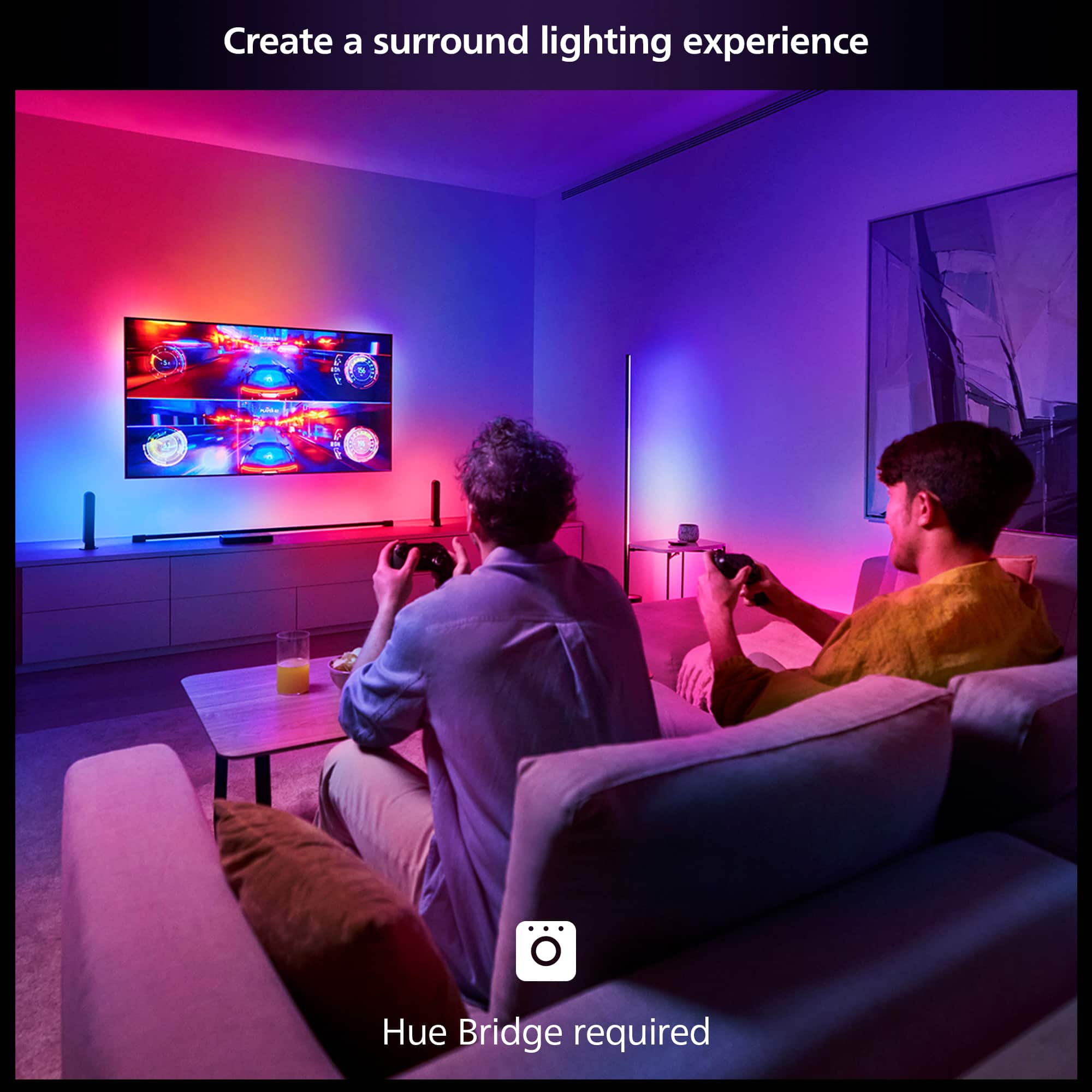
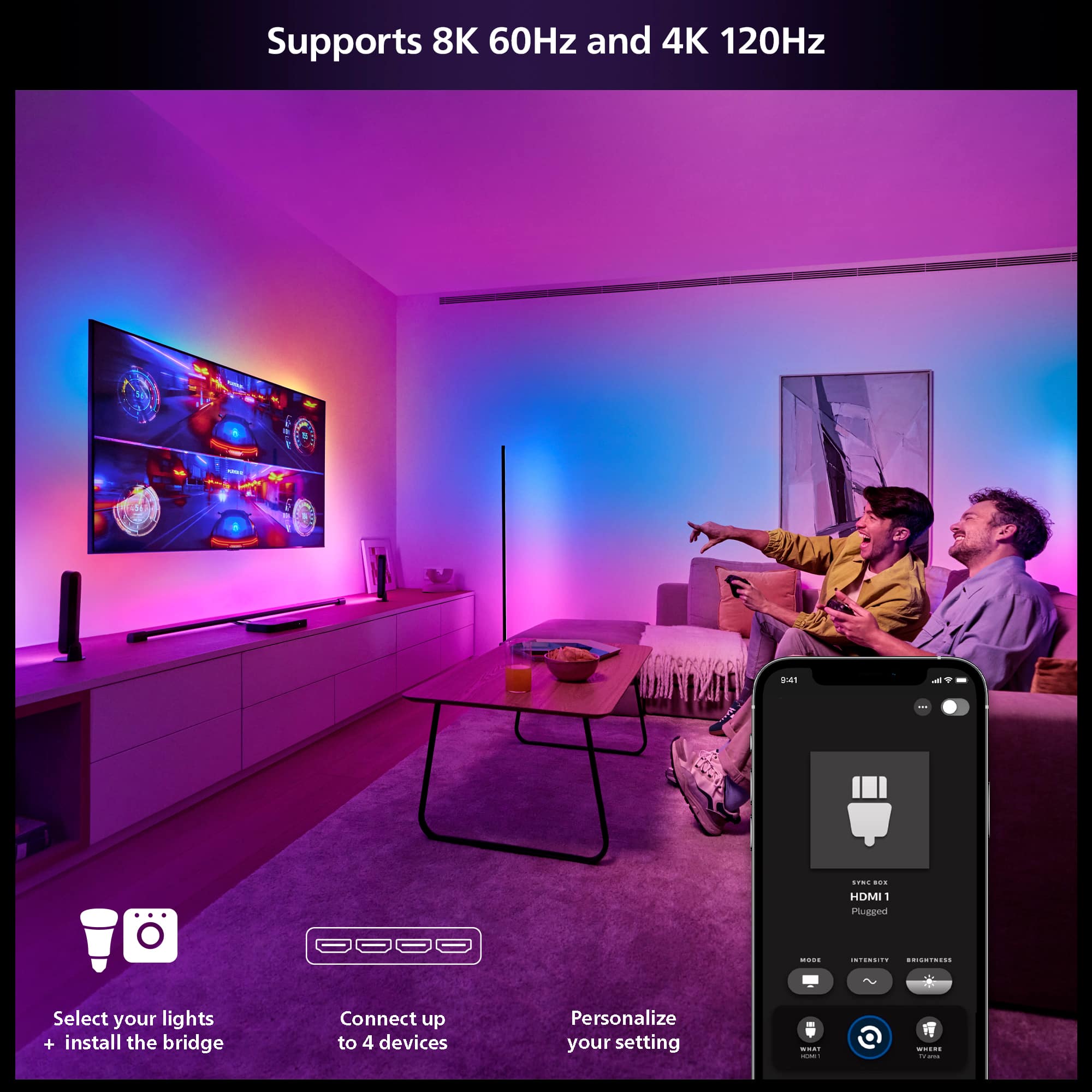
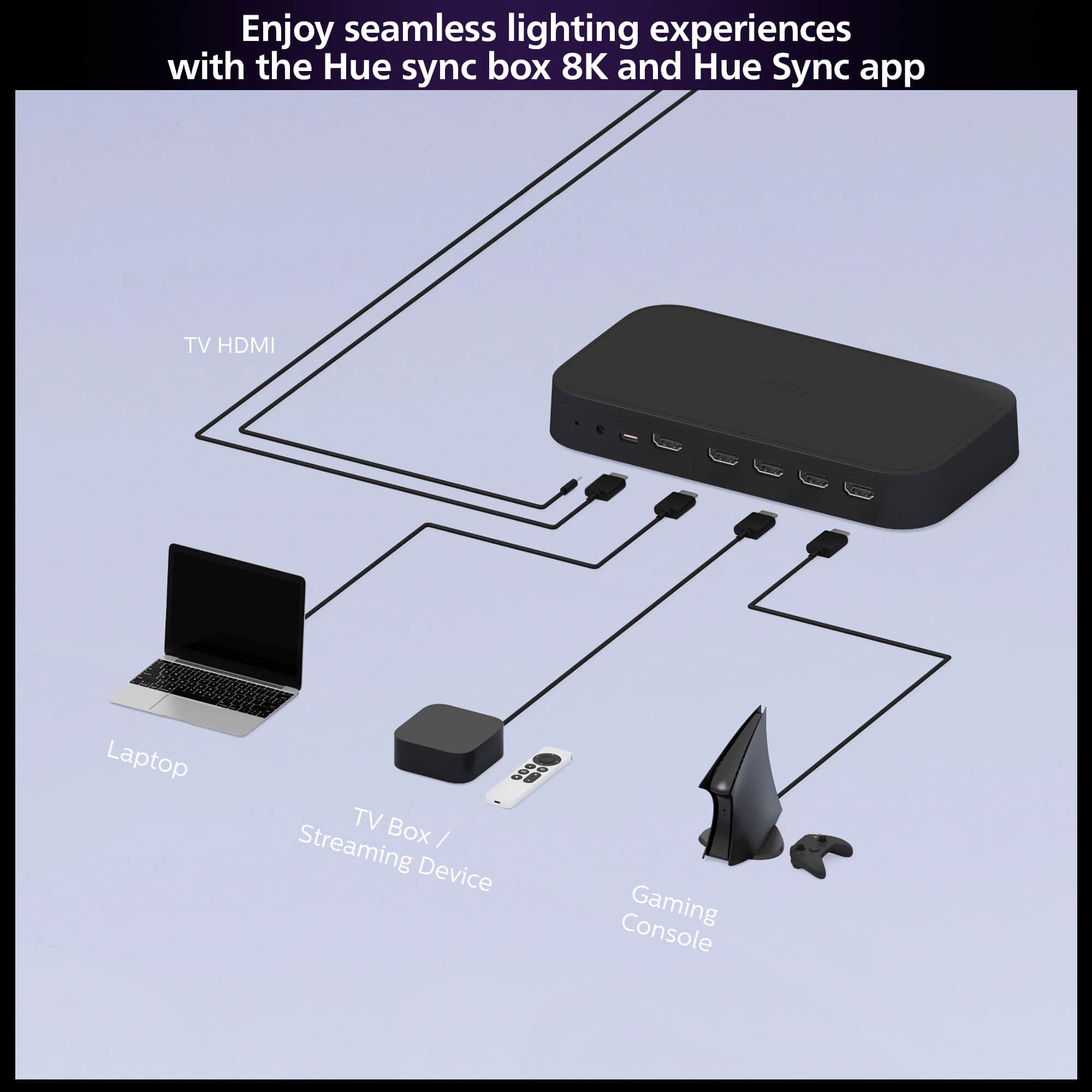
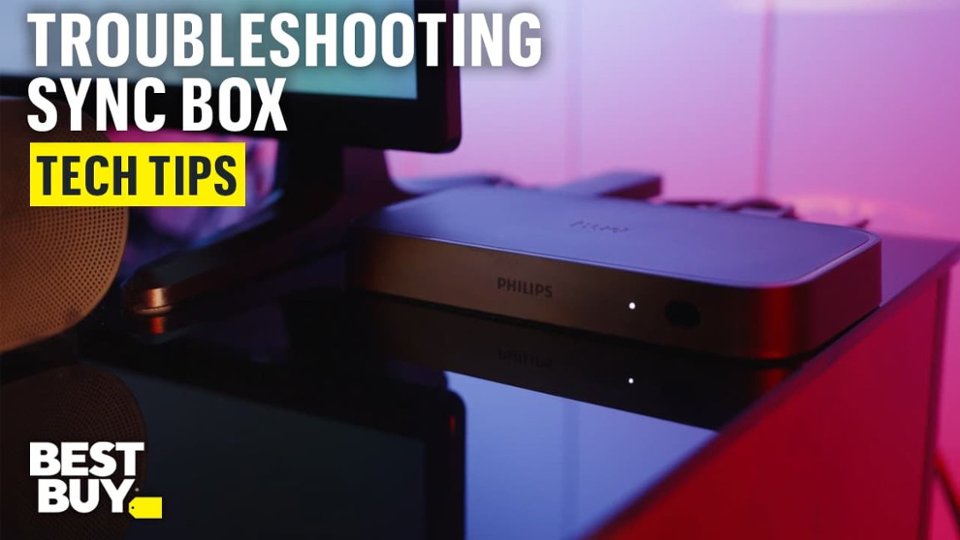
|Posted .This reviewer received promo considerations or sweepstakes entry for writing a review.The Philips Hue Play HDMI Sync Box 8K is a luxury upgrade to an already sophisticated, high end lighting system. Buying in to the Philips Hue family is an investment that this sync box expands off of. I have had multiple Philips Hue lights throughout the house, including a gradient Lightstrip behind the TV and this Play Sync Box brings that backlighting to life. This is my first sync box and I am happy to add it to the lighting collection. The sync box enables the ability to sync Hue smart lights intensity and color with projected on screen media. Unboxing is quick (the sync box, adapter and HDMI with simple instruction book) and the sync box is packaged well with an outer layer of protection to keep a sleek appearance. Size is about that of a large women's wallet. The Philips Bridge is required for use, a separate item from both the sync box and lighting. It is important to note this. The sync box has up to 4 HDMI inputs available, allowing for 4 devices and overall cord reduction to the TV if previously HDMIs were directly connected to the TV mounted on the wall. One of my biggest aesthetic complaints is that the Hue Bridge is not black also. The black box set up beside a white box, just is silly to me when it comes to decor/display. This 8K box with HDMI 2.1 allows for high resolution display; actually beyond most of my device capability, and for myself this helps to ensure that the sync box is not my limiting factor in set up. You can get 4K at 120Hz, which for the gaming inclined is an ideal feature. I did have to swap out an amazon HDMI cable because it kept cutting out or not displaying at all, but once the HDMI was replaced, no further issues on that front. The Hue app allows for set up and personalization. Set up was moderately easy, having the Hue app connected with the bridge and lights and then setting up the sync box through this application. The sync box took a few minutes to update upon initial setup. Then set up the area within the app regarding the lights wanted synced with the TV. This can be used with Nintendo Switch (along with the other gaming consoles that are HDMI capable), which was the trial console for me as it was near the TV at time of setup and use. The features worked well with the Switch, expanding the color and lighting past the TV iteslf in a vivid way. Philips information packet in the box mentions laptop (by a picture) I have not tried this yet but plan to hook-up my laptop and see how that goes next. With all that being said, be aware of product limitations when purchasing this item, as I had not realized a large one that is detailed in the features section of the listing but not the initial forward information page. This was my own fault for not reading carefully, but beware. This device allows syncing to HDMI devices ONLY. You are not able to sync to TV applications; therefore, if you stream all media only through the TV, this device is not a good fit for yourself - considering it is an 8K HDMI box, it would stand to reason that makes sense; however, it does not allow for use with applications at all. My wife and daughter were a bit disappointed at initial set-up as they often use Disney plus directly through the TV, but with some preparation this can still be achieved using Apple TV or another HDMI streaming box/device. This is absolutely a novelty item, having backlighting for a television matching the display. We all know who we are as the ones this is made for, and if have already bought into Philips Hue, quality is consistent. If you are one of my people, this could be the fit for you.
I would recommend this to a friend - Pros mentioned:Ease of use, Hdmi
Beautiful and fun
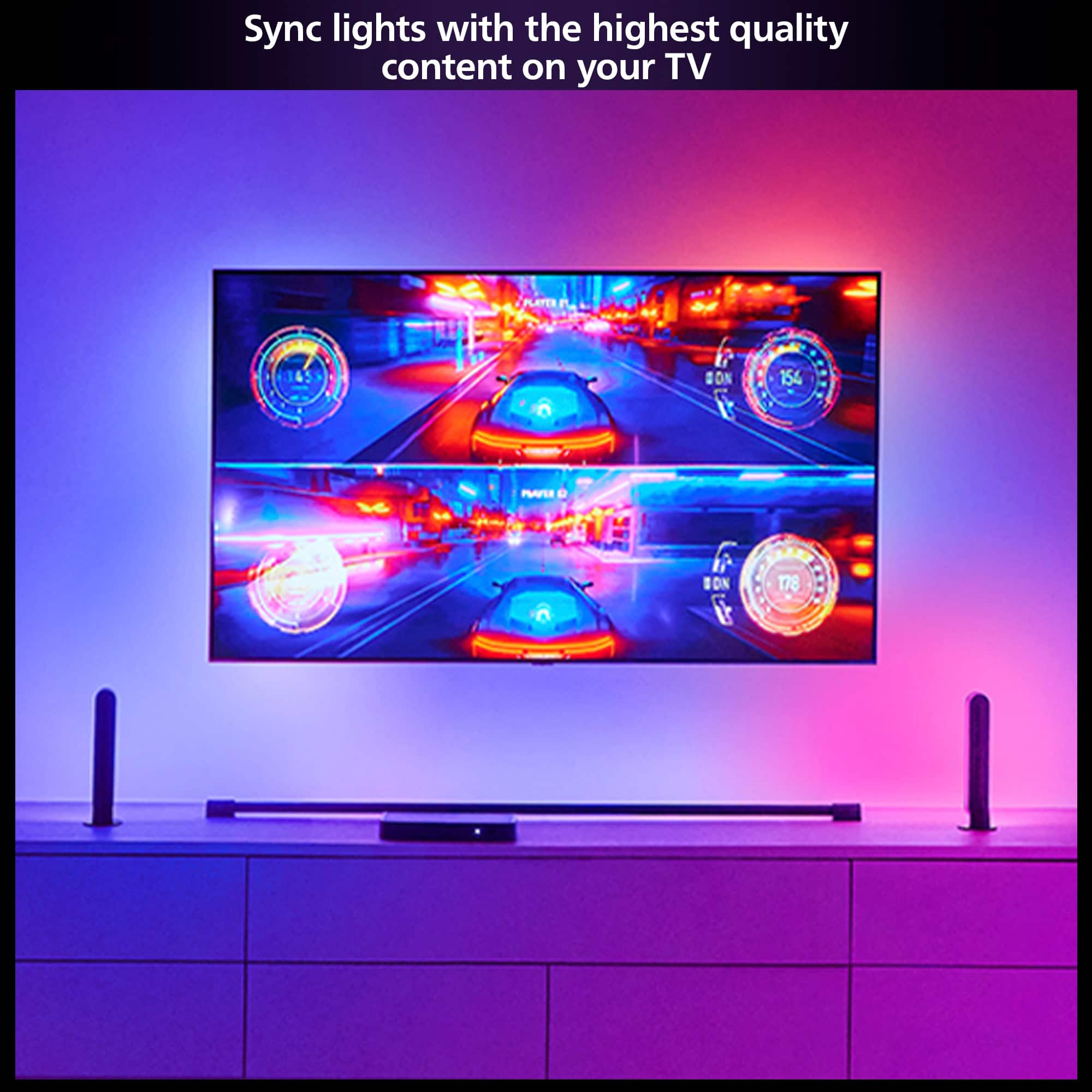
|Posted .This reviewer received promo considerations or sweepstakes entry for writing a review.I have to say, I was a little concerned about this box, I didn't know much about it and I've had issues in the past with HDCP compliance on things that connect via HDMI for interesting features. It's good to see that Philips has gone the extra steps to make this compliant with not only HDMI 2.1 but HDCP compliant as well. Anyways, the fun part. For those of you with Hue bulbs this allows you to sync those bulbs to the lighting currently happening in whatever content you are watching, this allows for a more immersive experience in that content. Previously I've used the light strips that stick to the back of the TV with a camera pointed at the TV but the success with those, while reasonable, is not going to be as good as signal source, like this is. Set up was easy, pairing and creating scenes in the Hue app was also easy. The responsiveness is great, but hue is a very mature ecosystem in the smart lighting space so it really worked as expected and works great. This device is future proofed being 8k capable and most TVs being 4k at this time, so it really has it all. Bottom line, if you're in the market to upgrade your home theater experience to be a bit more immersive, I strongly recommend this, it adds an element to everything you watch.
I would recommend this to a friend - Pros mentioned:Hdmi, Overall performance
Up to date performance
|Posted .This reviewer received promo considerations or sweepstakes entry for writing a review.This sync box replaces the 4K version specifically to take advantage of the HDMI 2.1 capabilities. Once up and running, everything works to standard as expected. While I rate this a 5-star, I want to point out a few issues in set-up that caused some frustration. What isn't in the directions is that in order to add the 8K box to the app, I had to delete the 4k box. This was preceded by several aggravating failed attempts. Once the 8K was added, I had no issue adding the 4K back but mentioning this would have saved lots of time. Maybe this will be fixed for later adopters in a software fix, Secondly, not to the issue of Philips, if you're not getting full functionality, check your cables. With the new box, you will need cables that can handle the new bandwidth. Don't assume your box is defective before checking this. With those out of the way, you are updating and future proofing your Hue set-up and taking full advantage of the new content. I have not noticed any new content, but stability, "blackouts," and disconnects seems to have been greatly reduced. Straight forward and direct. Same great functionality with more stability in new and previous content.
I would recommend this to a friend - Pros mentioned:Overall performance
Awesome Addition To Your Home Theater
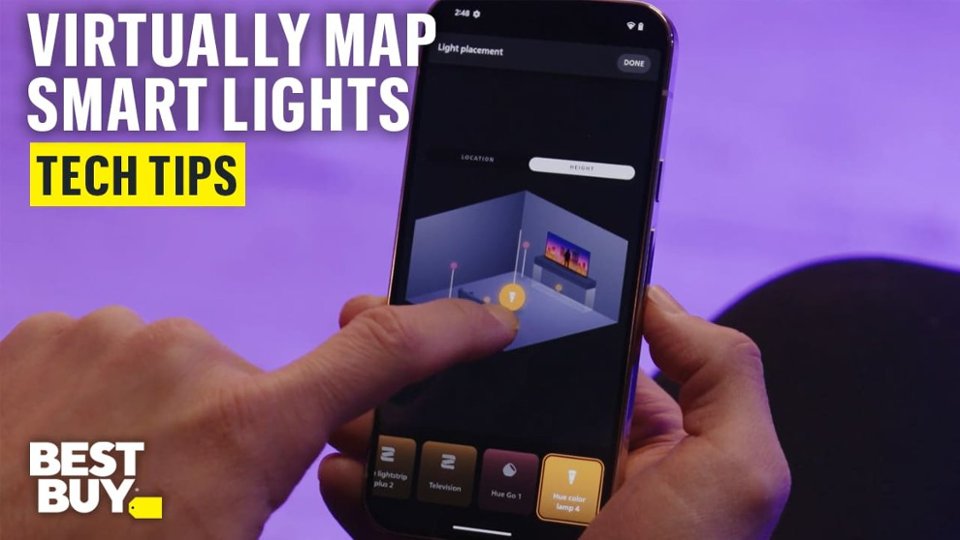
|Posted .This reviewer received promo considerations or sweepstakes entry for writing a review.PROS: • Breathtaking cinema experience • Immersive gaming experience • The ability to adjust the brightness and intensity of the lights • Everything is in the Hue app • Can be controlled as part of your Home Theater by the remotes from other devices or an all-in-one remote CONS: • Very little explanation for the settings within the Advanced tab REVIEW: This Sync Box was an upgrade for me, from the original version. For anyone who has had Philips Hue lights in their home, you know we’ve been waiting for this product for quite some time, and it DOES deliver, but it’s VERY frustrating to get the end result. I use two Philips Hue Play light bars behind my tv. PROS Discussion: The Hue Sync app allows you to adjust the brightness of the lightbars via the app. They can be dimmer or illuminate part of the room, depending on what you are watching. The other key feature is that you can also adjust the intensity, that is, how fast the lights switch in response to the colors on the tv screen. It is a great feature, because you can adjust it to the content of the movie or game. Even with action movies, there is very little time delay for the color switching. Believe me, it really is amazing to have this product; the way you watch movies hasn’t changed much; the way you see them definitely changed. Movies or gaming, the experience is amazing and breathtaking; absolutely immersive. It makes my tv feel like I’m at the theater. When I listen to music, I either stream from my Apple TV, or watch videos. The lights change with what’s on the screen; depending on the source, the music can be captivating, as the lights change with what’s on the tv screen. The picture quality is perfect, even on a true 4K signal. I’m really happy that the learning of remotes works well. CONS Discussion: I might be old school, but when I buy things, I don’t want to run to my computer or iPad in order to download the manual that explains the settings. The adjustments were really not straight forward, and before it worked, it was frustrating beyond belief. HOME SYSTEM: I use the Hue app on an iPhone 14 PRO running iOS 17.6, and 2 seperate iPad running iPad. I have a 65” Hisense 4K UHD (Google) TV, an XBOX One S, and Apple TV 4K. I have a Marantz receiver (5.1 channel surround). I use two Philips Hue Play light bars behind my tv and a gradient bar as well. I use an all-in-one remote hub, Logitech Harmony Hub. Alexa used for commends.
I would recommend this to a friend - Pros mentioned:Hdmi
Works well after setup
|Posted .This reviewer received promo considerations or sweepstakes entry for writing a review.This is a relatively simple device, but despite that, it works well. Setup was a bit of a pain though. This is sort of designed to be an HDMI switch, where you plug your devices into this, then this into your TV. What they don't make clear unless you look deeper into the manual and setup instructions, is that if you're using an AV Receiver, you should plug that into HDMI4 on the Sync box to maintain ARC functions. The other thing is you need to press and hold the button on the front of the Sync box for setup, and then also again on your Hue hub. But then I had to press the button on the Hue hub again to reconnect my app to Hue. Once the Sync box was connected, it wasn't super clear how to add the lights in my living room to the box, but once I did, the steps that followed were pretty straightforward. That is all to say, setup felt a bit cumbersome, and to make sure your Sync box and Hue hub are both reachable until you've got everything setup, then you can tuck those things away out of sight again. Unless of course you do want to use the Sync box as an HDMI switch, which you can. You can select the HDMI input from the Hue app, or by pressing the button on the front of the box. It functions quite well, set on the fastest response speed, had maybe 100-200ms of delay, which I think is tolerable. On the fastest response speed though, fast moving or changing scenes did become a bit distracting. But, fortunately you can turn that down so it's much more tolerable. I'm not sure what the difference between the game and movie modes are though. The only other thing I wish I could control, is on a black or very dark screen, the lights will turn off. I wish they just went to a minimum brightness at a neutral color, so when the scene suddenly brightens (say for instance the brief moment between commercial and the show returning), it's not as jarring; particularly at night. Otherwise, this box works really well, and doesn't seem to introduce any latency with picture or sound, so games and lip syncing are undisturbed.
I would recommend this to a friend - Pros mentioned:Overall performance
Future Proof Lighting Control
|Posted .This reviewer received promo considerations or sweepstakes entry for writing a review.Yes, this updated Gen2, 8K Hue Sync Box is worth the upgrade. Although it may seem similar to the previous gen hue sync box, what I like about this one is the updated software/hardware for bluetooth, HDMI, and 4K gaming give you that extra comfort of knowing compatibility issues won't leave you in the "dark" But seriously though, this unit came well packaged, feels solid, weighty, and well made, and I anticipate long term use without many issues. I must say, since the first Hue bulbs came out over 12-14 years ago, I have not had one item completely break down and I have had numerous items from indoor to outdoor. Phillips Hue just does a great job at making dependable products that get regular firmware updates to ensure longevity. This particular item is awesome because it syncs with apps like samsung tv, apple tv, etc which prior gen did not do as well. It is fast, accurate, syncs whole rooms and because it works so well, you kinda forget you even have it. A+++ and everyone loves the effects when visiting for parties!!
I would recommend this to a friend - Pros mentioned:Hdmi
Take the experience to the next level
|Posted .This reviewer received promo considerations or sweepstakes entry for writing a review.The Philips Hue Play HDMI sync box 8k will enhance your entertainment experience. This device sits between your television and HDMI devices, media streaming players, gaming consoles, etc. It is connected to the Hue Bridge, allowing it to be integrated with your Hue lights and configured with the Hue application. In the Hue application, there is a SYNC button in the application that will enable you to configure how each of the HDMI ports interacts with the Hue lights. You select a mode, such as video, music, or game. You also choose Intensity and Brightness. You can also select which lighting group will be Synced. The Hue lighting will then react to the signal being processed. The sync box remembers your configurations so that you do not always need to have the Hue application running. The lighting adds a dimension to the indescribable experience, a subtle sensory addition that adds positively to the experience. If you are ready to take it to the next level, add this device to your entertainment system.
I would recommend this to a friend Easily sync your lights with on-screen activity
|Posted .This reviewer received promo considerations or sweepstakes entry for writing a review.As a long-time user of Hue lights, I have wanted to sync my light with what happens onscreen. While Philips did have a Sync Box that would do this, the problem though, was that the previous Sync Box wasn't able to utilize some of the newer HDMI features. 4K at 120 FPS and using VRR, I would have to sacrifice several features if I wanted to use the previous Sync Box. All of these things have been addressed with the new Sync Box. Not only am I able to sync what is happening on screen, I can do it without sacrificing any of the features that make my gaming, TV viewing, or movie watching features to do so. The setup process is fairly straightforward, though since I like to try and keep things as tidy as possible, my setup may not be typical for most, which is a credit to the Sync Box for making even my setup an easy process. For my setup, I previously had HDMI cables going from my devices through the wall to my TV, then another cable that goes back to my AV receiver from the receiver to utilize HDMI ARC to transmit audio. My main purpose for this was that my receiver doesn't support some features, but as it was a pricy receiver, I didn't want to replace it. Adding the Sync Box to my setup was pretty painless. Now, instead of having devices connect to the TV through the wall I just have one HDMI cable from the Sync Box to the TV, then another that goes out from the TV to the receiver. Using the Sync Box as an HDMI switch has not only simplified my setup, it adds other features as well. Other than connecting cables, setting up the Sync Box was as simple as adding it to the Hue app. After adding the box, assigning the input names and other optional features was very easy. I really like being able to control the Sync Box using Google Assistant. This makes things easier for my setup too. They also have a feature to automatically start syncing the lights when the Sync Box detects activity from the input. This is perfect for me too. There is also another useful feature that you can have the Sync Box "learn" a remote input to change the sync box too. For me, I have set the colored buttons on my Marantz remote to switch inputs. Even though I don't necessarily have to use them, as I mainly use the Google Assistant to switch inputs, or just turning on a console, and when the Sync Box detects activity, it switches to that input and starts syncing the lights, which is excellent. I kind of wish that there were more available HDMI inputs on the Sync Box, so I could utilize it for every device I have. I may have to do something to accommodate some other devices that I have, though I imagine for most people 4 inputs will be enough. Pros: Syncing Hue lights without sacrificing any modern HDMI features, excellent additional features like Google Assistant integration, Remote Learning, and Auto Syncing the lights when input activity is detected Cons: I wish it had a couple more HDMI inputs, it is a bit pricey
Fun accent for your media with a learning curve
|Posted .This reviewer received promo considerations or sweepstakes entry for writing a review.The Play HDMI Sync Box by Philips promises to be a couple of things for me. First, it provides a direct link from my media content to accent lighting. It provides a glow around my TV in my set up and it’s very effective in providing an expansive experience while things are playing. This is the primary use for the Sync Box, and it works well. For the most part. There are a couple of things that haven’t impressed me, but I will get to those in a moment. The other thing the Sync Box has brought to meet a need for me is the fact that it acts as a high speed (8K, Atmos, HDR) HDMI hub. Four different sources can be plugged into it. Now this is needed to use the lighting features it brings, but if you have ever had an issue with not enough inputs to the TV for your sources, this helps! Now to the couple of things that have given me a reason to remove one star from a pretty great product. The first is the setup. This is not too unlike other Hue products like lights, but the complexity was a lot more than the lights. I eventually got there, but it required a couple restarts. It is not the smoothest beginning. The second thing that I have experienced has been the flickering of sources on the TV that was introduced when I put the Sync Box in place. I have been troubleshooting, and have had to turn off the Dolby Vision of my sources and TV, relying mostly on HDR10 only. This has reduced the flickering of the screen but it still remains. I have had to connect the Sync Box through my speaker hub (not a full receiver, but not a soundbar), and I believe this is the main reason. So it may just be my setup, and your mileage may vary. The third thing, and is more of a want, but I would really like Philips to make a remote control dedicated to the box. Relying on the app in my phone is ok, but it’s something that everyone using the TV in the house has to do on their devices, or mine. Not convenient. A basic remote control to turn on and off the sync and change aspects of it would be great. Overall though, I really enjoy the accent lighting and am a happy owner. I would recommend this device for people not afraid to tinker with and maintain technology.
I would recommend this to a friendThis is what the original should have been.
|Posted .This reviewer received promo considerations or sweepstakes entry for writing a review.* HDMI Support: Supports 8K @ 60Hz and 4K @ 120Hz. * Setup and Control: Quick and simple setup with the Hue app for adjusting intensity, brightness, and switching between HDMI inputs. * Compatibility Issue: Incompatible with simultaneous Dolby Vision and 4K 120Hz for some TV manufacturers. This sync box is HDMI 2.1 certified and supports 8K @ 60Hz as well as 4K @ 120Hz for those of you who have access to an 8K TV. The setup process is quick and simple: just plug and sync. The Hue app is required to control and adjust the sync box settings, and adding the sync box to the Hue app was easy. The app will allow you to quickly adjust the intensity and brightness levels as well as accessing the other settings for the sync box. The automatic port switching is great and worked well, but when needed, you will also use the Hue app to switch between the 4 HDMI inputs. The only issue I have had and have read others have experienced is with my specific brand of TV: there is a compatibility issue with being able to simultaneously do both Dolby Vision and 4K 120 hz, so you will need to adjust the settings on the TVs HDMI port to turn off VRR and reduce output to 4K @ 60 hz to receive DV & DV Gaming. Hopefully, this is something that can be ironed out between the TV manufacturer and Philips.
I would recommend this to a friendGreat upgrade
|Posted .This reviewer received promo considerations or sweepstakes entry for writing a review.First off, I am a huge fan of Phillips Hue lighting, fixtures and all things like the Phillips SonicCare line of toothbrushes Several years ago, I built out a media room with a 7.2 sound system, 120” screen and of course Phillips Hue lighting When the Phillips HDMI Sync platform was introduced, I added that to the room also with the LED strips around the screen With this set-up my first test was Apocalypse Now to experience the full effect. Intense is an understatement Now that the 8k was released, it was a “no brainer” upgrade Shipping and unboxing was simple, fast and uneventful with minimal but effective packaging that you would expect from a European company Set-up in my case was a simple plug-and-play from the old one to the new one The upgrade to 8k is absolutely noticeable since there is no downgrade then upgrade when the signal passes through the box. Effects went from great to spectacular with more vibrant colors and what seems like a faster transition If you want to upgrade your media room or even just a living room TV experience, this is an affordable addition. I would absolutely go with the 8k and be set for years Now the initial set-up may take some trial and error especially when passing through a device such as an Apple or Google box and/or an auxiliary speaker system. Follow the instructions, watch some internet videos and if all else fails, contact Phillips and they can help It is not at all hard, just needs to be in the right sequence
I would recommend this to a friend- Cons mentioned:Price
Definately worth the upgrade.
Posted .This reviewer received promo considerations or sweepstakes entry for writing a review.Supports the latsst gen consoles up to par with no issues. Im glad Phillips Hue added this support I been wanting for years. Little overpriced but ifs worth it alone. Goodbye previous syncbox.
I would recommend this to a friend