Customer Ratings & Reviews






- Model:
- SK-1000209-01
- SKU:
- 10844582
Rating by feature
- Value
Rating 4.7 out of 5 stars
- Quality
Rating 4.7 out of 5 stars
- Ease of Use
Rating 4.7 out of 5 stars
to a friend
Customers are saying
Customers value the Quest 3S 256GB for its very good overall performance and awesome VR experience. Many find the headset to be comfortable, lightweight, and easy to set up, with clear graphics. However, some customers have concerns regarding battery life, motion sickness, lens quality, and fit.
This summary was generated by AI based on customer reviews.
Excelent
||Posted . Owned for 4 months when reviewed.This reviewer received promo considerations or sweepstakes entry for writing a review.Process was excellent, fast and cheap ! No issues.
I would recommend this to a friendBrand response from Meta Store Support
Posted .Hey Yoka!
Thank you for your wonderful review and we hope you continue to have a wonderful experience of the Metaverse ahead.
Love it!!
||Posted .This reviewer received promo considerations or sweepstakes entry for writing a review.Love it!! Love it!! Love it!! This is the best best VR device i have ever used!
I would recommend this to a friendGreat
||Posted . Owned for 3 weeks when reviewed.This reviewer received promo considerations or sweepstakes entry for writing a review.My kids have a great play day. Whit. This meta quest
I would recommend this to a friendWill get other games
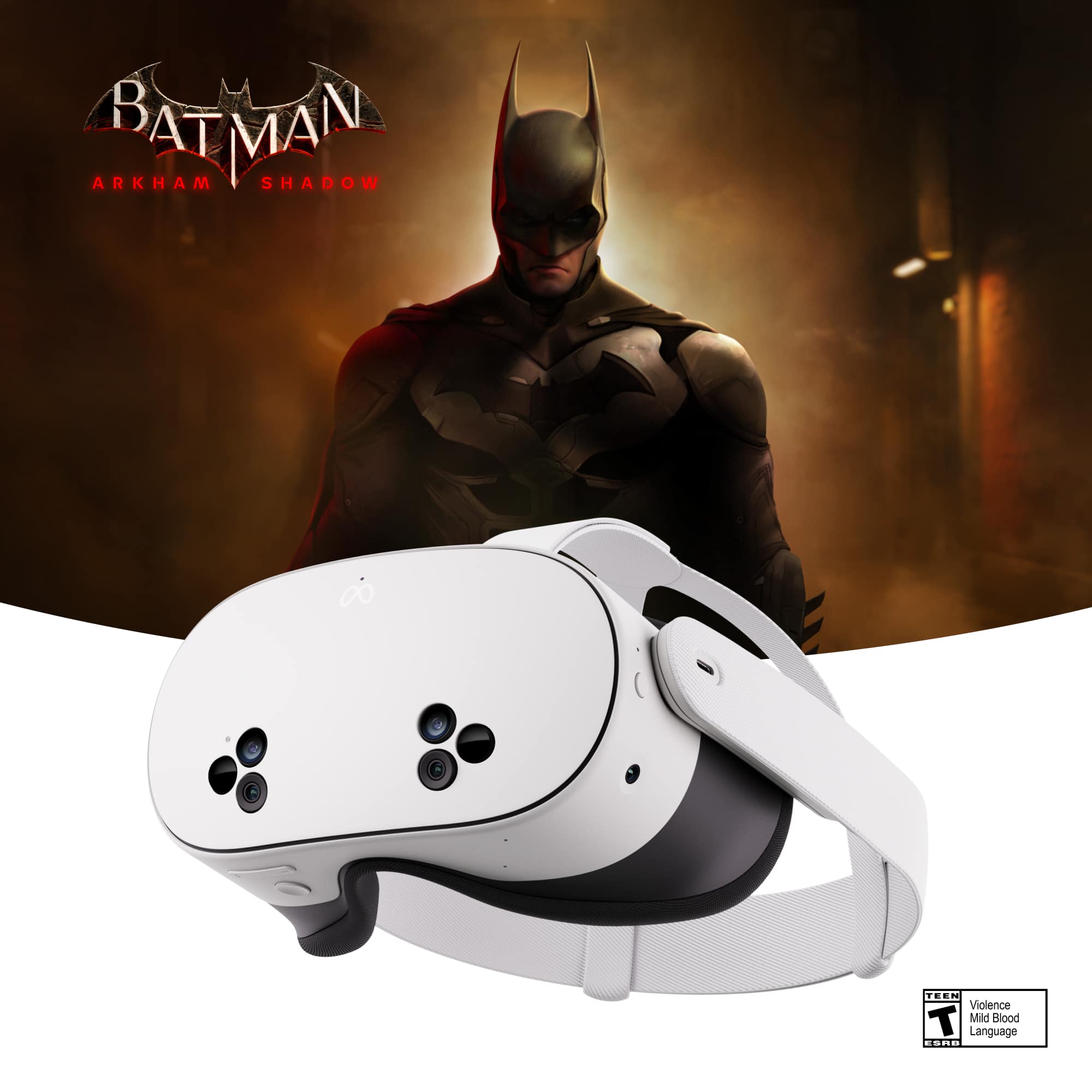
||Posted . Owned for 1 week when reviewed.This reviewer received promo considerations or sweepstakes entry for writing a review.Nice graphic it feels like you are in the game, battling with Batman nice
I would recommend this to a friendBrand response from Meta Store Support
Posted .Thank you so much for taking the time to leave a review!
We're so glad to hear that you've been enjoying your new Meta Quest 3, We wish you the best in saving Gotham City!
Meta Quest 3s
||Posted .This reviewer received promo considerations or sweepstakes entry for writing a review.Very entertaining. My 6 year old lives it. Linked with his Roblox game.
I would recommend this to a friendGreat value!
||Posted . Owned for 2 weeks when reviewed.This reviewer received promo considerations or sweepstakes entry for writing a review.This is definitely the future of gaming! I’m totally impressed with the gameplay.
I would recommend this to a friendBest give ever
||Posted . Owned for 1 month when reviewed.This reviewer received promo considerations or sweepstakes entry for writing a review.Pure fun at home now, every body enjoying the meta Quest!!!!
I would recommend this to a friendBrand response from Meta Store Support
Posted .Thank you for the five star review! We really appreciate the feedback and we are glad that you love your Meta Quest 3S!
Awesome
||Posted . Owned for 1 month when reviewed.This reviewer received promo considerations or sweepstakes entry for writing a review.My 11 yrs old nephew loves it.. The graphic on it is simply incredible. Its so important that your mindful of the time limit. Definitely recommend
I would recommend this to a friendBrand response from Meta Store Support
Posted .Hi FranchescaL
Thank you for the five star review! We're glad to hear your nephew is loving the Quest 3S, and that you're able to watch his play time!
I'm batman
||Posted . Owned for 3 weeks when reviewed.This reviewer received promo considerations or sweepstakes entry for writing a review.seriously, this is as close as you can get to be batman
I would recommend this to a friendBrand response from Meta Store Support
Posted .Hey Alexander,
Thank you for your amazing review!
With your Meta Quest 3S, you live long to see yourself become Batman.
Best gift
||Posted . Owned for 1 month when reviewed.This reviewer received promo considerations or sweepstakes entry for writing a review.It was a Christmas gift for my grandson and he loves it.
I would recommend this to a friendBrand response from Meta Store Support
Posted .Hey Evelyn!
Thank you for the wonderful review!
We hope your grandson continues to enjoy the Metaverse experience ahead.
Gamers
||Posted .This reviewer received promo considerations or sweepstakes entry for writing a review.This product is awesome it comes with an amazing game with great effects
I would recommend this to a friendBrand response from Meta Store Support
Posted .Hi there Lisa!
Thanks for the amazing review for your new Meta Quest 3S!
We are thrilled to have you join us to explore the Metaverse and we are looking forward to seeing where your adventures take you!
Christmas gift
||Posted .This reviewer received promo considerations or sweepstakes entry for writing a review.So excited about this!!! Can’t wait to play and enjoy with my husband
I would recommend this to a friendBrand response from Meta Store Support
Posted .Hello there!
Thanks for sharing your review! We’re thrilled to hear the Quest 3S made such an exciting Christmas gift. It’s wonderful that you’re looking forward to enjoying it together, we hope it brings you both tons of fun. If you ever need support, our team is here to help.
Well engineered
||Posted .This reviewer received promo considerations or sweepstakes entry for writing a review.Excellent technology. Easy to use and very entertaining
I would recommend this to a friendNew Game
||Posted .This reviewer received promo considerations or sweepstakes entry for writing a review.Just bought this, but delivery was fast and easy. Excited to get started.
I would recommend this to a friendExcellent
||Posted . Owned for 2 weeks when reviewed.This reviewer received promo considerations or sweepstakes entry for writing a review.My son loves his device I definitely recommend buying a
I would recommend this to a friendBrand response from Meta Store Support
Posted .Hi there Edna,
We are thrilled to hear that your son has joined us in the Metaverse with his new Meta Quest 3S!
We look forward seeing where his adventures take him!
Meta Quest 3S Rocks!
||Posted . Owned for 1 month when reviewed.This reviewer received promo considerations or sweepstakes entry for writing a review.Easy set-up, works great and our entire Family loves using it!
I would recommend this to a friendMy son loves
||Posted .This reviewer received promo considerations or sweepstakes entry for writing a review.Purchased for my son and he loves it. Keeps him entertained.
I would recommend this to a friendLove it
||Posted . Owned for less than 1 week when reviewed.This reviewer received promo considerations or sweepstakes entry for writing a review.Awesomeness!! Great graphics, comfortable head piece. Love my purchase
I would recommend this to a friendBrand response from Meta Store Support
Posted .Hello KerriP,
Thank you for your wonderful feedback!!
We are happy to know that you loved the Quest 3S and the Batman game. We hope you have an absolute blast with the game.
If you ever run into any issues , please feel free to contact Meta Store Support. We will be happy to help you.
VR set
||Posted . Owned for 1 month when reviewed.This reviewer received promo considerations or sweepstakes entry for writing a review.Always wanted VR set ( finally have it and it’s a joy
I would recommend this to a friendBrand response from Meta Store Support
Posted .Hi there Alex!
Thanks for the amazing review for your new Meta Quest 3S!
We are thrilled to have you join us in the Metaverse, we are sure you will have a great time exploring the many worlds of VR!
Meta
||Posted . Owned for 2 months when reviewed.This reviewer received promo considerations or sweepstakes entry for writing a review.Nice quality and good experience like it very much.
I would recommend this to a friendBrand response from Meta Store Support
Posted .Hi Ashley
Thank you so much for the five-star review! We're delighted to hear that you're enjoying your Meta Quest 3S as much as we do. The variety of VR worlds to explore is truly amazing.