Customer Ratings & Reviews
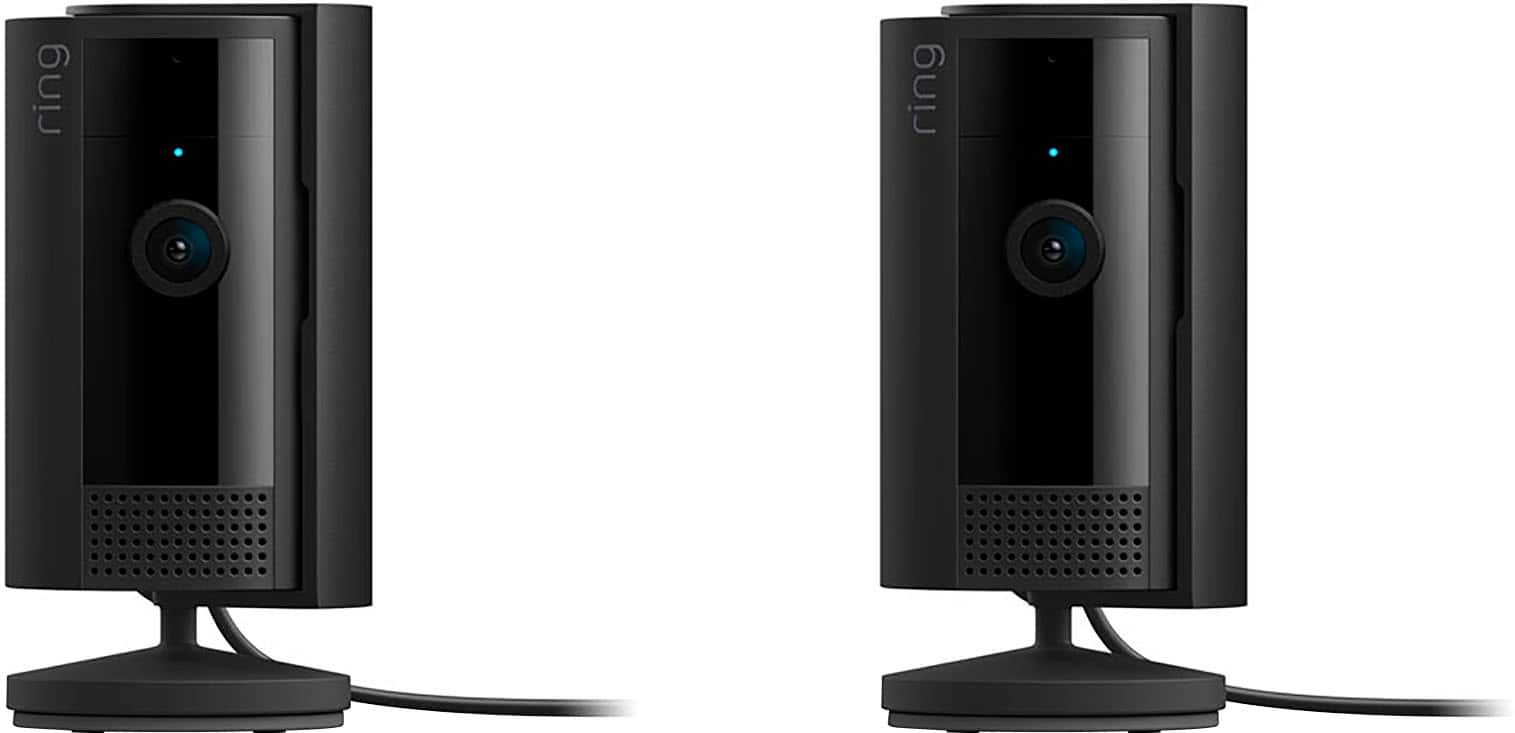
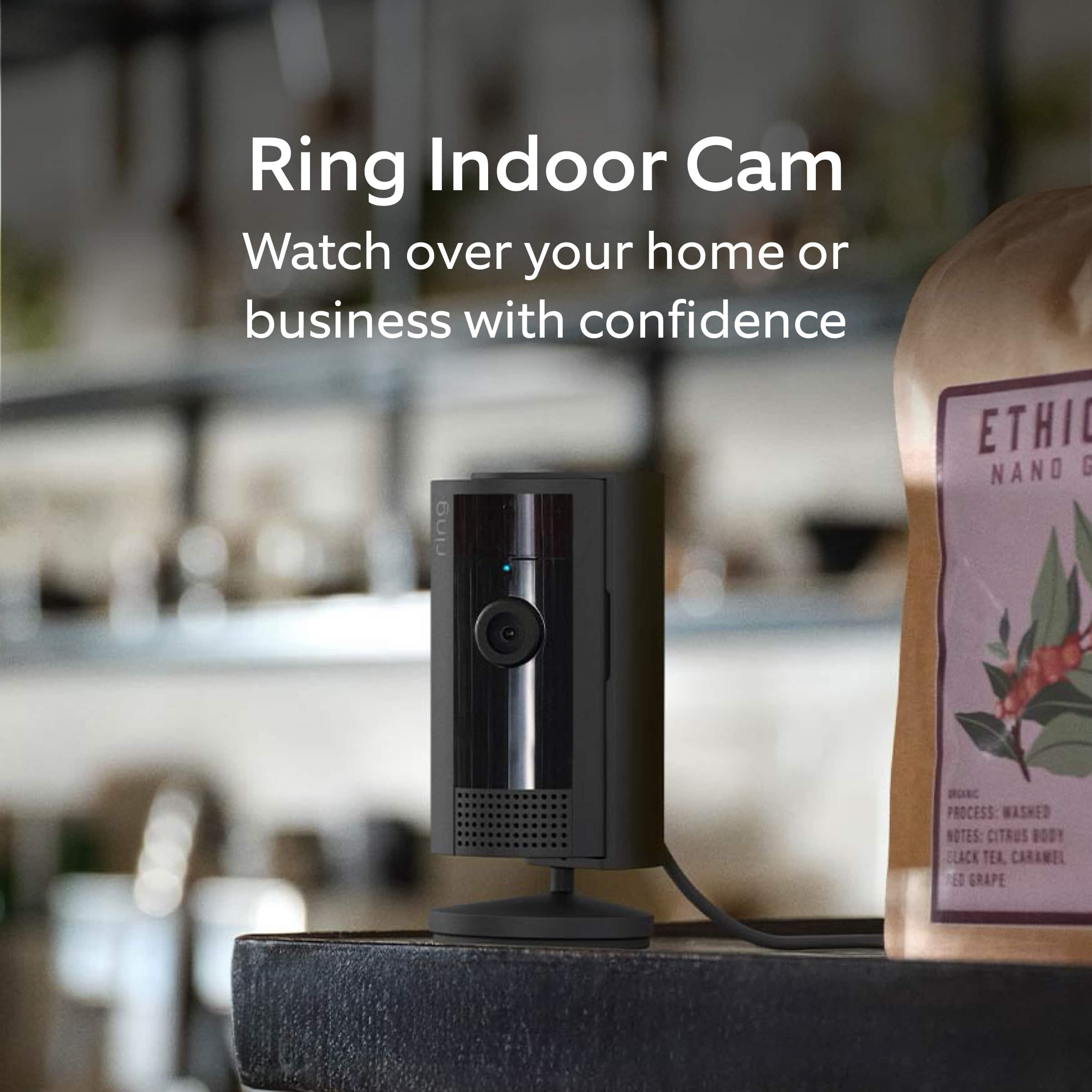
- Model:
- B0BFJKL395
- SKU:
- 6551550
Rating by feature
- Value
Rating 4.8 out of 5 stars
- Quality
Rating 4.8 out of 5 stars
- Ease of Use
Rating 4.8 out of 5 stars
Customers are saying
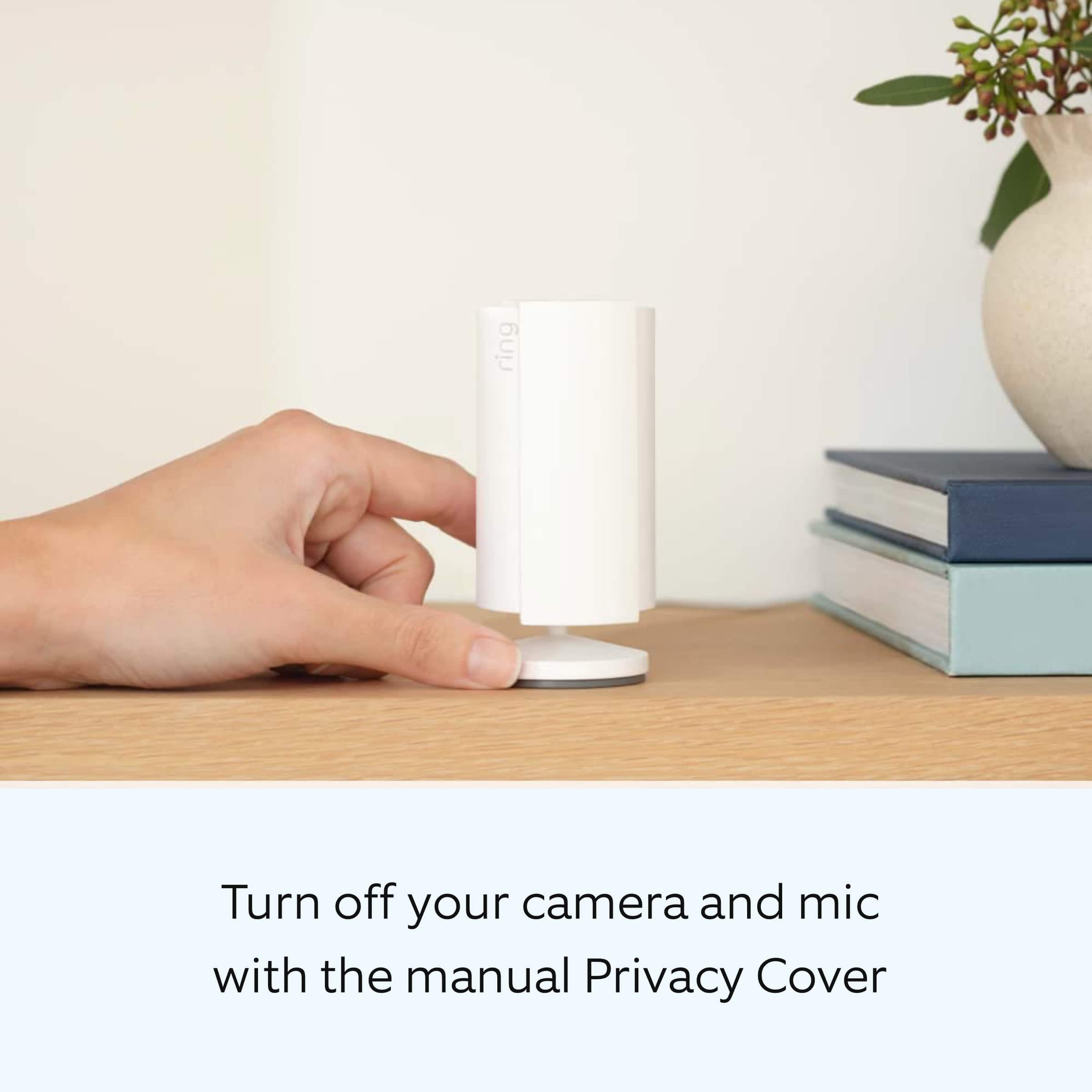
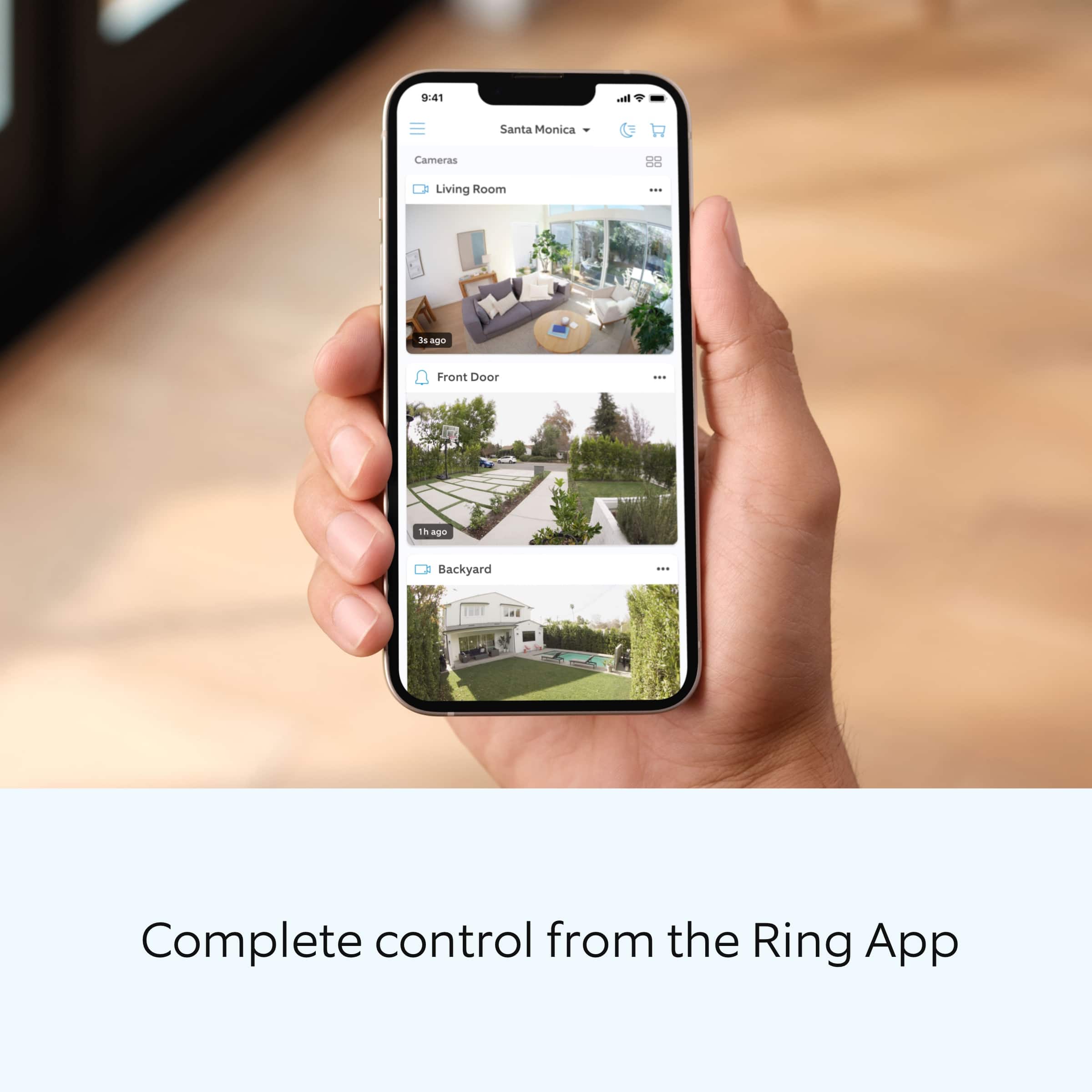
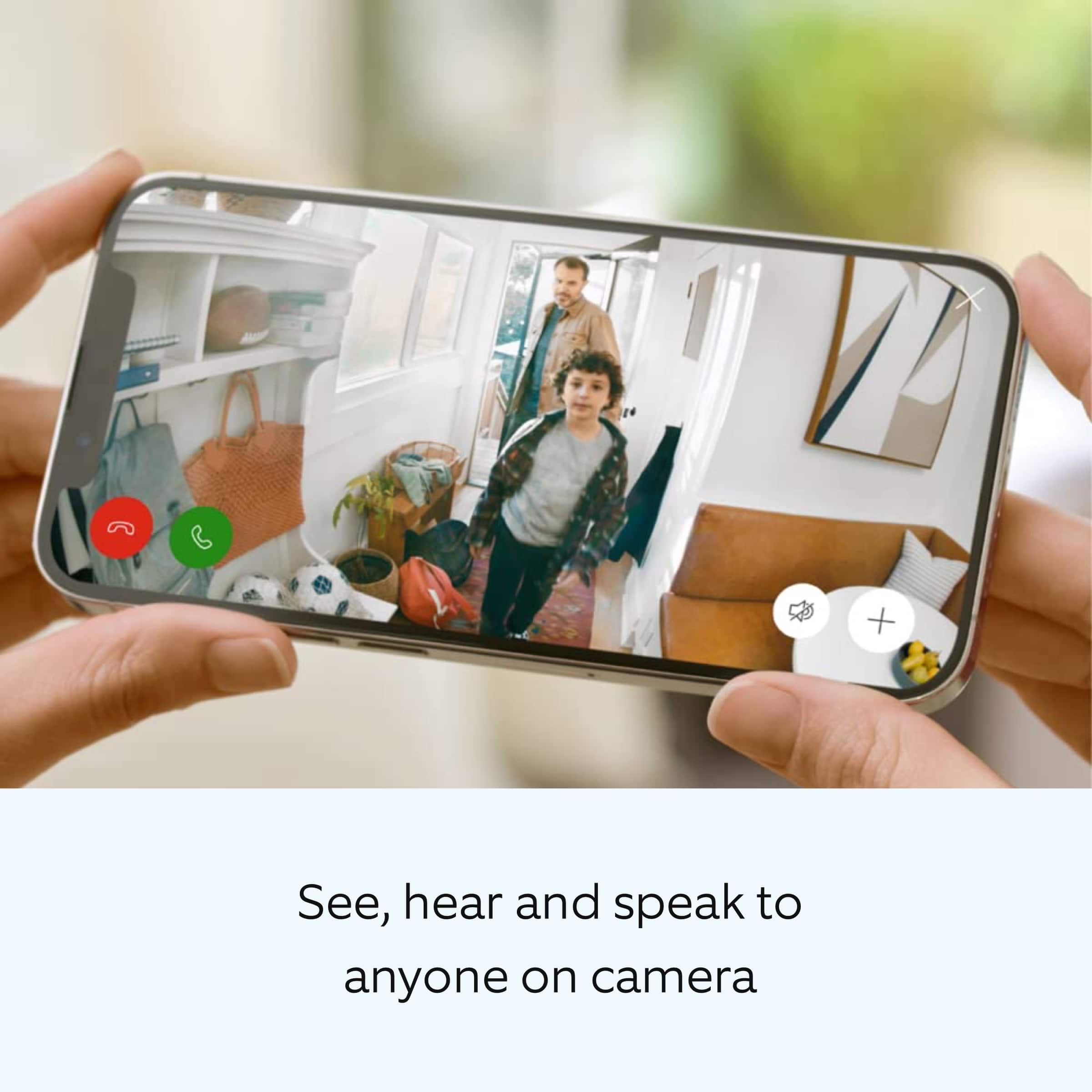
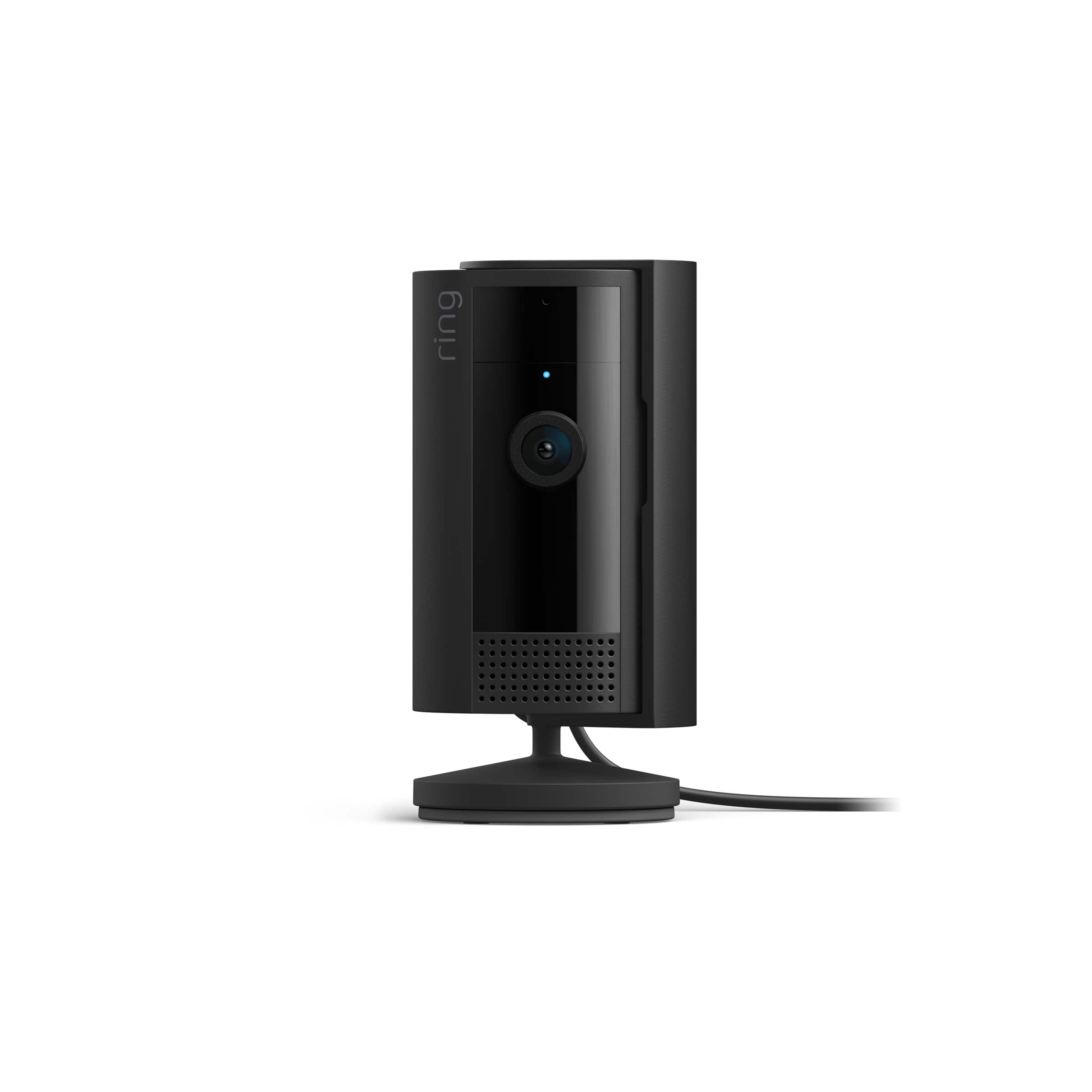
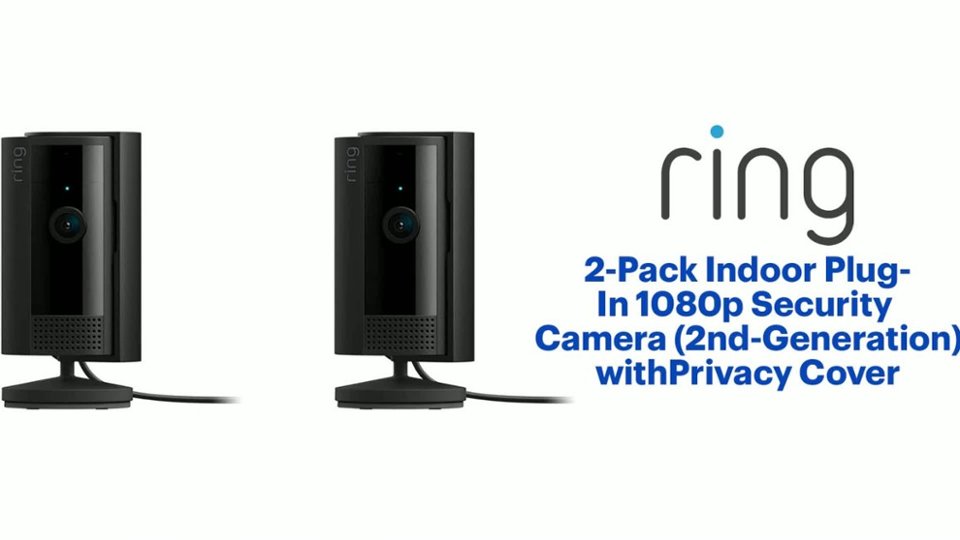
Customers have good things to say about the 2-Pack Indoor Plug-In 1080p Security Camera, especially the fantastic camera quality and ease of use. Many find the setup process simple and appreciate the inclusion of a privacy cover. Some customers have noted that the cord length could be longer and the night vision can be grainy.
This summary was generated by AI based on customer reviews.
I love that RING had made a lens cover.
||Posted .This reviewer received promo considerations or sweepstakes entry for writing a review.Love these updated ring cameras, definitely with the privacy cover. Perfect for bedroom or living room rooms and sometimes you need privacy just swipe the lens cover and it’s off. It’s something I appreciate RING for doing! There’s a time I had to put sticky pads over my cameras instead of unplugging them, and having to go through the whole process when something’s just should be private. So in that case, these are my favorite came is to have around the house.
I would recommend this to a friend- Pros mentioned:Camera quality
Review
||Posted . Owned for 3 weeks when reviewed.This reviewer received promo considerations or sweepstakes entry for writing a review.Volume for voices is great pictures are clear I have been able to do what I needed to do which was monitor who comes in and out of our house and see my dogs
I would recommend this to a friend - Pros mentioned:Camera quality
Eye catcher’s
||Posted .This reviewer received promo considerations or sweepstakes entry for writing a review.These cameras are perfect for inside. Get to keep an eye on the dogs while we are gone!
I would recommend this to a friend - Pros mentioned:Camera quality
Light and tiny ring stick up camera
||Posted . Owned for 1 month when reviewed.This reviewer received promo considerations or sweepstakes entry for writing a review.This is 2 cam in one pack for the price of $63.58 with tax. I bought it because of my excellent experience with other ring camera. These tiny and super light cameras compared from the previous model have the same clear and sharp quality video and sound.
I would recommend this to a friend - Pros mentioned:Camera quality
Easy to install
||Posted . Owned for 1 month when reviewed.This reviewer received promo considerations or sweepstakes entry for writing a review.Installed easy, easy to use with app. Great picture
I would recommend this to a friend - Pros mentioned:Overall performance
Ring is all ways home
||Posted . Owned for 3 weeks when reviewed.This reviewer received promo considerations or sweepstakes entry for writing a review.Great gives you peace of mind that your are safe to see and record anything anytime gives you peace of mind.
I would recommend this to a friend - Pros mentioned:Overall performance
Ring Cam
||Posted . Owned for 1 month when reviewed.This reviewer received promo considerations or sweepstakes entry for writing a review.Excellent for the price I will be adding more to my system
I would recommend this to a friend - Pros mentioned:Ease of use
Great camera
||Posted . Owned for 3 weeks when reviewed.This reviewer received promo considerations or sweepstakes entry for writing a review.Easy setup and installation, anyone can do it. Small enough not to notice with a wide angle. Love them.
I would recommend this to a friend - Pros mentioned:Camera quality
Simplistically
||Posted . Owned for 3 weeks when reviewed.This reviewer received promo considerations or sweepstakes entry for writing a review.The ease and simplicity that ring brings with home surveillance is why I use it. The video quality surpasses others that I have.
I would recommend this to a friend - Pros mentioned:Privacy cover
Good Night Vision Ring Cams
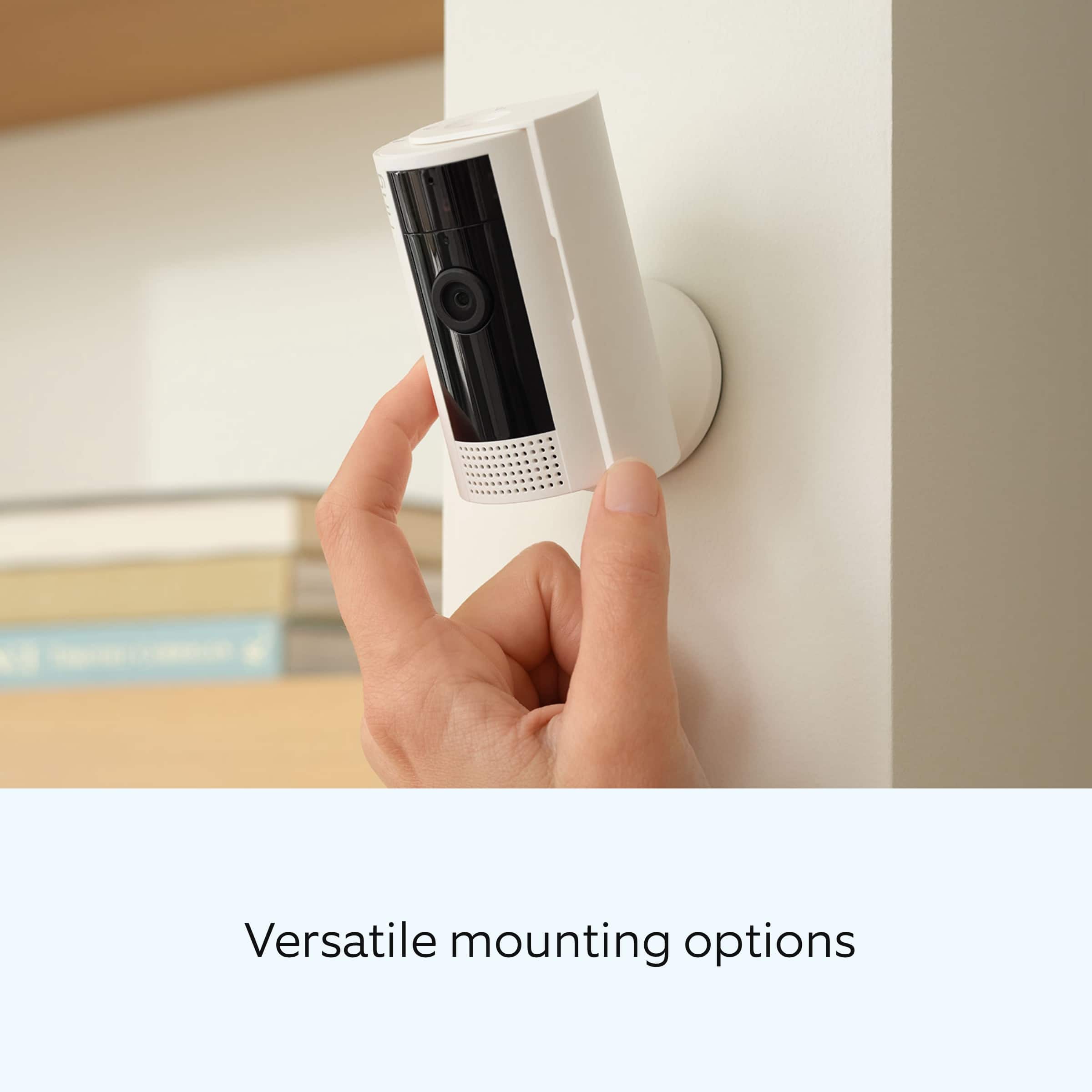
||Posted . Owned for 1 year when reviewed.This reviewer received promo considerations or sweepstakes entry for writing a review.Great set of cameras for the price. Great night time vision and good ability to set up anywhere you need. Also great to have the covers so you feel comfortable at home knowing you have all control of the cameras. Worth the money
I would recommend this to a friendBrand response from Ring
Posted .Hi CameranJJames.
Thank you for taking the time to share your experience with us. We are pleased to read that you are enjoying your new Ring Indoor Cam device and that the features included are meeting your expectations. At Ring, we believe in keeping people close to what’s important. That is why we are driven to create products that help you protect what matters most at home and empower you to connect with your visitors from wherever you are. Together, we’ll make neighborhoods safer!
Ring Community was launched to help deliver the most current news and educational information to our neighbors. This online forum is divided into four categories: Product Boards, Ring Updates, Tips and Tricks, and a Moderators’ Corner. The Product Boards are where you can begin new topics with your questions or feedback; there is also a search option that helps you find topics that have already been posted by other neighbors.
Sincerely,
Matthew from Ring.
My Ring Cameras
||Posted . Owned for 2 weeks when reviewed.This reviewer received promo considerations or sweepstakes entry for writing a review.One of my Best Buy purchases yet. We got these cameras to be able to see inside my house and they meet all my expectations
I would recommend this to a friend- Pros mentioned:Camera quality
Great for the price
||Posted .This reviewer received promo considerations or sweepstakes entry for writing a review.They are not bad for the price. Picture quality is good.
I would recommend this to a friend Great Product
||Posted . Owned for 3 weeks when reviewed.This reviewer received promo considerations or sweepstakes entry for writing a review.Great product at a great price. Best Buy had the cheapest price compared to others.
I would recommend this to a friend- Pros mentioned:Camera quality
Best camera
||Posted . Owned for 3 weeks when reviewed.This reviewer received promo considerations or sweepstakes entry for writing a review.My mother is on hospice, and this ring camera is so good. Every time she moves it alerts me. The camera is so helpful and clear
I would recommend this to a friend - Pros mentioned:Camera quality
Helped find my missing cat
||Posted . Owned for 1 week when reviewed.This reviewer received promo considerations or sweepstakes entry for writing a review.I bought these on sale and two days later my cat ran away. We were able to find him thanks to our Ring cameras.
I would recommend this to a friend Ring cameras
||Posted . Owned for 2 weeks when reviewed.This reviewer received promo considerations or sweepstakes entry for writing a review.These cameras are exactly as described and work without issue.
No, I would not recommend this to a friend- Pros mentioned:Camera quality
Camera
||Posted . Owned for 3 months when reviewed.This reviewer received promo considerations or sweepstakes entry for writing a review.Excelente producto. Excelente producto
I would recommend this to a friend Ring camaras
||Posted . Owned for 1 month when reviewed.This reviewer received promo considerations or sweepstakes entry for writing a review.This was a great addition! We needed it to ensure our cats would be well taken care of in our absence. It was also very easy to install.
I would recommend this to a friendRing indoor cameras
||Posted . Owned for 2 weeks when reviewed.This reviewer received promo considerations or sweepstakes entry for writing a review.Excellent product at an excellent price, would recommend this product to anyone! Easy to install goes great with the rest of my ring products
I would recommend this to a friend- Pros mentioned:Camera quality
Ring camera
||Posted . Owned for 3 weeks when reviewed.This reviewer received promo considerations or sweepstakes entry for writing a review.Excellent camera to install anywhere def recommend
I would recommend this to a friend