Last-Minute SavingsLimited quantities.Shop now

Skip to content
Gift Ideas
Main Content

Customer Ratings & Reviews
Last Minute Deal
Your price for this item is $49.98
The comparable value price is $79.99

Customer reviews

Rating 4.8 out of 5 stars with 591 reviews

Rating Filter

Rating by feature

  • Value

    Rating 4.8 out of 5 stars

  • Quality

    Rating 4.8 out of 5 stars

  • Ease of Use

    Rating 4.9 out of 5 stars

Pros mentioned filter

Cons mentioned filter

97%would recommend to a friend

Customers are saying

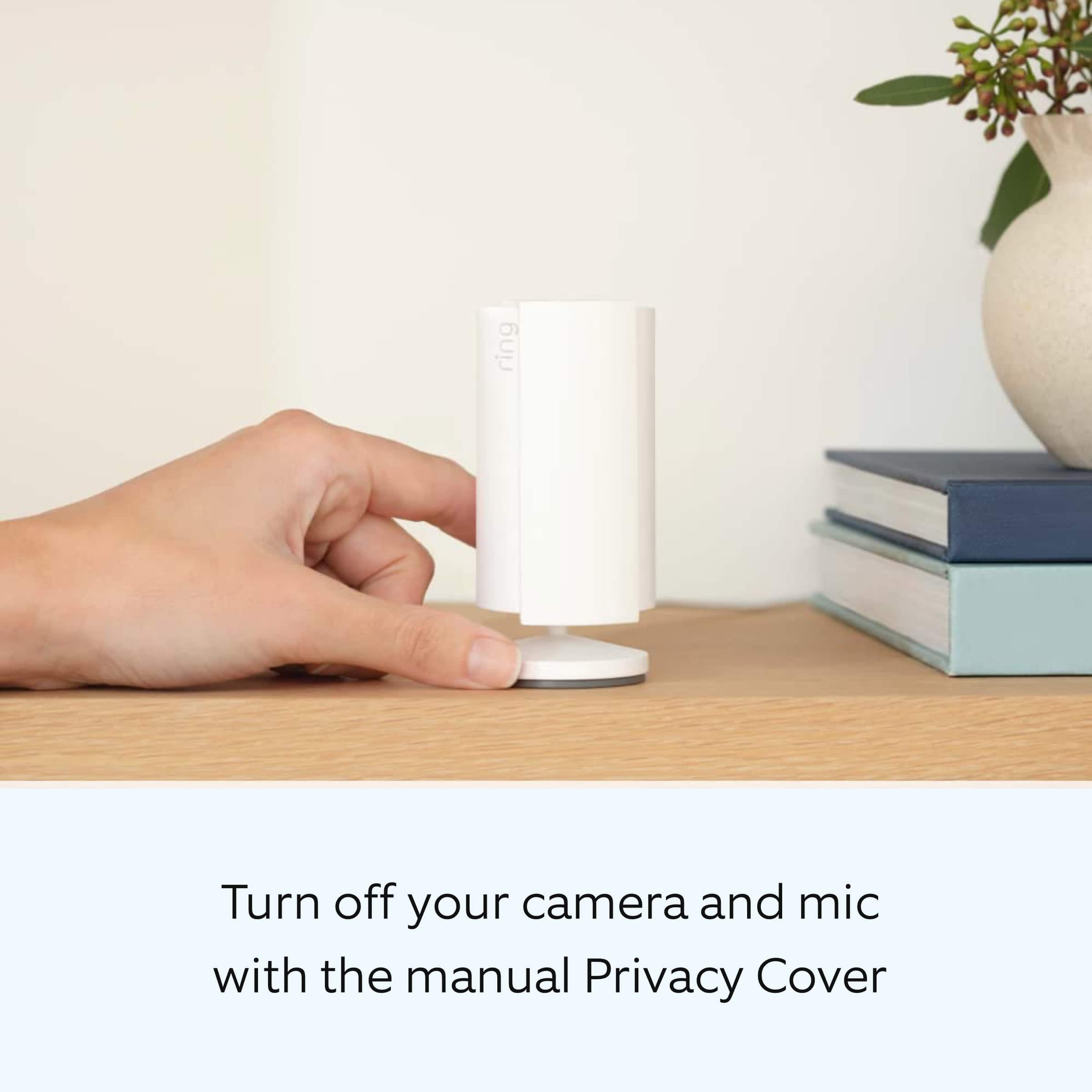
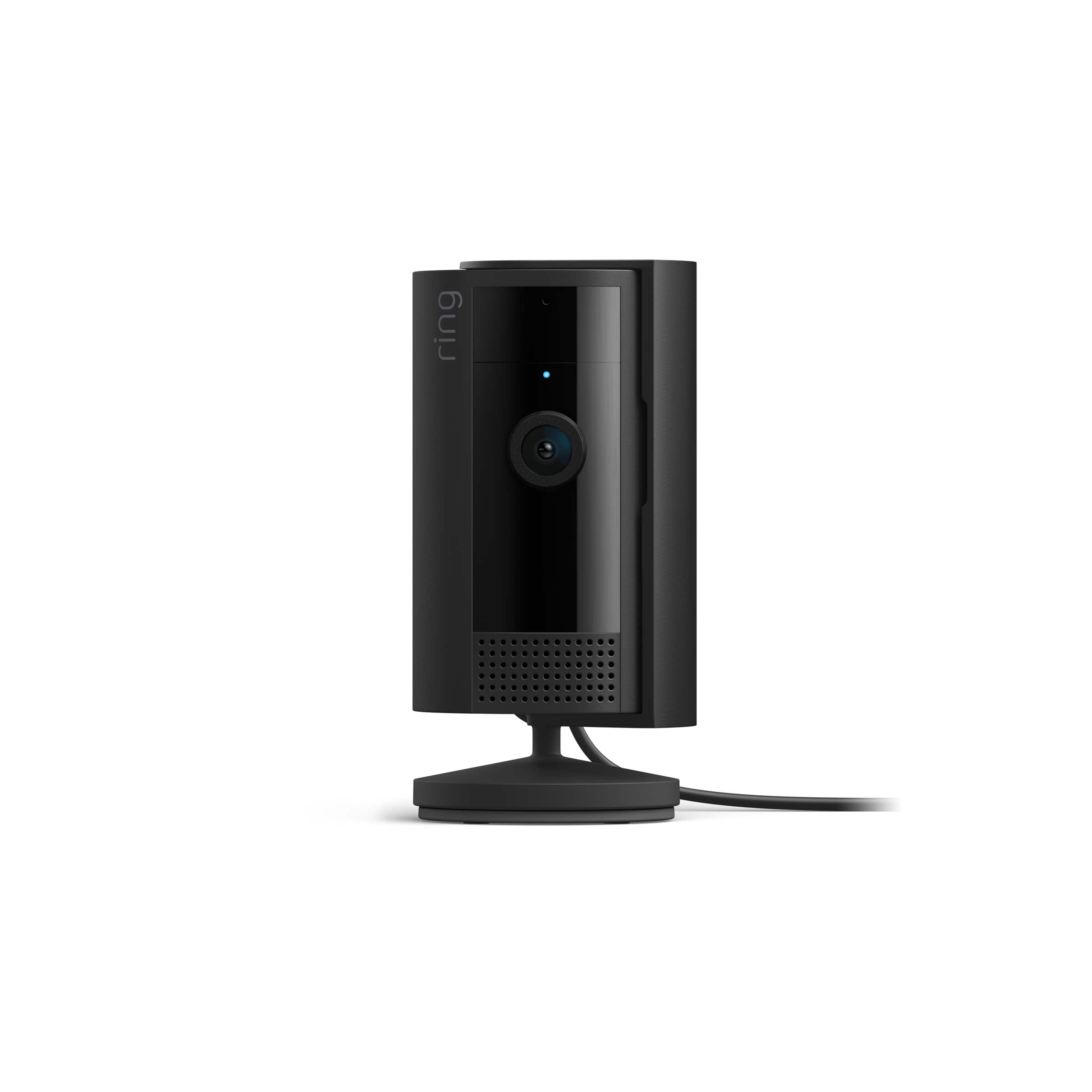
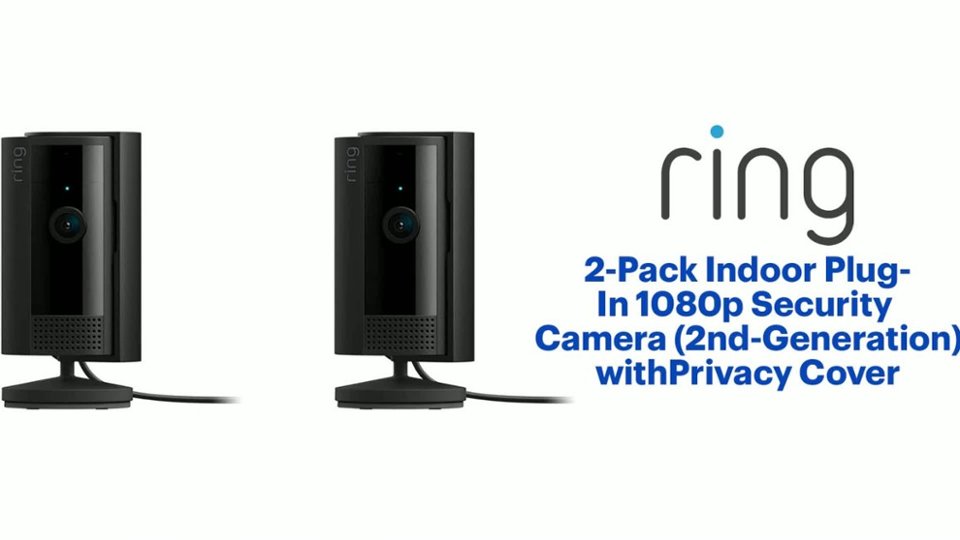
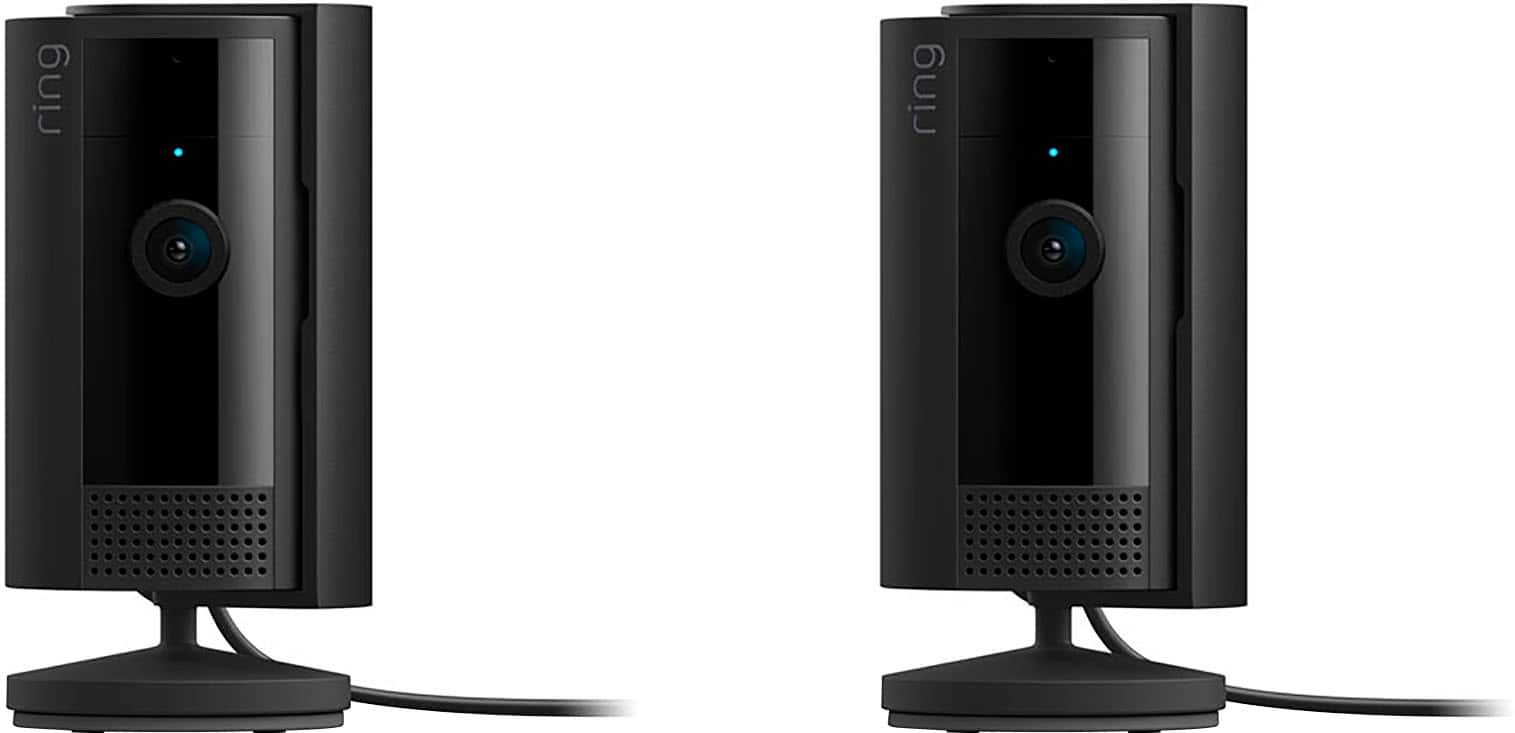
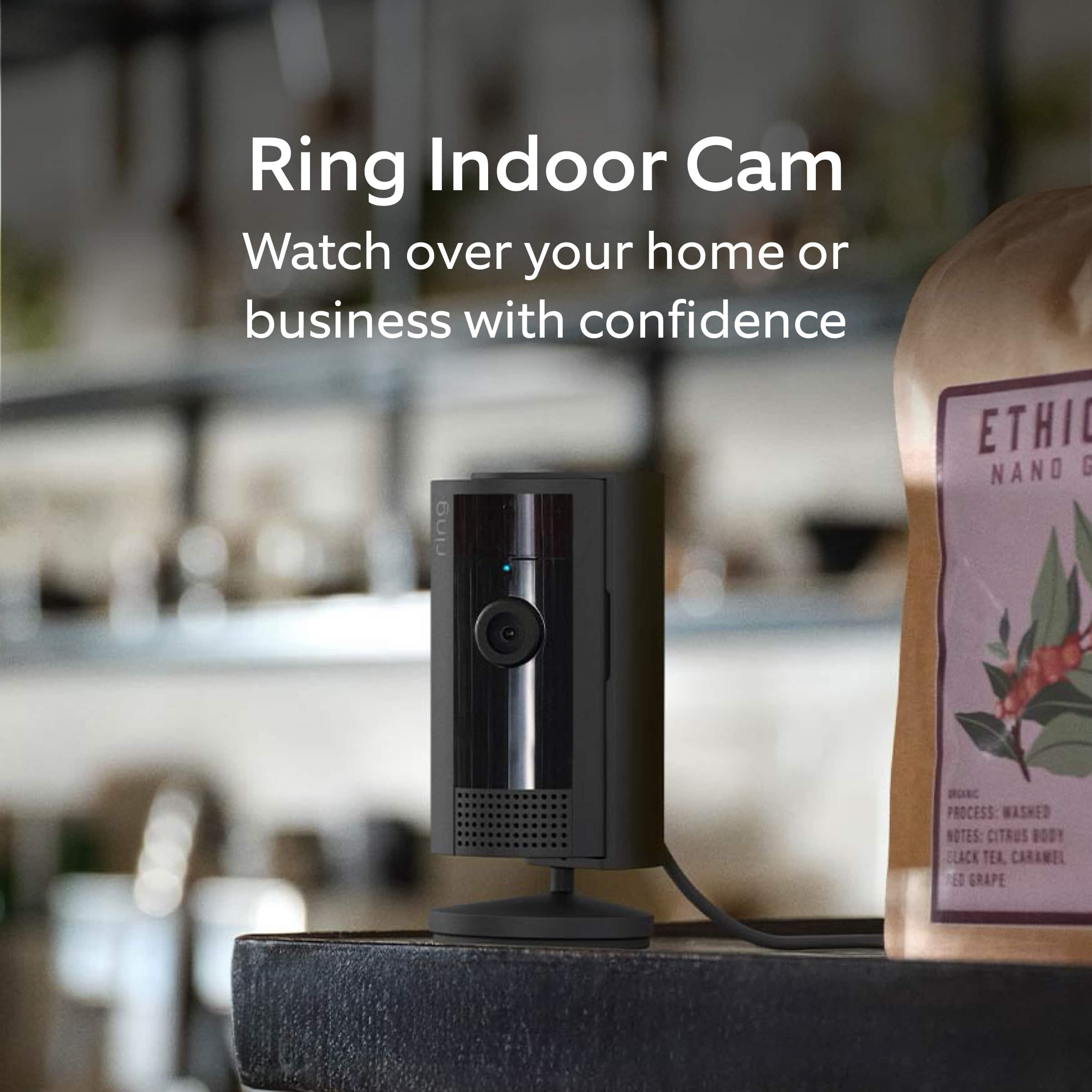
Customers commend the 2-Pack Indoor Plug-In 1080p Security Camera for its fantastic camera quality and ease of use, highlighting its simple installation and programming. The overall performance and inclusion of a privacy cover are also appreciated. Some customers have noted that the cord length could be longer and the night vision can be grainy.

This summary was generated by AI based on customer reviews.

The vast majority of our reviews come from verified purchases. Reviews from customers may include My Best Buy members, employees, and Tech Insider Network members (as tagged). Select reviewers may receive discounted products, promotional considerations or entries into drawings for honest, helpful reviews.
Page 29 Showing 561-580 of 591 reviews
  • Rated 1 out of 5 stars

    Mounting angle is limited

    |
    |
    Posted . Owned for 2 months when reviewed.
    This reviewer received promo considerations or sweepstakes entry for writing a review.

    Angle view is limited because of mounting bracket.

    No, I would not recommend this to a friend
    • Brand response from Ring
      Posted .

      Hi Moego24.

      Thank you for taking the time to share your experience with us. We understand the importance of a seamless setup and installation process so that you can begin using your Ring Indoor Cam (2nd Generation) right away. The features and technology provided by the Ring Indoor Cam (2nd Generation) are incredibly valuable and help provide you with peace of mind about your home security. We can definitely provide you with more information regarding the concern mentioned in your review.

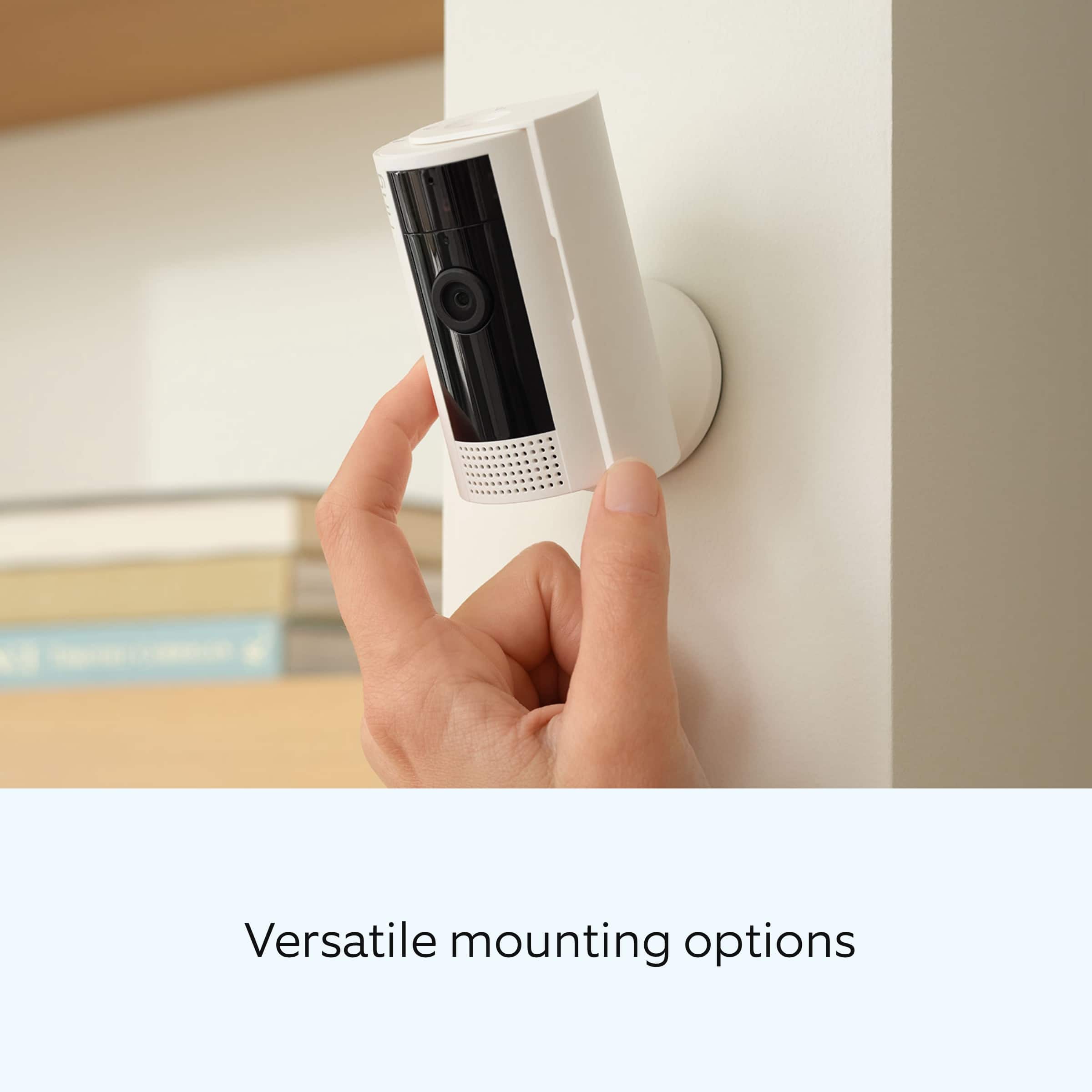
      It sounds like you are concerned with the installation options for the device. The Ring Indoor Cam (2nd Generation) can be installed on a flat surface, wall, or ceiling.

      Wall and ceiling installation:
      Slide down to unlock and remove the mounting plate.
      Install the mounting plate.
      Slide Indoor Cam onto mounting plate.
      Adjust the camera angle.

      If any additional information is needed regarding your Ring Indoor Cam (2nd Generation), please reach out to our community. Ring Community is our first peer-to-peer community forum, giving our customers the ability to help one another and share their feedback and experiences directly with Ring. Join the Ring Community today!

      Thank you,
      Amilia from Ring. Ring

  • Rated 1 out of 5 stars

    Ring, indoor cameras

    |
    |
    Posted . Owned for 1 month when reviewed.
    This reviewer received promo considerations or sweepstakes entry for writing a review.

    Horrible product, poor quality on cameras. Notifications are not reliable.

    No, I would not recommend this to a friend
    • Brand response from Ring
      Posted .

      Hi JeffW.

      Thank you for taking the time to share your experience with us.

      We understand how important it is to be able to rely on the notifications and video from your Ring Indoor Cam. Consistent and dependable motion alerts are an essential feature for the Ring Indoor Cam to function properly. We would love the opportunity to ensure your device is working optimally.

      It sounds like your device's video quality and notifications are not working as expected. Poor wifi signal strength from your router could be the culprit for your problems. Follow these steps to test your wifi signal strength:

      Turn off your mobile device's cellular data and connect to the same wifi network as your Ring device.
      Open the Ring app.
      Tap the menu (☰).
      Tap Devices.
      Select your device.
      Trigger an event on your Ring device. This could mean pressing the button on a doorbell or activating the motion sensors on a camera.
      Answer the event and examine the resulting video.

      The following are the possible outcomes of this test:

      Footage is crisp and clear: If your video appears good when next to the router, the issue may be caused by a disruption in between your router and your Ring device’s normal location. To fix this, try moving your device closer to the router or extending your wifi signal with a wifi extender like the Ring Chime Pro.

      Footage is heavily pixelated: If you’re seeing heavy pixilation, even next to the router, this may be due to slow wifi speeds.

      Severe pauses in live video: If your video pauses, stutters, or gets frozen and your wifi speed meets the minimum standards, try rebooting your router. Unplug your router, wait 30 seconds, and then plug it back in. It should take three to four minutes to reboot. Then, test your Ring device again and see if there's any difference.

      Long delay before your video starts: This is also caused by slow wifi speeds. Assuming you have high-speed internet, reboot your router and the mobile phone, tablet, or PC you're accessing the video feed on. Then see if there's any difference when it's back online.

      Visit our support center for more information.

      Ring Community was launched to help deliver the most current news and educational information to our neighbors. This online forum is divided into four categories: Product Boards, Ring Updates, Tips + Tricks, and a Moderators’ Corner. The Product Boards are where you can begin new topics with your questions or feedback; there is also a search option that helps you find topics that have already been posted by other neighbors.

      All the best,
      Nicole from Ring. Ring

  • Rated 1 out of 5 stars

    Ring camera

    |
    |
    Posted .
    This reviewer received promo considerations or sweepstakes entry for writing a review.

    These are not the best quality for camera. I do like the shield but camera quality is not good

    No, I would not recommend this to a friend
    • Brand response from Ring
      Posted .

      Hi Tngal.

      Thank you for taking the time to share your experience with us. We understand how important it is for your Ring Indoor Cam (2nd Generation) to record clear and concise videos so that you can effectively monitor your home. The features and technology provided by the Ring Indoor Cam (2nd Generation) are incredibly valuable and help provide you with peace of mind about your home security. We want to ensure your device is working as intended by providing you with solutions to resolve the video quality concern you mentioned in your review.

      It sounds like the device is not performing as expected. We are happy to share some tips with you for troubleshooting why your Ring device may be experiencing issues with video quality. If your phone or tablet has poor service or internet, it could be affecting "Live View" or your video downloads. Try turning Bluetooth off, then open "Live View" or view a recorded Ring video. Poor wifi can often cause Ring device issues, including video quality.

      We recommend following these steps in the Ring app:
      Tap the top menu (☰), then "Devices."
      Choose your device.
      Tap the "Device Settings" tile.
      Tap "Device Health."
      Under the "Network" section, you'll see your device's "Signal Strength."
      If your "Signal Strength" (RSSI) is amber or red, your Ring device likely has a poor connection to your location's wifi.

      Reboot your Ring doorbell or camera by following these steps:
      Open the Ring app.
      Tap the top menu (☰), then "Devices."
      Choose your device.
      Tap the "Device Settings" tile.
      Tap "Device Health."
      Scroll down and tap "Reboot This Device."
      Wait a few minutes for your device to reboot.

      We invite you to reach out to our community if any additional information is needed regarding your Ring Indoor Cam (2nd Generation). The Ring Community is our first peer-to-peer community forum, giving our customers the ability to help one another by sharing their feedback and experiences with each other.

      Thank you,
      Amilia from Ring. Ring

  • Rated 1 out of 5 stars

    Product missing

    |
    |
    Posted . Owned for 1 month when reviewed.
    This reviewer received promo considerations or sweepstakes entry for writing a review.

    Hard to rate because their shipper never delivered the product and will not refund or replace the items. Purchase somewhere with better customer service and reliable shippers such as Amazon.

    No, I would not recommend this to a friend
    • Brand response from Ring
      Posted .

      Hi ChristineC.

      Thank you for taking the time to share your experience with us.

      We understand the importance of a seamless ordering, setup, and installation process, as this allows you to start using your Ring Indoor Cam right away. What you describe is not the experience we want you to have. Rest assured, we are here to offer you some help.

      In this particular case, we'd suggest you reach out to Best Buy's customer service: 1-888-237-8289 or https://www.bestbuy.com/services/triage/home. We are confident that they will be able to provide you with a resolution to this concern.

      Ring Community was launched to help deliver the most current news and educational information to our neighbors. This online forum is divided into four categories: Product Boards, Ring Updates, Tips + Tricks, and a Moderators’ Corner. The Product Boards are where you can begin new topics with your questions or feedback; there is also a search option that helps you find topics that have already been posted by other neighbors.

      All the best,
      Nicole from Ring. Ring

  • Rated 1 out of 5 stars

    Did not work

    |
    |
    Posted . Owned for 1 month when reviewed.
    This reviewer received promo considerations or sweepstakes entry for writing a review.

    Did not work. Not first time serting up. These just sucked

    No, I would not recommend this to a friend
    • Brand response from Ring
      Posted .

      Hi Promax12.

      Thank you for taking the time to share your experience with us. We understand how important it is for your Ring Indoor Cam (2nd Gen.) to function consistently and reliably, so you are alerted to any wanted or unwanted activity in or around your home. The features and technology provided by the Ring Indoor Cam (2nd Gen.) are incredibly valuable and help provide you with peace of mind about your home security. We are eager to address the issue you raised in your review and provide you with a resolution today.
      It sounds like the device is not performing as intended. If your Ring Indoor Cam (2nd Gen.) isn’t working after you plug it in, we recommend following these steps: Try another outlet in case the one you’re using may be faulty or associated with a light switch. Make sure the micro-USB cord is securely attached to the port. Press the reboot button or use the reboot feature in the Ring app if the camera is out of reach. If the device remains unresponsive, press and hold the setup button on top of the camera for 10 seconds. Allow a full 60 seconds for the camera to power back on after the reset is complete.

      If you still have the device in your possession, we invite you to reach out to our community for more information. The Ring Community is our first peer-to-peer community forum, giving our customers the ability to help one another by sharing their feedback and experiences with each other. You can find it here: https://community.ring.com/.

      Thank you,
      Melissa from Ring. Ring

  • Rated 1 out of 5 stars

    Junk

    |
    |
    Posted . Owned for 1 week when reviewed.
    This reviewer received promo considerations or sweepstakes entry for writing a review.

    I would not recommend getting this it’s a hassle to connect usually there no issues with ring to connect

    No, I would not recommend this to a friend
    • Brand response from Ring
      Posted .

      Hi Tdogg. Thank you for taking the time to share your experience with us. We understand the importance of a seamless setup process so that you can begin using your Ring Indoor Cam (2nd Gen.) right away. The features and technology provided by the Ring Indoor Cam (2nd Gen.) are incredibly valuable and help provide you with peace of mind about your home security. We can definitely provide you with more information regarding the concern mentioned in your review.

      It sounds like the device is not performing as expected. Indoor Cam is a small, lightweight security camera with flexible mounting options specifically designed to be used indoors. The Ring Indoor Cam (2nd Gen.) features 1080p HD video recording, two-way audio with noise cancellation, a wide viewing angle, a built-in siren, and a removable Privacy Cover. The Ring Indoor Cam (2nd Gen.) is is compatible with b/g/n wifi networks operating on 2.4 GHz frequencies and requires a minimum upload speed of 2 Mbps for optimal performance.

      If you are having issues connecting the device to your network, temporarily plug in your Indoor Cam near your wifi router, and press the button at the top of the device for 3 seconds to place in Setup Mode. Then follow setup instructions again in the Ring app.

      To set up your Indoor Cam:

      Open the Ring app.
      Tap the menu (☰).
      Tap Set Up a Device.
      Tap Security Cams.
      Tap the blue I’m Ready to Scan button.
      Use your mobile device’s camera to scan the QR code on the device’s packaging.
      When a green square and pop-up with your device image appear, the code has been recognized.
      Enter the Location where your Indoor Cam is being set up.
      If this is your first time setting up a Ring device, your the Ring app will ask to use your phone’s location services to pinpoint your location. Already specified a location for your Ring devices? Select it from the list of your locations in the Ring app.
      Give your Indoor Cam a Device Name.
      You can proceed with the device’s default name or give it a custom name.
      Connect your Indoor Cam to Ring
      iOS: Tap Join when the Ring app asks to join the Ring wifi network.
      Android: If your device does not automatically connect to the Ring wifi network,
      Exit the Ring app.
      Go to your mobile device’s Settings.
      Tap wifi.
      Select either Ring- or Ring Setup.
      When prompted by the app, press and release the button on the Indoor Cam until the blue light flashes.
      Tap Continue in the app when the blue light stops flashing.
      Connect to your preferred wifi network.
      Once your device automatically finalizes the setup process, it will be ready to use.

      We invite you to reach out to our Community if any additional information is needed regarding your Ring Indoor Cam (2nd Gen.). The Ring Community is our first peer-to-peer community forum, giving our customers the ability to help one another by sharing their feedback and experiences with each other.

      Thank you,
      Melissa from Ring. Ring

  • Rated 1 out of 5 stars

    You don’t get rewards in every purchase!

    |
    |
    Posted . Owned for 1 week when reviewed.
    This reviewer received promo considerations or sweepstakes entry for writing a review.

    Why I didn’t get my rewards points on this purchase?

    No, I would not recommend this to a friend
    • Brand response from Ring
      Posted .

      Hi CarlosB.

      Thank you for taking the time to share your concerns with us.

      We understand the importance of a seamless purchasing process. At Ring, we want to ensure that you have the best possible experience with our products. Rest assured, we hear you and are here to offer you some help.

      It sounds like you have some concerns with a purchasing program through Best Buy. In this particular case, we'd suggest you reach out to Best Buy's customer service: 1-888-237-8289 or https://www.bestbuy.com/services/triage/home. We are confident that they will be able to provide you with a resolution to this concern.

      Ring Community was launched to help deliver the most current news and educational information to our neighbors. This online forum is divided into four categories: Product Boards, Ring Updates, Tips + Tricks, and a Moderators’ Corner. The Product Boards are where you can begin new topics with your questions or feedback; there is also a search option that helps you find topics that have already been posted by other neighbors.

      All the best,
      Nicole from Ring. Ring

  • Pros mentioned:
    Camera quality, Ease of use

    Rated 5 out of 5 stars

    Ring Indoor Cameras

    Posted .
    This reviewer received promo considerations or sweepstakes entry for writing a review.

    These cameras were easy to install and work very well. The picture is clear and the night vision is crisp. Have been using for 3 weeks.

    I would recommend this to a friend
  • Pros mentioned:
    Camera quality, Setup

    Rated 5 out of 5 stars

    Ring Outdoor security cameras

    Posted .
    This reviewer received promo considerations or sweepstakes entry for writing a review.

    They are working great! They were easy to set up and provide a good picture.

    I would recommend this to a friend
  • Pros mentioned:
    Setup

    Rated 5 out of 5 stars

    Ring indoor video Texas

    Posted .
    This reviewer received promo considerations or sweepstakes entry for writing a review.

    Working well, easy to install, Be nice if motion detectors were also available at local store

    I would recommend this to a friend
  • Pros mentioned:
    Camera quality
    Cons mentioned:
    Night vision

    Rated 4 out of 5 stars

    Good cameras

    Posted .
    This reviewer received promo considerations or sweepstakes entry for writing a review.

    Good sharp images. Would have gave 5 star but night images in a dark room can be improved.

    I would recommend this to a friend
    • Brand response from Ring
      Posted .

      Hi Tgd61.

      At Ring, we appreciate you taking the time to share your feedback with us. We are glad to read that you are enjoying your new Ring Indoor Cam! Furthermore, we believe in keeping people close to what’s important. That is why we are driven to create products that help you protect what matters most at home and empower you to connect with your visitors from wherever you are. Together, we’ll make neighborhoods safer!

      We are happy to provide you with more information on using the Night Vision feature of the device. For optimal performance in the dark, make sure your Ring Indoor Cam’s infrared light is toggled on in the Ring app by following these steps:
      The infrared light control is in your Ring app under Video Settings.
      Open the Ring app.
      Tap the Menu (☰).
      Tap Devices.
      Select the device you want to adjust.
      Tap Device Settings.
      Tap Video Settings.
      Toggle Color Night Vision on or off.
      If your camera is facing a window, you may get distorted images at night.
      Enable Color Night Vision in the Ring app to help improve clarity at night.

      Ring Community launched in March 2019 to help deliver the most current news and educational information to our neighbors. It is our first peer-to-peer community forum, giving our customers the ability to help one another and share their feedback and experiences with Ring. Please reach out to our community if any additional information is needed regarding your Ring Indoor Cam (2nd Gen.).

      Thank you,
      Melissa from Ring. Ring

  • Pros mentioned:
    Ease of use

    Rated 5 out of 5 stars

    Easy to use RING cameras!

    Posted .
    This reviewer received promo considerations or sweepstakes entry for writing a review.

    Love these simple, ring cameras, easy to install an easy to watch on your phone

    I would recommend this to a friend
  • Pros mentioned:
    Camera quality

    Rated 5 out of 5 stars

    Great product

    Posted .
    This reviewer received promo considerations or sweepstakes entry for writing a review.

    The setup was easy and quality video. Using them to keep an eye on dad so he xan continue to live independently.

    I would recommend this to a friend
  • Rated 5 out of 5 stars

    Great Cameras

    Posted .
    This reviewer received promo considerations or sweepstakes entry for writing a review.

    Excellent product at a great price. I would recommend these to anyone needing to keep a remote eye on their home

    I would recommend this to a friend
  • Pros mentioned:
    Camera quality

    Rated 5 out of 5 stars

    Amazing product

    Posted .
    This reviewer received promo considerations or sweepstakes entry for writing a review.

    I love the simplicity of this product and how seamless it is to use. The quality of the cameras are really good.

    I would recommend this to a friend
  • Pros mentioned:
    Camera quality

    Rated 5 out of 5 stars

    Prevent neighbor harassment

    Posted .
    This reviewer received promo considerations or sweepstakes entry for writing a review.

    I used these 2 cameras to successfully capture harassment by my neighbors.

    I would recommend this to a friend
  • Pros mentioned:
    Ease of use

    Rated 5 out of 5 stars

    Great product

    Posted .
    This reviewer received promo considerations or sweepstakes entry for writing a review.

    Works great no issues easy install no issues with the app

    I would recommend this to a friend
  • Pros mentioned:
    Camera quality

    Rated 5 out of 5 stars

    Excellent camera

    Posted .
    This reviewer received promo considerations or sweepstakes entry for writing a review.

    Really good and affordable camera. Has a very good picture

    I would recommend this to a friend
  • Pros mentioned:
    Camera quality

    Rated 5 out of 5 stars

    Ring camera

    Posted .
    This reviewer received promo considerations or sweepstakes entry for writing a review.

    Nice purchase. Im happy with my ring camera. I will always recommend the ring camera

    I would recommend this to a friend
  • Rated 5 out of 5 stars

    Ring Cameras

    Posted .
    This reviewer received promo considerations or sweepstakes entry for writing a review.

    Great cameras for a great price. They allow us to monitor dog behaviors.

    I would recommend this to a friend