Customer Ratings & Reviews


- Model:
- 4SD1SZ-0EN0
- SKU:
- 10811739
Rating by feature
- Value
Rating 4.7 out of 5 stars
- Quality
Rating 4.8 out of 5 stars
- Ease of Use
Rating 4.8 out of 5 stars
Customers are saying
Customers praise the product for its exceptional ease of use, overall performance, and straightforward installation. They also appreciate its security features, compact size, compatibility, good price, long battery life, and thoughtful design. However, some users have reported minor issues with connectivity and limited range. A few customers also noted concerns regarding sensitivity and occasional unexplained motion detection.
This summary was generated by AI based on customer reviews.
Buyer Beware
||Posted . Owned for 3 weeks when reviewed.This reviewer received promo considerations or sweepstakes entry for writing a review.Will not work without a hub and a subscription but Best Buy fails to tell you that prior to purchase. Nor will they take them back so buyer beware of this scam.
No, I would not recommend this to a friendBrand response from Ring
Posted .Hi Gram.
Thank you for taking the time to share your experience with us. We understand the importance of a seamless setup process so that you can begin using your Ring Alarm Contact Sensor (2nd Gen.) right away. The features and technology provided by the Ring Alarm Contact Sensor (2nd Gen.) are incredibly valuable and help provide you with peace of mind about your home security. We can definitely provide you with more information regarding the concern mentioned in your review.
The Ring Alarm Contact Sensor (2nd Gen.) is designed to work with the Ring Alarm Base Station to be keep your entrances secure. The Ring Alarm Base Station is required to connect and configure the sensor.
The Ring Alarm has a self-monitoring option. Self-monitoring is when you monitor the Ring Alarm yourself. You can self-monitor with a Ring subscription or without a subscription. If you choose to self-monitor your Ring Alarm, your Ring Alarm siren will go off, but you’ll need to call for emergency responders yourself.
We invite you to reach out to our community if any additional information is needed regarding your Ring Alarm Contact Sensor (2nd Gen.). The Ring Community is our first peer-to-peer community forum, giving our customers the ability to help one another by sharing their feedback and experiences with each other.
Thank you,
Amilia from Ring.
Here we go again get the base 1st
||Posted .This reviewer received promo considerations or sweepstakes entry for writing a review.You need to 1st have a base maening some required oarts needed with this purchase to actually use and so no not so easy set up. Ofcourse we found out a few hours later aftwr having almost evey other ring product but that security base oy
No, I would not recommend this to a friendBrand response from Ring
Posted .Hello Bnewb
We understand the importance of having a seamless setup experience. Your happiness and overall satisfaction are our top priorities
The Base Station is the heart of the Ring Alarm system and is actively connected to and commands all of the Ring Alarm devices connected to the system. This is where all of the functions of Ring Alarm pass through and are controlled from.
This article can help you get your Ring Alarm System set up and running and will walk you through setting up your system and the other things you'll need to do get the most out of your Ring Alarm system: https://support.ring.com/hc/en-us/articles/115005319346
Ring Community was launched to help deliver the most current news and educational information to our neighbors. This online forum is divided into four categories: Product Boards, Ring Updates, Tips + Tricks, and a Moderators’ Corner. The Product Boards are where you can begin new topics with your questions or feedback; there is also a search option which helps you find topics that were already posted by other neighbors. We invite you to visit our site at https://community.ring.com/ today!
All the best,
Antonio from Ring
Ring sensor
||Posted . Owned for 2 months when reviewed.This reviewer received promo considerations or sweepstakes entry for writing a review.I couldn’t figure out how to get it to work had to return it
I would recommend this to a friendBrand response from Ring
Posted .Hello Mike,
Thank you for taking a moment to leave your review of the Ring Alarm Contact Sensor. At Ring, we believe that stronger communities are the key to safer neighborhoods. That is why we are driven to create products that help you protect what matters most at home, and empower you to connect with your visitors from wherever you are. We are saddened to read that this device did not meet your expectations, but are still here to assist you, if needed.
If you still have the Ring device in your possession, we invite you to reach out to us at https://community.ring.com/. Ring Community is our first peer-to-peer community forum, giving our customers the ability to help one another and share their personal feedback/experiences with Ring. We look forward to hearing from you, if we can be of any further assistance!
Thank you, Jamila with Ring.
No good
||Posted . Owned for 1 month when reviewed.This reviewer received promo considerations or sweepstakes entry for writing a review.Does not work with the app . I have called customer service multiple times to have someone come out and help me with the product and no one has came. Horrible product.
No, I would not recommend this to a friendBrand response from Ring
Posted .Hi, thank you for reaching out. I know how discouraging it can be when something doesn't work as expected. The Ring Alarm Contact Sensor requires the Ring Alarm Base Station to set it up and use it in the Ring app. You can find more information here https://support.ring.com/hc/en-us/articles/360039497552-Ring-Alarm-Contact-Sensor-Setup-and-Use. If that information doesn't answer your questions, try searching the Ring Community at https://community.ring.com/ to find solutions from other neighbors. Best wishes, Ashley from Ring.
- Pros mentioned:Ease of use, Overall performance
Great ZWave device!
Posted .This reviewer received promo considerations or sweepstakes entry for writing a review.This works great! Easy to set up with my home automation hub (Homey Pro). You must have a system that supports ZWave. Not Zigbee, not Matter, not Thread. If you have ZWave, this is a no-brainer. Easy to set up, and easy to install. And the price is amazingly good.
I would recommend this to a friend Ring
||Posted . Owned for 3 weeks when reviewed.This reviewer received promo considerations or sweepstakes entry for writing a review.To early to comment, but fell down after 2 weeks..
I would recommend this to a friendBrand response from Ring
Posted .Hello Refrigerator,
Thank you for investing in home security through Ring. We know how important it is to trust your home security devices to protect your home. Your Ring Alarm Contact Sensor should stay securely mounted to your wall for peace of mind. We're here to help solve this with you.
In order to ensure lasting service, it's important to attach these sensors to clean surfaces. Otherwise, dust and other debris can prevent the adhesive from properly making contact with the surface.
Additionally, one must ensure the sensors don't repeatedly make contact with each other or other objects. Below is an article that goes into more detail on how to properly install these sensors.
https://support.ring.com/hc/en-us/articles/360018549231-How-to-Install-your-Ring-Alarm-Contact-Sensors-on-Different-Types-of-Doors-Windows-and-Trim
Please reach us when you get a moment. We'd love to gather more details and help find the best way forward.
Regards,
Marlom at Ring
Review
||Posted . Owned for 9 months when reviewed.This reviewer received promo considerations or sweepstakes entry for writing a review.I attempted to add the app but would not allow and the bad thing I waited months to do so so I can’t return. I’m disappointed in myself
No, I would not recommend this to a friendBrand response from Ring
Posted .Hi Yadira,
The Ring app is essential to setting up your Ring Alarm, so we understand how important this step in the process is. The first concern we want to make sure of is that your device has enough storage available to download the Ring app. You can access this information within the storage settings on your phone. Additionally, the Ring app is compatible with Apple devices, and must be iOS 12 or newer. Android devices must be version 6.0 or newer.
If you still have concerns regarding this, we would love to hear from you directly on our Ring Community forum. This is a platform intended for Ring users, just like yourself, to create open discussions regarding their Ring experiences, provide suggestions or feedback, and more: https://community.ring.com/.
Thank you,
Caitlin with Ring
Save your money
||Posted . Owned for 2 months when reviewed.This reviewer received promo considerations or sweepstakes entry for writing a review.Not very useful with the security system that ring provides. Money better spent with a professional security company
No, I would not recommend this to a friendBrand response from Ring
Posted .Hello bespinoza,
We know how important it is to ensure that your account is secure. We are constantly pushing ourselves to develop products to empower users with an affordable, effective way to monitor and secure their home. In pursuit of our mission to make neighborhoods safer, when applying technologies to our business, we always consider our three pillars of customer security, privacy, and user control. Rest assured that our team is here to provide you the assistance that is needed.
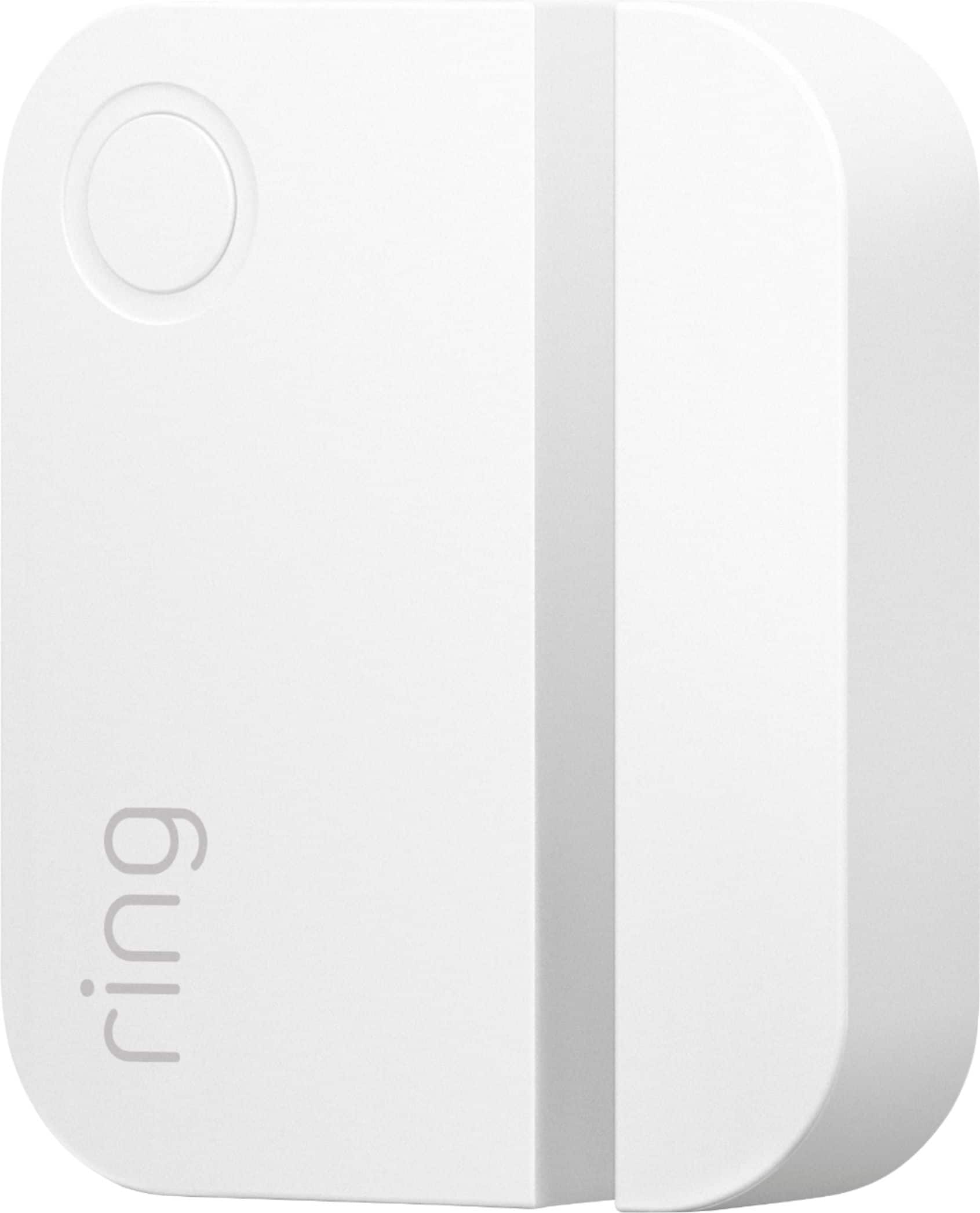
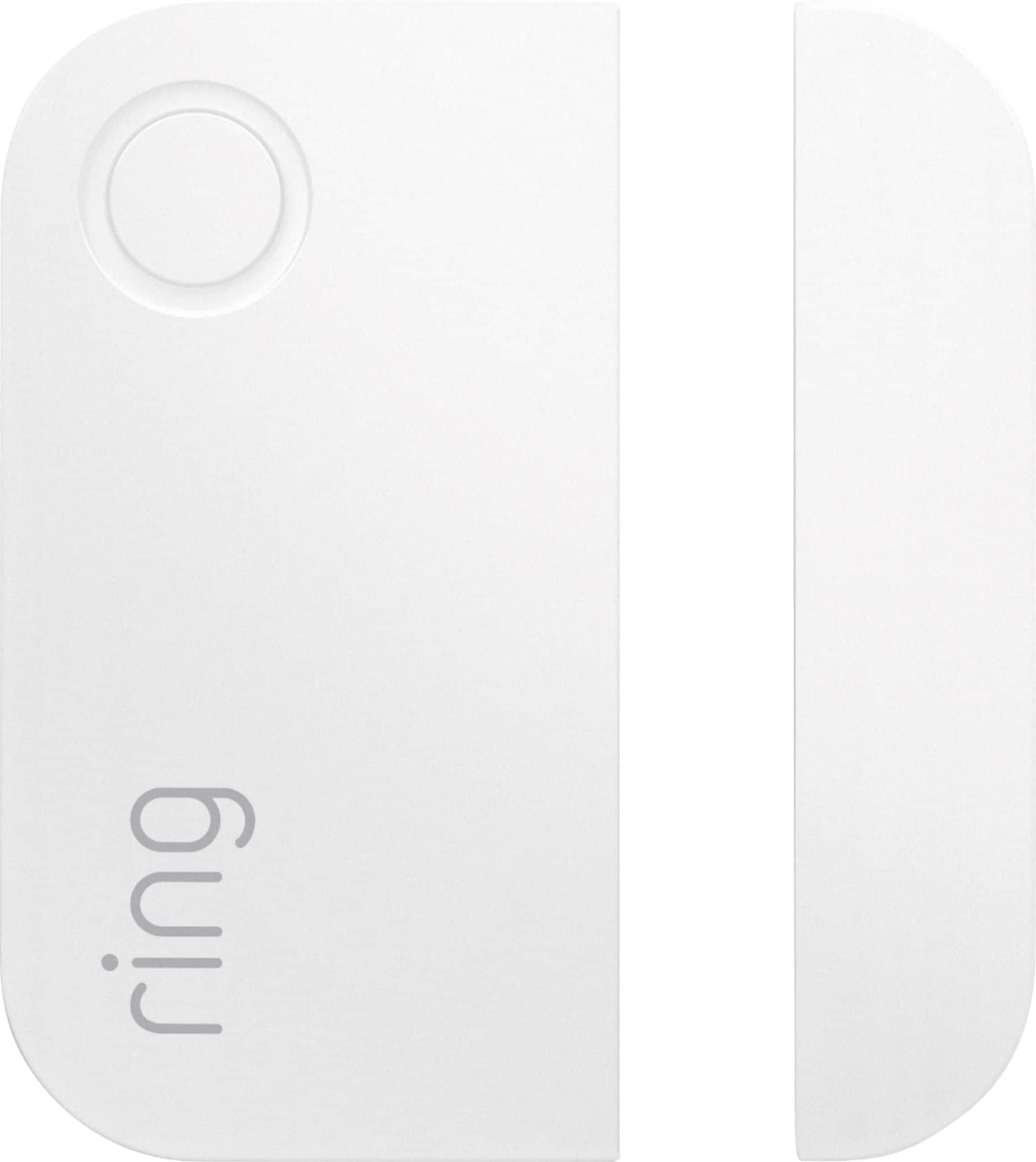
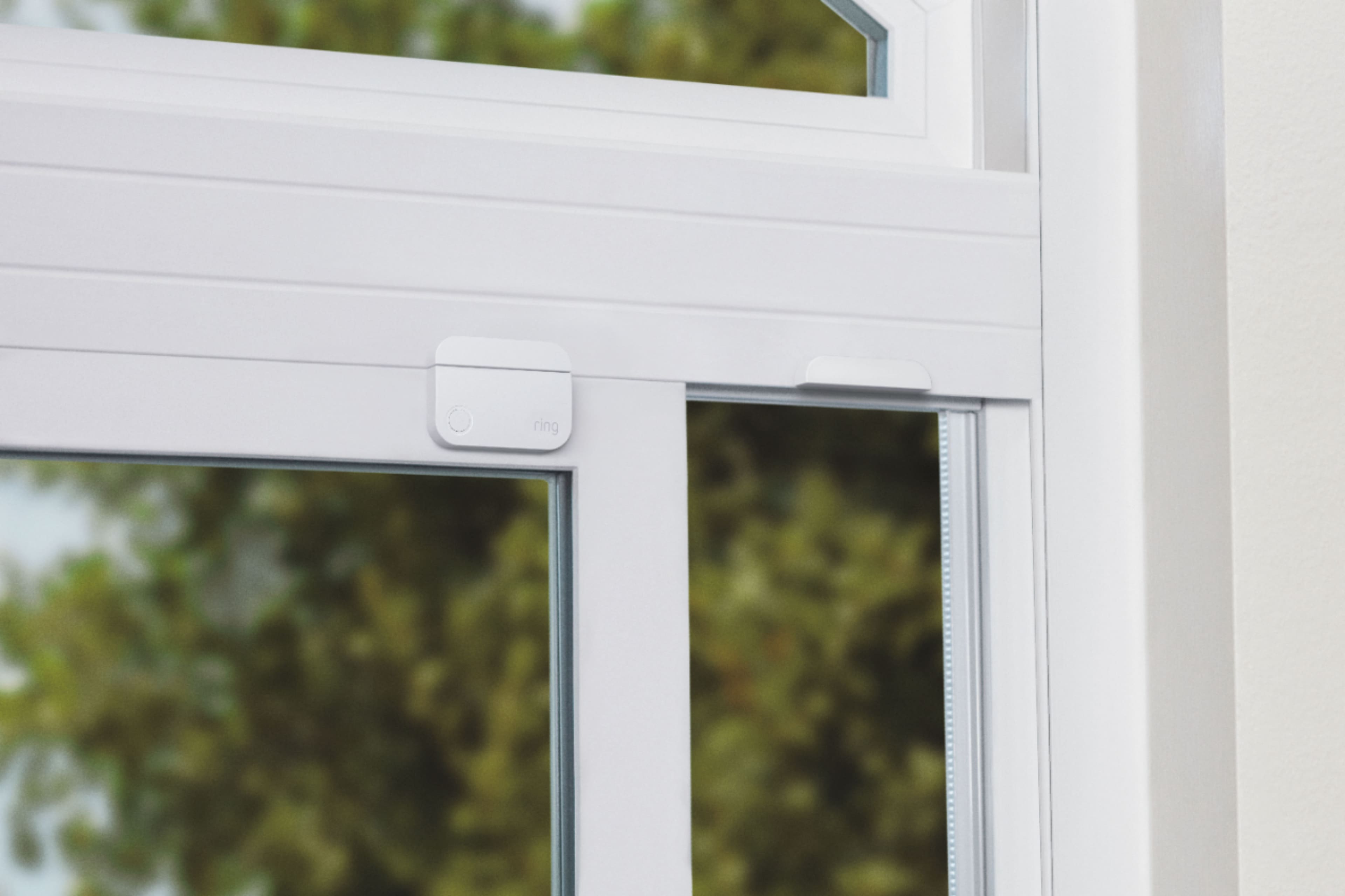
The Ring Alarm Contact Sensor is designed to monitor your doors and windows. The Contact Sensor is made up of two parts- the sensor and the magnet - and when installed on your door or window, it can tell if the door or window is open or closed. By default, your Ring Alarm Contact Sensors are armed when using both Away and Home Mode. Here is a helpful article that elaborates on the Ring Contact Sensor and how to get the most out of it’s settings: https://support.ring.com/hc/en-us/articles/360039497552-Ring-Alarm-Contact-Sensor-Setup-and-Use.
These are a few of the features that this device offers:
ARMED MODES: When armed, the Contact Sensor will trigger your Ring Alarm if a door or window is opened. You can customize your Sensor mode settings.
ENTRY AND EXIT DELAY: If your Contact Sensor Placement is set to Main Door, you can customize your entry and exit delays to have enough time to leave after arming, or enter and disarm.
BYPASS SENSORS: If a Contact Sensor is open or offline at the time of arming, or if you want to leave a window open, you can bypass the Contact Sensor to leave it unarmed.
ALEXA ROUTINES: Use your Contact Sensors to trigger Alexa routines.
ALERTS AND HISTORY: Get alerts when a Sensor is opened, and review Sensor activity history in the app.
If you still have concerns regarding this, we would love to hear from you directly on our Ring Community forum. This is a platform intended for Ring users, just like yourself, to create open discussions regarding their Ring experiences, provide suggestions or feedback, and more: https://community.ring.com/.
Thank you, Jamila with Ring.
Low quality ring product
||Posted . Owned for 9 months when reviewed.This reviewer received promo considerations or sweepstakes entry for writing a review.The sensors stop working and manufactured defects. Not a good experience
No, I would not recommend this to a friendBrand response from Ring
Posted .Hello Lowqualitycheapproduct,
Thank you for taking the time to share your Ring Alarm Contact Sensor experience with us. We appreciate it. Our products are intended to provide you with long-term peace of mind in terms of home security.Ring devices all include a one-year limited warranty on parts and hardware: https://ring.com/warranty. If you are a Ring Protect Plus member, an added benefit of this plan is an extended product warranty that would cover replacement for the lifetime of the device. Rest assured, whether you are a Protect Plus member or not, we do have some solutions that can resolve your concerns and ensure you have a Ring device that is capturing visitors around your home when you need it most!
To obtain the benefit of the limited warranty, please contact Ring community support at http://support.ring.com/or 1 (800) 656-1918 (US). For any additional questions or concerns, please feel free to reach out on our community forum at https://community.ring.com/. This forum was launched in 2019 to allow our neighbors to share their experiences and feedback directly with Ring.
We are eager to get a solution in place for you so you can monitor your home and get notified in a timely manner of visitors approaching your door. We look forward to hearing from you soon!
Thank you, Jamila with Ring.
Security
||Posted .This reviewer received promo considerations or sweepstakes entry for writing a review.Didn’t like at all so I returned them and the extra ones .
No, I would not recommend this to a friendBrand response from Ring
Posted .Hello Lolo4,
Thank you for taking a moment to leave your review of the Ring Alarm Contact Sensor. At Ring, we believe that stronger communities are the key to safer neighborhoods. That is why we are driven to create products that help you protect what matters most at home, and empower you to connect with your visitors from wherever you are. We are saddened to read that this device did not meet your expectations, but are still here to assist you, if needed.
If you still have the Ring device in your possession, we invite you to reach out to us at https://community.ring.com/. Ring Community is our first peer-to-peer community forum, giving our customers the ability to help one another and share their personal feedback/experiences with Ring. We look forward to hearing from you, if we can be of any further assistance!
Thank you, Jamila with Ring.
Service fail
||Posted .This reviewer received promo considerations or sweepstakes entry for writing a review.Tried to substitute an open box of the product with missing instructions
I would recommend this to a friendBrand response from Ring
Posted .Hello Nolafilmfan,
Thank you for taking the time to share your experience with us. We understand the importance of a seamless installation process, as this allows you to start using your Ring Alarm Motion Detector right away. What you describe is not the experience we want you to have, rest assured we hear you and are here to offer you some assistance.
In this particular case, we’d suggest you reach out to Best Buy’s customer service: 1-888-237-8289 or https://www.bestbuy.com/services/triage/home. We are confident that they will be able to provide you resolution to the installation concerns you have described.
If you need assistance from Ring, Ring Community is our first peer-to-peer community online forum, giving our customers the ability to help one another and share their feedback directly with Ring.
We invite you to reach out at https://community.ring.com/ if any additional installation information is needed regarding the Ring Motion Detector. We are eager to turn around your experience!
Thank you, Jamila with Ring.
Security
||Posted .This reviewer received promo considerations or sweepstakes entry for writing a review.Didn’t like at all so I returned them and the extra ones .
No, I would not recommend this to a friendBrand response from Ring
Posted .Hello Lolo4,
Thank you for taking a moment to leave your review of the Ring Alarm Contact Sensor. At Ring, we believe that stronger communities are the key to safer neighborhoods. That is why we are driven to create products that help you protect what matters most at home, and empower you to connect with your visitors from wherever you are. We are saddened to read that this device did not meet your expectations, but are still here to assist you, if needed.
If you still have the Ring device in your possession, we invite you to reach out to us at https://community.ring.com/. Ring Community is our first peer-to-peer community forum, giving our customers the ability to help one another and share their personal feedback/experiences with Ring. We look forward to hearing from you, if we can be of any further assistance!
Thank you, Jamila with Ring.
- Cons mentioned:Motion detection
Great product
Posted .This reviewer received promo considerations or sweepstakes entry for writing a review.Great motion sensor. Does what it's suppose to and you can customize the settings in the app like sensitivity level and notifications. I was surprised on how far it detects motion. I tested it out when I installed it and it gets about 15 feet almost 20 feet away. I saw a few people complained about its motion distance detection i wonder if there's was faulty. I really liked that the sensor has a bracket that mounts to the wall with screws or sticky adhesive and the adhesive has 2 strips on the back for mounting on a wall flat and 2 strips one on each corner for easy mounting on the corner of a wall. Also, since the bracket is what is mounted you can slide the motion detector on or off to easily change batteries or ect.
I would recommend this to a friend - Pros mentioned:Ease of use, Size
Works great, love it!
Posted .This reviewer received promo considerations or sweepstakes entry for writing a review.Works great, love it! Easy to install, good size to fit in small spaces
I would recommend this to a friend Ring Censor gen2
Posted .This reviewer received promo considerations or sweepstakes entry for writing a review.These sensors work great. I used them to replace my first gen sensors and they look so much nicer. Only down part is that one shorted out pretty quick with on of my windows that had a little condensation.
I would recommend this to a friendAwesome
Posted .This reviewer received promo considerations or sweepstakes entry for writing a review.These are awesome.. I got them for all my windows .
I would recommend this to a friend- Pros mentioned:Installation
recommended
Posted .This reviewer received promo considerations or sweepstakes entry for writing a review.Easy to setup. Has worked flawlessly. No false detections.
I would recommend this to a friend ring gen 2 contact sensor
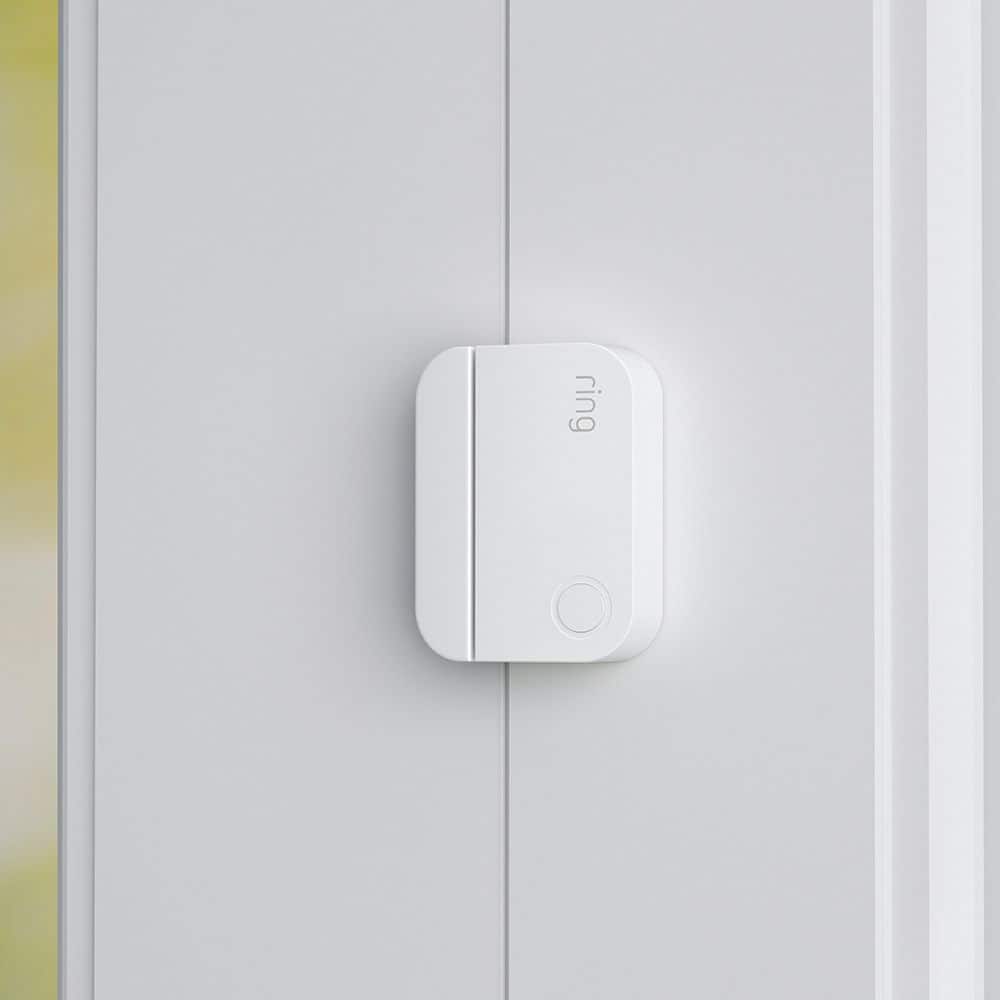
Posted .This reviewer received promo considerations or sweepstakes entry for writing a review.the newer slim design is better than gen 1. It's not as noticeable on the door or window.
I would recommend this to a friend- Pros mentioned:Overall performance
Happy
Posted .This reviewer received promo considerations or sweepstakes entry for writing a review.Works great as usual! Super happy they were in stock
I would recommend this to a friend - Pros mentioned:Size
ring
Posted .This reviewer received promo considerations or sweepstakes entry for writing a review.I love MY ring products. These are slimmer and easy to install
I would recommend this to a friend