Customer Ratings & Reviews
- Model:
- 8AC1SZ-0EN0
- SKU:
- 6396018
Rating by feature
- Video Quality
Rating 4.8 out of 5 stars
- Mobile App
Rating 4.8 out of 5 stars
- Sound Quality
Rating 4.8 out of 5 stars
Customers are saying
Customers value the Chime's ease of use, excellent sound quality, and convenient volume control. Many appreciate its simple installation and the ability to expand the range of their doorbell system. While some users experienced connectivity issues, the positive feedback on the Chime's functionality and design outweighs these concerns. The price point also receives favorable comments.
This summary was generated by AI based on customer reviews.
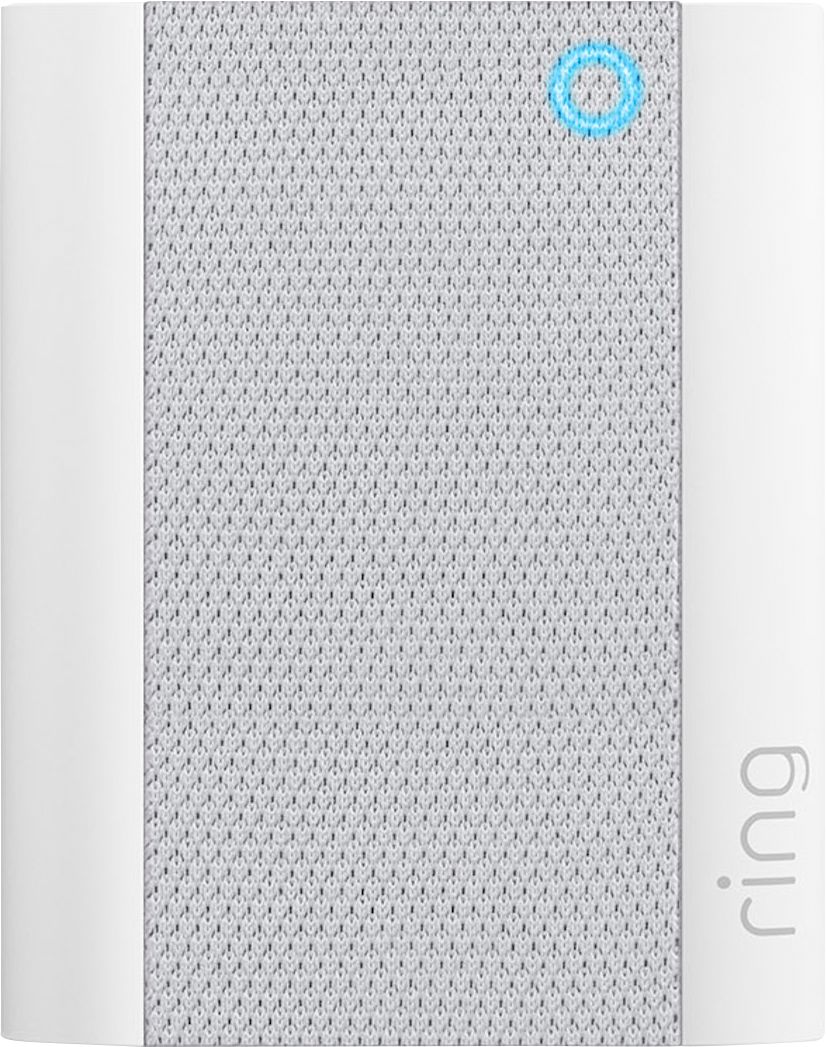
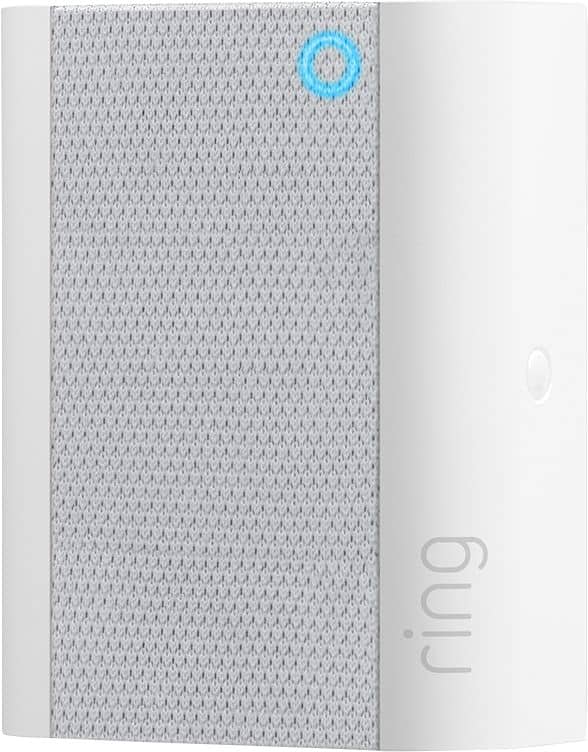

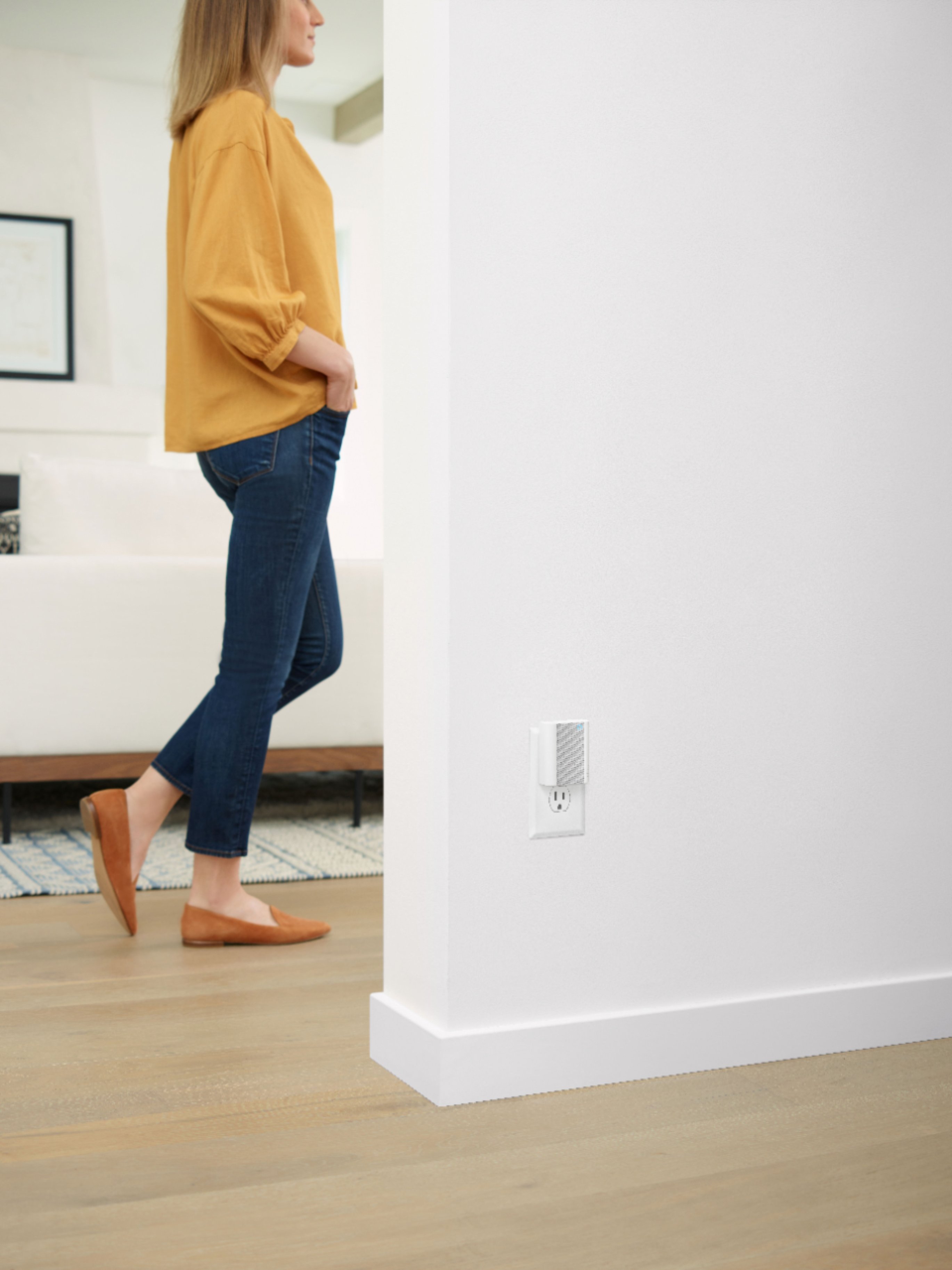
Ring Chime door bell
Posted .This reviewer received promo considerations or sweepstakes entry for writing a review.Need to provide written instructions. Chime is hard to hear. Very short.
I would recommend this to a friendWorks
Posted .This reviewer received promo considerations or sweepstakes entry for writing a review.Worst great is more where as the one someone’s ringing your doorbell
I would recommend this to a friend- Cons mentioned:Connectivity
How does anyone give this more than one star?!
Posted .This reviewer received promo considerations or sweepstakes entry for writing a review.It works, on the default tone only, which is a harsh sound worthy of a prison alarm clock, and it only works during the first day. Every morning it needs reconnected to wifi which requires a hard reset (start the set up process over all over). Ring tech support claims it needs a firmware update, which can “take multiple days”, but how do you do that if the device won’t stay on the network? On my third replacement from Ring, all three have the same issue.
No, I would not recommend this to a friendBrand response from Ring
Posted .Hello JayJ,
We strive to deliver quality devices that will serve you in the long run, as we understand that you will be relying on them for your home security. Having the device replaced two times in a short period of time is a less than stellar experience. The Ring Chime is intended to provide you with reliable audio alerts of traffic around your home. Please know that we are here to determine the root cause and find a permanent solution for you. It is important when investing in our devices that they work at their highest standards.
There are four things you can try with the new replacement, in order to ensure our devices stays connected to your home's network:
1. Change the encryption type to WPA2/WPA. While Ring devices are compatible with a number of encryption types, we generally recommend using the WPA2/WPA encryption. WEP encryption is less secure and occasionally causes problems with Ring device setups.
2. Check your SSID. Check the SSID (name) of your network. If your SSID has special characters or blank spaces before or after the name, rename the network to something simpler. Unusual characters or spaces in the SSID can cause problems during setup.
3. Create a DHCP reservation. A DHCP reservation is a permanent IP address assignment that is reserved for the use of one device. Using the Mac ID listed on the back of your Ring device or on the box, create a DHCP reservation to ensure that every time your Ring device connects to your router, it will be given the same address.
4. Set a static IP. You can also set a static IP during the setup process in the Ring application.
Here is a helpful article with more information regarding network changes that can ensure success: https://support.ring.com/hc/en-us/articles/360023559372-Fixing-Your-Devices-Falling-Offline-Repeatedly-by-Adjusting-Your-Router.
We appreciate the value you have placed in owning a Ring Chime and would love to offer our assistance to ensure the setup completes. Please visit our community forum at https://community.ring.com/, as we have some additional solutions we'd love to share with you.
Thank you,
Alexis with Ring
- Cons mentioned:Connectivity
Don’t buy the Ring!!!
Posted .This reviewer received promo considerations or sweepstakes entry for writing a review.Crap. The first one lasted about two weeks. I was sent a replacement which is unable to connect to my WiFi.
No, I would not recommend this to a friendBrand response from Ring
Posted .Hello cdurmick
We appreciate you leaving a review on the Ring Chime. We completely understand the relevance of having your home security up and running. Having peace of mind that your device’s connectivity is solid is also very important. The Ring Chime Is a key component to providing an
internal audio effect through your home. We are here to lend some assistance. Rest assured, we are here to assist you in resolving your connectivity concern.
Based on your review, it seems that you are having trouble connecting your Ring Chime to your wifi. If this is the case, we recommend unplugging the Ring Chime for 30 seconds and then plugging it back in. Once done, you may continue setting up your Ring Chime. For more information on troubleshooting your Ring Chime, please see our help center
article: https://support.ring.com/hc/en-us/articles/360048673232-Troubleshooting-Your-Ring-Chime-Pro-and-Understanding-Light-Patterns.
For any additional questions or concerns regarding your Ring Chime, please feel free to reach out on our community forum at https://community.ring.com/. We look forward to hearing from you soon. Thank you, Jamila with Ring