Customer Ratings & Reviews


- Model:
- B08F6DWKQP
- SKU:
- 6460924
Rating by feature
- Value
Rating 4.7 out of 5 stars
- Quality
Rating 4.8 out of 5 stars
- Ease of Use
Rating 4.8 out of 5 stars
to a friend
Customers are saying
Customers commend the Floodlight Cam Plus for its crisp camera quality and ease of use. Users appreciate the adjustable light brightness and overall performance, noting it works as advertised. The motion detection, straightforward installation, and enhanced security are also well-received. While connectivity issues and price concerns are present, they are mentioned far less frequently than the positive aspects.
This summary was generated by AI based on customer reviews.
Works great
||Posted . Owned for 1 month when reviewed.This reviewer received promo considerations or sweepstakes entry for writing a review.Bright light and motion detector. Need to fine tune the distance.
I would recommend this to a friendring floodlight
||Posted . Owned for 3 weeks when reviewed.This reviewer received promo considerations or sweepstakes entry for writing a review.love this ring outdoor perfect for backyard and color
I would recommend this to a friendRing
||Posted . Owned for 1 week when reviewed.This reviewer received promo considerations or sweepstakes entry for writing a review.Happy with my purchase. Works well. Clear images. No complaints.
I would recommend this to a friendPerfect video
||Posted . Owned for 2 weeks when reviewed.This reviewer received promo considerations or sweepstakes entry for writing a review.Love the security it gives my family. And speaker worjs great too
I would recommend this to a friendGreat addition
||Posted . Owned for 3 weeks when reviewed.This reviewer received promo considerations or sweepstakes entry for writing a review.Great addition to the Ring setup. Easy install and configuration.
I would recommend this to a friendGo PRO light cam instead
||Posted . Owned for 2 months when reviewed.This reviewer received promo considerations or sweepstakes entry for writing a review.much more finicky than the PRO and lighting feels very meh. I would go with the PRO for the value everytime.
No, I would not recommend this to a friendBrand response from Ring
Posted .Hi HonestDan.
Thank you for taking the time to share your experience with us. We understand how important it is for your Ring Floodlight Cam Wired Plus to function consistently and reliably, so you are alerted to any wanted or unwanted activity in or around your home. The features and technology provided by the Ring Floodlight Cam Wired Plus are incredibly valuable and help provide you with peace of mind about your home security. We can definitely assist you with this today to ensure your Ring device is performing optimally, and the proper settings are chosen within the Ring app.
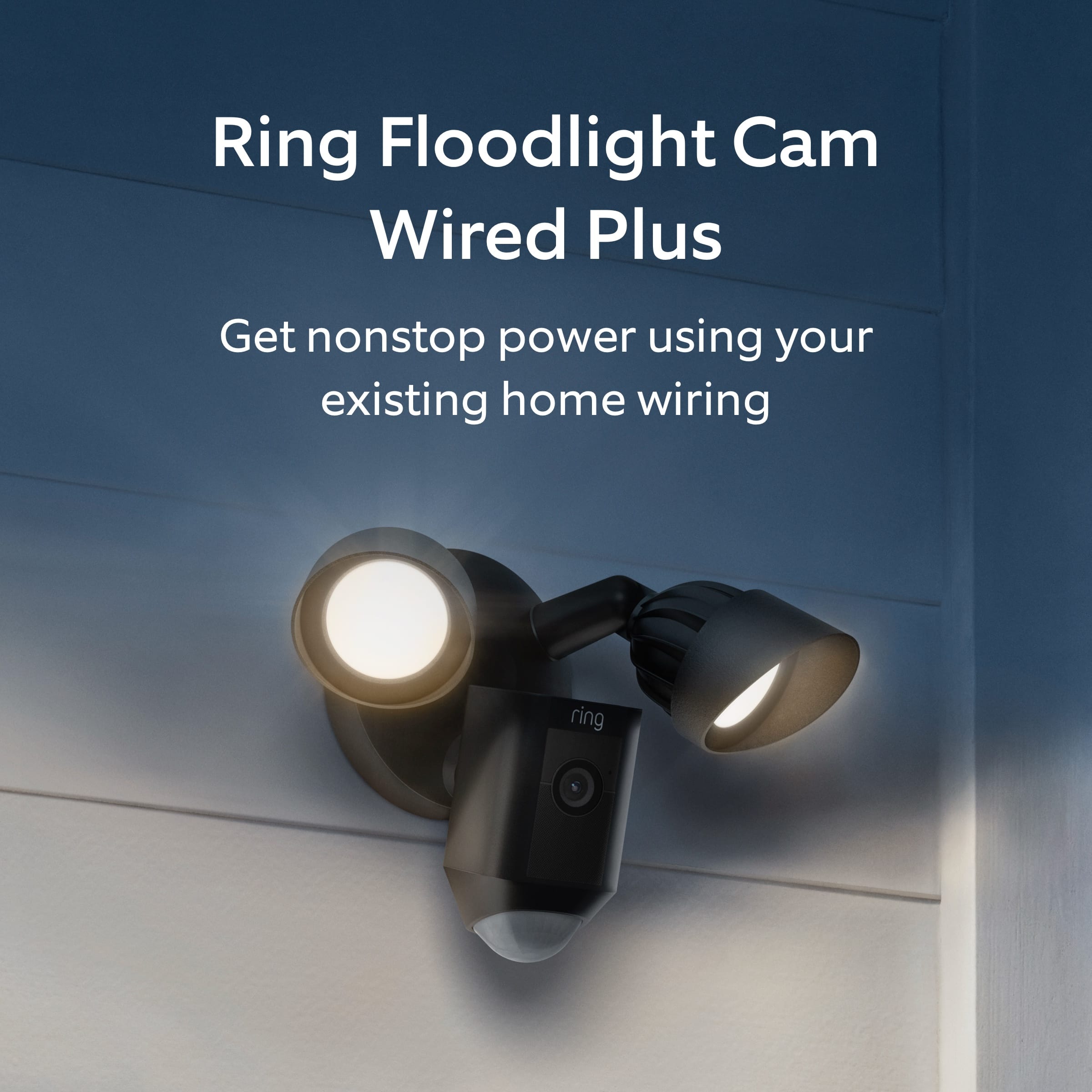
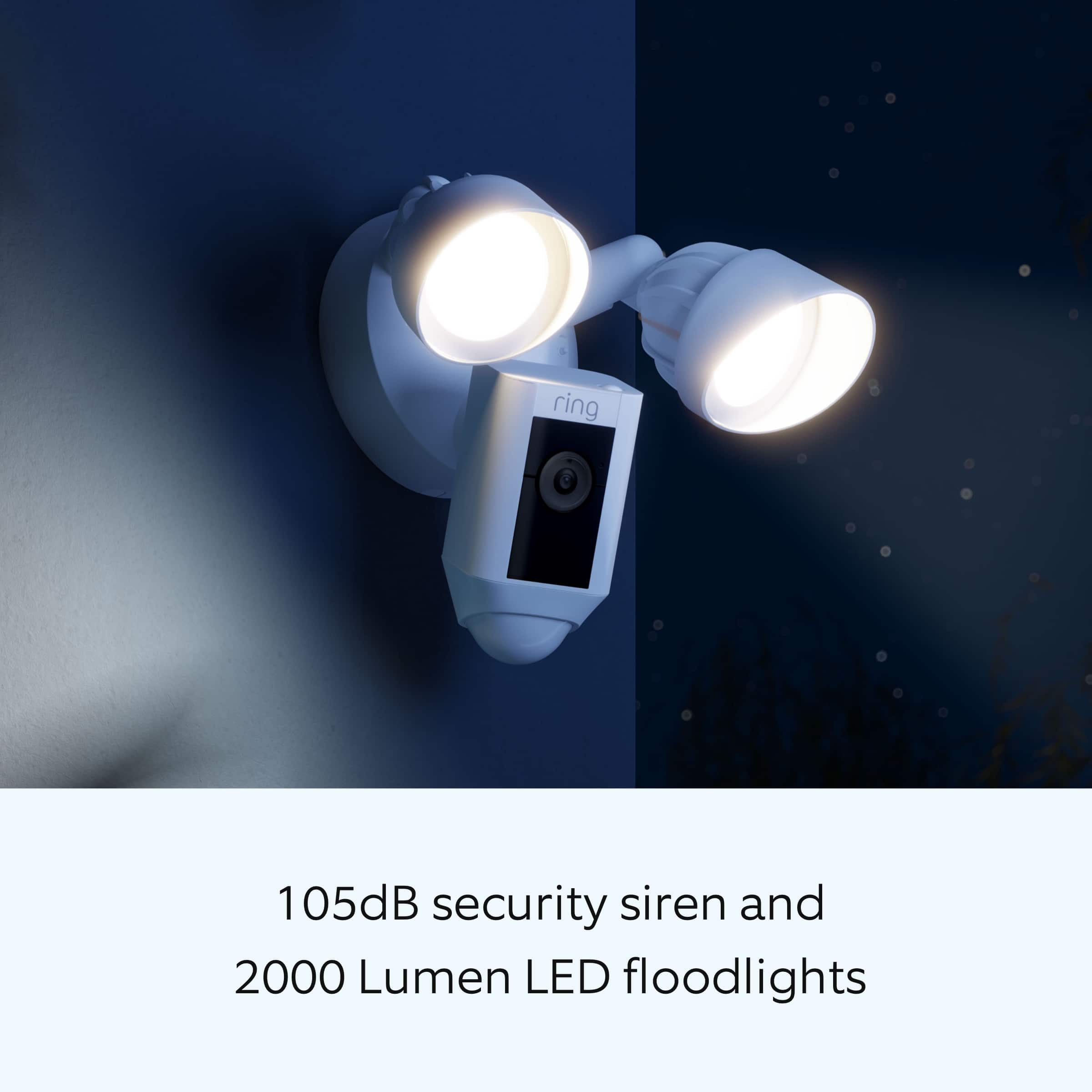
It sounds like the device is not performing as expected in regards to brightness. The Ring Floodight Cam Wired Plus was designed with two 3000° Kelvin lights with 2000 lumens and in-app brightness adjustment. To adjust the brightness of the lights, please follow these steps in the Ring app:
Open the Ring app.
Tap the menu (☰).
Tap Devices.
Select the Floodlight Cam that you want to adjust. Select Device Settings. Select Light Settings. Select Light Brightness and adjust the slider to make the lights brighter or dimmer.
We invite you to reach out to our community if any additional information is needed regarding your Ring Floodlight Cam Wired Plus. The Ring Community is our first peer-to-peer community forum, giving our customers the ability to help one another by sharing their feedback and experiences with each other.
Thank you,
Melissa from Ring.
Great picture.
||Posted . Owned for 3 weeks when reviewed.This reviewer received promo considerations or sweepstakes entry for writing a review.Great camera with clear picture. Better quality than my old one!
I would recommend this to a friendRing Outdoor Camera with lights
||Posted . Owned for 1 year when reviewed.This reviewer received promo considerations or sweepstakes entry for writing a review.Easy to setup and operate. I feel very secure with this product.
I would recommend this to a friendRing flood lights
||Posted . Owned for 3 weeks when reviewed.This reviewer received promo considerations or sweepstakes entry for writing a review.Excellent camera angles, HD quality. Motion Sensor adjustable.
I would recommend this to a friendLove it
||Posted . Owned for 9 months when reviewed.This reviewer received promo considerations or sweepstakes entry for writing a review.Works great i put it on my back porch it does an amazing job
I would recommend this to a friendLights yes installation no
||Posted . Owned for 1 month when reviewed.This reviewer received promo considerations or sweepstakes entry for writing a review.the lights are fine it's the installation I'm not happy with
I would recommend this to a friendBrand response from Ring
Posted .Hi AthensUser.
Thank you for taking the time to share your experience with us. We understand the importance of a seamless setup process so that you can begin using your Ring Floodlight Wired Plus right away. The features and technology provided by the Ring Floodlight Wired Plus are incredibly valuable and help provide you with peace of mind about your home security. We are here to provide you with some information to resolve the installation issue you mentioned in your review.
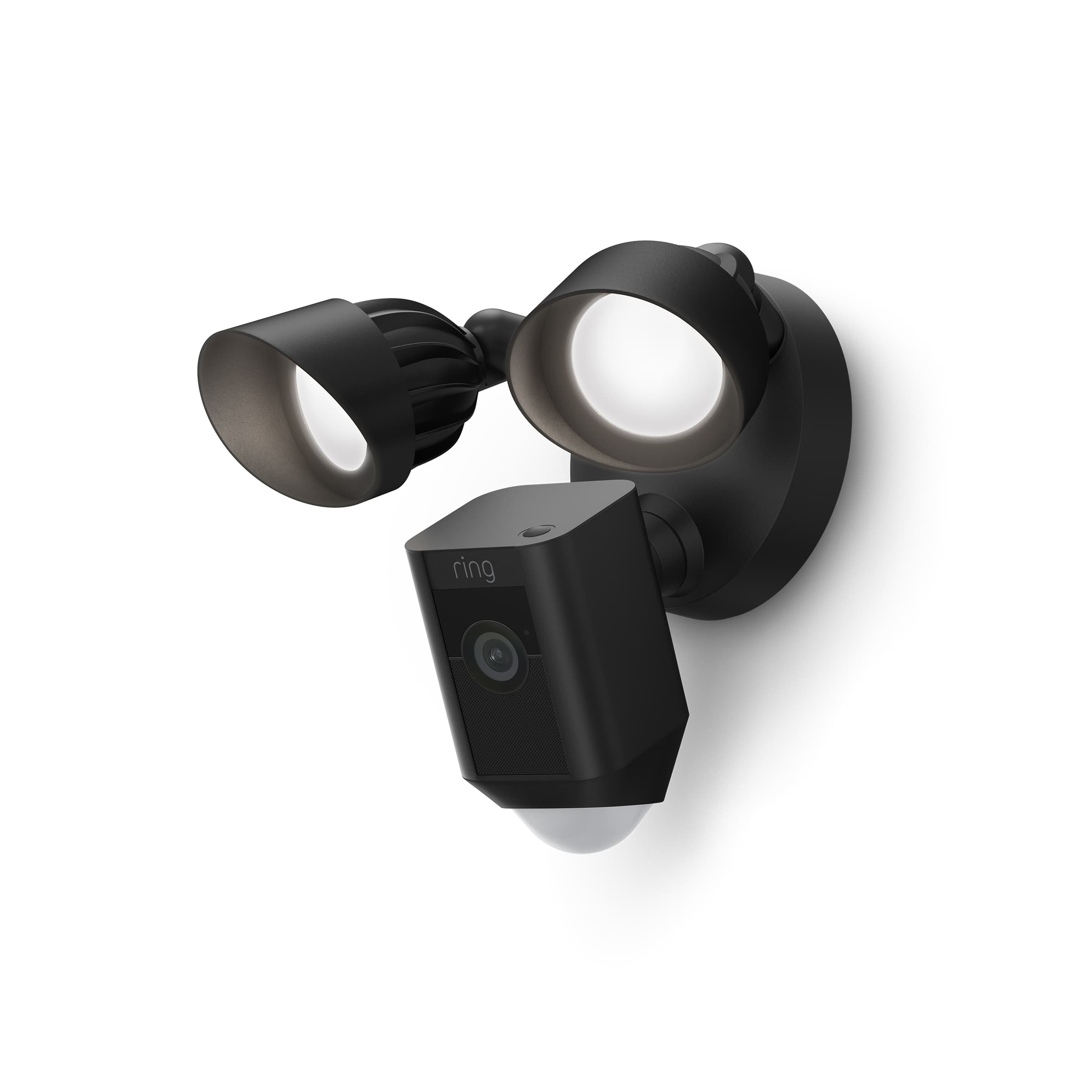
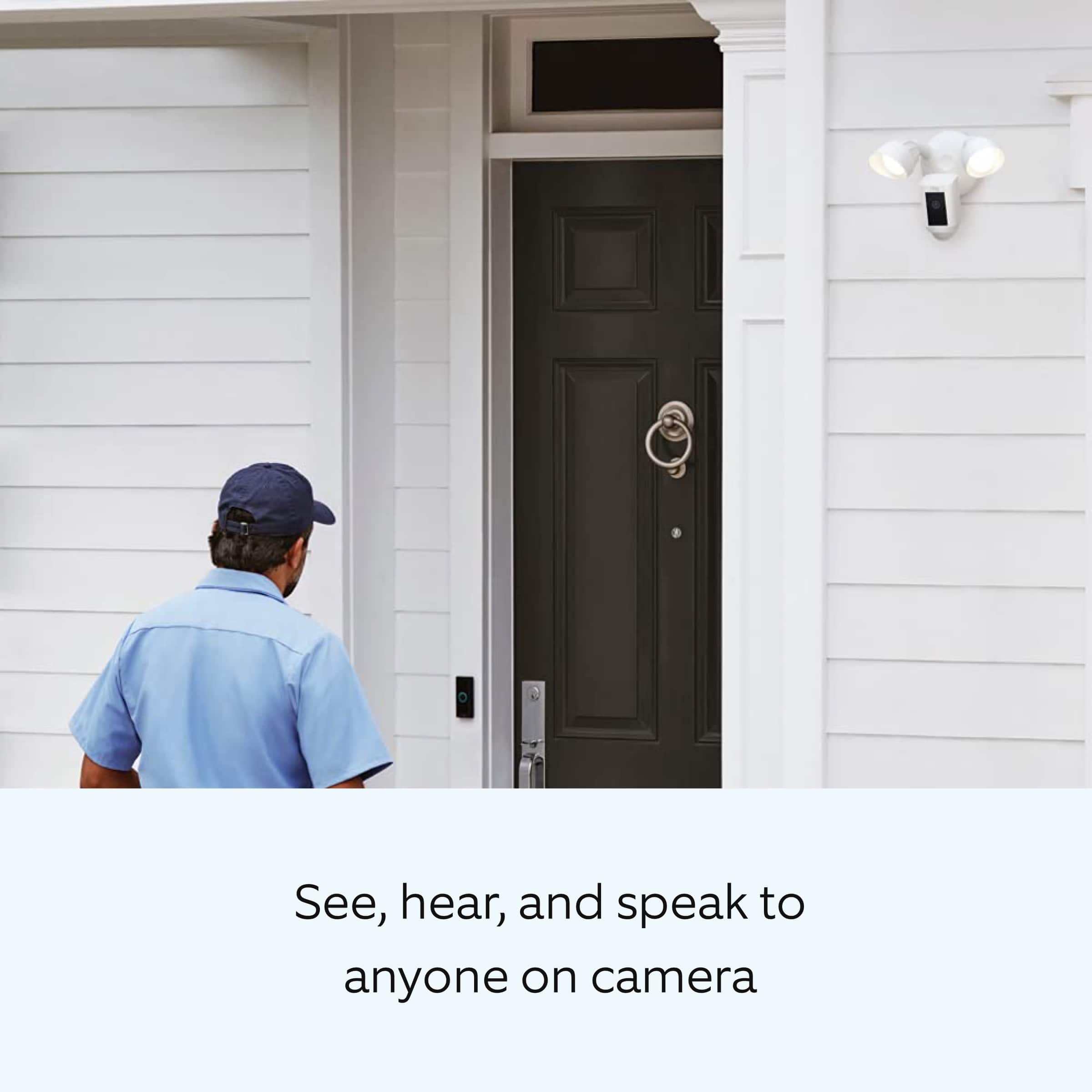
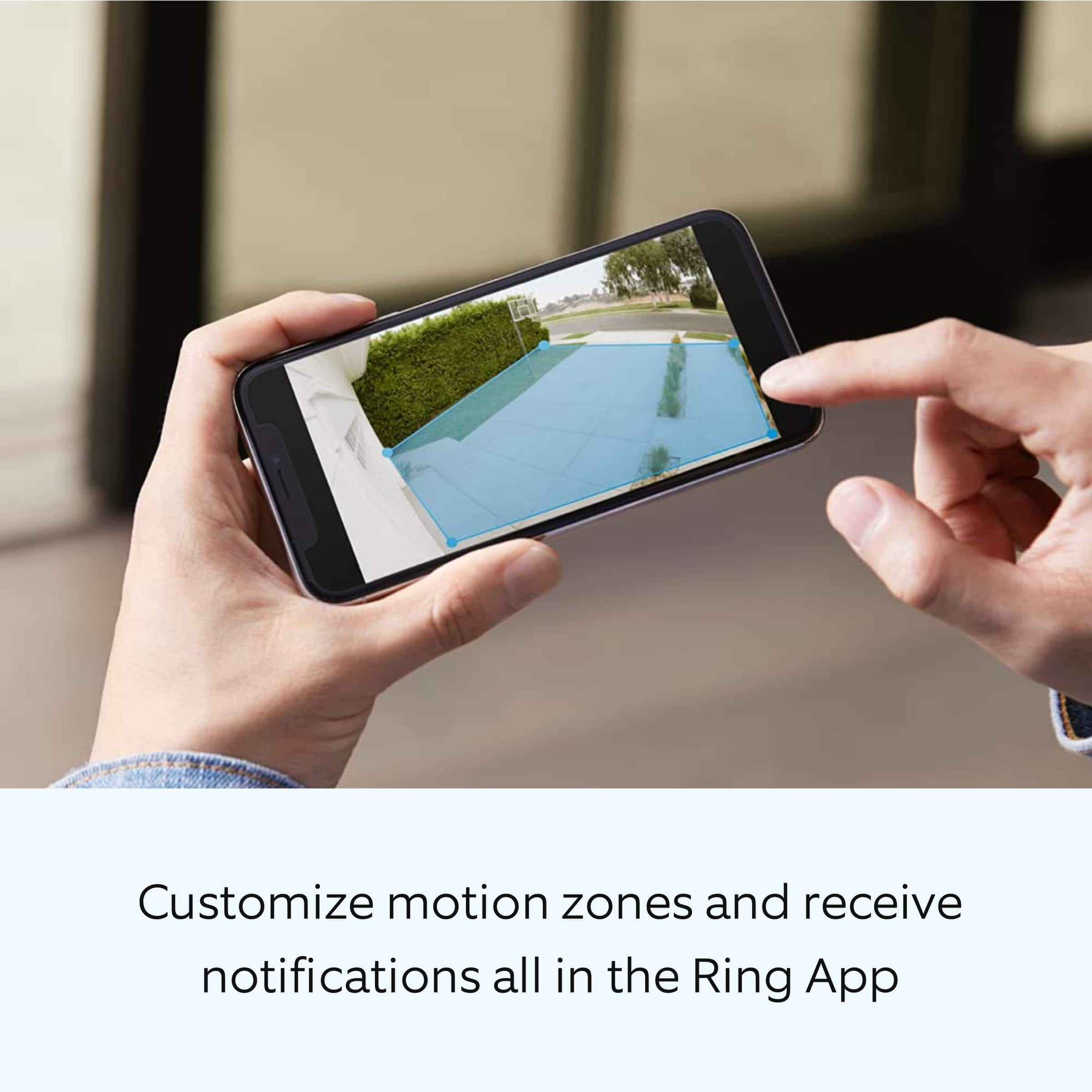
Ring Floodlight Cam Wired Plus is an outdoor floodlight security camera with 1080p HD video. Ring Floodlight Cam Wired Plus has ultra-bright, motion-activated LED floodlights, "Customizable Motion Zones," "Live View," "Color Night Vision," a 105db siren, and two-way talk.
We have included a list here of the items that come in the box with the device:
Floodlight Cam Wired Plus
Terminal block
Mounting bracket
Installation tools and screws
User manual
Security sticker
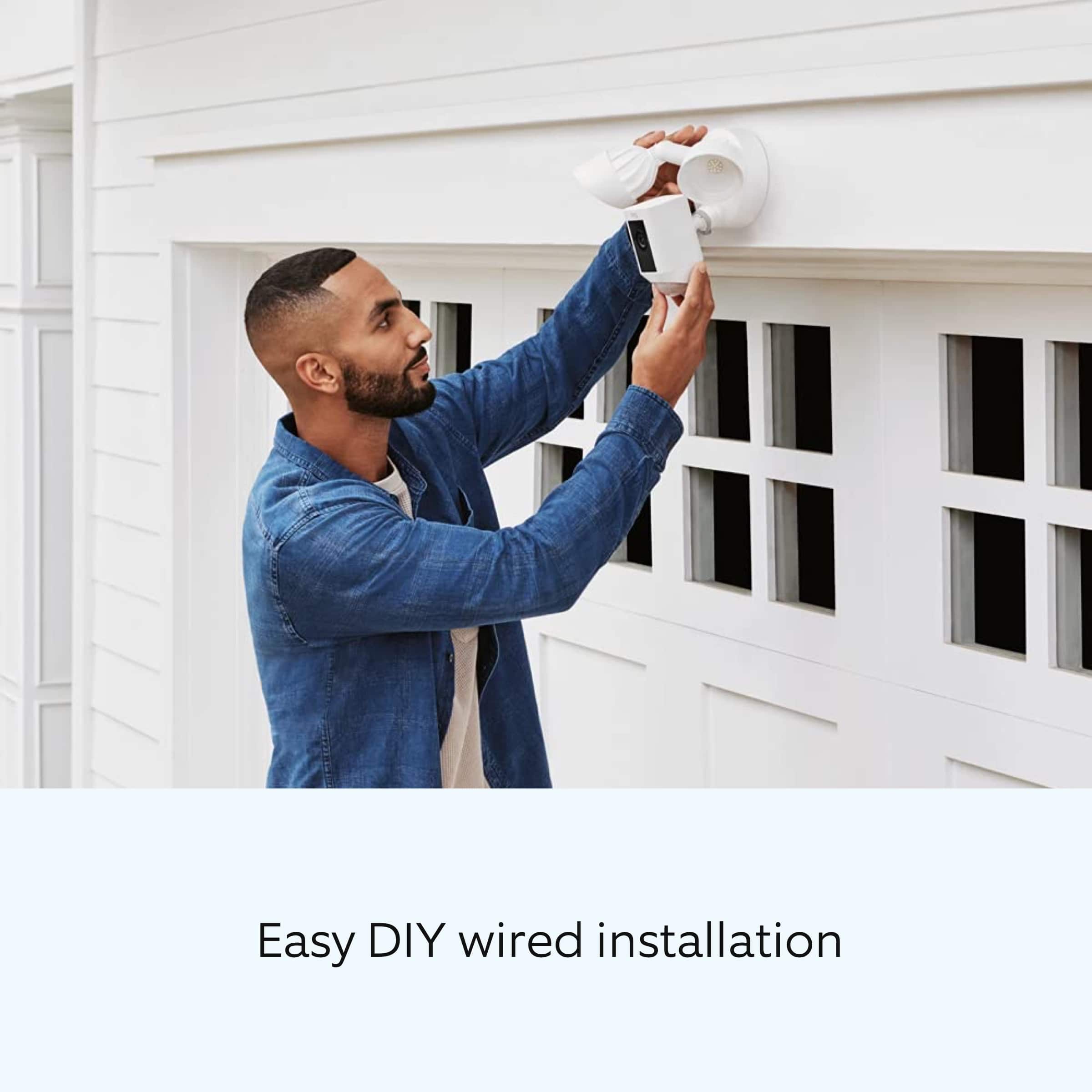
Install your Floodlight Cam Wired Plus with this step-by-step guide.
Before you begin installing your Ring Floodlight Cam Wired Plus, make sure you’re following safety code standards. Warning: Electrical shock is a is a hazard. Disconnect power to the installation area at your circuit breaker or fuse box before beginning installation. Always use caution when handling electrical wiring. Installation by a qualified electrician may be required in your area. Refer to your local laws and building codes before performing electrical work. Permits and professional installation may be required by law.
Your Floodlight Cam Wired Plus security cam must be installed on a 4“ round UL-listed weatherproof electrical box. Make sure the power is turned off at the circuit breaker.
1. Start in the Ring app.
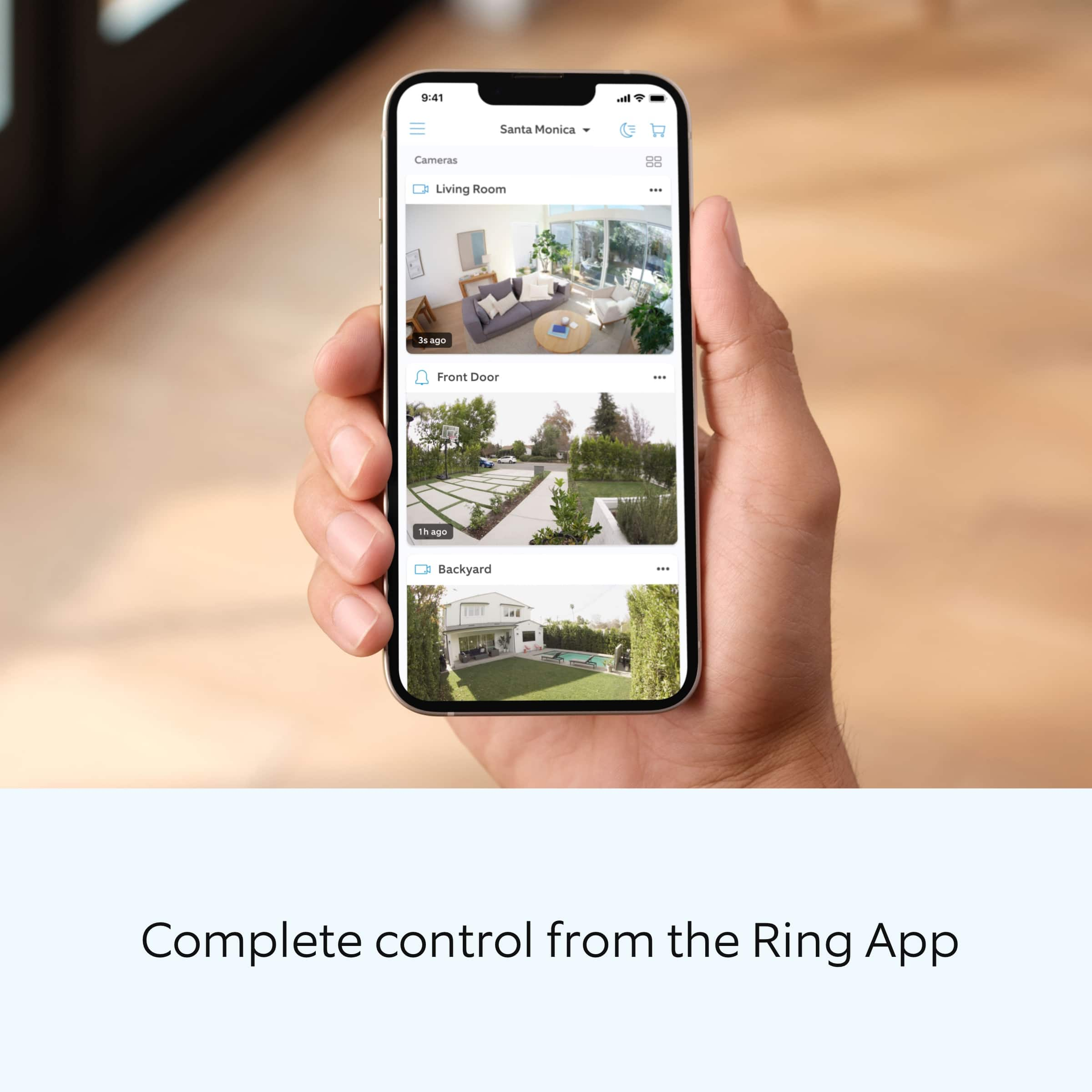
Tap the menu (≡) on the left side of your dashboard in the Ring app.
Tap "Set up a Device."
Follow the instructions in the Ring app.
Scan the QR code on the back of the device.
2. Prepare your Floodlight Cam Wired Plus for installation.
If you’re mounting the Ring Floodlight Cam Wired Plus on an eave or overhang, rotate the lights away from the camera.
If you’re mounting it to a wall, rotate the camera downward into the installation position.
3. Remove your existing floodlight.
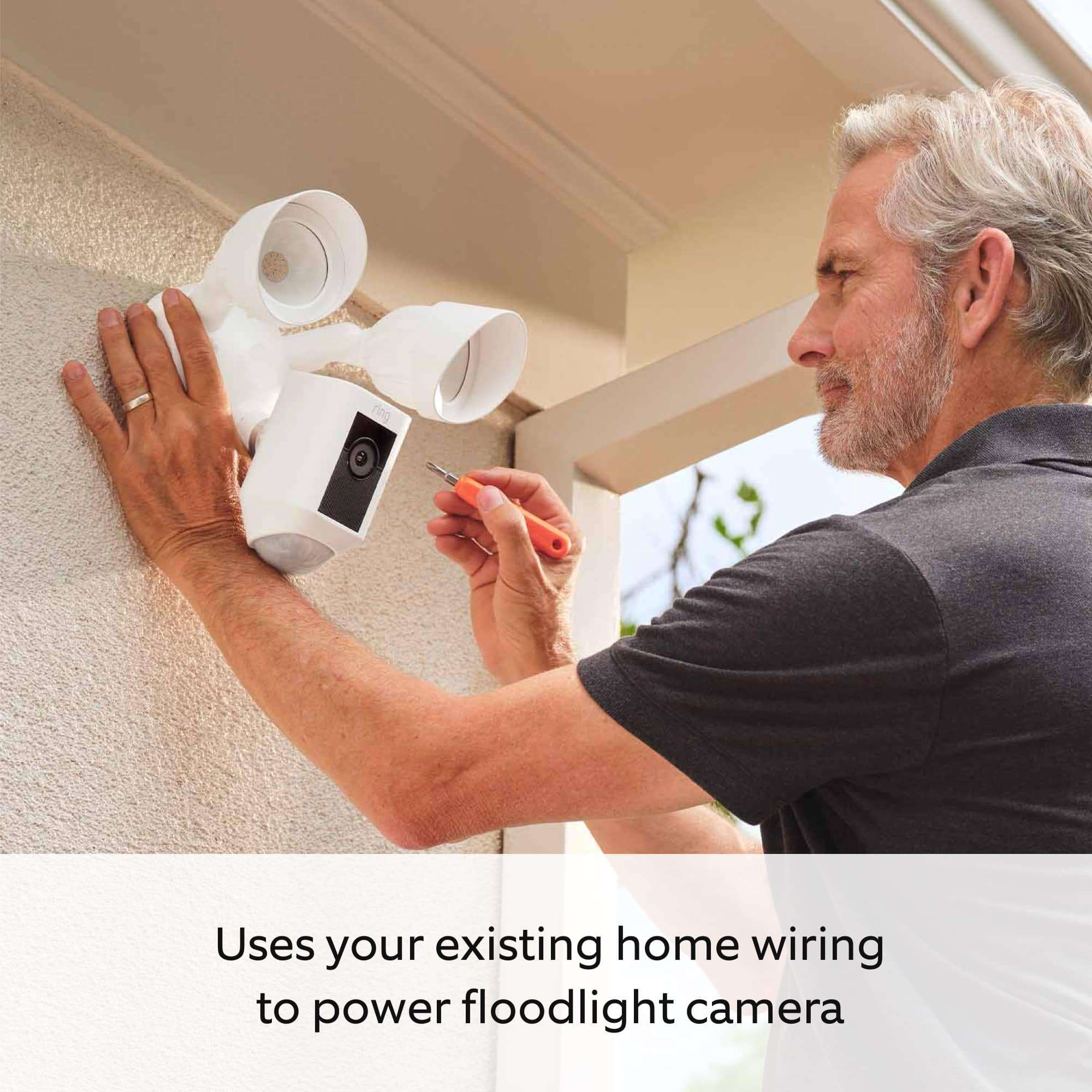
With the power off at the circuit breaker, remove your existing floodlight at the junction box and disconnect the wires.
If there is a metal bracket attached to the junction box, remove that as well.
4. Choose your screws.
Select a set of screws that fit your junction box from the bags marked A through F. One size does not fit all, so there are several sizes in the bags.
Save a screw from either bag B or C for one of the following steps:
Bag A: standard screws that fit most junction boxes.
Bags B and C have longer screws for recessed junction boxes.
Bags D, E, and F are best for older boxes with smaller screw holes.
5. Attach the metal mounting bracket.
Secure the metal mounting bracket with the screws you selected to the junction box, using either pair of screw holes. Be sure to align the bracket so the front text faces outward.
6. Install the plastic mounting plate.
Pull gently from the opening of the plastic plate to free it from the fixture, then feed your power wires through the opening. After your power wires are fed through the mounting plate, center it over the metal mounting bracket. If you’re installing on a wall, the UP arrow should point up when your wires have been fed through the mounting plate. If you’re installing under an eave, the arrow should point toward the wall. Then, insert one of the screws from Bag B or C into the center hole, and tighten to secure.
7. Hang up the Floodlight Cam Wired Plus.
Locate the nylon strap on the back of your Floodlight Cam Wired Plus light fixture and loop the buckle at the end over the hook on the mounting plate. Make sure that the buckle and hook are secure before releasing the light fixture.The green wire on the Floodlight Cam Wired Plus is the ground wire.
With the power still turned off at the breaker, use a wire nut from the bag marked G to connect the green wire coming from the junction box.
The white wire on the Floodlight Cam Wired Plus is a neutral wire. Use another wire nut from the bag marked G to connect the white (or neutral) wire coming from the junction box.
The black wire on the Floodlight Cam Wired Plus is a hot wire. Use another wire nut from the bag marked G to connect the black wire from your Floodlight Cam Wired Plus to the black (or hot) wire from your junction box.
Give all three wire connections and wire nuts a gentle tug to make sure they’re secure.
Warning: If you can’t easily identify the wires coming out of your junction box, have difficulty identifying them, or are uncomfortable in any way connecting them, consult a qualified electrician.
8. Mount the fixture.
Tuck the power wires into the junction box, then align the two holes on the light fixture with the threaded posts on the plastic mounting plate. Slide the light fixture onto the posts and push it firmly into place.
Secure the fixture using two of the hex cap nuts from Bag G over the ends of the threaded posts.
Remove the reversible bit from the included screwdriver and use the handle to tighten the hex cap nuts.
Once your Floodlight Cam Wired Plus is secured, apply a weatherproof silicone caulk or sealant (not included in the box) around the outside where the Floodlight Cam Wired Plus and the junction box meet.
9. Restore the power at the breaker.
Now that your Floodlight Cam Wired Plus is installed, you can turn the power back on at the breaker. The lamps on your Floodlight Cam Wired Plus will flash once it’s powered on.
10. Once your Floodlight Cam Wired Plus is installed, follow the set-up instructions in the Ring app.
We invite you to reach out to our community if any additional information is needed regarding your Ring Floodlight Cam Wired Plus. The Ring Community is our first peer-to-peer community forum, giving our customers the ability to help one another by sharing their feedback and experiences with each other.
Thank you,
Miyuki from Ring.
Great outdoor camera
||Posted . Owned for 2 weeks when reviewed.This reviewer received promo considerations or sweepstakes entry for writing a review.I love that it is easy to install and a great out door camera
I would recommend this to a friendFloodlight camera with crisp image
||Posted . Owned for 2 weeks when reviewed.This reviewer received promo considerations or sweepstakes entry for writing a review.Perfect camera floodlight. Amazing quality and clear sounds.
I would recommend this to a friendFloodlight
||Posted . Owned for 3 weeks when reviewed.This reviewer received promo considerations or sweepstakes entry for writing a review.Nice but catch up the unnecessary motions!!!!!!!!!
I would recommend this to a friendOutdoor lighting
||Posted . Owned for 3 weeks when reviewed.This reviewer received promo considerations or sweepstakes entry for writing a review.Love this outdoor light camera a plus if you have a iwatch
I would recommend this to a friendEasy to setup.
||Posted . Owned for 3 weeks when reviewed.This reviewer received promo considerations or sweepstakes entry for writing a review.Easy to setup and configure in the ring app. Works great.
I would recommend this to a friendLight
||Posted . Owned for 3 weeks when reviewed.This reviewer received promo considerations or sweepstakes entry for writing a review.It works well very bright light and it protects my house
I would recommend this to a friendRing flood light
||Posted . Owned for 3 weeks when reviewed.This reviewer received promo considerations or sweepstakes entry for writing a review.Love it must have in every home video at my finger tips
I would recommend this to a friendBirthday
||Posted . Owned for less than 1 week when reviewed.This reviewer received promo considerations or sweepstakes entry for writing a review.Birthday present for my son ---- He loves it !!!!!!!!
I would recommend this to a friendFloodlight Cam
||Posted . Owned for 1 month when reviewed.This reviewer received promo considerations or sweepstakes entry for writing a review.Works great. Does a wonderful job viewing everything.
I would recommend this to a friend