Skip to contentGo to Product SearchGo to Footer
Main Content

Customer Ratings & Reviews
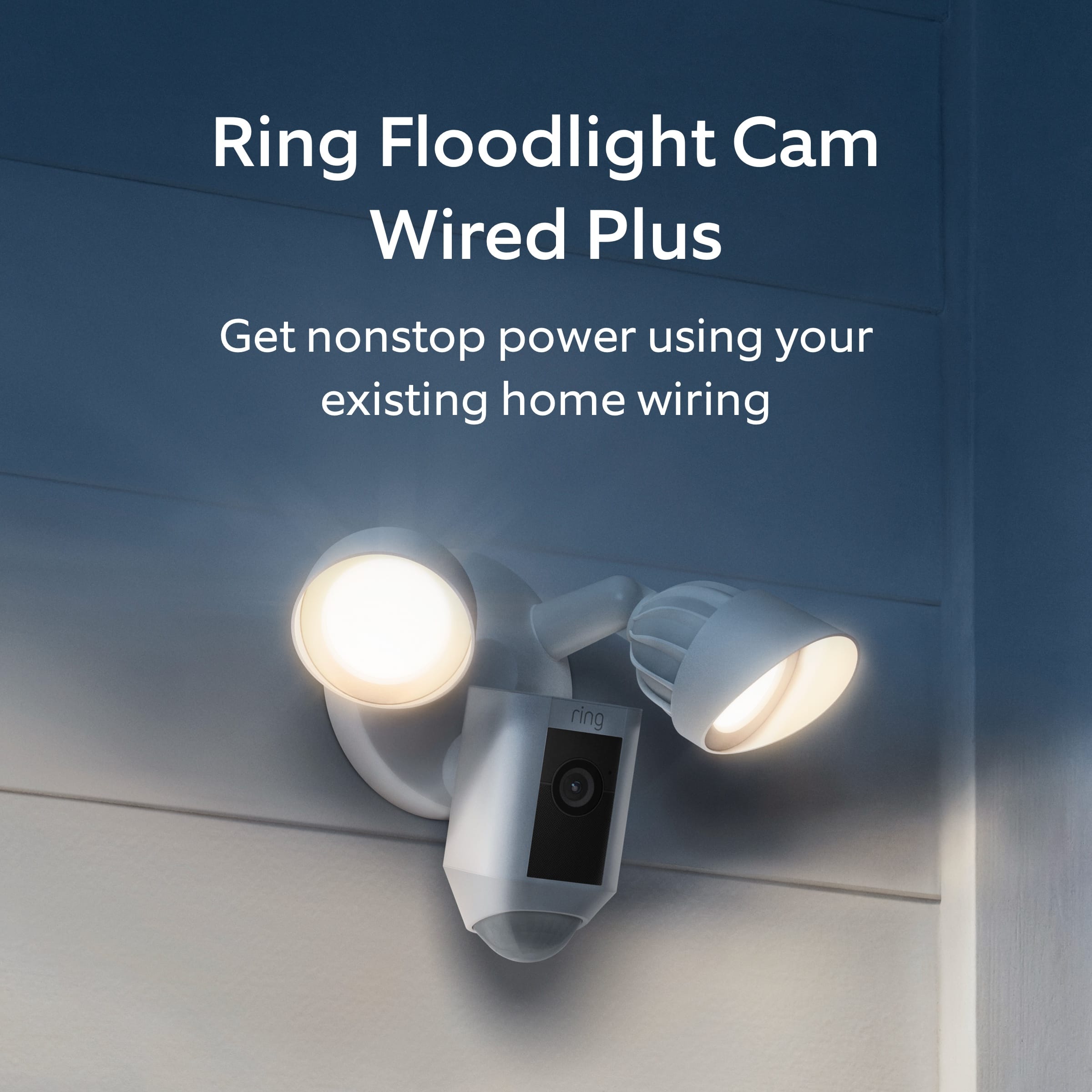
Your price for this item is $179.99

Customer reviews

Rating 4.8 out of 5 stars with 3553 reviews

Rating Filter

Rating by feature

  • Value

    Rating 4.7 out of 5 stars

  • Quality

    Rating 4.8 out of 5 stars

  • Ease of Use

    Rating 4.8 out of 5 stars

Pros mentioned filter

Cons mentioned filter

96%would recommend to a friend

Customers are saying

Customers love the Floodlight Cam Plus Outdoor Wired 1080p Surveillance Camera, especially the crisp camera quality and ease of use. Many appreciate the adjustable light brightness, overall performance, and motion detection capabilities. While installation is quick, some customers feel the price could be better, and a few have experienced connectivity issues.

This summary was generated by AI based on customer reviews.

The vast majority of our reviews come from verified purchases. Reviews from customers may include My Best Buy members, employees, and Tech Insider Network members (as tagged). Select reviewers may receive discounted products, promotional considerations or entries into drawings for honest, helpful reviews.
Page 156 Showing 3,101-3,120 of 3,553 reviews
  • Rated 5 out of 5 stars

    85 inch tv !!!!

    |
    |
    Posted . Owned for 3 weeks when reviewed.
    This reviewer received promo considerations or sweepstakes entry for writing a review.

    Both guy's were very polite and knowledgeable about the product.

    I would recommend this to a friend
  • Rated 5 out of 5 stars

    Great product

    |
    |
    Posted . Owned for 3 weeks when reviewed.
    This reviewer received promo considerations or sweepstakes entry for writing a review.

    Great product that allows for piece of mind when away from home

    I would recommend this to a friend
  • Pros mentioned:
    Camera quality

    Rated 2 out of 5 stars

    Ok product

    |
    |
    Posted . Owned for 1 month when reviewed.
    This reviewer received promo considerations or sweepstakes entry for writing a review.

    Lights are bright and picture quality is food. Downfall is the sensor goes off for every little thing even small bugs. I lowered the sensitivity all the way and still have the same issue. Overall it’s not bad but very annoying when it’s giving you false alarms often.

    No, I would not recommend this to a friend
    • Brand response from Ring
      Posted .

      Hi Shelly.

      Thank you for taking the time to share your experience with us. We understand how important it is to have your Ring Floodlight Cam Wired Plus capture all the correct motion events. Consistent and dependable motion alerts are an essential feature for the Ring Floodlight Cam Wired Plus to function properly. This is likely the reason you purchased this security device in the first place: to be alerted to people on your property. We can definitely assist you with this today, and we are confident we can find the correct settings for your home’s environment.

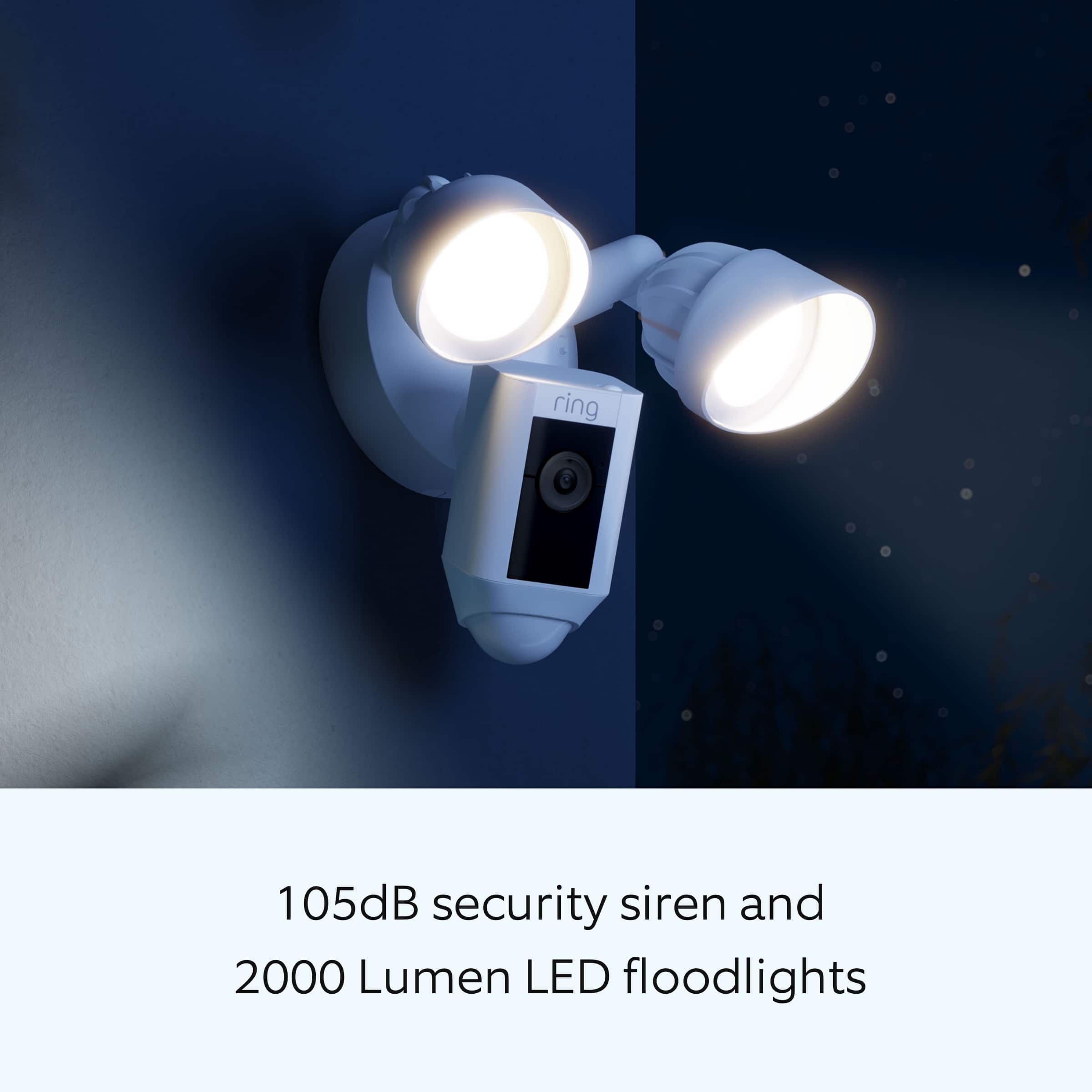
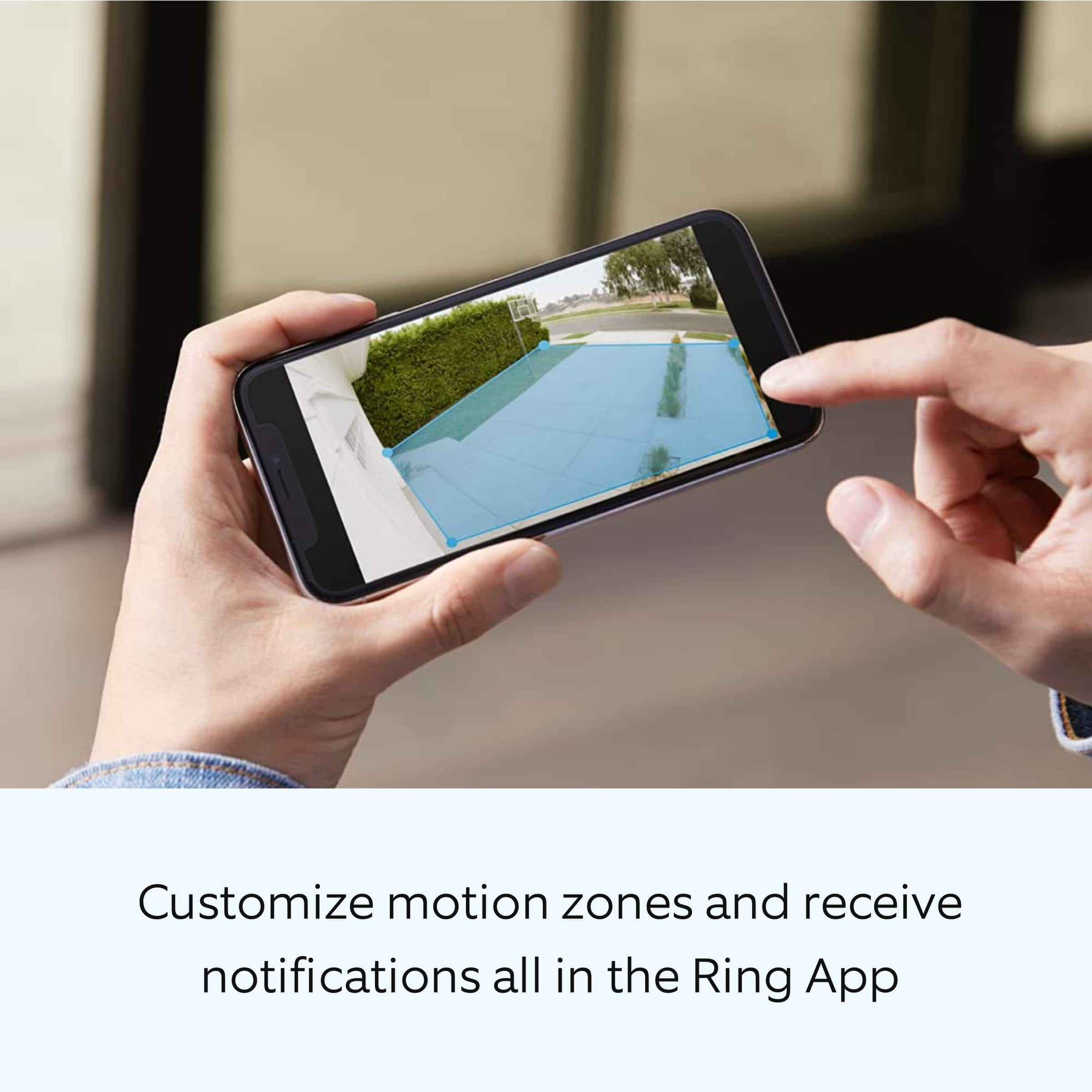
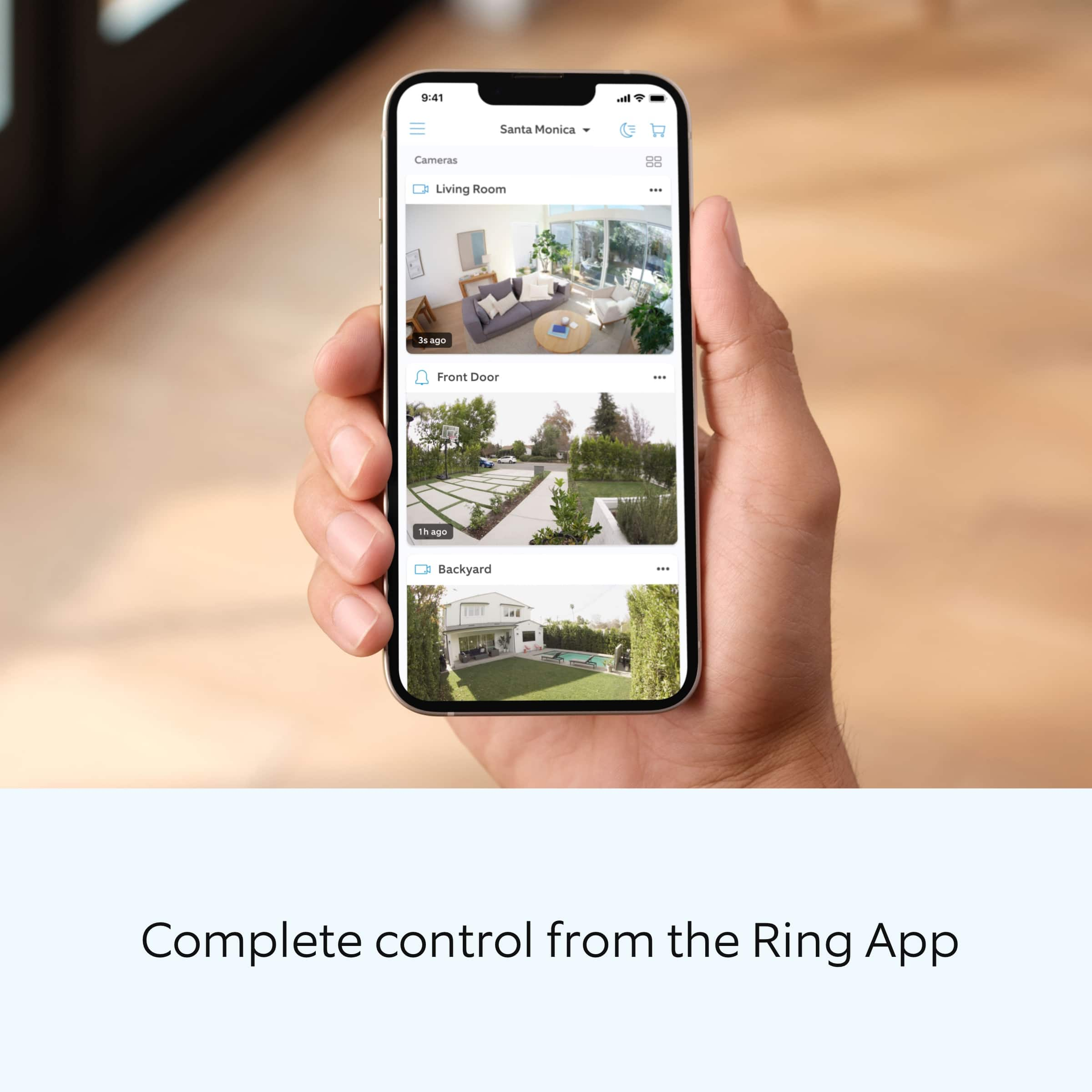
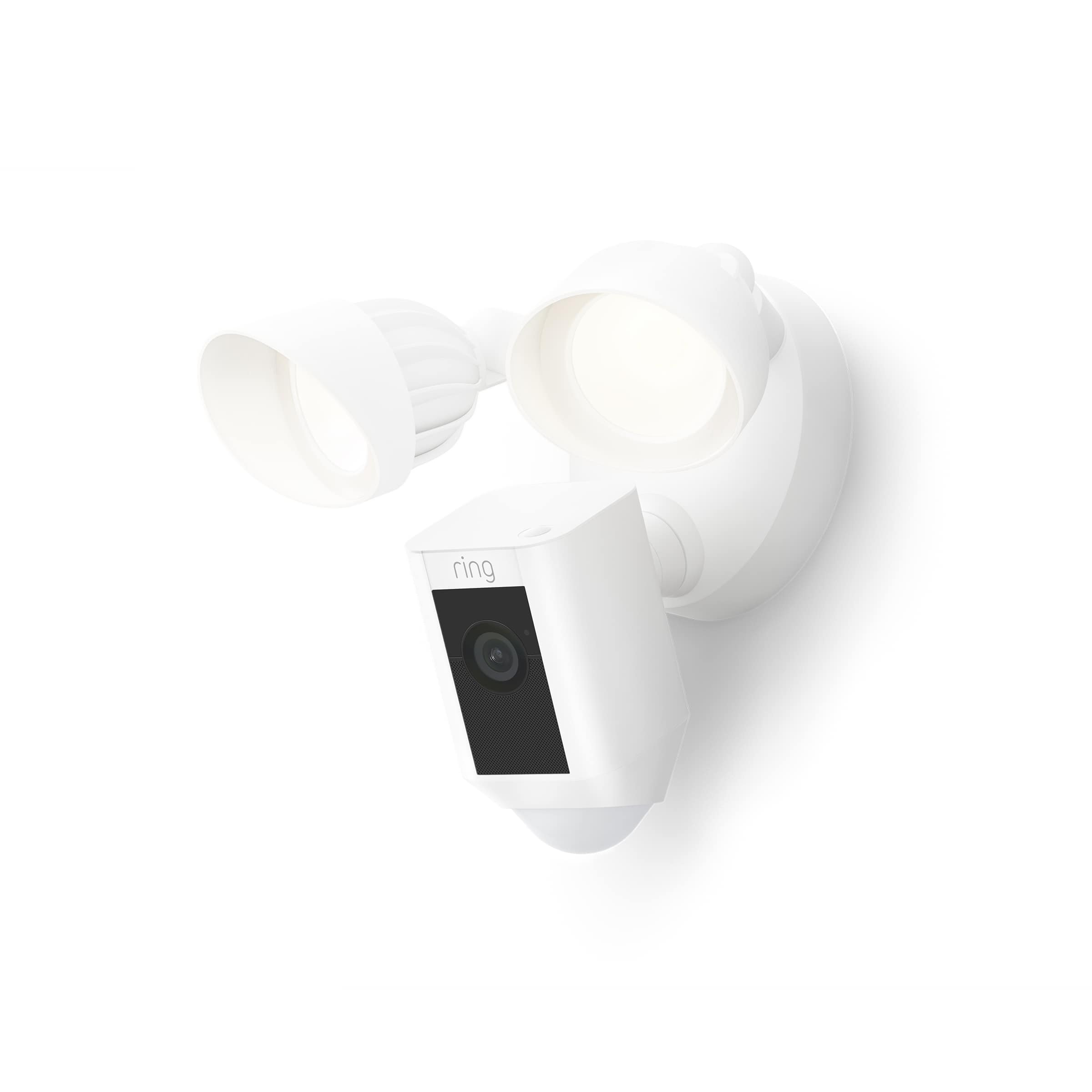
      It sounds like the device is not performing as expected. The Ring Floodlight Cam Wired Plus is an outdoor floodlight security camera with 1080p HD video. The Ring Floodlight Cam Wired Plus has ultra-bright, motion-activated LED floodlights, "Customizable Motion Zones," "Live View," "Color Night Vision," a 105db siren and two-way talk. This camera uses adjustable motion detection and runs on passive infrared sensors. The system identifies visitors via a moving heat signature and sends a notification to your smart device when one is detected. If you do not wish to receive notifications for motion events, simply toggle off the "Motion Alerts" tab on the device's page in the Ring app. You can adjust three preset motion zones and their distances under the "Motion Settings" tab on the device's page in the Ring app. Additionally, you can choose how often the camera checks for movement in those predefined zones via the "Motion Frequency" setting. If you find that your camera is picking up too much motion, we recommend lowering the "Motion Sensitivity" under the "Motion Settings" tab. It is important to ensure that you have the proper motion settings in place for your environment. This also includes changing the "Motion Frequency" to "Regularly" or "Periodically" in the Ring app.

      Accuracy in motion detection can also be improved by enabling the "Smart Alerts" feature for people only in your Ring app. To enable "Smart Alerts", please follow these steps:
      Tap the menu (≡) on the top left.
      Tap "Devices."
      Tap the device that you want to adjust.
      Tap "Motion Settings."
      Tap "Smart Alerts."
      Tap "Enable Feature."
      Tap "Continue."
      Select the notification options that you want for "Person" and "Other Motion."
      You'll see a video camera where you can select or de-select recording and a bell icon to represent alert notifications.
      After you've adjusted your settings, tap "Done."

      If any additional information is needed regarding your Ring Floodlight Cam Wired Plus, please reach out to our community. Ring Community is our first peer-to-peer community forum, giving our customers the ability to help one another and share their feedback and experiences directly with Ring.

      Thank you,
      Melissa from Ring. Ring

  • Rated 5 out of 5 stars

    Ring

    |
    |
    Posted .
    This reviewer received promo considerations or sweepstakes entry for writing a review.

    Excellent home views we use ring around our home and it works great

    I would recommend this to a friend
  • Rated 4 out of 5 stars

    Safety Sometimes

    |
    |
    Posted . Owned for 1.5 years when reviewed.
    This reviewer received promo considerations or sweepstakes entry for writing a review.

    Safety when you have WiFi, but it goes out when the Wi-Fi is down.

    I would recommend this to a friend
  • Rated 4 out of 5 stars

    Good to have for security

    |
    |
    Posted . Owned for 1 month when reviewed.
    This reviewer received promo considerations or sweepstakes entry for writing a review.

    I installed this rear camera looking for my back yard and is good to have some videos and notifications ..who never know what can happen when you are sleeping or not at home.

    I would recommend this to a friend
  • Rated 5 out of 5 stars

    Great

    |
    |
    Posted .
    This reviewer received promo considerations or sweepstakes entry for writing a review.

    Love it!!!!!!!!!!!!!!!!!!!!!!!!!!!!!!!!!!!!!!!!!!!

    I would recommend this to a friend
  • Rated 3 out of 5 stars

    Disappointed

    |
    |
    Posted . Owned for 2 months when reviewed.
    This reviewer received promo considerations or sweepstakes entry for writing a review.

    Disappointed on this purchase. Bought two of these to replace older Ring Floodlights after more than 5 years; however, the video resolution seemed to be a significant step down. The color seems off and the images are grainy. Wish the older ones were repairable and wish I knew that these weren't necessarily an approvement from 5 years ago.

    I would recommend this to a friend
    • Brand response from Ring
      Posted .

      Hi Scout.

      Thank you for taking the time to share your experience with us. We understand how important it is for your Ring Floodlight Cam Wired Plus to record clear and concise videos so that you can effectively monitor your home. The features and technology provided by the Ring Floodlight Cam Wired Plus are incredibly valuable and help provide you with peace of mind about your home security. We want to ensure your device is working as intended by providing you with solutions to resolve the concern you mentioned in your review.

      It sounds like the device is not performing as expected. Ring devices require high-speed internet to bring you crisp, clear video and audio. Poor network connectivity can affect the performance of your Ring device. We are happy to share some troubleshooting steps to help you diagnose and fix common video issues that you may experience with Ring doorbells and cameras.

      Here are some examples of video quality issues:
      Overexposed, washed-out videos: Washed-out videos may be due to overexposure to sunlight.
      Poor wifi signal strength: A decline in wifi signal strength may be caused by a weak connection between the router and your Ring device.
      Traveling signal strength: This may be due to a wifi dead zone in your home where you lose signal strength between the router and your Ring device.

      Ring devices with 1080p video require at least 1 Mbps upload and download speeds, though 2 Mbps is recommended for optimal performance. In addition to ensuring that you have sufficient wifi speeds, you will also want to check the signal strength of your device. A poor wifi signal can cause connectivity with your Ring device to be unreliable.

      Check the Device Health section of your Ring application to ensure the device’s RSSI is within an acceptable range. The recommended range for optimal performance is 0 to -60 for the RSSI. Turn off your mobile device's cellular data and connect to the same wifi network as your Ring device. Open the Ring app. Tap the menu (☰). Tap “Devices.” Select your device. Trigger an event on your Ring device. This could mean pressing the button on a doorbell or activating the motion sensors on a camera. Answer the event and examine the resulting video.

      We have listed some possible outcomes from this test here:
      Footage is crisp and clear: If your video appears good when next to the router, the issue may be caused by a disruption in between your router and your Ring device’s normal location. To fix this, try moving your device closer to the router or extending your wifi signal with a wifi extender like the Ring Chime Pro.
      Footage is heavily pixelated: If you’re seeing heavy pixilation, even next to the router, this may be due to slow wifi speeds.
      Severe pauses in live video: If your video pauses, stutters, or gets frozen and your wifi speed meets the minimum standards, try rebooting your router. Unplug your router, wait 30 seconds, and then plug it back in. It should take three to four minutes to reboot. Then, test your Ring device again and see if there's any difference.
      Long delay before your video starts: This is also caused by slow wifi speeds. Assuming you have high-speed internet, reboot your router and the mobile phone, tablet, or PC you're accessing the video feed on, Then see if there's any difference when it's back on line.

      While there are no video settings that allow you to change exposure to sunlight, there are other ways you can fix overexposed, washed-out videos. Using a wedge kit or corner kit can change the angle of the doorbell. There are many different corner kits and wedge kits, so make sure you get one that is compatible with your particular model of doorbell.

      For more information on your Ring Floodlight Cam Wired Plus, we invite you to reach out to our community. Ring Community is our first peer-to-peer community forum, giving our customers the ability to help one another and share their personal feedback and experiences with Ring. We look forward to hearing from you if we can be of any further assistance!

      Thank you,
      Melissa from Ring. Ring

  • Rated 5 out of 5 stars

    Flood light cam

    |
    |
    Posted . Owned for 1 week when reviewed.
    This reviewer received promo considerations or sweepstakes entry for writing a review.

    Ring floodlight cam plus is the best for my business

    I would recommend this to a friend
  • Rated 5 out of 5 stars

    works great

    |
    |
    Posted . Owned for 3 weeks when reviewed.
    This reviewer received promo considerations or sweepstakes entry for writing a review.

    The light works great and looks great on my house above my garage

    I would recommend this to a friend
  • Rated 5 out of 5 stars

    Good.

    |
    |
    Posted . Owned for 1 month when reviewed.
    This reviewer received promo considerations or sweepstakes entry for writing a review.

    Works as I needed. Wish it had different light brightness modes.

    I would recommend this to a friend
  • Rated 4 out of 5 stars

    Would buy again

    |
    |
    Posted . Owned for 3 weeks when reviewed.
    This reviewer received promo considerations or sweepstakes entry for writing a review.

    Easily connects and can login to view only downside to ring is it has to be triggered by motion to record. I worry it might miss the motion.

    I would recommend this to a friend
    • Brand response from Ring
      Posted .

      Hi Jess.

      Thank you for sharing your experience with us. We understand how critical it is for your Ring Floodlight Cam Wired Plus to detect motion accurately so that you can be alerted within the Ring app to any motion activity around your home. Rest assured, we are here today to provide you with some information in order to ensure you get the most out of your motion detection! We are confident we can find a solution that works well for you and your home’s environment.

      I would be happy to address the concern mentioned in your review. It is important to ensure that you have the proper motion settings in place for your environment. This includes increasing the "Motion Sensitivity" and setting "Motion Frequency" to "Frequently" in the Ring app. To optimize your motion zones and ensure that the device will detect accurately, please follow these steps:
      Open the Ring app.
      Tap the menu (≡) on the top left.
      Tap Devices.
      Tap the relevant device.
      Tap Motion Settings.
      At the top, tap Edit Zones or scroll down to tap Camera Motion Zones.
      Note: If you are using a battery-powered device, you may need to toggle on Advanced Motion Detection under Advanced Settings before you can add customizable Motion Zones.
      To adjust an existing Motion Zone: tap the Zone you want to adjust, then drag the points of the Zone to do so. Tap Save.
      To add a new Motion Zone: tap Add Zone and drag the points of the Zone. Tap Save.

      Accuracy in motion detection can also be improved by enabling Smart Alerts for people only in your Ring app.

      To enable Smart Alerts:

      Tap the menu (≡) on the top left.
      Tap Devices.
      Tap the device that you want to adjust.
      Tap Motion Settings.
      Tap Smart Alerts.
      Tap Enable Feature.
      Tap Continue.
      Select the notification options that you want for Person and Other Motion.
      You'll see a video camera where you can select or de-select recording and a bell icon to represent alert notifications.
      After you've adjusted your settings tap Done.

      If any additional information is needed regarding your Ring Floodlight Cam Wired Plus question, please reach out to our community team. The Ring Community is our first peer-to-peer community forum, giving our customers the ability to help one another by sharing their feedback and experiences with each other.

      Thank you,
      Miyuki from Ring. Ring

  • Rated 4 out of 5 stars

    Saftey camara

    |
    |
    Posted . Owned for 2 months when reviewed.
    This reviewer received promo considerations or sweepstakes entry for writing a review.

    Love thw product alrerts me when some one is near the house .

    I would recommend this to a friend
    • Brand response from Ring
      Posted .

      Hi Teresa.

      Thank you for taking the time to share your experience with us. We are pleased to read that you are enjoying your new Ring Floodlight Cam Wired Plus and that the features included are meeting your expectations. At Ring, we believe in keeping people close to what’s important. That is why we are driven to create products that help you protect what matters most at home and empower you to connect with your visitors from wherever you are. Together, we’ll make neighborhoods safer!

      Ring Community was launched to help deliver the most current news and educational information to our neighbors. This online forum is divided into four categories: Product Boards, Ring Updates, Tips and Tricks, and a Moderators’ Corner. The Product Boards are where you can begin new topics with your questions or feedback; there is also a search option that helps you find topics that have already been posted by other neighbors. We invite you to visit our community today.

      Thank you,
      Melissa from Ring. Ring

  • Pros mentioned:
    Camera quality

    Rated 2 out of 5 stars

    Security camera

    |
    |
    Posted . Owned for 6 months when reviewed.
    This reviewer received promo considerations or sweepstakes entry for writing a review.

    Quality is good, However subscription is suck. It record everything except the incidence because this camera only record only 29 seconds video when in motion not 24/7 recording. Wyze is much better than this using SD card.

    No, I would not recommend this to a friend
    • Brand response from Ring
      Posted .

      Hi Skullcandy.

      Thank you for taking the time to share your experience with us.

      We understand the importance of having all relevant product information prior to purchasing. Being able to save, download, and review footage captured by your Ring device is a valuable feature of the Ring Protect Plan. We can definitely provide you with more information regarding the concern mentioned in your review.

      It sounds like there was some confusion regarding the optional Ring Protect Plans. The Ring Protect Plan is a subscription that gives you access to paid features for your Ring device. With a Ring Protect Plan, you can save, review, and share video recordings from your Ring devices to your Ring account.

      Without a Ring Protect Plan, you can still view real-time video for Ring doorbells and cameras and answer doorbell notifications when they happen, but you don’t get video recordings of those events. Visit our support center for more information.

      Ring Community was launched to help deliver the most current news and educational information to our neighbors. This online forum is divided into four categories: Product Boards, Ring Updates, Tips + Tricks, and a Moderators’ Corner. The Product Boards are where you can begin new topics with your questions or feedback; there is also a search option that helps you find topics that have already been posted by other neighbors.

      All the best,
      Nicole from Ring. Ring

  • Rated 5 out of 5 stars

    Dont use indoors.

    |
    |
    Posted . Owned for 8 months when reviewed.
    This reviewer received promo considerations or sweepstakes entry for writing a review.

    Works very well with other ring prodcuts. For outdoor use

    I would recommend this to a friend
  • Rated 5 out of 5 stars

    Camera

    |
    |
    Posted . Owned for 1 month when reviewed.
    This reviewer received promo considerations or sweepstakes entry for writing a review.

    I like it,this ring devices is good options fo security in the house

    I would recommend this to a friend
  • Rated 5 out of 5 stars

    Wired spotlight

    |
    |
    Posted . Owned for 1 month when reviewed.
    This reviewer received promo considerations or sweepstakes entry for writing a review.

    Works great. Variable settings really helps. Very bright.

    I would recommend this to a friend
  • Rated 5 out of 5 stars

    Best I’ve ever had

    |
    |
    Posted . Owned for 1 month when reviewed.
    This reviewer received promo considerations or sweepstakes entry for writing a review.

    No complaints I have 2 spot lights and doorbell looking to get more

    I would recommend this to a friend
  • Rated 5 out of 5 stars

    Ring motion camera with lights

    |
    |
    Posted . Owned for less than 1 week when reviewed.
    This reviewer received promo considerations or sweepstakes entry for writing a review.

    Ring cameras increased security around my home. Easy to install

    I would recommend this to a friend
  • Rated 3 out of 5 stars

    Ring Floodlight Cam

    |
    |
    Posted . Owned for 1 month when reviewed.
    This reviewer received promo considerations or sweepstakes entry for writing a review.

    There is a problem with the lights going on and off without a motion alert. It doesn't happen every night. When it happens it might be a couple of times an hour and it might be every 2 minutes. We adjusted the settings for motion sensitivity. We called Ring . They had us reset the device. We will see if that helps. I would like to install more cameras but not this one if we can't solve this.

    No, I would not recommend this to a friend
    • Brand response from Ring
      Posted .

      Hello noname,

      Thank you for taking the time to share your Ring Floodlight Cam Wired Plus experience with us directly. We appreciate it! The lights on your device are intended to trigger at night with movement, so you are aware of people or animals approaching your property. Having consistent and reliable lights is an important feature to be working properly for you, so you have peace of mind in your home security. Rest assured, we are here to provide you with some information to decrease this sensitivity and ensure the lights are not an annoyance for you, or your nearby neighbors.

      Your devices' camera field of view is 140 degrees horizontally and 80 degrees vertically, while the lights on your device have a much wider field of view, 270 degrees. Here is a helpful article that details more product specifications: https://support.ring.com/hc/en-us/articles/360061193351-Floodlight-Cam-Wired-Plus-Security-Camera-Information-.

      Your Ring device uses two different types of motion detection systems. While both are very effective at what they do, they both work on different principles and are optimized for different purposes. At night, the lights use an array of three PIR motion sensors, each detecting across a bit more than a third of the total coverage area. It identifies visitors by a moving heat signature and sending a signal to your smart device when it detects one and triggers the lights. Since PIRs look for heat, if a warm object is too small (like a Chihuahua), it won’t be detected. However, if a warm non-human object is large enough (like a Great Dane), you might get a false Motion Alert. Fortunately, you can control the sensors' range and sensitivity using the controls in the Ring App. Here is a helpful article that elaborates on the motion detection software on your device: https://support.ring.com/hc/en-us/articles/115005914666-About-the-Advanced-Motion-Detection-System-Used-in-Ring-Devices.

      Ring Community is our first peer-to-peer community forum, giving our customers the ability to help one another and share their feedback/experiences with Ring. We invite you to reach out at https://community.ring.com/ if any additional information is needed regarding your light triggering concern.

      Thank you,
      Alexis with Ring Ring