Customer Ratings & Reviews


- Model:
- B08F6GPQQ7
- SKU:
- 6460923
Rating by feature
- Value
Rating 4.7 out of 5 stars
- Quality
Rating 4.8 out of 5 stars
- Ease of Use
Rating 4.8 out of 5 stars
Customers are saying
Customers love the Floodlight Cam Plus Outdoor Wired 1080p Surveillance Camera, especially the crisp camera quality and ease of use. Many appreciate the adjustable light brightness, overall performance, and motion detection capabilities. While installation is quick, some customers feel the price could be better, and a few have experienced connectivity issues.
This summary was generated by AI based on customer reviews.
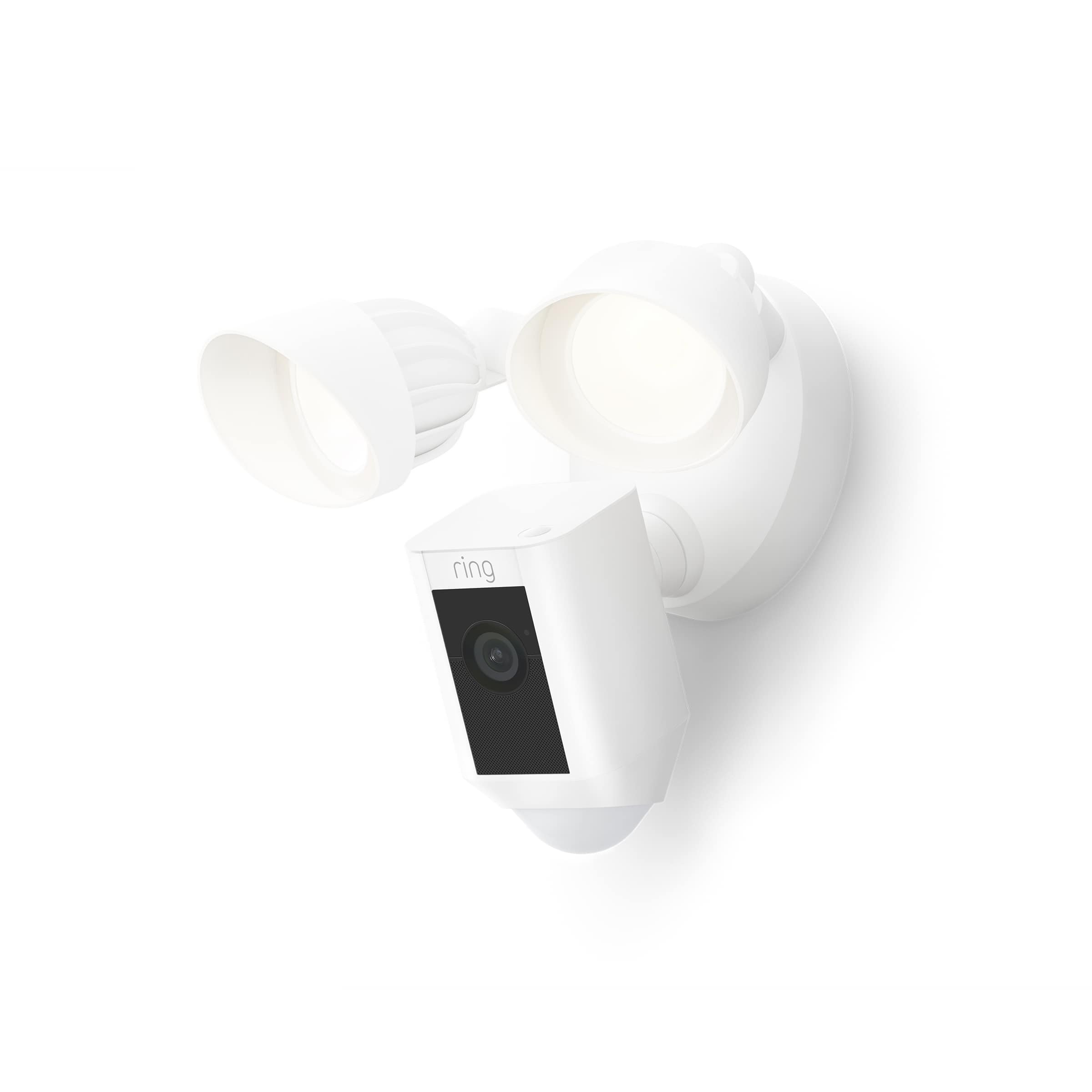
Ring camera with lights
||Posted . Owned for 1 month when reviewed.This reviewer received promo considerations or sweepstakes entry for writing a review.It doesn't okay job. My only complaint is the video is not as clear as I would like. But other than that I like it.
I would recommend this to a friendBrand response from Ring
Posted .Hi DarrelK.
Thank you for taking the time to share your experience with us. We understand how important it is for your Ring Floodlight Cam Wired Plus to record clear and concise videos so that you can effectively monitor your home. The features and technology provided by the Ring Floodlight Cam Wired Plus are incredibly valuable and help provide you with peace of mind about your home security. We want to ensure your device is working as intended by providing you with solutions to resolve the video quality concern you mentioned in your review.
It sounds like the device is not performing as expected. Ring devices require high-speed internet to bring you crisp, clear video and audio. Poor network connectivity can affect the performance of your Ring device. We are happy to share some troubleshooting steps to help you diagnose and fix common video issues that you may experience with Ring doorbells and cameras.
Ring devices with 1080p video require at least 1 Mbps upload and download speeds, though 2 Mbps is recommended for optimal performance. In addition to ensuring that you have sufficient wifi speeds, you will also want to check the signal strength of your device. A poor wifi signal can cause connectivity with your Ring device to be unreliable.
Check the Device Health section of your Ring application to ensure the device’s RSSI is within an acceptable range. The recommended range for optimal performance is 0 to -60 for the RSSI. Turn off your mobile device's cellular data and connect to the same wifi network as your Ring device. Open the Ring app. Tap the menu (☰). Tap “Devices.” Select your device. Trigger an event on your Ring device. This could mean pressing the button on a doorbell or activating the motion sensors on a camera. Answer the event and examine the resulting video.
We have listed some possible outcomes from this test here:
1. The footage is crisp and clear.
If your video appears good when next to the router, the issue may be caused by a disruption in between your router and your Ring device’s normal location. To fix this, try moving your device closer to the router or extending your wifi signal with a wifi extender like the Ring Chime Pro.
2. The footage is heavily pixelated.
If you’re seeing heavy pixilation, even next to the router, this may be due to slow wifi speeds.
For more information on your Ring Floodlight Cam Wired Plus, we invite you to reach out to our community. Ring Community is our first peer-to-peer community forum, giving our customers the ability to help one another and share their personal feedback and experiences with Ring. We look forward to hearing from you if we can be of any further assistance!
Thank you,
Miyuki from Ring.
- Pros mentioned:Camera quality
Amazing video
||Posted . Owned for 1 week when reviewed.This reviewer received promo considerations or sweepstakes entry for writing a review.I am really impressed with ring. Bought a doorbell and instanlty loved it so boought a flood light. I love how both ring connect together
I would recommend this to a friend Ring Ring
||Posted . Owned for 2 weeks when reviewed.This reviewer received promo considerations or sweepstakes entry for writing a review.I haven't installed yet as waiting on the electrician. I have two other ring products in my love that I really like
I would recommend this to a friendRing
||Posted . Owned for 2 weeks when reviewed.This reviewer received promo considerations or sweepstakes entry for writing a review.I haven't installed yet as waiting on the electrician. I have two other ring products in my love that I really like
I would recommend this to a friendThis was my 6th camera.
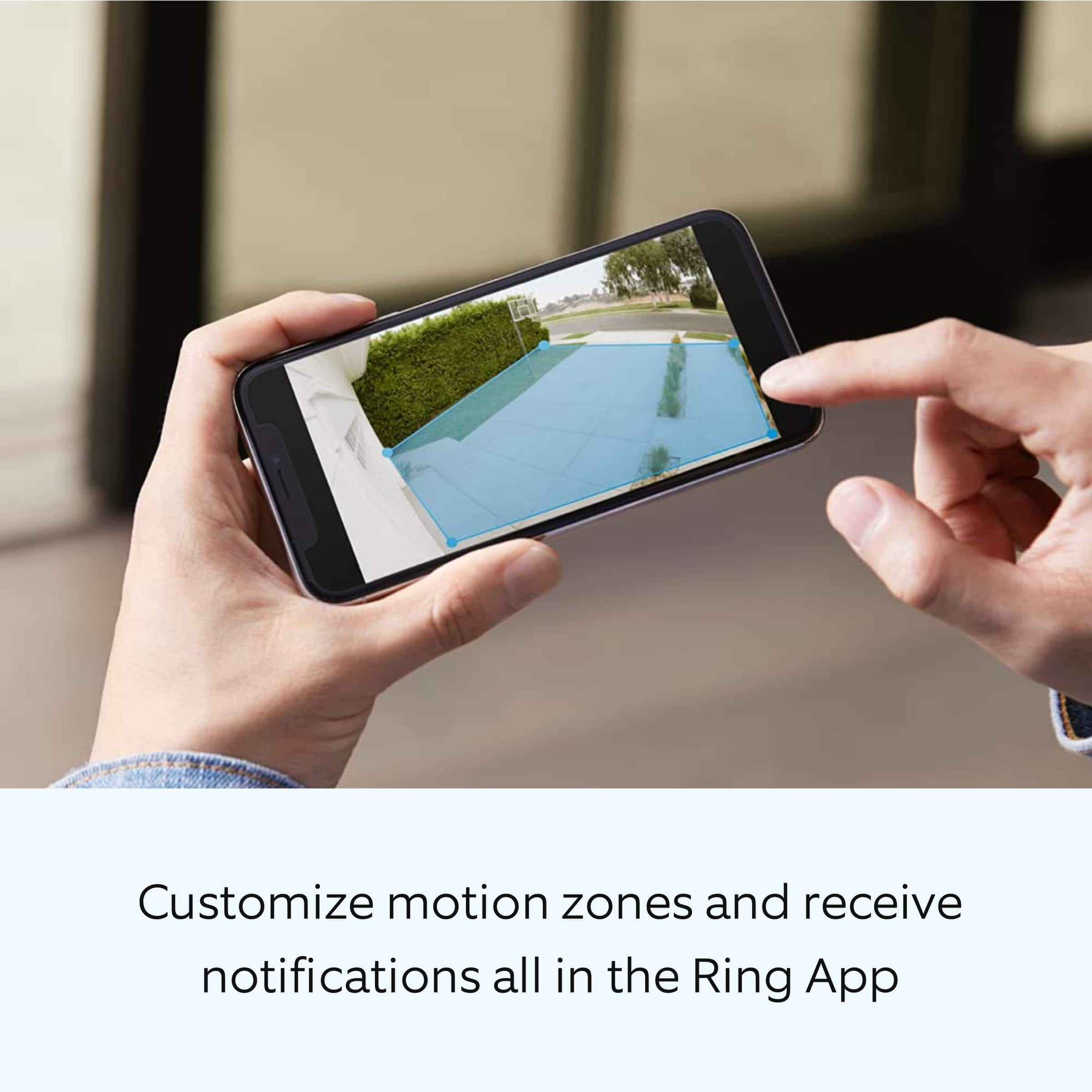
||Posted . Owned for 3 weeks when reviewed.This reviewer received promo considerations or sweepstakes entry for writing a review.Had to adjust the detection parameters a few times due to false activations. No issues now
I would recommend this to a friendBrand response from Ring
Posted .Hi Happy.
Thank you for taking the time to share your Ring experience with us and other consumers. We believe in keeping people close to what’s important. That is why we are driven to create products that help you protect what matters most at home and empower you to connect with your visitors from wherever you are. Together, we’ll make neighborhoods safer!
Ring Community was launched to help deliver the most current news and educational information to our neighbors. This online forum is divided into four categories: Product Boards, Ring Updates, Tips and Tricks, and a Moderators’ Corner. The Product Boards are where you can begin new topics with your questions or feedback; there is also a search option that helps you find topics that have already been posted by other neighbors. We invite you to visit our Ring Community today.
Thank you,
Miyuki from Ring.
got what i payed for
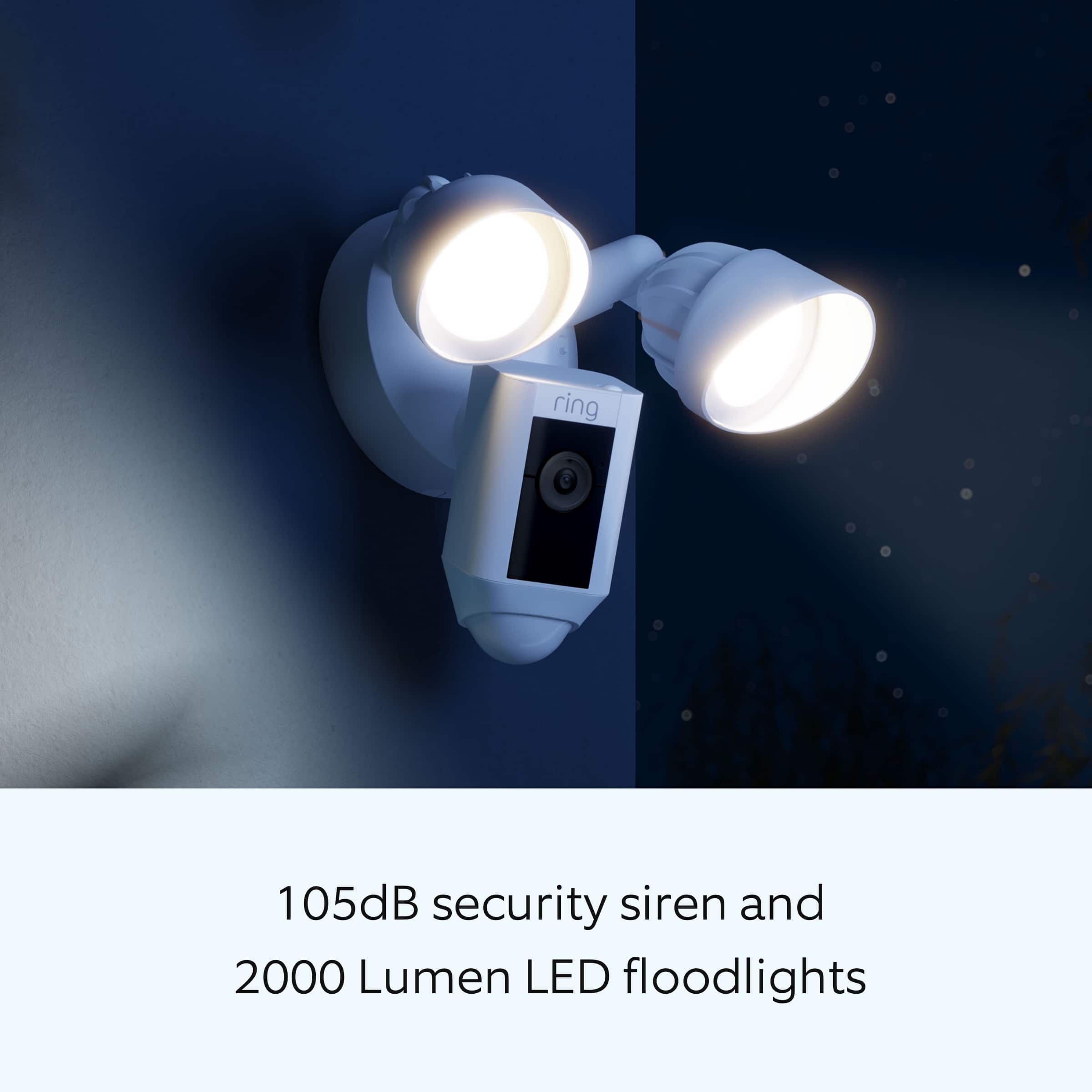
||Posted .This reviewer received promo considerations or sweepstakes entry for writing a review.the camera has good range but is extremely sensitive, floodlights are bright enough to see everything even at night
I would recommend this to a friendBrand response from Ring
Posted .Hi Ferus22.
Thank you for taking the time to share your feedback with us. We are always looking for ways to improve our neighbor's experience, and your feedback is an invaluable part of this process. That is why we are dedicated to offering devices that help you safeguard what is most important at home, while also allowing you to connect with your neighbors from anywhere. We’re glad to read that you are finding the provided features useful.
Ring Community was launched to help deliver the most current news and educational information to our neighbors. This online forum is divided into four categories: Product Boards, Ring Updates, Tips and Tricks, and a Moderators’ Corner. The Product Boards are where you can begin new topics with your questions or feedback; there is also a search option that helps you find topics that have already been posted by other neighbors.
All the Best,
Matthew from Ring.
Nice camera
||Posted .This reviewer received promo considerations or sweepstakes entry for writing a review.Quite a few features, range of vision of good but could be better. Software can be confusing.
I would recommend this to a friendBrand response from Ring
Posted .Hi Vin02.
Thank you for taking the time to share your feedback with us. We are always looking for ways to improve our neighbor's experience, and your feedback is an invaluable part of this process. That is why we are dedicated to offering devices that help you safeguard what is most important at home, while also allowing you to connect with your neighbors from anywhere. We’re glad to read that you are finding the provided features useful.
It sounds like the device is not performing as intended. Ring devices can detect motion up to 30 feet with the Motion Sensitivity slider at the maximum level. If you turn the Motion Sensitivity down, this range will be lower, decreasing false motion. If your device is not detecting motion, we recommend increasing the Motion Sensitivity using the slider.
Ring Community was launched to help deliver the most current news and educational information to our neighbors. This online forum is divided into four categories: Product Boards, Ring Updates, Tips and Tricks, and a Moderators’ Corner. The Product Boards are where you can begin new topics with your questions or feedback; there is also a search option that helps you find topics that have already been posted by other neighbors. We invite you to visit our Ring Community today.
Thank you,
Miyuki from Ring.
I don't know what you mean
||Posted . Owned for 1 month when reviewed.This reviewer received promo considerations or sweepstakes entry for writing a review.This product is pretty good but it take a lot of wifi so you better have a good system.
I would recommend this to a friendactivate VC
||Posted . Owned for 1 week when reviewed.This reviewer received promo considerations or sweepstakes entry for writing a review.Had a hard time activating the video camera system
I would recommend this to a friendBrand response from Ring
Posted .Hi RandyW.
Thank you for taking the time to share your experience with us. We understand the importance of a seamless setup process so that you can begin using your Ring Floodlight Cam Plus right away. The features and technology provided by the Ring Floodlight Cam Plus are incredibly valuable and help provide you with peace of mind about your home security. We can definitely provide you with more information regarding the concern mentioned in your review.
We have included the steps here to set up your Ring Floodlight Cam Plus in the Ring app for your reference:
Tap the three lines (≡) on the left side of your dashboard in the Ring app.
Tap "Set up a Device" and select the type of your device.
Tap "I’m Ready to Scan."
Point your smartphone’s camera at the QR code on your Ring device or product packaging.
Center the code in the phone camera’s view at the bottom half of the screen.
When the code is recognized, a green square will appear and a pop-up with your device image detected.
If you experience issues scanning the QR code, please follow these steps:
Move your camera closer or further from the QR code to help it focus.
Once your camera finds focus, hold it steady for a few seconds.
If your camera won’t focus, clean your camera lens, move to a well-lit area, and try again.
If you continue to experience issues, please follow these additional steps:
Tap "Other Options" below the scanner.
Select Can’t Scan the QR code.
Confirm by selecting "Enter code manually" (this corresponds to PIN code digits underneath the QR code).
Find your device in the list.
Enter your five digit PIN which can be found below the QR code.
For additional support, we recommend reaching out to our Ring Customer Support team. They are available 24/7 at: 1-800-656-1918. We also invite you to reach out to our community. The Ring Community is our first peer-to-peer community forum, giving our customers the ability to help one another by sharing their feedback and experiences with each other.
All the best,
Miyuki from Ring.
Mostly great
||Posted . Owned for 2 months when reviewed.This reviewer received promo considerations or sweepstakes entry for writing a review.I am able to hear good, but the person outside cannot hear my voice. I has a delay and is mumbled. Not liking this.
I would recommend this to a friend- Pros mentioned:Ease of use
Floodlight cam
||Posted . Owned for 3 weeks when reviewed.This reviewer received promo considerations or sweepstakes entry for writing a review.This is a great system ring I have to say it makes me feel better seeing what's going on around my house and it was easy to set up.
I would recommend this to a friend Great product
||Posted . Owned for 2 weeks when reviewed.This reviewer received promo considerations or sweepstakes entry for writing a review.Works great for the home. Protects your home and your family.
I would recommend this to a friendDefective
||Posted . Owned for 1 month when reviewed.This reviewer received promo considerations or sweepstakes entry for writing a review.Stopped working after only a few weeks. Will exchange for another of same model & hope the next one works better
I would recommend this to a friendBrand response from Ring
Posted .Hi EmilyW.
Thank you for taking the time to share your experience with us. We understand how important it is for your Ring Floodlight Cam Plus to function consistently and reliably, so you are alerted to any wanted or unwanted activity in or around your home. The features and technology provided by the Ring Floodlight Cam Plus are incredibly valuable and help provide you with peace of mind about your home security. We are eager to address the issue you raised in your review and provide you with a resolution today.
It sounds like your Ring Floodlight Cam Plus is not performing as expected. We would love the opportunity to share with you some troubleshooting steps that you can try to get your Ring Floodlight Cam Plus functioning as intended. If your device is unresponsive, try pressing and holding the reset button for 20 seconds. Follow the steps in the Ring app to reconnect the camera to your network. To reconnect a Ring Floodlight Cam Plus to your wifi network: Open the Ring app. Tap the menu (≡). Tap "Devices" and select the camera you'd like to reconnect to wifi. Tap the "Device Health" tile. Under "Network," tap "Change Network" and follow the prompts in the app. Allow some time for your device to fully reconnect to the network, then check your wifi signal strength in "Device Health" to confirm it has successfully reconnected.
If you still have the Ring device in your possession, we invite you to reach out to our community. Ring Community is our first peer-to-peer community forum, giving our customers the ability to help one another and share their personal feedback and experiences with Ring. We look forward to hearing from you. Please let us know if we can be of any further assistance!
Thank you,
Miyuki from Ring.
- Pros mentioned:Light brightness
No Ring
||Posted . Owned for 3 months when reviewed.This reviewer received promo considerations or sweepstakes entry for writing a review.Nice looking light but was unable to use due to it kept tripping my breaker. Had to send it back to Ring because Best Buy said they only allow two weeks to return, which is ridiculous. It took me longer to get electricians to try and get it to work!
No, I would not recommend this to a friendBrand response from Ring
Posted .Hi Sabrina, I definitely understand the importance of having your Floodlight Cam installed properly. The Floodlight Cam Wired Plus must be hardwired at 110-240V. You can find more information on how to install the Floodlight Cam Wired Plus here https://support.ring.com/hc/en-us/articles/360060800632-Installing-Floodlight-Cam-Wired-Plus-Security-Camera-. If you have any other questions, feel free to check out the Ring Community https://community.ring.com/ to see what other neighbors have to say. All the best, Ashley from Ring.
Love it
||Posted . Owned for 1 month when reviewed.This reviewer received promo considerations or sweepstakes entry for writing a review.Has been great since we put it up, the only conplaint it we can't seem to see why the light wont turn on now.
I would recommend this to a friendGreat but
||Posted . Owned for 1 year when reviewed.This reviewer received promo considerations or sweepstakes entry for writing a review.Great surveillance camera - love the motion sensor.
I would recommend this to a friendD
||Posted . Owned for 1 month when reviewed.This reviewer received promo considerations or sweepstakes entry for writing a review.Good .................................. ........
I would recommend this to a friendFloodlight
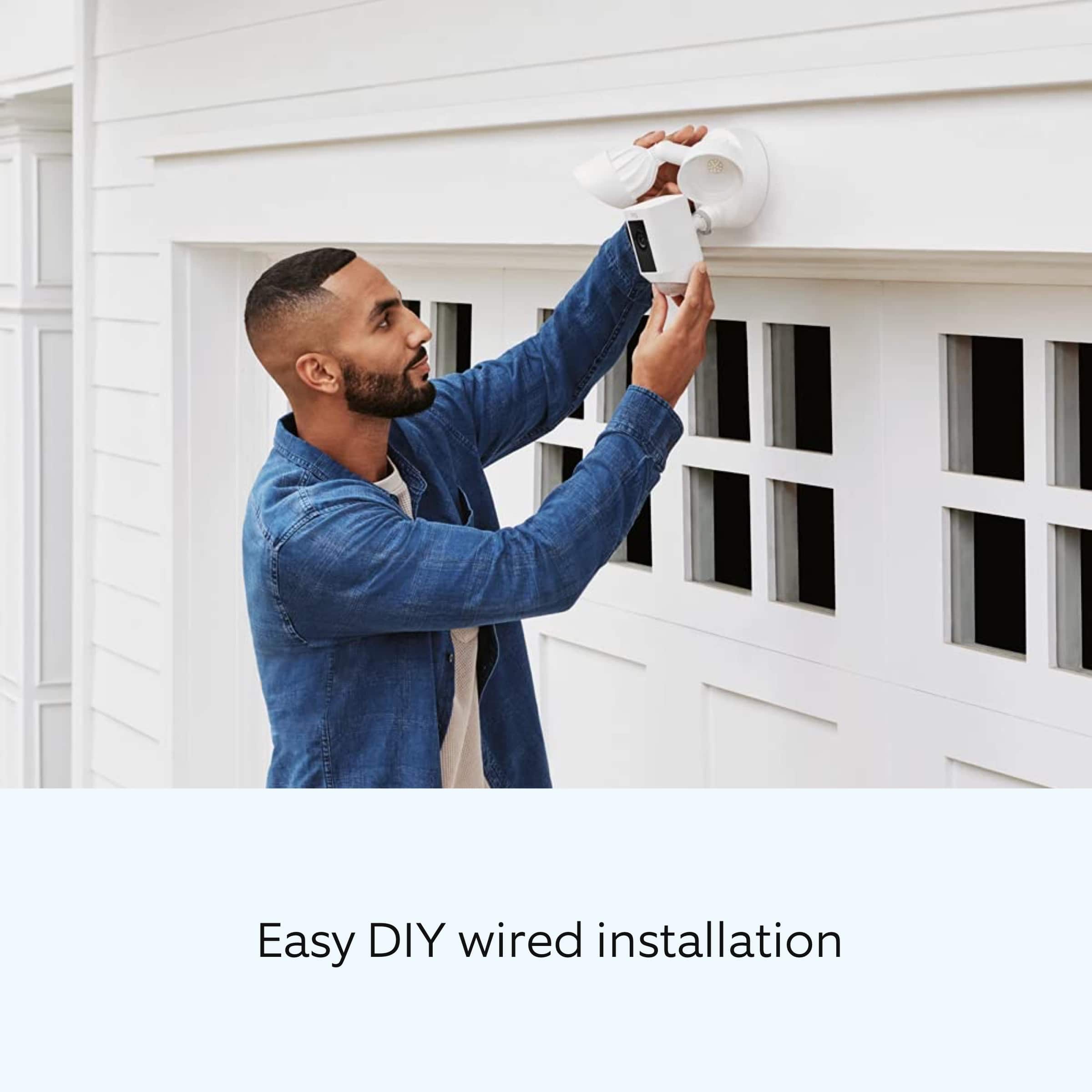
||Posted . Owned for 1 week when reviewed.This reviewer received promo considerations or sweepstakes entry for writing a review.Nice product, was super difficult to set up. Wouldn’t connect to wifi even though signal was excellent
I would recommend this to a friendGood product
||Posted . Owned for 2 weeks when reviewed.This reviewer received promo considerations or sweepstakes entry for writing a review.Good product but not for me I need wireless so I return that
I would recommend this to a friend- Pros mentioned:Camera quality
Driveway cam
||Posted . Owned for 1 month when reviewed.This reviewer received promo considerations or sweepstakes entry for writing a review.Really good camera, quality could be a bit better when zooming in.
I would recommend this to a friendBrand response from Ring
Posted .Hello DKJR,
Thank you for leaving a review on the Ring Floodlight Camera. We love knowing what products/features our Ring community members would like to see considered. Thank you for taking the time to share your feedback with us.
We greatly appreciate your feedback and welcome you to share your request on our community support board. We would love to hear your feedback on how we might improve this experience for you, and kindly ask for your feedback to be directed to our Ring Community page on Ring.com (http://ring.com/): https://community.ring.com/.
Thank you, Jamila, with Ring