Customer Ratings & Reviews


- Model:
- B08F6GPQQ7
- SKU:
- 6460923
Rating by feature
- Value
Rating 4.7 out of 5 stars
- Quality
Rating 4.8 out of 5 stars
- Ease of Use
Rating 4.8 out of 5 stars
Customers are saying
Customers love the Floodlight Cam Plus Outdoor Wired 1080p Surveillance Camera, especially the crisp camera quality and ease of use. Many appreciate the adjustable light brightness, overall performance, and motion detection capabilities. While installation is quick, some customers feel the price could be better, and a few have experienced connectivity issues.
This summary was generated by AI based on customer reviews.
- Pros mentioned:Overall performance
Can't call your local store! Corporate BS
||Posted . Owned for 3 weeks when reviewed.This reviewer received promo considerations or sweepstakes entry for writing a review.Actually a very good product. My poor rating is from the fact one cannot call their local store directly. Infuriating and will be a factor in future purchases. What kind of corporate woke joker thought that would be a good idea.
I would recommend this to a friendBrand response from Ring
Posted .Hi Seeya.
Thank you for sharing this feedback.
Here at Ring, we believe that stronger communities are the key to safer neighborhoods. That is why we are driven to create products that help you protect what matters most at home and empower you to connect with your neighbors from wherever you are. Together, we’ll make neighborhoods safer!
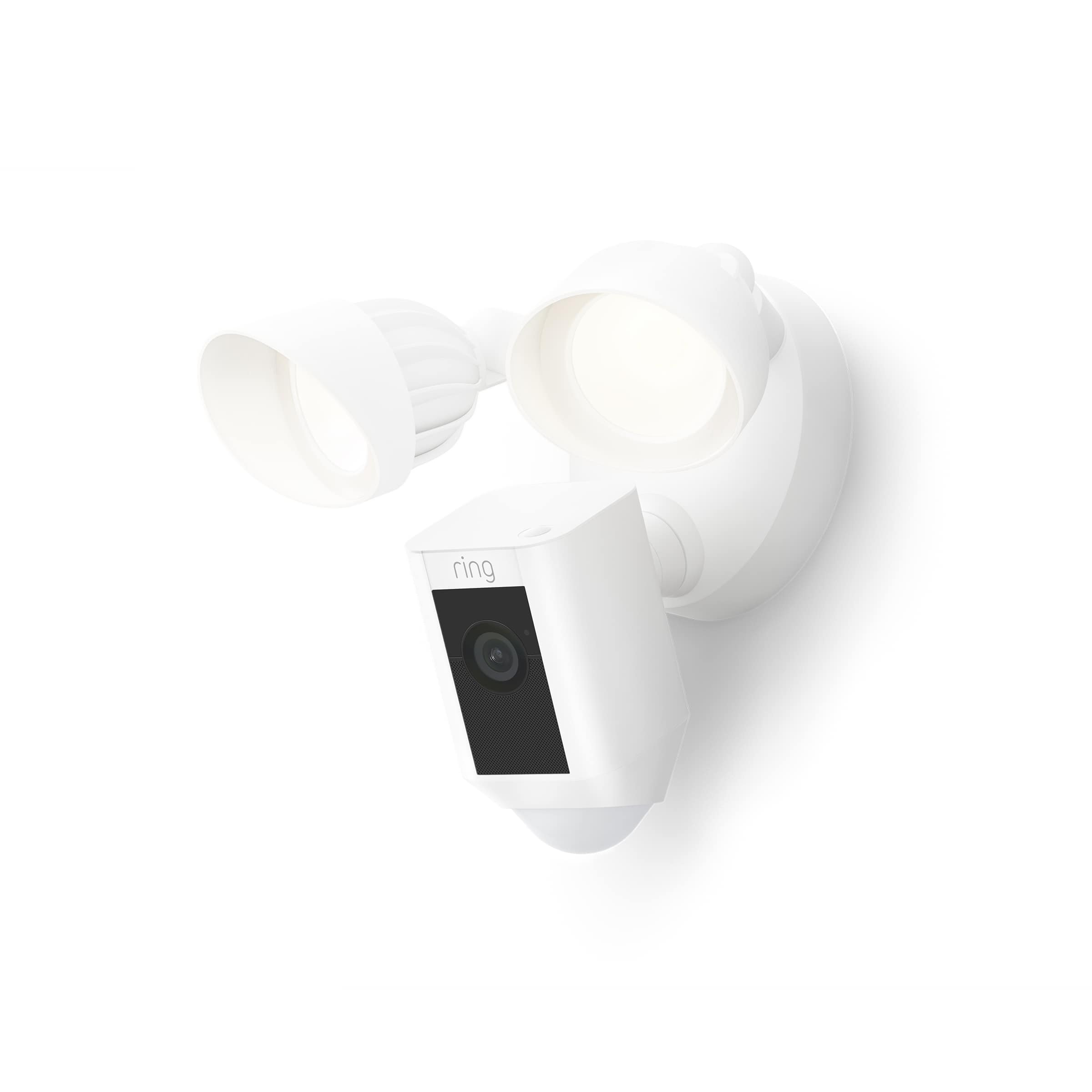
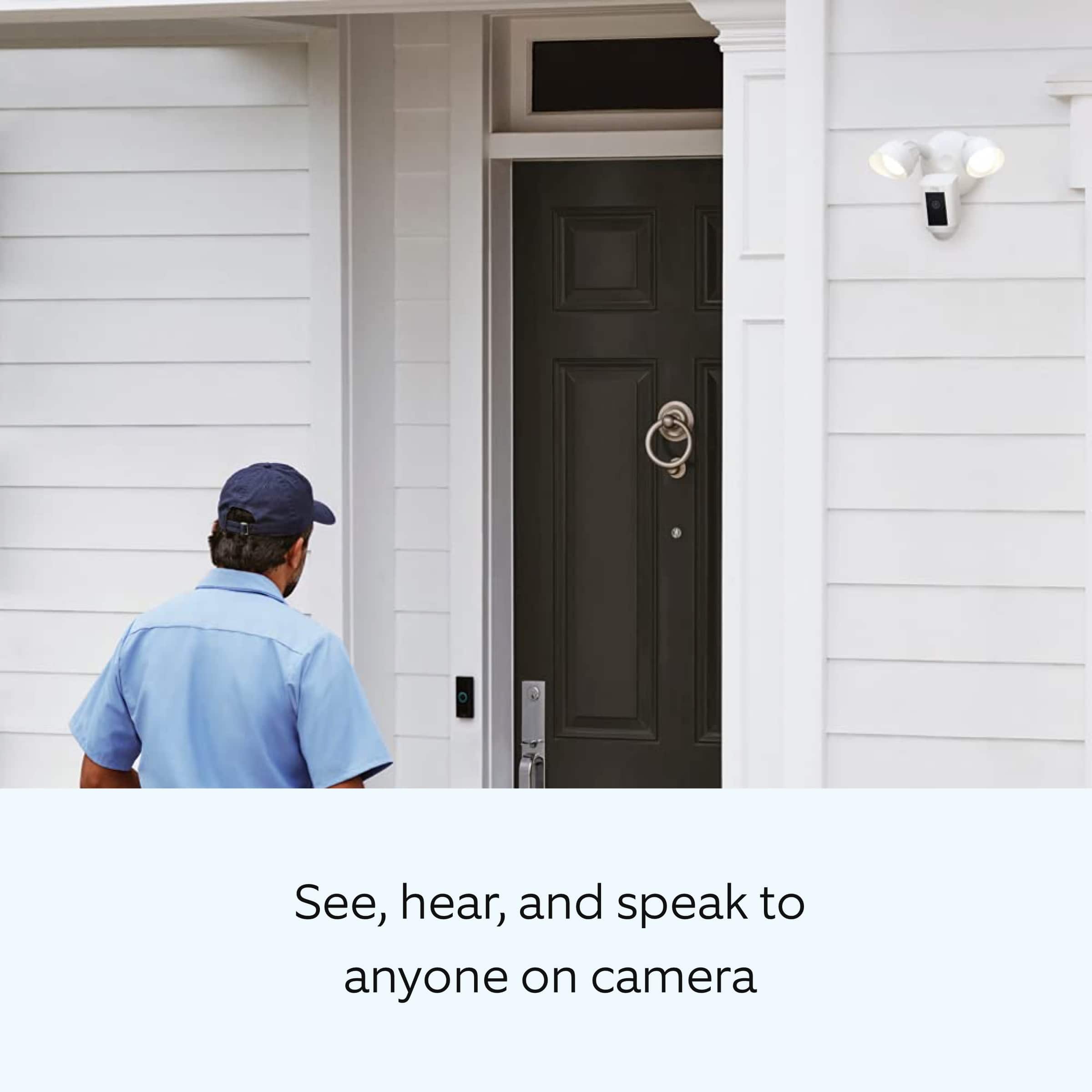
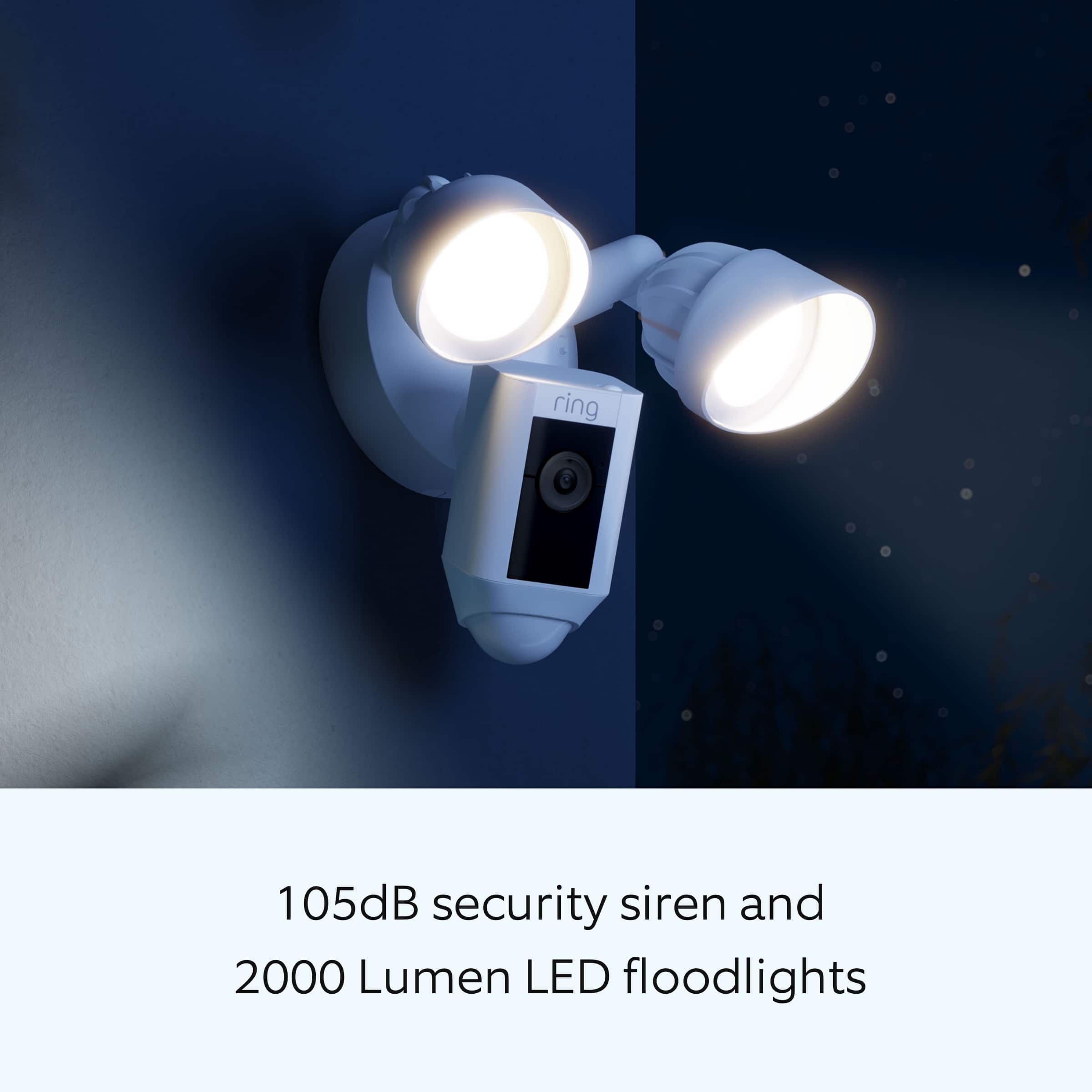
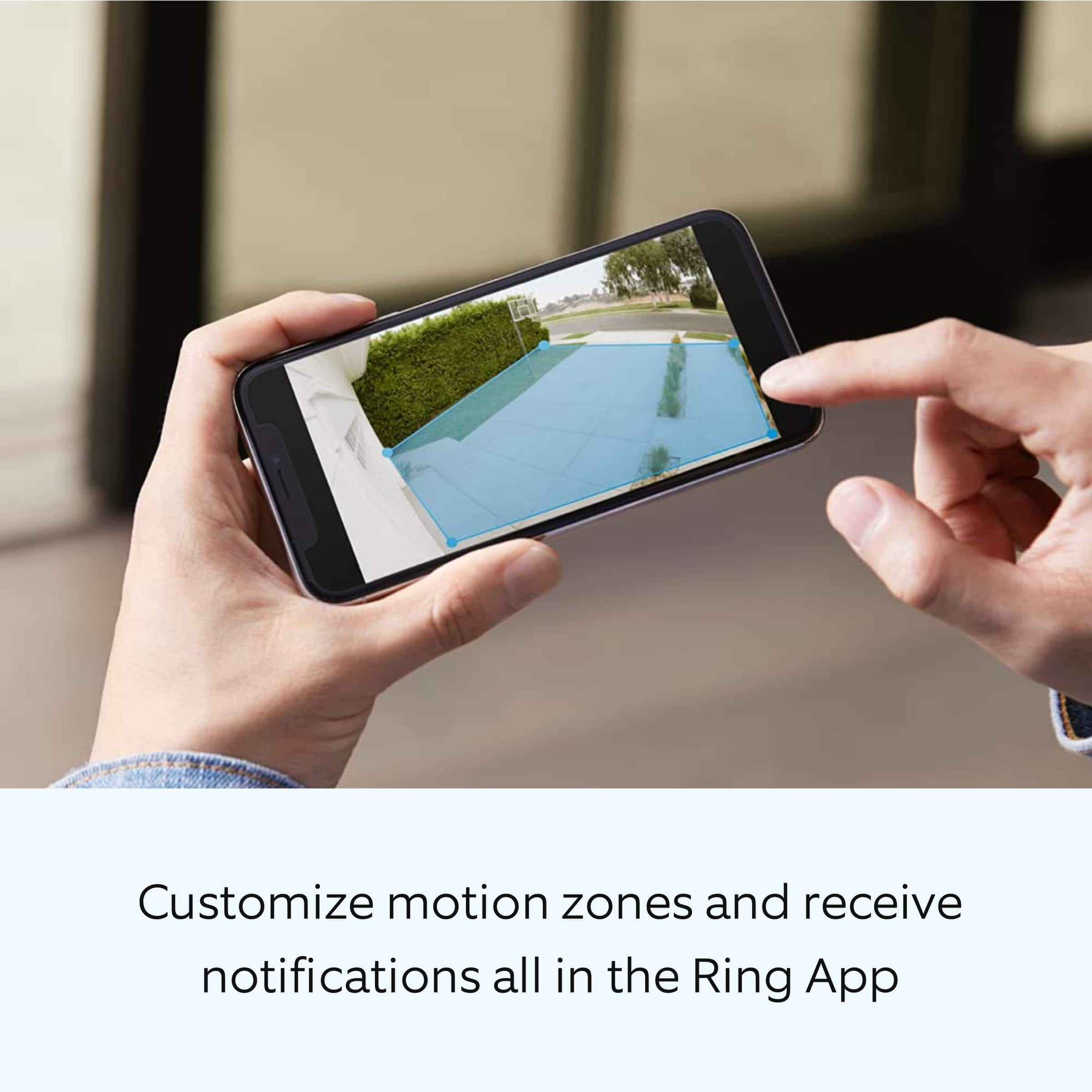
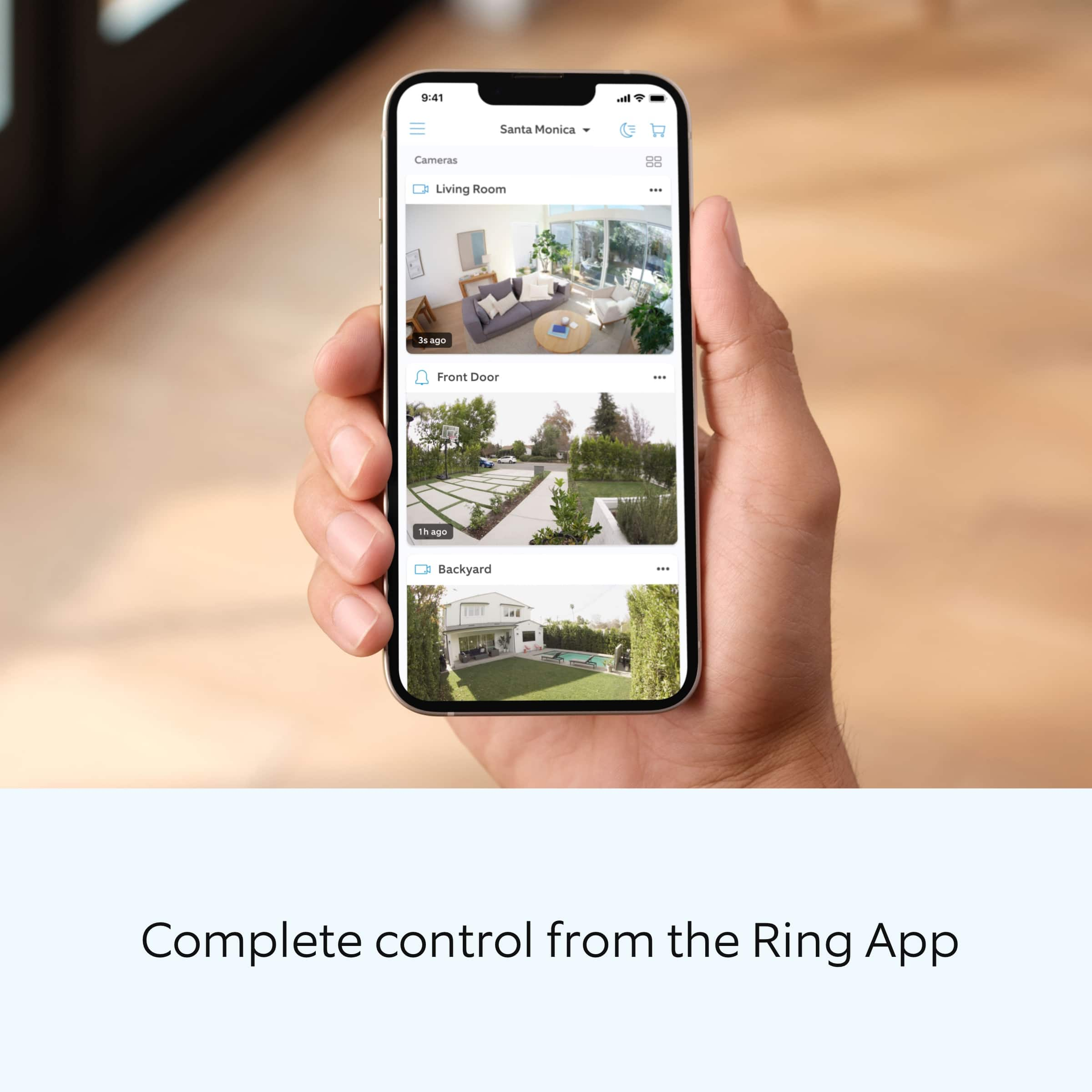
The Floodlight Cam Wired Plus has Customizable Motion Zones, Live view, and Color Night Vision that are controlled from the Ring app. In addition, the Floodlight Cam Wired Plus has a 105 dB siren at 10cm (4in). We are pleased to read that you are enjoying the benefits of having a Ring Floodlight Cam Plus Wired device installed!
In this particular case, we'd suggest you reach out to Best Buy's customer service: 1-888-237-8289 or https://www.bestbuy.com/services/triage/home. We are confident that they will be able to better address your store concern.
Ring Community was launched to help deliver the most current news and educational information to our neighbors. This online forum is divided into four categories: Product Boards, Ring Updates, Tips + Tricks, and a Moderators’ Corner. The Product Boards are where you can begin new topics with your questions or feedback; there is also a search option that helps you find topics that have already been posted by other neighbors.
All the best,
Nicole from Ring.
Ring security camera
||Posted . Owned for 1 month when reviewed.This reviewer received promo considerations or sweepstakes entry for writing a review.Exactly what I was thinking about it and I'm sure it would be nice to have a few more things to say about it and I'm going to try to get to say thxs for my items
I would recommend this to a friendRing instalatiin
||Posted . Owned for 3 weeks when reviewed.This reviewer received promo considerations or sweepstakes entry for writing a review.Other rings stopped working after new ring was installed
I would recommend this to a friendBrand response from Ring
Posted .Hi RichardS.
Thank you for taking the time to share your experience with us. We understand how important it is for your Ring Floodlight Cam Wired Plus to function consistently and reliably, so you are alerted to any wanted or unwanted activity in or around your home. The features and technology provided by the Ring Floodlight Cam Wired Plus are incredibly valuable and help provide you with peace of mind about your home security. We can definitely provide you with more information regarding the concern mentioned in your review.
It sounds like you are experiencing connection issues with your Ring devices. If your Ring device is far from your wifi router, it may be experiencing connection issues.
Here are a few of the top reasons for poor connectivity:
Your Ring device may be too far from your WiFi router.
Your mobile device has a low signal or poor connection.
Your home wifi connection is poor (or your internet service provider is experiencing high traffic).
To learn more about your device's signal strength, follow these steps:
Open the Ring app.
Tap the menu (☰).
Tap “Devices.”
Select the ring device you would like to test.
Tap on the “Device Health” tile.
Scroll to “Signal Strength” under the “Network” section.
The green, amber, and red colors are indicators of your device connection. Green is good; red is poor.
Move your wifi router off the floor.
Walls, floors, and furniture can interfere with or weaken your router's wireless signal. Choose an elevated, central, open location for your wifi router.
Check your mobile device's signal. If your mobile device has one or two bars, this could be causing issues accessing your Ring device. For best results, make sure you're connected to wifi from wherever you are.
Most internet service providers range from 100–400 mbps (megabytes per second) for download speed and 10–100 mbps for uploading. If your wifi speed is falling below the ranges noted above, we recommend contacting your internet service provider.
We recommend adding a Ring Chime Pro to your network. Simply plug the Ring Chime Pro into an outlet and it will help extend the wifi signal to your Ring devices.
If any additional information is needed regarding your Ring Floodlight Cam Wired Plus, please reach out to our community. Ring Community is our first peer-to-peer community forum, giving our customers the ability to help one another and share their feedback and experiences directly with Ring.
Thank you,
Melissa from Ring.
Poor service provided
||Posted . Owned for 1 month when reviewed.This reviewer received promo considerations or sweepstakes entry for writing a review.Wrong cameras were sold to me. The installer would not install the cameras. My refund was held up because of lack of communication between the Highland, IN store and the Homewood, IL store.
No, I would not recommend this to a friendBrand response from Ring
Posted .Hi CynthiaE.
Thank you for taking the time to share your experience with us. Your experience with Ring is our top priority, and it is important to us that when investing in our products, they meet your needs and expectations. What you describe is not the experience we want you to have, rest assured we are here to offer you some help.
In this particular case, we'd suggest you reach out to Best Buy's customer service: 1-888-237-8289 or https://www.bestbuy.com/services/triage/home. We are confident that they will be able to provide you with a resolution to this concern.
Ring Community was launched to help deliver the most current news and educational information to our neighbors. This online forum is divided into four categories: Product Boards, Ring Updates, Tips + Tricks, and a Moderators’ Corner. The Product Boards are where you can begin new topics with your questions or feedback; there is also a search option which helps you find topics that were already posted by other neighbors. We invite you to join our community today!
Thank you,
Amilia from Ring.
Rind Outdoor Floodlight Cam
||Posted . Owned for 1 month when reviewed.This reviewer received promo considerations or sweepstakes entry for writing a review.We love this outdoor camera. Works very well for seeing all areas needed , has zoom and you can speak through microphone (even though sound is a bit delayed).
I would recommend this to a friendRing opinion
||Posted . Owned for 1 month when reviewed.This reviewer received promo considerations or sweepstakes entry for writing a review.Works okay except with a power outage ,resetting is not user friendly
I would recommend this to a friendBrand response from Ring
Posted .Hello Ringcaution,
Thank you for reaching out regarding your power outage concern. We want to guarantee that you have a Ring camera you can rely on for your home security. It is important to us that you understand how your camera functions in the event of a power outage, and your options for resuming its use when power is restored. Our team is here to shed some light on the subject.
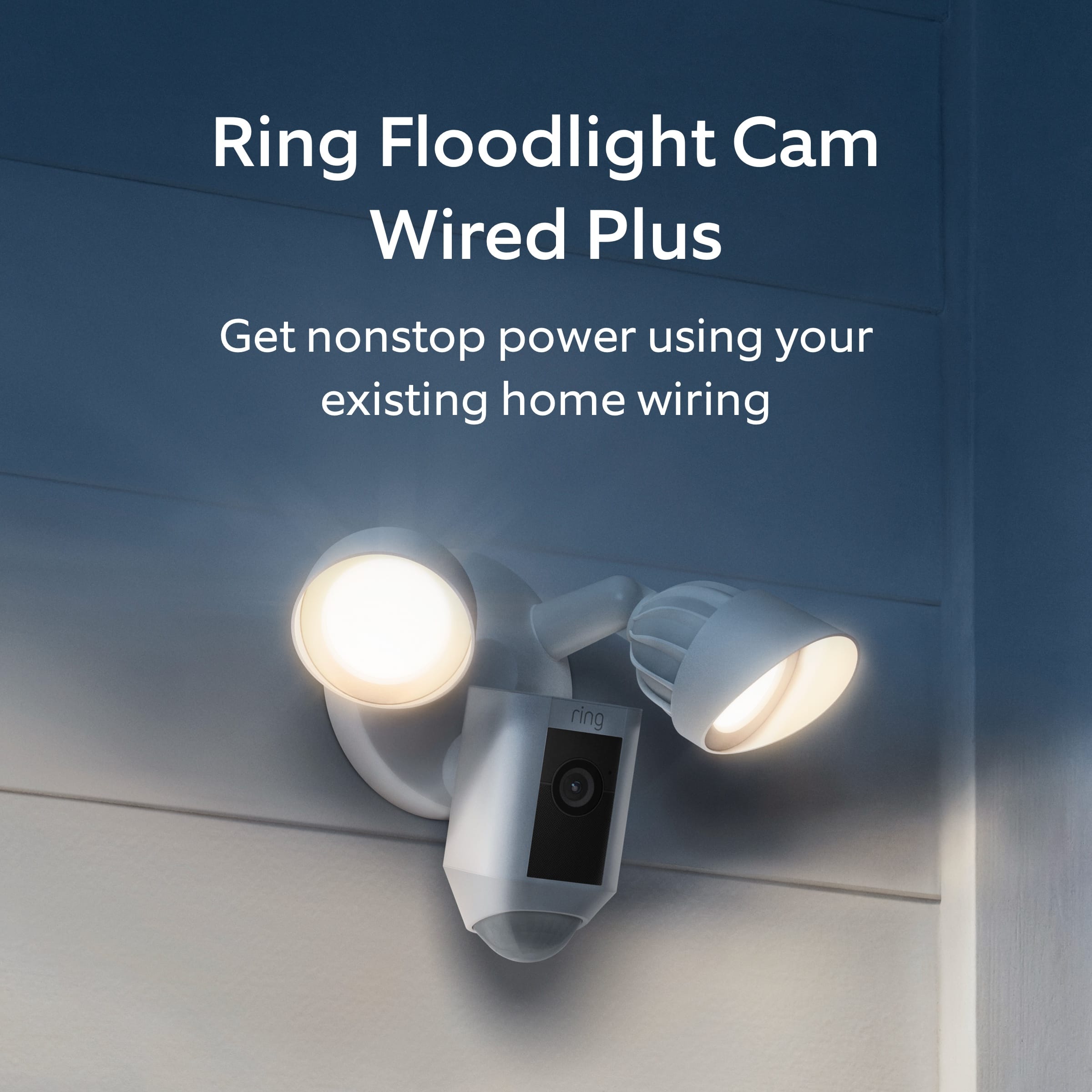
During a power outage, your hardwired Ring devices, such as Ring Floodlight Camera Wired Plus will lose power, along with the rest of your home. Once the power is restored, your camera will automatically power back on. So long as your wifi is also restored, your camera will reconnect to your home internet without you having to perform any steps.
Should you ever need to manually reconnect your camera to wifi, simply press and release the setup button to place the device in setup mode. Then, use the in-app guidance to choose our wifi network. Below is an article that goes into more detail.
https://support.ring.com/hc/en-us/articles/360034825092-How-to-Reconnect-Your-Ring-Device-to-Wifi-or-Change-Your-Wifi-Network
We appreciate that you have placed value in owning a Ring Floodlight Cam Wired Pro to secure your home and know it's important that it meets your expectations. Please visit our community forum at https://community.ring.com/, as we have some additional solutions we'd love to share with you.
All the best,
Marlom at Ring
Security light by Blink
||Posted . Owned for 3 weeks when reviewed.This reviewer received promo considerations or sweepstakes entry for writing a review.Very good presentation at the store and schedule along installation details were very good also. The installation was as scheduled with good communications.
I would recommend this to a friendOk camera
||Posted . Owned for 1 week when reviewed.This reviewer received promo considerations or sweepstakes entry for writing a review.So far so good. Cameras are working well. Microphone quality is low. Lights are a bit yellowish.
I would recommend this to a friendBrand response from Ring
Posted .Hello Docking
Our top priority at Ring is to ensure that our customers have the best possible experience with our products. It is important to us that you have all the necessary information to ensure that your setup experience is seamless. We truly value your feedback, simply because it helps us improve the product from a consumer standpoint.
All our devices do come with a limited one-year warranty, in which Ring will repair or replace any Ring products that malfunction due to defective parts or workmanship, at no charge to you. There is also an extended warranty available through our Ring Protect Plus Plan option.
Please reach out to us directly via our community forum at https://community.ring.com/ so we can find a solution to best resolve this and ensure the device is functioning as it was intended.
Thank you,
Antonio from Ring
It does the job
||Posted . Owned for 1 month when reviewed.This reviewer received promo considerations or sweepstakes entry for writing a review.It does the job. People do tell me it sounds muffled when i speak to them through this device
I would recommend this to a friendBrand response from Ring
Posted .Hello coop77,
Thank you for taking the time to leave a review. We understand how important both the audio and video features are on your Ring Floodlight Camera. This ensures that you are able to see and speak to the person who is at your door, in real time. The Ring Floodlight Camera is intended to provide you with peace of mind in your home security. Rest assured, we are here to provide you with some solutions to resolve the audio and video concerns you expressed.
After reading your review, it seems that you are having trouble with the audio and video on your Ring Floodlight Camera. If you are having audio trouble with your Ring Floodlight Camera, we recommend checking your mobile device to make sure that the external volume control is turned up to an adequate level to hear the person. Please see our help center article for more tips: https://support.ring.com/hc/en-us/articles/360050175212-Audio-and-Sound-Issues-Troubleshooting-Guide.
Ring Community launched in March 2019 to help deliver the most current news and educational information to our neighbors. It is our first peer-to-peer community forum, giving our customers the ability to help one another and share their feedback/experiences with Ring. Please reach out at https://community.ring.com/ if any additional information is needed regarding your Ring Stickup Camera concern.
Thank you, Jamila with Ring
Disapointed
||Posted . Owned for 2 months when reviewed.This reviewer received promo considerations or sweepstakes entry for writing a review.Chimes all the time, at every motion, every cat and even says there’s a person there when there’s nothing. It’sa lie that you don’t have to pay for service, because none of the motion or smart features work unless you have a membership. Disappointed
No, I would not recommend this to a friendBrand response from Ring
Posted .Hello SheSkisKillington,
It is important that the features available to you on your Ring Floodlight Cam Wired Plus meet your needs and expectations. We do appreciate that you have placed value in owning a Ring product for your home security.
Customizable motion zones are featured in all of Ring's AC-powered products, which allow for a fuller feature set and greater degree of customization. This system’s customization options let you draw up to three areas in the camera’s view to detect motion in. These "motion zones" allow you to define a specific area that you want your Ring to cover, while ignoring everything outside that area. By drawing your motion zones to exclude high-frequency areas such as public paths and roads, you can reduce the number of "false positive" motion notifications (such as cars driving by) and greatly increase the effectiveness of your Ring device.
Ring Community was launched to help deliver the most current news and educational information to our neighbors. This online forum is divided into four categories: Product Boards, Ring Updates, Tips + Tricks, and a Moderators’ Corner. The Product Boards are where you can begin new topics with your questions or feedback; there is also a search option which helps you find topics that were already posted by other neighbors. We invite you to visit our site at https://community.ring.com/ today!
Thank you,
Antonio from Ring
Try walking to help
||Posted . Owned for 1 month when reviewed.This reviewer received promo considerations or sweepstakes entry for writing a review.Employee just pointed to what I need instead of getting off stool to assist
I would recommend this to a friendBrand response from Ring
Posted .Hello Patti,
Thank you for taking the time to share your Bestbuy experience with us. We understand the importance of a seamless pickup at your local Bestbuy! Rest assured we hear you and are here to offer you some help.
In this particular case, it may be best for you to reach out to Bestbuy's customer service team and see what solutions they have for you:1 (888) 237-8289 or https://corporate.bestbuy.com/contact-corporate-responsibility/.We are confident that they will be able to provide you a resolution to the concern you’ve expressed.
Also, Ring Community is our first peer-to-peer community forum, giving our customers the ability to help one another and share their feedback/experiences with Ring. We invite you to reach out at https://community.ring.com/ if any additional information or assistance is needed regarding your Ring device.
Thank you, Jamila with Ring
Faulty device
||Posted . Owned for 3 weeks when reviewed.This reviewer received promo considerations or sweepstakes entry for writing a review.Device stopped working after 3 weeks. It was great when it did work, took a lot of qork to set it up but it didnt power up atthe 3rd week.
No, I would not recommend this to a friendBrand response from Ring
Posted .Hi KaisMum.
Thank you for taking the time to share your experience with us. We understand how important it is for your Ring Floodlight Cam Wired Plus to function consistently and reliably, so you are alerted to any wanted or unwanted activity in or around your home. The features and technology provided by the Ring Floodlight Cam Wired Plus are incredibly valuable and help provide you with peace of mind about your home security. Rest assured, we're here to help!
It sounds like your Ring Floodlight Cam Wired Plus is not performing as expected. We would love the opportunity to share with you some troubleshooting steps that you can try to get your Ring Floodlight Cam Wired Plus functioning as intended. If your device is unresponsive, try pressing and holding the setup button on the top of the camera for 20 seconds. Follow the steps in the Ring app to reconnect the device to your network.
To reconnect a Ring Floodlight Cam Wired Plus to your wifi network:
Open the Ring app.
Tap the menu (≡).
Tap "Devices" and select the camera you'd like to reconnect to wifi.
Tap the "Device Health" tile.
Under "Network," tap "Change Network" and follow the prompts in the app.
Allow some time for your device to fully reconnect to the network, then check your wifi signal strength in "Device Health" to confirm it has successfully reconnected.
If you still have the Ring device in your possession, we invite you to reach out to our community. Ring Community is our first peer-to-peer community forum, giving our customers the ability to help one another and share their personal feedback and experiences with Ring. We look forward to hearing from you. Please let us know if we can be of any further assistance!
Thank you,
Amilia from Ring.
Best camera and light
||Posted . Owned for 1 month when reviewed.This reviewer received promo considerations or sweepstakes entry for writing a review.Great product. Love the extra protection and light in the back yard. Really good for keeping track of what our dog is doing!
I would recommend this to a friendFlood Lights
||Posted . Owned for 1 month when reviewed.This reviewer received promo considerations or sweepstakes entry for writing a review.I did not like the fact the lights are not LED. That needs to be upgraded.
I would recommend this to a friendBrand response from Ring
Posted .Hello SecurityLights,
Thank you for taking the time to share your Ring Floodlight Cam Plus experience with us. We appreciate it. This device features two 3000°Kelvin LED lights with 1800 lumen output. It's important to be able to see and speak to your visitors when they approach your home. Rest assured, we are here to provide you some more information regarding your device's specifications.
The Floodlight Cam Wired Plus has Customizable Motion Zones, Live View and Color Night Vision that are controlled from the Ring app. In addition, the Floodlight Cam Wired Plus has a 105db siren at 10 cm (4in). Here is a helpful article that details more information, if needed: https://support.ring.com/hc/en-us/articles/360061193351-Floodlight-Cam-Wired-Plus-Security-Camera-Information-.
Ring Community is our first peer-to-peer community forum, giving our customers the ability to help one another and share their feedback/experiences with Ring. We invite you to reach out at https://community.ring.com/ if any additional information is needed regarding your LED light concern.
Thanks,
Alexis with Ring
Ring Floodlight cam plus outdoor wired
||Posted .This reviewer received promo considerations or sweepstakes entry for writing a review.excellent product, works everytime. Although, customer service could be better
I would recommend this to a friendBrand response from Ring
Posted .Hi there,
It is great to know that you are enjoying your Ring Floodlight Camera Plus. As a leader in home security, we strive to deliver world-class customer service. You can expect to receive a solution or the answer to your question upon reaching us the first time around. We'd like you to know that we are still here to help.
In order to provide the best experience, our support teams are available by phone or chat. In the US, you can reach us by phone from Mon-Sun, 5AM - 9PM MST.
To reach us by chat, please visit our website Ring.com, where chat support is available
Mon-Sun 5AM-9PM MST.
To reach us internationally, please use this link for the best support number:
https://support.ring.com/hc/en-us/articles/360036196372
Your experience with Ring is impactful on our future as a company, and we would love to hear from you directly on our Ring Community forum. If you have any experiences to share, questions regarding Ring and our services, or any feedback and product suggestions, we encourage you to have your voice be heard: https://community.ring.com/.
My best,
Marlom at Ring
Ring products.
||Posted . Owned for 3 weeks when reviewed.This reviewer received promo considerations or sweepstakes entry for writing a review.I really like the ring products. They are easy to set up and use. I would recommend ring to all my family and friends.
I would recommend this to a friendLove it
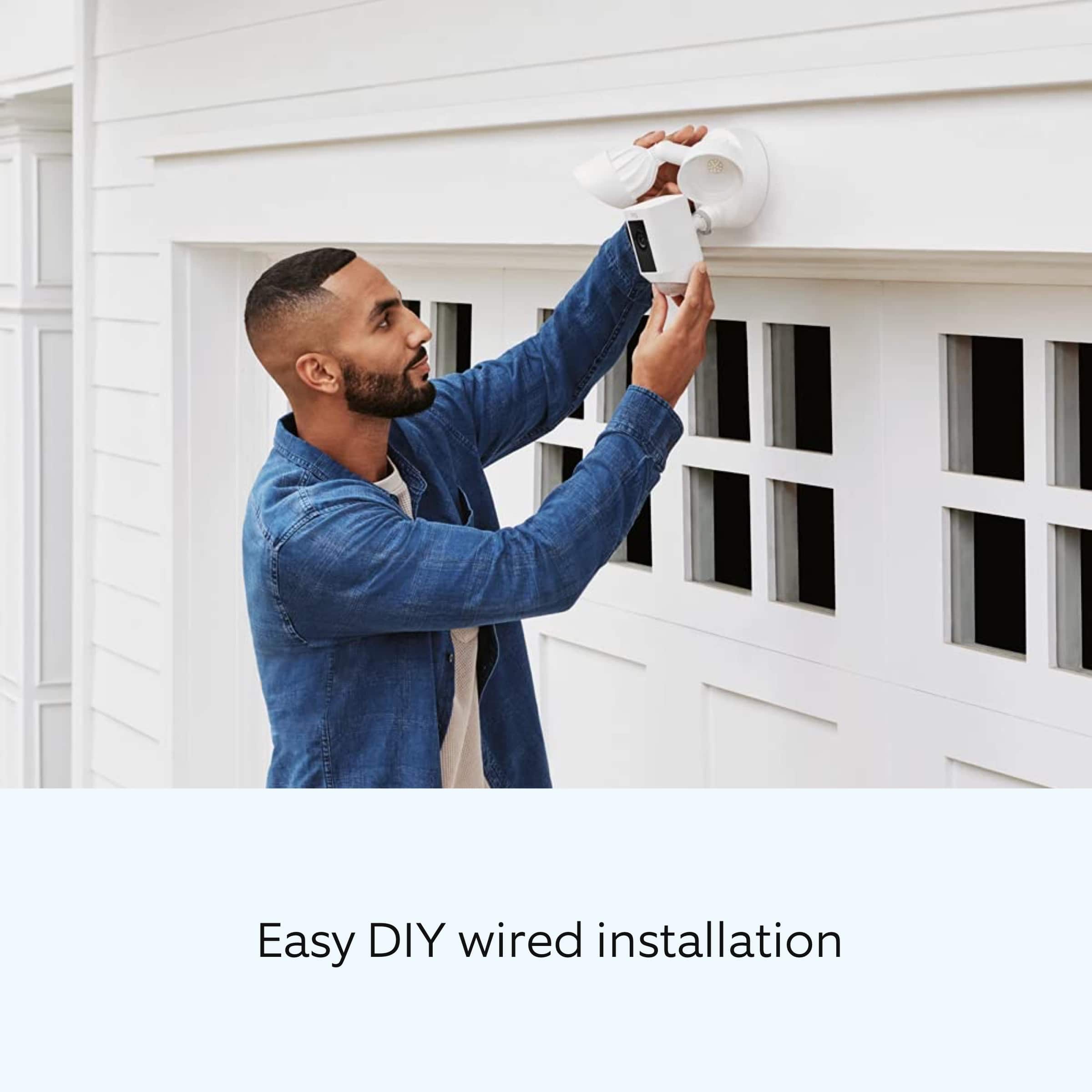
||Posted . Owned for 3 weeks when reviewed.This reviewer received promo considerations or sweepstakes entry for writing a review.So easy to install. Well packed with various sized bolts to cover all possibilities. Was up and running in minutes
I would recommend this to a friendLowzy
||Posted . Owned for 3 weeks when reviewed.This reviewer received promo considerations or sweepstakes entry for writing a review.I tried to set these 4 cameras up and was successful with 2 out of 4!The info I got back was the internet signal was weak even though one of the cameras was practically inches away from a working camera. Also,I am unable to have the working cameras show me live view at all.They only show motion only
No, I would not recommend this to a friendBrand response from Ring
Posted .Hi rss1,
We understand how important it is to have your home security devices up and running to protect your home. By using the Ring app, you should be able to set up your Ring Floodlight Cam Plus devices in a matter of moments. Please know that we hear your concern and are here to help.
Please remember that this particular model of Ring Floodlight Camera is only compatible with 2.4 GHz wifi networks. If you are trying to connect to a 5 GHz network, please try the set-up once again on the 2.4 GHz network. You can use the Device Health section of the Ring app to see which network your working cameras are using as a reference.
We've also written a comprehensive article that helps break down the different reasons why your cameras may not be setting up. You can follow along in the article below.
https://support.ring.com/hc/en-us/articles/217240386-In-app-Setup-Failing-Repeatedly
If you are having issues with Live View, such as seeing an empty or black screen, please see this article below. Here, you'll find solutions on how to resolve this by adjusting your router.
https://support.ring.com/hc/en-us/articles/360023439472-Fixing-Black-Video-Errors-by-Adjusting-Your-Router
We would love to hear what more we can do to assist you. From our website, we have a great platform for Ring users to share, discuss, and ask questions about their Ring experience. If you feel this is something you are interested in, we invite you to learn more, here: https://community.ring.com/.
All the best,
Marlom at Ring
Returned. Quality didn't seem good.
||Posted .This reviewer received promo considerations or sweepstakes entry for writing a review.Returned. Quality didn't seem good on videos I saw online.
No, I would not recommend this to a friendBrand response from Ring
Posted .Hello CYBERBOT5000,
Thank you for taking a moment to leave your review on the Ring Floodlight Camera. At Ring, we believe that stronger communities are the key to safer neighborhoods. That is why we are driven to create products that help you protect what matters most at home, and empower you to connect with your visitors from wherever you are. We are saddened to read that this device did not meet your expectations, but are still here to assist you, if needed.
If you still have the Ring device in your possession, we invite you to reach out to us at https://community.ring.com/. Ring Community is our first peer-to-peer community forum, giving our customers the ability to help one another and share their personal feedback/experiences with Ring. We look forward to hearing from you, if we can be of any further assistance!
Thank you,
Jamila with Ring
Ring messaging
||Posted .This reviewer received promo considerations or sweepstakes entry for writing a review.I get messages when cars drive by but not always when people walk by.
I would recommend this to a friendBrand response from Ring
Posted .Hello drcows,
Thank you for voicing the motion detection concerns in your review. We know how important it is to detect when people are walking near your home. The Ring Floodlight Cam Plus should make a great solution by offering accurate motion detection when a visitor stops by. We're confident that by making a few changes, you'll be able to improve your device's performance. Rest assured, we're here to help!
For the best motion detection experience, your Floodlight Cam needs to be positioned in a way that works well with its environment.
Floodlight Cam works great at about nine feet above ground level with the motion sensor parallel to the ground. From this height, your Floodlight Cam can cover a wide visual area, as well as capture HD video of visitors' faces. Below is an article that goes into more detail on how to position your Floodlight Camera:
https://support.ring.com/hc/en-us/articles/360000124983-Proper-Positioning-for-Your-Floodlight-Cam
It's important to know that Floodlight Cam detects motion patterns and frequency. The Ring app Motion Frequency Controls help adjust the devices for repetitive patterns of motion. Once your device is properly positioned, you can review your current Motion Frequency settings.
Here is an article that goes into more detail on how to make the necessary changes:
https://support.ring.com/hc/en-us/articles/115003477106-Understanding-and-Optimizing-Motion-Detection-with-Motion-Frequency
After making these adjustments, you should be able to consistently detect when people walk near your home. If you have any additional questions or concerns, we kindly ask that you reach out to our Ring Community forum, to have a more hands-on experience with other users like yourself: https://community.ring.com/.
All the best,
Marlom at Ring