Customer Ratings & Reviews
- Model:
- B08F6GPQQ7
- |
- SKU:
- 6460923
Customer reviews
Rating 4.8 out of 5 stars with 3553 reviews
(3,553 customer reviews)Rating by feature
- Value4.7
Rating 4.7 out of 5 stars
- Quality4.8
Rating 4.8 out of 5 stars
- Ease of Use4.8
Rating 4.8 out of 5 stars
Customers are saying
Customers love the Floodlight Cam Plus Outdoor Wired 1080p Surveillance Camera, especially the crisp camera quality and ease of use. Many appreciate the adjustable light brightness, overall performance, and motion detection capabilities. While installation is quick, some customers feel the price could be better, and a few have experienced connectivity issues.
This summary was generated by AI based on customer reviews.
Rated 5 out of 5 stars
Great Product
Posted .This reviewer received promo considerations or sweepstakes entry for writing a review.Great Product. Great Price. Brought 2. Works great for what I need.
I would recommend this to a friendRated 5 out of 5 stars
Works well.
Posted .This reviewer received promo considerations or sweepstakes entry for writing a review.Love it,, I'll get a few more when the price comes down
I would recommend this to a friendRated 5 out of 5 stars
Camera
Posted .This reviewer received promo considerations or sweepstakes entry for writing a review.This camera has a great view it shows the whole driveway gate and part of the street
This review is from Ring - Floodlight Cam Plus Outdoor Wired 1080p Surveillance Camera - Black
I would recommend this to a friendRated 5 out of 5 stars
Ring light
Posted .This reviewer received promo considerations or sweepstakes entry for writing a review.Great light and able to see a good distance with it
This review is from Ring - Floodlight Cam Plus Outdoor Wired 1080p Surveillance Camera - Black
I would recommend this to a friendRated 5 out of 5 stars
Floodlight cam
Posted .This reviewer received promo considerations or sweepstakes entry for writing a review.Easy to install. Perfect for my back yard. Offers great field of view.
I would recommend this to a friendRated 5 out of 5 stars
Great purchase
Posted .This reviewer received promo considerations or sweepstakes entry for writing a review.Best investment for my security and safety. A must!
This review is from Ring - Floodlight Cam Plus Outdoor Wired 1080p Surveillance Camera - Black
I would recommend this to a friendRated 5 out of 5 stars
The Best!
Posted .This reviewer received promo considerations or sweepstakes entry for writing a review.Ring has the best affordable security camera!!!!!!
This review is from Ring - Floodlight Cam Plus Outdoor Wired 1080p Surveillance Camera - Black
I would recommend this to a friend- Pros mentioned:Camera quality
Rated 2 out of 5 stars
Mounting hardware poor quality. Great camera
Posted .This reviewer received promo considerations or sweepstakes entry for writing a review.The brackets were junk. The threads were not made right on metal bracket that attaches to electrical box so the wall bracket that is held by one screw won’t tighten properly All three systems same issue Camera works fine but mounting hardware not.
I would recommend this to a friendBrand response from Ring
Posted .Hi user253434.
Thank you for taking the time to share your experience with us. We understand the importance of a seamless setup process so that you can begin using your Ring Floodlight Wired Plus right away. The features and technology provided by the Ring Floodlight Wired Plus are incredibly valuable and help provide you with peace of mind about your home security. We are here to provide you with some information to resolve the installation issue you mentioned in your review.
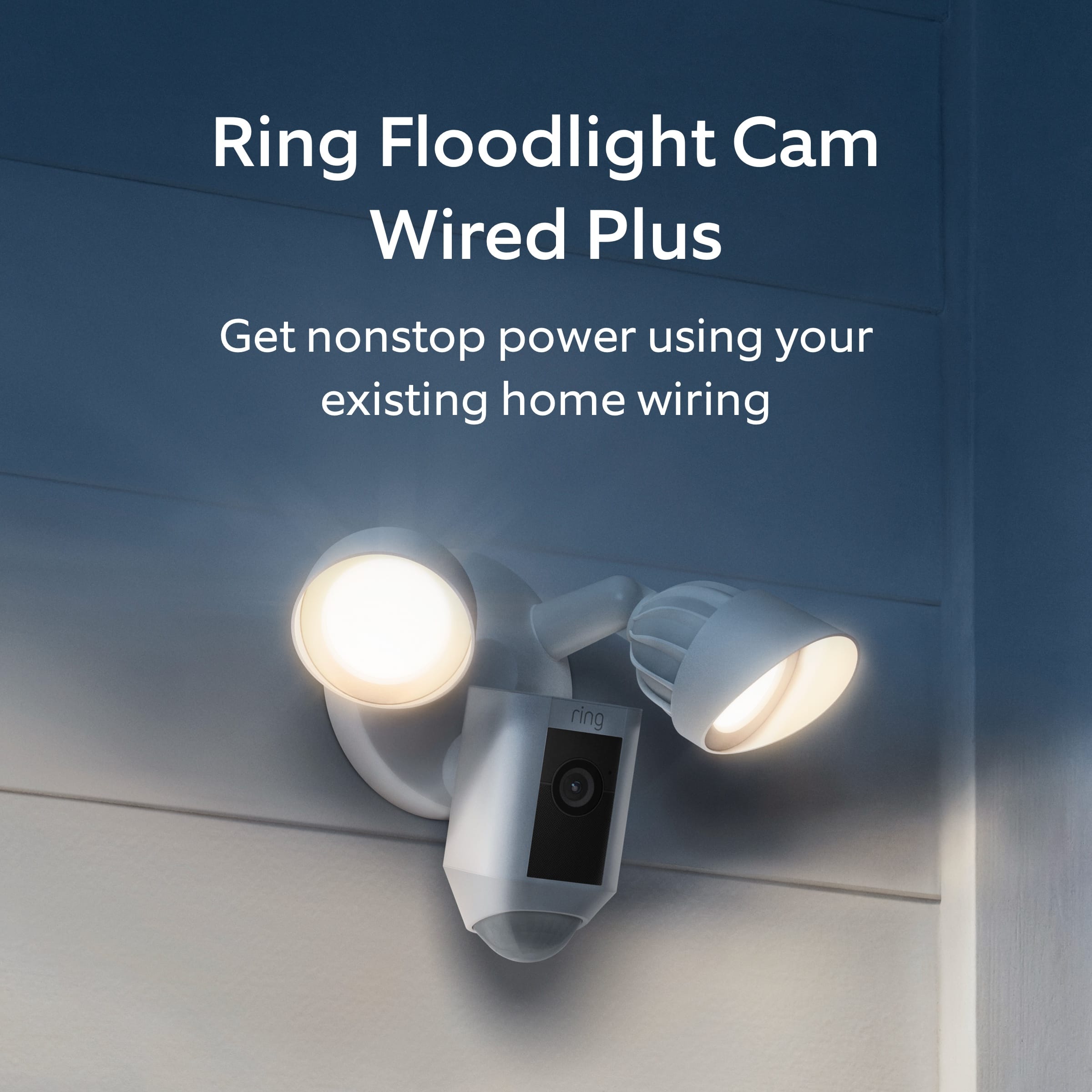
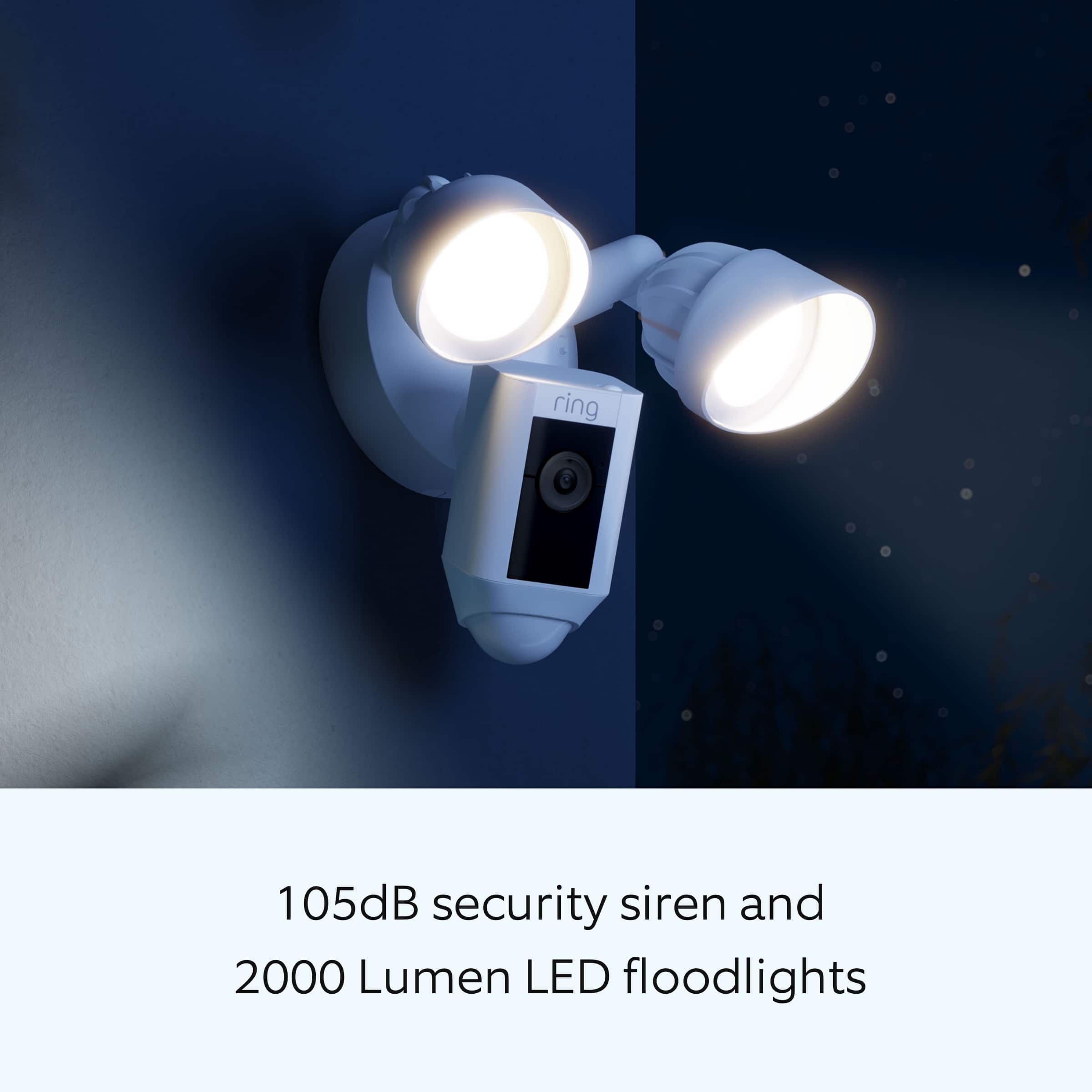
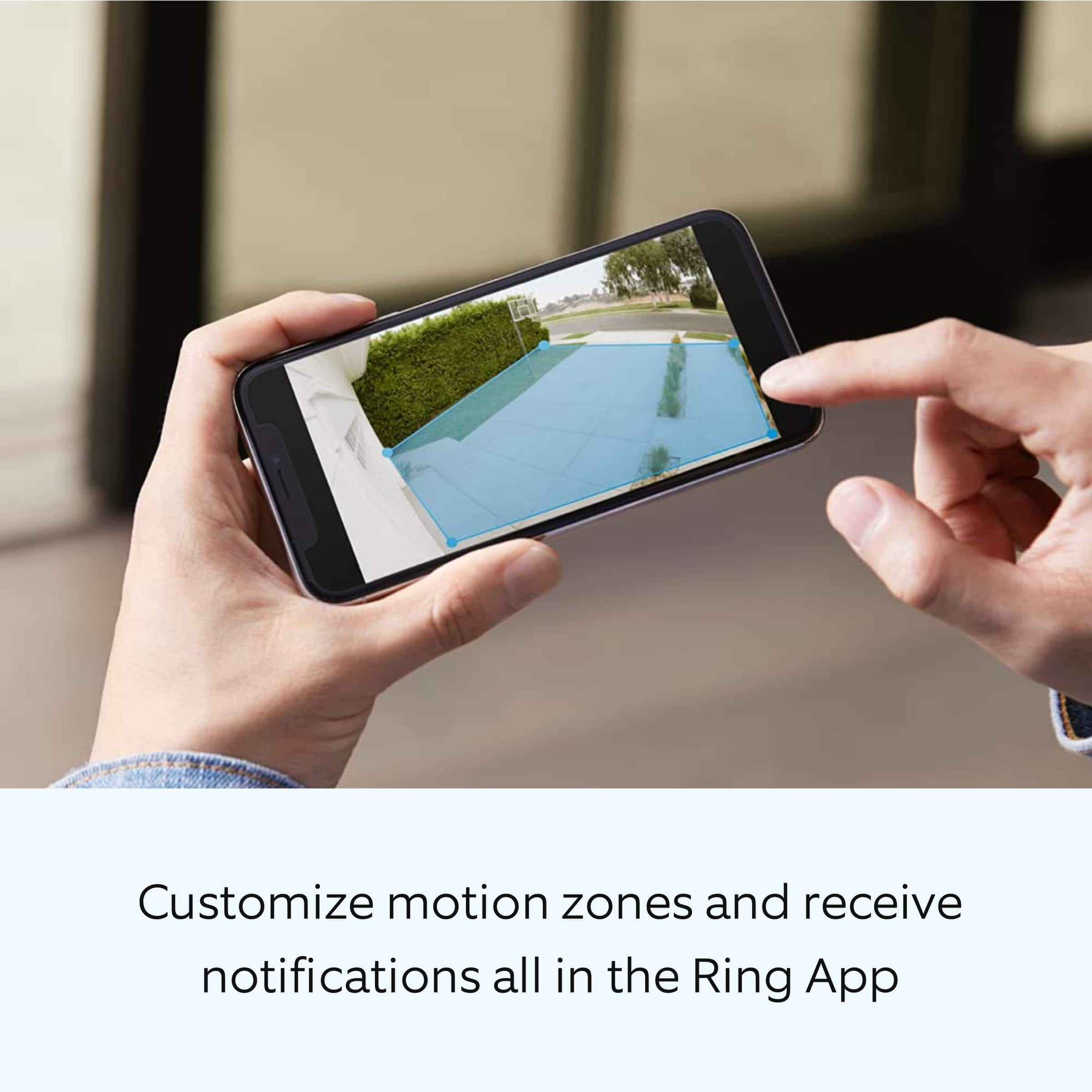
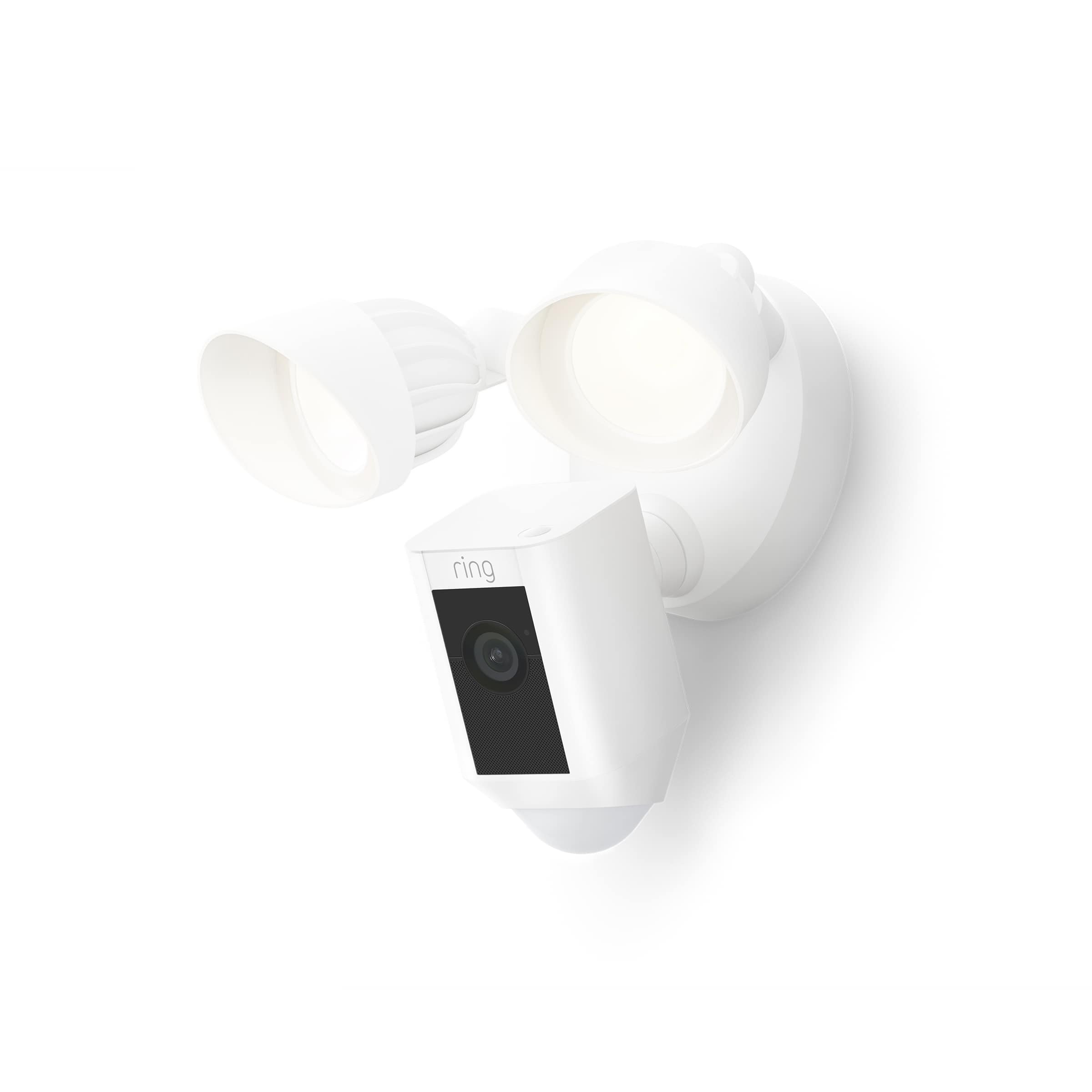
Ring Floodlight Cam Wired Plus is an outdoor floodlight security camera with 1080p HD video. Ring Floodlight Cam Wired Plus has ultra-bright, motion-activated LED floodlights, "Customizable Motion Zones," "Live View," "Color Night Vision," a 105db siren, and two-way talk.
We have included a list here of the items that come in the box with the device:
Floodlight Cam Wired Plus
Terminal block
Mounting bracket
Installation tools and screws
User manual
Security sticker
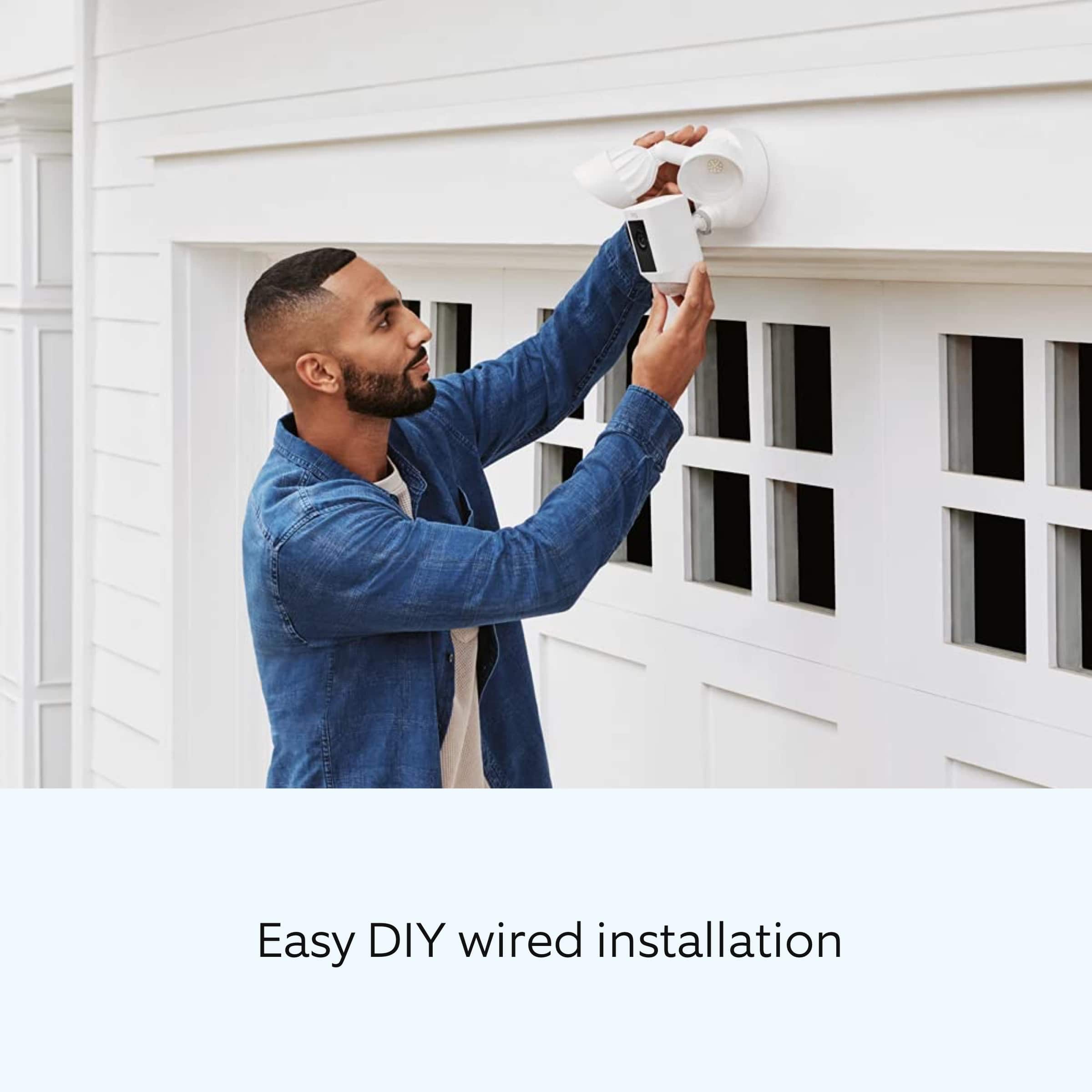
Install your Floodlight Cam Wired Plus with this step-by-step guide.
Before you begin installing your Ring Floodlight Cam Wired Plus, make sure you’re following safety code standards. Warning: Electrical shock is a is a hazard. Disconnect power to the installation area at your circuit breaker or fuse box before beginning installation. Always use caution when handling electrical wiring. Installation by a qualified electrician may be required in your area. Refer to your local laws and building codes before performing electrical work. Permits and professional installation may be required by law.
Your Floodlight Cam Wired Plus security cam must be installed on a 4“ round UL-listed weatherproof electrical box. Make sure the power is turned off at the circuit breaker.
1. Start in the Ring app.
Tap the menu (≡) on the left side of your dashboard in the Ring app.
Tap "Set up a Device."
Follow the instructions in the Ring app.
Scan the QR code on the back of the device.
2. Prepare your Floodlight Cam Wired Plus for installation.
If you’re mounting the Ring Floodlight Cam Wired Plus on an eave or overhang, rotate the lights away from the camera.
If you’re mounting it to a wall, rotate the camera downward into the installation position.
3. Remove your existing floodlight.
With the power off at the circuit breaker, remove your existing floodlight at the junction box and disconnect the wires.
If there is a metal bracket attached to the junction box, remove that as well.
4. Choose your screws.
Select a set of screws that fit your junction box from the bags marked A through F. One size does not fit all, so there are several sizes in the bags.
Save a screw from either bag B or C for one of the following steps:
Bag A: standard screws that fit most junction boxes.
Bags B and C have longer screws for recessed junction boxes.
Bags D, E, and F are best for older boxes with smaller screw holes.
5. Attach the metal mounting bracket.
Secure the metal mounting bracket with the screws you selected to the junction box, using either pair of screw holes. Be sure to align the bracket so the front text faces outward.
6. Install the plastic mounting plate.
Pull gently from the opening of the plastic plate to free it from the fixture, then feed your power wires through the opening. After your power wires are fed through the mounting plate, center it over the metal mounting bracket. If you’re installing on a wall, the UP arrow should point up when your wires have been fed through the mounting plate. If you’re installing under an eave, the arrow should point toward the wall. Then, insert one of the screws from Bag B or C into the center hole, and tighten to secure.
7. Hang up the Floodlight Cam Wired Plus.
Locate the nylon strap on the back of your Floodlight Cam Wired Plus light fixture and loop the buckle at the end over the hook on the mounting plate. Make sure that the buckle and hook are secure before releasing the light fixture.The green wire on the Floodlight Cam Wired Plus is the ground wire.
With the power still turned off at the breaker, use a wire nut from the bag marked G to connect the green wire coming from the junction box.
The white wire on the Floodlight Cam Wired Plus is a neutral wire. Use another wire nut from the bag marked G to connect the white (or neutral) wire coming from the junction box.
The black wire on the Floodlight Cam Wired Plus is a hot wire. Use another wire nut from the bag marked G to connect the black wire from your Floodlight Cam Wired Plus to the black (or hot) wire from your junction box.
Give all three wire connections and wire nuts a gentle tug to make sure they’re secure.
Warning: If you can’t easily identify the wires coming out of your junction box, have difficulty identifying them, or are uncomfortable in any way connecting them, consult a qualified electrician.
8. Mount the fixture.
Tuck the power wires into the junction box, then align the two holes on the light fixture with the threaded posts on the plastic mounting plate. Slide the light fixture onto the posts and push it firmly into place.
Secure the fixture using two of the hex cap nuts from Bag G over the ends of the threaded posts.
Remove the reversible bit from the included screwdriver and use the handle to tighten the hex cap nuts.
Once your Floodlight Cam Wired Plus is secured, apply a weatherproof silicone caulk or sealant (not included in the box) around the outside where the Floodlight Cam Wired Plus and the junction box meet.
9. Restore the power at the breaker.
Now that your Floodlight Cam Wired Plus is installed, you can turn the power back on at the breaker. The lamps on your Floodlight Cam Wired Plus will flash once it’s powered on.
10. Once your Floodlight Cam Wired Plus is installed, follow the set-up instructions in the Ring app.
We invite you to reach out to our community if any additional information is needed regarding your Ring Floodlight Cam Wired Plus. The Ring Community is our first peer-to-peer community forum, giving our customers the ability to help one another by sharing their feedback and experiences with each other.
Thank you,
Melissa from Ring.
Rated 4 out of 5 stars
Security light and camera
Posted .This reviewer received promo considerations or sweepstakes entry for writing a review.Its a little glitchie, but works most of the time.
This review is from Ring - Floodlight Cam Plus Outdoor Wired 1080p Surveillance Camera - Black
I would recommend this to a friendRated 4 out of 5 stars
Ring
Posted .This reviewer received promo considerations or sweepstakes entry for writing a review.First one broke as I was assembling it. Exchanged and installed second one no issues
I would recommend this to a friendRated 2 out of 5 stars
Nowhere
Posted .This reviewer received promo considerations or sweepstakes entry for writing a review.I have already replied to you about my experiences with these purchases with my concerns and displeasure weeks ago. No one seemed to care about them then so my presumption is that no one does now.. This review business is a sham at best obviously destined for an eel button.
No, I would not recommend this to a friendBrand response from Ring
Posted .Hi Foodi.
Thank you for taking the time to share your experience with us. At Ring, we want to ensure that you have the best possible experience with our products. Your peace of mind and security are extremely important to us. The features and technology provided by the Ring Floodlight Cam Plus are incredibly valuable and help provide you with peace of mind about your home security. Rest assured, we're here to help!
At Ring, we believe that stronger communities are the key to safer neighborhoods. That is why we are driven to create products that help you protect what matters most at home, and empower you to connect with your visitors from wherever you are. We are saddened to read that this device did not meet your expectations but are still here to assist you.
If you still have the Ring device in your possession, please reach out to our community. Ring Community was launched to help deliver the most current news and educational information to our neighbors. This online forum is divided into four categories: Product Boards, Ring Updates, Tips and Tricks, and a Moderators’ Corner. The Product Boards are where you can begin new topics with your questions or feedback; there is also a search option that helps you find topics that have already been posted by other neighbors. We invite you to visit our Ring Community today.
Thank you,
Amilia from Ring.
Rated 4 out of 5 stars
Good camera!
Posted .This reviewer received promo considerations or sweepstakes entry for writing a review.Zoning and object recognition could be better. Plans are reasonable. Recommended.
I would recommend this to a friendBrand response from Ring
Posted .Hi Displayname.
Thank you for taking the time to share your feedback with us. We are always looking for ways to improve our neighbor's experience, and your feedback is an invaluable part of this process. That is why we are dedicated to offering devices that help you safeguard what is most important at home, while also allowing you to connect with your neighbors from anywhere. We’re glad to read that you are finding the provided features useful.
Ring Community was launched to help deliver the most current news and educational information to our neighbors. This online forum is divided into four categories: Product Boards, Ring Updates, Tips and Tricks, and a Moderators’ Corner. The Product Boards are where you can begin new topics with your questions or feedback; there is also a search option that helps you find topics that have already been posted by other neighbors.
Sincerely,
Matthew from Ring.
Rated 3 out of 5 stars
Lightbulbs cannot be replaced. :(
Posted .This reviewer received promo considerations or sweepstakes entry for writing a review.One of the lights started flickering and went out and they are not replaceable. Why wouldn’t they design this with replaceable lightbulbs?
No, I would not recommend this to a friendBrand response from Ring
Posted .Hi Matt.
Thank you for taking the time to share your experience with us. We understand how important it is for your Ring Floodlight Cam Wired Plus to function consistently and reliably, so you are alerted to any wanted or unwanted activity in or around your home. The features and technology provided by the Ring Floodlight Cam Wired Plus are incredibly valuable and help provide you with peace of mind about your home security. Rest assured, we are here to provide you with solutions today.
It sounds like the device is not performing as intended. Ring Floodlight Cam Wired Plus is an outdoor floodlight security camera with 1080p HD video. Ring Floodlight Cam Wired Plus has ultra-bright, motion-activated LED floodlights, Customizable Motion Zones, Live View, Color Night Vision, a 105db siren and two-way talk.
We recommend that you reboot the device by following these steps:
Tap on the ☰ menu in the upper left.
Tap on Devices.
Tap on the Ring device with Light Schedule issues.
Tap on Device Health.
If the option is available, tap on Reboot this Device.
Follow the prompts in the Ring app.
The Ring app will display Reboot Successful after the reboot is complete.
Check the lights to see if they are still flashing or flickering.
If you need additional assistance with your Ring Floodlight Cam Wired Plus, please don’t hesitate to reach out to our dedicated 24/7 support team. We also recommend reaching out to our community. The Ring Community is our first peer-to-peer community forum, giving our customers the ability to help one another by sharing their feedback and experiences with each other.
Thank you,
Melissa from Ring.
- Pros mentioned:Ease of use
Rated 5 out of 5 stars
Great product
Posted .This reviewer received promo considerations or sweepstakes entry for writing a review.Easy to install, and set up. Quality product. Definitely recommend
I would recommend this to a friend - Pros mentioned:Ease of use
Rated 5 out of 5 stars
Good buy
Posted .This reviewer received promo considerations or sweepstakes entry for writing a review.This is just a great product. I would recommend it to a friend
I would recommend this to a friend Rated 2 out of 5 stars
Spotlight cam
Posted .This reviewer received promo considerations or sweepstakes entry for writing a review.My spotlight cam is about 2.5yrs old and the picture/video quality is getting poor because the lens is fading a. nd marbling. Its been Great until I noticed the quality diminishing with this happening. It faces west and gets a good portion of sun during the day. The motion sensor portion is plastic and its peeling giving a spotty motion sense. Im torn on recommending them again as I cant seem to get anyone at ring to see if any of this is covered by my ring warranty coverage.
I would recommend this to a friendBrand response from Ring
Posted .Hi Scott. I know how important it is to have optimal motion detection with your Spotlight Cam. The Spotlight Cam is weather resistant, but over time, the elements can be brutal. Details about our 1-year Warranty can be found here: https://ring.com/warranty. If you are subscribed to the Ring Protect Plan, you have an extended warranty. You can find information on our Ring Protect Plan here: https://support.ring.com/hc/en-us/articles/360030333671-How-to-Subscribe-to-the-Ring-Protect-Plan. If you contact our support team, they can determine your devices eligibility for replacement. If you have any further questions or concerns, try browsing the Ring Community at https://community.ring.com/. As our first peer-to-peer forum, the Ring Community allows you to ask questions and interact with other neighbors to discuss your Ring devices. Best wishes, David with Ring.
Rated 1 out of 5 stars
EASILY BREACHED not secure
Posted .This reviewer received promo considerations or sweepstakes entry for writing a review.I bought Ring security system believing it would make my home secure. Was I ever surprised when my car was breached by a thief when my car was parked 10 feet from my camera. When I went to review incidents on my app, I was shocked to find no video while my car was looted. the camera was working because I saw the milkman making his delivery a couple hours earlier. I called Ring and theywere appogetic that the camera did not capture the incident. What they didn't tell me was (which Ifound out later) was that the thief used a WI-FI scrambler while stealing from my car 10 feetfrom my camera. To be fir to Ring, any security system that uses WI-FI is vulnerable to these scramblers. And to rub salt in my wound, Amazon who owns Ring sells these scramblers online. OUCH!!!
No, I would not recommend this to a friendBrand response from Ring
Posted .Hi WalterB.
Thank you for taking a moment to share your experience with us.
At Ring, we believe in keeping people close to what’s important. That is why we are driven to create products that help you protect what matters most at home and empower you to connect with your visitors from wherever you are. Together, we’ll make neighborhoods safer!
We are passionate about our neighbors' security and are always working to put you at an advantage against crime. As many of our devices are wifi enabled, they do require a wifi signal to operate. If you're concerned about specialized burglars using wifi jammers, we recommend checking out our Stick Up Cam Elite with power over Ethernet capabilities. Visit our support center for more information.
Ring Community was established to assist in providing our neighbors with the most recent news and instructional material. Four sections make up this online forum: Ring Updates, Product Boards, Tips & Tricks, and a Moderators' Corner. You can start new topics on the Product Boards with your questions or suggestions; a search function will assist you in locating subjects that other neighbors have previously posted.
All the best,
Nicole from Ring.
Rated 2 out of 5 stars
Poor After The Install Service!
Posted .This reviewer received promo considerations or sweepstakes entry for writing a review.I purchased 2 floodlight/cameras, a ring doorbell and another camera February, 2023 and have to say the picture quality is far less than my expectations. Contacted Andy Kruse at Fairview Heights, IL Best Buy Store via email but 19 days later, still no response. I guess after the sale and the installation you become irrelevant.
This review is from Ring - Floodlight Cam Plus Outdoor Wired 1080p Surveillance Camera - Black
No, I would not recommend this to a friendBrand response from Ring
Posted .Hi AnnS.
Thank you for sharing your experience with us.
We understand the importance of having optimal video quality from your Ring Floodlight Cam Plus. The features and technology provided by the Ring Floodlight Cam Plus are incredibly valuable and help provide you with peace of mind about your home security. We want to ensure your device is working as intended by providing you with solutions to resolve the concern you mentioned in your review.
It sounds like your device is not providing the video quality expected. Poor video quality is almost always caused by some sort of wifi issue. If you're getting heavy pixellation, this is usually due to slow wifi speeds. To test your wifi speeds, turn off your cellular data on your mobile device and make sure you are connected to the same wifi as your Ring device.
Open the Ring app on your smart phone or tablet.
Tap the three lines on the top left of the dashboard.
Tap Devices.
Select your device.
Tap Device Health.
Under Tools, tap on Test Your Wifi.
Tap Start to run a test that will measure your upload and download speed.
Both upload and download speeds should be at least 1 Mbps, although anything above 2 Mbps is ideal.
Check the numbers on your wifi speed test. If either your upload or download speed is below 1 Mbps, you might consider replacing your router (especially if it's older than five years) or contacting your internet service provider to find out what they can do about providing faster internet service.
Ring Community was launched to help deliver the most current news and educational information to our neighbors. This online forum is divided into four categories: Product Boards, Ring Updates, Tips + Tricks, and a Moderators’ Corner. The Product Boards are where you can begin new topics with your questions or feedback; there is also a search option that helps you find topics that have already been posted by other neighbors.
All the best,
Nicole from Ring.
Rated 3 out of 5 stars
Just ok
Posted .This reviewer received promo considerations or sweepstakes entry for writing a review.The quality of the camera is ok , four years ago I got a ring flood light and it was much better then this one.
No, I would not recommend this to a friendBrand response from Ring
Posted .Hi user274018.
Thank you for taking the time to share your experience with us.
We understand how important it is for your Ring Floodlight Cam Plus to provide you with clear video quality. The features and technology provided by the Ring Floodlight Cam Plus are incredibly valuable and help provide you with peace of mind about your home security. We want to ensure your device is working as intended by providing you with information to resolve the concern you mentioned in your review.
It sounds like you have some concerns with the video quality of your device. Ring Floodlight Cam Wired Plus is an outdoor floodlight security camera with 1080p HD video. If you are experiencing poor video quality, this may be due to slow internet speeds. We recommend running a wifi speed test:
Turn off your mobile phone’s cellular data and connect to the same wifi network as your Ring device.
Open the Ring app.
Tap the menu (☰).
Tap Devices.
Select your device.
Tap Device Health.
Under Tools, tap Test Your Wifi.
Tap Start to run a test that will measure your upload and download speeds.
Both upload and download speeds should be at least 1 Mbps or greater, but 2 Mbps or above is ideal.
Check the numbers on your wifi speed test. If either your upload or download speed is below 1 Mbps, then you might consider replacing your router (especially if it's older than five years). Contact your internet service provider to learn more about getting newer equipment and faster speeds.
Ring Community was launched to help deliver the most current news and educational information to our neighbors. This online forum is divided into four categories: Product Boards, Ring Updates, Tips + Tricks, and a Moderators’ Corner. The Product Boards are where you can begin new topics with your questions or feedback; there is also a search option that helps you find topics that have already been posted by other neighbors.
All the best,
Nicole from Ring.
Rated 5 out of 5 stars
Absolutely Awesome!
Posted .This reviewer received promo considerations or sweepstakes entry for writing a review.This Ring floodlight/camera was probably the best installation experience I’ve ever had. Smart, easy to understand instructions and everything worked as described. Packaging and engineering on the level of Apple. Highly recommend.
I would recommend this to a friend