Customer Ratings & Reviews
- Model:
- B08F6GPQQ7
- |
- SKU:
- 6460923
Customer reviews
Rating 4.8 out of 5 stars with 3553 reviews
(3,553 customer reviews)Rating by feature
- Value4.7
Rating 4.7 out of 5 stars
- Quality4.8
Rating 4.8 out of 5 stars
- Ease of Use4.8
Rating 4.8 out of 5 stars
Customers are saying
Customers love the Floodlight Cam Plus Outdoor Wired 1080p Surveillance Camera, especially the crisp camera quality and ease of use. Many appreciate the adjustable light brightness, overall performance, and motion detection capabilities. While installation is quick, some customers feel the price could be better, and a few have experienced connectivity issues.
This summary was generated by AI based on customer reviews.
Rated 1 out of 5 stars
Ring Light / Camera Issues
Posted .This reviewer received promo considerations or sweepstakes entry for writing a review.this product has major issues. light comes on during daylight hours - no motion detected - stays on until you manually shut off through Ring App.
No, I would not recommend this to a friendBrand response from Ring
Posted .Hi PaulF.
Thank you for taking the time to share your experience with us. We understand how important it is to have your Ring Floodlight Cam Plus capture all the correct motion events. Ring Floodlight Cam Plus was designed to capture motions based on your specifications to help keep your home secure. We are here to provide you with some information to resolve the issue you mentioned in your review.
It sounds like the device is not performing as expected. The Ring Floodlight Cam Plus is an outdoor security camera that includes advanced video, audio, connectivity, and motion detection features. It is important to ensure that you have the proper motion settings in place for your environment. This camera uses adjustable motion detection and runs on passive infrared sensors. The system identifies visitors via a moving heat signature and sends a notification to your smart device when one is detected. You can adjust three preset motion zones and their distances under the "Motion Settings" tab on the device's page in the Ring app. Additionally, you can choose how often the camera checks for movement in those predefined zones via the "Motion Frequency" setting. If you find that your camera is missing some motions, please set the motion frequency to "Frequently."
Follow these steps to toggle on the switch for "Motion-Activated Lights" in the Ring app: Open the Ring app. Tap the menu (☰). Tap "Devices." Select the Ring Floodlight Cam Plus that you want to adjust. Select "Device Settings." Select "Light Settings." Toggle on the switch for "Motion-Activated Lights."
If any additional information is needed regarding your Ring Floodlight Cam Plus, please reach out to our community. Ring Community is our first peer-to-peer community forum, giving our customers the ability to help one another and share their feedback and experiences directly with Ring.
Thank you,
Matthew from Ring.
Rated 3 out of 5 stars
The ring flood
Posted .This reviewer received promo considerations or sweepstakes entry for writing a review.The communication through the ring is not that great
This review is from Ring - Floodlight Cam Plus Outdoor Wired 1080p Surveillance Camera - Black
I would recommend this to a friendBrand response from Ring
Posted .Hi there. Being able to rely on your Floodlight Cam is key to your peace of mind and I'd be happy to offer some help. If you're experiencing any sound quality issues, try the troubleshooting steps listed here: https://support.ring.com/hc/en-us/articles/360050175212-Audio-and-Sound-Issues-Troubleshooting-Guide. For connectivity concerns, we have information how to troubleshoot the wifi signal here: https://support.ring.com/hc/en-us/articles/217271526-Understanding-RSSI-and-Wifi-Signal-Strength. If those suggestions don't help, try asking your question on the Ring Community at https://community.ring.com/. The Ring Community is our peer-to-peer forum where you can interact with other neighbors to find answers to your questions. All the best, Ashley from Ring.
Rated 5 out of 5 stars
Satisfied and pleased
Posted .This reviewer received promo considerations or sweepstakes entry for writing a review.Just what I needed, does what I expected it to do and can’t be anymore pleased, great product from Ring
This review is from Ring - Floodlight Cam Plus Outdoor Wired 1080p Surveillance Camera - Black
I would recommend this to a friendRated 2 out of 5 stars
Ring Camera
Posted .This reviewer received promo considerations or sweepstakes entry for writing a review.Is this one of those 30 day trialstarting out typa thing or will i just be able to buy it and i wont have to worry about subscription or anything to keep it going
I would recommend this to a friendBrand response from Ring
Posted .Hi Rhonda.
Thank you for taking the time to share your experience and feedback with us. We understand the importance of having events recorded on your Ring Floodlight Cam Wired Plus. The features and technology provided by the Ring Floodlight Cam Wired Plus are incredibly valuable and help provide you with peace of mind about your home security. We would be happy to provide you with more information regarding the optional Ring Protect Plan.
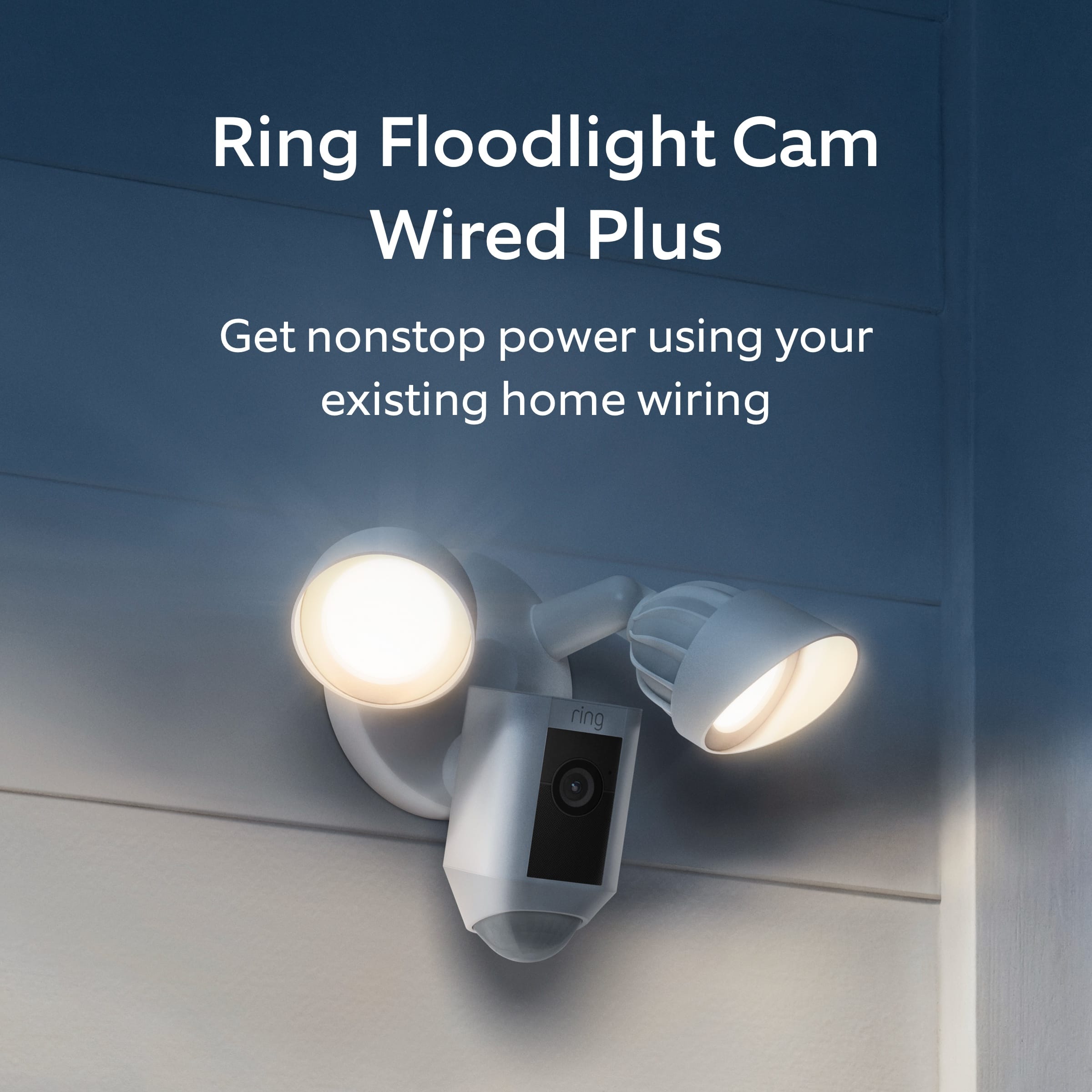
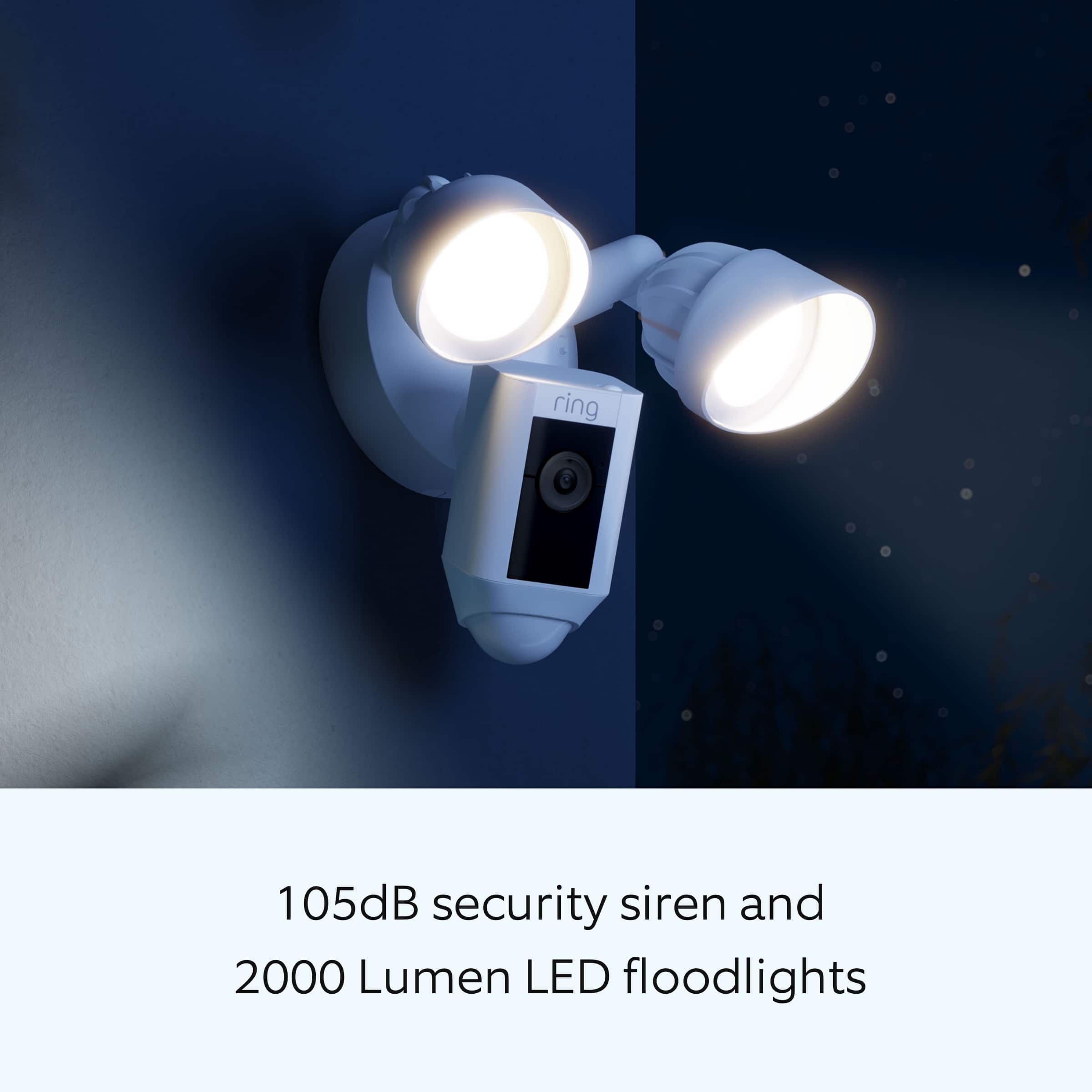
We are happy that you have chosen the Ring Floodlight Cam Wired Plus for your home security needs. Ring Floodlight Cam Wired Plus is an outdoor floodlight security camera with 1080p HD video. Ring Floodlight Cam Wired Plus has ultra-bright, motion-activated LED floodlights, Customizable Motion Zones, Live View, Color Night Vision, a 105db siren and two-way talk. When you set up a new Ring video doorbell, camera, or alarm in the Ring app you will receive a 30-day Ring Protect Trial (unless you’re already a subscriber at the same location of the new device).
During the trial period, you will have access to Ring Protect subscription benefits, such as video recording, saving, and sharing capabilities. When the 30-day trial ends, videos will be deleted, unless you’re already subscribed to a Ring Protect Plan for that location.
Avoid losing access to your recorded videos and subscription features, by subscribing to Ring Protect before your trial period ends. You won’t be charged for your subscription until the end of the trial period. While subscribed to one of our Ring Protect Plans, you will have access to videos of every motion and live view event. Without this service, you will still receive real-time video alerts on your smartphone and have access to the live view feature.
If any additional information is needed regarding your Ring Floodlight Cam Wired Plus, please reach out to our community. Ring Community is our first peer-to-peer community forum, giving our customers the ability to help one another and share their feedback and experiences directly with Ring.
Thank you,
Melissa from Ring.
Rated 5 out of 5 stars
????????
Posted .This reviewer received promo considerations or sweepstakes entry for writing a review.It is a Christmas present. Can't rate it. It was a good buy.
This review is from Ring - Floodlight Cam Plus Outdoor Wired 1080p Surveillance Camera - Black
I would recommend this to a friendRated 2 out of 5 stars
Ring Canera
Posted .This reviewer received promo considerations or sweepstakes entry for writing a review.Cameras won’t stay hooked up and require constant reconnection which requires climbing a ladder. But what I expected
No, I would not recommend this to a friendBrand response from Ring
Posted .Hi RobertT.
Thank you for taking the time to share your experience with us. At Ring, we understand it is essential to have your Ring Floodlight Cam Wired Plus online and working properly so you can keep your home secure. The features and technology provided by the Ring Floodlight Cam Wired Plus are incredibly valuable and help provide you with peace of mind about your home security. We can definitely provide you with more information regarding the concern mentioned in your review.
It sounds like your device is not performing to your expectations. The Ring Floodlight Cam Wired Plus is compatible with b/g/n wifi networks operating on 2.4 GHz frequencies. High-speed internet is recommended. If your Ring device is far from your wifi router, it may be experiencing connection issues.
Here are a few of the top reasons for poor connectivity:
Your Ring device may be too far from your WiFi router.
Your mobile device has a low signal or poor connection.
Your home wifi connection is poor (or your internet service provider is experiencing high traffic).
To learn more about your device's signal strength, follow these steps:
Open the Ring app.
Tap the menu (☰).
Tap “Devices.”
Select the ring device you would like to test.
Tap on the “Device Health” tile.
Scroll to “Signal Strength” under the “Network” section.
The green, amber, and red colors are indicators of your device connection. Green is good; red is poor.
Move your wifi router off the floor.
Walls, floors, and furniture can interfere with or weaken your router's wireless signal. Choose an elevated, central, open location for your wifi router. We also recommend adding a Ring Chime Pro to your network. This device helps to extend your wifi signal to boost the network for all your Ring Floodlight Cam Wired Plus.
If any additional information is needed regarding your Ring Floodlight Cam Wired Plus, please reach out to our community. Ring Community is our first peer-to-peer community forum, giving our customers the ability to help one another and share their feedback and experiences directly with Ring.
Thank you,
Melissa from Ring.
Rated 1 out of 5 stars
Missed a full grown deer running in front of it
Posted .This reviewer received promo considerations or sweepstakes entry for writing a review.I just had a full grown deer run in front of this camera and it missed it. It misses a lot of motion. Lights are super sensitive. The lights always go off but the camera does not. The camera does not have enough defintion to read license plates or even company logos on the sides of vehicles. Motion causes the resolution to drop as well. Highly dependant on network connection and quality.
No, I would not recommend this to a friendBrand response from Ring
Posted .Hello JoeyB,
We understand the importance of motion being detected consistently on your Floodlight Cam Wired Plus. A device installed at the recommended height of nine feet off the ground with customized zones can ensure proper motion detection. When creating your motion zones, note the potential paths people take to approach and draw your motion zones to exclude areas where you do not want the Ring device to monitor, such as busy streets or neighbor’s houses.
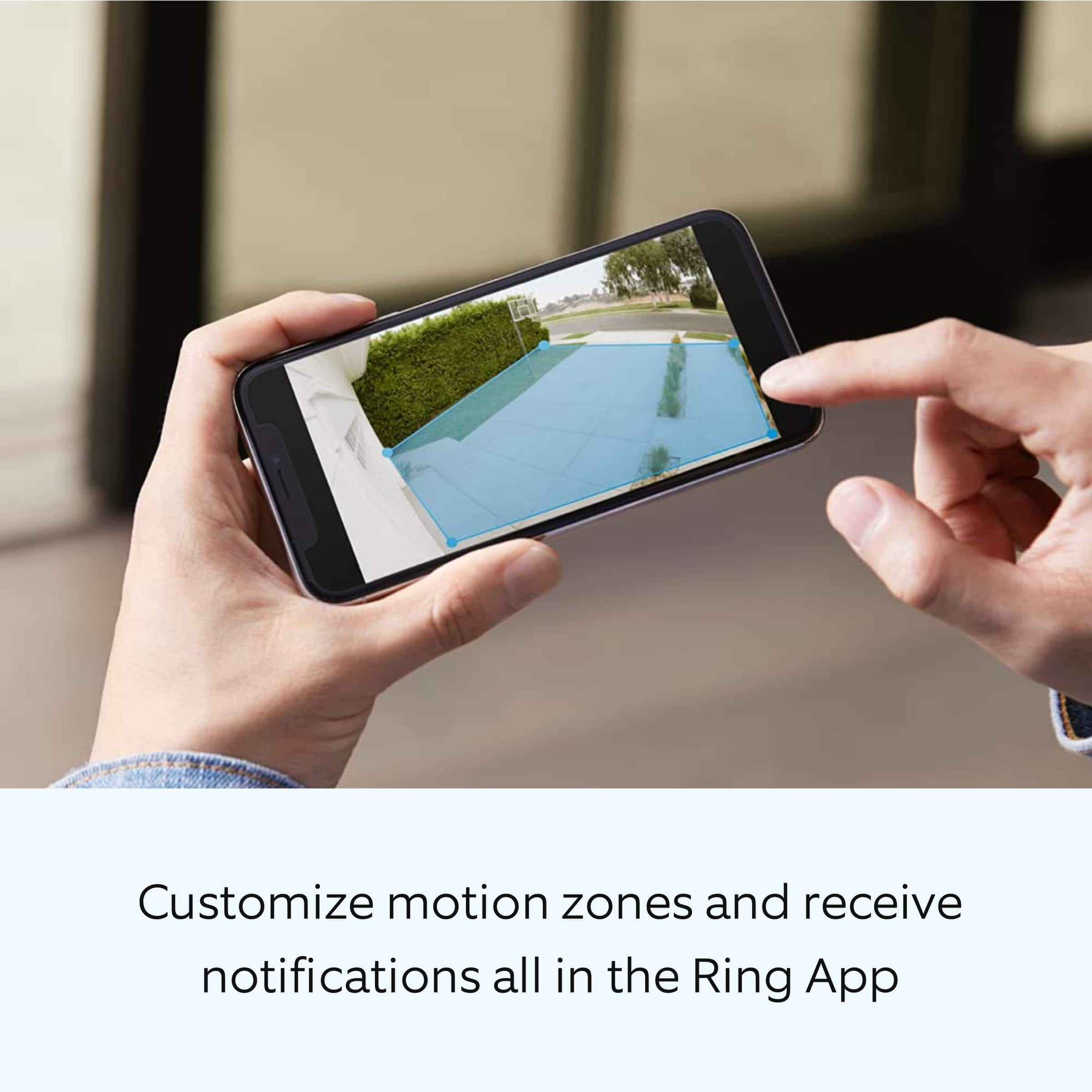
Customizable motion zones are featured in all of Ring's AC-powered products, which allow for a fuller feature set and greater degree of customization. This system’s customization options let you draw up to three areas in the camera’s view to detect motion in. These "motion zones" allow you to define a specific area that you want your Ring to cover, while ignoring everything outside that area. By drawing your motion zones to exclude high-frequency areas such as public paths and roads, you can reduce the number of "false positive" motion notifications (such as cars driving by) and greatly increase the effectiveness of your Ring device. This article can help adjust the motion detection on your device: https://support.ring.com/hc/en-us/articles/360000124983-Proper-Positioning-for-Your-Floodlight-Cam.
Ring Community launched in March 2019 to help deliver the most current news and educational information to our customers. You can find tips and tricks from other Ring users at https://community.ring.com/. This peer-to-peer forum allows our neighbors to share their feedback and experiences to assist each other in resolving their concerns.
Thank you,
Antonio from Ring
Rated 2 out of 5 stars
Ongoing costs
Posted .This reviewer received promo considerations or sweepstakes entry for writing a review.Useless without payment plan. Only can see live video.
No, I would not recommend this to a friendBrand response from Ring
Posted .Hi FredA.
Thank you for taking the time to share this feedback with us.
We understand the importance of having all relevant product information prior to purchasing. The features and technology provided by the Ring Floodlight Cam Plus Wired are incredibly valuable and help provide you with peace of mind about your home security. We can definitely provide you with more information regarding the concern mentioned in your review.
It sounds like there was some confusion regarding the Ring Protect Plan. The Ring Protect Plan is a subscription that gives you access to paid features for Ring devices. With a Ring Protect Plan, you can save, review, and share video recordings from your Ring devices to your Ring account.
Without a Ring Protect Plan, you can still view real-time video for Ring doorbells and cameras and answer doorbell notifications when they happen, but you don’t get video recordings of those events.
Visit our support center for additional details on the optional Ring Protect Plans.
Ring Community was launched to help deliver the most current news and educational information to our neighbors. This online forum is divided into four categories: Product Boards, Ring Updates, Tips + Tricks, and a Moderators’ Corner. The Product Boards are where you can begin new topics with your questions or feedback; there is also a search option that helps you find topics that have already been posted by other neighbors.
All the best,
Nicole from Ring.
Rated 1 out of 5 stars
Junk
Posted .This reviewer received promo considerations or sweepstakes entry for writing a review.Bought 2 floodlight cameras. Within a year First one started strobing then the second one did. Called ring customer service they said they send new one and never did! What a shananigan! Just Google " ring floodlight camera strobing/flashing" and see A LOT of people bought their junk!
No, I would not recommend this to a friendBrand response from Ring
Posted .Hi Samantha. I know how frustrating it can be to run into technical issues. I'd highly recommend following up with our support team regarding the replacement, as they can check on the status for you. Our support team can be reached at one of the numbers available here https://support.ring.com/hc/en-us/articles/213608406#callus. Best wishes, Ashley from Ring.
Rated 4 out of 5 stars
Fld light
Posted .This reviewer received promo considerations or sweepstakes entry for writing a review.After Christmas i can say more. For now great shipment & delivery!
I would recommend this to a friendRated 1 out of 5 stars
Definitely not for security
Posted .This reviewer received promo considerations or sweepstakes entry for writing a review.Great for the daytime. BUT, if you need it for the night security, forget it. We have been suffering for 3 weeks with rude and nasty teenagers at midnight. NOT once did the camera pick anything up. NOT ONCE.
No, I would not recommend this to a friendBrand response from Ring
Posted .Hi DeeplyDissapointed.
Thank you for taking the time to share your experience with us. We understand how important it is to have your Ring Floodlight Cam Wired Plus capture all the correct motion events. The Ring Floodlight Cam Wired Plus was designed to capture motions based on your specifications to help keep your home secure. We are here to provide you with some information to resolve the issue you mentioned in your review.
It sounds like the device is not performing as expected in regards to person detection. The Ring Floodlight Cam Wired Plus was designed with customizable motion settings. It is important to ensure that you have the proper motion settings in place for your environment. This camera uses adjustable motion detection and runs on passive infrared sensors. The system identifies visitors via a moving heat signature and sends a notification to your smart device when one is detected. You can adjust three preset motion zones and their distances under the "Motion Settings" tab on the device's page in the Ring app. Additionally, you can choose how often the camera checks for movement in those predefined zones via the "Motion Frequency" setting. If you find that your camera is missing some motions, please set the motion frequency to "Frequently."
Accuracy in motion detection can also be improved by enabling the "Smart Alerts" feature for people only in your Ring app. To enable "Smart Alerts," please follow these steps:
Tap the menu (≡) on the top left.
Tap "Devices."
Tap the device that you want to adjust.
Tap "Motion Settings."
Tap "Smart Alerts."
Tap "Enable Feature."
Tap "Continue."
Select the notification options that you want for "Person" and "Other Motion."
You'll see a video camera where you can select or de-select recording and a bell icon to represent alert notifications.
After you've adjusted your settings, tap "Done."
We also recommend that you follow these steps to remove any motion schedules that may be set for the device:
Open the Ring app.
Tap the top menu (≡).
Tap "Devices."
Select the device you'd like to apply the motion schedule to.
Tap "Motion Settings."
Go to "Advanced Settings."
Tap "Motion Schedules."
Under "Motion Schedules," select the "Motion Schedule" you'd like to edit (e.g., Schedule 1).
Tap on the schedule you've created and edit the "Name," "Timeframe," and "Days of the Week."
Delete a "Motion Schedule"
Tap on the "Motion Schedule" you've created under "Motion Schedules."
A red trash can icon with "Remove this Schedule" will appear. Tap on it and confirm that you'd like to remove the "Motion Schedule" during the time frame you selected.
If any additional information is needed regarding your Ring Floodlight Cam Wired Plus, please reach out to our community. Ring Community is our first peer-to-peer community forum, giving our customers the ability to help one another and share their feedback and experiences directly with Ring.
Thank you,
Melissa from Ring.
Rated 1 out of 5 stars
A Sham security system
Posted .This reviewer received promo considerations or sweepstakes entry for writing a review.Do not recommend buying ring products for actual security purpose. These are more of toy gadgets which gives you a false sense of security. Since the ring site doesn’t allow leaving reviews of product on site leaving rating here.
No, I would not recommend this to a friendBrand response from Ring
Posted .Hello Rahul,
Thank you for taking a moment to leave your review on the Ring Floodlight Camera. At Ring, we believe that stronger communities are the key to safer neighborhoods. That is why we are driven to create products that help you protect what matters most at home, and empower you to connect with your visitors from wherever you are. We are saddened to read that this device did not meet your expectations, but are still here to assist you, if needed.
If you still have the Ring device in your possession, we invite you to reach out to us at https://community.ring.com/. Ring Community is our first peer-to-peer community forum, giving our customers the ability to help one another and share their personal feedback/experiences with Ring. We look forward to hearing from you, if we can be of any further assistance!
Thank you,
Jamila with Ring
Rated 1 out of 5 stars
Junk
Posted .This reviewer received promo considerations or sweepstakes entry for writing a review.Known software flaw, the lights will not turn off at night. Don’t waste your time or money.
No, I would not recommend this to a friendBrand response from Ring
Posted .Hi TTWW.
Thank you for taking the time to share your experience with us. We understand how critical it is for your Ring Floodlight Cam Wired Plus lights to operate as intended for your needs so that you can keep an eye out for any activity around your property. The Ring Floodlight Cam Wired Plus was designed with customizable light settings to be adjusted for your environment. We can definitely assist you with this today to ensure your Ring device is performing optimally, and the proper settings are chosen within the Ring app.
It sounds like your device is not operating as intended in regards to the lights staying on at night. We recommend that you customize your Floodlight Cam's zone coverage, motion settings and light settings in the Ring app. If you already have a schedule set for the device, we recommend removing it and then testing the device overnight.
To access controls for your Floodlight Cam:
Open the Ring app.
Tap the menu (☰).
Tap Devices.
Select the Floodlight Cam that you want to adjust.
Tap the Device Schedule tile.
Tap Light Schedules.
Follow the prompts in the Ring app to customize your light schedules.
We also recommend adjusting your Motion Sensitivity and Motion Zones to suit your needs. Using your Motion Control settings, you can adjust the range and distance at which motion will turn your floodlights on. Your floodlights use passive infrared detectors (PIR) to detect motion in three 90 degree arcs around the device. You can turn these on or off independently from each other. Also, make sure that there is nothing triggering motion in the light's path.
We invite you to reach out to our Community if any additional information is needed regarding your Ring Floodlight Cam Wired Plus. The Ring Community is our first peer-to-peer community forum, giving our customers the ability to help one another by sharing their feedback and experiences with each other.
Thank you,
Melissa from Ring.