Customer Ratings & Reviews



- Model:
- B08F6GPQQ7
- SKU:
- 6460923
Rating by feature
- Value
Rating 4.7 out of 5 stars
- Quality
Rating 4.8 out of 5 stars
- Ease of Use
Rating 4.8 out of 5 stars
Customers are saying
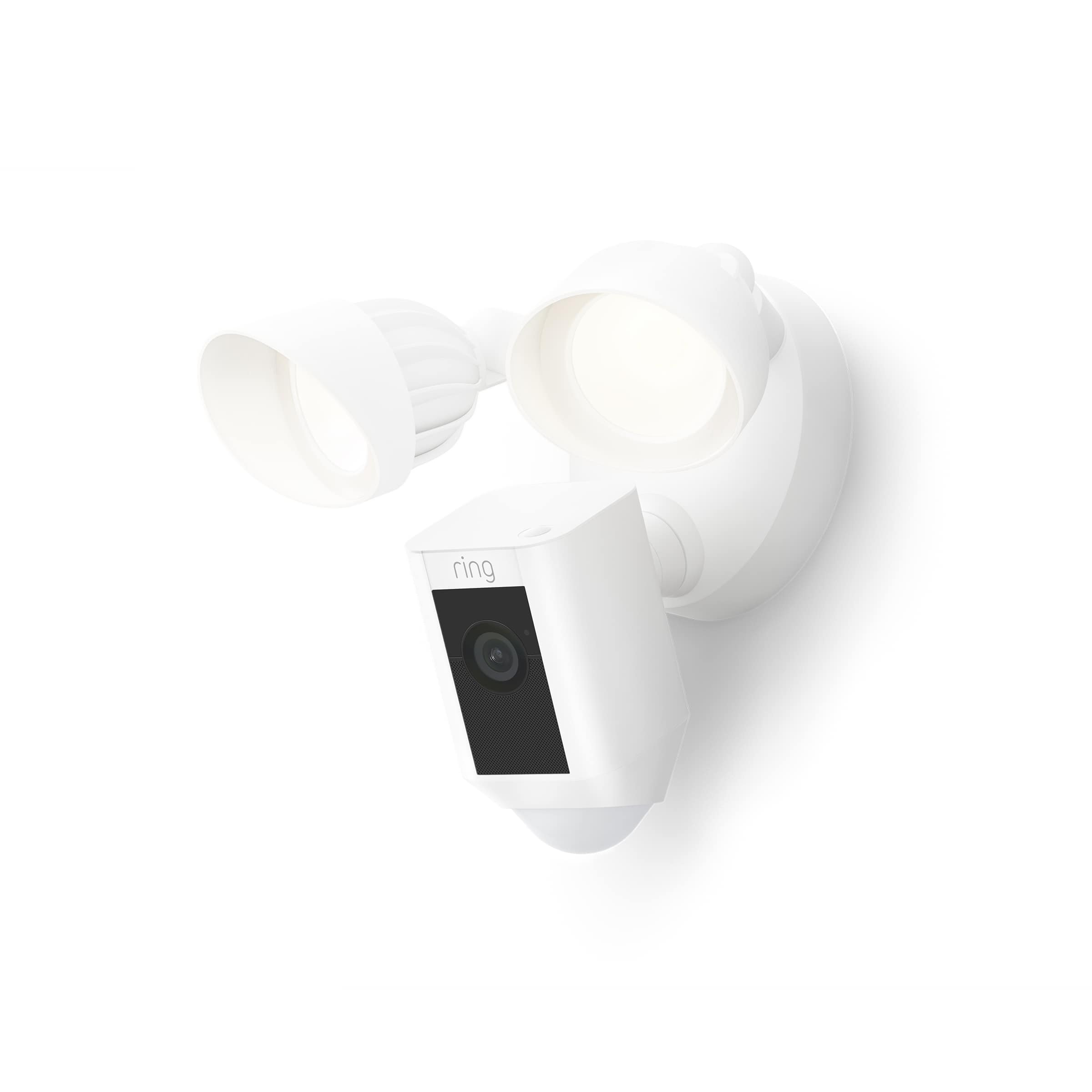
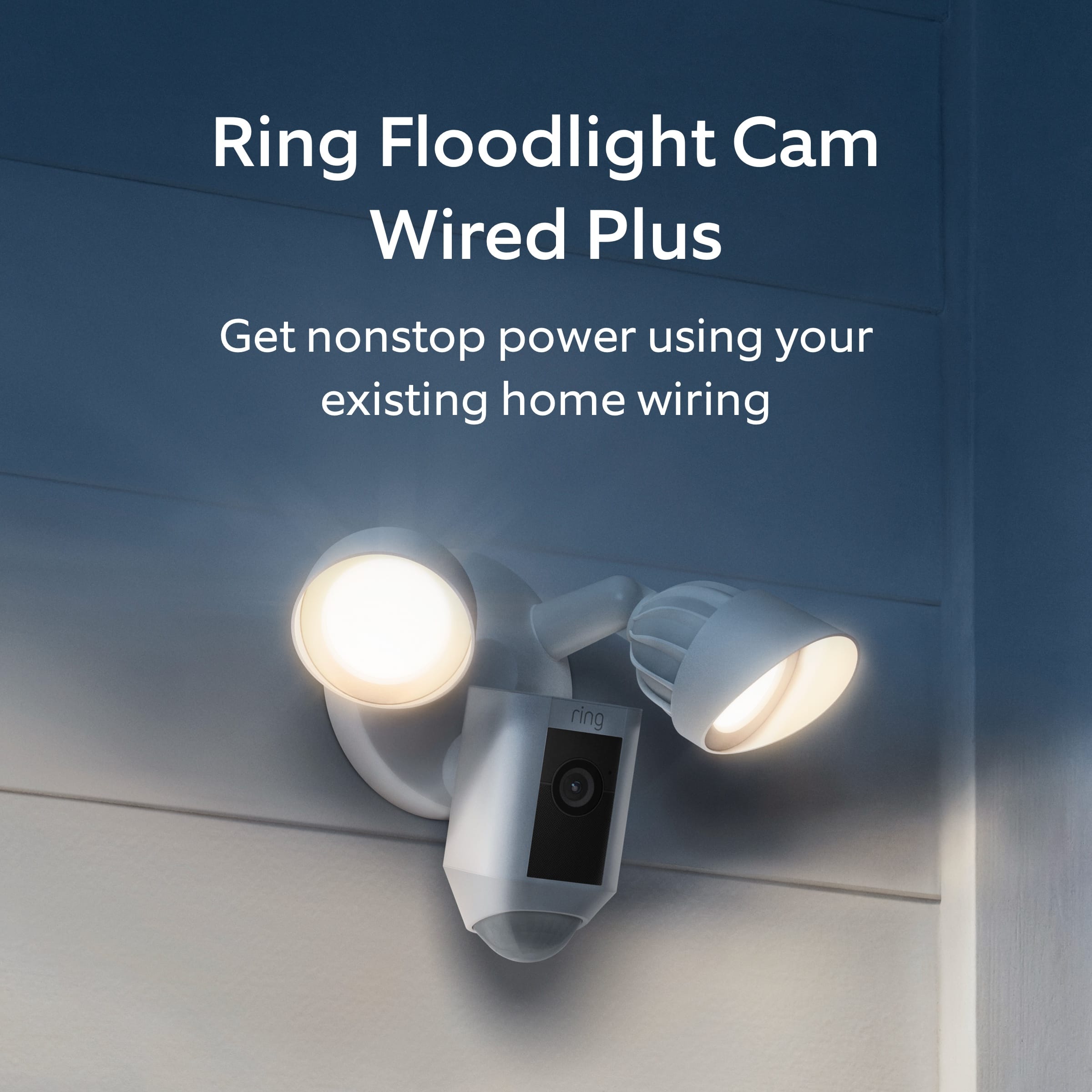
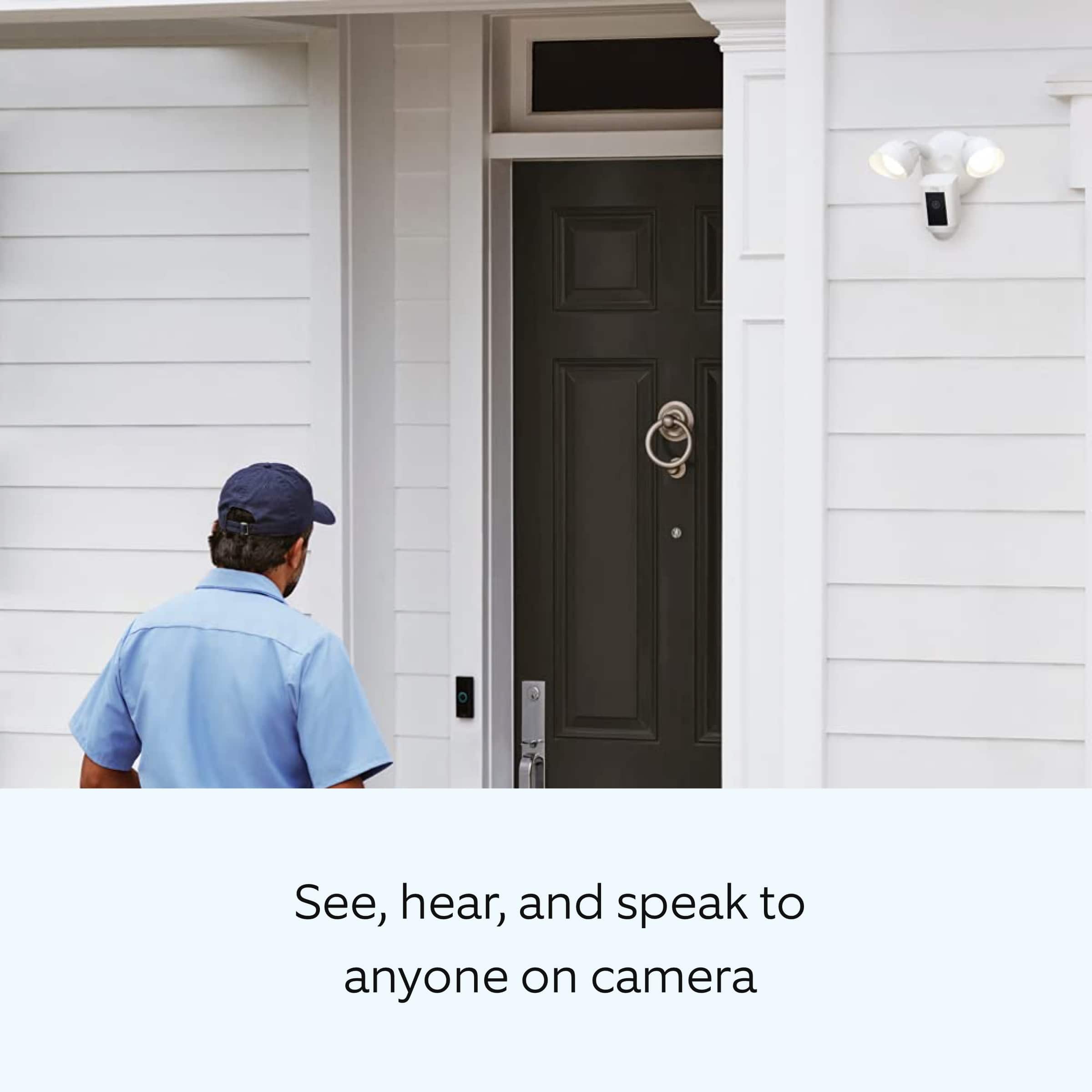
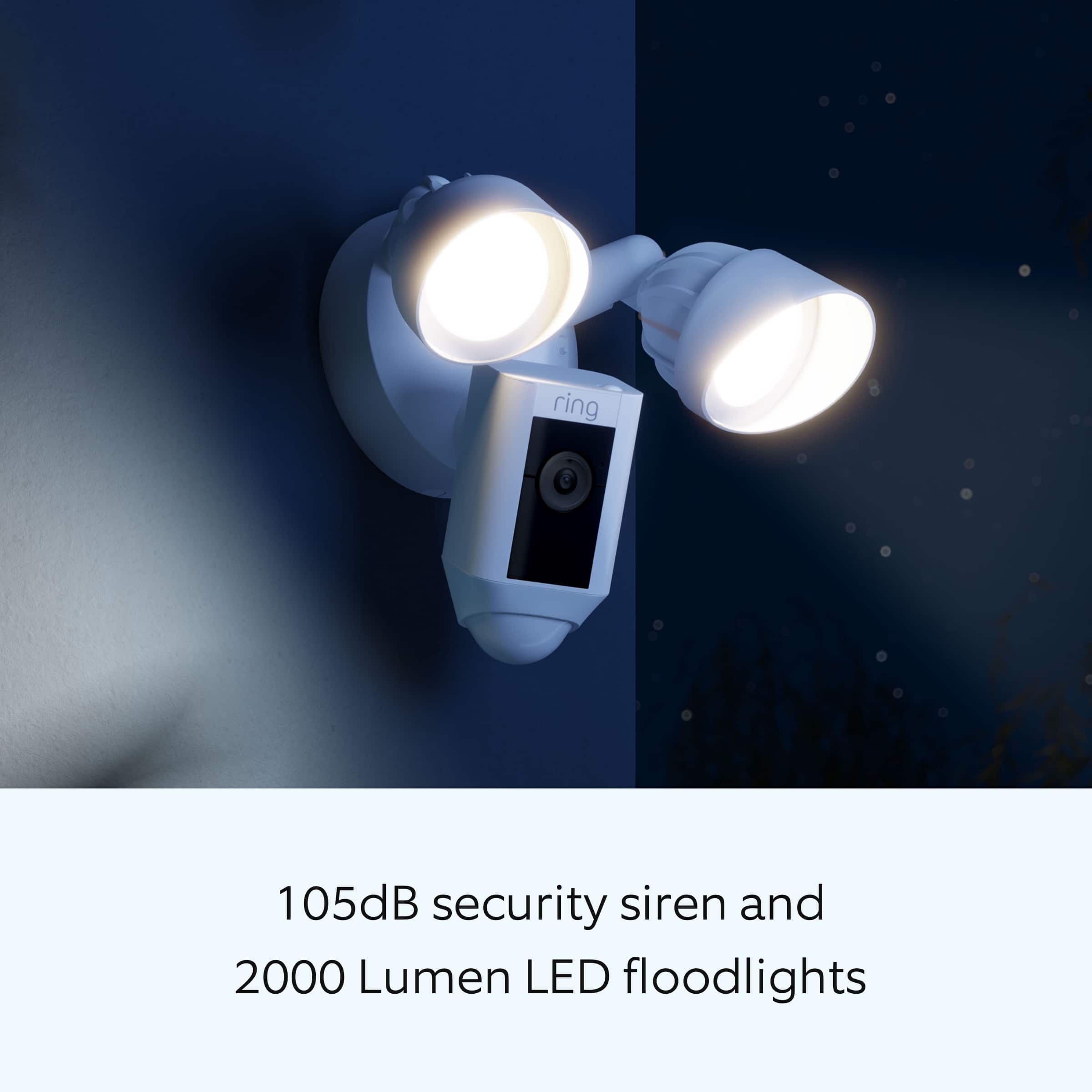
Customers love the Floodlight Cam Plus Outdoor Wired 1080p Surveillance Camera, especially the crisp camera quality and ease of use. Many appreciate the adjustable light brightness, overall performance, and motion detection capabilities. While installation is quick, some customers feel the price could be better, and a few have experienced connectivity issues.
This summary was generated by AI based on customer reviews.
Ring cam
Posted .This reviewer received promo considerations or sweepstakes entry for writing a review.Excellent camera, good service, easy to order, and very prompt on pick up timing
I would recommend this to a friendCamera view could be clearer
Posted .This reviewer received promo considerations or sweepstakes entry for writing a review.Found the view on this floodlight cam to be lacking. Its hard to see faces of people in great detail at 20 feet.
I would recommend this to a friendBrand response from Ring
Posted .Hi Kellygirl.
Thank you for taking the time to share your experience with us. We understand how important it is for your Ring Floodlight Cam Wired Plus to record clear and concise videos so that you can effectively monitor your home. The features and technology provided by the Ring Floodlight Cam Wired Plus are incredibly valuable and help provide you with peace of mind about your home security. We want to ensure your device is working as intended by providing you with solutions to resolve the video quality concern you mentioned in your review.
It sounds like the device is not performing as expected. Ring devices require high-speed internet to bring you crisp, clear video and audio. Poor network connectivity can affect the performance of your Ring device. We are happy to share some troubleshooting steps to help you diagnose and fix common video issues that you may experience with Ring doorbells and cameras.
Ring devices with 1080p video require at least 1 Mbps upload and download speeds, though 2 Mbps is recommended for optimal performance. In addition to ensuring that you have sufficient wifi speeds, you will also want to check the signal strength of your device. A poor wifi signal can cause connectivity with your Ring device to be unreliable.
Check the Device Health section of your Ring application to ensure the device’s RSSI is within an acceptable range. The recommended range for optimal performance is 0 to -60 for the RSSI. Turn off your mobile device's cellular data and connect to the same wifi network as your Ring device. Open the Ring app. Tap the menu (☰). Tap “Devices.” Select your device. Trigger an event on your Ring device. This could mean pressing the button on a doorbell or activating the motion sensors on a camera. Answer the event and examine the resulting video.
We have listed some possible outcomes from this test here:
1. The footage is crisp and clear.
If your video appears good when next to the router, the issue may be caused by a disruption in between your router and your Ring device’s normal location. To fix this, try moving your device closer to the router or extending your wifi signal with a wifi extender like the Ring Chime Pro.
2. The footage is heavily pixelated.
If you’re seeing heavy pixilation, even next to the router, this may be due to slow wifi speeds.
If any additional information is needed regarding your Ring Floodlight Cam Wired Plus, please reach out to our community. Ring Community is our first peer-to-peer community forum, giving our customers the ability to help one another and share their feedback and experiences directly with Ring. Join the Ring Community today!
Thank you,
Miyuki from Ring.
Nice but could be picture & sound
Posted .This reviewer received promo considerations or sweepstakes entry for writing a review.I like it but the picture is not as clear as I thought it would be and the sound is unclear sometimes. Additionally when the notification on my phone comes on I can't click it before it goes off and then by the time I open my phone, their gone.
I would recommend this to a friend- Pros mentioned:Camera quality, Light brightness
Security cam
Posted .This reviewer received promo considerations or sweepstakes entry for writing a review.Works as advertised. Very clear camera and bright light.
I would recommend this to a friend Very Satisfied
Posted .This reviewer received promo considerations or sweepstakes entry for writing a review.Excellent product for the price. Very Satisfied with all my Ring products.
I would recommend this to a friendGood Device!
Posted .This reviewer received promo considerations or sweepstakes entry for writing a review.I like that it's hard wired, motion detector & camera all in one.
I would recommend this to a friendKey features DO NOT FUNCTION.
Posted .This reviewer received promo considerations or sweepstakes entry for writing a review.Imagine spending over $1,000 on Ring devices just to discover that the light schedules DO NOT WORK. I set this to turn on at dusk and off at dawn. Most nights it doesn't work. My research shows thisnhas been a KNOWN PROBLEM FOR YEARS over at Amazon. It cannot be that hard. I now have a security light with half the functionality and no way to fix it. Maybe instead of coming out with 100 new devices per year, they fix the basics? I have half a mind to file a lawsuit.
No, I would not recommend this to a friendBrand response from Ring
Posted .Hi VideoProDrew.
Thank you for taking the time to share your experience with us. We understand how critical it is for your Ring Floodlight Cam Wired Plus to activate on meaningful motion events so that you can keep an eye out for any activity around your property. The Ring Floodlight Cam Wired Plus was designed to activate based on your specific needs. We can definitely assist you with this today to ensure your Ring device is performing optimally, and the proper settings are chosen within the Ring app.
It sounds like your device is not operating as intended in regards to the lights activating. We recommend that you customize your Floodlight Cam's zone coverage, motion settings and light settings in the Ring app.
To access controls for your Floodlight Cam:
Open the Ring app.
Tap the menu (☰).
Tap Devices.
Select the Floodlight Cam that you want to adjust.
Tap the Device Schedule tile.
Tap Light Schedules.
Follow the prompts in the Ring app to customize your light schedules.
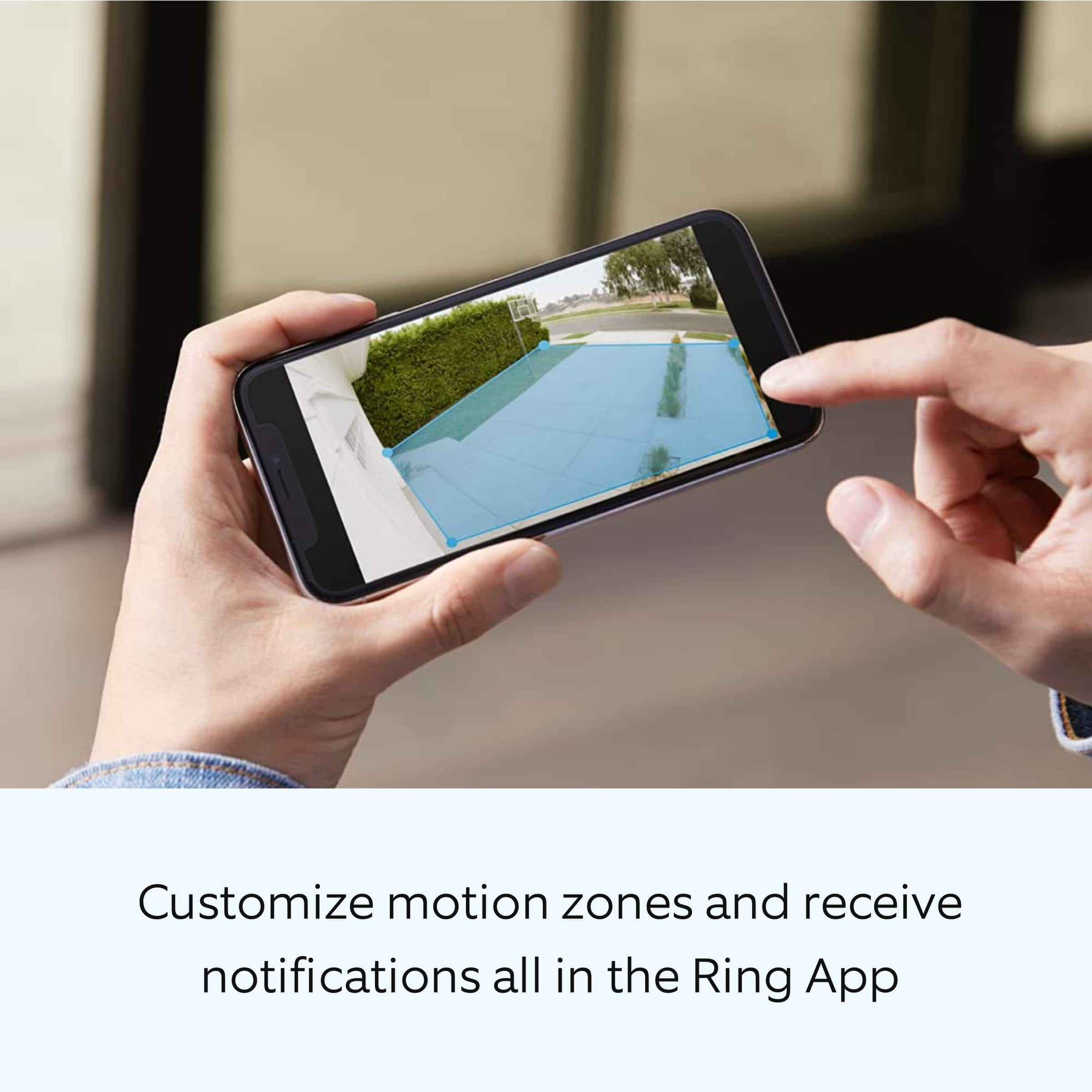
We also recommend adjusting your Motion Sensitivity and Motion Zones to suit your needs. Using your Motion Control settings, you can adjust the range and distance at which motion will turn your floodlights on. Your floodlights use passive infrared detectors (PIR) to detect motion in three 90 degree arcs around the device. You can turn these on or off independently from each other.
We invite you to reach out to our community if any additional information is needed regarding your Ring Floodlight Cam Wired Plus. The Ring Community is our first peer-to-peer community forum, giving our customers the ability to help one another by sharing their feedback and experiences with each other.
Thank you,
Melissa from Ring.
- Pros mentioned:Motion detection
Died after 3 1/2 years
Posted .This reviewer received promo considerations or sweepstakes entry for writing a review.This was probably the best floodlight cam I had. It detected motion instantly and the 24/7 recording was very useful in terms of saving all the activity in the ring app. I liked that it would monitor my vehicles in the driveway. It even helped capture video evidence when someone hit my car on the street. The reason I am giving it 1 star is due to having used it for 3 and a half years and then the camera just died. Like it happened randomly. Very upset about it since this was not a cheap camera.
No, I would not recommend this to a friendBrand response from Ring
Posted .Hi Leslie.
Thank you for taking the time to share your experience with us. We understand how important it is for your Ring Floodlight Cam Plus to function consistently and reliably, so you are alerted to any wanted or unwanted activity in or around your home. The features and technology provided by the Ring Floodlight Cam Plus are incredibly valuable and help provide you with peace of mind about your home security. We are eager to address the issue you raised in your review and provide you with a resolution today.
It sounds like your Ring Floodlight Cam Plus is not performing as expected. We would love the opportunity to share with you some troubleshooting steps that you can try to get your Ring Floodlight Cam Plus functioning as intended. If your device is unresponsive, try pressing and holding the reset button for 20 seconds. Follow the steps in the Ring app to reconnect the doorbell to your network. To reconnect a Ring Floodlight Cam Plus to your wifi network: Open the Ring app. Tap the menu (≡). Tap "Devices" and select the doorbell or camera you'd like to reconnect to wifi. Tap the "Device Health" tile. Under "Network," tap "Change Network" and follow the prompts in the app. Allow some time for your device to fully reconnect to the network, then check your wifi signal strength in "Device Health" to confirm it has successfully reconnected.
If you still have the Ring Floodlight Cam Plus in your possession, we invite you to reach out to our community. Ring Community is our first peer-to-peer community forum, giving our customers the ability to help one another and share their personal feedback and experiences with Ring. We look forward to hearing from you. Please let us know if we can be of any further assistance!
Sincerely,
Matthew from Ring.
Camera
Posted .This reviewer received promo considerations or sweepstakes entry for writing a review.This is my third one they are very helpful around our home.
No, I would not recommend this to a friendWife
Posted .This reviewer received promo considerations or sweepstakes entry for writing a review.Wife loves looking at the wildlife she see lot of deer's
I would recommend this to a friendGo out worry free
Posted .This reviewer received promo considerations or sweepstakes entry for writing a review.Excellent way to have your home security active 24/7
I would recommend this to a friendRing
Posted .This reviewer received promo considerations or sweepstakes entry for writing a review.What kind of lightbulbs do you use for the ring spotlight
I would recommend this to a friendSatisfied with this.
Posted .This reviewer received promo considerations or sweepstakes entry for writing a review.It works as advertised and I got a good deal on it.
I would recommend this to a friendCameras are working good
Posted .This reviewer received promo considerations or sweepstakes entry for writing a review.My floodlights cameras are working good so far. I had alittle problem setting up but they are working good.
I would recommend this to a friendNone
Posted .This reviewer received promo considerations or sweepstakes entry for writing a review.Online and in store experience was good Return policy is crap!
I would recommend this to a friendMR
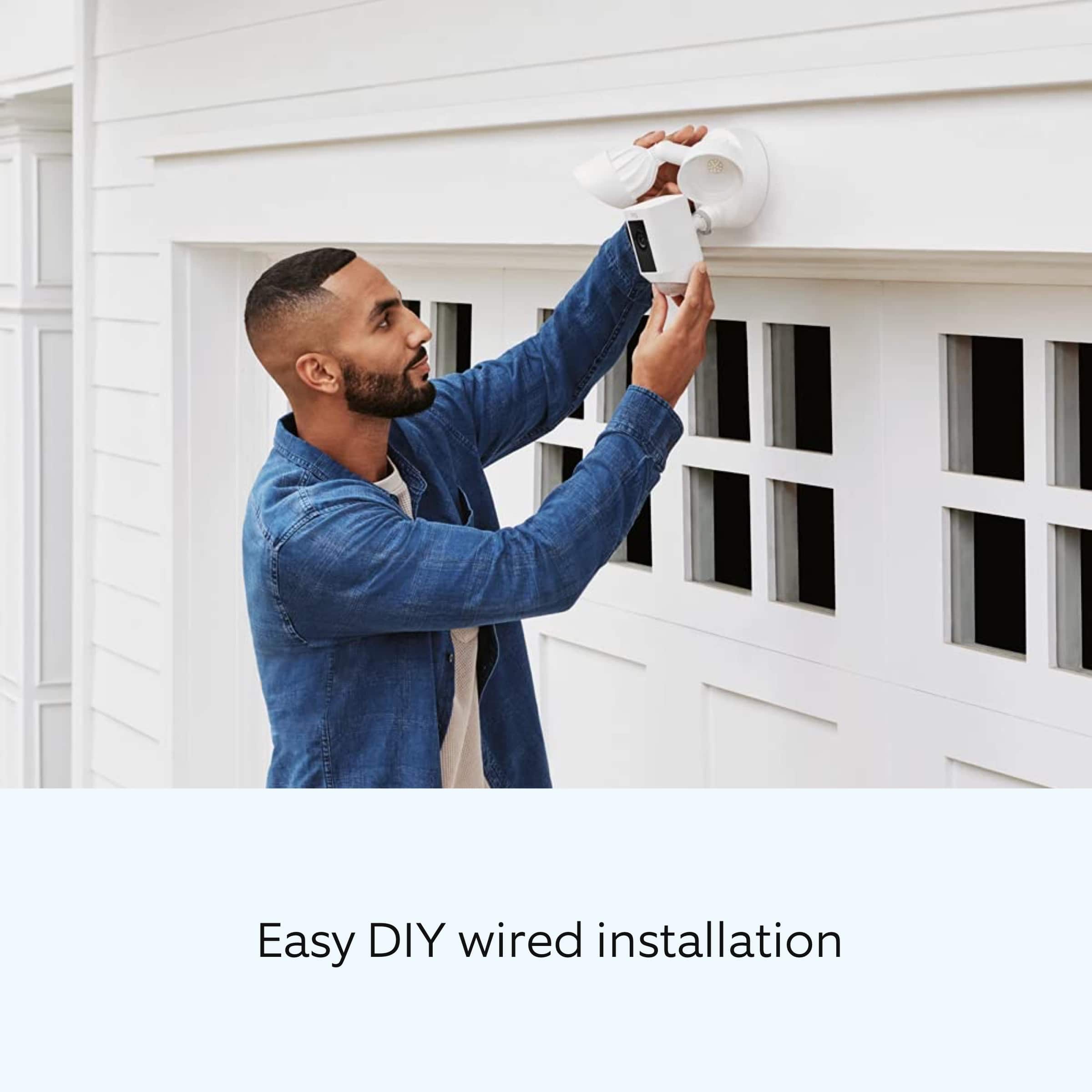
Posted .This reviewer received promo considerations or sweepstakes entry for writing a review.The best camera and light combo.. super easy install
I would recommend this to a friendFloodlight
Posted .This reviewer received promo considerations or sweepstakes entry for writing a review.Excellent coverage, exactly what we were looking for.
I would recommend this to a friendRing a Ding
Posted .This reviewer received promo considerations or sweepstakes entry for writing a review.Easy to install and excellent clarity. Great value!
I would recommend this to a friendRing security lights/ camera
Posted .This reviewer received promo considerations or sweepstakes entry for writing a review.Great product and i received it as promised, hardest thing was finding one in stock. You had it.
I would recommend this to a friendCamera
Posted .This reviewer received promo considerations or sweepstakes entry for writing a review.This camera has a great view it shows the whole driveway gate and part of the street
I would recommend this to a friend