Customer Ratings & Reviews
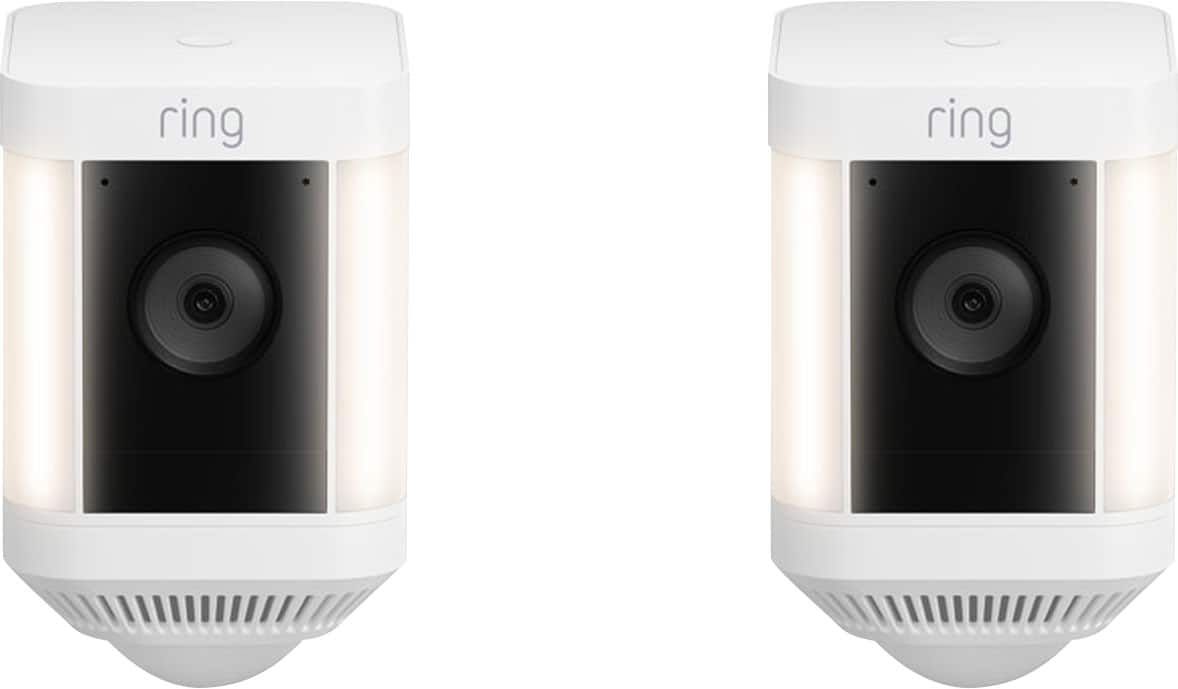
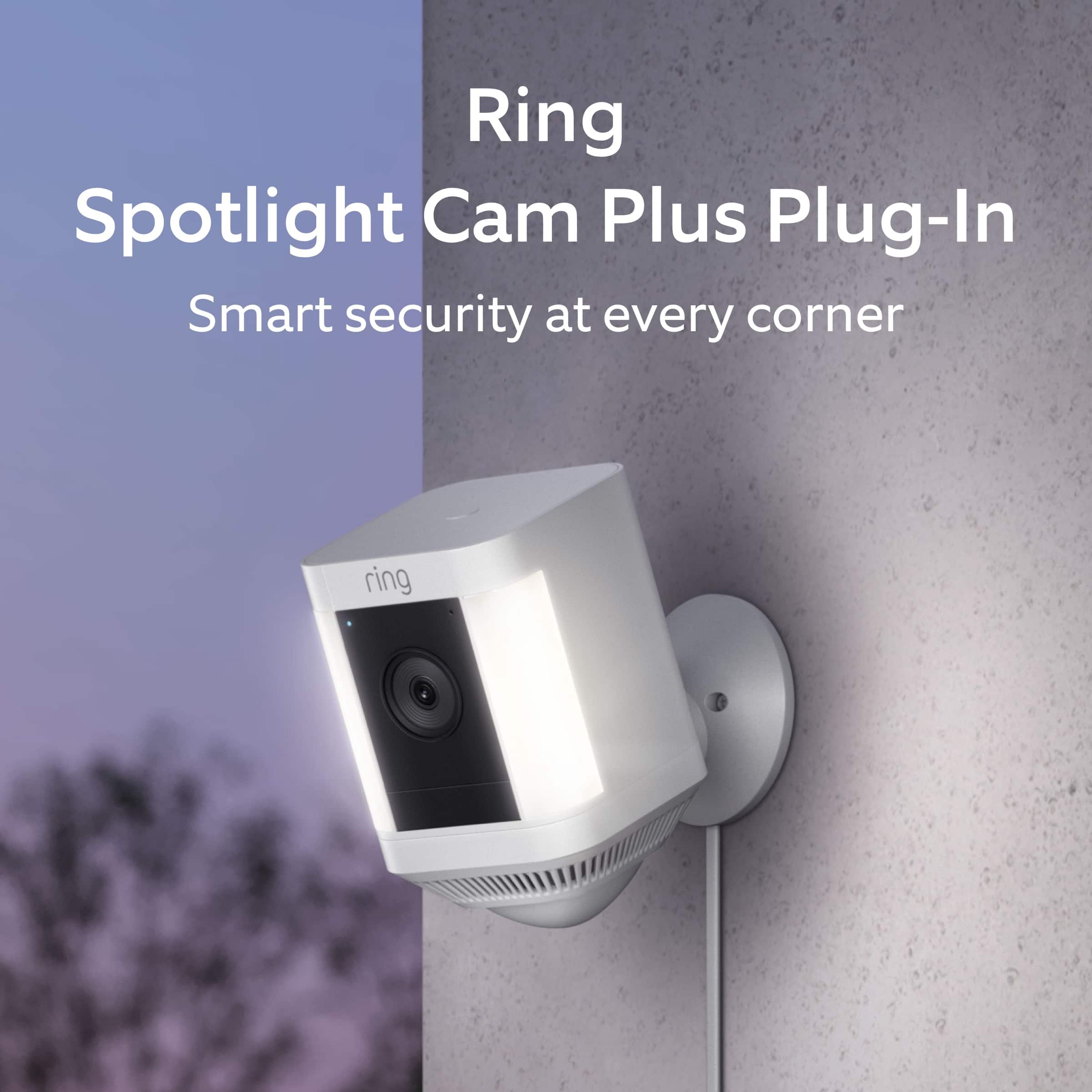
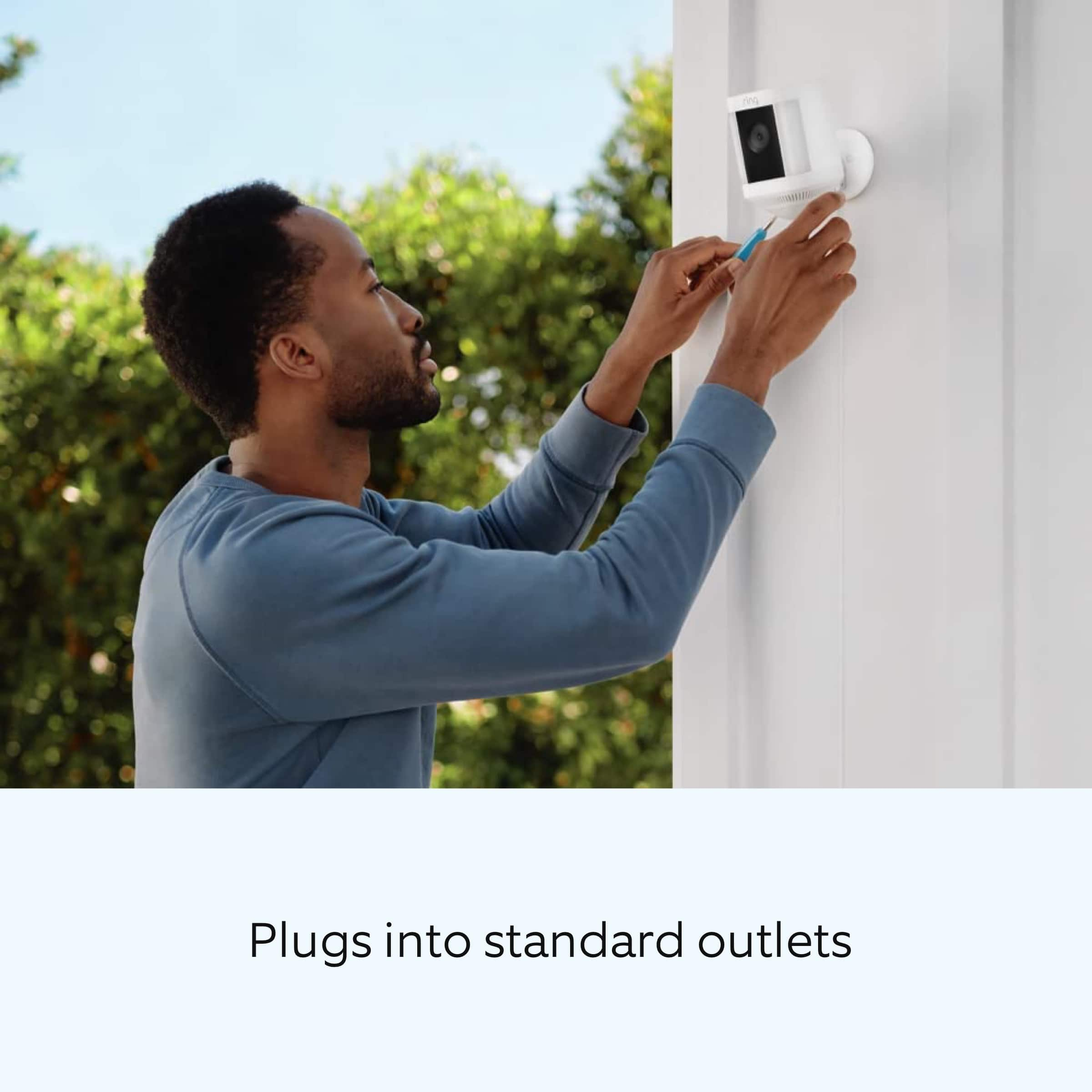

- Model:
- B0B7QMF9T5
- SKU:
- 6532392
Rating by feature
- Value
Rating 4.6 out of 5 stars
- Quality
Rating 4.7 out of 5 stars
- Ease of Use
Rating 4.7 out of 5 stars
Customers are saying
Customers value the Spotlight Cam Plus for its impressive camera quality and ease of use. Many appreciate its overall performance and long battery life. While some users experienced issues with network connectivity, light brightness, and range, the majority are satisfied with the product's features like installation, security, motion detection, night vision, field of view, and price.
This summary was generated by AI based on customer reviews.
Great camera system for security.
||Posted . Owned for 3 weeks when reviewed.This reviewer received promo considerations or sweepstakes entry for writing a review.Great camera system for security. Definitely use these with the solar panel kit and you never have to worry about recharging any batteries. Only thing that could improve these is license plate reading and facial recognition, but that's not gonna happen anytime soon. Good enough for now.
I would recommend this to a friendBrand response from Ring
Posted .Hi kcj393.
Thank you for taking the time to share your experience with us. We are pleased to read that you are enjoying your new Ring Spotlight Cam Plus and that the features included are meeting your expectations. At Ring, we believe in keeping people close to what’s important. That is why we are driven to create products that help you protect what matters most at home and empower you to connect with your visitors from wherever you are. Together, we’ll make neighborhoods safer!
Ring Community was launched to help deliver the most current news and educational information to our neighbors. This online forum is divided into four categories: Product Boards, Ring Updates, Tips and Tricks, and a Moderators’ Corner. The Product Boards are where you can begin new topics with your questions or feedback; there is also a search option that helps you find topics that have already been posted by other neighbors. We invite you to visit our community today.
Thank you,
Melissa from Ring.
Rain cameras
||Posted . Owned for 1 month when reviewed.This reviewer received promo considerations or sweepstakes entry for writing a review.These cameras are awesome they work very well in any kind of weather, day or night
I would recommend this to a friend- Pros mentioned:Camera quality
Cameras outside
||Posted . Owned for 1 week when reviewed.This reviewer received promo considerations or sweepstakes entry for writing a review.It's great. Really great camera. Would be nice with an alert.
I would recommend this to a friend Peace of Mind really can be bought
||Posted . Owned for 10 months when reviewed.This reviewer received promo considerations or sweepstakes entry for writing a review.I really do like my ring cameras. They’re posted on my vacation home in another country. They’ve been extremely reliable and have provided peace of mind for our family.
I would recommend this to a friend- Pros mentioned:Ease of use
easy install
||Posted . Owned for 3 weeks when reviewed.This reviewer received promo considerations or sweepstakes entry for writing a review.Good amazon product with extremely easy installation
I would recommend this to a friend - Pros mentioned:Ease of use
Cameras
||Posted . Owned for 3 weeks when reviewed.This reviewer received promo considerations or sweepstakes entry for writing a review.They’re very useful and easy to install anywhere you need them.
I would recommend this to a friend Lights,Cameras, Security, No. Criminal Action!!!
||Posted . Owned for 1 month when reviewed.This reviewer received promo considerations or sweepstakes entry for writing a review.I purchased a series of cameras, the ring doorbell, cam press, three spotlight car, powered by three panels to power them, and one indoor camera all powered and operating excellently. I really appreciate it with help from another ring camera, owner neighbor of my we put up together with no problem.
I would recommend this to a friendBrand response from Ring
Posted .Hi MichaelS.
Thank you for taking the time to share your Ring experience with us. We appreciate the value and trust you have placed in Ring for your home security needs. It is great knowing that the setup and installation of the Ring Spotlight Cam Plus was easy and straight-forward.
Ring Community was launched to help deliver the most current news and educational information to our neighbors. This online forum is divided into four categories: Product Boards, Ring Updates, Tips + Tricks, and a Moderators’ Corner. The Product Boards are where you can begin new topics with your questions or feedback; there is also a search option which helps you find topics that were already posted by other neighbors. We invite you to visit our community today!
Thank you,
Melissa from Ring.
Better than Vivent
||Posted . Owned for 9 months when reviewed.This reviewer received promo considerations or sweepstakes entry for writing a review.These cameras work great! They are highly recommended over any other. I used to have Vivent and they were way too expensive for equal quality!
I would recommend this to a friendRing cameras
||Posted . Owned for 1 month when reviewed.This reviewer received promo considerations or sweepstakes entry for writing a review.I have a group of ring cameras and they work flawlessly together. The more, the better. Thry capture every angle and remember to change the setting to capture 120 second videos instead of tge default 60 second videos.
I would recommend this to a friendSpotlight Cam
||Posted . Owned for 1 month when reviewed.This reviewer received promo considerations or sweepstakes entry for writing a review.the only issue is that the battery last for about a month and if they are install high enough it is an issue to recharge them every time. So better to get the direct current supply to attach to them.
I would recommend this to a friendVictoriaE
||Posted . Owned for 1 week when reviewed.This reviewer received promo considerations or sweepstakes entry for writing a review.The spotlight cameras were exactly what my home needed! I have a secure feeling now, didn’t know that they came with lights on them, and sirens, that is just an extra bonus for my protection.
I would recommend this to a friendRing Cameras 2 pack
||Posted . Owned for 2 months when reviewed.This reviewer received promo considerations or sweepstakes entry for writing a review.Purchased for my parents and they love it. They added it to their existing door camera.
I would recommend this to a friendRing Camera Installation
||Posted . Owned for 1 month when reviewed.This reviewer received promo considerations or sweepstakes entry for writing a review.Great for viewing your home protection and Best Buy set up is helpful and fast
I would recommend this to a friend- Pros mentioned:Overall performance
Camera
||Posted . Owned for 3 weeks when reviewed.This reviewer received promo considerations or sweepstakes entry for writing a review.They work very well ooooooooooooooooooooooooppoopoo
I would recommend this to a friend Ring camera
||Posted . Owned for 1 month when reviewed.This reviewer received promo considerations or sweepstakes entry for writing a review.Love these camera's they are easy to set up. Have purchased 6 now.
I would recommend this to a friendHome
||Posted . Owned for 3 weeks when reviewed.This reviewer received promo considerations or sweepstakes entry for writing a review.It provides extra security protection and looks good
I would recommend this to a friendAmazing product and professional tech service
||Posted . Owned for 2 months when reviewed.This reviewer received promo considerations or sweepstakes entry for writing a review.Love my Ring cameras, it is exactly what I needed! Affordable and practical. Tech was awesome, called in advance and showed up on time. He set up cameras with ease and professionally. Definitely recommend it!!!
I would recommend this to a friend- Cons mentioned:Light brightness
Brighter light
||Posted . Owned for 3 weeks when reviewed.This reviewer received promo considerations or sweepstakes entry for writing a review.Overall product quality is good but light is not that bright
I would recommend this to a friend - Cons mentioned:Network connectivity
Skip this - DO NOT BUY - Impossible to add devices
||Posted . Owned for 3 weeks when reviewed.This reviewer received promo considerations or sweepstakes entry for writing a review.Short answer: DO NOT BUY - find another solution I bought a 2-pack of Ring Spotlight cams to add to my existing setup (I already have six cameras). Charged up the batteries and followed the directions. During setup, it saw various networks. It saw my network, I selected it, it sounded like it completed the setup. It went through a very lengthy device update. Thereafter, nothing. I see the cameras in my Cameras list, however, it has never worked. Right now, it shows as "This device is offline." Tried to reinstall and now it doesn't see ANY networks. The cameras are in clear line-of-site about 10 ft away from the router, no walls or obstructions. I've gone through every support article on the Ring site and followed their troubleshooting tips - no dice. I've done a factory reset of the cameras, tried reinstalling the cams with the most updated iOs with the most updated Ring app on both my iPhone and my iPad, you name it, I've done it (unless I've missed an article in their support page some place). I've set specific channels on my router. All attempts have been so time-consuming and frustrating. Now, I've missed the return period so I've got two bricks that cost me $300 that never worked. My advice: DO NOT BUY - I emphatically DO NOT recommend. Looking into Blue Iris as a solution instead. This has been an expensive lesson.
No, I would not recommend this to a friendBrand response from Ring
Posted .Hi WillNeverBuyRingAgain. Thank you for taking the time to share your experience with us. We understand the importance of a seamless setup process so that you can begin using your Ring Spotlight Cam Plus right away. The features and technology provided by the Ring Spotlight Cam Plus are incredibly valuable and help provide you with peace of mind about your home security. Rest assured, we are here to provide you with solutions today.
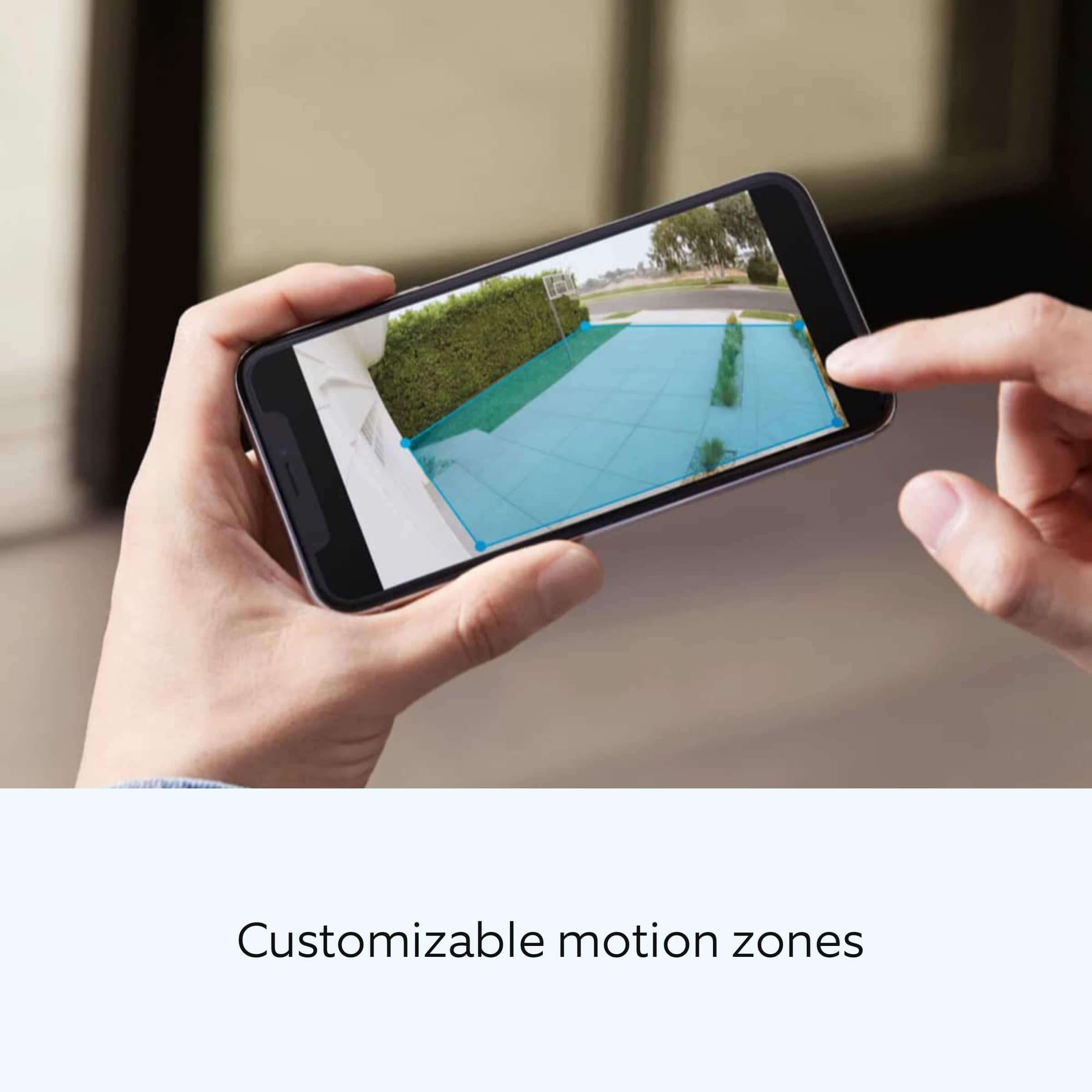
It sounds like the device is not operating as expected. Spotlight Cam Plus, Battery, Wired, Solar, or Plug-In, is an outdoor security camera that can be used to capture out-of-sight areas and blind spots. It’s equipped with Color Night Vision, customizable Motion Detection, and Motion-Activated Lights. In some cases, setting up your Ring device(s) can fail when there are too many devices on one network. Wireless networks utilize different channels for communication. The 2.4 GHz band uses channels 1-11 within the United States and 1-13 in some other countries. The 5 GHz band utilizes select channels between 36 and 165. Multiple wireless devices using the same channels at the same time can cause wireless interference.
If you are receiving a message that the network cannot be found or is too far away when connecting devices to the 2.4 GHz frequency, it could be due to this interference. We recommend switching your router’s channel to 1, 6, or 11 to avoid overlapping other channels.
If your Ring device does not find any wifi networks, try starting the setup from the beginning or from another mobile device. If the Ring device finds networks, but not your own network you might need to make the Ring device scan for new networks.
For battery-powered devices, such as the Ring Video Doorbell or Ring Video Doorbell 2, in order to scan for an updated network list, you will need to exit and re-enter setup mode using the setup button on the device.
For powered devices like the Ring Video Doorbell Pro, Ring Video Doorbell Elite, Floodlight Cam, Spotlight Cam (wired/mount), and Stick Up Cam Wired, you will need to hold the setup button for 10 seconds to reboot the device. This will cause it to generate a fresh scan of the available networks for your next setup attempt.
A wifi analyzer application can be used on Android devices, or sometimes within your router, to evaluate which channels have the most congestion. We recommend doing this when you are experiencing setup problems, poor audio and/or video quality, or delays with notifications.
Open up your Ring device’s ability to communicate by following these steps:
Create a DHCP reservation. A DHCP reservation is a permanent IP address assignment that is reserved for the use of one device.
Locate the Mac ID listed on the back of your Ring device or on the box.
Create a DHCP reservation to ensure that every time your Ring device connects to your router, it will be given the same address.
Note: there are many different terms for this option; please check your router’s manual to be sure.
Set a static IP. You can also set a static IP during the setup process in the Ring app.
Note: Ensure the address you provide is outside the range of your DHCP server in order to prevent an IP conflict.
Once a DHCP Reservation or Static IP is in place, try the following:
Move your ring device to the DMZ (demilitarized zone). Using the IP address you reserved, place your Ring device in the demilitarized zone (sometimes referred to as IP passthrough) of your router. This will allow the Ring device’s traffic to pass through any security settings that may be preventing connection.
Note: This can only be done for one connected device at a time.
Once you have verified that all steps in the Ring app have been completed and neither your internet connection nor your wifi password are the cause of your connectivity issue, troubleshoot by going through the following solutions one at a time, step by step.
Check the SSID (name) of your network.
If it has special characters or blank spaces before or after the name, rename the network to something simpler.
Once the device is online, a firmware update will start.
Once updated successfully, return your network back to its previous settings.
Set the Ring device back up to see if it will connect.
Enable and connect to a guest network.
A guest network is a separate access point for your network that is isolated from your other devices. By creating one, you can make a firewall-free network for your Ring device. Create a guest network with a simple, alphanumeric SSID name and password and connect your Ring device(s) to it.
Wifi 6 (802.11 ax): If you have a wifi6 router in 802.11 af/ax mode and can't complete your setup, change your router or guest network to 802.11 b/g/n and complete your set up.
We invite you to reach out to our Community if any additional information is needed regarding your Ring Spotlight Cam Plus. The Ring Community is our first peer-to-peer community forum, giving our customers the ability to help one another by sharing their feedback and experiences with each other.
Thank you,
Melissa from Ring.
Good quality
||Posted . Owned for 1 year when reviewed.This reviewer received promo considerations or sweepstakes entry for writing a review.Great quality and good price. Will buy again and again.
I would recommend this to a friend