Customer Ratings & Reviews


- Model:
- B09JZ5BG26
- SKU:
- 11064837
Rating by feature
- Value
Rating 4.7 out of 5 stars
- Quality
Rating 4.7 out of 5 stars
- Ease of Use
Rating 4.7 out of 5 stars
to a friend
Don't believe battery life claims
||Posted . Owned for 3 weeks when reviewed.This reviewer received promo considerations or sweepstakes entry for writing a review.The unit absolutely consumes batteries. I even purchased the spare battery pack. With a total of 6 batteries (2 in unit, 4 in battery pack) I never get more than 1 1/2 hours of video.
No, I would not recommend this to a friendBrand response from Ring
Posted .Hi JohnY.
Thank you for taking the time to share your experience with us.
We understand the importance of having a solid charge on your Ring Spotlight Cam Plus so that you are able to have a longer time between charge cycles. Having longevity in a battery-powered security device, such as the Ring Spotlight Cam Plus, is crucial when it comes to monitoring your home. We can definitely assist you with this today, and we are confident we can find the correct settings for your home’s environment.
It sounds like the battery in your device is draining faster than expected. The rechargeable battery can go months between recharges with normal use. This is dependent on a number of factors in your home’s environment, such as the local weather and the number of activities captured. The more events captured by your Ring devices, the more your battery is used. Using Live View frequently can also drain your battery faster; the Ring Spotlight Cam Plus battery device is not designed to be used for 24/7 live video.
If your device is capturing an excessive number of events each day, you may need to recharge your battery sooner. To prevent excessive activity, under Motion Settings for your device in the Ring app, you can:
Adjust your motion sensitivity slider to a lower sensitivity.
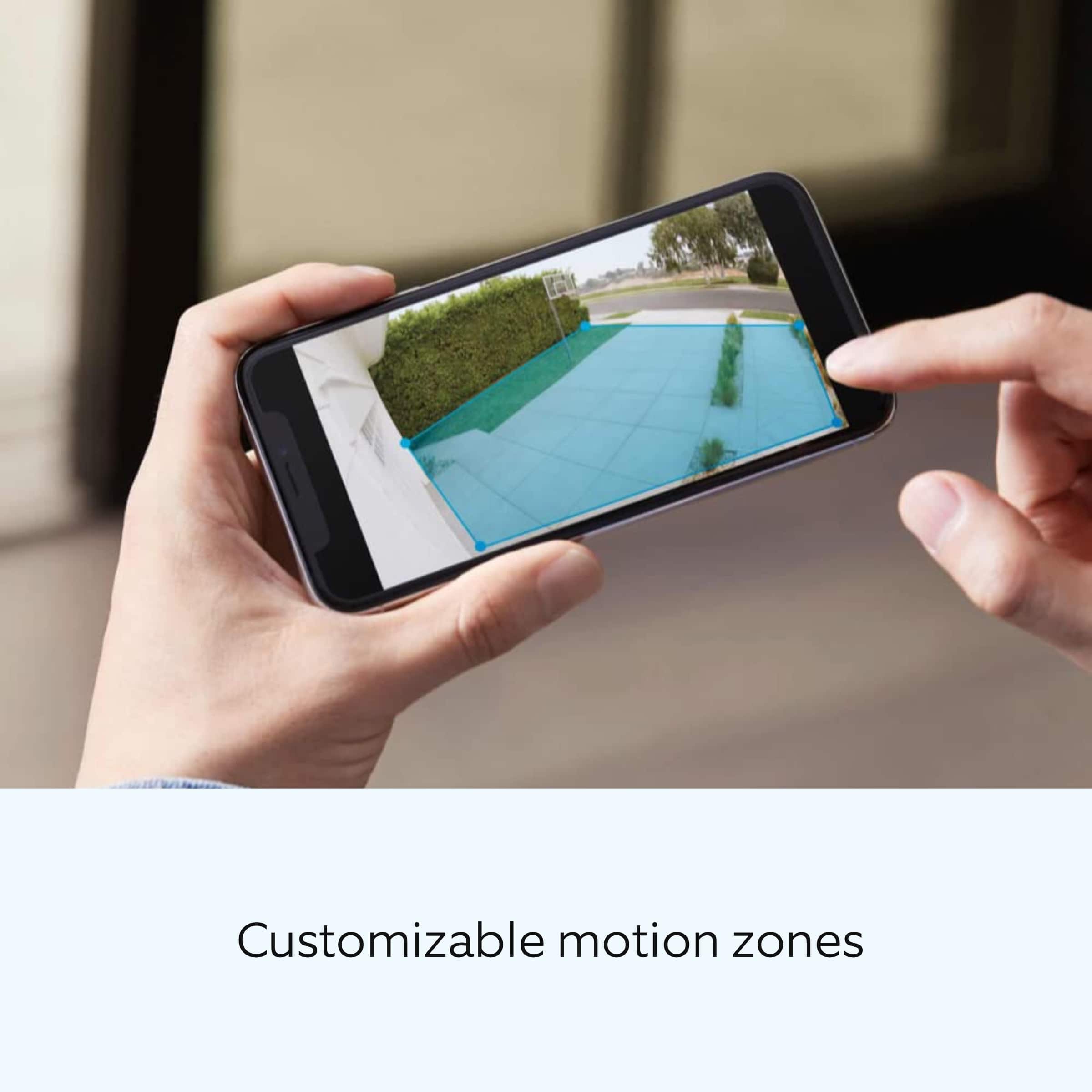
Redraw your Customizable Motion Zones.
Change the motion frequency to regularly or periodically.
You could also adjust the direction of your Ring device so it doesn't detect as much motion.
Visit our support center for more tips and tricks to prolong the battery life of your device.
Ring Community was launched to help deliver the most current news and educational information to our neighbors. This online forum is divided into four categories: Product Boards, Ring Updates, Tips + Tricks, and a Moderators’ Corner. The Product Boards are where you can begin new topics with your questions or feedback; there is also a search option that helps you find topics that have already been posted by other neighbors.
All the best,
Nicole from Ring.
Bad
||Posted .This reviewer received promo considerations or sweepstakes entry for writing a review.We purchase this camera and it did not work we had tech support come out several times to check before switching to another brand
No, I would not recommend this to a friendBrand response from Ring
Posted .Hi AngelaG.
Thank you for taking the time to share your experience with us.
We understand the importance of a seamless setup process so that you can begin using your Ring Spotlight Cam Plus right away. The features and technology provided by the Ring Spotlight Cam Plus are incredibly valuable and help provide you with peace of mind about your home security. Should you choose to give Ring another try, we would love the opportunity to work with you to ensure your device works as intended.
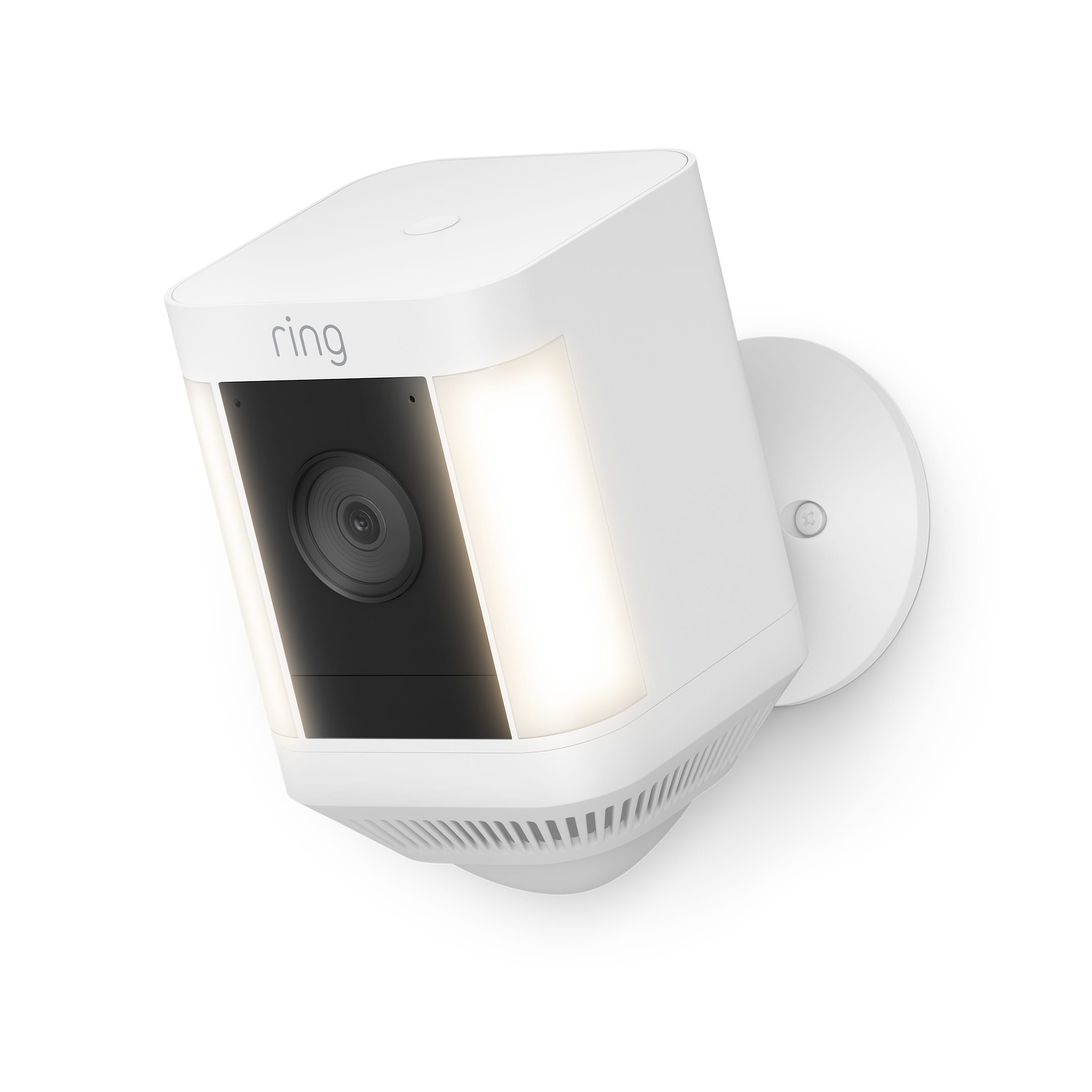
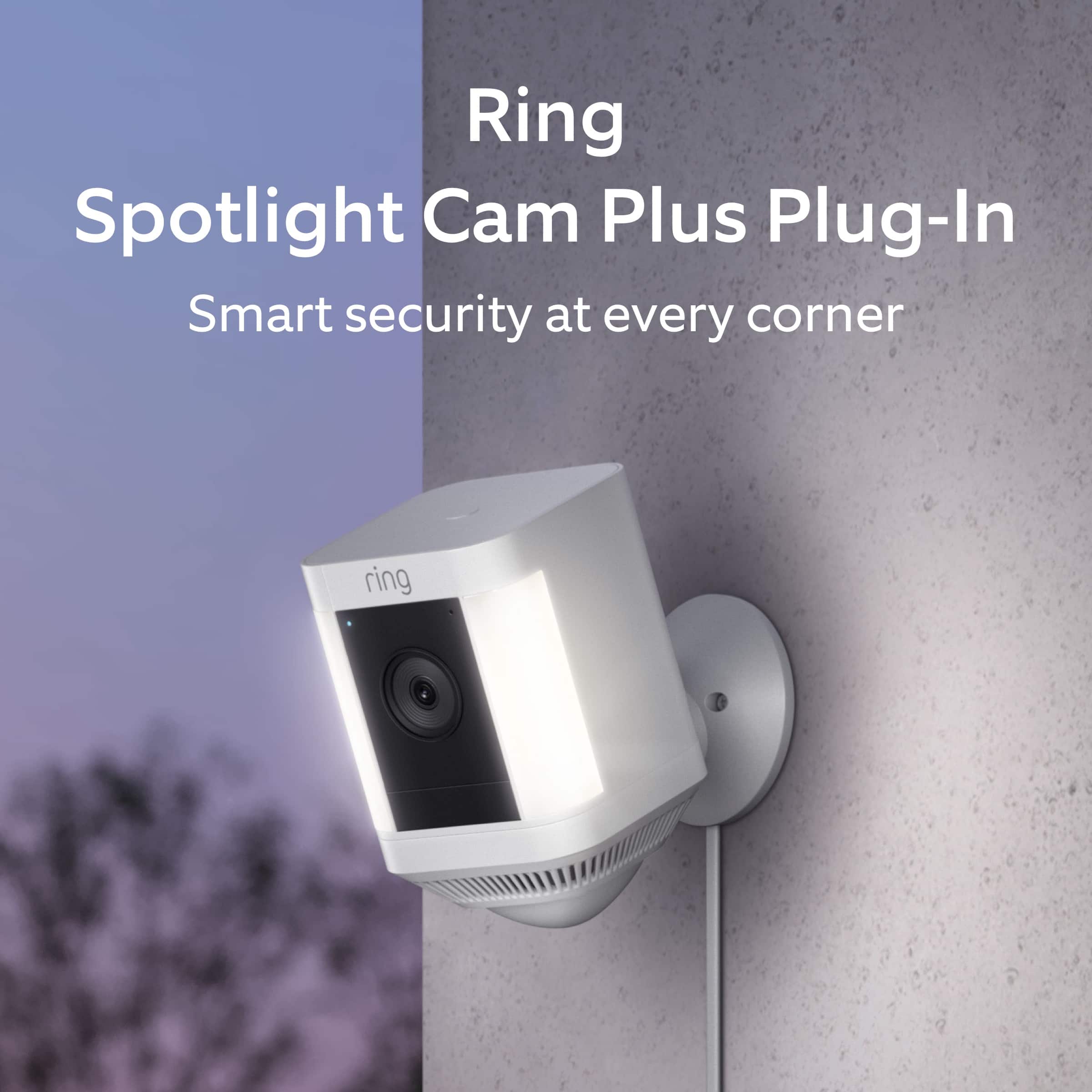
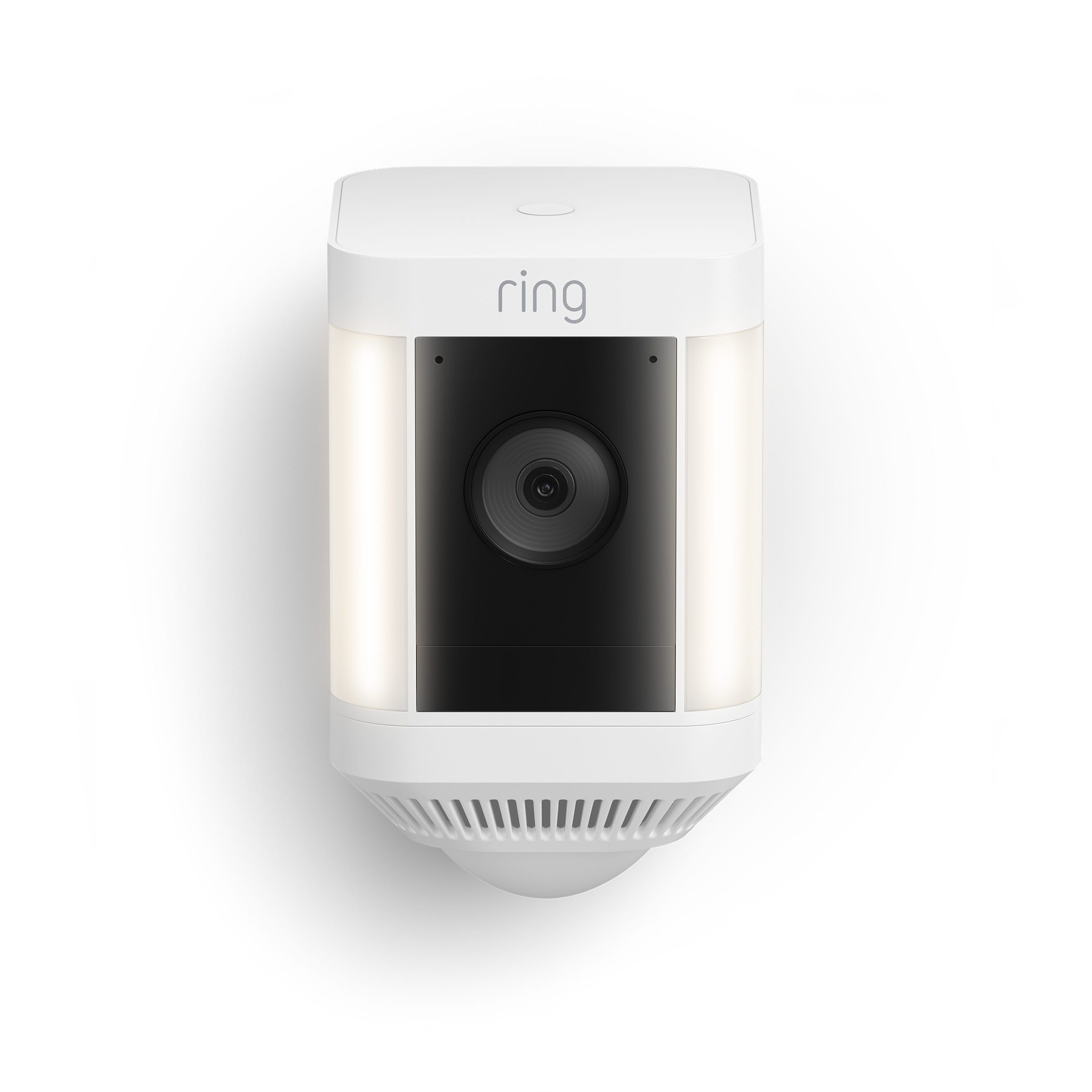
The Ring Spotlight Cam Plus is an outdoor security camera that can be used to capture out-of-sight areas and blind spots. It’s equipped with color night vision, customizable motion detection, and motion-activated lights. Just mount the wireless camera and adjust the viewing angle for wide coverage throughout the day or night.
We believe that stronger communities are the key to safer neighborhoods. That is why we are driven to create products that help you protect what matters most at home and empower you to connect with your visitors from wherever you are. Together, we’ll make neighborhoods safer!
Ring Community was established to assist in providing our neighbors with the most recent news and instructional material. Four sections make up this online forum: Ring Updates, Product Boards, Tips & Tricks, and a Moderators' Corner. You can start new topics on the Product Boards with your questions or suggestions; a search function will assist you in locating subjects that other neighbors have previously posted.
All the best,
Nicole from Ring.
No good
||Posted . Owned for 1 month when reviewed.This reviewer received promo considerations or sweepstakes entry for writing a review.I wouldn’t buy it again bad quality battery doesn’t last long
No, I would not recommend this to a friendBrand response from Ring
Posted .Hi Enrique.
Thank you for taking the time to share your experience. We understand the importance of having a solid charge on your Ring Spotlight Cam Plus so that you are able to have a longer time between charge cycles. Having longevity in a battery-powered security device is crucial when it comes to monitoring your home, especially if you are away for long periods of time. We are here to provide you with some education to resolve the battery life issue you mentioned in your review.
It sounds like the device is not performing as expected. There are some troubleshooting steps that you can take to ensure that you have your device set up for optimal battery-life performance. The more events captured by your Ring devices, the more your battery is used. Using "Live View" can also drain your battery faster. If your device is capturing an excessive number of events each day, you may need to recharge your battery sooner.
To prevent excessive activity, under "Motion Settings" for your device in the Ring app, you can:
Adjust your "Motion Sensitivity" slider to a lower sensitivity.
Redraw your "Customization Motion Zones."
Change "Motion Frequency" to regularly or periodically.
You could also adjust the direction of your Ring device so it doesn't detect as much motion.
You can go to "Power Settings" in the Ring app to see what features may be draining your battery.
To access "Power Settings," open the Ring app:
Tap the menu (≡) on the top left of the dashboard.
Tap "Devices."
Tap the individual device (video doorbell or security camera) you want to check.
Tap "Power Settings" to check your "Battery Level" percentage and "Feature Power Usage."
Tap a feature to adjust "Snapshot Capture," "Motion Frequency," and "Video Recording Length.".
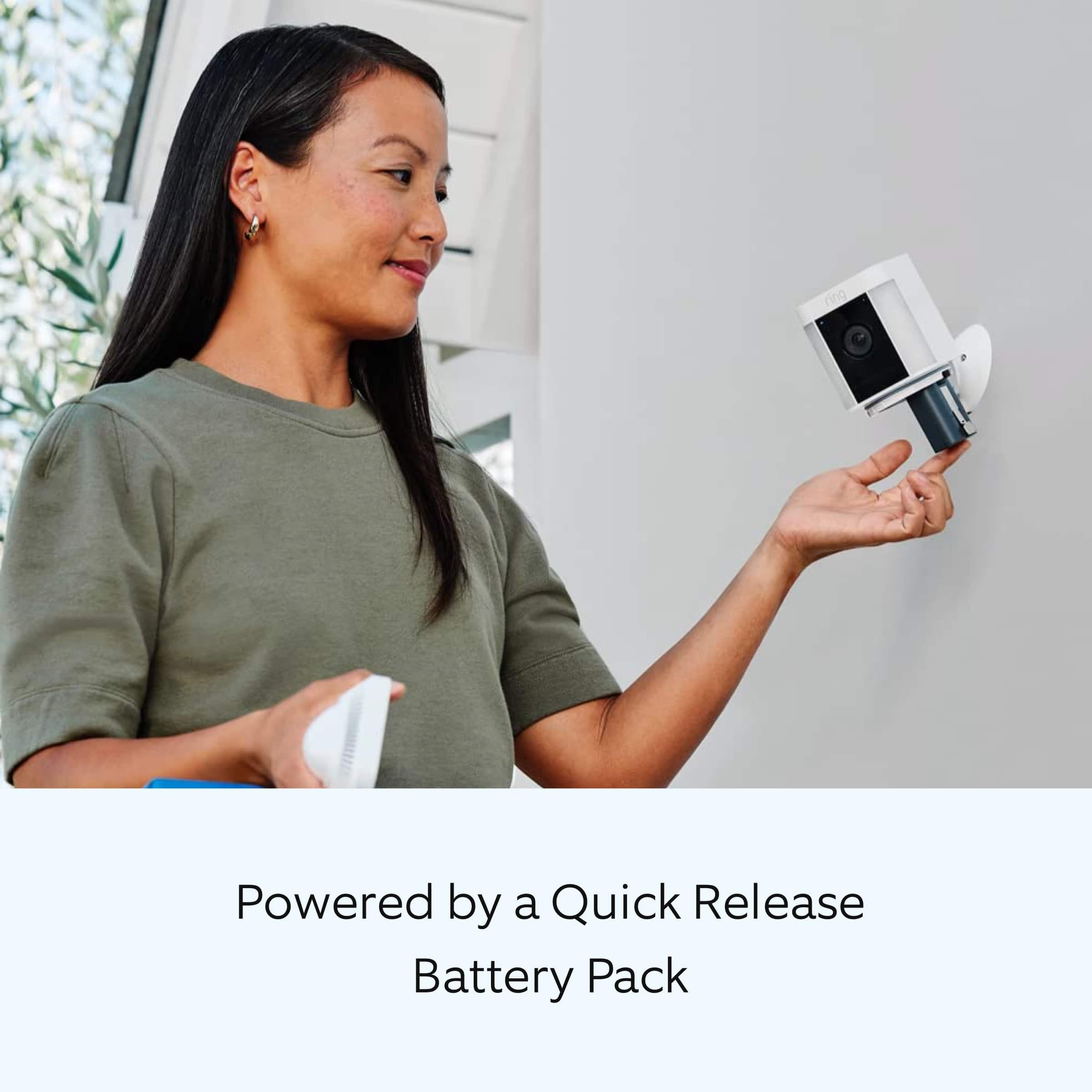
The Ring Spotlight Cam Plus comes with a Dual Power Mode. Switching from Wired Mode to Battery Mode and back can be done at any time by manually updating your preference in your Ring device’s settings. Please note, if you are using only a battery in Wired Mode the battery will drain very fast.
To manually switch between Wired Mode and Battery Mode:
Open the Ring app.
Tap the Menu (☰).
Tap Devices.
Select the Devices you want to update.
Tap Device Settings.
Select General Settings.
Select Power Mode.
Switch to Wired Mode or Battery Mode.
If any additional information is needed regarding your Ring Spotlight Cam Plus, please reach out to our community. Ring Community is our first peer-to-peer community forum, giving our customers the ability to help one another and share their feedback and experiences directly with Ring.
Sincerely,
Matthew from Ring.
Quality
||Posted . Owned for 3 weeks when reviewed.This reviewer received promo considerations or sweepstakes entry for writing a review.When you try zoom quality bad nothing clear see I don’t happy with that camera
No, I would not recommend this to a friendBrand response from Ring
Posted .Hi Sandy.
Thank you for taking the time to share your experience with us. We understand how important it is for your Ring Spotlight Cam Plus to record clear and concise videos so that you can effectively monitor your home. The features and technology provided by the Ring Spotlight Cam Plus are incredibly valuable and help provide you with peace of mind about your home security. We want to ensure your device is working as intended by providing you with solutions to resolve the concern you mentioned in your review.
It sounds like the device is not performing as expected. The Ring Spotlight Cam Plus was designed with 1080p HD Video, Live View, and Color Night Vision. Ring devices require high-speed internet to bring you crisp, clear video and audio. Poor network connectivity can affect the performance of your Ring device. We are happy to share some troubleshooting steps to help you diagnose and fix common video issues that you may experience with your Ring Spotlight Cam Plus.
Check the Device Health section of your Ring application to ensure the device’s RSSI is within an acceptable range. The recommended range for optimal performance is 0 to -60 for the RSSI. Turn off your mobile device's cellular data and connect to the same wifi network as your Ring device. Open the Ring app. Tap the menu (☰). Tap “Devices.” Select your device. Trigger an event on your Ring device. This could mean pressing the button on a doorbell or activating the motion sensors on a camera. Answer the event and examine the resulting video.
We have listed some possible outcomes from this test here:
1. The footage is crisp and clear.
If your video appears good when next to the router, the issue may be caused by a disruption in between your router and your Ring device’s normal location. To fix this, try moving your device closer to the router or extending your wifi signal with a wifi extender like the Ring Chime Pro.
2. The footage is heavily pixelated.
If you’re seeing heavy pixilation, even next to the router, this may be due to slow wifi speeds. Ring devices with 1080p video require at least 1 Mbps upload and download speeds, though 2 Mbps is recommended for optimal performance.
For more information on your Ring Spotlight Cam Plus, we invite you to reach out to our community. Ring Community is our first peer-to-peer community forum, giving our customers the ability to help one another and share their personal feedback and experiences with Ring. We look forward to hearing from you. Please let us know if we can be of any further assistance!
Thank you,
Melissa from Ring.
very poor working system
||Posted . Owned for 1 month when reviewed.This reviewer received promo considerations or sweepstakes entry for writing a review.It quit working and calling the geek squad is a joke
No, I would not recommend this to a friendBrand response from Ring
Posted .Hi ScottT.
Thank you for taking the time to share your feedback with us.
We understand how important it is for your Ring Spotlight Cam Plus to function consistently and reliably. The features and technology provided by the Ring Spotlight Cam Plus are incredibly valuable and help provide you with peace of mind about your home security. We would love to assist you with this today to ensure your Ring device is working as intended.
It sounds like your device may have fallen offline. The Ring Spotlight Cam Plus can fall offline if it loses power. Your Ring device's battery may need to be recharged. We recommend recharging your battery to bring your device back online. If this does not work, visit our support center for additional information.
Ring Community was launched to help deliver the most current news and educational information to our neighbors. This online forum is divided into four categories: Product Boards, Ring Updates, Tips + Tricks, and a Moderators’ Corner. The Product Boards are where you can begin new topics with your questions or feedback; there is also a search option that helps you find topics that have already been posted by other neighbors.
All the best,
Nicole from Ring.
poor product
||Posted . Owned for 1 month when reviewed.This reviewer received promo considerations or sweepstakes entry for writing a review.all kinds of trouble with it including the siren going off unorovoked
No, I would not recommend this to a friendBrand response from Ring
Posted .Hi HALIBUTTY1.
Thank you for taking the time to leave your review of the Ring Spotlight Cam Plus. We understand how important it is for your Ring Spotlight Cam Plus to function consistently and reliably, so you are alerted to any wanted or unwanted activity in or around your home. The security features and technology provided by the Ring Spotlight Cam Plus are incredibly valuable to your peace of mind. We can definitley provide you with more information on the siren concern that you mentioned in your review.
It sounds like the device is not performing as intended. The Ring Spotlight Cam Plus was designed with two-way talk and a remote-activated security siren that can be activated from the Ring app. Follow these steps in the Ring app to control the remote-activated siren:
Open the Ring app.
Tap the menu (☰).
Tap Devices.
Tap the Ring Spotlight Cam Plus.
Hit the red "Siren" button to control the siren.
We encourage you to reach out to our community if any additional information is needed regarding your Ring Spotlight Cam Plus. The Ring Community is our first peer-to-peer community forum, giving our customers the ability to help one another by sharing their feedback and experiences with each other. Please let us know how we can further assist you!
Thank you,
Melissa from Ring.
Clear View!
Posted .This reviewer received promo considerations or sweepstakes entry for writing a review.Great cameras! Im not a fan of the subscription cost to record video, but it’s worth it to me. Very clear video, customization, etc;
I would recommend this to a friendGreat shot
Posted .This reviewer received promo considerations or sweepstakes entry for writing a review.Pictures are clear and able to identify all objects objects
I would recommend this to a friendGreat product
Posted .This reviewer received promo considerations or sweepstakes entry for writing a review.Great product easy to setup and use . Battery last for about 30 days
I would recommend this to a friendMrs
Posted .This reviewer received promo considerations or sweepstakes entry for writing a review.It’s a great camera, easy to install, clear picture, great volume, I totally recommend this camera. We have installed it at the pool . So it’s important that we have a great view and we do .
I would recommend this to a friendRing led camara
Posted .This reviewer received promo considerations or sweepstakes entry for writing a review.Reliable, clear video and quick alerts. Love it!!!
I would recommend this to a friendAmazing product
Posted .This reviewer received promo considerations or sweepstakes entry for writing a review.Great product willl hold two batteries which I like. Easy to set up and install. Would highly recommend.
I would recommend this to a friendRing
Posted .This reviewer received promo considerations or sweepstakes entry for writing a review.Ring camera excellent camera. Camera quality and ease of use are up to par. we will be looking to add more cameras in the future
I would recommend this to a friendRing outdoor camera
Posted .This reviewer received promo considerations or sweepstakes entry for writing a review.Execellent price and picture quality is great.Install is simple and works well at night. I would recommend this product to others
I would recommend this to a friendThe most better camera
Posted .This reviewer received promo considerations or sweepstakes entry for writing a review.The best camera for my house is very very nice shure
I would recommend this to a friendGreat!
Posted .This reviewer received promo considerations or sweepstakes entry for writing a review.Works great and easy to use!! Was easy to install and it works great with the settings.
I would recommend this to a friendHomeowner
Posted .This reviewer received promo considerations or sweepstakes entry for writing a review.Well pleased with the clarity and wide field of view.
I would recommend this to a friendBattery camera flood pro
Posted .This reviewer received promo considerations or sweepstakes entry for writing a review.Perfect for small driveway but the flood would not be enough for a long driveway
I would recommend this to a friendLove thos camera
Posted .This reviewer received promo considerations or sweepstakes entry for writing a review.Works great,picture is awesome night is great. I put solar panel and no charging
I would recommend this to a friendGreat Camera
Posted .This reviewer received promo considerations or sweepstakes entry for writing a review.Has very great quality and it was very to install!
No, I would not recommend this to a friend