Customer Ratings & Reviews
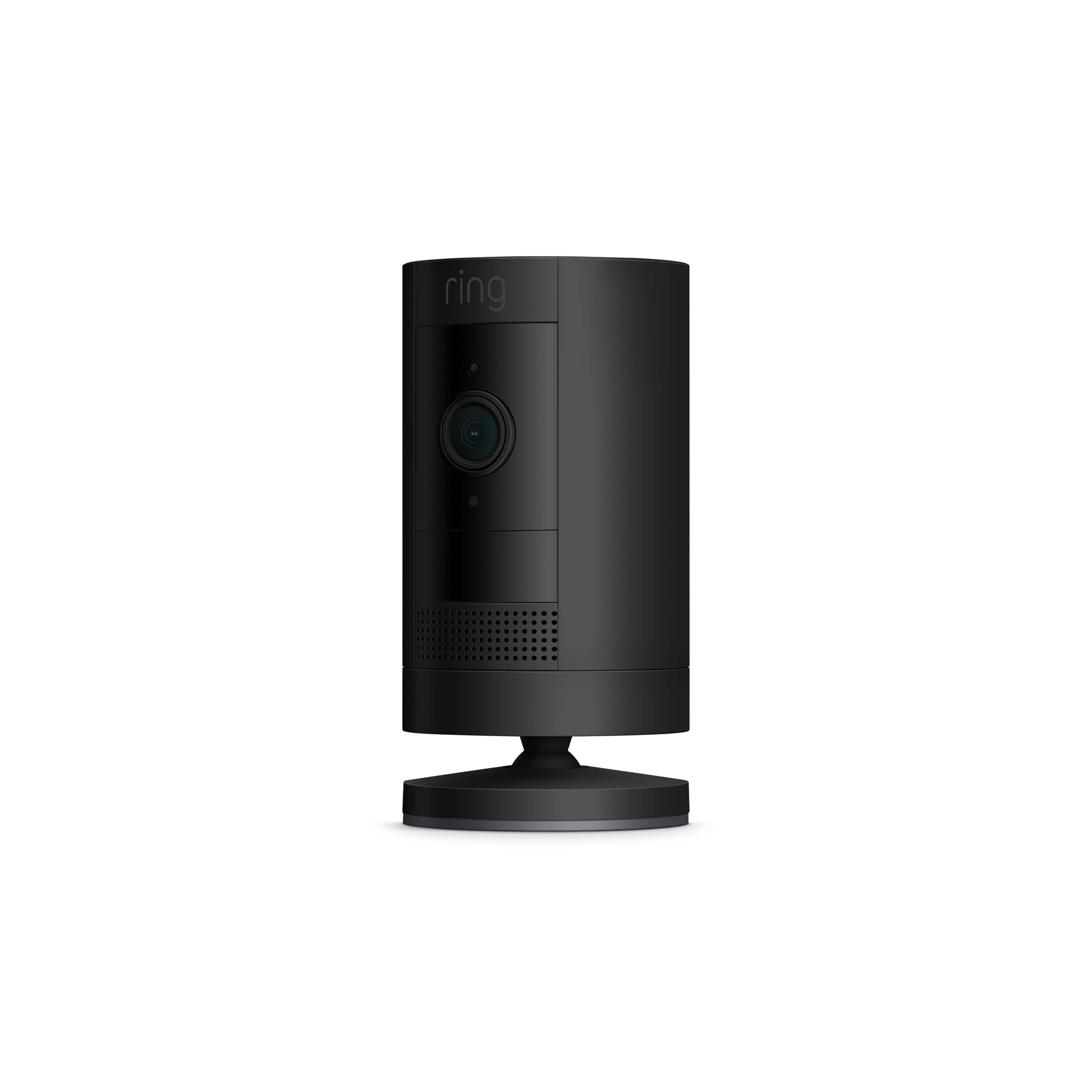
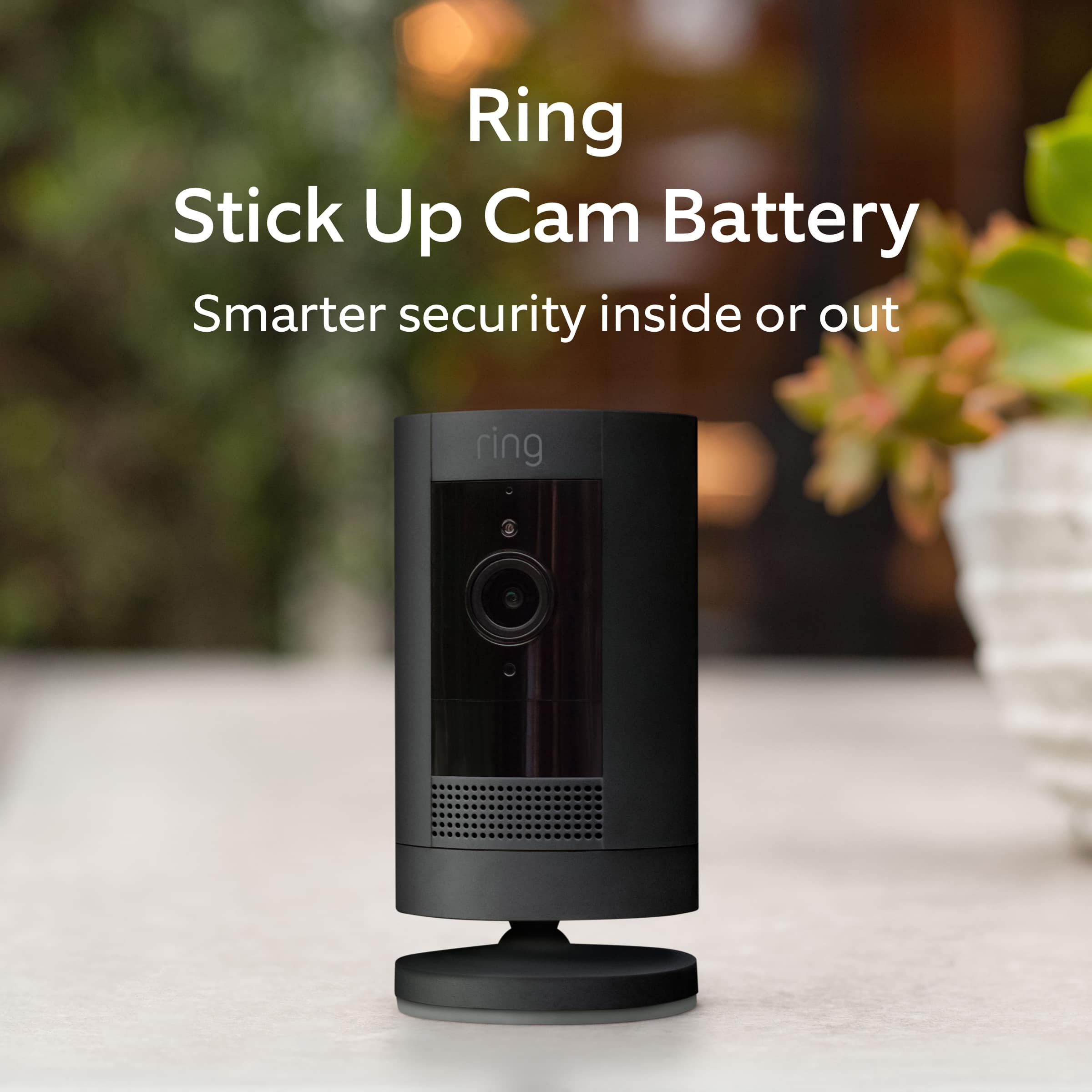




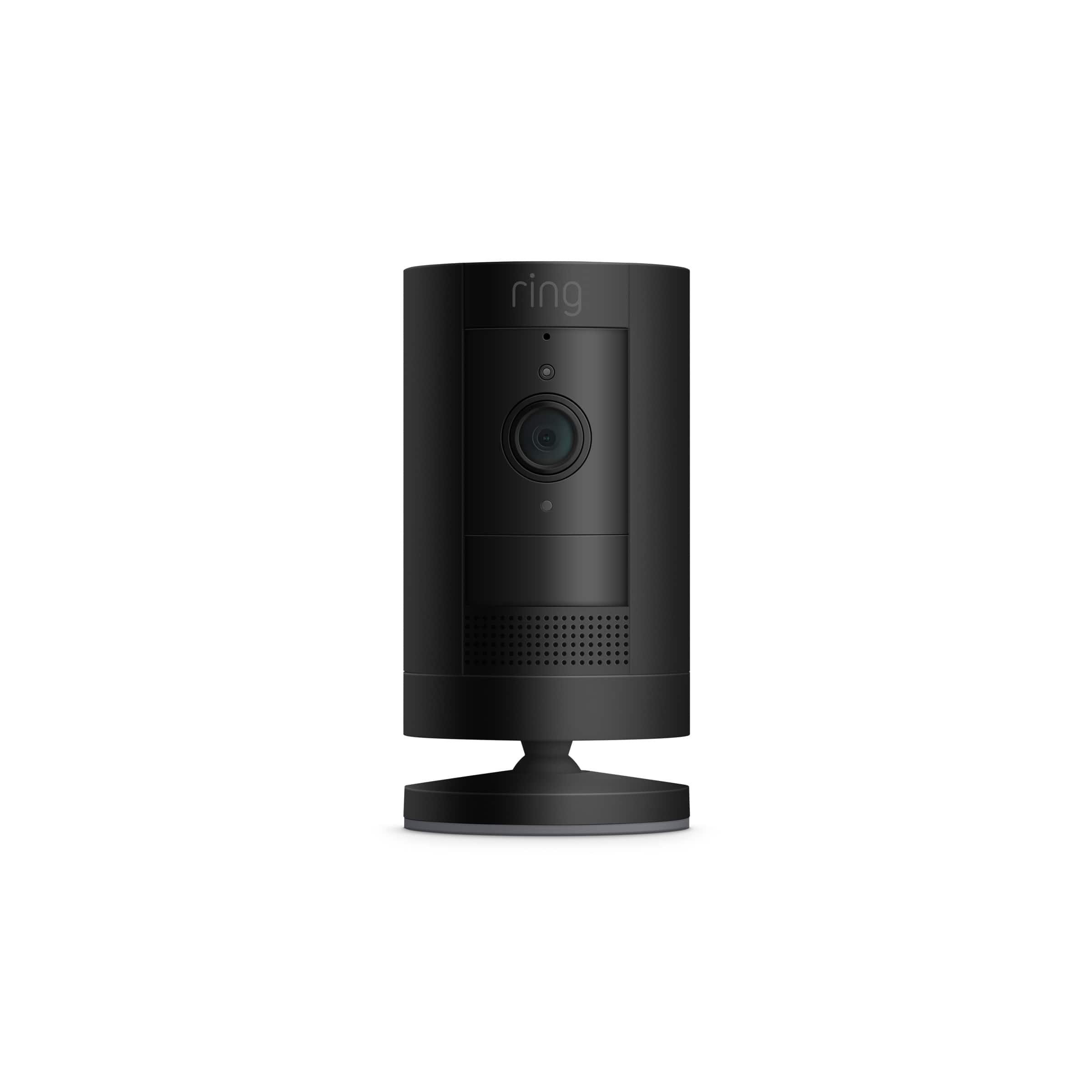

- Model:
- 8SC1S9-BEN0/B0C5QSN9YB
- SKU:
- 6403964
Rating by feature
- Value
Rating 4.6 out of 5 stars
- Quality
Rating 4.7 out of 5 stars
- Ease of Use
Rating 4.7 out of 5 stars
Customers are saying
Customers have good things to say about the Outdoor Cam, particularly regarding its camera quality and ease of use. Many appreciate the battery life, straightforward installation, and the sense of security it provides. However, some customers have expressed concerns about the motion detection and connection reliability.
This summary was generated by AI based on customer reviews.
- Pros mentioned:Camera quality
Business owner
||Posted . Owned for 1 month when reviewed.This reviewer received promo considerations or sweepstakes entry for writing a review.Great clarity I do have one battery that is going dead after 1 month of use , and the other is still good so not sure why the difference but overall great cameras
I would recommend this to a friend - Pros mentioned:Camera qualityCons mentioned:Connection
Fair Security Camera
||Posted . Owned for 1 month when reviewed.This reviewer received promo considerations or sweepstakes entry for writing a review.I did a review of this earlier. I received this for Christmas but my husband wasn't able to set it up until the first or second week of January. I really liked the Security Camera but lately it's not loading and a few times it says it can't connect to my location, or something like that. I haven't been any where except home. So, I can't figure out why it can't connect when I've always home. I thought I could be away from home and be able to check what's going on at my house but if it can't locate or connect when I'm home I don't have much confidence it this security camera when I'm away from home. We were thinking about getting the door bell, too but now I'm not sure.
No, I would not recommend this to a friendBrand response from Ring
Posted .Hello Vickie,
Having peace of mind that your Ring Stick Up Cam has a solid wifi connection is vital when it comes to your home security. This ensures you are able to access video anytime day or night. The Ring Stick Up Cam is designed to connect you to video consistently and reliably. When attempting to connect to live video, if you get a blurry screen along with a message that the Ring App is having trouble connecting to the Ring device, this can be attributed to the wifi connection. Certain materials can reduce the range of wifi signals or even block them. Here are some examples of things that can interfere with your Ring cam’s signal strength:
-Heavy-duty walls and floors made of materials like concrete, brick, or metal.
-Household objects such as fish tanks, bookcases and mirrors.
-Windows made of Low-E glass also cause interference.
Additionally, competing wifi networks and other electronic devices can weaken the wifi quality. We suggest checking the Device Health section of your Ring app to ensure the device’s RSSI is within an acceptable range. Ring devices generally work best within the range of 0 to -60 RSSI. If you notice the RSSI is outside this range you can try bringing the camera inside next to your router and test the performance for improvements.
Our top priority at Ring is to ensure that you have the best possible experience with your products and services. Home security is a 24-hour a day, seven day-a-week business and Ring knows the importance of having access to your devices at the times you need them most. Please check out our community forum at https://community.ring.com/ for additional tips and support!
Thanks,
Alexis with Ring
- Pros mentioned:Camera quality
Very satisfied with performance
||Posted . Owned for 3 weeks when reviewed.This reviewer received promo considerations or sweepstakes entry for writing a review.I was sold on its versatility, but the video quality really shined better than I thought. Opening the battery housing while it’s on the wall was a little tough, but it was probably just me. Really good camera all around.
I would recommend this to a friend - Pros mentioned:Ease of use
Stick up camera
||Posted . Owned for 3 weeks when reviewed.This reviewer received promo considerations or sweepstakes entry for writing a review.Like that it be use inside or outside. Easy to use and im not that savvy
I would recommend this to a friend - Pros mentioned:Installation
Great Ring Camera
||Posted . Owned for 2 weeks when reviewed.This reviewer received promo considerations or sweepstakes entry for writing a review.This is a great camera added to my Ring system. Installed and activated easily.
I would recommend this to a friend - Pros mentioned:Camera quality
Product satisfaction
||Posted . Owned for 1.5 years when reviewed.This reviewer received promo considerations or sweepstakes entry for writing a review.I purchased this item around a year and half ago and it just works like strong horse. I love RING product.
I would recommend this to a friend Must Have!
||Posted . Owned for 3 weeks when reviewed.This reviewer received promo considerations or sweepstakes entry for writing a review.I like this camera because it's wireless with battery pack/charge. I am able to put any location without the worry of connecting to a outlet.
I would recommend this to a friend- Pros mentioned:Ease of use
Ring cams in black
||Posted . Owned for 1 month when reviewed.This reviewer received promo considerations or sweepstakes entry for writing a review.Great to see they come in black also! These ring cams are so nice and easier to install then the ring doorbell that is also very easy to install
I would recommend this to a friend - Pros mentioned:Battery life
Great buy
||Posted . Owned for 3 weeks when reviewed.This reviewer received promo considerations or sweepstakes entry for writing a review.Great item. This does everything we need it to do. Good battery life.
I would recommend this to a friend - Pros mentioned:Security
Ring Camera
||Posted . Owned for 8 months when reviewed.This reviewer received promo considerations or sweepstakes entry for writing a review.Absolutely Love this! I feel so much more secure in my home!
I would recommend this to a friend - Pros mentioned:Battery life
Ring - Stick Up Indoor/Outdoor WireFree Camera
||Posted . Owned for 1 month when reviewed.This reviewer received promo considerations or sweepstakes entry for writing a review.Love the flexibility of my new Ring Stick Up wireless camera. Connected to my Ring network in a flash without a hassle and haven't had to even consider a recharge on the battery yet!
I would recommend this to a friend Katherine
||Posted . Owned for 1 month when reviewed.This reviewer received promo considerations or sweepstakes entry for writing a review.Good product! Night vision super clear. I recommend this product.
I would recommend this to a friend- Pros mentioned:Camera quality
I can cut the strings on my old security system!
||Posted . Owned for 8 months when reviewed.This reviewer received promo considerations or sweepstakes entry for writing a review.Game changer! I have them all over the house I use it as a baby monitor and even have one of my elderly parents house.
I would recommend this to a friend - Pros mentioned:Ease of use

Good
|Posted . Owned for 2 months when reviewed.This reviewer received promo considerations or sweepstakes entry for writing a review.[Employee of bestbuy] I like all ring products. They work as intended and are super easy to setup amd install.
I would recommend this to a friend - Pros mentioned:Battery life
Great little camera
||Posted . Owned for 3 weeks when reviewed.This reviewer received promo considerations or sweepstakes entry for writing a review.Outstanding camera I am using this with the Wasserstein solar panel which tops the battery off Still at 100% on two cameras One on the driveway and the other in the backyard
I would recommend this to a friend - Pros mentioned:Camera quality
View it all!
||Posted . Owned for 1 month when reviewed.This reviewer received promo considerations or sweepstakes entry for writing a review.Love the ability to see my property and possessions in clear view at any time.
I would recommend this to a friend - Pros mentioned:Camera quality
Ring Indoor/Outdoor camera
||Posted . Owned for 3 weeks when reviewed.This reviewer received promo considerations or sweepstakes entry for writing a review.Good video and good notifications. Very happy with this camera.Much better than my Vivint cameras. I will be getting more for security.
I would recommend this to a friend - Pros mentioned:Battery life
So far so good
||Posted . Owned for 3 weeks when reviewed.This reviewer received promo considerations or sweepstakes entry for writing a review.Easy setup, wide viewing angle, strong battery life (it's been about a month and haven't needed to charge). We have a few other Ring devices, this is the first battery powered one, easy to add to the subscription
I would recommend this to a friend - Pros mentioned:Camera quality
No issues
||Posted . Owned for 3 weeks when reviewed.This reviewer received promo considerations or sweepstakes entry for writing a review.Paired with the solar panel you almost forget you have security surveillance. Good quality video and audio.
I would recommend this to a friend - Pros mentioned:Battery life
Ring products are great!
||Posted . Owned for 4 months when reviewed.This reviewer received promo considerations or sweepstakes entry for writing a review.We use this in our toddlers room just so we can see what’s going on when it’s night time. Great clarity, easy to use. Battery life is great too so you don’t have to see an unsightly cable hanging down.
I would recommend this to a friend