Customer Ratings & Reviews
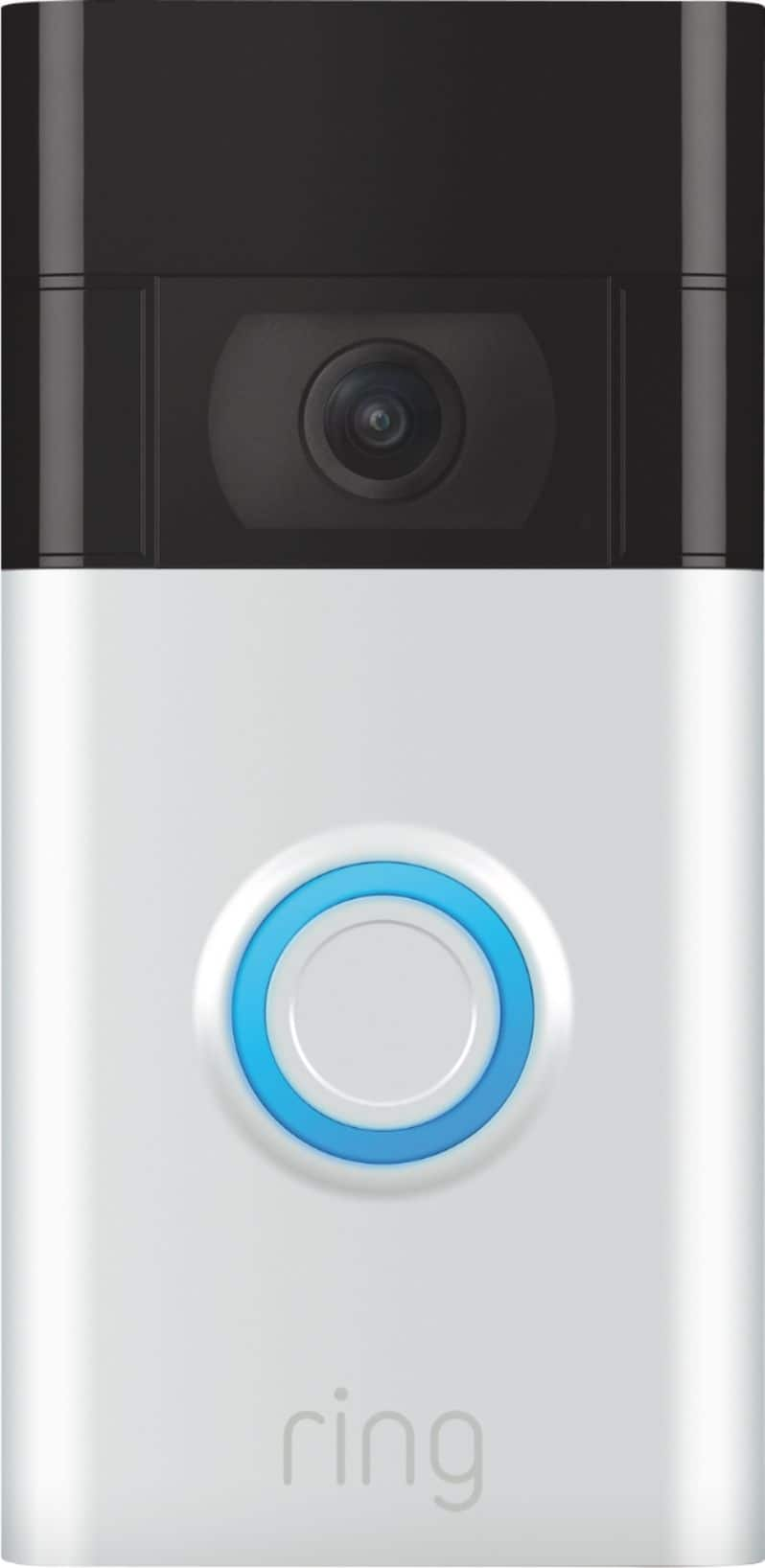
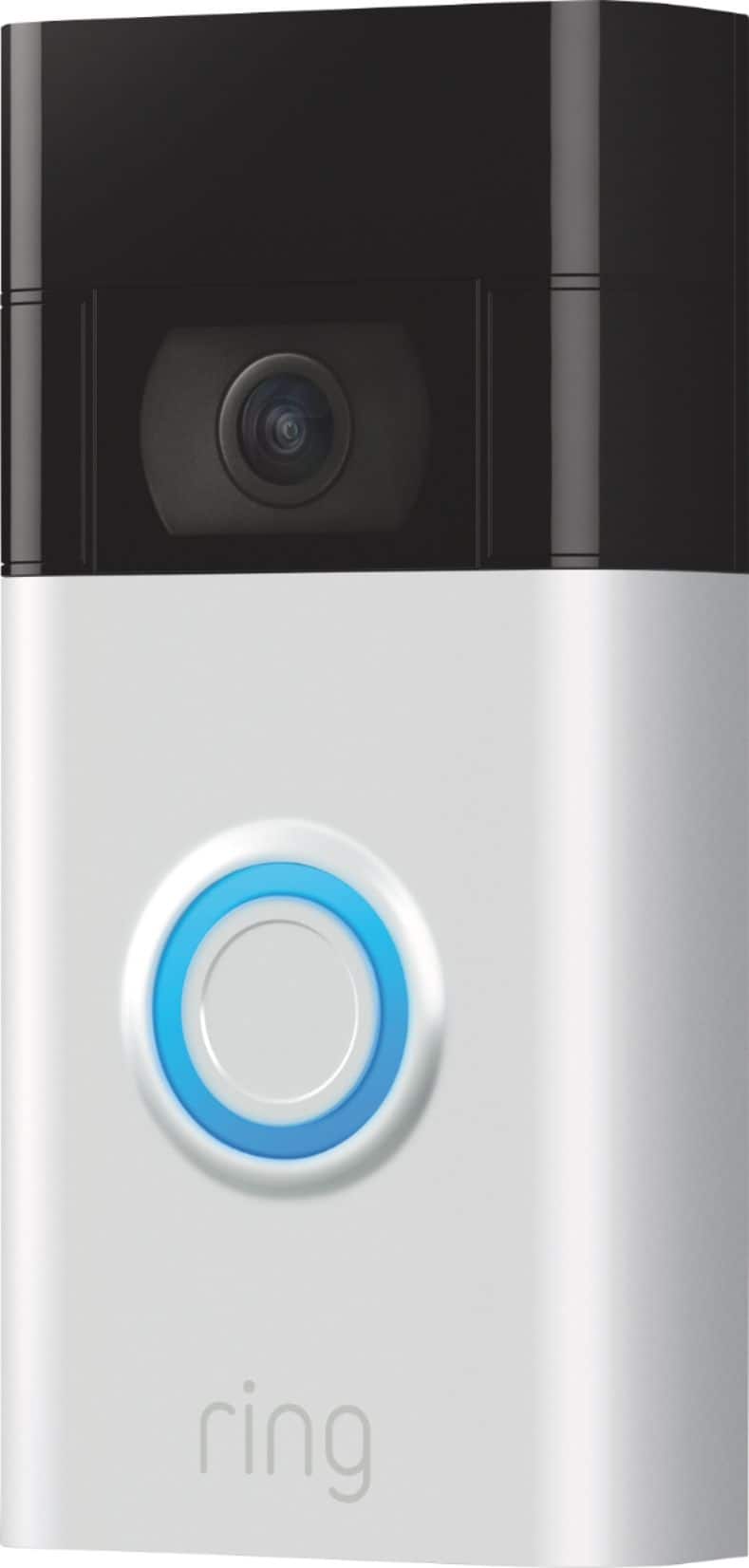
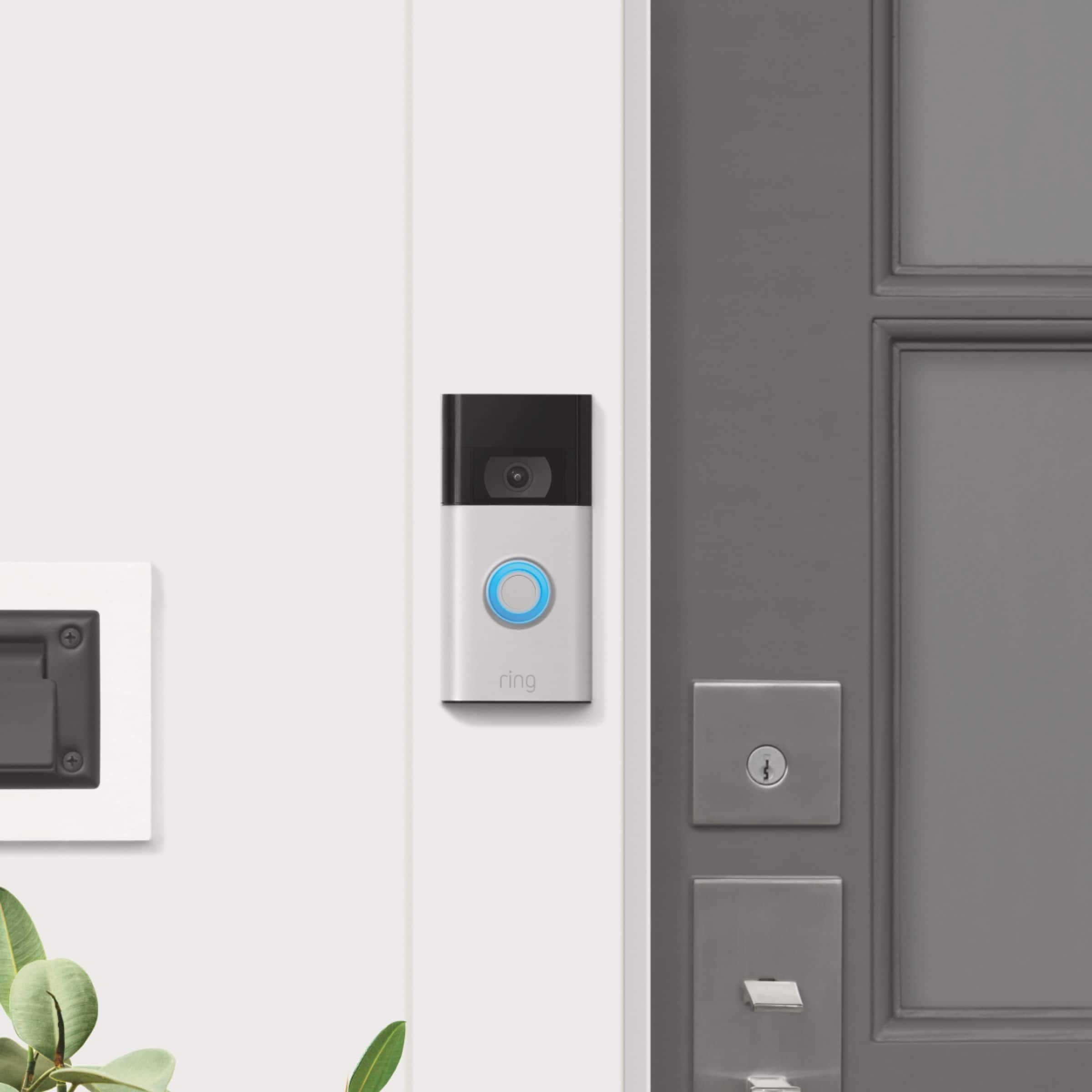
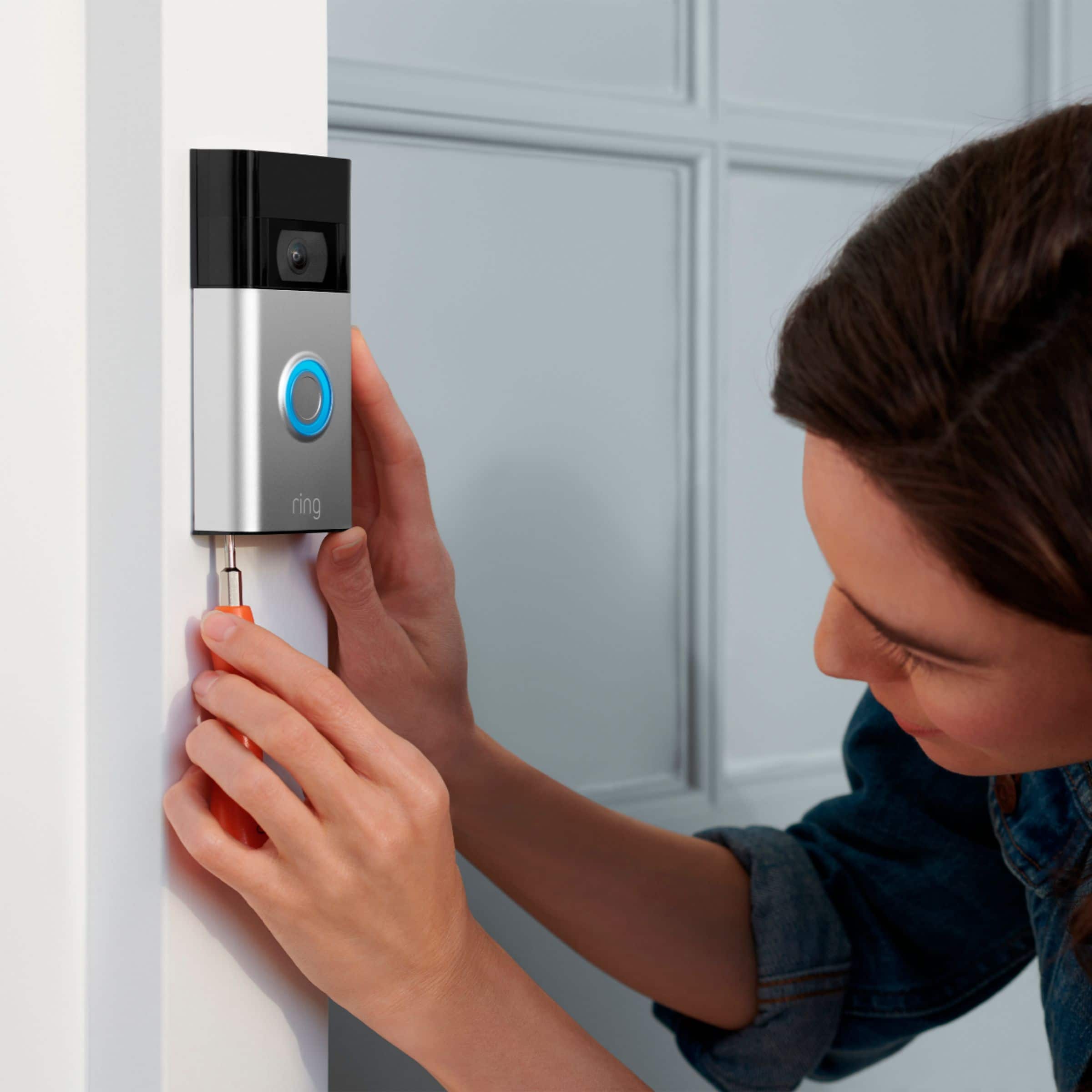


- Model:
- 8VRASZ-SEN0
- SKU:
- 10496835
Rating by feature
- Video Quality
Rating 4.7 out of 5 stars
- Mobile App
Rating 4.7 out of 5 stars
- Sound Quality
Rating 4.7 out of 5 stars
to a friend
Customers are saying
Customers find value in the Video Doorbell's overall performance, noting that it has been working properly. Users also appreciate the camera quality, mentioning that the size of the camera is just right.
This summary was generated by AI based on customer reviews.
Doesn’t work for apartments
||Posted . Owned for 2 weeks when reviewed.This reviewer received promo considerations or sweepstakes entry for writing a review.Doesn’t work for apartments unless you have your own wifi and router. I couldn’t connect it to my apartments wifi because we all use the same wifi. Called customer support and was told there was no solution unless I bought my own router. Bought a Blink instead and have had no issues so far. Giving it 2 stars instead of 1 because it’s aesthetically pleasing. Too bad I can’t use it.
No, I would not recommend this to a friendBrand response from Ring
Posted .Hi Cecilia. Thank you for taking the time to share your experience with us. We understand the importance of a seamless setup process so that you can begin using your Ring Video Doorbell (2nd Gen.) right away. The features and technology provided by the Ring Video Doorbell (2nd Gen.) are incredibly valuable and help provide you with peace of mind about your home security. We can definitely provide you with more information regarding the concern mentioned in your review.
It sounds like the device is not operating as expected. With Ring Video Doorbell (2nd Generation), stay connected to your home from anywhere by seeing who’s at your door and answering it right from the Ring app. Enjoy enhanced features like upgraded video quality from 720p HD to 1080p HD, Near Zone motion detection in areas as close as 5 to 15-feet in front of your home and a reimagined mounting setup that simplifies installation.
Ring Video Doorbell (2nd Generation) is compatible with b/g/n wifi networks operating on 2.4 GHz frequencies. High speed internet is recommended. If your Ring device is having trouble connecting, the Ring app will show an error with a code that will help you with your issue.
Here are a few top reasons for poor connectivity:
Your Ring device may be too far from your wifi router
Your mobile device has a low signal or poor connection
Your home wifi connection is poor (or your internet service provider is experiencing high traffic.)
If your Ring device is far from your wifi router, it may be experiencing connection issues
To learn more about your device's signal strength, follow these steps:
Open the Ring app.
Tap the menu (☰).
Tap Devices.
Select the Ring device you would like to test.
Tap on the Device Health tile.
Scroll to Signal Strength under the Network section.
The green, amber, red colors are indicators of your device connection. Green is good, red is poor.
Move your wifi router off the floor.
Walls, floors, and furniture can interfere or weaken your router's wireless signal. Choose an elevated, central, open location for your wifi router.
Check your mobile device's signal.
If your mobile device has one or two bars, this could be causing issues to access your Ring device. For best results, make sure you're connected to wifi, from wherever you are.
We have listed the steps below for how to check your wifi speed:
Most internet service providers range from 100-400mbps (megabytes per second) for download speed and 10-100mbps for uploading. We recommend testing your internet connection 15 feet from your wifi router, using websites like this one.
If your wifi speed is falling below the ranges noted above, we recommend contacting your internet service provider.
If any additional information is needed regarding your Ring Video Doorbell (2nd Gen), please reach out to our Community. Ring Community is our first peer-to-peer community forum, giving our customers the ability to help one another and share their feedback and experiences directly with Ring.
Sincerely,
Home Security
||Posted . Owned for 1 week when reviewed.This reviewer received promo considerations or sweepstakes entry for writing a review.Buy this if you need an extra set of eyes for your household
I would recommend this to a friendEasy peasy
||Posted . Owned for 1 month when reviewed.This reviewer received promo considerations or sweepstakes entry for writing a review.Works like a charm. Easy to install and understand the app.
I would recommend this to a friendYou have to detach the doorbell in order to charge
||Posted . Owned for less than 1 week when reviewed.This reviewer received promo considerations or sweepstakes entry for writing a review.May be returning. Had no idea in order to charge the battery, you have to dismount the entire doorbell from the wall. My other has a battery you can easily take out. This design is saying "hey, maybe they'll drop the doorbell taking it off, damage it, and buy another".
No, I would not recommend this to a friendBrand response from Ring
Posted .Hi PRE29.
Thank you for taking the time to share your experience with us. At Ring, we want to ensure that you have the best possible experience with our products. Your peace of mind and security are extremely important to us. Having longevity in a battery-powered security device, such as the Ring Battery Doorbell, is crucial when it comes to monitoring your home, especially if you are away for long periods of time. Please know that we take your peace of mind seriously, and we are here to assist in finding you a resolution.
We are here today to offer some information to help resolve the battery concern that you mentioned in your review. The Ring Battery Doorbell is designed with a built-in battery. There are some troubleshooting steps that you can take to ensure that you have your device set up for optimal battery-life performance. The more events captured by your Ring devices, the more your battery is used. Using "Live View" can also drain your battery faster. If your device is capturing an excessive number of events each day, you may need to recharge your battery sooner.
To prevent excessive activity, under "Motion Settings" for your device in the Ring app, you can:
Adjust your "Motion Sensitivity" slider to a lower sensitivity.
Redraw your "Customizable Motion Zones."
Change "Motion Frequency" to regularly or periodically.
You could also adjust the direction of your Ring device so it doesn't detect as much motion.
You can go to "Power Settings" in the Ring app to see what features may be draining your battery.
To access "Power Settings," open the Ring app:
Tap the menu (≡) on the top left of the dashboard.
Tap "Devices."
Tap the individual device (video doorbell or security camera) you want to check.
Tap "Power Settings" to check your "Battery Level" percentage and "Feature Power Usage."
Tap a feature to adjust "Snapshot Capture," "Motion Frequency," and "Video Recording Length.".
We recommend using the Ring Solar Charger for the Ring Battery Doorbell or the Ring Plug-In Adapter to assist with extending the life of the battery in your doorbell. The Ring Solar Charger is a solar power source that can be mounted behind your Ring doorbell. The Ring Plug-in Adapter (2nd Generation) is designed to convert battery-powered video doorbells so they can run using line current.
If any additional information is needed regarding your Ring Battery Doorbell, please reach out to our community. Ring Community is our first peer-to-peer community forum, giving our customers the ability to help one another and share their feedback and experiences directly with Ring.
Thank you,
Melissa from Ring.
Ring
||Posted . Owned for 3 weeks when reviewed.This reviewer received promo considerations or sweepstakes entry for writing a review.Works great and got it for an amazing price on Black Friday
I would recommend this to a friendAmazing Door Bell
||Posted . Owned for less than 1 week when reviewed.This reviewer received promo considerations or sweepstakes entry for writing a review.Easy to use and install. Wide coverage area. Great price!!
I would recommend this to a friendGreat camera view
||Posted . Owned for 1 week when reviewed.This reviewer received promo considerations or sweepstakes entry for writing a review.I love this product, easy to install and use. Very helpful
I would recommend this to a friendGreat purchase
||Posted . Owned for 2 weeks when reviewed.This reviewer received promo considerations or sweepstakes entry for writing a review.Great purchase, got them on Christmas sale so even better
I would recommend this to a friendDoorbell
||Posted . Owned for 1 month when reviewed.This reviewer received promo considerations or sweepstakes entry for writing a review.Great doorbell cam nice night vision great for the price
I would recommend this to a friendGreat product
||Posted . Owned for less than 1 week when reviewed.This reviewer received promo considerations or sweepstakes entry for writing a review.Very happy with the purchase. Video quality is excellent.
I would recommend this to a friendDependable and Reliable
||Posted . Owned for 3 weeks when reviewed.This reviewer received promo considerations or sweepstakes entry for writing a review.Reliable and Dependable doorbell tfat was easy to install
I would recommend this to a friendDoorbell
||Posted . Owned for 1 month when reviewed.This reviewer received promo considerations or sweepstakes entry for writing a review.Works great .really good pic quality and quick response.
I would recommend this to a friendWorking as expected
||Posted . Owned for 1 month when reviewed.This reviewer received promo considerations or sweepstakes entry for writing a review.I am happy with this product. Highly recommended to buy.
I would recommend this to a friendGreat
||Posted . Owned for 2 weeks when reviewed.This reviewer received promo considerations or sweepstakes entry for writing a review.Easy to install and is value for the money and for safety
I would recommend this to a friendRing Camera
||Posted . Owned for 1 month when reviewed.This reviewer received promo considerations or sweepstakes entry for writing a review.Reliable camera. Good picture quality. Easily operated.
I would recommend this to a friendGreat
||Posted . Owned for 2 weeks when reviewed.This reviewer received promo considerations or sweepstakes entry for writing a review.Very easy to install, happy with this surveillance tool
I would recommend this to a friendStopped charging
||Posted . Owned for 11 months when reviewed.This reviewer received promo considerations or sweepstakes entry for writing a review.Had this for less than a year and it has stopped charging. I’ve had it plugged in and charging for 3 days and it won’t get past 38%.
No, I would not recommend this to a friendBrand response from Ring
Posted .Hi Ssmith.
Thank you for taking the time to share your experience with us. We understand the importance of having a solid charge on your so that you are able to have a longer time between charge cycles. Having longevity in a battery-powered security device, such as the Ring Video Doorbell (2nd Gen.), is crucial when it comes to monitoring your home, especially if you are away for long periods of time. We are here to provide you with some informaiton to resolve the battery issue you mentioned in your review.
It sounds like the device is not performing as expected. With the Ring Video Doorbell (2nd Generation), stay connected to your home from anywhere by seeing who’s at your door and answering it right from the Ring app. Enjoy enhanced features like upgraded video quality from 720p HD to 1080p HD, Near Zone motion detection in areas as close as 5 to 15-feet in front of your home and a reimagined mounting setup that simplifies installation.
To charge the battery for your Ring Video Doorbell (2nd Generation), use a common micro-USB cable, such as the orange one included in your Ring box. Simply plug it into any USB power source. Your doorbell can take around 5-10 hours to fully charge, depending on whether the USB cable is plugged into a USB port or a wall outlet.
If your doorbell is not charging, we recommend following these steps to perform a factory reset of the device:
Press and hold the setup button on the back of the device.
Release the setup button after 20 seconds.
Wait at least 60 seconds after the factory reset is complete for the Ring device to boot up.
It can take up to 120 seconds for the Ring device to boot up.
We invite you to reach out to our community if any additional information is needed regarding your Ring Video Doorbell (2nd Gen.). The Ring Community is our first peer-to-peer community forum, giving our customers the ability to help one another by sharing their feedback and experiences with each other.
Thank you,
Melissa from Ring.
Great Security View
||Posted . Owned for 1 year when reviewed.This reviewer received promo considerations or sweepstakes entry for writing a review.This ring give a clear and wide view of the front area.
I would recommend this to a friendGood product
||Posted . Owned for 2 weeks when reviewed.This reviewer received promo considerations or sweepstakes entry for writing a review.So far no issues. Easy install. Charge ring before use
I would recommend this to a friendSatisfied Customer
||Posted .This reviewer received promo considerations or sweepstakes entry for writing a review.Very pleased with the product. Installation was simple.
I would recommend this to a friend