Customer Ratings & Reviews
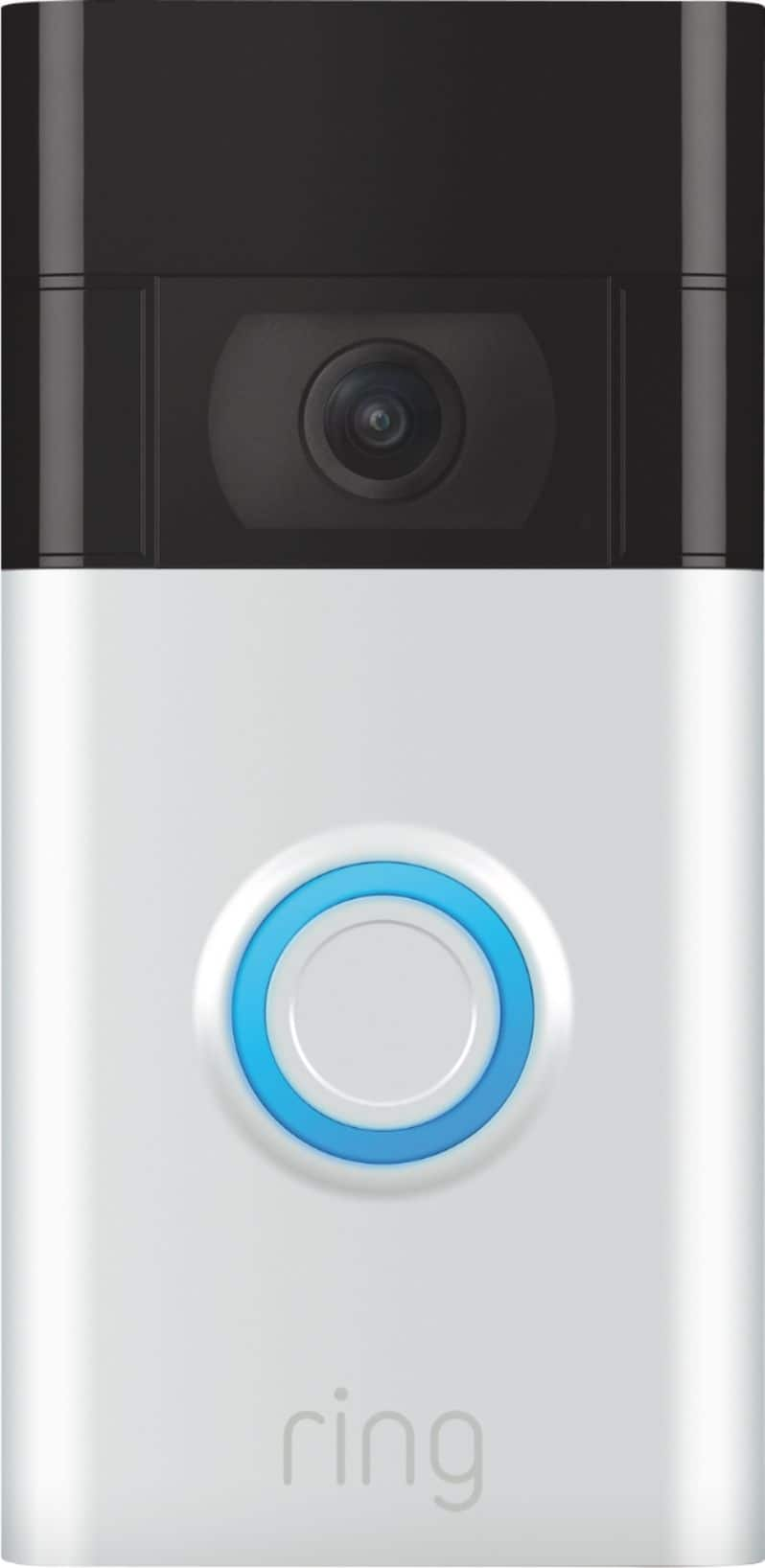
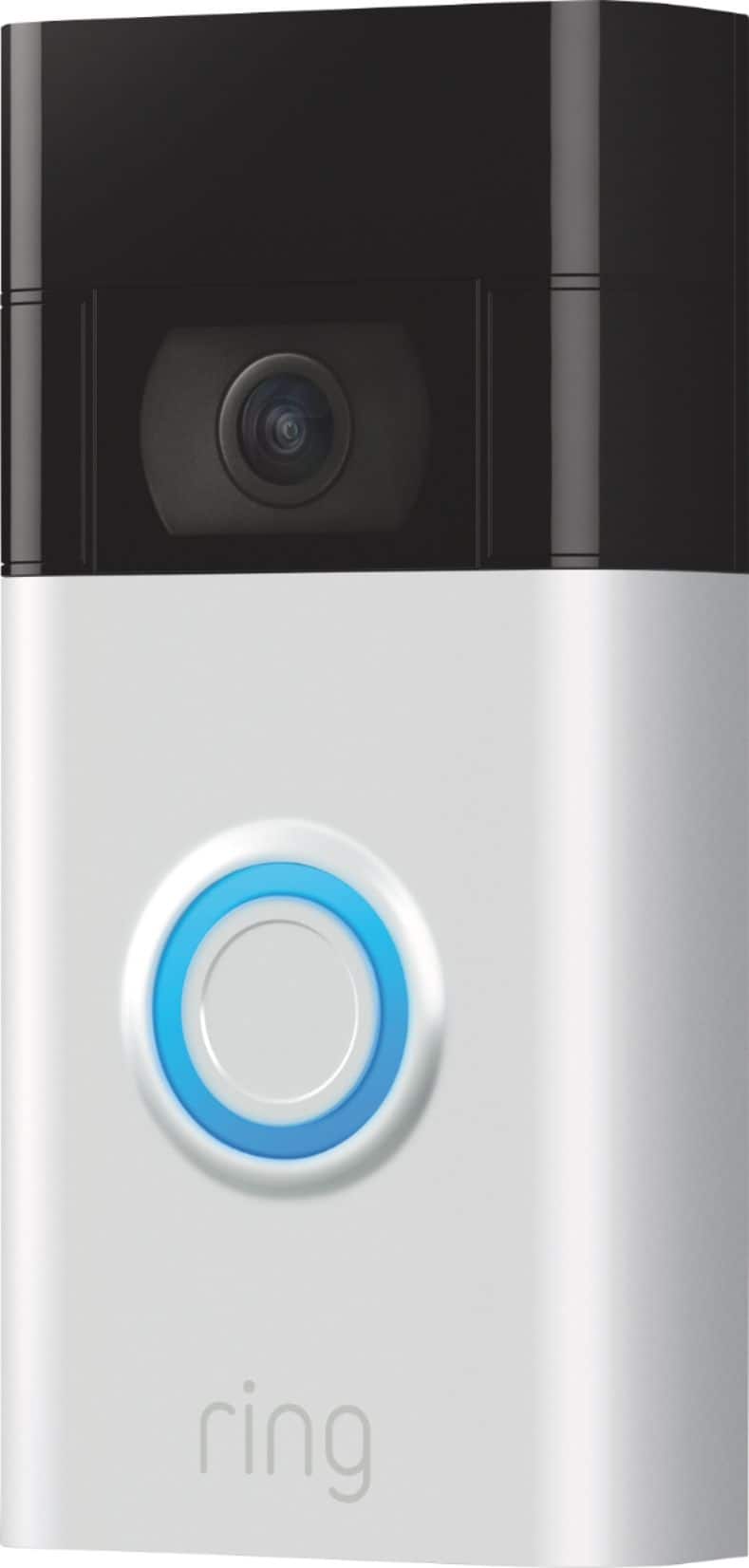
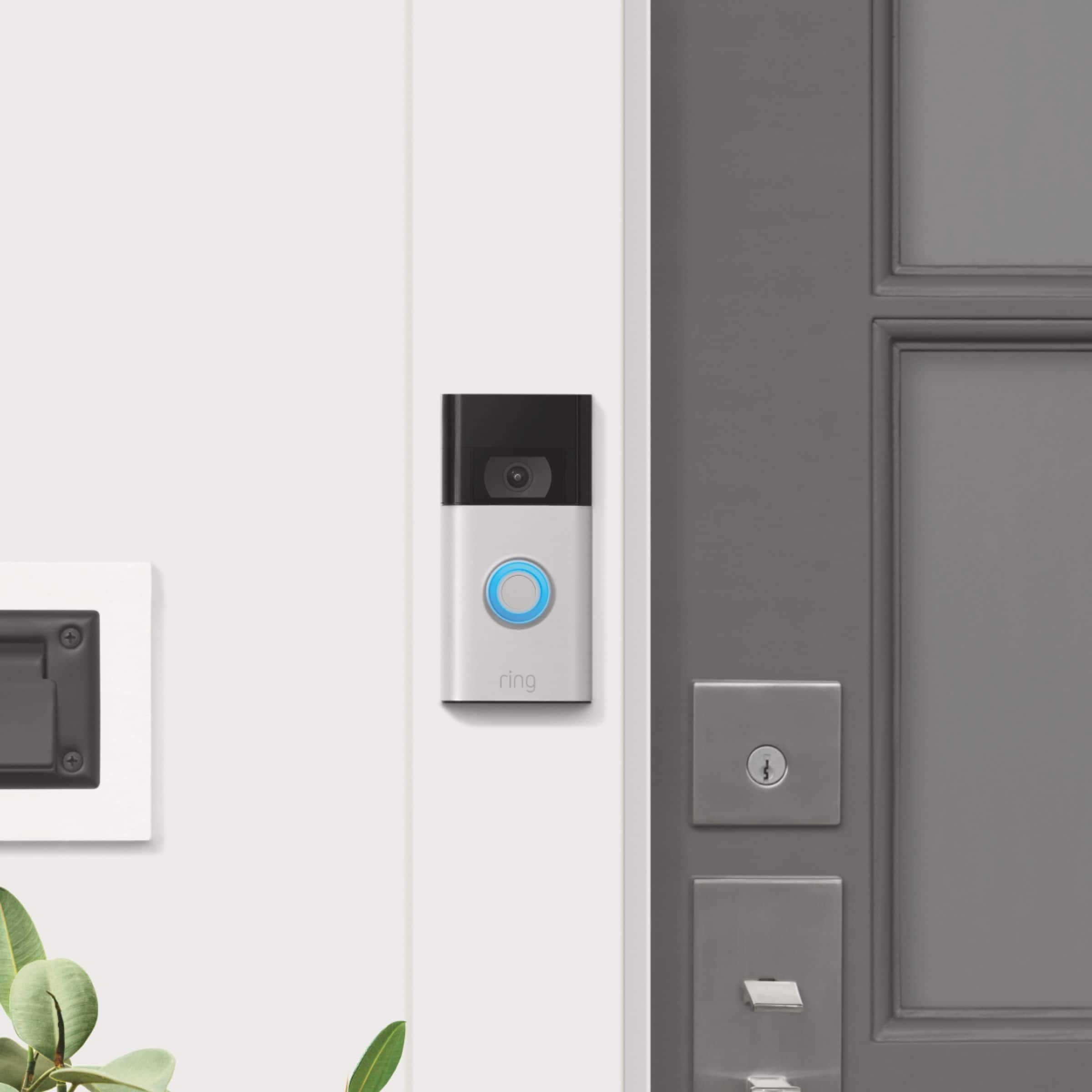
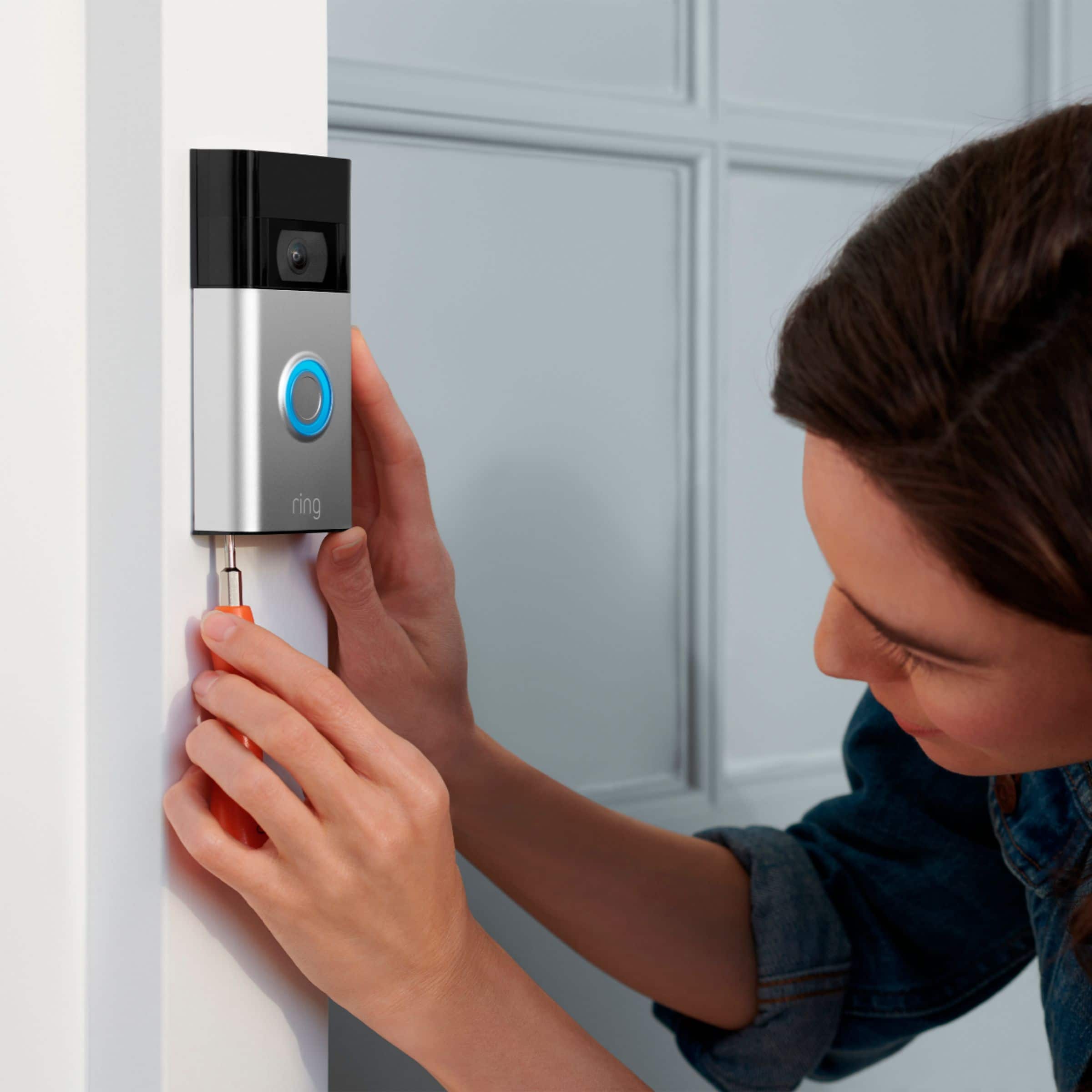


- Model:
- 8VRASZ-SEN0
- SKU:
- 10496835
Rating by feature
- Video Quality
Rating 4.7 out of 5 stars
- Mobile App
Rating 4.7 out of 5 stars
- Sound Quality
Rating 4.7 out of 5 stars
to a friend
Customers are saying
Customers find value in the Video Doorbell's overall performance, noting that it has been working properly. Users also appreciate the camera quality, mentioning that the size of the camera is just right.
This summary was generated by AI based on customer reviews.
Ring doorbell
||Posted . Owned for 4 months when reviewed.This reviewer received promo considerations or sweepstakes entry for writing a review.I like the Ring doorbell, but the video tends to lag on it a lot. It especially does this when I get a notification and try to go to the live video.
I would recommend this to a friendBrand response from Ring
Posted .Hi Happycustomer,
We're happy to hear you are enjoying the security benefits of the Ring Video Doorbell (2020 Release) and we would love to address the concern you are experiencing with delayed connection.
Additionally, we will want to look at the connection between your wifi router and the Ring doorbell. The signal strength to your router is a key point for the connectivity of your Ring device. There are three main factors that can weaken your wifi strength:
1. Physical obstructions
2. Competing wifi networks
3. Other electronics
You can check your signal strength within the Ring app in the Device Health tile. RSSI stands for Received Signal Strength Indicator, which is a measurement of all factors that may your signal at the receiving point. While RSSI is measured on a scale of 0 to -99, there won't ever be just one cause that is the culprit for a low RSSI rating. To get the most from your Ring device, aim for a signal between -40 (near perfect) and -70.
We’d love to connect with you, so we can help troubleshoot this issue and work towards a solution. Meanwhile, please use our Rapid Ring app. This app was designed to facilitate a speedy response when answering notifications or initiating a live view. You'll need to use your original Ring app for all the settings functions built into your Ring device such as seeing past videos or adjusting motion settings. To download the Rapid Ring app, please go to the App Store (for iOS devices) or the Play Store (for Android devices) and search for “Rapid Ring”. Download and install the Rapid Ring app on your mobile device.
Kindest Regards,
Caitlin with Ring
works good but has wifi issues
||Posted . Owned for 1 month when reviewed.This reviewer received promo considerations or sweepstakes entry for writing a review.Works okay. Must have great wifi to get full effect. Sometimes have a hard time connecting when it sensors movement but usually connects when people are at door.
I would recommend this to a friendBrand response from Ring
Posted .Hello jergent,
Thank you for bringing this to our attention. Here at Ring, we hear your concerns and are here to help. Our top priority at Ring is to ensure that our customers have the best possible experience with our products. It is important to us that you have all the necessary information needed to ensure that Ring App is performing optimally for you, and that you are able to answer your motion alerts.
Based on your review, it seems that you are having trouble with answering your doorbell from your Ring App. Rapid Ring is a "light" version of the classic Ring app with most of the features stripped out except for the ability to activate a Live View and respond to an event as quickly as possible. By using the Rapid Ring app in conjunction with the original Ring app, you'll be able to answer your notifications as quickly as possible. Please see our help center article for more information on the Rapid Ring App: https://support.ring.com/hc/en-us/articles/360028023571-Rapid-Ring-App-Information.
Ring Community launched in March 2019 to help deliver the most current news and educational information to our neighbors. It is our first peer-to-peer community forum, giving our customers the ability to help one another and share their feedback/experiences with Ring. Please reach out at https://community.ring.com/ if any additional information is needed regarding your Ring App concern.
Thank you, Jamila with Ring
Good but buy the Ring Pro for near perfect camera
||Posted . Owned for 3 months when reviewed.This reviewer received promo considerations or sweepstakes entry for writing a review.It’s good but glitchy. Doesn’t always catch things. The camera on the front door we have is the ring Pro. Buy that one much better.
I would recommend this to a friendBrand response from Ring
Posted .Hello AsstMgr2TheRegionalMgr,
Thank you for taking the time to share your Ring experience with us. We appreciate that you have placed value in owning a Ring device to secure your home. Ring understands the importance of having the motion detection and battery work as intended. It is a valuable feature that is designed to notify you as to who may be near your home. Please know that it is a priority for us to be of assistance and find a resolution to your concern.
After reading your review, it seems that your Ring Video Doorbell is not picking up the correct motion. The Ring Video Doorbell (2020 release) is the next generation of the original Ring Video Doorbell. In addition to new video features such as Near Zone functionality, the 2020 release Video Doorbell boasts 1080p video, improved night vision, improved audio quality and near motion zone detection. If you are having trouble with your device picking up the correct motion. We recommend adjusting your motion settings and zones. Motion Zones allow you to define a specific area that you want your Ring device to cover while ignoring everything outside that area. By selecting Motion Zones to cover only areas you want the Ring device to monitor, you can effectively monitor the area you want as well as reduce the number of “false positive” motion alert. For more information on adjusting your motion settings to better fit your needs, please see our help center article titled: https://support.ring.com/hc/en-us/articles/360041248971-Using-Motion-Zones-with-your-Ring-Video-Doorbell-2020-release-.
If you still have concerns regarding this, we would love to hear from you directly on our Ring Community forum. This is a platform intended for Ring users, just like yourself, to create open discussions regarding their Ring experiences, provide suggestions or feedback, and more: https://community.ring.com/.
Thank you, Jamila with Ring.
Front doorbell
||Posted . Owned for 3 weeks when reviewed.This reviewer received promo considerations or sweepstakes entry for writing a review.Doesn't alert like we thought it should and the charger doesn't sync up with it and help charge the batter.
No, I would not recommend this to a friendBrand response from Ring
Posted .Hi BestBuy Shopper. If you aren't satisfied with your alerts, you may need to adjust some of you Motion Settings https://bit.ly/3GToci5. If you find the charger isn't charging the battery, try plugging it into a different outlet. If you have any further questions or concerns, try browsing the Ring Community at https://community.ring.com/. As our first peer-to-peer forum, the Ring Community allows you to ask questions and interact with other neighbors to discuss your Ring devices. Best wishes, David with Ring.
Ring doorbell
||Posted . Owned for 1 month when reviewed.This reviewer received promo considerations or sweepstakes entry for writing a review.Its seems there is a very fine line between catching everything and only half the things.
No, I would not recommend this to a friendBrand response from Ring
Posted .Hello Eric,
Thanks for taking the time to share your Ring Video Doorbell experience with us. We appreciate that you have chosen Ring to secure your home and provide you with peace of mind in your home security. Rest assured, we are here to provide you with tips and tricks to improve the motion notifications so you receive any and all valid motion notifications.
The Motion Frequency control allows you to reduce alerts from repetitive patterns of motion or increase alerts so you get notified about the motion events that matter to you. Here is a helpful support article with more information regarding this setting: https://ring.com/support/articles/9m71f/Optimizing-Motion-Alerts-with-Motion-Frequency.
We invite you to reach out to our customer support team if additional assistance is needed: https://ring.com/support/contact-us. Also, Ring Community was launched in March 2019 to help deliver the most current news and educational information to our customers. You can find tips and tricks from other Ring users at https://community.ring.com/. This peer-to-peer forum allows our neighbors to share their feedback and experiences to assist each other in resolving their concerns.
Thank you,
Alexis with Ring
Doorbell Plus
||Posted . Owned for 3 weeks when reviewed.This reviewer received promo considerations or sweepstakes entry for writing a review.At first it was working fine. It’s had two glitches, where it didn’t record motion. After a while it was not recording at all. Looked online to figure out why. Seems the router has to be closer to the doorbell. I hope this solves the problem. It’s almost like the router has to be at the door.
No, I would not recommend this to a friendBrand response from Ring
Posted .Hi Jose.
Thank you for taking the time to share your experience with us. At Ring, we understand it is essential to have your Ring Video Doorbell (2nd Gen.) working properly so you can keep your home secure. The Ring Video Doorbell (2nd Gen.) was designed to capture motions based on your specifications to help keep your home secure. We can definitely assist you with this today, and we are confident we can find the correct settings for your home’s environment.
It sounds like your device was not working as expected. This camera uses adjustable motion detection and runs on passive infrared sensors. The system identifies visitors via a moving heat signature and sends a notification to your smart device when one is detected. You can adjust three preset motion zones and their distances under the Motion Settings tab on the device's page in the Ring app. Additionally, you can choose how often the camera checks for movement in those predefined zones via the Motion Frequency setting. If you find that your camera is missing some motions, please set the motion frequency to 'Frequently'. It is important to ensure that you have the proper motion settings in place for your environment. This includes increasing the "Motion Sensitivity" and setting "Motion Frequency" to "Frequently" in the Ring app.
Accuracy in motion detection can also be improved by enabling smart alerts for people only in your Ring app. To enable smart alerts, please follow these steps:
Tap the menu (≡) on the top left.
Tap Devices.
Tap the device that you want to adjust.
Tap Motion Settings.
Tap Smart Alerts.
Tap Enable Feature.
Tap Continue.
Select the notification options that you want for Person and Other Motion.
You'll see a video camera where you can select or de-select recording and a bell icon to represent alert notifications.
After you've adjusted your settings, tap Done.
If any additional information is needed regarding your Ring Video Doorbell (2nd Gen.), please reach out to our community. Ring Community is our first peer-to-peer community forum, giving our customers the ability to help one another and share their feedback and experiences directly with Ring.
Thank you,
Melissa from Ring.
Not bad for price
||Posted . Owned for 6 months when reviewed.This reviewer received promo considerations or sweepstakes entry for writing a review.Basic features, hooked mine up with a soar panel for continuous charging, sometimes doesn't capture all movement.
I would recommend this to a friendBrand response from Ring
Posted .Hello Crystal,
Thank you for taking the time to share your Ring experience with us. We appreciate that you have placed value in owning a Ring device to secure your home. Ring understands the importance of having the motion detection and battery work as intended. It is a valuable feature that is designed to notify you as to who may be near your home. Please know that it is a priority for us to be of assistance and find a resolution to your concern.
After reading your review, it seems that your Ring Video Doorbell is not picking up the correct motion. The Ring Video Doorbell (2020 release) is the next generation of the original Ring Video Doorbell. In addition to new video features such as Near Zone functionality, the 2020 release Video Doorbell boasts 1080p video, improved night vision, improved audio quality and near motion zone detection. If you are having trouble with your device picking up the correct motion. We recommend adjusting your motion settings and zones. Motion Zones allow you to define a specific area that you want your Ring device to cover while ignoring everything outside that area. By selecting Motion Zones to cover only areas you want the Ring device to monitor, you can effectively monitor the area you want as well as reduce the number of “false positive” motion alert. For more information on adjusting your motion settings to better fit your needs, please see our help center article titled: https://support.ring.com/hc/en-us/articles/360041248971-Using-Motion-Zones-with-your-Ring-Video-Doorbell-2020-release-.
If you still have concerns regarding this, we would love to hear from you directly on our Ring Community forum. This is a platform intended for Ring users, just like yourself, to create open discussions regarding their Ring experiences, provide suggestions or feedback, and more: https://community.ring.com/.
Thank you,
Jamila with Ring
I have four doorbells and they work great.
||Posted . Owned for 3 weeks when reviewed.This reviewer received promo considerations or sweepstakes entry for writing a review.I love ring products. I have ring products all over my home and you cant beat it for the quality and cost for their products and security systems. They not only work, but when something goes wrong they have great customer service support.
I would recommend this to a friendIts ok
||Posted . Owned for 1 week when reviewed.This reviewer received promo considerations or sweepstakes entry for writing a review.The set up is not easy nor are the instructions easy to read or follow. I like the ring gen. 2 better plus the earliest to setup without help.
No, I would not recommend this to a friendBrand response from Ring
Posted .Hello Houseworker,
Our top priority at Ring is to ensure that our customers have the best possible experience with our products and services. We truly value your feedback, because it helps us improve not only the product from a consumer standpoint but also our standards of service.
Here at Ring, we have a very wide selection of products. So we feel it is imperative that our customers receive all pertinent information regarding how these function and must be installed, in order to make the best purchasing decision. We do provide install information to our customers on Amazon's site under the device specifications, on the Ring website, and instructions included with the device. Also ,the Ring App does display a step-by-step video guide on how all our devices including the Video Doorbell(2020), during the setup process.
For any additional installation questions or set up concerns, please feel free to reach out on our community forum at https://community.ring.com/. You can also visit our help site, https://support.ring.com/hc/en-us, for tips & tricks, videos and help articles for all our Ring products.
Thank you,
Antonio from Ring
Ring
||Posted . Owned for 3 weeks when reviewed.This reviewer received promo considerations or sweepstakes entry for writing a review.I don't know yet because I haven't hooked it up yet!!
No, I would not recommend this to a friendBrand response from Ring
Posted .Hi mprest.
Thank you for taking the time to leave a review for the Ring Video Doorbell (2nd Gen.). We understand the importance of a seamless setup process so that you can begin using your Ring Video Doorbell (2nd Gen.) right away. The features and technology provided by the Ring Video Doorbell are incredibly valuable and help provide you with peace of mind about your home security. We can definitely provide you with some information regarding the concern mentioned in your review.
We are happy that you have chosen a Ring Video Doorbell (2nd Gen.) for your home security needs. With Ring Video Doorbell (2nd Generation), stay connected to your home from anywhere by seeing who’s at your door and answering it right from the Ring app. Enjoy enhanced features like upgraded video quality from 720p HD to 1080p HD, Near Zone Motion Detection in areas as close as 5 to 15 feet in front of your home, and a reimagined mounting setup that simplifies installation.
We have included the steps here to set up your Ring Video Doorbell (2nd Gen.) in the Ring app:
Open the Ring app.
Tap the menu (☰).
Tap Set Up a Device.
Tap Video Doorbells.
Tap the blue I’m Ready to Scan button. Use your mobile device’s camera to scan the QR code on the device’s packaging. When a green square and a pop-up with your device image appear, the code has been recognized.
Enter the location where your Ring Wired Doorbell Plus is being set up. If this is your first time setting up a Ring device, the Ring app will ask you to use your phone’s location services to pinpoint your location.
Give your doorbell a device name. You can proceed with the device’s default name or give it a custom name. Connect your doorbell to Ring.
For iOS: Tap Join when the Ring app asks to join the Ring wifi network.
For Android: If your device does not automatically connect to the Ring wifi network, exit the Ring app. Go to your mobile device’s Settings. Tap wifi. Select either Ring- or Ring Setup. Once connected, close your settings app and return to the Ring app.
Tap Continue in the app when the blue light stops flashing.
Connect to your preferred wifi network.
Once your device automatically finalizes the setup process, it will be ready to use.
If any additional information is needed regarding your Ring Video Doorbell (2nd Gen.), please reach out to our community. Ring Community is our first peer-to-peer community forum, giving our customers the ability to help one another and share their feedback and experiences directly with Ring.
Thank you,
Melissa from Ring.
Ring Door Bell
||Posted . Owned for 2 weeks when reviewed.This reviewer received promo considerations or sweepstakes entry for writing a review.Great gift idea for parents. Easy to set up and easy to use.
I would recommend this to a friendOk
||Posted . Owned for 1 month when reviewed.This reviewer received promo considerations or sweepstakes entry for writing a review.I order silver and i recive brown, working perfect
I would recommend this to a friendBrand response from Ring
Posted .Hi Galaxys21.
Thank you for taking the time to review the Ring Video Doorbell (2nd Gen.). We understand the importance of receiving the correct product in your order. We are happy to hear that you are enjoying the features and functionality of the device.
In this particular case, we'd suggest you reach out to Best Buy's customer service: 1-888-237-8289 or https://www.bestbuy.com/services/triage/home. We are confident that they will be able to provide you resolution to this installation concern.
Also, Ring Community is our first peer-to-peer community forum, giving our customers the ability to help one another and share their feedback/experiences with Ring. We invite you to reach out to our community if any additional information is needed on your Ring Video Doorbell (2nd Gen.).
Thank you,
Melissa from Ring.
Ring
||Posted . Owned for 3 weeks when reviewed.This reviewer received promo considerations or sweepstakes entry for writing a review.Works great and I feel safe. Monitoring my family made easy.
I would recommend this to a friendGood but broke
||Posted . Owned for 1.5 years when reviewed.This reviewer received promo considerations or sweepstakes entry for writing a review.Stopped working completely but Ring offered to replace
I would recommend this to a friendBrand response from Ring
Posted .Hi KevinM.
Thank you for taking the time to share your experience with us. We understand how important it is for your Ring Video Doorbell (2nd Gen.) to function consistently and reliably, so you are alerted to any wanted or unwanted activity in or around your home. The features and technology provided by the Ring Video Doorbell (2nd Gen.) are incredibly valuable and help provide you with peace of mind about your home security. We are eager to address the issue you raised in your review and provide you with a resolution today.
It sounds like your device is not performing as expected. With Ring Video Doorbell (2nd Generation), stay connected to your home from anywhere by seeing who’s at your door and answering it right from the Ring app. Enjoy enhanced features like upgraded video quality from 720p HD to 1080p HD, Near Zone motion detection in areas as close as 5 to 15-feet in front of your home and a reimagined mounting setup that simplifies installation.
We would love the opportunity to share with you some troubleshooting steps that you can try to get your Ring Video Doorbell (2nd Gen.) functioning as intended. If your device is unresponsive, try pressing and holding the reset button for 20 seconds. Follow the steps in the Ring app to reconnect the doorbell to your network. To reconnect a Ring video doorbell to your wifi network: Open the Ring app. Tap the menu (≡). Tap Devices and select the doorbell or camera you'd like to reconnect to wifi. Tap the Device Health tile. Under Network, tap Change Network and follow the prompts in the app. Allow some time for your device to fully reconnect to the network, then check your wifi signal strength in Device Health to confirm it has successfully reconnected.
If you still have the Ring device in your possession, we invite you to reach out to our Community. Ring Community is our first peer-to-peer community forum, giving our customers the ability to help one another and share their personal feedback and experiences with Ring. We look forward to hearing from you if we can be of any further assistance!
Thank you,
Melissa from Ring.
Excellent
||Posted . Owned for more than 2 years when reviewed.This reviewer received promo considerations or sweepstakes entry for writing a review.It is good to get watch what is going on at my house
I would recommend this to a friendBrand response from Ring
Posted .Hi Trev.
Thank you for taking a moment to leave your Ring Video Doorbell (2nd Gen.) rating. Here at Ring, we believe that stronger communities are the key to safer neighborhoods. That is why we are driven to create products that help you protect what matters most at home and empower you to connect with your neighbors from wherever you are. Together, we’ll make neighborhoods safer!
We are pleased to read that you are enjoying the benefits of having a Ring security device installed! The features and technology provided by the Ring Video Doorbell (2nd Gen.) are incredibly valuable and help provide you with peace of mind about your home security. With Ring Video Doorbell (2nd Generation), stay connected to your home from anywhere by seeing who’s at your door and answering it right from the Ring app. Enjoy enhanced features like upgraded video quality from 720p HD to 1080p HD, Near Zone motion detection in areas as close as 5 to 15-feet in front of your home and a reimagined mounting setup that simplifies installation.
Ring Community is our first peer-to-peer community forum, giving our customers the ability to help one another and share their feedback/experiences with Ring. We invite you to reach out to our Community if you have any additional questions or feedback regarding your Ring Video Doorbell (2nd Gen.).
Thank you,
Melissa from Ring.
Ring 2
||Posted . Owned for 3 weeks when reviewed.This reviewer received promo considerations or sweepstakes entry for writing a review.I’ve device but doesn’t show in color all the time. Sometimes the color is in black and white, maybe I got a bad one. Other then that the product is nice.
I would recommend this to a friendBrand response from Ring
Posted .Hello JustaguyfromMaryland,
We are thankful for your feedback. We are constantly pushing ourselves to develop products to empower users with an affordable, effective way to monitor and secure their home. In pursuit of our mission to make neighborhoods safer, when applying technologies to our business, we always consider our three pillars of customer security, privacy, and user control. We understand how important it is to have your devices working as intended as it offers a level of security in your home.
Based on your review, it seems that you are not fully satisfied with your Ring Video Doorbell. If your device is not working as intended we recommend resetting your device. To reset your Ring Video Doorbell press and hold the setup button for 10-15 seconds and release. Once the white light on the front of the device stops spinning proceed with the setup process. Please see our help center article for further help: https://support.ring.com/hc/en-us/articles/360041353291-Setting-Up-Your-Ring-Video-Doorbell-2020-release-in-the-Ring-App.
If you still have the Ring device in your possession, we invite you to reach out to us at https://community.ring.com/. We look forward to hearing from you, if you have any further feedback regarding your overall experience.
Thank you,
Jamila with Ring
Ring
||Posted . Owned for less than 1 week when reviewed.This reviewer received promo considerations or sweepstakes entry for writing a review.I bought this for my parents, it's easy to install and use
I would recommend this to a friendPurchase if you want to be annoying constantly
||Posted . Owned for 1 month when reviewed.This reviewer received promo considerations or sweepstakes entry for writing a review.I bought this for my mom for Christmas. It keeps disconnecting from the internet. I have to keep going to her house to fix it. It’s crashed once a week that I know of. She even has my nephew fixing the connection. It’s more trouble than it’s worth.
No, I would not recommend this to a friendBrand response from Ring
Posted .Hello Synth,
Thank you for taking the time to share your experience with us. What you describe is not what we want you to encounter, and can assure you that we are here to help. Your mom should be able to enjoy the peace of mind that the Ring Video Doorbell is designed to add to her home security. We completely understand the relevance of having your device online and connect to her Wi-Fi network, as this ensures she can access the camera to check on activity around her home anytime day or night.
Usually, devices falling offline repeatedly is related to poor Wi-Fi connectivity caused by signal fluctuations, channel congestion, or data loss. In rare cases, this can be caused by settings in your router. Please follow these step-by-step directions to check your device's Wi-Fi signal level: https://ring.com/support/articles/2ki93/Checking-Your-Ring-Device-Wifi-Signal-Strength.
Further, here is a helpful article with permanent resolutions to fix the issue you describe: https://ring.com/support/articles/8i61o/Fixing-Devices-Falling-Offline-Repeatedly-by-Adjusting-Your-Router.
Ring Community was launched to help deliver the most current news and educational information to our neighbors. This online forum is divided into four categories: Product Boards, Ring Updates, Tips + Tricks, and a Moderators’ Corner. The Product Boards are where you can begin new topics with your questions or feedback; there is also a search option that helps you find topics that have already been posted by other neighbors. We invite you to visit our site at https://community.ring.com/ today.
Thank you,
Alexis with Ring
Just Okay
||Posted . Owned for 3 weeks when reviewed.This reviewer received promo considerations or sweepstakes entry for writing a review.I didn't realize that this particular doorbell was bigger than the one I already had. No big deal, but what I was a bit disappointed in was that it is not capable of giving a greeting when the doorbell is rung like my previous one. I would recommend this product otherwise.
I would recommend this to a friendBrand response from Ring
Posted .Hi Maggie, thanks for taking the time to share your feedback. Feel free to add suggestions for new features to the Feature Request board on the Ring Community https://community.ring.com/c/products/24. Other neighbors can also vote and add interest to your request. Best, Ashley from Ring.
Very good protection for family
||Posted . Owned for 3 weeks when reviewed.This reviewer received promo considerations or sweepstakes entry for writing a review.I was a bit skeptical at first but once i started using it. I am now very happy with this purchase. It gives my wife ability to see who is at door if she doing laundry or nowhere near the door. Also the night time is very clear.
I would recommend this to a friend