Customer Ratings & Reviews
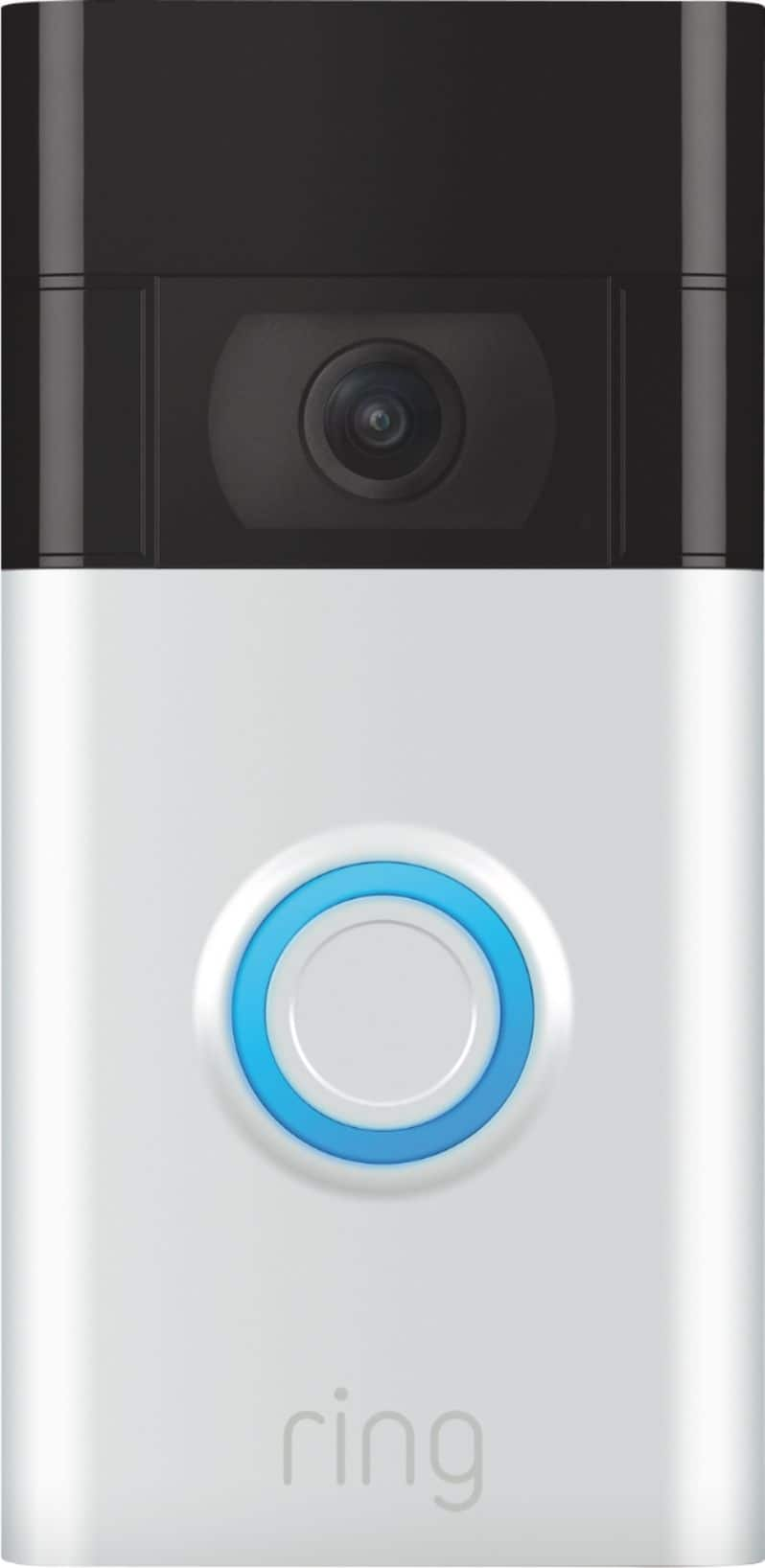
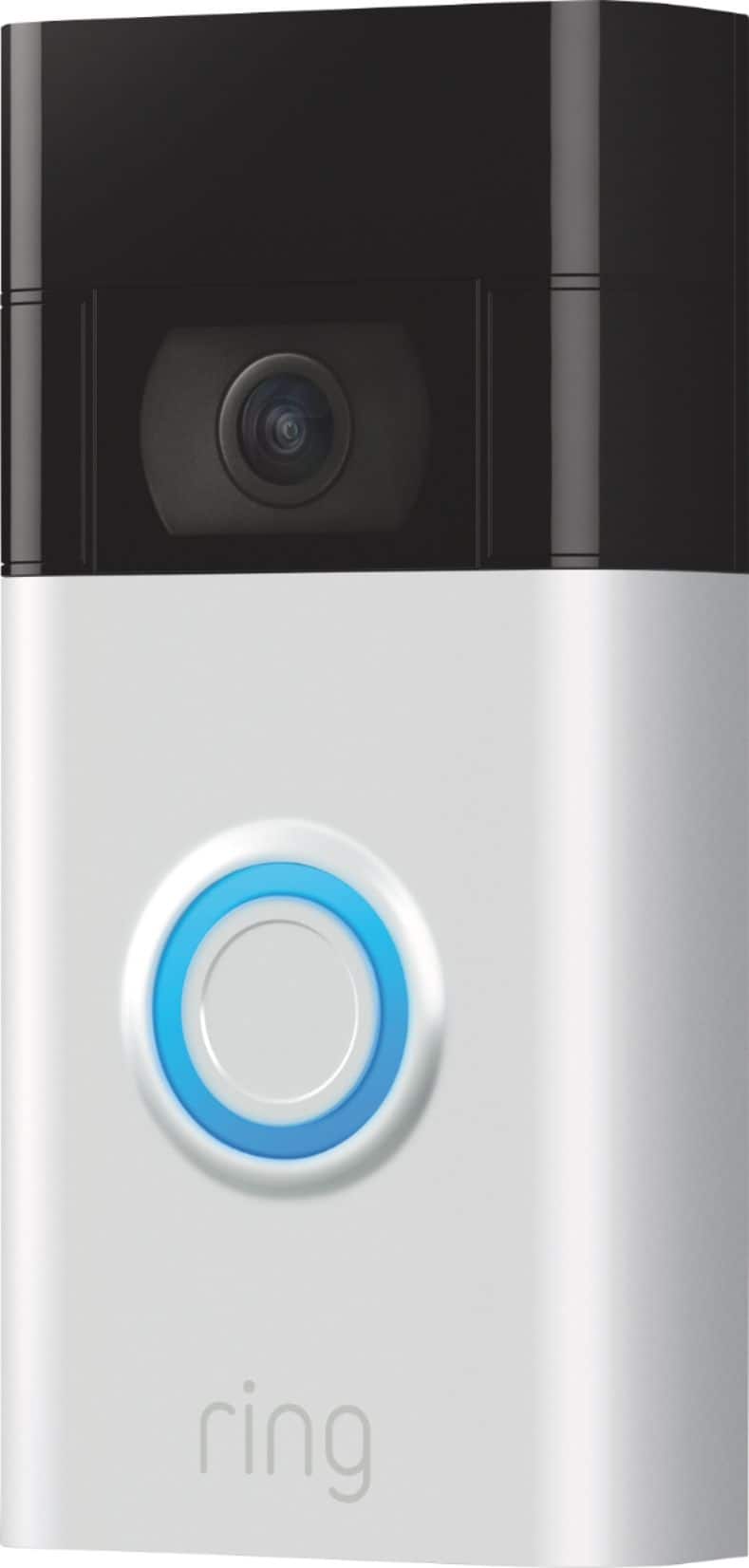
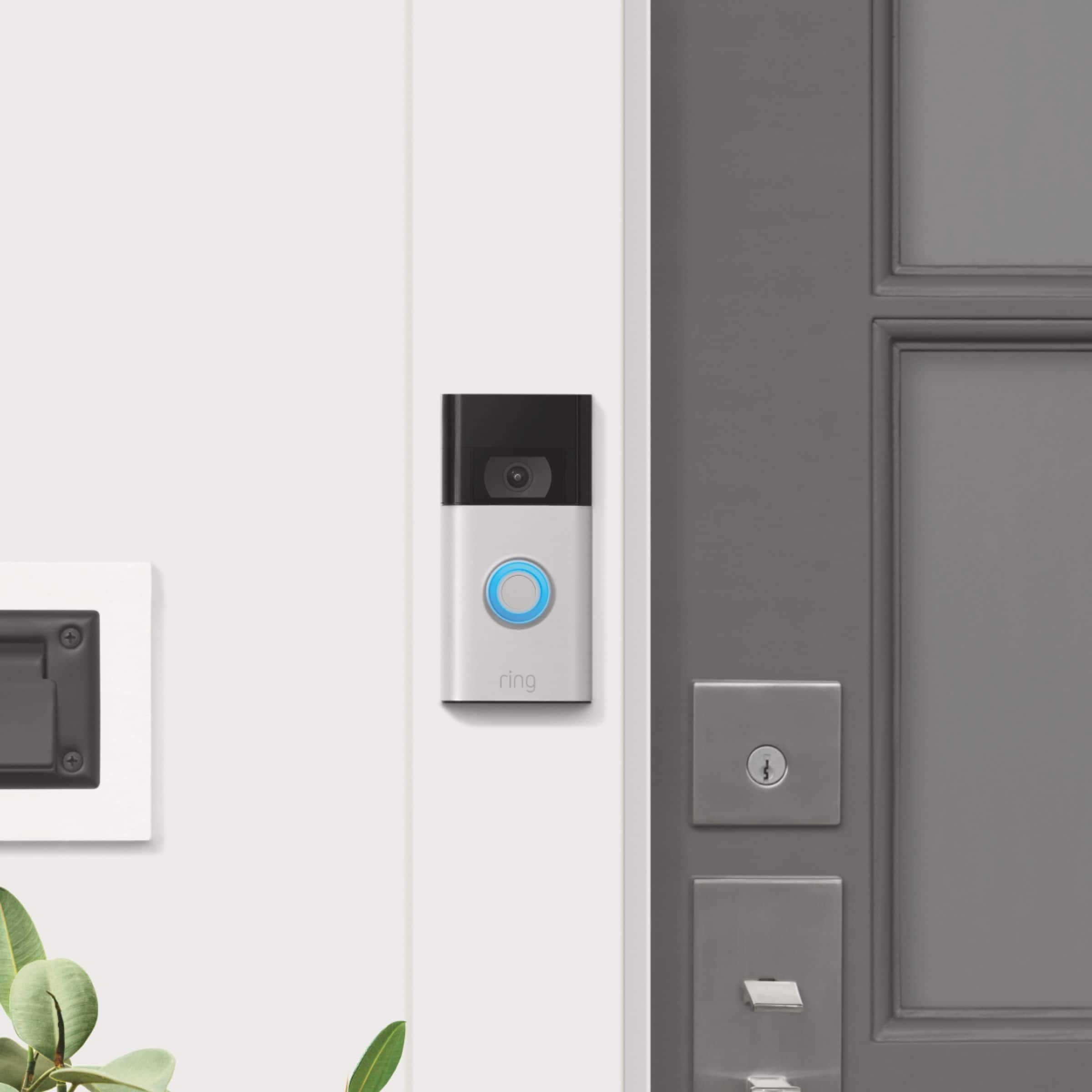



- Model:
- 8VRASZ-SEN0
- SKU:
- 10811734
Rating by feature
- Video Quality
Rating 4.7 out of 5 stars
- Mobile App
Rating 4.7 out of 5 stars
- Sound Quality
Rating 4.7 out of 5 stars
Customers are saying
Customers consistently note the product's strong overall performance, with many reporting it works properly. They also appreciate the camera quality, finding its size to be just right.
This summary was generated by AI based on customer reviews.
My video ringbell
||Posted . Owned for 3 weeks when reviewed.This reviewer received promo considerations or sweepstakes entry for writing a review.I love my door ringbell and love it more for the price
I would recommend this to a friendYou have to detach the doorbell in order to charge
||Posted . Owned for less than 1 week when reviewed.This reviewer received promo considerations or sweepstakes entry for writing a review.May be returning. Had no idea in order to charge the battery, you have to dismount the entire doorbell from the wall. My other has a battery you can easily take out. This design is saying "hey, maybe they'll drop the doorbell taking it off, damage it, and buy another".
No, I would not recommend this to a friendBrand response from Ring
Posted .Hi PRE29.
Thank you for taking the time to share your experience with us. At Ring, we want to ensure that you have the best possible experience with our products. Your peace of mind and security are extremely important to us. Having longevity in a battery-powered security device, such as the Ring Battery Doorbell, is crucial when it comes to monitoring your home, especially if you are away for long periods of time. Please know that we take your peace of mind seriously, and we are here to assist in finding you a resolution.
We are here today to offer some information to help resolve the battery concern that you mentioned in your review. The Ring Battery Doorbell is designed with a built-in battery. There are some troubleshooting steps that you can take to ensure that you have your device set up for optimal battery-life performance. The more events captured by your Ring devices, the more your battery is used. Using "Live View" can also drain your battery faster. If your device is capturing an excessive number of events each day, you may need to recharge your battery sooner.
To prevent excessive activity, under "Motion Settings" for your device in the Ring app, you can:
Adjust your "Motion Sensitivity" slider to a lower sensitivity.
Redraw your "Customizable Motion Zones."
Change "Motion Frequency" to regularly or periodically.
You could also adjust the direction of your Ring device so it doesn't detect as much motion.
You can go to "Power Settings" in the Ring app to see what features may be draining your battery.
To access "Power Settings," open the Ring app:
Tap the menu (≡) on the top left of the dashboard.
Tap "Devices."
Tap the individual device (video doorbell or security camera) you want to check.
Tap "Power Settings" to check your "Battery Level" percentage and "Feature Power Usage."
Tap a feature to adjust "Snapshot Capture," "Motion Frequency," and "Video Recording Length.".
We recommend using the Ring Solar Charger for the Ring Battery Doorbell or the Ring Plug-In Adapter to assist with extending the life of the battery in your doorbell. The Ring Solar Charger is a solar power source that can be mounted behind your Ring doorbell. The Ring Plug-in Adapter (2nd Generation) is designed to convert battery-powered video doorbells so they can run using line current.
If any additional information is needed regarding your Ring Battery Doorbell, please reach out to our community. Ring Community is our first peer-to-peer community forum, giving our customers the ability to help one another and share their feedback and experiences directly with Ring.
Thank you,
Melissa from Ring.
well worth the price
||Posted . Owned for 1 month when reviewed.This reviewer received promo considerations or sweepstakes entry for writing a review.was east to set up and gives peace of mind for my house
I would recommend this to a friendBest quality
||Posted . Owned for 1 week when reviewed.This reviewer received promo considerations or sweepstakes entry for writing a review.Best quality , design and ease of use home protection .
I would recommend this to a friendGood
||Posted . Owned for 3 weeks when reviewed.This reviewer received promo considerations or sweepstakes entry for writing a review.Easy to set up! Bought it for when my packages arrive.
I would recommend this to a friendGreat Product
||Posted . Owned for 1 month when reviewed.This reviewer received promo considerations or sweepstakes entry for writing a review.It captures everything on the ring camera. I love it.
I would recommend this to a friendWorth it
||Posted . Owned for 1 week when reviewed.This reviewer received promo considerations or sweepstakes entry for writing a review.Feel way way safer now that i have ring doorbell nice
I would recommend this to a friendRing camera
||Posted . Owned for 3 weeks when reviewed.This reviewer received promo considerations or sweepstakes entry for writing a review.Yes great product Excellent product Very good product
I would recommend this to a friendNice for videos
||Posted . Owned for 3 weeks when reviewed.This reviewer received promo considerations or sweepstakes entry for writing a review.My sister love it and the quality is great for videos
I would recommend this to a friendYes
||Posted . Owned for 1 month when reviewed.This reviewer received promo considerations or sweepstakes entry for writing a review.Great purchase. I love seeing the videos on my phone
I would recommend this to a friendDon't work as advertised
||Posted .This reviewer received promo considerations or sweepstakes entry for writing a review.Missed mailman at 6 inches but picked up cars at 75 feet that weren't in "the zone".very disappointed. Returned
No, I would not recommend this to a friendRing
||Posted . Owned for 3 weeks when reviewed.This reviewer received promo considerations or sweepstakes entry for writing a review.Great sense of security. It was on time. It was easy
I would recommend this to a friendSo so
||Posted . Owned for 10 months when reviewed.This reviewer received promo considerations or sweepstakes entry for writing a review.Worked fine for less than a year and now the light for nighttime doesn’t even work anymore and it’s not even a year old
I would recommend this to a friendBrand response from Ring
Posted .Hi JosephG.
Thank you for taking the time to share your experience with us. We understand the importance of having your Ring Video Doorbell (2nd Gen.) record clear and concise videos so that you can effectively monitor your home. The features and technology provided by the Ring Video Doorbell (2nd Gen.) are incredibly valuable and help provide you with peace of mind about your home security. We can definitely assist you with this today, and we are confident we can find the correct settings for your home’s environment.
It sounds like the device is not performing as expected in regards to "Night Vision." With Ring Video Doorbell (2nd Generation), stay connected to your home from anywhere by seeing who’s at your door and answering it right from the Ring app. Enjoy enhanced features like upgraded video quality from 720p HD to 1080p HD, "Near Zone" motion detection in areas as close as 5 to 15 feet in front of your home, and a reimagined mounting setup that simplifies installation. To ensure that the "Night Vision" feature works as intended, make sure your Indoor Cam’s infrared light is toggled on in the Ring app. The infrared light control is in your Ring app under Video Settings. Enable "Color Night Vision" in the Ring app to help improve clarity at night.
To turn the "Color Night Vision" on or off, follow these instructions:
Open the Ring app.
Tap the "Menu" (☰).
Tap "Devices."
Select the device you want to adjust.
Tap "Device Settings."
Tap "Video Settings."
Toggle "Color Night Vision" on or off.
Although rare, there have been instances where a Ring device can experience black, pink, and other distorted video quality, like night vision video captured during daytime hours. Here are a few things to try.
Check your Ring device's signal strength.
If your Ring device is far from your wifi router, it may be experiencing connection or video issues.
Open the Ring app.
Tap the "Menu" (☰).
Tap "Devices."
Select the Ring device you would like to test.
Tap on the "Device Health" tile.
Scroll to "Signal Strength" under the "Network" section.
The green, amber, and red colors are indicators of your device connection. Green is good; red is poor.
Reboot your Ring Video Doorbell (2nd Gen.) in the Ring app.
Open the Ring app.
Tap the "Menu" (☰).
Tap "Devices."
Select the device that you wish to reboot.
Tap on the "Device Health" tile.
Scroll down to "Reboot This Device."
Give your device a few moments to start back up.
We invite you to reach out to our community if any additional information is needed regarding your Ring Video Doorbell (2nd Gen.). The Ring Community is our first peer-to-peer community forum, giving our customers the ability to help one another by sharing their feedback and experiences with each other.
Thank you,
Melissa from Ring.
Ring
||Posted . Owned for 2 weeks when reviewed.This reviewer received promo considerations or sweepstakes entry for writing a review.It works great. It offers clear picture and video.
I would recommend this to a friendGreat buy!
||Posted . Owned for 2 weeks when reviewed.This reviewer received promo considerations or sweepstakes entry for writing a review.Does exactly what I bought it for, would buy again
I would recommend this to a friendRing
||Posted . Owned for 7 months when reviewed.This reviewer received promo considerations or sweepstakes entry for writing a review.Bought as gift. Returned because son did'nt want it. Think it would have worked just fine. Have one I haven't installed yet.
I would recommend this to a friendBrand response from Ring
Posted .Hi Daniel.
Thank you for taking the time to share your experience with us. We understand the importance of a seamless installation process so that you can begin using your Ring Video Doorbell (2nd Gen.) right away. The features and technology provided by the Ring Video Doorbell (2nd Gen.) are incredibly valuable and help provide you with peace of mind about your home security. We can definitely provide you with more information regarding the concern mentioned in your review.
We are happy to provide you with the instructions for installing your Ring Video Doorbell (2nd Gen.). With Ring Video Doorbell (2nd Generation), stay connected to your home from anywhere by seeing who’s at your door and answering it right from the Ring app. Enjoy enhanced features like upgraded video quality from 720p HD to 1080p HD, Near Zone motion detection in areas as close as 5 to 15 feet in front of your home, and a reimagined mounting setup that simplifies installation.
We recommend following these instructions when installing your Ring Video Doorbell (2nd Gen.):
For the best results, mount it around 1.2 meters above the ground.
There are two types of screws included in the product packaging:
The four wood screws are used to secure the mounting bracket to your door or wall.
The two star-shaped security screws are used to tighten the screws into the bottom of the Ring Video Doorbell (2nd Generation) faceplate to help deter theft.
You'll need to install wall anchors when installing on stucco, brick, or concrete.
Grab 4 of the wall anchors from Bag A. Using your Ring Doorbell as a template, mark 4 drill holes on the wall. Use a 1/4" masonry drill bit (not included) to drill the holes, then insert the four wall anchors.
Install the mounting bracket.
Using a Philips head screwdriver, drive the mounting screws from Bag A into your wall (or into the anchors, if installed) until they are flush with the mounting bracket.
Attach your Ring Doorbell to the mounting bracket.
Hook the slot on the rear of your Ring Doorbell onto the tab near the top of the mounting bracket.
Then, let the Doorbell pivot down to sit flush on its bracket.
Secure the doorbell.
CAUTION! If you use the wrong screws to secure the doorbell, you could damage the battery during installation, create a fire hazard, and be seriously injured.
DO NOT use any screws other than the included short security screws when securing your Ring Doorbell to the bracket.
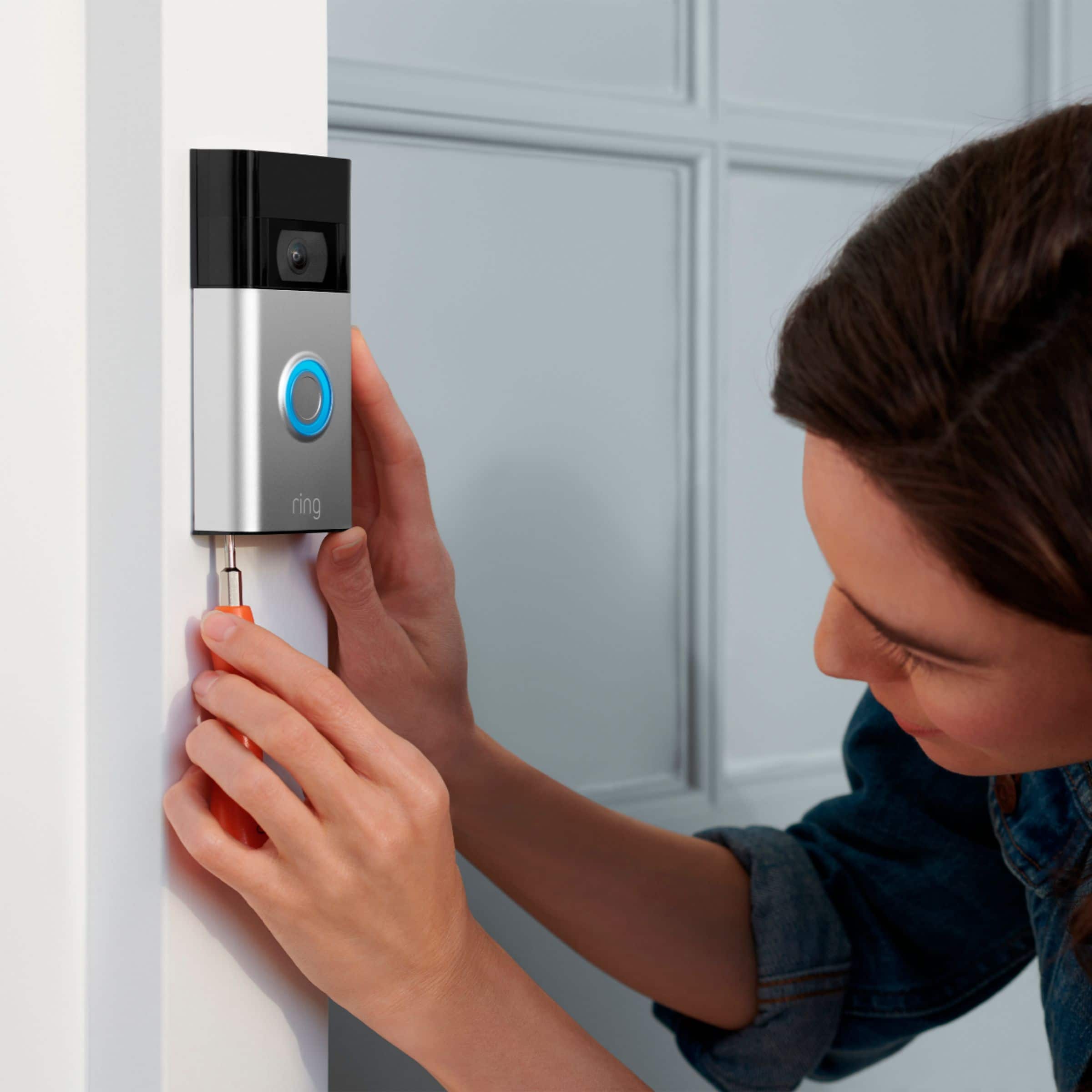
Use the star-shaped end of the included screwdriver to insert and tighten two of the security screws from Bag B into the bottom of your Ring Doorbell.
We invite you to reach out to our Community if any additional information is needed regarding your Ring Video Doorbell (2nd Gen.). The Ring Community is our first peer-to-peer community forum, giving our customers the ability to help one another by sharing their feedback and experiences with each other.
Thank you,
Melissa from Ring.
Love it
||Posted . Owned for 1 month when reviewed.This reviewer received promo considerations or sweepstakes entry for writing a review.Love it would recommend it, have recommended it..
I would recommend this to a friendDecent camera, not great
||Posted . Owned for 1 month when reviewed.This reviewer received promo considerations or sweepstakes entry for writing a review.This is a good product, although it's not great. There are times it misses activity at my door or the camera starts recording as people are walking away. I would still recommend this product as a buy.
I would recommend this to a friendBrand response from Ring
Posted .Hi Bigpapa,
We are pleased to learn that overall, you are getting good use out of your Ring Video Doorbell (2020 Release). This device can provide a way to capture all the motion events that are relevant to your home security needs. By making a few adjustments, we're confident that you can improve the accuracy of the motion detection it provides. Our team is here to help.
It's possible that you can resolve your motion concerns by increasing your Motion Frequency settings. By changing it to Frequently, you'll have a better chance at capturing the person as they approach your property, rather than begin walking away from the door.
To better help you understand this feature and how to enable it, please follow the link below:
https://support.ring.com/hc/en-us/articles/115003477106-Understanding-and-Optimizing-Motion-Detection-with-Motion-Frequency
If you have further questions, please visit our Community Forums at https://community.ring.com/. Where you can post similar questions and have other members of the Ring Community share their experience and knowledge with you.
All the best,
Marlom at Ring
Door bell with a perk!
||Posted .This reviewer received promo considerations or sweepstakes entry for writing a review.Very easy to install and app set up takes minutes. Preferred this bronze color that blends well to background.
I would recommend this to a friendRing Doorbell
||Posted . Owned for less than 1 week when reviewed.This reviewer received promo considerations or sweepstakes entry for writing a review.Beautiful product and feature at discounted price!
I would recommend this to a friend