Customer Ratings & Reviews
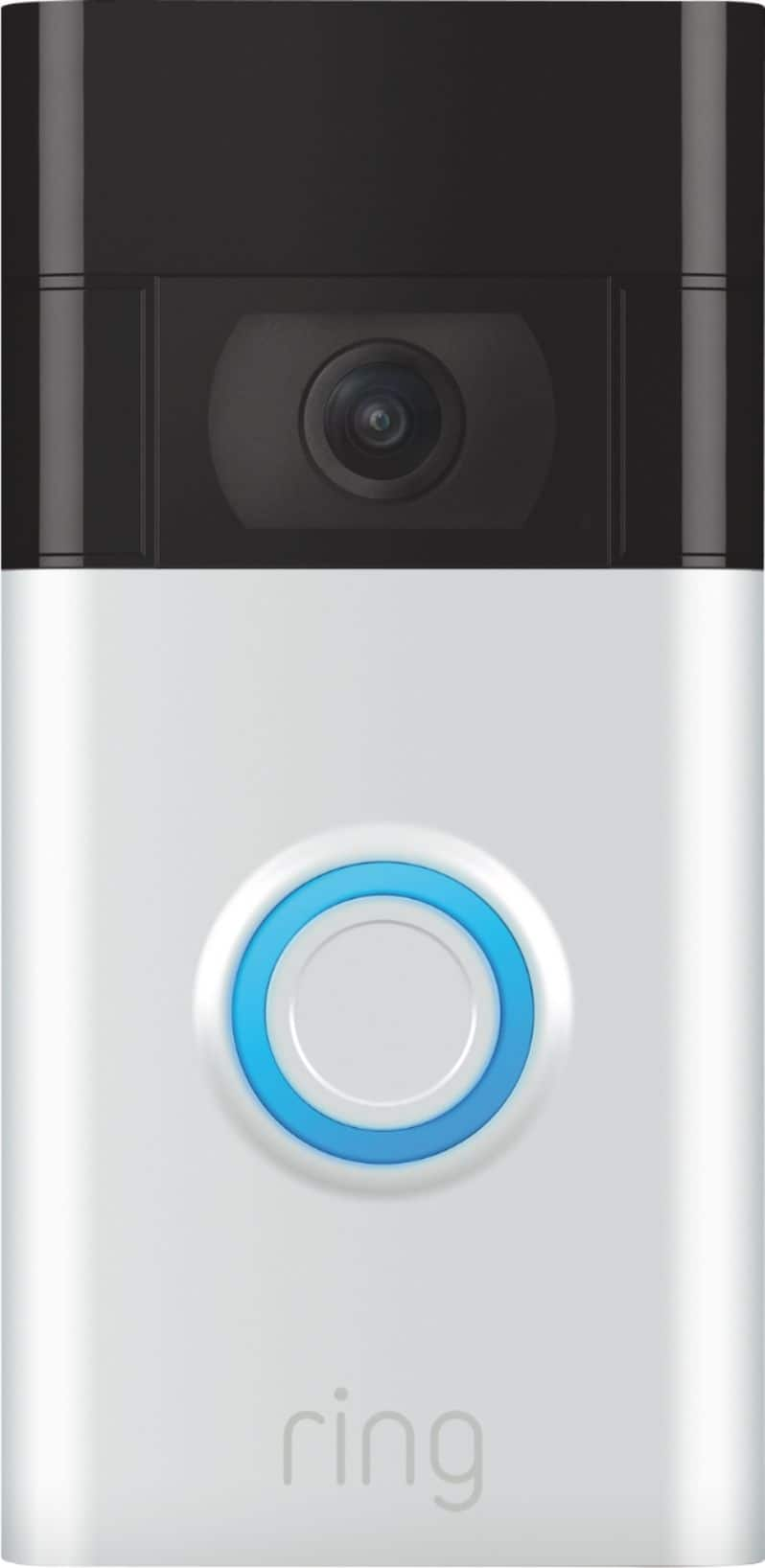
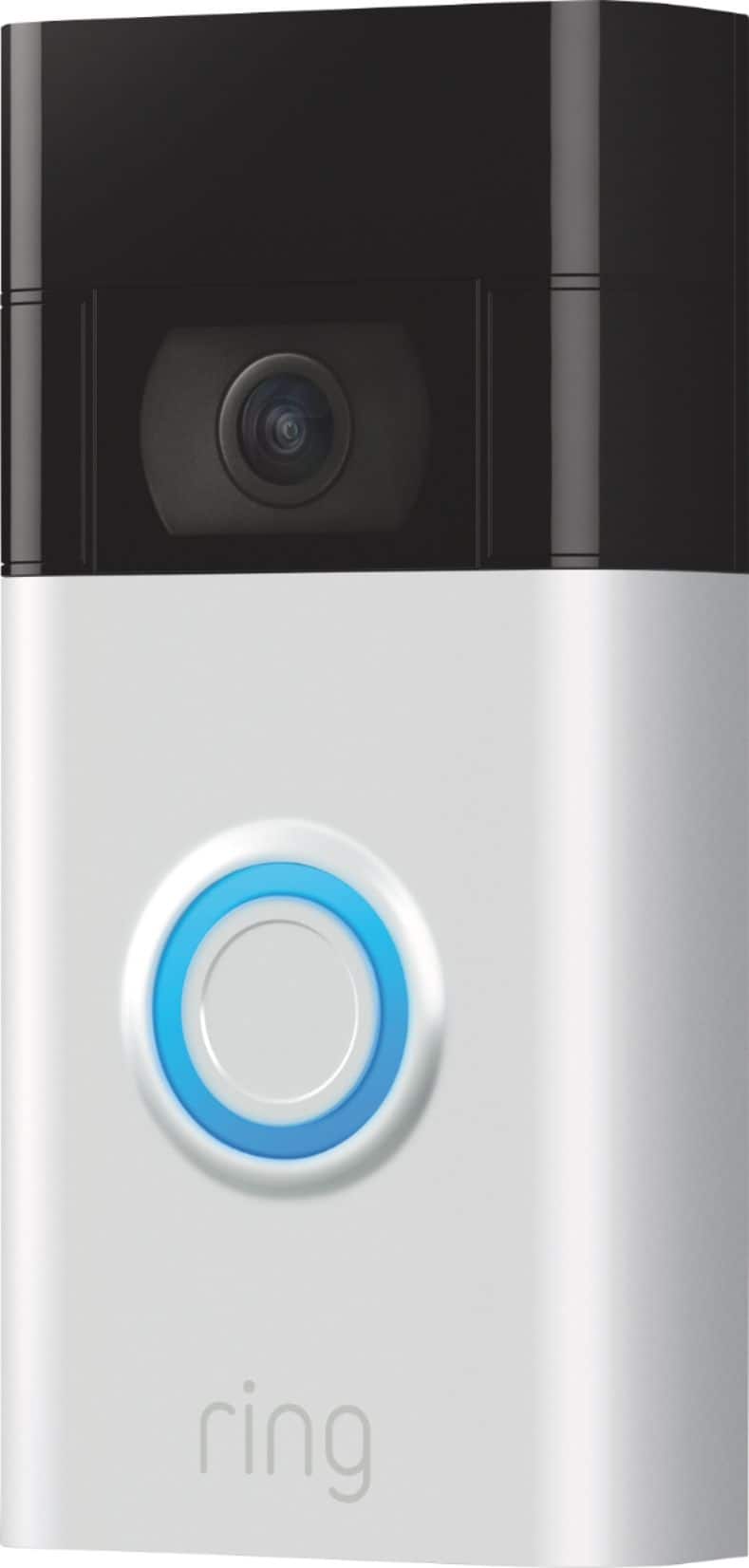
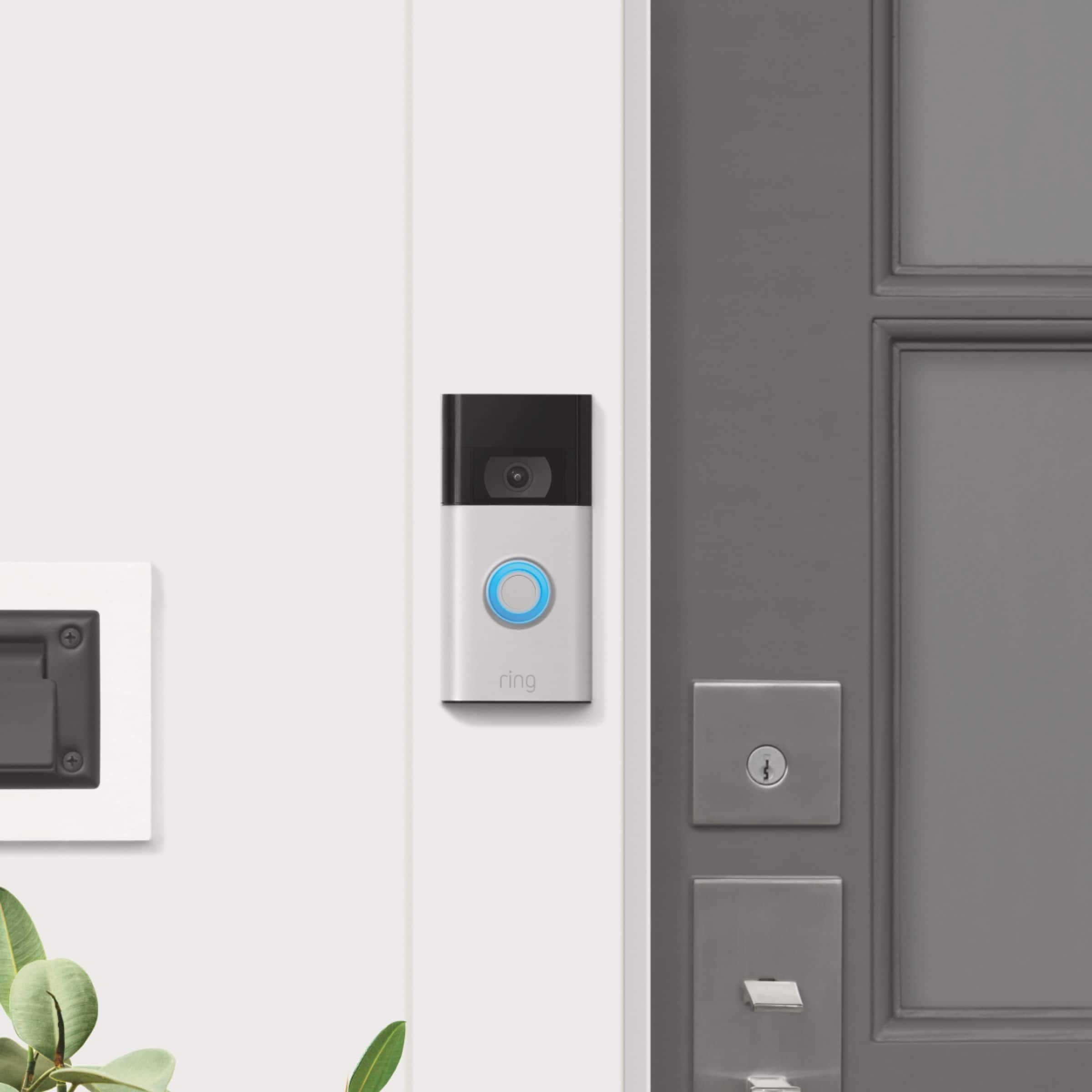
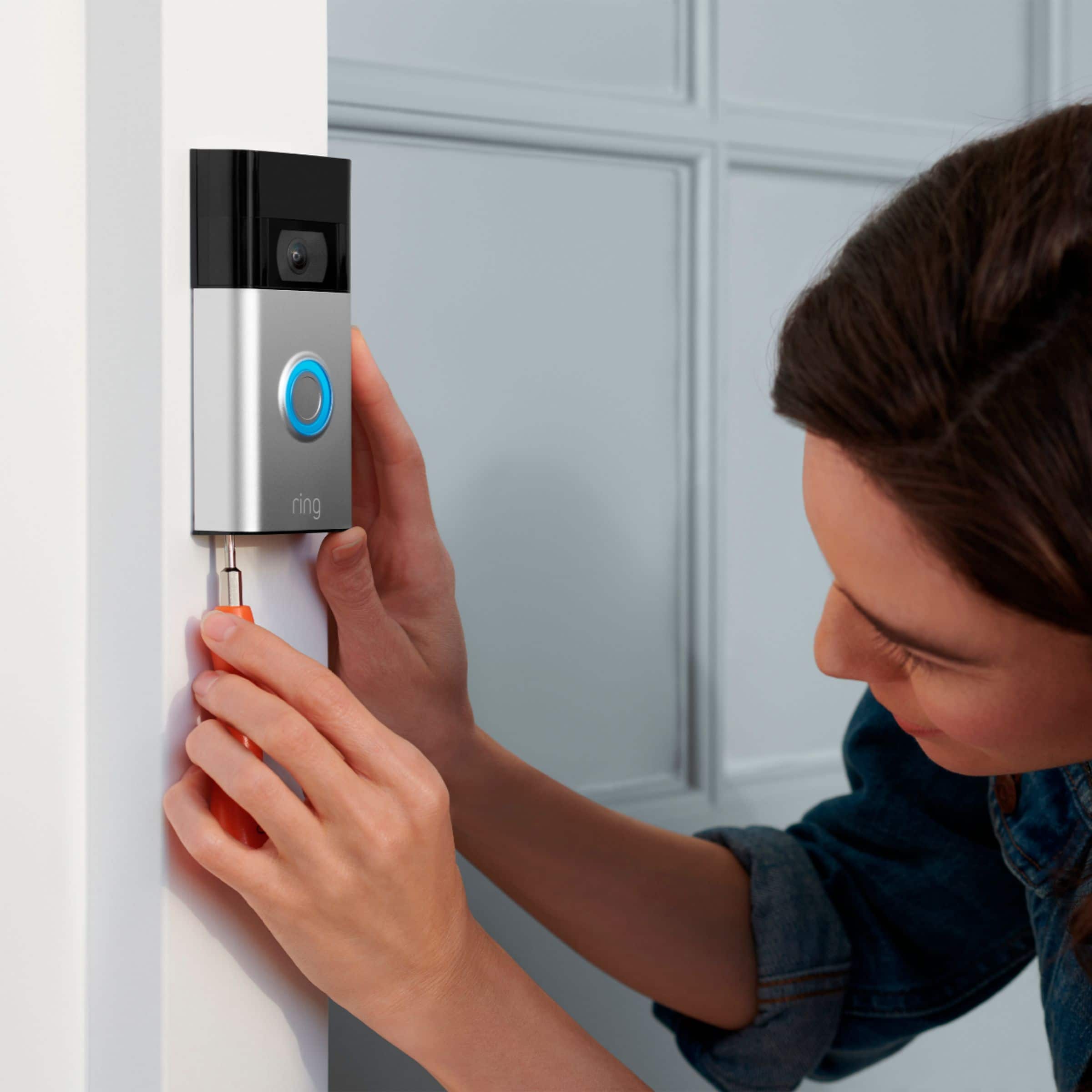




- Model:
- 8VRASZ-SEN0
- |
- SKU:
- 11198207
Customer reviews
Rating 4.7 out of 5 stars with 10958 reviews
(10,958 customer reviews)Rating by feature
- Video Quality4.7
Rating 4.7 out of 5 stars
- Mobile App4.7
Rating 4.7 out of 5 stars
- Sound Quality4.7
Rating 4.7 out of 5 stars
Customers are saying
Customers consistently note the product's strong overall performance, with many reporting it works properly. They also appreciate the camera quality, finding its size to be just right.
This summary was generated by AI based on customer reviews.
Rated 5 out of 5 stars
Sankrak
||Posted . Owned for 1 month when reviewed.This reviewer received promo considerations or sweepstakes entry for writing a review.It’s great, it looks great and works fine. I would recommend it to anyone.
This review is from Ring - Video Doorbell - Satin Nickel
I would recommend this to a friendRated 5 out of 5 stars
Ring Ring Eveerywhere
||Posted . Owned for less than 1 week when reviewed.This reviewer received promo considerations or sweepstakes entry for writing a review.I love the Ring video doorbell! I have them everywhere I have a door on my home because someone my gardner or pool man need to tell me they need something and it works wonders.
This review is from Ring - Video Doorbell - Satin Nickel
I would recommend this to a friendRated 5 out of 5 stars
Ring doorbell camera
||Posted . Owned for 3 weeks when reviewed.This reviewer received promo considerations or sweepstakes entry for writing a review.This product is great quality, good for security and convenient to see who’s at your door. Bought this for my wife so, when I’m at work she can monitor who is outside without opening the door.
This review is from Ring - Video Doorbell - Venetian Bronze
I would recommend this to a friendRated 5 out of 5 stars
Ring doorbell review
||Posted . Owned for 1 month when reviewed.This reviewer received promo considerations or sweepstakes entry for writing a review.Easy install and easy software. It is great to get information about what has been seen around your area as well. It gives you good situation awareness.
This review is from Ring - Video Doorbell - Venetian Bronze
I would recommend this to a friendRated 5 out of 5 stars
Piece of mind!
||Posted . Owned for 3 weeks when reviewed.This reviewer received promo considerations or sweepstakes entry for writing a review.Very good product would recommend it to anyone!!good quality pictures, and videos.
This review is from Ring - Video Doorbell - Venetian Bronze
I would recommend this to a friendRated 5 out of 5 stars
My ring doorbell
||Posted . Owned for 3 weeks when reviewed.This reviewer received promo considerations or sweepstakes entry for writing a review.I absolutely love the ring doorbell.It looks just as good in night mode. I will be purchasing another ring doorbell to put on the side of my house. The battery lasts super long. Definitely 5 stars.
This review is from Ring - Video Doorbell - Satin Nickel
I would recommend this to a friendRated 5 out of 5 stars
Texas
||Posted . Owned for 3 weeks when reviewed.This reviewer received promo considerations or sweepstakes entry for writing a review.So far the camera has been great at keeping me at peace in the new place we moved into..
This review is from Ring - Video Doorbell - Venetian Bronze
I would recommend this to a friendRated 5 out of 5 stars
Love my ring
||Posted . Owned for 1 month when reviewed.This reviewer received promo considerations or sweepstakes entry for writing a review.I am really impressed with the quality of my ring I feel like I am home even when I am not cause I get notifications when ever anyone comes by my house I just love this product…
This review is from Ring - Video Doorbell - Satin Nickel
I would recommend this to a friendRated 5 out of 5 stars
Excellent
||Posted . Owned for 3 months when reviewed.This reviewer received promo considerations or sweepstakes entry for writing a review.Easy installation. Wired is preferred but removal and recharging are east.
This review is from Ring - Video Doorbell - Satin Nickel
I would recommend this to a friendRated 5 out of 5 stars
Great value
||Posted . Owned for 3 weeks when reviewed.This reviewer received promo considerations or sweepstakes entry for writing a review.This is easy to setup. And hooked into my current ring setup. Have no problem with device.
This review is from Ring - Video Doorbell - Satin Nickel
I would recommend this to a friendRated 5 out of 5 stars
Nice doorbell, very good picture
||Posted . Owned for 2 weeks when reviewed.This reviewer received promo considerations or sweepstakes entry for writing a review.I bought this as a gift for my son. It is a great basic video doorbell, but works great. It has a very wide line of sight and is clear enough to see people and cars driving by.
This review is from Ring - Video Doorbell - Venetian Bronze
I would recommend this to a friendRated 5 out of 5 stars
Reliable Device
||Posted . Owned for 3 months when reviewed.This reviewer received promo considerations or sweepstakes entry for writing a review.The Ring is very clear and reliable. I can hear the birds chirping which i love.
This review is from Ring - Video Doorbell - Venetian Bronze
I would recommend this to a friendRated 4 out of 5 stars
Installing Breeze
||Posted . Owned for 1 month when reviewed.This reviewer received promo considerations or sweepstakes entry for writing a review.Easy to install! Love being able to be alerted to movement and then have video after movement is gone as well. Stores videos with subscription so you can view later
This review is from Ring - Video Doorbell - Venetian Bronze
I would recommend this to a friendRated 5 out of 5 stars
A must have.
||Posted . Owned for 1 week when reviewed.This reviewer received promo considerations or sweepstakes entry for writing a review.No issues with it. Notifies me when someone is at the door or in the vicinity. Not sure how much better the higher models are compared to this but this does the job and for the price, I’m highly satisfied.
This review is from Ring - Video Doorbell - Satin Nickel
I would recommend this to a friendRated 5 out of 5 stars
Love ring products
||Posted . Owned for 2 months when reviewed.This reviewer received promo considerations or sweepstakes entry for writing a review.Great view and stays charged for a nice time frame bot missing any movement from my door to driveway
This review is from Ring - Video Doorbell - Satin Nickel
I would recommend this to a friendRated 5 out of 5 stars
Excellent
||Posted . Owned for 3 weeks when reviewed.This reviewer received promo considerations or sweepstakes entry for writing a review.I found the setup to be easy and quick. It is very sensitive to movement which is a good thing when receiving packages. I feel more secure in my home with having this product.
This review is from Ring - Video Doorbell - Satin Nickel
I would recommend this to a friendRated 5 out of 5 stars
Dogsitter
||Posted . Owned for 8 months when reviewed.This reviewer received promo considerations or sweepstakes entry for writing a review.Love my ring! I have a huge front yard so I typically leave the door open for my dogs to come in and out while I’m at work. It lets me know where there at and make sure that they’re safe!
This review is from Ring - Video Doorbell - Satin Nickel
I would recommend this to a friendRated 5 out of 5 stars
Ring doorbell
||Posted . Owned for 1 year when reviewed.This reviewer received promo considerations or sweepstakes entry for writing a review.This was easy to use. Installed the phone app and i can control it no matter where i am. Works great!!
This review is from Ring - Video Doorbell - Venetian Bronze
I would recommend this to a friendRated 5 out of 5 stars
Doorbell camera
||Posted . Owned for 3 weeks when reviewed.This reviewer received promo considerations or sweepstakes entry for writing a review.A very good quality and enjoined the most effective and efficient
This review is from Ring - Video Doorbell - Venetian Bronze
I would recommend this to a friendRated 5 out of 5 stars
great doorbell
||Posted . Owned for 1 month when reviewed.This reviewer received promo considerations or sweepstakes entry for writing a review.this ring doorbell is simply awesome. purchased at a great pice. very satisfied with it!
This review is from Ring - Video Doorbell - Venetian Bronze
I would recommend this to a friend