Customer Ratings & Reviews
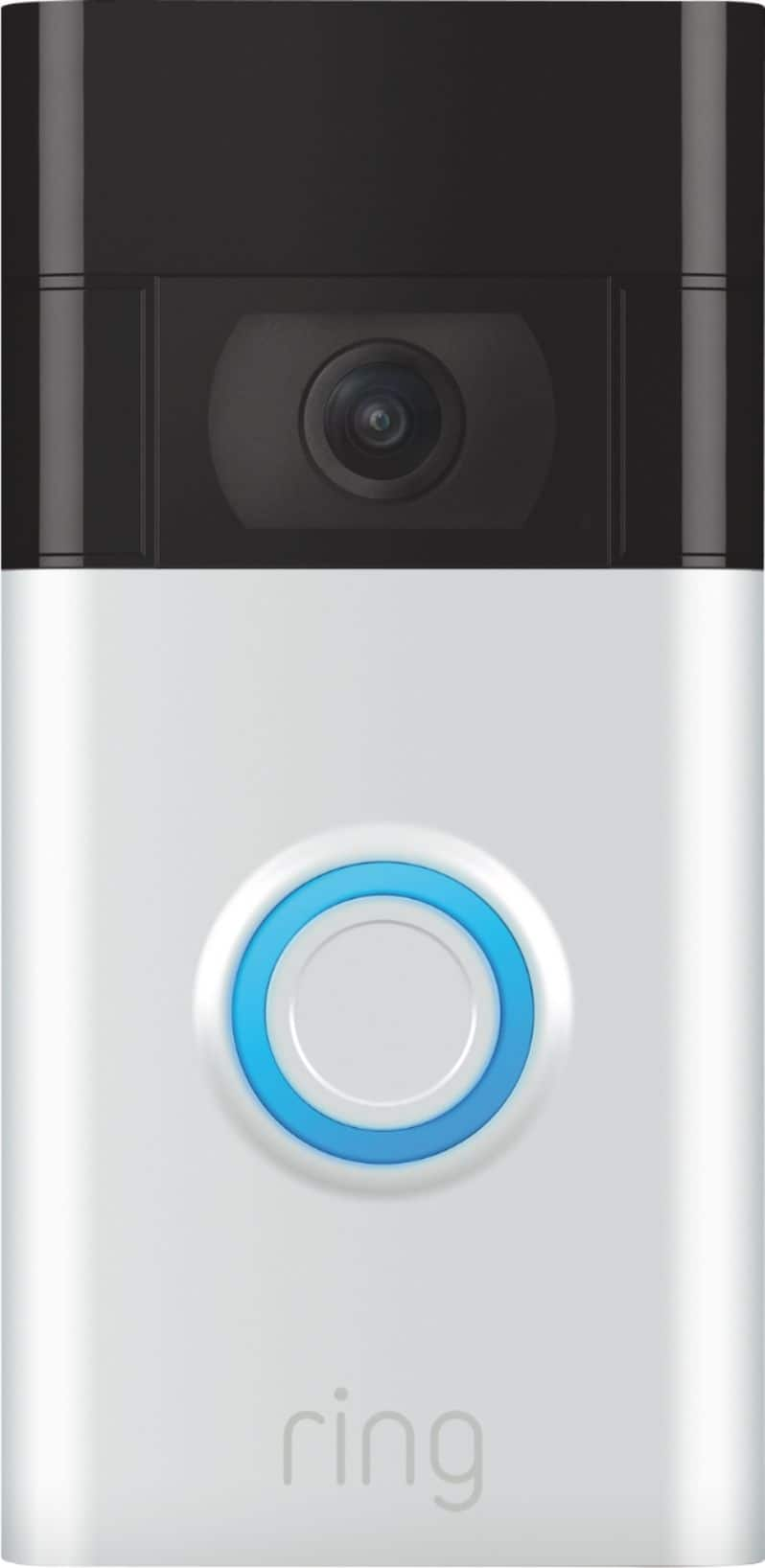
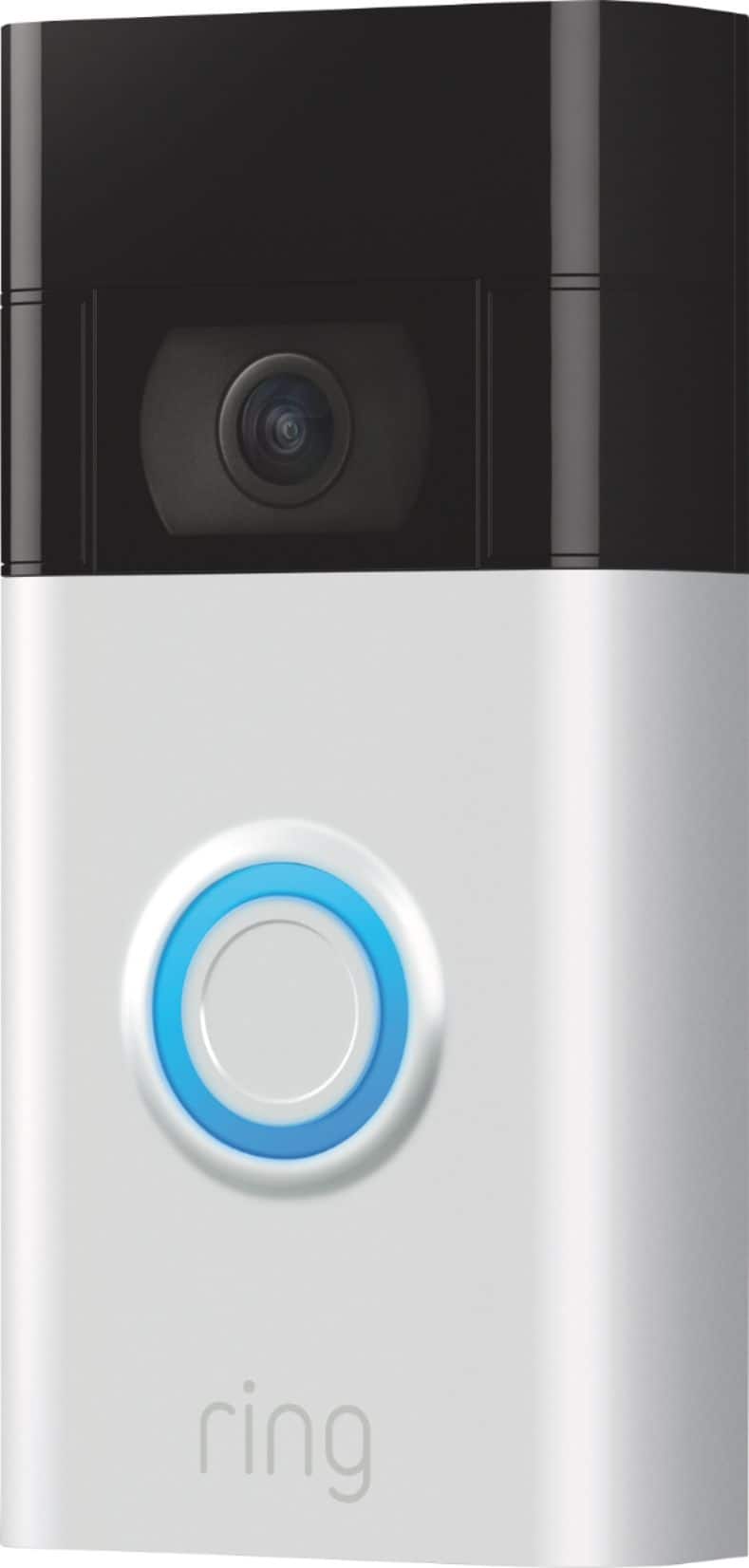
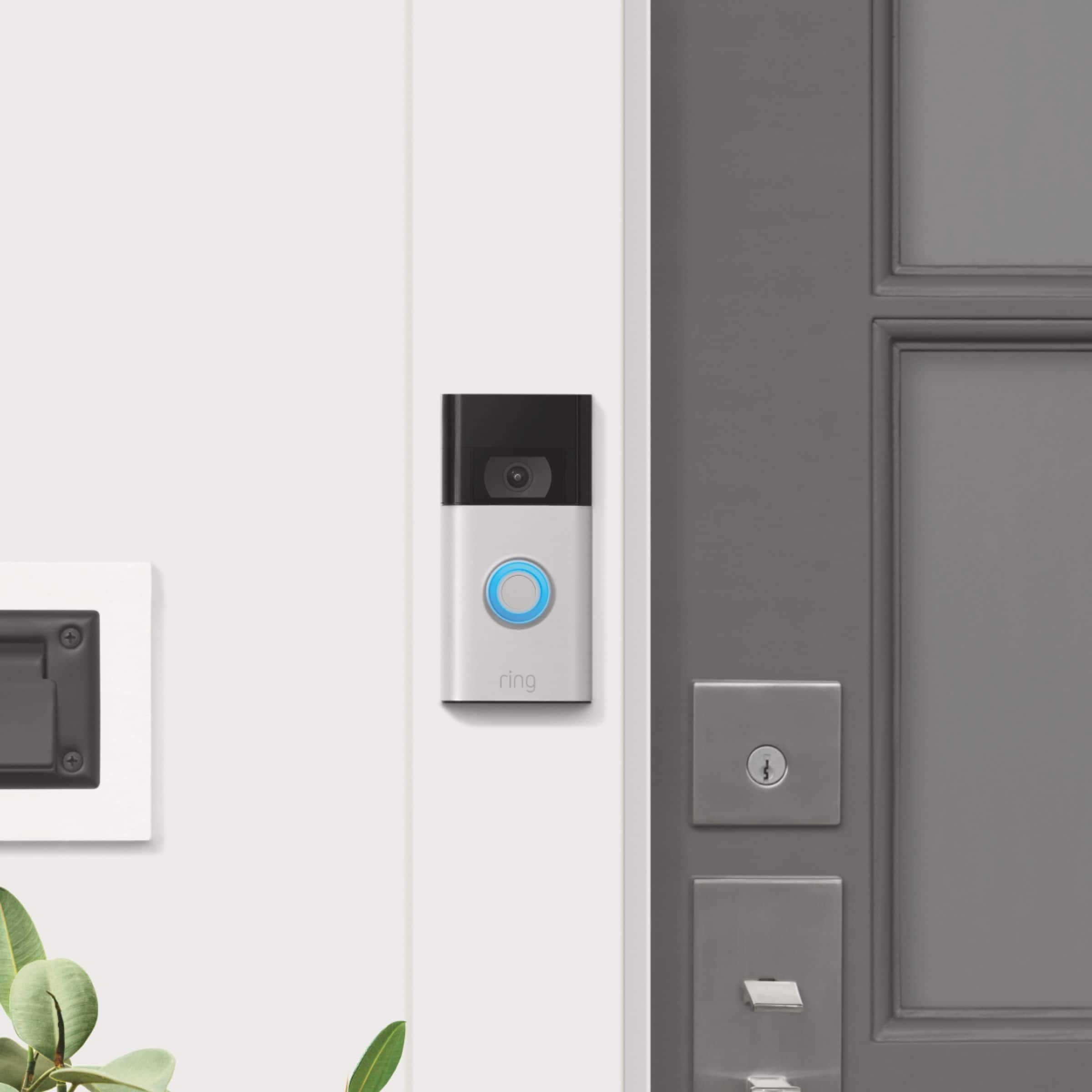
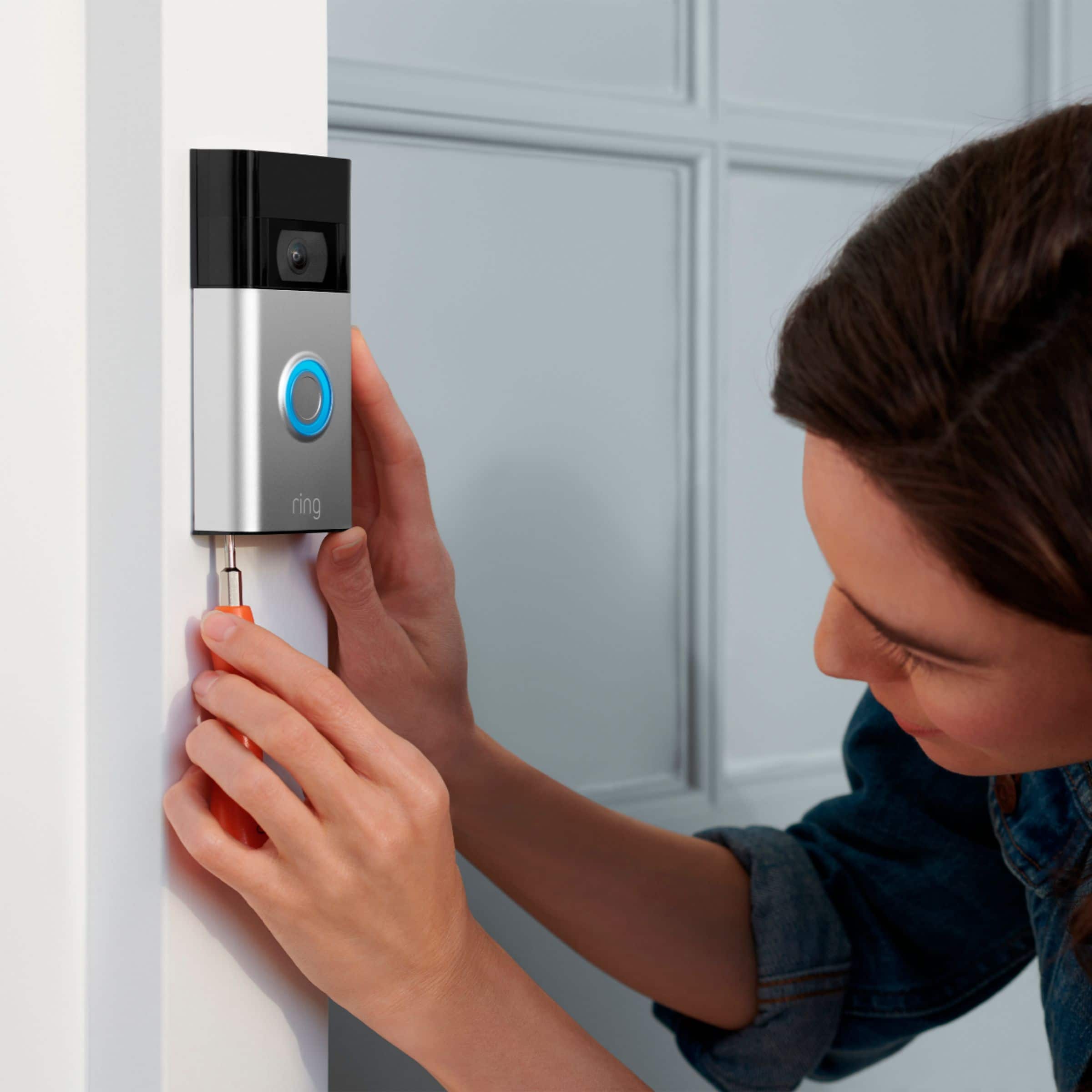



- Model:
- 8VRASZ-SEN0
- SKU:
- 6441424
Rating by feature
- Video Quality
Rating 4.7 out of 5 stars
- Mobile App
Rating 4.7 out of 5 stars
- Sound Quality
Rating 4.7 out of 5 stars
Customers are saying
Customers frequently mention the excellent video quality, ease of use, and long battery life as significant advantages. Many also appreciate the relatively easy installation process and the added security the Video Doorbell provides. While some found the device larger than anticipated, most users reported positive experiences. A small number of users noted occasional connectivity problems and concerns about the sensitivity settings and subscription requirements.
This summary was generated by AI based on customer reviews.
Ring doorbell
||Posted .This reviewer received promo considerations or sweepstakes entry for writing a review.Love my ring doorbell! Love that I am able to see anyone who come to my house!
I would recommend this to a friendSecond generation Ring doorbell
||Posted . Owned for 1 week when reviewed.This reviewer received promo considerations or sweepstakes entry for writing a review. Ring is the best investment that I could make for feeling safe and secure in my home, knowing that I can see who’s at the door before I open it. The set up is easy to understand, and when I had a question, customer service was outstanding. The representative I spoke to, Joy, walked me through the process. She was very knowledgeable and professional, as well as being very pleasant to speak with. I highly recommend any ring doorbell product.
I would recommend this to a friend- Pros mentioned:Video quality
Good buy
||Posted . Owned for 1 week when reviewed.This reviewer received promo considerations or sweepstakes entry for writing a review.Picture quality was great! Easy hook up directly to old door bell… definitely buying more ring products…
I would recommend this to a friend Ring
||Posted . Owned for 3 weeks when reviewed.This reviewer received promo considerations or sweepstakes entry for writing a review.This was a good product but I wanted something for around the house.
I would recommend this to a friendRing doorbell.
||Posted .This reviewer received promo considerations or sweepstakes entry for writing a review.The only downside was...I had to pay for video recording subscription .
I would recommend this to a friendRing Video Doorbell
||Posted . Owned for 3 weeks when reviewed.This reviewer received promo considerations or sweepstakes entry for writing a review.Works fine. Previous one had quit working, which makes me nervous about this one
No, I would not recommend this to a friend- Pros mentioned:Video quality
Safe home
||Posted . Owned for 1 month when reviewed.This reviewer received promo considerations or sweepstakes entry for writing a review.I like the product the ring mis one of the item is perfect for my house now it can keep my house safe
I would recommend this to a friend good
||Posted . Owned for 1 month when reviewed.This reviewer received promo considerations or sweepstakes entry for writing a review.its ok we just have to navigate though apps and buy a subscription for everything.
I would recommend this to a friendRing review
||Posted . Owned for less than 1 week when reviewed.This reviewer received promo considerations or sweepstakes entry for writing a review.Ring, gives peace of mind. Communicate with porch visitors in real time.
I would recommend this to a friendRing camera
||Posted . Owned for 2 months when reviewed.This reviewer received promo considerations or sweepstakes entry for writing a review.Great doorbell. The camera quality could be a little better though
I would recommend this to a friendWaste of money in an apartment
||Posted . Owned for 1.5 years when reviewed.This reviewer received promo considerations or sweepstakes entry for writing a review.Not very good quality has a small radius that it picks up and have to pay 3.99 to even use
No, I would not recommend this to a friendBrand response from Ring
Posted .Hi MorganW.
Thank you for taking the time to share your experience with us. We value the experience you have with Ring, and want to ensure the Ring Video Doorbell (2nd Gen.) is meeting the standards it's intended to provide. The Ring Video Doorbell (2nd Gen.) is designed to be a DIY home security solution that can be trusted to provide you with lasting coverage. We can definitely provide you with more information regarding the concern mentioned in your review.
Ring devices require high-speed internet to bring you crisp, clear video and audio. Poor network connectivity can affect the performance of your Ring device. Ring devices with 1080p video require at least 1 Mbps upload and download speeds, though 2 Mbps is recommended for optimal performance. In addition to ensuring that you have sufficient wifi speeds, you will also want to check the signal strength of your device. A poor wifi signal can cause connectivity with your Ring device to be unreliable. Check the Device Health section of your Ring application to ensure the device’s RSSI is within an acceptable range. The recommended range for optimal performance is 0 to -60 for the RSSI. Turn off your mobile device's cellular data and connect to the same wifi network as your Ring device. Open the Ring app. Tap the menu (☰). Tap “Devices.” Select your device. Trigger an event on your Ring device. This could mean pressing the button on a doorbell or activating the motion sensors on a camera. Answer the event and examine the resulting video.
We have listed some possible outcomes from this test here:
1. The footage is crisp and clear.
If your video appears good when next to the router, the issue may be caused by a disruption in between your router and your Ring device’s normal location. To fix this, try moving your device closer to the router or extending your wifi signal with a wifi extender like the Ring Chime Pro.
2. The footage is heavily pixelated.
If you’re seeing heavy pixilation, even next to the router, this may be due to slow wifi speeds.
2. There are severe pauses in live video.
If your video pauses, stutters, or gets frozen and your wifi speed meets the minimum standards, try rebooting your router. Unplug your router, wait 30 seconds, and then plug it back in. It should take three to four minutes to reboot. Then, test your Ring device again and see if there's any difference.
3. There is a long delay before your video starts.
This is also caused by slow wifi speeds. Assuming you have high-speed internet, reboot your router and the mobile phone, tablet, or PC you're accessing the video feed on. Test an event when it's back online to see if there's any difference.
While subscribed to one of our Ring Protect Plans, you will have access to videos of every motion and live view event. Without this service, you will still receive real-time video alerts on your smartphone and have access to the live view feature.
Ring Community was launched to help deliver the most current news and educational information to our neighbors. This online forum is divided into four categories: Product Boards, Ring Updates, Tips + Tricks, and a Moderators’ Corner. The Product Boards are where you can begin new topics with your questions or feedback; there is also a search option that helps you find topics that were already posted by other neighbors. We invite you to reach out to our community today.
Thank you,
Melissa from Ring.
Ring
||Posted .This reviewer received promo considerations or sweepstakes entry for writing a review.It has a little bit of a delay time. Otherwise very good.
I would recommend this to a friendMajovo
||Posted .This reviewer received promo considerations or sweepstakes entry for writing a review.Loads a little slow even with fast internet but other than that we live it.
I would recommend this to a friend- Pros mentioned:Video quality
Ring doorbell.
||Posted . Owned for 1 month when reviewed.This reviewer received promo considerations or sweepstakes entry for writing a review.Great having the doorbell and able to see who’s at the door before answering. Much safer these days.
I would recommend this to a friend Ring a ding ding
||Posted . Owned for 6 months when reviewed.This reviewer received promo considerations or sweepstakes entry for writing a review.Bought this l, it’s still in the box I need a drill bit to put it on house, check where you want to put before you buy. My doorbell wire is not long enough and I have to drill though brick now
I would recommend this to a friendBrand response from Ring
Posted .Hi Squirrel.
Thank you for taking the time to share your experience with us. We understand the importance of a seamless setup process so that you can begin using your Ring Video Doorbell (2nd Gen.) right away. The features and technology provided by the Ring Video Doorbell (2nd Gen.) are incredibly valuable and help provide you with peace of mind about your home security. Rest assured, we are here to provide you with a concrete resolution as quickly as possible.
It sounds like you are experiencing an issue with the device in regards to installation.
We have included the instructions here for installing the Ring Video Doorbell (2nd Gen.) with an existing doorbell: For the best results, mount it around four feet (1.2 meters) above the ground.
If you're connecting to existing doorbell wiring that's higher than four feet and want to angle your Ring Doorbell down for a better view, you can purchase a Ring Wedge Kit.
Remove your existing doorbell. If you are connecting to existing doorbell wires, shut off the power at the breaker. If you're not sure which breaker controls your doorbell, turn off the master breaker for your home, or contact an electrician.
Once power is turned off, remove the doorbell button from the wall and disconnect the wires.
Your Ring Doorbell is compatible with doorbell systems supplying 8 to 24 VAC, 50/60Hz, 5VA to 40VA.
Mark the screw holes.
Use the bracket as a template to mark the four corner holes.
You'll need to install wall anchors when installing on stucco, brick or concrete.
Grab 4 of the wall anchors from Bag A. Using your Ring Doorbell as a template, mark 4 drill holes on the wall. Use a 1/4" masonry drill bit (not included) to drill the holes, then insert the 4 wall anchors.
Install the mounting bracket. If connecting to existing doorbell wires, feed the wires through the hole in the mounting bracket first. Using a Philips head screwdriver, drive the mounting screws from Bag A into your wall (or into the anchors, if installed) until they are flush with the mounting bracket. Connect the wires. Connect the wires coming out of your wall to the screws on the back of your Ring Doorbell. Either wire can connect to either screw. The order doesn't matter.
CAUTION! Do not connect to a DC transformer, halogen or lighting transformer, or intercom.
Attach your Ring Doorbell to the mounting bracket. Hook the slot on the rear of your Ring Doorbell onto the tab near the top of the mounting bracket.
Then, let the Doorbell pivot down to sit flush on its bracket.
Secure the doorbell. When securing your Ring device with the security screw(s), only use the small star-shaped screws that came with your device. Do not use any other screws. Use the star-shaped end of the included screwdriver to insert and tighten two of the security screws from Bag B into the bottom of your Ring Doorbell.
Restore power at the breaker.
Turn power back on at the breaker. It may take a moment for your Ring Doorbell to power on. You'll know it's ready when it lights up and speaks to you.
Ring Community was launched to help deliver the most current news and educational information to our neighbors. This online forum is divided into four categories: Product Boards, Ring Updates, Tips + Tricks, and a Moderators’ Corner. The Product Boards are where you can begin new topics with your questions or feedback; there is also a search option that helps you find topics that have already been posted by other neighbors. We invite you to reach out to our community if more information is needed regarding your Ring Video Doorbell (2nd Gen.).
Thank you,
Melissa from Ring.
Ring
||Posted . Owned for 2 weeks when reviewed.This reviewer received promo considerations or sweepstakes entry for writing a review.We love the new doorbell. You can see all over our front.
I would recommend this to a friendMy Doorbell Cam2020
||Posted . Owned for 1 month when reviewed.This reviewer received promo considerations or sweepstakes entry for writing a review.It’s a good camera wish it had a wider view an color night vision.
I would recommend this to a friendDoorbell camera
||Posted . Owned for 3 weeks when reviewed.This reviewer received promo considerations or sweepstakes entry for writing a review.I like it. The video loading takes a little long sometimes.
I would recommend this to a friendIntime
||Posted .This reviewer received promo considerations or sweepstakes entry for writing a review.Bought as xmas present. Amazon couldn't get it to me in time on cyber Monday.
I would recommend this to a friendRing Camera
||Posted . Owned for more than 2 years when reviewed.This reviewer received promo considerations or sweepstakes entry for writing a review.Ugh it records when it wants to! This camera can’t tell if a bush is a person or not? Plenty of times it’ll say someone is your door and there’s no one there!
No, I would not recommend this to a friendBrand response from Ring
Posted .Hi RebeccaM.
Thank you for taking the time to share your experience with us.
We understand how critical it is for your Ring Video Doorbell (2nd Generation) to notify you of meaningful motion events where the device is installed. Being able to rely on the alerts to know when someone is at your door is an essential feature of the Ring Video Doorbell (2nd Generation). We are eager to provide you with a solution for the concern mentioned in your review.
It sounds like you have some concerns with the motion detection of your device. For some battery-powered Ring devices, you need to turn Advanced Motion Detection on to use customizable camera motion zones and more accurate motion detection. Follow these steps to check that this feature is enabled on your device:
Open the Ring app.
Tap the menu (☰).
Tap Devices.
Tap your device.
Tap Motion Settings.
Tap Advanced Settings.
Tap Advanced Motion Detection.
Toggle the switch on.
Visit our support center for more information.
Ring Community was established to assist in providing our neighbors with the most recent news and instructional material. Four sections make up this online forum: Ring Updates, Product Boards, Tips & Tricks, and a Moderators' Corner. You can start new topics on the Product Boards with your questions or suggestions; a search function will assist you in locating subjects that other neighbors have previously posted.
All the best,
Nicole from Ring.