Customer Ratings & Reviews
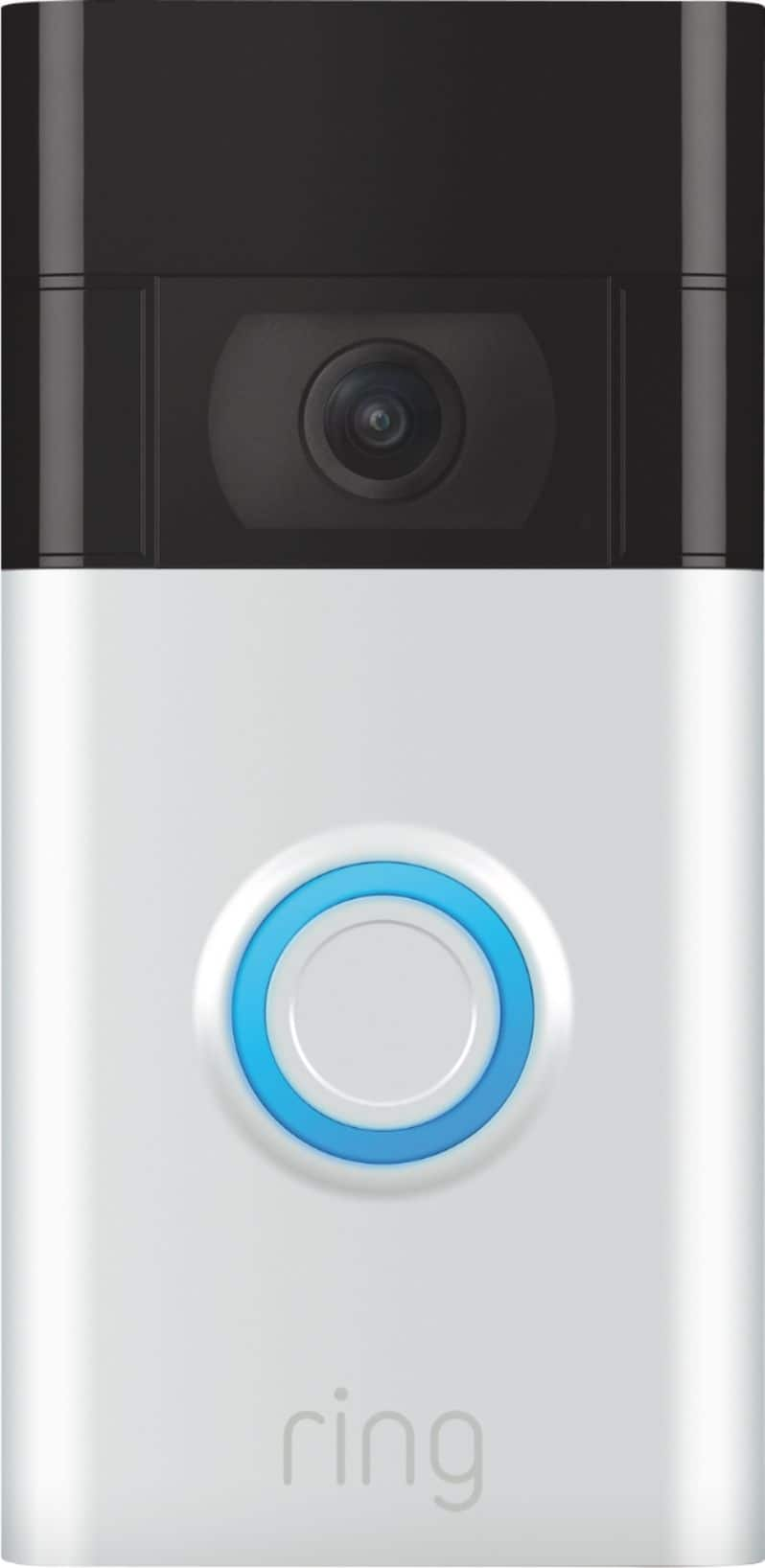
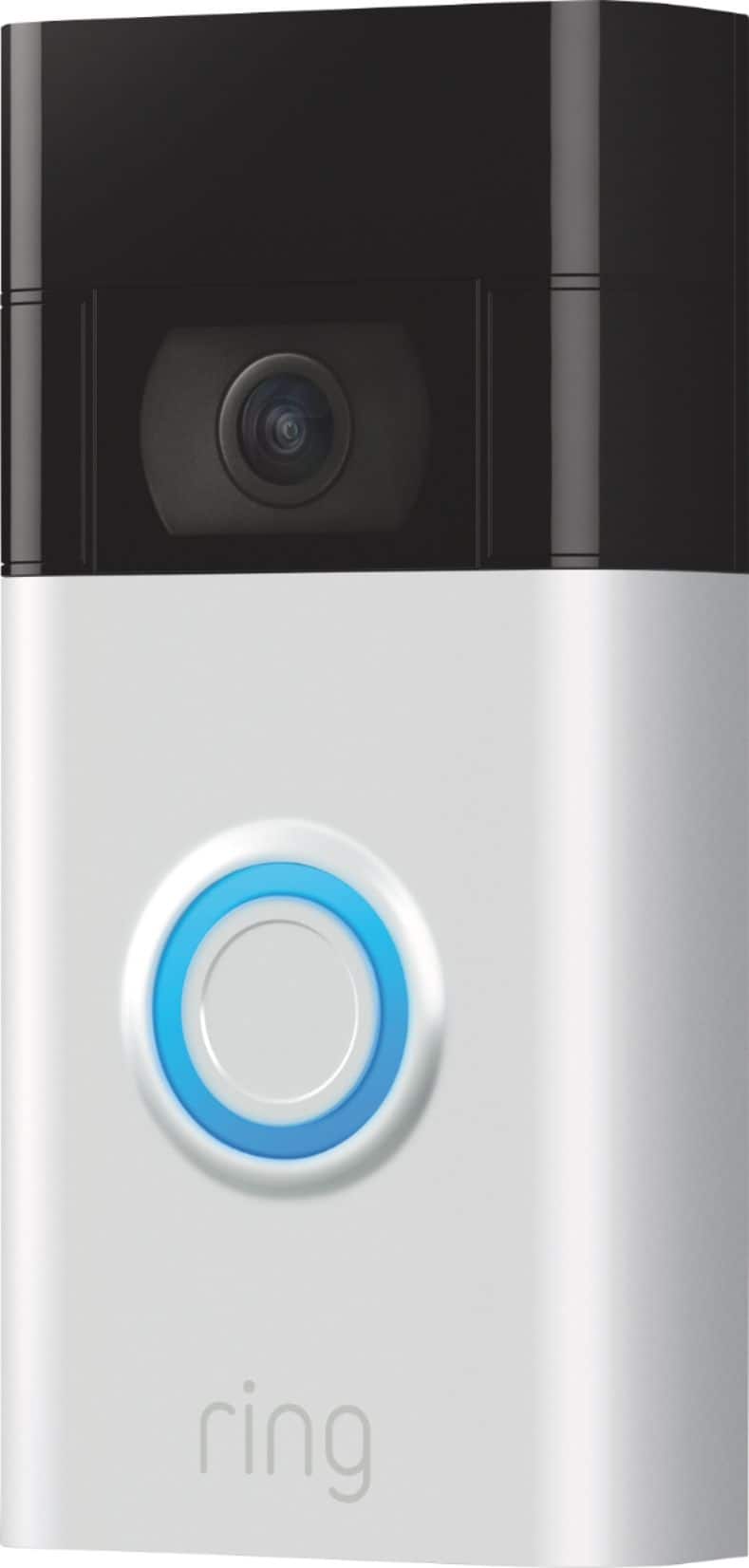
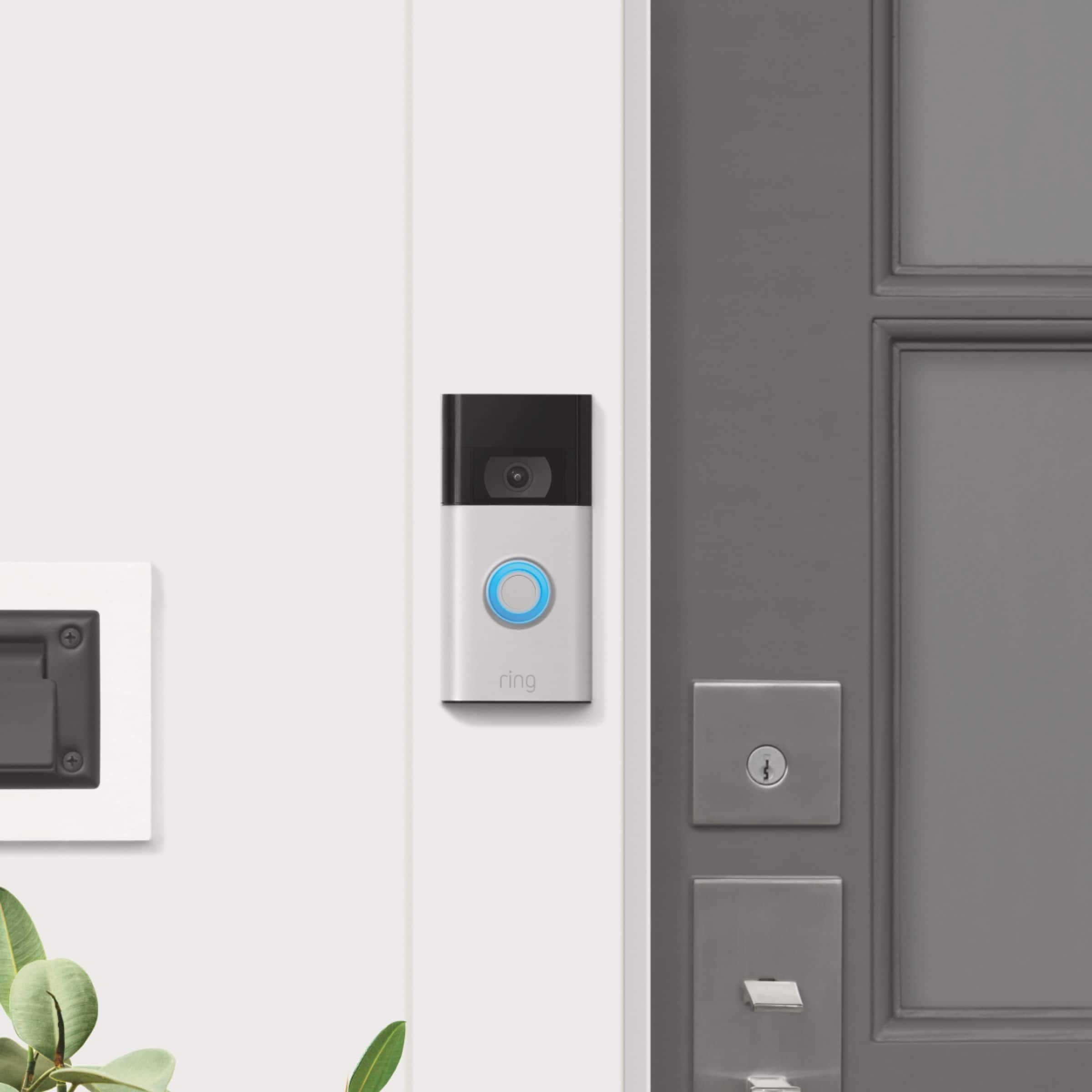
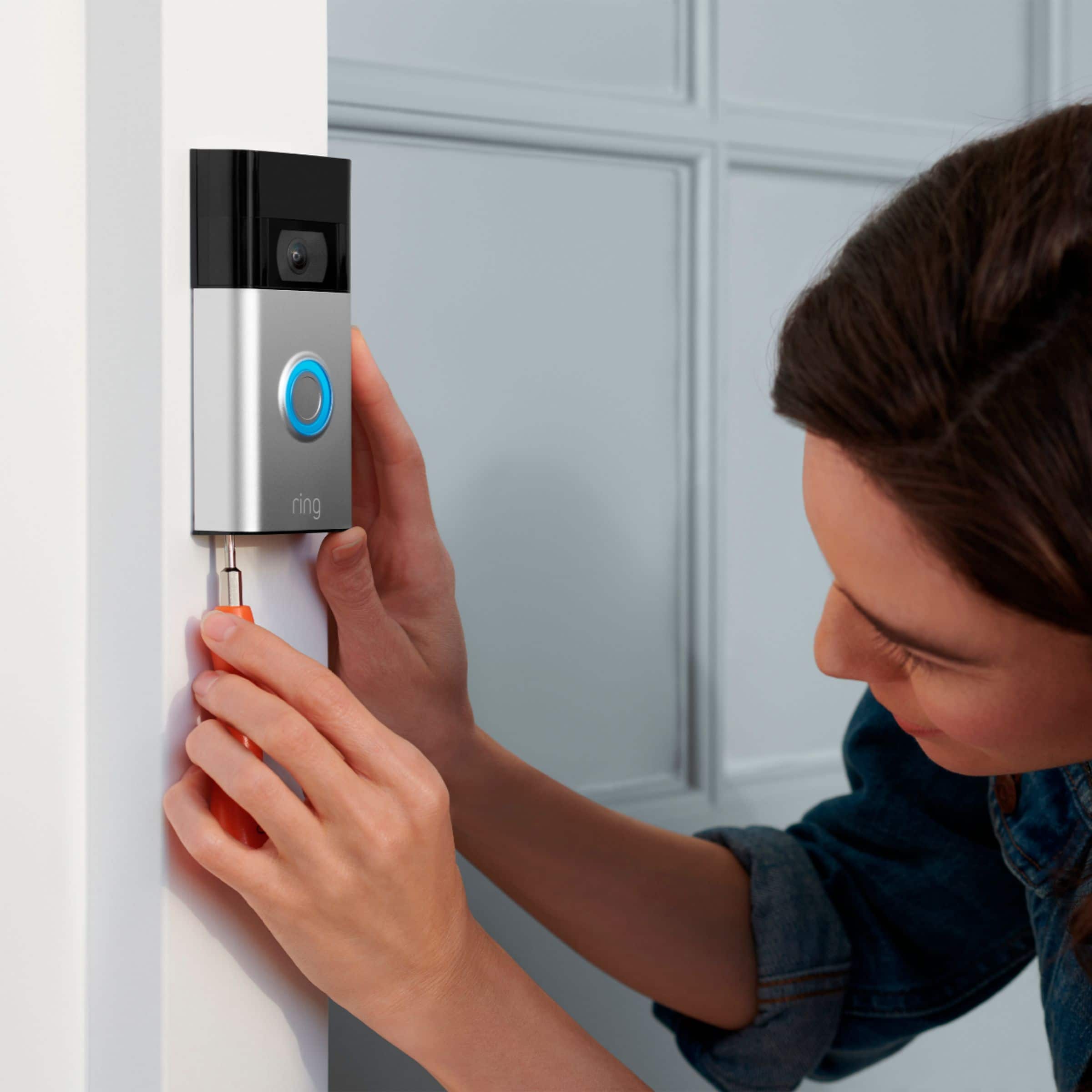



- Model:
- 8VRASZ-SEN0
- SKU:
- 6441424
Rating by feature
- Video Quality
Rating 4.7 out of 5 stars
- Mobile App
Rating 4.7 out of 5 stars
- Sound Quality
Rating 4.7 out of 5 stars
Customers are saying
Customers frequently mention the excellent video quality, ease of use, and long battery life as significant advantages. Many also appreciate the relatively easy installation process and the added security the Video Doorbell provides. While some found the device larger than anticipated, most users reported positive experiences. A small number of users noted occasional connectivity problems and concerns about the sensitivity settings and subscription requirements.
This summary was generated by AI based on customer reviews.
Kind of faulty sometimes
||Posted . Owned for 1 month when reviewed.This reviewer received promo considerations or sweepstakes entry for writing a review.Sometimes it spends the light and it does its own commands
No, I would not recommend this to a friendBrand response from Ring
Posted .Hi PhilipS.
Thank you for taking the time to share your experience with us. We understand how important it is for your Ring Video Doorbell (2nd Gen.) to function consistently and reliably, so you are alerted to any wanted or unwanted activity in or around your home. The Ring Video Doorbell (2nd Gen.) is designed to work in many environments to provide you with peace of mind and security. Rest assured, we hear you and are here to offer you some help.
It sounds like the device is not performing as expected. We are happy to provide you with some information on the different light patterns that the Ring Video Doorbell (2nd Gen.) may display.
The blue light incrementally cycling around on doorbell is an indication of the percentage of a charge that the battery currently has. A white light flashing on and off indicates that the device is performing a firmware update.
Ring Community is our first peer-to-peer community forum, giving our customers the ability to help one another and share their feedback and experiences with Ring. We invite you to reach out to our community if any additional information is needed regarding your Ring Video Doorbell (2nd Gen.).
Thank you,
Melissa from Ring.
- Pros mentioned:Battery life
Ring
||Posted . Owned for 4 months when reviewed.This reviewer received promo considerations or sweepstakes entry for writing a review.My ring doorbell doesn't work very well. Sometimes shows activity sometimes doesn't. The battery life is good though. Not really happy with it for security
No, I would not recommend this to a friendBrand response from Ring
Posted .Hello bisbee11,
Thank you for taking the time to share your Ring experience with us. We appreciate that you have placed value in owning a Ring device to secure your home. Ring understands the importance of having the motion detection and battery work as intended. It is a valuable feature that is designed to notify you as to who may be near your home. Please know that it is a priority for us to be of assistance and find a resolution to your concern.
After reading your review, it seems that your Ring Video Doorbell is not picking up the correct motion. The Ring Video Doorbell (2020 release) is the next generation of the original Ring Video Doorbell. In addition to new video features such as Near Zone functionality, the 2020 release Video Doorbell boasts 1080p video, improved night vision, improved audio quality and near motion zone detection. If you are having trouble with your device picking up the correct motion. We recommend adjusting your motion settings and zones. Motion Zones allow you to define a specific area that you want your Ring device to cover while ignoring everything outside that area. By selecting Motion Zones to cover only areas you want the Ring device to monitor, you can effectively monitor the area you want as well as reduce the number of “false positive” motion alert. For more information on adjusting your motion settings to better fit your needs, please see our help center article titled: https://support.ring.com/hc/en-us/articles/360041248971-Using-Motion-Zones-with-your-Ring-Video-Doorbell-2020-release-.
If you still have concerns regarding this, we would love to hear from you directly on our Ring Community forum. This is a platform intended for Ring users, just like yourself, to create open discussions regarding their Ring experiences, provide suggestions or feedback, and more: https://community.ring.com/.
Thank you, Jamila with Ring
Doorbell
||Posted . Owned for 1 month when reviewed.This reviewer received promo considerations or sweepstakes entry for writing a review.Great doorbell cam nice night vision great for the price
I would recommend this to a friendMs.
||Posted . Owned for 1 month when reviewed.This reviewer received promo considerations or sweepstakes entry for writing a review.I keep getting an error message stating week Wi-Fi signal. All of the reviews I've seen say the same thing even after the purchased the Wi-Fi extender. Wish I would have seen this before making the purchase.
No, I would not recommend this to a friendBrand response from Ring
Posted .Hello Dee64,
Ring understands the importance of having your Ring Video Doorbell online and working so you can keep your home secure. We know you rely on your Ring doorbell to keep your home secure. We will be more than happy to help you with this today.
One of the most important measurements in your Ring security network is the strength of your wifi signal. You may run a special connectivity test at any time to see if a bad wifi connection is responsible for problems with your device. We have included step by step instructions below:
-Open Ring app
-Hamburger Menu/ 3 Lines
-Select Devices
-Select a Ring device
-Select Device Health
-Select "Test your Wifi" under the Tools Section
-Tap "Start test
-Once the test is done, Enter your Results from the Speed test
Sometimes, even with high internet speeds, the connection is not as strong at the location of the Ring device. Ring Community was launched to help deliver the most current news and educational information to our neighbors. This online forum is divided into four categories: Product Boards, Ring Updates, Tips + Tricks, and a Moderators’ Corner. The Product Boards are where you can begin new topics with your questions or feedback; there is also a search option which helps you find topics that were already posted by other neighbors. We invite you to visit our site at https://community.ring.com/ today!
Thank you,
Antonio from Ring
- Pros mentioned:Ease of use
Dependable and Reliable
||Posted . Owned for 3 weeks when reviewed.This reviewer received promo considerations or sweepstakes entry for writing a review.Reliable and Dependable doorbell tfat was easy to install
I would recommend this to a friend - Pros mentioned:Video quality
Great product
||Posted . Owned for less than 1 week when reviewed.This reviewer received promo considerations or sweepstakes entry for writing a review.Very happy with the purchase. Video quality is excellent.
I would recommend this to a friend - Pros mentioned:Video quality
Doorbell
||Posted . Owned for 1 month when reviewed.This reviewer received promo considerations or sweepstakes entry for writing a review.Works great .really good pic quality and quick response.
I would recommend this to a friend - Pros mentioned:Ease of use
Working as expected
||Posted . Owned for 1 month when reviewed.This reviewer received promo considerations or sweepstakes entry for writing a review.I am happy with this product. Highly recommended to buy.
I would recommend this to a friend So so
||Posted . Owned for 10 months when reviewed.This reviewer received promo considerations or sweepstakes entry for writing a review.Worked fine for less than a year and now the light for nighttime doesn’t even work anymore and it’s not even a year old
I would recommend this to a friendBrand response from Ring
Posted .Hi JosephG.
Thank you for taking the time to share your experience with us. We understand the importance of having your Ring Video Doorbell (2nd Gen.) record clear and concise videos so that you can effectively monitor your home. The features and technology provided by the Ring Video Doorbell (2nd Gen.) are incredibly valuable and help provide you with peace of mind about your home security. We can definitely assist you with this today, and we are confident we can find the correct settings for your home’s environment.
It sounds like the device is not performing as expected in regards to "Night Vision." With Ring Video Doorbell (2nd Generation), stay connected to your home from anywhere by seeing who’s at your door and answering it right from the Ring app. Enjoy enhanced features like upgraded video quality from 720p HD to 1080p HD, "Near Zone" motion detection in areas as close as 5 to 15 feet in front of your home, and a reimagined mounting setup that simplifies installation. To ensure that the "Night Vision" feature works as intended, make sure your Indoor Cam’s infrared light is toggled on in the Ring app. The infrared light control is in your Ring app under Video Settings. Enable "Color Night Vision" in the Ring app to help improve clarity at night.
To turn the "Color Night Vision" on or off, follow these instructions:
Open the Ring app.
Tap the "Menu" (☰).
Tap "Devices."
Select the device you want to adjust.
Tap "Device Settings."
Tap "Video Settings."
Toggle "Color Night Vision" on or off.
Although rare, there have been instances where a Ring device can experience black, pink, and other distorted video quality, like night vision video captured during daytime hours. Here are a few things to try.
Check your Ring device's signal strength.
If your Ring device is far from your wifi router, it may be experiencing connection or video issues.
Open the Ring app.
Tap the "Menu" (☰).
Tap "Devices."
Select the Ring device you would like to test.
Tap on the "Device Health" tile.
Scroll to "Signal Strength" under the "Network" section.
The green, amber, and red colors are indicators of your device connection. Green is good; red is poor.
Reboot your Ring Video Doorbell (2nd Gen.) in the Ring app.
Open the Ring app.
Tap the "Menu" (☰).
Tap "Devices."
Select the device that you wish to reboot.
Tap on the "Device Health" tile.
Scroll down to "Reboot This Device."
Give your device a few moments to start back up.
We invite you to reach out to our community if any additional information is needed regarding your Ring Video Doorbell (2nd Gen.). The Ring Community is our first peer-to-peer community forum, giving our customers the ability to help one another by sharing their feedback and experiences with each other.
Thank you,
Melissa from Ring.
- Pros mentioned:Video quality
Ring Camera
||Posted . Owned for 1 month when reviewed.This reviewer received promo considerations or sweepstakes entry for writing a review.Reliable camera. Good picture quality. Easily operated.
I would recommend this to a friend - Pros mentioned:Ease of use
Great
||Posted . Owned for 2 weeks when reviewed.This reviewer received promo considerations or sweepstakes entry for writing a review.Easy to install and is value for the money and for safety
I would recommend this to a friend - Pros mentioned:Ease of use
Great
||Posted . Owned for 2 weeks when reviewed.This reviewer received promo considerations or sweepstakes entry for writing a review.Very easy to install, happy with this surveillance tool
I would recommend this to a friend - Pros mentioned:Video quality
Great Security View
||Posted . Owned for 1 year when reviewed.This reviewer received promo considerations or sweepstakes entry for writing a review.This ring give a clear and wide view of the front area.
I would recommend this to a friend Ring
||Posted . Owned for 1 month when reviewed.This reviewer received promo considerations or sweepstakes entry for writing a review.Very good. but sometimes the signal is lost. the camera sometimes shoots poorly
I would recommend this to a friendBrand response from Ring
Posted .Hi OlehP.
Thank you for taking the time to share your experience with us.
At Ring, we understand it is essential to have your Ring Video Doorbell (2nd Generation) online and working properly so you can keep your home secure. The features and technology provided by the Ring Video Doorbell (2nd Generation) are incredibly valuable and help provide you with peace of mind about your home security. We are here to provide you with some information to resolve the connectivity concern mentioned in your review.
It sounds like you have some concerns with the connectivity of your device. Usually, devices falling offline repeatedly is related to poor wifi connectivity caused by signal fluctuations, channel congestion, or data loss. In rare cases, this can be caused by settings in your router.
We recommend checking the Device Health section of your Ring application to ensure the device’s RSSI is within an acceptable range. The recommended range for optimal performance is 0 to -60 for the RSSI. Visit our support center for more information on how to improve your device's signal strength.
Visit our support center for tips on how to improve your device's signal strength.
Ring Community was launched to help deliver the most current news and educational information to our neighbors. This online forum is divided into four categories: Product Boards, Ring Updates, Tips + Tricks, and a Moderators’ Corner. The Product Boards are where you can begin new topics with your questions or feedback; there is also a search option that helps you find topics that have already been posted by other neighbors.
All the best,
Nicole from Ring.
- Pros mentioned:Ease of use
Good product
||Posted . Owned for 2 weeks when reviewed.This reviewer received promo considerations or sweepstakes entry for writing a review.So far no issues. Easy install. Charge ring before use
I would recommend this to a friend may or may not work well
||Posted . Owned for 1 month when reviewed.This reviewer received promo considerations or sweepstakes entry for writing a review.way to long to download and hook up . so far stayin in the box
No, I would not recommend this to a friendBrand response from Ring
Posted .Hi newyorkjeff.
Thank you for taking the time to share your feedback with us. We are always looking for ways to improve our neighbor's experience, and your feedback is an invaluable part of this process. That is why we are dedicated to offering devices that help you safeguard what is most important at home, while also allowing you to connect with your neighbors from anywhere. We’re glad to read that you are finding the provided features useful.
We are ahppy to provide you with the installation instructions to install your Ring Video Doorbell (2nd Generation) without an existing doorbell system.
You should set up your Ring Video Doorbell in the Ring app before mounting it to your home.
1. Charge the built-in battery. Fully charge the built-in battery by plugging it into a USB power source using the provided orange cable. When only one of the two LEDs on the battery is lit, the battery is fully charged.
2. Set up your Ring Doorbell near your wifi router.
In the Ring app, select Set Up a Device and follow the in-app instructions.
3. Install your Ring Doorbell.
For the best results, mount it around 1.2 metres above the ground.
Recommended installation height for Ring Video Doorbell (2nd Generation).
4. Mark the screw holes. Use the bracket as a template to mark the four corner holes.
Using mounting bracket a template for Ring Video Doorbell (2nd Generation) screw placement.
5. You'll need to install wall anchors when installing on stucco, brick or concrete.
Grab 4 of the wall anchors from Bag A. Using your Ring Doorbell as a template, mark 4 drill holes on the wall. Use a 1/4" masonry drill bit (not included) to drill the holes, then insert the 4 wall anchors.
6. Install the mounting bracket.
Feed the wires through the hole in the mounting bracket.
Using a Philips head screwdriver, drive the mounting screws from Bag A into your wall (or into the anchors, if installed) until they are flush with the mounting bracket.
7. Attach your Ring Doorbell to the mounting bracket.
Hook the slot on the rear of your Ring Doorbell onto the tab near the top of the mounting bracket.
Then, let the Doorbell pivot down to sit flush on its bracket.
8. Secure the doorbell.
CAUTION! If you use the wrong screws to secure the doorbell, you could damage the battery during installation, create a fire hazard, and be seriously injured.
DO NOT USE any screw other than the included short security screws when securing your Ring Doorbell to the bracket.
Use the star-shaped end of the included screwdriver to insert and tighten two of the security screws from Bag B into the bottom of your Ring Doorbell.
We have included the steps here for setting up your device in the Ring app:
Open the Ring app.
Select Create Account.
Follow the in-app instructions to create a new account.
If you already have another Ring device installed, simply open the Ring app.
Tap Set Up a Device then select Doorbells.
Open the Ring app.
Tap the menu (≡) on the left side of your Dashboard.
Tap Set up a Device and select Doorbells.
Tap I’m Ready to Scan.
Point your smartphone’s camera at the QR code on your Ring device or product packaging. If you don’t see the QR code, please remove your video doorbell’s faceplate.
Center the code in the phone camera’s view at the bottom half of the screen.
When the code is recognized, a green square will appear and a pop-up with your device image detected.
iOS: Tap Join when the Ring app asks to join the Ring wifi network.
Android: Your device should automatically connect to the Ring wifi network.
Ring Community launched in March 2019 to help deliver the most current news and educational information to our customers. You can find tips and tricks from other Ring users in our community. This peer-to-peer forum allows our neighbors to share their feedback and experiences.
Thank you,
Melissa from Ring.
- Pros mentioned:Installation
Satisfied Customer
||Posted .This reviewer received promo considerations or sweepstakes entry for writing a review.Very pleased with the product. Installation was simple.
I would recommend this to a friend My video ringbell
||Posted . Owned for 3 weeks when reviewed.This reviewer received promo considerations or sweepstakes entry for writing a review.I love my door ringbell and love it more for the price
I would recommend this to a friend- Pros mentioned:Ease of use
Great
||Posted . Owned for 2 weeks when reviewed.This reviewer received promo considerations or sweepstakes entry for writing a review.Easy to use and install. I would recommend to a friend.
I would recommend this to a friend - Pros mentioned:Video quality
Great Product
||Posted . Owned for 1 month when reviewed.This reviewer received promo considerations or sweepstakes entry for writing a review.It captures everything on the ring camera. I love it.
I would recommend this to a friend