Customer Ratings & Reviews


- Model:
- B08CKHPP52
- SKU:
- 11470662
Rating by feature
- Video Quality
Rating 4.7 out of 5 stars
- Mobile App
Rating 4.7 out of 5 stars
- Sound Quality
Rating 4.6 out of 5 stars
- Cons mentioned:Compatibility
Ringbell
||Posted . Owned for 2 weeks when reviewed.This reviewer received promo considerations or sweepstakes entry for writing a review.It is not working ..it wont ring at all.. I will return soon
No, I would not recommend this to a friendBrand response from Ring
Posted .Hi KeepAustinDeaf.
Thank you for taking the time to share your experience with us. At Ring, we want to ensure that you have the best possible experience with our products. Your peace of mind and security are extremely important to us. The features and technology provided by the Ring Video Doorbell Wired are incredibly valuable and help provide you with peace of mind about your home security. Rest assured, we're here to help!
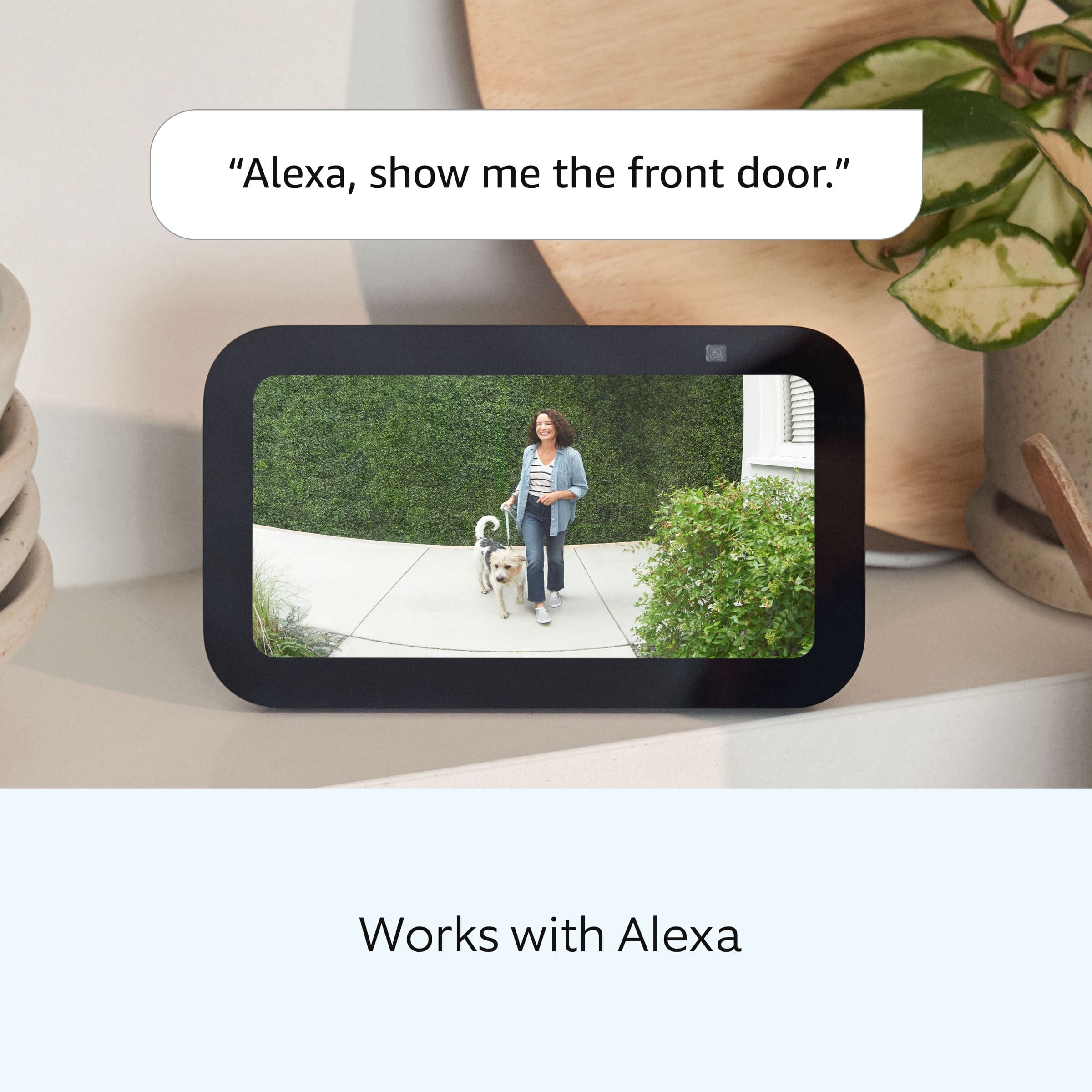
It sounds like your device is not performing as you expected. The Ring Video Doorbell Wired requires existing doorbell wiring for its power supply, but it does not sound your existing doorbell chime. To hear audio alerts in your home, pair it with a Ring Chime or compatible Alexa device (each sold separately).
If you still have the Ring device in your possession, we invite you to reach out to our community. Ring Community is our first peer-to-peer community forum, giving our customers the ability to help one another and share their personal feedback/experiences with Ring. We look forward to hearing from you, if we can be of any further assistance!
Thank you,
Amilia from Ring.
Missing 1 echo
||Posted . Owned for 3 weeks when reviewed.This reviewer received promo considerations or sweepstakes entry for writing a review.I bought2 ring video door bell and it was a great price except for the fact that they both were supposed to come with an echo for each bell. Unfortunately I only receive one echo so I would like to get the second one that I was expecting. Thank you Susan
I would recommend this to a friendBrand response from Ring
Posted .Hello Unhappy,
Thank you for taking the time to share your Bestbuy experience with us. We understand the importance of a seamless delivery, as this allows you to use your Ring device right away! Rest assured, we hear you and are here to offer you some help.
In this particular case, it may be best for you to reach out to Bestbuy's customer service team and see what solutions they have for you:1 (888) 237-8289 or https://corporate.bestbuy.com/contact-corporate-responsibility/. We are confident that they will be able to provide you a resolution to the delivery concern you’ve expressed.
Also, Ring Community is our first peer-to-peer community forum, giving our customers the ability to help one another and share their feedback/experiences with Ring. We invite you to reach out at https://community.ring.com/ if any additional information or assistance is needed regarding your Ring device.
Thank you, Jamila with Ring
Janet
||Posted . Owned for 3 weeks when reviewed.This reviewer received promo considerations or sweepstakes entry for writing a review.Device functions well. It's a little too sensitive - I don't need it to tell me that someone walked down the sidewalk and didn't approach the house. Geek Squad staff were excellent.
I would recommend this to a friendBrand response from Ring
Posted .Hi JanetB.
Thank you for taking the time to share your experience with us. We understand the importance of having your Ring Video Doorbell Wired detect motion and alert you according to your needs. The features and technology provided by the Ring Video Doorbell Wired are incredibly valuable and help provide you with peace of mind about your home security. We can definitely assist you with this today, and we are confident we can find the correct settings for your home’s environment.
It sounds like your device is not detecting motion as expected. This camera uses adjustable motion detection and runs on passive infrared sensors. The system identifies visitors via a moving heat signature and sends a notification to your smart device when one is detected. If you do not wish to receive notifications for motion events, simply toggle off the "Motion Alerts" tab on the device's page in the Ring app. You can adjust three preset motion zones and their distances under the "Motion Settings" tab on the device's page in the Ring app. Additionally, you can choose how often the camera checks for movement in those predefined zones via the "Motion Frequency" setting. If you find that your camera is picking up too much motion, we recommend lowering the "Motion Sensitivity" under the "Motion Settings" tab. It is important to ensure that you have the proper motion settings in place for your environment. This also includes changing the "Motion Frequency" to "Regularly" or "Periodically" in the Ring app.
Accuracy in motion detection can also be improved by enabling the "Smart Alerts" feature for people only in your Ring app. To enable "Smart Alerts", please follow these steps:
Tap the menu (≡) on the top left.
Tap "Devices."
Tap the device that you want to adjust.
Tap "Motion Settings."
Tap "Smart Alerts."
Tap "Enable Feature."
Tap "Continue."
Select the notification options that you want for "Person" and "Other Motion."
You'll see a video camera where you can select or de-select recording and a bell icon to represent alert notifications.
After you've adjusted your settings, tap "Done."
If any additional information is needed regarding your Ring Video Doorbell Wired, please reach out to our community. Ring Community is our first peer-to-peer community forum, giving our customers the ability to help one another and share their feedback and experiences directly with Ring.
Thank you,
Melissa from Ring.
door camera
||Posted . Owned for 3 weeks when reviewed.This reviewer received promo considerations or sweepstakes entry for writing a review.it is good device to see what is going on at your door.
I would recommend this to a friendjunk
||Posted . Owned for 1 month when reviewed.This reviewer received promo considerations or sweepstakes entry for writing a review.no good, ive disconnected it mmmmmmmmmmmmmmmmmmmmmmmmmmmmmmmmmmmmmmmmmmmmmmmmmmmmm
No, I would not recommend this to a friendBrand response from Ring
Posted .Hi donp3697.
Thank you for taking the time to share your experience with us. We understand how critical it is for your hard-wiring to function as intended in order to supply power to your Ring Video Doorbell Wired so that you can keep a watchful eye on your property. You should be able to enjoy the peace of mind that the Ring Video Doorbell Wired is designed to add to your home security. Rest assured, we hear you and are here to offer you some help.
It sounds like the device is not performing as expected. If you are experiencing connection issues with your Ring Video Doorbell Wired, we recommend power cycling your internet router. Give the router a full minute to power up and then follow the steps in the Ring app to reconnect the device. If you are still experiencing the issues, we encourage you to reach out the Ring Customer Support at 1-800-656-1918.
Additionally, if you have not already, please check out our Ring Community forum where other Ring users like yourself have an open discussion platform to share their experiences, as well as solutions to potential causes for concern.
Thank you,
Melissa from Ring.
Extra small
||Posted . Owned for 3 weeks when reviewed.This reviewer received promo considerations or sweepstakes entry for writing a review.Great product. Just wanted battery because of extra work having someone wore it up.
No, I would not recommend this to a friendBrand response from Ring
Posted .Hi Red122.
Thank you for taking the time to share your experience with us. We understand the importance of a seamless setup process so that you can begin using your Ring Video Doorbell Wired right away.
The Ring Video Doorbell Wired is designed to work in many environments and provide a seamless setup process. We can definitely provide you with more information regarding the installation concern mentioned in your review.
It sounds like you are concerned with having to hardwire the device. The Ring Video Doorbell Wired is designed to replace existing doorbell wiring. If you are interested in a doorbell that is wireless, we suggest checking out the Ring Battery Doorbell Plus or the Ring Video Doorbell (2nd Gen.).
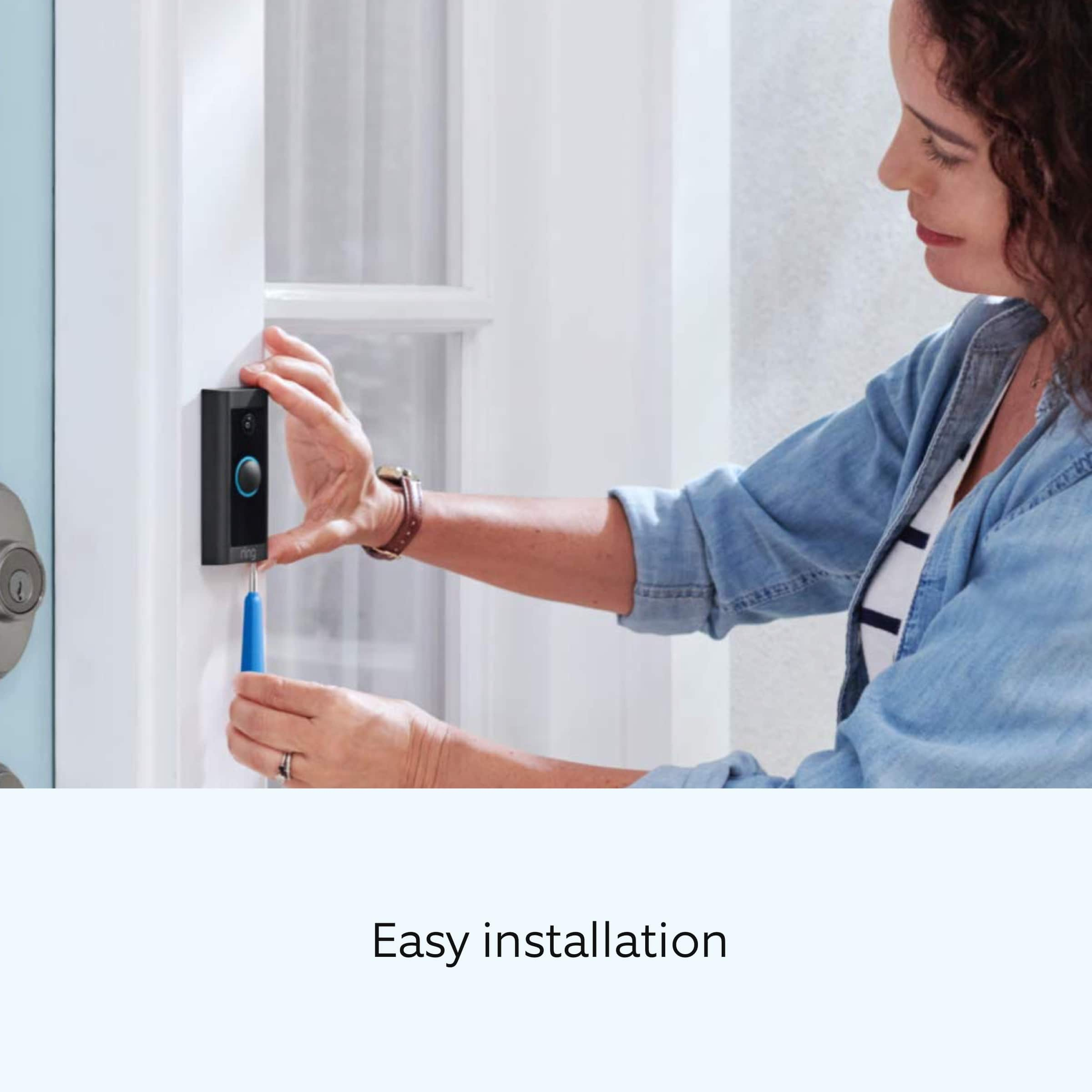
We are happy to provide you with the steps to install your Ring Video Doorbell Wired here:
1. Find your doorbell chime.Your Video Doorbell Wired gets its power from the doorbell system and is designed to replace an existing doorbell button. Ring your doorbell and listen for the chime. If it rings, your existing doorbell system is working. Follow the sound to find your chime and make a note of the location.
2. Turn off power at the breaker. If you're not sure which breaker controls your doorbell chime, turn off the master breaker for your home or contact an electrician.
3. Grab the included jumper cable. The jumper cable bypasses and disables your existing doorbell chime and must be installed before you can install your Video Doorbell.
Your Video Doorbell Wired is compatible with doorbell systems supplying 10–24 volts AC at 50 or 60 Hz and 20–40 VA max. The AC connector is a class 2 energy source.
1. Remove the cover from your doorbell chime. After you've located your doorbell chime and turned off the power at the breaker, remove the cover from your chime and set it aside for now.
2. Loosen the "Front" and "Trans" terminal screws. Make sure to keep the existing doorbell wires in place.
3. Connect the jumper cable. Connect one end of the jumper cable to the "Front" terminal and the other to the "Trans" terminal. It doesn't matter which wire you connect to which terminal. Be sure to tighten the terminal screws.
4. Uninstall your existing doorbell button. Remove your doorbell from the wall. Disconnect the wires. Make sure they don't fall back inside your wall, so you can access them later.
5. Remove the faceplate. Gently pull the faceplate off the unit by pulling it from the lower edge of the plate. Do not use excessive force. The faceplate should pop off easily.
6. Mark the screw holes. Using your Video Doorbell Wired as a template, mark the location of the two mounting holes on the wall.
7. Install the anchors (optional). On stucco, brick, or concrete, use a 1/4" (6mm) masonry bit to drill holes in your wall, then insert the included wall anchors. If you're installing it on wood or siding, you can skip this step.
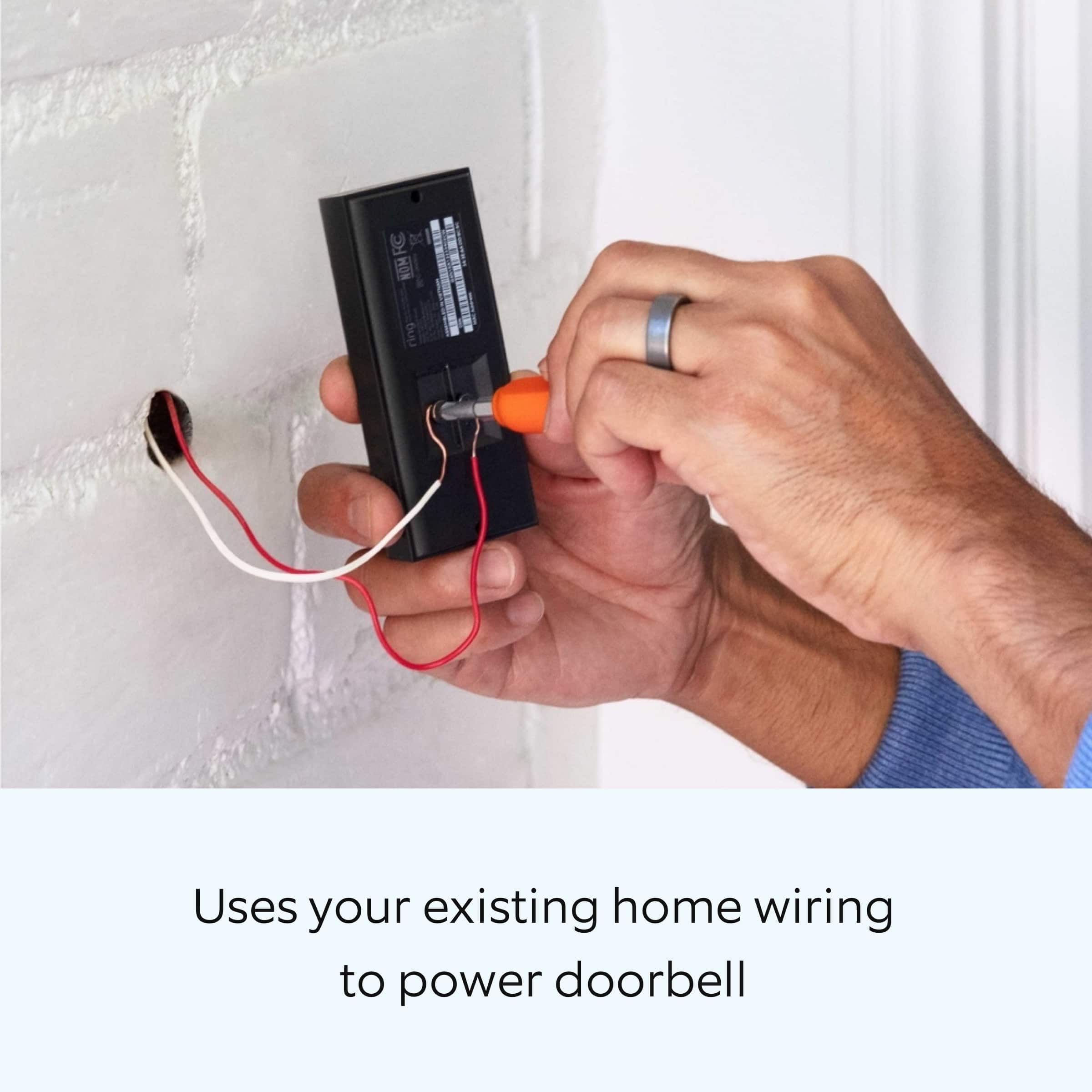
8. Connect the doorbell wires. Loop one doorbell wire around each of the screw terminals on the rear of your Video Doorbell Wired, then tighten the terminals to secure.
9. Screw in your Ring Doorbell. Mount your Video Doorbell Wired with the two included mounting screws. If you ran the wire through your wall, be sure to feed any excess wiring into the wall first.
When securing your Ring Video Doorbell do not use any other mounting screw other than the one included. If you are running the wire up your wall (instead of through it) DO NOT over-tighten the screws.
1. Restore power at the breaker. It may take a moment for your Video Doorbell Wired to power on. You'll know it's ready when it lights up and speaks to you.
2. Secure your Ring Doorbell. Re-attach the faceplate, then use the included screwdriver to drive the small security screw into the bottom of your Video Doorbell Wired.
CAUTION: If you use the wrong screws to secure the Video Doorbell Wired, you could damage the battery during installation, create a fire hazard, and be seriously injured.
Ring Community was launched to help deliver the most current news and educational information to our neighbors. This online forum is divided into four categories: Product Boards, Ring Updates, Tips and Tricks, and a Moderators’ Corner. The Product Boards are where you can begin new topics with your questions or feedback; there is also a search option that helps you find topics that have already been posted by other neighbors. We invite you to visit our community today.
Thank you,
Melissa from Ring.
- Cons mentioned:Connectivity
Dissatisfied
||Posted . Owned for 1 month when reviewed.This reviewer received promo considerations or sweepstakes entry for writing a review.Always asking me to check my wifi . It is just waste of money.
No, I would not recommend this to a friendBrand response from Ring
Posted .Hi OthmanM.
Thank you for taking the time to share your experience with us. We understand the importance of having a consistent wifi signal on the Ring Video Doorbell Wired. Having a solid connection ensures you do not miss any activity around your home. We are here to provide you with some information to resolve the connection issue you mentioned in your review.
It sounds like the device is not operating as intended. Ring devices require high-speed internet to bring you crisp, clear video and audio. Poor network connectivity can affect the performance of your Ring device. Identify and troubleshoot what is causing connectivity issues for Ring devices to give you the best possible video and audio experience.
To determine whether or not the problem is caused by poor upload speed, run a speed test to determine if your network can support Ring devices. Ring devices with 1080p video require at least 1 Mbps upload and download speeds, though 2 Mbps is recommended for optimal performance. In addition to ensuring that you have sufficient wifi speeds, you will also want to check the signal strength of your device. A poor wifi signal can cause connectivity with your Ring device to be unreliable. Check the Device Health section of your Ring application to ensure the device’s RSSI is within an acceptable range. The recommended range for optimal performance is 0 to -60 for the RSSI.
For more information on your Ring Video Doorbell Wired, we invite you to reach out to our community. Ring Community is our first peer-to-peer community forum, giving our customers the ability to help one another and share their personal feedback and experiences with Ring. We look forward to hearing from you if we can be of any further assistance!
Thank you,
Amilia from Ring.
Havent been able to hook it up ?!?!?!
||Posted . Owned for 2 months when reviewed.This reviewer received promo considerations or sweepstakes entry for writing a review.Havent been able to hook it up directions are confusing bot sure if i need to buy the ring chime or not. But once i can get it hooked up im sure it will give me the security i need
I would recommend this to a friendBrand response from Ring
Posted .Hello Tydidi,
Thank you for leaving a review. We understand how important it is to have your internal chime working properly, as it is used to notify you when someone is at the door. Rest assured that we are here to ensure that we can find a resolution for you today.
The Ring Doorbell Wired uses an included jumper cable to bypass your home’s internal chime kit, so it will not ring inside. If you’d like audio notifications inside your home, you’ll need to purchase a Ring Chime to hear them.
All of Ring’s other battery and hardwired doorbell models (Ring Doorbell Pro, Ring Doorbell Pro 2, Ring Doorbell (2020 Release), Ring Doorbell 3/3+, and Ring Doorbell 4) will work with in home chime kits and AC current doorbell transformers. Here is a full product comparison which details power requirements for each device: https://support.ring.com/hc/en-us/articles/115004668746-Ring-Video-Doorbells-Product-Comparison.
If you still have concerns regarding this, we would love to hear from you directly on our Ring Community forum. This is a platform intended for Ring users, just like yourself, to create open discussions regarding their Ring experiences, provide suggestions or feedback, and more: https://community.ring.com/.
Thank you, Jamila with Ring.
Doesn't ring doorbell
||Posted . Owned for 1 month when reviewed.This reviewer received promo considerations or sweepstakes entry for writing a review.Doesn't work with interior chime. I had this professionally installed and the doorbell doesn't ring inside. I checked their work (jumper cable, etc.) and they did it right.
No, I would not recommend this to a friendBrand response from Ring
Posted .Hello REE2,
Thank you for taking the time to share your experience with us directly. We appreciate that you have chosen Ring to secure your home. You are correct, the Ring Doorbell Wired is designed to not ring your home's internal chime kit. You may purchase a Ring Chime or use a compatible Alexa device for audio notifications of doorbell dings. Here is a helpful article with more information regarding Alexa integration: https://ring.com/support/articles/k3m7x/Syncing-Your-Ring-Devices-With-Alexa.
Thank you,
Alexis with Ring
Im sure it works, instructions don't help
||Posted . Owned for 2 months when reviewed.This reviewer received promo considerations or sweepstakes entry for writing a review.I have an older style doorbell and haven't been able to get this working properly. I'm sure the device itself is great, I just need to find an electrician to connect it. Not as easy as the instructions specify.
I would recommend this to a friendBrand response from Ring
Posted .Hello FreakGamer,
We are always looking for ways to better our neighbor experience, and your feedback is an invaluable part of this process. Thank you for taking the time to share your experience with us. At Ring, we are driven to create products that help you protect what matters most at home and empower you to connect with your neighbors from wherever you are. Having the peace of mind that you purchased the Ring Video Doorbell Wired is critical.
All of our doorbells and cameras are designed to be a fairly simple, DIY (do-it-yourself) type of installation. We strive to include all needed parts, tools, and instructions to make the process seamless for our customers. However, in some installation instances and unique home environments, assistance from a qualified professional or someone familiar with installing Ring products may be best.
Ring Community launched in March 2019 to help deliver the most current news and educational information to our customers. This peer-to-peer forum allows our neighbors to share their feedback and experiences. You can find other useful installation information at https://community.ring.com/ for your Ring Video Doorbell Wired device.
Thank you, Jamila with Ring.
- Pros mentioned:Ease of use
Ring doorbell
||Posted . Owned for 11 months when reviewed.This reviewer received promo considerations or sweepstakes entry for writing a review.We are very pleased with this doorbell. It is comforting to be able to see what’s going on at your door.
I would recommend this to a friend - Pros mentioned:Ease of use
Just Ring
||Posted . Owned for 1 month when reviewed.This reviewer received promo considerations or sweepstakes entry for writing a review.Good deal, easy to install & use. Always know who’s at the door without getting out of your chair
I would recommend this to a friend Remove product
||Posted . Owned for 1 month when reviewed.This reviewer received promo considerations or sweepstakes entry for writing a review.Product not eorking will have it removed and teturn best buy have turned their vack on me.
No, I would not recommend this to a friendBrand response from Ring
Posted .Hi LeolaS.
Thank you for taking the time to share your experience with us. At Ring, we want to ensure that you have the best possible experience with our products. Your peace of mind and security are extremely important to us. The features and technology provided by the Ring Video Doorbell Wired
are incredibly valuable and help provide you with peace of mind about your home security. Rest assured, we're here to help!
At Ring, we believe that stronger communities are the key to safer neighborhoods. That is why we are driven to create products that help you protect what matters most at home, and empower you to connect with your visitors from wherever you are. We are saddened to read that this device did not meet your expectations but are still here to assist you. Our support team is available 24/7.
Ring Community was launched to help deliver the most current news and educational information to our neighbors. This online forum is divided into four categories: Product Boards, Ring Updates, Tips + Tricks, and a Moderators’ Corner. The Product Boards are where you can begin new topics with your questions or feedback; there is also a search option which helps you find topics that were already posted by other neighbors. We invite you to join our community today!
Thank you,
Amilia from Ring.
- Cons mentioned:Compatibility
Poor description,
||Posted . Owned for 3 weeks when reviewed.This reviewer received promo considerations or sweepstakes entry for writing a review.Doesn’t work with my chime. Should have told me. Going to return
No, I would not recommend this to a friendBrand response from Ring
Posted .Hi JohnW.
Thank you for taking the time to share your experience with us. At Ring, we understand it is essential to have your Ring Video Doorbell Wired online and working properly. The features and technology provided by the Ring Video Doorbell Wired are incredibly valuable and help provide you with peace of mind about your home security. We are here to provide you with some information to resolve the concerns mentioned in your review.
It sounds like your device is not performing as you expected. The Ring Video Doorbell Wired requires existing doorbell wiring for its power supply, but it does not sound your existing doorbell chime. To hear audio alerts in your home, pair it with a Ring Chime or compatible Alexa device (each sold separately).
At Ring, we believe that stronger communities are the key to safer neighborhoods. That is why we are driven to create products that help you protect what matters most at home, and empower you to connect with your visitors from wherever you are. We are saddened to read that this device did not meet your expectations but are still here to assist you. Our support team is available 24/7.
If you still have the Ring device in your possession, we invite you to reach out to our community. Ring Community is our first peer-to-peer community forum, giving our customers the ability to help one another and share their personal feedback/experiences with Ring. We look forward to hearing from you, if we can be of any further assistance!
Thank you,
Amilia from Ring.
Do not recommend
||Posted . Owned for 1 week when reviewed.This reviewer received promo considerations or sweepstakes entry for writing a review.No proper wiring instructions, unable to install self service. Need a technician- that’s how complex it is. Main thing is the video quality sucks. Can’t return as i paid handy man to install. Not worth purchasing and not worth returning. Worst product.
No, I would not recommend this to a friendBrand response from Ring
Posted .Hi Krish.
Thank you for taking the time to share your experience with us. We understand how important it is for your Ring Video Doorbell Wired to record clear and concise videos so that you can effectively monitor your home. The features and technology provided by the Ring Video Doorbell Wired are incredibly valuable and help provide you with peace of mind about your home security. We want to ensure your device is working as intended by providing you with solutions to resolve the video quality concern you mentioned in your review.
It sounds like the device is not performing as expected. We are happy to share some tips with you for troubleshooting why your Ring device may be experiencing issues with video quality. If your phone or tablet has poor service or internet, it could be affecting "Live View" or your video downloads. Try turning Bluetooth off, then open "Live View" or view a recorded Ring video. Poor wifi can often cause Ring device issues, including video quality. We recommend following these steps in the Ring app: Tap the top menu (☰), then "Devices." Choose your device. Tap the "Device Settings" tile. Tap "Device Health." Under the "Network" section, you'll see your device's "Signal Strength." If your "Signal Strength" (RSSI) is amber or red, your Ring device likely has a poor connection to your location's wifi. Reboot your Ring doorbell or camera by following these steps: Open the Ring app. Tap the top menu (☰), then "Devices." Choose your device. Tap the "Device Settings" tile. Tap "Device Health." Scroll down and tap "Reboot This Device." Wait a few minutes for your device to reboot.
We invite you to reach out to our community if any additional information is needed regarding your Ring Video Doorbell Wired. The Ring Community is our first peer-to-peer community forum, giving our customers the ability to help one another by sharing their feedback and experiences with each other.
Thank you,
Amilia from Ring.
Subscription required
||Posted . Owned for 1 month when reviewed.This reviewer received promo considerations or sweepstakes entry for writing a review.Doorbell works great and is very helpful... until you have to purchase an additional subscription to get video recordings.
I would recommend this to a friendBrand response from Ring
Posted .Hi RonC.
Thank you for taking the time to share your experience and feedback with us. We understand the importance of having events recorded on your Ring Video Doorbell Wired. The features and technology provided by the Ring Video Doorbell Wired are incredibly valuable and help provide you with peace of mind about your home security. We are happy to hear that you are enjoying the functionality of the device. While subscribed to one of our Ring Protect Plans, you will have access to videos of every motion and live view event. Without this service, you will still receive real-time video alerts on your smartphone and have access to the live view feature.
If any additional information is needed regarding your Ring Video Doorbell Wired, please reach out to our community. Ring Community is our first peer-to-peer community forum, giving our customers the ability to help one another and share their feedback and experiences directly with Ring.
Thank you,
Melissa from Ring.
Not great unless you pay for monthly subscription
||Posted . Owned for 3 weeks when reviewed.This reviewer received promo considerations or sweepstakes entry for writing a review.Need a subscription to use most of the features. Better of with Eufy - has more features for free
No, I would not recommend this to a friendBrand response from Ring
Posted .Hi Adam.
Thank you for taking the time to share your experience and feedback with us. We understand the importance of having events recorded on your Ring Video Doorbell Wired. The features and technology provided by the Ring Video Doorbell Wired are incredibly valuable and help provide you with peace of mind about your home security. We would be happy to address your concerns that you mentioned in your review regarding the Ring Protect Plan Subscription.
It sounds like the device is not performing as expected. Video Doorbell Wired is a wired video doorbell that offers 1080p HD video with night vision and two-way audio with noise cancellation. With Ring doorbell, you can check in on your front door anytime, from anywhere, and can see and speak to visitors at your door in real time using your Ring app or Alexa-enabled device. While subscribed to one of our Protect Plans, you will have access to videos of every motion and live view event. Without this service, you will still receive real-time video alerts on your smartphone and have access to the live view feature.
If any additional information is needed regarding your Ring Video Doorbell Wired, please reach out to our Community. Ring Community is our first peer-to-peer community forum, giving our customers the ability to help one another and share their feedback and experiences directly with Ring.
Thank you,
Melissa from Ring.
- Pros mentioned:Video quality
New toy
||Posted . Owned for 1 month when reviewed.This reviewer received promo considerations or sweepstakes entry for writing a review.It is something more than I expected, it is an excellent tool that anyone should acquire
I would recommend this to a friend - Pros mentioned:Ease of use
Ring
||Posted . Owned for 2 months when reviewed.This reviewer received promo considerations or sweepstakes entry for writing a review.Great product. Easy to set up and use I has to change my OLD transformer 2 sec delay
I would recommend this to a friend - Cons mentioned:Connectivity
Just the worst
||Posted . Owned for 3 weeks when reviewed.This reviewer received promo considerations or sweepstakes entry for writing a review.The worst. I have been given so much misinformation about these doorbells. I am now on my 4th recommendation. The 3rd time the installer came (part of the service program I pay Best Buy for) they completely screwed up my current doorbell. Now they just canceled todays app with no notice.
No, I would not recommend this to a friendBrand response from Ring
Posted .Hello Nogood,
Thank you for taking the time to share your experience with us. We understand the importance of a seamless installation process, as this allows you to start using your Ring Video Doorbell Wired right away. What you describe is not the experience we want you to have, rest assured we hear you and are here to offer you some assistance.
In this particular case, we’d suggest you reach out to Best Buy’s customer service: 1-888-237-8289 or https://www.bestbuy.com/services/triage/home. We are confident that they will be able to provide you resolution to the installation concerns you have described.
If you need assistance from Ring, Ring Community is our first peer-to-peer community online forum, giving our customers the ability to help one another and share their feedback directly with Ring.
We invite you to reach out at https://community.ring.com/ if any additional installation information is needed regarding the Ring Video Doorbell Wired. We are eager to turn around your experience!
Thank you, Jamila with Ring.