Customer Ratings & Reviews
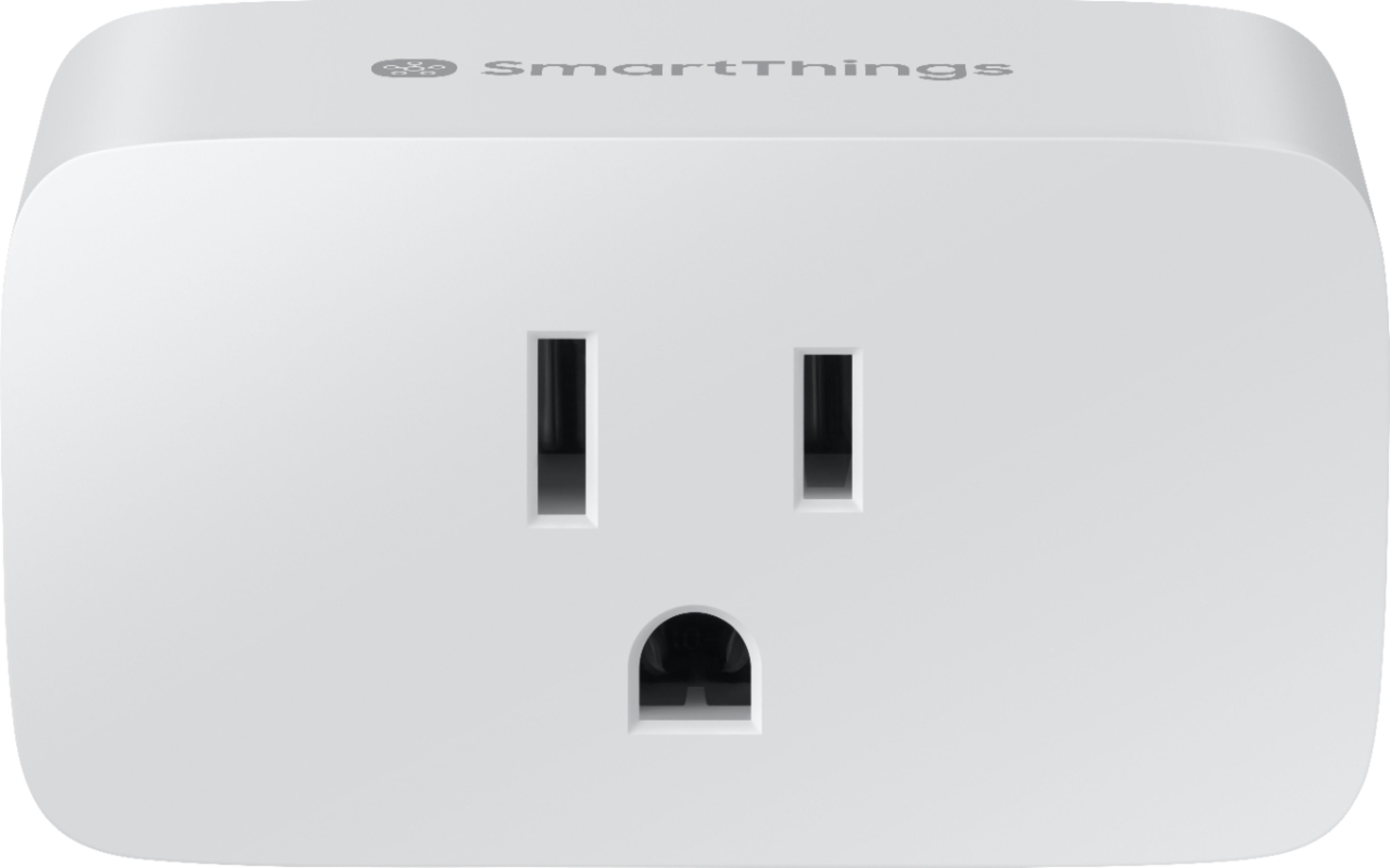
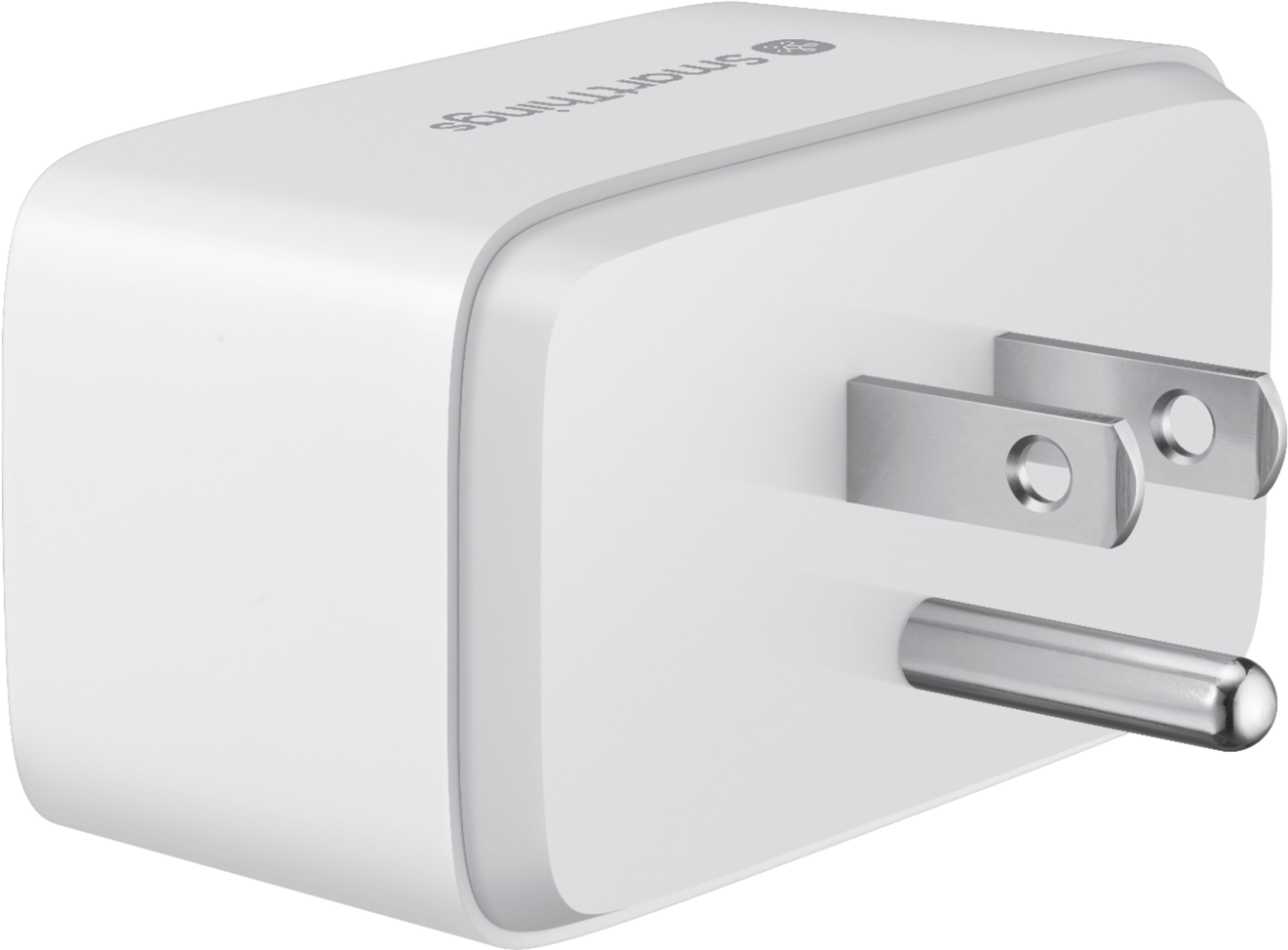

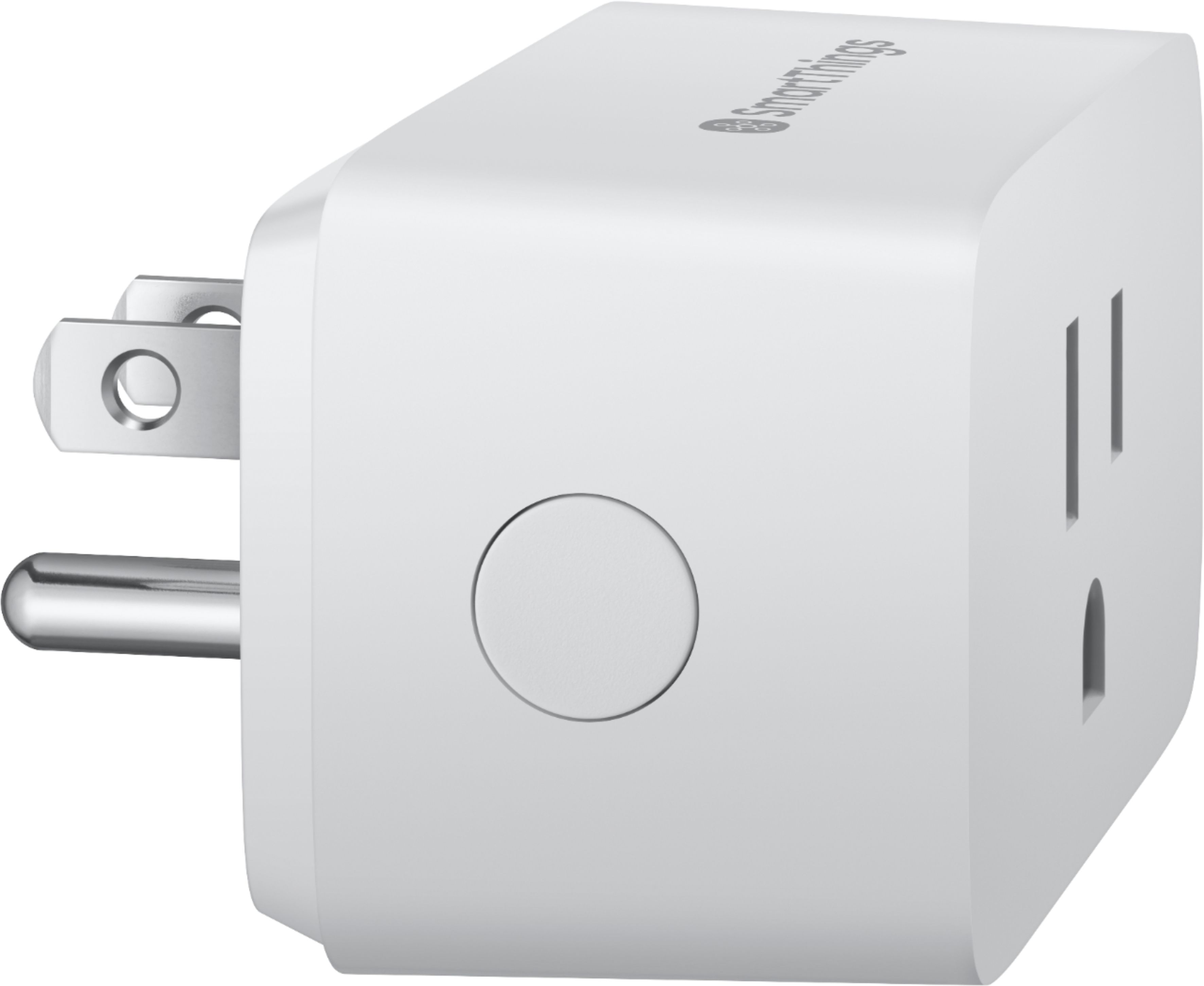
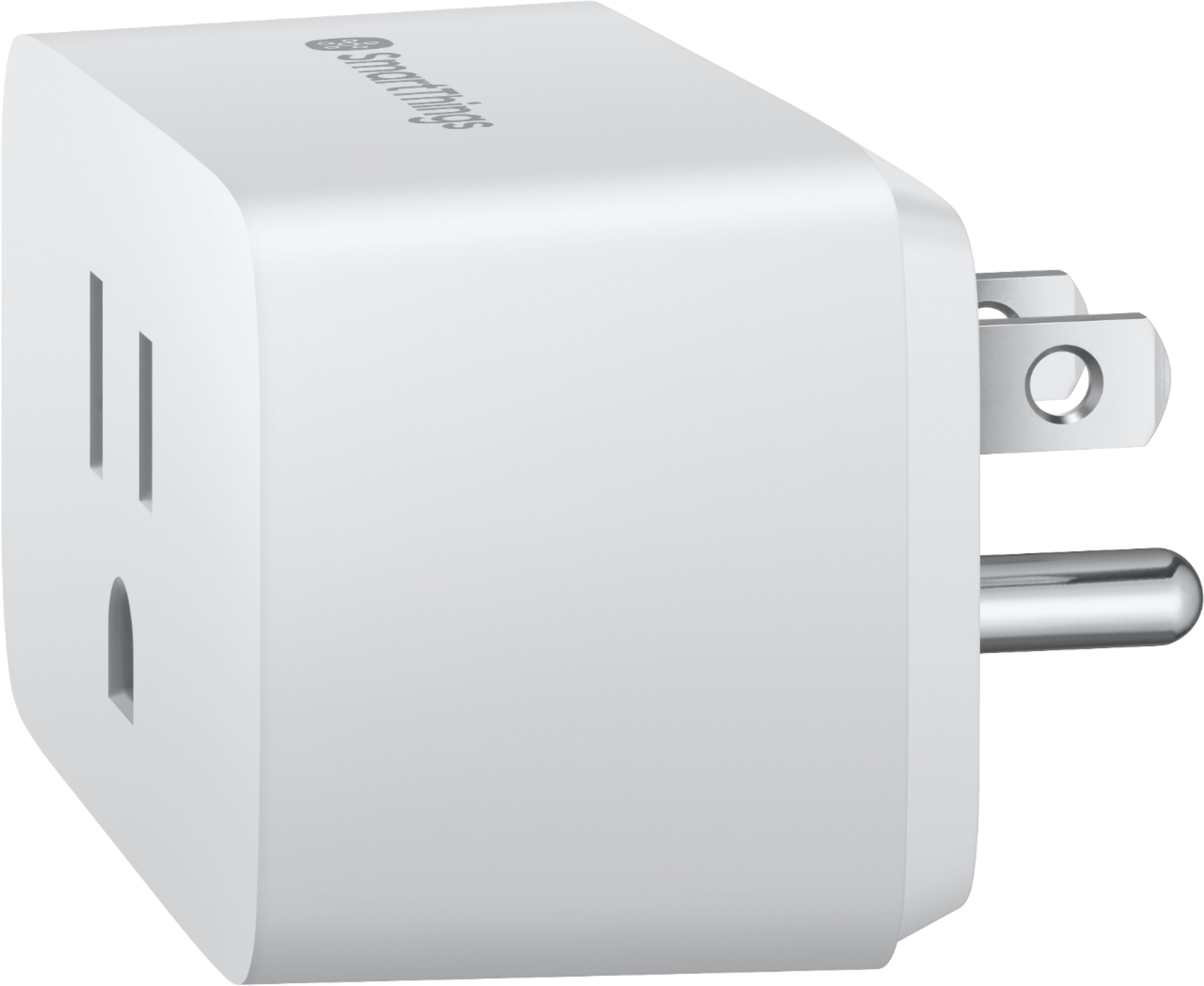
- Model:
- GP-WOU019BBAWU
- SKU:
- 6342037
Rating by feature
- Value
Rating 4.4 out of 5 stars
- Quality
Rating 4.5 out of 5 stars
- Ease of Use
Rating 4.4 out of 5 stars
Customers are saying
Customers often highlight the SmartThings Wi-Fi Smart Plug's ease of use, compatibility with smart home systems like Alexa and Google, and its compact size. Many appreciate its affordability and the convenience of features like timers and voice control. However, some users experienced issues with connectivity and app compatibility, reporting difficulties with the device's online status and setup processes with certain apps. The overall experience appears to be positive for most, but potential app-related frustrations should be considered.
This summary was generated by AI based on customer reviews.
- Cons mentioned:Connectivity
Works well until it randomly falls off-line
||Posted . Owned for 1.5 years when reviewed.This reviewer received promo considerations or sweepstakes entry for writing a review.Worked well for over a year until one day at randomly fell off line and would not reconnect.
I would recommend this to a friend Returned
||Posted . Owned for 1 year when reviewed.This reviewer received promo considerations or sweepstakes entry for writing a review.Ok, so this was a return because I was too stupid to read the box. I saw SmartThings and stopped there. Got home, went to pair it with my hub, and discovered it was a Wi-Fi device. So, back to the store I went. ALL of the smart plugs were Wi-Fi. Very disappointing. So, I sailed down that famous river looking for Zigbee/Zwave plugs, and found one that fit the bill. Hopefully one day BB will carry such a product. For large home automation, hubs are the way.
No, I would not recommend this to a friendDid not work as advertised.
||Posted . Owned for 1 month when reviewed.This reviewer received promo considerations or sweepstakes entry for writing a review.I bought and returned 2 plugs because they would not pair with the Samsung SmartThings Hub. Spent an hour on the phone with a Samsung rep who was very nice. However, my problem went unresolved. Best explanation I received was that my internet was operating on both 2.4 and 5.0 Ghz and that it needed to operate on 2.4 Ghz only. I was not going to take my entire wifi system backwards so I returned the plug. I am disappointed and had high hopes for it but it just didn't work out.
No, I would not recommend this to a friendBuy a different brand
||Posted . Owned for 4 months when reviewed.This reviewer received promo considerations or sweepstakes entry for writing a review.Bought this in Jan. Wouldn’t sync with app. On hub.Samsung said eventually new app. Would migrate it. After 5 months, Tired of waiting. Downloaded new app. Had to re-add all devices & reset the hub. Set it up on 5.0 MHz. Find out that this outlet doesn’t work on 5 MHz like the old ones. No where on the box does it say this. Why would you have a new product that isn’t compatible when previous model was? Samsung said have a nice day.
No, I would not recommend this to a friendUnreliable
||Posted . Owned for 3 weeks when reviewed.This reviewer received promo considerations or sweepstakes entry for writing a review.We needed these to turn on lights and turn air conditioning on/off for pets while we were out of town. Within 2 days, this device had crashed, was looking for an update that never loaded, and may or may not have worked while we were gone. There was a good chance we were coming home to dead pets. I want to take these back.
No, I would not recommend this to a friendComplete junk
||Posted .This reviewer received promo considerations or sweepstakes entry for writing a review.Oh I how I hoped this would be a good option for smart plugs. Especially since I had an existing smart things hub. The set up process does not work. I attempted it a dozen times, was able to connect to the temp wifi for the plug but the app never could connect. I never had an issue with my current plug but the new design is hot garbage. Save yourself some time and either buy the older model or another brand.
No, I would not recommend this to a friendBrand response from Samsung
Posted .We're sorry to hear of the issues you encountered during the setup process, BigBoss! Please verify that you are using the new SmartThings App, which has an icon of a circle surrounded by five smaller circles, to connect the Smart Plug. If the Smart Plug is unable to connect with the new SmartThings App, please reach out to our dedicated SmartThings team at 1-866-813-2404 or [email protected] for assistance. We would be happy to assist in getting your device up and running! ~Samsung Brand Ambassador

Could not make it to work
||Posted . Owned for 7 months when reviewed.This reviewer received promo considerations or sweepstakes entry for writing a review.Spent hours with Amazon tech support since samsung smart thing did not have any to give. Even though its supposed to work with Alexa it never did. 2 different tech support people in the end just said we have to escalate this. In the end I was told to return as they had issues with compatability with Smart things. Went with kazaa tplink and worked immediately.
No, I would not recommend this to a friendwould not pair with iphone and router
||Posted . Owned for less than 1 week when reviewed.This reviewer received promo considerations or sweepstakes entry for writing a review.I could not get this to work with my router and smart phone even on 2.4ghz. The unit never blinked red and green as indicated in written instructions. The written instructions that come with the plug are different than those on the SmartThings app. I unplugged and reset several times all with the same result.
No, I would not recommend this to a friendCould not get past app connect screen
||Posted . Owned for 1 week when reviewed.This reviewer received promo considerations or sweepstakes entry for writing a review.Tried two of these, could not get the app to go past the connect plug screen. My phone would connect wifi to the plug, but when I returned to the app it would not move forward. Not going to spend time with their support to get something easy like this to work. Returned and picked up 2 TP-Link plugs, which worked flawlessly.
No, I would not recommend this to a friendBrand response from Samsung
Posted .We're sorry to hear of the issues you experienced with the setup process! If we can assist in any way, our team can be reached at 1-866-813-2404 or [email protected]. Thank you for giving SmartThings a try! ~Samsung Brand Ambassador
many error messages
||Posted . Owned for 1 month when reviewed.This reviewer received promo considerations or sweepstakes entry for writing a review.can only set one time of day///insignia was able to do a morning and evening set
No, I would not recommend this to a friendBrand response from Samsung
Posted .We apologize for the difficulties you have encountered with your SmartThings Smart Plug! While the device card within the SmartThings App has a single on/off time option, you can create custom automations with additional on/off times. You can find helpful instructions for creating custom automations on our Support page here -- https://support.smartthings.com/hc/en-us/articles/115002056383-Custom-Automations-in-the-SmartThings-app. If you have additional questions, or need assistance, please reach out directly to our SmartThings team at 1-866-813-2404 or [email protected]. We would be happy to assist you with your device! ~Samsung Brand Ambassador
- Cons mentioned:Connectivity
Unreliable
||Posted . Owned for 3 weeks when reviewed.This reviewer received promo considerations or sweepstakes entry for writing a review.Disconnects from WiFi. Should not be selling these.
No, I would not recommend this to a friendBrand response from Samsung
Posted .Thank you for your feedback about the SmartThings Wi-Fi Smart Plug! I am sorry to hear of the issues you are experiencing with your Smart Plug disconnecting from WiFi. When devices do not work as expected, one of the first troubleshooting steps we can try is to reset the device. The Smart Plug can be reset by pressing and holding the Power button for 5 seconds. The light on the front of the plug will then blink green when it is ready to connect again. If a reset does not help, or if you have additional questions, please feel free to contact our dedicated SmartThings team at 1-866-813-2404 for further assistance. ~Samsung Brand Ambassador
Don't Buy This Product
||Posted . Owned for less than 1 week when reviewed.This reviewer received promo considerations or sweepstakes entry for writing a review.Impossible to get the SmartThings App running. Says Unable to find country - retry. No matter how many times we click retry, get the same message. I think the only solution to using Smart Plugs is to by the ones that AZ sells that work directly with Echo at $25 a whack. Frustrating
No, I would not recommend this to a friendnot what i expected
||Posted . Owned for 1 month when reviewed.This reviewer received promo considerations or sweepstakes entry for writing a review.not sure which, but either samsung app is glitchy or this is
No, I would not recommend this to a friendBrand response from Samsung
Posted .We apologize for the issues you have been experiencing with your SmartThings Wi-Fi Smart Plug, Beav! When a device is not working the way it should, a reset can often help resolve the issues. You can find the steps to reset and reconnect your Smart Plug on our Support page here -- https://support.smartthings.com/hc/en-us/articles/360029964431. If the reset does not help, or if you need assistance, please reach out directly to our dedicated SmartThings team at 1-866-813-2404 or [email protected]. We would be happy to help! ~Samsung Brand Ambassador
The device isn't compatible with my wifi
||Posted . Owned for less than 1 week when reviewed.This reviewer received promo considerations or sweepstakes entry for writing a review.I have wifi through Xfinity and the smart plug wouldn't connect even when i hooked up my own router, the plug still wouldn't work. I will be returning this item soon. I was contacted by Samsung and I appreciate them responding to me. No solutions were found. I love Samsung products.
No, I would not recommend this to a friendBrand response from Samsung
Posted .Thank you for the feedback on the SmartThings Wi-Fi Smart Plug, CDub! If you would like us to take another look, please reach out to our dedicated SmartThings team directly at [email protected]. We appreciate you giving SmartThings a try! ~Samsung Brand Ambassador
- Pros mentioned:Ease of use, Setup

Works perfect! Easy to set up, easier to use!
|Posted .This reviewer received promo considerations or sweepstakes entry for writing a review.I installed the plug into the wall outlet, and followed the instructions to connect it to my wifi, and within minutes I was able to turn my end table lamp on and off with my phone which is real convenient because now I don't have to lean behind the couch and click the switch on the power cord. I can also turn it on and off when I'm away from home. I turned the lamp on the other day when I was not home, and got a text from my room mate asking if I was messing with the lights somehow, or if we had a ghost... I thought that was kinda funny. Over all I really like the Smart Things wifi plug, and I highly recommend it.
I would recommend this to a friend New is not always better
||Posted . Owned for 1 month when reviewed.This reviewer received promo considerations or sweepstakes entry for writing a review.I bought 4 of these smartthings wifi and they kept disconnecting and would need to be reset I have mostly zwave and zigbee of their older models and have never had any issues with them. Would not recommend to someone who has a full smart home setup.
No, I would not recommend this to a friendBrand response from Samsung
Posted .We apologize for the issues you are experiencing with your Smart Plugs disconnecting, Mobilemedic! As you have already attempted a reset, please reach out to our dedicated SmartThings team at 1-866-813-2404 or [email protected] so we can gather more information and assist with further troubleshooting. We look forward to hearing from you! ~Samsung Brand Ambassador
Not compatible with Apple HomeKit
||Posted . Owned for 1 month when reviewed.This reviewer received promo considerations or sweepstakes entry for writing a review.I am a beginner at these smart devices and my take away hub is Apple HomeKit. However this device is not compatible with my Apple HomeKit although it is with my Samsung smart things TV but I do not want to buy a smart things hub
No, I would not recommend this to a friendDid Not Work
||Posted . Owned for 10 months when reviewed.This reviewer received promo considerations or sweepstakes entry for writing a review.I have a Samsung cell phone and a Samsung wireless fast charger for my cell which work great so I assumed this be a great product to however had to reset the smart plug every time it was on or off. returned for a refund.
No, I would not recommend this to a friend- Pros mentioned:Ease of use
Works Well, Easy Setup, Cool Power Meter Feature
|Posted .This reviewer received promo considerations or sweepstakes entry for writing a review.The SmartThings WiFi plug is easy to set up with the SmartThings app. I tapped to add a new device, scanned the QR code on the side of the device, and plugged it into an outlet. Five minutes after opening the box, I was turning the plug on and off from my phone. Integration between SmartThings and Google Assistant is straightforward, and allowed me to control the plug using my voice (a Google Assistant capable device is required). I've tried several other smart plugs, and really like the fact that the SmartThings model has a built in power meter. So right there in the SmartThings app, I can see how much electricity whatever I have plugged in is using. Maybe not an essential feature, but could be very informative in some situations. Overall, this is an easy to use product that does what it's supposed to. I'd recommend it confidently.
I would recommend this to a friend Don't Buy
||Posted . Owned for 4 months when reviewed.This reviewer received promo considerations or sweepstakes entry for writing a review.Kept disconnecting from my wifi and Samsung was no help. Piece of crap. Ended up buying an Amazon smart plug and no issues.
No, I would not recommend this to a friendBrand response from Samsung
Posted .We apologize for the issues you experienced with the SmartThings Smart Plug, Mann! Our team is continually working to improve and your feedback shows us where we need to grow. If we can assist in any way, please reach out to our dedicated SmartThings team at 1-866-813-2404 or [email protected]. Thank you! ~Samsung Brand Ambassador