Customer Ratings & Reviews
- Model:
- 150BECa
- |
- SKU:
- 6576718
Customer reviews
Rating 4.6 out of 5 stars with 667 reviews
(667 customer reviews)Rating by feature
- Value4.5
Rating 4.5 out of 5 stars
- Quality4.8
Rating 4.8 out of 5 stars
- Ease of Use4.7
Rating 4.7 out of 5 stars
Customers are saying
Customers frequently mention the ease of use, touchscreen, and overall performance of the Calendar. Users appreciate the chore chart and organizational features, as well as the screen size. However, some customers express concerns about the price and the subscription service.
This summary was generated by AI based on customer reviews.
Rated 3 out of 5 stars
Calendar
||Posted . Owned for 3 weeks when reviewed.This reviewer received promo considerations or sweepstakes entry for writing a review.Didn't know that I had to purchase apps to have this function correctly.
This review is from Skylight - Calendar: 15 Inch Touchscreen Smart Calendar and Chore Chart - White
I would recommend this to a friendRated 1 out of 5 stars
Overpriced and Greedy
||Posted . Owned for 2 weeks when reviewed.This reviewer received promo considerations or sweepstakes entry for writing a review.I think this could've been a great product if the company decided to either give free updates to an already expensive item or lower the total cost in place of the subscription fee. This doesn't go by whether you "have the means" to pay for the subscription or not, companies shouldn't be charging full price for half the product and then monthly or yearly for the rest of it. Also considering, besides Amazon, this is the only possible digital calendar out there, you would think they'd be just fine with how much they already make. This just seems greedy and bad business practice, would not recommend.
No, I would not recommend this to a friendBrand response from Skylight
Posted .Thanks for this feedback Joey! The Skylight Calendar does not require a subscription to use and comes standard with features like Chores, Lists, and the ability to sync personal calendars all into one organized place. Customers can choose to enhance their Calendar experience with a $39/year Plus subscription (around 11 cents/day) that adds a substantial Meal Planner, Photo Screensaver, and an AI Magic Importer for events. We regularly provide updates and enhancements for both our subscription and non-subscription customers. I hope that helps!
Rated 2 out of 5 stars
Not Worth the Price
||Posted . Owned for 1 month when reviewed.This reviewer received promo considerations or sweepstakes entry for writing a review.For the money you spend on this thing, it’s remarkably limited. Plus, to take advantage of basic things like “meal planning” or uploading pictures, you’ve got to buy into their subscription nonsense. Hardware and screen are poor quality compared to similarly priced tablet devices.
No, I would not recommend this to a friendBrand response from Skylight
Posted .Thank you for taking the time to leave a review. We're sorry to hear that you found the Skylight Calendar limited in its features. We’d like to highlight that the Calendar includes tools for Chores, Lists, Dinner Planning, and the ability to sync your personal calendars, all in one organized place.
For those looking to enhance their experience, we offer an optional Plus subscription for just $39 annually (about 11 cents a day). This subscription unlocks additional features like Magic Import, which uses AI to add images to your calendar events, a comprehensive Meal Planner for scheduling up to three meals a day plus snacks and recipes through the Skylight app, and a Photo Screensaver that turns your calendar into a picture frame for photos and videos.
If you need any assistance with your screen or have further questions, please don’t hesitate to reach out to us at VIP@skylightframe.com. Thank you again for your feedback!
Rated 1 out of 5 stars
Overpriced digital picture frame
||Posted . Owned for 2 weeks when reviewed.This reviewer received promo considerations or sweepstakes entry for writing a review.80% of the features advertised don’t work without paying for a subscription. Operation software is lagging and not integrated with any smart home such as google or Alexa.
This review is from Skylight - Calendar: 15 Inch Touchscreen Smart Calendar and Chore Chart - White
No, I would not recommend this to a friendBrand response from Skylight
Posted .Hi there and thank you for taking the time to review your Skylight Calendar. We're sorry to hear you aren't satisfied and would love to help turn this around for you. Please email VIP@myskylight.com and our Concierge team can help and answer any questions you have. Thank you!
Rated 3 out of 5 stars
Ok
||Posted . Owned for 3 weeks when reviewed.This reviewer received promo considerations or sweepstakes entry for writing a review.Ok product. Most of what’s in here can be done on your phone.
This review is from Skylight - Calendar: 15 Inch Touchscreen Smart Calendar and Chore Chart - White
No, I would not recommend this to a friend- Pros mentioned:Chore chart, Ease of use, Touchscreen
Rated 5 out of 5 stars
You need this
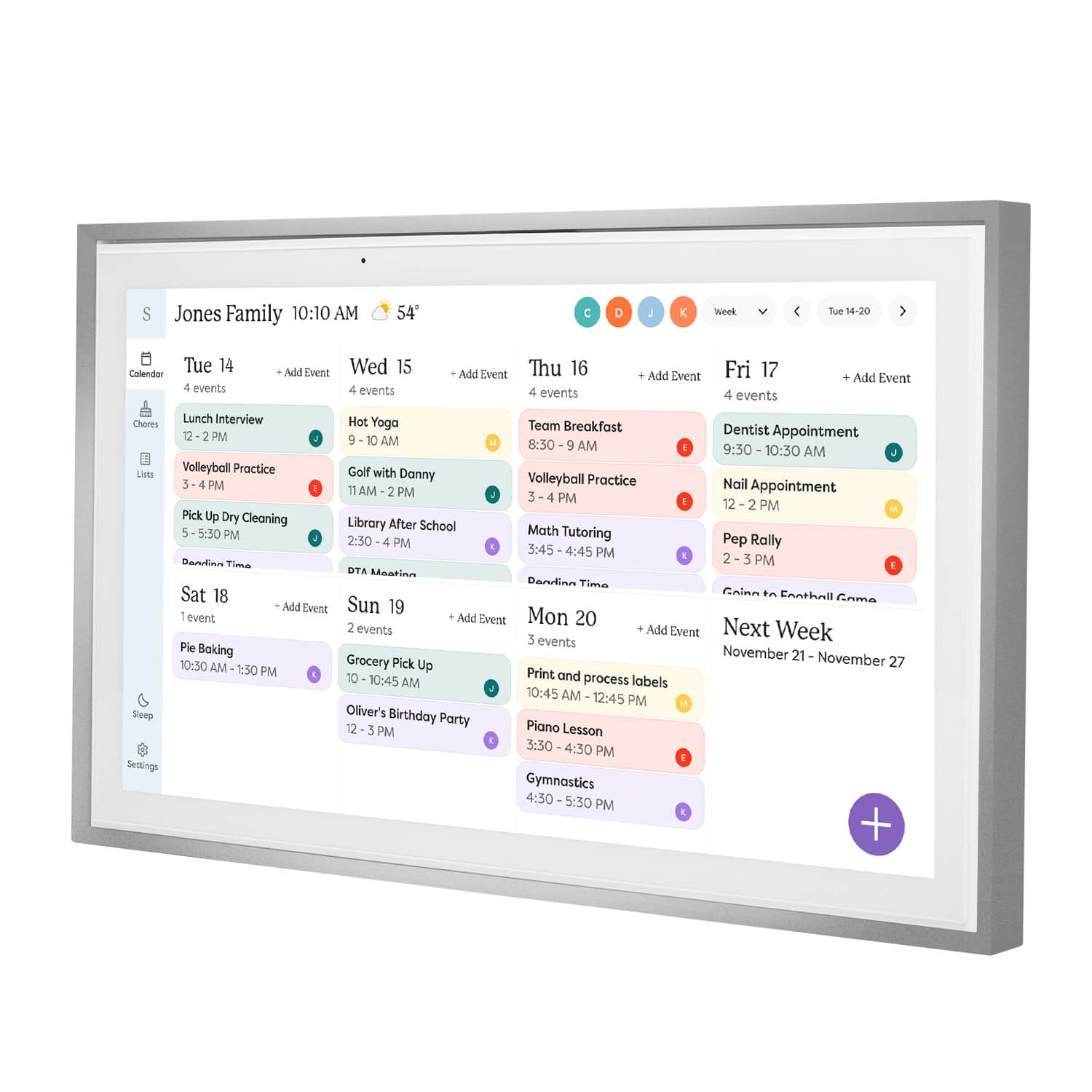
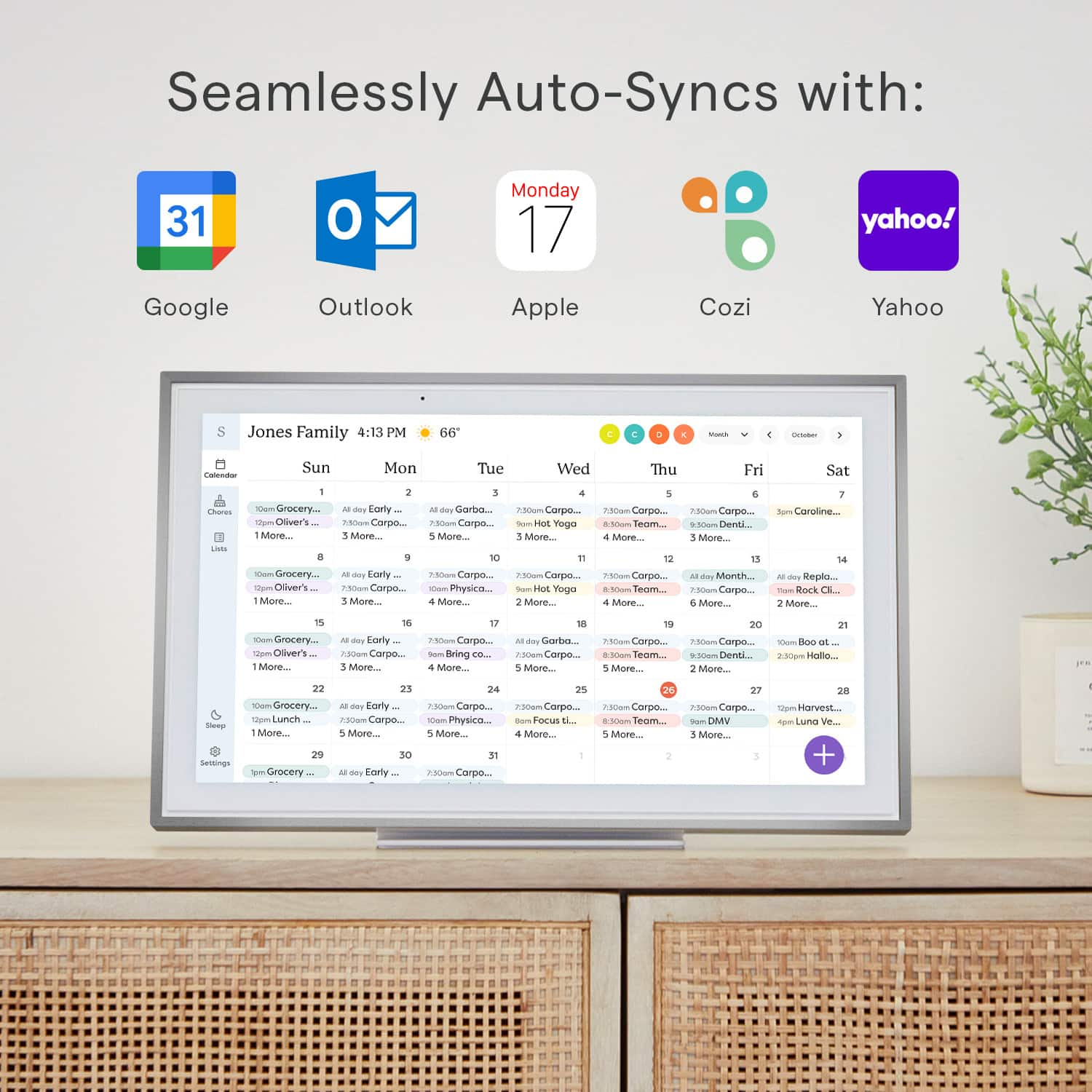
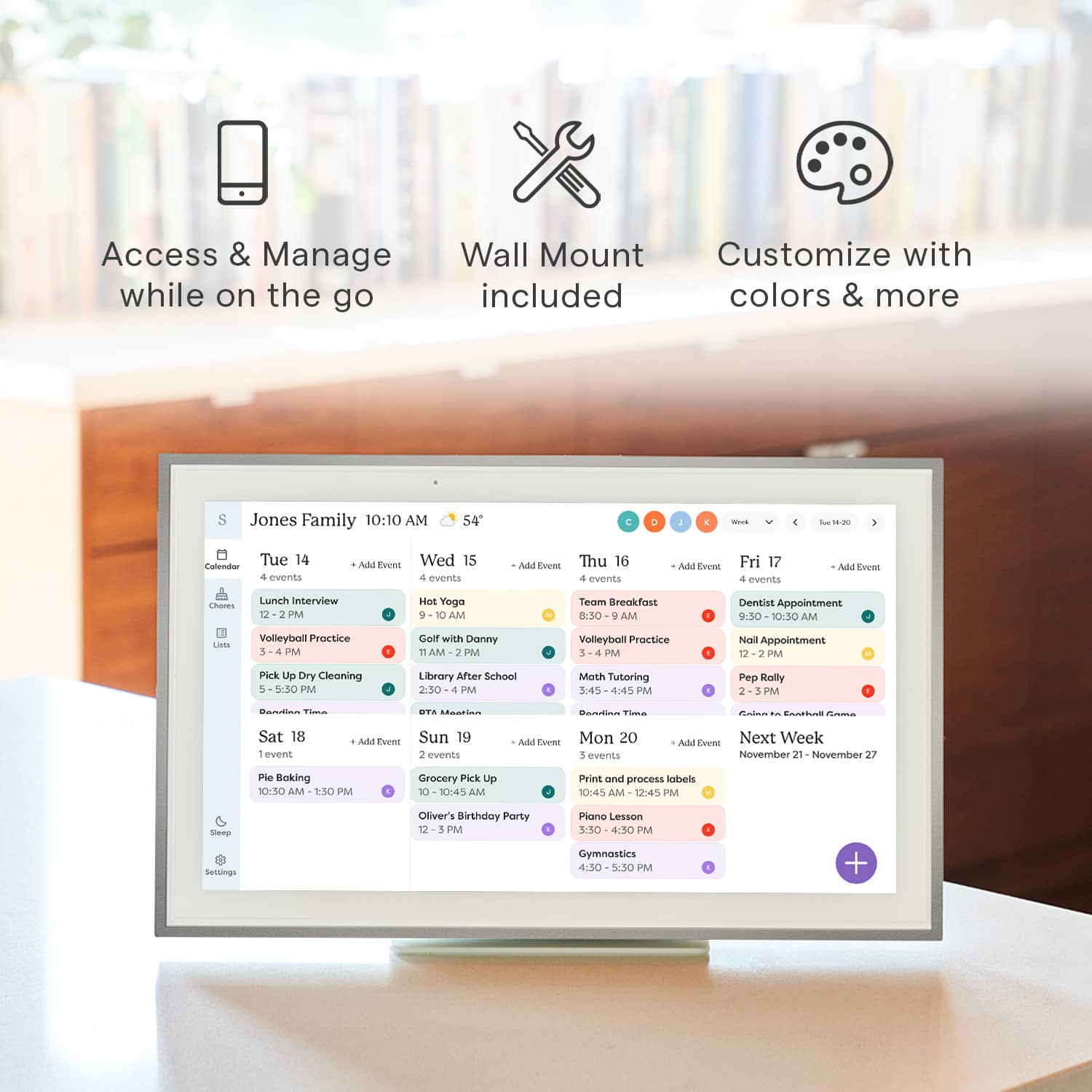
|Posted .This reviewer received promo considerations or sweepstakes entry for writing a review.This Skylight Calendar is one of those things you didn't know you needed, but you do. You can keep up with chores, grocery lists, events, meal planning. Finish a chore, mark it off, and bam, everyone's in the loop. Whenever you run out of something, just add it to the grocery list. No more forgetting that crucial ingredient for dinner. And with the meal planning, you can jot down what's for dinner each day. Super handy when you're staring into the fridge, trying to figure out what to cook. It's like having a digital hub for all things family-related. As far as the calendar, you can sync multiple calendars from multiple family members and any changes they make on their Google, Outlook, or whatever calendar app they use, will show up almost instantly. It's really useful for glancing at a day and seeing what all everyone has going on without having to ask everyone. Size-wise, it's just right. Not too big, not too small – the 15-inch touchscreen fits the sweet spot. Enough space to keep everything organized without being an eyesore on the wall. This thing feels solid too. The touchscreen is smooth and setting it up was a breeze. No tech headaches – just plug it in, follow a few steps, and you're good to go. If you're looking to make household organization a bit less stressful, this smart calendar is worth checking out. It's like our little family command center. Everything's in one place – chores, groceries, and meal plans. It keeps things organized without the clutter of post-it notes and random scribbles on the fridge. Honestly, it's become our go-to for keeping the household running smoothly. Such a simple idea, but it makes a big difference.
This review is from Skylight - Calendar: 15 Inch Touchscreen Smart Calendar and Chore Chart - White
I would recommend this to a friend - Pros mentioned:Chore chart, Ease of useCons mentioned:Weight
Rated 4 out of 5 stars
Family Organizer
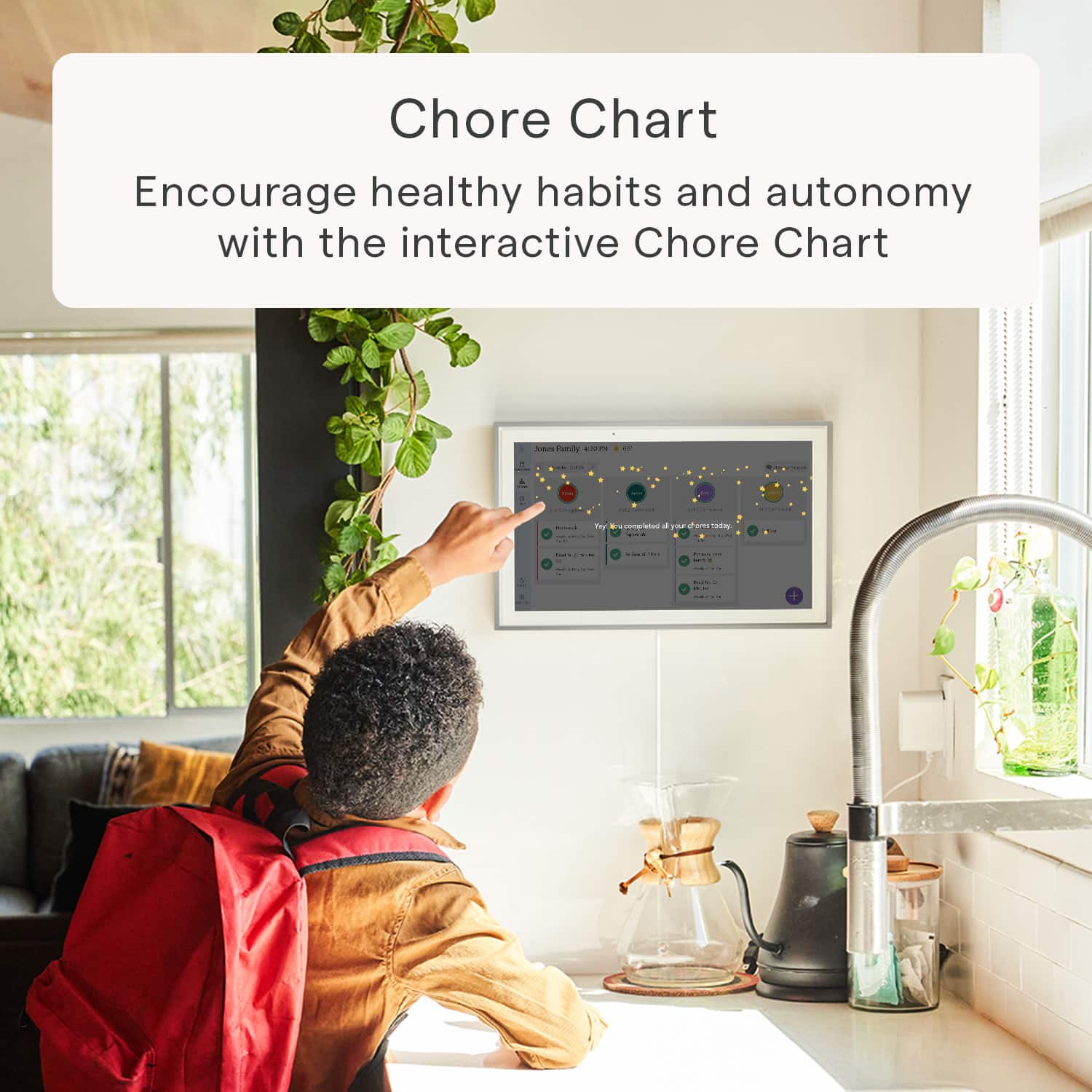
|Posted .This reviewer received promo considerations or sweepstakes entry for writing a review.The Skylight frame is great to see all your events, chores, and lists in one place. You can sync your google calendar or other popular calendar applications right to the frame. You can also add to your calendar within the Skylight app. The Skylight mobile device application is mission critical to maximize the functionality of this device and you will want to read the permission pop ups closely to ensure your individual comfort level is maintained. Our children have been loving the chore chart. We add chores in the app and the kids can check them off on the frame as they complete the tasks. Each person can be assigned their own color on the calendar and chore list. My wife and I really enjoy the shared grocery list. We can both add items and see it on the app on our phone and on the skylight calendar. The one item to remind is that everyone who interacts with the frame needs to be using the mobile app. We wanted to try all the frame’s features and added the Skylight subscription for the photo upload and preview feature. Another family member has the Skylight frame so we add photos to her frame and our frame easily. The interface in the app helps you to upload photos to the correct frame if you have access to multiple Skylight frames. Without the photo feature the calendar is a little boring as it just displays the calendar or chore chart, with weather on the wall all day. The set up was very easy. The mounting bracket seems a little bulky. It is made of heavy metal but you screw it into plastic on the back of the frame. It is heavier than I anticipated and it needs to be very securely mounted to the wall with anchors. A con of the frame is the app can be a little glitchy. I tried to delete some things on the app and it crashed. Sometimes after uploading photos it gets stuck on the loading page and crashes too. Once you close out of the app and open it again it seemed to work fine. The picture quality on the frame is respectable and the brightness of the screen also works in any lighting, making it usable in almost all rooms. This has helped us as a busy family see what each day looks like and organized with who needs to be where more efficiently. The addition of the chore chart and sharable lists are both nice added features which has benefited our family of 4.
This review is from Skylight - Calendar: 15 Inch Touchscreen Smart Calendar and Chore Chart - White
I would recommend this to a friend Rated 1 out of 5 stars
Great gift!
||Posted .This reviewer received promo considerations or sweepstakes entry for writing a review.I bought this as a gift and he is using it like crazy. He appreciates that it is connected to his phone so he only has to write it down in one place and it shows up on all of his calendars. Best gift I could have got him.
I would recommend this to a friendBrand response from Skylight
Posted .Thank you for taking the time to review your Skylight Calendar. We're so glad to hear this was a great gift for your friend! If you have any questions, please email us at VIP@myskylight.com, and we'll be happy to help.
- Cons mentioned:Subscription
Rated 1 out of 5 stars
Waste of money
||Posted . Owned for 3 weeks when reviewed.This reviewer received promo considerations or sweepstakes entry for writing a review.Got charged 50$ when i didnt even do the yearly thing still 2 weeks later no email receipt from it or anything just it being charged out of my account
This review is from Skylight - Calendar: 15 Inch Touchscreen Smart Calendar and Chore Chart - White
No, I would not recommend this to a friendBrand response from Skylight
Posted .Hi Caitlin, I'm sorry to hear about the trouble you've experienced. We take issues like this seriously and want to make sure you get the assistance you need. Please reach out to our customer support team at help@skylightframe.com or (415) 233-6761 with your details, and we'll look into this matter urgently to ensure it gets resolved to your satisfaction. Thank you for bringing this to our attention.
Rated 1 out of 5 stars
Not the best
||Posted . Owned for 1 month when reviewed.This reviewer received promo considerations or sweepstakes entry for writing a review.Definitely wish it had more assessable. After I bought this, I found a different brand that lets you watch like TikTok and music and movies on. It should’ve got that one.
No, I would not recommend this to a friendBrand response from Skylight
Posted .Hello and thank you for reviewing your Skylight Calendar. We're sorry to hear it didn't have all of the features you wanted, and we'd love to connect with you further about your experience. If you're open to sharing more feedback, please email VIP@myskylight.com to connect with our Calendar Concierge team. Thank you!
Rated 1 out of 5 stars
Don't do it
||Posted .This reviewer received promo considerations or sweepstakes entry for writing a review.Half. Half of the features on the home screen are locked behind a paywall subscription. This is a substantially overpriced and laughably unimpressive tech. It seems really disingenuous to not mention the subscription.
No, I would not recommend this to a friendBrand response from Skylight
Posted .Thanks for this feedback, Jose! All Skylight calendars come with the core features including the ability to sync your personal calendars into color coded events; Tasks; Parental Lock; and Lists. The Plus subscription ($79 USD annually) enhances with a Meal Planner; Rewards; Photo Screensaver; and Sidekick: our AI assistant! The Skylight Calendar does not require a subscription to use the core features! We regularly provide updates and enhancements for both our subscription and non-subscription customers. I hope that helps! Please reach out to us at VIP@skylightframe.com if you have any questions or would like a free trial of Plus!
Rated 3 out of 5 stars
Calendar integration reads great, syncing buggyish
||Posted . Owned for 3 weeks when reviewed.This reviewer received promo considerations or sweepstakes entry for writing a review.Calendar sync is slow. Wish screen was IPS. But works well for the most part.
I would recommend this to a friendBrand response from Skylight
Posted .We appreciate your feedback and thank you for taking the time to share your experience with us. We understand the importance of calendar sync speed and screen quality in providing a seamless user experience. We're constantly working to improve our product, and your input helps us prioritize our efforts. If you have any specific suggestions or features you'd like to see in future updates, please feel free to let us know. We're glad to hear that despite these issues, the calendar is generally working well for you. You can email us at help@skylightframe.com or call us at (855) 921-2901.
Rated 3 out of 5 stars
Features
||Posted . Owned for 3 weeks when reviewed.This reviewer received promo considerations or sweepstakes entry for writing a review.I wish the calender had extra widgets to show additional notes
No, I would not recommend this to a friendBrand response from Skylight
Posted .Thank you for your feedback! We appreciate your suggestion regarding extra widgets for additional notes. We are always looking for ways to improve our Skylight Calendar, and your input helps us enhance our product to better meet our customers' needs. We will take your suggestion into consideration for future updates. If you have any other ideas or concerns, please feel free to share them with us. Thank you for being a valued customer!
Rated 1 out of 5 stars
Worthless
||Posted . Owned for 2 weeks when reviewed.This reviewer received promo considerations or sweepstakes entry for writing a review.Everything worked great for about 24 hours and then the WiFi disconnected. The WiFi will not reconnect and not reset following the instructions from support for the 3 long presses. Ironically enough, I cannot even hard reset the device because it tells me to check my network connection. From what I understand, this needs to connect to a 2.4G WiFi which is fine and I would gladly make that change if i could reset this worthless piece of junk
This review is from Skylight - Calendar: 15 Inch Touchscreen Smart Calendar and Chore Chart - White
No, I would not recommend this to a friendBrand response from Skylight
Posted .Hi Jamie! I’m so sorry to hear about the frustrating experience you’ve had with your Skylight Calendar. It’s designed to help organize your life seamlessly, and when something goes wrong, our priority is to provide the resources and support you need to make it right. Please don’t hesitate to reach out to us at help@skylightframe.com—we’re here to assist you and resolve this for you as quickly as possible. Thank you for bringing this to our attention, and we appreciate your patience!
Rated 1 out of 5 stars
Charges a subscription fee
||Posted . Owned for 1 month when reviewed.This reviewer received promo considerations or sweepstakes entry for writing a review.Basic calendar with any useful things to this calendar requires subscription. Unfortunately, you can get what this offer with no additional subscriptions in the echo 15 or 21 and additional services so it just doesn't make sense.
This review is from Skylight - Calendar: 15 Inch Touchscreen Smart Calendar and Chore Chart - White
No, I would not recommend this to a friendBrand response from Skylight
Posted .Hi There,
Thank you for your inquiry! To clarify, the Skylight Calendar does not require a subscription, but if you want additional features like screensavers, magic import, and meal planning, you can get a Plus Subscription.
I hope this information clears-up any confusion. If you have any other thoughts or need assistance, please feel free to reach out at help@skylightframe.com. We’re happy to help!
Rated 1 out of 5 stars
Not Worth the Money
||Posted . Owned for 1 month when reviewed.This reviewer received promo considerations or sweepstakes entry for writing a review.Nothing more than google calendar but bigger. Not worth the investment. Better off using Google calendar on an iPad.
This review is from Skylight - Calendar: 15 Inch Touchscreen Smart Calendar and Chore Chart - White
No, I would not recommend this to a friendBrand response from Skylight
Posted .I'm sorry to hear that you're not satisfied with your Skylight Calendar experience. We understand your feedback and appreciate you taking the time to share your thoughts with us.
If there are specific features or functionalities you were hoping to see in Skylight Calendar that would make it more worthwhile for you, please let us know.
In the meantime, if you have any further questions or concerns, please don't hesitate to reach out to our customer support team. You can email us at help@skylightframe.com. Thank you for giving Skylight Calendar a try, and we hope to have the opportunity to better serve you in the future.
Rated 2 out of 5 stars
Disappointed
||Posted . Owned for 3 weeks when reviewed.This reviewer received promo considerations or sweepstakes entry for writing a review.We were really excited to get it, but was instantly disappointed with the limited functionality and lack of basic features.
This review is from Skylight - Calendar: 15 Inch Touchscreen Smart Calendar and Chore Chart - White
No, I would not recommend this to a friendRated 1 out of 5 stars
DuD
||Posted . Owned for 3 weeks when reviewed.This reviewer received promo considerations or sweepstakes entry for writing a review.I am sorry to reiterrate how dissappointed I am that nothing worked in this device other than the purchase itself. The communication with the manufacturer was no less. Although I have already told Best Buy, because of my transportation difficulties .. I'll call to make an appointment to return it. I know that it has to be within 60 day's .. so from October 17th. Thank you as always. No offense to Best Buy!
This review is from Skylight - Calendar: 15 Inch Touchscreen Smart Calendar and Chore Chart - White
No, I would not recommend this to a friendBrand response from Skylight
Posted .Hi Entity11 - We are here to support you. Please email us at vip@skylightframe.com so we can assist! Thank you!
- Pros mentioned:Chore chart, Ease of use
Rated 5 out of 5 stars
Great household organizer
|Posted .This reviewer received promo considerations or sweepstakes entry for writing a review.First time hearing of this company and products. This is amazing. I think every family can benefit from this. It’s more than just a calendar to our family, I feel it’s a family organizer, especially for large families. I now have everything in one place, calendar, chore chart, shopping list, and all types of lists, menu planning. There is also a photo plus plan but that costs extra to subsribe to so I don’t use it. This great and easy to use and navigate. The screen is large and perfect, actually similar size of one of my laptops. We debated about hanging on the wall but decided the base mount would work well since it’s very stable and our children are older. If they were younger, I might have felt better hanging it up to protect it. The kids actually like coming over and using this to keep track of their chores and to manage them. The color coded chores chart makes it take a quick scan to see what going on with each child’s list. And it’s quick and easy for each child to find their chore list and see what chores and how many are already completed. They have been doing their chores without me even reminding them since we have been using this. I hope it lasts. Some chores they do daily, weekly or a couple days a week. I can put time for each item or leave it for all day. I also added a time for homework for each child. I have control of setting it to whatever works for us. Another great feature is that I can schedule time for it to shut down at night and turn on in the morning. And you can see the current weather of where you are or where you are going on your schedule. Using a list to keep track of grocery items as we run low is very helpful. The different lists makes it easy to keep everything in one place and have access to all at home and the go in the app. We use it with Google and Yahoo calendars and with Android and Iphone for different family members.
I would recommend this to a friend Rated 2 out of 5 stars
Great idea
||Posted . Owned for 3 months when reviewed.This reviewer received promo considerations or sweepstakes entry for writing a review.Ive had this for about 4 months. Finally got to use it for about a month. It over heats and the screen gets lines through it. Might just have a defective one.
This review is from Skylight - Calendar: 15 Inch Touchscreen Smart Calendar and Chore Chart - White
I would recommend this to a friendBrand response from Skylight
Posted .Hi Amber, We're really sorry to hear about the trouble you're experiencing with your Skylight Calendar. Please accept our apologies for any inconvenience caused. To address this issue promptly and provide you with the best assistance possible, could you please email us at help@skylightframe.com? Our dedicated support team will be ready to assist you further and work towards a resolution. We appreciate your patience!