Customer Ratings & Reviews
- Model:
- 152UEKa
- SKU:
- 6665549
Rating by feature
- Value
Rating 4.5 out of 5 stars
- Quality
Rating 4.7 out of 5 stars
- Ease of Use
Rating 4.6 out of 5 stars
Customers are saying
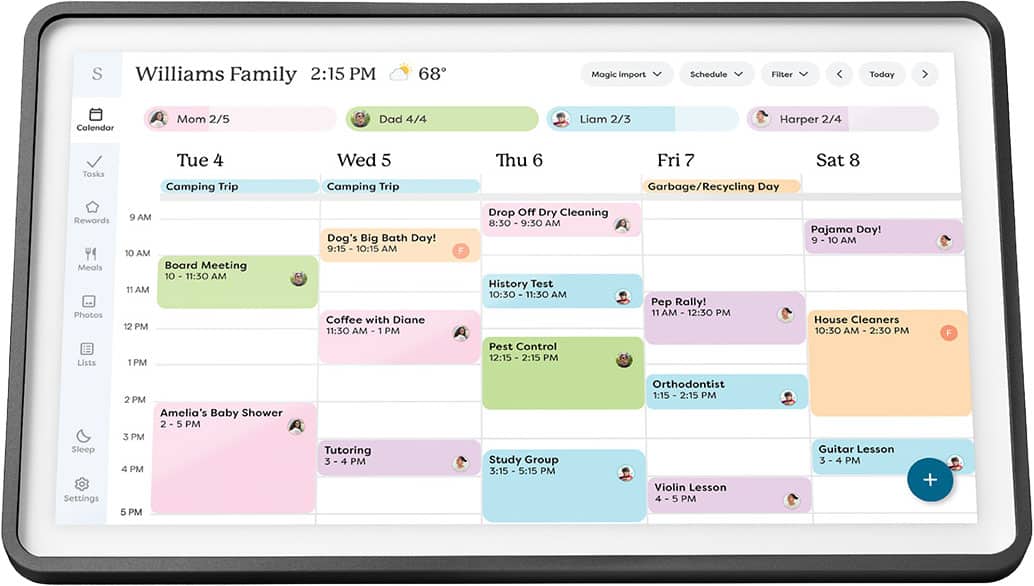
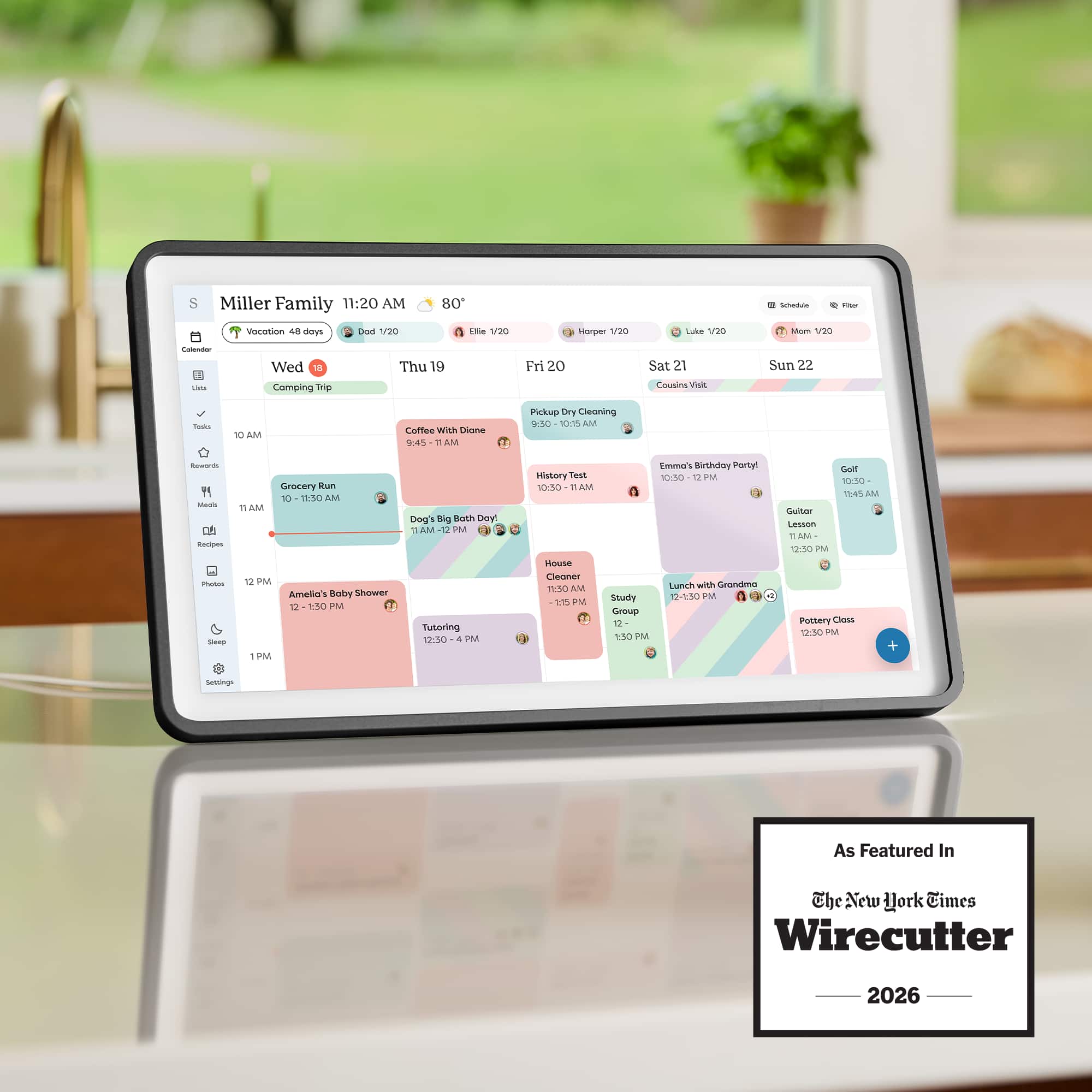
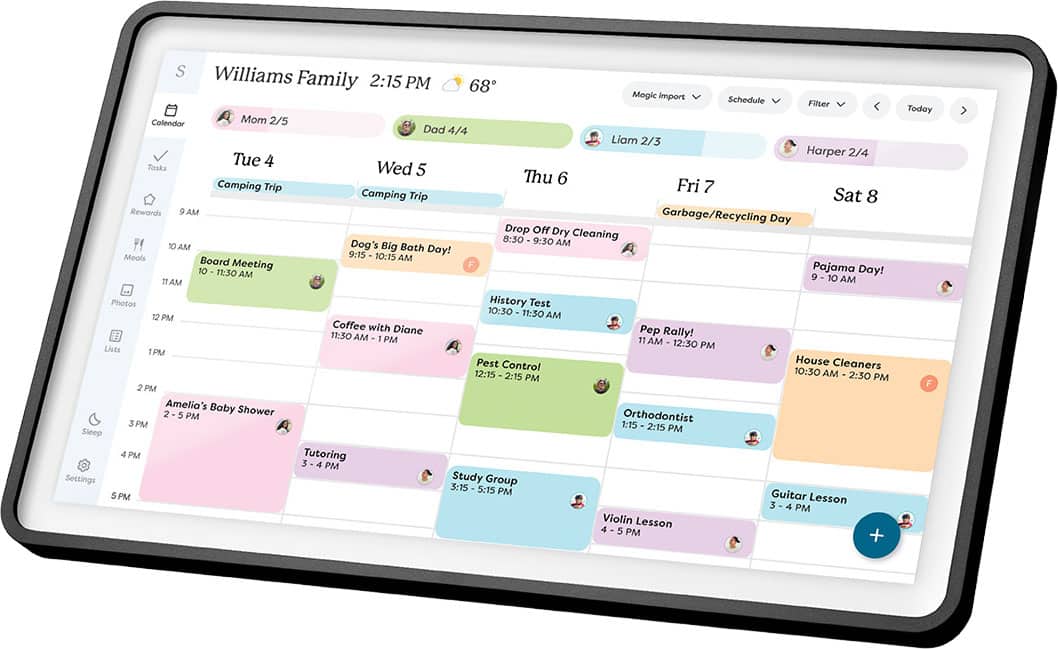
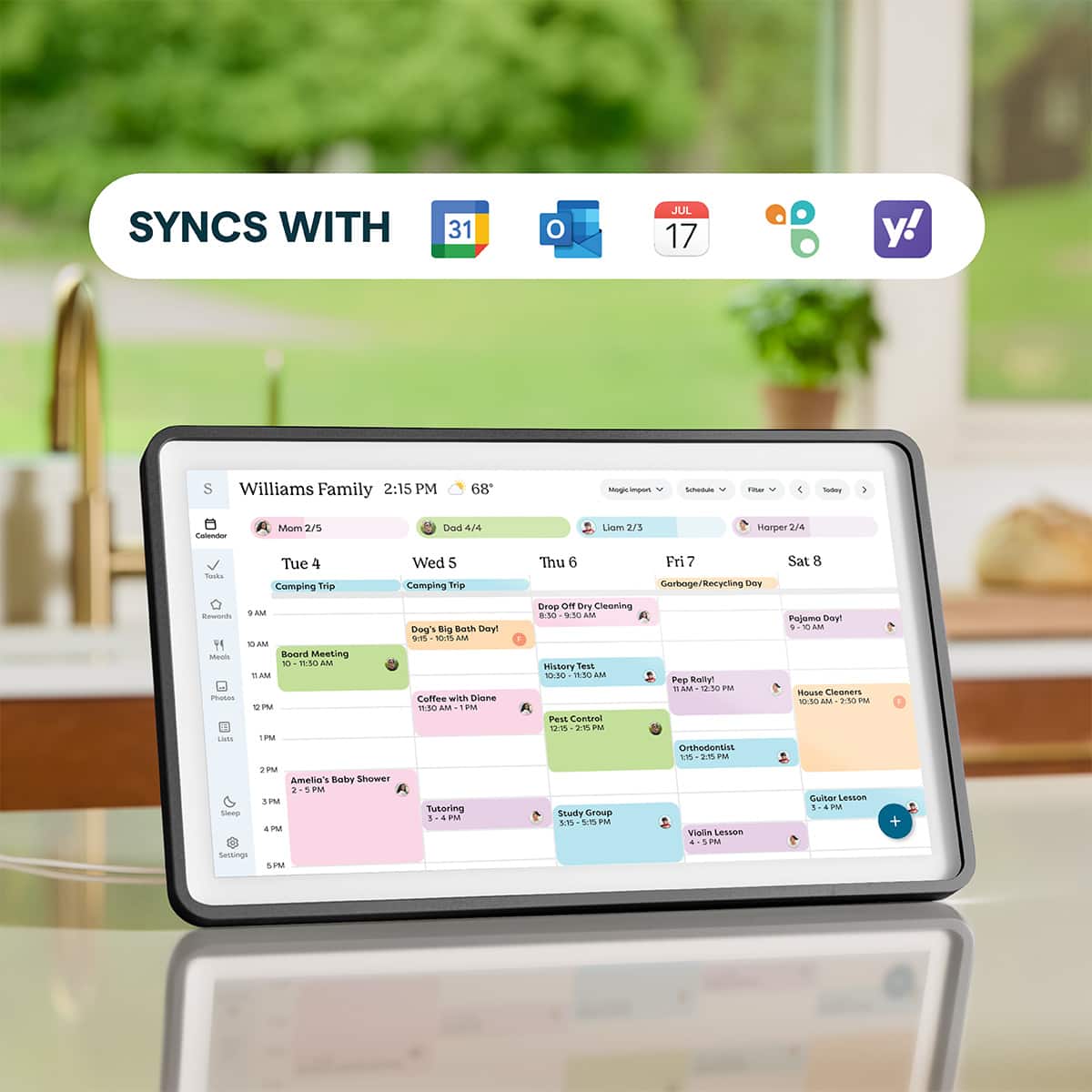
Customers have good things to say about the product's ease of use, display quality, and well-designed hardware. Its synchronization capabilities with services like Gmail and Apple Calendar are also highly valued. However, some users expressed a desire for wireless connectivity and more versatile mounting options, such as the ability to hang it on a fridge.
This summary was generated by AI based on customer reviews.
Helpful!
||Posted . Owned for 1 week when reviewed.This reviewer received promo considerations or sweepstakes entry for writing a review.This has been extremely helpful in helping my family organize. Worth the money!
I would recommend this to a friendGreat Calendar
||Posted . Owned for 1 month when reviewed.This reviewer received promo considerations or sweepstakes entry for writing a review.I love this calendar and the photo slideshow is also amazing.
I would recommend this to a friendCalendar
||Posted . Owned for 1 month when reviewed.This reviewer received promo considerations or sweepstakes entry for writing a review.Very good product. Purchased a second one for my mom.
I would recommend this to a friendNot very user friendly
||Posted . Owned for 2 weeks when reviewed.This reviewer received promo considerations or sweepstakes entry for writing a review.Need to improve the set up. It was not very intuitive. I returned it to the store and purchased the Amazon Echo 21.
No, I would not recommend this to a friendBrand response from Skylight
Posted .Hi, there! Thank you for sharing your feedback and I'm so sorry that this was your experience. We appreciate you taking the time to share your thoughts with us.
Overpriced Calendar
||Posted . Owned for 1 week when reviewed.This reviewer received promo considerations or sweepstakes entry for writing a review.Calendar and shopping list app is great, however everything else requires a subscription, Too expensive to just be a calendar.
No, I would not recommend this to a friendBrand response from Skylight
Posted .Hi! We hear you, and we appreciate you being open with us! Even without a subscription, your Skylight Calendar will sync calendars and runs all its core features. Plus is just there as an option if you ever want to explore more tools. Thanks again for the feedback!
- Pros mentioned:Display quality, Ease of useCons mentioned:Connectivity

Easy to use but, has subscription-based features
|Posted .This reviewer received promo considerations or sweepstakes entry for writing a review.PROS: Nice, bright display Very easy to set up and use Chores, meal planning, and reward system are great (for a subscription) SO-SO: The digital photo frame repeats too often I wish it could function wirelessly (the power cord is unsightly on an otherwise clean device) CONS: Price ($300+) Subscriptions create paywalls for features that should be included with the device ($79 per year) Our family has been using an off-brand smart calendar for the past few years. While we found it somewhat useful, it had constant issues that ultimately made it an afterthought. It included features like chores, meal planning, events, and more, but none of them were as developed as we had hoped. That's one of the reasons we were excited about the Skylight, which has received significantly better reviews. This Skylight smart calendar lives up to its reputation. The integration of calendars was incredibly straightforward. Within minutes, my wife and I had our Android and Apple devices syncing all our shared, personal, and sports calendars. There were no delays or issues either, which was such a relief. When you dig deep into the calendar or app, you'll find the option to create profiles. The profile feature allows us to easily create task lists for our kids. Each of them has daily tasks, small chores they check off each day. They also have weekly chores, which are bigger tasks, but may only be on two days of the week. When viewing the calendar, we can switch to see how many tasks they have for the day and how many they've completed. They can even mark off tasks as they finish them, which makes it easier for them to take responsibility for their own chores. Unfortunately, there is a subscription (can we stop with these already?). If you subscribe ($79/year), you can assign star values for completed tasks, allowing them to earn rewards or allowance. We've established a few incentives but are still fine-tuning the balance between reward values and the number of tasks they tackle. Additionally, we are using it as a digital picture frame, which also requires a subscription. They claim to offer unlimited photo storage, but while the cloud storage is limitless, the device likely has its own limitations. I wish it worked as well as a Google Pixel tablet, for example, which automatically syncs with Google Photos and randomizes pictures from your chosen collection. Skylight's digital frame repeatedly displayed several of our pictures, so the "randomness" wasn't truly random. I wish this feature were included for free. After all, this device costs over $300, so a subscription is not necessary. Imagine paying for a $300 Chromebook and then having to pay an additional subscription to use it. This is supposed to be a smart calendar, yet it offers far fewer features than a Chromebook. I digress. Design-wise, this is a well-constructed device. It feels sturdy and features a crisp display. It comes with a stand and the necessary parts for wall mounting. We have it mounted in our kitchen near the fridge, where it's easily accessible to everyone in the house.
I would recommend this to a friendBrand response from Skylight
Posted .Hi there! Thank you for taking the time to share such a detailed review. We’re really glad to hear the Calendar has been helpful for your family, especially with syncing calendars and helping your kids stay on top of their tasks. We also appreciate your feedback about the photo experience and subscription features. Comments like this are really helpful for our team as we continue improving the product. Thanks again for sharing your experience!
How is this not a home run!??
||Posted . Owned for 3 weeks when reviewed.This reviewer received promo considerations or sweepstakes entry for writing a review.For the price this thing should be easy but I spent 12 hours trying to make it work. It just doesn't and I swear you need coding experience to make it work. It doesn't sync apple calendars well and you need a subscription for the most basic functions of a synced calendar.
No, I would not recommend this to a friendBrand response from Skylight
Posted .Hi, STEVENS! We appreciate you taking the time to share your feedback and I'm really sorry that you ran into trouble while trying to get your Calendar set up. The Skylight Calendar can still sync calendars and use core features like Tasks (Chores & Routines) and Lists without a subscription, while Plus unlocks additional tools and features. If you'd like us to help with getting things set up and synced, just email our Calendar Concierge team at vip@myskylight.com.
Calendar 2
||Posted . Owned for 3 weeks when reviewed.This reviewer received promo considerations or sweepstakes entry for writing a review.Product would not sync to Yahoo even though the box said it would. Customer service was not very helpful. The only option was to change to a different operating system! Not an option for us returned to retailer was easy
No, I would not recommend this to a friendBrand response from Skylight
Posted .Hi, Mark! I'm so sorry that you ran into this issue and that you ended up returning your purchase. If you ever have any other questions, don't hesitate to reach out to us at vip@myskylight.com and we'd be happy to help.
Too much money
||Posted . Owned for 2 weeks when reviewed.This reviewer received promo considerations or sweepstakes entry for writing a review.After purchased I realized that I had to pay additional money to pay for the actual activation if I want it to work well with WI fi at home. Not liking that at all while it cost $200
No, I would not recommend this to a friendBrand response from Skylight
Posted .Hi, GuerdaD! The Skylight Calendar can still sync calendars and use core features like Tasks (Chores & Routines) and Lists without a subscription. If you need any assistance getting your Calendar set up, please email us at vip@myskylight.com and our Concierge team would be happy to help.
- Pros mentioned:Synchronization
Great Idea for Seniors and Caregivers
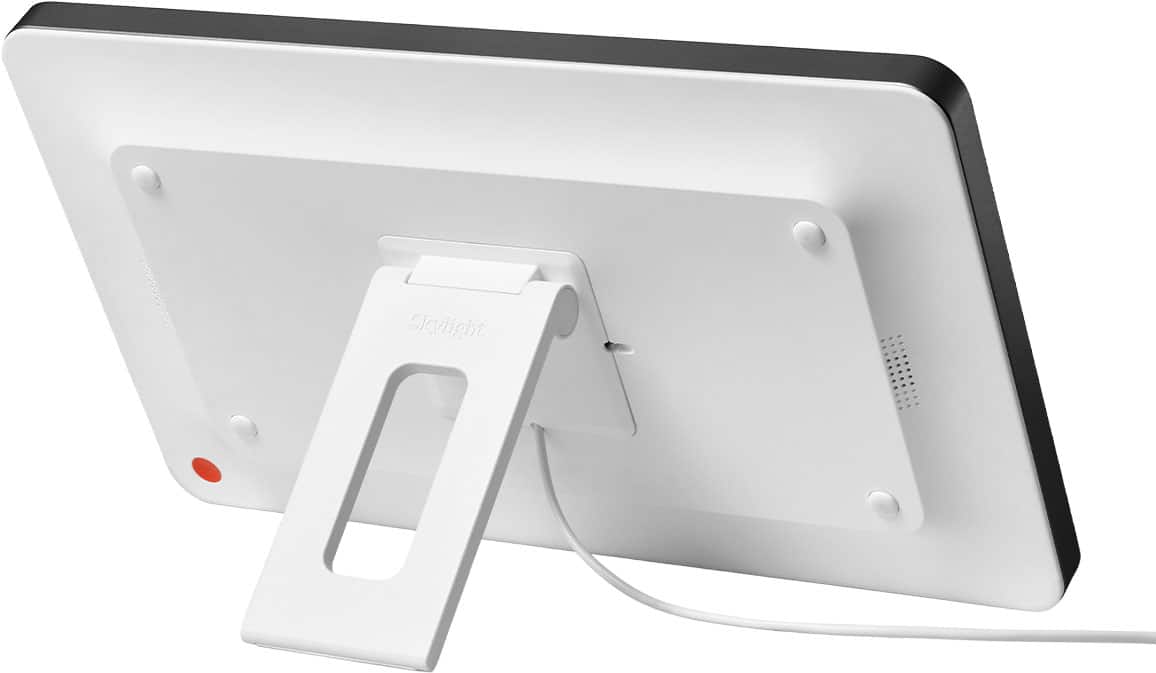
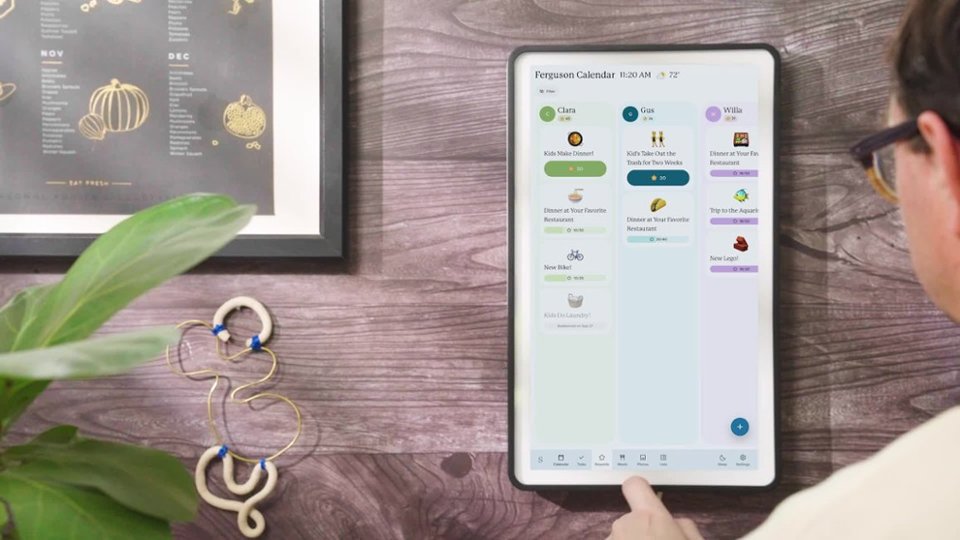
|Posted .This reviewer received promo considerations or sweepstakes entry for writing a review.This Skylight calendar is surprising heavy. It's the size of a large laptop but weighs quite a bit more. It comes with a wall mount bracket with a built-in bubble level for installing on a wall, but viewing the fact that it has to be powered with an included AC adapter with a cord only about 5' long, so that would limit the places you would use it on a wall. It has it's own fold-out bracket for using it on a table top other surface, and that works for me. You can move it around to various places. The app for controlling it and adding calendar accounts from google and yahoo works from your phone, and you can set a schedule for shutting off the display as it is fairly bright at 100%. You can set it to sync with your calendar you maintain on the phone, so you can add/edit/delete at will from either source and the changes are immediate. The Skylight cloud account is free but requires registration with your email. Once the calendar has access to your home wifi, it updates immediately when you change something with the app or your phone's calendar. Once it's all set up it's pretty easy to maintain. The touch-screen of the calendar itself is a nice feature, though I found it easier to use the app. This would make a great gift for elderly people, especially if a caregiver has access and can keep your appointments organized on it. You can choose to display a week or the month at a time, so it's easy to see what's ahead. A good investment for keeping organized.
I would recommend this to a friend Useless
||Posted . Owned for 1 month when reviewed.This reviewer received promo considerations or sweepstakes entry for writing a review.Bought It for my wife, it already stop working, don’t buy this. Sending it back. Completely useless.
No, I would not recommend this to a friendBrand response from Skylight
Posted .Hi, there! I'm so sorry that this was your experience with the Calendar. We would love to help! Please email our Calendar Concierge team at vip@myskylight.com at your earliest convenience. Thank you!
- Pros mentioned:Display quality, Synchronization
An Intuitive Way to Keep Your Family on Schedule!
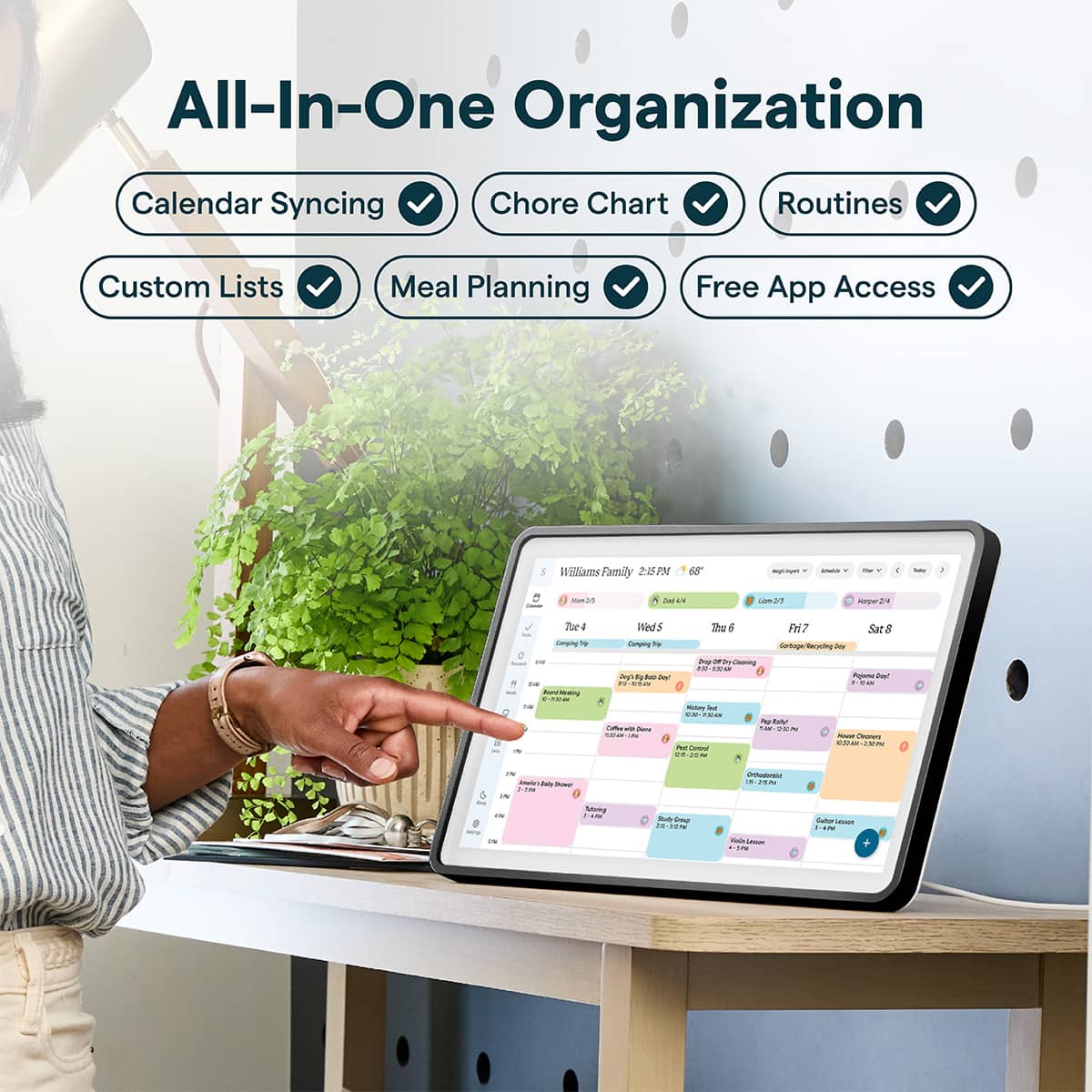
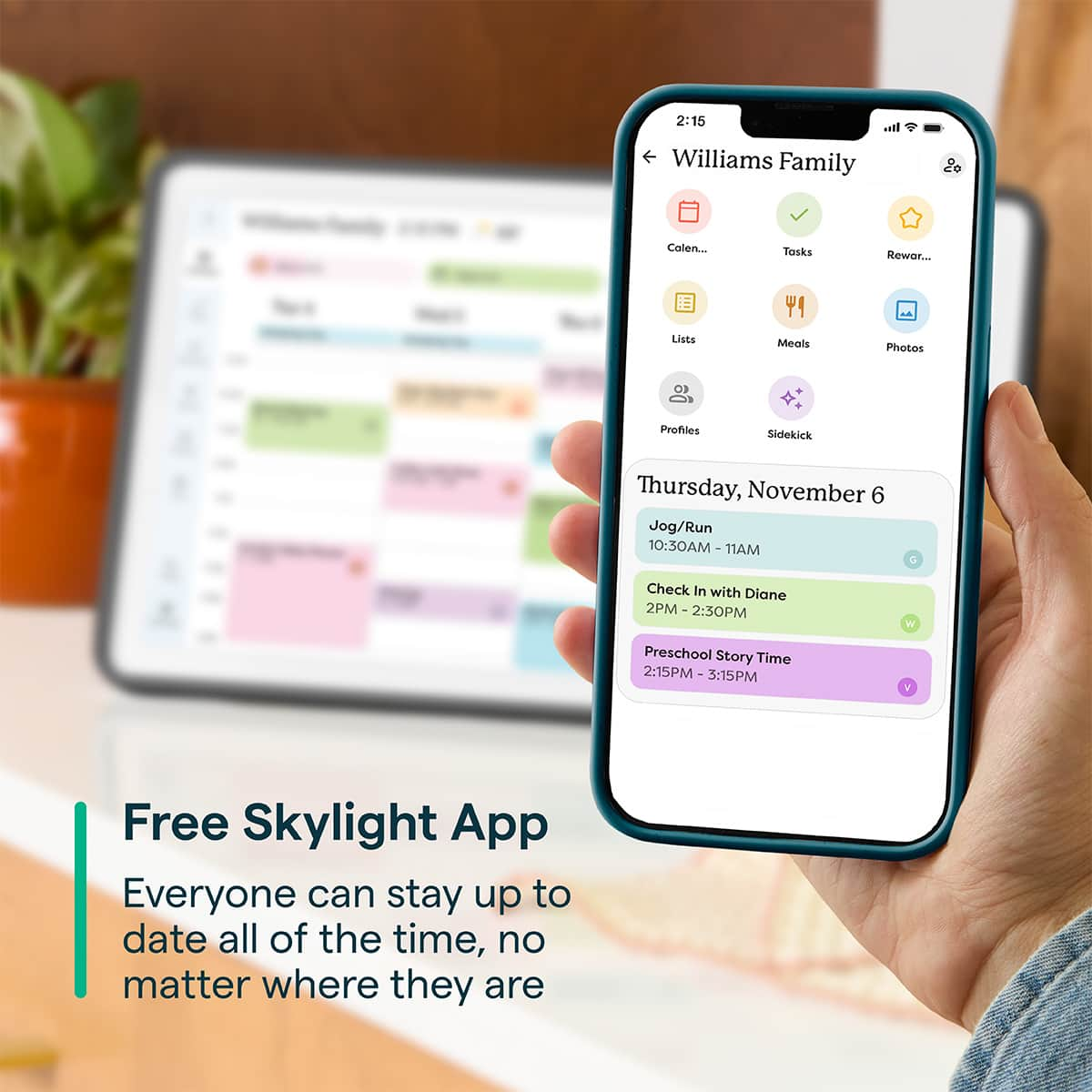
|Posted .This reviewer received promo considerations or sweepstakes entry for writing a review.Family schedules can be chaotic and hectic! When you’ve got soccer practice and dance recitals mixed in with Doctor Appts, Birthdays, and planned events it’s hard to keep track of and keep everyone on the same page! That’s why the Skylight is a welcome addition to our kitchen! This brilliant little device will help keep your family organized and on the same page! Initial unboxing and setup of the Skylight was easy and straightforward. You have the option to either mount the device on your wall or use a base that screws into the back of the skylight. We optioned to put it on our kitchen countertop. The Skylight has a nice Charcoal color frame that is magnetized and easily removed and swapable. Once I downloaded the Skylight app, named my Calendar, and went through the steps to link it with my account I was up and running in a few minutes. Once we were initially setup, I linked my Google Calendar and invited my wife, and she linked hers as well. What I immediately found intuitive about the app is that it will allow you to do a 2-way sync with your calendar. When you update something on your phone it shows up on the Skylight display and vice versa. I am in sales and constantly have appts and meetings and my wife is in nursing school, so we have varying schedules and times that we need to coordinate when picking up our kids. When you mix in soccer practice, and other things like appts, play dates with friends, and future celebrations there’s a lot that can be forgotten. Now with the Skylight it clearly shows our weekly schedule and displays everything we need to know and prepare for. The one downside to all this is now I won’t be able to use the excuse that I forgot about Friday night dinner with her in laws. The List and Tasks are handy features. Being able to add grocery list items on the fly is very useful. With the tasks my wife has now created a honey do-list that I can’t ignore. But it’s also helpful to create a nice reminder or tasks lists for yourself that you can check off when completing. Now for the only gripe I have about the Skylight. There are many other features that I would love to use with the Skylight but unfortunately, they’re behind a yearly or monthly paywall. With how big, bright and beautiful the screen is it’s a shame that I must have a subscription just to use it as a photo frame. The meal prepping feature would be great for planning and keeping track of family meals. The Rewards with star charts for doing household chores would probably work very well with my kids as a visual aid to help keep them on track. And the recipes and ability to take photos of different items to add to your calendar are handy, but having to pay 80 dollars a year just to access those features seems a little excessive. I will likely still do it just to unlock the full potential of the Skylight but I think they should sell the device with all the features unlocked from initial purchase! Overall I am very happy with the Skylight, it’s a well thought out Calendar system that likely will get better over time with more updates and features to be added. It’s smart and intuitive and I’m excited to see the many ways we integrate the device into our families busy schedule!
I would recommend this to a friend - Pros mentioned:Display quality, Ease of use
Get you and your family organized
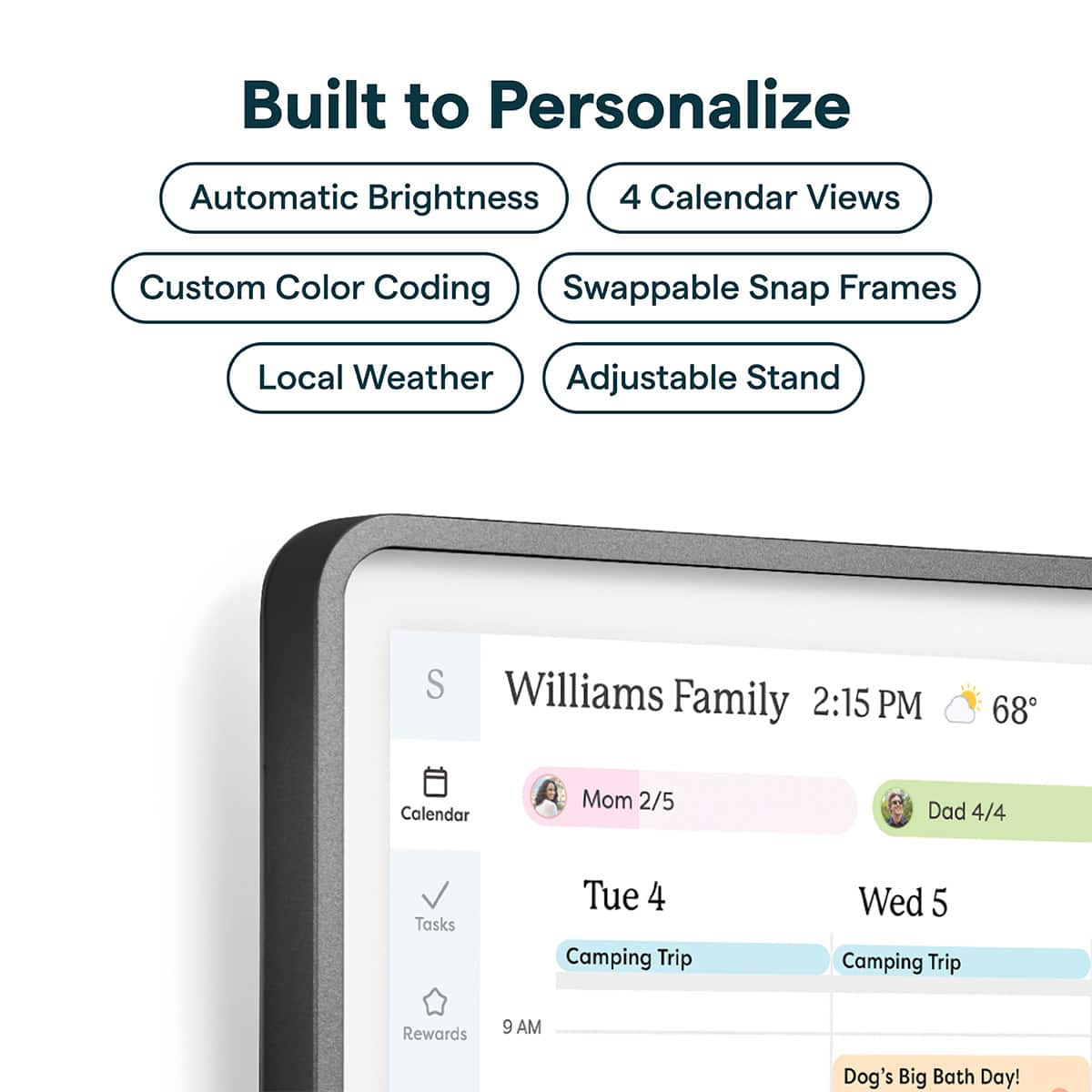
|Posted .This reviewer received promo considerations or sweepstakes entry for writing a review.I’ll be honest—our family calendar situation was kind of chaos before this. Between sports schedules, college semester dates, work, and everything else going on, it felt like we were constantly asking, “Wait, what’s happening today?” So I was really curious to see if the Skylight Calendar 2 could actually make a difference. Right out of the box, the build quality stands out. It feels premium, not like some cheap tablet slapped in a frame. We went with the charcoal trim, but I like that the trim pieces are magnetic—you can swap them out if you want to match your space. Setup is also refreshingly simple. You can mount it on the wall or set it on a counter, and everything you need is already included. No extra hassle. Getting everything synced was way easier than I expected. You just download the Skylight app and connect whatever calendars you already use—Google, Apple, Outlook, etc. Within a few minutes, we had everything in one place: kids’ sports schedules, school events, work calendars, and personal stuff. Having that “one view” for the whole family is honestly the biggest win here. The device itself has a solid settings menu too. You can customize colors for different calendars, adjust brightness, and even set your location to show local weather. It does what you’d expect from a smart display, and it does it well. What surprised me is that it’s more than just a calendar. You can create to-do lists, shopping lists, even reward charts for kids. It can double as a digital photo frame or store recipes too. The downside, though, is that a lot of those extra features are locked behind their premium subscription. And let’s be real—most of us aren’t exactly looking to add another monthly subscription. So whether that’s worth it really depends on how much you’d use those extras. That said, even just using the core calendar features for a week, we’ve already noticed a difference. Everyone can quickly check what’s going on—daily, weekly, or monthly—without having to ask around. It’s helped keep us on the same page, which was definitely not the case before. Overall, if your household is as busy as ours, the Skylight Calendar 2 feels like one of those things you didn’t realize you needed until you have it. And once it’s there, it just makes everything run a little smoother.
I would recommend this to a friend - Pros mentioned:Ease of useCons mentioned:Connectivity
Made the kids excited to do tasks/chores
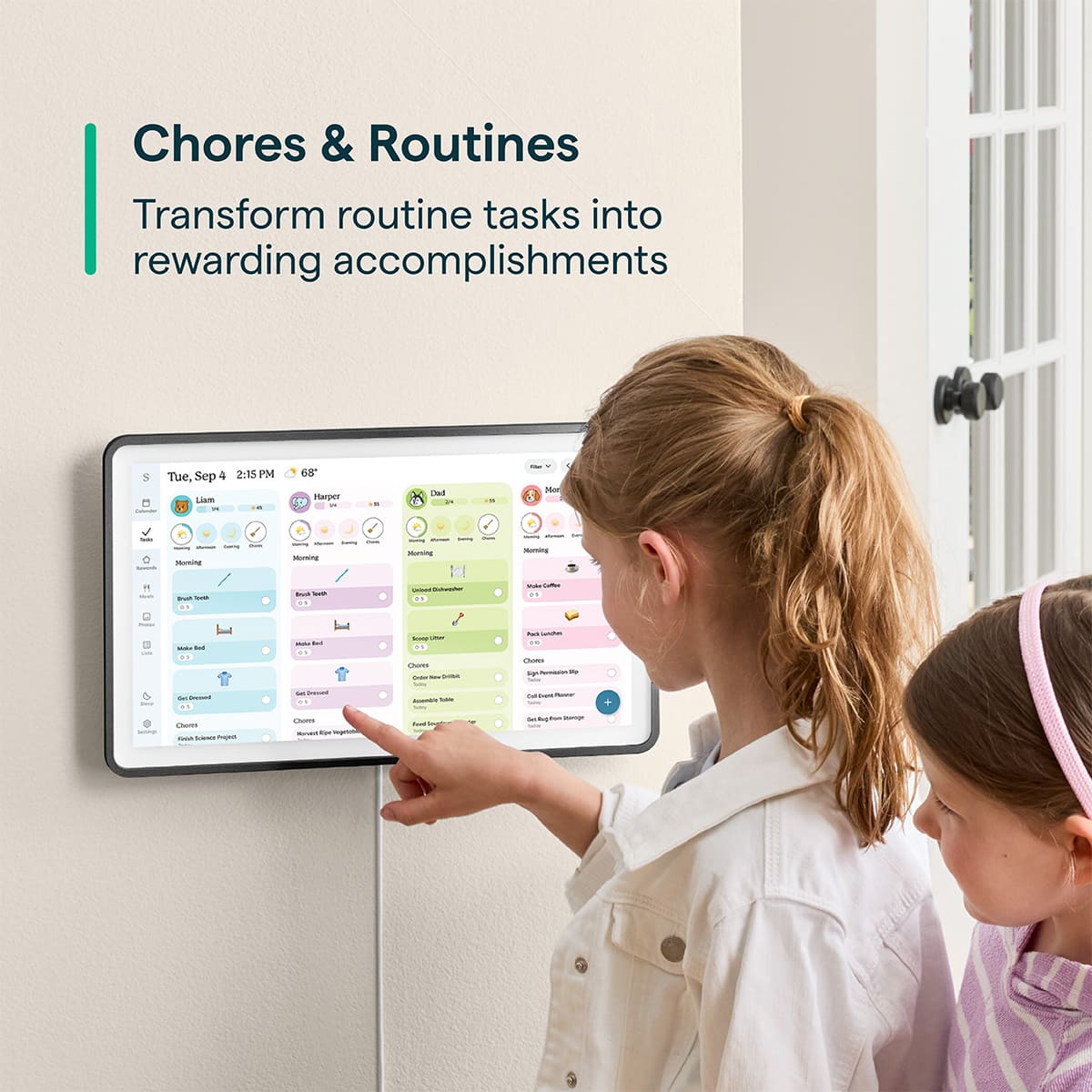
|Posted .This reviewer received promo considerations or sweepstakes entry for writing a review.This is a cool addition to our household that I didn't know I needed! This digital calendar has added orginization and value to our household. Setup was a breeze. We choose to mount it on our wall. It gave you all of the tools needed to mount it and mount it level on the wall. That was a nice feature. Setting up the app was fairly simple as well. We did run into two small problems. For my husbands Apple calendar, it would not connect and kept saying it was a problem on their end. I was able to connect my Apple calendar just fine however. The other issue was that I was unable to connect my company outlook calendar- thia was no fault of Skylight however, it was a company policy issue. If you are planning to use thia in your office, double check security settings for your company ahead of time. This wasnt a huge deal as I was able to manually add all my meetings. Its nice that it lets you set up re-occuring appointments also. We were able to add meetings and activities all at once vs one at a time every single week. It also lets you make profiles for each family memeber and color code them and add their picture. This helps with organization as well. The part my kids love most is the task area. Even without the reward system set up, they have been excited to complete chores and tasks. My 11 year old even added tasks for herself to complete including cleaning her room and all her homwork assignments. She also aded routine reminders to the task area also such as reminders to take her medications and put on deodorant. These you can also make re-occuring daily as well. It also lets you pasword lock editing or adding anything. I enabked this feature so my toddler could not alter anything by accident. The biggest reason I gave this 4 stars instead of 5 was the paywall to use half of the features. There is an optional paid subscription for the Skylight that unlocks more than half of the features it possesses. These features include a reward system for chores, being able to add and view pictures on it like a digital photo frame, storeing recipes, ect. This is nearly $80 a year, which seems excessive especially given the cost of the Skylight alone.
I would recommend this to a friend - Pros mentioned:Display qualityCons mentioned:Mounting options
Useful Digital Calendar With Limited Features
|Posted .This reviewer received promo considerations or sweepstakes entry for writing a review.For the last week, I've been testing the new 15-inch Skylight Calendar 2. Overall it is a cool niche product that makes managing household calendars fairly easy. However, all the rest of the features that would make this calendar standout requires a subscription. Pros: - The display came nicely packaged and included two different types of mounts for the calendar: one wall mount and one stand mount. It also included the necessary screws and a screwdriver, which I found very convenient for a quick setup. - The app was easy to download with a QR code provided in the box and setting up an account on the app took just a few seconds. - Manually entering calendar events is simple and it allows you to sync them to profiles (you must add user profiles in the app) and color-code them based on your preference. - The screen brightness, device sturdiness, touch screen and scrolling functionality, and zooming capability were great. - It allows you to add daily tasks and assign them to a profile, letting users check them off on the device or in the app. - It also lets you sync multiple calendars and provides the option to select which calendars you want displayed on the device. Cons: -Several limitations exist when using the device without paying for a subscription. I found that to be extremely frustrating when setting up the app. In my opinion- if there are features on the app that only come as a paid feature, then it shouldn’t be a permanently displayed tab on the calendar. I opted out from paying for the subscription given my intended purpose of using this device, so my review entails details on the basic features without the paid subscription. Would suggest giving customers a short free trial to test the paid subscription and see if the additional features would be useful for their needs. - Calendar syncing was very difficult with platforms that require two-step authentication. It took several attempts to sync and once that was finally completed, there was very limited functionality to customize the view of the synced calendar to your preference on the device. - I would have personally preferred an option to connect the device to a charging port with a USB-C cable instead of using the included plug-in cord. - Although the glass screen is high quality and sturdy, fingerprints are highly visible on the screen. The original screen protector has print on it, so you have to remove it in order to use the device. - I would have preferred to have a magnetic mount option or a magnetic frame for my fridge instead of a wall mount. I do not find a wall mount to be an ideal option, especially when trying to find the right placement with small children. That said, it is useful and serves my intended purpose as a whole-home calendar; however, due to its limited, non-subscription features, I cannot recommend it.
No, I would not recommend this to a friendBrand response from Skylight
Posted .Hi there! Thank you for sharing your feedback. We understand that subscriptions aren’t the right fit for everyone. The Skylight Calendar can still sync calendars and use core features without a subscription, while Plus unlocks additional tools and features. We appreciate you taking the time to share your thoughts with us and if you have any other questions, please email our Calendar Concierge team at vip@myskylight.com and they'd be happy to help.
- Pros mentioned:Display quality, Ease of use
The Master of Calendars
|Posted .This reviewer received promo considerations or sweepstakes entry for writing a review.I've been meaning to get a calendar like this and this seemed to be amazing on paper, the specs, huge screen and so I waited for it to arrive. The box was big, and I was excited to get it out and running. The unboxing is straight forward with minimal documentation (most is online) and it was packaged nice, but not overly glamorous The first impression is massive cool factor. Before you even start the calendar, it's pretty impressive not even turned on. Turning it on the clarity of the text is sharp, and the thing seems to be a very straightforward, does one job great and that's it's use. Getting into it, you scan a code to get instructions. And it's straight forward. However, I had great difficulty getting the Wi-Fi working. It took a good bit of work and for me, I had to deduct two stars for this. Note that this is great for group work, collaboration on the calendar. So your wife can add something there and you can see it later when you get home. The touch interaction is good too, much like an Apple product, there is no difficulty with the accuracy of it, which is a major selling point so you don't have to keep hitting the screen to get it to "register". The difficulty is pretty simple and should not give people much trouble, but the initial setup could be an issue, if things go off track. This is setup for a calendar use, and so that's it's focus, this product was meant for people to run a household, so my wife can add a meeting with the neighbor for dinner on Tuesday for Friday and you will see it each day so you know what Friday is all about. It's a great product, that does one thing and does it extraordinarily well. And that screen, wow, a real feat to me, of engineering. This is a quality device, and fills a large need for those who need it, you will know it if it's you. Keep it simple, but do it right, that's the play here. Overall, I give it three stars.
I would recommend this to a friendBrand response from Skylight
Posted .Hi, there! We appreciate you taking the time to share your feedback. I'm sorry that you ran into some WiFi issues when you were setting up your Calendar. Should anything like that ever happen again, please email our Calendar Concierge team at vip@myskylight.com and we'd be happy to help!
- Pros mentioned:Design
Very helpful tool for all families!
|Posted .This reviewer received promo considerations or sweepstakes entry for writing a review.Our family has been integrating the Skylight Smart Calendar 2 into our lives more and more for a couple weeks now and we absolutely love it! We noticed we are staying way more organized as a household, there is less confusion about everyone's day to day life, and less small arguments since there is no more being out of the loop about dinner plans, etas home, tasks that need to be done, etc. We have been including work schedules, school schedules, and doctors appointments on the calendar and everyone feels so much more informed and can plan accordingly. I think our favorite feature it has is the meal planner! With everyone's busy schedules and arriving home at different times in the evenings, dinner plans have become such a headache, especially if we are unable to get a hold of anyone in the family (looking at you, mom). A new habit we have already formed with the help of this Skylight calendar is when we are all together, taking a few minutes to plan out meals we’d like to have each day for the week. I know we could have always done this in the past with a paper calendar or a dry erase board, but something about a smart calendar and always having access to it makes it so much more manageable. A common issue our family has always had, despite everyone having cell phones and obviously the family group text chat, is messages not always being seen. Our moms phone receives so many other unnecessary notifications that sometimes the important texts from the family get buried and then it results in confusion at the end of the day, that is no longer the case! We all agree this Skylight Calendar 2 looks very elegant and modern, it is not something we feel the need to hide if company is coming over, and our dad is even coming up with plans to build a nice built in frame for it on the wall to make it look even more blended in with the décor. The “kids” in our family are all older so the function of the chores tracker is not too necessary for us, but we can definitely see how it would be beneficial for families who are trying to get those habits started young. For us, it works great with scheduling since everyone is always on different schedules each day. However, no matter the age of your household, everyone can definitely benefit from having a tool like this in their home. We are recommending it to all our friends now!
I would recommend this to a friend Great calendar and kitchen assistant
|Posted .This reviewer received promo considerations or sweepstakes entry for writing a review.My wife and I have had a shared calendar through our email provider for years. It has mostly worked, except now that our daughter is starting to have her own events and things to remember, it's starting to become a mess trying to sort out our various schedules. Getting the Skylight Calendar 2 is been the ideal way of managing not only our schedules, but also makes things like meal planning and grocery shopping a snap. Setup couldn't have been easier. After attaching the stand and plugging it in, I installed the app on my phone and typed my wifi password into the device. After creating an account in the app and choosing which calendar I already had on my phone that I wanted to sync, my entries automatically showed up in the Skylight. Why bother using it instead of my usual app? Well, now that my daughter has her own tablet (and soon, phone), she can add things like her track meets and play dates, and put in her requests for her lunches for the next week. With the added Skylight+ subscription, even more features are unlocked, and I think that it's well worth it. One of the premium features is the ability to add recipes simply by taking a picture or emailing a pdf to my unique calendar email address. Then, once the meal plan for the week is made, I can have it create a grocery list based on the ingredients I need in the recipes that I attached to each day. I can also add dates and appointments by taking a picture or forwarding the invite to my calendar email. It's super convenient to stay on top of things instead of having to take the time to actually type all the information into my old app. At first I wasn't planning on doing it, but adding a bunch of fun family photos is a nice way to turn the calendar into a digital photo frame with slideshow, so that guests aren't checking out your schedule whenever they are over. I've even added some chores, both recurring and one-time jobs, since it's super satisfying to me to check off a task once I've finished, just so I can get "credit". I haven't added any rewards to the tasks for myself, but they are a good incentive to get my tween daughter to check out her chores for the day and actually have her do them instead of just complain about having to do stuff that we tell her. All in all, switching to the Skylight Calendar has been pretty painless. The biggest hurdle was probably getting my wife and daughter onboard with actually having to install and use a different app. I'm really enjoying all the features, and feel that the extra value in the premium subscription is worth shelling out for. I hope to find a nice central location to be able to wall mount it, and am almost kicking myself for not getting the huge one instead (though I would have definitely needed to wall mount that puppy instead of having it live on my kitchen counter like it does now).
I would recommend this to a friendNice Calendar Hamstrung
|Posted .This reviewer received promo considerations or sweepstakes entry for writing a review.The hardware is really solid and well built. The software is pretty decent once you figure out how to get it configured the way you want it. That last statement may sound a bit confusing, but setting up what calendars you want to sync is not intuitive at any level. I went through the process about 3 times before I thought I figured out what was happening. Once set up, the software is solid. But the setup can be confusing. Another drawback, there is Alexa support. But that is it. I use Google Home, and the lack of Google Home integration really limits the functionality of this calendar for me. Another oddity I have with the calendar, there are plus option such as having background images, sortable lists, and a few other features. I don't feel I am missing out on a a lot of functionality by not adding these plus options. The only one I would use, maybe, is the shopping list sorting. I can't see paying the annual fee for this. Maybe I am missing something, but the plus options seem like they should be standard since there are many free options available that live outside this app. If they offered a trial period of a month or two to get you use to the additions, they would likely sell a few more subscriptions. It is great having a central calendar I can see what is on everyone else's schedule while I am on the phone making an appointment. I hate to be digging through my phone while trying to set up an appointment. It is so much easier having a dedicated device just for calendar. I would recommend. But I also recommend Skylight give full access for the first few months. It could really draw people in to subscribe that way.
I would recommend this to a friendGreat Family Calendar and Shopping List
|Posted .This reviewer received promo considerations or sweepstakes entry for writing a review.I was a little hesitant to get the Skylight because I know a few people who’ve had them and said that they basically ended up only using them as picture frames. But I decided if I’m going to get it that I’m going to use it and get the kids involved and see what this thing can really do. I love the idea of being able to have my and our family calendar and lists on a machine that we all have access to. Usually, I maintain the shopping lists and we do have a family calendar that we can all see on our phones or iPads. We got the Skylight and we have used it extensively and it has been fabulous. It’s a wonderful visual to star the day seeing what’s scheduled today and a few days ahead. We have it in the kitchen where everybody is starting their day, and now start their day knowing what is happening later and looking ahead at what else is happening during the week. One thing that I and the kids have also enjoyed and is getting a lot of use, is that they can walk up to it and add anything to the calendar and to the shopping list. I sometimes forget things because I don’t put them in the list right when they ask or they ask while I’m driving, but now they just walk up and put it in and when we go grocery shopping, it’s on the list and we get it. Set up was extremely easy. You scan the code on it and download the app, create an account and you’re in. Sign into you calendars and they all show on the Skylight. It already had a grocery list and we added things right away. I invited my oldest and she downloaded the app and now she can add things from the app or the machine. They all do tend to go to the machine to add more often. I’m starting to.’c as well. The screen is big and it’s easy to see and type on. I feel like others are really missing out who’ve told me that they’ve basically only added pictures. The kids were indifferent when I got it. They thought it was cool to have the big screen and that they could add things. But after using it the first time they, they really saw the usefulness. I would recommend this Shylight to anyone.
I would recommend this to a friend