Customer Ratings & Reviews
- Model:
- 270BGBa
- |
- SKU:
- 6618865
Customer reviews
Rating 4.8 out of 5 stars with 271 reviews
(271 customer reviews)Rating by feature
- Value4.6
Rating 4.6 out of 5 stars
- Quality4.9
Rating 4.9 out of 5 stars
- Ease of Use4.8
Rating 4.8 out of 5 stars
Customers are saying
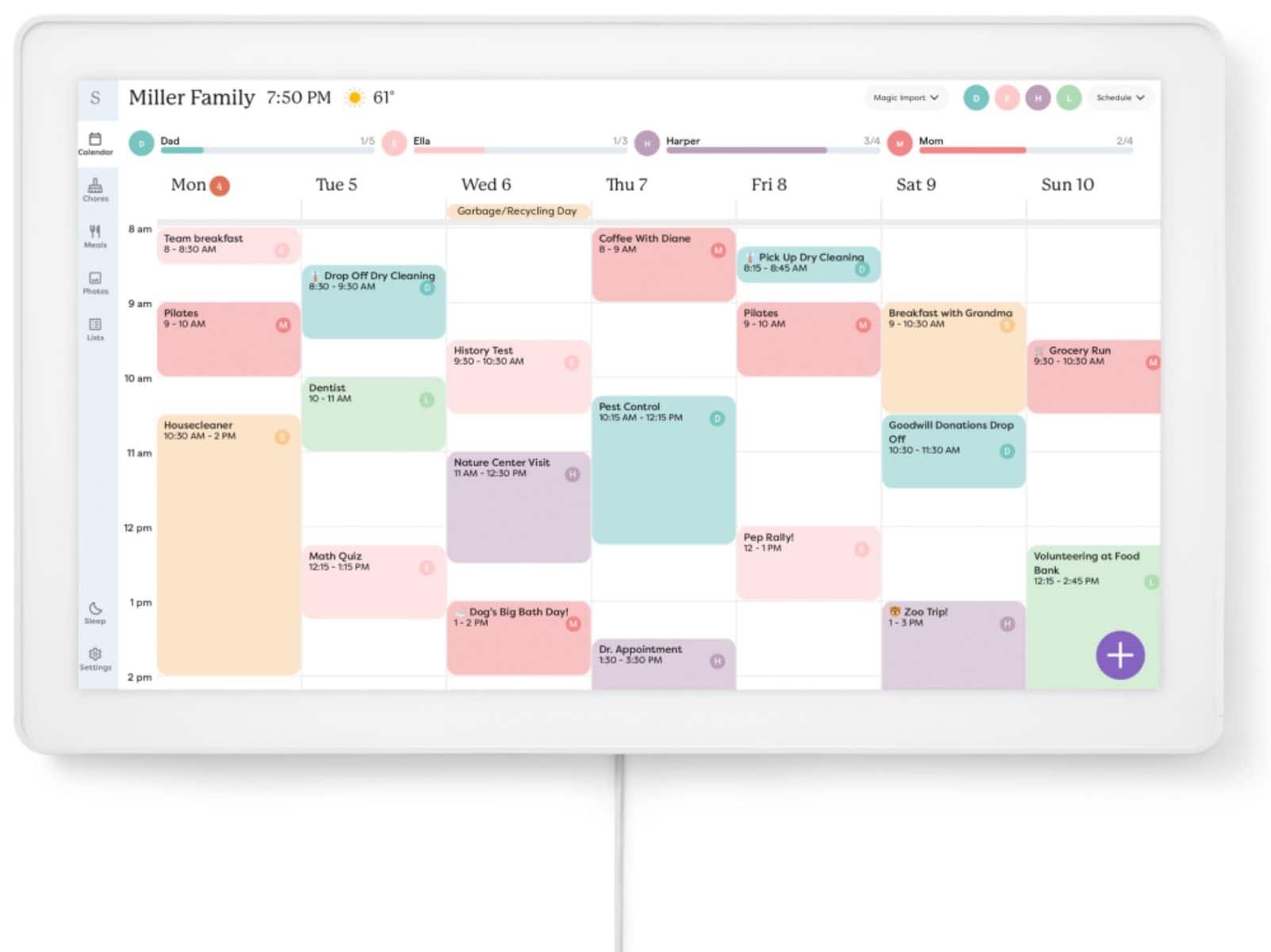
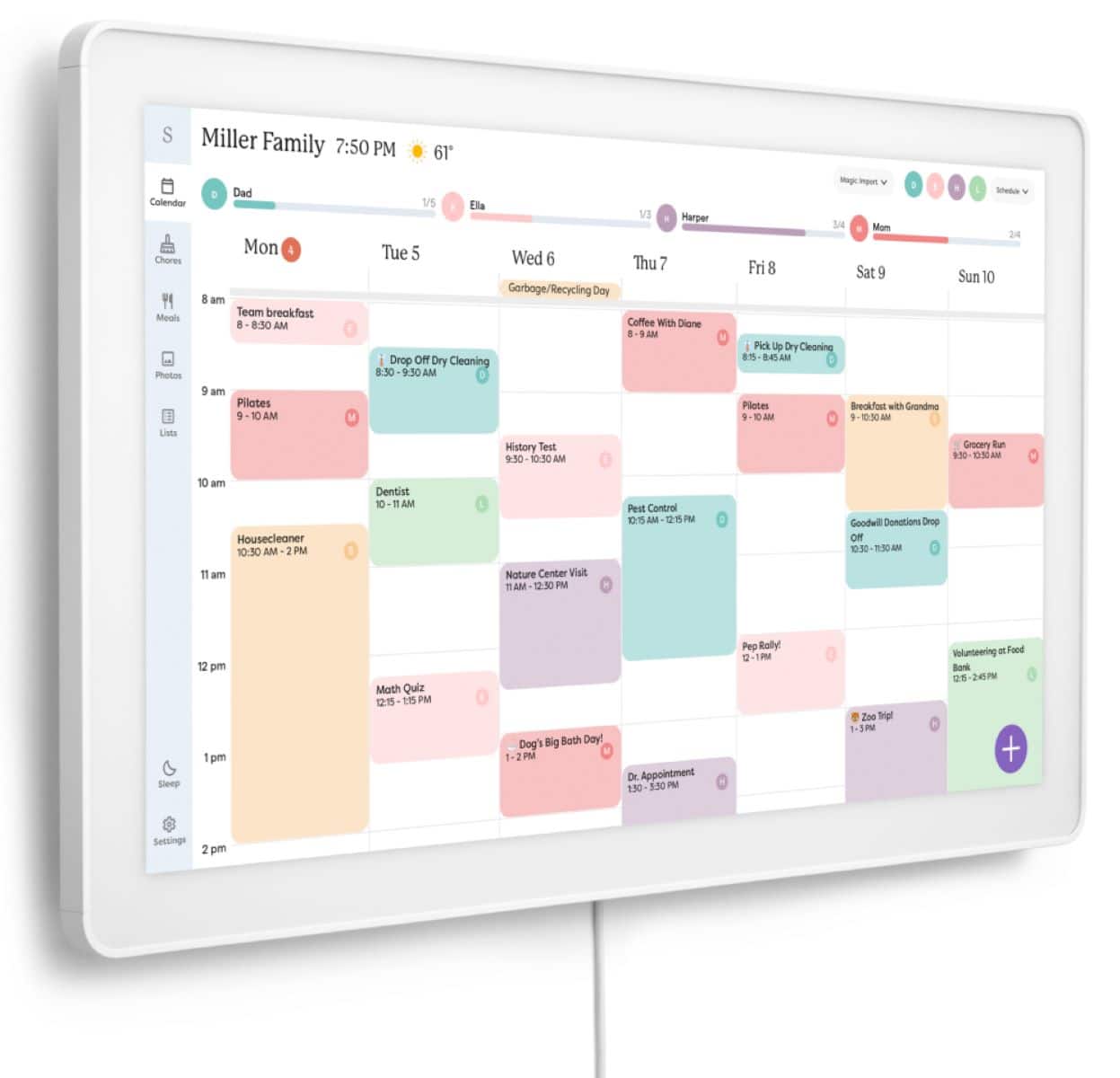
Customers consistently note the calendar's exceptional ease of use, strong overall performance, and its effectiveness in aiding organization. They also highly value its vibrant touchscreen display, appealing design, and the variety of useful features, including straightforward connectivity and easy calendar import.
This summary was generated by AI based on customer reviews.
Rated 5 out of 5 stars
Skylight
||Posted . Owned for 3 months when reviewed.This reviewer received promo considerations or sweepstakes entry for writing a review.Skylight Calendar keeps our family organized. Highly recommended!
This review is from Skylight - Calendar Max: 27 inch Touchscreen Smart Calendar and Family Organizer - Aluminum
I would recommend this to a friendRated 5 out of 5 stars
One of the best gadgets I’ve invested in!
||Posted . Owned for 7 months when reviewed.This reviewer received promo considerations or sweepstakes entry for writing a review.This helps keep me and my kids on the same page with even etc and we’re not even taking advantage of all it’s amazing features the reminders in the middle of the house perfect! If my daughter adds events I can see them when I’m Out making my own appts. I love it!
This review is from Skylight - Calendar Max: 27 inch Touchscreen Smart Calendar and Family Organizer - Aluminum
I would recommend this to a friend- Pros mentioned:Overall performance
Rated 5 out of 5 stars
Amazing!
||Posted .This reviewer received promo considerations or sweepstakes entry for writing a review.An excellent addition to our family. Great for scheduling and reminding us to do our chores.
This review is from Skylight - Calendar Max: 27 inch Touchscreen Smart Calendar and Family Organizer - Aluminum
I would recommend this to a friend Rated 5 out of 5 stars
Must Have For Every Family!
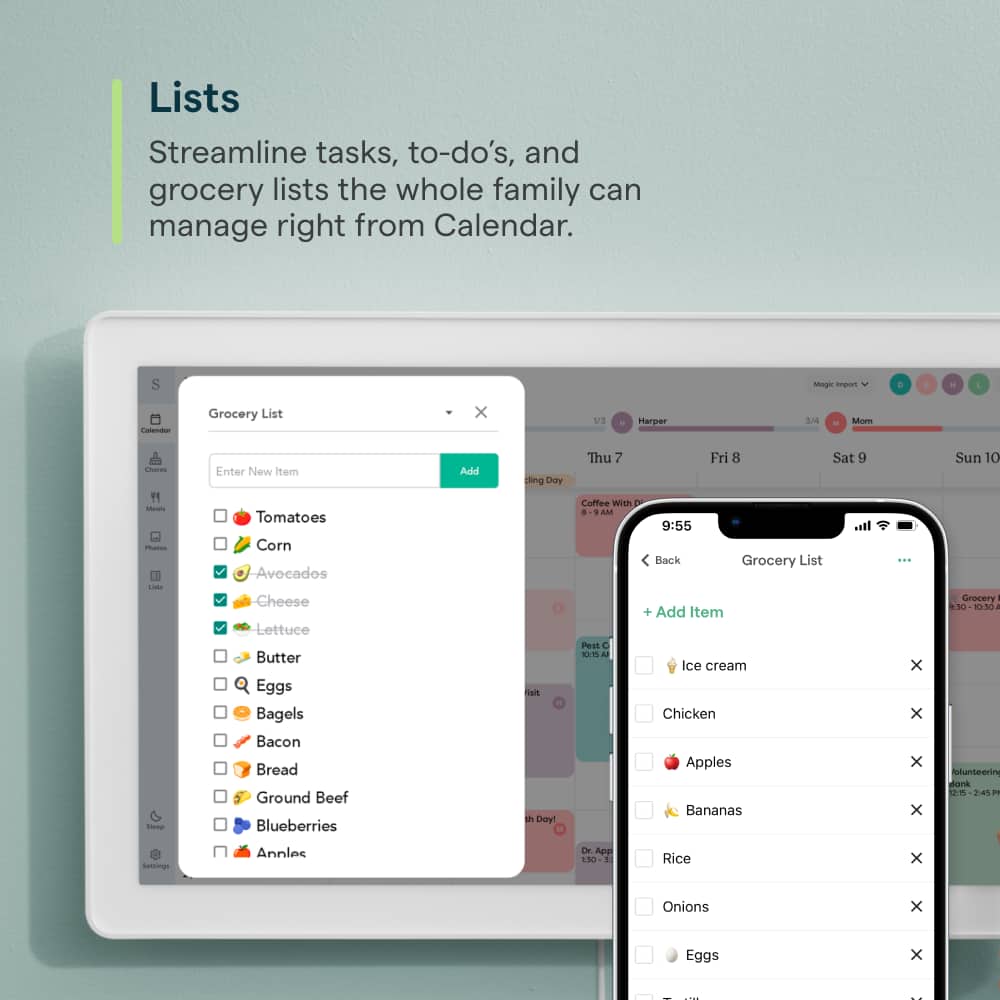
||Posted .This reviewer received promo considerations or sweepstakes entry for writing a review.This is the best thing for our family! We are now able to have everyone's schedules in one place, and the 27" is worth the price in order to be able see it and have it at the hub of our home. The tasks, meal planning and grocery lists are an added bonus!
I would recommend this to a friend- Pros mentioned:Ease of use
Rated 5 out of 5 stars
Get it today!
||Posted . Owned for 1 week when reviewed.This reviewer received promo considerations or sweepstakes entry for writing a review.This thing got the name Chaos Calendar. We have 5 kids, travel, sports and so much more- this thing makes life so much easier!!!
This review is from Skylight - Calendar Max: 27 inch Touchscreen Smart Calendar and Family Organizer - Aluminum
I would recommend this to a friend - Pros mentioned:Overall performance
Rated 5 out of 5 stars
Excellent!
||Posted .This reviewer received promo considerations or sweepstakes entry for writing a review.Love this calendar!! It has helped my family stay organized and especially love the slide show of photos.
This review is from Skylight - Calendar Max: 27 inch Touchscreen Smart Calendar and Family Organizer - Aluminum
I would recommend this to a friend Rated 5 out of 5 stars
LOVE THIS THING
||Posted .This reviewer received promo considerations or sweepstakes entry for writing a review.This has been SO helpful for our family! Not only the calendar feature and being able to color code and organize everyone's appointments and events, but the tasks lists feature has been a game changer too. Set up and install was super easy. It even included the correct size drill bit with the wall mounting kit!
I would recommend this to a friend- Pros mentioned:Overall performance
Rated 5 out of 5 stars
Great
||Posted . Owned for 2 weeks when reviewed.This reviewer received promo considerations or sweepstakes entry for writing a review.It great everything in one place family love it get one didn't hang it yet have it on the shelf
This review is from Skylight - Calendar Max: 27 inch Touchscreen Smart Calendar and Family Organizer - Aluminum
I would recommend this to a friend - Pros mentioned:Ease of use
Rated 5 out of 5 stars
Love it
||Posted . Owned for 1 week when reviewed.This reviewer received promo considerations or sweepstakes entry for writing a review.Does everything we need it to do. Display is clear, runs seamlessly. Really enjoy the screen saver set to a slideshow of our pictures.
This review is from Skylight - Calendar Max: 27 inch Touchscreen Smart Calendar and Family Organizer - Aluminum
I would recommend this to a friend - Pros mentioned:Overall performance
Rated 1 out of 5 stars
Buggy UI, software issues, average tech support.
||Posted . Owned for 2 weeks when reviewed.This reviewer received promo considerations or sweepstakes entry for writing a review.Purchased Dec 9, 2025 as a Christmas present for my wife. Calendar worked great. Tasks, not so much. Tasks randomly would not input directly through the device. Completed tasks would not delete. Soft reset of the device typically fixed the issue. After abouth the tenth time doing this over the next 3 days, I contacted tech support. Step 1, soft reset..duh! Step 2, hard reset. That fixed it! For about an hour. Called tech support back, and they said it must be my wifi connection. Less than 20 devices in my home, on 1G Fiber. Everything else is working, but ok. Performed wifi test. Signal is fast and strong. Not wifi. Checked Facebook and Reddit. Whattaya know! This is a known issue! Returned the device to Best Buy because Skylight tech support misled me into thinking it was my problem and not their software after resetting didn't fix the issue. Save your $650 dollars. Buy a tablet, download Google Calendar, and hang it on the wall. There! I just saved you $400 bucks and a $100 subscription fee. Oh! When your subscription is refunded, it's pro-rated by the full month. You're welcome!
No, I would not recommend this to a friend Rated 5 out of 5 stars
Best purchase
||Posted .This reviewer received promo considerations or sweepstakes entry for writing a review.Love this calendar and the fact that it plays pictures when calendar is not in display
I would recommend this to a friendRated 2 out of 5 stars
I had high hopes...
||Posted . Owned for 1 month when reviewed.This reviewer received promo considerations or sweepstakes entry for writing a review.Unfortunately they need MUCH more work on the actual interface before I can call this a useful product. It's truly been it's best for my family as a photo frame. The app can only do so much. Chores are listed only in alphabetical order. You are forced to add a number or something in front of it to list in the order you need it to be in. You're unable to add chores or do much of anything on the desktop version. It just wasn't a great fit for us and after nearly 60 days, we've made the decision to return. It's got AMAZING potential... but it just missed the mark for what my family was looking for.
This review is from Skylight - Calendar Max: 27 inch Touchscreen Smart Calendar and Family Organizer - Aluminum
No, I would not recommend this to a friendRated 5 out of 5 stars
JGieger
||Posted .This reviewer received promo considerations or sweepstakes entry for writing a review.Little bit of a learning curve very user-friendly.
I would recommend this to a friendRated 5 out of 5 stars
LOVE IT
||Posted . Owned for 3 weeks when reviewed.This reviewer received promo considerations or sweepstakes entry for writing a review.I absolutely love my 27” Skylight calendar purchase. I was ecstatic that I was able to purchase the one I wanted through Best Buy. I made the order online and picked it up in the store.
This review is from Skylight - Calendar Max: 27 inch Touchscreen Smart Calendar and Family Organizer - Aluminum
I would recommend this to a friendRated 4 out of 5 stars
Very helpful for organization
||Posted . Owned for 1 month when reviewed.This reviewer received promo considerations or sweepstakes entry for writing a review.Would give 5 stars if it wasnt for the limitations you have without paying a membership
This review is from Skylight - Calendar Max: 27 inch Touchscreen Smart Calendar and Family Organizer - Aluminum
I would recommend this to a friendRated 5 out of 5 stars
Game changer for a hectic household schedule
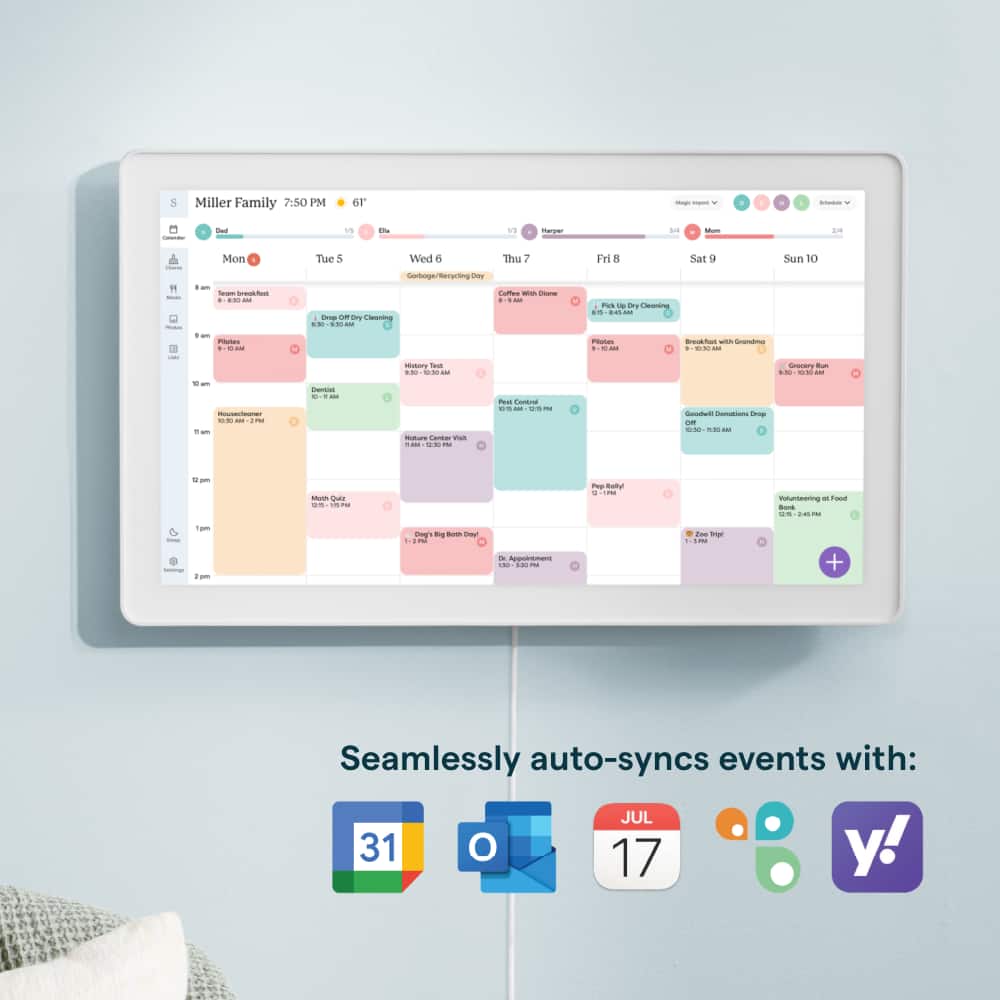
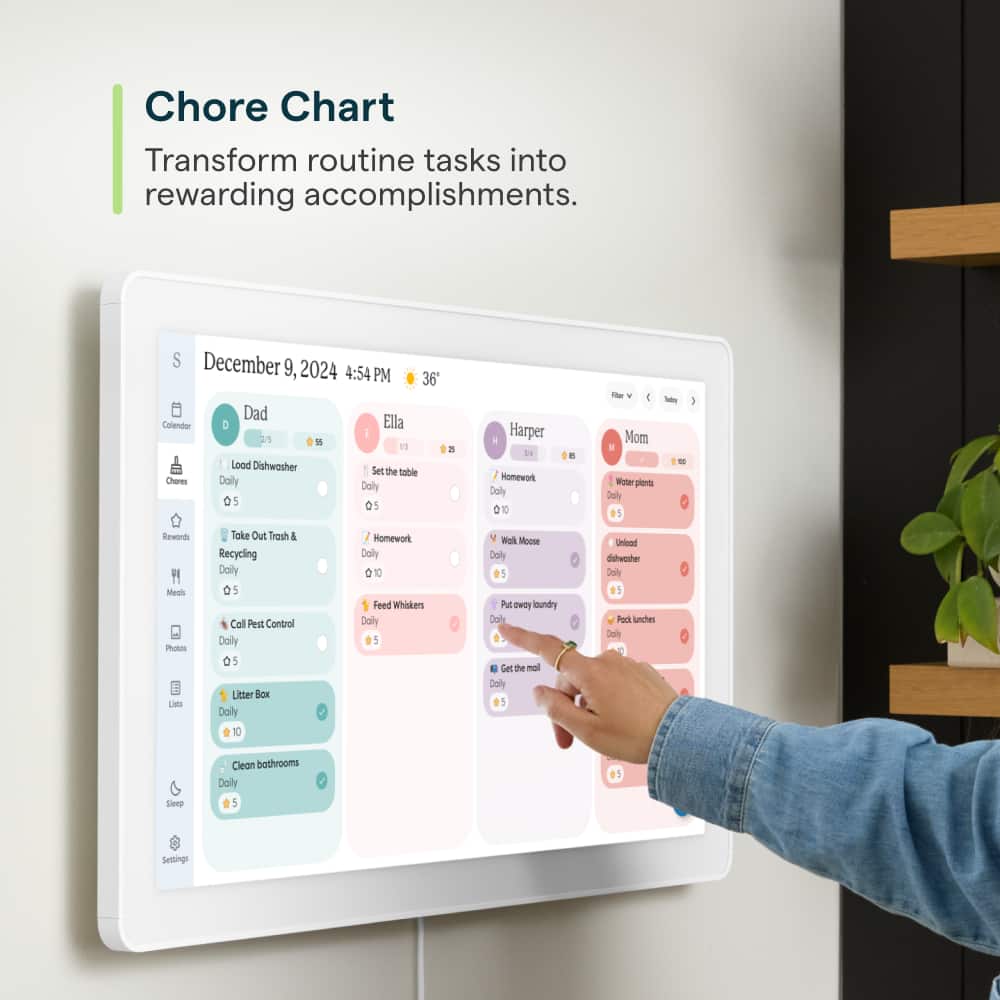
||Posted . Owned for 9 months when reviewed.This reviewer received promo considerations or sweepstakes entry for writing a review.Between work, school events, meal plans and endless extracurriculars, our family logistics were getting harder to track until we hung this massive 27-inch screen in the kitchen. The auto-syncing with Google calendar works well, and having a giant color-coded display makes it so much easier for everyone to see exactly where they need to be at a glance. Plus, the built-in chore chart feature has been a total lifesaver for getting the kids to actually take responsibility and check off their daily tasks without a million reminders.
This review is from Skylight - Calendar Max: 27 inch Touchscreen Smart Calendar and Family Organizer - Aluminum
I would recommend this to a friend- Pros mentioned:Screen size
Rated 5 out of 5 stars
A MUST have for any busy parent!!
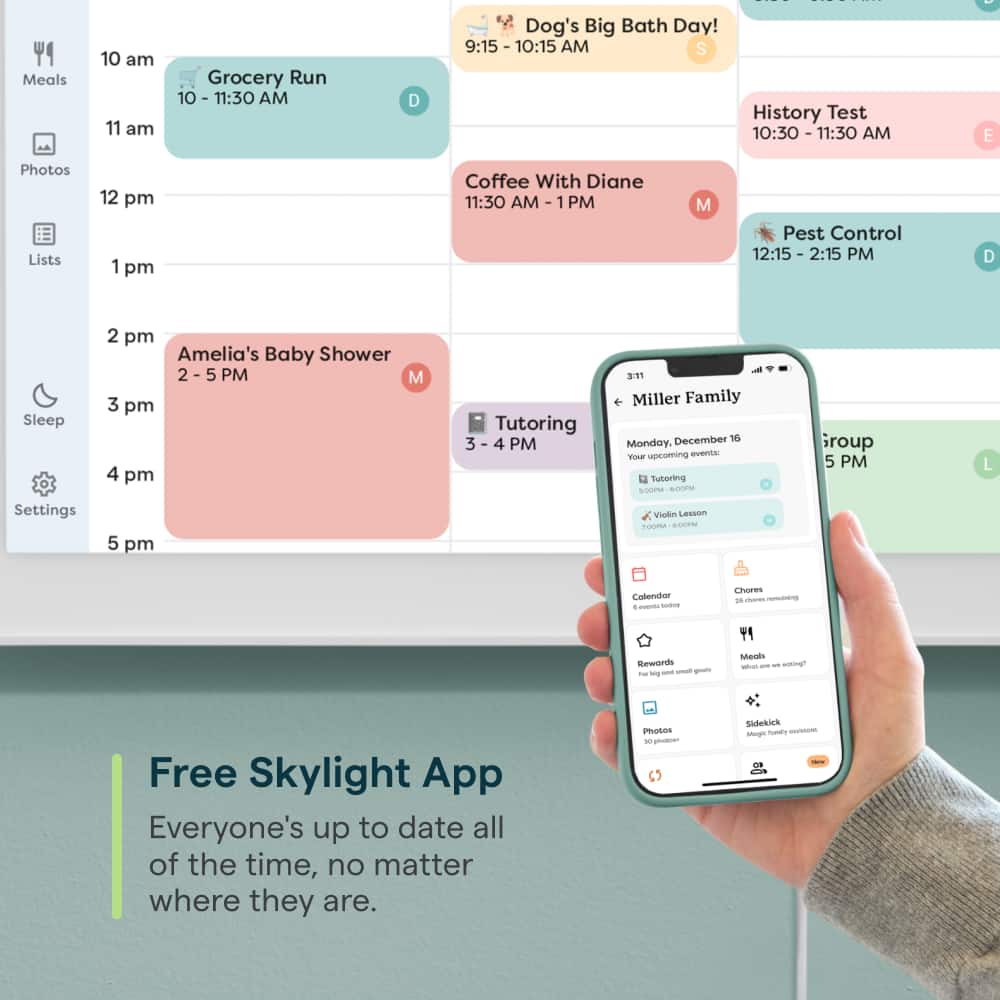
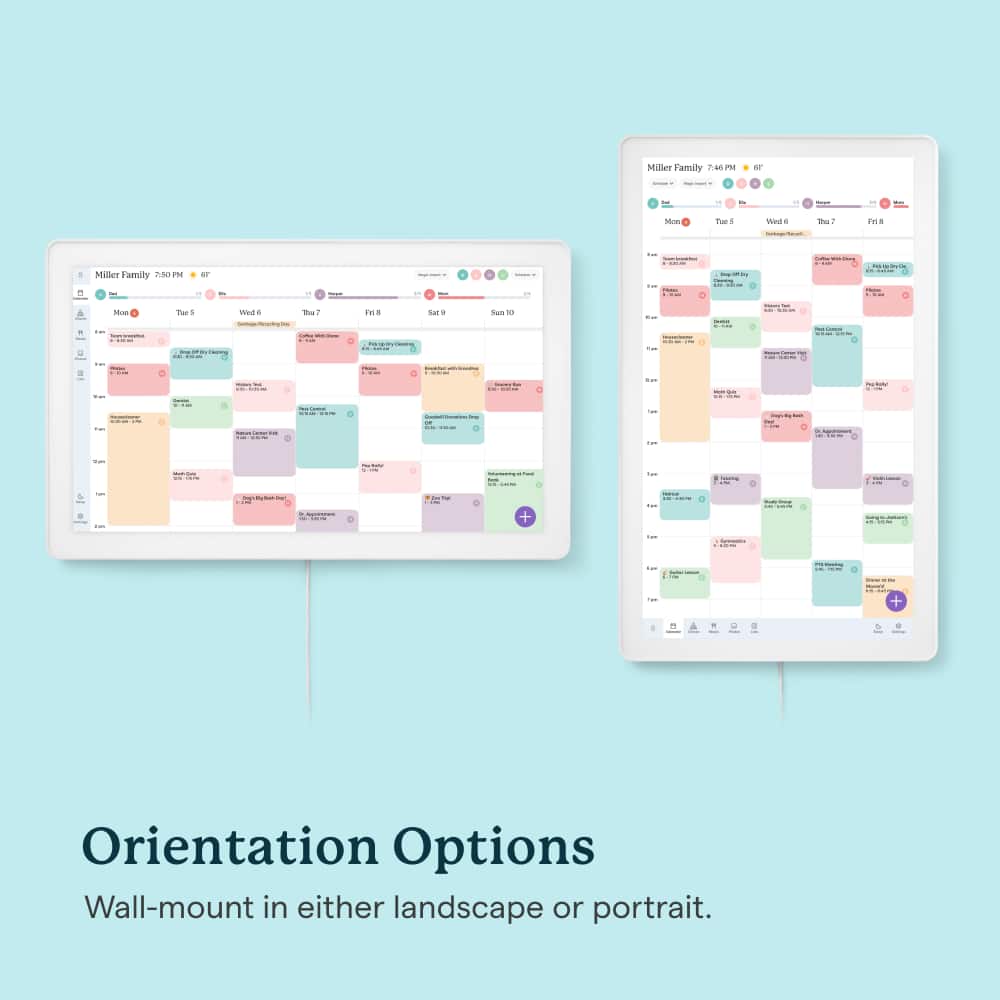
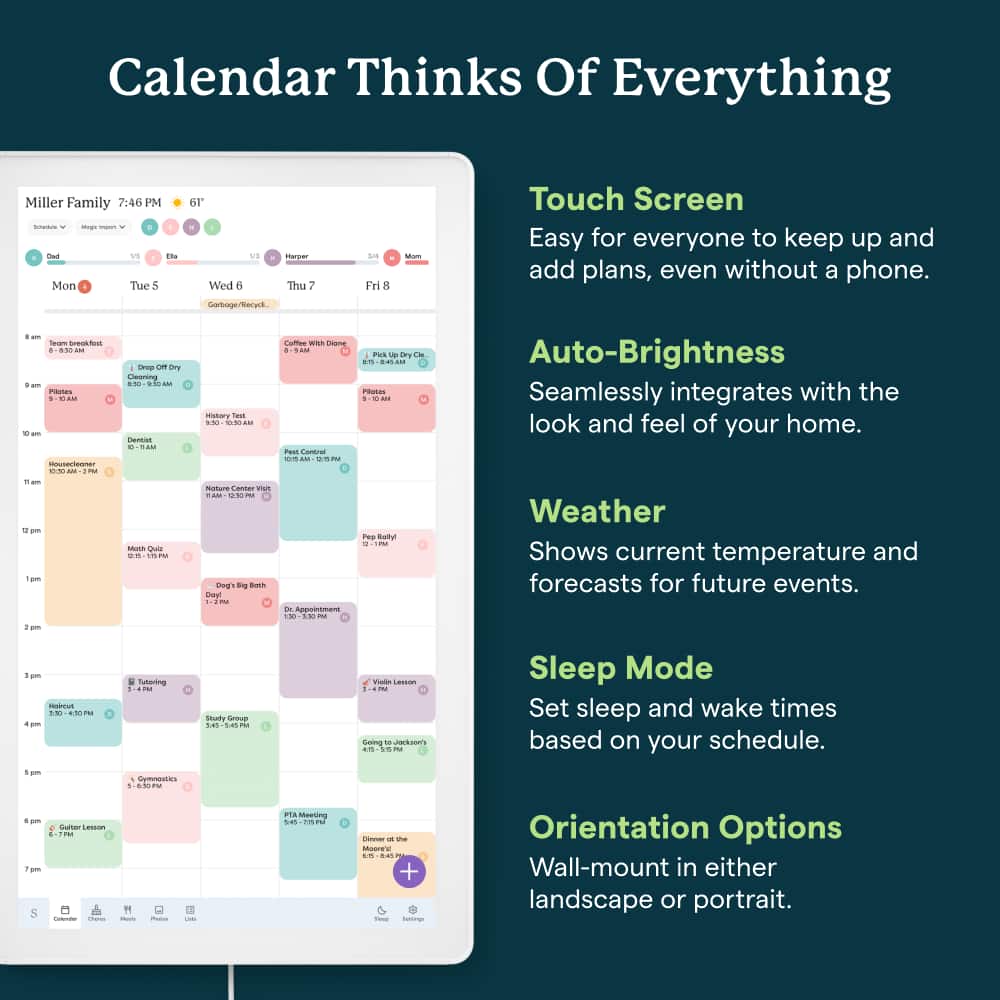
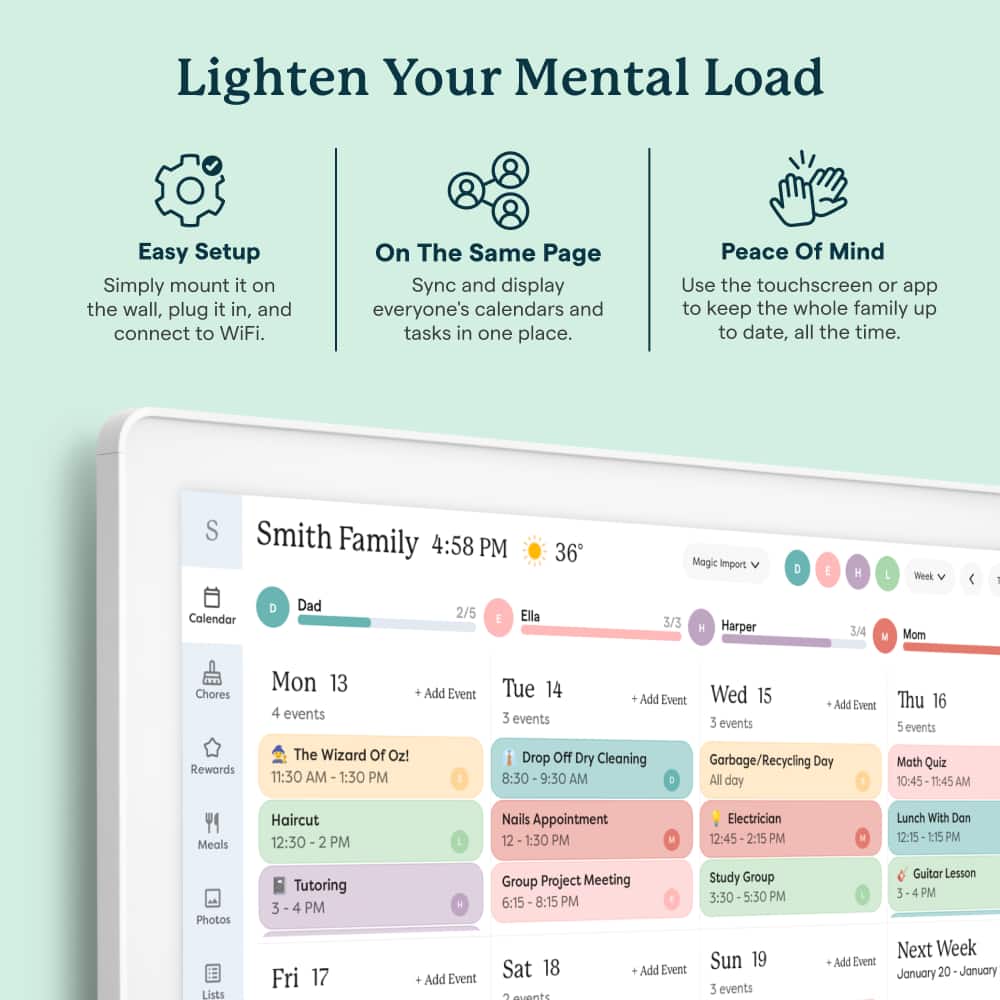
Posted .This reviewer received promo considerations or sweepstakes entry for writing a review.I am in love with my new Skylight calendar! I actually upgraded from my smaller 15" that I've had for over a year. A few things I love about my Skylight in general: 1. My kids have stopped asking me what they have going on tonight! All after school activities are loaded so the entire family is on the same page. 2. It is easy to sync and entire calendar, or just events from my work calendar. I connected my entire Gmail calendar to the calendar, but for my work calendar, if there is something I want to share, I just add an "attendee" which is the email address for the calendar. It's great!! 3. MAGIC IMPORT. I was nervous to try this, but wow does it work great. I snapped a photo of the monthly lunch menu from our school, sent the photo to the calendar email, and it seemlessly added every days lunch to the menu. Again, this way my kids have a one stop shop for lunch at school, what's going on over the weekend or that day. 4. Chore Chart! I'm reprogramed some fun new chores for the school year, and my kids seem to enjoy checking off their "to-do's." I like the new feature that also shows expired chores that haven't been checked off. 5. The SIZE!! Wow the CalMax is gorgeous and something all my friends ask about when they come over. I even upgraded to the membership, and I can turn it into a photo frame of my family (rotating or static) when it's in sleep mode. It's so fun and easy to add images, my kids love seeing it! One thing I am going to do is hire an electrician or hire BBY Geek Squad to move my outlet behind the device! In looking closely at the power, it does need to be recessed to fit it. For now I will purchase a cable concealer online to make it look a little more clean! I also chose to orient mine horiztonal, which i'm loving, but vertical is an option as well. You can see the full week in view this way really nicely. Overall, this device is a game changer, and I'm SO grateful for the ease it's brought to my families life!!
This review is from Skylight - Calendar Max: 27 inch Touchscreen Smart Calendar and Family Organizer - Aluminum
I would recommend this to a friend - Pros mentioned:Overall performance
Rated 5 out of 5 stars
If Unsure Get The Skylight Max
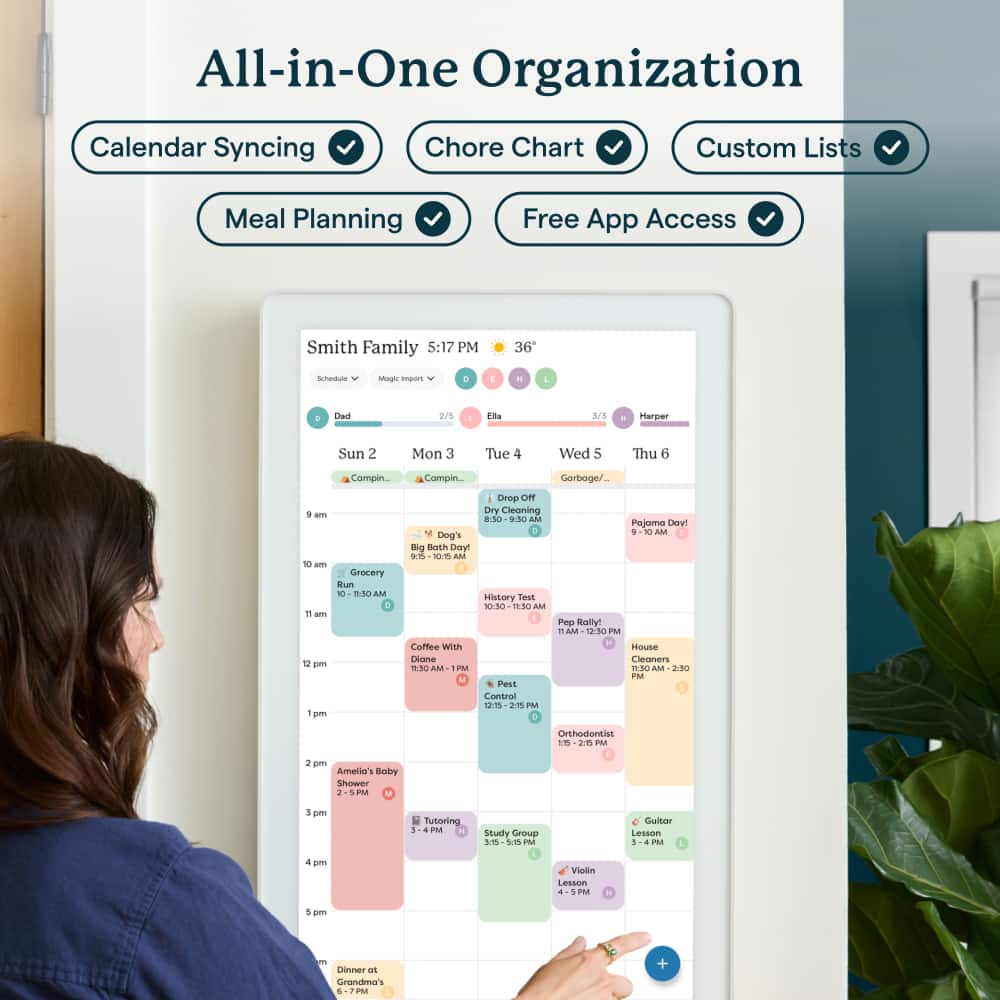
||Posted .This reviewer received promo considerations or sweepstakes entry for writing a review.I recently purchased the Skylight Max 27″ Touchscreen Smart Calendar, and I couldn’t be more impressed. This device has truly become the central hub of our home — bringing organization, clarity, and visual enjoyment into our everyday routine. Right out of the box, the Skylight Max’s large 27-inch HD touchscreen makes an immediate impact. The display is vibrant, easy to read from across the room, and feels like a premium centerpiece on our wall. Whether mounted in portrait or landscape orientation, it integrates seamlessly into our living space without feeling bulky or intrusive. Setup was straightforward and user-friendly, and connecting our digital calendars (Google, Outlook, and others) took only a few minutes. Once synced, the calendar instantly became the place we all check first thing in the morning — no more searching multiple apps on phones or scribbling reminders on sticky notes. What sets this device apart is its all-in-one functionality. It doesn’t just show dates — it manages: • Shared family schedules so everyone stays on the same page. • Chore lists and to-dos, which are simple to assign and track. • Meal planning tools that streamline weekly dinner prep planning and grocery lists. I especially enjoy how photos can be displayed when the calendar isn’t actively in use. It adds a personal, heartwarming touch that turns a utilitarian device into something cozy and meaningful for the whole family. The intuitive touchscreen interface makes interacting with the calendar a pleasure rather than a chore. My children even enjoy checking off tasks and seeing their schedules color-coded — which keeps them more engaged and responsible for their own commitments. In terms of organization, this product delivers. Our family’s routines feel clearer, coordinated, and more efficient, and I find myself using the Skylight Max daily — something I didn’t expect from a calendar device! Overall, the Skylight Max is a worthwhile investment for anyone looking to level up family organization with style, simplicity, and smart features. It’s more than just a calendar — it’s the heart of our home’s day-to-day rhythm.
I would recommend this to a friend - Pros mentioned:Ease of use, Organization, Overall performance
Rated 5 out of 5 stars
Organization
||Posted . Owned for 1 month when reviewed.This reviewer received promo considerations or sweepstakes entry for writing a review.This product keeps you so organized for all those who have to be organized. It helps with meal planning,tasks for kids and much more. It even displays pictures as well.
This review is from Skylight - Calendar Max: 27 inch Touchscreen Smart Calendar and Family Organizer - Aluminum
I would recommend this to a friend - Pros mentioned:Ease of use, Features
Rated 5 out of 5 stars
A way to more independent children
||Posted .This reviewer received promo considerations or sweepstakes entry for writing a review.The Skylight 27" works perfect as a central hub for family members to check in to review the calendar, add to lists, mark off completed tasks, manage recipes and other family organization applications. Including a way for kids to earn rewards on their own by completing chores and tasks in a fun organized way. The Plus membership and worth the $80 per year investment. It organizes your grocery list by department, helps plan meals from either your own database or theirs, effortlessly add to your calendar by scanning the paper. I can't say enough about this board. I was truly impressed with scanning my chicken-scratch recipe into a legible easy to follow typed recipe anyone can follow and directly add the ingredients to my shopping list.
I would recommend this to a friend