Customer Ratings & Reviews


- Model:
- GA00518-US
- SKU:
- 6290314
to a friend
Customers are saying
Customers regard the Smart Light Starter Kit with Google Assistant very favorably, particularly praising its ease of use, Google Assistant integration, and surprisingly good sound quality for its size. Many also appreciate the affordable price and the simple setup process. While some users experienced occasional connectivity issues or limitations in range and compatibility with other smart home systems, these concerns were less frequently reported than the positive feedback.
This summary was generated by AI based on customer reviews.
Ok but at least I got a free light bulb
||Posted . Owned for 1 year when reviewed.This reviewer received promo considerations or sweepstakes entry for writing a review.I would really go with another product especially since the regular home hub can do so much more for not much more than a price of this kit. Buyers beware.
No, I would not recommend this to a friendGoogle
||Posted .This reviewer received promo considerations or sweepstakes entry for writing a review.I guess it works as it should. I'm just not sure about the hole AI thing yet. I Would recommend the Invoke by Microsoft sounds better (less robotic) and its Harmen Kardon.
No, I would not recommend this to a friend
4.5-star Google Home mini w/about 4-star LED bulbs
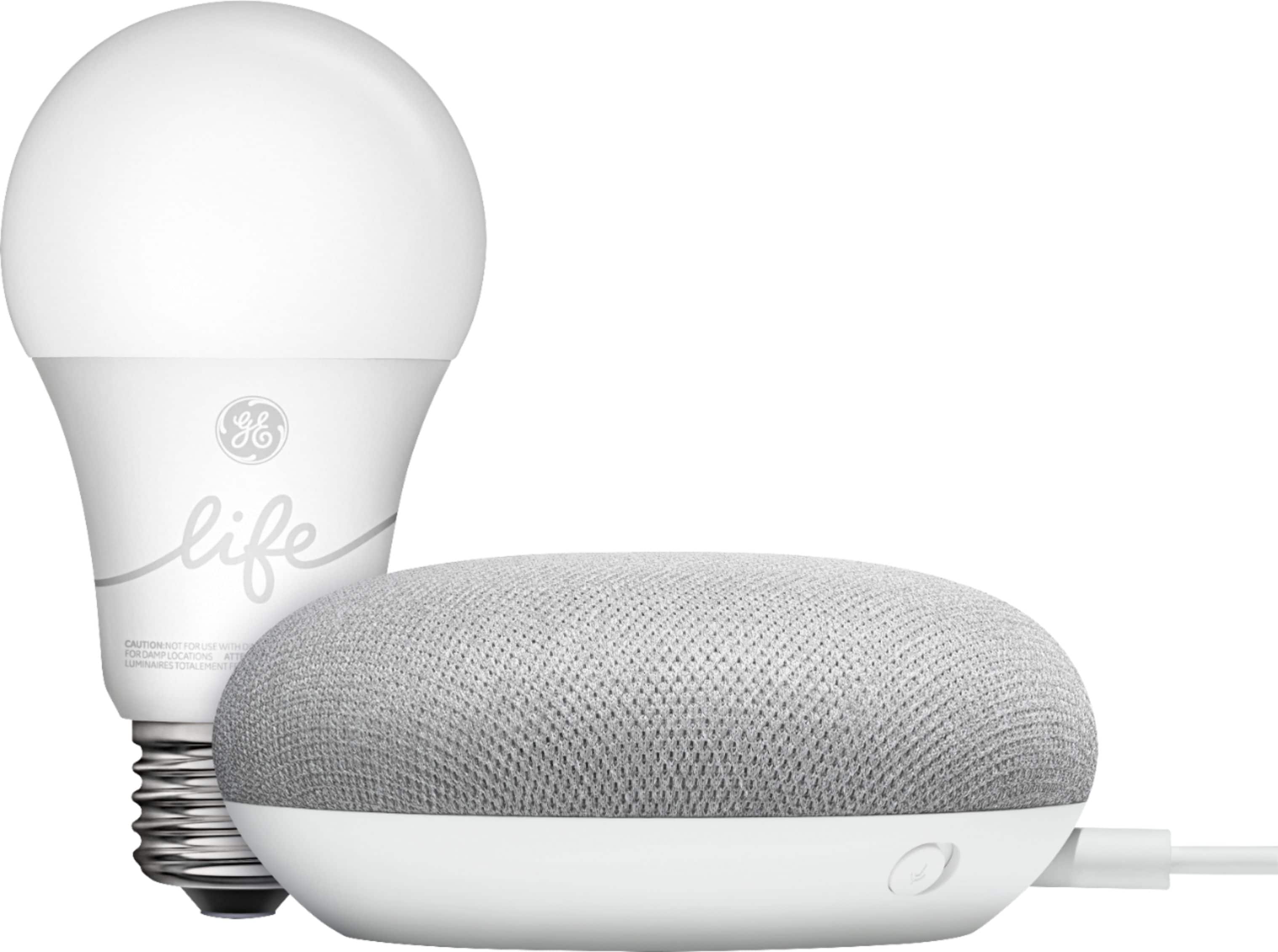
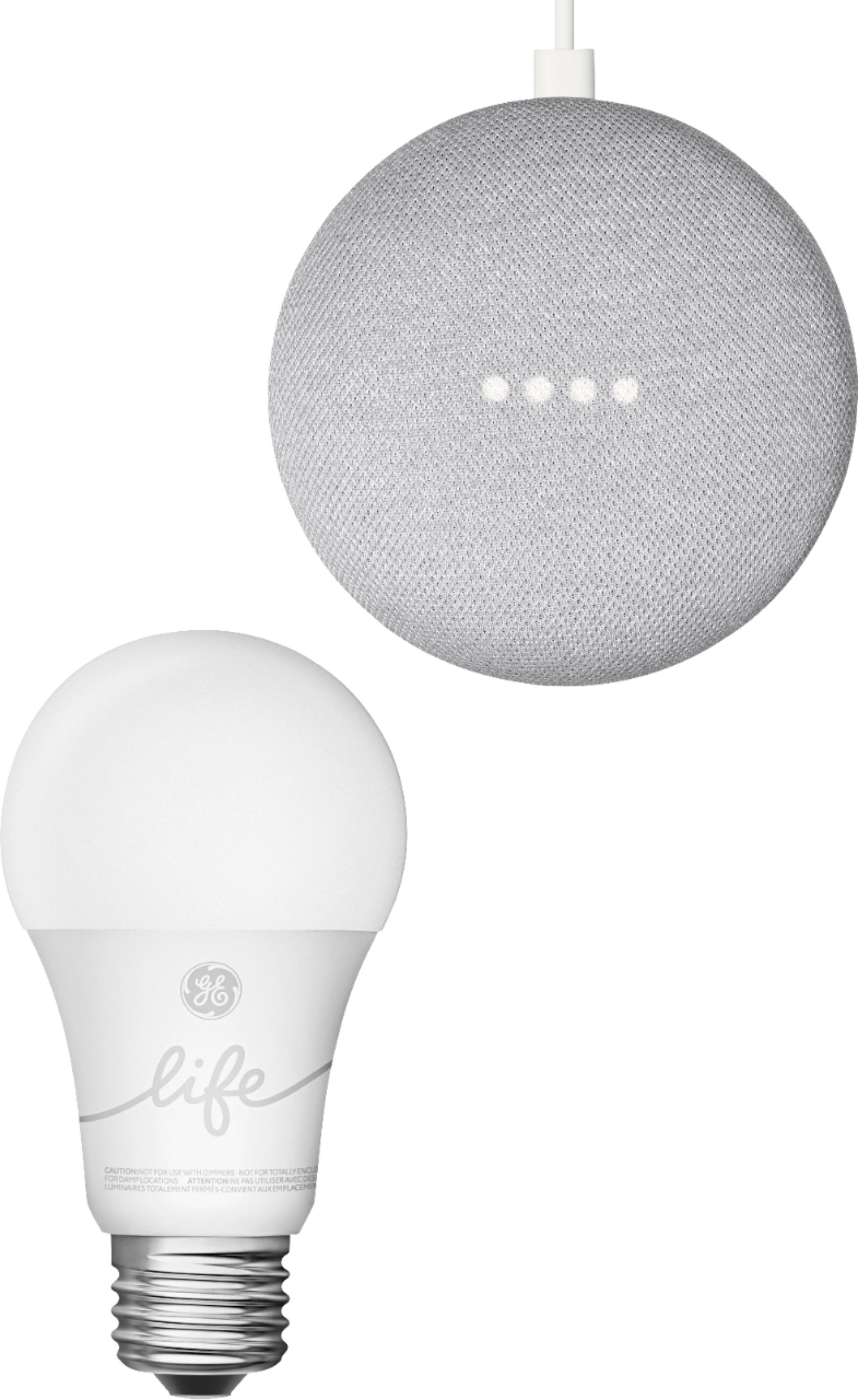
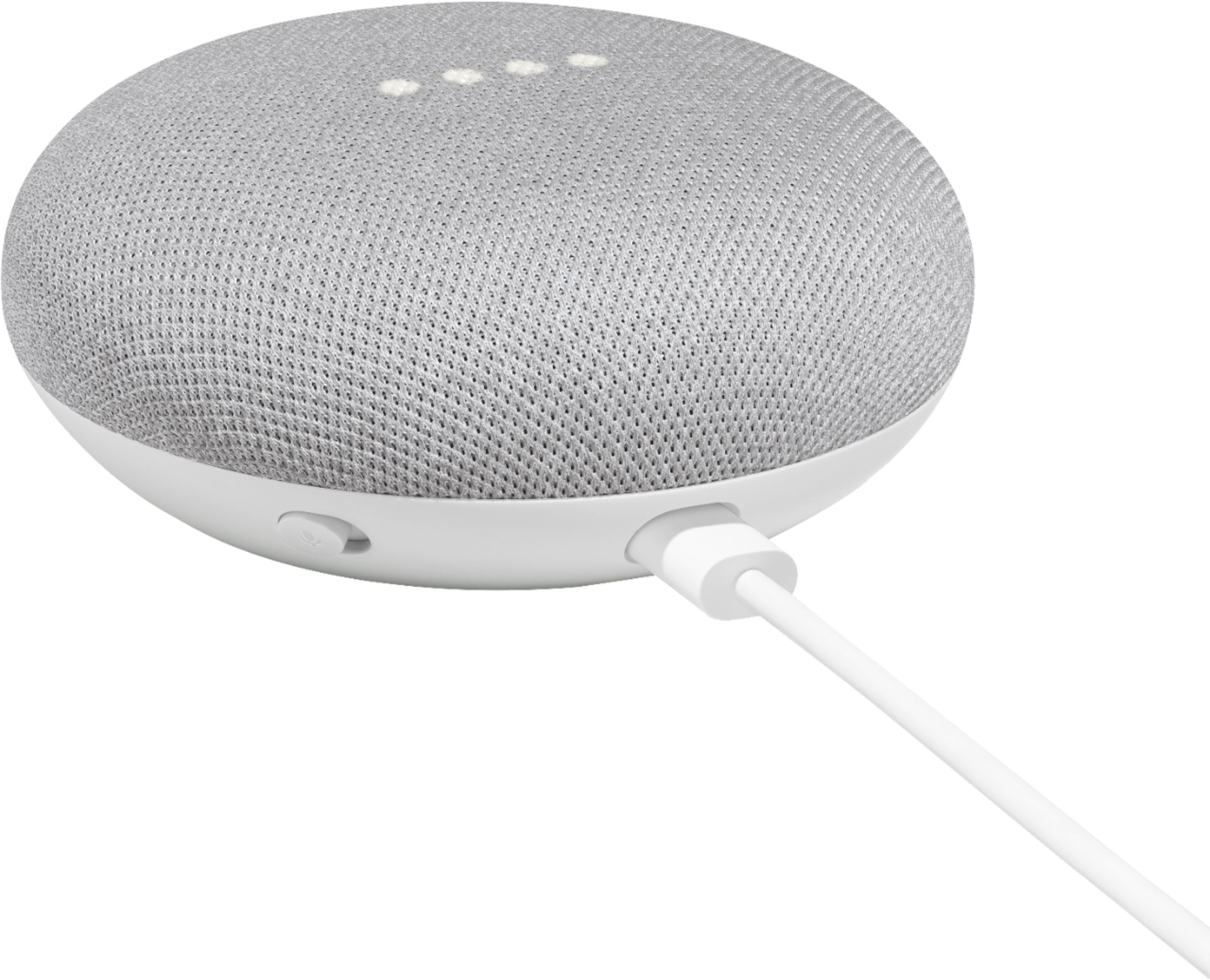
|Posted .This reviewer received promo considerations or sweepstakes entry for writing a review.PROs: - If you are having trouble setting up the Google Home Mini, the bulbs thankfully still function as regular LED bulbs upon initial power-up--no flashing, blinking, blanking or waiting for an app or voice assistant to pair - Though the Mini is the draw here, there is a 'C by GE' app that still allows Bluetooth-distance remote control for power, brightness, schedule/timer setting, and one-touch "scene" settings (Good morning, I'm home, Party, etc.) - The color temperature is not tunable (for that, you would need the C-Sleep bulbs), but the 2700K preset has a pretty comfortable incandescent bulb-like hue that is reasonably conservative and therefore versatile for typical duty - With the Google Home Mini, setup and integration into a fledgling (or even more extensive) home network is pretty much instantaneous and you get all the hands-free voice activation you could want for power, scheduling, brightness levels, and out-of-the-home control - Take the bulbs out of the equation, and you have a smart speaker which handles natural language pretty well providing all the personal voice assistance and trappings of a Google-enabled device you could possibly want (okay, except for maybe a screen) - Once you have the Google Home app on the go, you can control all the lights via the Home app and the Mini from anywhere you have a network connection--nice for adjustments while on the road - Voice Match was actually an intriguing feature; you can set up the Mini to recognize different voices in your household and then Google will respond accordingly--for example, not including your 9 year-old's music requests in your music search/playback history CONs: - This is truly a "mini" smart-home starter kit--with no smart outlets or other sensors, what you get are the bulbs for about a $5 premium over the full-priced Google Home Mini...that's a decent value if you were paying full price for the Mini to begin with, but a harder sell with the Mini at a discount because the lights are just decent smart bulbs in and of themselves (there are certainly better and more capable bulbs out there) - The smart speaker and streaming media playback on the Mini tends to work best with a Youtube and/or Google Play subscription--I have neither, and would often ask Google to play me some "X" only be to be told I'd need a subscription for THAT particular band, song, album, etc...but here was a streaming radio station that probably offered something similar. I get it, you don't get something for nothing, and if you're fine with commercials in your Spotify or just whatever Pandora serves up free you'll likely be fine, just be aware that maximum responsiveness to your musical whims is probably going to come with an extra price tag! - Though the bulbs are set at a pretty comfortable color temperature, you cannot change the "color" of white for this set--if you are looking for daylight or more blueish hues (or even colors), you need to look elsewhere, or just get the Mini by its lonesome and grab a different set of smart bulbs - The bulbs are not WIFI enabled--they are Bluetooth, which means at least one needs to be within 40-50 unobstructed feet of the Mini, and the other bulb at least the same to its mate (if they are not in the same general area). This somewhat limits how deeply you can dip your toe in the smart-home waters--if you want to put a bulb out in the entryway and the other on the back porch, the Mini needs to placed such that it can reach both bulbs (or at least one which then daisy-chains to the other) - If you mess up during the bulbs setup, or just need to start over, there is an 11-step factory reset procedure that alternates between on/off cycles that vary from 2 seconds to 5-10 seconds each. I was able to get the bulbs reset multiple times while switching between the 'C by GE' app control, and using the Google Home Mini, I sometimes needed 3-5 extra on/off cycles to finally get the reset confirmation blinks in the bulbs Summary review: I can see why these are sold together as a starter kit...but the truth is, you don't NEED the Mini to use/configure the LED bulbs...any Bluetooth-enabled device and the C by GE app can provide the same sort of control; at least within Bluetooth connectivity distances. So I approached this set from the perspective that it's an easy way to see what sorts of things are POSSIBLE if I had a smart home centered around something like the Mini. In that sense, this starter kit definitely gets things going, especially if you use the bulbs in a pronounced location like a dark basement or entryway where you'd love to be able to control the lights with your voice. But otherwise, the draw here is really the Mini itself. It does so much more than just control THESE particular bulbs, or even control smart appliances/objects in general. With constant voice assistant capabilities, you'll be surprised how often you end up saying "Okay Google"...and then querying the "verbal Internet" for answers to all things serious (how can I tell if I'm having a heart attack) and mundane (what's the weather going to be like tomorrow?). As a smart speaker...well, it's a smart object that has a speaker built in, and you'd be surprised how loud it can get, but the fidelity is only okay. With a number of these dotted around the house, I think they would make great "ambience" speakers all streaming the same soundtrack to your life (or maybe even something different from speaker to speaker), but I wouldn't want to do any critical or even loud party listening as the "oomph" just isn't there...and I did notice just a hint of distortion start to creep in at higher playback volumes. So is this set for you...honestly, I would think the answer comes down to the value proposition. If you were prepared to pay nearly full price for a Google Home Mini anyway (or if you can snag this starter set on a sale), I think it's a no-brainer. You get everything you were going to get from the Mini anyway, and you can set some home lighting automation or program some cool effects like "Okay Google, get ready for the movies" and your voice will magically activate a scene (that you've pre-programmed of course) that lowers the bulb's brightness to a home theater-friendly level. The bulbs themselves will work without the Mini so if you had other designs on where the Mini was going to go or how it was going to be used, it's almost like you can get two unrelated products nearly for the price of one. But if you're budget conscious and can snag the Mini on a deal in and of itself, there are much more flexible and capable smart bulbs out there to play with...cautiously recommended.
I would recommend this to a friendLight wasn’t dependable
||Posted .This reviewer received promo considerations or sweepstakes entry for writing a review.I thought the pairing of the light with WiFi was more difficult than necessary and would disconnect easily. I would not recommend.
No, I would not recommend this to a friendNot the best product.
||Posted . Owned for 5 months when reviewed.This reviewer received promo considerations or sweepstakes entry for writing a review.Issues with the light bulb. Was working and then stopped after a day. It didn't have the best speaker. Was worth $10 at best.
No, I would not recommend this to a friendNot as good as Hue
||Posted .This reviewer received promo considerations or sweepstakes entry for writing a review.C-Lite would not register multiple lights. It seemed as though they were conflicting with similar named bulbs. I could not get them to work properly around the house and switched them all to Philips Hue instead, which I already had in one room of the house. Hue works great, but I did swap the google home pods for the versions to control by voice. My family can not adjust to the voice controls and prefers the switch instead, but they’re getting there!
I would recommend this to a friendDon’t bother
||Posted . Owned for 1.5 years when reviewed.This reviewer received promo considerations or sweepstakes entry for writing a review.Send it back don’t bother. Outdated software and lack of ease. Have to repeat myself like 5000 times
No, I would not recommend this to a friendDidn’t work
||Posted .This reviewer received promo considerations or sweepstakes entry for writing a review.After three days of “I need to learn that” and the assistant learning nothing it was returned. Looking at HomePod now.
No, I would not recommend this to a friend- Pros mentioned:Dimming
Simple Start to smart lighting
|Posted .This reviewer received promo considerations or sweepstakes entry for writing a review.If you don't have a Google Home setup yet, and you're interested in the benefits of smart lighting, this is a good kit to get you started and decide if you want to invest more in the platform. The bulb itself is very basic, and can be dimmed on 1% to 100% scale for brightness. Other, more expensive bulbs can change color and are a bit more versatile, but that's part of why this is a starter kit. Both the bulb and Home Mini are easy to set up and use and pair nicely with my Google Pixel 2 smartphone. I imagine any phone that supports the Google Home app would be the same. After experimenting and using this for a few weeks I am going to expand my smart lighting beyond this one bulb for full voice and remote control via my phone.
I would recommend this to a friend - Pros mentioned:Google assistant
Good idea, poor execution
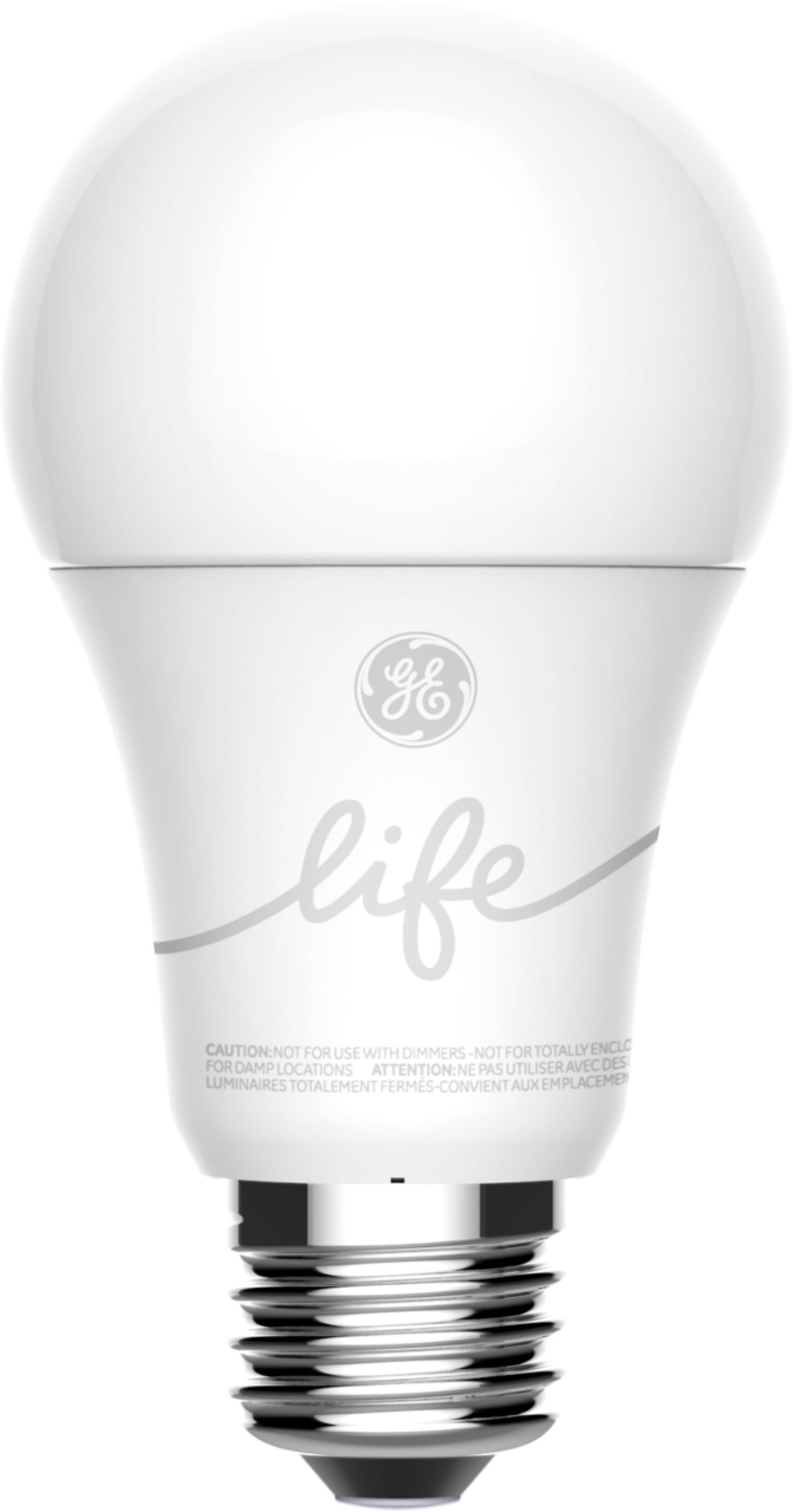
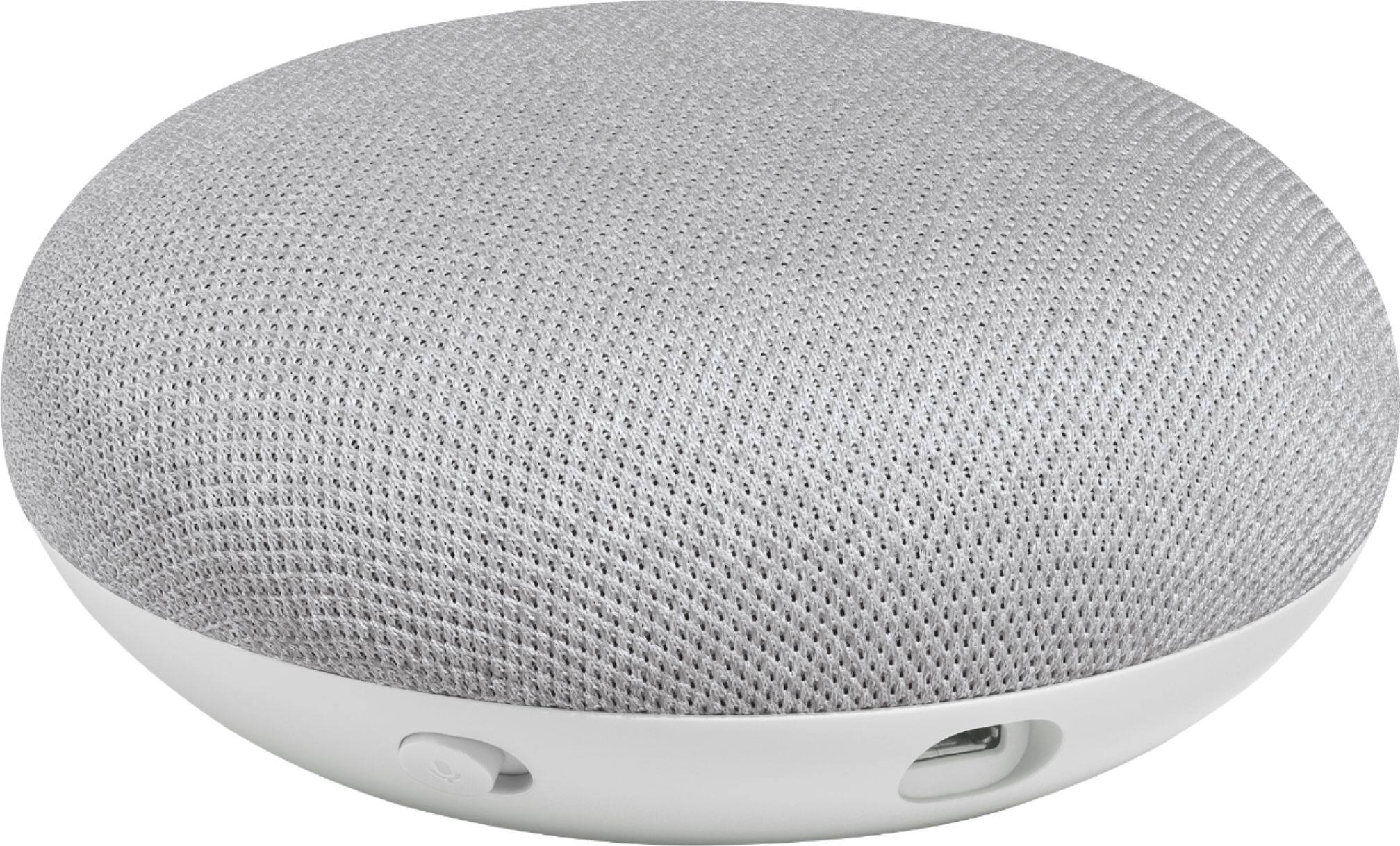
|Posted .This reviewer received promo considerations or sweepstakes entry for writing a review.Disclaimer - I was given this product in return for my fair and honest review. TL;DR version - this would be okay for apartment dwellers, but the Google Smart Light Starter Kit featuring the C-Life by GE bulb is otherwise a 4-star smart speaker with tons of features and smarts paired with a "smart" lightbulb that isn't exactly smart. Also, a bad value for its regular price, but the "smart bulbs" themselves are also a bad value compared to other superior options for around their same price point. ---------------------------------------------------------------------------------------- The Google Smart Light Starter Kit will always look enticing to the unknowing consumer, because who doesn't like the idea of including a smart lightbulb (in this case, C-Life by GE) with a Google Home Mini smart speaker for a decent overall price compared to buying the speaker and a smart bulb by themselves? Looks can be deceiving. I'm not going to talk much about the Google Home Mini (referred to as a GHM from here on out), because if you're reading this, chances are that you know it's a small smart speaker device that you can get answers to your questions from and control most home automation devices from nearly every manufacturer with. Unlike non-Google brand Google Assistant speakers, you can also use it with the FREE Google Voice VoIP phone service - just like with its big brothers, the Google Home and the Google Home Max - to make outgoing phone calls with terrific audio quality (but not to receive incoming calls or contact emergency services). With more and more abilities being added to Google Assistant, you can use it to order food, electronics, clothing, and more though various retailers that have embraced the service. It also functions as a Chromecast Audio receiver and can control your Chromecast-equipped TV, speakers, or your Android TV-based smart TV. If the next version of the GHM were to add an audio output, the GHM is the perfect small smart speaker in my book. But enough about that, because there are tons of reviews and articles about the GHM and how awesome it is. What I am going to talk about is the the other part of the package package. A decent enough smart speaker that I would give 4 stars to in its current iteration is brought down by what GE passes off as a "smart" bulb. For me, there's not enough of a feature set here to justify calling it smart. While you can turn the bulb on and off and set its brightness via the Google Home app or through Google Assistant, that's about it for the bulb's "smarts". It also uses a Bluetooth connection that requires the GHM that comes in the package; powering down the GHM it's paired to effectively makes the smart bulb the equivalent of a cheap LED bulb you'd pick up in your local hardware store, and Bluetooth's limited range compared to WiFi means the GHM and the bulb need to be placed in close proximity with each other. Metallic light fixtures, water pipes, HVAC ducting, and electrical wiring affect the usable range distance between the GHM and the bulb. A setup note for the C-Life bulb states that if you use multiple bulbs, they can create a mesh network, but all bulbs need to be placed within 40 feet of each other. The good about this kit is it's at least extremely easy to set up. You set up the GHM inside the Google Home app on your Android device (Kit Kat or later with a Bluetooth 4.0LE capability) or iOS (iPhone 5, iPod Touch 5, iPad 4rd Gen, or iPad Mini 2 or later device running iOS 10 or later), and then you're prompted by the Google Home app to pair the C by GE bulb to the GHM. Sorry PC and Mac users, you need a portable device to get this going. I did try to pair the bulb with other Google Assistant smart speakers I have that aren't the GHM in the package via the Google Home app (I have 3 different brands, all with Bluetooth 4 connectivity). None of the other speakers were able to discover up the C-Life lightbulb, which means to use C-Life lightbulbs with Google Assistant, you pretty much need a GHM or other Google-branded smart speaker. If you're looking at the "Made for Google" C-Life or C-Sleep bulbs and you have a non-Google brand Google Assistant speaker, it's just not going to work. The good news here, at least, is that you can control the bulb away from home as long as it maintains a connection with the GHM. My GHM and C-Life are located about 15 feet apart and the two devices have lost connection with each other a few times, but nothing a quick power cycle can't fix (in each case, it was always resetting the bulb). While the lightbulb can pair with the C by GE app for iPhone and Android, this also gives you a basic Bluetooth-connected remote controlled lightbulb and the inability to control it away from home. Because of this, I highly recommend that you stay completely away from GE's app when it comes to this bulb, because you will have issues getting it to work with the GHM if you have previously paired it with the C by GE app. (I did try this by the way; it's a major pain to unpair a C-Life bulb from any device because of the strangest on-off cycling pattern you need to follow to factory reset it.) Also, the bulbs can only pair with ONE device, be it a GHM or a phone. Once paired with a GHM, however, you can use multiple devices with the Google Home app installed to control the bulb; you'll just need to do the "Invite" thing inside of the Google Home app so people on other Google accounts can use the C-Life bulb and all of the other smart devices you have under Google Home's control. The C by GE app also warns you that you should really pair the C-Life bulb with the GHM and not the app. (I ignored this warning in the name of science.) Like I said, a decent 4-star speaker is brought down by a lightbulb pretending that it's smart. While I might recommend this for apartment dwellers, I highly recommend that you look into other ways of doing smart lighting in your home or apartment. WiFi-connected smart bulbs from other manufacturers are inexpensive and far more flexible. Lighting systems based on Z-Wave, ZigBee, Wink, and other protocols have greater range than the Bluetooth-connected C by GE lightbulbs. Finally, the GHM and other Google Assistant smart speakers can be had on the cheap. Now if you can find the Smart Light Starter Kit for the same price as a GHM by itself, then go for it since you'd get a free remote-controlled lightbulb.
No, I would not recommend this to a friend - Pros mentioned:Ease of use
A Better Ecosystem than Alexa
|Posted .This reviewer received promo considerations or sweepstakes entry for writing a review.When the home AI units came out, I had to decide whether to set our home up with Amazon Alexa or Google Home. At the time, Alexa seemed to be the more robust choice. I was already a Prime member, I owned Kindles, so the choice seemed obvious. I set my home up with the Alexa ecosystem. I think I may have made the wrong choice. As you would expect, set up of the Google Home device was easy. The user interface is visually pleasing and fairly intuitive. You can program it for multiple users that have different voices, so that each person can have their own setups individual to them. One of the frustrations I have with Alexa is that if you don’t phrase something EXACTLY, it doesn’t understand. For example, if I said “Alexa, turn off living room lampS,” it wouldn’t understand which light I meant. I set up the item as singular “lamp” so that’s the only way it understands the command. This Google Home unit came with a Smart Light Bulb. When I was testing the Home unit, I asked it to turn on the light as I titled it, just like I would have Alexa. Then I asked it to dim the light, without actually specifying the lamp. With Alexa, I would have had to say the commend in full (“Alexa, dim bedroom lamp.”). With Google, it seemed to understand what I wanted without specifying, AND it understood what I was saying as if I was having a conversation with it. Other than the clunky, “Hey Google,” to get its attention, it seemed to understand me. Alexa is very set in her ways, which can be annoying. Our phones are Androids, and I have an Android-based smart watch, which all have Google Assistant. It may be advantageous for me to switch from Alexa to Home at some point, but for now, it’s a bit cost prohibitive. If you haven’t set your Smart Home up yet, I would advise to really look at Google Home vs. Amazon Alexa.
I would recommend this to a friend - Pros mentioned:Ease of use, Google assistant
Great Starter Kit for Smart Home
|Posted .This reviewer received promo considerations or sweepstakes entry for writing a review.This is a great starter kit for smart home devices. The Google home mini is a tiny powerhouse in itself, combined with the GE C-Life smart light bulb makes them a great combination. Setup is a breeze just plug in the Google Home Mini, install your light bulbs and then download the Google Home App and that's all. Your can control your lights with your voice. I love the ease of access and operation with the starter kit. I will get more bulbs to add to my home.
I would recommend this to a friend - Pros mentioned:Ease of use
Simple, convenient gateway to smart home
|Posted .This reviewer received promo considerations or sweepstakes entry for writing a review.This Google Smart Light Starter Kit pairs the Google Home Mini with a smart bulb for a convenient way to smarten up any room in your home that has access to WiFi. Packaged in a convenient, simple kit, these two devices give novice users a small taste of the smart device world and experienced users a small, reliable device to expand their smart home. The included bulb is a GE C-Life smart bulb, with quality that is standard for the market - not a lot of frills but useful in its limited functions. Installation is as simple as screwing in a light bulb, literally. After plugging in the Mini and going through a short set of start-up prompts using the free Google Home app, pairing the bulb with the speaker was a quick, painless process. From the app, you can adjust the light, or you can speak aloud for the brightness setting. You can also set a timer or schedule for the light to turn on and off and at your chosen brightness. Simple, useful, smart. The Mini itself is nice and louder than I expected. It catches my voice from the next room over if I speak clearly and without much interference, giving me useful answers to my questions about the day's weather, traffic on my route to work, the last day's news cycle, sports scores, etc. It sets timers and tells jokes on cue - all the useful and useless things you will come to expect from a smart device. Overall, I think this is a nice value for a starter kit. The Mini is responsive, useful, and unobtrusive, while the bulb does the job. Easy to recommend for those looking for an inexpensive way to get their foot in the door of a future smart home. Full disclosure, I received this product for my honest, unbiased review.
I would recommend this to a friend Fantastic if you want an Gen1 Mini
||Posted . Owned for less than 1 week when reviewed.This reviewer received promo considerations or sweepstakes entry for writing a review.Just a buyer be aware thing. Includes the Gen1 mini, not Gen2.
No, I would not recommend this to a friendNot easy to link with other devices
||Posted . Owned for 1 month when reviewed.This reviewer received promo considerations or sweepstakes entry for writing a review.I would not be able to even give this as a gift take it back
No, I would not recommend this to a friend- Pros mentioned:Ease of use
A great starter kit
|Posted .This reviewer received promo considerations or sweepstakes entry for writing a review.If you don't have any experience with the "smart home" stuff that's all the rage and want to give it a try, this is a great starter kit. The bulb included is a GE C-life bulb that connects via bluetooth to your phone (with the GE app) or to the Google Mini. Together, the two devices will get you up and running to voice control a light in your house. The longest part of the process is probably installing the Google Home app and setting up the Google Mini. After that, the setup and connection of the GE bulb to the Mini could not have been easier. I followed the instructions to get the bulb connected, gave it a name I'd remember, and was immediately able to tell Google to turn it on and off. If you want to be able to control the light when you're away from home you'll need a $50 C-Reach device that connects the bulb to your Wifi. If you have that, then you could also use Alexa (with a Skill download) to control the light if you want to see if you like Google or Alexa better. Keep in mind, though, if you decide to get a lot of different devices besides bulbs (smart plugs, switches, sensors, etc.) then you might be better off going with a hub like Wink, SmartThings, Amazon Echo Plus etc. and getting devices that use Wifi, Zwave, or ZigBee rather than the C-life line of products. For the price, though, this is a great way to test the smart home waters. It's extremely simple to set up and see if it's something you think will be useful. I'm pretty sure you'll wonder how you ever lived without it (and Google is probably betting on that happening).
I would recommend this to a friend Impossible to Use
||Posted . Owned for 3 weeks when reviewed.This reviewer received promo considerations or sweepstakes entry for writing a review.I think these were such a good price because Google switched to Philips Hue. I've tried to set the bulbs up every way listed, including the complex reset protocol. Seems I've purchased a couple of really expensive light bulbs; if they're "smart", they are far too smart for me to operate.
No, I would not recommend this to a friendDisappointed
||Posted . Owned for 1 month when reviewed.This reviewer received promo considerations or sweepstakes entry for writing a review.Not satisfied with the product, total waste of money.
No, I would not recommend this to a friendGreat
||Posted .This reviewer received promo considerations or sweepstakes entry for writing a review.Great to purchase and give as a gift to a loved one.
I would recommend this to a friend- Pros mentioned:Google assistant
Love this kit
|Posted .This reviewer received promo considerations or sweepstakes entry for writing a review.Got this and love it. It allows my smart lights to connect via internet. So I can turn on and off lights when I am gone. You can also set the brightness. The google home app also lets me do a broadcast (iPhone) which I can select, say a message and it broadcasts it over the speaker. I believe this is not on Samsung but it is with my iPhone app. Overall, fun to use. Just have to remember to leave light switch on. Another nice future. If have guest and they don’t have the app to control lights. Don’t worry. They just have to flip switch off and on and it will turn lights on. At least to there last brightness setting. Really handy for those who hop in bed with lights on and decide you want a nap or sleep for the night and would have to get out of bed to turn lights off. With this you can either use app on phone or just say ok google, turn off all lights or bedroom light etc. or in our case, wife likes to first dim our bedroom light to 5 or so percent. Then turn off all lights. That way when she turns our light on it’s not full brightness. Definitely makes things easier.
I would recommend this to a friend