Customer Ratings & Reviews


- Model:
- GA00518-US
- SKU:
- 6290314
to a friend
Customers are saying
Customers regard the Smart Light Starter Kit with Google Assistant very favorably, particularly praising its ease of use, Google Assistant integration, and surprisingly good sound quality for its size. Many also appreciate the affordable price and the simple setup process. While some users experienced occasional connectivity issues or limitations in range and compatibility with other smart home systems, these concerns were less frequently reported than the positive feedback.
This summary was generated by AI based on customer reviews.
- Pros mentioned:DimmingCons mentioned:Range
Great Smart Home Tech for Less
Posted .This reviewer received promo considerations or sweepstakes entry for writing a review.I purchased this Smart Home Starter Kit on a promotion. The promotion was to purchase this kit (1 google mini & 1 smart bulb) for $35 (regularly $55), and you would receive a 2pk of smart bulbs (value $25) for free. So a savings of $45 - and you ended up with 3 smart bulbs and a google mini. I already had a google mini at home to add this to; and purchased an additional 2 pk of lights to meet my needs to "start" my smart home upgrade. I did extended research on smart lighting options available before selecting this one. I appreciated that it did not require a bridge/hub or extra equipment. You can plug in the GoogleHome and screw in the light bulb - they work over wifi and bluetooth (with the corresponding app). Set-up was a breeze, as the app walks you through all the steps. The only "downside" to the lower cost / no extra equipment needed option is that these lights do not come in any color other than "standard". I will say that initially I felt these lights were much more yellow / less bright than the HE lights I had been using prior. And while, I still think this is true to some degree - it is not dark by any means, and I have become acclimated to the new hue. I also was concerned as I was planning to replace 2 3-way bulbs in 2 separate fixtures; however being able to set the lighting at 5%, 50%, 99%, etc (anywhere in between) actually has given me better control of the lighting at any given time. I.e. I tend to lower my light to 30-40% while doing late night tv watching; or leave a light at 25% for my return if it's late at night. (I'm very pleased that I can turn the lighting on from outside my home, in case I forgot to leave a light on / or return later than intended. I don't have to walk in to a dark home - and thats is a wonderful perk). You do not "need" a Google Mini in each room - you can run lighting from different rooms on one mini, but the rooms can't be extraordinarily far from one another. ( I personally live in an apartment - and was using my living room Mini for my living room, dining area and bedroom until my second mini came in (it was on back order). I personally I like having a Mini in each room , as I have set up a "speaker group". I have it set so that my morning routine will be read throughout the apartment. (Have it set to give me temp/weather for the day, my calendar updates, and read through 4 different news options.) -- This way when I start the routine in bed, I can go about starting the coffee pot, brushing my teeth, etc - basically anything I need to do and hear the news (music, etc) throughout my home. I will say that you can NOT use the CE lighting app for lighting schedules; IF you use the Google app for the Mini's.One or the other. -- I prefer the google app because of how it integrates lighting to the daily routines (Good Morning, turns on all the connected lights in my home ; where as "Bedtime" turns of all the lights except for the one on my nightstand, etc). You can set limitless options for routines; and they are the greatest perk for me of the "smart home system". I would highly recommend this product - especially if you are need of a Google Mini. Even at the retail of $55, it is a good deal for the Mini & one bulb. I would suggest getting additional bulbs, and spending the time to learn how to best use the Mini and it's available routines when purchasing. The more I was aware of the functions/options, the more I use device&lights, and the more value I see in the overall system.
I would recommend this to a friend - Pros mentioned:Sound quality

Great google device, decent smart bulb
|Posted .This reviewer received promo considerations or sweepstakes entry for writing a review.The Google Home Mini is great and works perfectly. The speaker is decent for it’s size and you won’t have any issues hearing it in under most conditions. The mini is responsive to your voice and you can just talk normally to interact with it. The GE C-Life smart bulb that comes packaged with it connects to the google mini via Bluetooth. I was able to connect it to my Google Home (not mini) that I had already and set up was easy and straight forward. It is recommended that the bulb be close to the google mini for the pairing to take hold. I had them about 25 feet apart and I didn’t have any issues. The GE bulb is a warm color and that is the only color that it projects. Their other bulbs, the C-Sleep will go from Warm to Cool, but again, this one will not. I find that to be a minor annoyance, but I am sure there is a marketing reason for that. This set up will allow you to dim the light and turn it off and on. I haven’t found a way to set up a schedule in the google assistant app, but if you use the C by GE app then you have more control over that, but Google home mini is the recommended way to use this since they are paired together in this package. I have not had any issues with connectivity at all, and the light has always responded to my commands. This is a good way to get started out if you don’t already have a Google device. The distance limitations though of 50 feet, you might want to think about other smart light solutions if you are planning on doing a whole house.
I would recommend this to a friend - Pros mentioned:Dimming
Good mini, less good bulb
|Posted .This reviewer received promo considerations or sweepstakes entry for writing a review.It's billed as a starter kit, and that's what it is. For "smart" lights, this is about as barebones as you get. You can remotely dim, but not change either the temperature or the color of the light. In setting up the kit, you're prompted to use Google Home, which is appropriate for the mini, and it seems to already know that you're setting up the light as well. However, using the Google Home app on iOS, you don't have the ability in app to do anything with the bulb other than unpair it. GE does have a separate C-life app, but it was unable to find the bulb, probably because it had already paired with the Google Home setup. To try to get to any additional features that may (or may not) be available through the GE app, I would have had to reset the bulb through a complicated series of timed power cycles of the light, and I wasn't willing to do that just to try pairing with a different app. Through Google Home, you have to use voice commands to dim or brighten the light. The nice thing is that you don't need a separate hub for the light, the Google mini is all the additional hardware you'll need. On its own, the Google mini is great because it gives you access to the Google assistant and the wealth of smart home features that provides, especially if you associate it with your Google account and use the calendar. It doesn't claim to be anything more than it is, but that's a very limited set of features for a "smart" light.
I would recommend this to a friend - Pros mentioned:Ease of use
Google Home Mini w/ Smart Lighting = Great
|Posted .This reviewer received promo considerations or sweepstakes entry for writing a review.It's hard to knock Google's smart home line. These devices really make tasks easier, provided you have the right gear to utilize them. This package is precisely what you need for a taste of the smart home life. Installing the Google Home Mini and GE Smart Light was a breeze. All you do is download the Google Home app on your phone, plug in the Home Mini where you want it, and then follow some quick steps on the app and everything will be set up. Pairing the light and Mini is easy, and a streamlined process through the app itself. The light simply plugs into anywhere a bulb is required, and then the instructions are followed via app to make it work. Overall, both the bulb and Mini seem very well made, and once you invest into smart home technology you'll wonder why you didn't do so sooner. This is the perfect beginning bundle to test out if smart tech is right for you.
I would recommend this to a friend You Light Up My Life
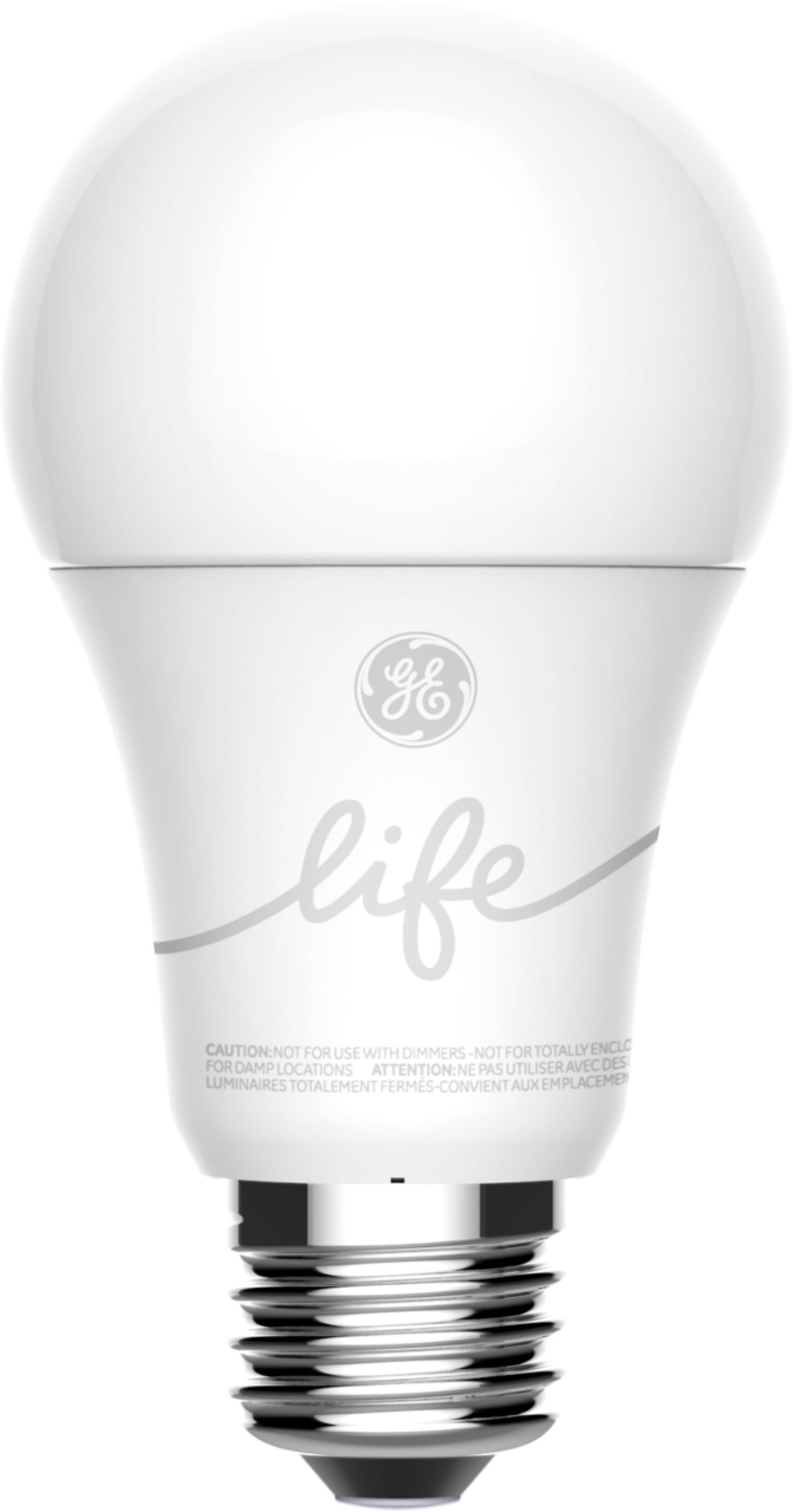
|Posted .This reviewer received promo considerations or sweepstakes entry for writing a review.Description Google Mini: The Google Home Mini is a voice-controlled speaker that can be used for controlling smart devices like the enclosed light bulb alone or other brand bulbs with a hub, asking questions of Google, set up an alarm to wake up, ask for the time or weather, listening to music or even listening to the radio, which is definitely cheaper than buying a radio. Set Up for Google Mini and Bulb: Set up is very simple. Download the Google Assist app onto your phone and let it find the Google Mini with Bluetooth on. Once it is found, you can control the bulb through the Google Home Mini with voice or use the Google app on your phone if you are away from home turning it off or on both verbal and via the app. No hub is required like other bulbs. You can also dim the bulb by telling Google Mini to do it by the percentage you would like it at from 1% (use as a nightlight) and up to 100% if you want it back to normal 60W. Light Bulb: The GE C-Life bulb is an inexpensive bulb and with this you can see if you like having smart bulbs in your home. It replaces a standard 60-watt bulb. I am amazed at how much electricity I have saved by having these type bulbs throughout my home and they are VERY long-lasting compared to regular bulbs. The bulb is rated to last up to 20 years, so you don’t have to worry about changing the bulbs. C by GE app: If you want to set up the light automatically to turn on/off at a certain time of day or night time this app will let you do it. This way you can have the lights on when you come home from work before you walk in the door or are away on vacation, so it looks like someone is home. Other than that I see no need for downloading this app, but it is a really nice feature. Recommendation: I think this is a great inexpensive way to start a Smart Home. This is the way I started my Smart Home but with a MUCH more expensive starter system that had to include a hub to make it work.
I would recommend this to a friendBulb dead 31 days
||Posted .This reviewer received promo considerations or sweepstakes entry for writing a review.Google home worked fine, but would never buy another GE bulb again. Apparently GE’s stock price has followed its Quality.
No, I would not recommend this to a friend- Pros mentioned:Ease of use
Simple Setup and Beautiful Integration
|Posted .This reviewer received promo considerations or sweepstakes entry for writing a review.I am no stranger to home automation with Google or Amazon products and the Google Home mini is so easy and elegant, any first timer can use it. To setup, all you need is a smart phone and the Google Home app and follow the instructions. The light bulb is simple, spin it in the light socket, turn it on and register it. Using the Google Home mini to control the light is simple, ask it to turn on, off and even the amount of brightness. Set a schedule for it to turn on when you wake up or when the dog walking lady shows up. I use the Home Mini to control many systems and it does it very well. I also enjoy using my Play Music account through it. It is not awesome mind blowing sound but sounds like a little single speaker should, which when you want low volume music, it is perfect. Great kit, great items, buy it!
I would recommend this to a friend - Pros mentioned:Ease of use
Just works great
|Posted .This reviewer received promo considerations or sweepstakes entry for writing a review.The Google home mini light starter kit was installed to light an area used outside my home. Installation was as easy as plugging the unit in, downloading the app to my iphone and allowing access to my home network. The GE smart light installs in any standard outlet. Once installation was complete (about 5 minutes) the rest is simple. Simply say ok google set light 1 to 100% or any amount of light desired. The unit instantly sets the light level to accommodate your request. The lights can also be controlled from you device without having to be within voice range of the mini. Going to buy additional GE smart-lights to expand this system. Recommend them to anyone looking to automate their lighting needs.
I would recommend this to a friend A great starter kit that's easy to implement
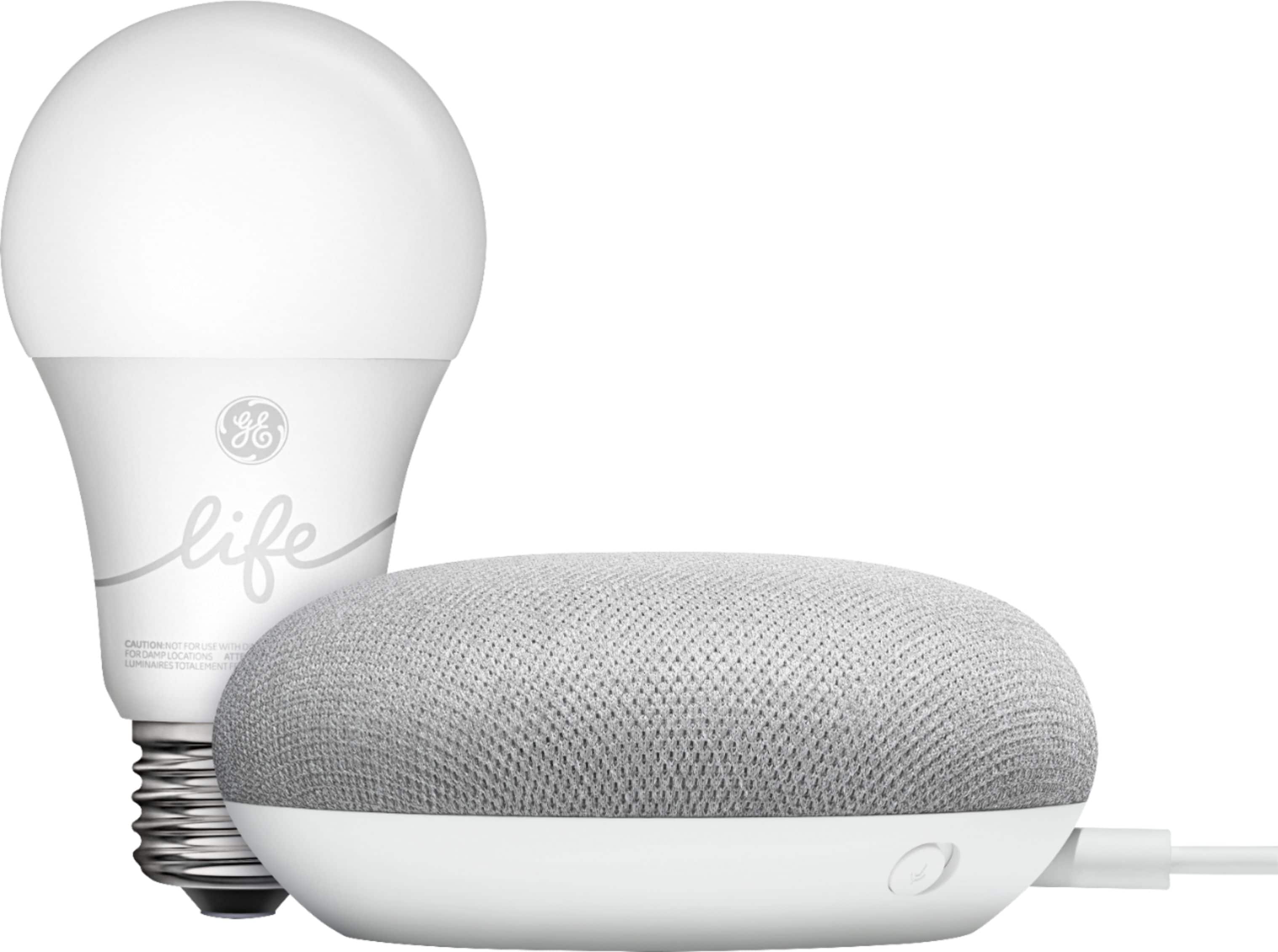
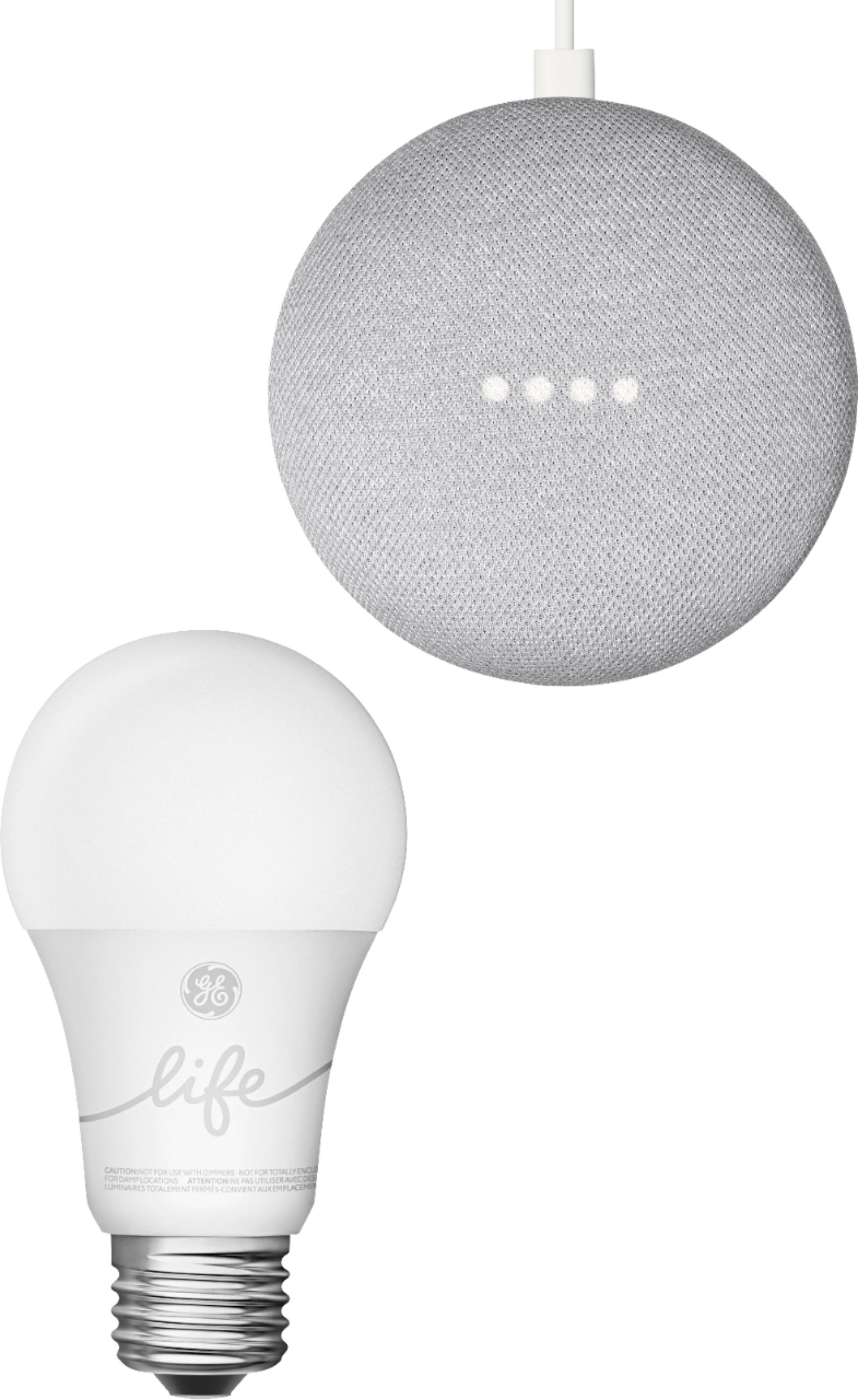
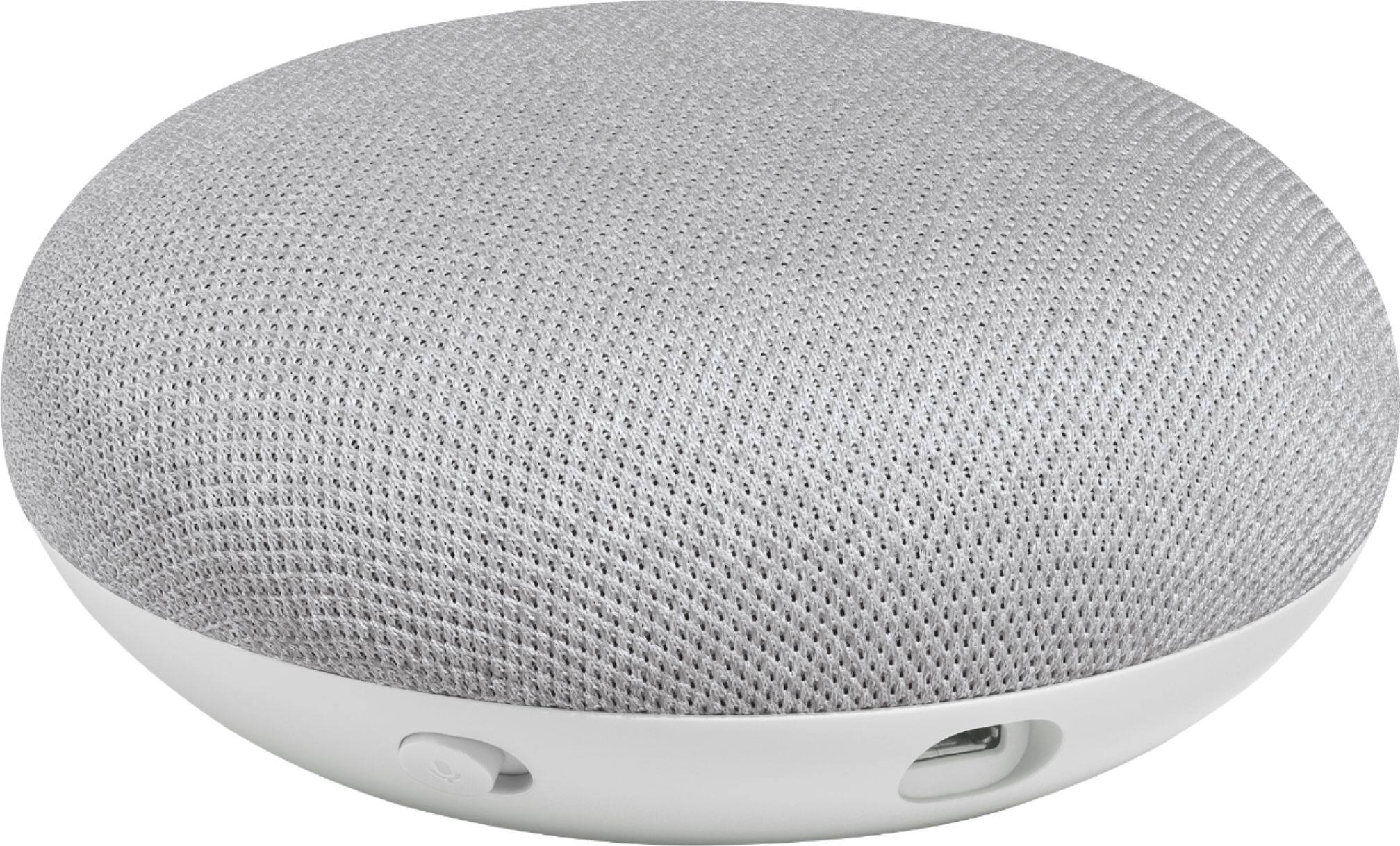
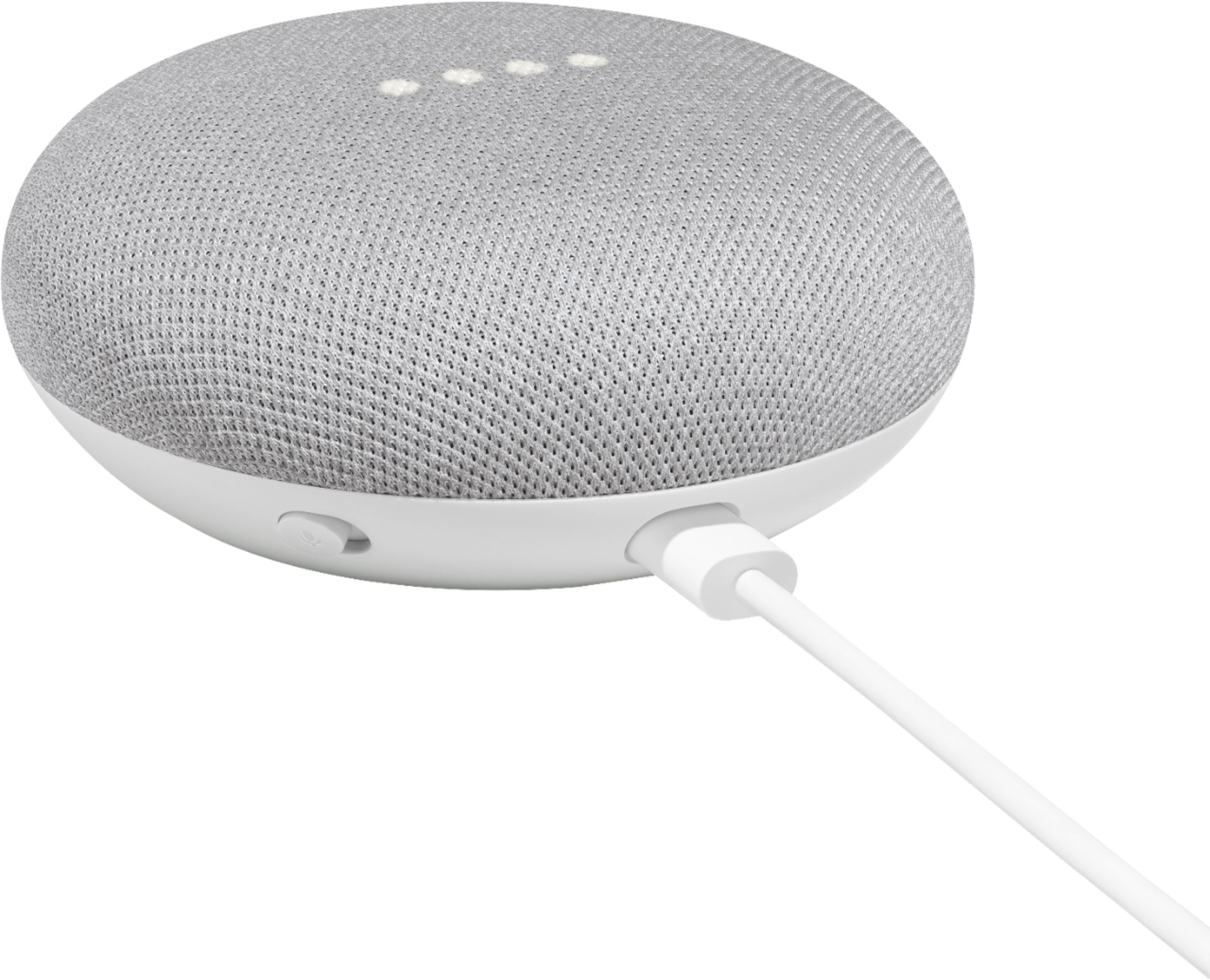
|Posted .This reviewer received promo considerations or sweepstakes entry for writing a review.The Google Smart Light Starter kit consists of a Google Home Mini and a C-Life A19 Smart Bulb. The Google Home Mini is a pancake-shaped speaker that communicates using Google Assistant. Setting the Mini up on our network was incredibly easy largely because we are already set up with other Google Home products. By that I mean that we already have the Google Home App installed on our phones, and already have a Google Home speaker installed elsewhere in our house. Part of the setup process is to choose a room where you will install the Mini. I chose a room down the hall from where we already have a Google Speaker installed. The installation process took about 6-7 minutes to complete because it also downloaded a software update. At the end of the installation process, I was asked to identify the room where the Mini was located so as to easily identify it in the Home App when needed. Once the Mini was installed, I took the C-Life Smart Bulb and screwed it into a light fixture in a room adjacent to where the Mini was sitting. Keep in mind that the installation guide very specifically states to use a light fixture in the ‘same’ room as the Mini. The Google Home App had some difficulty completing the Smart Bulb installation because it wasn’t in the same room, so I moved the bulb back to a light fixture where the Mini was located. In but a few moments, the Google Home App located the bulb. I then named the bulb so the App could distinguish it from other smart bulbs in our house, and the setup process ended. Once everything was communicating properly, I removed the bulb and screwed it back into a light fixture in the next room. And yes, it works perfectly even though the Mini and the bulb are in adjacent rooms. (Keep in mind that the C-Life Smart Bulb uses Bluetooth technology to communicate with the Mini, and Bluetooth has distance limitations). Between the installation of the Mini and setting up the C-Life bulb, I doubt it took longer than 15 minutes to get everything working properly. I can now control the new smart bulb using the Google Home App, or by using the Google Assistant command “Okay Google”. Plus, I can turn this bulb and others on or off, plus dim or brighten them, even if I’m away from the house.
I would recommend this to a friendNot working
||Posted .This reviewer received promo considerations or sweepstakes entry for writing a review.I can’t use the google home mmini is not working i called the google customer service he can’t fix the problem
No, I would not recommend this to a friend- Pros mentioned:Ease of use
Works as expected from Google
|Posted .This reviewer received promo considerations or sweepstakes entry for writing a review.I own about 3 Google Home Minis and first time getting the GE smart light as well. This smart kit is a perfect beginners set. The Google Home Mini works as expected, although sometimes losing connection with our wifi network, but reconnecting it was just a breeze using the Google Home app. The GE smart light works as it should, easy to set up using the app. As long as the Google Home mini has good connection to wifi, the smart light works seamlessly. My only comment is the light it gives, it's not too bright in my opinion. But as a starter kit, I can forgive that. I will have to buy more of these smart light to serve my purpose. All in all, this is a perfect pair if you want to try using a smart light. I also recommend the Philips brand, I own several that emits different colors. For me, the Philips Hue give better lighting.
I would recommend this to a friend Smart Bulb stopped working
||Posted . Owned for 1 month when reviewed.This reviewer received promo considerations or sweepstakes entry for writing a review.Good google home mini but smart bulb from GE stooped working and no longer returnable.
No, I would not recommend this to a friend- Pros mentioned:Dimming
Google never dissapoints
|Posted .This reviewer received promo considerations or sweepstakes entry for writing a review.I decided to get this to go along with my existing Google home and preexisting smart bulbs. Google assistant has really come a long way from the time it came out and I am a big fan of the ever changing developments. Setup was easy just plug in the unit and screw in the light bulb and turn it on and Google will walk you through the remaining steps. The light bulb is great quality and extremely bright it made me realize I need to upgrade all of the lighting in my living room. Another great product and addition to my existing smart home setup.
I would recommend this to a friend - Pros mentioned:Ease of use
Beats walking into a dark house!!!
|Posted .This reviewer received promo considerations or sweepstakes entry for writing a review.I already have the google assistants in my home, but I wanted to add the 'lights'. It was easy to set up, but sometimes jumping through the hoops to connect the app to the light to the phone to google can be a pain. It is a great safety item and I do recommend it. Its also great to play tricks on unsuspecting guests (and kids). The technology will be improving as it is not as seamless as it could be, but for now...it is great
I would recommend this to a friend - Pros mentioned:Ease of use
Works Well With Google Home Products
|Posted .This reviewer received promo considerations or sweepstakes entry for writing a review.We have a lot of home automation products that work with Google, to include, Nest, Logitech and Lutron products along with two google minis already in place. We put the smart bulb in my daughter's room. She uses her phone to control the bulb, either by voice or through slides on the screen. While it works fine for her, I would rather have the ability to have a physical remote to go along with the phone. Lutron provides accessory remotes to go along with there Caseta lighting system. If that option were available for this product I would have given it five stars.
I would recommend this to a friend - Pros mentioned:Google assistant
It works great!
|Posted .This reviewer received promo considerations or sweepstakes entry for writing a review.Definitely a perfect starter pack if you want to get into the "smart-home" world. It can be tricky to setup the GE C-Life bulb, but once it is setup, it's smooth sailing from there. The Google home mini is great! I've connected multiple bulbs to it already. It's great being able to control things with just a few words. The reason for the four stars is because it can get a little complicated when you first attempt to pair the bulb with Google. Aside from this, I would definitely recommend this kit to anyone!
I would recommend this to a friend Inexpensive cost of entry to "smart" home tech
|Posted .This reviewer received promo considerations or sweepstakes entry for writing a review.The Google Home Mini and GE light bulb kit represent a relatively inexpensive way to test out "smart" home tech to see if you're going to like it. My house is already pretty well integrated (or inundated!) with smart things but I decided to give this a try to see if it's something my parents and in-laws--who are all technophobes--might be comfortable using. The setup is fairly straight forward and went off without any complications. I stayed away from the GE app setup based on other reviews and the fact I wanted to be able to have control of this bulb when away from home. Unlike all of my other smart stuff, the GE bulb is not WiFi connected, but rather uses Bluetooth so placement is key. It will only connect to Google-branded devices, so keep that in mind. In theory, the bulbs are supposed to be able to create their own mesh-type network to extend placement options, but I only have the one so I can't comment on that functionality. On the plus side, there's no need to have a separate hub so that helps keep your costs (and clutter) down. Anyway, the Home Mini works like any other Google Home speaker, just in a smaller package. The sound quality is acceptable for what it is, just don't expect room-filling sound. The bulb can be controlled by voice to turn on or off or you can dim from 100% to 1%. The color temperature is not adjustable, it just is what it is. The light is pleasant enough but it sometimes leaves me wishing it was a tad brighter. All in all, this is a solid entry-level device kit that works pretty well. For me, it's a little too basic, but it's exactly what my parents and in-laws would be comfortable using.
I would recommend this to a friend- Pros mentioned:Google assistant
Great Add to the Google Ecosystem
|Posted .This reviewer received promo considerations or sweepstakes entry for writing a review.There are many options for smart lighting but it can be somewhat fragmented. Also, typically if you go with a solution you can only use bulbs, etc provided by that brand. The google home system allows you to use many of the products you already own as well as options for bulbs, etc. works great and I would recommend.
I would recommend this to a friend - Pros mentioned:Ease of use
Cool
|Posted .This reviewer received promo considerations or sweepstakes entry for writing a review.This is a very cool & inexpensive home automation starter. With a smart light and a Google Home Mini, this is a place to begin the journey. Set-up and integration is simple, and with all of the apps available, it can easily work together with the next purchase...whatever that may be
I would recommend this to a friend - Pros mentioned:Ease of use
Great Smart Home Addition
|Posted .This reviewer received promo considerations or sweepstakes entry for writing a review.Added this to an existing smart home and it could not have been easier. Once added I was able to say "Hey Google, turn on table lamp." or "Hey Google, turn table lamp down 50%". This is handy when you have your hands full and walk into a dark room!
I would recommend this to a friend