Customer Ratings & Reviews

- Model:
- 1000044180
- SKU:
- 10845041
Rating by feature
- Value
Rating 4.5 out of 5 stars
- Quality
Rating 4.7 out of 5 stars
- Ease of Use
Rating 4.6 out of 5 stars
Customers are saying
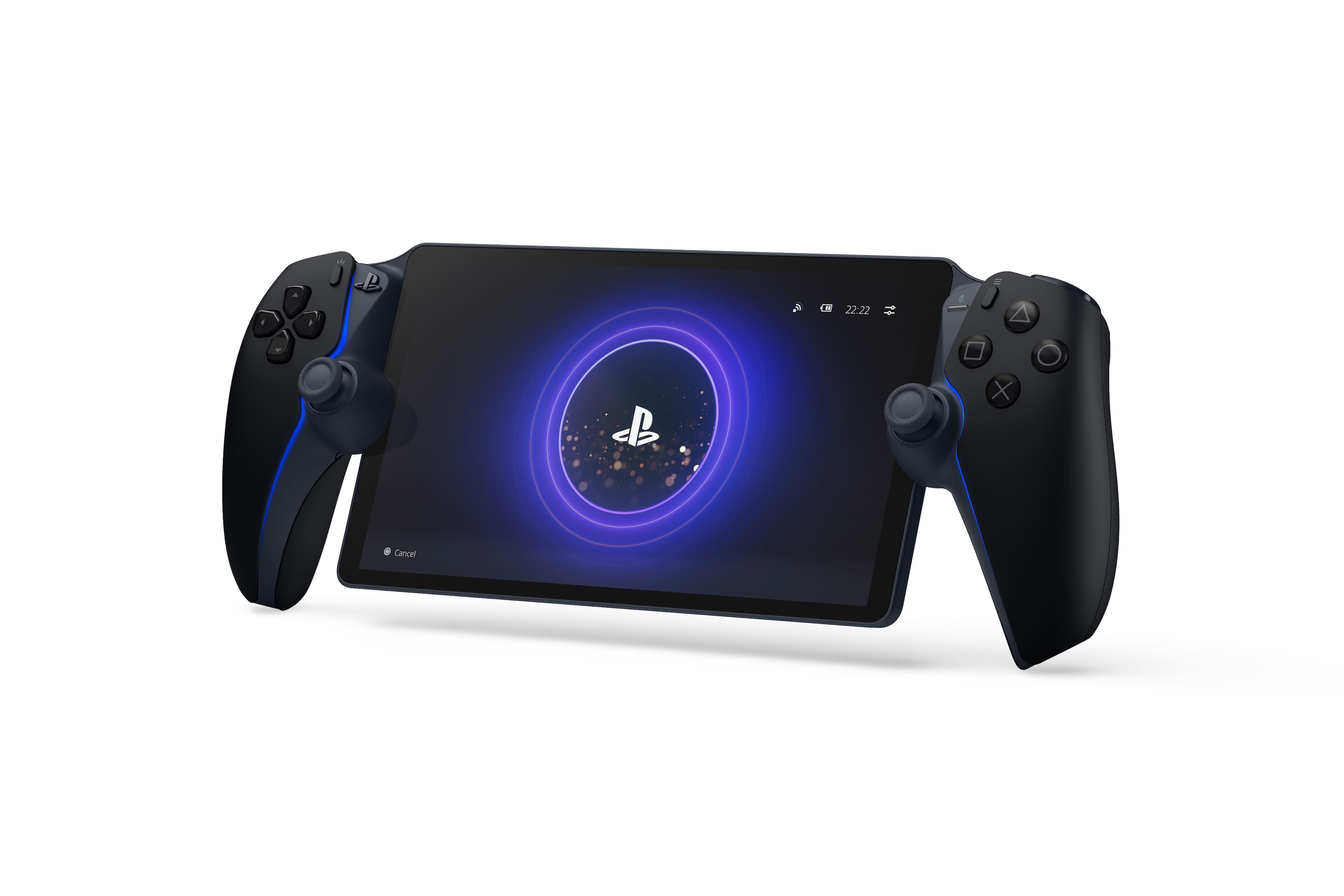
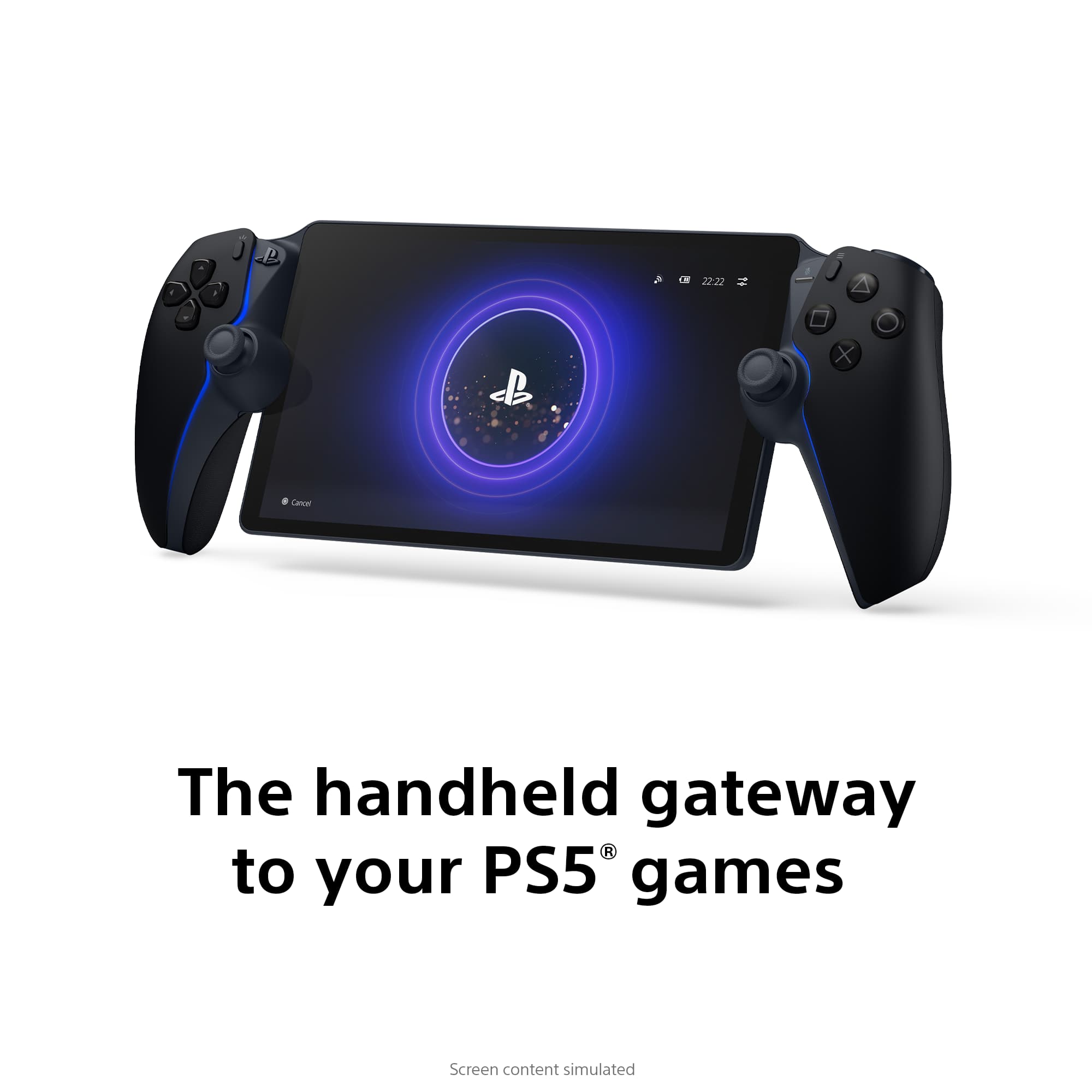
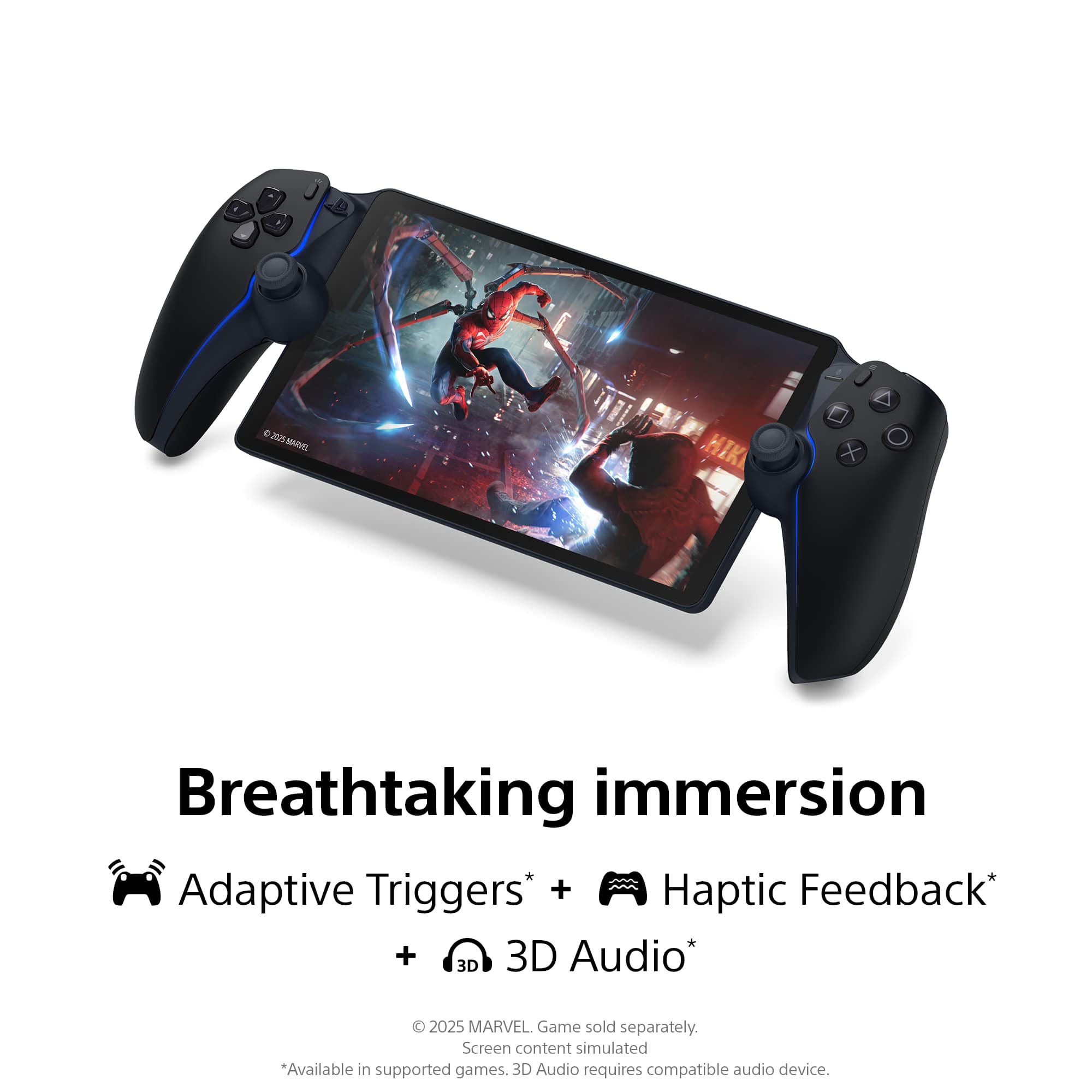
Customers recognize the product for its excellent overall performance, with many praising its top-notch picture quality and appreciating its portability. The screen quality is also highly regarded, and users find the battery life solid and the device comfortable to hold. However, some customers have noted concerns regarding connectivity and, to a lesser extent, input lag.
This summary was generated by AI based on customer reviews.
- Pros mentioned:Overall performance, Screen quality
It’s awesome
||Posted . Owned for 1 month when reviewed.This reviewer received promo considerations or sweepstakes entry for writing a review.Only caveat is you must have very fast wifi. I have one of the top of the line Nighthawks. Works great, zero issues. The controllers are great. Well made device for what it is made for. I enjoy playing on it.
I would recommend this to a friend - Pros mentioned:Overall performance, Portability
Love my portal
||Posted . Owned for 1 week when reviewed.This reviewer received promo considerations or sweepstakes entry for writing a review.Well worth the money works amazing and the fact that I can pick up and play in a friends house or my moms house with no problems is a must have don’t have to take my ps5 on trips any more this is a great product to have for those that travel a lot and hate to always bring there console with them
I would recommend this to a friend - Pros mentioned:Overall performance
Hand-held elegance
||Posted . Owned for 2 weeks when reviewed.This reviewer received promo considerations or sweepstakes entry for writing a review.The graphics on this handheld is way better than what I was expecting, homerun Sony as usual!
I would recommend this to a friend - Pros mentioned:Overall performance
Great device for families
||Posted . Owned for 1 month when reviewed.This reviewer received promo considerations or sweepstakes entry for writing a review.While i wasnon the fence about purchasing the Portal, I’ve found myself playing my PS5 more than ever before. Having a wife and kids who are often in control of the TV in the main living room, this allows me to use my PS5 while the wife and kids are watching a show, movies, or playing on another video game console. Highly recommended. I would only suggest to pick up over having it shipped when possible because the 3rd party delivery service used is awful.
I would recommend this to a friend Good, but not great,latency is notable in gameplay
||Posted . Owned for 1 month when reviewed.This reviewer received promo considerations or sweepstakes entry for writing a review.The PlayStation Portal is a good companion device for the PS5, but it cannot fully replace a PS5. The device relies heavily on streaming from your console, which causes a noticeable delay when playing video games. Also, for some reason, some of your DualSense controls will not transfer to the PS Portal, which can be annoying for the game you're trying to play.
I would recommend this to a friend- Pros mentioned:Overall performanceCons mentioned:Connectivity
Disconnects
||Posted .This reviewer received promo considerations or sweepstakes entry for writing a review.Pretty good disconnects from ps5 sometimes but works good when stays connected
I would recommend this to a friend - Cons mentioned:Connectivity
Good but not that good.
||Posted .This reviewer received promo considerations or sweepstakes entry for writing a review.This is a good product, but you need to have an extremely great internet service to use it. So, basically, you have to play next to your router what limited the places where you can use it.
I would recommend this to a friend - Pros mentioned:Screen quality
You da best bro
||Posted . Owned for 1 week when reviewed.This reviewer received promo considerations or sweepstakes entry for writing a review.Everything works as it should the high def screen is much better than any other coming with handhelds
I would recommend this to a friend Sony & PlayStation has changed the game.
||Posted . Owned for 3 weeks when reviewed.This reviewer received promo considerations or sweepstakes entry for writing a review.Amazing. It’s almost as if I have two PS5s. With the recent update that Sony added you now can stream PS5 games with PS Plus Premium membership. I’ve yet to have any lag with my 5G internet in my apartment. It’s well worth the 17.99 a month because they are adding more & more games to the line up which already contains like 100 or so games. You have PS3 games, PS2, just a crazy catalog. It’s nice to be able to lay in bed & play my games & still watch tv etc. The Switch finally has a bit of competition with this. I can’t imagine what the next handheld from Sony will be like. This is definitely a beta for something bigger to come, & with this update it is well worth your 199.99 + tax.
I would recommend this to a friend- Pros mentioned:Overall performance, Portability
Quality and convenience
||Posted .This reviewer received promo considerations or sweepstakes entry for writing a review.It's a great Sony product as expected. Being able to stream games anywhere is awesome. Great controls
I would recommend this to a friend - Pros mentioned:Screen quality
Portal
||Posted . Owned for 5 months when reviewed.This reviewer received promo considerations or sweepstakes entry for writing a review.Feels good looks good, bigger than switch. Feels sturdy
I would recommend this to a friend - Pros mentioned:Screen quality
Playstation portal.... Great device
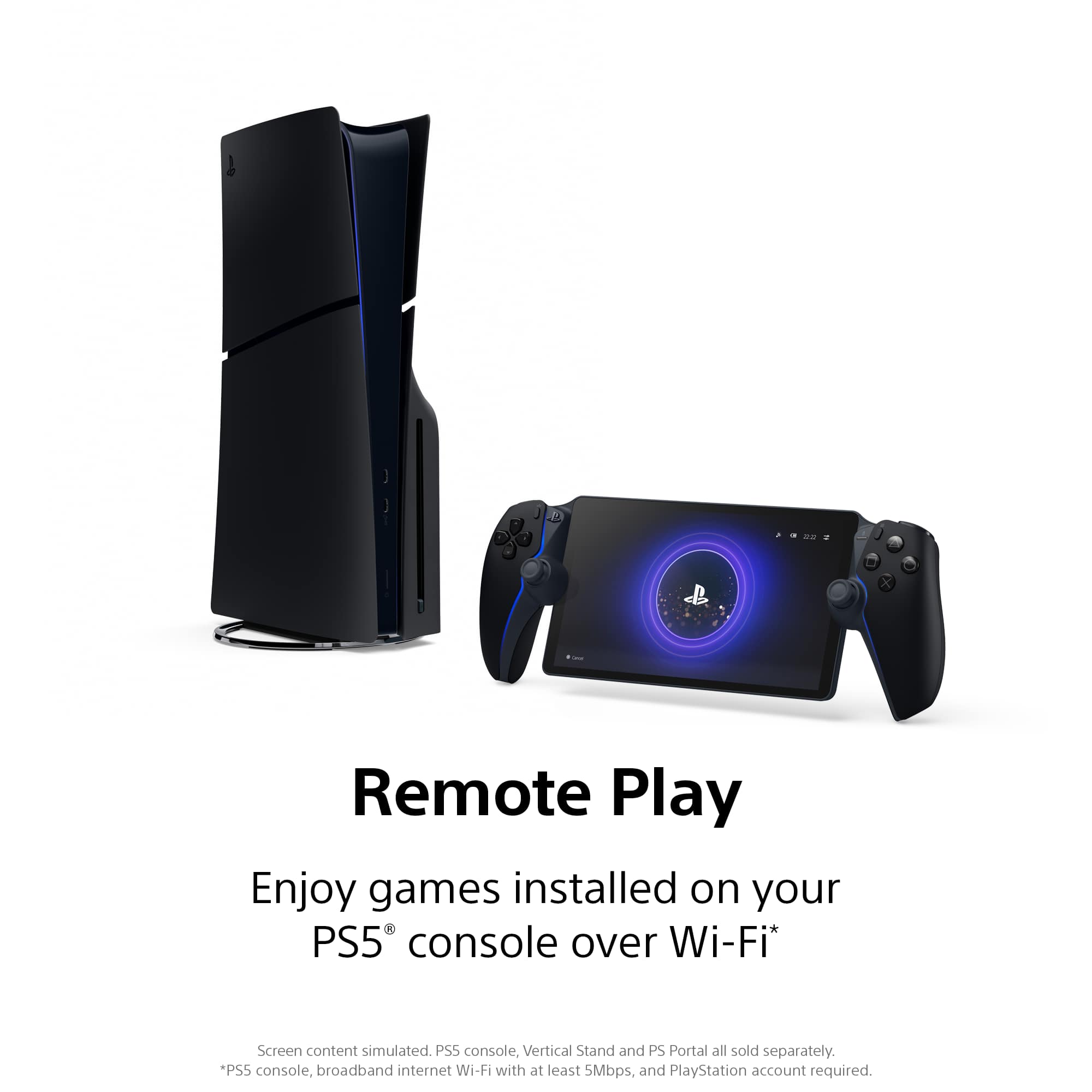
||Posted . Owned for 2 weeks when reviewed.This reviewer received promo considerations or sweepstakes entry for writing a review.The PlayStation portal is a Great device. It allows you to play your PlayStation 5 without being tethered to the TV. Since I've had it that it's been my favorite way to play my PlayStation in a way. However, that comes at a cost sometimes. If the internet is not great then it suffers because it is a remote player, not a stand-alone console. If you're downloading something else while trying to stream at the same time, your game play suffers. However, when things are great with this device, things are really great. The visual quality is great. The gameplay feels like a PlayStation. 5. Dual sense in your hand. The screen puts out very well, so I think that if you were to buy it, knowing that this is not a Nintendo switch, where's a standalone device okay? If you're okay with that, then you should have no problems with this device because it is quite fine.
I would recommend this to a friend - Pros mentioned:Portability
Ps portal
||Posted . Owned for 1 year when reviewed.This reviewer received promo considerations or sweepstakes entry for writing a review.I really like how convenient this hand held is. From playing with your ps5 to online streaming. I love it
I would recommend this to a friend - Pros mentioned:Battery life, Screen quality
Crystal clear
||Posted . Owned for 3 weeks when reviewed.This reviewer received promo considerations or sweepstakes entry for writing a review.Feels solid, battery life is great I could be playing while someone is watching TV
I would recommend this to a friend - Pros mentioned:Screen quality
A silly, great product.
||Posted . Owned for 3 weeks when reviewed.This reviewer received promo considerations or sweepstakes entry for writing a review.This might be the peak example of a frivolous accessory and I’d say it’s not worth trying one of these without a really strong internet connection to your PS5 (truly, either wire it with an Ethernet cord or have a router right next to it). The lack of a dedicated touchpad also takes a little getting used to (you just tap the screen to pull up one.) That all said, the screen is like stunning sometimes how good it looks. I also think the DualShock 5 is maybe the best controller in gaming so even though the actual design of this is wacky it feels great to play.
I would recommend this to a friend - Pros mentioned:Screen quality

Nice Device
|Posted . Owned for 2 weeks when reviewed.This reviewer received promo considerations or sweepstakes entry for writing a review.[Employee of bestbuy] Awesome for playing PS5 anywhere in the house. Big bright screen and DualSense controls feel legit. If you already own a PS5, this is pure convenience and comfort.
I would recommend this to a friend - Pros mentioned:Portability
Good for gaming on the go
||Posted . Owned for 3 weeks when reviewed.This reviewer received promo considerations or sweepstakes entry for writing a review.When other members of the family are watching tv and i want to play my playstation games, i just grab the portal and start playing anywhare in the house or outside in the patio. also, i can play my stream games anywhere as long as i have internet.
I would recommend this to a friend - Pros mentioned:Overall performanceCons mentioned:Connectivity
Love it!
||Posted . Owned for 3 weeks when reviewed.This reviewer received promo considerations or sweepstakes entry for writing a review.I have to reconnect to the internet each time I use it. Motion controls are not great for my son when he's in his bed. Still a wonderful device.
I would recommend this to a friend Ps portal review
||Posted .This reviewer received promo considerations or sweepstakes entry for writing a review.Ive had my portal for over 3 months already and i most say i love it. I really like the convenience of chilling in the living room with my family and while they’re watching a movie im keeping up with my games. One thing i would recommend is buying a airfly pro 2 aux bluetooth adapter and just use your ear buds im using my airpods pro2 cuz being able to turn of and on the noise canceling is awesome. Also i would definitely recommend to connect your ps5 via Ethernet for a wayyy more stable connection. Also all your saved data on console back it up in the cloud cuz its usable on games that you can stream. The issues that i have came up with is easily fixable sometimes when i try to remote play on different ps5 it wont connect all you have to do is press and hold the power on the portal till you see restart and that fixes the problem right away. The other is that when im watching something (crunchyroll) on either one of my ps5’s and then try to play a game on the portal it will give a error. All you have to do to fix that is close out any opened video apps before you remote play a game. Other than that its pretty freaking awesome would recommend
I would recommend this to a friend- Cons mentioned:Connectivity
Worth it depending on your needs
||Posted . Owned for 3 weeks when reviewed.This reviewer received promo considerations or sweepstakes entry for writing a review.Best investment if you’re sharing a TV with family or not wanting to keep roommates up with the tv screen. Movers picked up all my stuff so currently using it as a standalone which is pretty nice with the selections available from the PS Plus subscription. But definitely prefer it with the PS5. The downside I feel is not having Bluetooth capabilities which maybe explains the price point. You can’t pair your gaming headphones with it even with an adapter. So if you’re wanting to have a reason to get the matching headset then sure.
I would recommend this to a friend