Customer Ratings & Reviews
- Model:
- 15-DF0013DX
- SKU:
- 6301880
Rating by feature
- Value
Rating 4.1 out of 5 stars
- Quality
Rating 4.4 out of 5 stars
- Ease of Use
Rating 4.5 out of 5 stars
Customers are saying
Customers express satisfaction with the Spectre x360 2-in-1 laptop's keyboard, design, battery life, performance, power, display, and price. They particularly appreciate the backlit keyboard, awesome display, and fast processing. However, some customers have concerns about the fan noise, overheating, weight, and cost of the laptop.
This summary was generated by AI based on customer reviews.
- Pros mentioned:Battery life, Keyboard
As close to perfect as you can get
Posted .This reviewer received promo considerations or sweepstakes entry for writing a review.I did a lot of research on this laptop, but I was never a fan of HP products, having worked on many in the past that I found lacking in build quality/materials. When this one went on sale, I decided to do just a little more research, and I liked what I saw. First, the aliminum body gives this laptop great rigidity. There is no flex in the body when pressing on the keyboard or touchpad. The keyboard features a nice tactile feel with the perfect amount of travel and force to the keys. The fingerprint reader is immediate, and has worked flawlessly for me. The facial recognition works very well and very fast... faster than the fingerprint reader or using a pin/password. One word of caution... set the facial recognition up in a position you will most often use the laptop in. I set mine up while it was on the desk at work, and when I got home and put it on my lap, I had to recalibrate it for it to recognize me consistently. Once that was done, it recognized me instantly with or without my reading glasses. The Core i7, 512GB SSD and 16GB of RAM make this thing FLY. I haven't put it through its paces with regards to editing video or gaming yet, but it breezes through everyday tasks. The 4k screen is simply beautiful. Now, some notes: Mine came with a loose touchpad that rattled whenever I touched it. In researching this, I found that this was very common. I also found that it is a Synaptics touchpad issue, and is not unique to HP. It's been found on Dell, Asus and Hauweii laptops as well. If you aren't afraid of a screwdriver and 30 minutes of tinkering, it's an easy fix. Google "loose touchpad" and you'll find the instructions. Second, the touchpad drivers that come with the unit are TERRIBLE. I switched to the Windows Precision drivers and it is a whole new experience, allowing me to customize scroll direction, what happens when I swipe or tap with 3 or 4 fingers, etc. DO IT. Google "Spectre Windows Precision Reddit" and you will find a thread with simple directions that take about 5 minutes to apply. Again, another easy fix. Third, there is the battery indicator. Out of the box, mine gave me an estimated time left. After a BIOS update, it didn't work anymore. Turns out that Windows doesn't do this unless the laptop supports it, and that setting is in the UEFI. Type Advanced Startup in the search bar, then troubleshooting, then EFI Settings. On the fourth tab over, there is a setting. I don't remember exactly what it was called, but it was something like "Report battery time remaining to OS" make sure this is checked and when you reboot, hovering over the battery icon will tell you how much time you have left on the battery. Speaking of battery, I've seen a number of reviewers claim to get 6-7 hours of battery life while browsing the web, etc. In my limited use, that number is closer to 11-12 hours with light use, and screen brightness set at 75%. I expect that will only get better after a couple of charging cycles, as this has been my experience with most battery powered electronics. Another note related to battery... this unit DOES support USB-C charging. I picked up the 90W Insignia USB-C charger, as it is more compact than the standard AC charger that came with the unit. It charges the laptop very quickly, and it plugs into the diamond cut bezel on the back right, keeping the charging cord out of your way when you're not using it. I highly recommend this charger. This isn't the smallest and lightest laptop on the market, but I challenge you to find another with the features of this one, as well as a dedicated GPU. Yes, it's only an MX150, but it's more than adequate for light gaming such as Civilization, The Sims, etc. If you're looking to play PUBG, expect to have the settings set WAY down. On the other hand, if you're looking to play AAA games at high graphics, you should probably be looking at a gaming laptop anyway. If you are like me, the first thing you do when you get a new laptop is install a fresh, bloat-free copy of Windows. Be aware that some HP utilities will load themselves when you do so, specifically HP Audio Control and HP Command Center. I didn't mind this, as HP Command Center is actually a useful program, putting fan profiles and system information like model #, Serial #, etc at your fingertips. Speaking of fans, I've seen a couple of reviews which mentioned fan noise. Yes, there is fan noise. It is not loud. I noticed it the first couple of times it came on, but it's so quiet that after that you won't notice it, unless you are doing some heavy duty work like gaming or video editing, in which case it is expected. In conclusion, if you are (like me) looking for a thin, light laptop that also packs in a 10 Key numberpad, USB-C charging, a backlit keyboard, and some serious computing power along with excellent battery life, I really don't think you can go wrong with the Spectre x360, especially on sale.
I would recommend this to a friend Seriously....
||Posted . Owned for 5 months when reviewed.This reviewer received promo considerations or sweepstakes entry for writing a review.This laptop has been AMAZING. I love the duality of the tablet...but....only having owned it since April, and it's now September....I have one single stuck green pixel. That is absolutely ridiculous....5 months...and my screen is already failing. I have HP warranty but they only cover the screen if there are more stuck pixels within 15-25 mm of each other.....It's incredibly annoying....do yourself a favor and go with another laptop....
No, I would not recommend this to a friendGreat design, glitchy for high memory usage
||Posted . Owned for 3 months when reviewed.This reviewer received promo considerations or sweepstakes entry for writing a review.Beautiful design and good price. Had several glitches using graphics and simple vidio editing programs. I returned it.
No, I would not recommend this to a friendpoor product
||Posted . Owned for 1 year when reviewed.This reviewer received promo considerations or sweepstakes entry for writing a review.iI have had it for lesast than 1 year. It has quit charging. First it quit charging while being used,then it quit charging at all.
No, I would not recommend this to a friend
The latest excellent Spectre 360 from HP
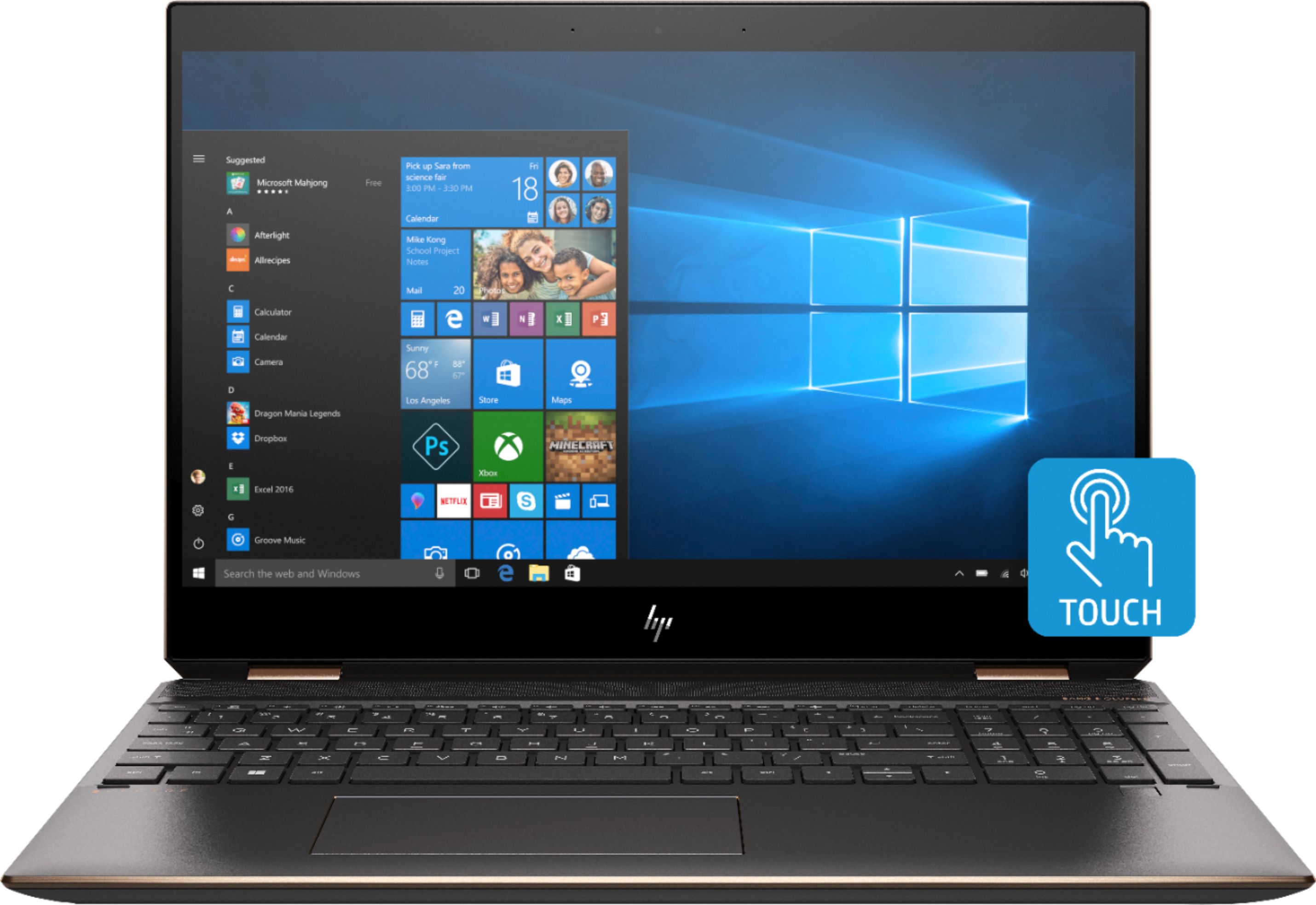
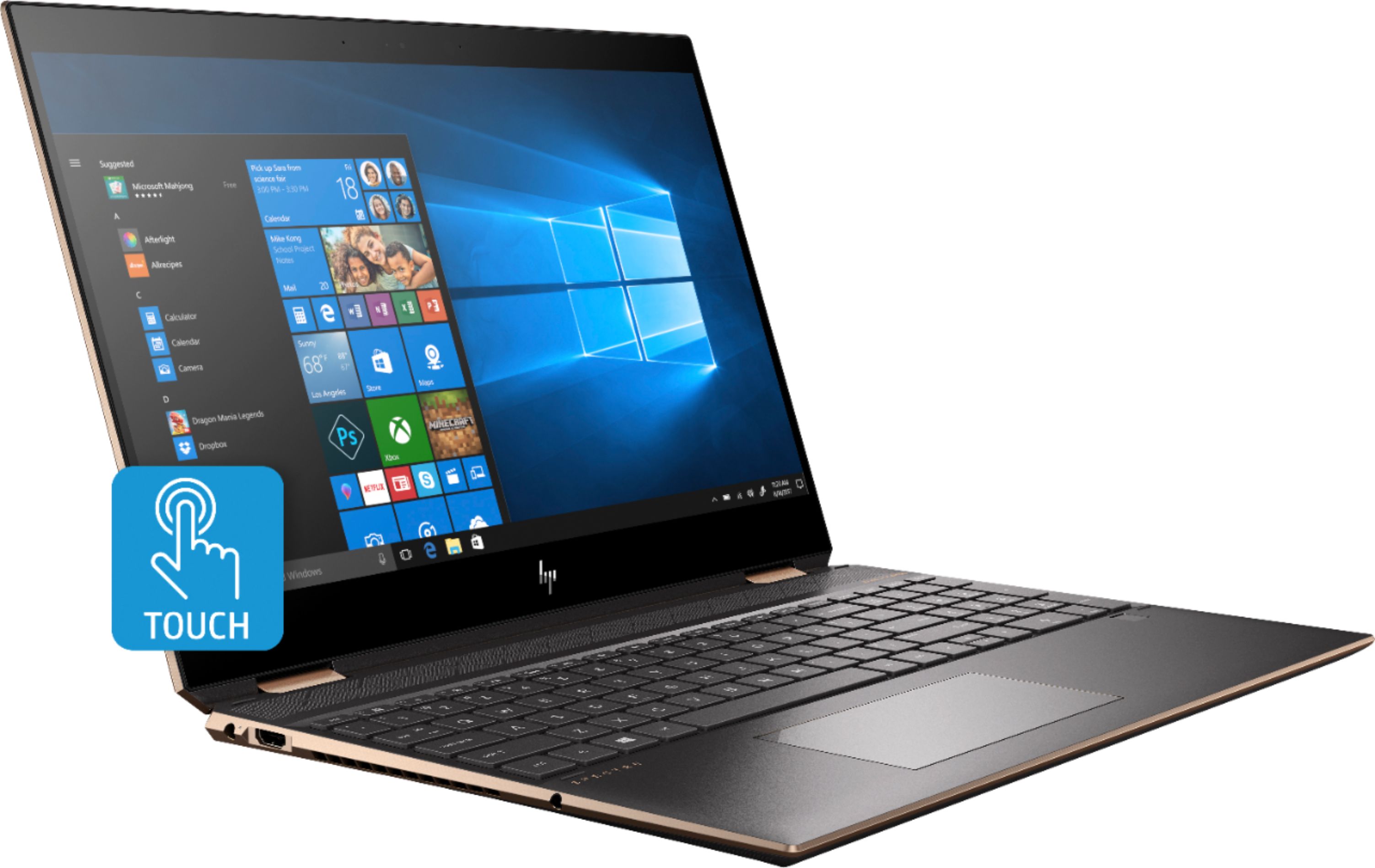
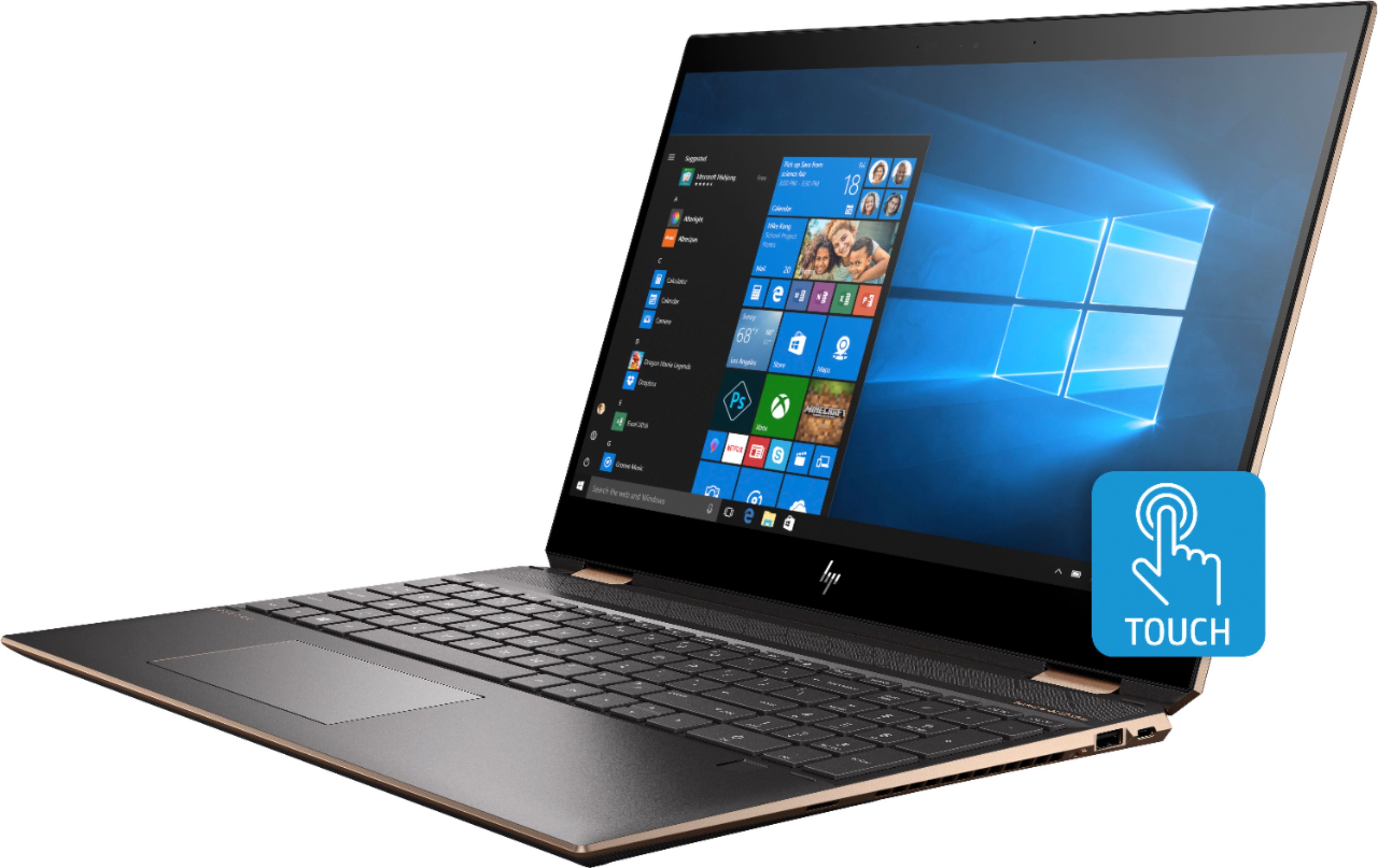
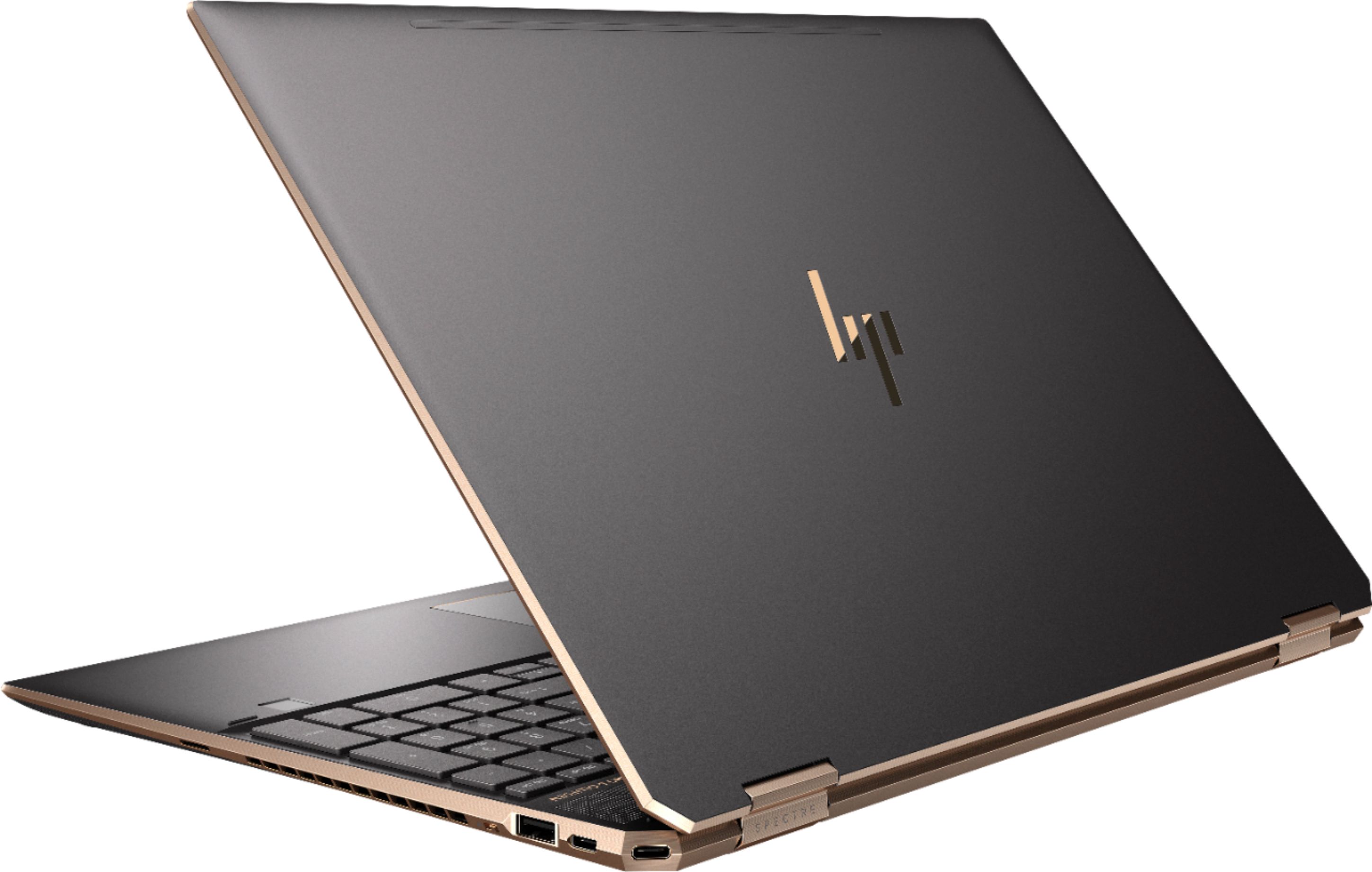
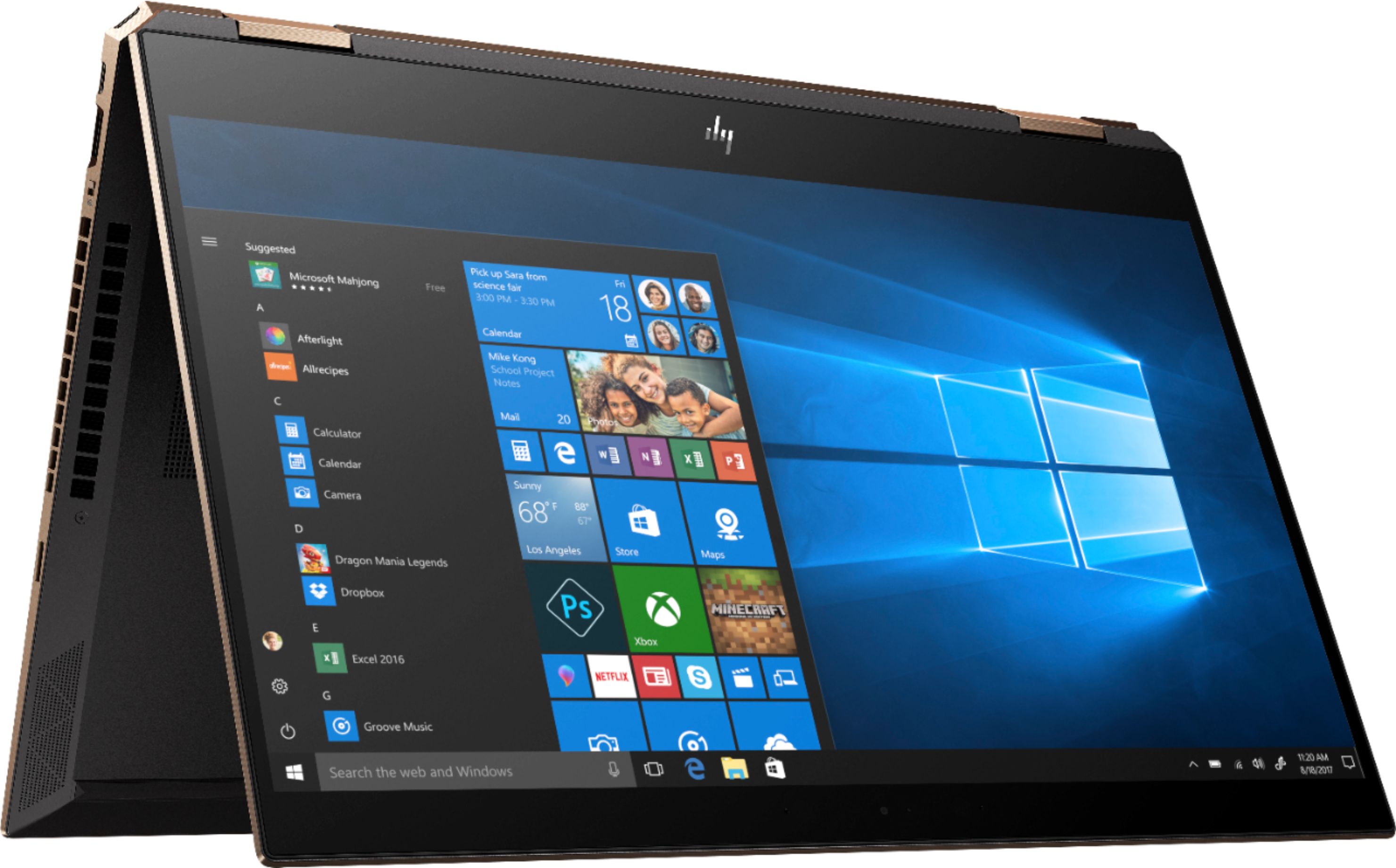
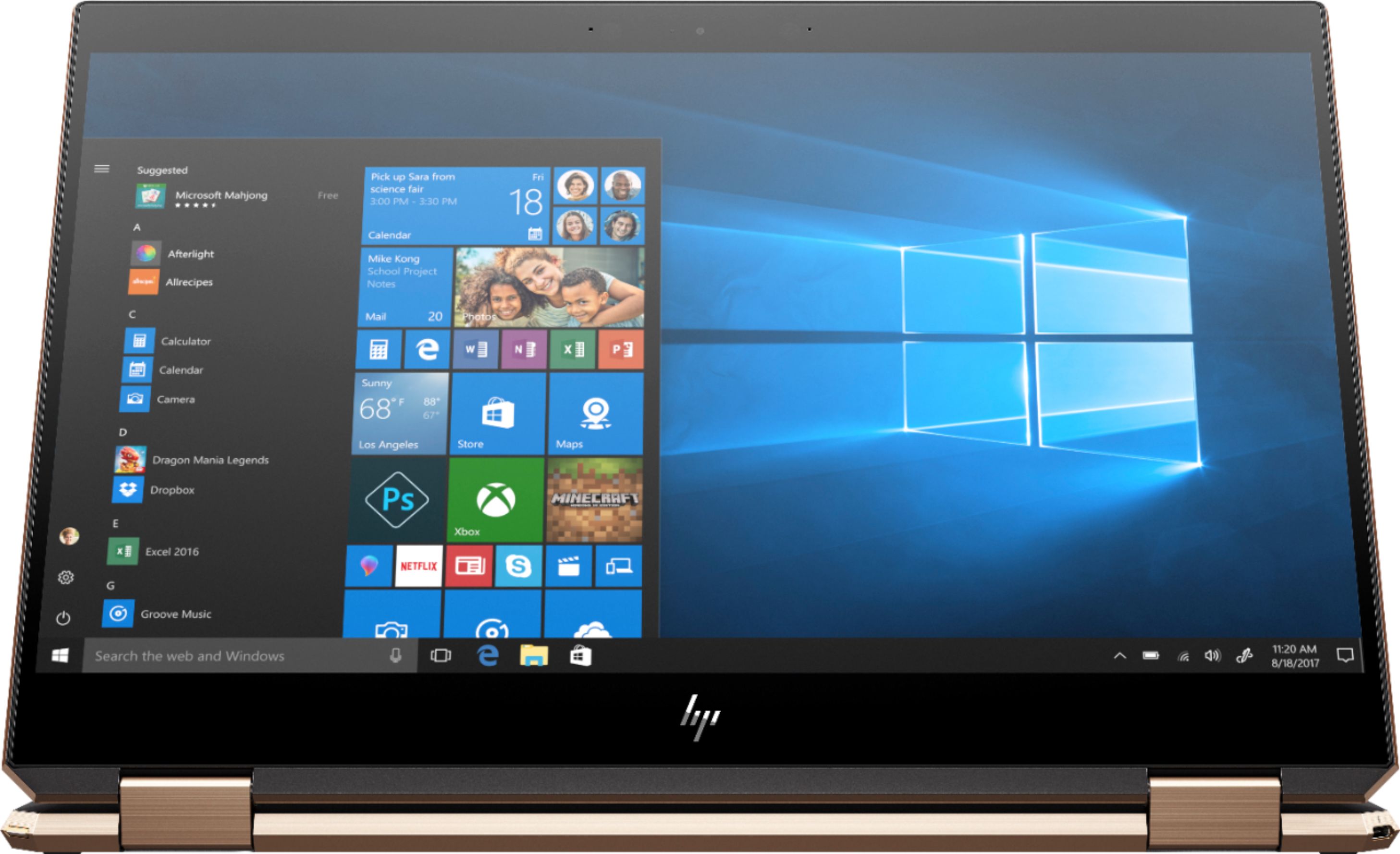
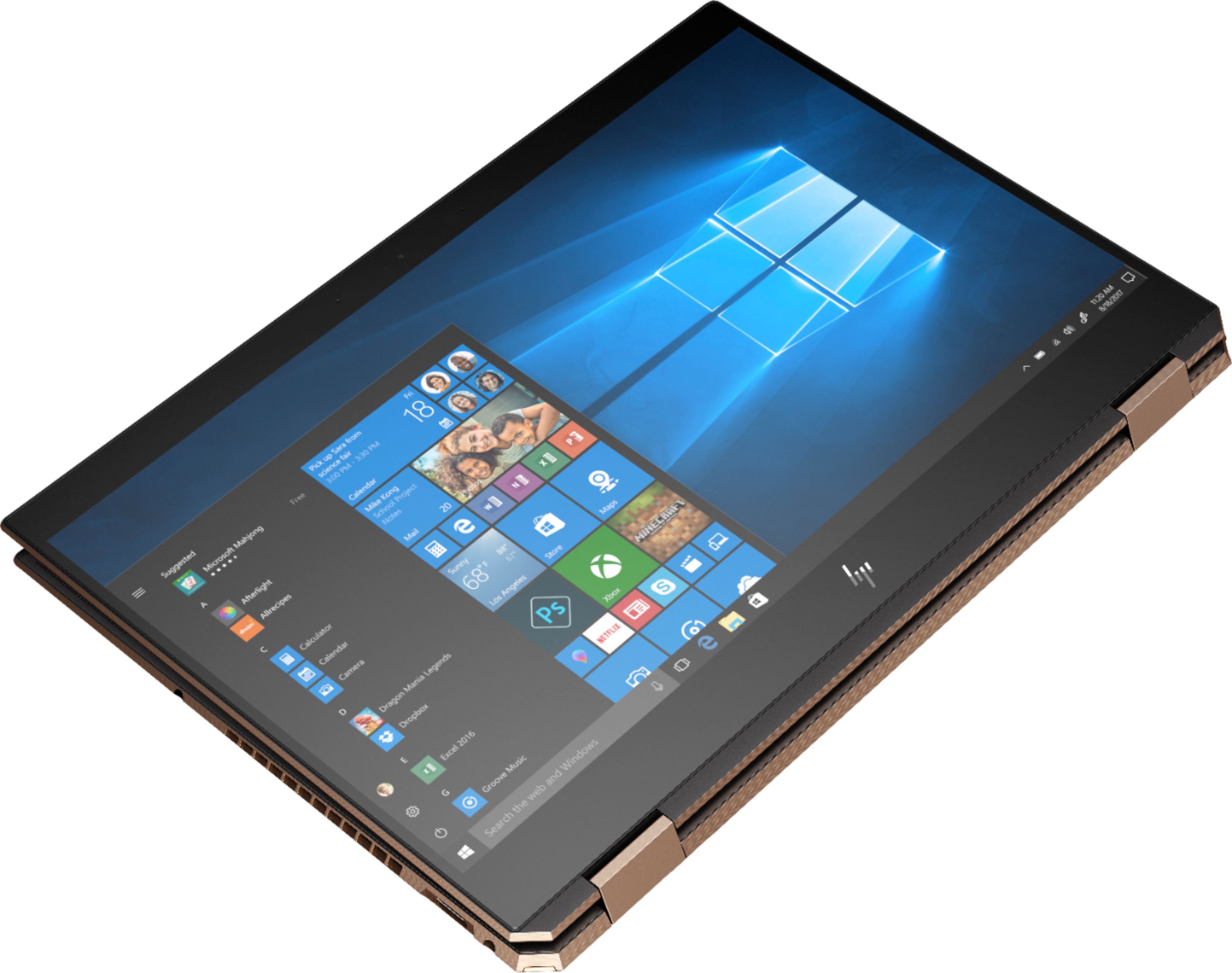
|Posted .This reviewer received promo considerations or sweepstakes entry for writing a review.The HP Spectre x360 15 continues the fine tradition of the HP Spectre line of laptops, and it a wonderful purchase for the home, classroom, or office. I found the design to be sleek and elegant. The housing is a dark gray with gold highlights along the edges, around the touch pad and hinges. The hinges feel very strong and durable even while touching the screen. The bezel on the sides is very thin, with a thicker bezel across the top due to the webcam. The keyboard spacing and feel was very nice, with a full number pad to the right. The touchpad is centered to the laptop, not the keyboard because of the number pad. The power button, fingerprint sensor, and volume toggle are all along the side of the chassis. I found this to be an incredibly wise move because it allows those controls to be used easily when the laptop is all the way in tablet mode. To the left of the chassis, you'll find the power button, charging port, full-size USB 3.1 port, speaker, 3.5mm headphone jack, and a full-size SD card reader. On the right, you'll find a Thunderbolt 3 port, a USB-C port, HDMI input, speaker, fingerprint sensor, and the volume rocker. It did feel fairly bulky especially as a tablet, but not unreasonable for a 15-inch screen. The 4K display looks very sharp, whether watching movies or looking at text. Because of the limitations of the GPU, it won't make a great gaming computer but had no graphical slowness with any other applications. The sound coming from the side was crisp and sounded very nice. The sound didn't blow me away, but it was nice. The laptop does come with Windows Hello face recognition technology and fingerprint scanner. The face recognition worked quickly and accurately. The Spectre comes with a stylus that requires an AAAA battery. The stylus has two buttons and had the weight of a normal pen. I didn't notice any lag while writing on the screen, and it paired automatically. For me, with just normal use, the battery lasted a little over seven hours on a charge. For the price, this is an impressive 2-in-1 laptop that can do just about everything but AAA gaming. It has a very nice display and the battery lasts a long time. It isn't a huge leap from the previous Spectre but the improvements are nice. I would highly recommend this laptop. Specs: Processor: Intel i7 8565U (1.8 GHz base frequency(2b), up to 4.6 GHz with Intel® Turbo Boost Technology(2g), 8 MB cache, 4 cores) Memory:16 GB DDR4-2400 SDRAM Video graphics: NVIDIA GeForce MX150 (2 GB GDDR5 dedicated) Hard drive: 512 GB PCIe NVMe M.2 SSD Display: 15.6" diagonal 4K IPS anti-glare WLED-backlit micro-edge touch screen (3840 x 2160) Keyboard: Full-size island-style backlit keyboard with numeric keypad Pointing device: HP Imagepad with multi-touch gesture support Wireless connectivity: Intel Wireless-AC 9560 802.11b/g/n/ac (2x2) Wi-Fi and Bluetooth 5 Combo Expansion slots: 1 microSD media card reader Minimum dimensions: (W x D x H) 14.13 x 9.84 x 0.76-inches Weight: 4.59 pounds Power supply: 90 W AC power adapter Battery type: 6-cell, 84 Wh Li-ion Webcam: HP Wide Vision FHD IR Camera with integrated dual array digital microphone Audio features: Bang & Olufsen; quad speakers; HP Audio Boost 2.0 Ports: 1 x Thunderbolt 3, 1 x USB-C 3.1, 1 x USB 3.1 Type-A, 1 x HDMI, 1 x 3.5mm audio jack, 1 x SD card reader Connectivity: Intel 802.11b/g/n/ac Wi-Fi (2x2), Bluetooth 4.2
I would recommend this to a friendHP Computer
||Posted .This reviewer received promo considerations or sweepstakes entry for writing a review.The computer is what I expected from HP. Normally purchase Dells. Next computer will be a Dell as I am not that impressed with this computer.
No, I would not recommend this to a friendNot reliable
||Posted . Owned for 1 month when reviewed.This reviewer received promo considerations or sweepstakes entry for writing a review.HP used to be a good brand! I don’t know what happened to it! I got this laptop and the display burnt out after 6 days!
No, I would not recommend this to a friend- Pros mentioned:Battery life
Wow. Just wow. This system is gorgeous.
|Posted .This reviewer received promo considerations or sweepstakes entry for writing a review.It comes in a box that looks like a box of chocolates or some kind of fancy treat, and when I pulled it out, I was really impressed with the look and construction quality of this laptop. It is a bit hefty, but that also means that it won't slide around on the table while typing. I have large hands and the keyboard is quite functional. It's a little getting used to the number pad being right adjacent to the main keyboard, but the F and J keys do have touch markers on them so I can reorient fairly easily. I like how the touchpad is centered under the main keyboard rather than centered to the whole machine; it's right where you need it when typing. The screen is lovely; it's great for watching shows and movies. The internal speakers are pretty impressive, and the fact that the hinges hold it in different positions makes it really comfortable; tablet mode when I'm lounging and it's sitting on my lap, keyboard flipped 300 degrees backwards so it can stand up on the coffee table. I'd really prefer a matte finish to the screen. It is so very reflective that I actually have to wear a dark shirt when watching video otherwise my own reflection is really distracting, especially for dark and scary movies. I'm going to shop around for a matte screen protector. It's really handy to have the stylus with it, and it works really well for me for drawing and for using the hand-writing text entry. I wish there were a place to store it onboard. Magnets do keep it handy at the top corners of the laptop while in us, but there's no way it can keep that stylus secured while the laptop is in a bag. I'm really happy with its gaming performance. I'm not hardcore, but this plays my games really well and the screen is big enough to see what's going on. This is easily a replacement for a desktop machine, with great battery life. I was able to use it about 10 hours for general computing, browsing, streaming shows, etc, with plenty of battery life left. I also used it for gaming for 4 hours and again it had plenty of battery left. I haven't run it to empty yet. I'm really happy with this machine -- this is gonna be my primary machine for years to come.
I would recommend this to a friend - Pros mentioned:Design, Keyboard
I tried the rest; this is the best
Posted .This reviewer received promo considerations or sweepstakes entry for writing a review.There are some really in-depth reviews for this product already, so I'll just give some highlights. I wanted to buy a top of the line laptop with high performance, an SSD and a GPU in case I ever want to do video editing, etc. I was coming off a three year old ASUS, which was the best laptop I had owned up until now. My search was relatively exhaustive. I did a ton of online research, and then actually ordered computers. Yes, multiple machines, because I thought that my requirements would be met, when in reality something about the computer was "off," so I got refunds. The Spectre was the one I chose to keep and I'll indicate why in a moment, but here's the list of also-rans: - I initially ordered a Dell XPS and tried that. It got way too hot for my liking, and the keyboard without number pad actually had smaller keys that made typing less than ideal. - I then got an ASUS Zenbook from Best Buy after trying out a bunch in the store (including Spectre at the time) and deciding in the store environment that I would go with the brand (ASUS) that I was used to, and the Zenbook SEEMED as good as the Spectre. Unfortunately when I got it home, I could hear its whirring, either from the fans or from the internal hard drive. If it was from the HDD, the gimic of giving 256gb of SSD mixed with 1TB of HDD is really spoiled by going back to a hum of HDD. I guess I've been spoiled by having an SSD only these past few years, and maybe forgot what a machine with an HDD is like. Regardless, back it went. Now on to the good stuff. Frustrated at the above two swings and misses, I got the Spectre. I got it home and was immediately impressed by the build quality. As indicated, I'm not going to go in-depth as other reviews do a great job of that, but these are the highlights I appreciated: - Cool color (I chose the dark brownish one) - Excellent design....sweet thin bezels on the sides (I could care less about others online saying that the top and bottom ones are big...I'm upgrading from a machine with even bigger ones). The "gem" styling is also pretty cool...who aside from HP apparently would have thought of putting the power button in the top left kitty corner and a thunderbolt in the top right - Beautiful screen (although I did increase the zoom for my 40 year old eyes, and ordered a anti-glare anti-blue light screen protector, as I do prefer not to see my reflection in the screen at times!) - 516gb SSD is worth it these days if I don't have to hear the hum of an HDD. I probably have no real use for that amount of storage, but good to know it is there - processing speeds up there with the best in category - touch screen / tablet view is to me a bonus I wasn't expecting. I had no interest in it initially. But ya know what, after having played around with it, I can see the value for when I'm in down-time mode and just watching a show, or reading something online. - Apparently the battery is stellar. I've only had it since last evening, so can't totally say that is the case, but from the reviews online it shouldn't disappoint. - I'll call this one out separately. The machine is super quiet. I can't believe this became one of my requirements, but after the heat of the XPS and the whirring noise of the Zenbook, this machine is a breeze. It literally goes hours without needing to turn on its fan, and since it is SSD, there's no hum there either. Now for the pro-tip: it wasn't like this 12 hours ago. Out of the box, I expected noise when going through the setup, and the moderately loud fan was on non-stop during that process. The darn thing continued thereafter as well. That's when I went to trusty reddit.com, and someone recently mentioned having to do a system update to get rid of overheating and thus fan noise. So, I went to the system console and got all the updates needed. Thereafter, I turned the machine off and only back on again once everything had cooled down. I turned it on at 9:30pm last evening, thinking at some point with internet usage and video watching that I would hear the fans come on. I stayed online for three hours last night and ya know what? The fans did not have to come on at ALL in those three hours. The computer stayed cool without fan intervention, and the machine is TOTALLY quiet as a result. Soooo....super happy about this purchase. I view it as an investment in one of the most important tools for the next few years. So despite being the most expensive of the bunch of laptops I was considering, it seems totally worth it. Go out and buy one, and skip my mistakes noted above. Good luck! Oh....and support Best Buy....trying out computers there is still good fun, they have a fair return policy, etc.
I would recommend this to a friend little over a year old and regret every penny spen
||Posted . Owned for 1.5 years when reviewed.This reviewer received promo considerations or sweepstakes entry for writing a review.claims a lot of power, but does not work as well as they promise. Wont run video editing software. Even basic editing is a struggle for this laptop. Had it 6 months before windows updates started screwing it up. and now a little over a year later still having same issues. I do not recommend this Laptop
No, I would not recommend this to a friend- Pros mentioned:Design, Speed
Fast and Sleek
Posted .This reviewer received promo considerations or sweepstakes entry for writing a review.Love this laptop. It is fast and sleek. It was the most advanced laptop at the time of my purchase. Unfortunately, it was discontinued.
I would recommend this to a friend Weak. Doesn't handle video editing or gaming.
||Posted . Owned for 1 year when reviewed.This reviewer received promo considerations or sweepstakes entry for writing a review.Weak. Doesn't handle video editing or gaming. Also, weird internet dropping. Strange updates that keep changing jpgs to jfifs. Disappointing.
No, I would not recommend this to a friendNot impressed
||Posted . Owned for 7 months when reviewed.This reviewer received promo considerations or sweepstakes entry for writing a review.The laptop crashed and froze within an hour of use. I wasn’t crazy about the design and the performance was terrible.
No, I would not recommend this to a friendGreat features, decent performance
|Posted .This reviewer received promo considerations or sweepstakes entry for writing a review.This laptop is full of great features but just slightly misses the mark with it's execution The screen is stunning with 4k capabilities, the colors are very vibrant, and the contrast is pretty high. The screen quality is pretty evident as soon as it starts up. It's hard not to get lost in how nice everything looks. Even the keyboard looks very fancy with the lit keys and background. (which can be quickly set, with the "f5" key, to max brightness ,low brightness, or off) The body of the laptop is all metal, giving it a much sturdier feel. While this device feels well constructed and very rugged, it also feels a little bit heavy with all the metal and a 15" screen. To add to this devices ruggedness, the screen is protected by the ever durable Gorilla Glass. I personally like the rugged feel, even if the unit is 4.59lbs. Some might find it tiresome to lug the extra weight around, so keep that in mind when choosing the right 2-in-1 for yourself. The fingerprint scanner works great, it's very fast and discrete when logging in. No longer do I need to look over my shoulder to see if anyone is watching my keystrokes to hack into my pc , while it's unattended. The web cam is actually pretty nice with Full HD resolution and a wide angle lens. It even does well in low light settings. The screen easily folds backwards onto the back of the keyboard to give you the full tablet feel. When doing so, the device will ask if you would like to switch to "tablet" mode for more of a touch driven interface. the screen is pretty responsive with finger gestures and touches, but sometimes it's too sensitive with interpreting the palm or other parts of the hand, as finger swipes. The pen is an excellent addition to this pc, but lacks the precision of a true drawing tablet, and also lacks a good storage place in the actual pc, it does however have a sleeve in the leather case it can be placed in. I found that several times, my pen movements, did not register during sketches. So I would need to repeat the strokes to get the desired mark. I do like how they have tried to mimic some of the higher end drawing tablets with the variable pressure on the pen, creating lighter or heavier marks on the drawings. I also like how easy it is to create straight lines and circles using the virtual ruler, and compass in the app. The drawing tools would seem very useful for someone looking to do sketches for architecture, or general drawings. But without a way to fix the occasional missed strokes, or over sensitive hand movements, serious enthusiast might want to look for something more specific to their needs. The specs on this pc seem high enough to handle most anything. It's very quick at start up, and works well for most applications, however it doesn't quite hit the mark when it comes to higher end video games(but to be fair this is not marketed as a video game pc). However, I did have to try it, considering the specs were so nice. I tried "Witcher 3: the Hunt" in full 4k mode, the game looked great but slowed down to less than 10 frames per second. Even with all the other graphic options dropped to the lowest setting, and 4k res. the game still staggered around 10fps. I had to reduce the resolution to 1080p in order to get a frame rate over 30. This was with microsoft's game boost on, best performance(power option), and the ac cord plugged in. I'm sure that less strenuous games will play fine. Higher end games would need some hardware modification, and tweaks to run smoother, but no guarantee on even how well. So overall I think this is a great "general purpose" 2-in-1 laptop, it offers enough in every area to keep "most" people satisfied.
I would recommend this to a friendThey Cut Corners to Make This
|Posted .This reviewer received promo considerations or sweepstakes entry for writing a review.Don't you hate it when you're using your laptop and pick it up and you accidentally toggle the power button on the side? Well, HP solved that issue by literally cutting the corners from the back edge and placing the power button at a diagonal. Sure, they could've moved the power button to the keyboard surface but then it wouldn't look as cool. And this machine does look cool. But this machine also functions well. • For daily office use, I get several hours of longevity before needing to recharge. • The 4K IPS touch screen is wonderful • The laptop has both face recognition and fingerprint sensor for login via Microsoft Hello. • The x360 in the name refers to the fact that you can rotate the laptop screen all the way back to put it in tablet mode, though it doesn't detach. It's a little heavy for true tablet use, but you could rest it like an upside-down V ("/\") to watch videos or give presentations. • The keyboard is pleasant and has a number pad – a must have for finance or anyone who uses Excel much. • HP cleverly squeezed in 4 arrow keys by using full size keys for the left and right arrows, and small keys for the up and down ones. This makes sense as the left/right are used far more than up/down. I did drop one star though for a few reasons. • Despite the impressive screen resolution, it has more glare than I would expect for something advertised as anti-glare. • A wireless stylus for pen input is included, but there's no place to store it— surprising at this price point. • The stylus runs on a single AAAA battery with no way to turn it off; I don't know if the stylus battery drains when idle. • And, lastly, the keyboard has a backlight but no sensor to detect your hand approaching and leaving the keys. Rather, it waits for keyboard taps to light up, then times out after lack of activity. My sense is it will burn the battery more than necessary, so I keep the backlight off. You can browse through the specs all you want, but let me tell you this laptop is a keeper.
I would recommend this to a friendAwesome laptop in design and function
|Posted .This reviewer received promo considerations or sweepstakes entry for writing a review.HP has been a leader in laptop and desktop computing when it comes to windows based devices and although my preference is for Apple devices, I really like this laptop. They finally realized that consumers don’t want all of that bloatware when they buy a device so they’ve learned to keep that at a minimum. I also like the voice setup option that you can do with Cortana. I was surprised how accurately it got my responses right off the bat. The laptop itself is a beautiful black and gold and although fingerprints shine like crazy on this thing, it’s still very professional and high end looking. I don’t care much for the power button being on the back left side of the laptop but that is not that big of a deal overall. I also would have preferred a USB-C power cord but maybe that wasn’t an option given the specs on this rig. I’m a big fan of SSD drives and honestly can’t see myself ever going back to a standard HDD. It has plenty of inputs/outputs for usb, HDMI and a card reader. It also has the option of using Windows Hello or the built in fingerprint reader to log on. Interestingly enough, there is a switch on the right side that turns the camera on and off to keep prying eyes off while you use it. It is a tad bit on the heavy side but after all it is a full sized laptop with a number pad so the weight is somewhat justified. It did come with a pen that uses a AAA battery but I’m not really a fan of it. It works well enough but I wouldn’t use a laptop this big as a tablet and since there really isn’t anywhere to store it on the laptop, I just leave it on my desk. Overall, this is a great laptop and has some really nice specs on it as well. Not the most portable given it’s weight but definitely a worthwhile laptop.
I would recommend this to a friendPowerful and versatile laptop with great features
|Posted .This reviewer received promo considerations or sweepstakes entry for writing a review.This review is based on home office use including complex / large excel files and MS office products. Since the audio and graphics are phenomenal I also use it for streaming video and music. Out of the box I noticed that the laptop felt sturdy and well designed without being overly bulky. In the box you will find a stylus (batteries included), a laptop sleeve, and a charger. Being new to the HP line, it took me a moment to find where the power button was hidden (back corner of the frame). There is also a physical switch on the frame that allows you to turn on and off the camera. Upon powering it on, I found the system to boot rapidly. On the first boot, the system launches immediately into setup facilitated by Cortana. Setup is quick and easy, with the normal expected bloatware that you find on any off the shelf laptop. The screen is a 15.6" 4K LED IPS that has amazing clarity and color. This monitor is true anti-glare, even when working outdoors. When moving to tablet mode, Microsoft has a seamless transition, and the stylus response is stellar. I found no lag using the stylus, and have no issues or misses with the handwriting recognition function. Another, surprisingly nice feature of the tablet mode, is that the audio is still clear due to the speaker placement. When used in laptop mode, the touch pad is responsive, with quality keyboard feel and weight. I appreciate the full size number pad to the right of the keyboard. It takes time to get used to the offset keyboard, but makes data entry a breeze. Overall I'm a huge fan, this laptop would be great for a gamer, perfect for a movie buff, or at home in the office.
I would recommend this to a friendPowerhouse with some bugs
|Posted .This reviewer received promo considerations or sweepstakes entry for writing a review.I was in the market for a laptop to do some photo and video editing, which typically consumes a good amount of resources. In the past I have looked toward the competition (of the fruit variety) since they deliver a power package in a lightweight, sleek machine. In more recent years HP has become more in tune with what drives people to their competition and I think they are getting it right. Knowing I am getting into editing I wanted to take advantage of the 2 in 1 machines that are flooding the market -enter the HP Spectre x360. This laptop has a minimal footprint with a large powerhouse of options inside. The physical appearance of this machine is also something to behold with cut-corner edges and a slick and shiny trim. Beveled edges and exhaust placement give the Spectre a futuristic feel to it. Now to the important stuff - a 4K touch screen with an included stylus to help edit those 24 mega-pixel or full frame images with extreme clarity. I really can't say enough about the quality of image coming form this laptop. Behind the image you have an Nvidia MX150 with 2GB of video memory, way above any run of the mill laptop you will find. Bringing this all together is the Intel Core i7, top of the line for mobile platforms support be 16GB of DD4 RAM. To add extra punch HP threw in a 512GB Solid State drive because they must have known my patience for load times has grown thin over the years. An SSD of this size fits right into my editing requirement where I have a large library of RAW images and 4K videos. Overall this type of performance comes at a higher price than most want to pay, but as most people say "You get what you pay for" it couldn't be more accurate with this product. I think the Spectre is a versatile platform that can give any user the ability to multitask whether it be creating and editing videos and images, playing graphic intensive video-games or just watching 4K movies on a plane. The reason this isn't a 4 star review is because on initial startup the laptop screen would not activate so I had a black screen and no idea what to do. I did some troubleshooting and was eventually able to get it working but I still run into black screen issues from time to time. Working with HP to get it fixed. What I like: -4K Touch screen -Mini SD Card reader (you don't realize how much you need it until it isn't always included!) -Thunderbolt port -512 GB SSD -Excellent battery life -Bang & Olufsen tuned sound -Built-in privacy selector for web cam Dislikes: -Normally I like full size keyboards but I am having trouble adjusting to this one -Track pad tactile feel is a bit odd to me -Black screen issues with inital start up
I would recommend this to a friendSleek, Smooth and Fun to use!!!
|Posted .This reviewer received promo considerations or sweepstakes entry for writing a review.I have owned my share of laptops, but none have the look, feel of this HP 15" Spectre x360 Laptop. Even the box it comes in is classic. The design is very sleek, clean even gorgeous to look at. The footprint for a 15.6-inch screen computer. Now for the nerdy stuff. The setup up a snap. The i7 (8th generation) chip is sweet and fast. The set-up was a cinch and did I mention this has a digital pen. A look inside. The 8th Gen i7, 16 GB memory, 512 GB SSD, 15.6" inch 4k screen, which is so sharp, smooth and nice to look at while its run with a GeForce MX150 card. Videos are smooth and the sound from the Bang & Olufsen speakers are just awesome. Really nice touch and design. The illuminated keyboard is also very nice for nighttime surfing. I am really in awe of this computer and will update this review given more time with this computer. I would defiantly recommend this computer to anyone looking for a fun sexy looking computer. Merry x-mas everyone!!!!
I would recommend this to a friendLuxurious and Loud.
|Posted .This reviewer received promo considerations or sweepstakes entry for writing a review.What can I say really, except that this laptop is amazing. Immediately out of the box you can see how stylish this laptop is. It's very thin, but has a very solid feel to it. It doesn't feel cheap at all. The finish feels like it could be stainless steel with a textured coating to prevent fingerprints from showing up. It has a 4K touch screen, which looks amazing, a black-lit keyboard (white), and it's plenty fast with it's i7 processor, 16GB RAM, and 500GB SSD. It's handled everything I threw at it with relative ease (except BO4, but was expected, lol). Also, the speakers sound amazing for a laptop. There are a couple a couple of reasons that I couldn't give it a 5* rating. The most important reason has to do with the fan/fans. They are noisy. Even at the lowest setting they are very audible. If you happen to be streaming a movie, hopefully you have some good headphones so you can hear your show/movie. Another small issue is that there is only one USB port. Not a deal breaker, but would like at least 2. I normally will have a mouse and my phone plugged in at any given time.
I would recommend this to a friend