Customer Ratings & Reviews

- Model:
- B09DRX62ZV
- SKU:
- 11911774
Rating by feature
- Value
Rating 4.5 out of 5 stars
- Quality
Rating 4.7 out of 5 stars
- Ease of Use
Rating 4.7 out of 5 stars
to a friend
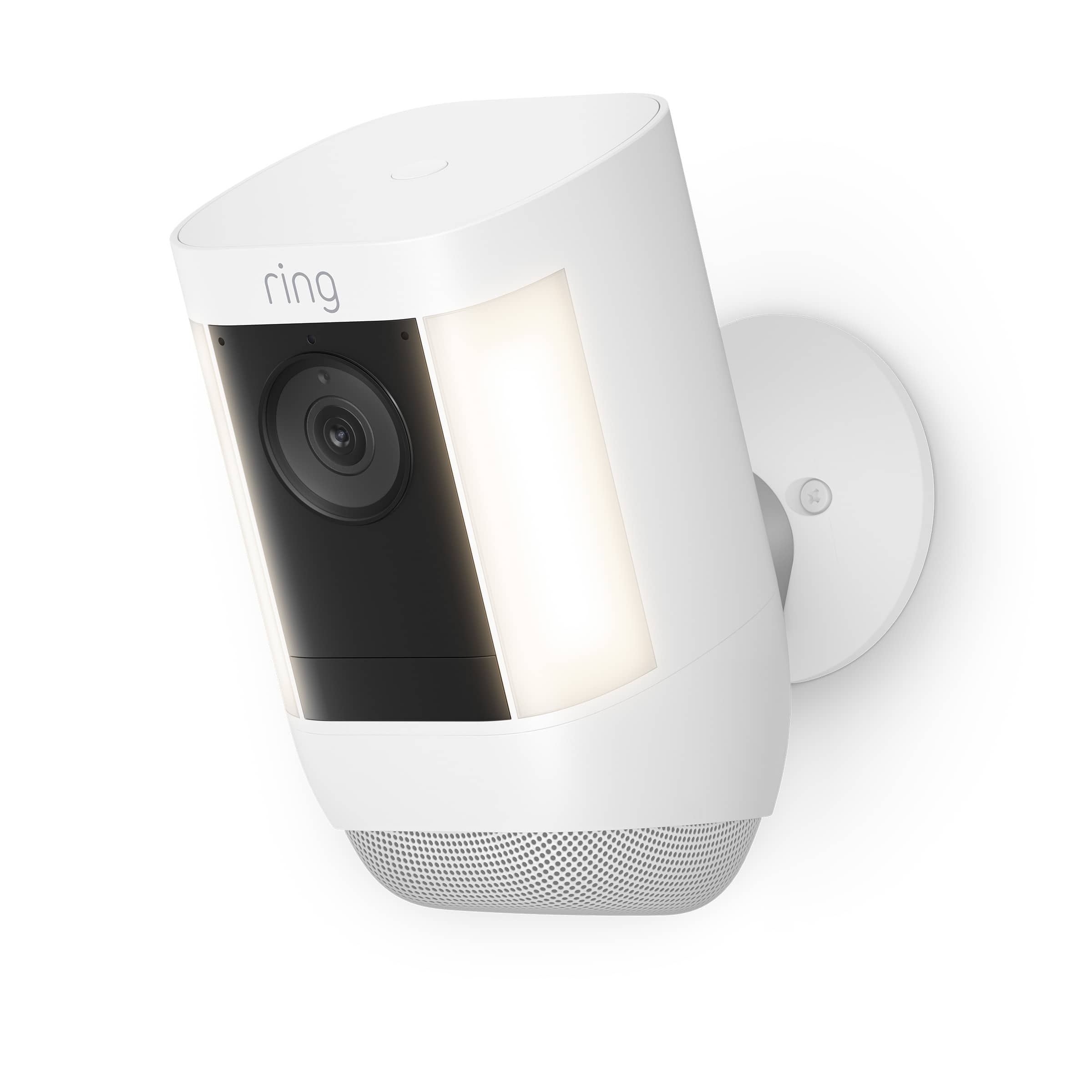
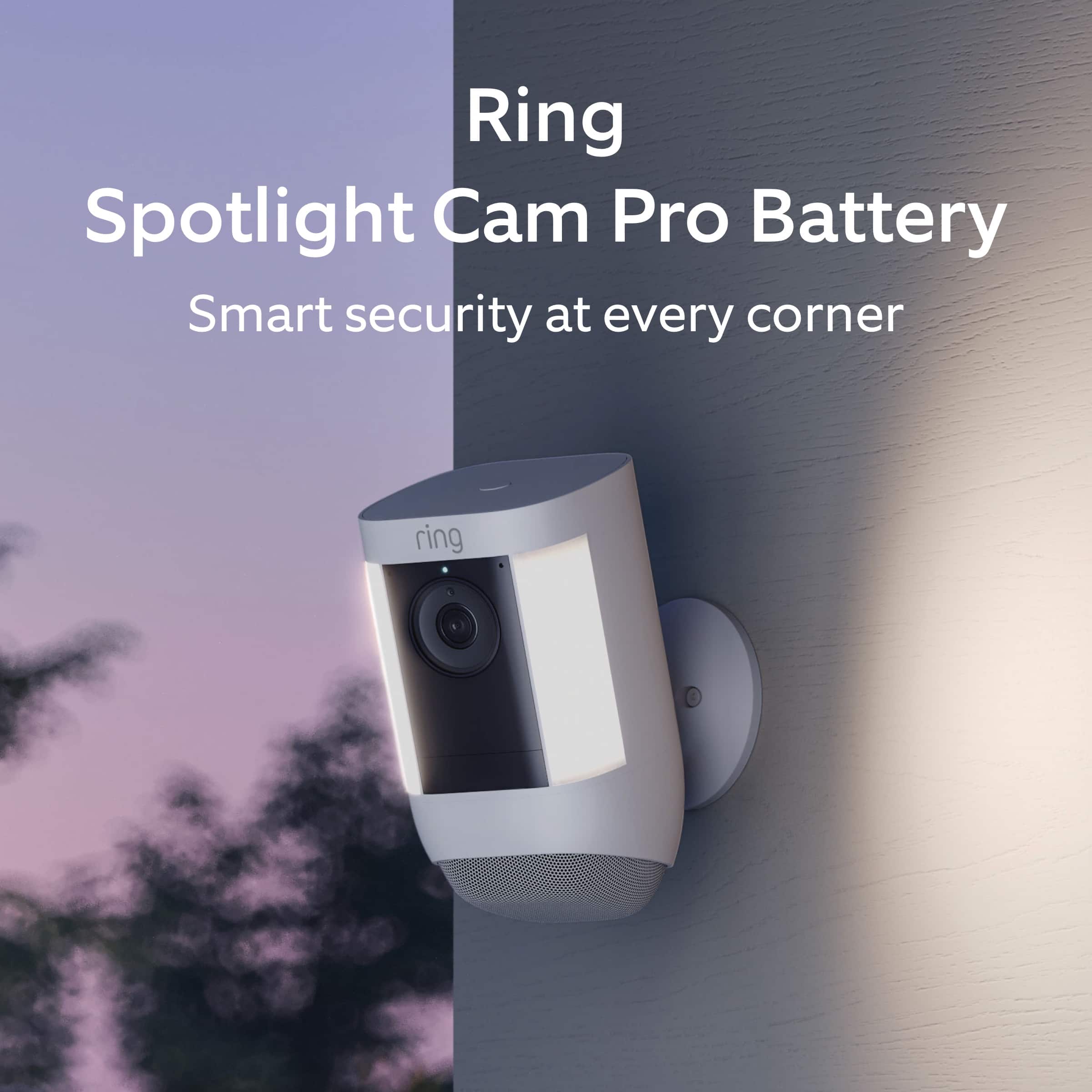
Ring pool camera
||Posted . Owned for 1 month when reviewed.This reviewer received promo considerations or sweepstakes entry for writing a review.Picture quality is good. Ring spp is good. Installaltion is quirky. Wifi reception could be better.
I would recommend this to a friendSecurity
||Posted . Owned for 2 months when reviewed.This reviewer received promo considerations or sweepstakes entry for writing a review.Awesome product works great. Love the quality on the phone
I would recommend this to a friendAwesome
||Posted . Owned for 3 weeks when reviewed.This reviewer received promo considerations or sweepstakes entry for writing a review.Easy set up great quality fair value high performance
I would recommend this to a friendExcellent
||Posted . Owned for 2 weeks when reviewed.This reviewer received promo considerations or sweepstakes entry for writing a review.Wonderful camera’s especially the new updated one.
I would recommend this to a friendRing Spotlight
||Posted .This reviewer received promo considerations or sweepstakes entry for writing a review.Excellent safety addition. Easy installation. Would highly recommend this.
I would recommend this to a friendWorks great, easy installation
||Posted . Owned for 2 weeks when reviewed.This reviewer received promo considerations or sweepstakes entry for writing a review.Very Easy to install, works great and would recommend!
I would recommend this to a friendFantablous product..
||Posted . Owned for 1 month when reviewed.This reviewer received promo considerations or sweepstakes entry for writing a review.Awsome product.must by purchase for security......
I would recommend this to a friendRing
||Posted . Owned for 3 weeks when reviewed.This reviewer received promo considerations or sweepstakes entry for writing a review.It’s awesome. It makes me and my family feel safer
I would recommend this to a friendQuality security
||Posted . Owned for 1 month when reviewed.This reviewer received promo considerations or sweepstakes entry for writing a review.Great video quality. Nice piece of mind for security.
I would recommend this to a friendHappy ring user
||Posted . Owned for 1 year when reviewed.This reviewer received promo considerations or sweepstakes entry for writing a review.I have several ring cameras throughout my property with solar panels. Works great. I use an Orbi wireless system with two satellites to ensure a have strong wireless signals.
I would recommend this to a friendCamera
||Posted . Owned for 1 month when reviewed.This reviewer received promo considerations or sweepstakes entry for writing a review.Great item will buy many more Ring is the best ever.
I would recommend this to a friendLove the camera for safety reasons
||Posted . Owned for less than 1 week when reviewed.This reviewer received promo considerations or sweepstakes entry for writing a review.I love the camera , however I had up have a replacement due to the light stopped working , because I purchase the warranty I had a replace ment camera given to me . Awaiting for installment
I would recommend this to a friendBrand response from Ring
Posted .Hi MarzieS.
Thank you for taking the time to share your Ring experience with us and other consumers. We believe in keeping people close to what’s important. That is why we are driven to create products that help you protect what matters most at home and empower you to connect with your visitors from wherever you are. Together, we’ll make neighborhoods safer!
If any additional information is needed regarding your Ring Spotlight Cam Pro Battery, please reach out to our community. Ring Community is our first peer-to-peer community forum, giving our customers the ability to help one another and share their feedback and experiences directly with Ring. Join the Ring Community today!
Thank you,
Miyuki from Ring.
Quality and Security
||Posted . Owned for 3 weeks when reviewed.This reviewer received promo considerations or sweepstakes entry for writing a review.Quality and Security are the main strengths of this Ring camera. I have excellent connectivity, reception and pixel sensitivity. I see who is there, basically. That’s what I wanted out of a camera.
I would recommend this to a friendRing Camera Pro
||Posted . Owned for 1 month when reviewed.This reviewer received promo considerations or sweepstakes entry for writing a review.I like the wide angles of the camera. The picture quality sometimes is hard to make out a face, not sure if it is due to my internet connection. Also, wish it recorded all the time. Overall good product, just wish some extra features were added.
I would recommend this to a friendBrand response from Ring
Posted .Hi EddieS.
Thank you for taking the time to share your feedback with us. We are always looking for ways to improve our neighbor's experience, and your feedback is an invaluable part of this process. That is why we are dedicated to offering devices that help you safeguard what is most important at home, while also allowing you to connect with your neighbors from anywhere. We’re glad to read that you are finding the provided features useful.
Poor wifi connection can impact the overall performance of the device, inlcuding video quality. Check the Device Health section of your Ring application to ensure the device’s RSSI is within an acceptable range. The recommended range for optimal performance is 0 to -60 for the RSSI.
If your networking equipment hasn’t been power cycled in a while, try unplugging it for 30 seconds and plugging it back in.
We also recommend adding a Ring Chime Pro to your network. The Ring Chime Pro simply plugs into a wall outlet between your router and the Ring Stick Up Cam to assist with the wifi signal strength to the device.
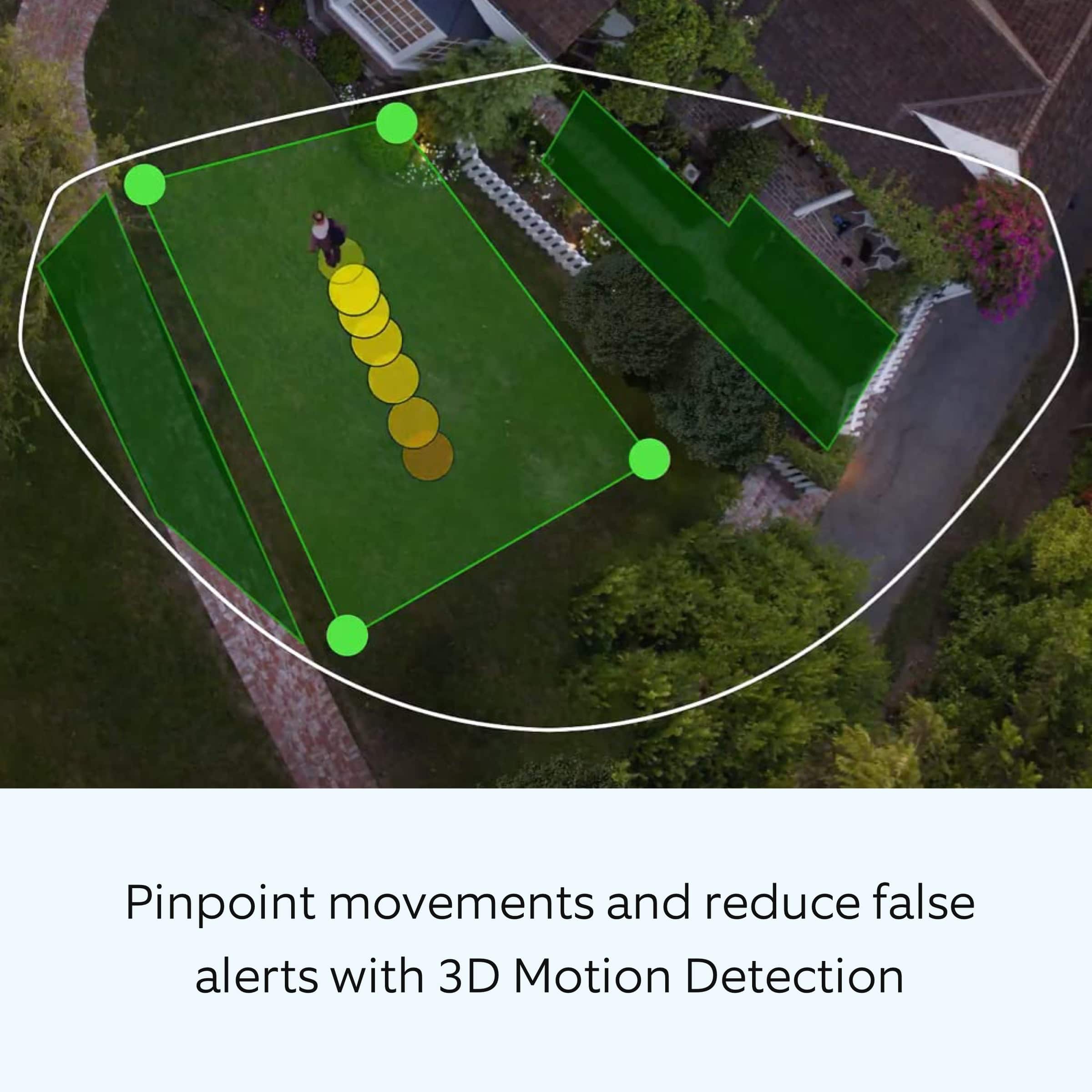
You can choose how often the camera checks for movement in those predefined zones via the "Motion Frequency" setting. If you find that your camera is missing some motions, please set the motion frequency to "Frequently." In addition, you can adjust the recording length for each motion event by following these steps:
Tap the "Menu" (☰).
Tap "Devices."
Select the device you want to adjust.
Tap "Device Settings."
Tap "Video Settings."
Tap "Recording Length."
Tap "Record For."
When the list appears, you can select a preferred recording length up to 120 seconds.
Ring Community launched in March 2019 to help deliver the most current news and educational information to our customers. You can find tips and tricks from other Ring users in our community. This peer-to-peer forum allows our neighbors to share their feedback and experiences.
Thank you,
Melissa from Ring.
Good concept but falls short in execution
||Posted . Owned for 3 weeks when reviewed.This reviewer received promo considerations or sweepstakes entry for writing a review.not as good as I had hoped. The lag between night motion detection and focusing of the camera for better image is several seconds - I see the tail end of the motion unless they are very slow. And the image is not as sharp as I would like, especially at night when it is most important. This spotlight does not seem to carry more than just a dozen feet - but I am still trying to adjust and learn. The literature that came with the unit is terrible and the on-line help is not the best either. Customer Service seems to be in a far distant country.
No, I would not recommend this to a friendBrand response from Ring
Posted .Hi None.
Thank you for taking the time to share your experience with us.
We understand how critical it is for your Ring Spotlight Cam Pro to activate on meaningful motion events so that you can keep an eye out for any activity around your property. The Ring Spotlight Cam Pro was designed to capture motions based on your specifications to help keep your home secure. We are here today to provide you with information to assist you in finding the best settings for your home’s environment.
It sounds like you have some concerns with the connectivity of your device during motion events. What you describe sounds like your device does not have a strong wifi connection, or your speeds are too slow at the mounting location. One of the most important measurements in your Ring security network is the strength of your wifi signal. Since every element of your system uses wifi to communicate with every other element of your system, it’s important to get as strong a signal as possible. You can run a connectivity test when you set up a new device to check the strength of your signal.
To check the strength of your wifi signal, do the following:
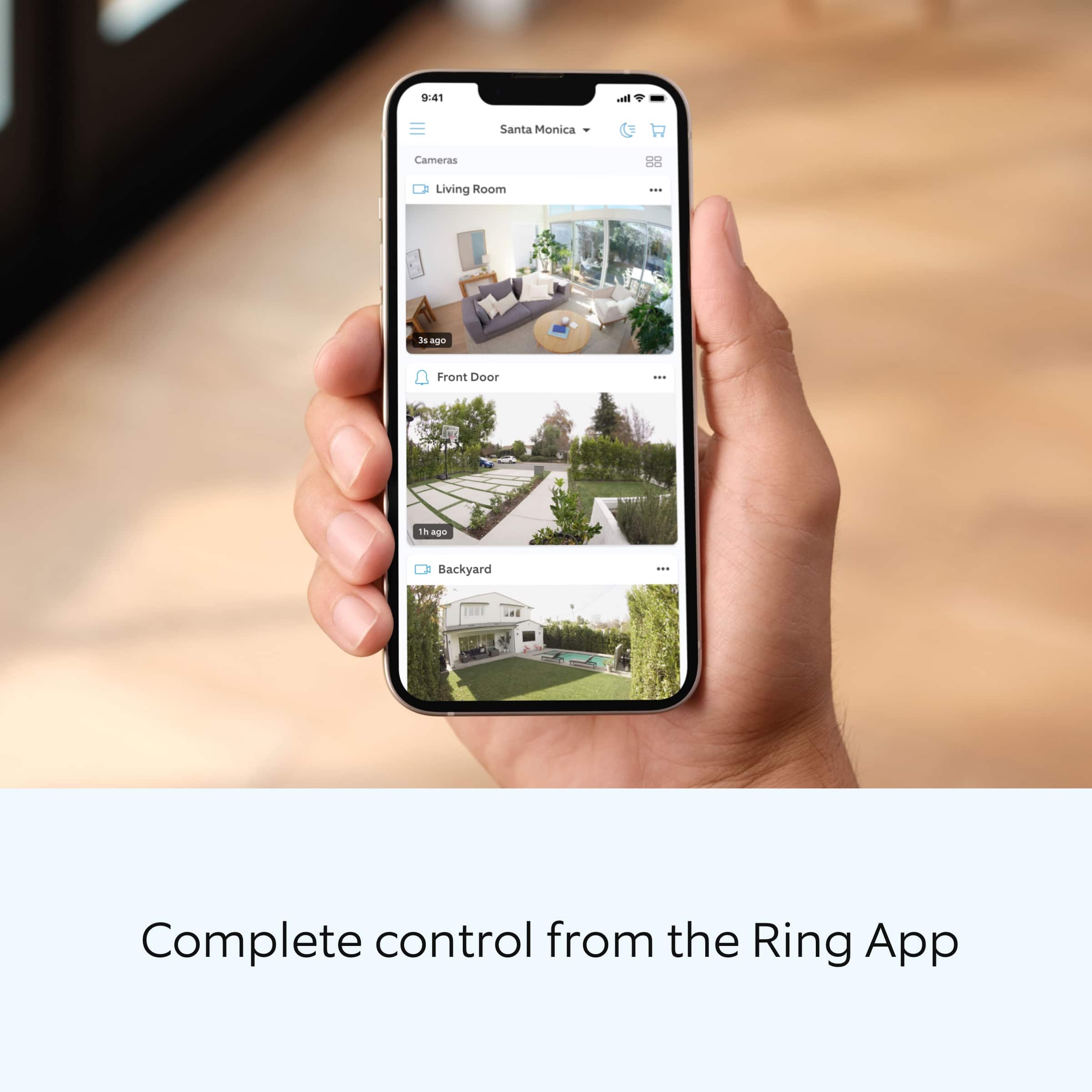
Open your Ring app.
Tap on the three lines on the top left of the screen.
Select Devices.
Tap on the Ring device you would like to test.
Tap on the Device Health tile.
On the Device Health screen, look at your signal strength under the Network section.
If your signal is poor or very poor, this can be caused by the distance between the router and your Ring device, the layout of your home, or interference caused by other devices (TV's, game systems, etc.) or materials in your home such as stucco, brick, metal, large mirrors, or glass doors.
Visit our support center for more information and tips on how to improve your wifi signal.
Ring Community was launched to help deliver the most current news and educational information to our neighbors. This online forum is divided into four categories: Product Boards, Ring Updates, Tips + Tricks, and a Moderators’ Corner. The Product Boards are where you can begin new topics with your questions or feedback; there is also a search option that helps you find topics that have already been posted by other neighbors.
All the best,
Nicole from Ring.
Spotlight
||Posted . Owned for 1 month when reviewed.This reviewer received promo considerations or sweepstakes entry for writing a review.I bought his to view area around my garage and am satisfied
I would recommend this to a friendCamera
||Posted . Owned for 3 weeks when reviewed.This reviewer received promo considerations or sweepstakes entry for writing a review.Great picture, but does not catch everything. I would recommend though.
I would recommend this to a friendGreat product.
||Posted . Owned for 1.5 years when reviewed.This reviewer received promo considerations or sweepstakes entry for writing a review.Very pleased with purchase. Have several Ring cameras and this one fit right in.
I would recommend this to a friendHome owner
||Posted . Owned for 3 weeks when reviewed.This reviewer received promo considerations or sweepstakes entry for writing a review.They function well in daylight but their night vision is poor, at best, vastly inferior to Ring’s hard wired units which have superb night vision. Battery life is far less than advertised
No, I would not recommend this to a friendBrand response from Ring
Posted .Hi DavidC.
Thank you for taking the time to share your experience with us. We understand the importance of having your Ring Spotlight Cam Pro record clear and concise videos so that you can effectively monitor your home. The Night Vision feature is an invaluable feature of the Ring Spotlight Cam Pro that allows you to clearly view what’s happening on your property after dark. We can definitely assist you with this today, and we are confident we can find the correct settings for your home’s environment.
It sounds like the device is not performing as expected in regards to "Night Vision." To ensure that the "Night Vision" feature works as intended, make sure your Indoor Cam’s infrared light is toggled on in the Ring app. The infrared light control is in your Ring app under Video Settings. Enable "Color Night Vision" in the Ring app to help improve clarity at night.
To turn the "Color Night Vision" on or off, follow these instructions:
Open the Ring app.
Tap the "Menu" (☰).
Tap "Devices."
Select the device you want to adjust.
Tap "Device Settings."
Tap "Video Settings."
Toggle "Color Night Vision" on or off.
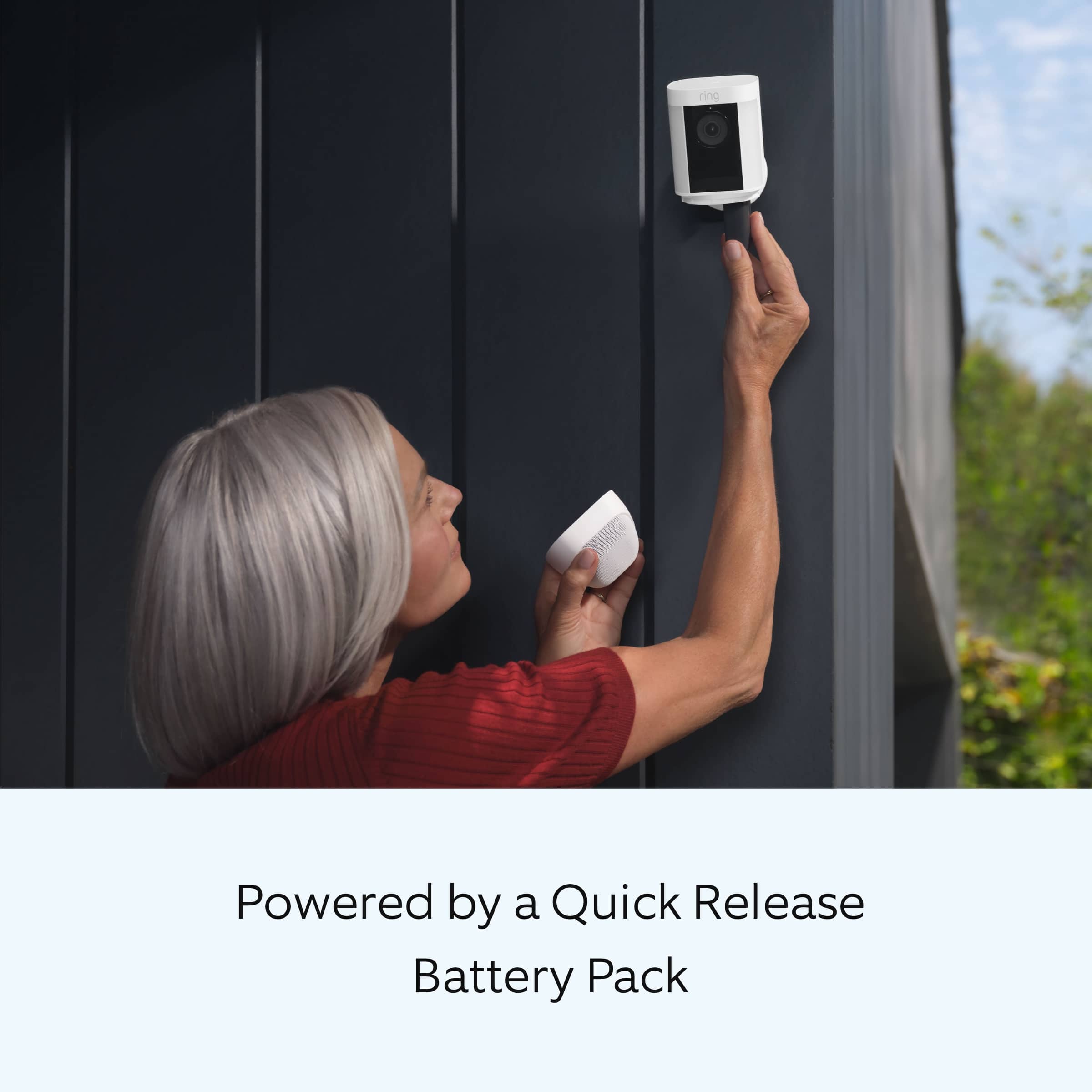
here are some troubleshooting steps that you can take to ensure that you have your device set up for optimal battery-life performance. The more events captured by your Ring devices, the more your battery is used. Using "Live View" can also drain your battery faster. If your device is capturing an excessive number of events each day, you may need to recharge your battery sooner.
To prevent excessive activity, under "Motion Settings" for your device in the Ring app, you can:
Adjust your "Motion Sensitivity" slider to a lower sensitivity.
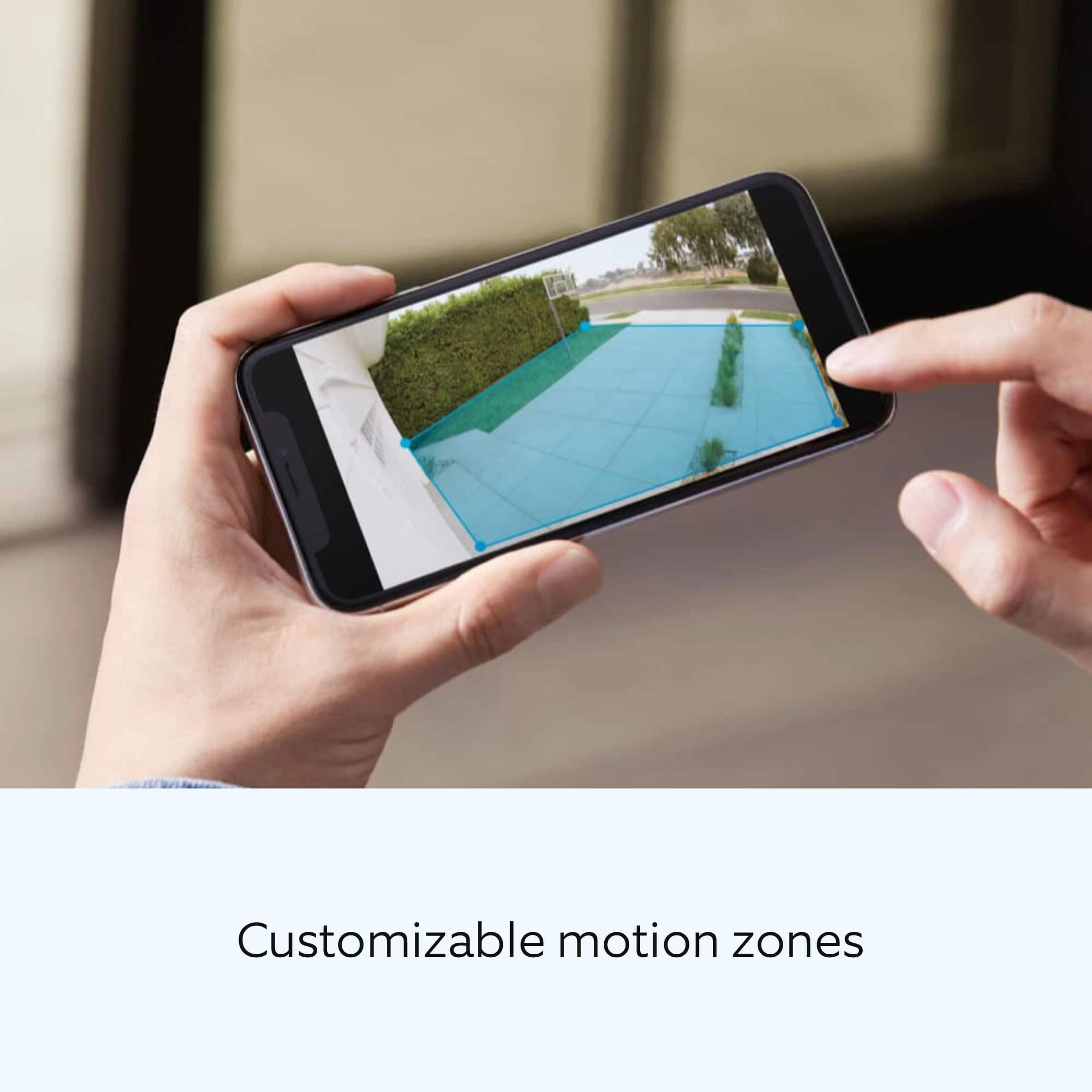
Redraw your "Customizable Motion Zones."
Change "Motion Frequency" to regularly or periodically.
You could also adjust the direction of your Ring device so it doesn't detect as much motion.
You can go to "Power Settings" in the Ring app to see what features may be draining your battery.
To access "Power Settings," open the Ring app:
Tap the menu (≡) on the top left of the dashboard.
Tap "Devices."
Tap the individual device (video doorbell or security camera) you want to check.
Tap "Power Settings" to check your "Battery Level" percentage and "Feature Power Usage."
Tap a feature to adjust "Snapshot Capture," "Motion Frequency," and "Video Recording Length.".
We invite you to reach out to our community if any additional information is needed regarding your Ring Spotlight Cam Pro. The Ring Community is our first peer-to-peer community forum, giving our customers the ability to help one another by sharing their feedback and experiences with each other.
Thank you,
Melissa from Ring.
ring camera
||Posted . Owned for 3 months when reviewed.This reviewer received promo considerations or sweepstakes entry for writing a review.I purchased this camera was the best thing I ever did love it
I would recommend this to a friend