Customer Ratings & Reviews






- Model:
- QWZ-00001
- SKU:
- 6375053
Rating by feature
- Battery Life
Rating 4.7 out of 5 stars
- Value
Rating 4.1 out of 5 stars
- Quality
Rating 4.6 out of 5 stars
Customers are saying
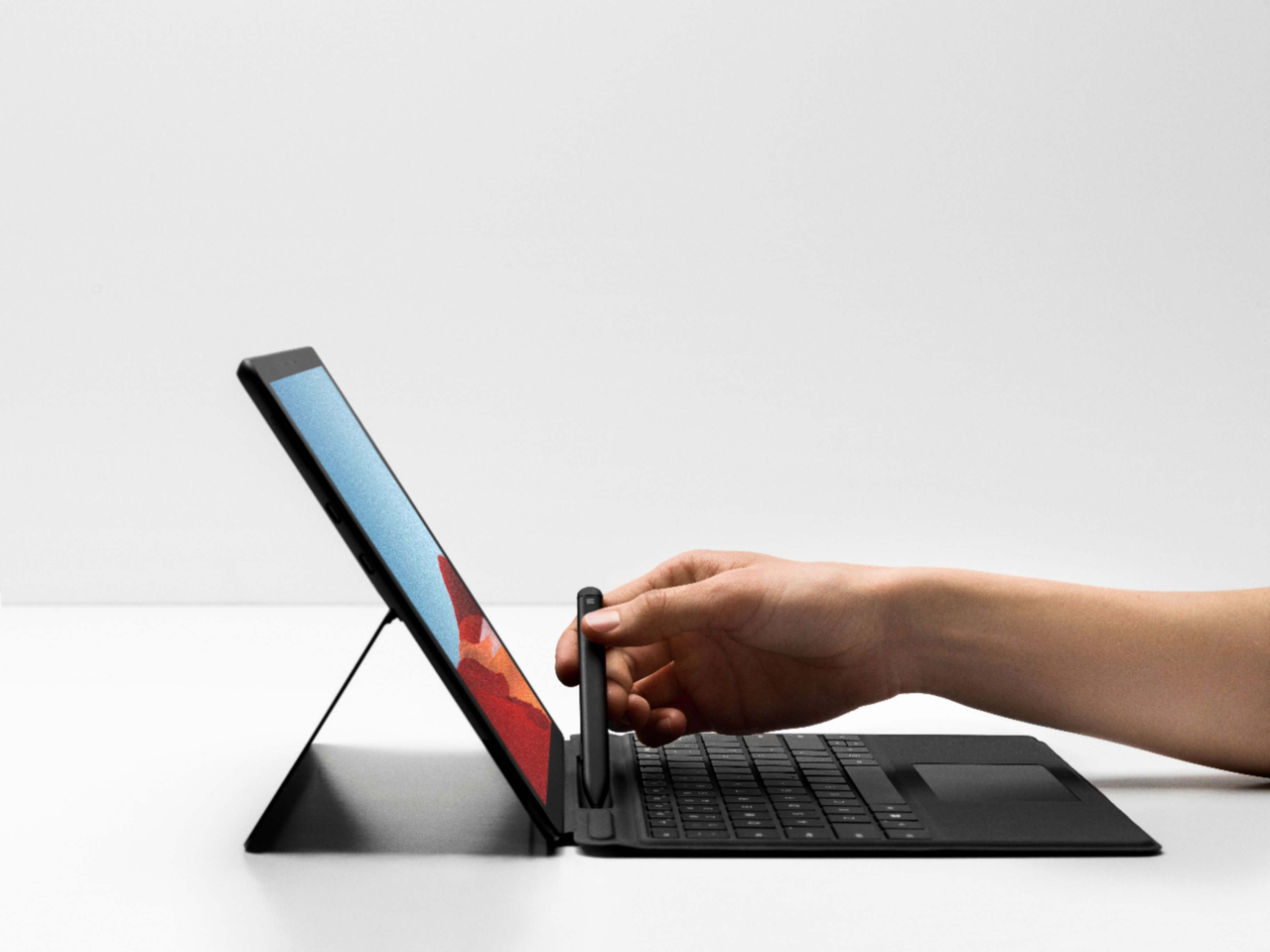
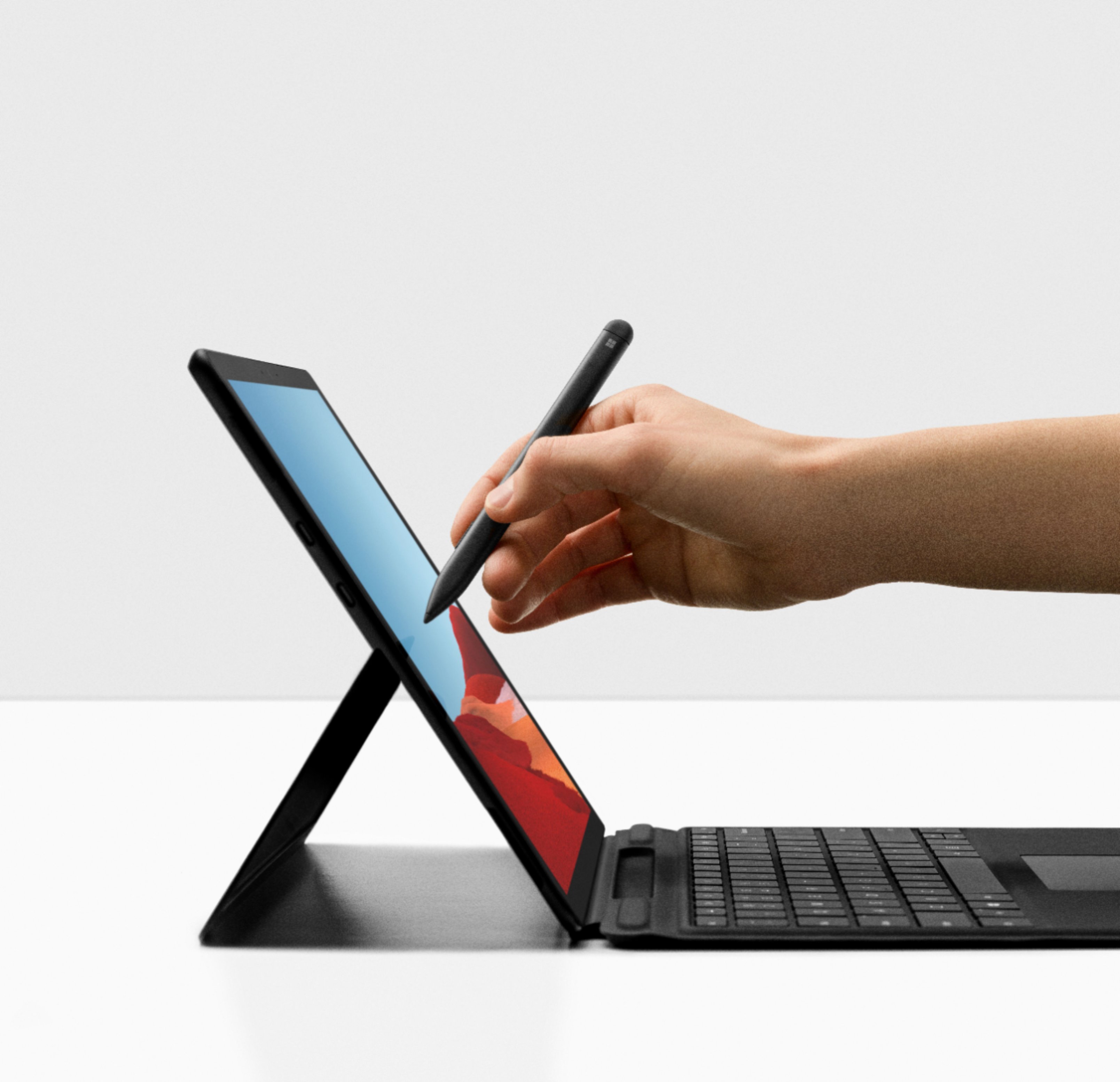
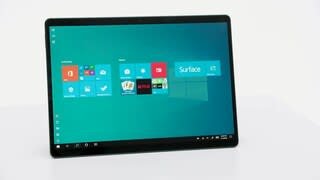
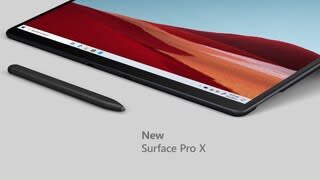
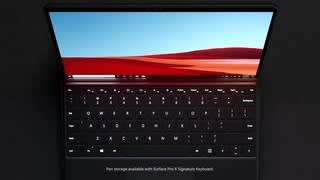
Customers enjoy the Surface Pro X's compact size, impressive battery life, and lightweight design, making it easy to use and transport. Many appreciate its LTE capabilities and generally positive performance. However, some users point to limited USB port options and app compatibility issues as drawbacks. The price point was also cited as a potential concern for some buyers.
This summary was generated by AI based on customer reviews.
Great device
||Posted . Owned for 4 months when reviewed.This reviewer received promo considerations or sweepstakes entry for writing a review.I love this surface pro X. It serves many purposes and very handy.
I would recommend this to a friendLove it
||Posted . Owned for 8 months when reviewed.This reviewer received promo considerations or sweepstakes entry for writing a review.Use this as a mobile work station in my truck and it works great!
I would recommend this to a friendEasy to use
||Posted . Owned for 1 month when reviewed.This reviewer received promo considerations or sweepstakes entry for writing a review.Really like the flexibility of this computer. Works great for students!
I would recommend this to a friendNice product but...
||Posted . Owned for 11 months when reviewed.This reviewer received promo considerations or sweepstakes entry for writing a review.It's a nice laptop really fast Wi-Fi works well the only problem is the small hard drive and you cannot upgrade the hard drive which makes this a really expensive tablet with windows.
No, I would not recommend this to a friendAmazing all the way
||Posted . Owned for 1 month when reviewed.This reviewer received promo considerations or sweepstakes entry for writing a review.Amazing Tablet I use it every day replaced my $2,000 Laptop.
I would recommend this to a friendNot all that
||Posted . Owned for 3 weeks when reviewed.This reviewer received promo considerations or sweepstakes entry for writing a review.Not that spectacular it ain't all that and a bag of chips actually I found a cheaper computer that actually is way better and I believe is way more easier to use in this so young
No, I would not recommend this to a friendSurface pro x
||Posted . Owned for 3 weeks when reviewed.This reviewer received promo considerations or sweepstakes entry for writing a review.Best computer I have ever bought!!!!!!!!!!!!!!!!!!
I would recommend this to a friend- Cons mentioned:App compatibility
ehh
||Posted . Owned for 1 month when reviewed.This reviewer received promo considerations or sweepstakes entry for writing a review.had to return the surface pro didn't let me download a lot of apps that I needed and it started to freeze on me
No, I would not recommend this to a friend - Pros mentioned:Ease of use, Processor speed

Replaced my high-spec work computer!
|Posted .This reviewer received promo considerations or sweepstakes entry for writing a review.I usually am a snob with everything not mainstream for doing usual work. A work computer to me has to be DEPENDABLE with more than enough specs to anticipate hiccups. This specific Surface Pro X set up was a risk-- new non intel processor (SQ1), “only” 8gb of ram, no usual ports—it is a stretch. But guess what? With some flexibilities, it actually JUST REPLACED MY CURRENT WORK COMPUTER. And I’m not talking about just a regular computer it replaced—I USED to work on a latest gen i7, 16GB RAM, 512 GB SSD, top-of-the-line business laptop on an actual dock running on two monitors plus the laptop screen. This Surface Pro X is doing the same thing with “less” specs. 1) So I had to purchase USB-C dongles to HDMIs, because I really wanted to test this one out. I understand that this specific set up does not have a Thunderbolt C port. So my usual Thunderbolt C, USB-C dock does not work to project to two screens. But with the dongles, the two USB-C ports worked just fine. It is not any faster, but is not slower either projected onto two monitors plus the surface screen. I work on multiple worksheets. Multiple monitors is IMPORTANT to me. No hiccup on my screens set up. Plus 20 points! 2) Windows automatically syncs desktops based on windows users. It’s a Microsoft feature I did not realize until I was working on multiple machines using the same windows log on. That was easy and I just wanted to point that out. Plus 10 points! 3) In order to mimic my current work set up, I had to get software and integrate log ons that matches my office needs. Office 365, Acrobat, Slack, PipeDrive, Confluence, ADP, Concur, Tableau, Asana, Box Sync, etc—name it. I used it for a real week of actual work. It’s not just browsing, or shopping, or email. Talk about worksheets, presentations, and managing workflows. No hiccups! It’s not 16GB of ram, but I don’t see any lag. It’s not intel i7 but I pull data fine. It’s like I am on my usual machine. Plus 50 points! 4) I tried working remotely for the holidays, for a day. Portability—of course, it’s a Surface Pro. It’s not super light—to be honest, but it is easy to carry. This is a no brainer. Plus 5 points. 5) I usually would just get wifi from my phone so I did not have to worry about the LTE connectivity—but I did tinker with it. The eSIM system and the process to subscribe seems like an easy set up with options readily laid out within Windows. But also, connectivity with my phone was a breeze. My phone is synced up and I can text and access my phone without having to pull it out. I know this is a software feature—not more a feature of Surface Pro specifically. HOWEVER, this just adds up to me not having to pull out another device to do work. Talk about connectivity in different angles. Plus 10 points! 6) So I tried downloading games. Downside, even though this is a 64-bit machine, Epic Games does not recognize that. I also had to do workarounds for Box—maybe that is a hiccup because a few programs do not readily recognize the hardware setup. I did get to install Roblox though for my little one, just to see how this one performs. It is not as fast as my gaming machine, but again, IT IS THE SAME “gaming” performance as my work laptop. No points, only because I think they need to talk to some application peeps to recognize this SQ1 processor set up. Luckily, it was only for games and some minor integrations (like direct Box on windows explorer sync). For some reason, I was so skeptical about this machine, that I really put it to rigorous testing on my DAILY use. The specs in itself is ample or even more than enough. I know my employer probably will not be happy I am using a personal machine, but this device makes everything convenient. It is light, it is very very able, and it integrates my devices. So I have less gadgets to whip out to do work and personal stuff. I just parked my both better specc’d work computer and my other personal work machine. I cannot praise this Surface Pro X more. Right now, this is all I need.
I would recommend this to a friend Works well
||Posted . Owned for 1 month when reviewed.This reviewer received promo considerations or sweepstakes entry for writing a review.Not bad for a tablet, but not worth the price. Minor issues with apps freezing and internet freezing. For that would not recommend.
No, I would not recommend this to a friend- Pros mentioned:Battery life, Screen size
A perfect option for the right user.
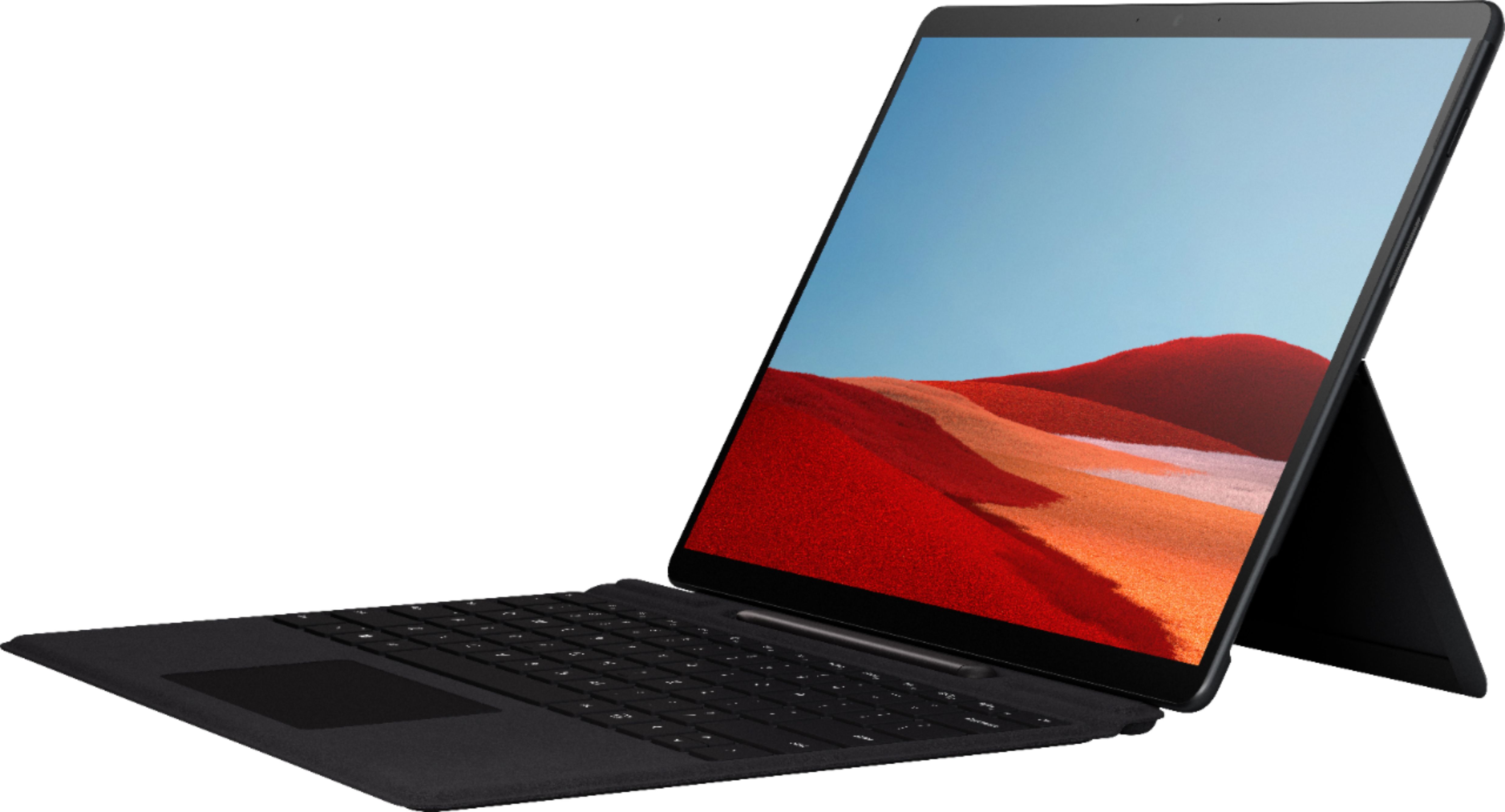
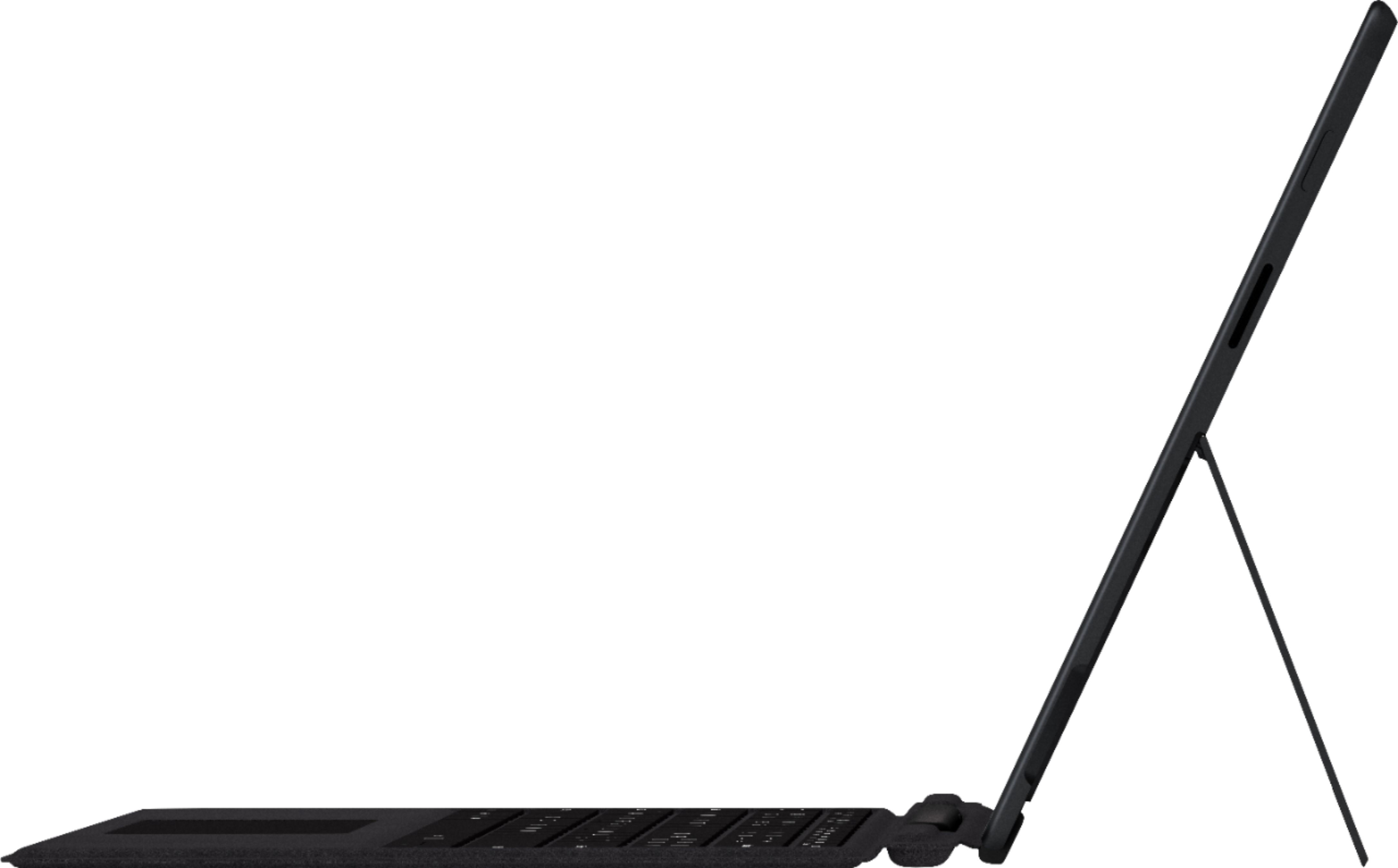
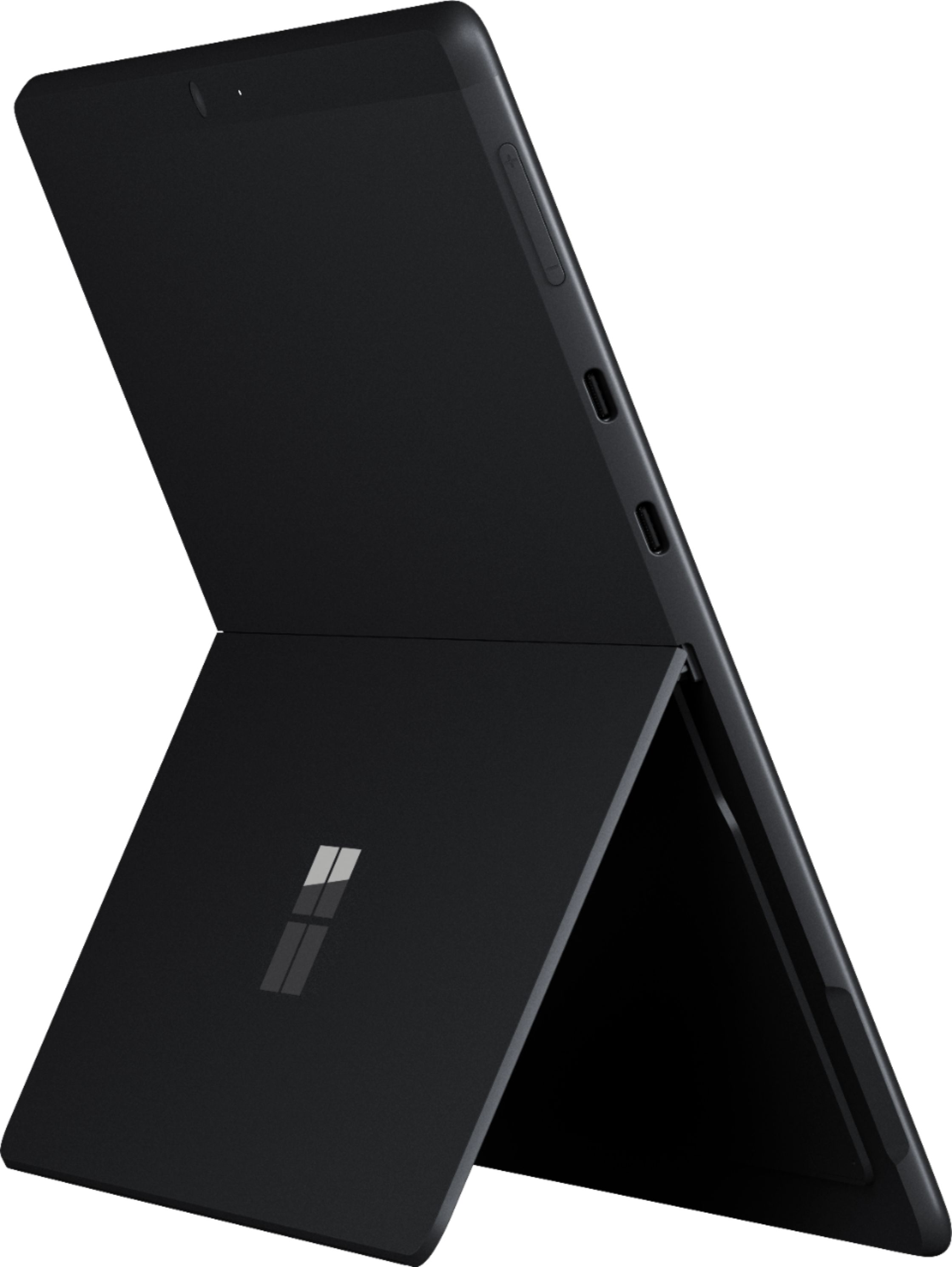
|Posted .This reviewer received promo considerations or sweepstakes entry for writing a review.As a student, with a slow, clunky, large non-touch screen laptop, I have always seen from afar students with the touch-screen tablet style computers… The quick start up, touch-screen control, note taking and annotation using a stylus, along with other features had left me envious. And well, the moment has finally arrived! I am no longer bound to the brick I call my laptop with battery life confining me to 5' from a wall at all times. The initial visual presentation of the Surface Pro X is outstanding. The edge-to-edge style 13" screen was daunting at first glance. So much so, that when I went to remove the Surface from the protective styrofoam sleeve, I actually slipped it right back in the sleeve until I could obtain a screen protector. Now that I have obtained a screen protector many of my fears of shattering such elegance are dispelled. The matte black anodized aluminum casing is sharp and professional appearing. The caveat to the exterior is that it is a fingerprint magnet. The Surface Pro X runs Microsoft Windows 10. Take it or leave it, Windows 10 has its quarks but overall is easily navigated. The use of the Microsoft Store to install applications is a seamless feature through Windows 10. You do not have to have a Microsoft account to navigate Windows 10 or the Windows Store itself, but it most definitely makes life easier (and avoid the endless questioning if you would like to log-in to a Microsoft account). As a student, my most important every day uses for a computer include Microsoft Office, using online videos, question banks, and of course Spotify and Netflix. I believe I read that the Surface Pro X does come with a 30-day trial of Microsoft Office - I was able to use my school account for access - but keep in mind if you are purchasing this device in search of the Microsoft Office Suite, Microsoft Office is (and has been) a separate purchase. Do not be surprised. The videos I watch had no issues with streaming and I have not had any issues with use of my question bank. Spotify and Netflix both easily installed as applications through Microsoft Store and I have not had any issues yet. There are limited ports, outside of the surface specific ports for charging and connecting the keyboard there are two USB-C ports. For those who do not know, when most people say USB, the port they are referring to is USB-A. There is also no audio port to plug in headphones. The device is Bluetooth enabled, and my every day wireless noise canceling headphones had no issues pairing or being used. As far as the device only having the USB-C ports, I purchased both a USB-C Hub and a USB-C to USB-A and have no issues with the Hub available features being fully functional. The USB-C port size allowed for a thinner device, an acceptable trade-off in my opinion. The battery life is something I have not fully tested. I have not had any issues of the Surface Pro battery dying while in use; however, I am a perpetual charger - Probably has something to do with the laptop I have been using for years. To log in, the Windows Hello face sign-in has not had any issues yet. This is an optional feature and one can choose to have a traditional log-in experience with a password. Connecting to Wi-Fi was simple and I have not had any issues with dropped connectivity at this point. The device is LTE enabled. I have not used this feature yet; however, I am quite tempted to add this to my cellular data plan. The freedom to connect wherever LTE is available, while on the go, is quite appealing. The speakers provide clear and adequate sound. I started playing music on the Surface while my wife was in the kitchen cooking, and she was impressed that what she heard was coming from the device. One of the most important decisions when looking at the Surface Pro X is based on user need. The processor is the Microsoft SQ1. Microsoft clearly states that any 64-bit application not ported to ARM64 may not be used at this time. This limits the available applications for use. Keep this in mind if you have a program or multiple that are MUST haves. Take the time to make an informed decision regarding these limitations, as this device may or may not fit your needs. This point of knowledge and understanding results in the Surface Pro X being a 5-star device for some users, and a 1-star for others. Be informed. Finally, a quick blurb on the screen protector hunt: I ended up obtaining one from the Microsoft store. There were multiple negative reviews for other screen protectors stating the cutouts were not correct. The Surface Pro X speakers are discreetly placed, and it seems many companies marketing Surface Pro X screen protectors did not modify the protectors to take this into account resulting in the speakers being covered. Just something to keep in mind if one is like myself, preferring screens to be protected but also particular about the details.
I would recommend this to a friend - Pros mentioned:Battery life, Screen size
ARM processor limits full capability
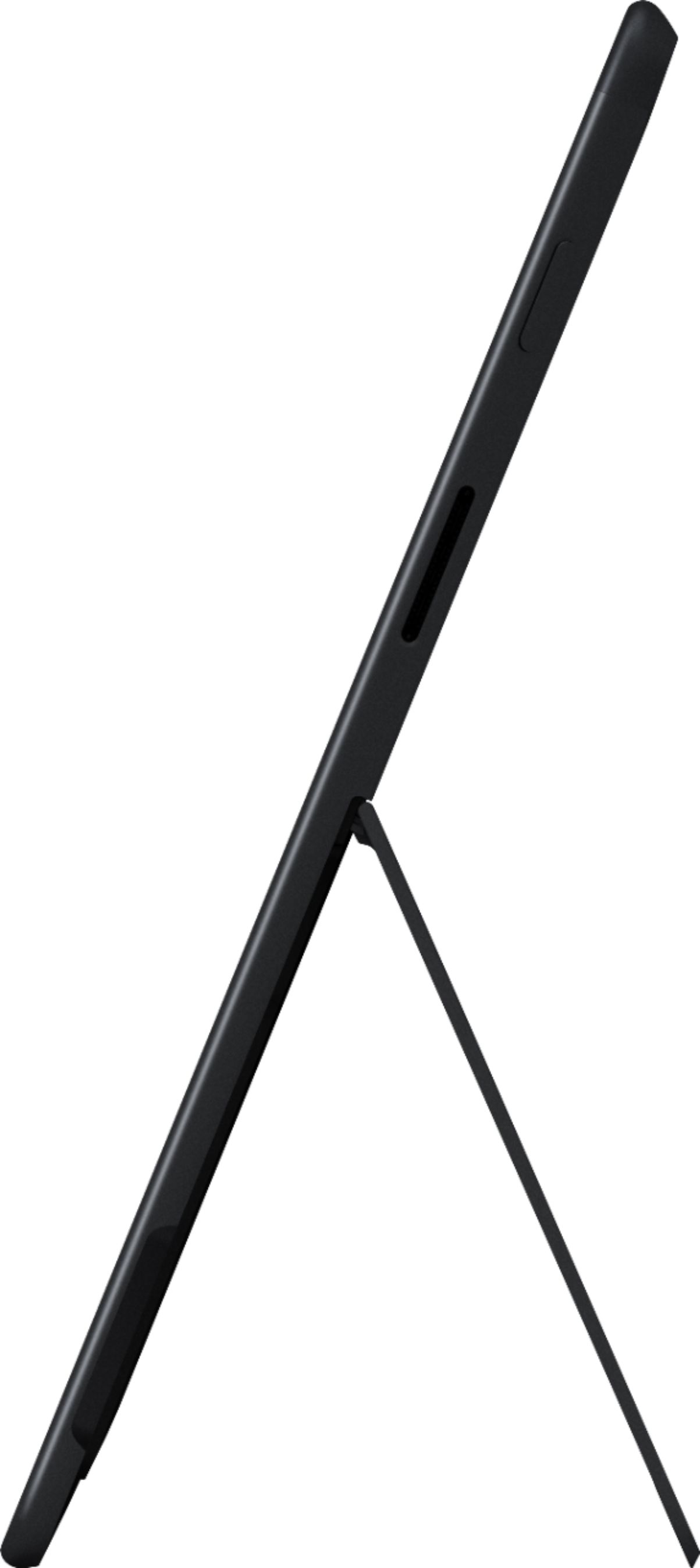
|Posted .This reviewer received promo considerations or sweepstakes entry for writing a review.First things first, anyone purchasing this system should be aware of the limitations of the ARM-based processor used in it. Essentially you are limited to 64 bit programs written for ARM, or older 32 bit apps. I was able to install the following with differing levels of success after that: >Office 365 - everything seems to work (that was expected) >Netflix - ran fine, picture quality is great btw >Steam - runs fine; installed 'Duelyst' and it seems to run fine. I suspect this won't be the case for all games however, though to consider this a 'gaming' rig is an obvious mistake >Chrome - runs fine I could not find a free A/V program that would install however, so I am using the OOTB Windows protection for lack of another option. The gist is, you should do your due diligence and perform a Google search for 'windows arm limitations' and you'll see a bunch of articles to read before making this purchase. With that being said, this is a nice unit. The unit itself seems a tad heavier than current iPads, but not enough that it's burdensome. The black finish is a nice change from a previous silver Surface I had, and it also doesn't have that cold metal feel it did either. The touch screen is very responsive. The adjustable stand is quite stiff, so there's little concern about it flopping around, you set the angle and it's going to stay. The battery charges quickly (seems to be under 2 hours for total charge), and lasts quite awhile. I watched 7 episodes of The Witcher (45ish min long each) on Netflix and still had 30% battery left. Set your power mgmt appropriately in Windows and this unit should last you through a normal day. The sound quality is ok, but I wouldn't call it great. Personal preference, I would pair this with an attachable keyboard (and pen if have an artistic touch) just to give it more of a laptop feel. The OS is standard Windows 10 fare as you'd expect (except for the previously mentioned issue). I tested the face recognition for quick login and that has worked flawlessly, even though I wear glasses. Popping up the virtual keyboard worked as expected, though when forcing a PIN for login, it keeps hopping out of numbers and back to QWERTY - annoying but not a deal breaker.
I would recommend this to a friend - Pros mentioned:Battery lifeCons mentioned:App compatibility
Functional for MS apps but slow and pricey
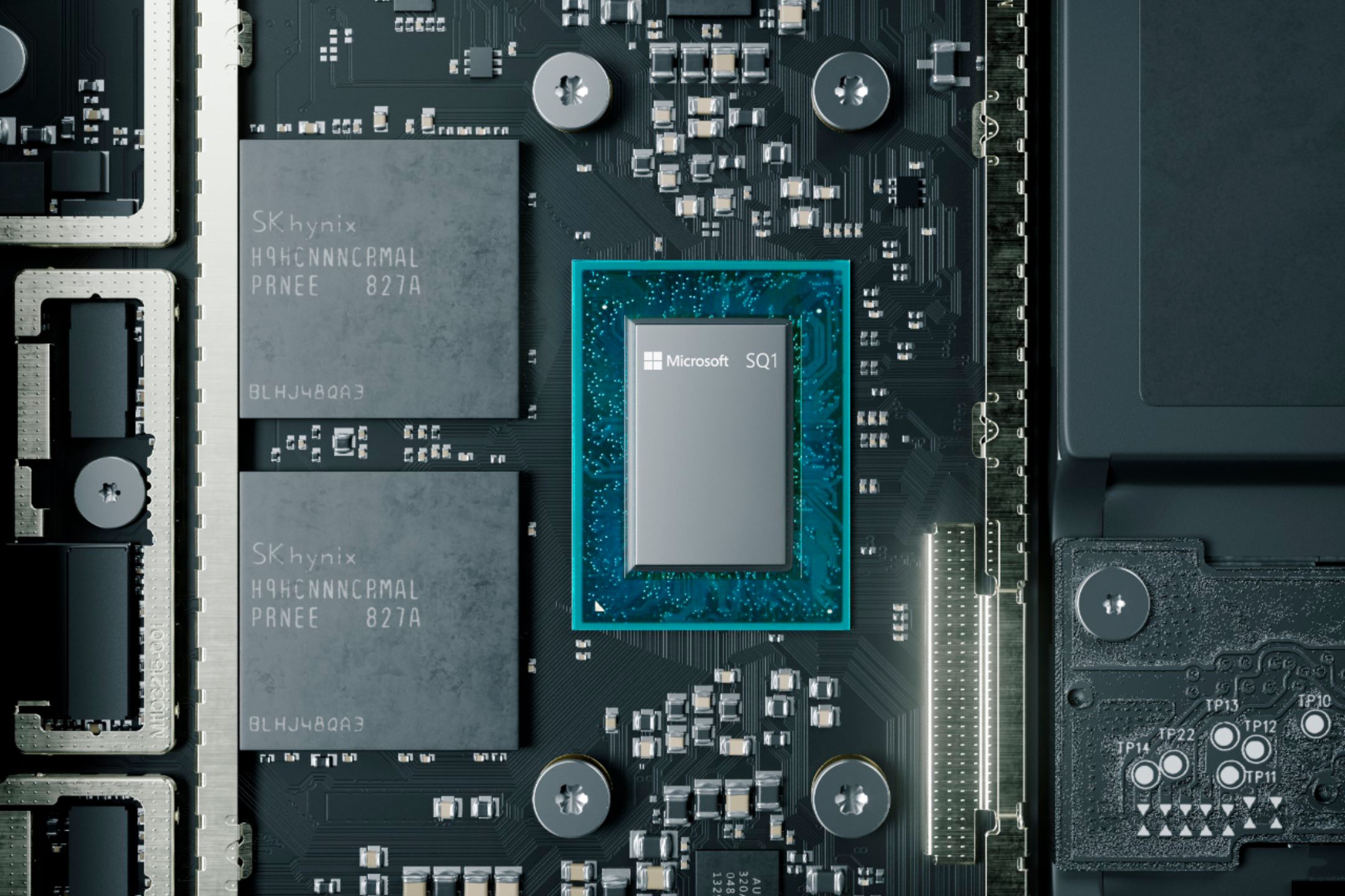
|Posted .This reviewer received promo considerations or sweepstakes entry for writing a review.First off, the Surface Pro X should not be confused with the rest of the Surface Pro line. The critical difference is that the Pro X is not based on an Intel x86 processor. Rather, it's the SQ1 custom chip designed by Microsoft and Qualcom. The idea is that using a mobile architecture gives superior battery life, better LTE coverage, and weighs less than a traditional x86 laptop. So who should consider this machine? Basically anyone who has shortlisted the iPad Pro and could use a more native Windows experience. Neither machine is a full replacement for a laptop, and many laptops are available for less money (though they will generally by heavier). So what's the biggest shortcoming of the Surface Pro X? App compatibility. Microsoft includes a virtual layer that allows many (if not most) Windows apps to run on the Pro X. But not all apps will do that and even worse, there's no way to know ahead of time if they will. For example, DropBox will only run in S mode, similar to running it as a mobile app. That means it does not actively sync files and only gives you the option to download files from the DropBox server and keep them offline. Quicken, on the other hand, runs just fine. Note: Microsoft ported most of its common apps like Office and Edge to SQ1, so no issues there. The second biggest shortcoming? Speed. Unless an app has been ported to run natively on SQ1, you will experience sluggishness. Edge browser is snappy, but Chrome is noticeably slower. I can't see this computer being used for gaming or editing photos & videos until more apps are ported. And forget about multitasking. I ran Quicken and, while I let it update my accounts, I started reading in the Microsoft News app. As long as Quicken was in the background, it would not process the update (or was so slow to process that it seemed paused). Only when Quicken was once again a foreground app would it process the update. Bottom line is if you're going to spend most of your time in Microsoft apps, this may work fine for you. Otherwise, dig around the web to verify if the apps you use will work on the Pro X, or just get an x86 laptop.
No, I would not recommend this to a friend - Pros mentioned:Processor speed
Don’t get it
||Posted . Owned for 6 months when reviewed.This reviewer received promo considerations or sweepstakes entry for writing a review.I hate this computer. It freezes all the time, it’s slow, and a lot of software doesn’t work on it
No, I would not recommend this to a friend Terrible Terrible - do not buy
||Posted . Owned for 1 month when reviewed.This reviewer received promo considerations or sweepstakes entry for writing a review.This is literally the slowest, clunkiest 'laptop / tablet / whatever-its-meant-to-be' we've ever owned. Bought it to use for work laptop and just impossible to use for that purpose and its insanely slow just doing email and web browsing. I attempted to use our CRM system to log some customer activity and it nearly died! Took it back within 2 weeks and changed it out for a MacBook Air that cost $600 less and is EPIC! Complete waste of $1,900, do not buy it!
No, I would not recommend this to a friendNot as promised
||Posted . Owned for 3 weeks when reviewed.This reviewer received promo considerations or sweepstakes entry for writing a review.Told it would be fully ready. Thus far, I’ve spent 52+ hours dealing with Geek Squad and all is STILL NOT resolved!
No, I would not recommend this to a friendDouble lemon experience
||Posted . Owned for 2 weeks when reviewed.This reviewer received promo considerations or sweepstakes entry for writing a review.The first one came with a defective screen. The second one kept coming up with a critical error after a Windows update that we couldn't get corrected. I know some people who have and like them but we got two lemons in a row and bought something else.
No, I would not recommend this to a friendOther people’ user profile logged in
||Posted .This reviewer received promo considerations or sweepstakes entry for writing a review.I bought this open boxed laptop and it’s locked with another user profile assistant told me hold on line over 1 hour and no reply. Online assistant just ask me to go to the store get fixed.
No, I would not recommend this to a friendRefused to provide us with a credit
||Posted . Owned for 1 month when reviewed.This reviewer received promo considerations or sweepstakes entry for writing a review.We tried to return the Open Box computer we purchased. it was not compatible with other computers in office. They refused to give us a store credit for the return.
No, I would not recommend this to a friendawful
||Posted . Owned for less than 1 week when reviewed.This reviewer received promo considerations or sweepstakes entry for writing a review.beautiful design but cant do much except browse the net and use office on it!! cant install any apps and cant handle to many tasks at once!! a total waste of money!! avoid at all costs!!
No, I would not recommend this to a friend